[Class]3DArtists,NikolaiFletcher&Frick Details
Intro
Experience 2 Diverse Ways to Build your Own Sci-fi World
Want to learn the essential 3D blockout techniques and the creation of surreal sci-fi backgrounds, focusing on a realistic modeling and texturing workflow. You'll gain an in-depth understanding of hard-surface modeling and different styles of rendering when it comes to creating Sci-fi animation.
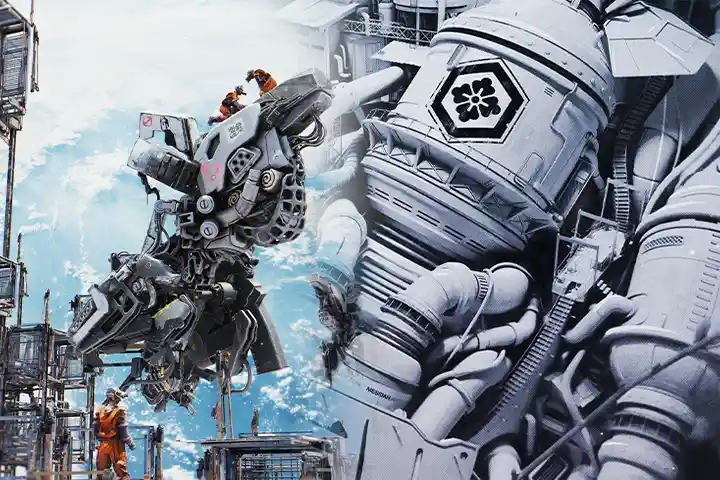
In addition, discover how to set up your camera, animate a scene with keyframes, and apply effective anime post-processing techniques, all while crafting immersive scenes that visually communicate a story and help you build your own sci-fi world in Blender.
Everything You Need to Create Sci-fi Scenes
-
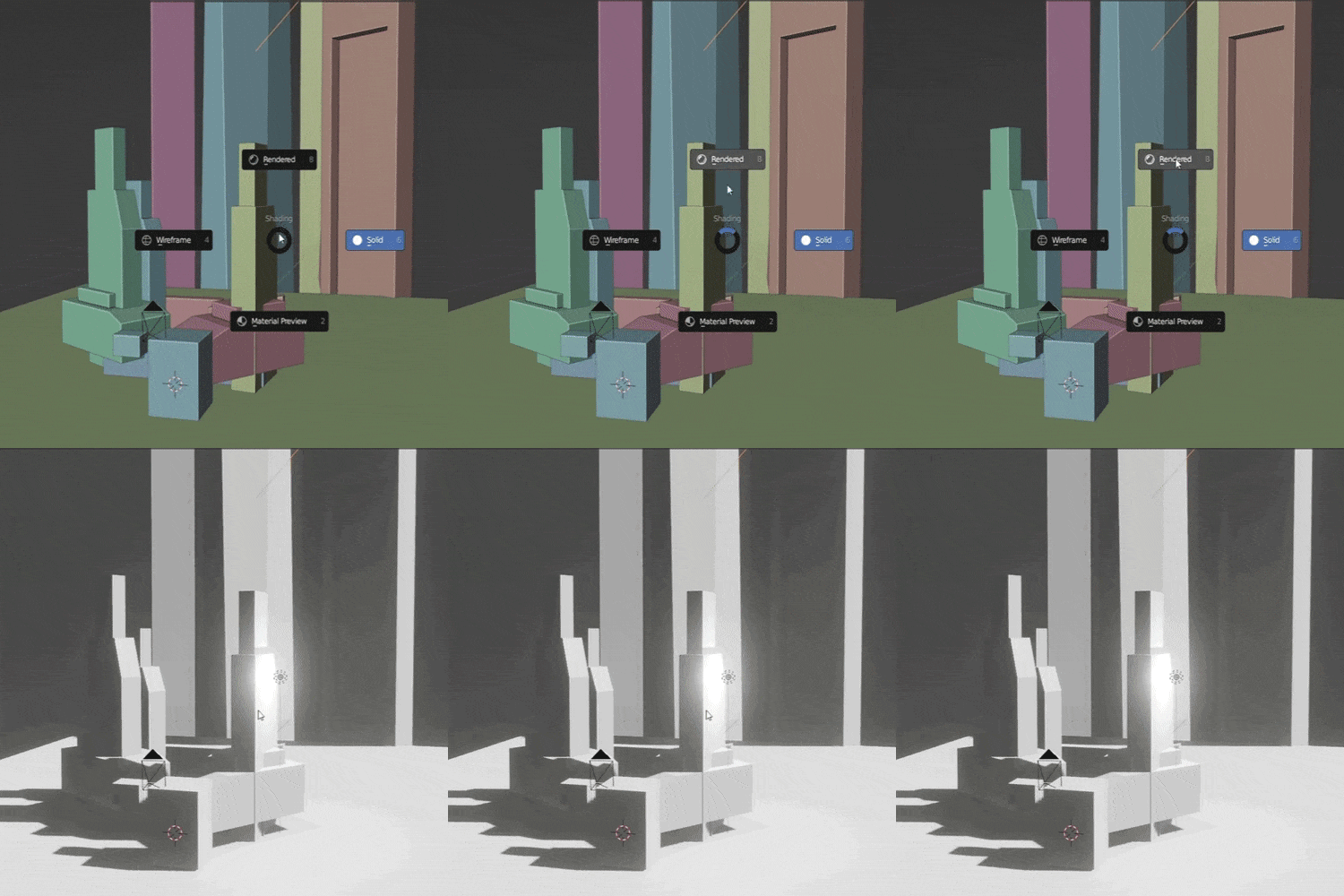 Blocking Out a Scene in 3D
 -
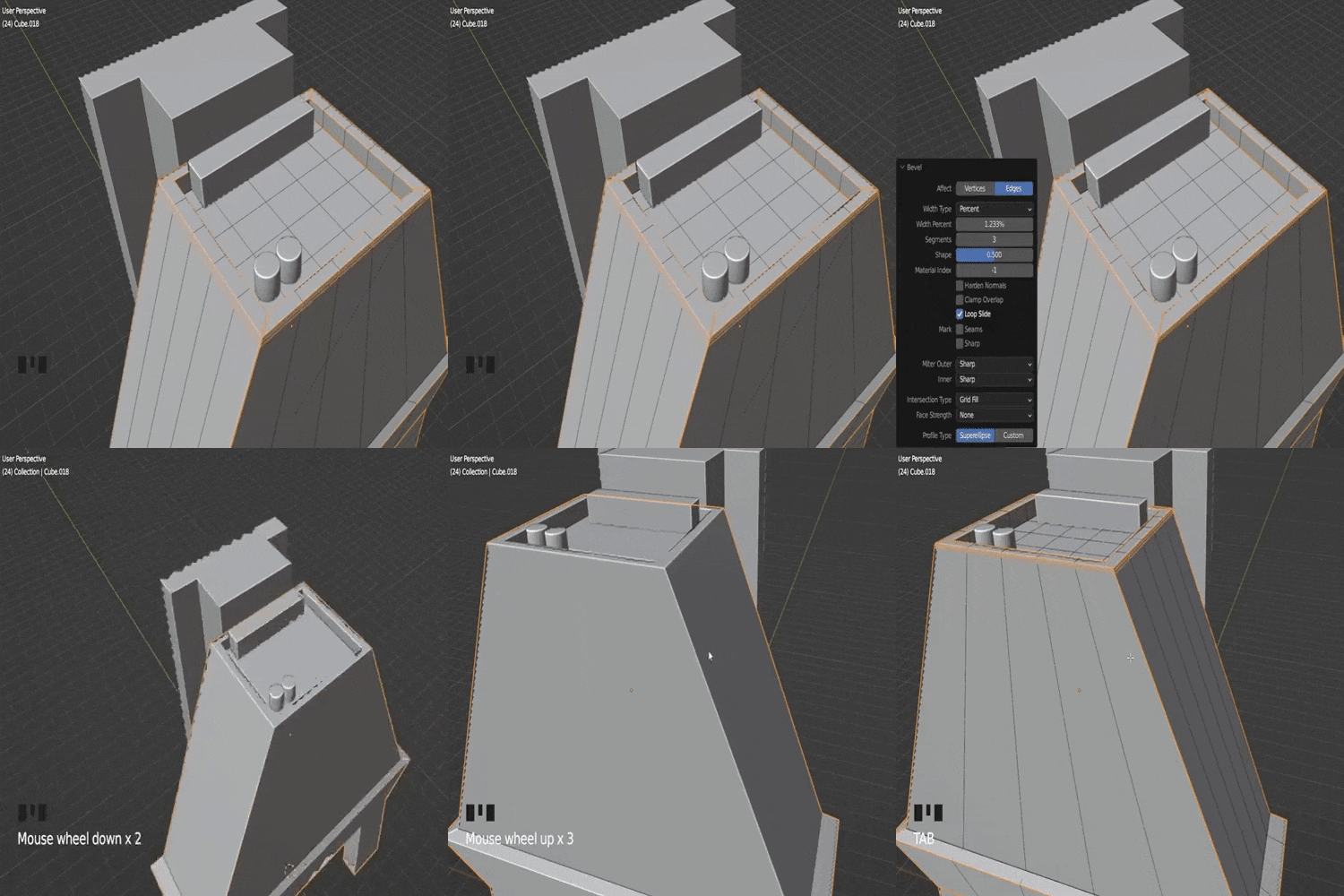 Simple Hardsurface Modeling
 -
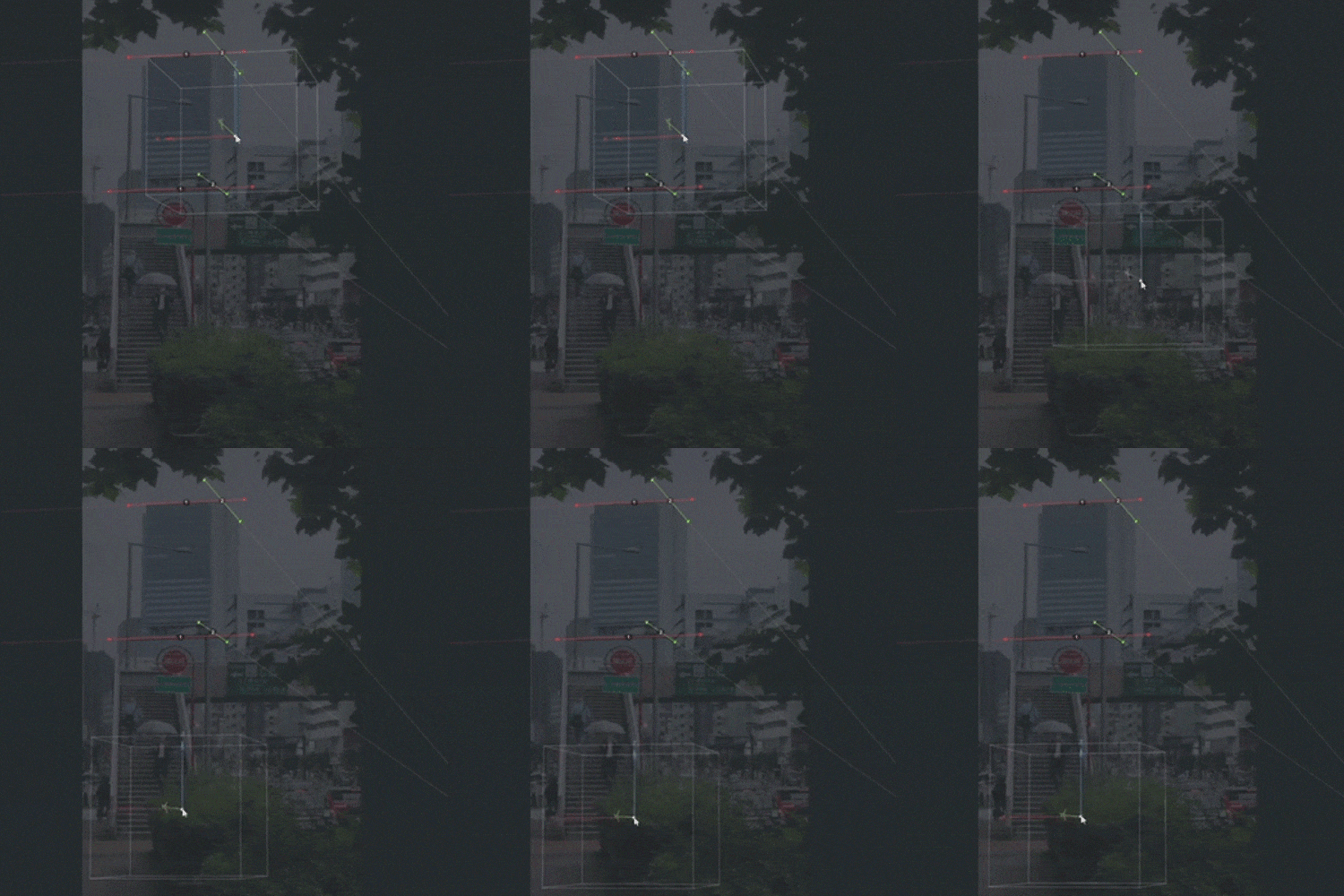 Modeling Using fSpy
 -
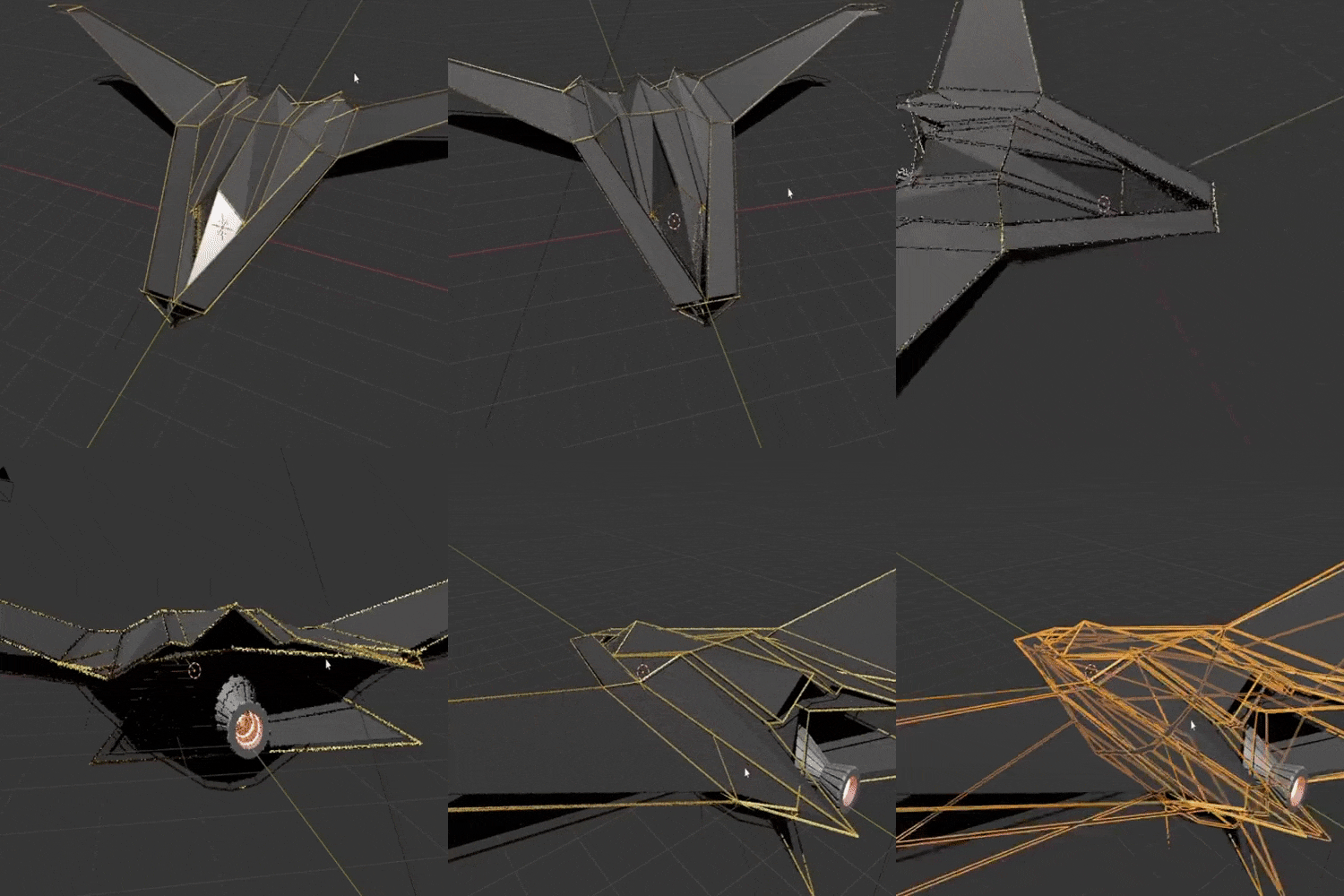 Modeling Spaceships
-
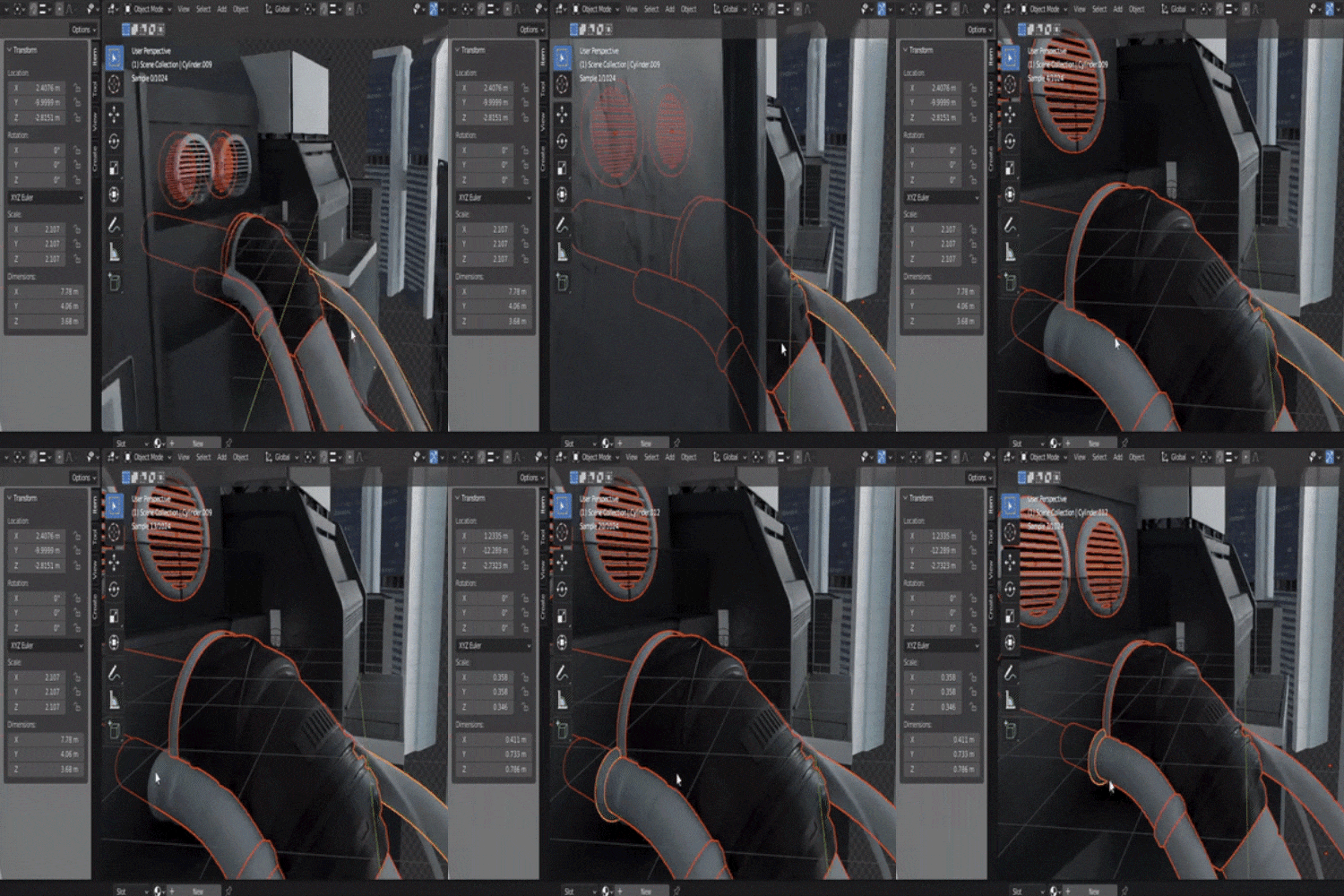 Hardsurface Texturing
 -
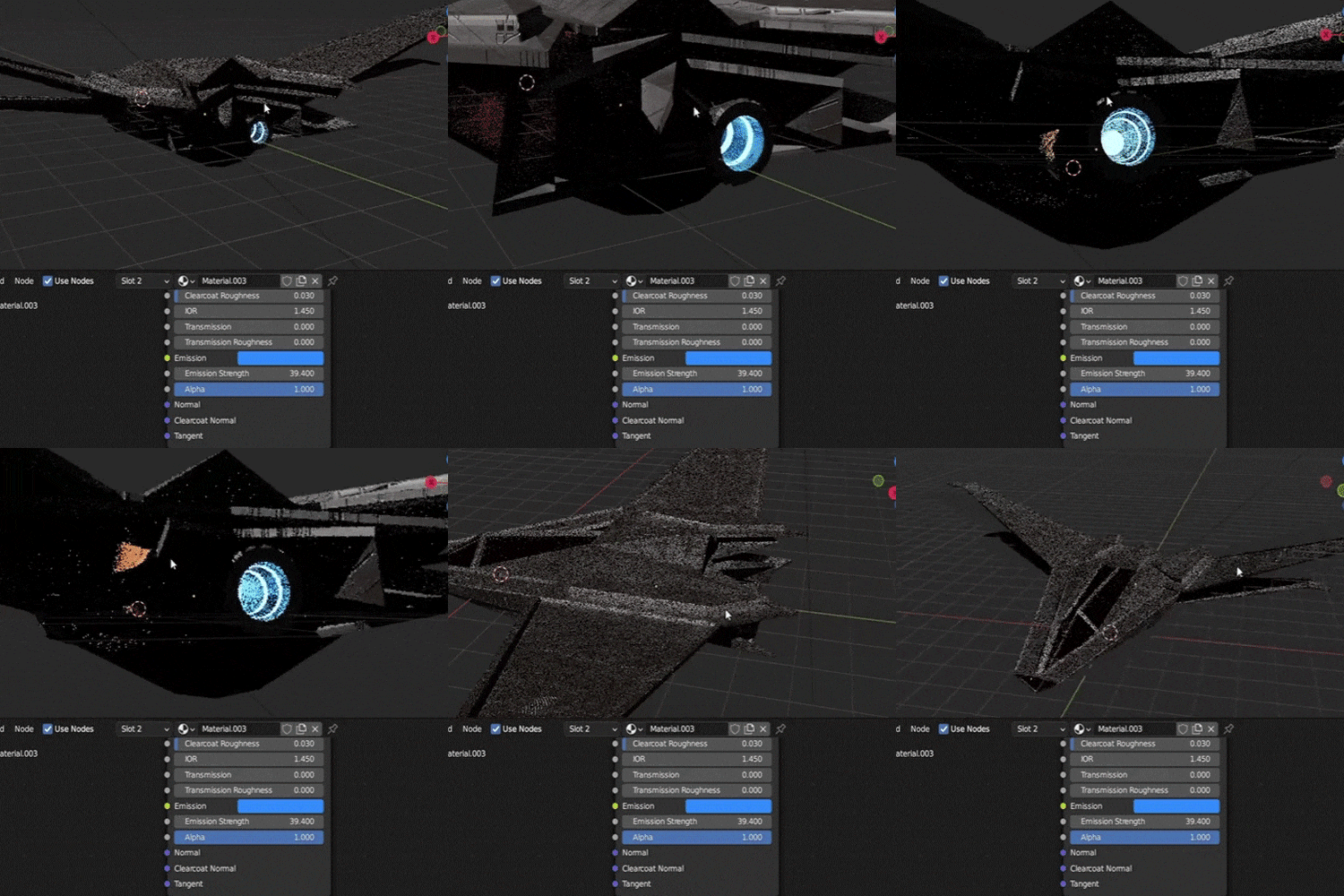 Spaceship Texturing
 -
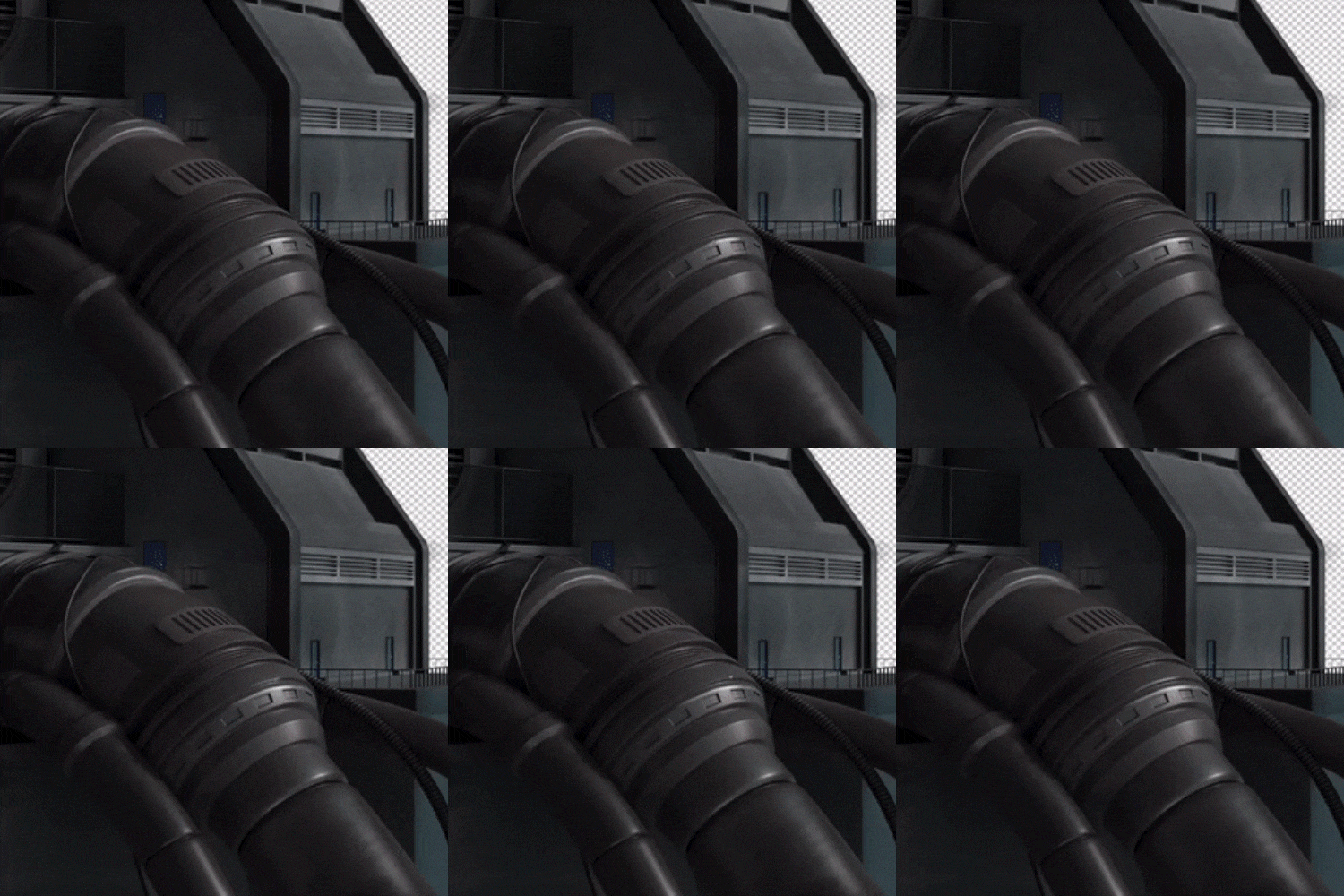 Adding Details by Hand
 -
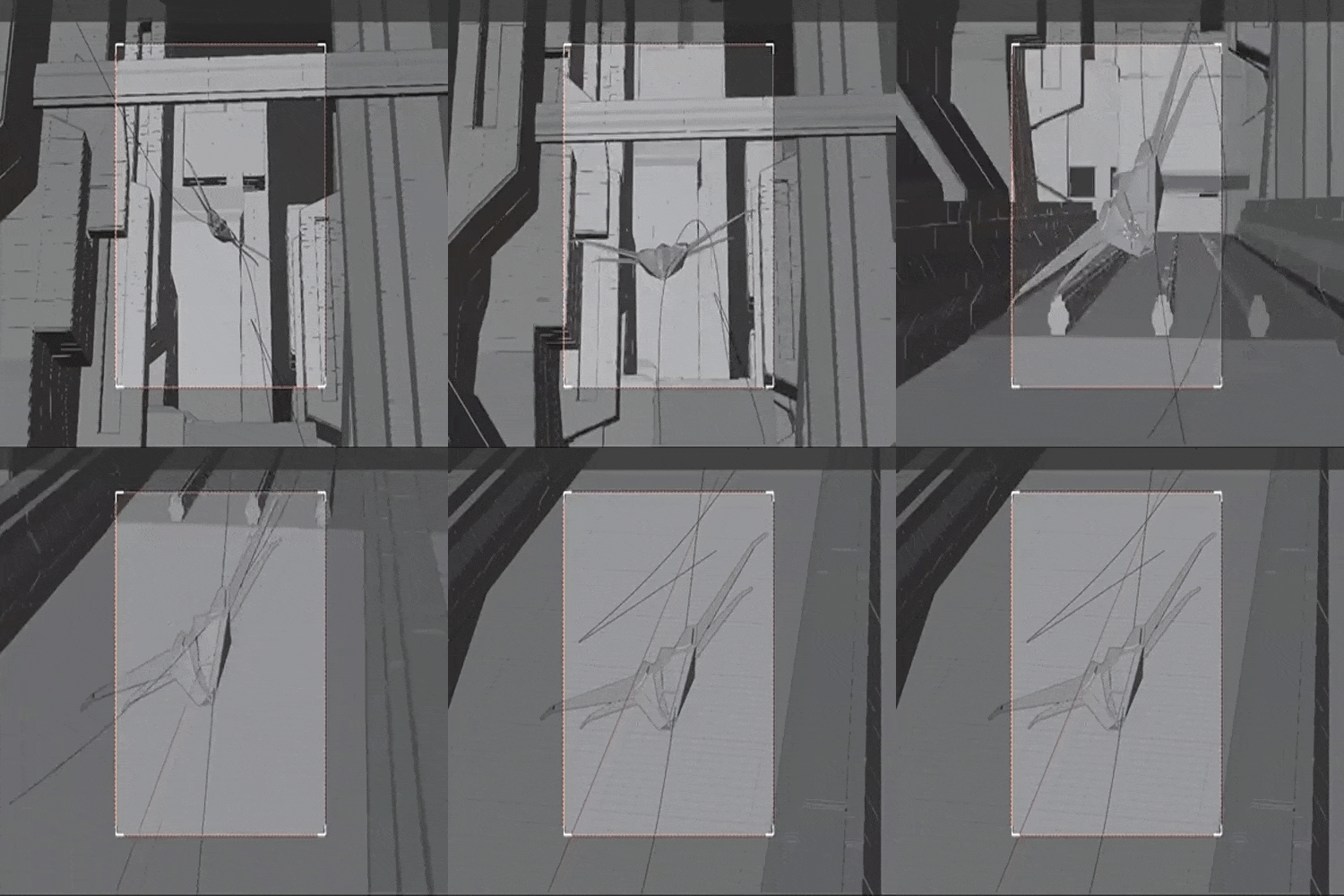 Setting up Your Animation
-
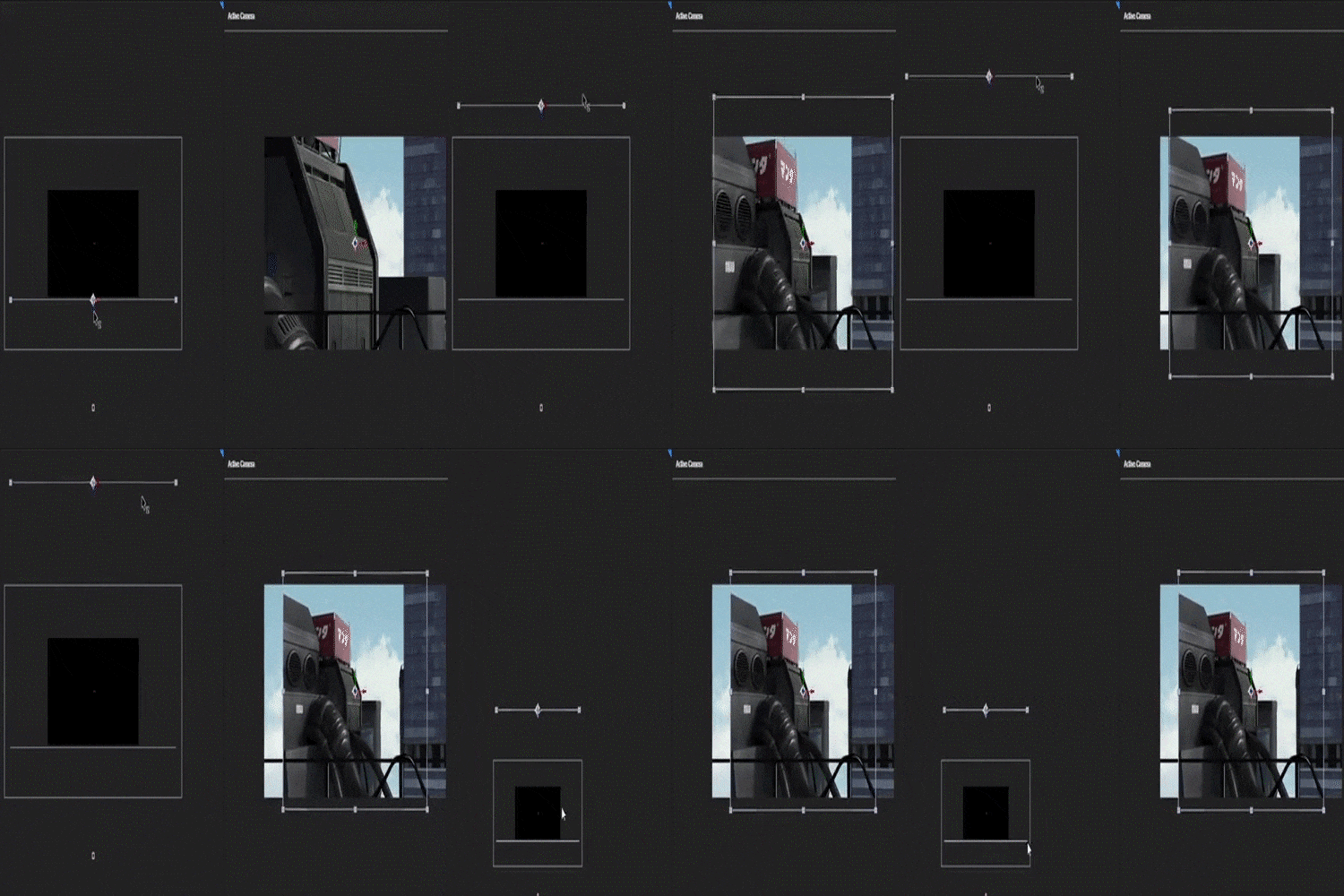 Parallax Animation
 -
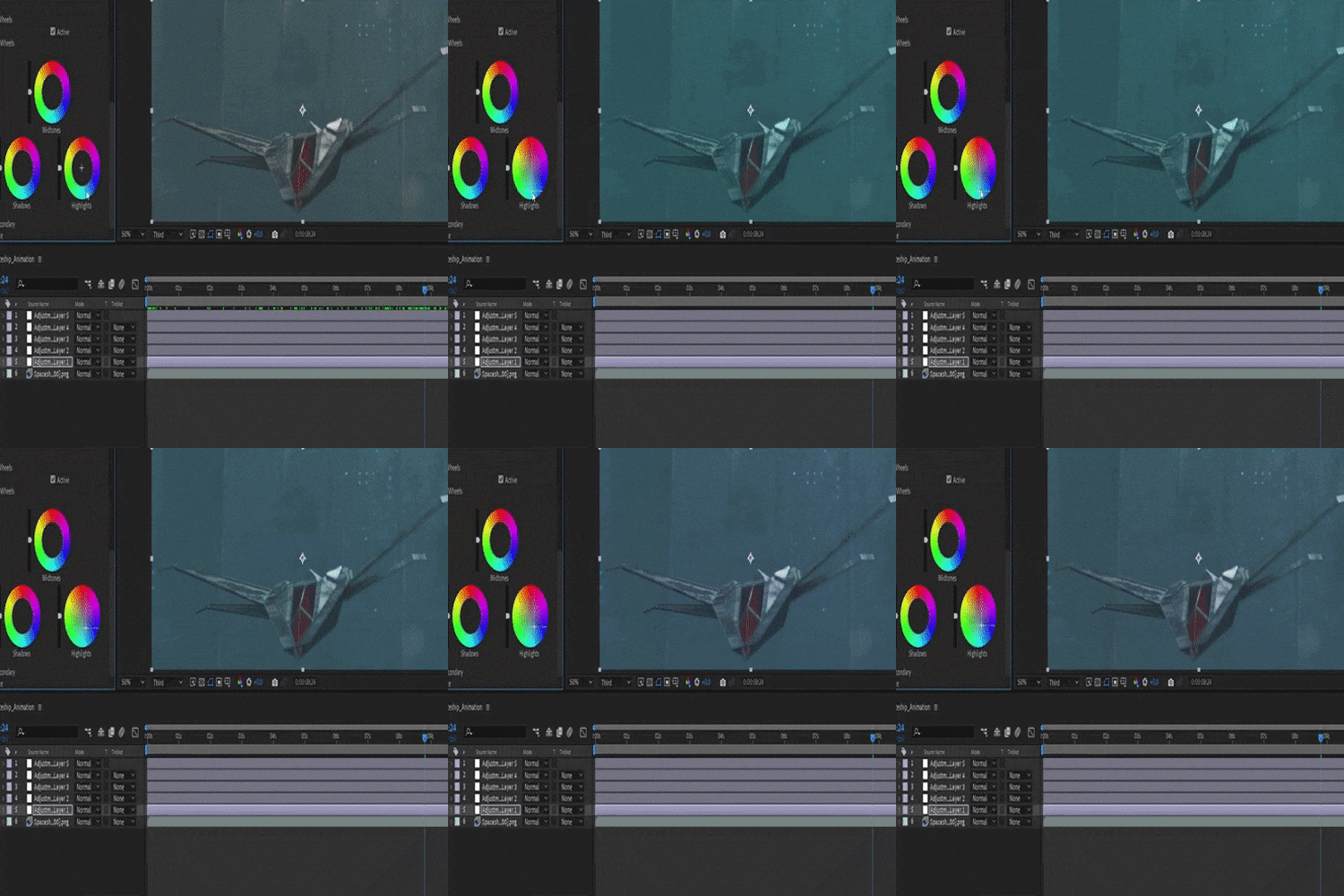 Post-Processing
*These are sample images for better understanding.
Core Skills For This Class
-
 Blender Modeling FundamentalsBeginner-friendly approach of gradually guiding you through basic techniques to a comprehensive hard-surface modeling. Learn efficient ways to create complex, hardsurface models
 -
 Parallax & Keyframe AnimationDelve into parallax animation, a technique that adds depth and dimension to 2D scenes. Using the scene you create, you'll learn how to effectively implement parallax to enhance visual storytelling. Additionally, you'll explore various animation techniques that are straightforward and easy to apply, allowing you to create captivating animation. By the end of the class, you'll have a solid understanding of both styles.
 -
 2 Ways of TexturingExplore two distinct styles of texturing. The first style involves using PBR textures to achieve realistic effects on your models, suitable for a variety of structures, spaceships, and vehicles. The second style focuses on adding aesthetic, hand-drawn details with Clip Studio Art, which infuses a unique anime-inspired and stylized touch into your work.
Roadmap
2 Sci-fi Worlds in 1
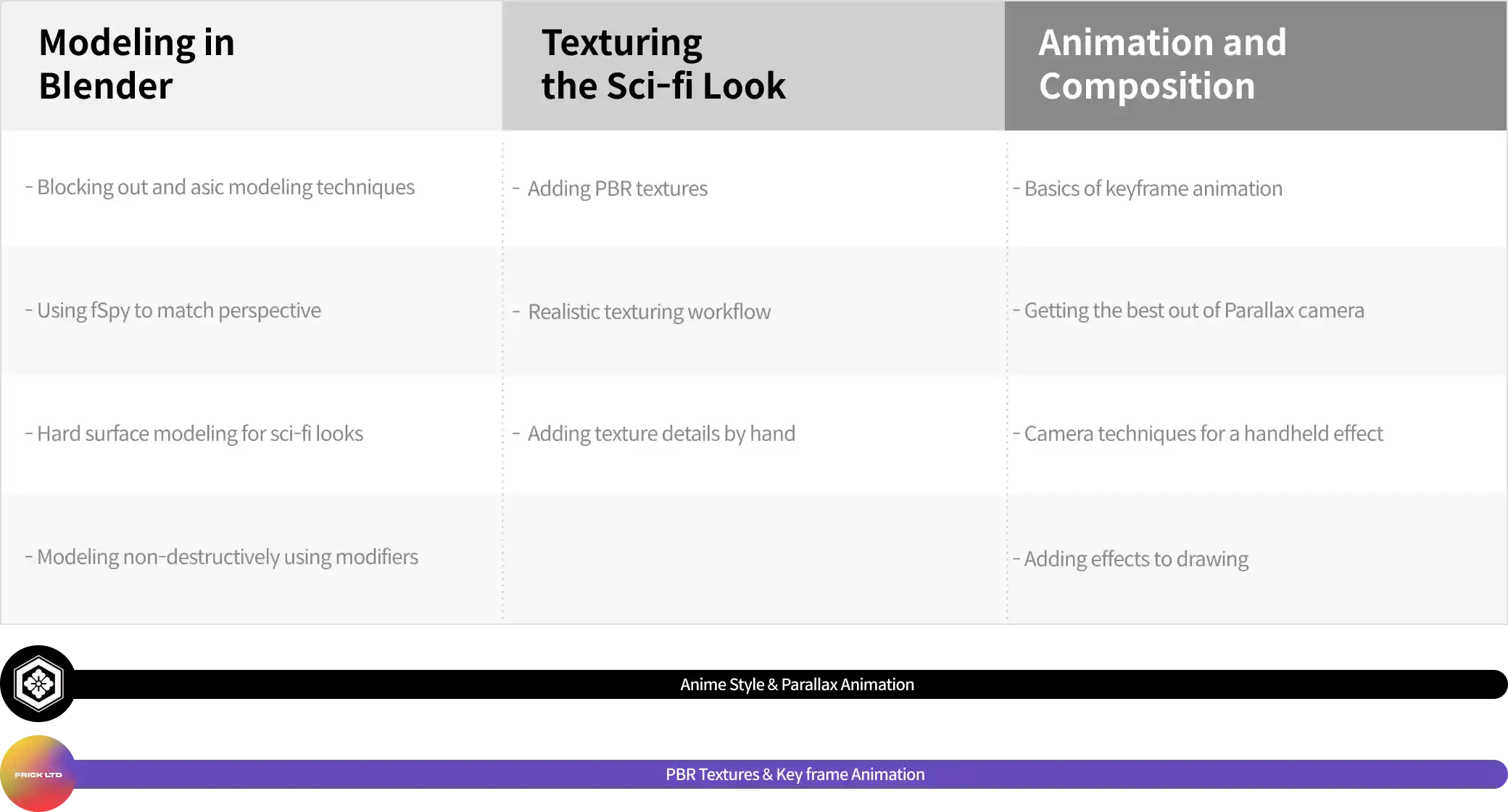

This CLASS has been carefully constructed
by the education experts at Coloso to provide a curriculum
that will help customers prepare to enter the industry.
Want to Take Our Individual Classes?
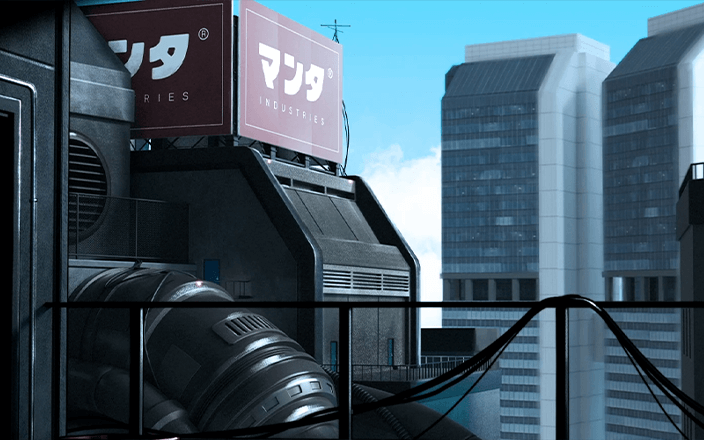
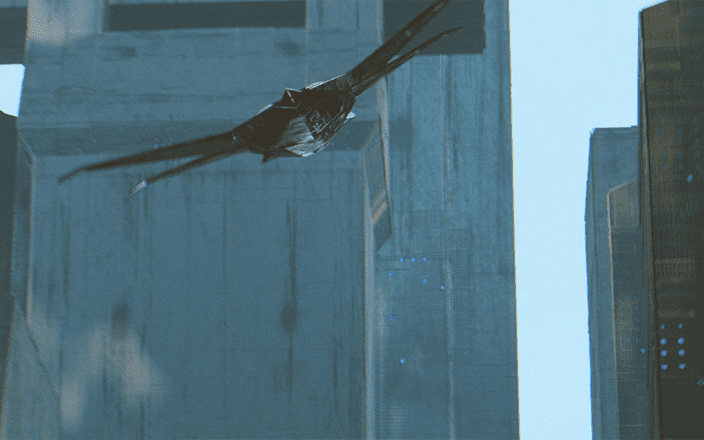
Highlights
Class Highlights
Breakdown of Hard-Surface Modeling Essentials
One of the core skills you'll learn during this class involves modeling a scene. I start by covering the beginning phase of creating a hard-surface model called theory and concepting. Then I introduce useful Blender add-ons and free, open-source programs, including "fSpy," which sets the parameters of the Blender camera and optionally sets the camera background image. The modeling part is detailed and beginner friendly: starting with basic hard-surface modeling and steadily evolving into a comprehensive hard-surface modeling guide.
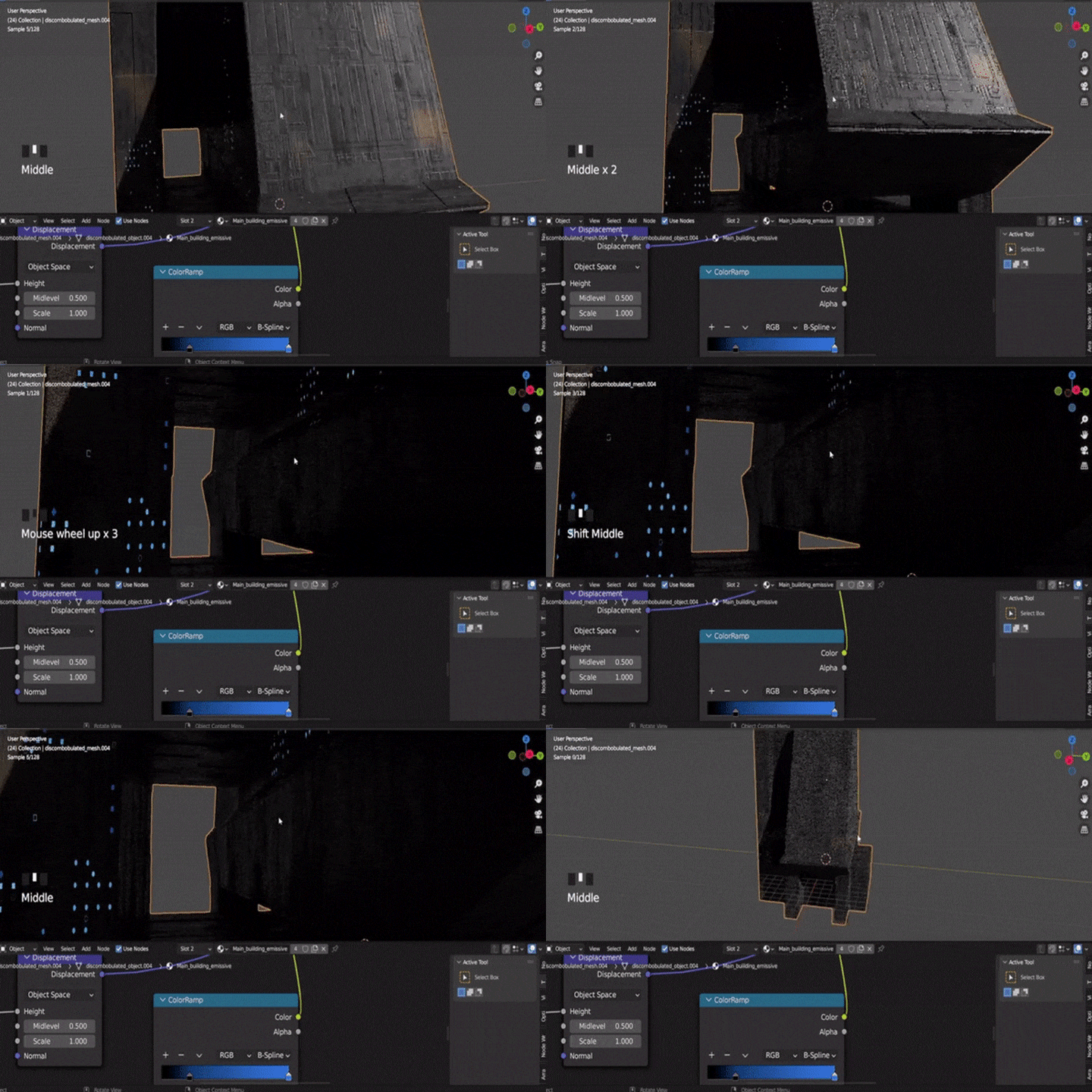
2 Diverse Ways to Texture Sci-fi Scenes
Incorporating PBR textures into your models is a crucial technique for achieving a professional and realistic look in sci-fi scenes. Followed by the realistic look of sci-fi texturing. Both approaches will enhance the visual narrative.
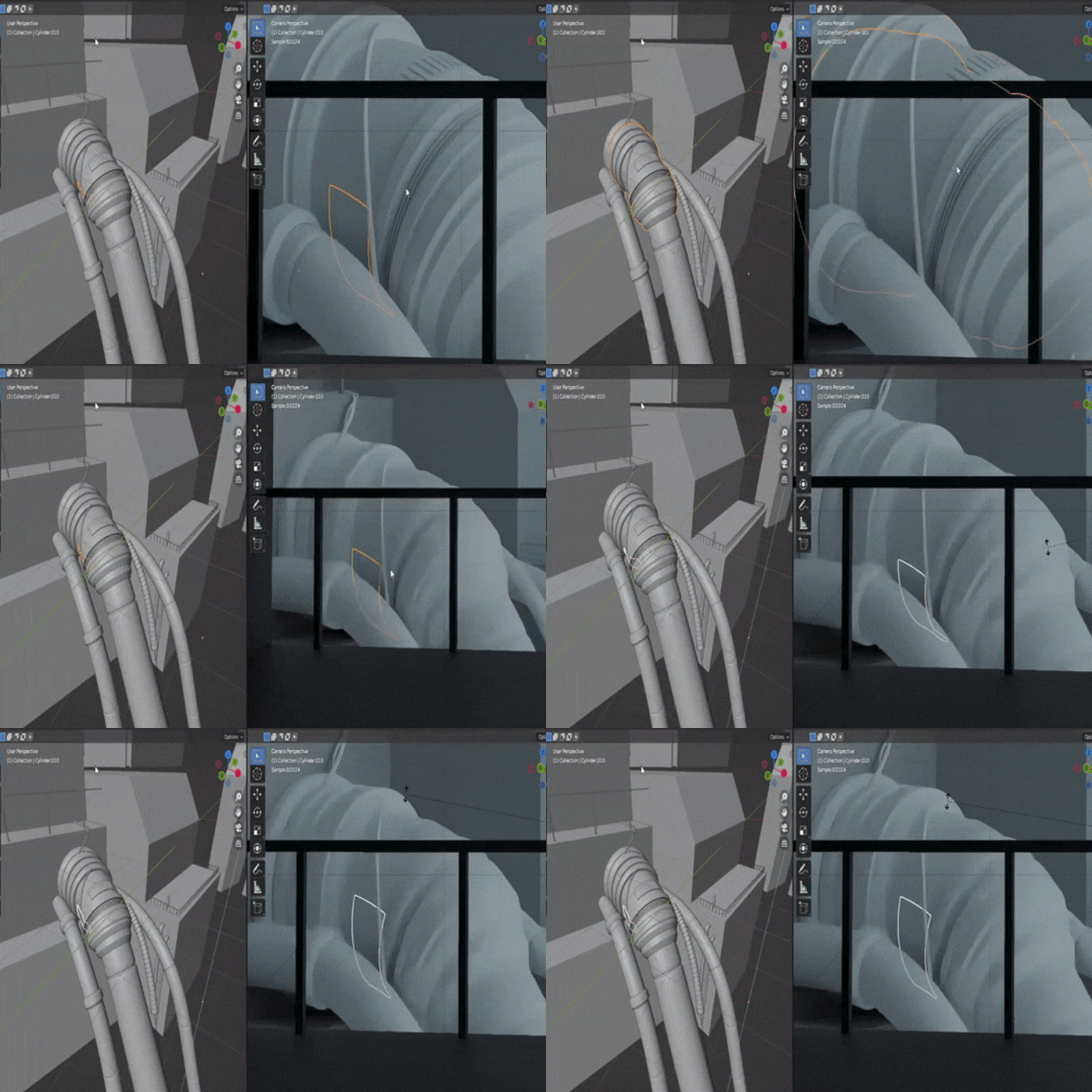
Key Frame Animation & Parallax Animation
Parallax effect involves rendering a scene into 2D Parallax Layers and setting up the camera accordingly, followed by animating the scene with Keyframes. In addition to learning parallax effects, mastering animation in the most effective way will significantly enhance the overall quality of your art.
Instructor

3D Artist,
Nikolai Fletcher
[Current]
Freelance 3D Artist & Graphic Designer
[Previous]
Senior Graphic Designer
Projects & Awards
[Notable Works]
0x Society Gallery in Montreal
Cover art for Hull Breach Vol. 1

3D Artist, Frick
[Current]
Freelance 3D Artist
Projects & Awards
[Featured Artist]
Superchief Gallery at LA, NYC, and Japan
Art Basel Miami
Kraftwerk Berlin
Museum of Contemporary Digital Art
Class Details
You'll Learn
-
 Blocking out and ModelingIn the initial phase of this process, we'll lay the groundwork for successful hard-surface modeling. You will familiarize yourself with an open-source programs like "fSpy," which help set the parameters of the Blender camera and can even establish a background image. This beginner-friendly approach starts with basic hard-surface modeling and gradually evolves into a comprehensive guide
 -
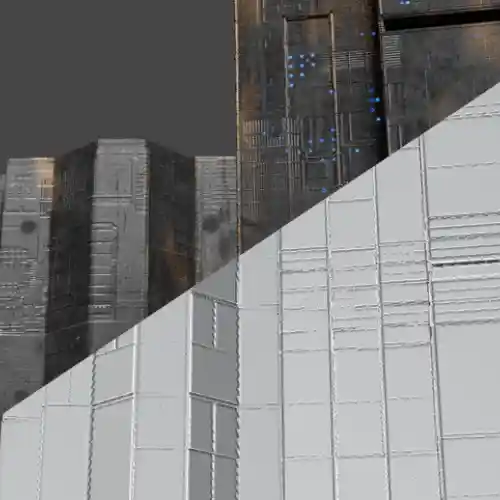 Texturing & DetailsLearn 2 different types of texturing such as PBR textures and also adding details by hand. These are crucial for creating professional, realistic sci-fi scenes that make the art immersive.
 -
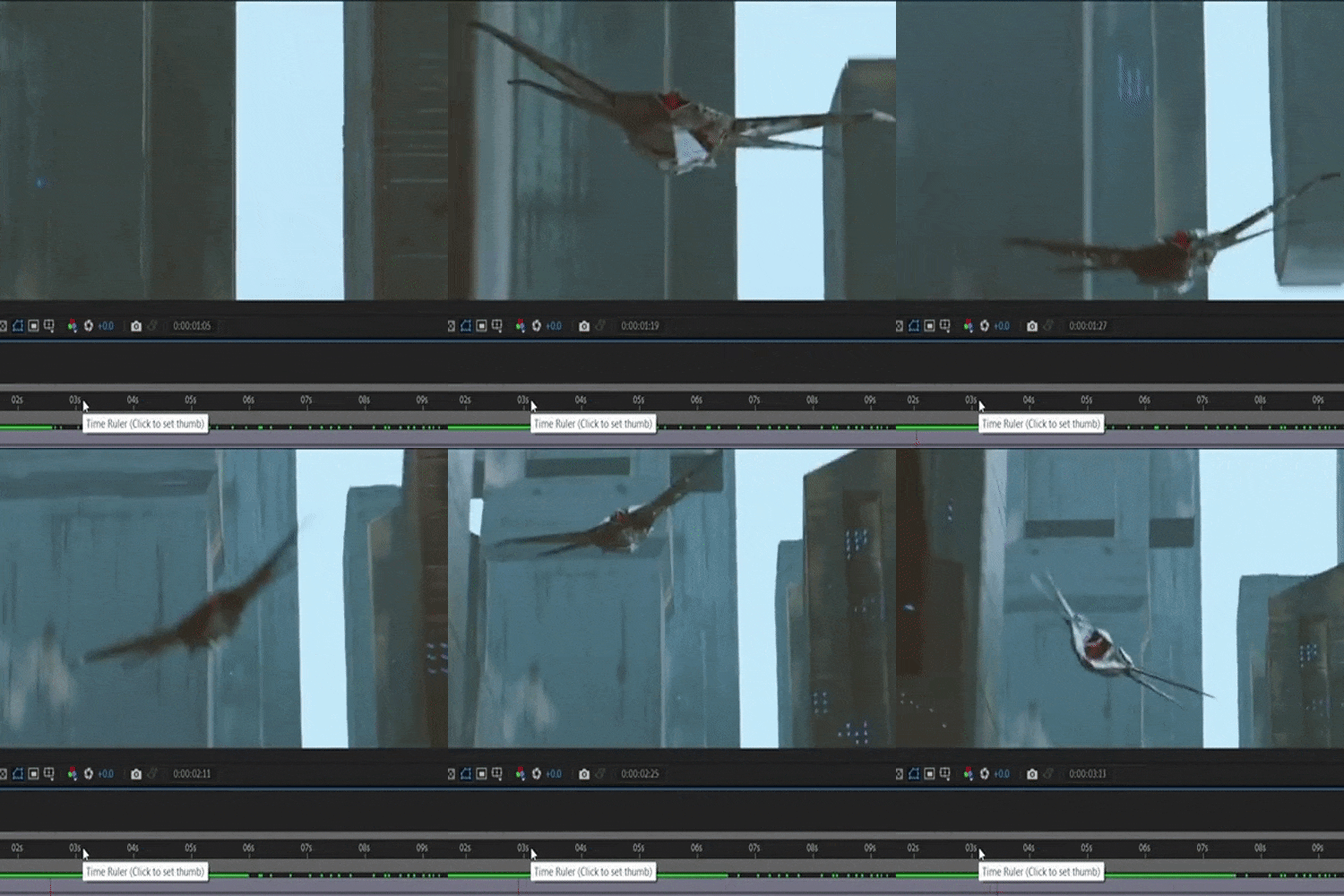 Keyframe AnimationDiscover keyframe animation techniques that are straightforward and easy to implement, while learning the camera techniques to give it a handheld effect.
-
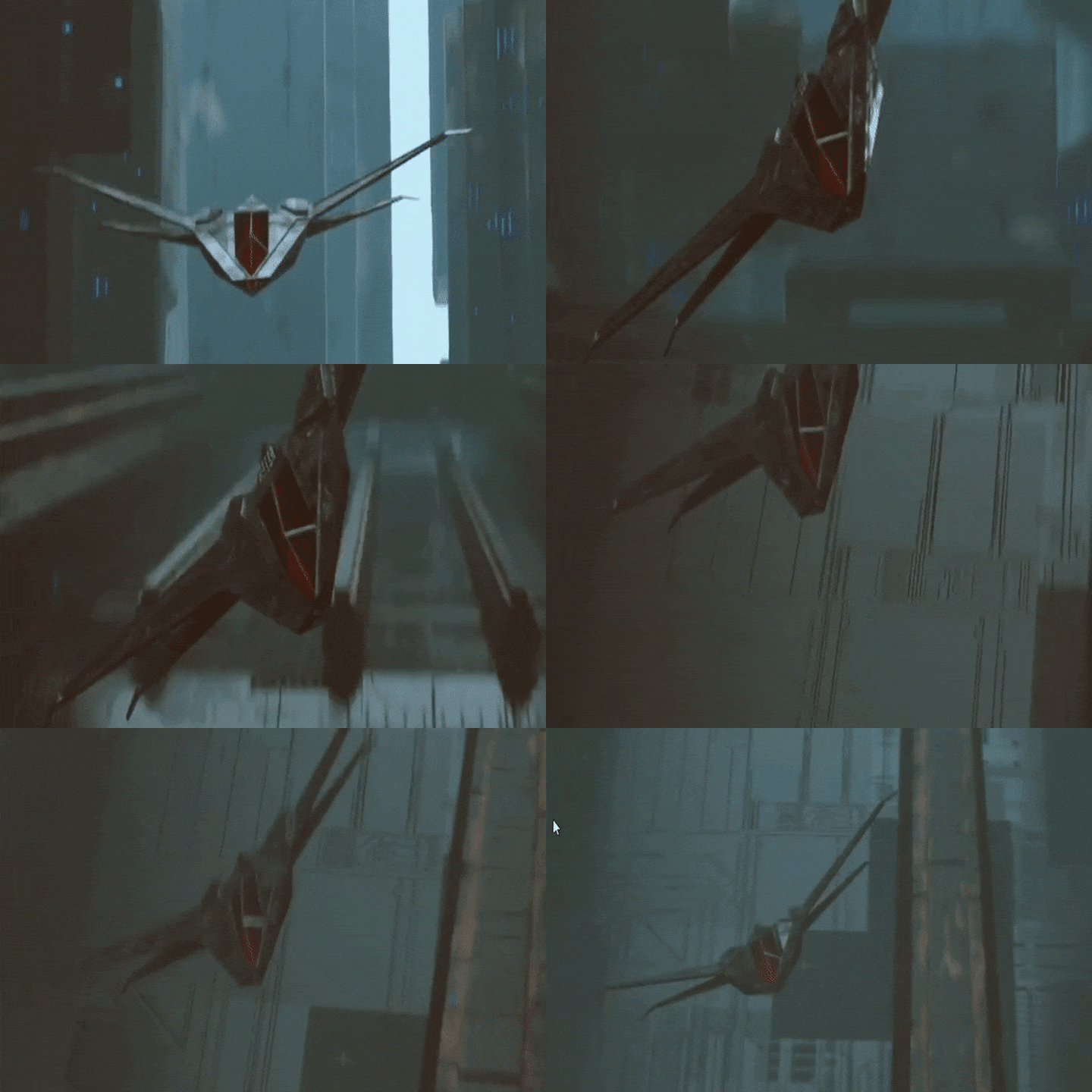
 Parallax AnimationThe process behind rendering a scene into 2D Parallax Layers, setting up the camera specifically for this, and then wrapping it up by animating the scene using Keyframes to create a sense of depth and dimensionality.
 -
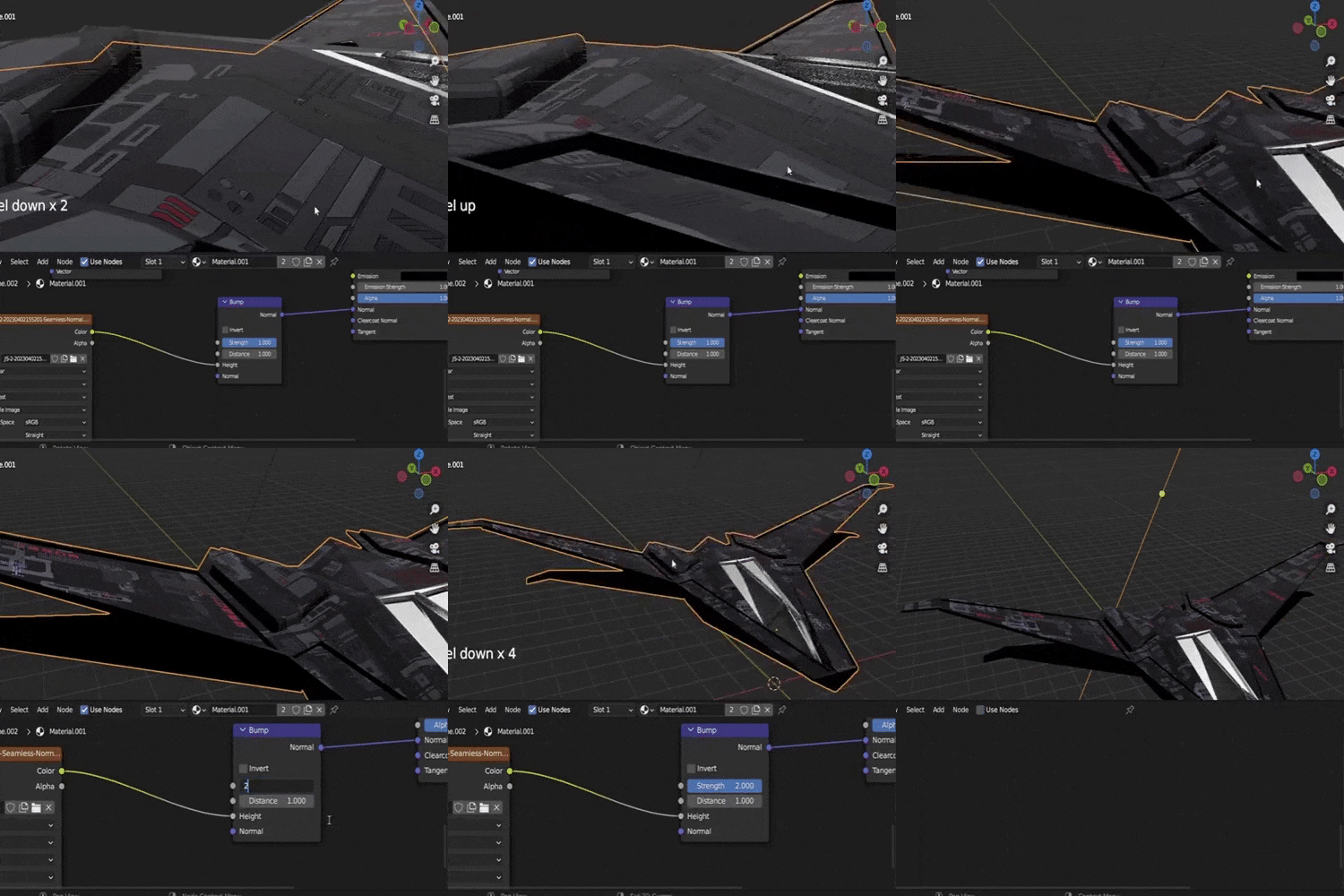 Realistic Texture Post-ProcessingLearn post-processing techniques such as Color grading using LUTs and adding effects such as noise, glow, blur to enhance the look of the animation.
 -
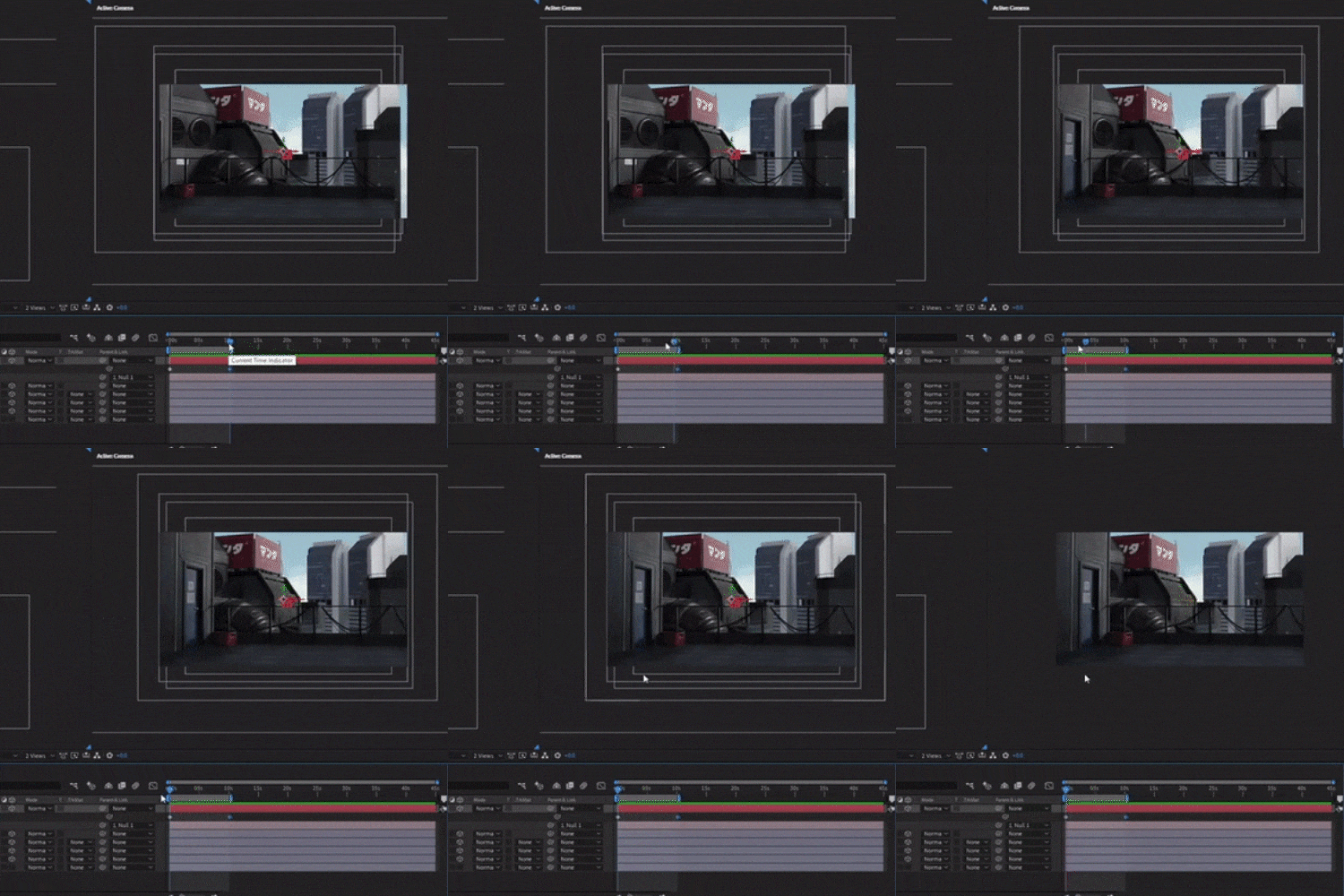 Anime Style Post-processingIn addition to detailing, I'll show you how to use Adobe Media Encoder, a helpful tool for rendering videos you plan to share online, which avoids the large file sizes of videos rendered in After Effects.
- Unlimited Access
- Best Price
Buy now, get unlimited access.
10/19 (Mon) (UTC-7) Special offer ends soon.
This special offer ends soon.
Buy now and save!
Curriculum
Curriculum
In-Depth Look
Course 01. Nikolai Fletcher
Course 02. Frick
Interview with
3D Artists Nikolai Fletcher & Frick

Question.01
What would be the most important takeaway from your class?
Nikolai: I hope that people who take my class can learn hard-surface modeling well enough to not have to look for sources created by other artists since this will reduce their reliance on props from other artists. I would also like to suggest that artists not rely too much on Kitbashing. Although learning to model is a long and tedious process, it all becomes worth it when you become independent and confident enough to create anything and everything you can imagine. Throughout this class, you can expect to learn how to create hard-surface models from scratch and develop your skills enough to create complex, attractive models and post-production techniques that will give your scene an anime-style look.
Question.02
Please share your thoughts on the industry's job market and what you see in the industry's future.
Frick: Sure, the 3D industry is booming because of the increased demand from every industry that you can think of; obviously, creative industries such as gaming and movies are big in that sense, but advertising, e-commerce, tech, fashion, etc. are also in need of 3D artists and designers. I think there is no better time than this to get into 3D, as a lot of the traditional mediums are being replaced by 3D technologies, and they all require talented 3D artists and designers.
Question.03
Is there a specific reason why you chose this specific topic/themes?
Nikolai: I'm fascinated by intricately tangled structures and hard surface modeling. Not only are they enjoyable to make, they are complex yet enjoyable to look at when combined with an anime-style background. I'm confident that learning how to do hard-surface modeling from scratch is the perfect topic for those looking to create a stunning cyberpunk anime-style scene. It offers the complexity of modeling with the added detail of an anime aesthetic. My background is in graphic design, so instead of just teaching how to model, I can speak more about the different design techniques I use to make original models and create strong compositions.
Required Programs
This course will use Blender 3.4, JSplacement 1.3, After Effects 2021, Clip Studio, Media Encoder, and fSpy.
*These programs and/or materials will not be provided with the chapter.