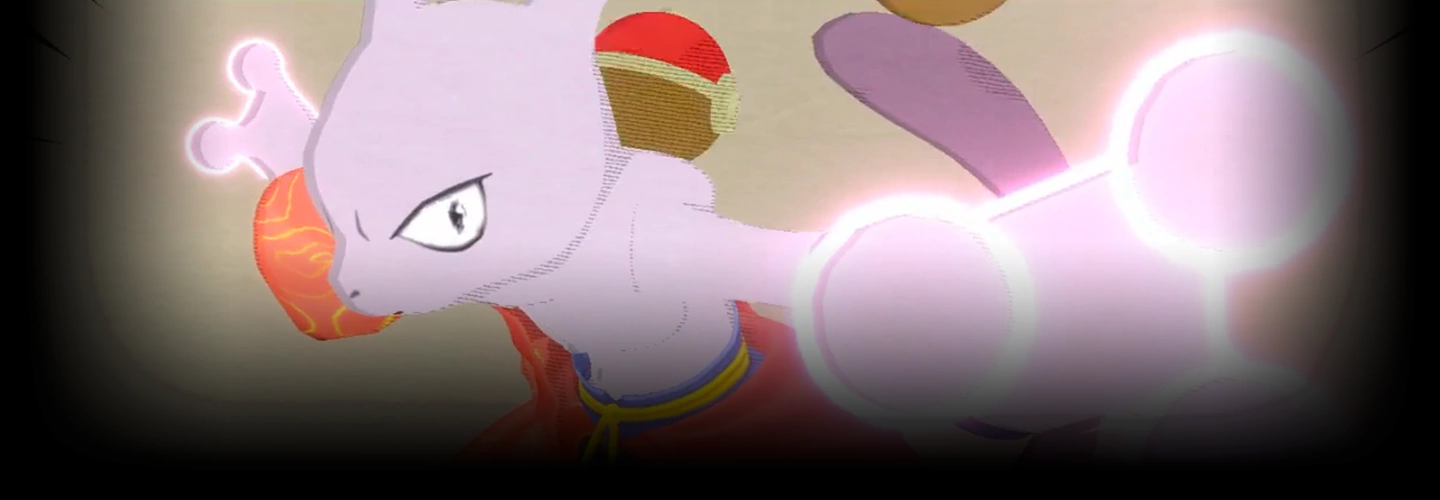
3DArtist,JOYof3D Details
Intro
Class Intro
3D Artist, JOY of 3D
I'll show you how to animate using foundational skills that combine the fundamentals of 2D and 3D animation, so you can create your own dynamic 3D animations with electric energy that leave a strong impression on the viewer.
Creating 2D-Looking 3D Characters with Flashy Animations
Are you eager to improve your 3D animation abilities? From beginner artists on their first day to intermediate artists, this class will provide you with full-on energetic, vibrant 3D animations just as you imagined. With JOY of 3D's unique style of taste, design eye-catching animation captivating characters that truly come to life on screen. JOY of 3D hopes to inspire all 3D artists and animators to bring their work alive--- the electric way.
Open up Blender and get familiar with Rigify as well as Grease Pencil features while following along with this class. Learn to make mind-blowing shaders, composite and render your scenes, and create animations that you will never forget. Practice these amazing techniques to strengthen your own workflow. so that you can become a boss of 3D animations!
Class Perks
Get These Coloso Exclusives
-
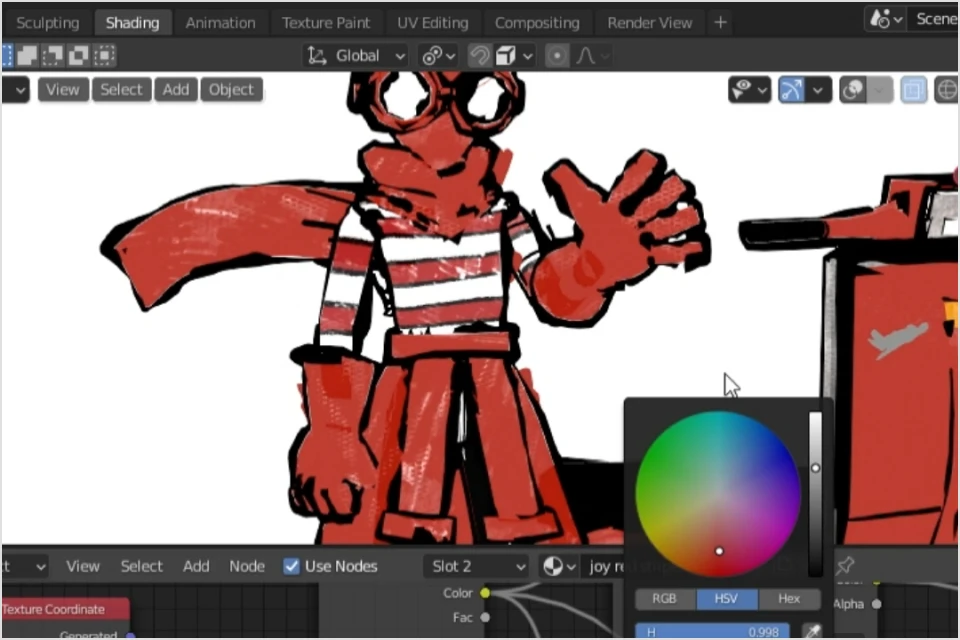
Pre-made Shaders by JOY -
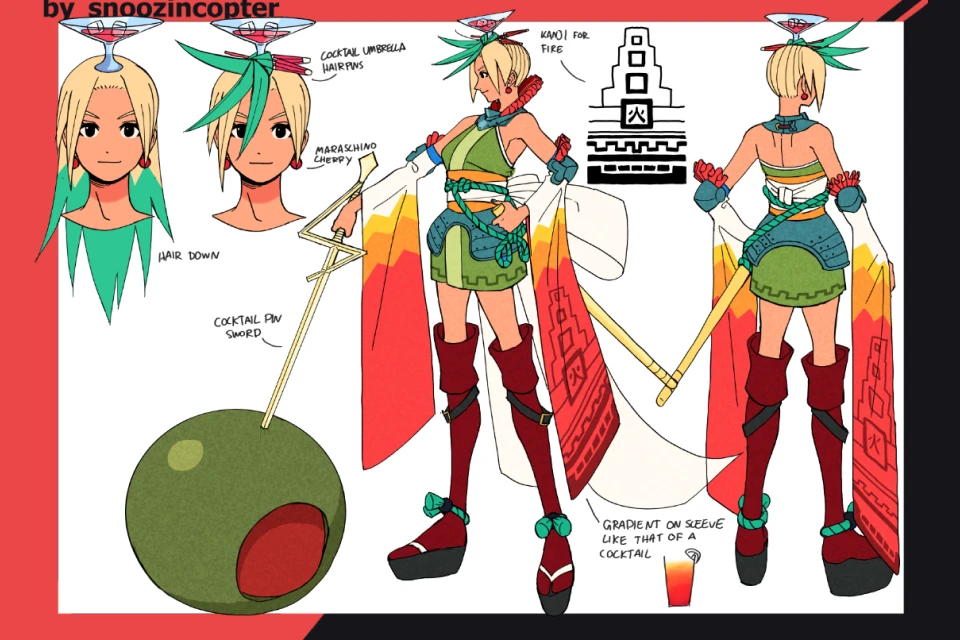
Character Art by Snoozincopter -
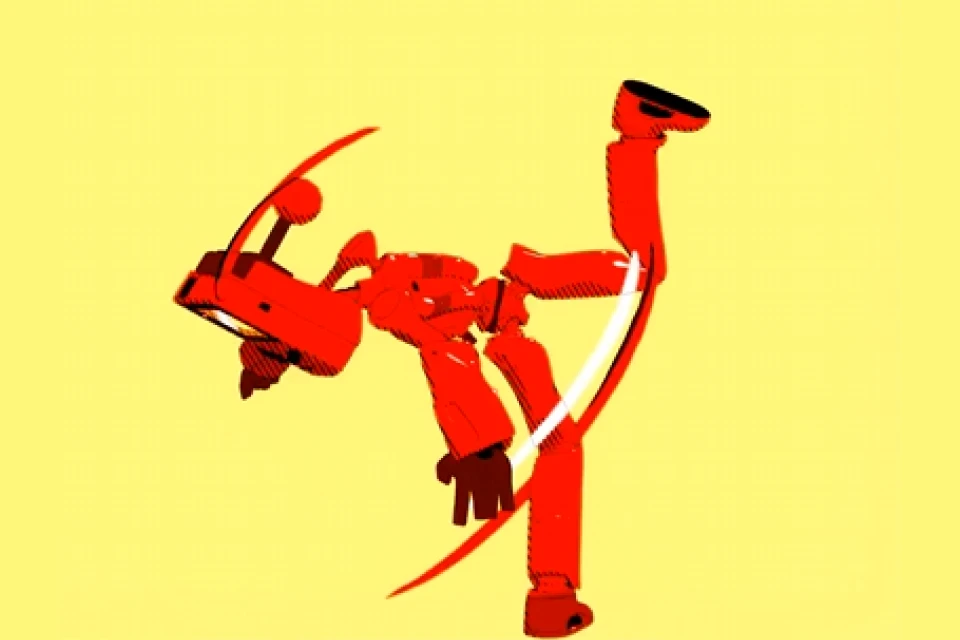
JOY's In-class 3D Character Model
-
JOY's 3D Asset Grab Bag -
1 JOY's Final Animation File -
3D Artist
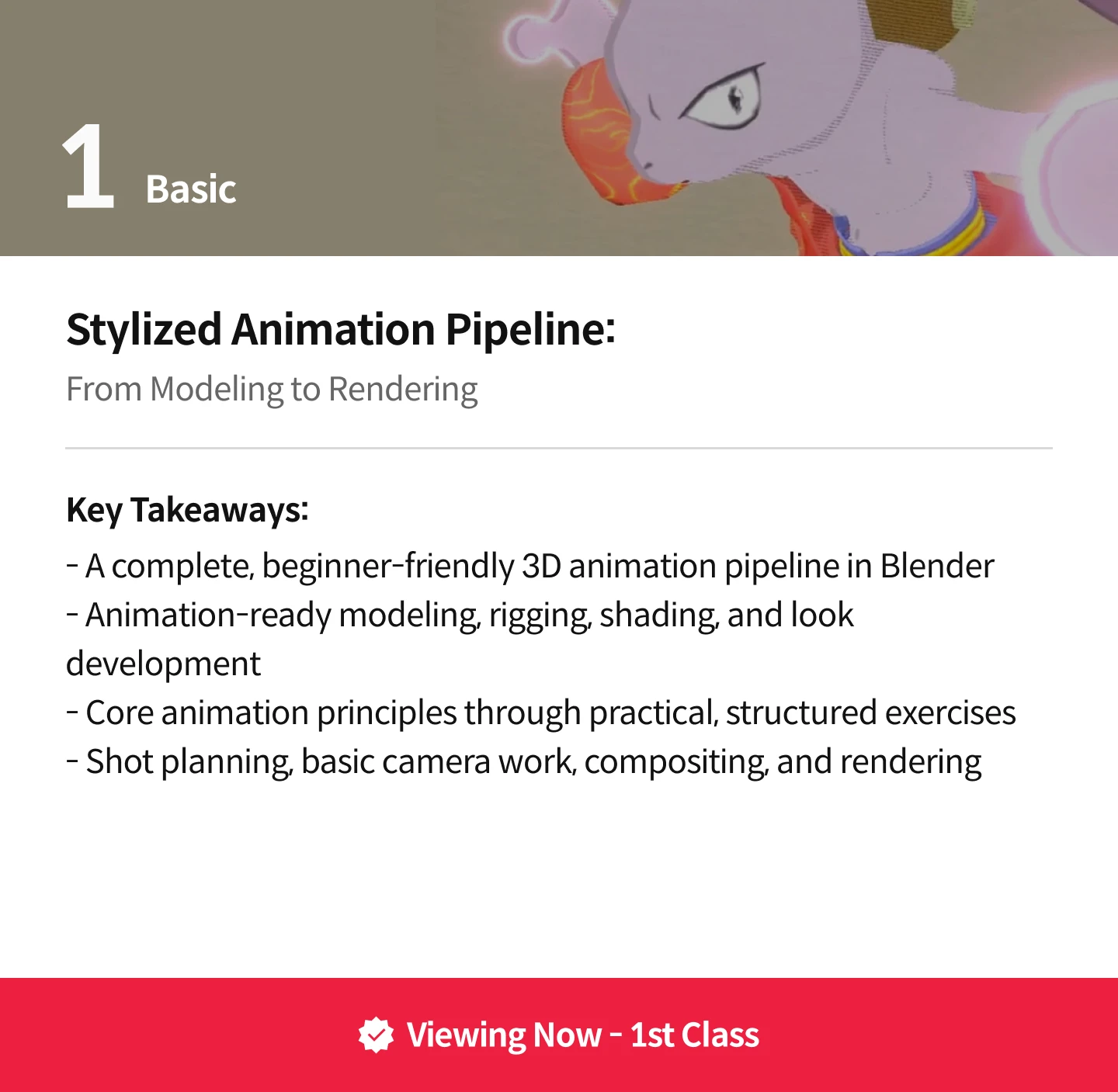
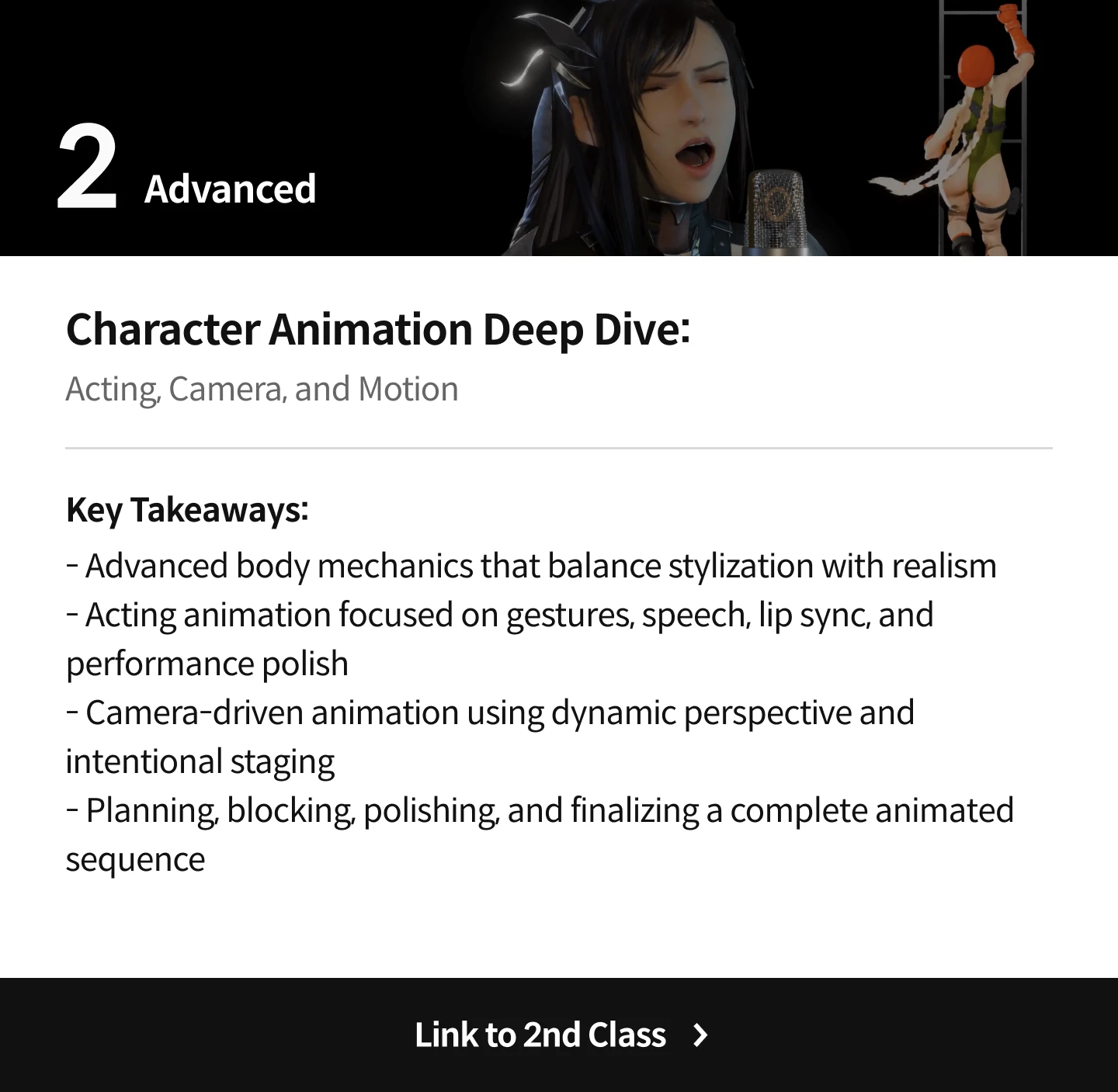
JOY of 3D's Course Series
Expert 3D Artist JOY of 3D's Portfolio





Why Take This Class?
The speed and challenge of dynamic animation may scare you, but don't worry. Keeping the same high-spirited energy, JOY of 3D will guide you from the basic animation techniques to tips on how to come up with your own concept of style.
In contrast to the speedy animations, don't be surprised at how long an animation-ready character takes to prepare. Artists from any level of 3D media design will get valuable takeaways from the class. Be ready to bring your own 2D characters to life in 3D.
8 Class Exercises
-
 Character Modeling
 -
 Shaders
 -
 Animation Ready Rig
 -
 Bouncing Ball Animation
-
 Flour Sack Animation
 -
 Walk Cycle
 -
 Storyboard
 -
 Animated Character Shot
Instructor
3D Artist
JOY of 3D
Hi there! I'm JOY of 3D!
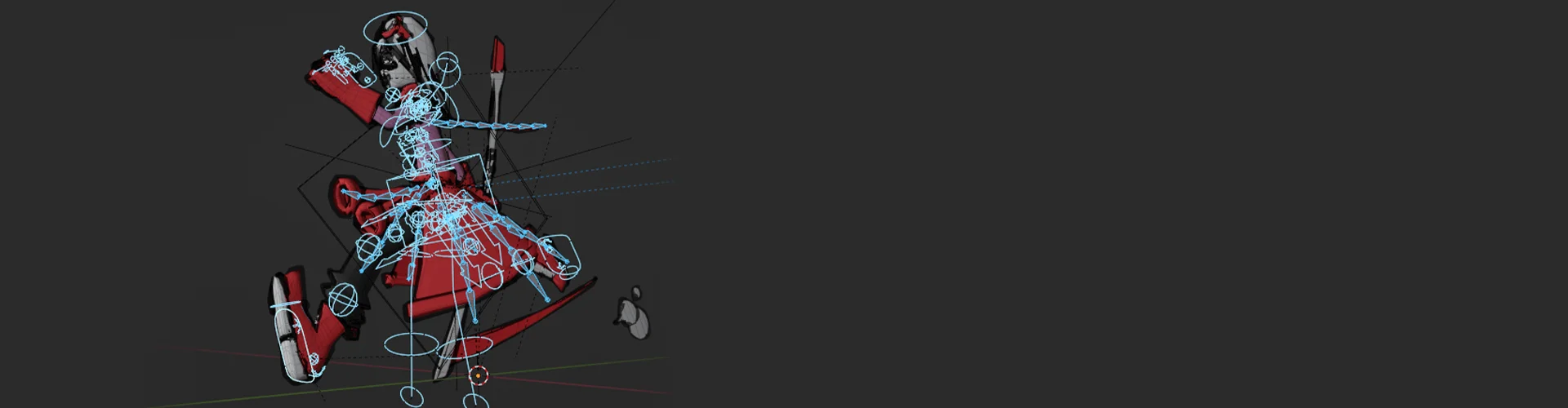
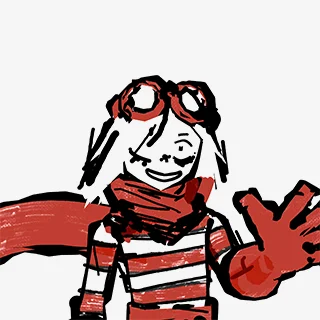
I've been creating, animating, and teaching since 2020. I love more than anything to create stylized 3D animations that look 2D, or what I call "animations with electric energy."
I've never not been a freelancer, so I've gotten to work on lots of cool projects. I've animated Snoop Dogg joining FaZe Clan, I made renders for the big screens at Coachella, and I've helped out with a ton of indie dev video game projects. My favorite project to work on so far was Funny Bone for HoyoFair2024, a Honkai: Star Rail music video that accumulated nearly 2 million views on YouTube.
I'm currently working on more cool freelance projects as well as teaching 1-on-1 courses to individuals online. I'm also focusing on some personal projects that will help me grow. My overall goal as an artist and animator is simply to improve for my own sake. I want to create animations that express the electric energy in me, and I want to teach others to do the same!
3D Artist, JOY of 3D
[Current]
Freelance 3D Artist and Animator
Projects & Awards
Delivered for:
- Funny Bone (Hoyofair 2024)
- FaZe Clan
- Riot Games: Valorant
- Coachella
Highlights
Class Highlights

Creating a Super Cool 3D Character
3D Artist and Animator JOY of 3D will take you step-by-step through the process of creating a 3D character model and preparing it for animation. This includes lessons on topology, shading, rigging, and utilizing constraints and shapekeys.
Creating an Even Cooler Animation

The long-awaited next step: Animation! We will then be using the character rig you built to create a flashy, dynamic 3D animation that imitates the energy and "wow factor" of traditional 2D sakuga animation.
Designing an Organized, Repeatable Workflow
Throughout the entire process, we will learn the most crucial skill of all in 3D art: Designing your own workflow. Having an intentional, repeatable, and reliable workflow will demystify any and all future projects you may undertake. JOY will illustrate the importance of an organized, well-structured workflow and show you how to design one for yourself.
Class Details
You'll Learn
-
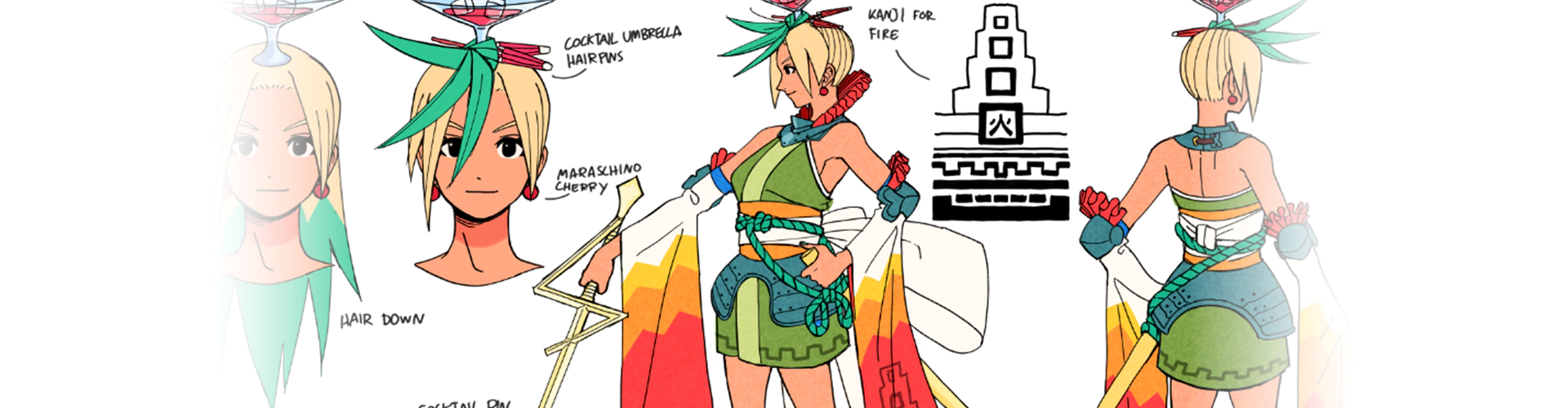
 3D Modeling for Animation3D model animation-ready or game-ready character from scratch based on a 2D reference image.
 -
 Basic RiggingUse Blender's built-in add-on Rigify to rig out character.
 -
 Shading and LookdevLeverage all of Blender's visual tools to make our 3D character appear 2D.
-
 Storyboarding and Sequence BuildingPlan out sequences and shots in a 3D animation pipeline.
 -
 Stylized 3D AnimationAnimate our 3D character in a flashy and electric way inspired by traditional 2D animation.
 -
 Compositing and RenderingApply Blender's compositor to create cool renders.
- Unlimited Access
- Best Price
Buy now, get unlimited access.
10/19 (Mon) (UTC-7) Special offer ends soon.
This special offer ends soon.
Buy now and save!
Class Preview
Still Not Sure?
Check Out Joy of 3D's Class Preview!
Chapter 01.
Creating Stylized 3D Animations in Blender
1. Introducing your instructor
2. What you will learn
3. Helpful websites and software programs
4. Downloading Blender 3.0-3.9
Curriculum
Curriculum
In-Depth Look
SECTION 01. Opening Remarks
01. Creating Stylized 3D Animations in Blender
- Introducing your instructor
- What you will learn
- Helpful websites and software programs
- Downloading Blender 3.0-3.9
02. Basics of Blender UI
- Viewport navigation
- Helpful menus and points of interest
- Useful tools we may use later on
SECTION 02. From 2D to 3D
03. Make a 2D Character in 3D! - Part 1
- Bringing in our reference image
- Creating the torso and basic proportions
- Creating useful topology for animation
04. Make a 2D Character in 3D! - Part 2
- Creating more of the body
05. Make a 2D Character in 3D! - Part 3
- Creating the head
06. Clothing and Props Modeling - Part 1
- Finishing the body
- Creating clothing and props
- Setting up basic shaders
07. Clothing and Props Modeling - Part 2
- Finishing clothing and props
08. Advanced Shaders and Final Touches
- Making our shaders more advanced and practical
- Finishing modeling the character
- Adding final touches to the look of our character
SECTION 03. Preparing Our Model for Animation
09. Many Line Art Techniques
- Trying out every option available to create lineart
- Going over grease pencil lineart modifier
- Adding lineart to our character
10. Basics of Rigging with Rigify
- How to use Rigify
- Adding to our Rigify rig efficiently
11. Blender Grease Pencil
- Drawing with the grease pencil
- Grease pencil resources online
- Adding grease pencil details to our character
12. Shapekeys
- Creating face shapekeys for our character
- Learning how to create shapekeys as needed for our animation
SECTION 04. Animation Essentials
13. Constraints
- Creating constraints for our character's weapon
- Learning how to animate our constraint
14. Animation Basics- Bouncing Ball
- Animating a bouncing ball
15. Animation Basics- Flour Sack
- Animating a flour sack
16. Animation Basics - Human Rig Anatomy
- Going over our rigify rig
- Testing out basic transforms and translations
- Going over our FK/IK switch
- Pose testing and troubleshooting common problems with our rig
17. Animation Basics - Walk Cycle & Workflow Basics
- Animating a walk cycle
- Learning about our workflow
SECTION 05. Animating Shots
18. Boarding Our Shots
- Storyboarding our animation
19. Animating a Shot - Blockout
- Blocking out our first shot
20. Animating a Shot - Timing
- Retiming our first shot
21. Animating a Shot - Settling and Anticipation
- Adding anticipation and settles to our first shot
22. Animating a Shot - Smears
- Breaking our model's bones
- Adding smears to our first shot
- Trying out all the different ways to add smears
- Stepping our animation with StopMo
23. Animating a Shot - FX, Lattices, and Other Polish
- Adding extra effects and goodies to our shot
- Learning about the graph editor
- Adding line boil
SECTION 06. Compositing and Rendering
24. Compositing
- Using the compositor
- Making cool effects with the compositor
- Rendering through the compositor
- Using Z-Combine and View Layers
25. Cool Render Settings to Know About
- Going over render settings in Blender's UI
- Utilizing the viewport render as needed
- Turning off and on or even animating what's render-able in the Outliner
26. Animating Every Other Shot (Oh Boy)
- Making every other shot
- Cutting our shots together in a video editor or Blender's built-in video editor
SECTION 07. Closing Remarks
27. Dis-Orientation
- Wrapping up
- Final details
- Class review & Goodbye
*The release date of this class, curriculum images, and associated content can be changed without prior notice.
** Class videos may be seperated for a more streamlined viewing experience
Interview with
3D Artist, JOY of 3D

Question.01
What makes your class different from other classes?
I'm teaching a very niche and exciting kind of animation with a basis in fundamental organizational skills. My teaching method has helped many beginner and absolute beginner artists learn to make animations that excite them without missing out on foundational skills. Intermediate and advanced artists will also benefit from the approaches that I use which are partly based in 2D animation fundamentals rather than those that are based solely in 3D animation.
Question.02
Could you please share how you started your journey in the industry?
I graduated college with a BA in philosophy. It definitely helped me become an apt learner, but it didn't leave me with many ready-made job prospects. I had always been an artist since my grandmother was an artist, but I had given up on becoming an illustrator or storyboard designer. Then I discovered Blender and saw that some artists were making 3D art that looked 2D. When I saw these 2D drawings suddenly spin around in 3D space, it blew my mind. I couldn't get over it. In fact, my favorite artist to this day is Emma Koch, who makes art just like this! I had suddenly awakened this long-dormant passion, and I couldn't ignore it at all. I fell in love with 3D art and I protected and nurtured that love ever since.
Question.03
Please share your thoughts on the industry's job market and what you see in the industry's future.
The industry indeed is a historically competitive one and, currently, a strained one. It's tough to find jobs, and even tougher to find good and rewarding jobs in 3D art and animation right now. However, I have learned from observing myself and from many of my contacts that persistence and dedication are everything. If you truly find a love for the craft and the community, you will feel the urge to work at it nearly every day. And if you work at it nearly every day --- even through the occasional struggle, frustration, and inherent difficulty --- you will find that good fortune will stick to you. I believe the industry will continue to be full of passionate, incredibly joyful artists despite the unfortunate trend of sometimes difficult circumstances.
Required Programs
This course will use Blender3D (minimum), Krita, DaVinci Resolve. Please install these program(s) for an optimized chapter experience.
*These programs and/or materials will not be provided with the chapter.
Recommended
Recommended Class
Like this class?
Then check these out!