3dartist,joyof3d2 Details
Intro
Class Intro
3D Animator, JOY of 3D
A Step Further in Character Animation:
An Advanced, In-Depth Course by JOY of 3D
You already know how to animate and use Blender, but something still doesn't feel right. Your shots work, yet they don't fully reflect your intent or style. This course helps you move beyond “good motion” and learn how to shape 3D animation that feels natural, purposeful, and distinctly your own.
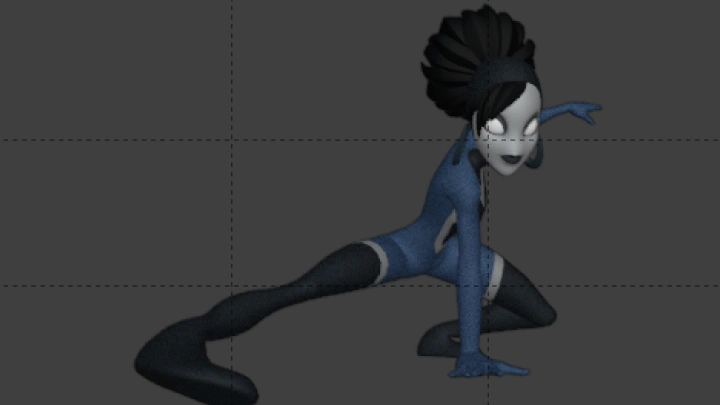
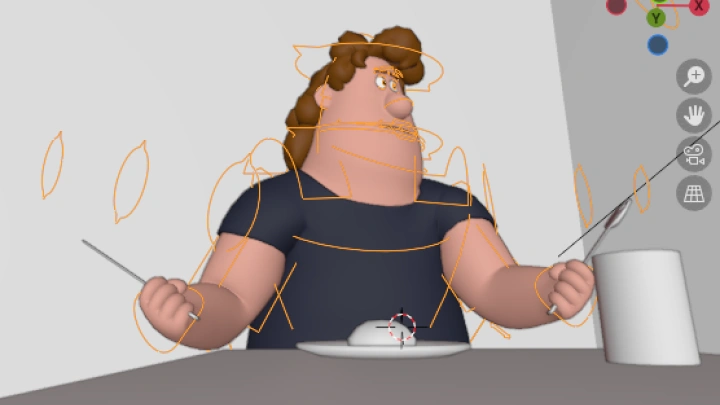
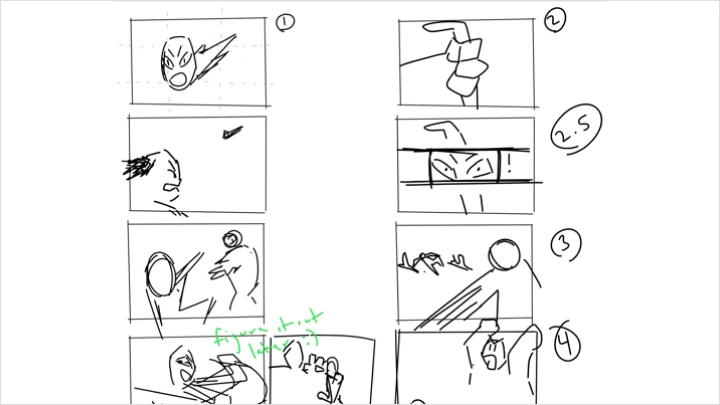
JOY of 3D breaks down how stylized movement and realism come together in advanced 3D character animation. He shows how intentional choices in movement, acting, camera motion, staging, and sequencing guide the viewer’s eye and shape the emotional weight of a shot.
Through structured chapters and exercises, these ideas are carried into a complete animated sequence, refining technical control while strengthening clarity, intention, and confidence in visual storytelling. By the end of the course, you won’t just animate more complex shots—you’ll understand why they work, and how to make every decision support the story you want to tell.
Through structured chapters and exercises, these ideas are carried into a complete animated sequence, refining technical control while strengthening clarity, intention, and confidence in visual storytelling. By the end of the course, you won’t just animate more complex shots—you’ll understand why they work, and how to make every decision support the story you want to tell.
Class Preview
Still Not Sure?
Check Out JOY of 3D's Class Preview!
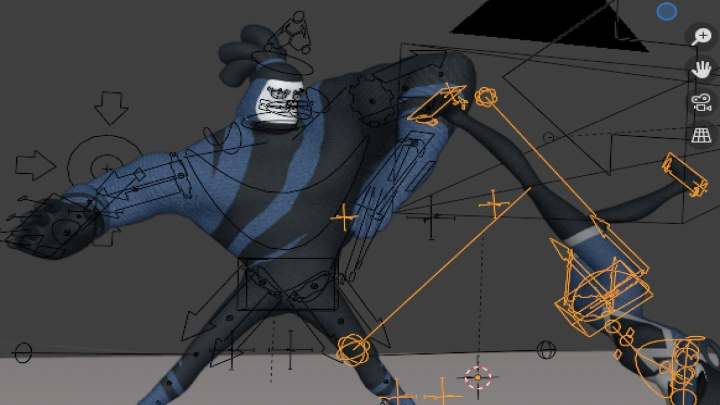
Chapter 5: Principles of Sakuga Animation
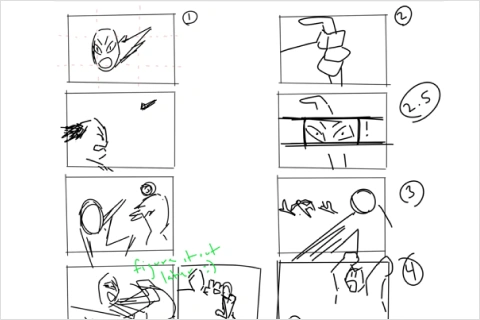
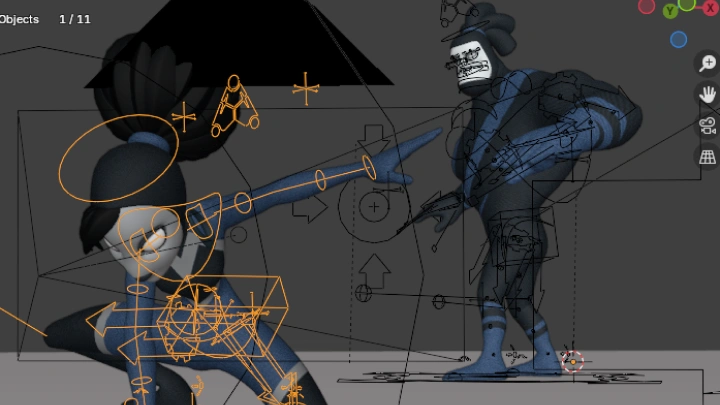
1. Understanding composition, dynamic perspective, and shape language to guide the viewer's eye
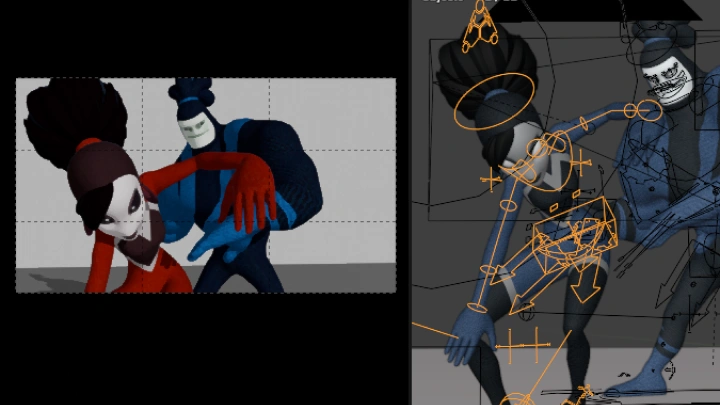
2. Animating the composition itself and treating the visual space as a character
2. Animating the composition itself and treating the visual space as a character
Class Perks
Special Gift from JOY of 3D
-
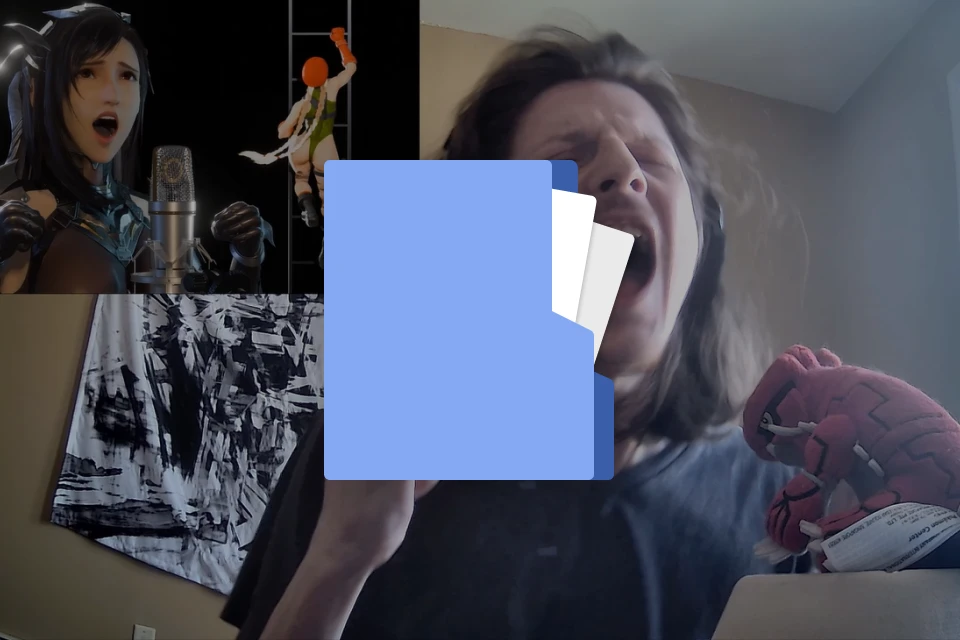 Character Acting Reference Library- Curation of original videos and open-source materials focused on character acting
 -
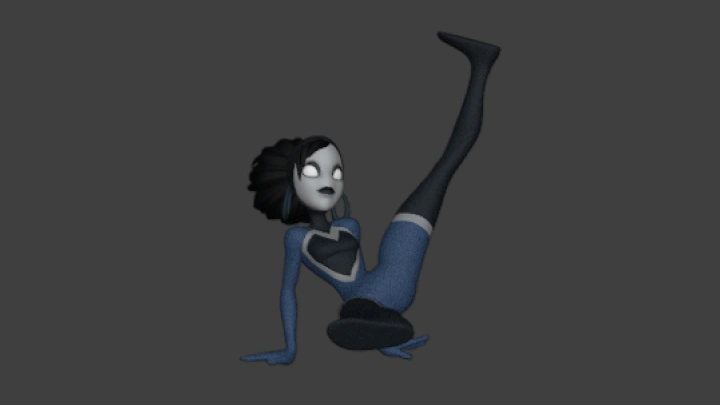
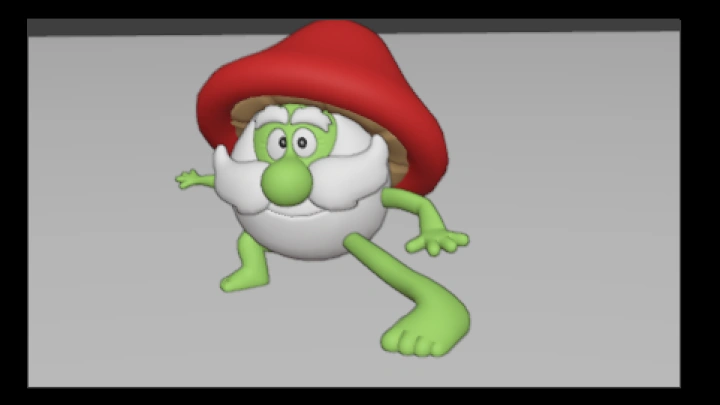
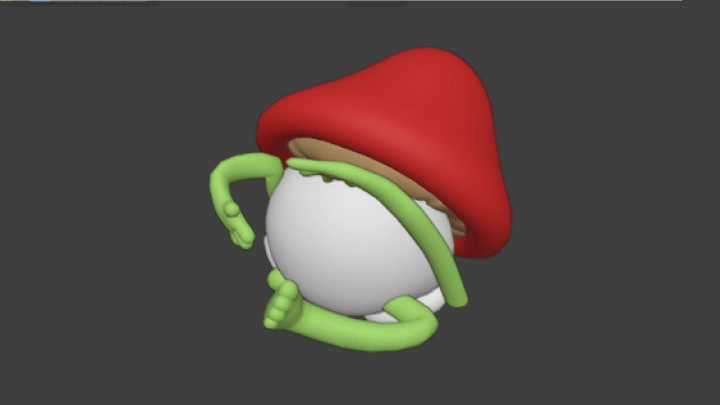
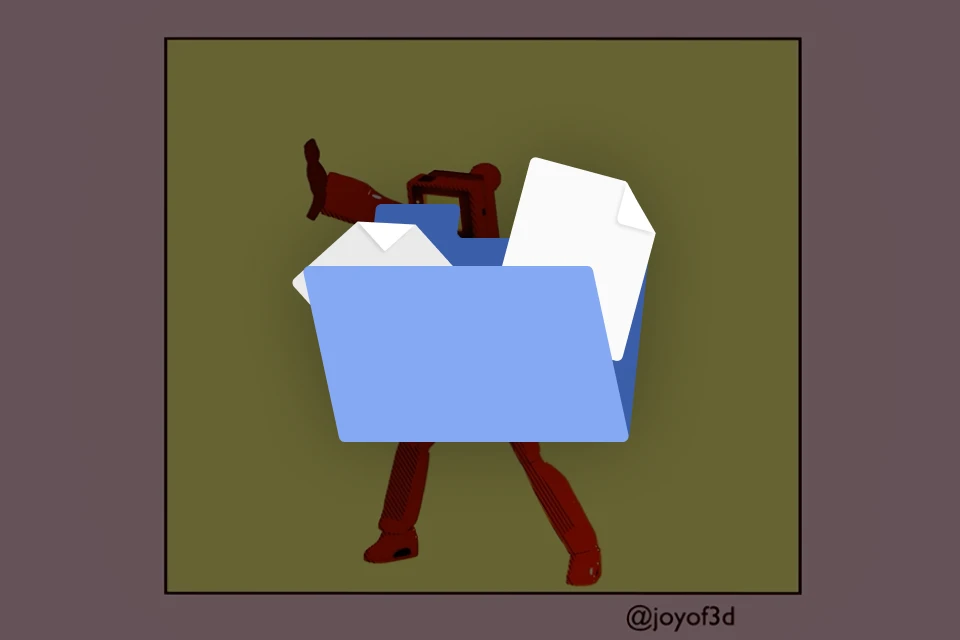 Original 3D Cartoon Practice Characters- Downloadable .blend files for hands-on animation practice
 -
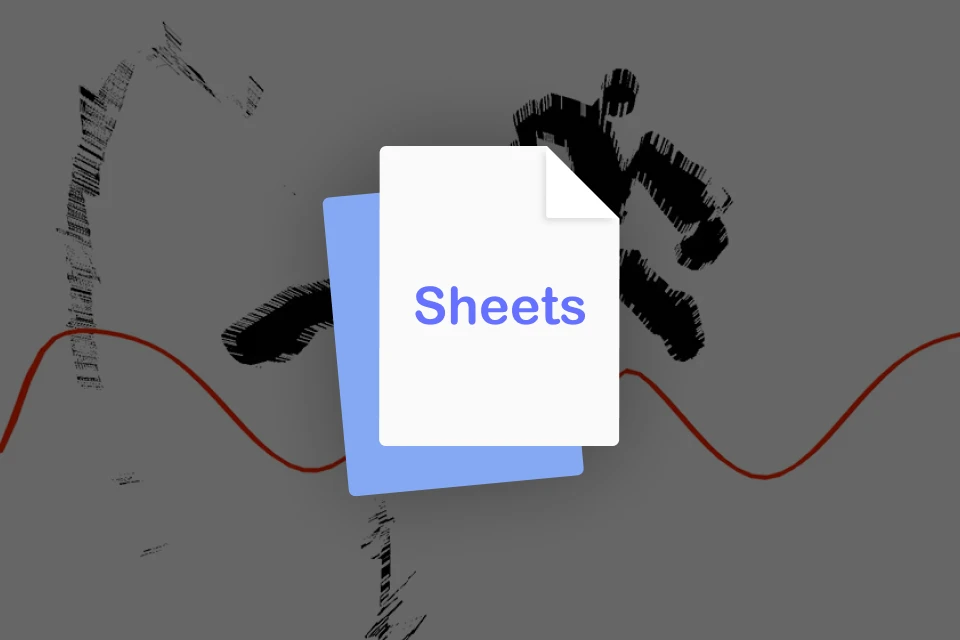 3D Art & Animation PDF Cheat Sheets- Illustrated PDF guides covering essential concepts and workflows
-
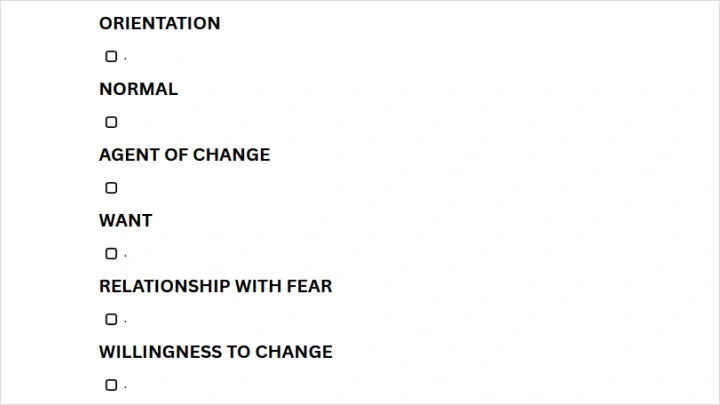
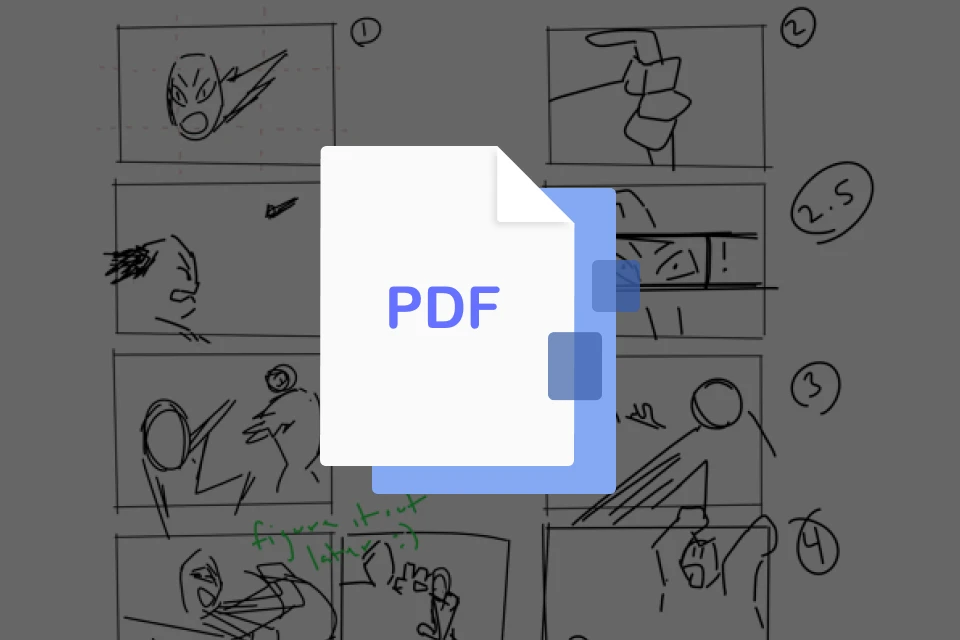 Storytelling Guides & Templates- Original story-blocking PDFs and reusable templates
 -
 Exclusive Role in JOY’s Discord Server- Special community role unlocked upon completion of final assignment
 -
Recommendation
Who should take this class?
Intermediate 3D animators looking to deepen their grasp of animation fundamentals while expanding their creative toolkit
Professional animators seeking fresh perspectives and new approaches to 3D animation workflows and techniques
Independent artists and animators committed to developing original films, series, shorts, or narrative-driven projects
3D Artist
JOY of 3D's Course Series
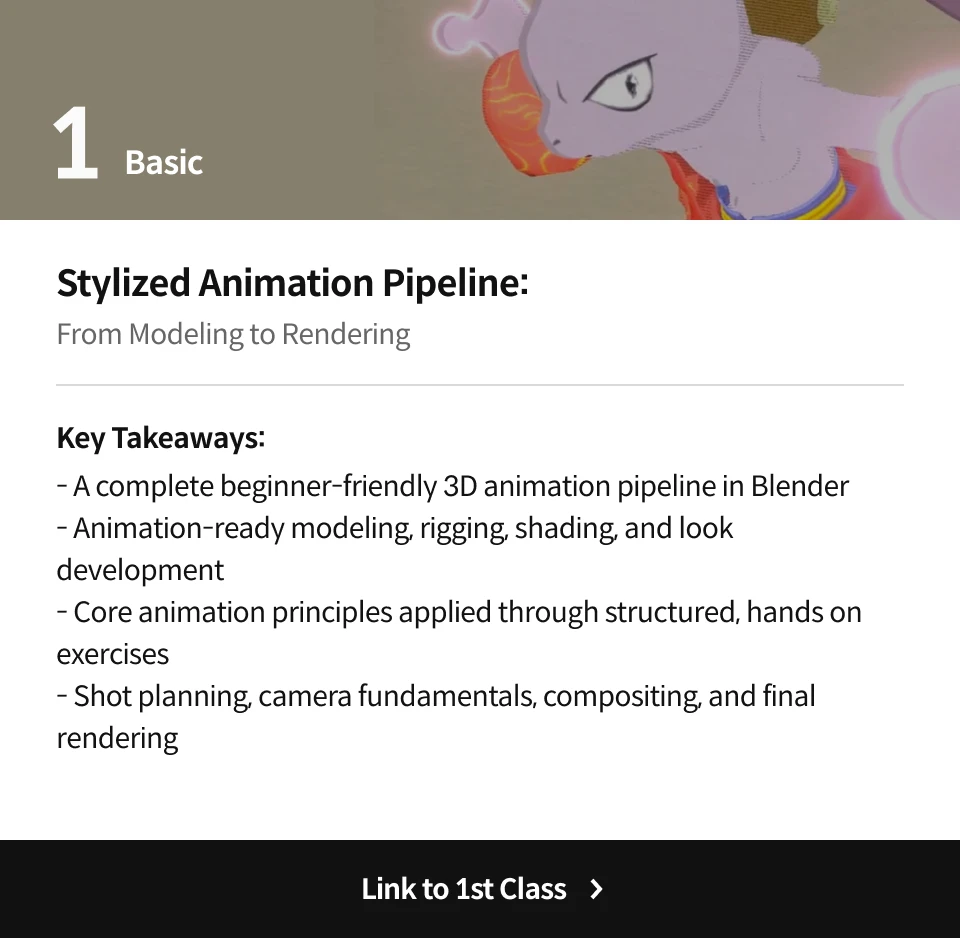
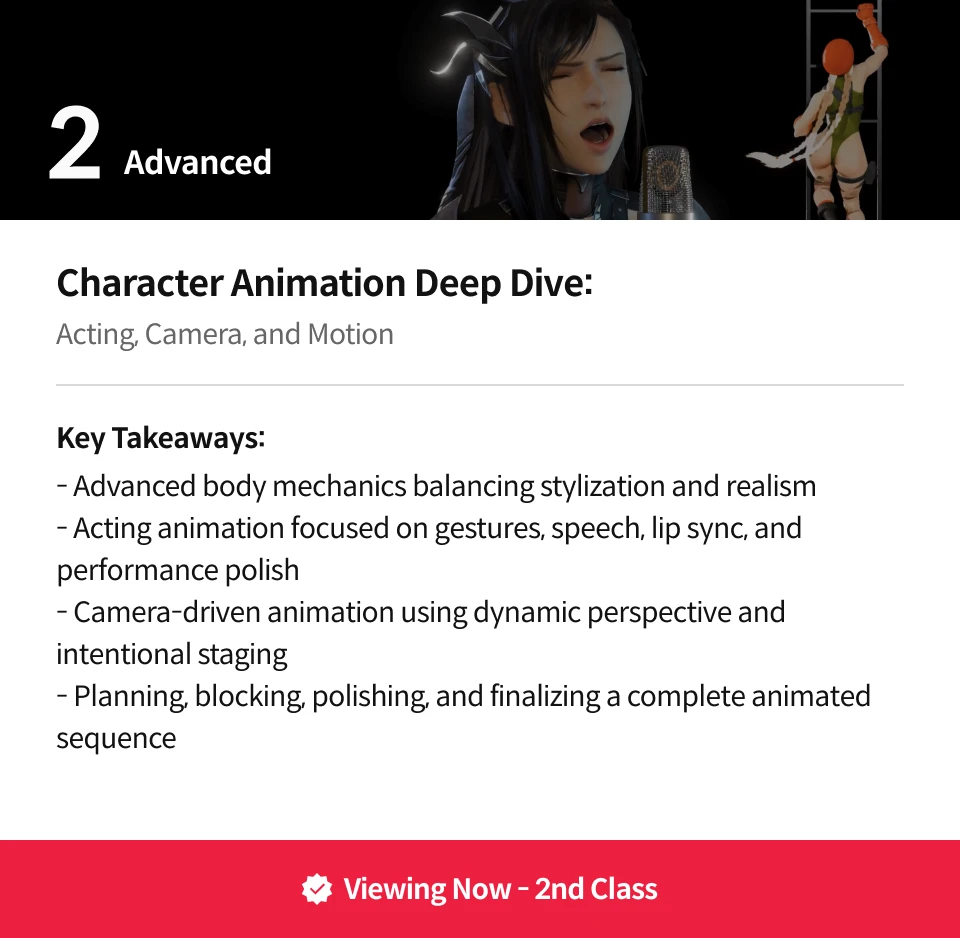
Expert 3D Animator JOY of 3D's Portfolio

* This Portfolio includes fanart.
Why Take This Class?
This course guides you through building an advanced 3D animated sequence from scratch, all the way through editing in DaVinci Resolve. JOY leads you through focused exercises, showing how intentional artistic decisions come together in a finished animation. You’ll also pick up practical tips for creating work with clear purpose, a distinct personal style, and strong, compelling motion.
Beyond technical skills, you’ll learn to think and work like a professional animator. Through JOY’s workflow and approach, shaped by both industry experience and teaching, you’ll see how an animator identifies problems, makes decisions, and develops ideas. By the end of the course, you’ll naturally absorb these ways of thinking, building stronger 3D animation skills and a creative perspective that is both industry-ready and personally meaningful.

Get Ready for the Real-World
12 Class Exercises
-
Refining & Polishing Strong Key Poses
-
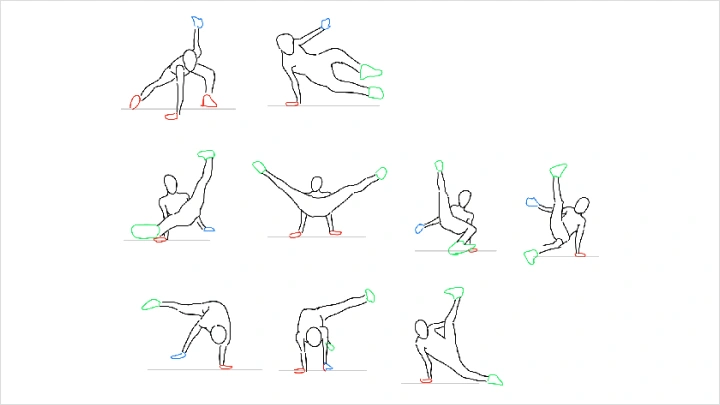
Animating a Breakdance from Scratch
-
Posing the Camera with a Character
-
Treating Visual Space as a Character
-
Depicting Airborne Action
-
Designing Clear Mouth Shapes
-
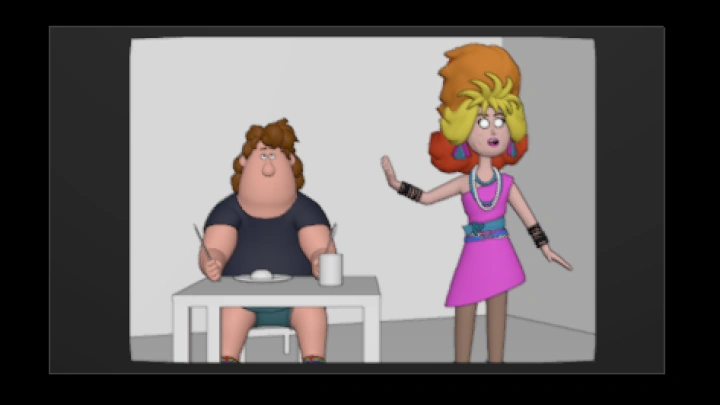
Blocking an Acting Shot
-
Polishing & Finalizing the Acting Shot
-
Breaking the Rules (Mini Lesson)
-
Planning Out a Big Sequence
-
Blocking a Multi-Shot Sequence
-
Polishing a Multi-Shot Sequence
Final Product Example(s)
-
Polished Action Shot 1
-
Polished Action Shot 2
-
Polished Character Acting Shot
-
Body Mechanics Animation(s)
-
Character Acting and Action Sequence
Highlights
Class Highlights
Dynamic Perspective & Posing
Learn how to pose and animate characters with camera, composition, and environment in mind. Combine these elements to enhance impact, depth, and visual storytelling.
Character Acting & Lip Sync
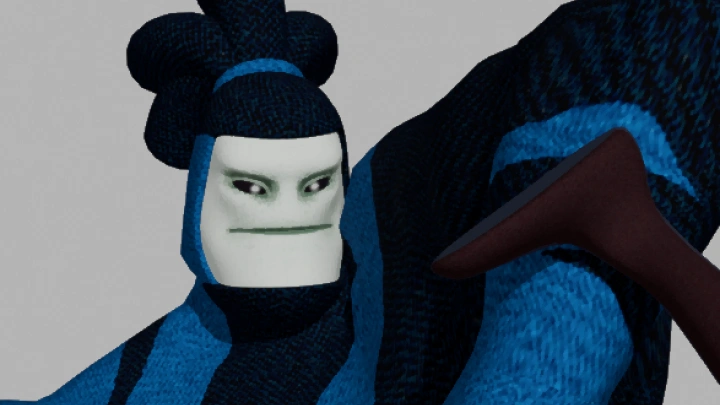
Create emotionally driven animations by shaping character movement, facial expressions, gestures, and lip sync into believable performances.
Story Structure & Sequencing
Understand story fundamentals and build animation sequences that clearly communicate story beats throughout an entire animation.