TechnicalDirector,DongseokKim_3D 캐릭터 테크니컬 디렉터 김동석 Details
Lecture Guide
Class Intro
3D Character Technical Director, Dongseok Kim
"Many people find it difficult to implement character rigging and skinning. Through this lecture, we will teach you everything, starting with the concepts and basic principles of character rigging and skinning, as well as expert know-how that can be widely used in practice."
Everything you need to know about character rigging from the technical director of top-tier game company Ubisoft.
Have you ever been worried about a character that keeps creaking and snapping, or that your skills are not improving even though you want to create a natural and attractive character?
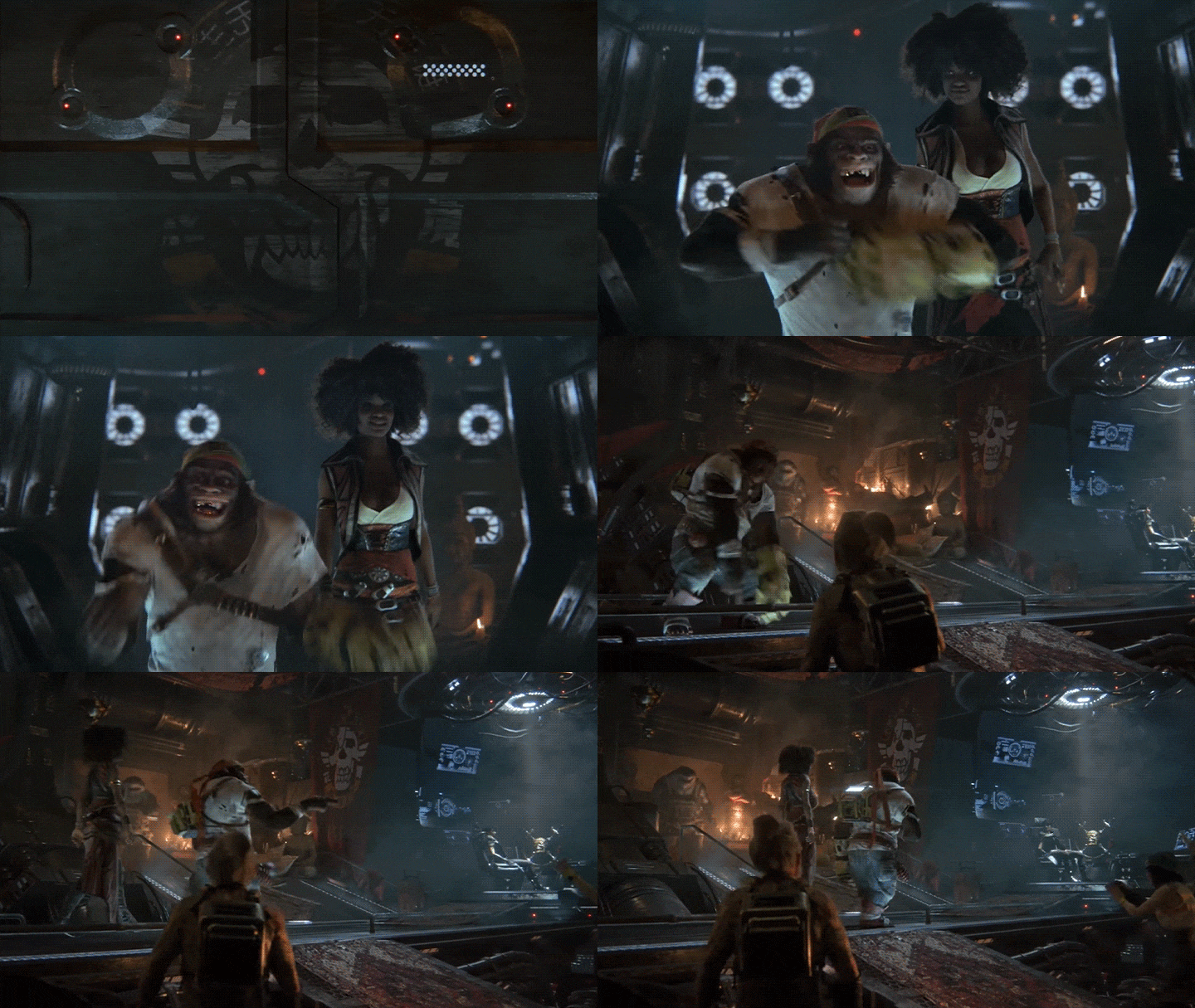
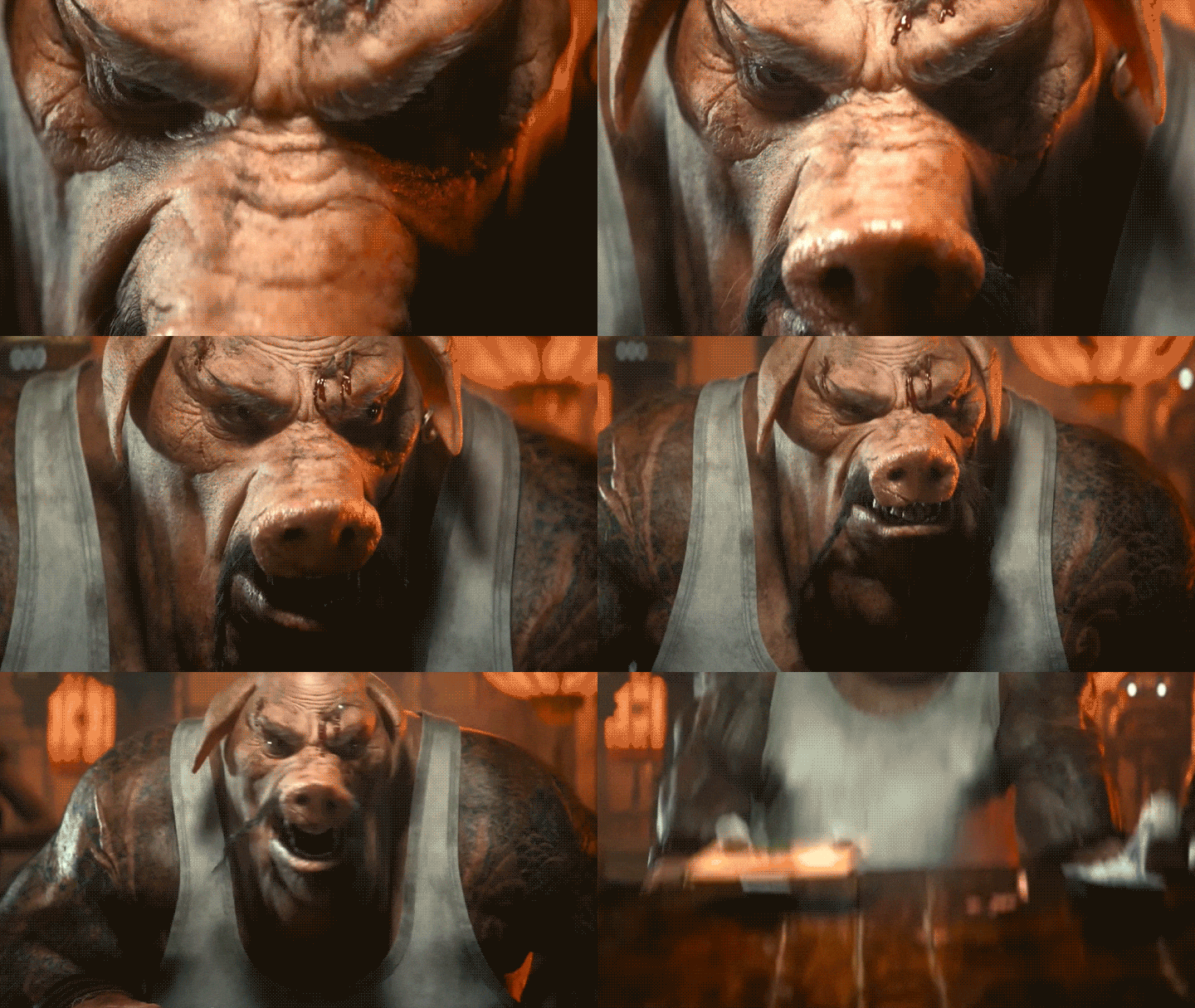
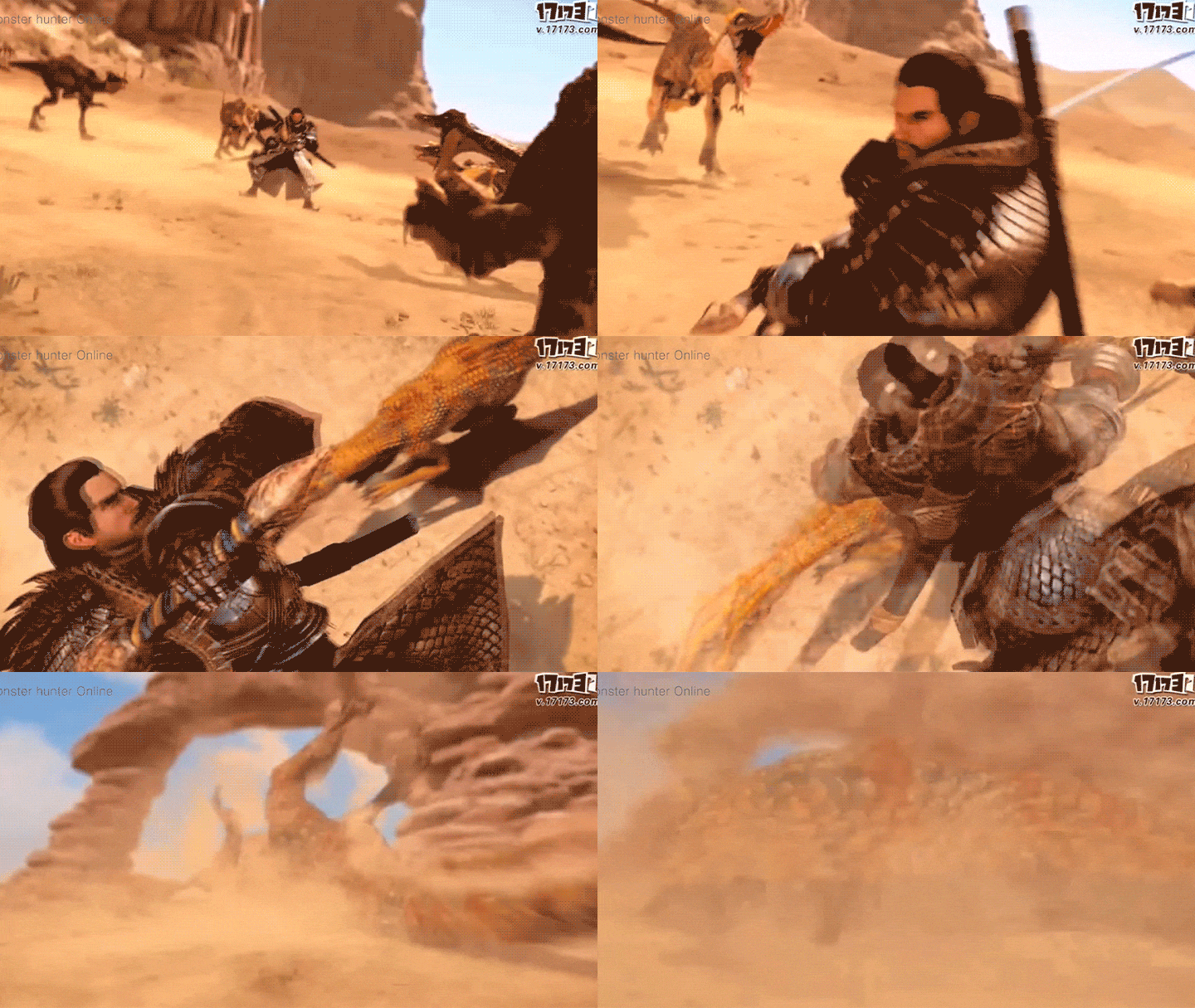
3D Character Technical Director Dongseok Kim seok, who worked on characters for top game makers such as Ubisoft's Beyond Good and Evil 2 and Capcom's Monster Hunter, will teach you all the skills and know-how necessary for rigging game characters.
3D Character Technical Director Dongseok Kim seok, who worked on characters for top game makers such as Ubisoft's Beyond Good and Evil 2 and Capcom's Monster Hunter, will teach you all the skills and know-how necessary for rigging game characters.
From rigging methods for 12 different human body parts to reverse joint, cartoon, and mechanical rigging know-how, skinning skills that will enhance realism, and embodiment through various example exercises.
Master rigging using 3ds Max and learn the practical skills of a 22-year-old character TD to grow into a competitive artist!
Master rigging using 3ds Max and learn the practical skills of a 22-year-old character TD to grow into a competitive artist!
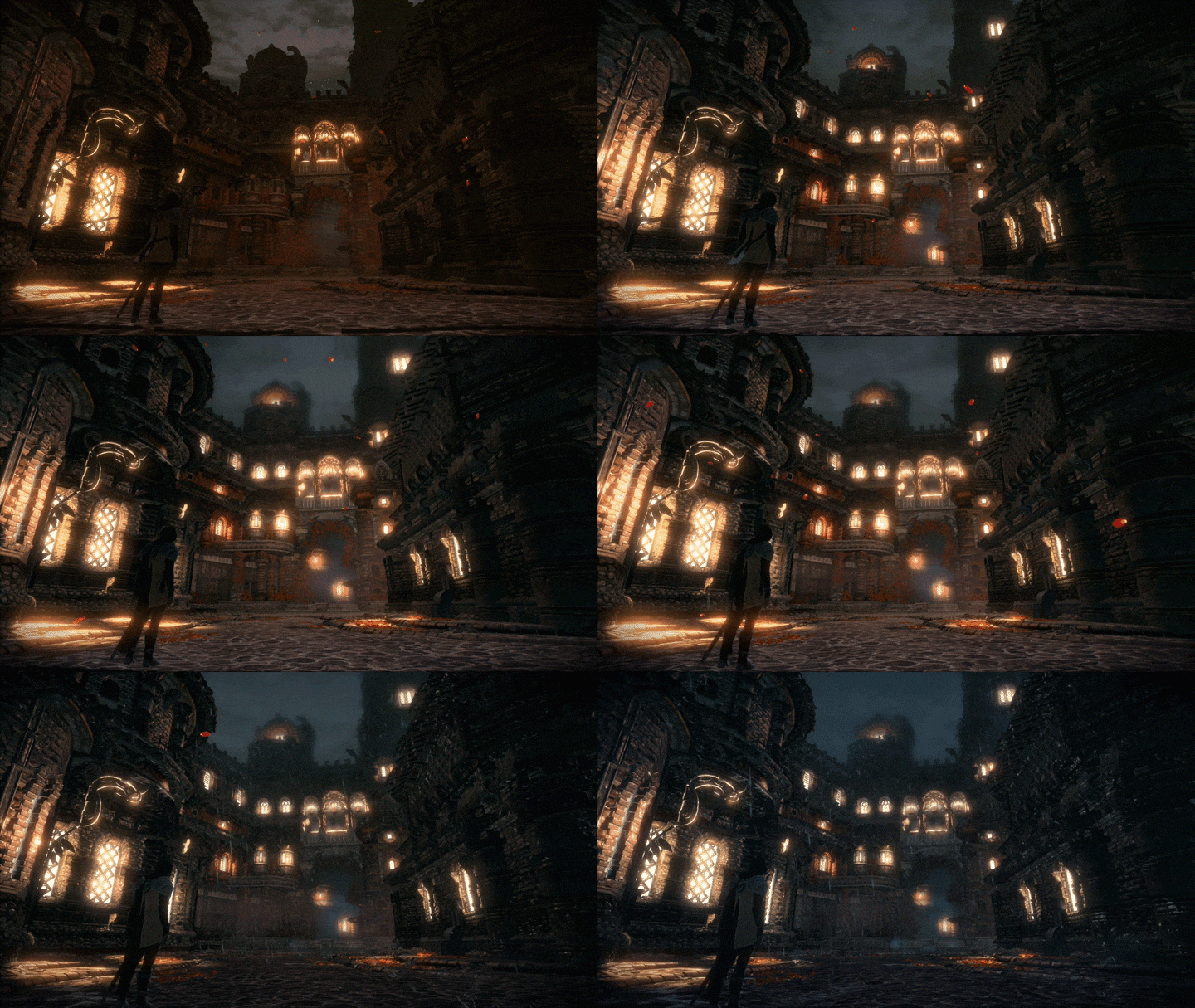
Expert 3D Character Technical Director, Dongseok Kim's Portfolio
Why Take This Class?
There are many places to learn the basics of character rigging, but there are not many lectures that cover everything from the basics to practice of various rigging methods, such as reverse joints, mechanics, and cartoon rigging.
However, in this class, you will learn not only the basic concepts of rigging, but also various rigging and skinning skills, and practical know-how for efficient work. You can learn in one go.
A course where you can learn all the skills necessary for character rigging according to the working methods of a world-class game maker,
You can only find it at Coloso.

Practice with step-by-step examples from basics to applications.
Rigging basic example
-
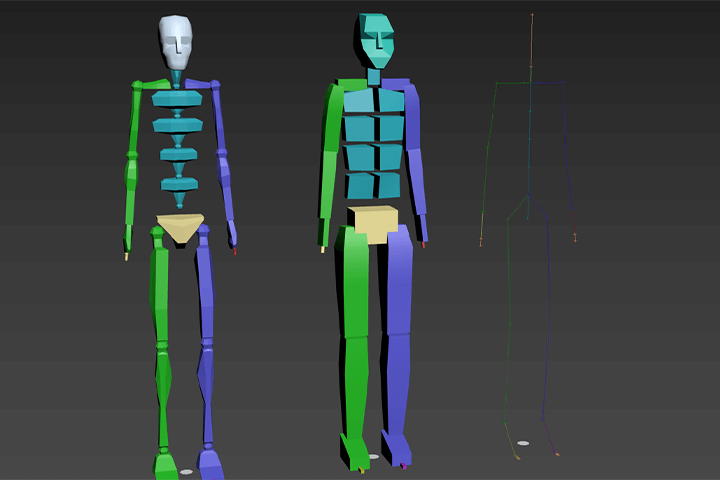 Using Bipad
 -
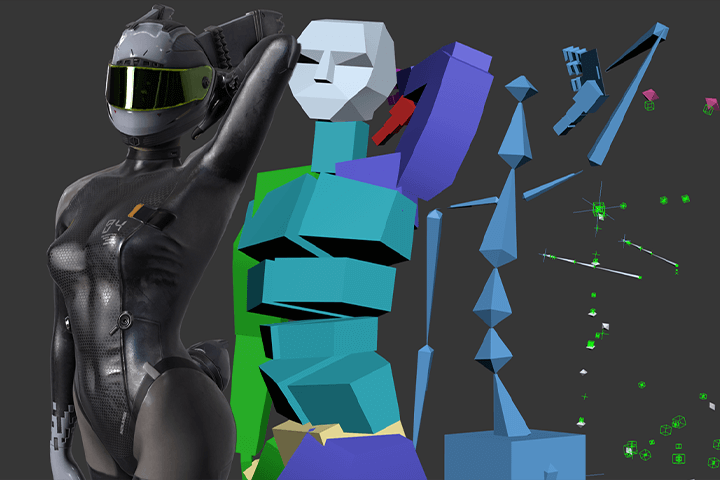 Structure of rigging
 -
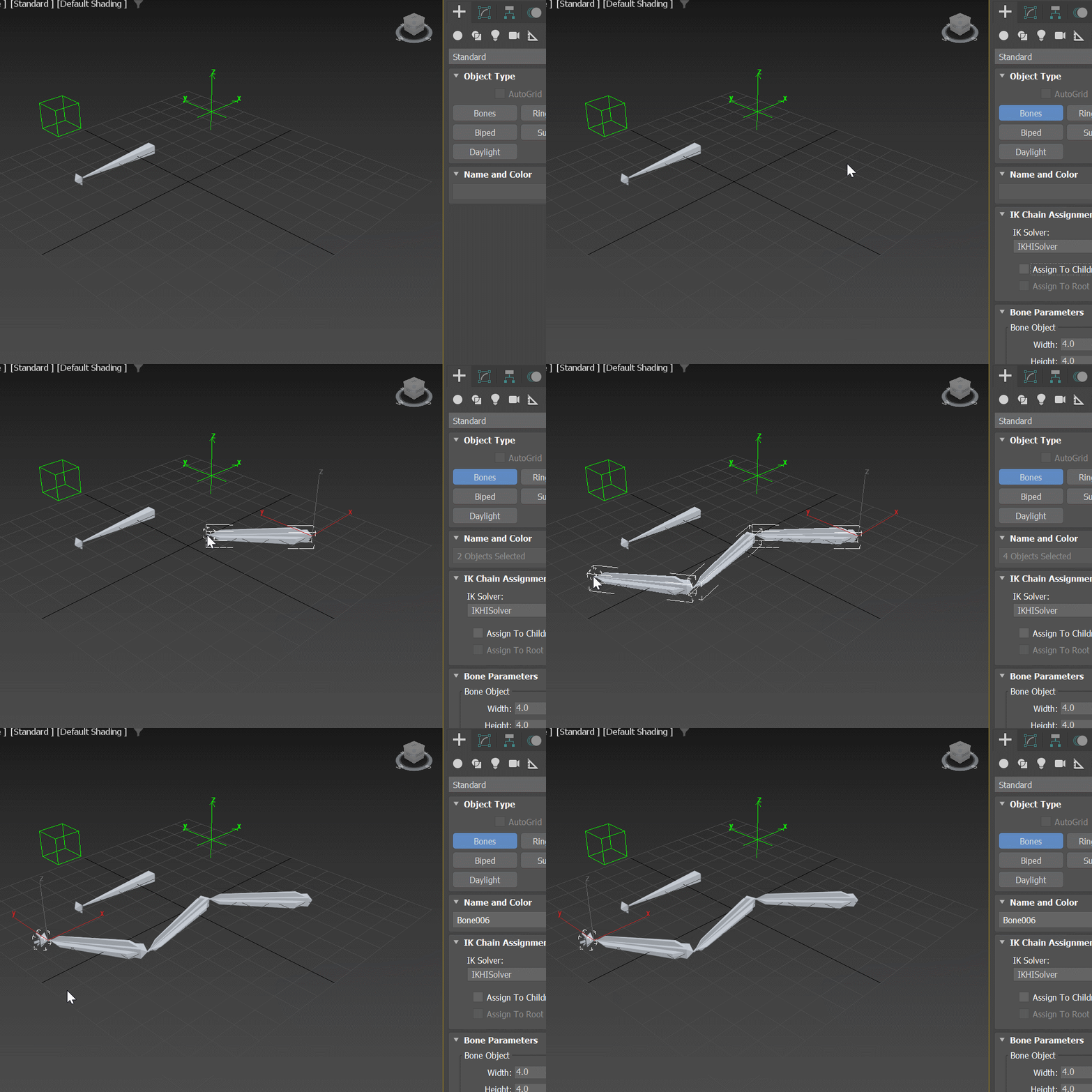 Creating patterns
 -
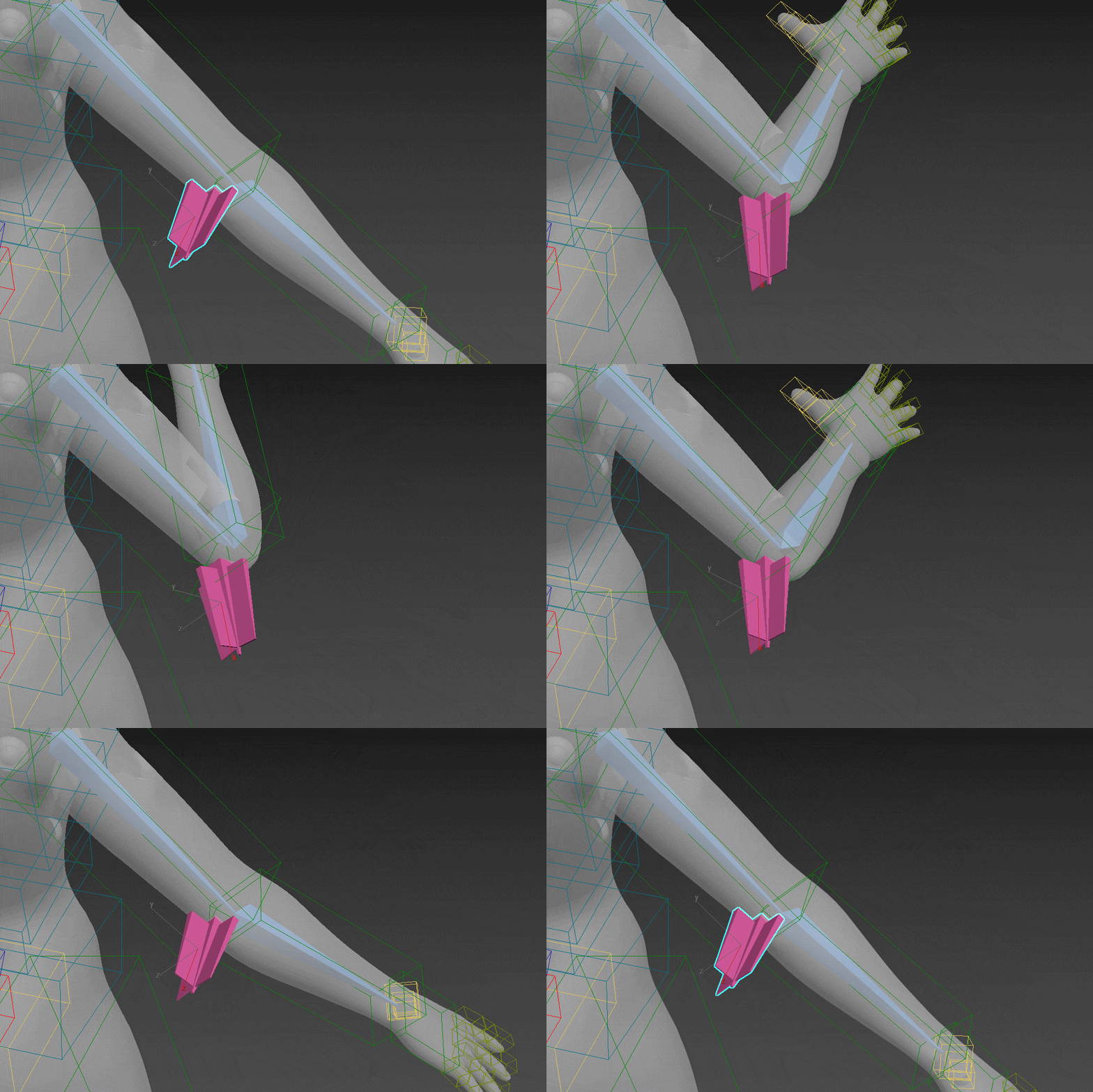 Creating additional elbow bones
 -
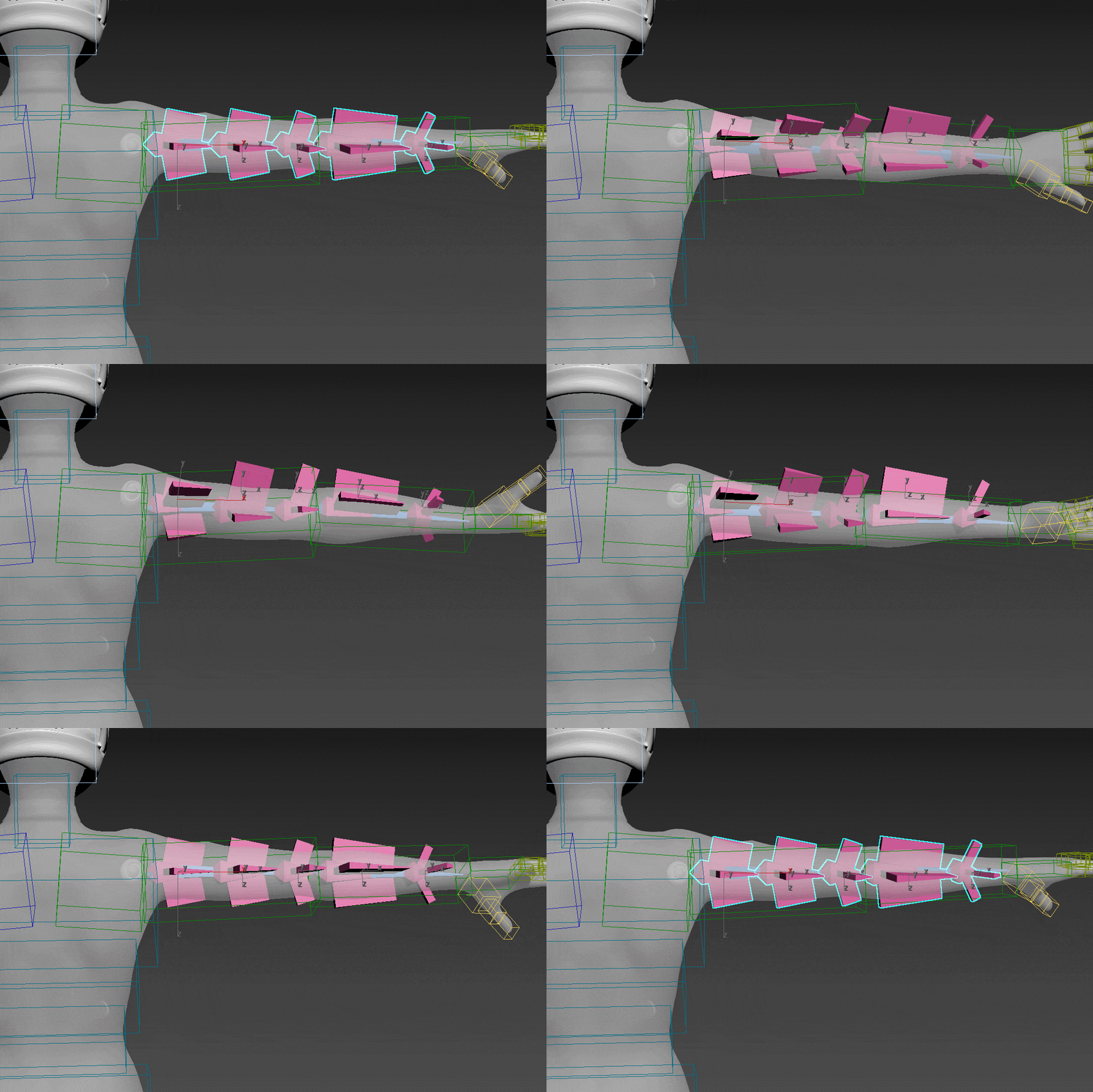 Making a twisted bone
 -
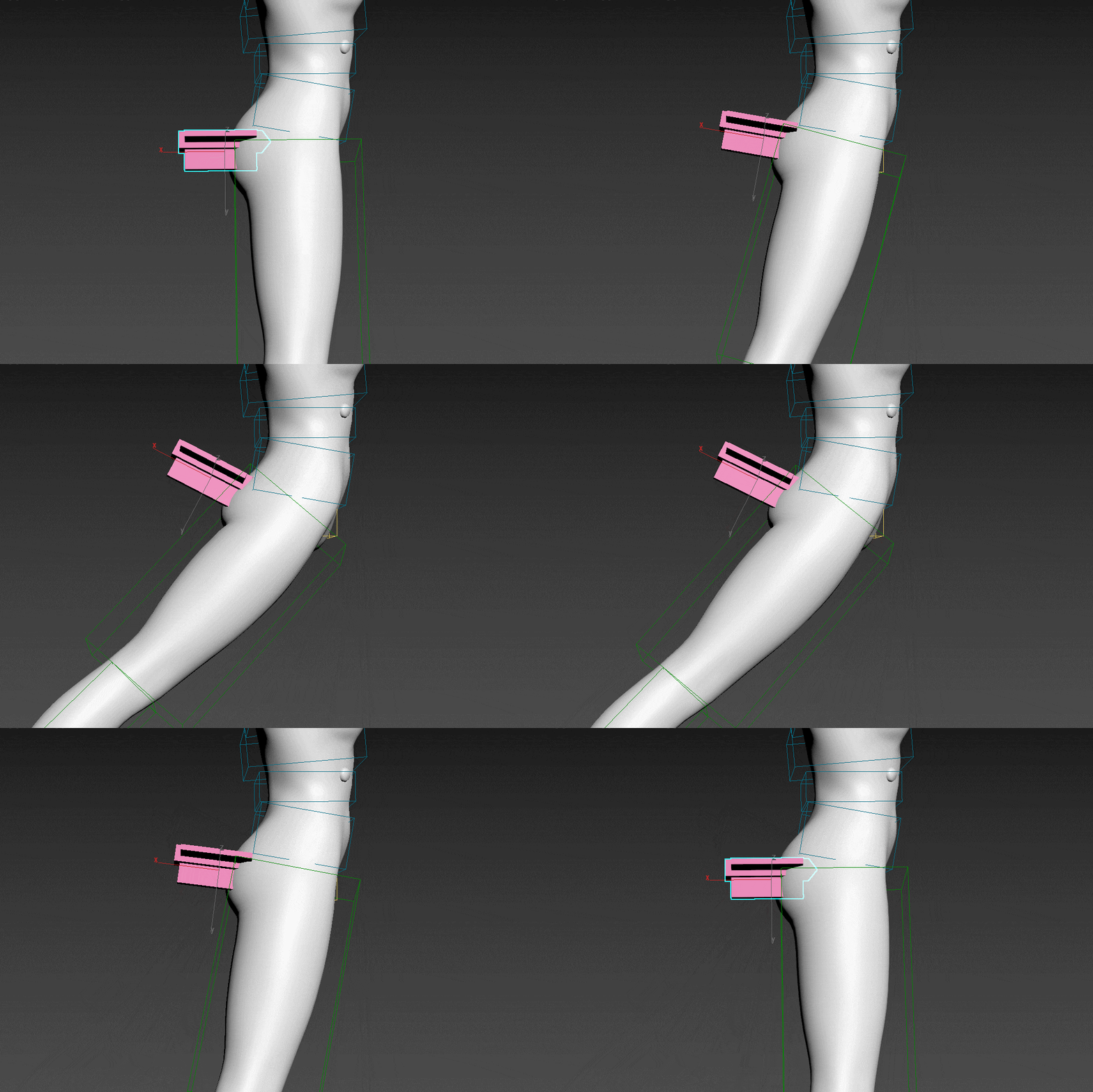 Creating a butt pattern
 -
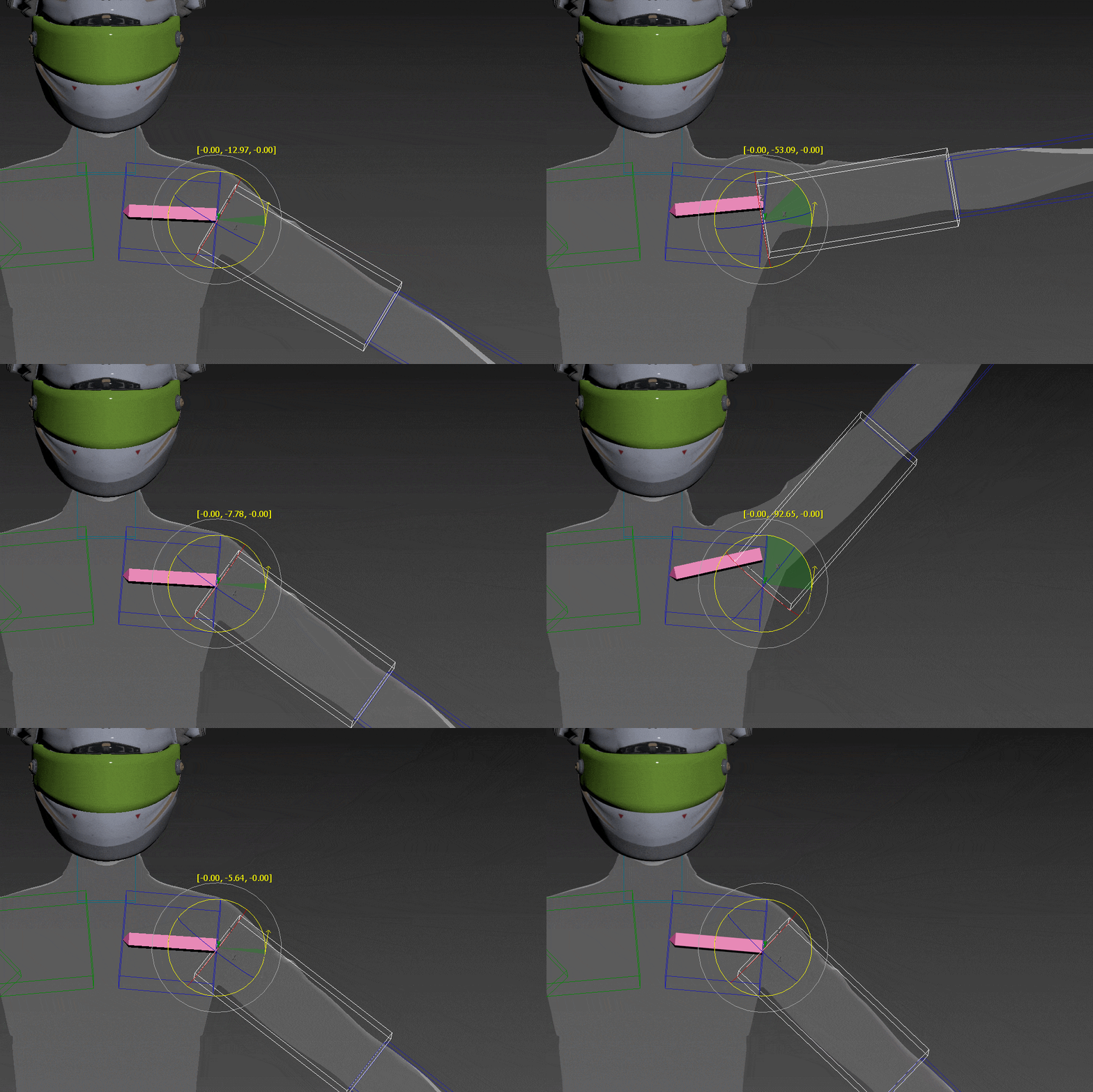 Making the clavicle
Rigging/Skinning Application Example
-
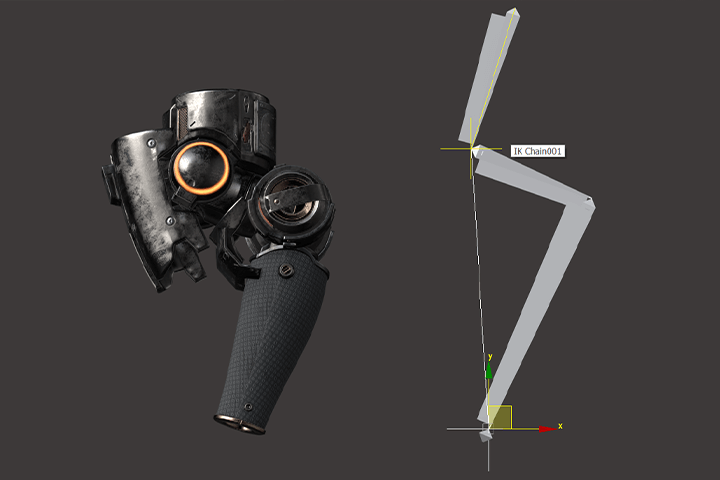 Reverse joint leg movement
 -
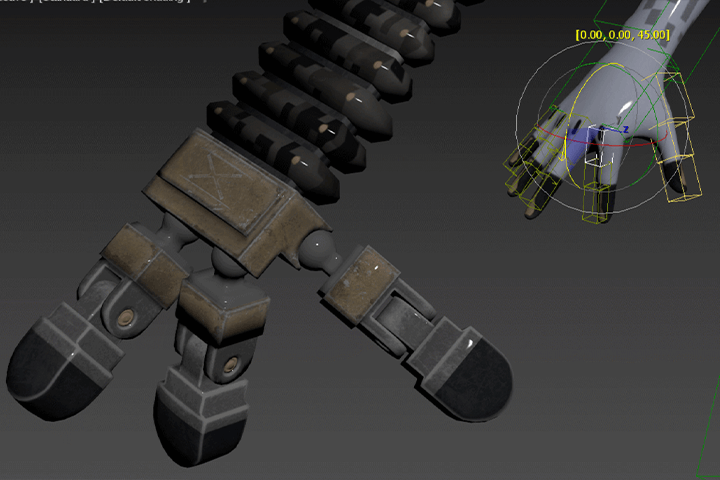 Controlling the robot hand
 -
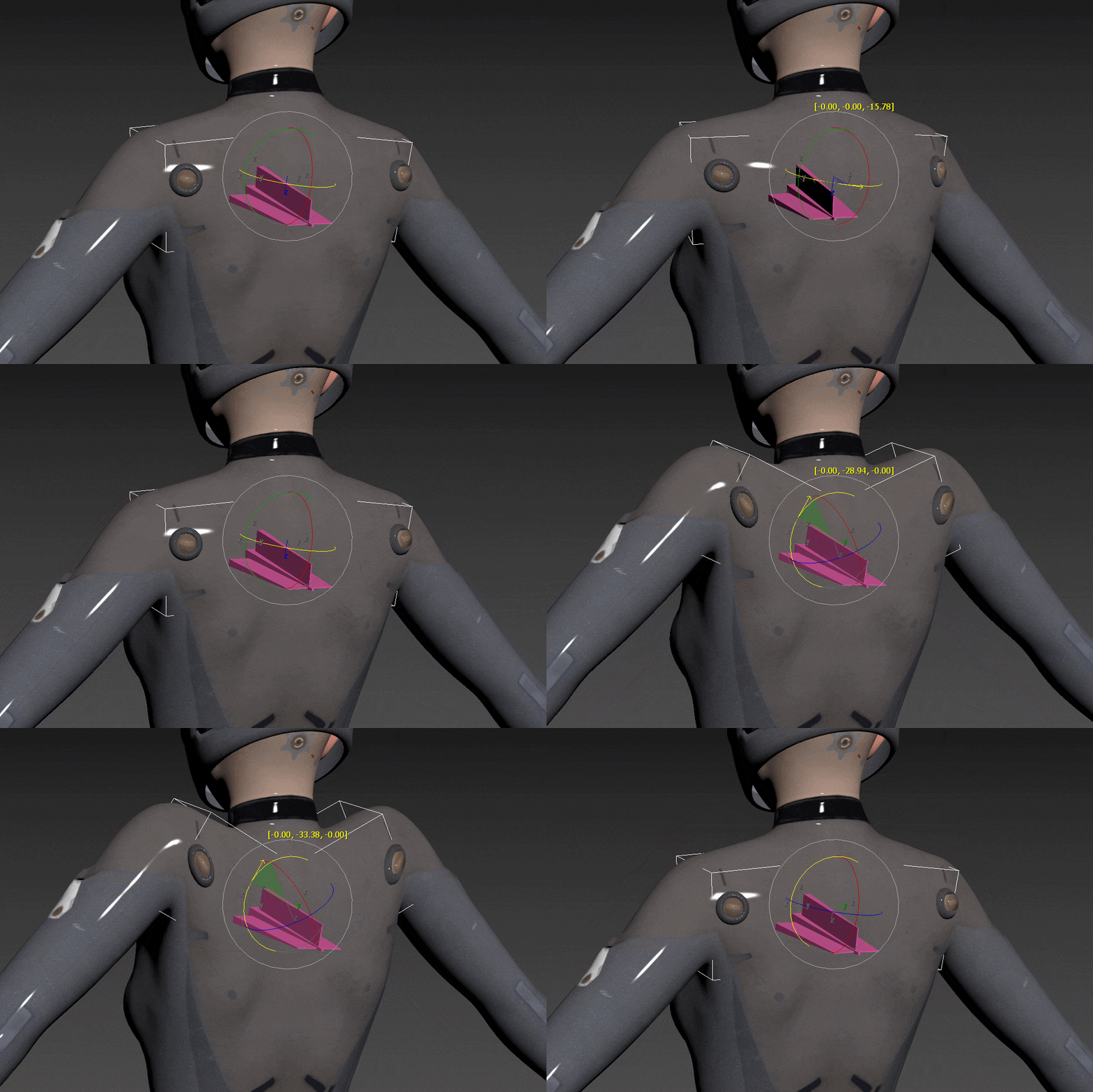 Rigging technique that follows the surface
 -
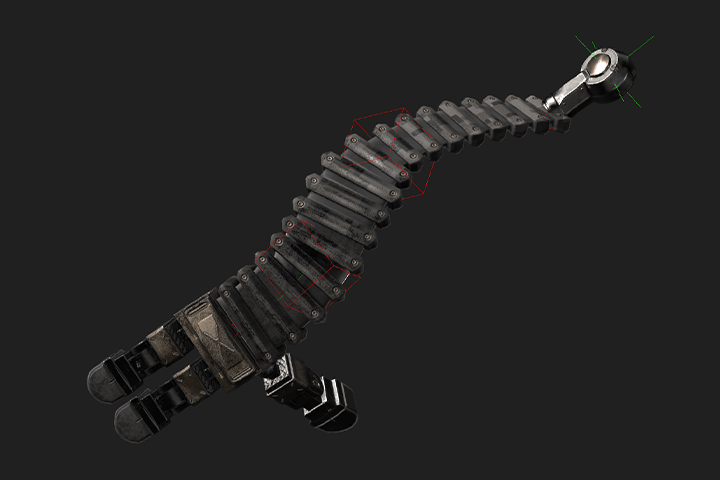 Cartoon Rigging (Elastic Arms)
 -
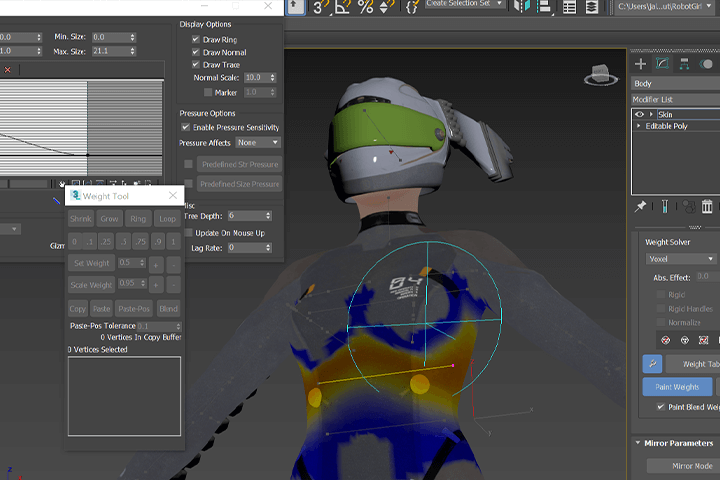 skinning
 -
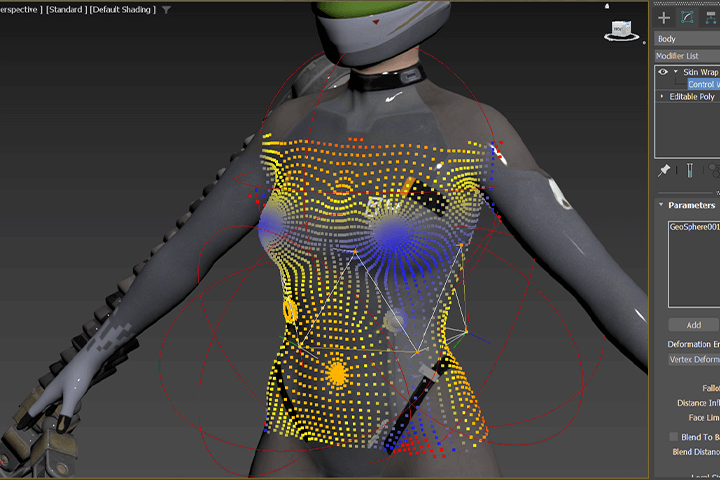 skin wrap technique
final render shot
-
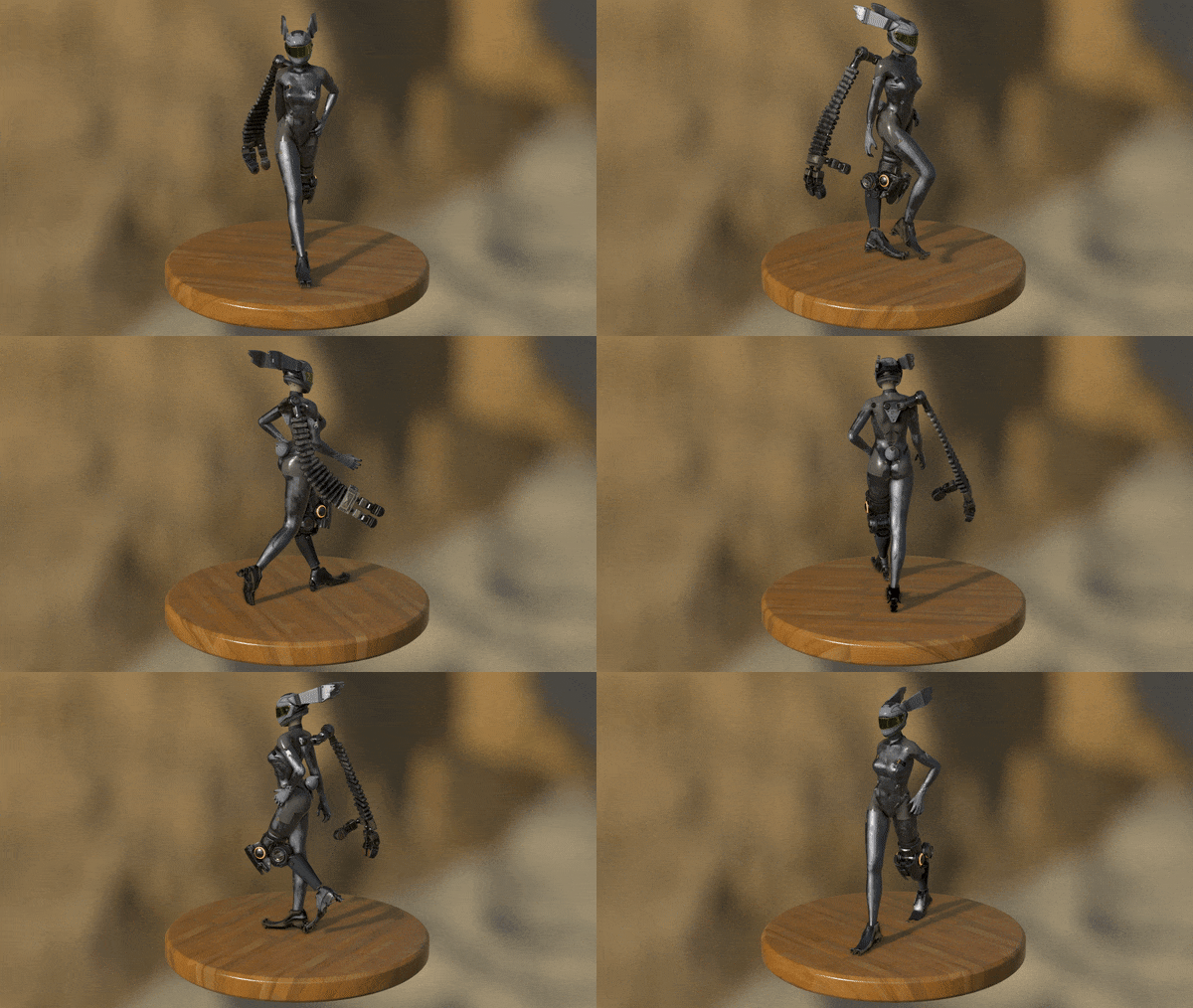 Walking Turntable
 -
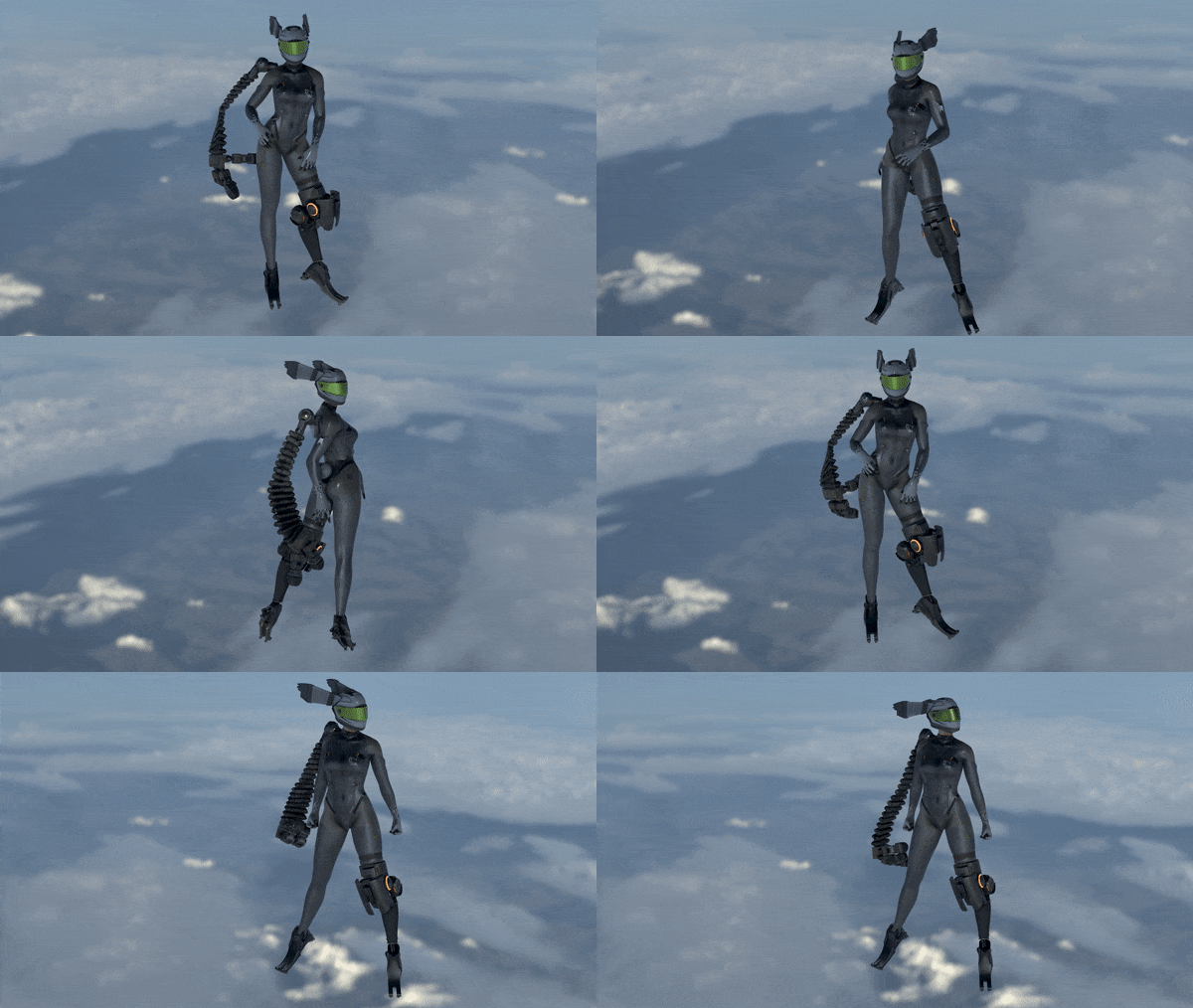 Sky Posing
* This image is an example image to help you understand the class.
Speaker introduction
3D Character Technical Director
Dongseok Kim
Hello, this is Dongseok Kim.
I started my career as a modeler in 2000, worked at Nexon, Identity Games, Capcom, and NCSoft, and am currently working as a 3D character technical director for Ubisoft's Beyond Good and Evil 2 project.
So far, I have mainly been making games in the MMORPG genre, producing shaders, designing character creation pipelines, rigging and 3D scanning pipelines, etc.
In this lecture, I have prepared to share all the work know-how I have accumulated over 22 years of working in the field.
We will teach you 3ds Max bone rigging and skinning techniques, which are essential for creating game characters, in a way optimized for practical use.
Through this lecture, I hope you will grow into an artist who can create better characters beyond the walls of the character studio.


3D Character Technical Director Dongseok Kim
Current) Ubisoft
Beyond Good and Evil 2 - Character Technical Director
Projects & Awards
Former) NCSoft
Project LLL - Senior Technical Artist
Project MAV - Lead Technical Artist
Former) Capcom
Monster Hunter Online - Senior Technical Artist
Former) Eyedentity games
Dragon nest 2 - Lead Technical Artist
Former) Nexon
Lead Character Artist
Lecture recommendation
Class Highlights
Basic concepts of character rigging that work on any platform
We will teach you basic rigging concepts commonly used across all platforms, including 3ds Max, Maya, Motionbuilder, Unity, and Unreal Engine, in an easy and accurate manner. Through this, you can grow into an artist who can produce high-quality rigging in any situation.
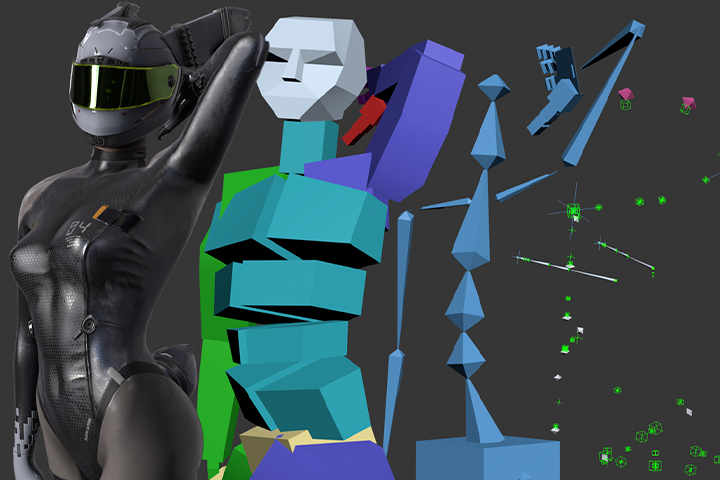
Simultaneously combines the efficiency of ‘Bipad’ and the expertise of ‘Bone Rigging’
Focusing on the basics of 3ds Max bone rigging, you will learn how to rig each human body part, mechanics, and cartoon rigging. In addition, by learning how to use the bi-pad to increase efficiency, you can quickly perform better quality rigging work.

Practical techniques from a character technical director with 22 years of experience
We will teach you all of the practical technique know-how of character TD, who has been in the field for 22 years, including modularization of rigging and reuse of skinning to produce natural animation with minimal manipulation.
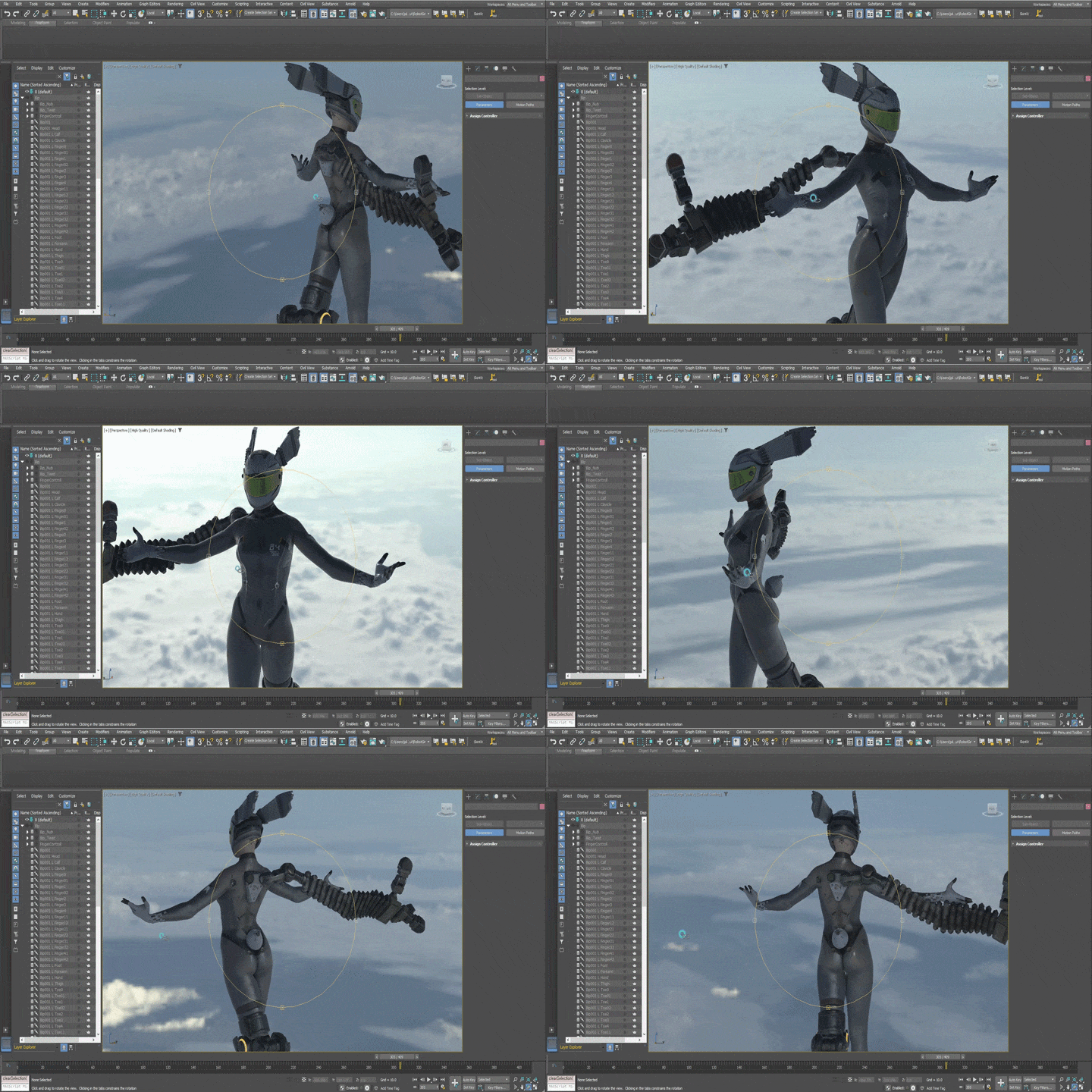
Class composition
Class Details
You'll Learn
-
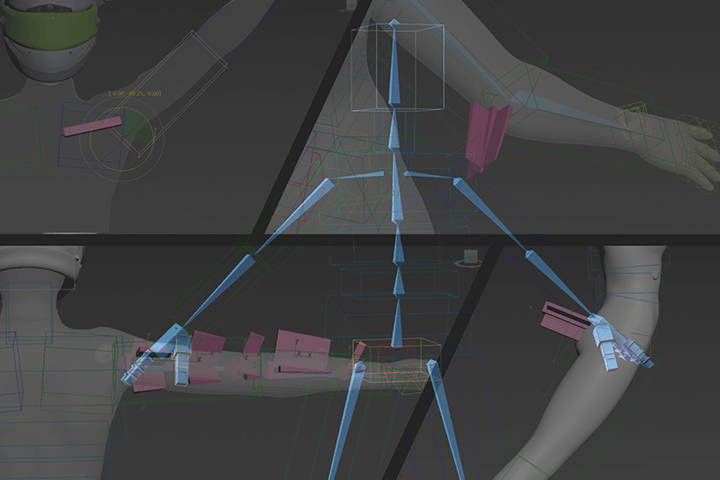 Basic rigging concepts to understand from the beginningBasic concepts come together one after another to create one big flow. In this course, you can gain a comprehensive understanding of rigging methods and processes.
 -
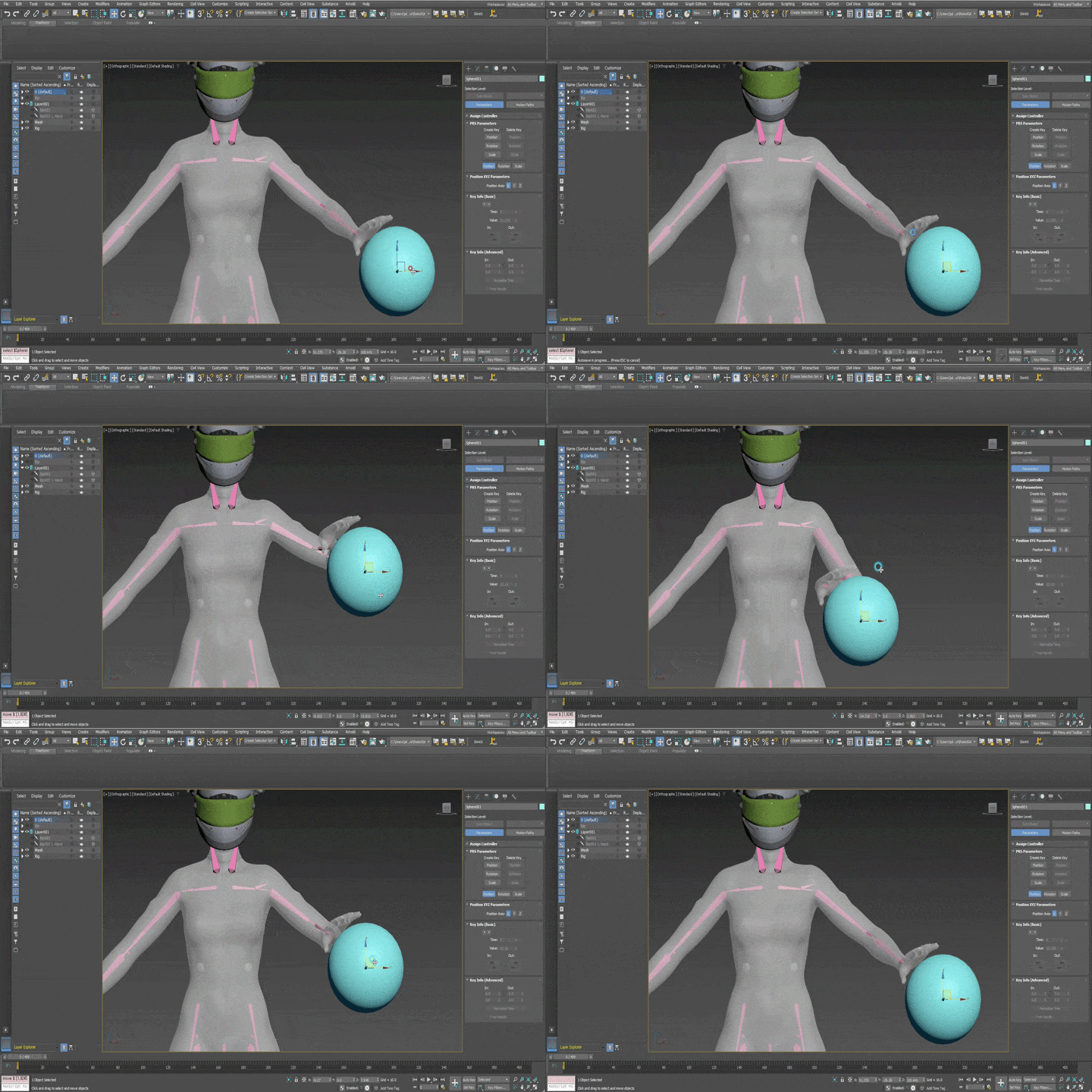 How to use bipad for efficient riggingWe will teach you how to use the 3ds Max bipad. This allows you to improve the quality of rigging more easily and conveniently.
 -
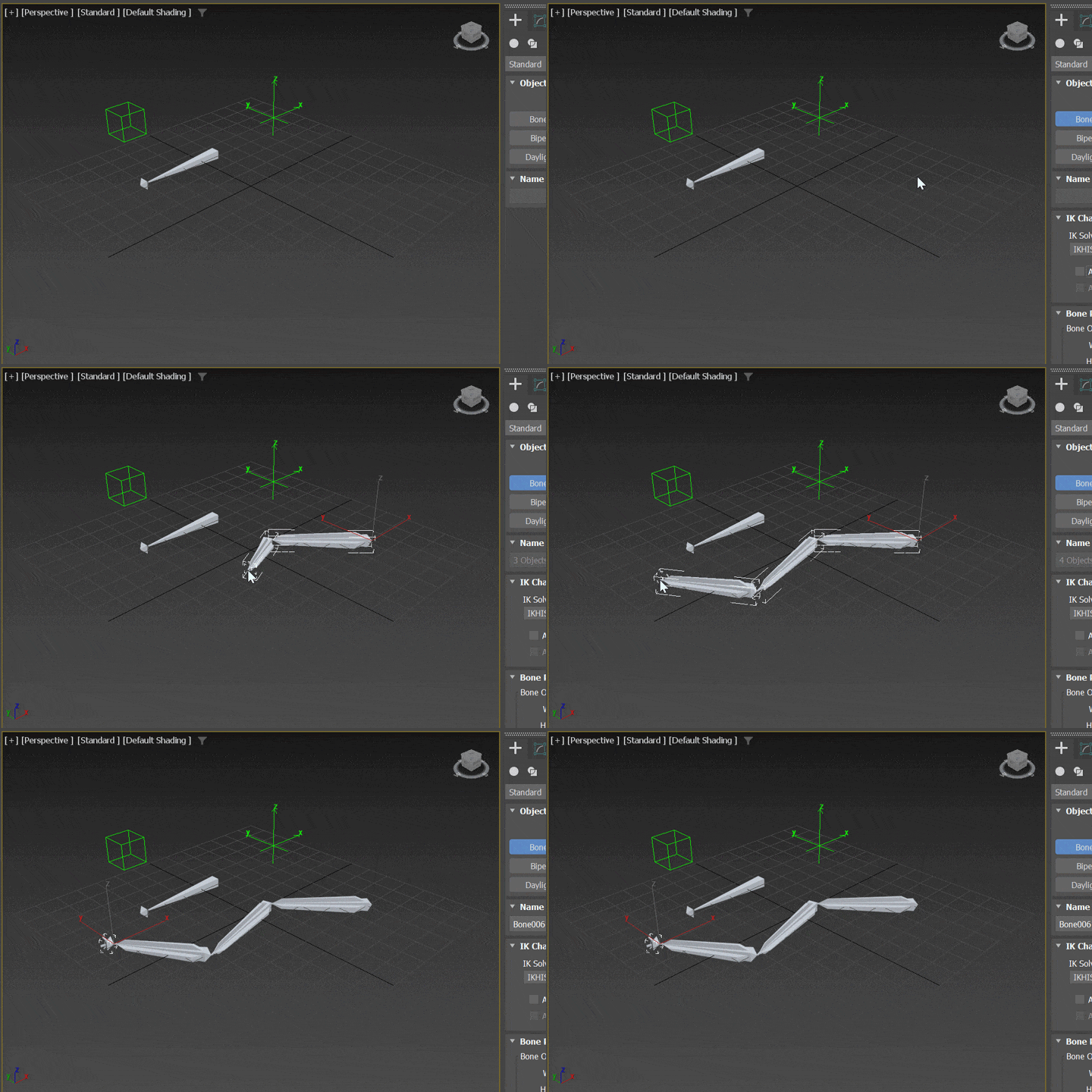 Structure of rigging used in practiceWe will inform you of the rigging structure used in actual practice. This allows you to maximize the efficiency of rigging production.
-
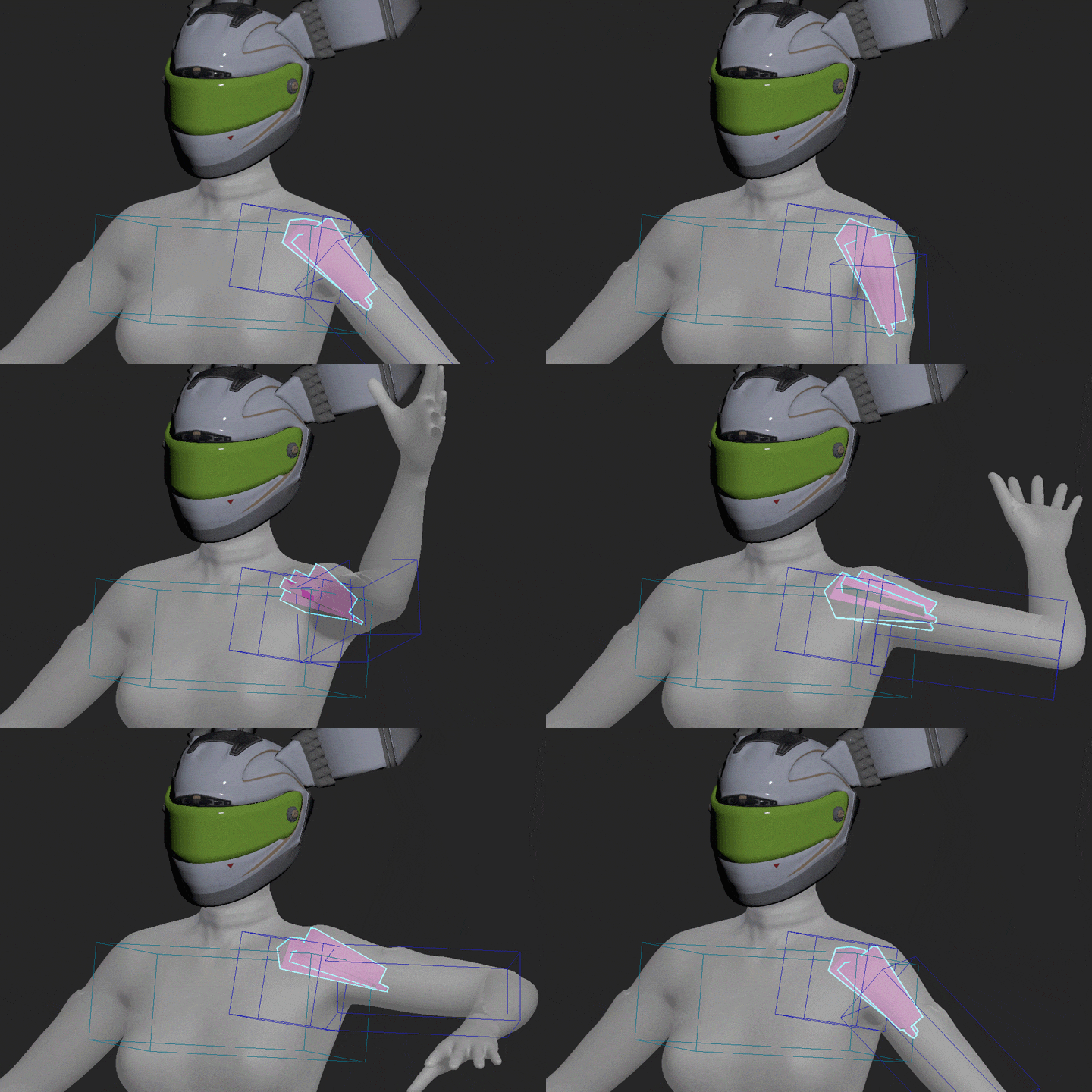 Rigging Techniques for CharactersTo help you create natural characters in any pose, we teach you more than 12 rigging techniques for each human body part.
 -
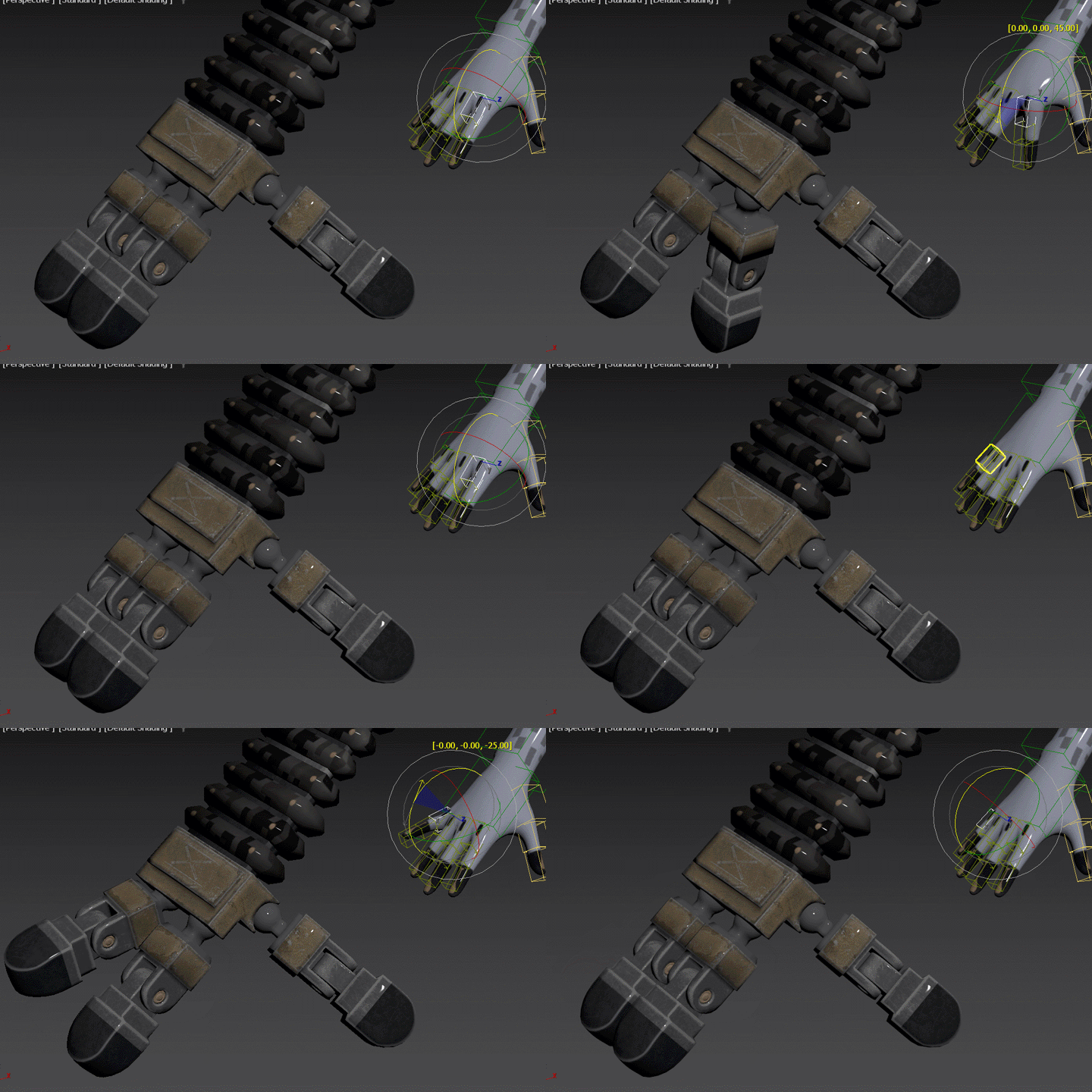 Mechanics, cartoon rigging techniquesLearn how to rig mechanical structures. We also teach cartoon-like rigging techniques, such as lengthening or twisting.
 -
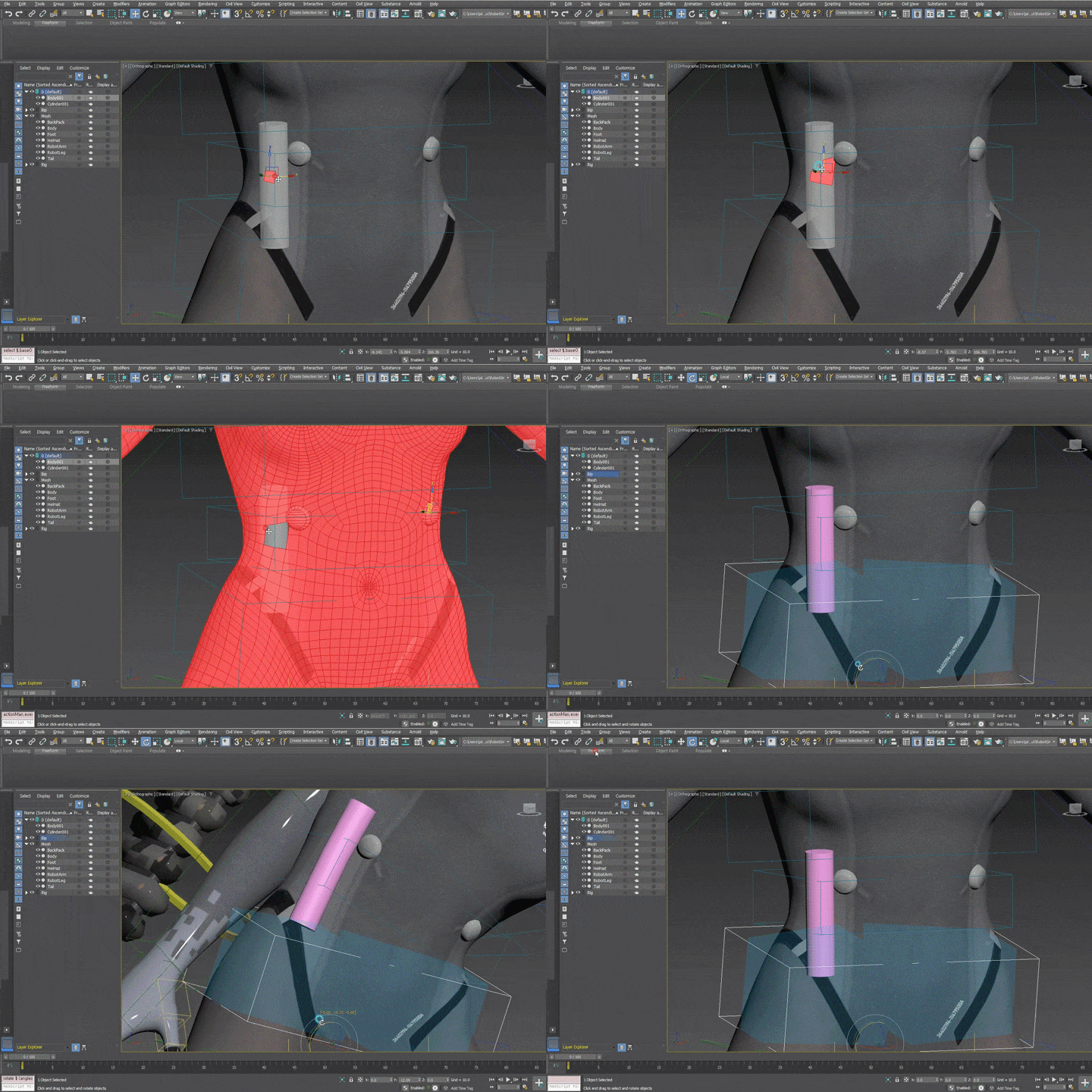 skinning techniqueYou can learn from the basics of skinning techniques that enhance realism to how to attach rigid bodies, such as machine parts, to soft bodies, such as the human body.
curriculum
Curriculum
In-Depth Look
SECTION 01. Intro
01. Lecture summary
- Lesson Objectives
- Learn in advance
02. Note
- How to use the lecture
- How to take a lecture
SECTION 02. Basic understanding of rigging
03. Definition of terms
- Node / Object / Pivot
- Bone / Transform
- Matrix / Coordinate system
- Space / Track
- Hierarchy / Constraint
04. Give it a try
- Creating patterns
- World/Parent
- Local/Gimbal space
- Constraint application
05. Structure of rigging
- Base skeleton
- Additional/Addon skeleton
- Local/Gimbal space
- Rigging bone
- Skin/Deforming bone
- Controller/Puppeteer/Manipulator
06. Work plan
- Project settings
- Rigging Bone / Skin Bone / Controller Settings
- What is the nomenclature?
- Rigging bone
- How to organize objects?
- What objects will you export?
SECTION 03. Basic rigging practice
07. Bipad settings
- Location of major joints
- Default angle settings
- Why can't I just use Bipad's default settings?
08. Creating a basic framework
- Axis settings for basic bones
- Setting the hierarchy of basic bones
- Make it follow the bipad
09. Creating a simple additional skeleton
- Making an Elbow Pattern
- Making a crotch pattern
- Making a knee pattern
- Making wooden patterns
10. Making a twist bone
- Applicable to the upper arm, lower arm, thigh, and calf
Learn about the principles of twisted bone production - Making a Habaak Twist Bone
- What is gimbal lock?
11. Making the butt pattern
- What is IK?
12. Making the clavicle move automatically
- Why is the clavicle important?
- How to move the body with the tail so that the body can move the tail?
- Avoid self-reference errors
13. Creating shoulder patterns
- Why can't I just use Twistedbone?
- Get rid of flipping
SECTION 04. Skinning
14. Skinning/Binding to check rigging
- Write an envelope, please!
- Relationship between patterns and envelope shapes
- Inner/Outer Envelope
- Cross section
15. Refine skinning
- Setting skin weight using a brush
- Blending mode?
- Mirroring of skin weight settings
- Basic skinning knowledge for game engines
16. Creating muscle patterns
- What is the correct movement of muscle bones?
- Rotation to translation
17.Skin wrap technique
- Splitting one skinning into multiple
- Combining skinning of multiple objects into one
- Retrieve only part of an object's skinning
- Transfer skinning to an object with a completely different shape and polygon structure
SECTION 05. Mechanics, cartoon rigging
18. Moving the inverted leg with a regular leg controller
- Double IK for inverted joint legs
- Swivel angle
19. Making rubber band arms
- Path constraint
- Avoid flipping that occurs when extremely bent.
- How do I move my arms differently from the original?
20. Controlling the robot hand with a bipad
- Reaction manager
21. Rigid body surface skinning technique
- Skinning a grenade to follow its body in its original shape
22. Two surface-following rigging techniques
- Attachment constraint
- Create an attachment constraint that has nothing to do with the mesh
SECTION 06. Conclusion
23. Export to game engine
- preparation
- How to set up FBX
24. Conclusion
- Topics not covered
- Good things to do
- Advice as a Character TD
interview
Interview with
3D Character Technical Director Dongseok Kim

Question.01
What is the marketability/prospect of character/facial ‘rigging’?
What is the marketability/prospect of character/facial ‘rigging’?
With the advent of Metaverse and Virtuber, demand for 3D characters has exploded. In the case of 3D models, many tools and platforms have already appeared, but only a few people are still providing content. If you can enter the relevant profession, I believe you will be able to continue your stable career for a considerable period of time.
Question.02
What do students who are learning rigging for the first time find most difficult?
What do students who are learning rigging for the first time find most difficult?
Because the form of work is closer to that of a programmer than that of an artist, and that it takes a long time to obtain a single result, getting used to this long process is the difficult part when first studying rigging. In this lecture, we attempted to resolve these difficulties by organizing the lecture so that basic concepts can be understood without mathematical knowledge.
Question.03
What are the unique points of this course?
What are the unique points of this course?
Rather than simply teaching you how to use tools, the lecture was designed to focus on why you should do it and how the production process continues. Through this , we will learn the concepts of rigging comprehensively and teach you how to use it organically in other situations.
Required Programs
This course is conducted using the 3ds Max program. To ensure smooth participation, please purchase and install the program listed below separately.
- 3ds Max 2020.3 (2018 or later)
- Wrap3 2020.12.2 (3 3.4.8 or later)
- Unreal Engine (4.18 or higher)
* Recommended specifications for using Unreal Engine: Link
*Programs and materials are not provided separately.
*Mesh files for examples used in the lecture are not provided.
*Unreal Engine is only used in the 23-day export process.