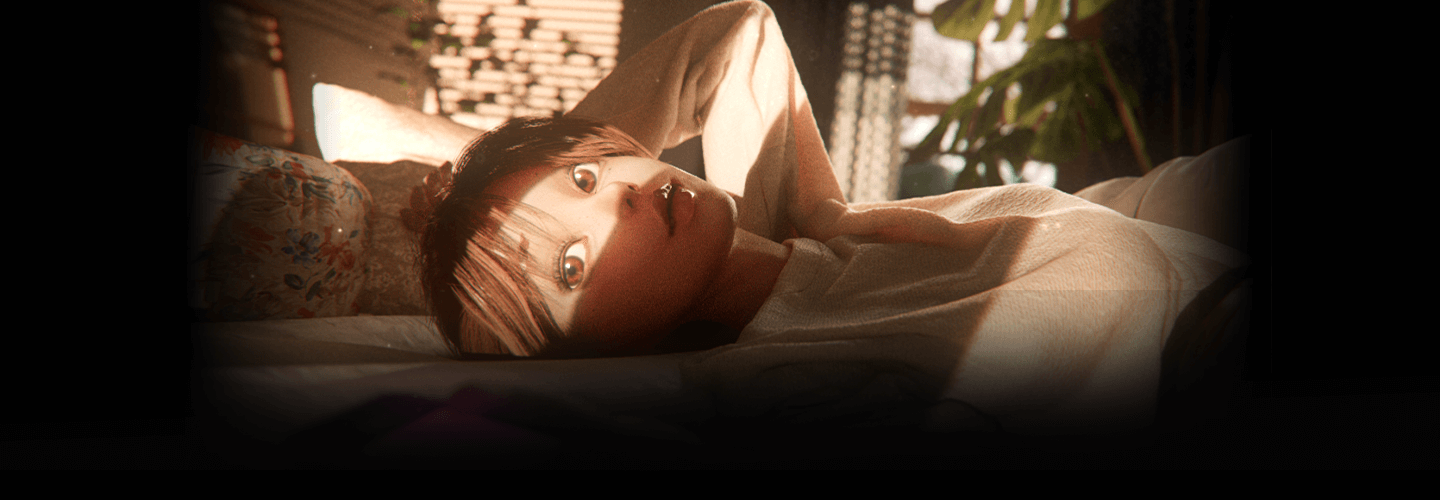
MotionGraphicDesigner,DayoungKim_김다영 Details
Intro
Class Intro
Motion Graphic Designer, Dayoung Kim
“Understand the whole process of creating a scene
from concept development to cinematography,
and boost your overall skills
to make videos
of unique, vibrant characters.”
Groundbreaking Tips for Creating
Character Motion Graphics
in C4D
Did you think Cinema 4D is a tool specialized
only for round, anime-style characters?
Did you think you need to learn another tool
to design more realistic characters?
It’s time for you to discover the secrets for creating videos of stylized characters using Cinema 4D as your main tool, without sacrificing quality or efficiency!
Learn everything you can from Dayoung Kim, a freelance motion graphics designer, who’ll guide you all the way through the course.
An intensive, comprehensive curriculum covering all character design skills that have caused nightmares for countless motion graphics designers, including basic anatomy, sculpting, hand painting, and setting up faces!
Whether you are an aspiring artist who wants to build a stylization portfolio or a professional in the field struggling with character motion graphics, this online C4D class, now available on Coloso, will be more than worth your time.
Learn everything you can from Dayoung Kim, a freelance motion graphics designer, who’ll guide you all the way through the course.
An intensive, comprehensive curriculum covering all character design skills that have caused nightmares for countless motion graphics designers, including basic anatomy, sculpting, hand painting, and setting up faces!
Whether you are an aspiring artist who wants to build a stylization portfolio or a professional in the field struggling with character motion graphics, this online C4D class, now available on Coloso, will be more than worth your time.
Class Perks
Get These Coloso Exclusives
-
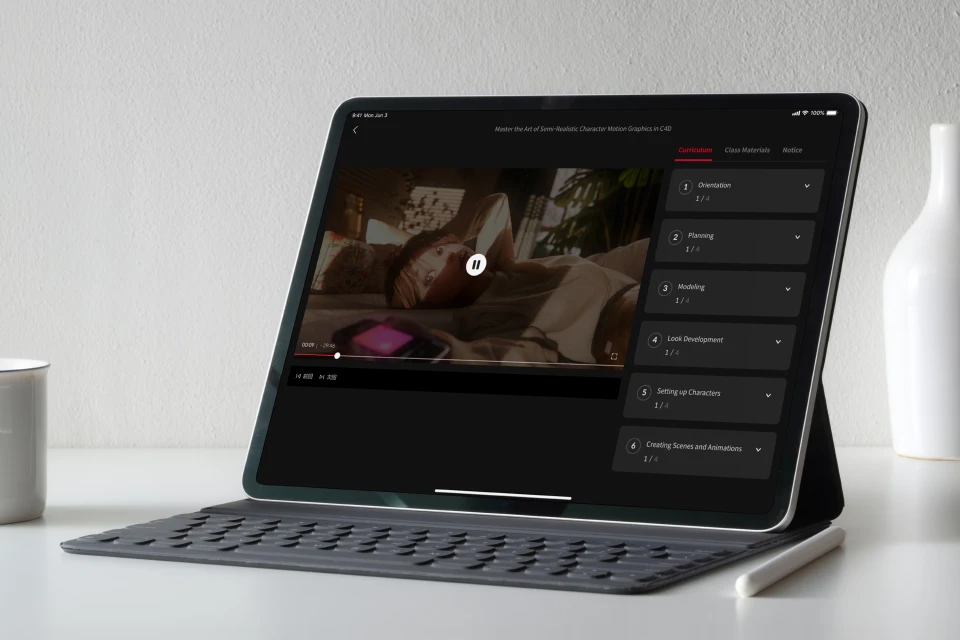
Unlimited access to 27 videos by a professional motion graphic designer -
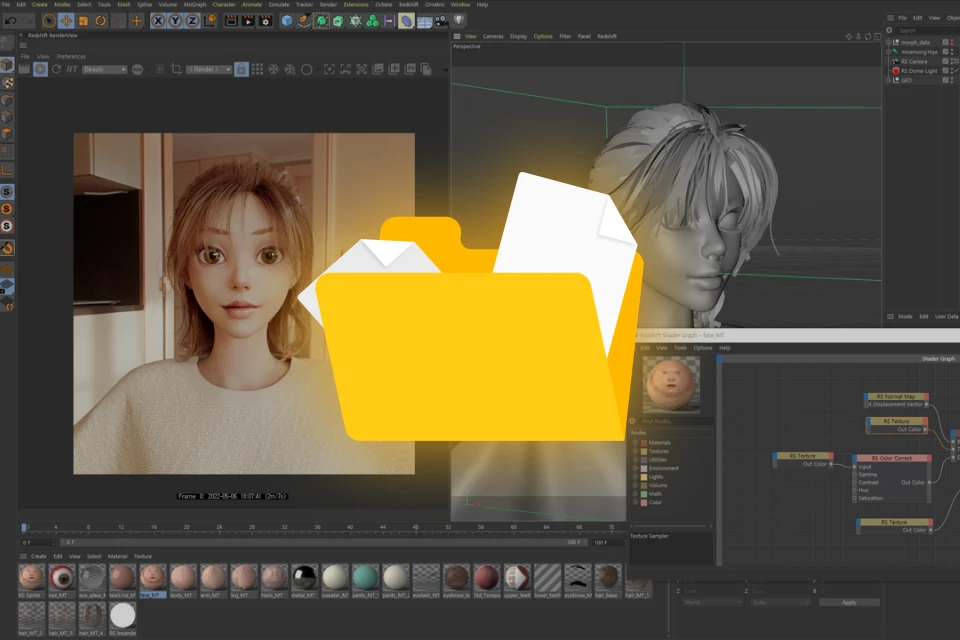
Character setting files provided -

Various examples and tips for implementing details in Cinema 4D
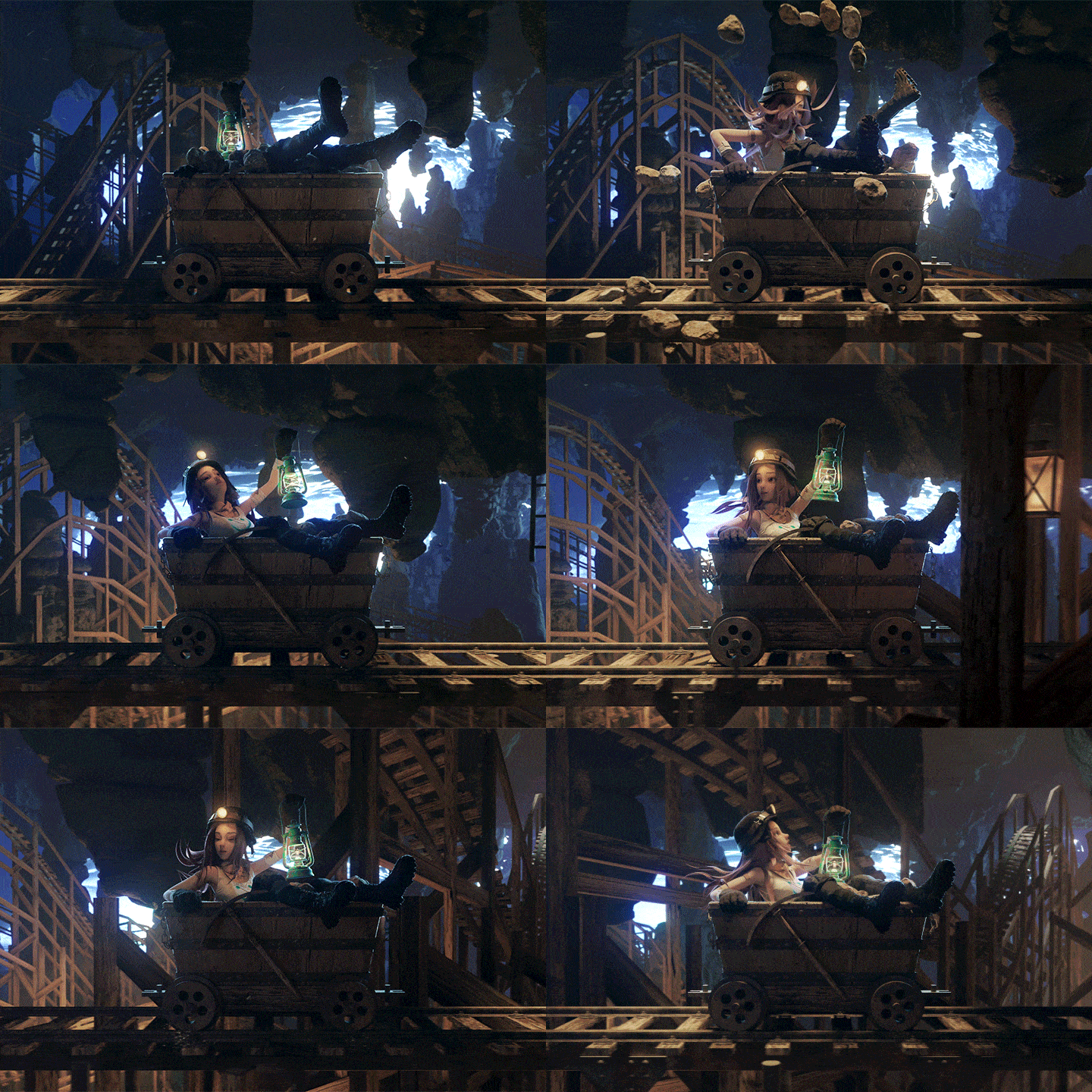
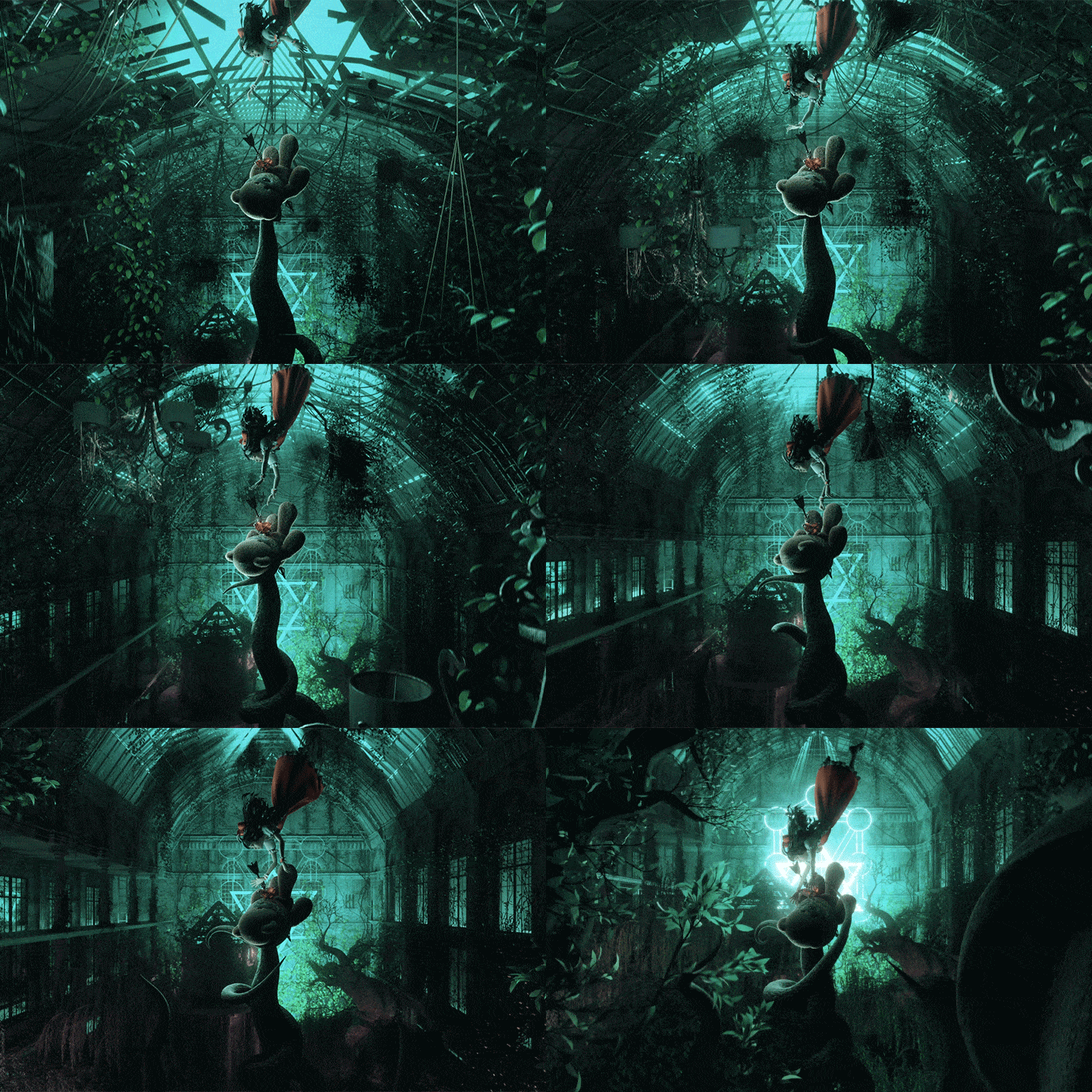
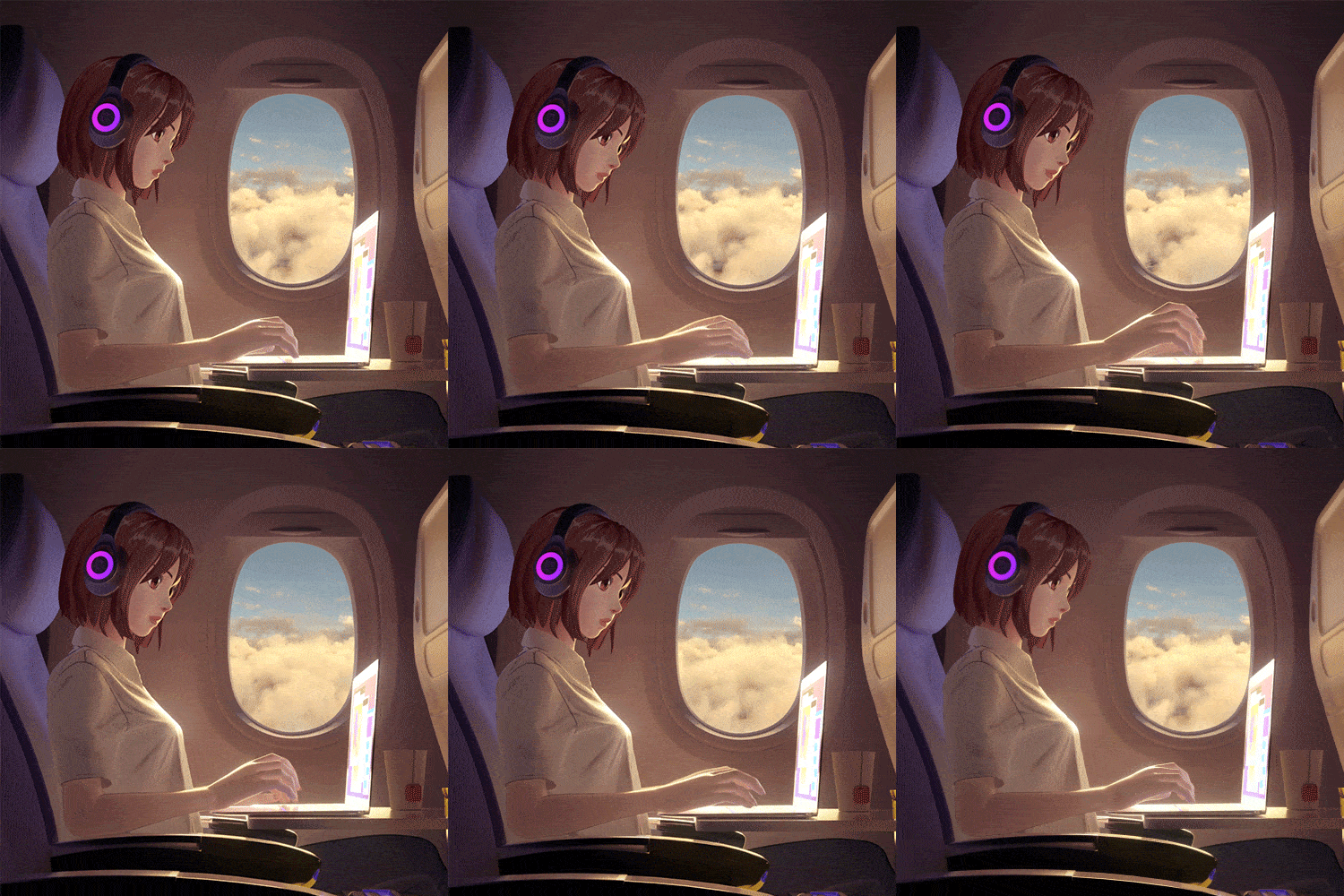
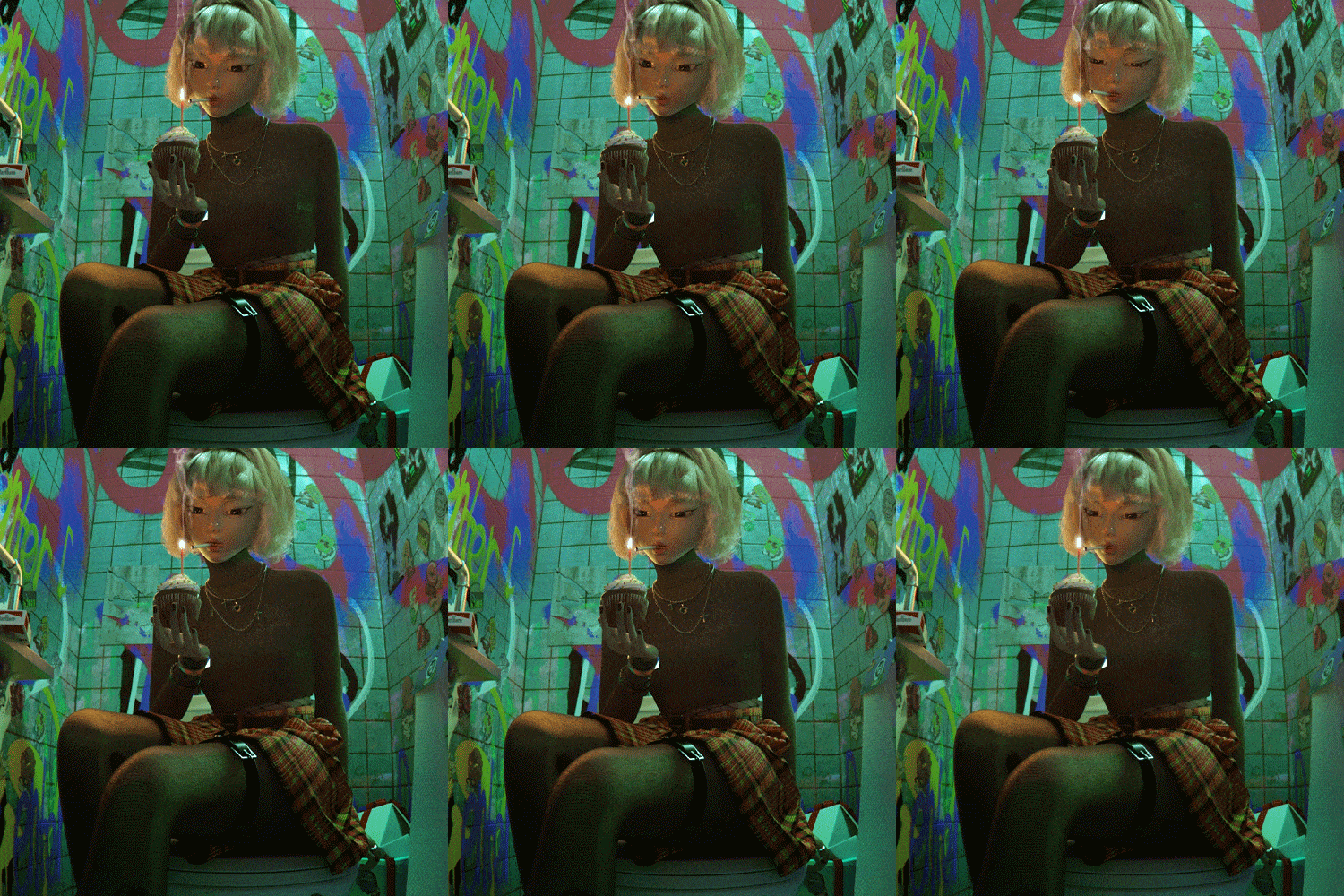
Expert Motion Graphic Designer Dayoung Kim’s Portfolio

Why Take This Class?
Your stylized motion graphics should exhibit both your techniques and vibes!
In this class, you will learn how to use Redshift, today’s hottest renderer, to produce clear, vivid videos filled with graphic elements in an efficient way.
What’s more, you will explore the scene-creation process for creating videos with stories, from developing concepts and storyboards to preliminary editing and cinematography!
A C4D motion graphic class that will guide you in creating the desired visual style in any manner you prefer. You won't find it anywhere else but at Coloso.

12 Class Exercises
-
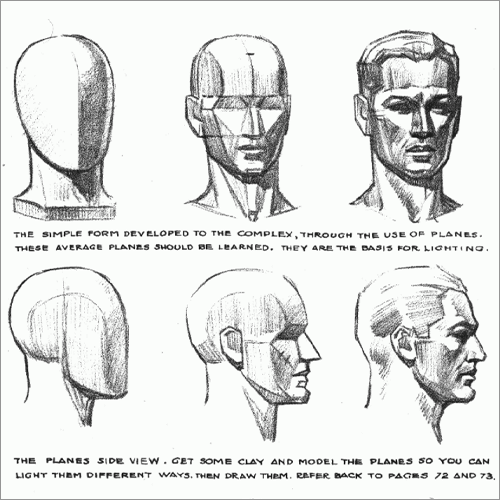 Step 1. Basic Anatomy
 -
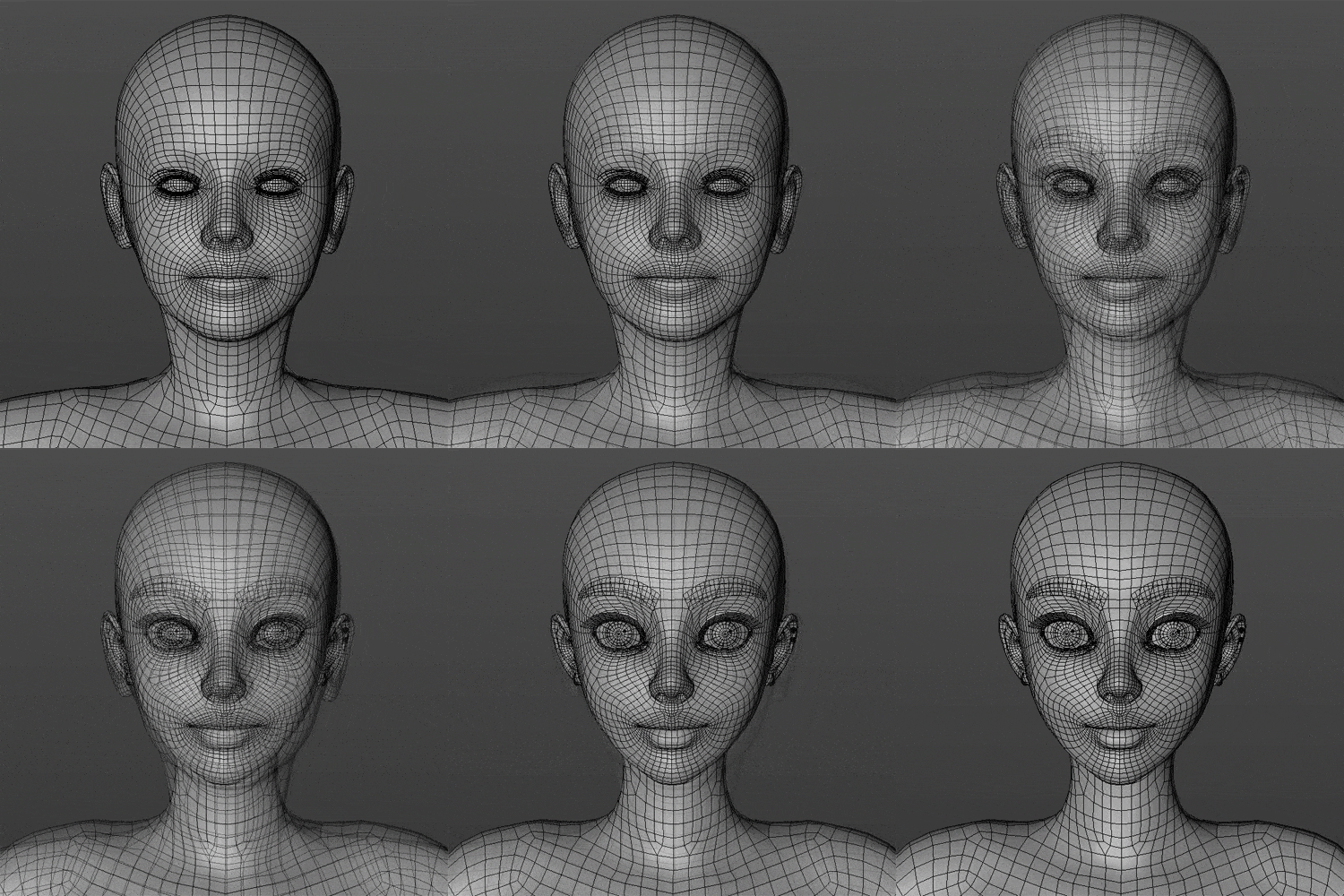 Step 2. Sculpting
 -
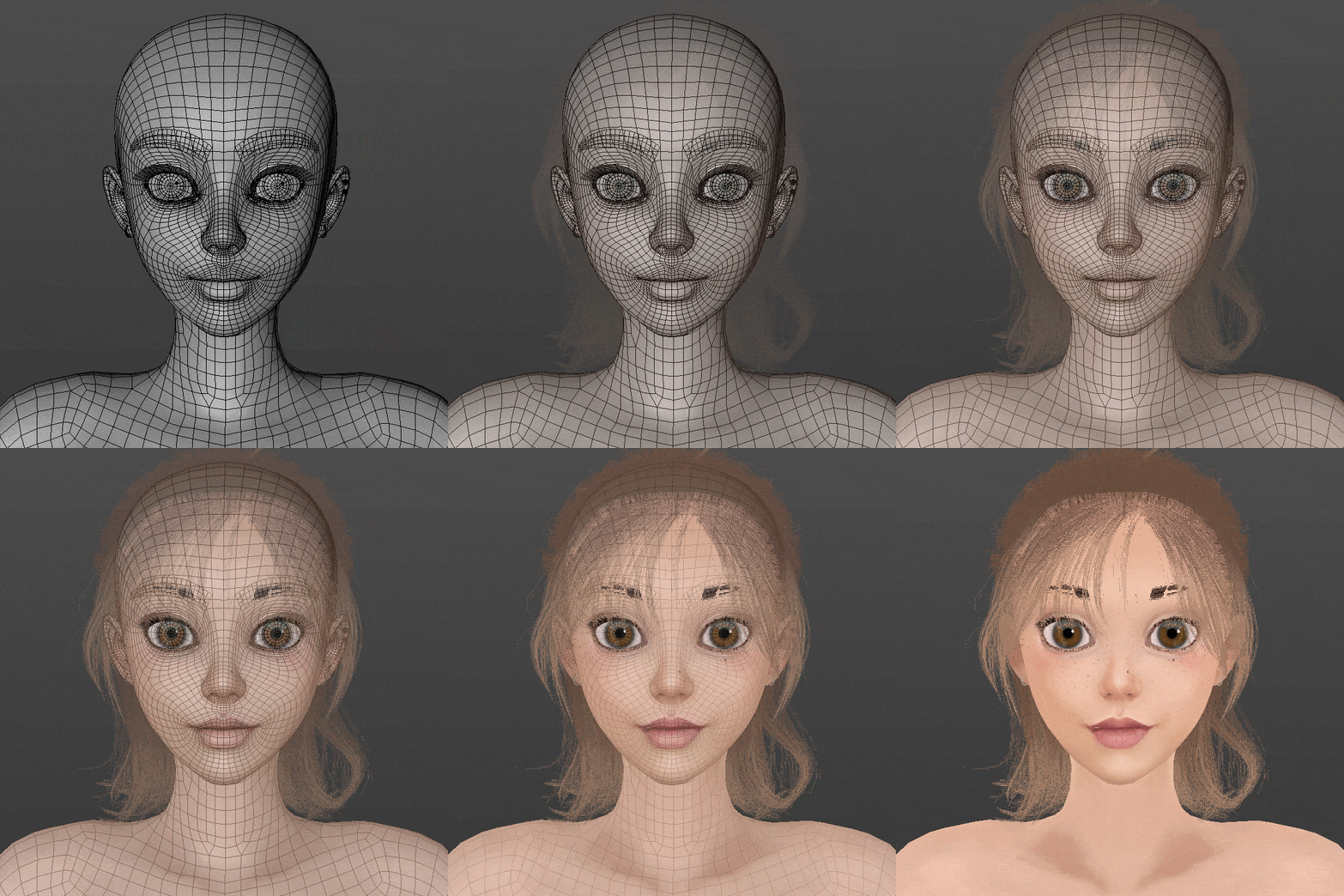 Step 3. Mapping
-
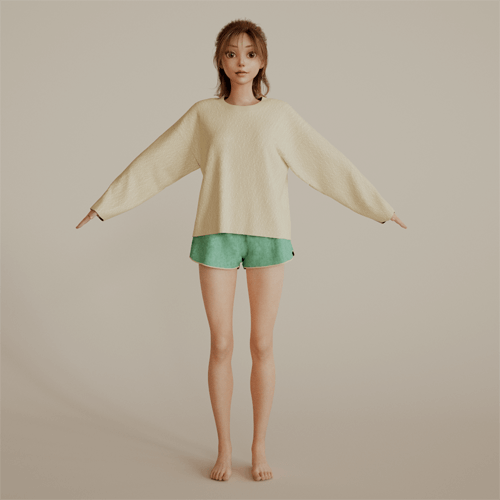 Step 4. Look Development
 -
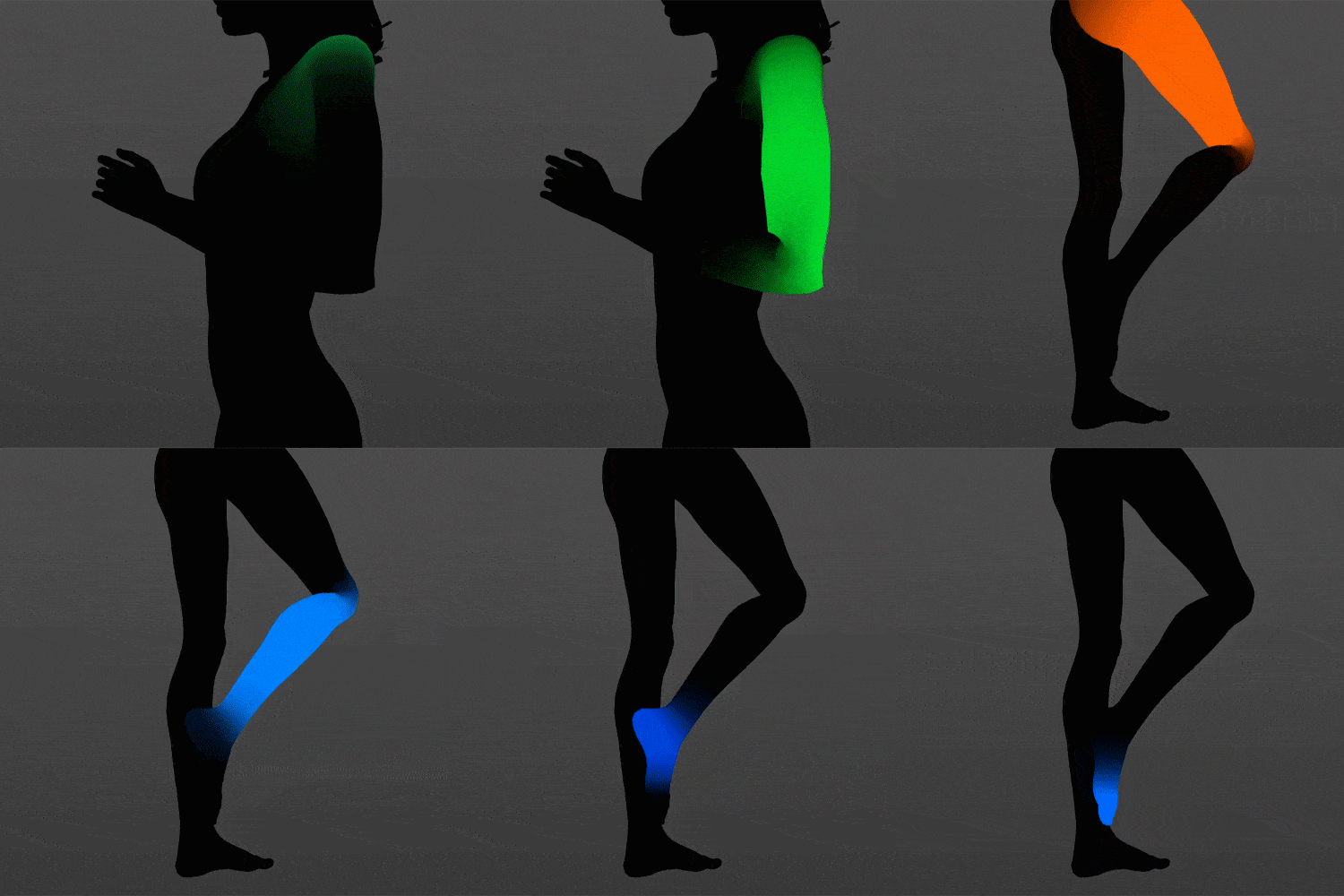 Step 5. Binding
 -
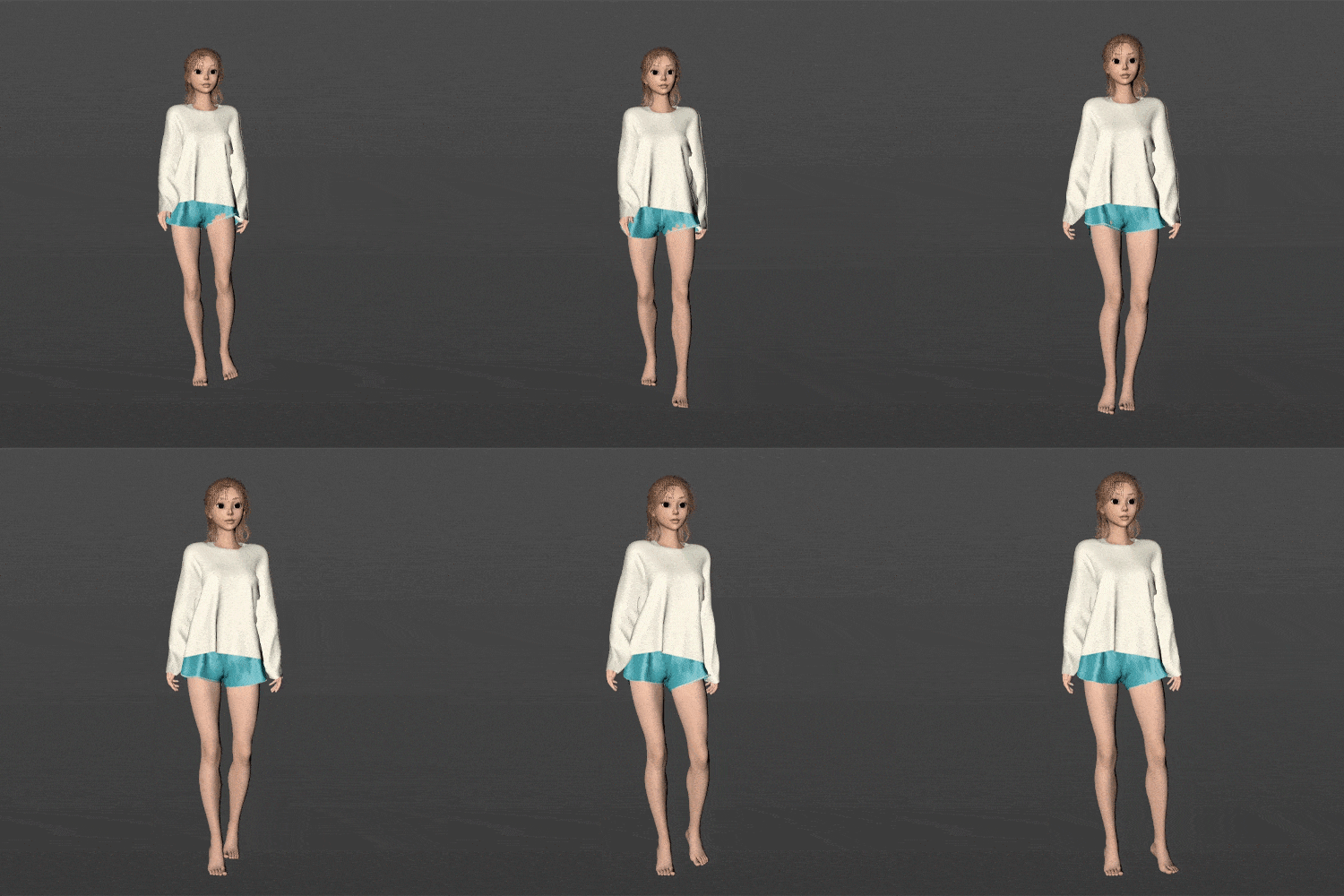 Step 6. Motion Capture
-
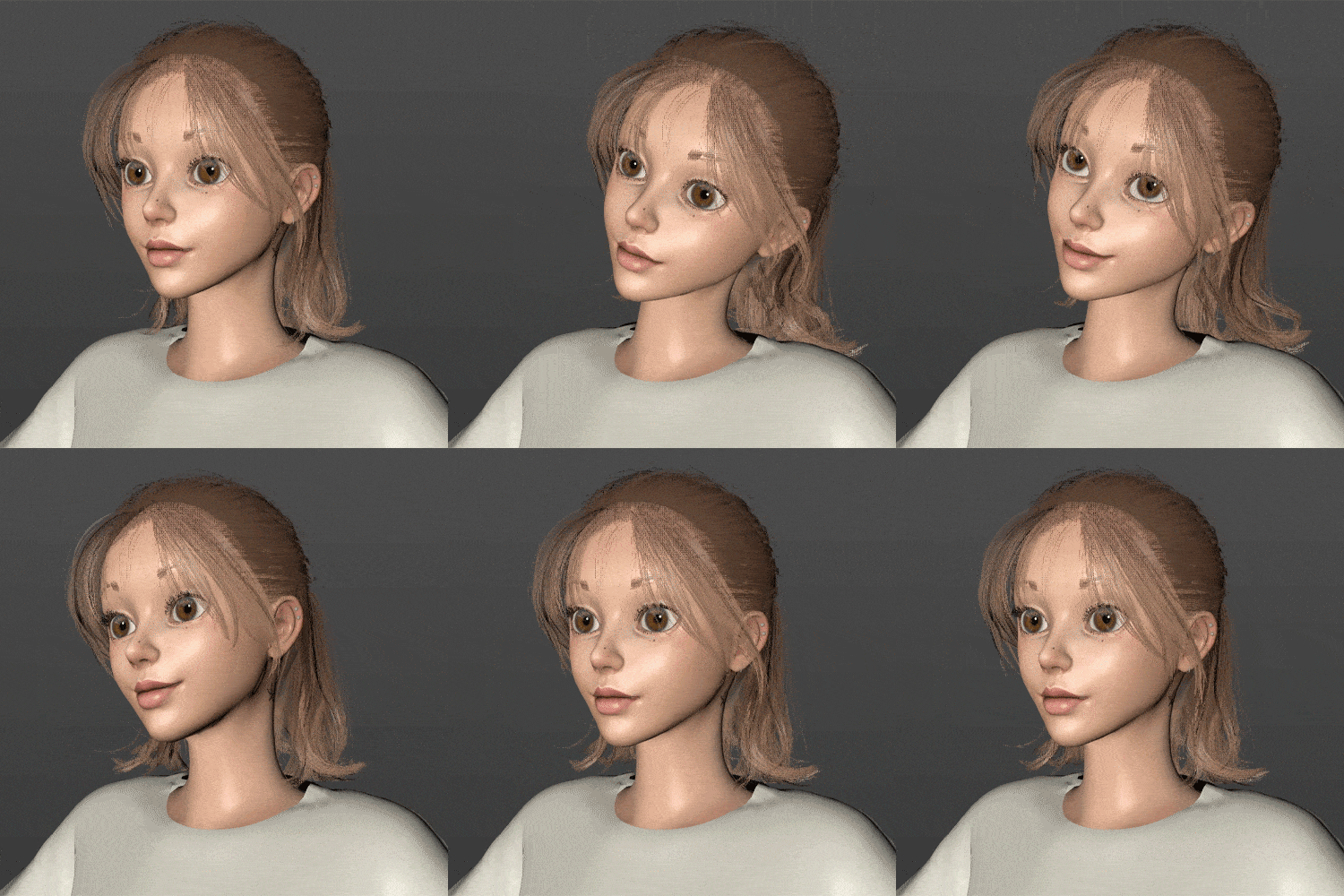 Step 7. Setting up Hair
 -
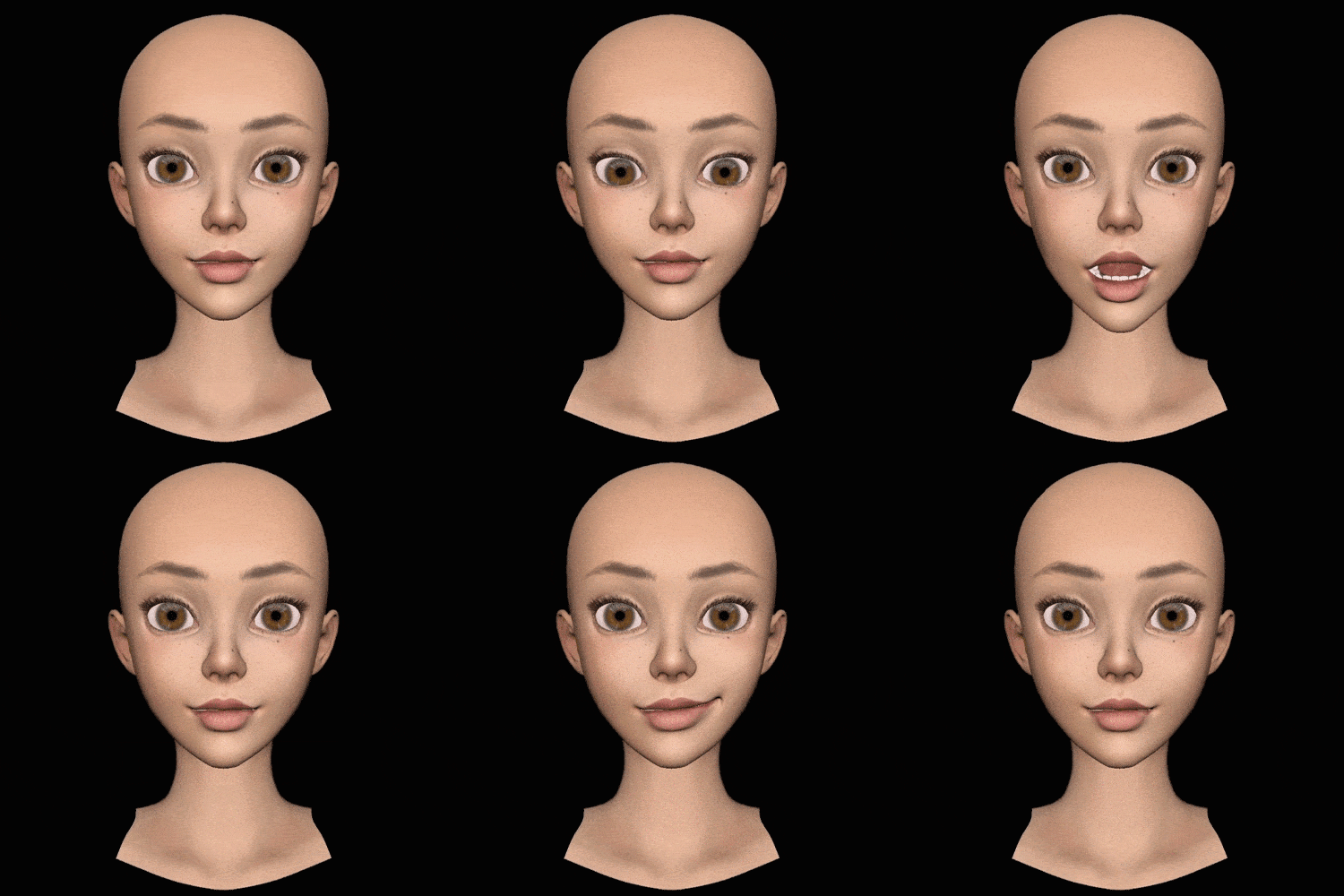 Step 8. Face Test
 -
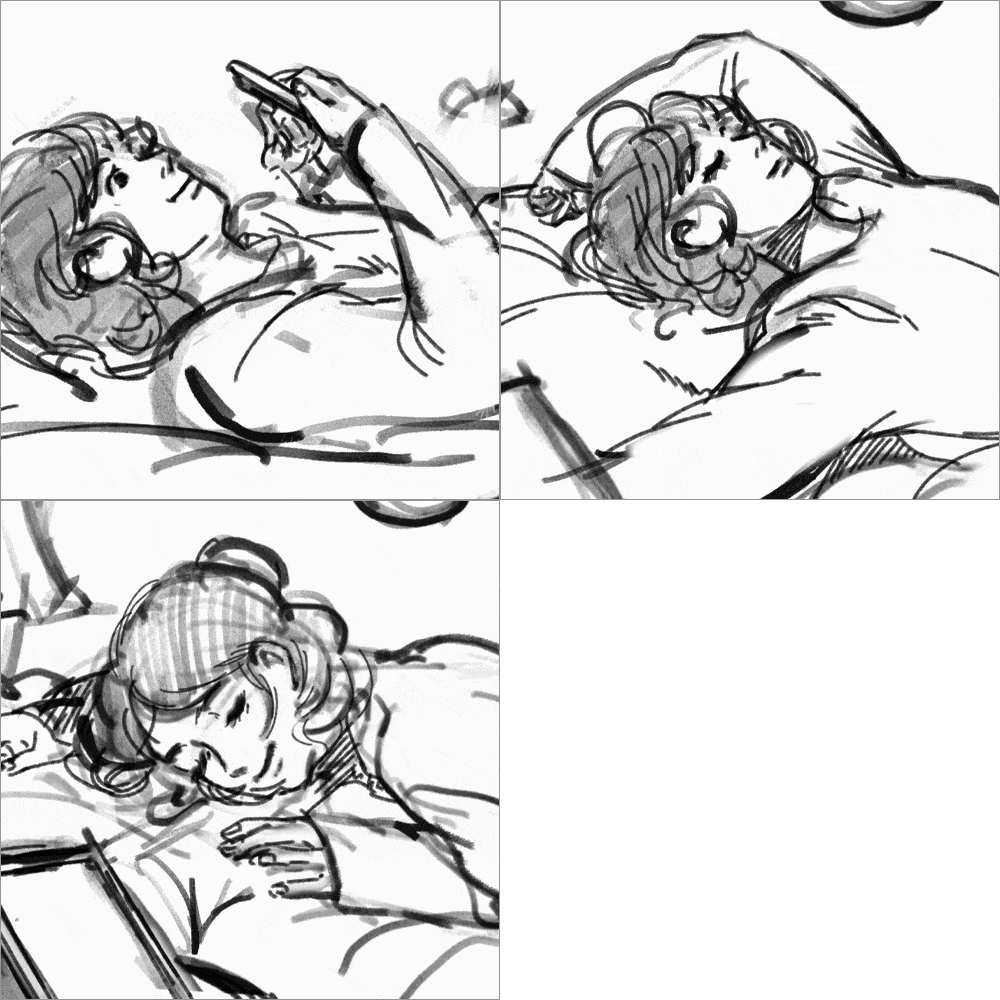 Step 9. Creating a Storyboard
-
 Step 10. Close-up
 -
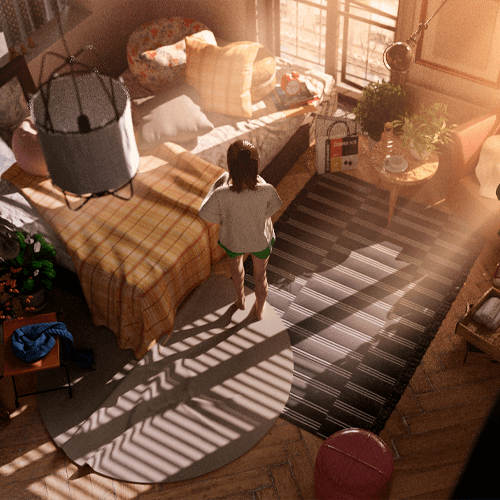 Step 11. Wide Shot
 -
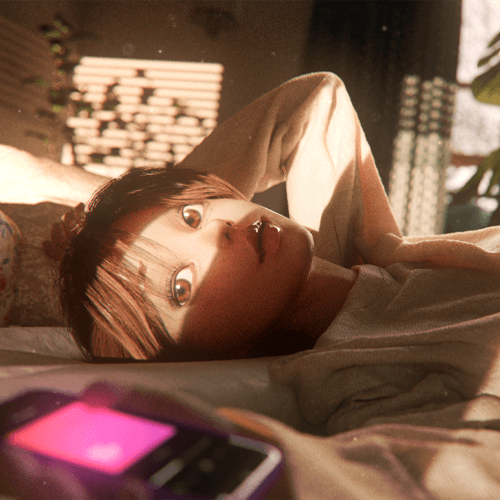 Step 12. Emotional Expressions
Instructor
Motion Graphic Designer
Dayoung Kim
Hello, I am motion graphic designer Dayoung Kim.
After studying animation in college, I started my career as a motion designer at a stage film and brand design studio. Currently, I design motion graphics for advertising companies and also direct animations
Specifically, I work mainly on motion graphics projects that involve characters and storytelling. Rather than focusing just on motion graphics, I’ve been developing a career as a generalist who can take part in the entire process, from the early stages such as developing concepts and storyboards to the later stages involving the use of After Effects.
As evidenced by the growing popularity of the metaverse and NFTs, the boundaries between animation and motion design are becoming blurred. I will help you acquire distinctive motion graphics and character design skills to keep up with the shifting trends.

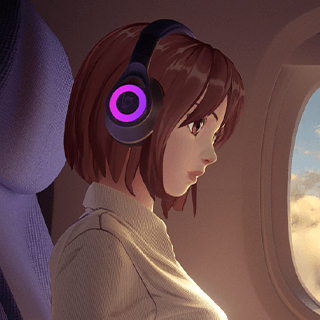
Motion Graphic Designer, Dayoung Kim
[Current]
Freelance Motion Graphic Designer
[Former]
Cobb Studio - Motion Designer
RabbitWalks - 3D Generalist
Projects & Awards
[Brand design]
Lshop Channel ID (2020)
theLife Channel Network Branding (2020)
theDrama Channel ID (2020)
KidsLand Channel ID (2019)
Catch On Channel ID (2019)
[Motion graphics]
Maple Story Destiny Showcase Teaser (2021)
Samsung IFA (2019)
[Cinematics]
Super People Cinematic (2022)
Kakao Webtoon Brand Movie2 (2021)
Penthouse Short Animation (2020)
Crazy Arcade - Rescue the Alien (2020)
Short 4D animation for Ulsan Migratory Bird Center (2019)
[Stage film]
Pinkfong Musical “Golden Star” (2018)
Pinkfong Musical “The Shark Family’s Great Adventure” (2018)
Highlights
Class Highlights
An All-in-One C4D Process for Aspiring/Professional Designers
Learn the most efficient route for putting your skills into practice, including character design, modeling, and setting. This class takes a bold approach to complicated processes by condensing them into a pipeline for you to produce motion graphics as quickly as possible.
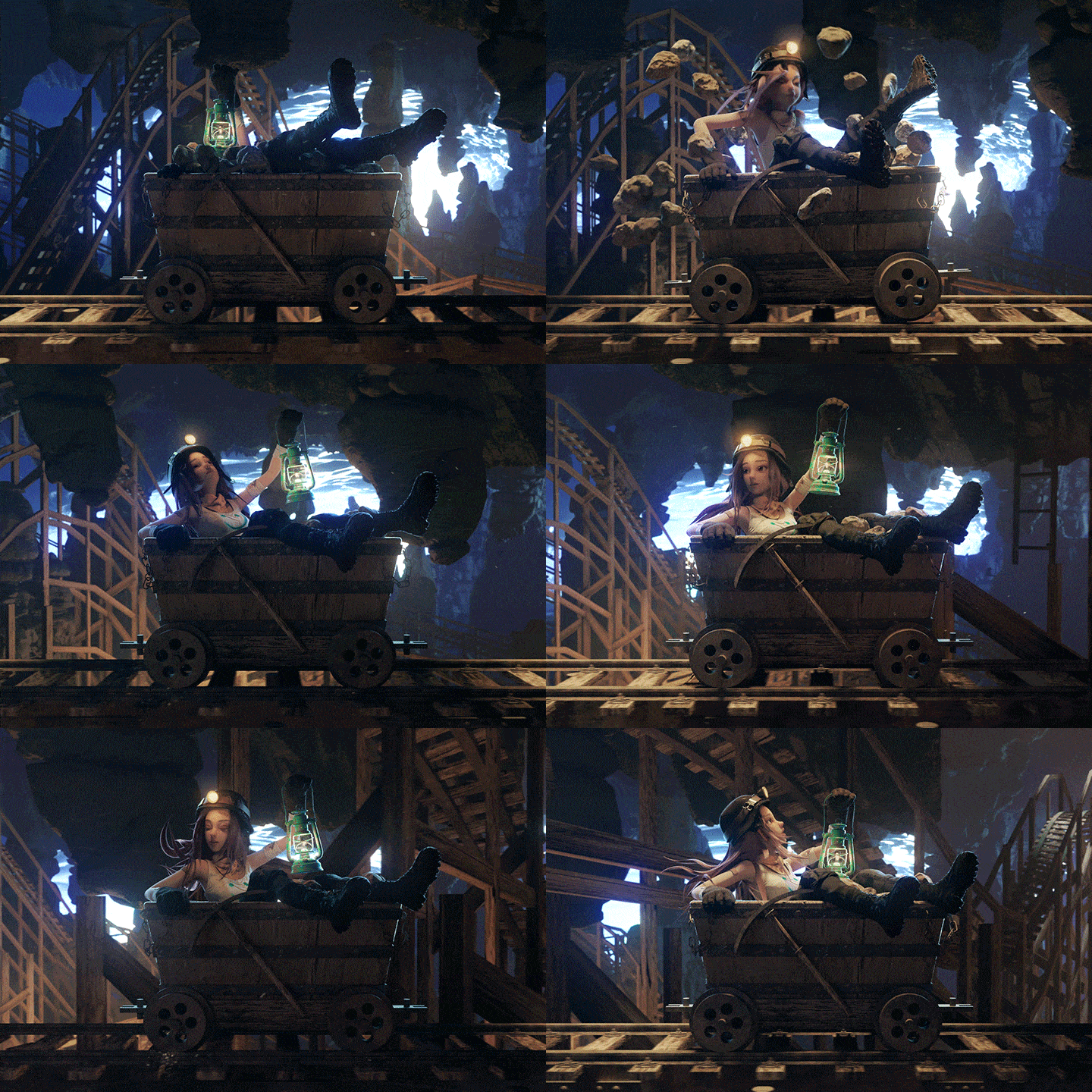
Character Design Skills: The Competitive Edge
Discover directing and layout techniques to fully exhibit your character’s charms, as well as detailed tips for determining what to focus on, and learning how to differentiate yourself from other motion designers with your character design skills.
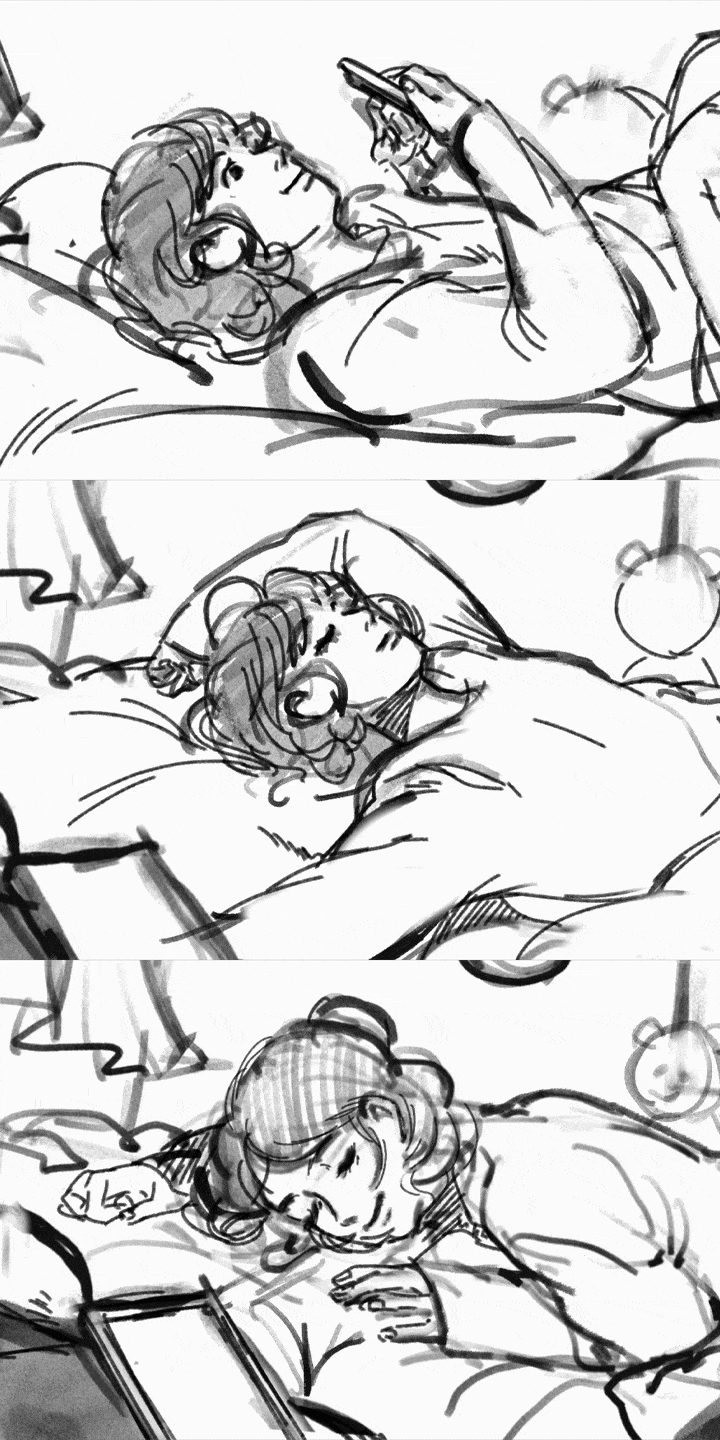
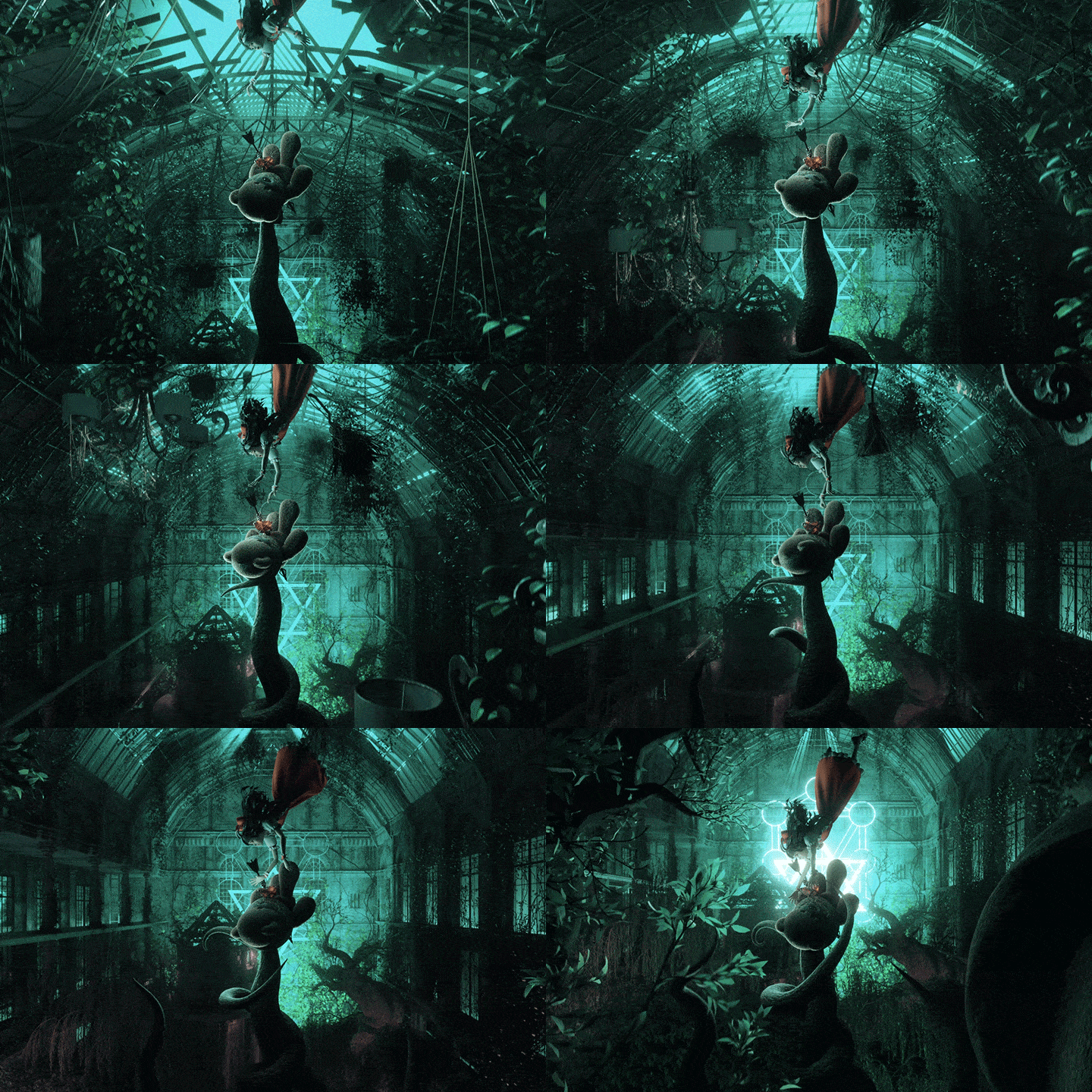
Motion Graphics Scenes That Breathe Personality into Your Character
Explore the entire process of producing motion graphics as an individual, including character design, concept and story development, preliminary editing, and cinematography, to boost your competency overall.
Class Details
You'll Learn
-
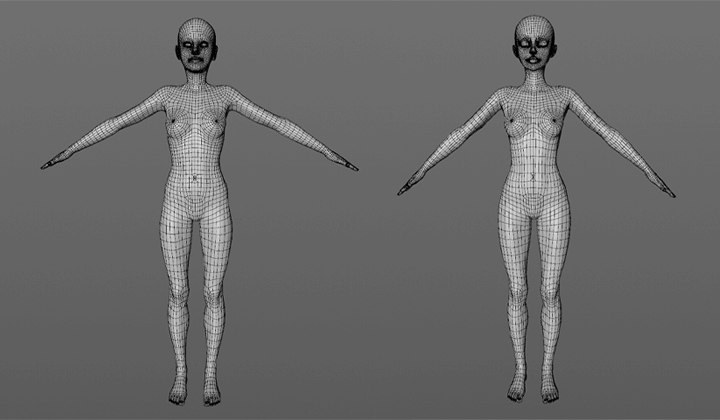 Practical Character Design Utilizing Modeling SourcesCollect references and modeling sources to help in refining character designs with a solid concept that highlights features based on personality, body shape, and background.
 -
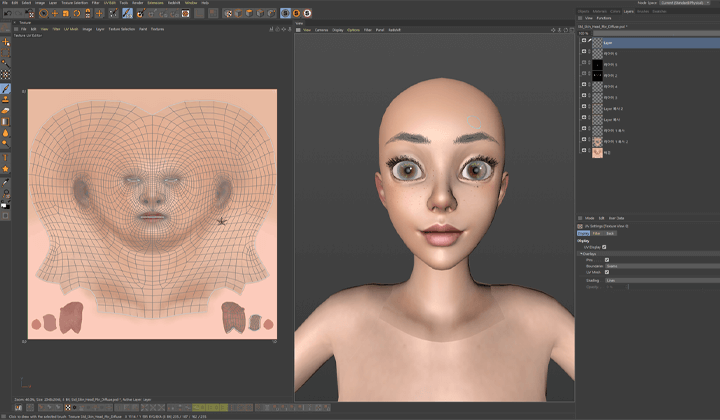 Create Maps for a More Refined LookDiscover tips for expressing detailed skin textures and use Cinema 4D’s 3D painting feature to produce quality shadows and renderings.
 -
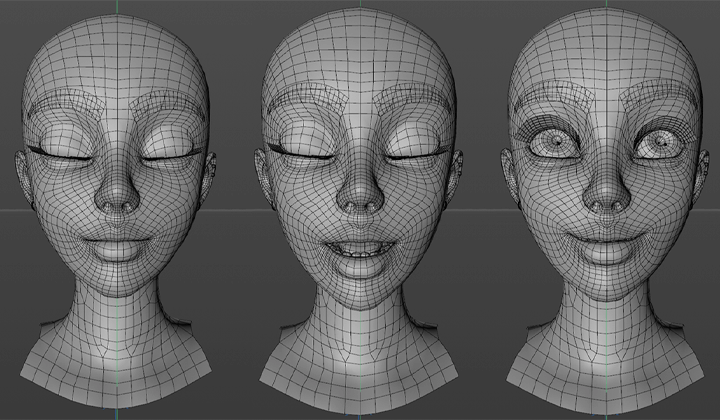 Setup Techniques to Breathe Life into CharactersLearn how to use the Mixamo website and external plugins while also exploring facial rigging in Cinema 4D and automatic facial rigging in Maya.
-
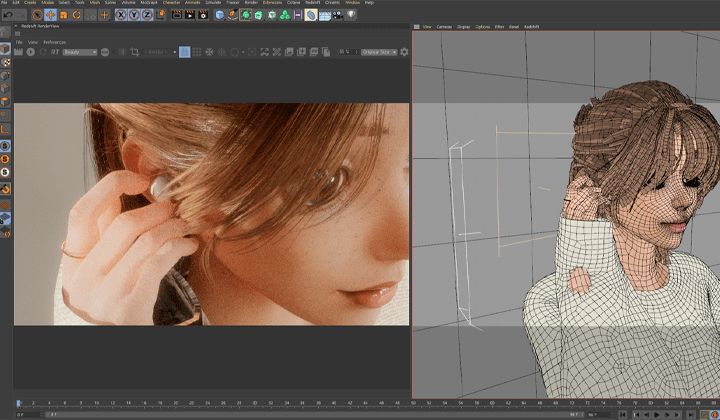 Design Conceptual Character ScenesFind out how you can create settings that fit a character’s concept and choose the right directing techniques. You will learn everything from how to plan and make the most of preliminary editing, the work process in After Effects, optimizing scenes in Cinema 4D, and even camera animations.
 -
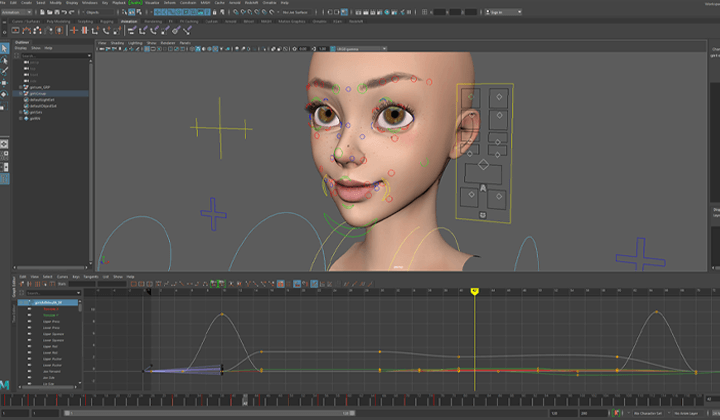 The Animating Process and Using GraphsUnderstand the process of animating a semi-realistic character, going through detailed concepts such as blocking, key poses, and breakdowns, as well as using graphs for more natural timing.
 -
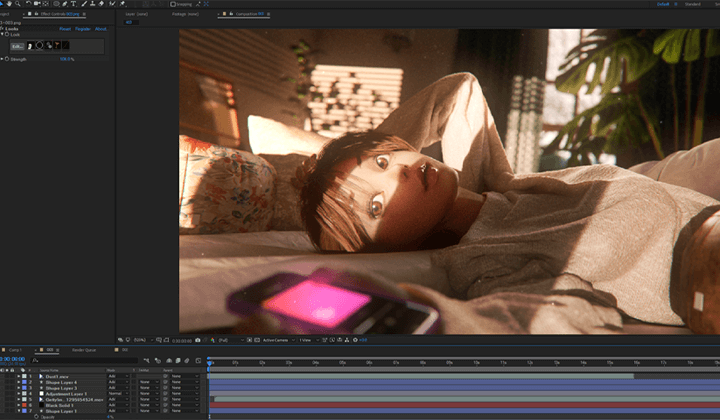 Details That Flesh Out Your CharacterUnderstand the significance and importance of details in character motion graphics by examining specific examples and tips for seamlessly implementing these details in Cinema 4D.
- Unlimited Access
- Best Price
Buy now, get unlimited access.
12/31 (Sat) (UTC-7) Special offer ends soon.
This special offer ends soon.
Buy now and save!
Curriculum
Curriculum
In-Depth Look
SECTION 01. Planning
01. Character Sculpting: Anatomy Fundamentals for Designers
- Class introduction and goals
- Body/face anatomy
02. Developing a Character’s Concept and Archiving Models
- Developing a character’s concept using references
- Collecting free/low-priced modeling sources
- Tips for archiving and using sources
SECTION 02. Modeling
03. Utilizing Base Meshes
- Preparing base meshes
- Exploring sculpting tools in Cinema 4D
- Designing body shapes
- Adding details
04. Facial Sculpting - 01
- Sculpting faces
- Using eye sources
05. Facial Sculpting - 02
- Making eyebrows
- Adding eyelashes
- Adding teeth and tongue
06. Character Design with Sources
- Using hair sources
- Adding clothes
- Adding details
- Optimization
07. Designing Quality Clothes with Marvelous Designer
- Overview of Marvelous Designer
- Using sources
- Importing files into Cinema 4D
SECTION 03. Look Development
08. Hand Painting with 3D Paint
- Overview of 3D Paint’s interface
- Painting the body/face
* A drawing tablet is used in this chapter, and it may be hard to follow the demonstration without one.
09. Character Look Development in Redshift
- Redshift overview
- Creating materials
- Enhancing rendering details
- Creating Subsurface Scattering materials
- Scene optimization
SECTION 04. Setting up Characters
10. Setup Process in Mixamo
- How to use Mixamo
- Modifying bound joints
- Adding controllers using character presets
11. Adding Controllers via External Plugins
- Adding Controllers with RH Character Tools
- Adding RH controllers to characters you’ve set up
- Adding controllers using character presets
12. Setting up Additional Details
- Setting up accessories, clothes, and other items
- Setting up hair with deformers/rigging
13. Setting up Faces in C4D - 01
- Setting up eyes
14. Setting up Faces in C4D - 02
- Setting up eyelids and eyelashes
15. Setting up Faces in C4D - 03
- Setting up chins
- Creating mouth shapes
16. Bonus: Automatically Set up Faces using the Maya Plugin
- Getting used to Maya’s basic interface
- Intro to Advanced Skeleton
- Making auto-rigging guides
- Additional binding and painting
- Importing morphing data into Cinema 4D
SECTION 05. Creating Scenes and Animations
17. Setting up Character Scenes - 01
- Creating storyboards
- Preliminary editing of storyboards
- Creating scenes
18. Setting up Character Scenes - 02
- Setting up the camera
- Blocking animations
19. Working on Scene #1 - 01
- Applying animations
- Animating facial expressions
20. Working on Scene #1 - 02
- Detailed animations
- Simulations
21. Working on Scene #2 - 01
- Motion capture
- Modifying motion capture with RH Character Tools
* Marvelous Designer and RH Character Tools will be used.
22. Working on Scene #2 - 02
- Detailed animations
- Simulations
* Marvelous Designer and RH Character Tools will be used.
23. Working on Scene #3 - 01
- Detailed camerawork
- Setting up animations
24. Working on Scene #3 - 02
- Elaborate facial expressions
- Setting up detailed animations
25. Working on Scene #3 - 03
- Hair simulations
- Simulations using Marvelous Designer
* Marvelous Designer and RH Character Tools will be used.
SECTION 06. Finalizing
26. Finalizing the Latter Part - 01
- Setting up render paths for each scene
- Preliminary rendering
- Examining details
* Marvelous Designer and RH Character Tools will be used.
27. Finalizing the Latter Part - 02
- Final rendering
- Composition
- Finalizing
* Marvelous Designer and RH Character Tools will be used.
*The release date of this class, curriculum images, and associated content can be changed without prior notice.
** Class videos may be seperated for a more streamlined viewing experience
Interview with
Motion Graphics Designer, Dayoung Kim

Question.01
What is the purpose of this class?
Mastering character motion graphics requires delving into a multitude of specialized topics, ranging from design and modeling to setting and directing. This class concentrates on helping students quickly produce results by showing them what they need to focus on and the key points in each scene and creation process. They’ll be able to enjoy an intensive, practically organized class that covers the entire process of creating character motion graphics, from character design to post-correction.
Question.02
What is your unique strength
as a motion graphic designer?
I produce motion graphics as a generalist, rather than specializing in one area. Considering today’s trends, such as self-branding, NFT, and personal social media, the ability to play multiple roles will become more important. This class works with characters that have complicated forms and therefore allows students to learn how to create intricate details as well as valuable motion graphic skills.
Question.03
Who do you think should take this class?
I’d like to recommend this class to those who’ve just started motion graphics design and especially those who don’t feel confident with making motion graphics featuring characters. They’ll be able to learn everything from efficient work processes and pipelines for creating motion graphics to key points to focus on in character design. In addition, I will share details required to design semi-realistic characters as well as tips for building anatomical knowledge in a short period of time.
Required Programs
This course will use
- Cinema 4D R23
- Redshift 3.0
- Adobe After Effects 2022
- Adobe Photoshop 2022
- Rh Character Tools (Optional)
- Marvelous Designer 8 (Optional)
- Maya 2020 (Optional)
Please purchase and install these program(s) for an optimized course experience.
* Versions of After Effects released before 2021 are also possible to take classes.
* Rh Character Tools, Marvelous Designer, and Maya are optional, and you can proceed with the course without using them.
*These programs and/or materials will not be provided with the course.
Recommended
Recommended Class
Like this class?
Then check these out!