Illustrator,JLT4n Details
Intro
Class Intro
Illustrator, JLT4n
"If you want to illustrate moments that look like an anime movie scene, I'll show you every step of the process."
Illustrating Moments That Look Like an Anime Movie Scene
Think about your favorite scene from your favorite anime movie. This class is going to teach you exactly how you can illustrate something as magical as that. Learn the tools and techniques that professional artists in the anime film industry use to illustrate unforgettable scenes.
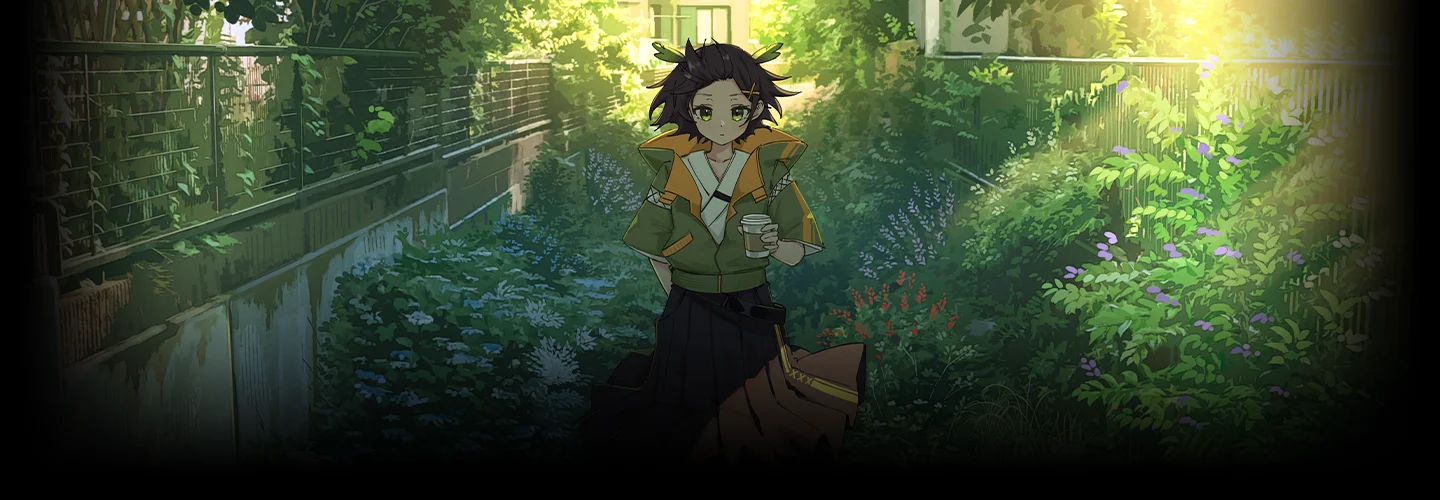
Illustrating in “anime style” is one thing, but illustrating in "anime-film style" is a whole other level. A relatively simple but charming character, contrasted by the rich details in the realistic background, makes for an illustration that leaves a lasting impression. With this class, you get the fundamental chapters covering character and background illustration. Then, we deep-dive into the art of cinematic perspective, as well as photobashing, film-style rendering, and even animating your final illustration to wrap up the class. These are the techniques that will take your illustration to the level of your favorite anime scenes - and you won't find anything quite like it.
Class Perks
Get These Coloso Exclusives
-
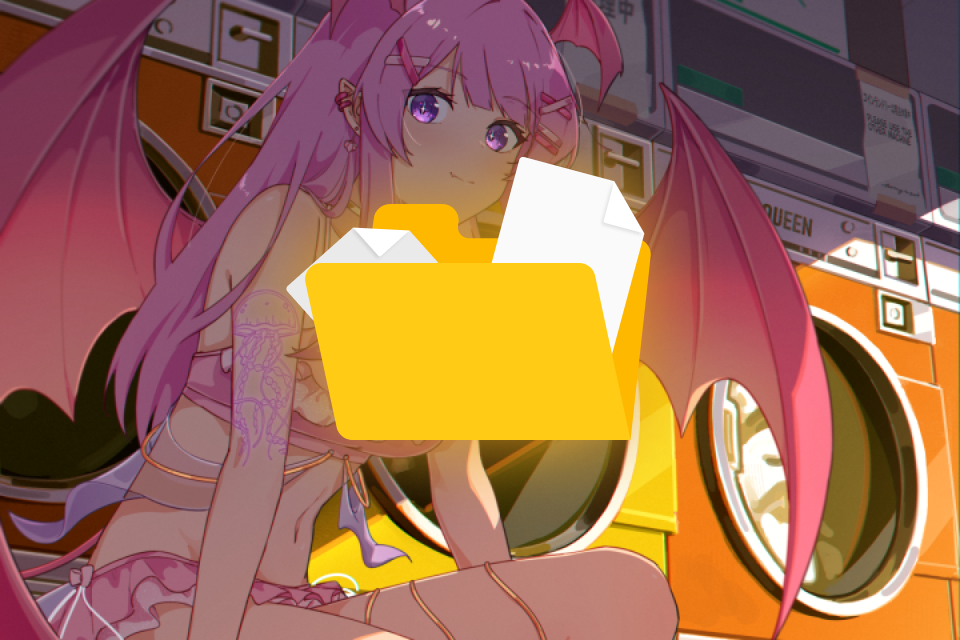
Final Illustration and Animation Files -
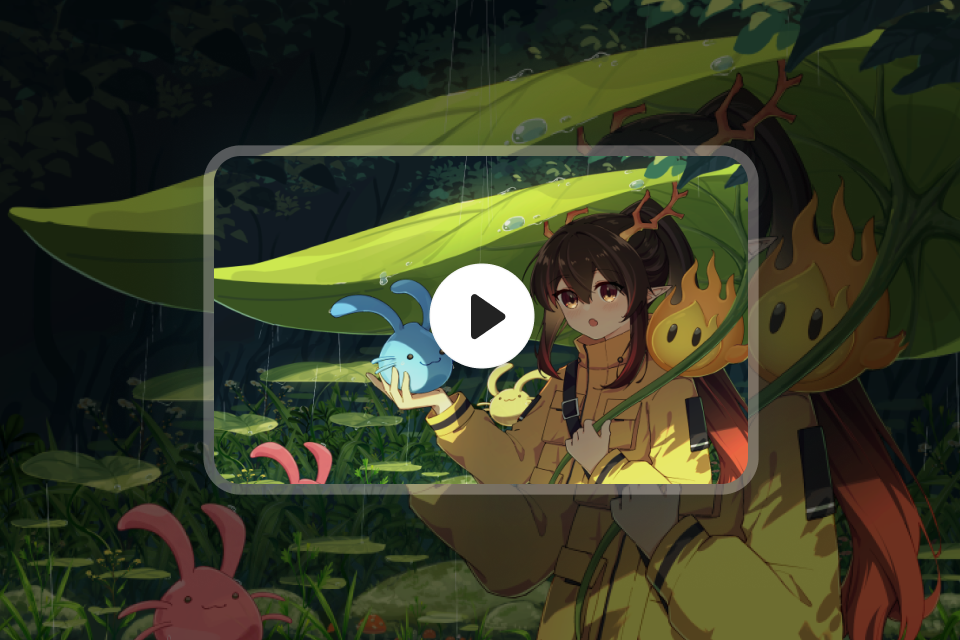
Timelapse of Working File -
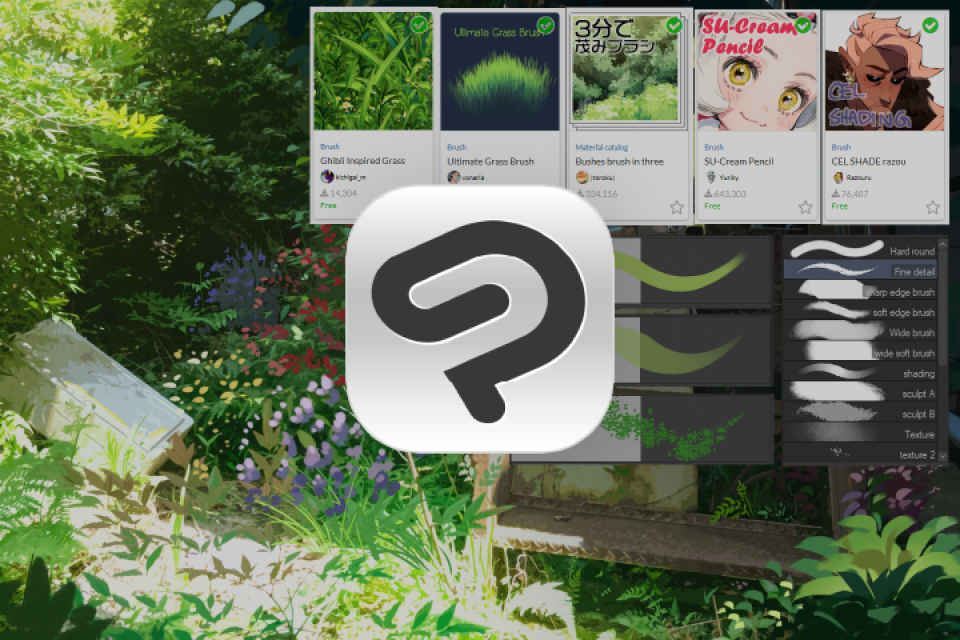
Curated Clip Studio Brushsets for Character and Backgrounds
-
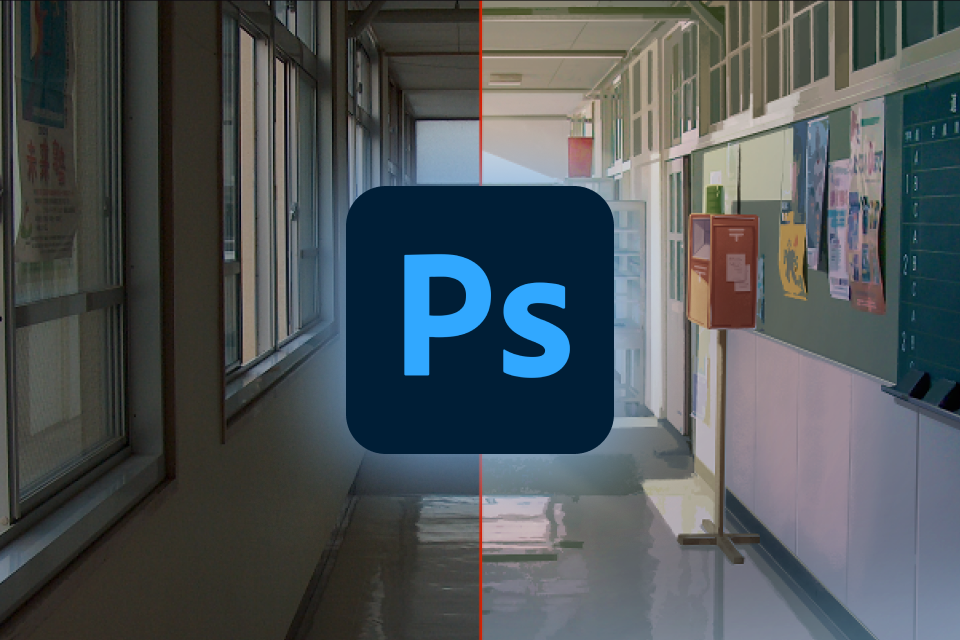
Photoshop "Camera Raw" Preset Files for Color Grading -
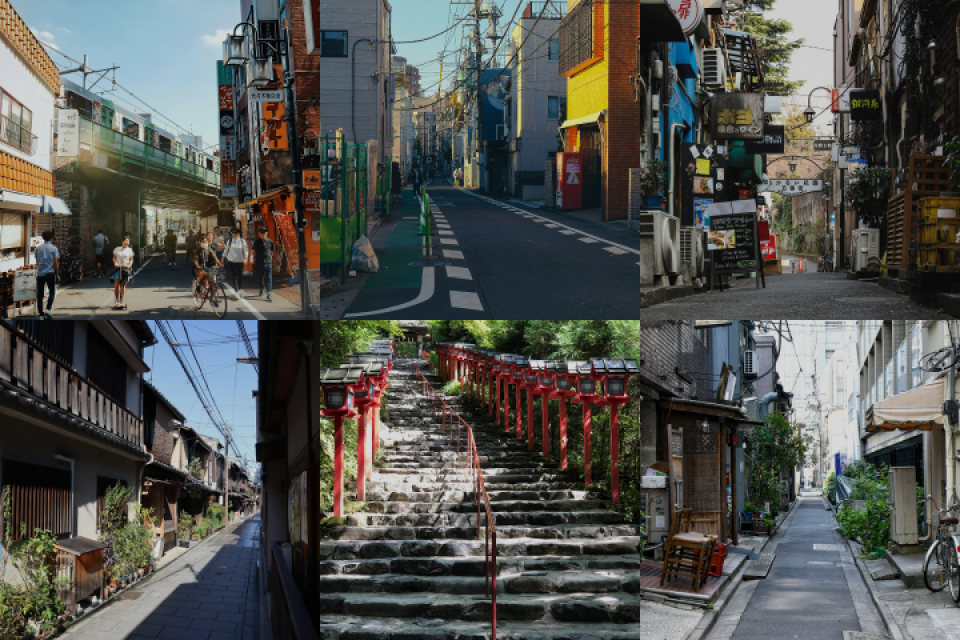
Personal Free-Use Environment References -
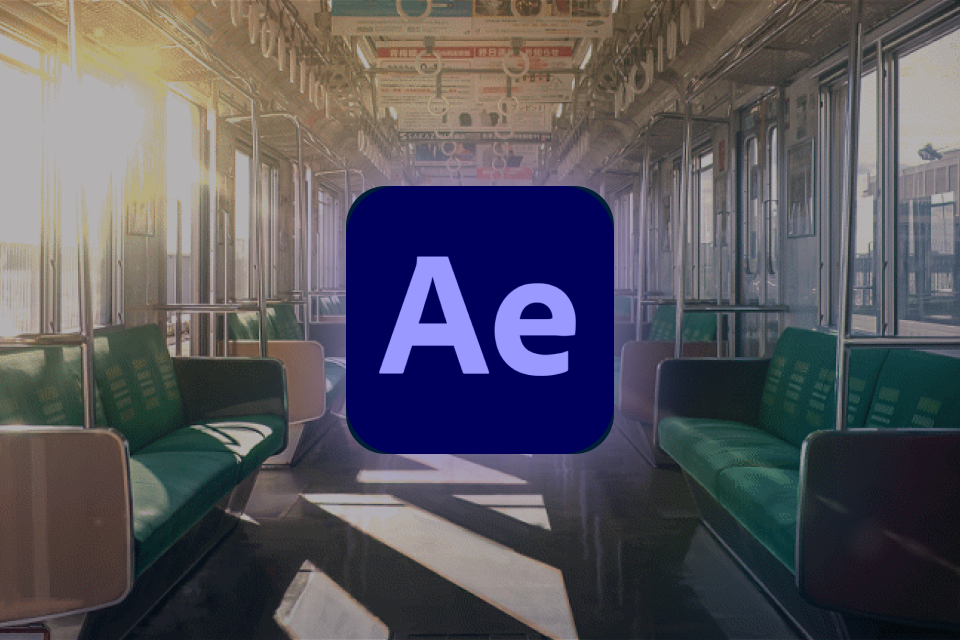
Optical Flares and other Camera Effect Files
* Above are sample images for a better understanding
Expert Illustrator JLT4n's Portfolio
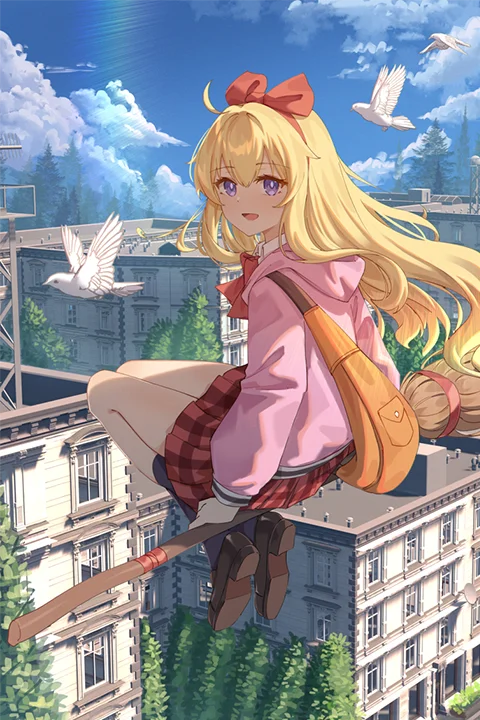
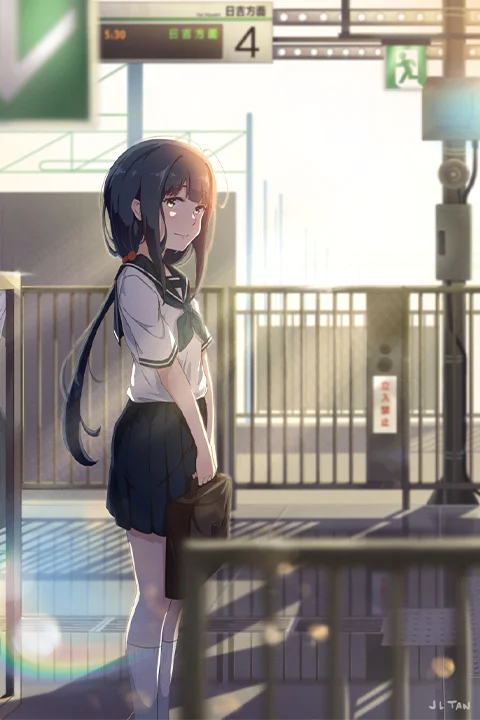
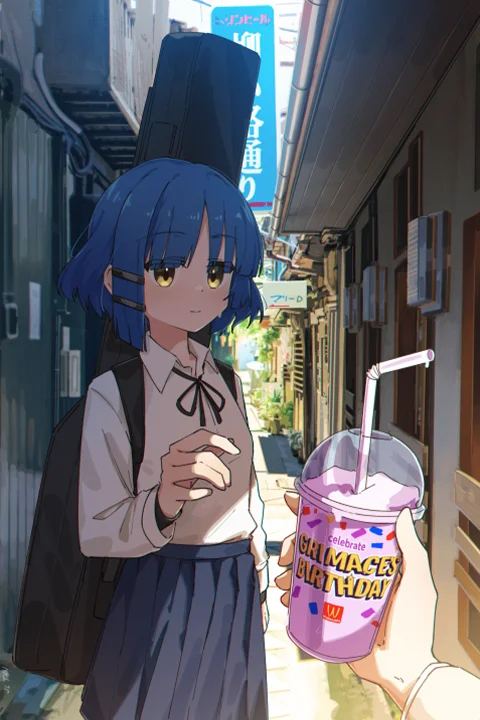
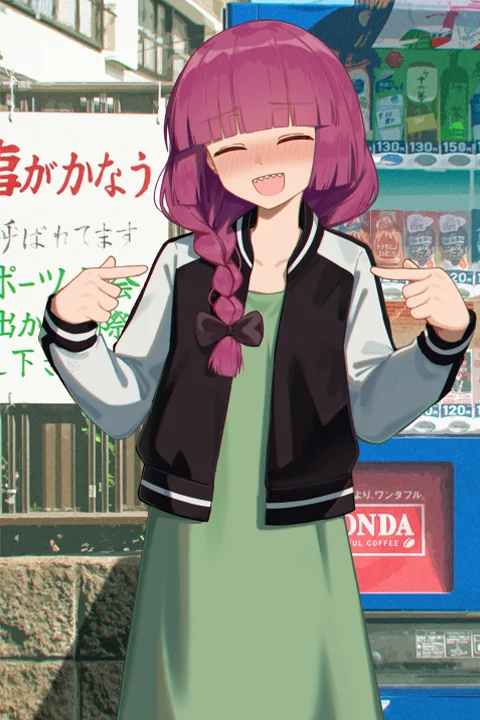
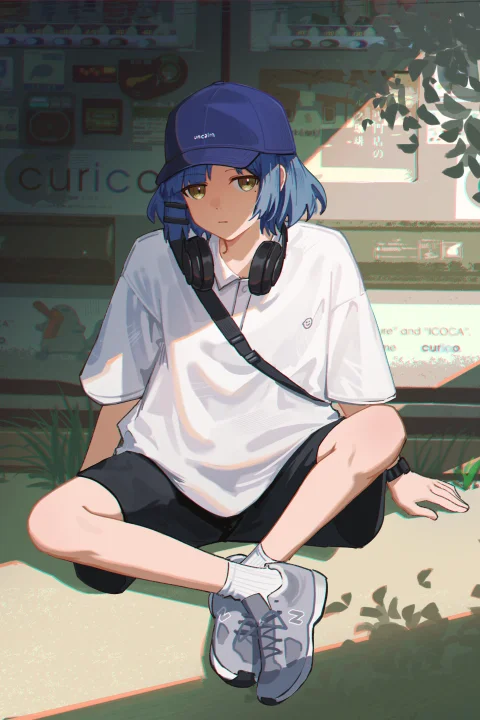
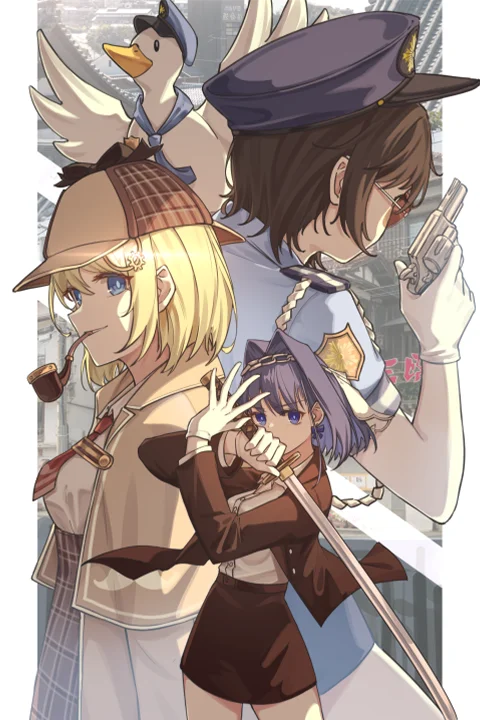
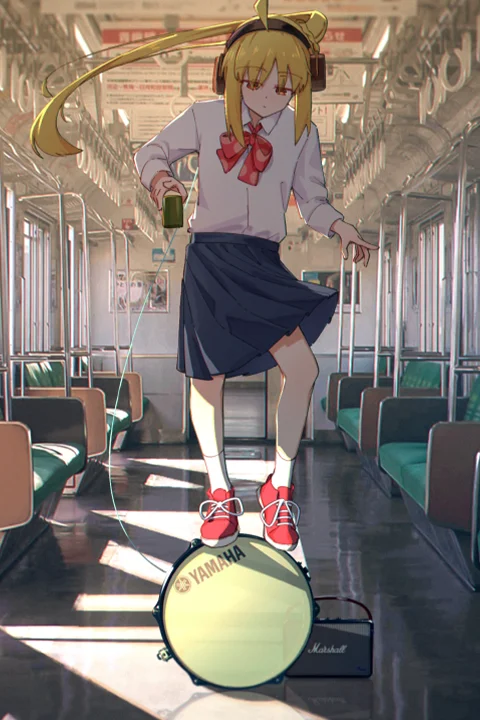
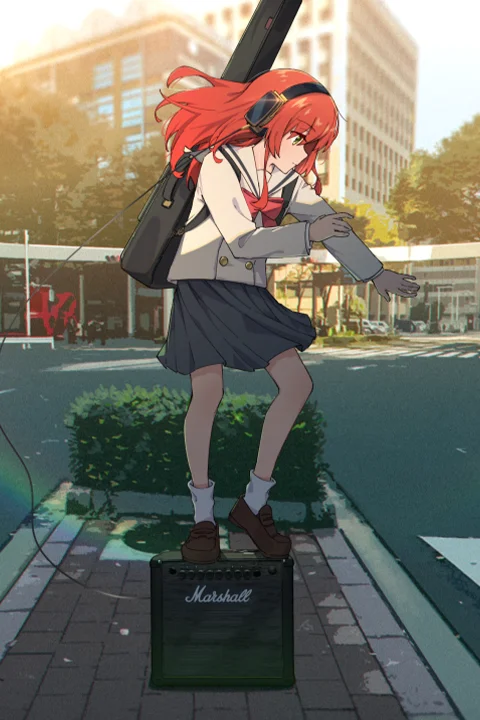
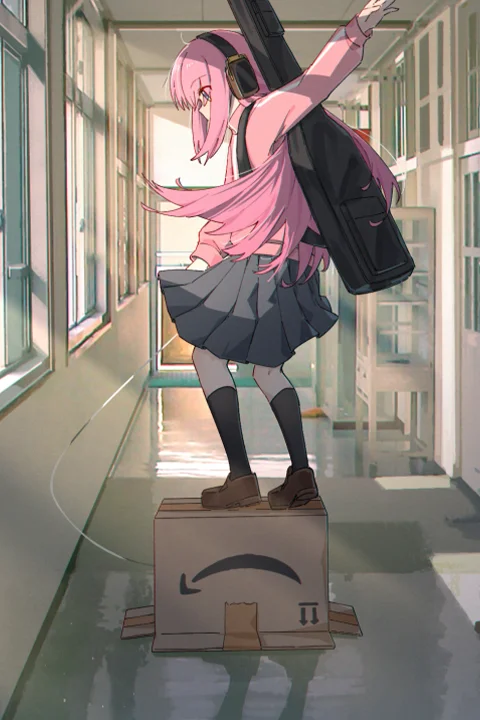
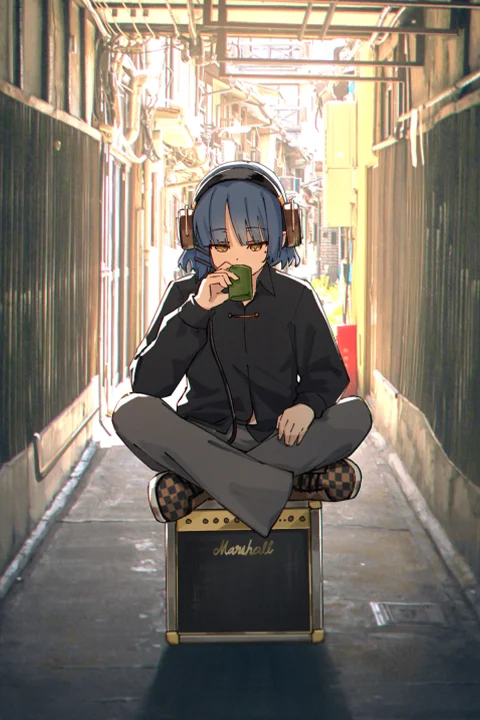
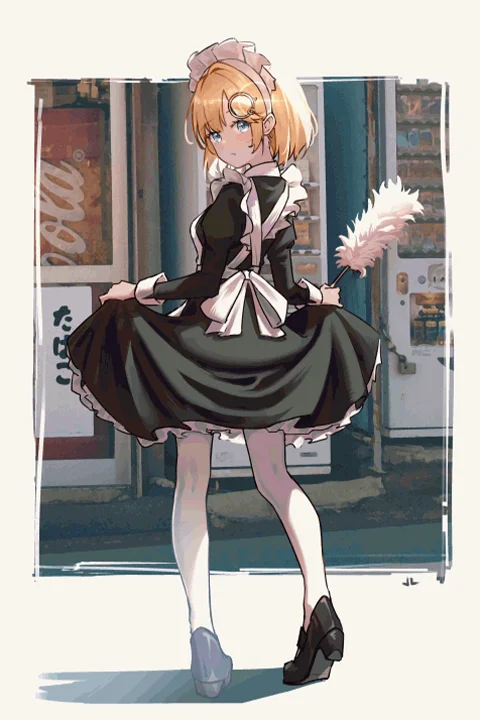
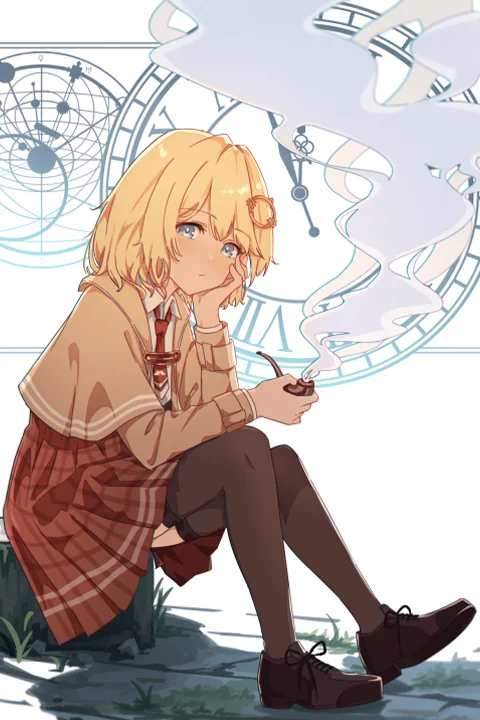
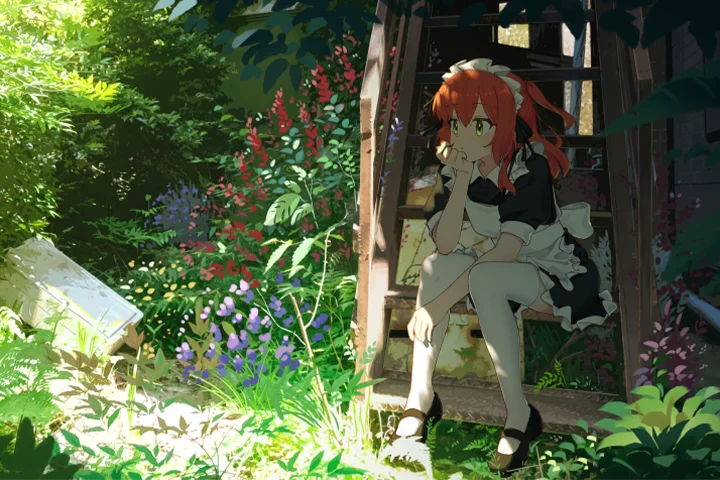
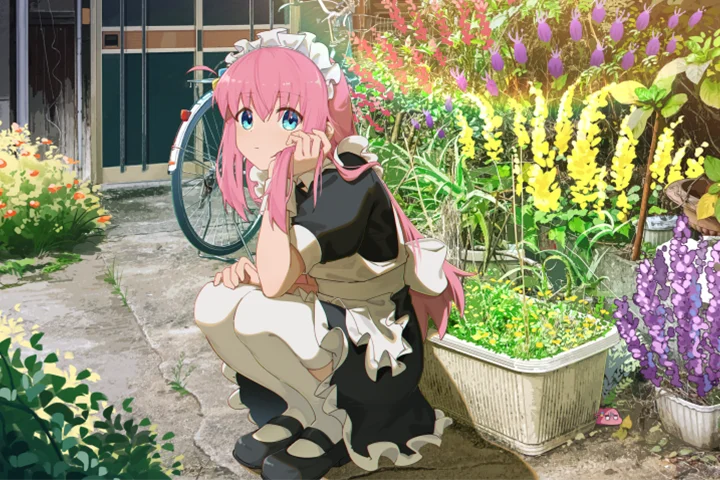
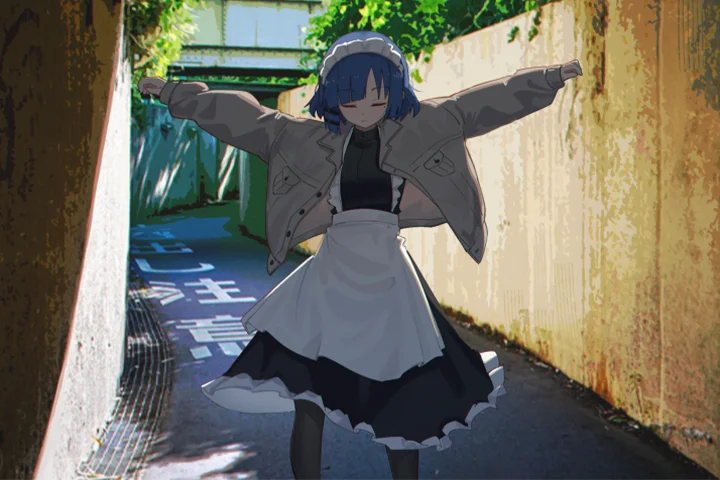
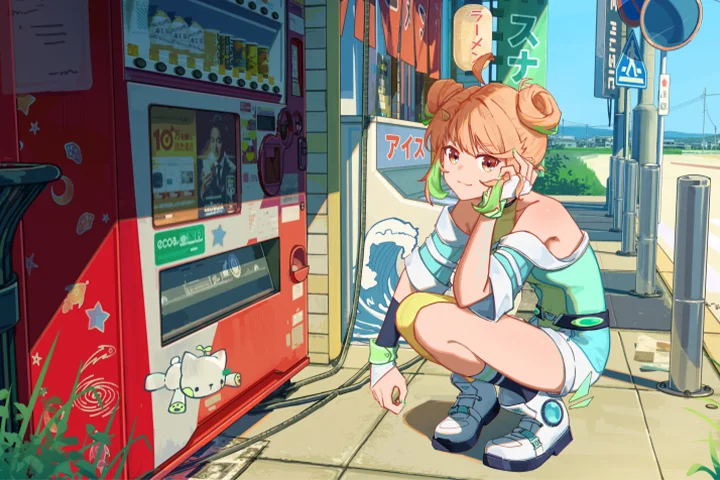
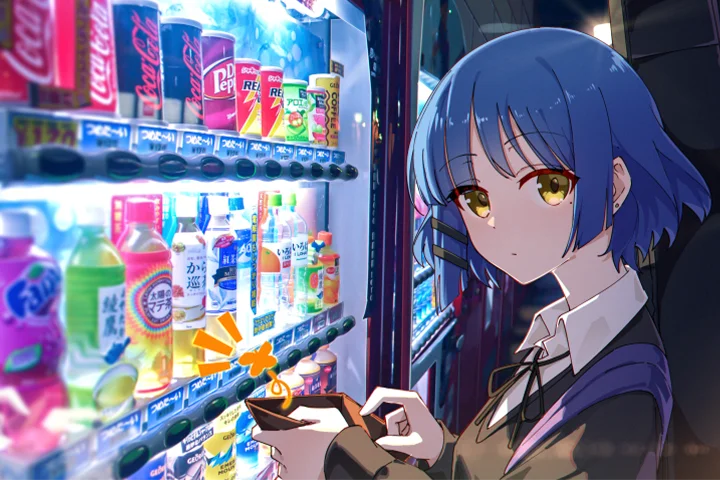
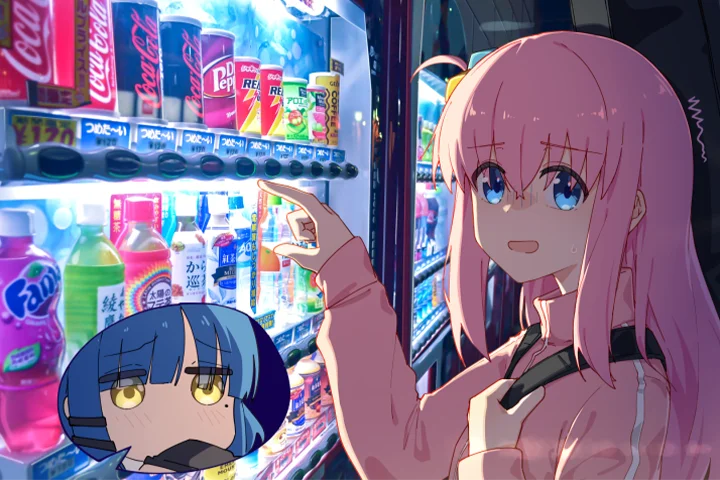
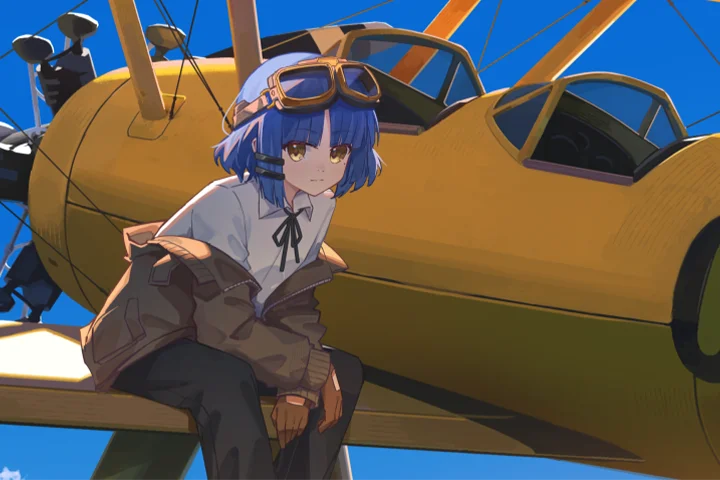
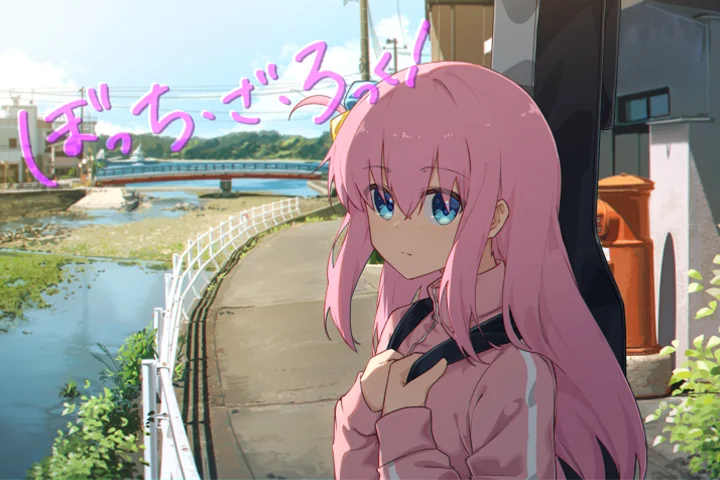
※ This portfolio includes fan art
Why Take This Class?
Don’t miss out on the authentic techniques that artists in the anime film industry use to create their masterful works.
An artwork's greatness lies in the story it tells. Every artist should be armed with this purpose, to not only create but also to convey the feelings, capture the moments, and leave a lasting impression.
This class goes beyond the fundamentals that teach you how to simply create. This class is about making your character interact with your background flawlessly. It’s about working with the very specific details that make all the difference. It’s about breathing life into your illustration through animation so that you can appreciate your own artwork like you do your favorite anime scenes.

15 Class Exercises
-
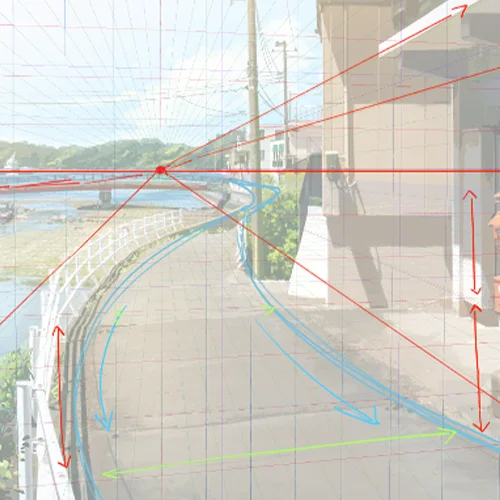 Scene Framing and Perspective Techniques
 -
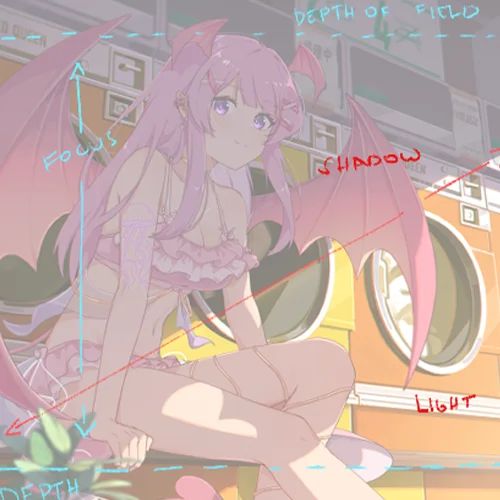 Guide to Scene Composition
 -
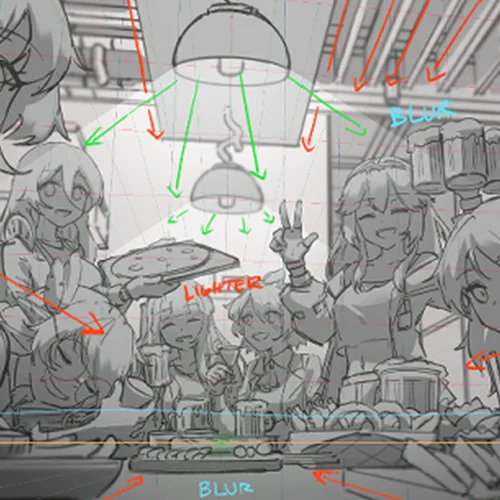 Leading the Eye by Utilizing Leading Lines
-
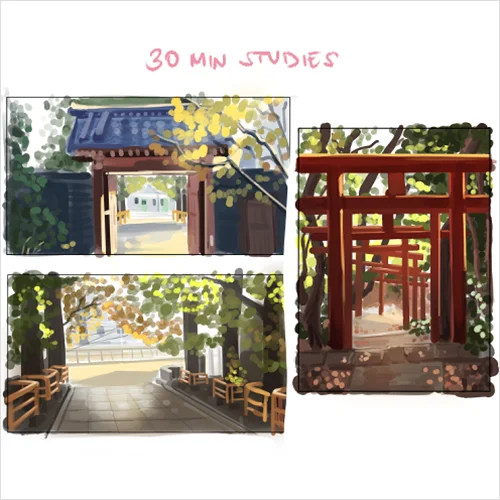 Background "Croquis" through Thumbnailing
 -
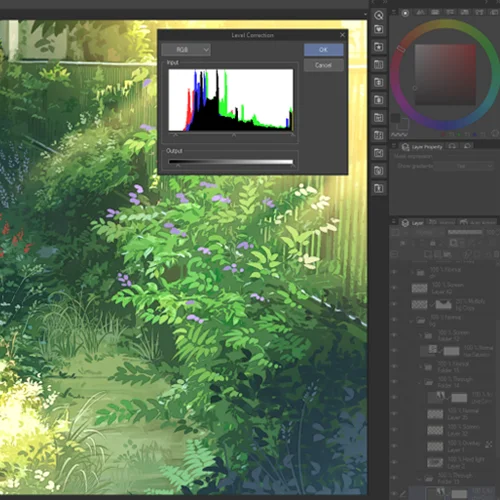 Approaches to Photobashing
 -
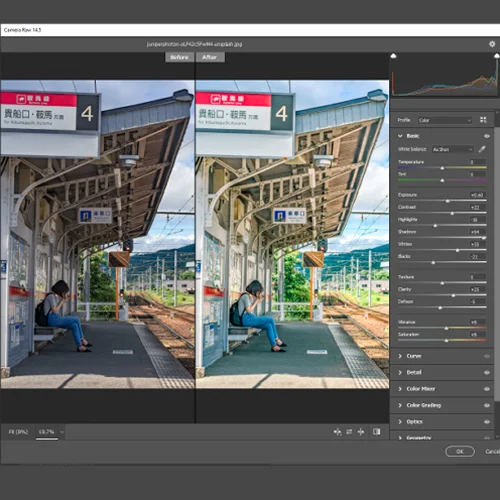 Photo Processing Techniques
-
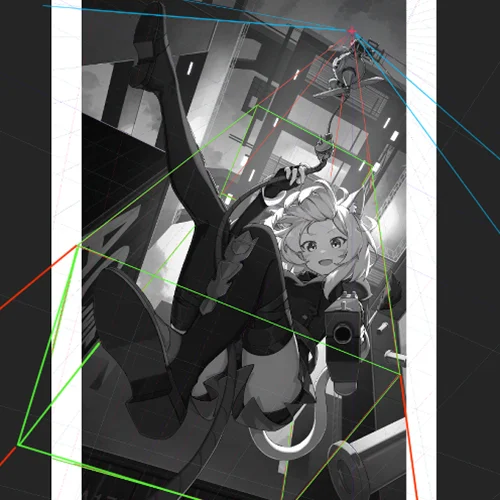 Shaping the Character in 3D Space
 -
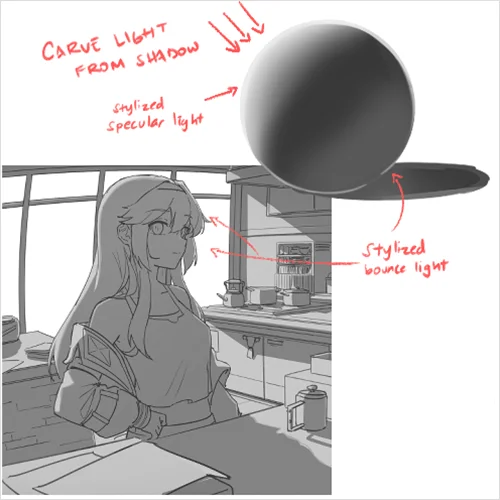 Carving Light and Shadow through Shapes and Forms
 -
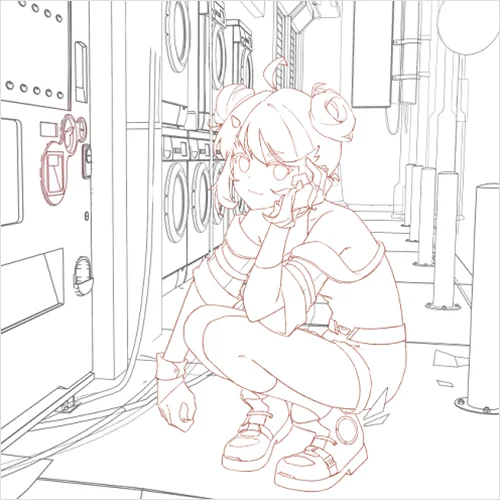 Lineart Methods and Processes
-
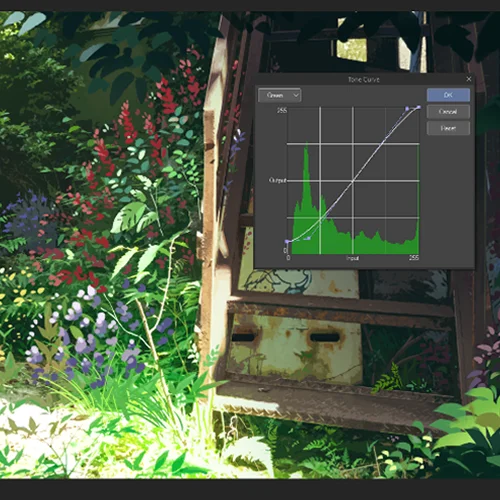 Lighting, Values, and Color
 -
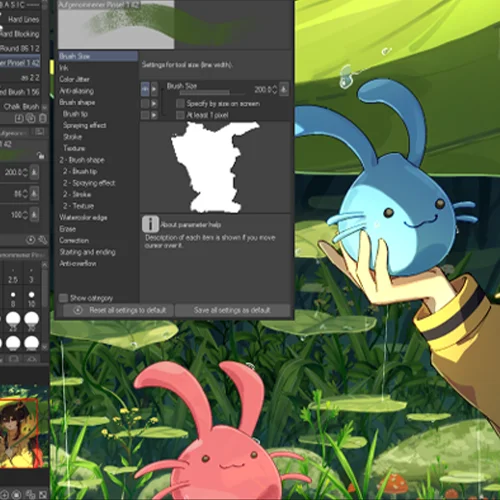 Brushwork, Texture, and Detailing
 -
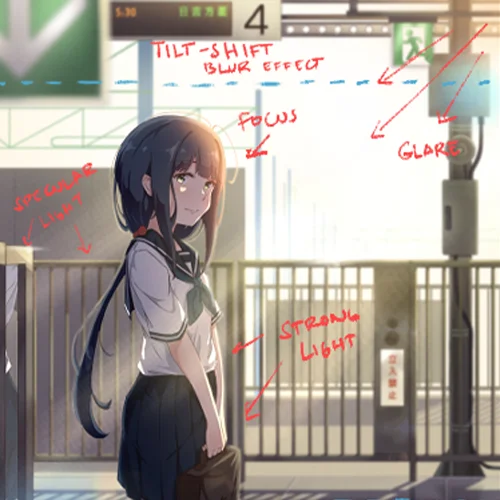 Utilizing Camera Effects, Level of Detail and Importance
-
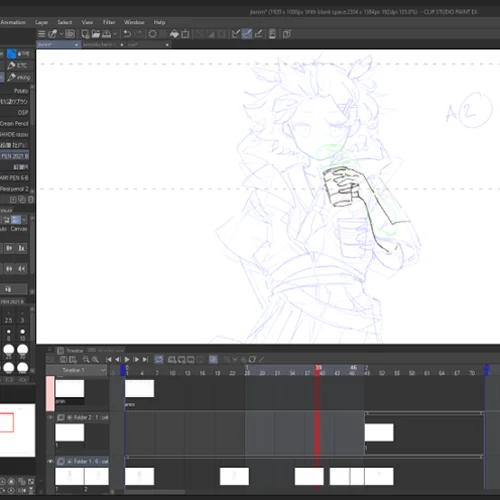 Basic Fundamentals of Animation
 -
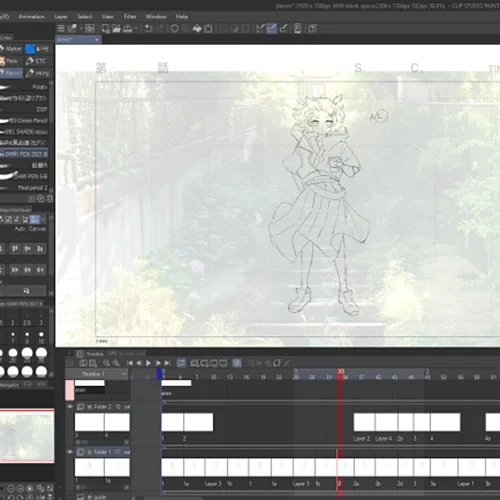 Coloring and Keyframing
 -
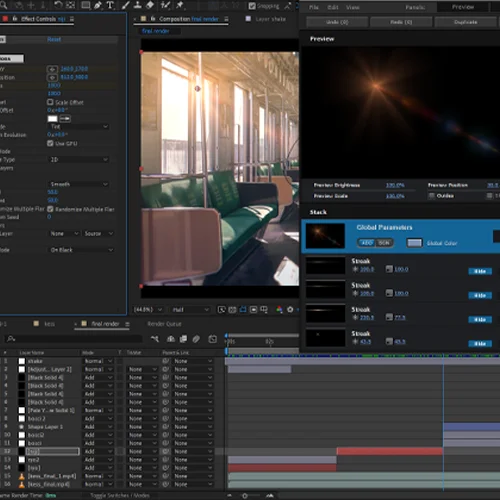 Compositing in After Effects
* Above are sample images for a better understanding
-
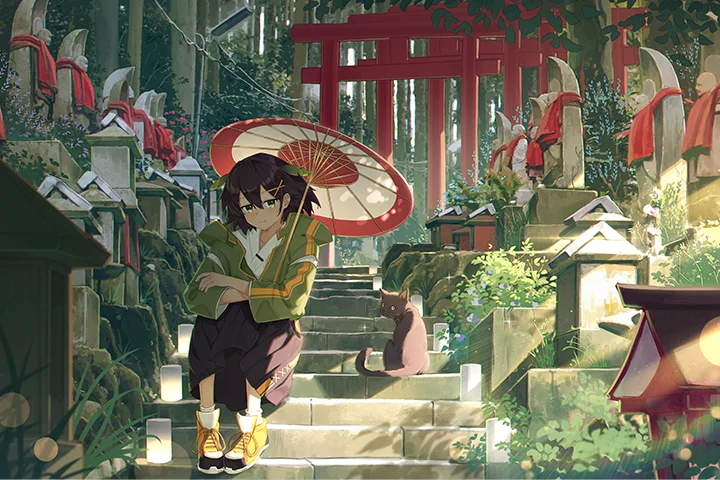 Final Illustration
 -
 Final Animation
Instructor
Freelance Illustrator
JLT4n
Hi! I'm JLT4n, or you can simply call me JL. I've been a self-taught freelance artist and illustrator, specializing in character and environment artwork, for nearly the past four years. I graduated from university in a completely different field, and I only began pursuing art as a hobby, but I was fueled by my innate passion for art and creativity.
I have always had a strong passion for portraying and rendering environments, creating beautiful settings for characters to interact within. In this class, I'll share my techniques and processes for effective character rendering and the creation of a believable, eye-catching scene. Join me in exploring the fundamentals and elements of composition in art to bring your illustrations to life.

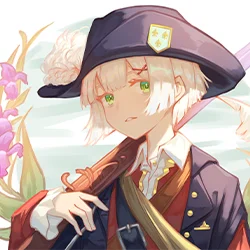
Freelance Artist, JLT4n
[Current]
Freelance Artist
Projects & Awards
[2023] Illustrations for stream use of talents by Nijisanji
[2023] Various artworks for Hololive’s fan books
[2022-2023] Music Video illustration for Hololive
[2022-present] Character artworks and stream illustration card designs for various independent VTubers and agencies
[2021-present] Illustrations for Music Videos and album cover art designs
Highlights
Class Highlights
Rules of Cinematic Composition
Composition in art draws many parallels to other mediums of visual art. By arranging scene elements on a canvas, we can create ways to frame the subject and convey the thematic message of the illustration effectively. In this class we'll explore the core fundamentals of art composition, perspective, subject framing, and much more.

Dichotomy of Light and Shadow: Creating Dramatic Lighting
Learn a simple and effective way to create strong lighting and contrast by manipulating lighting and rendering characters using form and structure. Various lens effects and volumetric lighting will also be employed to create a realistic but stylistic scene for the background.

Matte Painting: Mastering Color Harmony and Layer Blend Modes
Choosing the right colors plays a pivotal role in setting the mood of the illustration. We will delve into color theory, the effective use of layer blend modes, and proper material texture rendering to achieve anime-film style art. Also learn about Matte Painting, which is a set of techniques employed by concept artists in the movie, game, and art industries. The class will be teaching about photobashing, color grading, overpainting, and more, to create a rich and detailed background illustration.

Class Details
You'll Learn
-
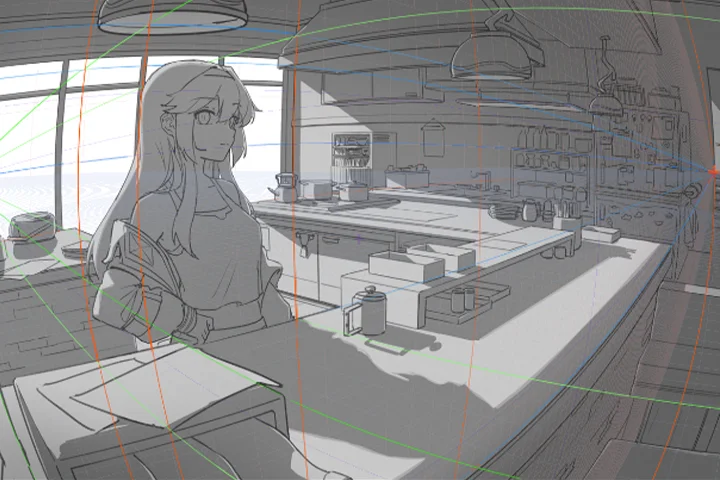 Shaping the Character with Perspective in SpaceLearn effective character creation and basic anatomy by building shapes and forms. Learn to place the character in perspective to the overall scene, as well as employ perspective techniques in conjunction with the character, like 1-point, 2-point, 3-point, and even fish-eye perspectives.
 -
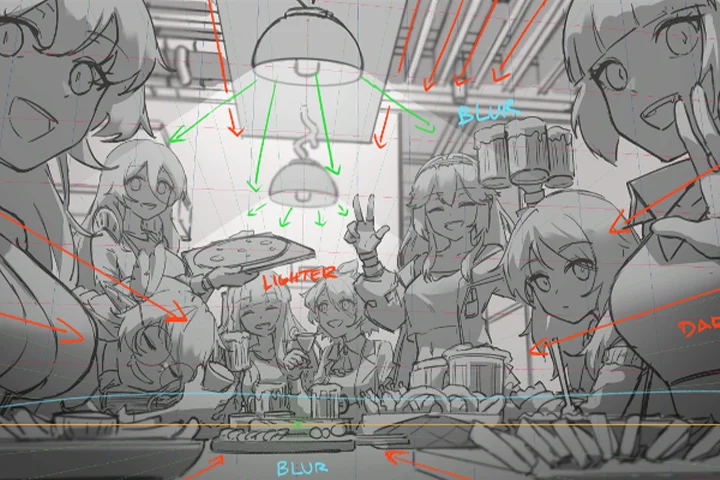 Leading Lines and Guiding the EyeThere are many ways to portray the same scene. The artist's decision will depend on the effective use of composition, angle, placement of objects, and visual storytelling. Guiding the eye is an art that combines those elements to portray the mood, character, and atmosphere of the illustration.
 -
 Photobashing Techniques Used in the Anime Film IndustryPhotobashing is a technique where we merge and blend photographs together while painting. Learn how to properly use photobashing methods by removing information and adding them back again to create a natural anime illustration feel, whilst retaining that realism for that added punch.
-
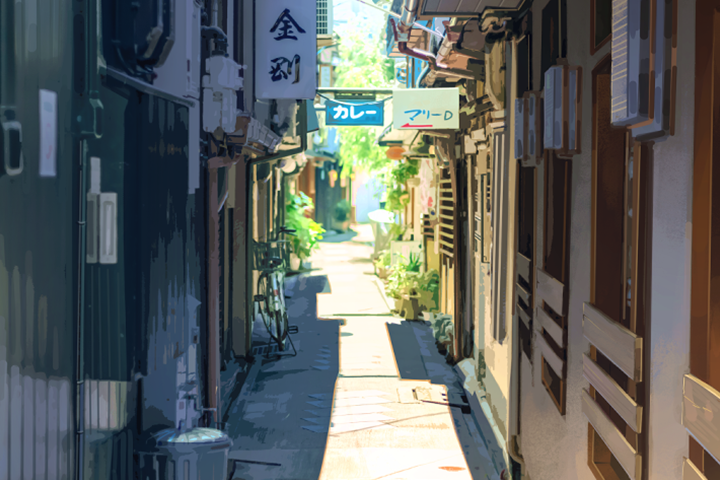 Color Harmony via Photo Processing and Color GradingColor grading is the manipulation of color to emphasize or de-saturate certain colors and adjust contrast, shadows, and highlights. It is used to enhance the mood, emotion, or visual style of an image or film. Familiarize with principles of photography and film, and apply them to our own workflow.
 -
 Anime-Film Style Camera EffectsCreate realism in our illustration by employing the natural elements of photography. We'll utilize "imperfections" such as bokeh, lens flares, grain, as well as Depth of Field, Bloom, and Lighting.
 -
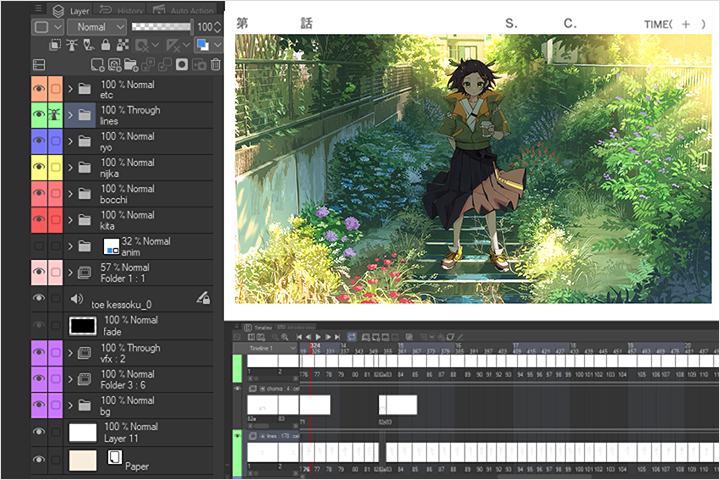 Animating and Compositing the SceneThe class will offer the basics of character animation, coloring, and scene compositing, as well as other finishing touches that complete your final piece of artwork that is ready for your portfolio.
- Unlimited Access
- Best Price
Buy now, get unlimited access.
12/31 (Sat) (UTC-7) Special offer ends soon.
This special offer ends soon.
Buy now and save!
Curriculum
Class Preview
Check out JLT4n's Class Preview
Curriculum
In-Depth Look
SECTION 01. OT
01. Orientation
- Introducing your instructor
- What you will learn
- Helpful websites and software programs
SECTION 02. Fundamentals 1
02. Narrative of the Illustration (Purpose/Goal)
- Gathering ideas
- Adding a story to our scene
03. Perspective Techniques
- Discuss perspective types
- Learn perspective fundamentals
- Techniques on how to achieve them
SECTION 03. Fundamentals 2: Art Direction
04. What Makes a Good Reference Photo?
- Find a great reference photo
- What to look for in a photo
- How to take photos to be used as the base
05. Direction and Composition (Thumbnailing) (Scale and Direction)
- Sketch the scene and the character
- Create atmosphere and lead the eye through composition
06. Approaches to Background Art (Matte Painting vs from Scratch)
- Advantages and disadvantages of using a photo as a base vs painting from scratch
SECTION 04. Photo Processing
07. Methods to Photo Processing
- Techniques with Photoshop
- Process the photos to be used as a base for painting
08. Color Grading and Color Harmony
- Color shifting
- How it affects the atmosphere and mood of the illustrationg
- Color grading
SECTION 05. Character Art & Rendering
09. Anatomy and Postures
- Ways to achieve effective and efficient anatomy
- Different postures that blend in with the background
10. Character Perspective
- Add the character to fit in with the scene
- Ways to put the character in relation to perspective in space
11. Details & Expressions
- Express the character's motives, direction, and narrative
- Express your desired characteristics with facial expressions and body gestures
- Add subtle accessories/nuances to enhance the interaction of the character to the world/scene
12. Linework
- Gloss over the draft stage and refining linework
- Line stroke, line weight & line expression
13. Base Colors and Lighting
- Techniques and methods to coloring
- Properly express the character, the mood, and the role
14. Rendering and Blending
- Blend the character to the background
- Take the ambient light and shadows of the background to the character
SECTION 06. Background Refinement & Adjustment
15. Techniques to Painting
- Establish the base for the illustration
- Effective methods of painting over a photo
16. Texture and Material
- Strengthen the illustration by expressing the distinction between the textures of materials
- Go over how light hits and affects different materials
- Contrast adjustment between light and dark
17. Reflection, Bounce, & Specular Light
- Add more information to the illustration by expressing how light behaves
- Techniques to add more life to the scene by dynamic lighting
18. Color Transition, Light Falloff & Volumetric Lighting
- Learn about how light falls off
- Execute the atmosphere of the scene by color temperature
- Make use of volumetric lights to add realism to the scene
SECTION 07. Post Processing: Camera Effects
19. Camera Lens Effects (Depth of Field, Bokeh and Lens Flare)
- Further add realism by using Depth of Field
- Lens effect: Bokeh
- Lens effect: Lens Flare
20. Finishing Touches (Grain, Chromatic Aberration, Etc.)
- Finishing touch: Grain
- Finishing touch: Chromatic aberration and vignette
SECTION 08. Animating the Scene and Compositing
21. Sketching the Keyframes and In-Betweens
- Fundamentals of animation
- Preparation for a short animation
- Clean-up and lining
22. Coloring and Exporting the Animation
- Color and folder structure of animation in Clip Studio
- Refine the backgrounds
- Prepare for export to After Effects
23. Compositing in after Effects
- Operation and tools needed for After Effects
- Composite the entire animation
- Techniques for a scenic animation
SECTION 09. Closing
24. Parting Words
- Parting words
*The release date of this class, curriculum images, and associated content can be changed without prior notice.
** Class videos may be seperated for a more streamlined viewing experience
*** This early bird sales page includes artists' personal and client work, which may be replaced after the class video release.
Interview with
Freelance Artist, JLT4N

Question.01
Is there a specific reason why you chose this specific topic/themes?
I have always been fascinated by the works of Makoto Shinkai and Hayao Miyazaki's movies, where the characters and the scenes are not only portrayed fantastically but also relatable and grounded in reality. The dichotomy of a relatively simple but charming character, contrasted by the plethora of details in the often realistic background, makes for a sublime and eye-catching illustration. It's almost like a still from an anime film, to be a director, if only for a single frame. An artwork is only as good as the story it tells, and every artist should at least be armed with this purpose, to not only create but also to convey the artist's feelings. But it is also important to not get lost in the details and to always see the big picture when painting. That is what composition is all about.
Question.02
Could you please share how you started your journey in the industry?
I first graduated from university with a degree completely unrelated to art, but I always had the affinity and the love to draw and paint since I was little. I have always been interested in anime-related stuff and that passion grew inside me with each passing year until the pandemic and lockdown began when I started to draw again. At first, I just drew out of hobby and passion and had very little skills. But I just drew consistently, only learning art through tutorials on YouTube, and I grew at a relatively fast rate. Soon, I got art-related jobs and commissions and got sucked into the VTuber art industry, where I created fanart and official illustrations and became relatively known. Recently, people have known me from making fan artwork of various anime shows such as Bocchi the Rock. All of my artworks still have the essence and the inspirations pulled from my favorite anime directors and artists.It's almost amusing, because if it wasn't for the lockdown and social isolation, I would have been on a completely different path.
Question.03
What do you think is the most important trait(s) to success in your industry?
I would say learning the core fundamentals of your specific art discipline, but it is merely a guide in helping you in your chosen art path. Never be afraid of experimenting, of going out of your comfort zone. Artists need the passion and the courage to push through, defy conventions, and overcome stagnation. Last but not least, one needs to have boundless creativity and curiosity, and the time, consistency, and the will to improve.
Required Programs
This course will use Clip Studio Paint, Adobe Photoshop, Adobe Lightroom, and Adobe After Effects.
Please purchase and install these program(s) for an optimized chapter experience.
*These programs and/or materials will not be provided with the chapter.
Recommended
Recommended Class
Like this class?
Then check these out!