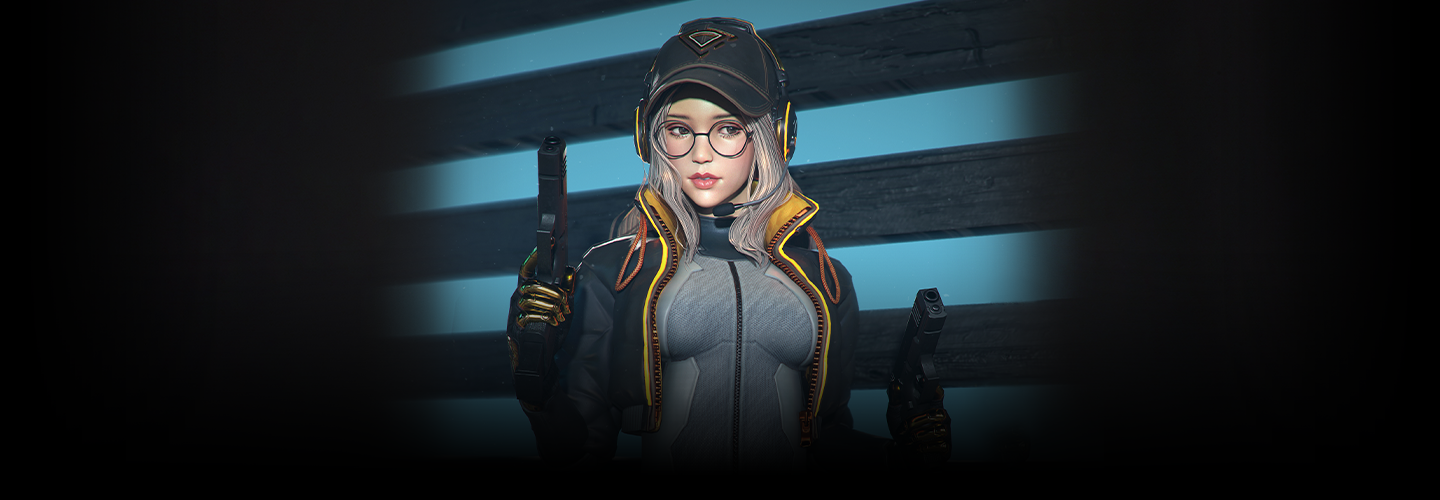
3DArtist,RosaLee_3D 캐릭터 아티스트 이로사 Details
Class introduction
Class Intro
3D Character Artist, Rosa Lee
"Learn my 3D character modeling secrets for balanced quality in a rich 60-hour curriculum."
3D modeling from a practitioner who has collaborated with AAA game companies
Learn practical 3D modeling skills from a renowned character modeler who has worked with world-renowned AAA game companies, focusing on essential pipelines and tools.
If you're new to 3D modeling, explore basic program interfaces and examples in 3ds Max, ZBrush, Substance Painter, and Marmoset. Learn the detailed workflow for creating semi-photorealistic character models and tips to enhance your skills.
Join this comprehensive 60-hour class to master everything from the fundamentals to practical application and create your own unique character models!
Join this comprehensive 60-hour class to master everything from the fundamentals to practical application and create your own unique character models!
Expert 3D Character Artist Rosa Lee
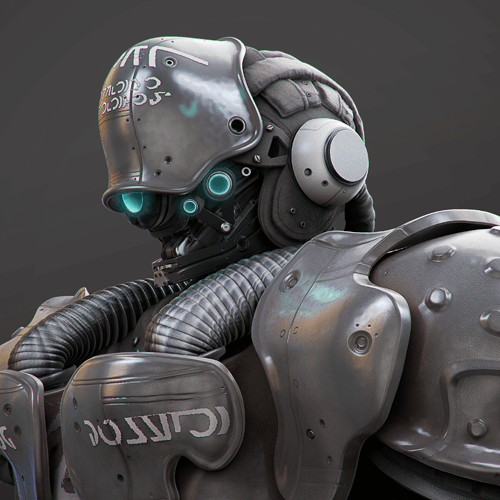
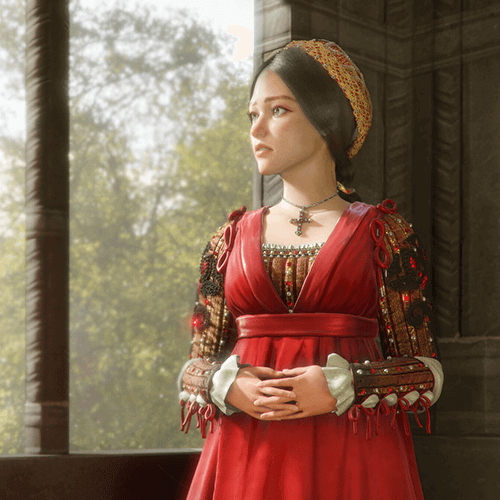
Why Take This Class?
Are you going to be satisfied with one or two unattractive results that look like they were taken at an expensive offline academy? No more wasting time! In this introductory 3D character modeling class, you can get everything at a reasonable price, a solid curriculum of over 60 hours, clear step-by-step results, and the skills of a Triple A company practitioner.
Explore a variety of tools and modeling techniques with step-by-step examples, gaining skills to create dynamic character models! Join me at Coloso for the start of your journey into perfect 3D modeling.
Part 01. Basic
Learn how to create basic objects using zbrush and 3ds max and how to apply them.
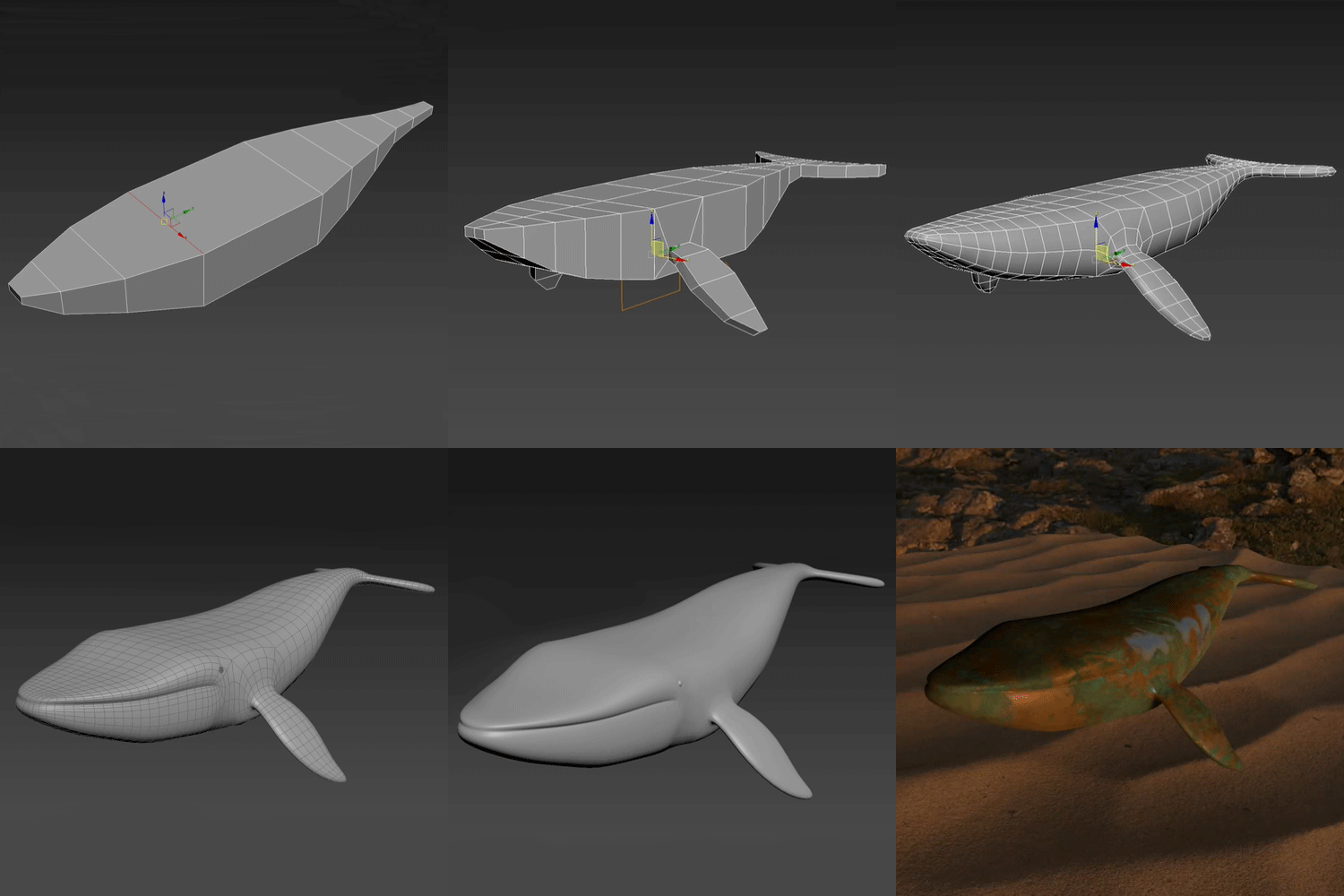
3ds Max – Whale
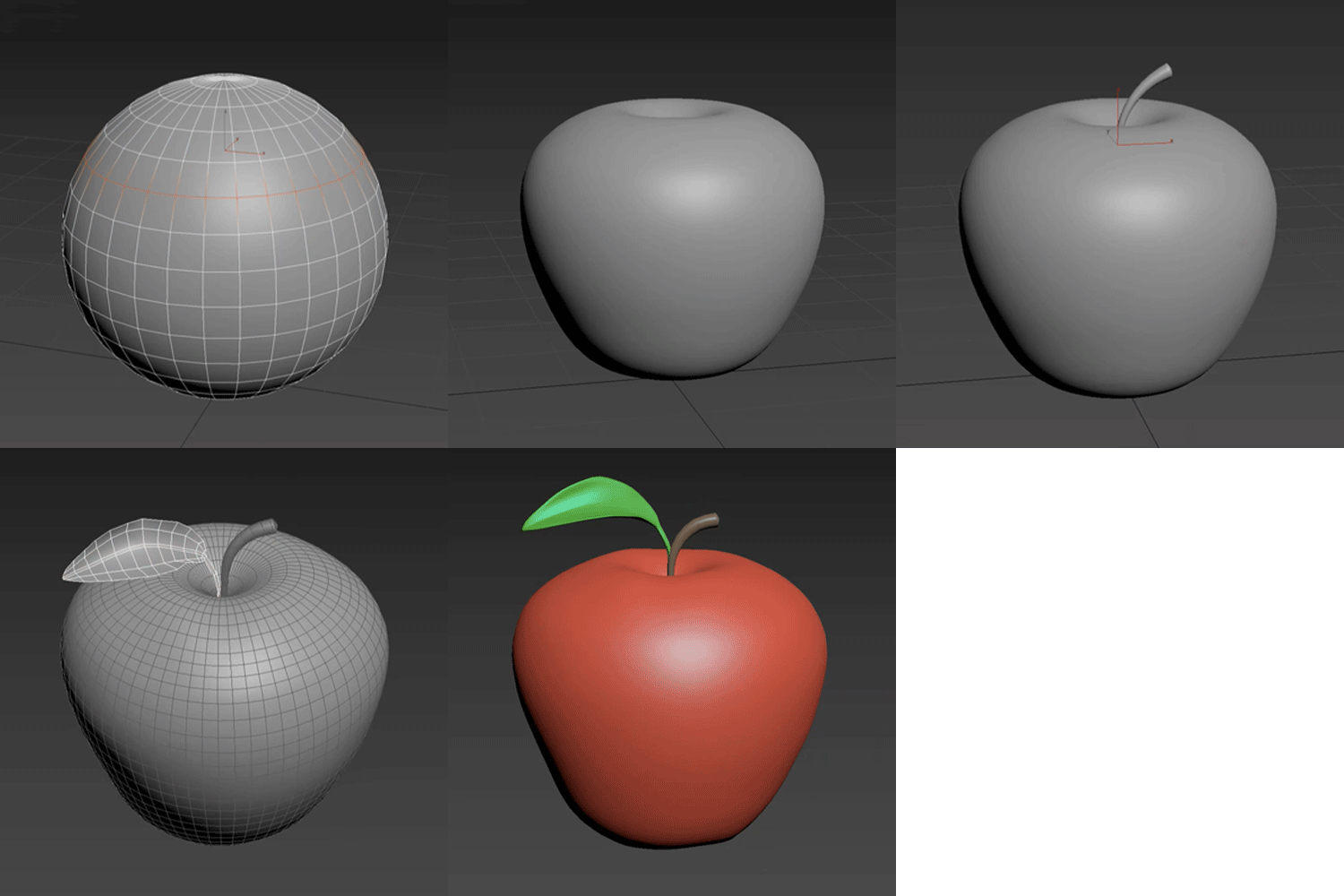
3ds Max – Apple
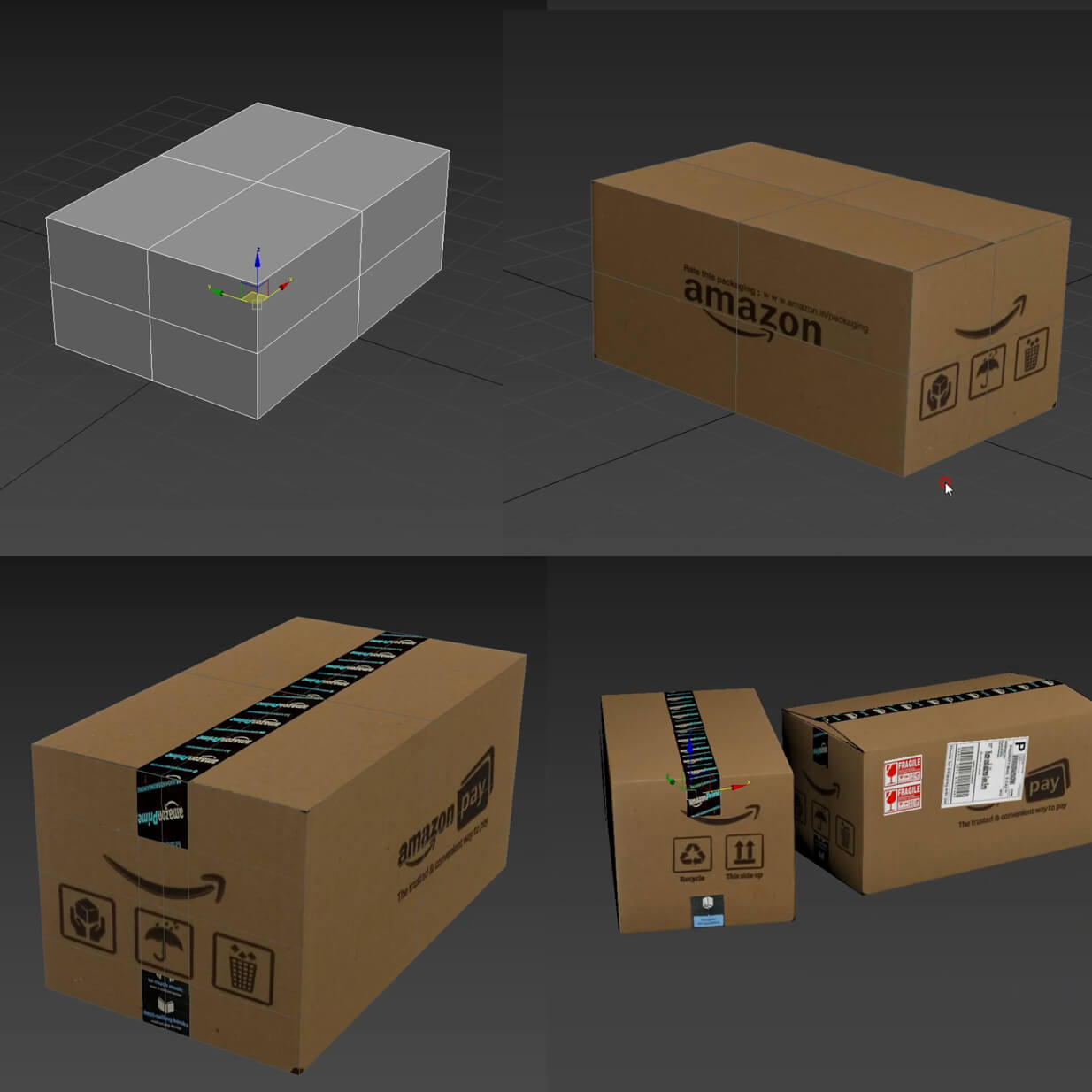
3ds Max – Delivery Box UV Unwrap
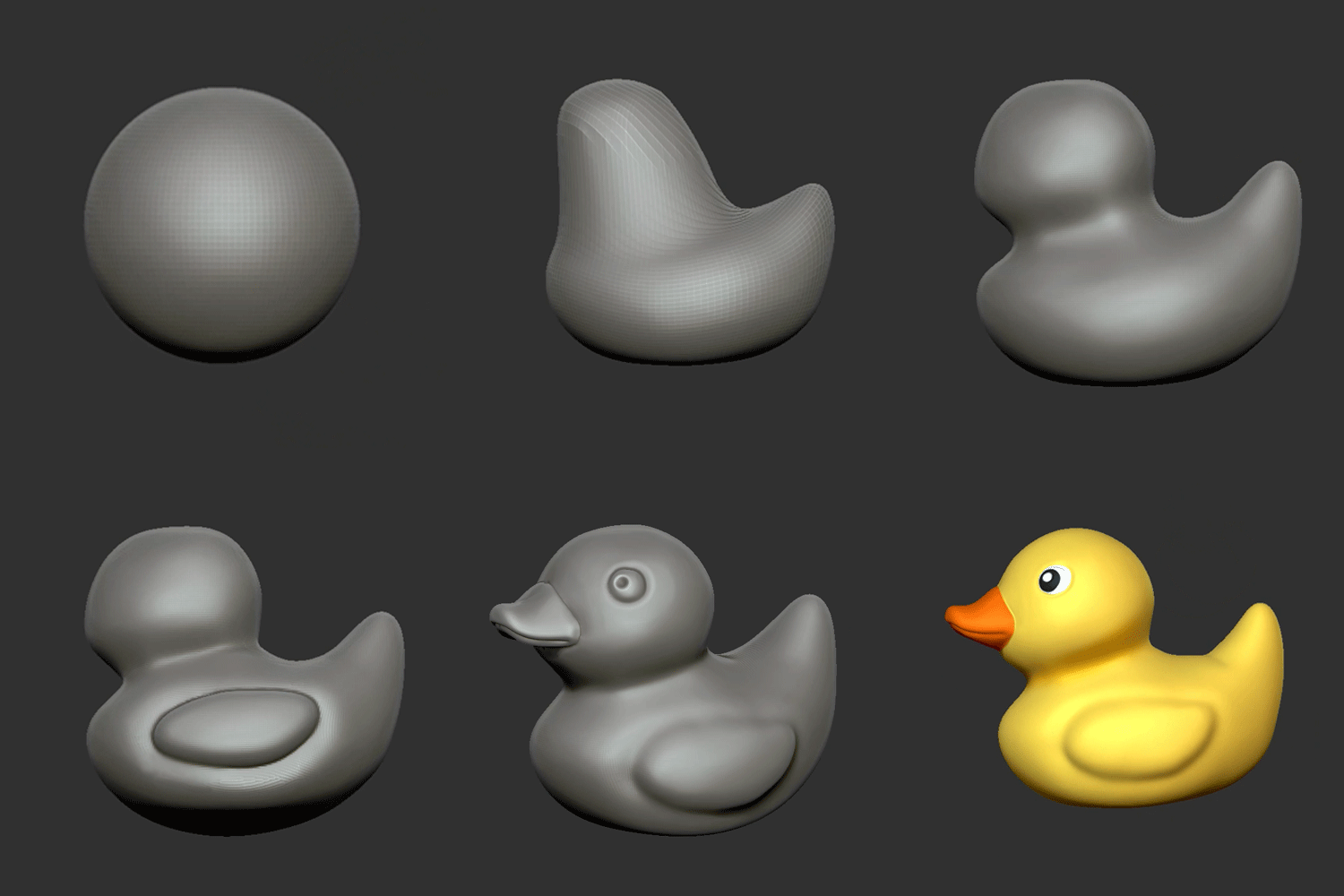
Zbrush – Rubber Duck
Part 02. Character design
Learn the practical pipeline for creating 3D semi-realistic characters, including costumes & accessories.
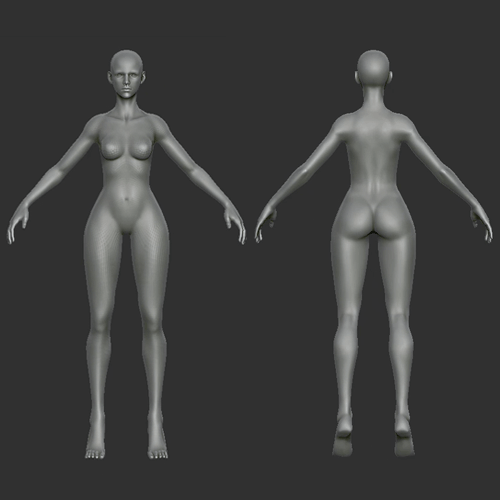
Basic body sculpting
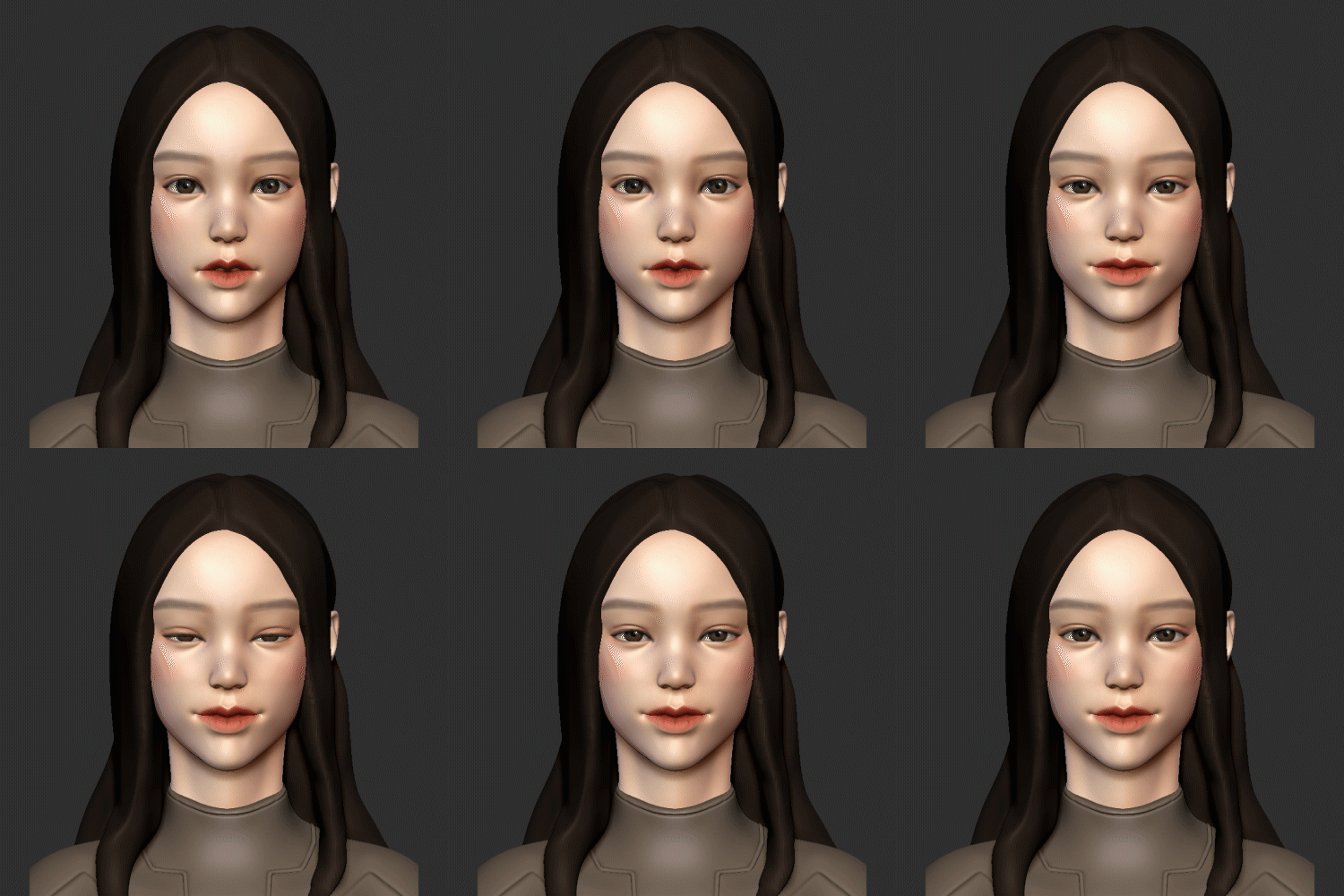
Face sculpting
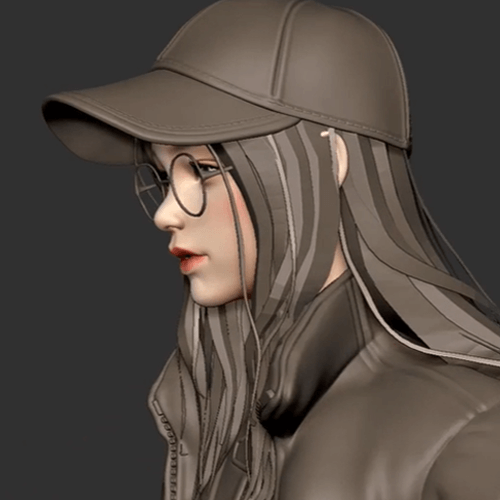
Hair mesh
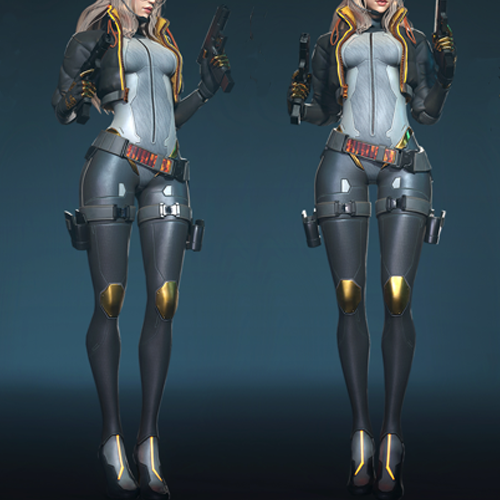
Costume – Bodysuit
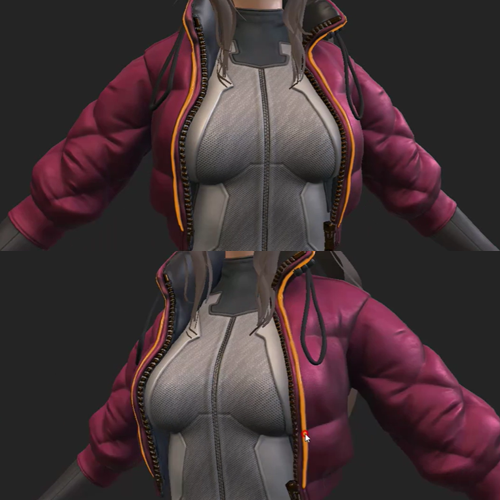
Costume – Jacket
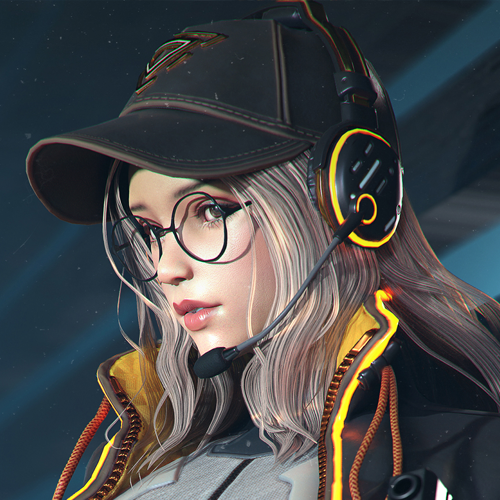
Costume – Hats, glasses, headsets
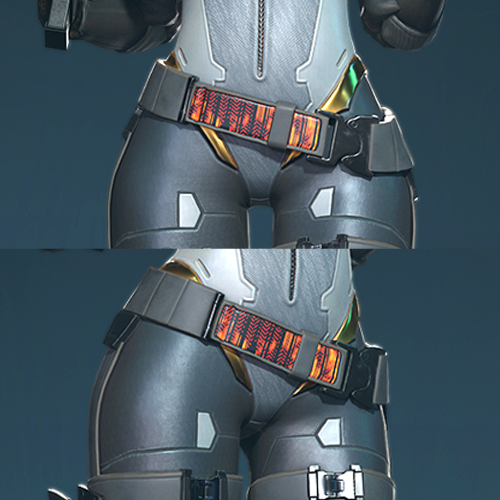
Costume – Belt
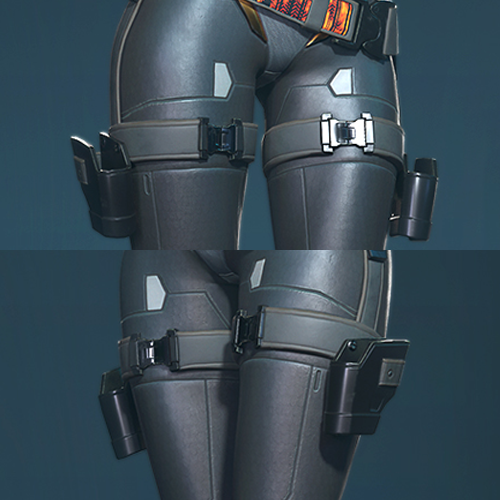
Costume – Holster
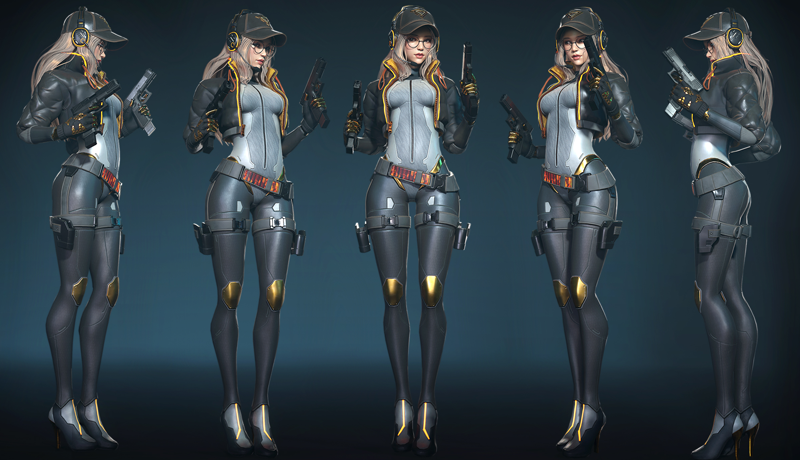
Completed Work
3D Character Creation
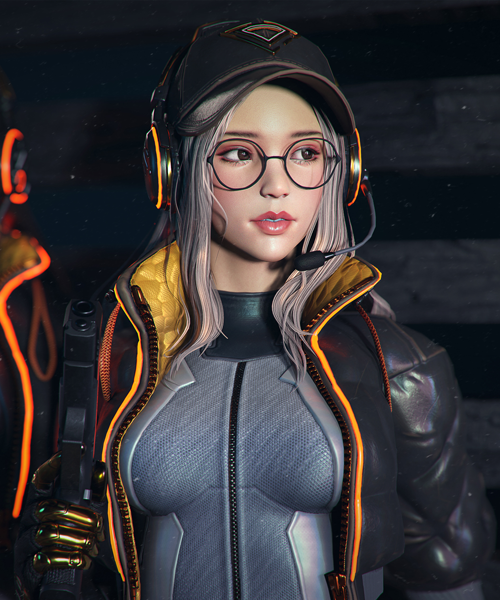
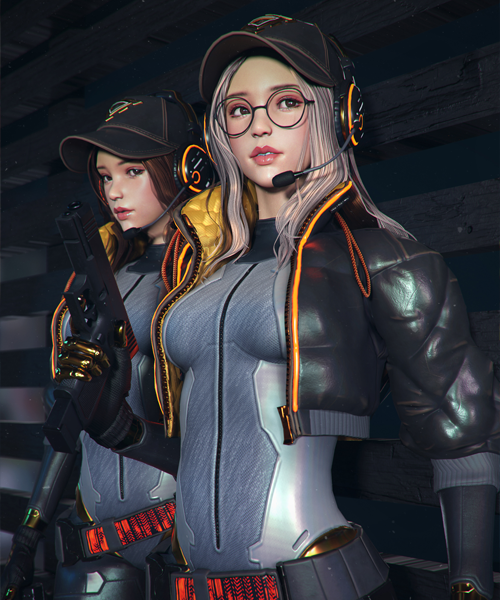
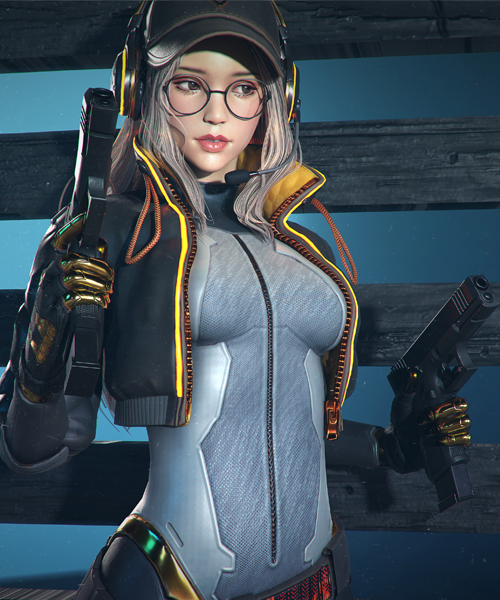
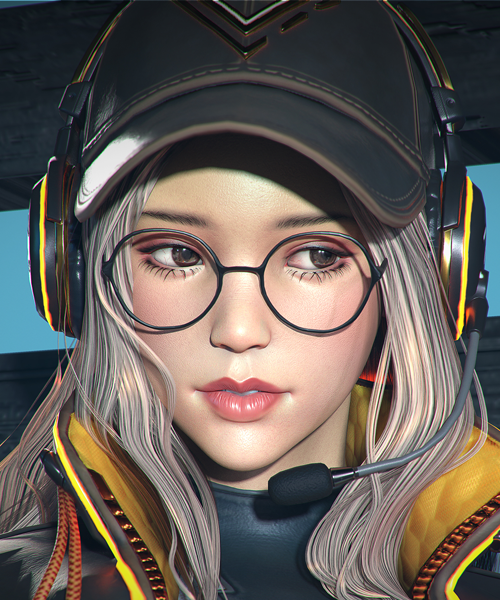
* The images above are provided as examples to aid in understanding the class.
Speaker introduction
3D Character Artist
Rosa Lee
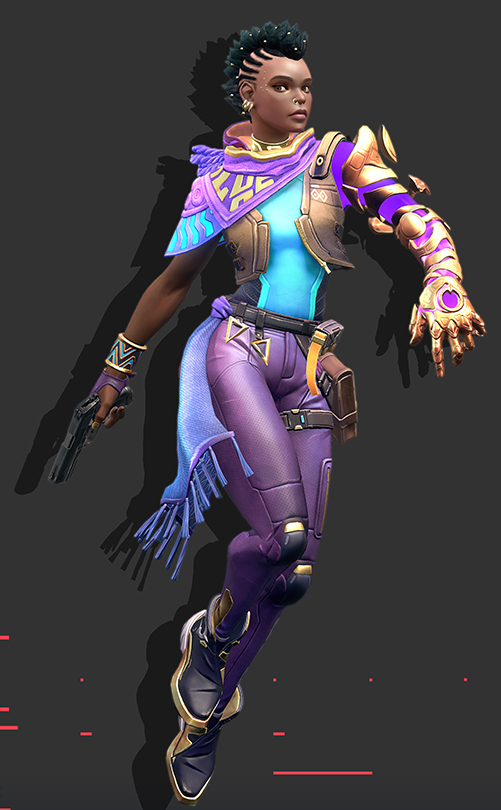
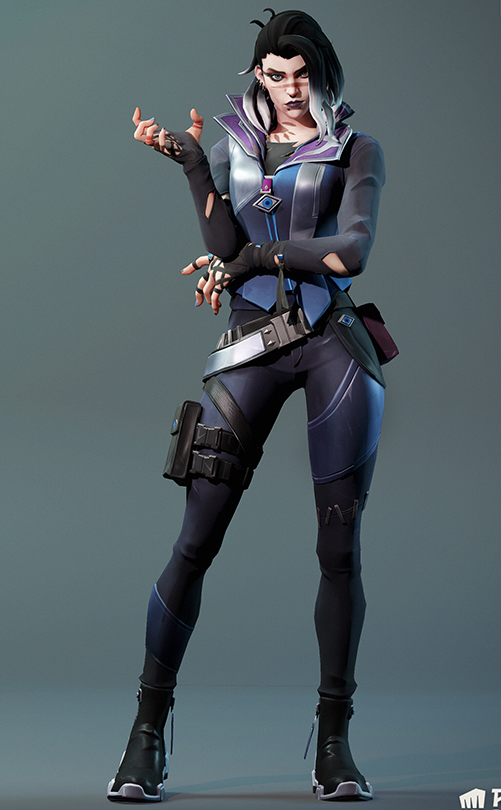
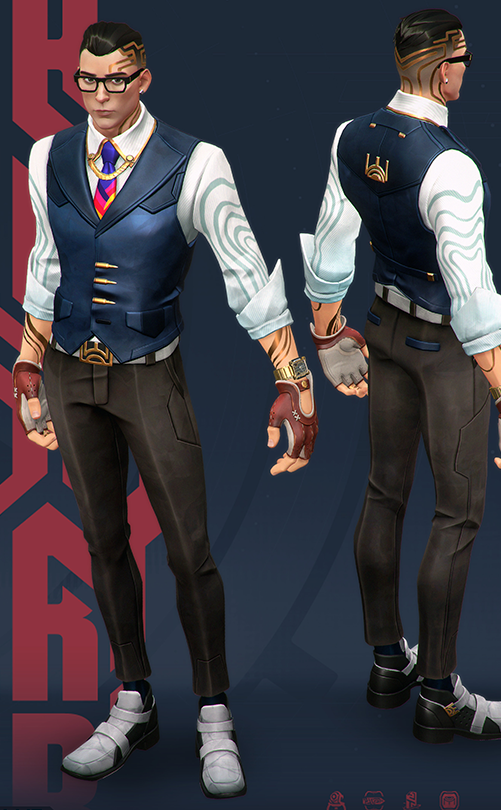
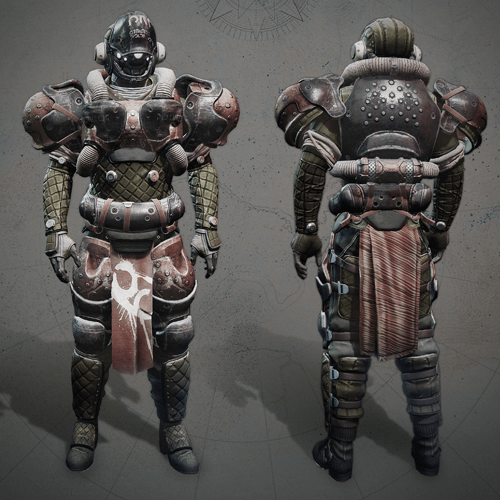
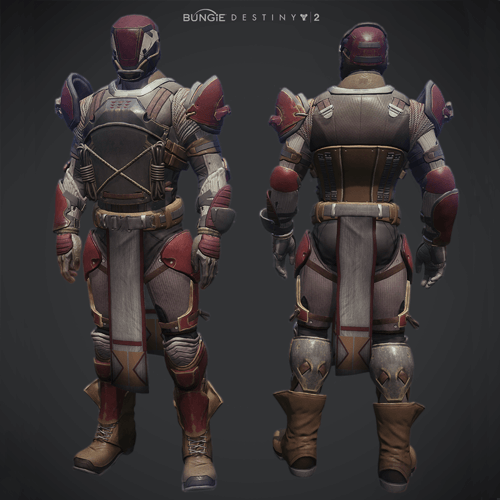
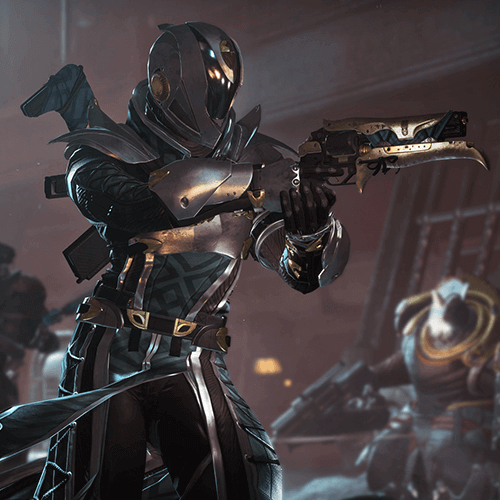
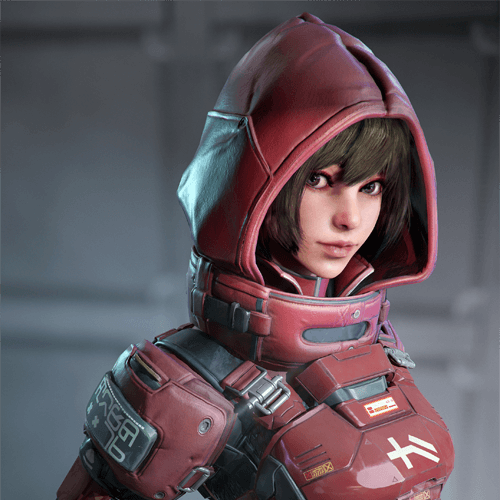
Hello, my name is Rosa Lee, and I work as a 3D character artist. I have gained practical experience working on various characters for triple-A games like the Destiny and Halo series. Currently, I am working on Valorant characters at Riot Games, known for League of Legends.
Through this class, I've been able to reveal my detailed work process. Watching behind-the-scenes footage of previously mysterious aspects will help you understand character work in depth. I believe my class will be a valuable opportunity for those interested in 3D character creation but find the process daunting or need motivation.
class features
Class Highlights
Over 60 Hours of Comprehensive Training in 3D Character Modeling
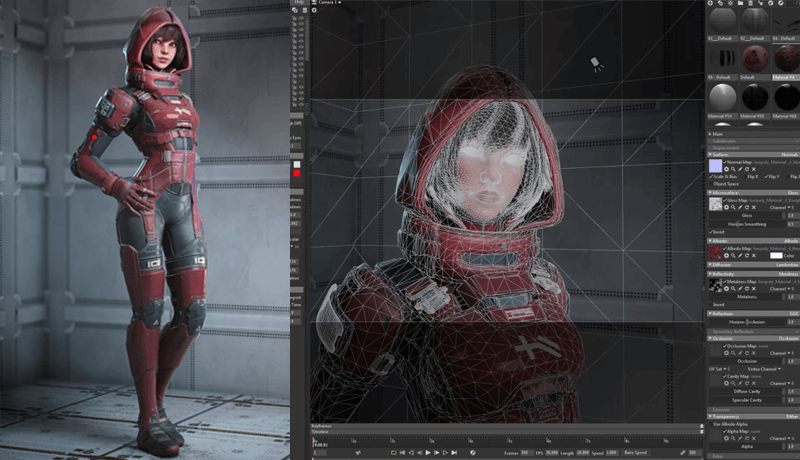
An opportunity to learn the basics, core skills, and practical tips of Zbrush, 3ds Max, Substance Painter, and Marmoset tools, the most popular pipelines in the gaming industry, in a rich curriculum of over 60 hours!
Complete Your Own
Unique Character
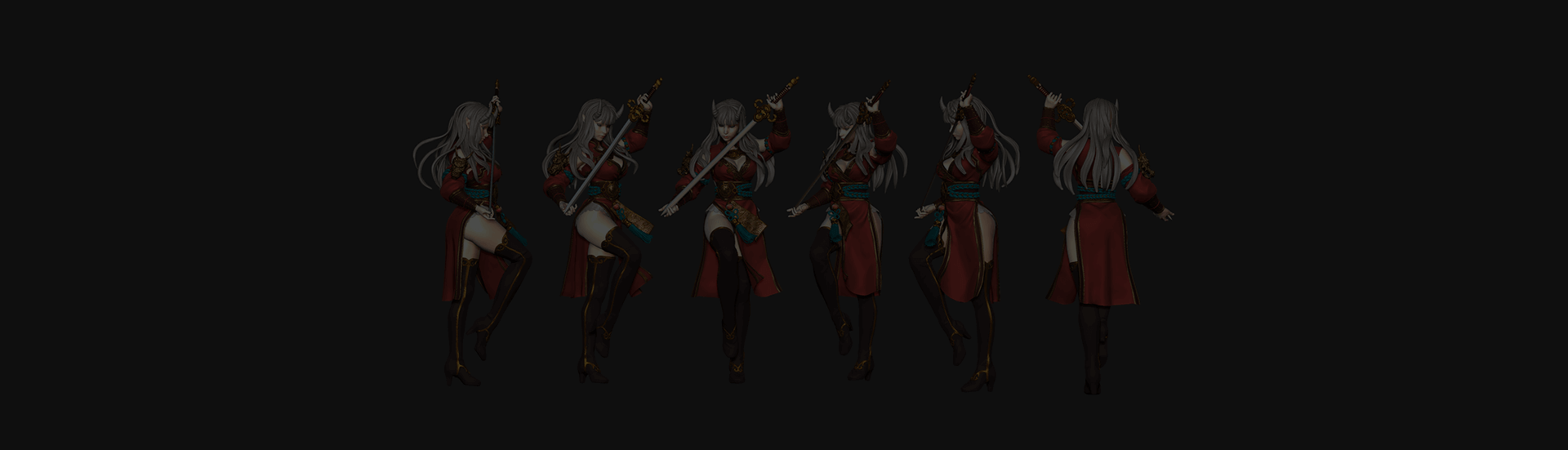
Learn to create semi-realistic female characters through tool-based training from six productions! Gain access to data files to design additional clothing, equipment, and accessories for your characters.
Unlimited Review of Practice-Based Modeling Tool Skills
Unlimited class benefits not found in offline classes that end in a short period of time! Rather than just a superficial lesson, you can make it your own by learning repeatedly until you fully understand the core skills required for modeling.
Class Details
You'll Learn
-
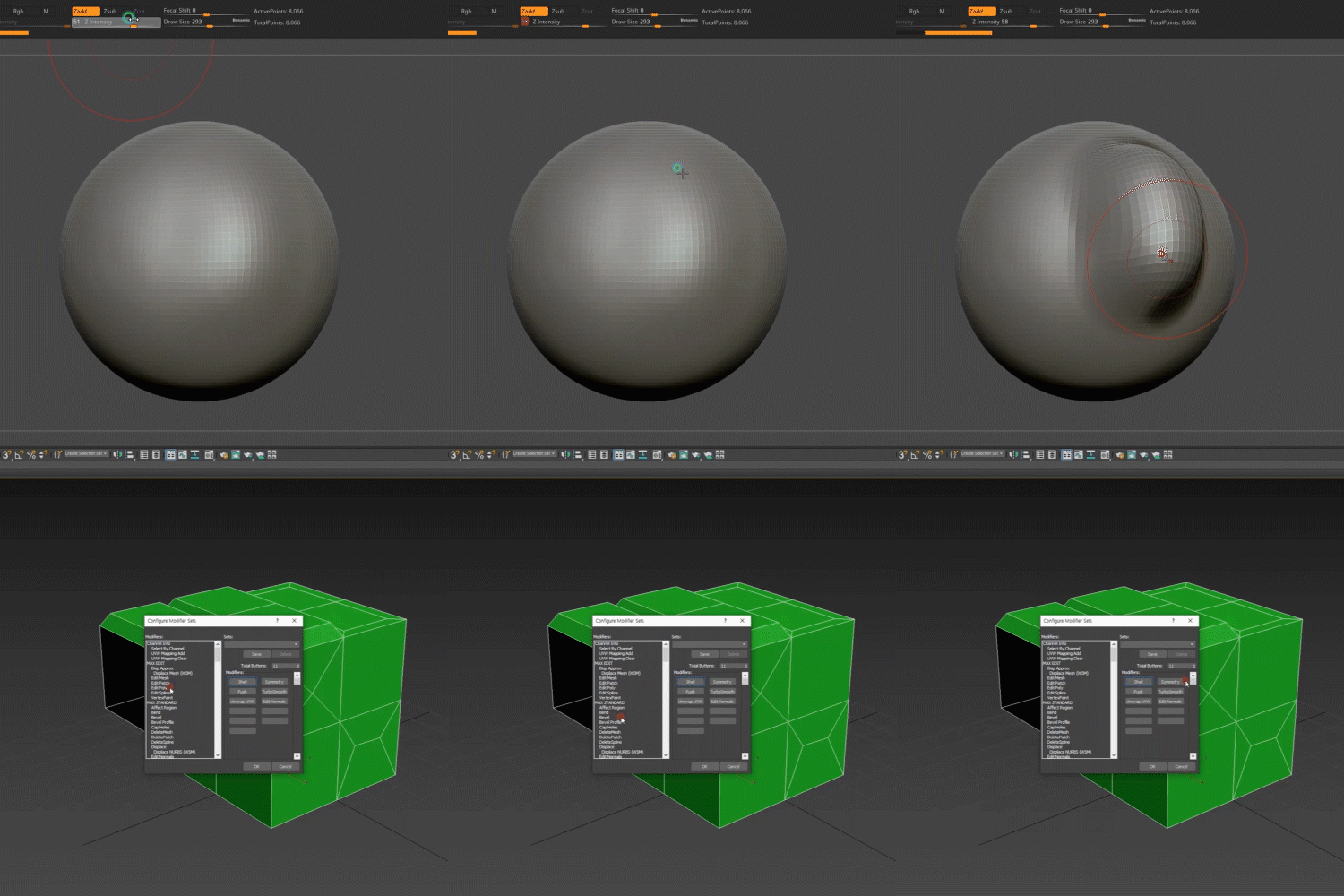 Program Operation Method and Application Skill BookAfter learning the basic interface of the program and key tool operation functions, we will produce actual results through various types of examples.
 -
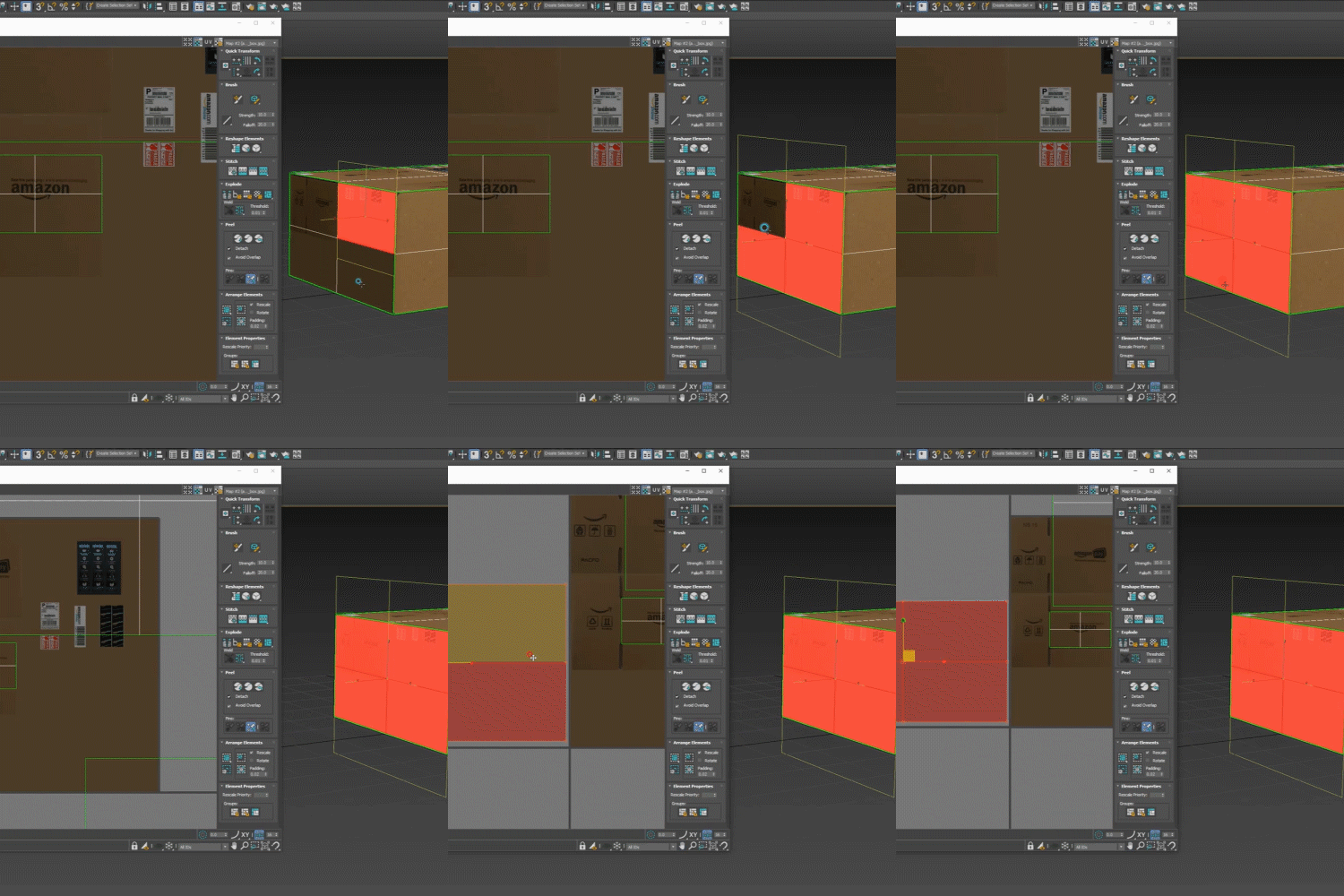 Learn Efficient Uv Unwrap
Operation SkillsLearn how to organize polygons before adding UV map coordinates and know-how to unwrap them appropriately for the desired area. -
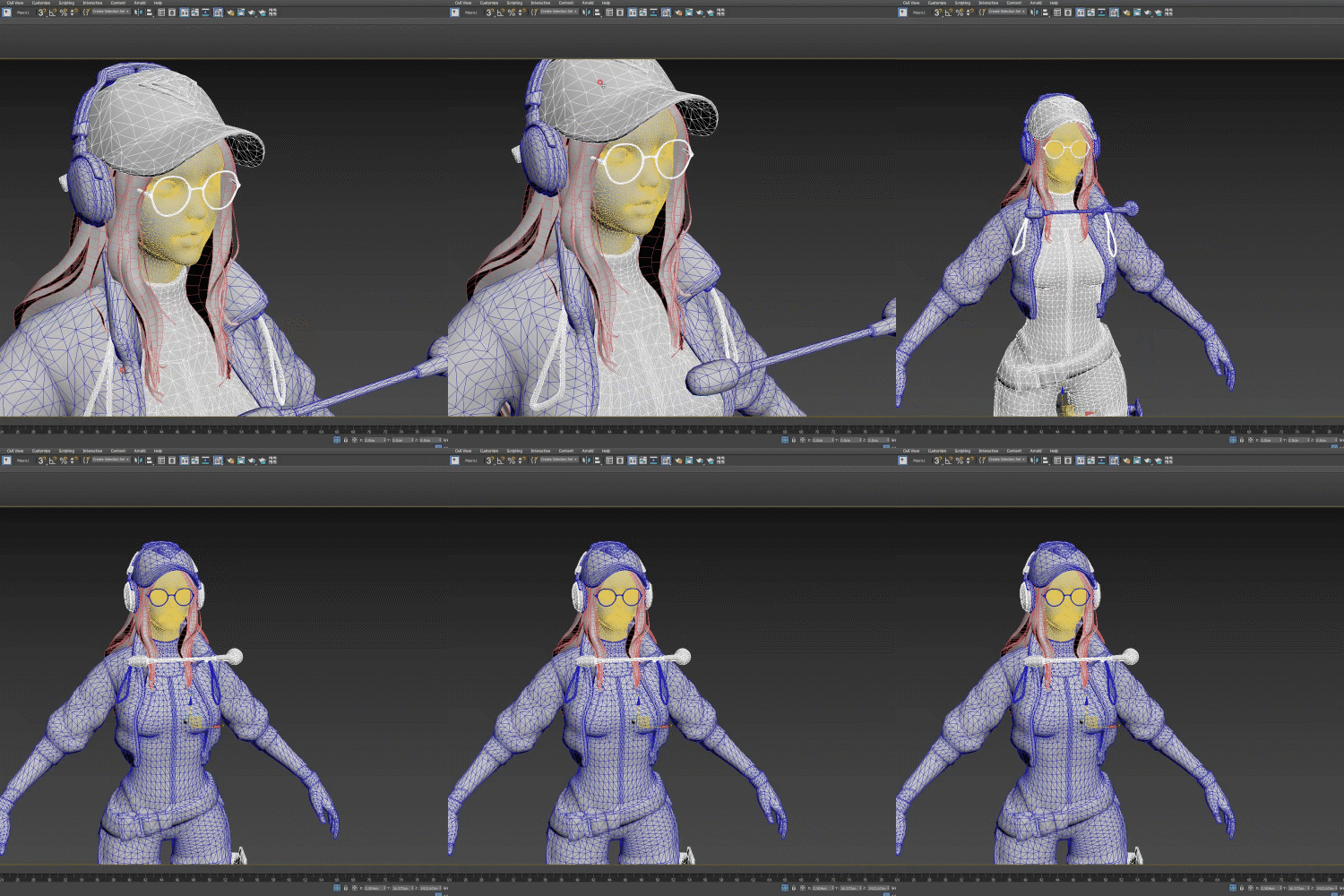 How to Make Low & High PolyLearn the basic concepts of modeling and learn about the pipeline for preparing and exporting high-poly and low-poly for normal map extraction.
-
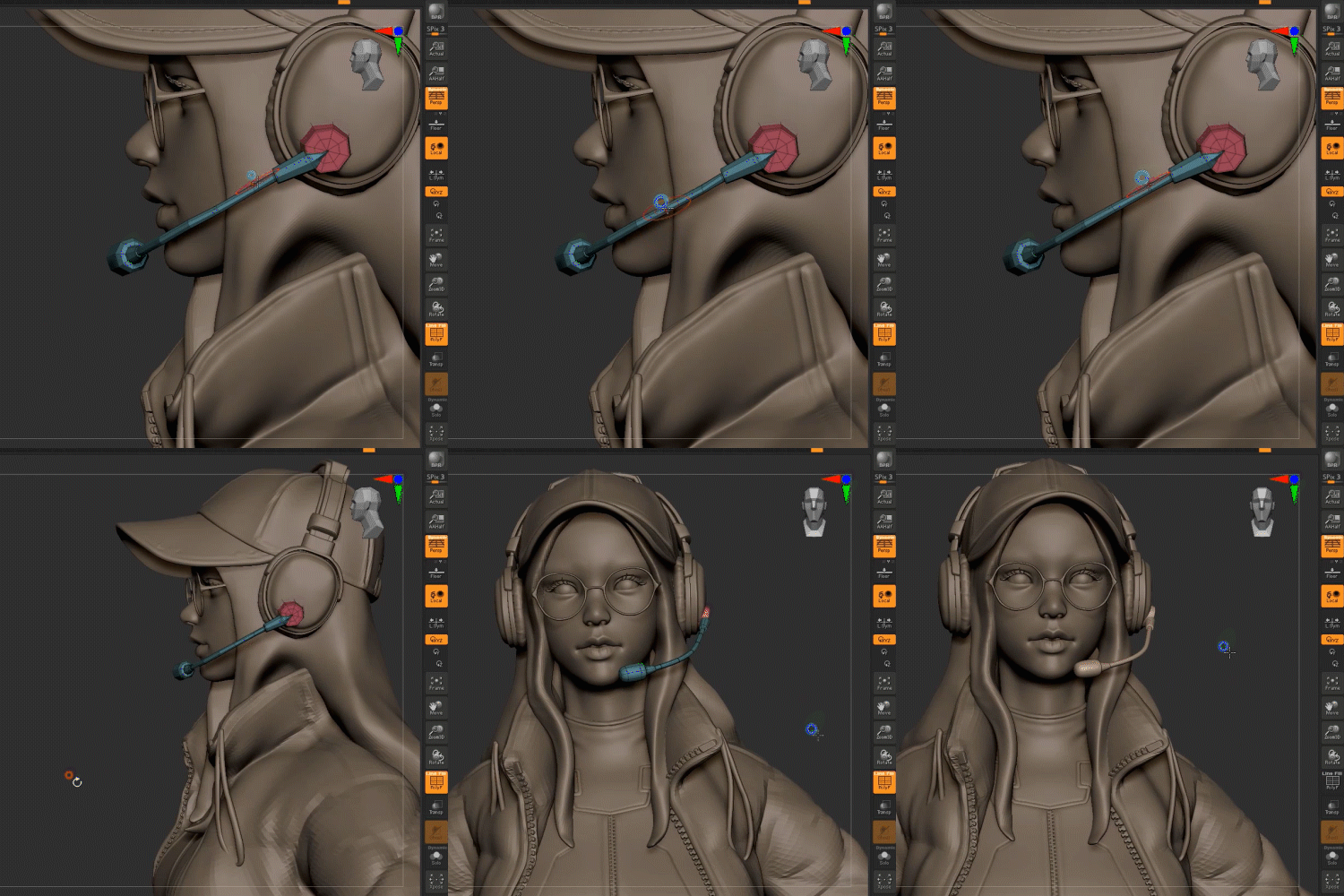 Character Costume and
Accessory DesignLearn how to sculpt objects such as clothes, hats, belts, and headsets that match the character concept. -
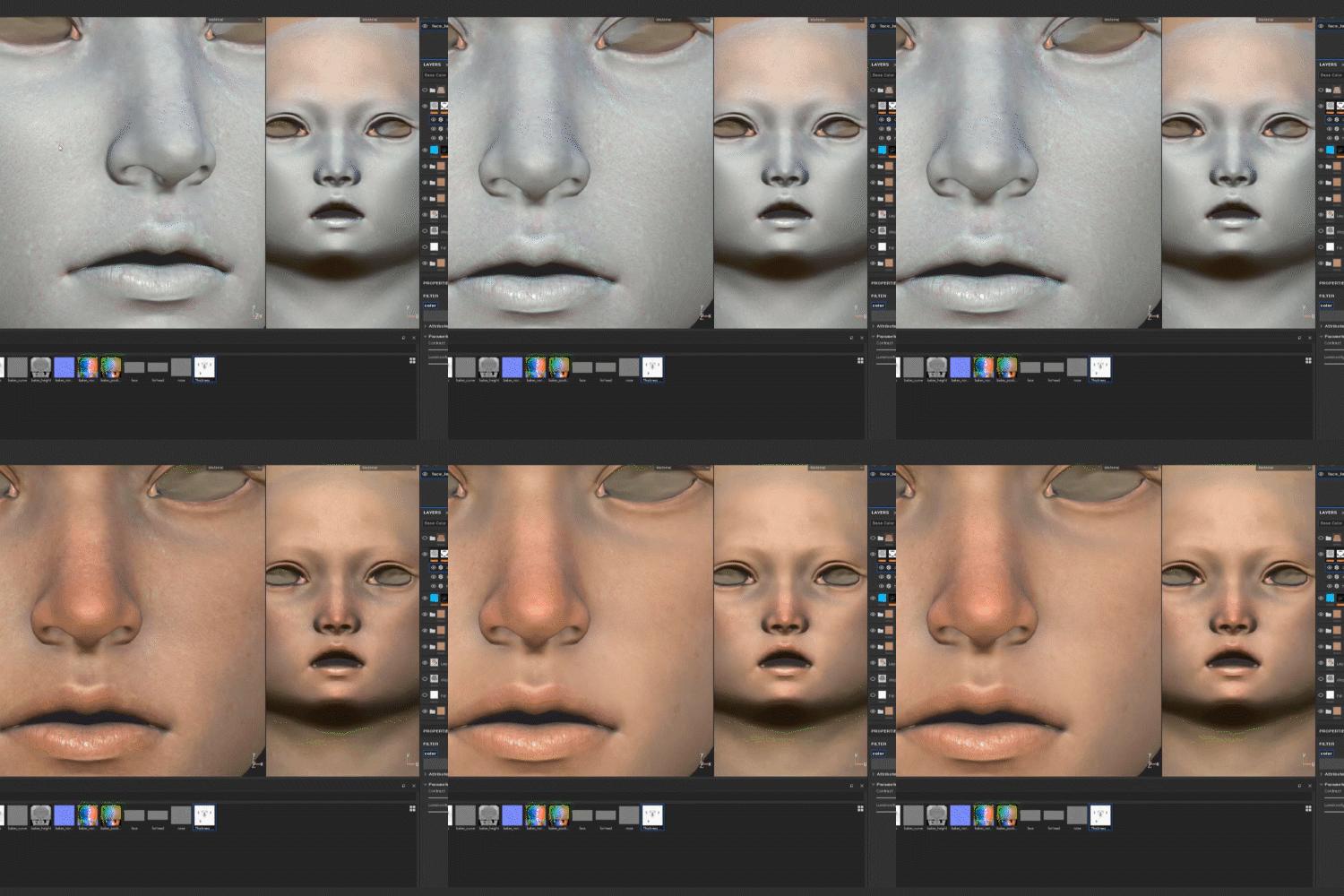 Texturing Skills That Enhance Intricate DetailsLearn about texturing skills that can create a semi-realistic feel, such as modeling materials, light and shadow, skin tone, and noise.
 -
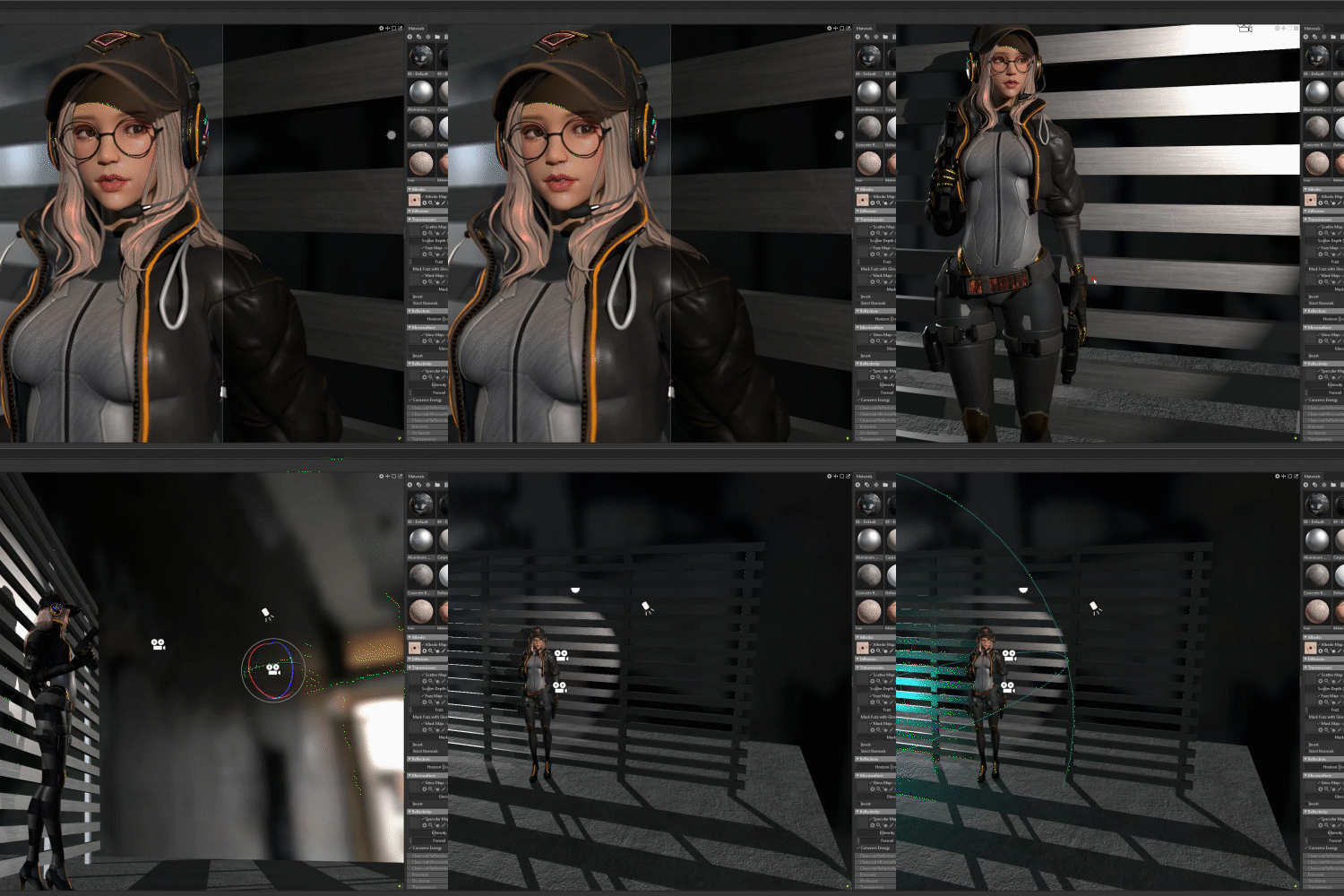 Secret to Quality RenderingLearn how to use the Marmoset tool to extract high-quality results through poses, skin, hair, background materials, lighting, and camera settings.
* The images above are provided as examples to aid in understanding the class.
curriculum
Curriculum
In-Depth Look
SECTION 01. Intro: What is character art?
01. Character Art According to Genre and Style
- Korean style RPG
- AAA level character
- Popularized hand map
- Stylized Character
02. Understanding the Structure and Concept of 3D Characters
- Structure of Papercraft
- Development of texture technology
- The advent of ZBrush
- The concept of high-poly low-poly
03. Character Creation Pipeline and Software
- Hand map
- Real
- Semireal
- Zbrush/Mudbox
- Various software such as 3ds Max and Maya and their uses
SECTION 02. 3ds Max
04. Basic Interface and Operation
- Frequently used menus
- How to operate
- Personal settings and button removal
- Shortcut key
- Wireframe
- Components and Primitives
05. Creating a Whale Example
- Modeling using faces
- Create basic shapes
- Transform
- Extrude, cut, symmetry, turbo smooth, stack concept, etc.
06. Creating an Apple Example
- Modeling using edges and faces
- Soft selection, loop, ring, etc.
- Applying basic materials
- Copy and reference
07. Creating an Amazon Delivery Box Example
- The concept of basic textures: UV Unwrap, Apply texture, Shell, chamfer
SECTION 03. Zbrush
08. Basic Interface and Operation
- Brush
- Menu
- Matcap
- Project presets
- Basic settings
- Hotkey
09. Creating a Rubber Duck
- Try using standard, move, smooth, masking brushes
- Symmetry
- Dynamesh
- Alpha
- Matcap
- Poly paint
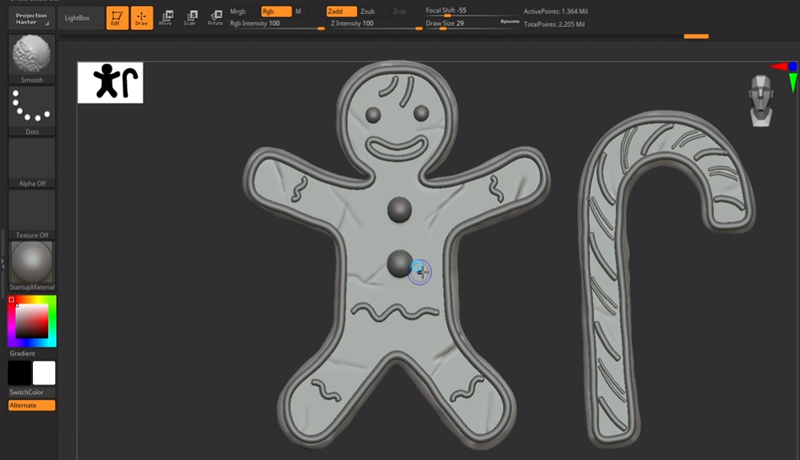
10. Creating a Gingerbread Man
- Gizmo transformation
- Subtool, polygroup, subdivision
- Insert brush
- Customizing
11. Creating Characters
- Modeling with zmodeler brushes
- Primitives and different ways to get started
- Creasing
- Dynamic subdivision
- Polygroup
SECTION 04. Low-Poly Production
12. Preparing High Poly for Low Poly Production [Utilizing Characters]
- Decimation
- Create a group for baking
- Export, import
13. Max’s Topology Function
- Live surface
- Conform
- Drag, build, extend, relax
- Weld vertices, target weld, connect, collapse, etc.
14. Uv Unwrap
- Splitting the UVs of a character
- Pelt, relax
15. Export
- Preparing and exporting high-poly and low-poly for normal map extraction
SECTION 05. Substance Painter
16. Basic Interface and Operation
- Operations and Menus
- Resource shelf
- Brush, Alpha, Material, Smart Mask, Smart Material
17. Starting and Baking New Projects
- Mesh Loading
- Extraction using hipol and lowpol
- Role of each map (normal, AO, Curvature, position, etc.)
18. Texturing Using Layers
- Create new project and load mesh
- What is PBR? (Channel description such as metalness and roughness)
- Basic materials and smart materials
- Layers and Masks
- Brush
- Save texture
SECTION 06. Marmoset
19. Basic Interface and Operation
- Menus and Operations
- Outliner
- Viewport
- HDRI
20. Finish by Applying Materials and Textures
- Import meshes and textures
- About material parameters
- Light
- Camera
- Turntable
SECTION 07. Beginner-Intermediate Character Creation – Hi-Poly Production
21. Designing a Beginner-to-Intermediate Character with Maintenance Ratio [Sci-Fi Punk Female]
- Make an overall plan
- Design a character using a reference image
- Establish a vision for the outcome
22. Basic Body Sculpting – Zbrush
- Utilization of base mesh and matching human body proportions according to concept
- Load image into Zbrush
- Studying the human body while looking at reference images
23. Face Sculpting and Expressing Simple Emotions (1)
- Basic facial structure and landmarks
- Additional brush for facial sculpting
- Sculpting according to reference
24. Face Sculpting and Expressing Simple Emotions (2)
- Eyeballs, eyebrows
- Zbrush layer
25. Face Sculpting and Expressing Simple Emotions (3)
- Creating a hair mesh
- Polypaint mode
26. Costume Creation – Bodysuit
- Learn additional ZBrush features (extract, deformation, etc.)
- Create surface details using brushes
- Zremesher
27. Costume Creation – Jacket
- catch the big shape
- Apply reference reports
- Expressing volume
- Cupping wrinkles in clothes
28. Accessory Creation (1) – Hats, glasses
- Catch the big shape
- Apply reference reports
- Expressing volume
- Scooping up hats and glasses
29. Accessory Creation (2) – Belt
- Catch the big shape
- Apply reference reports
- Expressing volume
- Scuffing the belt
30. Accessory Creation (3) – Holster
- Catch the big shape
- Apply reference reports
- Expressing volume
- Cupping the holster
31. Accessory Creation(4) – Headset
- Catch the big shape
- Apply reference reports
- Expressing volume
- Headset hardsub modeling
32. Creating Hair Mesh
- Creating a hair mesh using a curved brush
33. Adding Parts and Detailing
- Overhauling the overall design
SECTION 08. Beginner-Intermediate Character Creation – Low-Poly Production
34. Retopo in Max
- Importing Highpoly from Zbrush
- Managing Hipoly in Max
- Topology for in-game animation and texturing
- Mesh break up considering the results
35. UV Unwrap
- Unwrap complex characters
- Hair Unwrap
- Unwrap method to use textures efficiently
36. Preparing to Move to Substance Painter
- Material application
- Preparing for high and low falls
- Normal map extraction without failure
SECTION 09. Beginner/Intermediate Character Creation – Texture Creation
37. Extracting Normal Maps from Substance Painter
- Baking one or more objects
- Update mesh if modifications are needed
38. Creating Clothing Textures
- Using Smart Materials
- Filters and Generators
- Applying a pattern
- Make full use of your mask
- Expressing materials convincingly
- Light and shadow expression
- Decal representation
39. Character Face Texturing
- Skin tone and noise
- SSS
- Putting on simple makeup
40. Creating Hair Texture
- Creating textures using procedural textures
- The concept of alpha/opacity
SECTION 10. Beginner/Intermediate Character Creation – Final Rendering
41. Rendering and Presentation Preparation
- Simple pose
- Eyes, eyebrows, and eyelashes
42. Transfer to Marmoset and Set Up
- Skin material
- Hair material
- General Material
- Background
- Lighting settings
- Camera angle settings
- Turntable
Outro
43. Closing Remarks & Amp; Next Steps to Prepare for Job Posting
- A style worth trying in the future
- Practice to develop your skills as an artist
- Steps to go from beginner to advanced level
- Introducing programs worth learning to improve work quality
- Recommendation of population structure for employment
Interview with
3D Character Artist, Rosa Lee

Question.01
What do you pay most attention to when creating your work?
What do you pay most attention to when creating your work?
I think the overall harmony and form of the character are the most important. It is easy for some parts to look unfinished or for the entire character to be expressed awkwardly due to a slight difference in line or silhouette, so I always try to achieve a good balance. Also, I tend to use less custom UI or shortcut keys, and I try to use as few tools as possible to work efficiently.
Question.02
Do students need to learn all of the 3D modeling tools?
Do students need to learn all of the 3D modeling tools?
You don't need to know everything, but you should know all of the tools used to complete the pipeline. That doesn't mean you need to know 100% of those tools, but I think you'll have no problem as long as you know what you need to complete the character. In particular, since there are tools already used by game companies, you can focus on studying them.
Question.03
What were your primary focuses when constructing the curriculum?
What were your primary focuses when constructing the curriculum?
Initially, we designed straightforward objects to ensure even beginners could follow along and become acquainted with each program. By omitting unnecessary details and focusing only on essential tools and pipelines, we aimed to facilitate quick and easy completion of character designs.
Question.04
Who would you recommend this class to?
Who would you recommend this class to?
I recommend it to those who are new to 3D graphics or who are studying character modeling but feel they lack skills and basics. This class is not just focused on learning tools, but you will learn how to use the core tools necessary to create results and how to create actual semi-realistic characters, and learn the latest work pipeline and apply it in a variety of ways.
Required Programs
This course will use
- 3ds Max
- Zbrush (prepare a separate tablet)
- Substance Painter
- Marmoset toolbag 4.
Please purchase and install the latest version of the program for an optimized lecture experience.
*3ds Max – 2019: *3ds Max - 2019: There is no impact on the course for versions 2016, 2017, 2018, or 2019. (Available for student use without separate purchase)
Zbrush – 2020.13: 2019 or later version recommended.
Substance Painter – 2020.2.2 (6.2.2): Previous versions do not hinder taking the course, though we recommend using the latest version for optimal experience.
Marmoset toolbag 4: Recommended to use Marmoset toolbag 3 or higher.
*These programs and/or materials will not be provided with the class.