PixelArtist,Iloccorb_픽셀아티스트 리콜로브 Details
Class introduction
Already proven teaching ability! Dot lectures specialized in game production that are hard to find in Korea
What if you're in love with the cute and charming dot sensibility and don't want to do it just as a hobby?
While learning, prepare for employment! Join Iloccorb, a pixel artist who has not only participated in famous mobile game projects such as <Ragnarok 2009 ver> and <Growing Stone>, but also has numerous portfolio guidance experience.
While learning, prepare for employment! Join Iloccorb, a pixel artist who has not only participated in famous mobile game projects such as <Ragnarok 2009 ver> and <Growing Stone>, but also has numerous portfolio guidance experience.
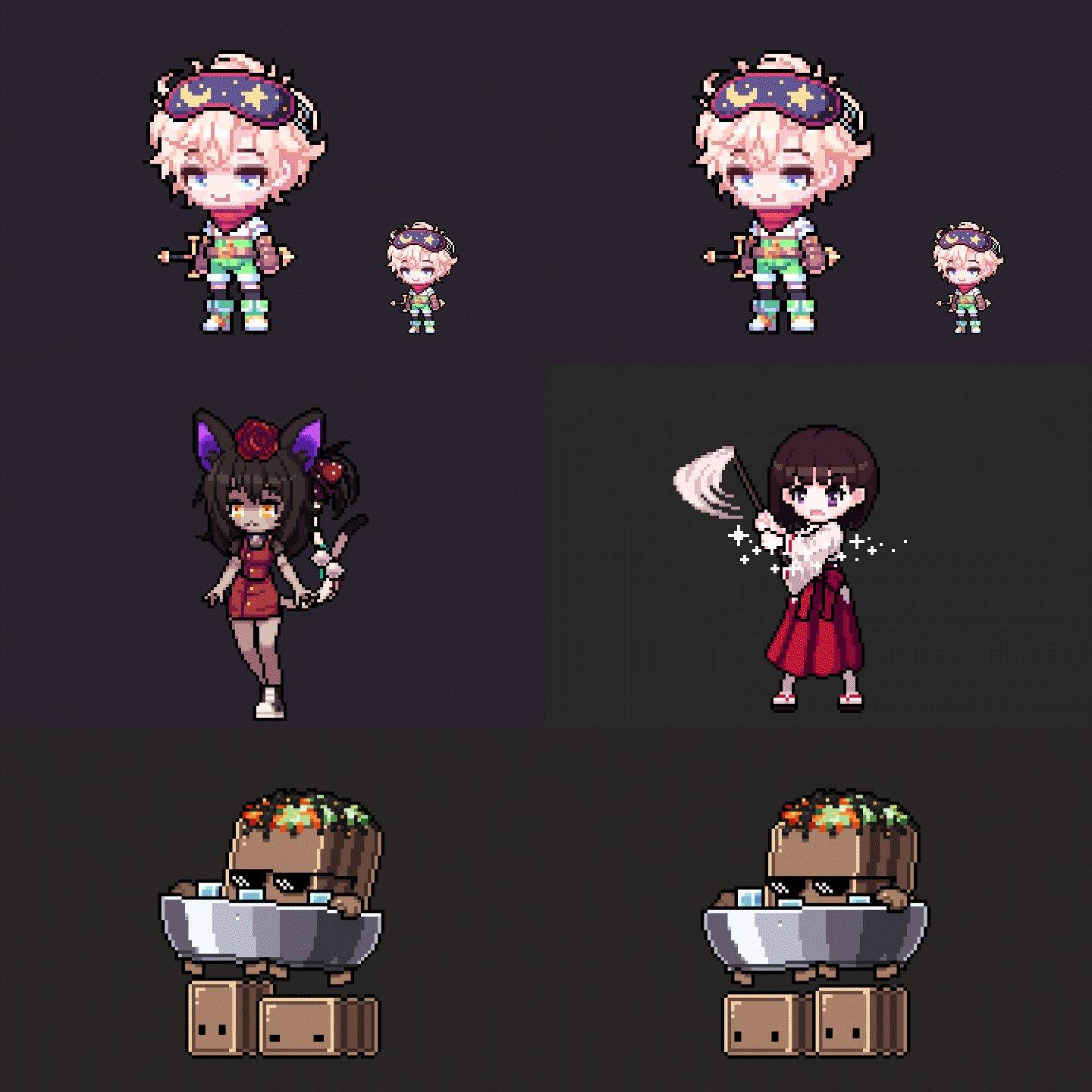
From cute casual character drawings to various animation techniques, we will help you complete dot art optimized for mobile games.
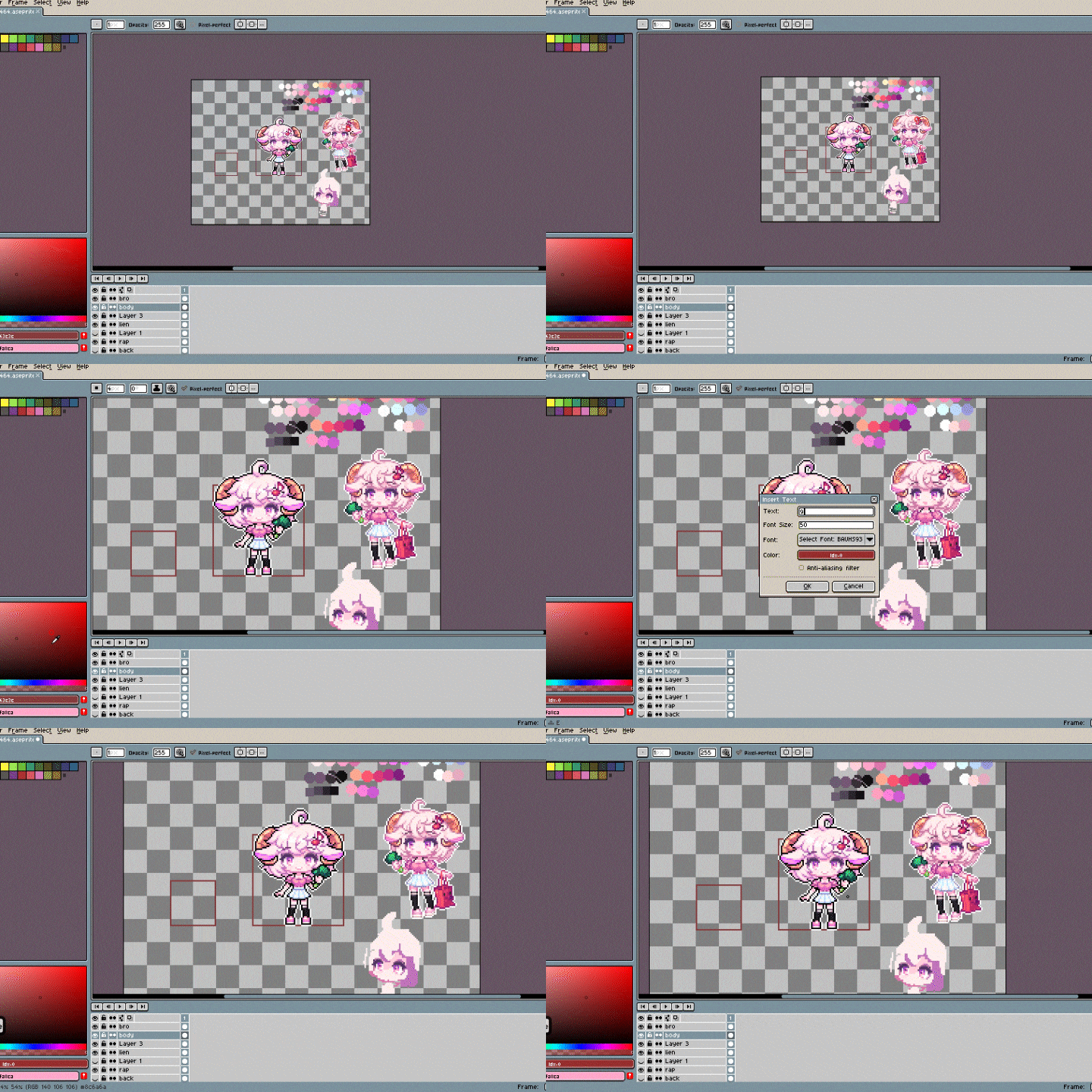
Discover now the one-of-a-kind mobile game customized curriculum that allows anyone, from beginners dreaming of becoming pixel artists to current practitioners, to build high-quality dot skills.
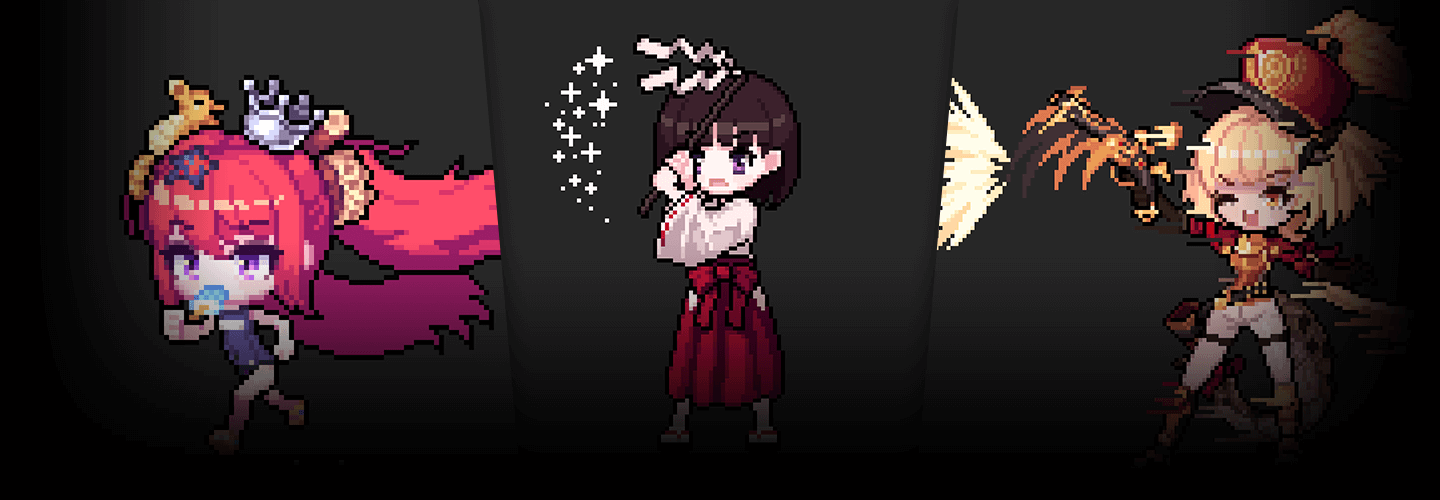
Iloccorb's portfolio
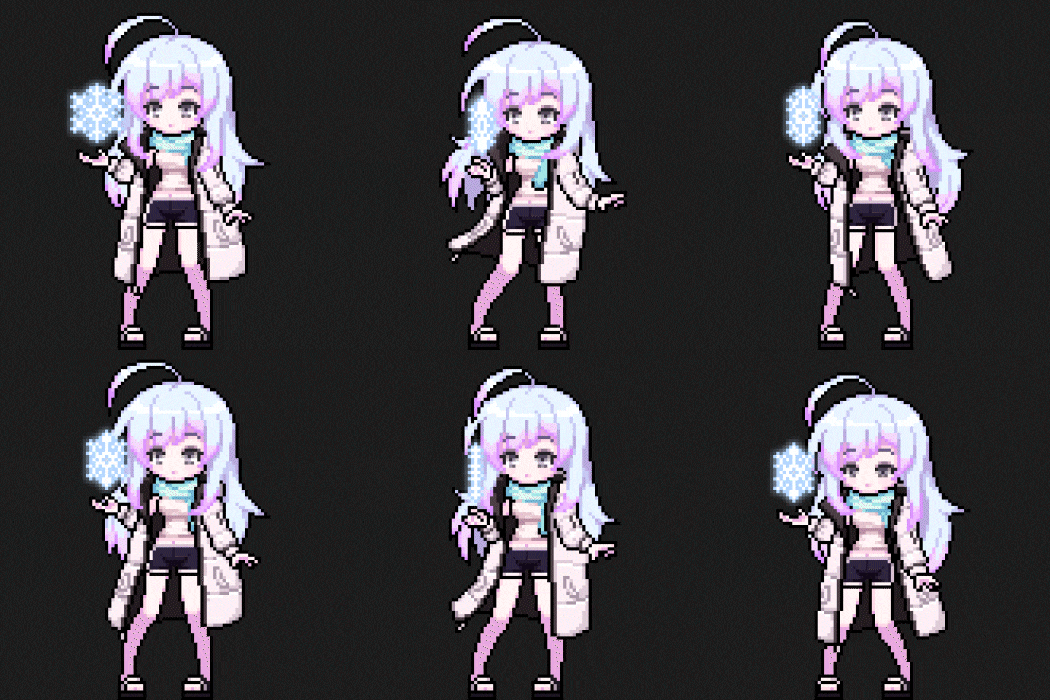
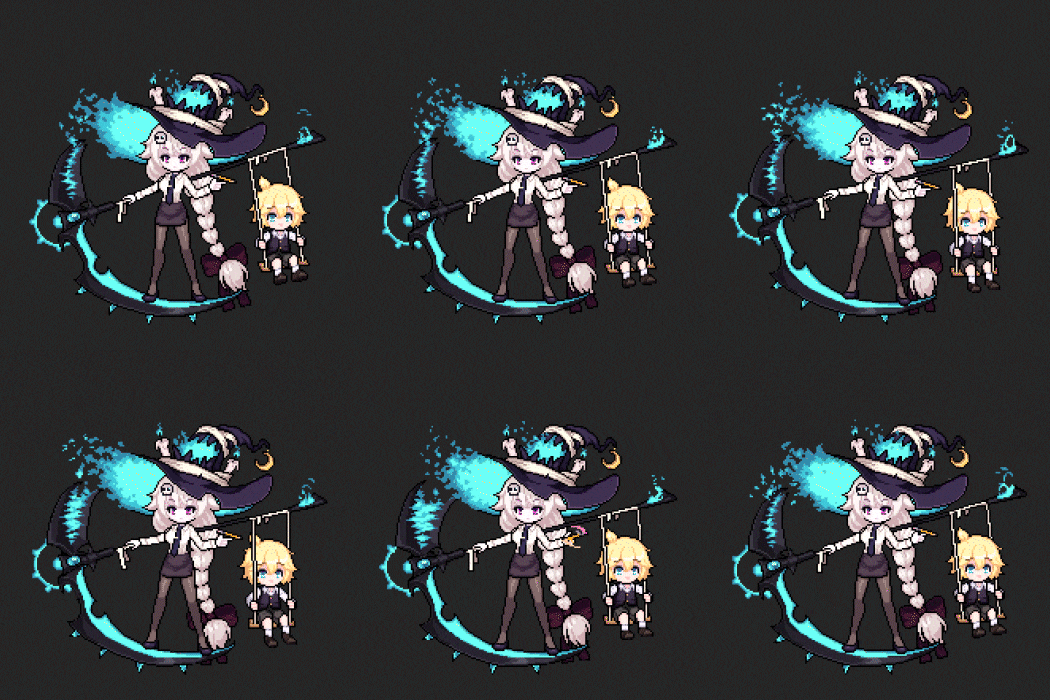
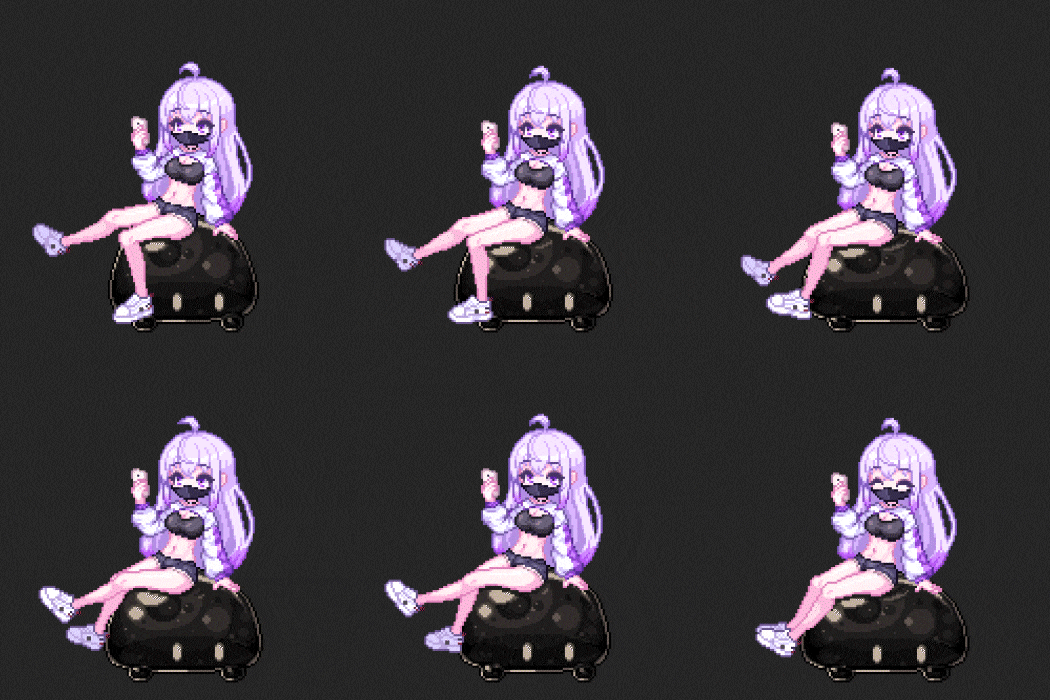
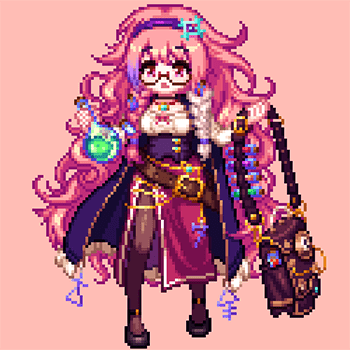
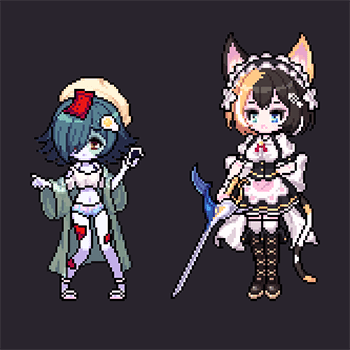
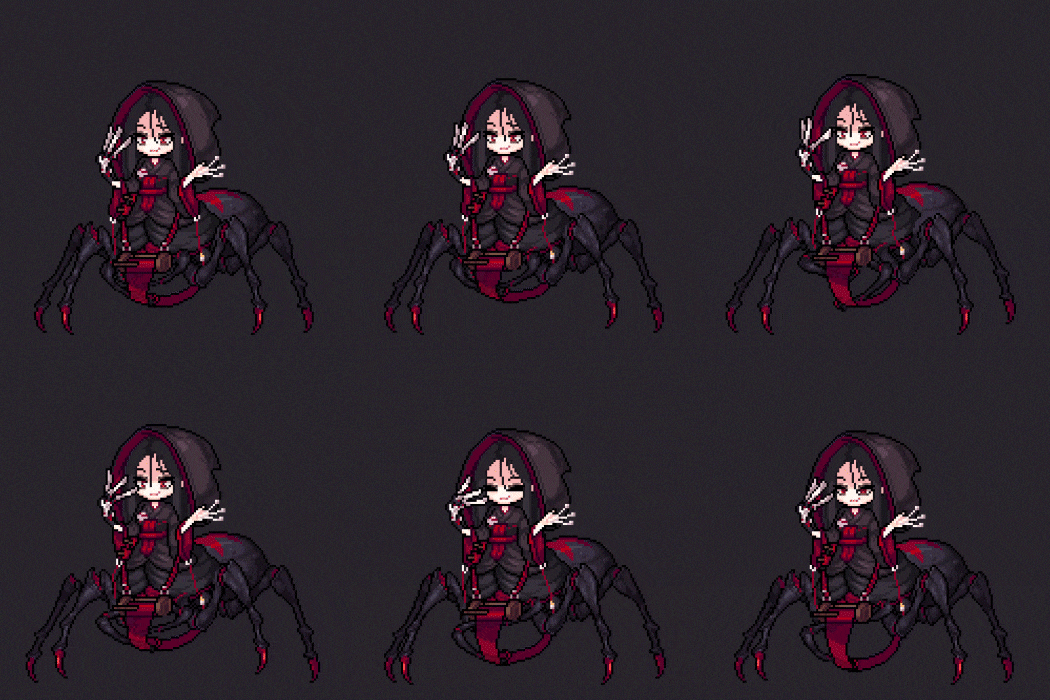
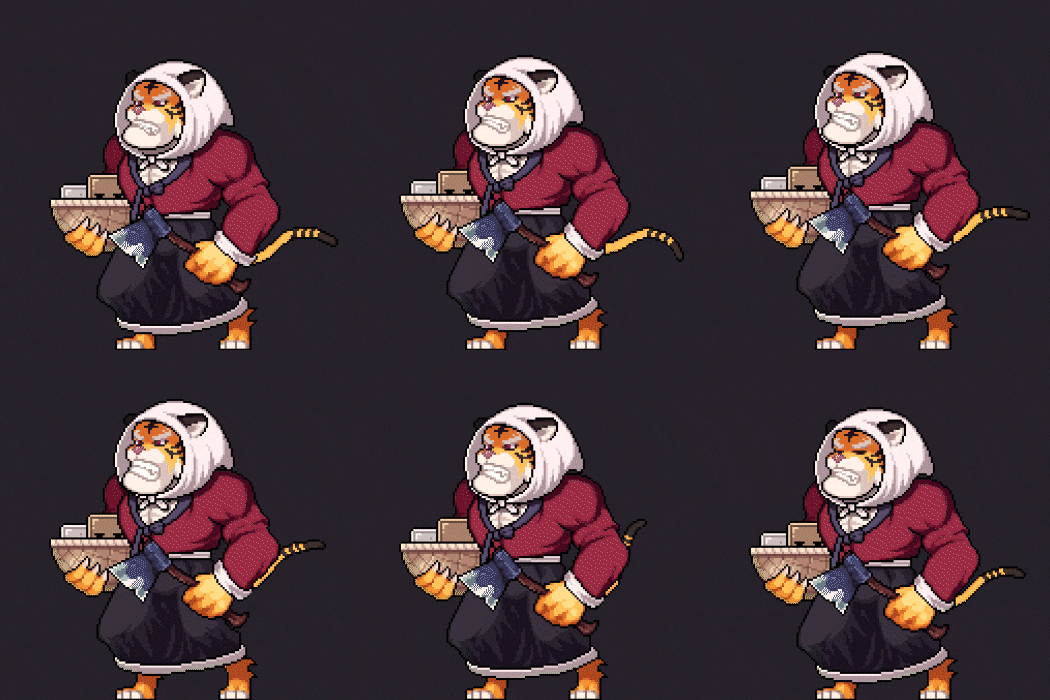
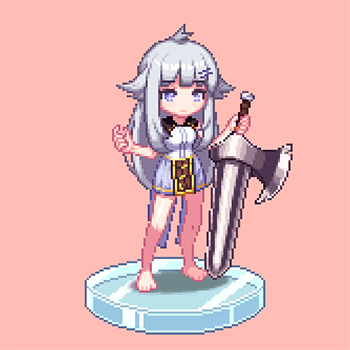
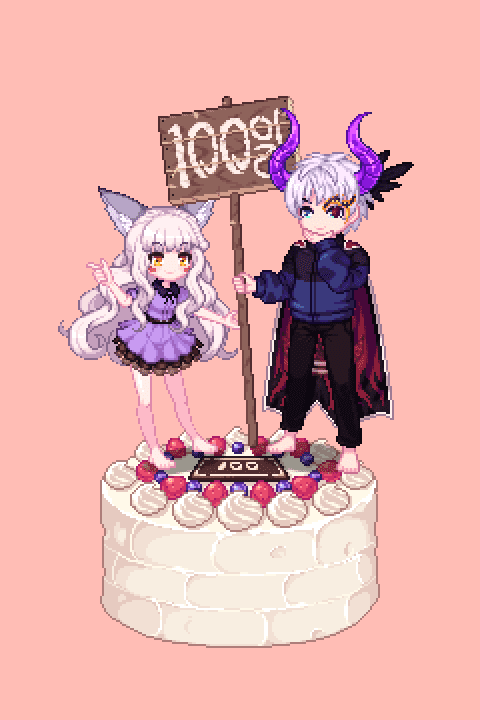
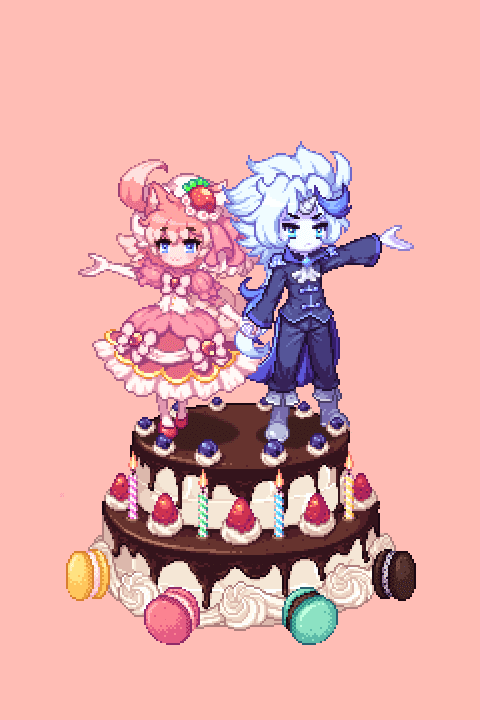
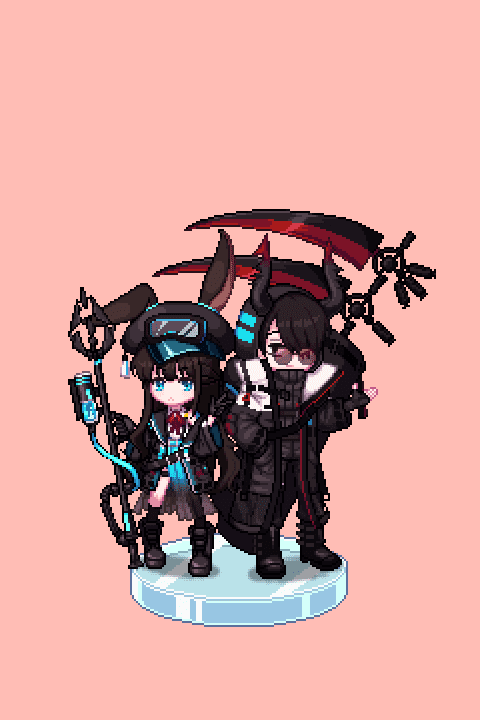
Why Take This Class?
What if the dot character I drew is still looking ‘front’?
Now front, back, sides! Breathe life into ordinary dot illustrations by adding a variety of animation skills to character expression methods from each perspective.
This class consists of more than 20 rich examples, ranging from human and animal character drawings to color combinations that reflect the latest trends and dot icons for item creation.
A lecture that covers everything from the basics of dots to detailed techniques, and ultimately how to apply them to actual games and use them as a resource! Meet us now at Coloso.
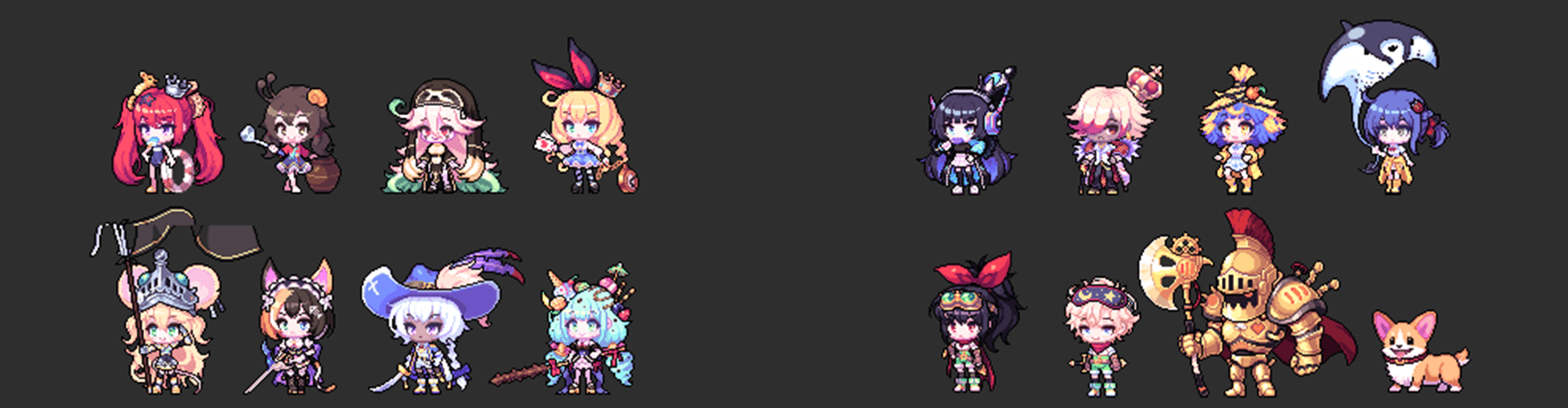
Complete more than 20 examples.
Part01. Practicing dot basics
-
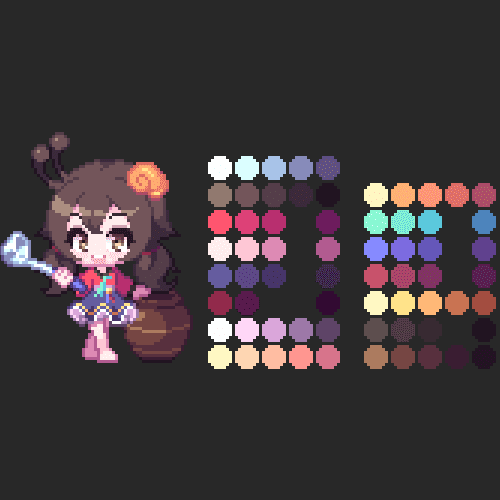 Color palette composition
 -
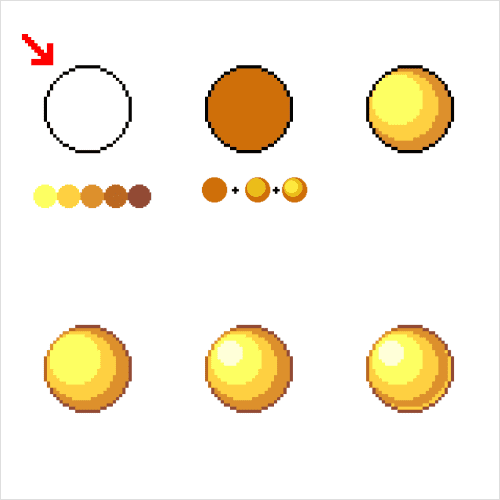 light and dark theory
Part02. How to draw dot characters
-
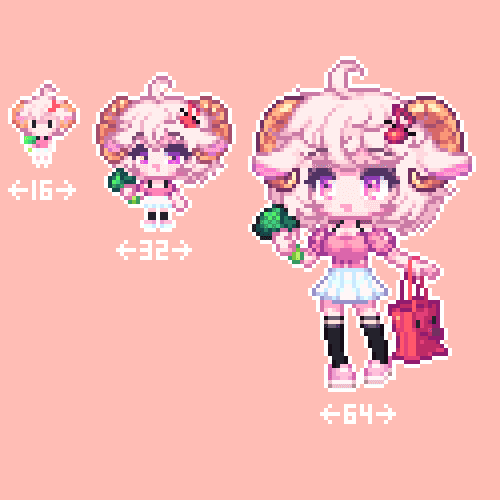 Creating characters by size
 -
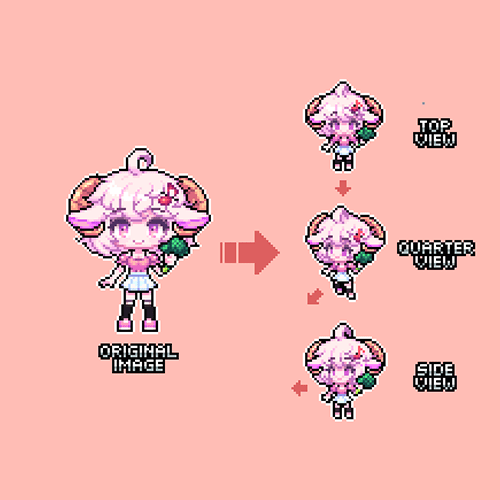 Expressing characters from different perspectives
 -
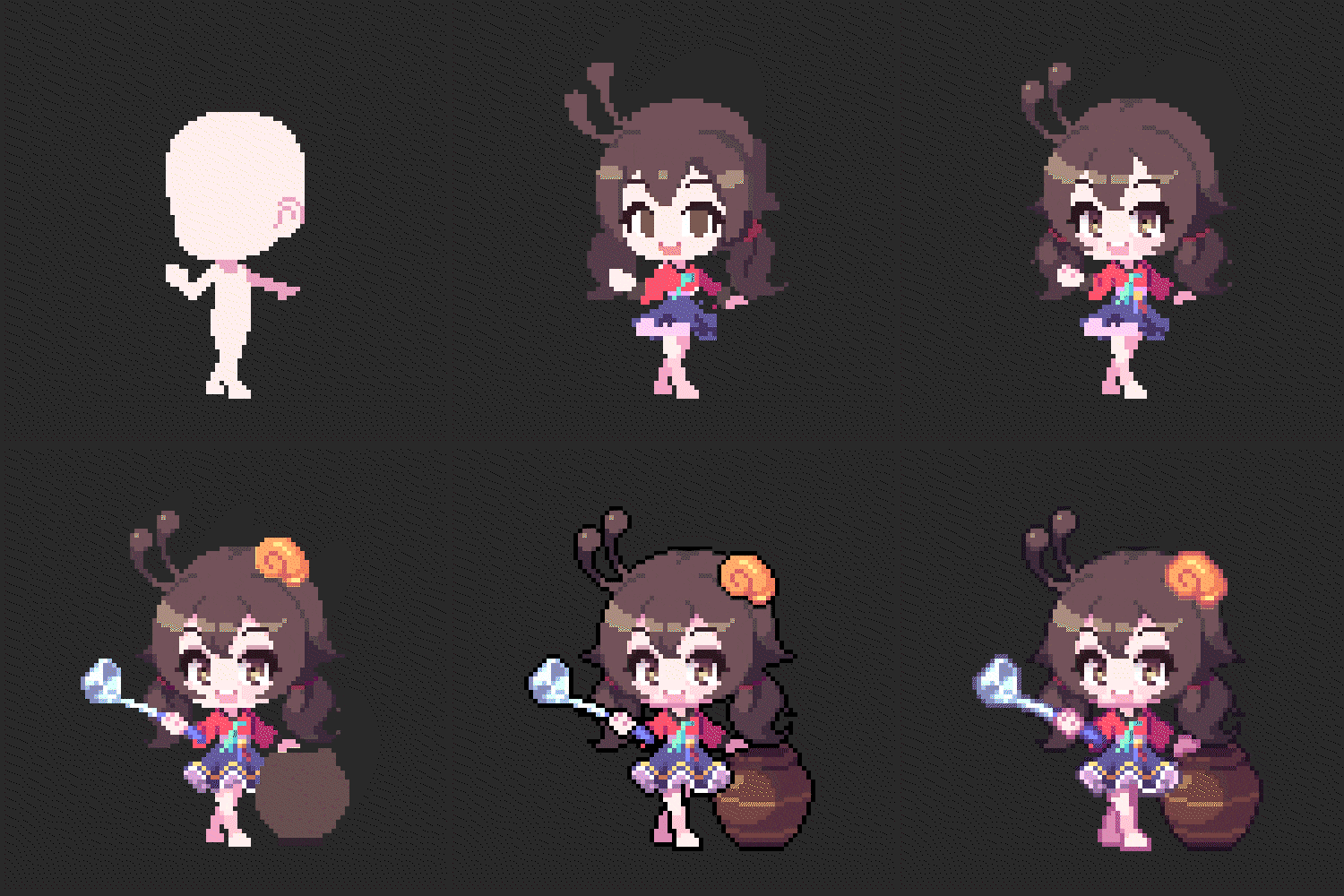 Applying outlines
 -
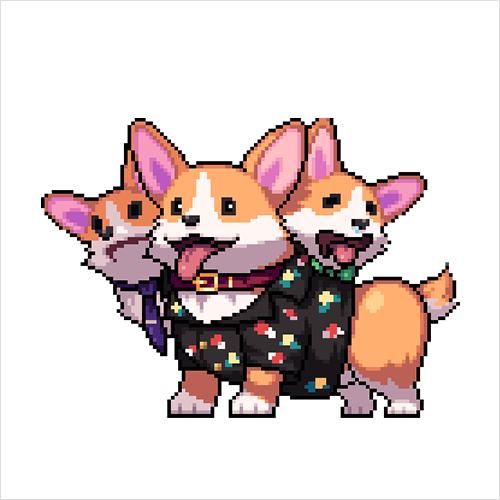 How to draw animal characters
Part03. Create a dot animation
-
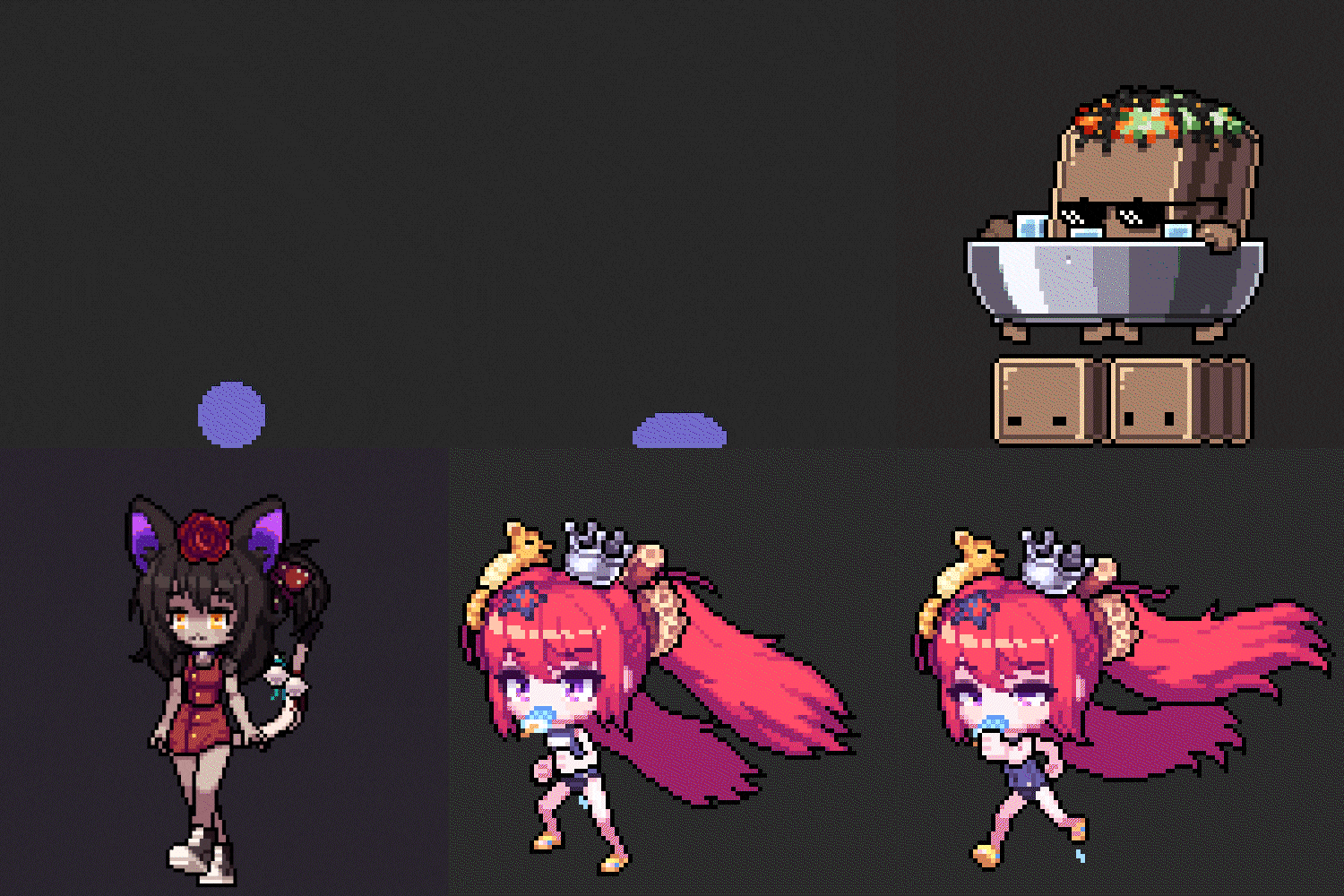 basic animation
 -
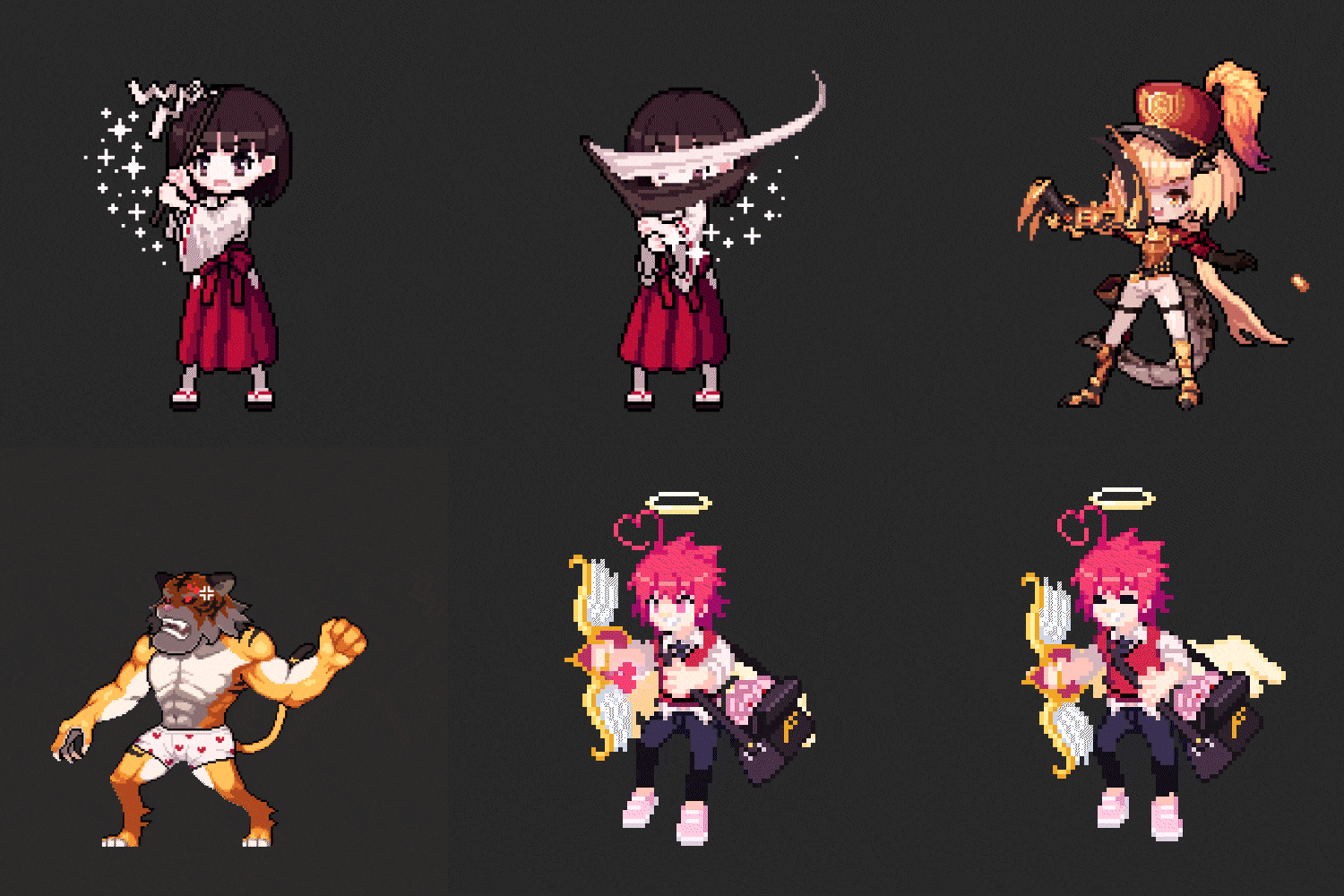 Attack motion animation
 -
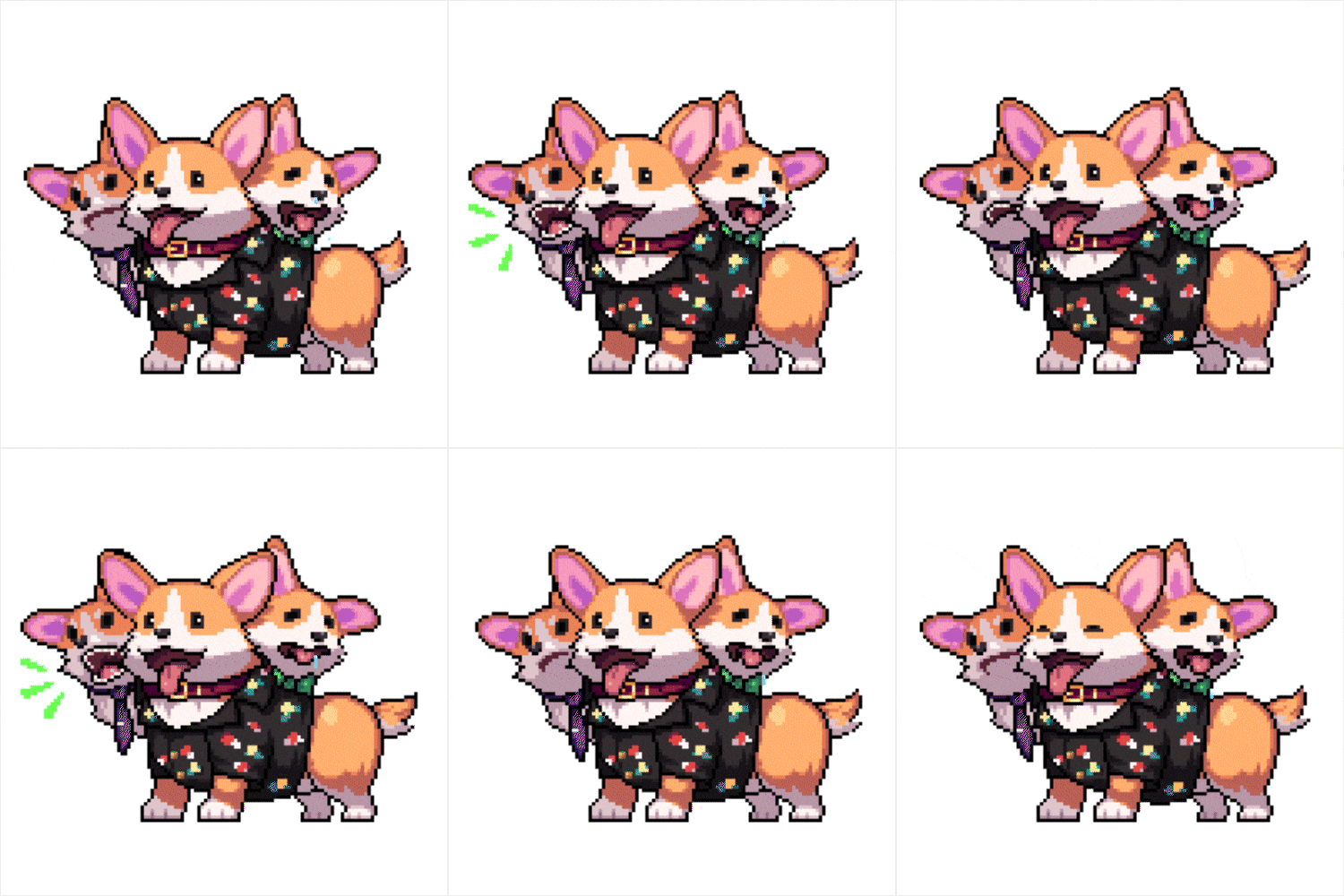 animal character animation
 -
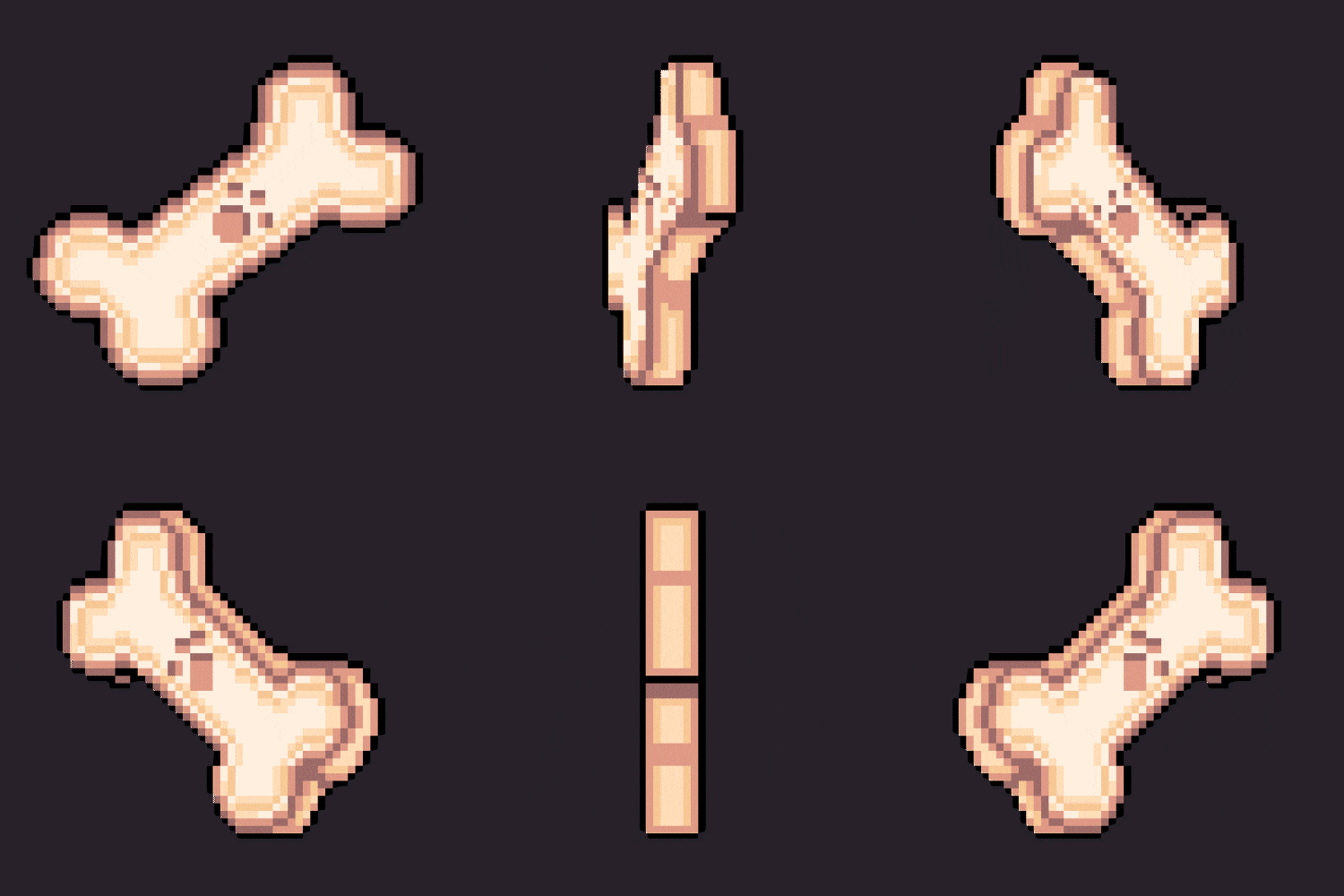 object rotation animation
Part04. learn details
-
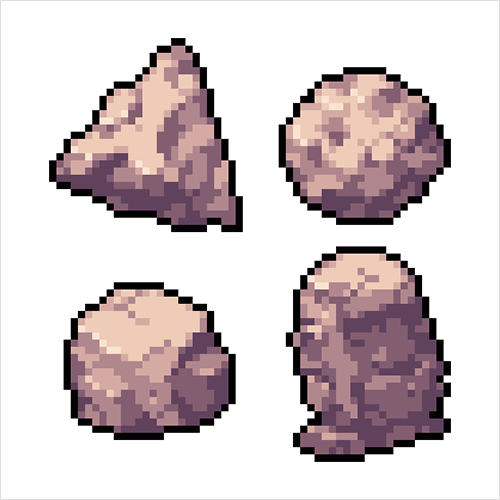 Expressing various textures
 -
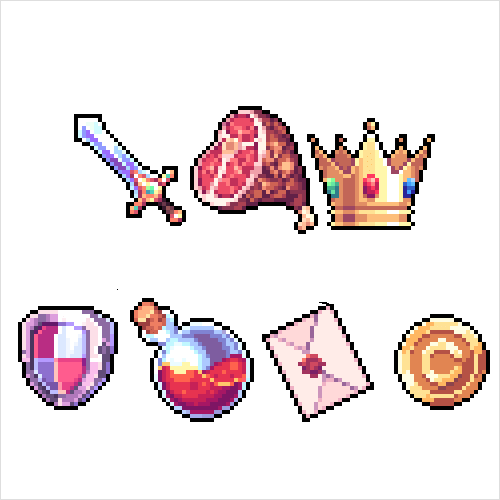 Crafting object items
 -
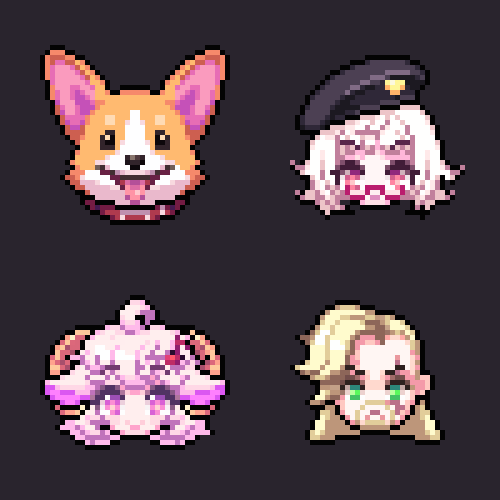 Create a face emoji
* This image is an example image to help you understand the class.
Speaker Introduction
pixel artist
Iloccorb
Hello, this is pixel artist Iloccorb.
I am currently working as a freelance pixel artist after working on various mobile game projects such as <Ragnarok 2009 ver>, <Growing Stone>, <Kingdom of the Winds>, and <Growing an Alchemist>, and starting a small business.
What I have felt after working in the field for a long time is that unlike other design fields such as 3D modeling or illustration, it is particularly difficult to find systematic lectures in the dot field.
So, it has gained great popularity by conducting numerous lectures with a curriculum focusing on dot games through other platforms.
In this Coloso lecture, based on my own practical know-how and solid teaching skills accumulated over the years, I will accurately overcome the pain points that everyone from beginners to practitioners commonly experience.
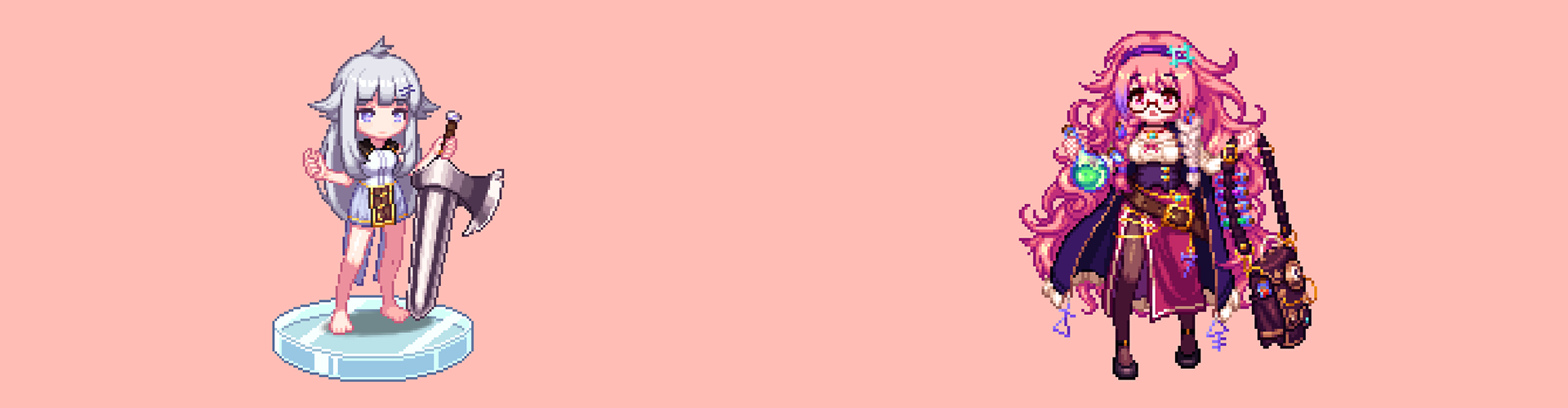
pixel artist iloccorb
Current) Freelance pixel artist
Former) Underworld Company Vice President, Art Director
Former) Act Seven Entertainment Dot Manager
Former) Bunkerville Art Team Leader
Former) Gravity Dot Manager
Former) Supercat Dot Manager
Participation Project
Kingdom of the Winds: Yeon
growing stones
Ragnarok 2009 ver.
Raising an Alchemist
Raising a Hunter
class features
class features
Summary of the concept of dots used as game resources
Unlike dots for illustrations, you will learn the differences between dots for game resources, which take into account the user's 'game play', and learn how to create natural top views, quarter views, and side views.
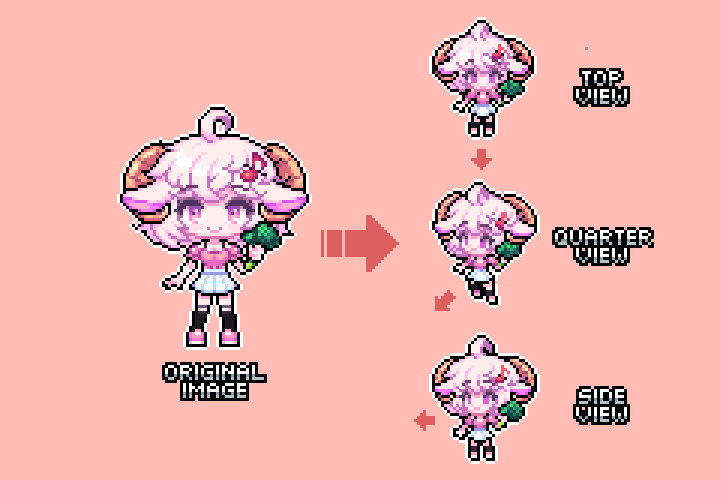
Know-how to create neat and deep dots
Most dot resources used in games are drawn within a small space of less than 100 pixels. Learn how to make small, casual, yet detailed dots through detailed lecture materials.
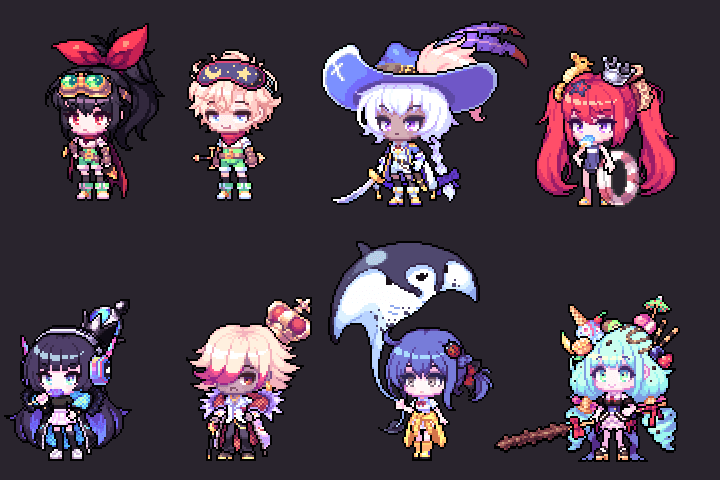
Basic animation application that anyone can easily learn
We will cover not only basic character animation, but also animation that takes into account the movement of icons and specific objects, and will cover all the various types of animation resources needed for game production.
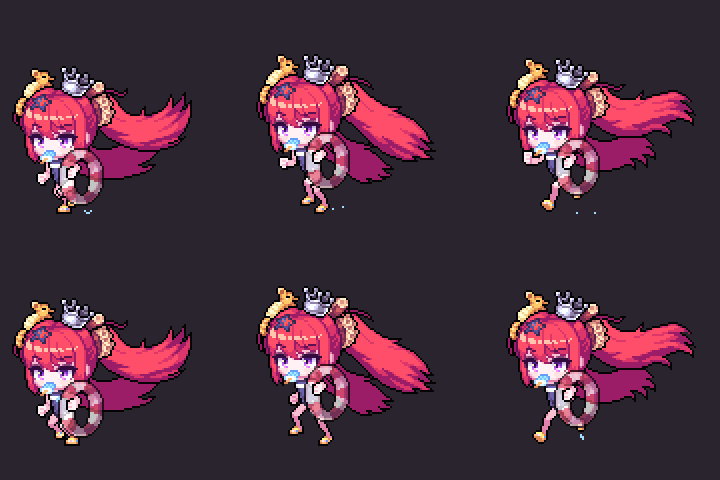
Class composition
learn this
-
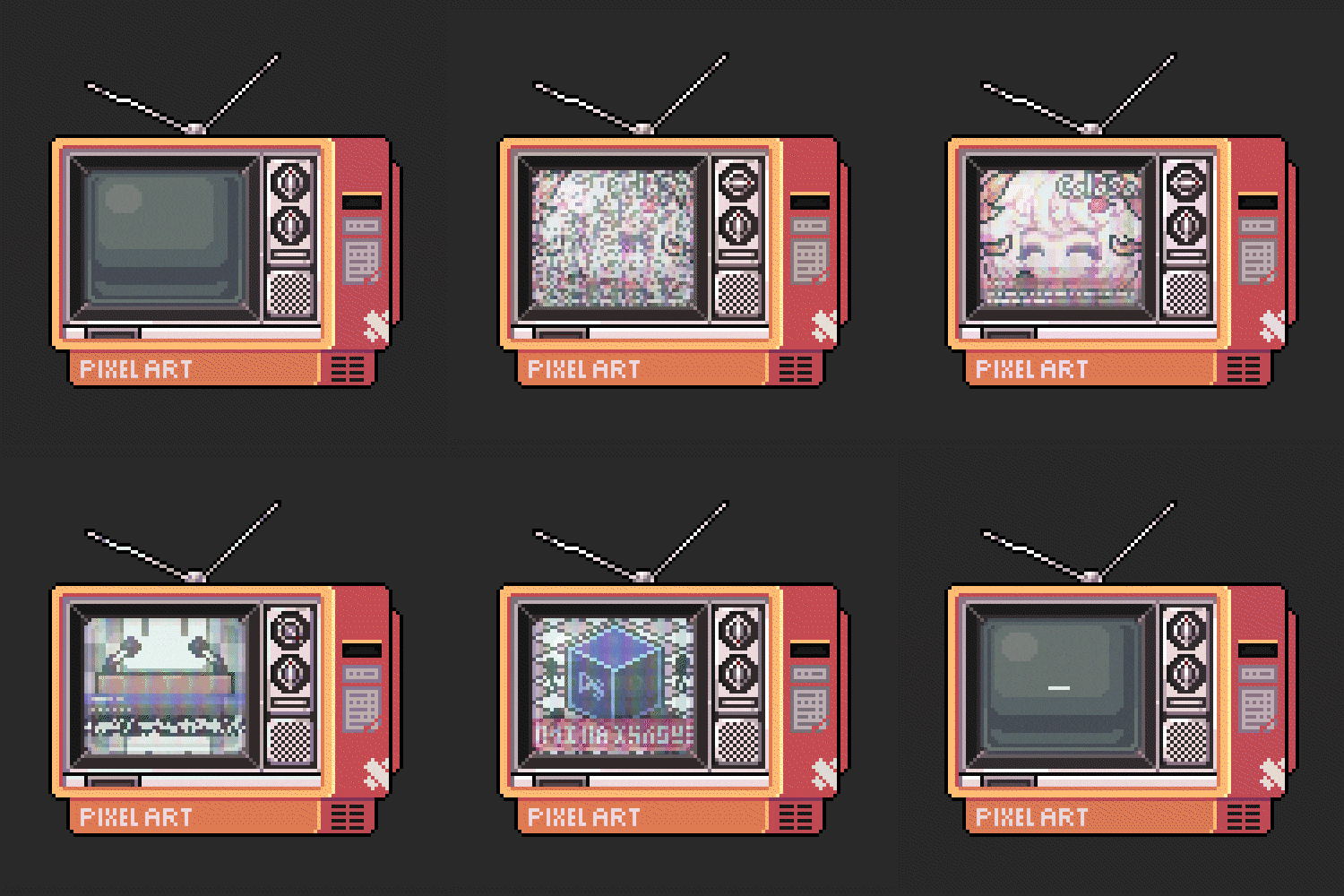 Dot overview and tool introductionTo improve your understanding of dots, let's briefly learn about the outline and history of dots. You will also learn how to use the Aesprite and Photoshop tools that will be covered in this lecture.
※ In the case of Photoshop, among the many functions, the explanation will focus on dot-related functions. -
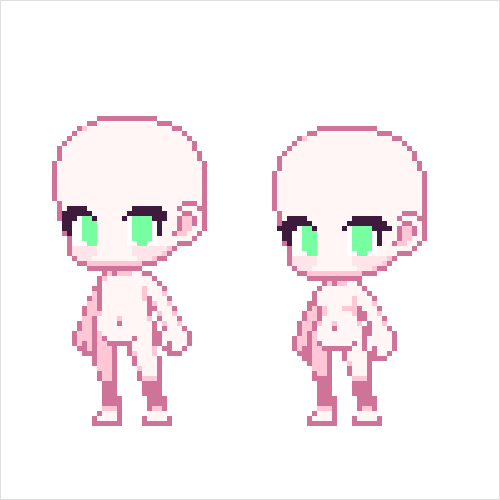 Learn the basics of dotsLearn the basics of creating basic game characters, such as adding light and shade according to the direction from which light comes in, and drawing clean lines. We also put together a pastel tone palette that reflects the latest color trends.
 -
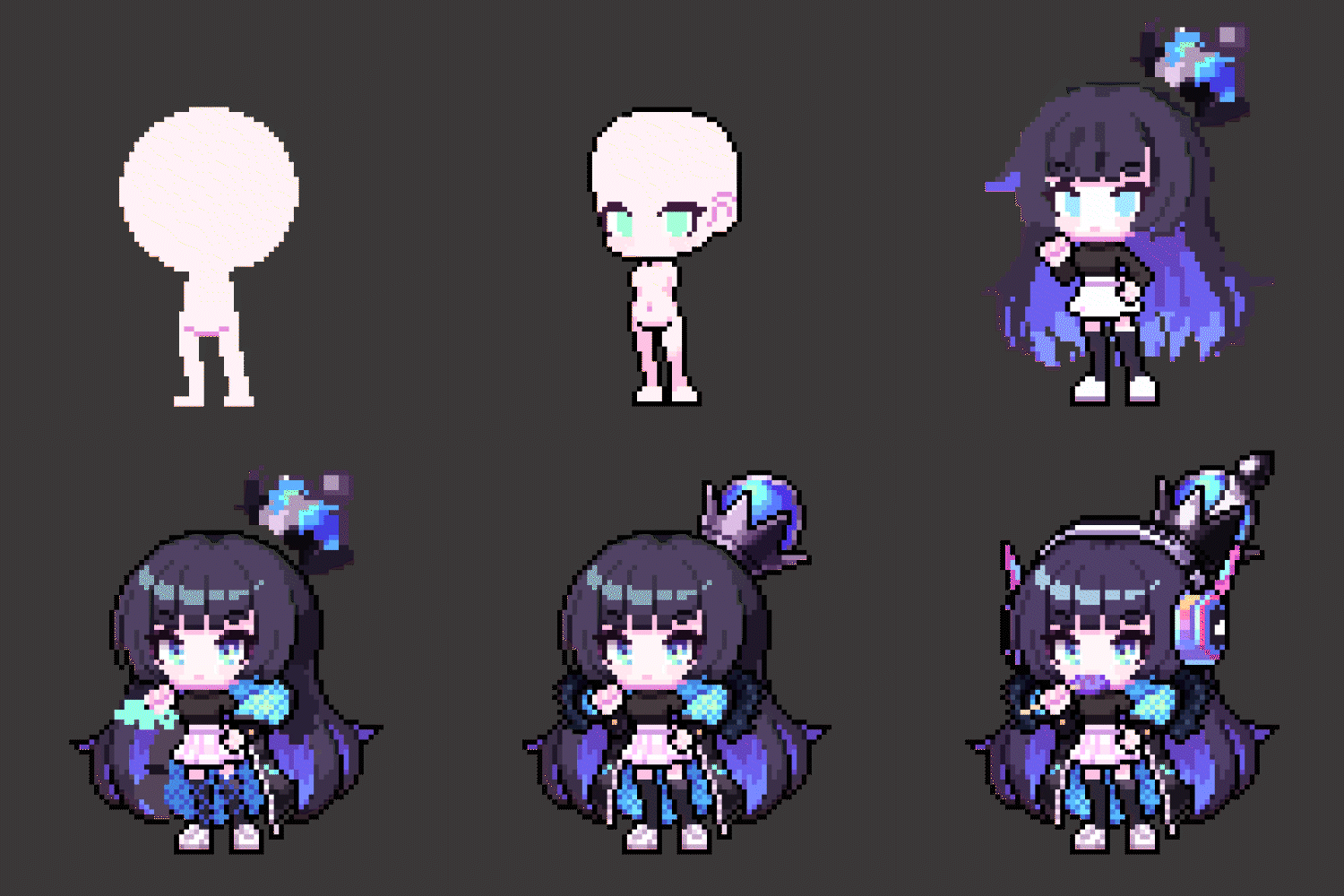 Drawing casual charactersWe draw characters from each perspective using various outlines of around 64 pixels, covering a wide range of topics from the rough stage to detailed descriptions.
-
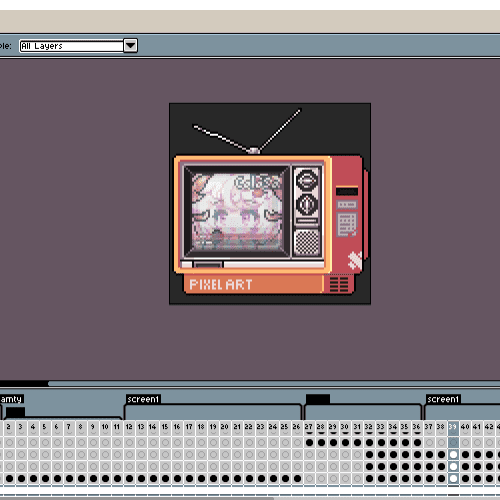 Introduction to AnimationBased on what we learned earlier, we will create animations using Aesprite and Photoshop functions.
 -
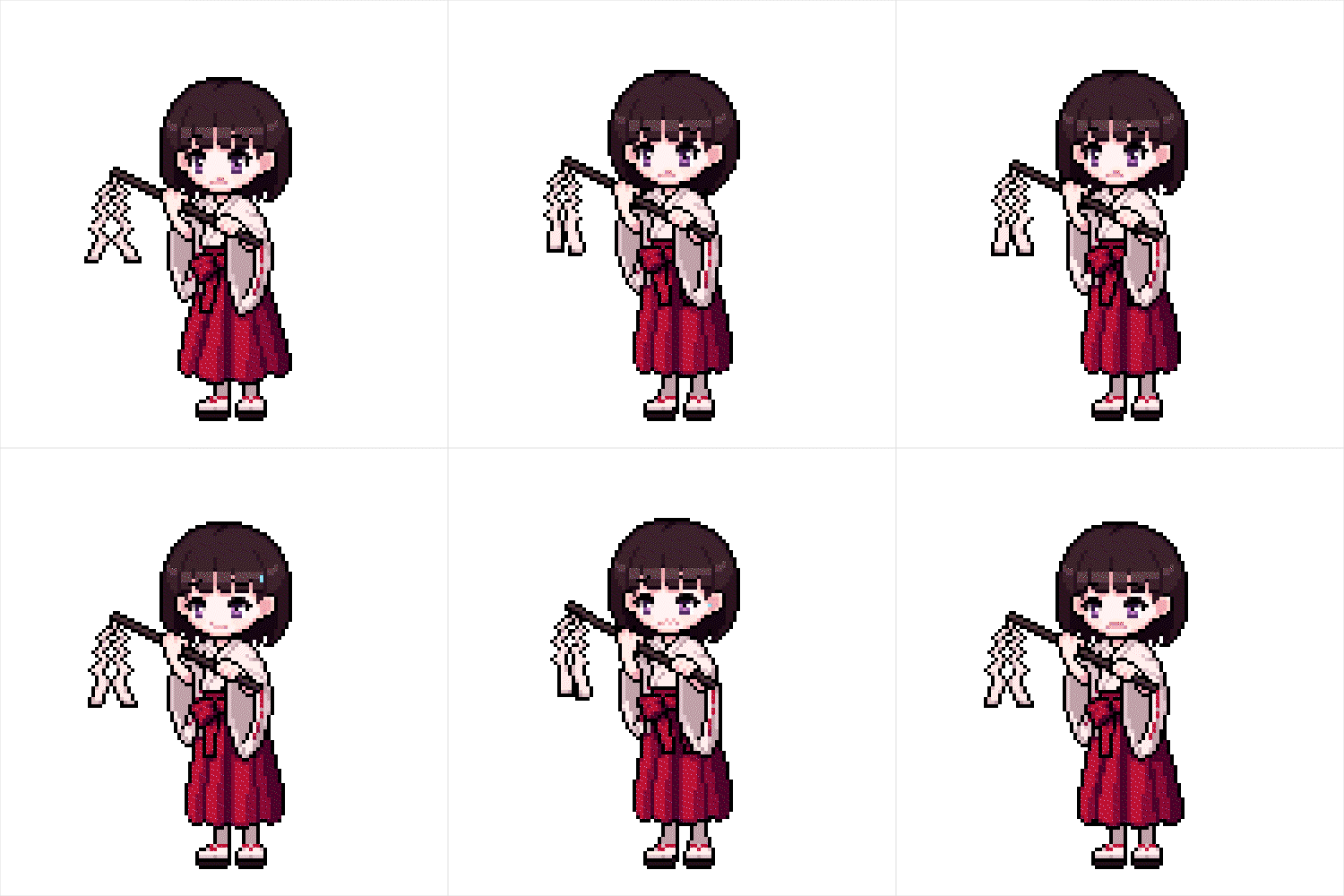 Basic animation productionWe will train basic techniques through practice of game animations frequently used in practice, such as idle, walking, running, jumping, and attacking.
 -
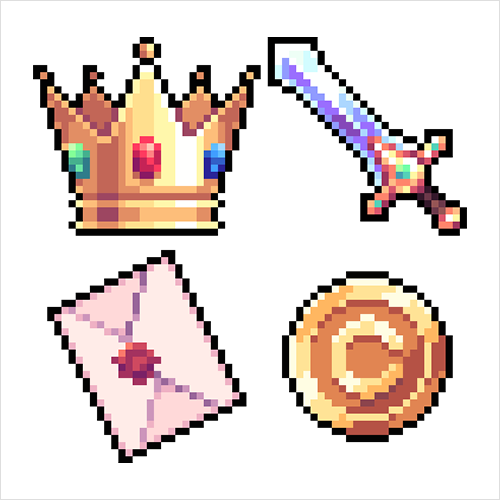 Create a game iconLearn how to apply texture expressions to create 32-pixel icons used in games.
curriculum
curriculum
Show me the curriculum
SECTION 01. Dot overview and tool introduction
01. Instructor introduction, overview of DOT
- Instructor History
- Overview and history of dot
- Difference between dots and non-dots
- Various uses of dots
02. Aseprite operation
- Aseprite tool description
- Why Use Aseprite Tool?
- Take a dot using the tool
03. Photoshop operation
- Photoshop tool descriptions
- Why use Photoshop tools?
- Setting up the tool environment for making dots
- Take a dot using the tool
SECTION 02. Learning the basics of dots
04. Color theory
- Dot color latest trend
- Create a color palette that matches the latest trends
05. Outline, viewpoint theory
- Various outline expression methods
- Various ways of expressing viewpoints
06. Light and dark, line drawing theory
- Various contrast expression methods
- How to draw a line correctly
- Explanation of various terms
07. How to use pastel colors
- Pastel tone overview
- Example of pastel tone use
- Pastel color palette production demonstration
SECTION 03. Drawing characters
08. Drawing a top view character
- Creating a character from a top view perspective
- Drawing top view characters from various directions
- Instructions on how to draw a character in 16pixel and 32pixel
09. Drawing a side view character
- Drawing a character from a side view perspective
- Efficient way to organize layers
Bonus 01. Production demonstration
- Drawing a side view character
10. Drawing quarter view character
- Creating a character
- Drawing a character from quarter view perspective
11. Three ways to use outlines
- Draw characters using various outlines
- Learn the differences between each outline
12. Drawing animal characters (side view)
- Creating a character
- How to draw non-human animal characters
13. Drawing rough lines with lines
- Creating a character
- Drawing roughly with lines
14. Anti-aliasing
- Anti-Aliasing Overview
- Creating characters using anti-aliasing
- Learn how to draw character eyes
SECTION 04. Introduction to Animation
15. Create Animation with Aseprite
- Create animations with Asprite
- Creating dot animations with Asprite’s various functions
16. Create animation with Photoshop
- Create animation with Photoshop
- Creating dot animations using various functions in Photoshop
SECTION 05. Creating basic animation part 1
17. Create Idle Animation
- Learn about the features of dot animation
- Idle Animation Overview
- Creating Idle animations
Bonus 02. Production demonstration
- Creating Idle animations
18. Create a walking animation
- Walking Animation Overview
- Creating a walking animation for a side view character
Bonus 03. Production demonstration
- Creating a walking animation
19. Create a running animation
- An overview of running animations
- Learn the differences from walking animations
- Creating a running animation
20. Create a jump animation
- An overview of jump animations
- Animation production according to the laws of physics
- Creating a Jump Animation
21. Creating a walking animation for top view and quarter view characters
- Creating a walking animation
- Creating a walking animation for top and quarter views
22. Creating Subpixel Animation
- Overview of subpixel techniques
- Creating sub-pixel animation
SECTION 6. Creating basic animation part 2
23. Create a close range attack animation
- An overview of melee attack animations
- Description of the trail created when swinging a weapon
- Creating a close range attack animation
24. Create a ranged attack animation
- Overview of ranged attack animation with two weapons (gun, bow)
- Creating a ranged attack animation
25. Creating animal character animations
- Creating animations for four-legged animal characters
- Learn about human character walking animations and their differences
26. Create a waving flag animation
- Creating a Flag Animation
- Creating an idle animation with a combination of flags and characters
SECTION 7. Creating a game icon
27. Creating item icons using texture expressions
- Item Icon Overview
- Creating an item icon
Bonus 04. Production demonstration
- Creating an item icon
28. Create a character face icon
- Face Icons (Emojis) Overview
- Creating a face icon
29. Creating a rotating body animation
- Animate icons
- Creating a rotating animation
interview
What pixel artist Iloccorb wants to say

Question.01
What are the instructor's strengths in teaching this course?
What are the instructor's strengths in teaching this course?
Based on long-term practical and teaching experience, we provide easy-to-understand dot technology and know-how mainly used in actual game production, from the basics to animation production. Learn how to see at a glance even in a complex game environment with dot art that takes visibility and color harmony into consideration.
Question.02
What is the planning intention or point of this lecture?
What is the planning intention or point of this lecture?
Even if I put a dot or draw a line in an empty space, I think there is a reason for everything in the field of ‘art’. Therefore, we will focus on explaining how to quickly and efficiently produce the resources needed for the game through detailed explanations of why it is expressed this way and why this color is used here.
Question.03
What areas do you expect prospective students to improve or gain?
What areas do you expect prospective students to improve or gain?
Not only will beginners who are starting from scratch learn detailed techniques from the basics, but it will also be a great opportunity to improve their skills for those who were previously using dots but had difficulty knowing the direction.
We will guide you through the program to use.
This class is conducted through the programs below,
To ensure smooth course attendance, download the latest version of the program.
Please purchase and install it separately.
[essential]
Aseprite v1.2.31
[select]
Adobe Photoshop CS 6 or later
* We recommend taking the course with the version indicated.
* Programs and materials are not provided separately.