3DArtist,JaeyoungChoi_3D 아티스트 최재영 Details
introduction video
3D artist, Jay Choi
“If I get good at rigging, I can make my 3D characters move in a lively and natural way.”
If you want to add motion to your character
Essential for the animating stage
Character ‘Rigging’ Intensive Curriculum
If you want to add motion to your character, this is an intensive character 'rigging' curriculum that is essential for the animation stage.
Rigging is ‘the process of planting bones in a character and developing the ability to control motion.’ If rigging is done well, you can make the character move lively and naturally.

From basic anatomical knowledge for character rigging to detailed rigging methods for each part such as hair, limbs, and skirt, and even detailed movement of the most difficult 'face' rigging, such as the skeleton, teeth, and lips!
In addition to systematic and detailed 'full body rigging' lectures, learn 'procedural effects (transformation effects)' to create more complete character animations.
In addition to systematic and detailed 'full body rigging' lectures, learn 'procedural effects (transformation effects)' to create more complete character animations.
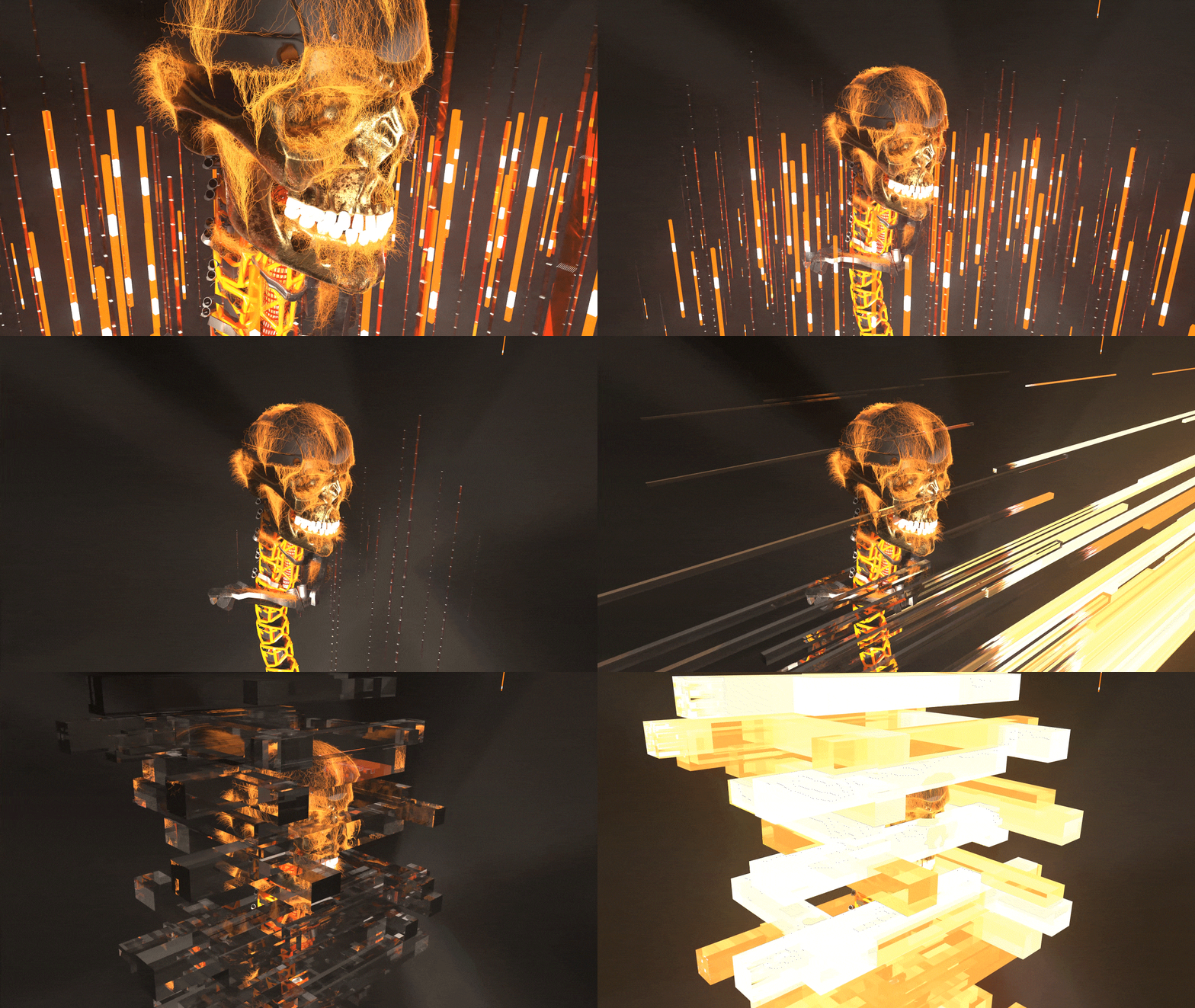
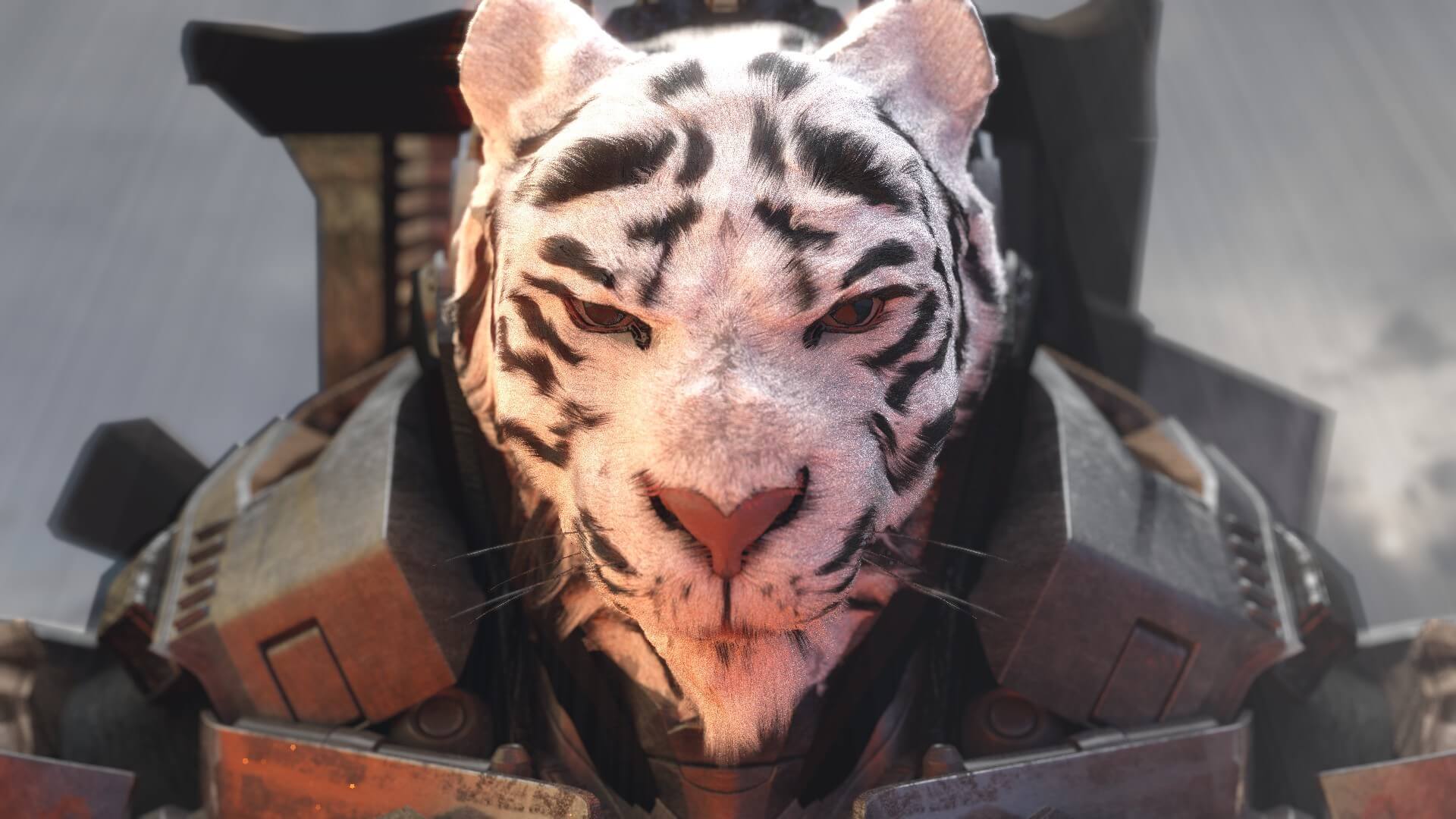
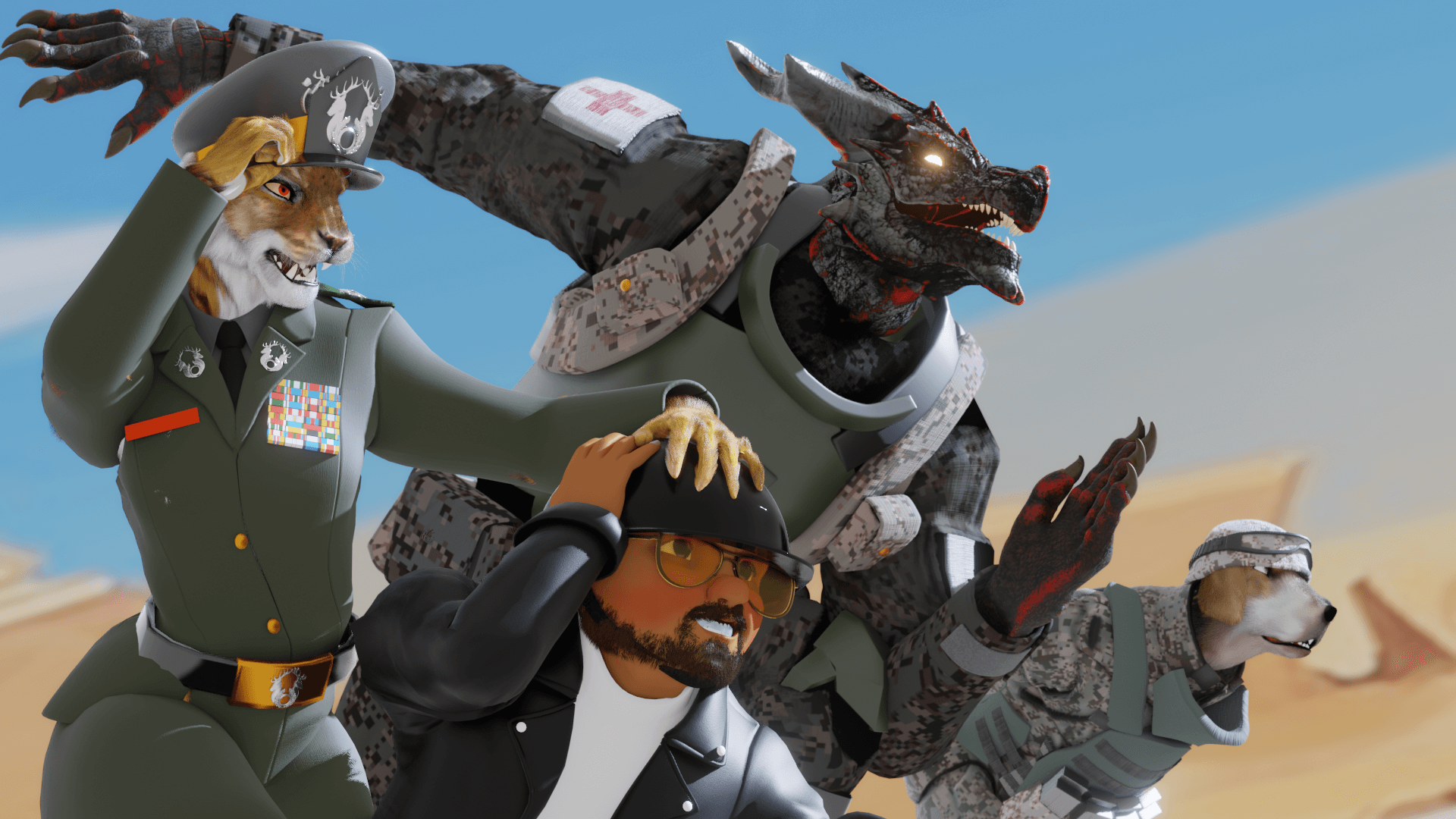
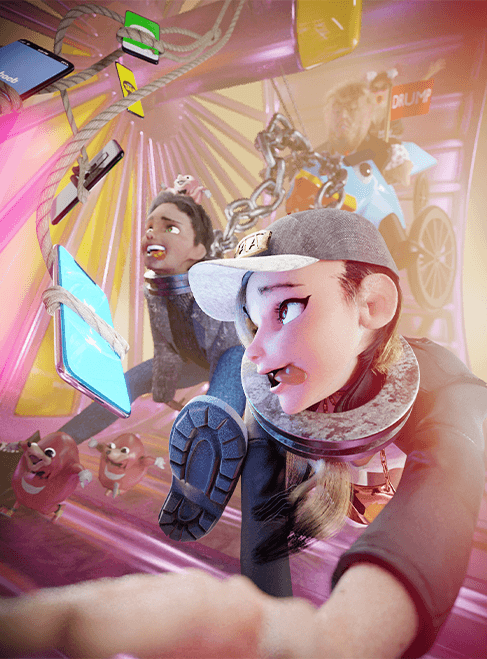
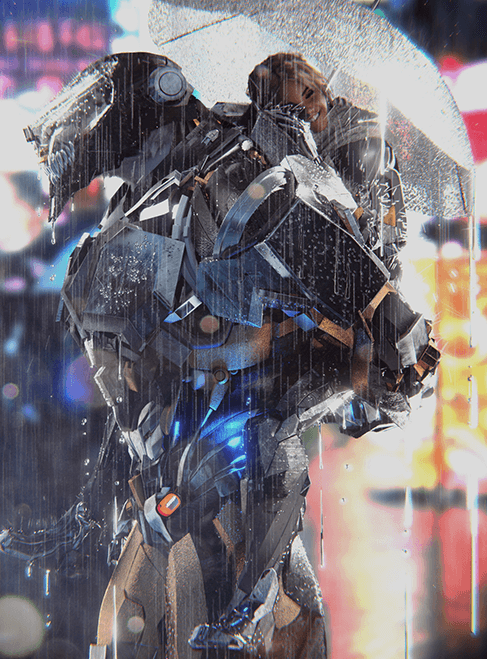
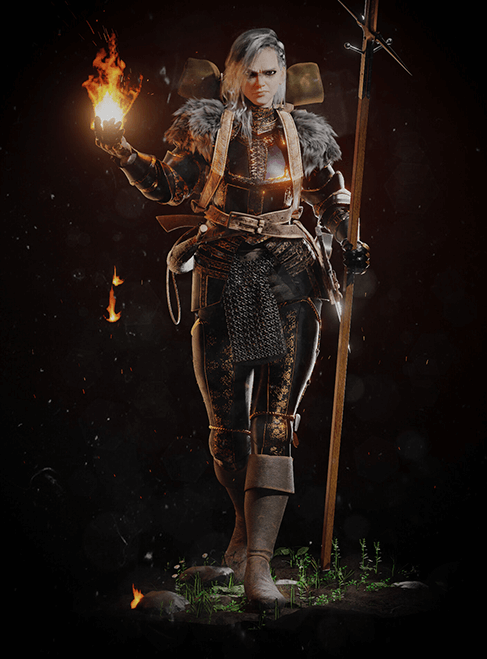
Portfolio of Jay Choi Choi, 3D artist with 6 years of Blender practical experience


Why Take This Class?
In this class, you can expand the range of tool utilization and usage skills by learning character rigging and procedural effects using Blender.
We studied in depth about various rigging methods that can be used effectively for each body part, such as Spline rigging, IK and FK, and Action Constraints rigging, and invested a lot of time and effort to create an effect that is not used only once. It is produced once and can be used in the environment at any time. You can even learn ‘procedural effect’ techniques that can be reflected accordingly.
Expand your skillset as a 3D industry aspirant and artist with the practical know-how of Jay Choi, a 3D artist with 6 years of experience working in Blender and who has conducted offline training.
*Procedural Effect: An effect that reflects the effect in real time depending on the character and environment
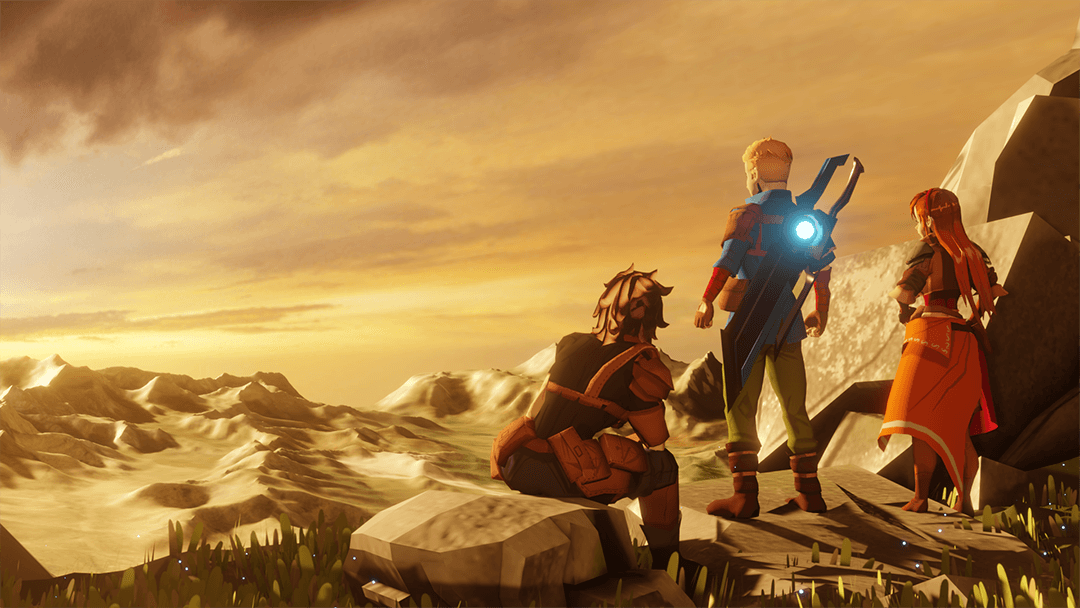
In this class, you will complete a character that reflects rigging and procedural effects through step-by-step learning.
Part 1. Learning rigging methods focused on human joints
-
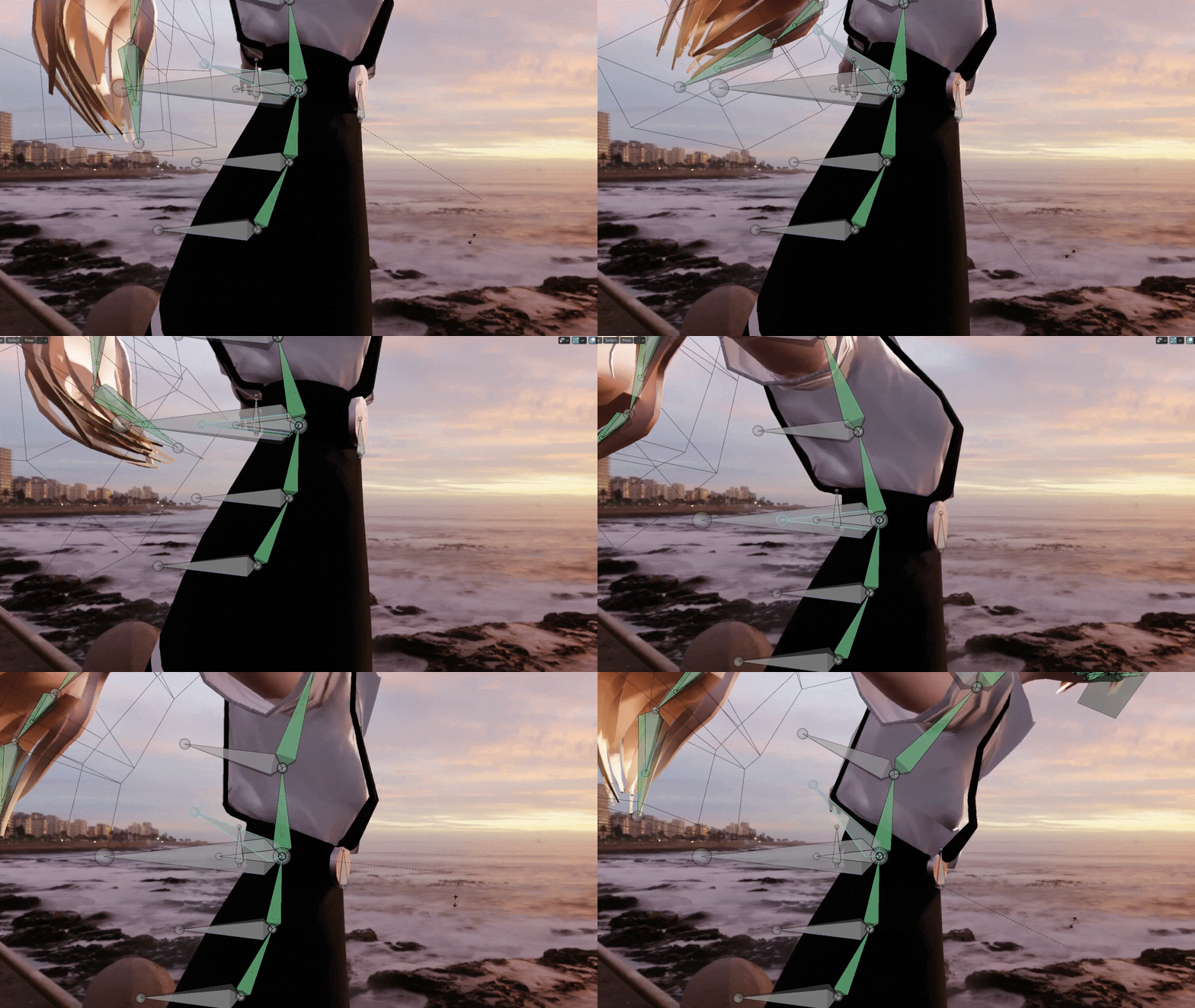 spine rigging
 -
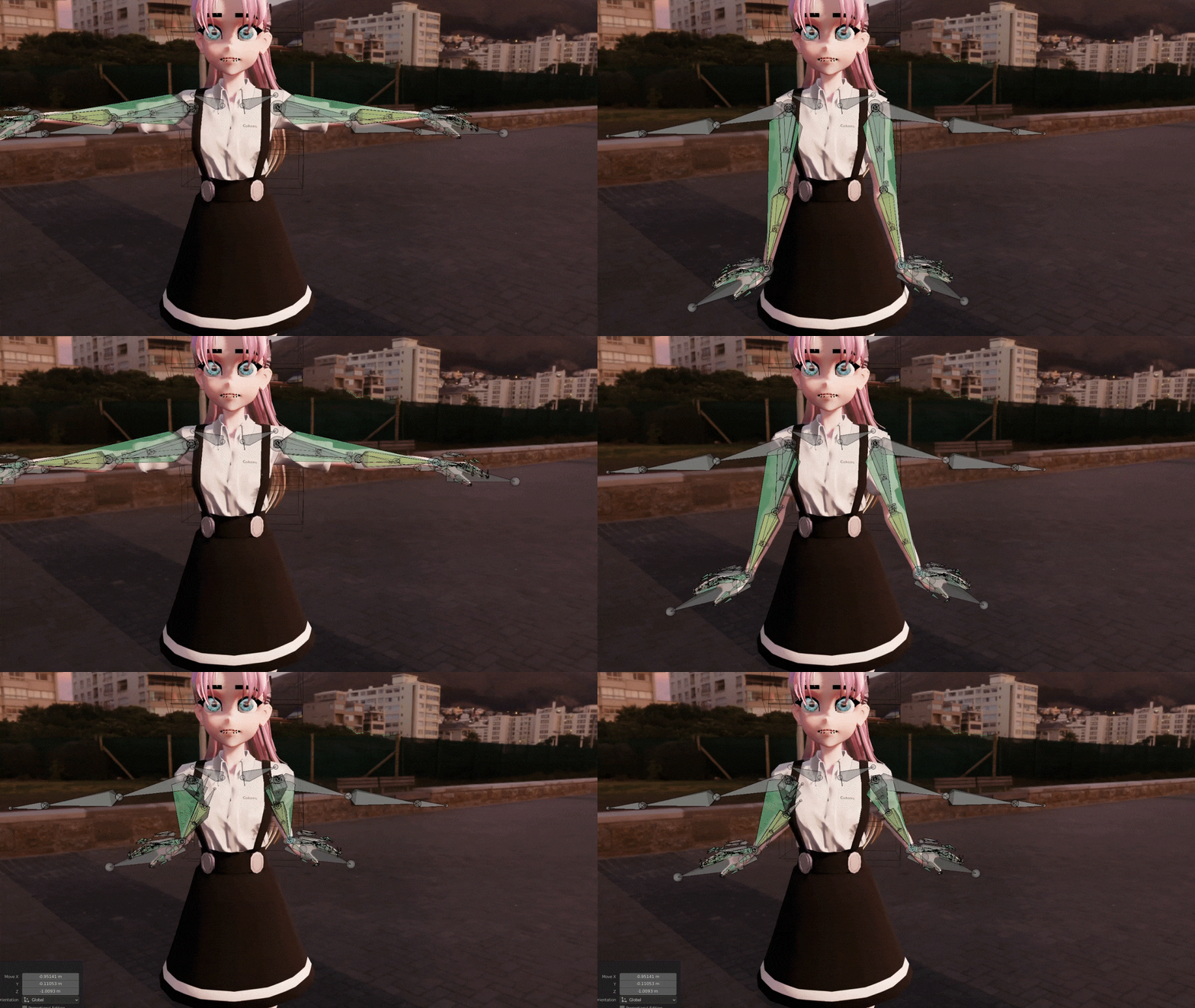 arm rigging
 -
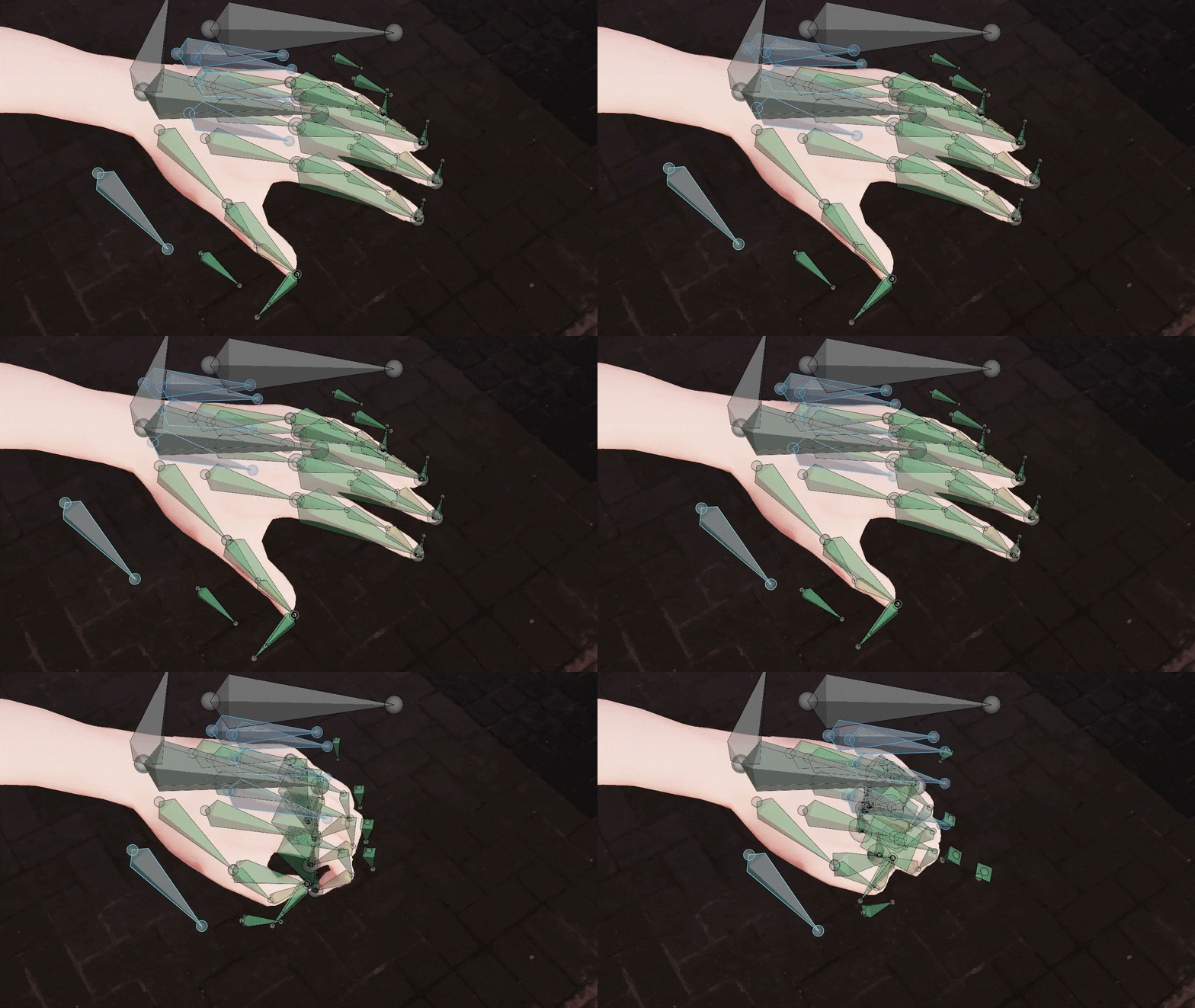 finger rigging
 -
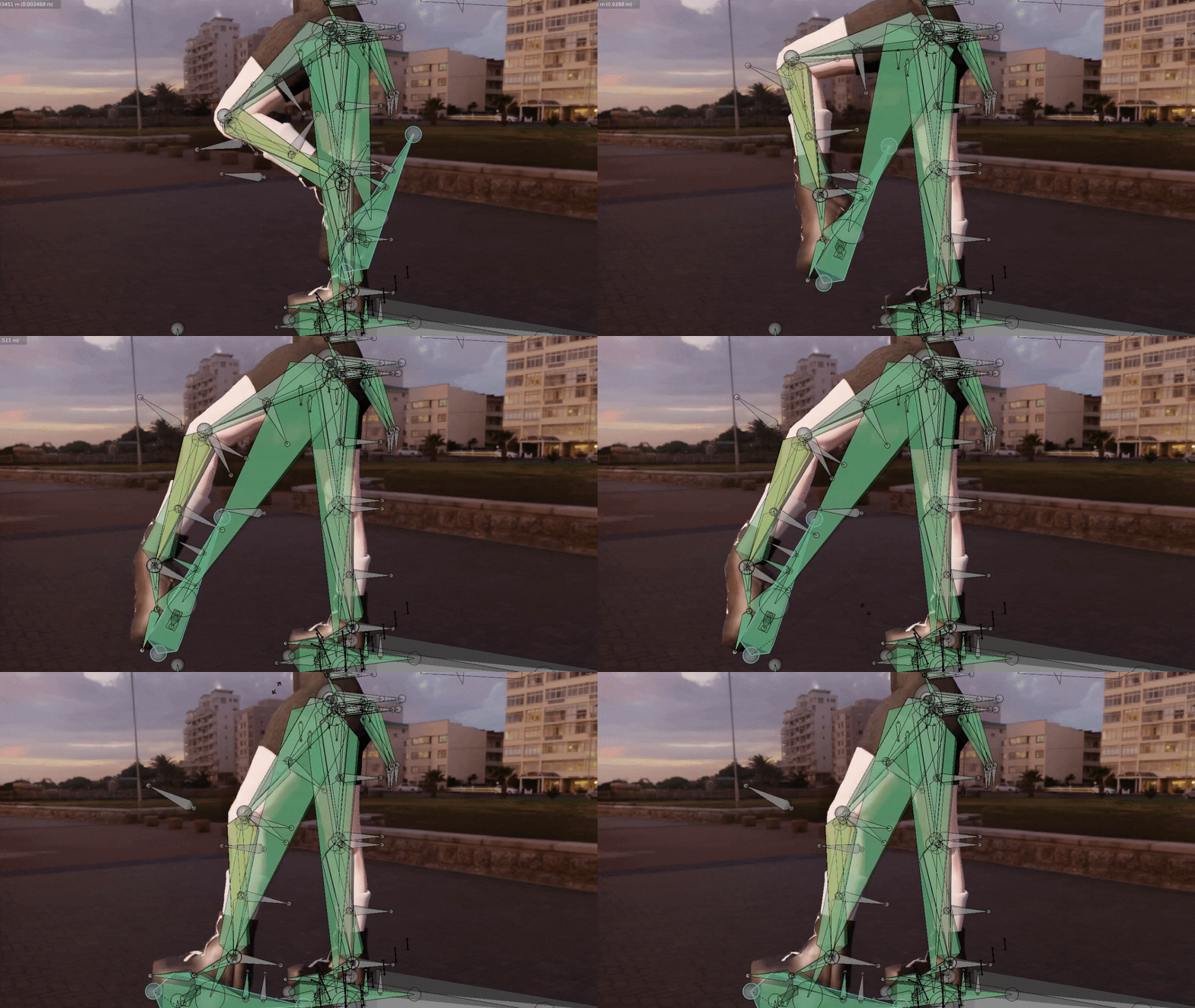 leg rigging
Part 2. Rigging objects and hair to add naturalness
-
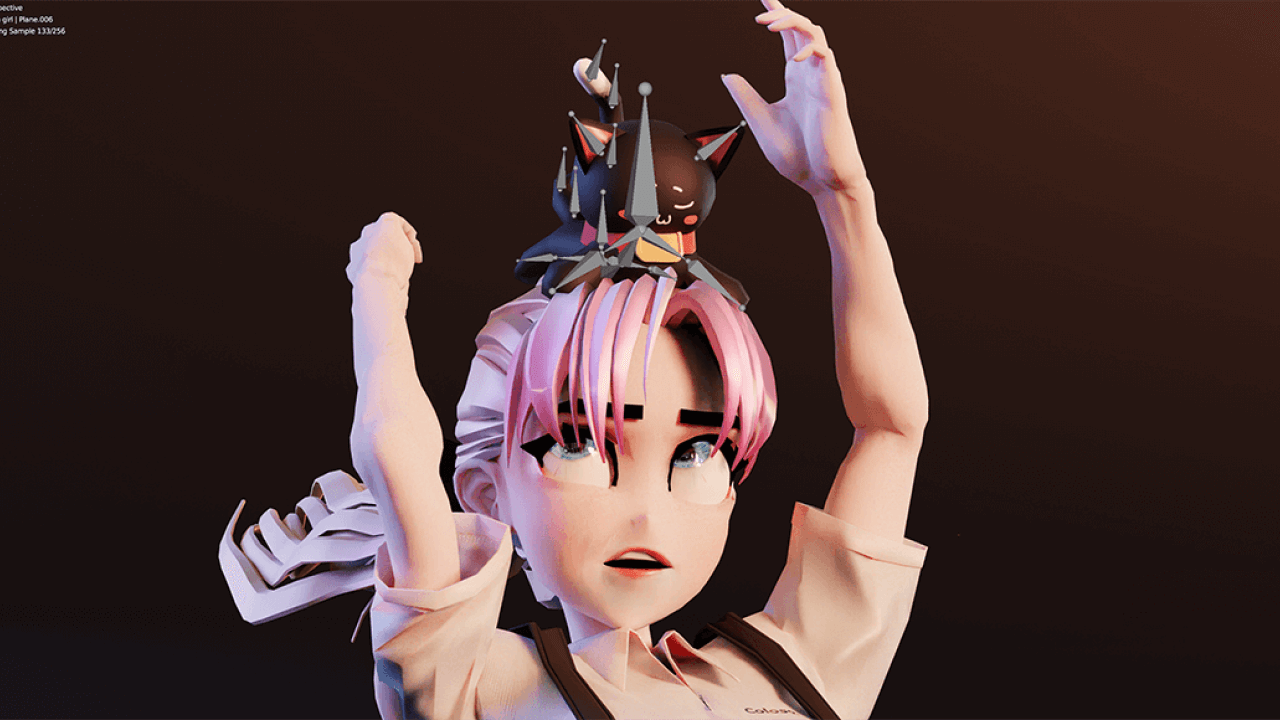 magic wand rigging
 -
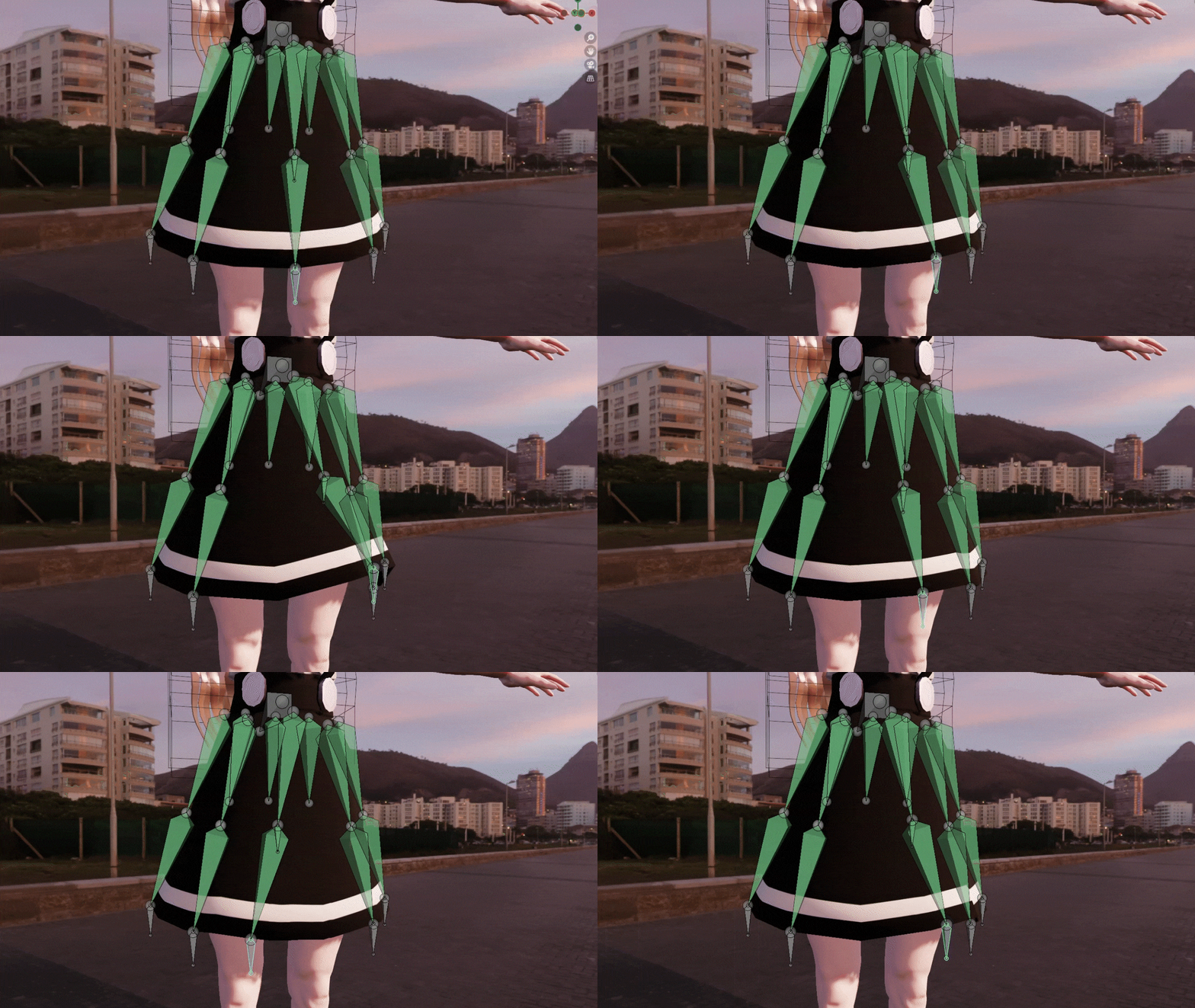 skirt rigging
 -
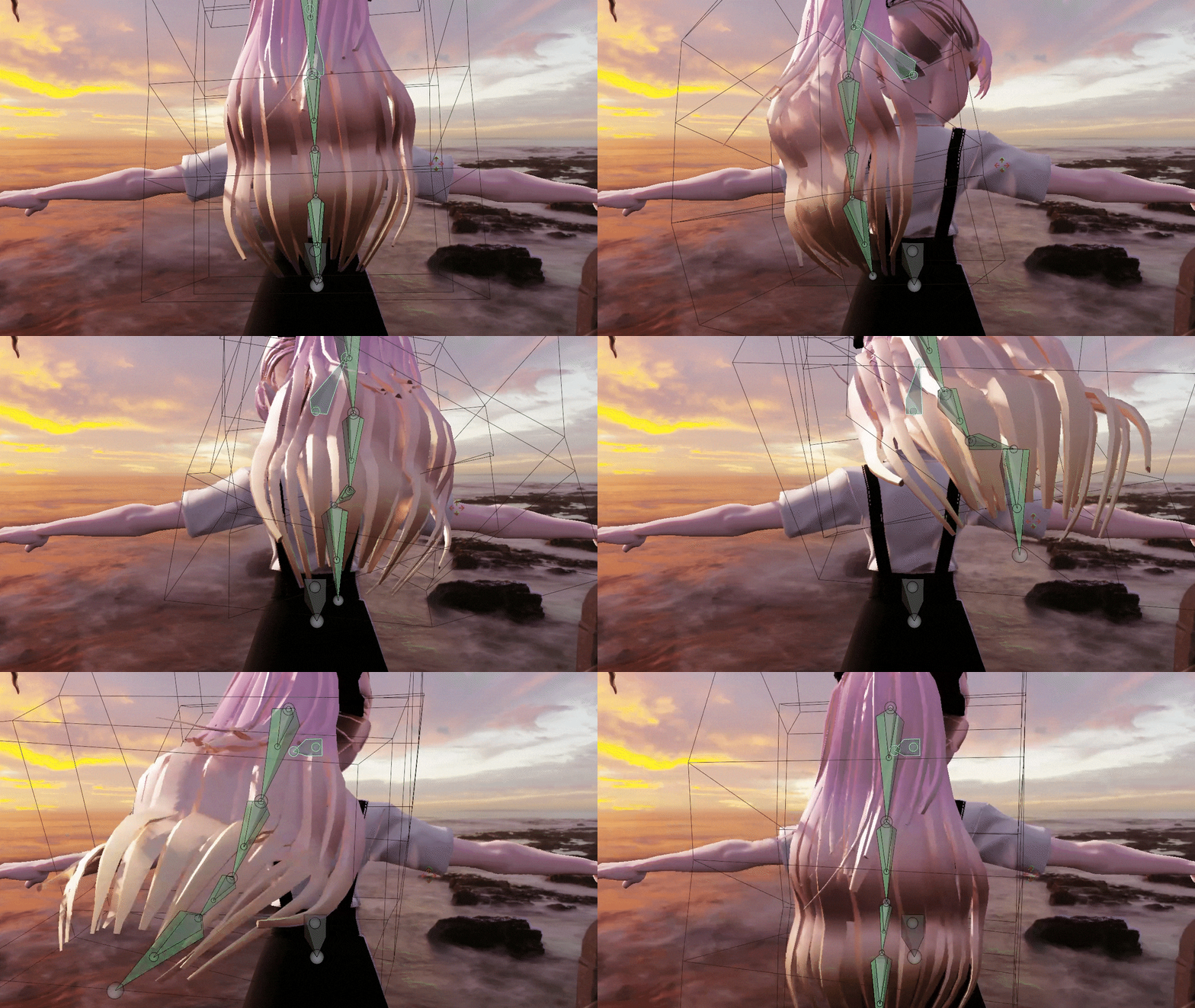 hair rigging
Part 3. Rigging and procedural effects that add detail to character animation
-
 face rigging
 -
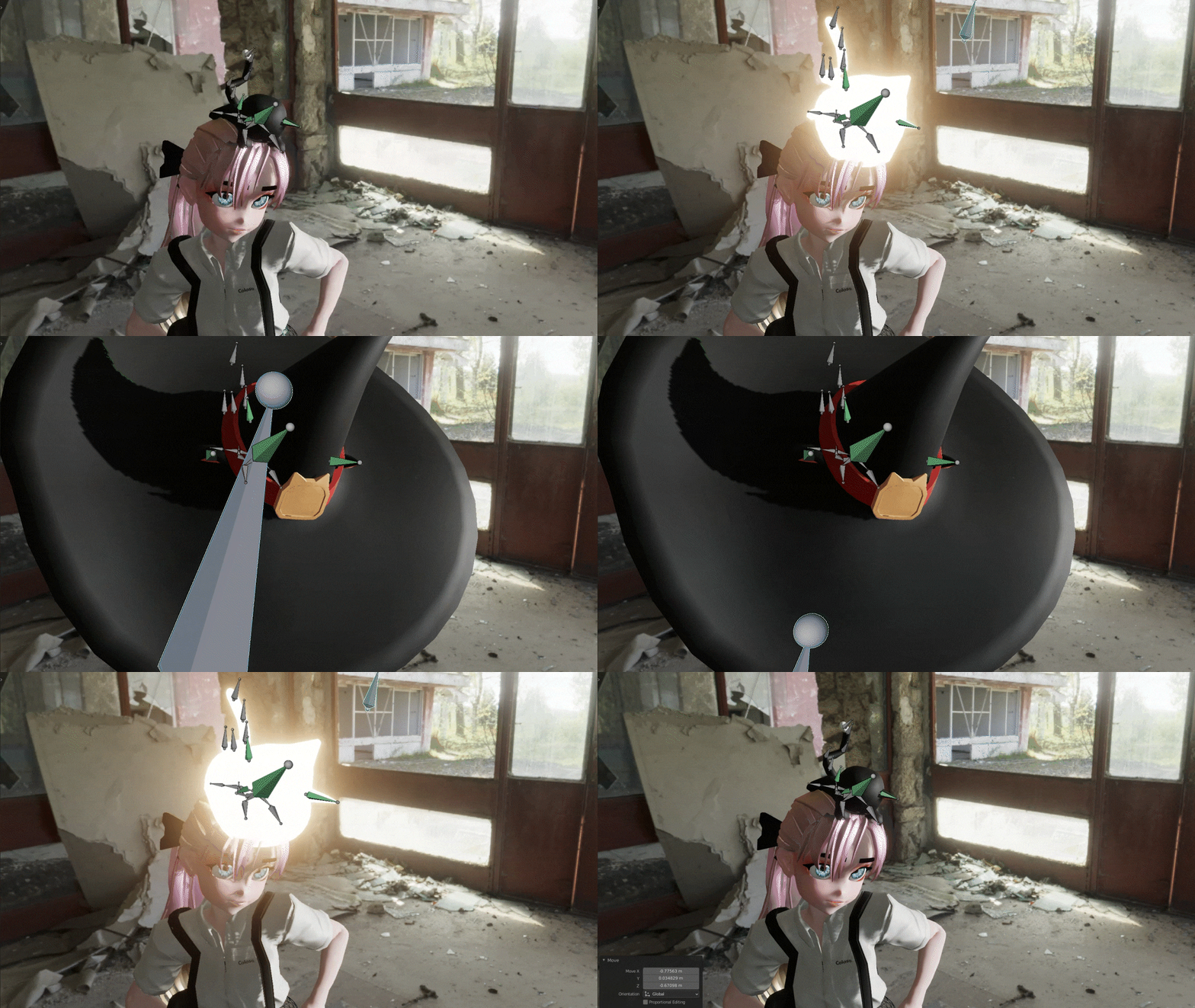 Procedural Effect 1
 -
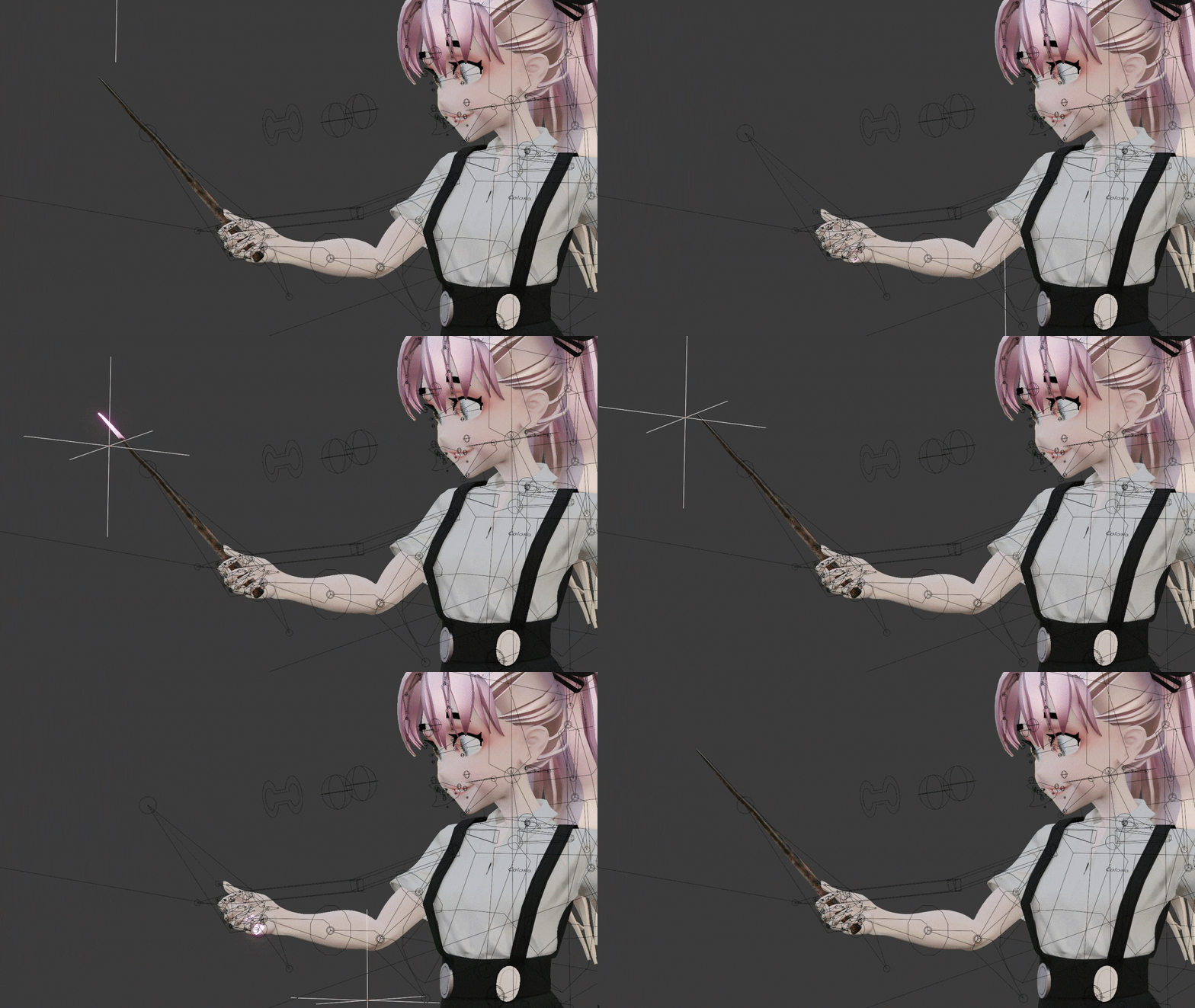 Procedural Effects 2
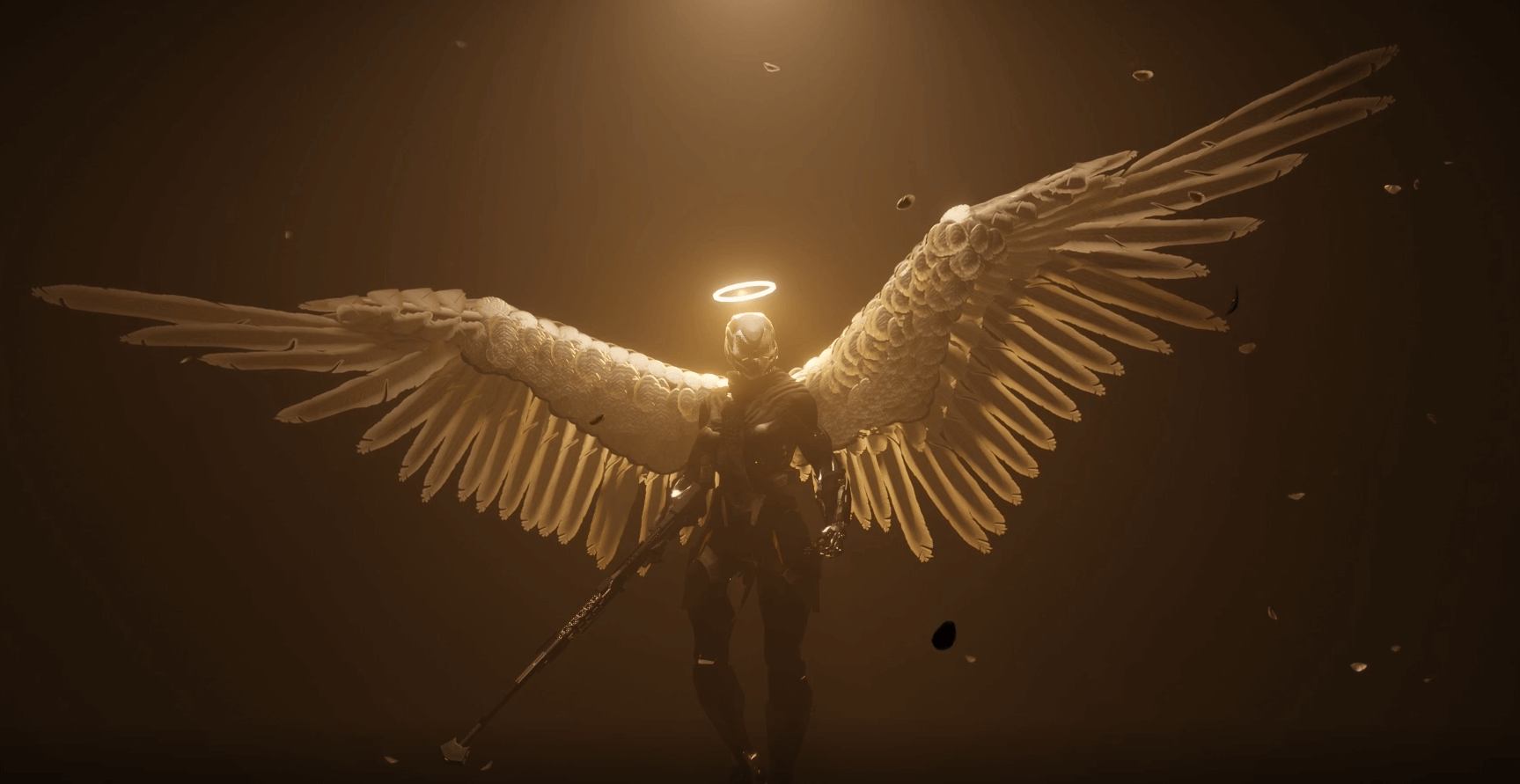
Final result completed

* This image is an example image to help you understand the class.
Speaker introduction
3D Artist
Jay Choi
Hello, this is 3D artist Jay Choi. I have worked on modeling and animation using Blender at many studios at home and abroad, and am conducting offline Blender training.
When I first encountered Blender in 2010, there was no related material and the tool was not well known, so I had to do everything myself.
In this lecture, I will utilize my self-study experience, offline education, and practical experience to systematically and easily teach complex rigging, including the operating principles of each rigging part, the order of bones, and understanding constraints. I hope that students will experience the world of Blender 3D animation through my lectures.
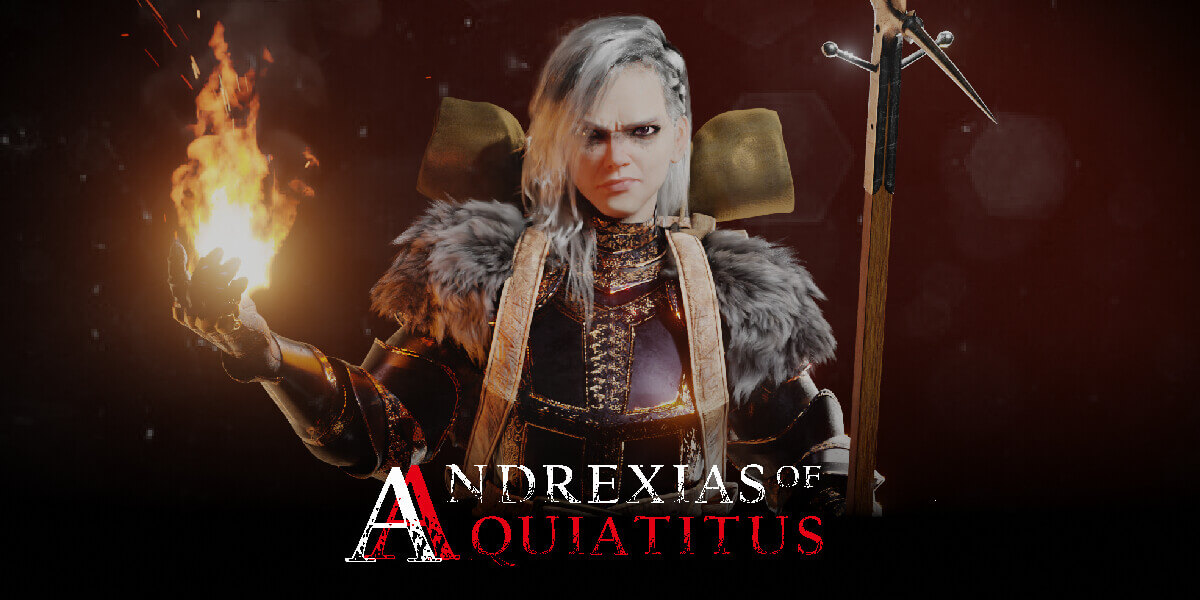

3D artist Jay Choi
Current) 3D Artist
View more history
2021 AMZ STUDIO, Seoul, South Korea - 3D Generalist
2020 Team Redjer 3D Artist/Project Manager
2020 Studio Permafrost - 3D Artist/ Animator
Participated in the 2018 Cuberush Artwar 2 contest
2018 Theory Studio.llc Orlando, FL, USA - 3D Character Artist
3rd place winner at the 2017 Blender Guru Fantasy Competition
2015 Real Illusion Studio Bangalore, India
class features
class features
Korea’s only in-depth ‘character rigging’ lecture
If you want to add movement to the character you created, you must learn 'rigging'.
We will teach you in detail everything from the anatomical knowledge you need to master character rigging to effective rigging methods for each part of the human body, such as arms, legs, shoulders, and face.
*For this class, a completed character modeling file is provided, and rigging work is performed using the provided file.
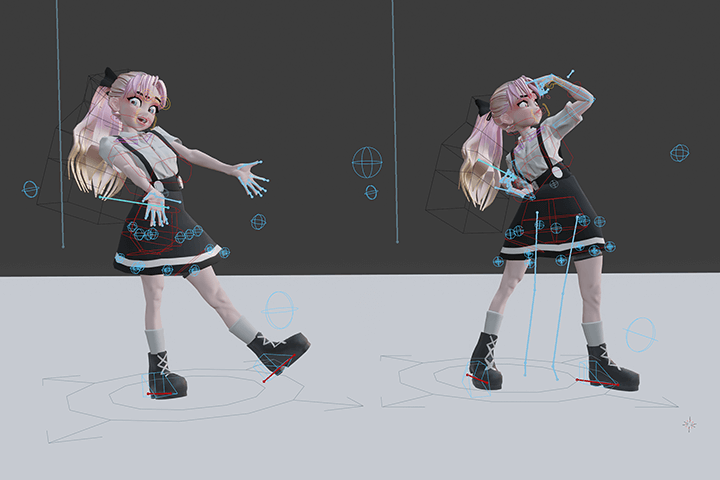
‘Procedural effect’ production technology that improves character quality
A ‘procedural effect’ that can be created once and used and modified in real time at any time. Learn about procedural effects, improve the quality of animation by creating your own effects that can give a sparkling effect when transforming, and apply transformation effects to various characters in the future.
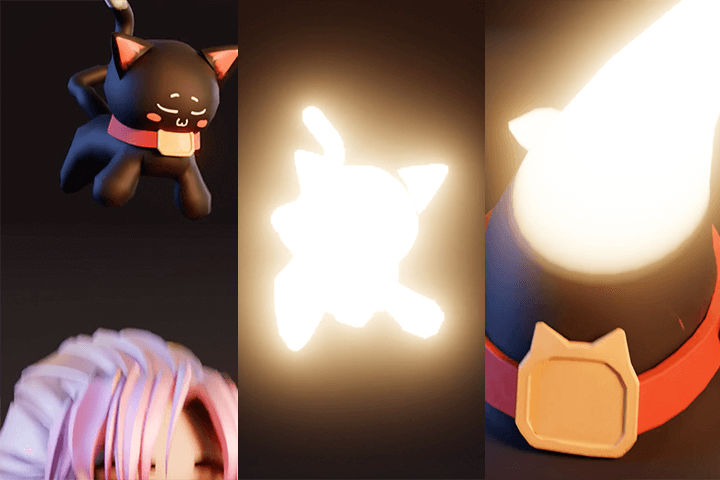
Learning the know-how of a 6-year-old practitioner of ‘Blender’, a popular 3D tool these days
Use Blender to work on many domestic and international animations, and learn the skills and know-how needed in practice from experts who have provided offline training.
Through this lecture, you can learn advanced Blender features such as constraints principles, drivers, controllers, and nodes, and create rigging and procedural effects.
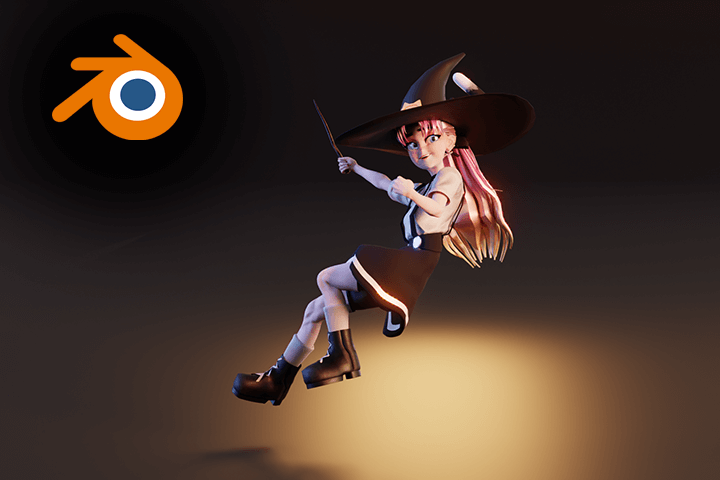
Class composition
learn this
-
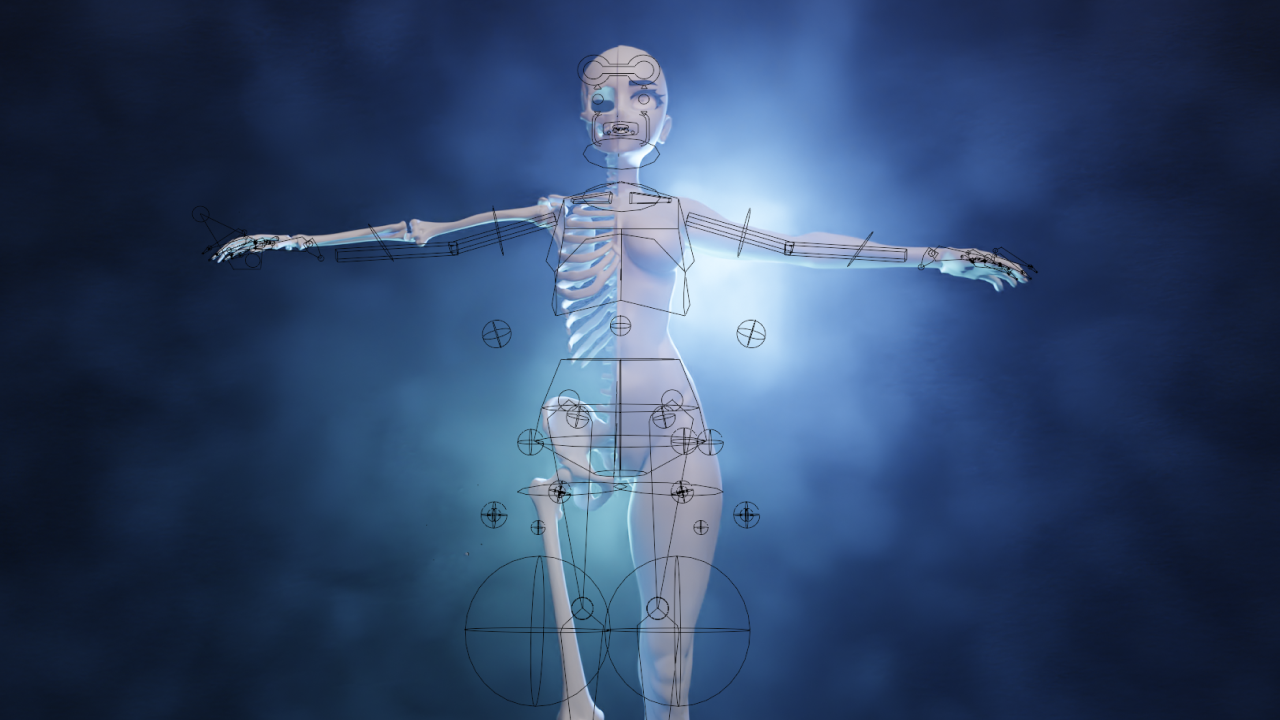 Understanding human anatomy for character riggingBefore rigging, you must have an accurate understanding of the ‘bone position’ to create proper motion. After learning anatomy and the constraints necessary for rigging the human body, we make an overall plan for full-scale rigging based on this.
 -
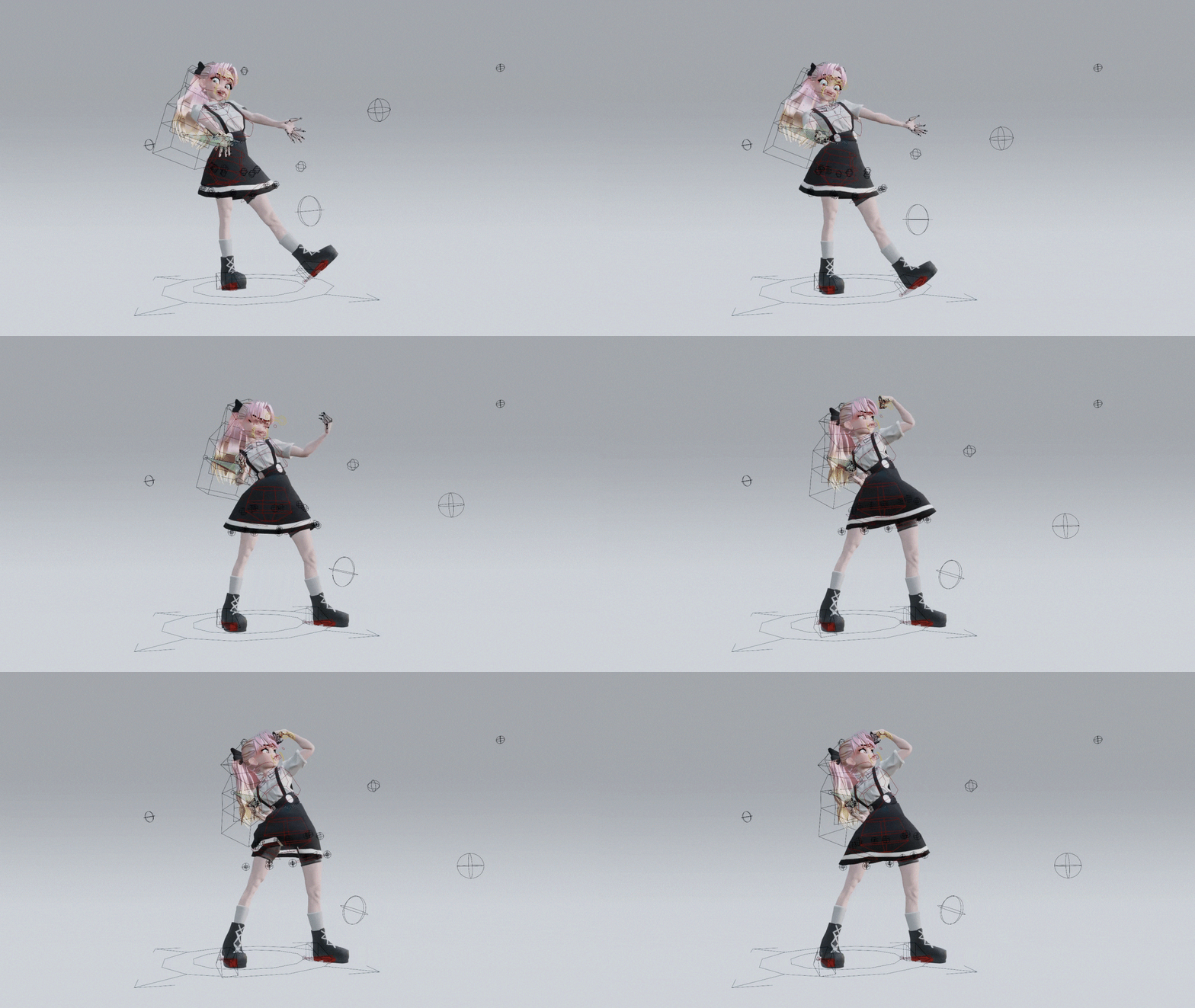 Learn detailed rigging for each body partEach part of the body, such as the spine, limbs, fingers, and feet, has different precautions and techniques to use when rigging. Learn in detail how to effectively rig all parts of the human body, including spline rigging, IK+FK rigging, and rigging using Action Constraints.
-
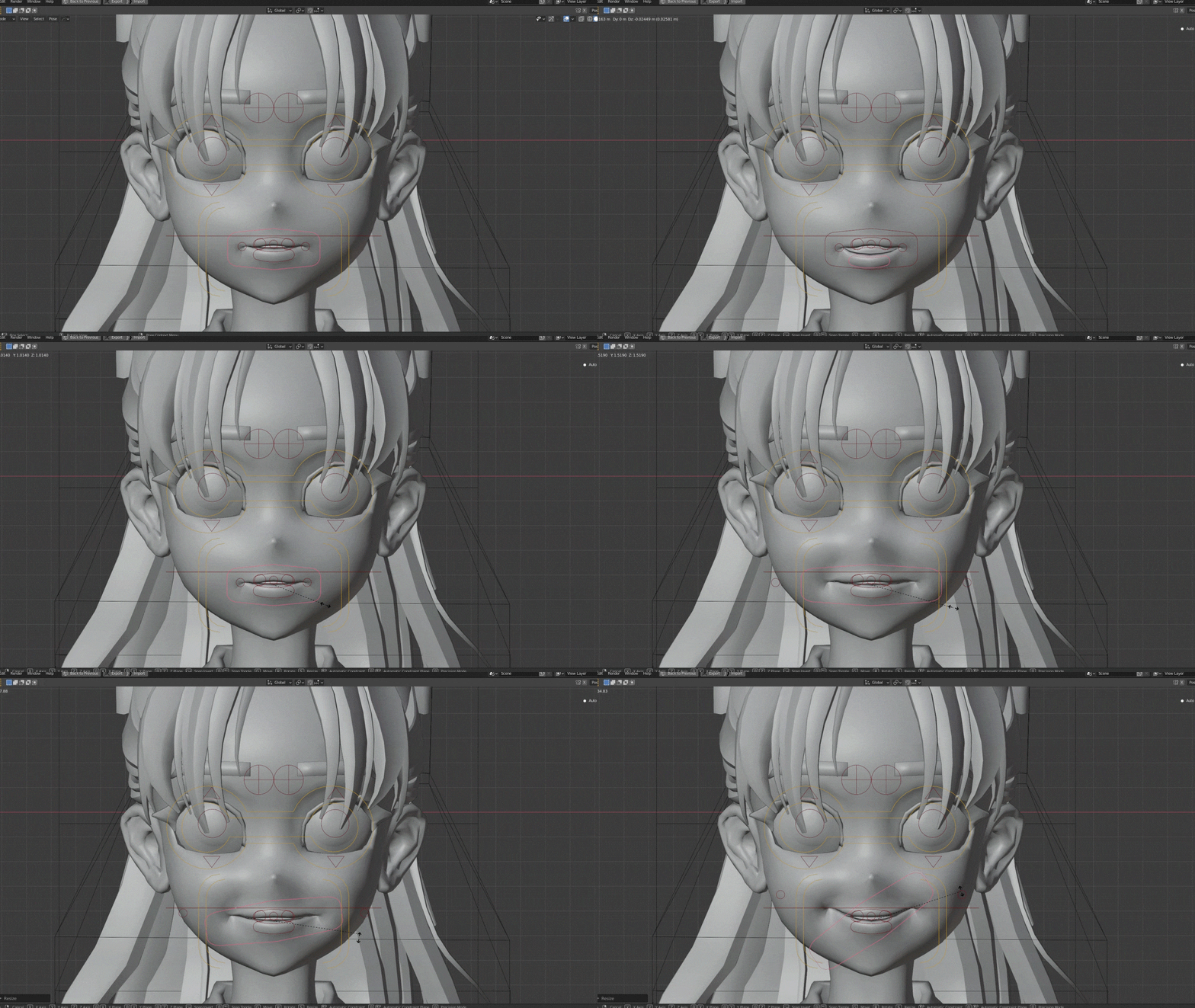 In-depth learning of highly difficult ‘face rigging’We learn in-depth 'face rigging', a difficult part that requires the most delicate work among body parts. Create the bones of the entire face, detail the lips, teeth, and tongue, and use the controller to create natural movements.
 -
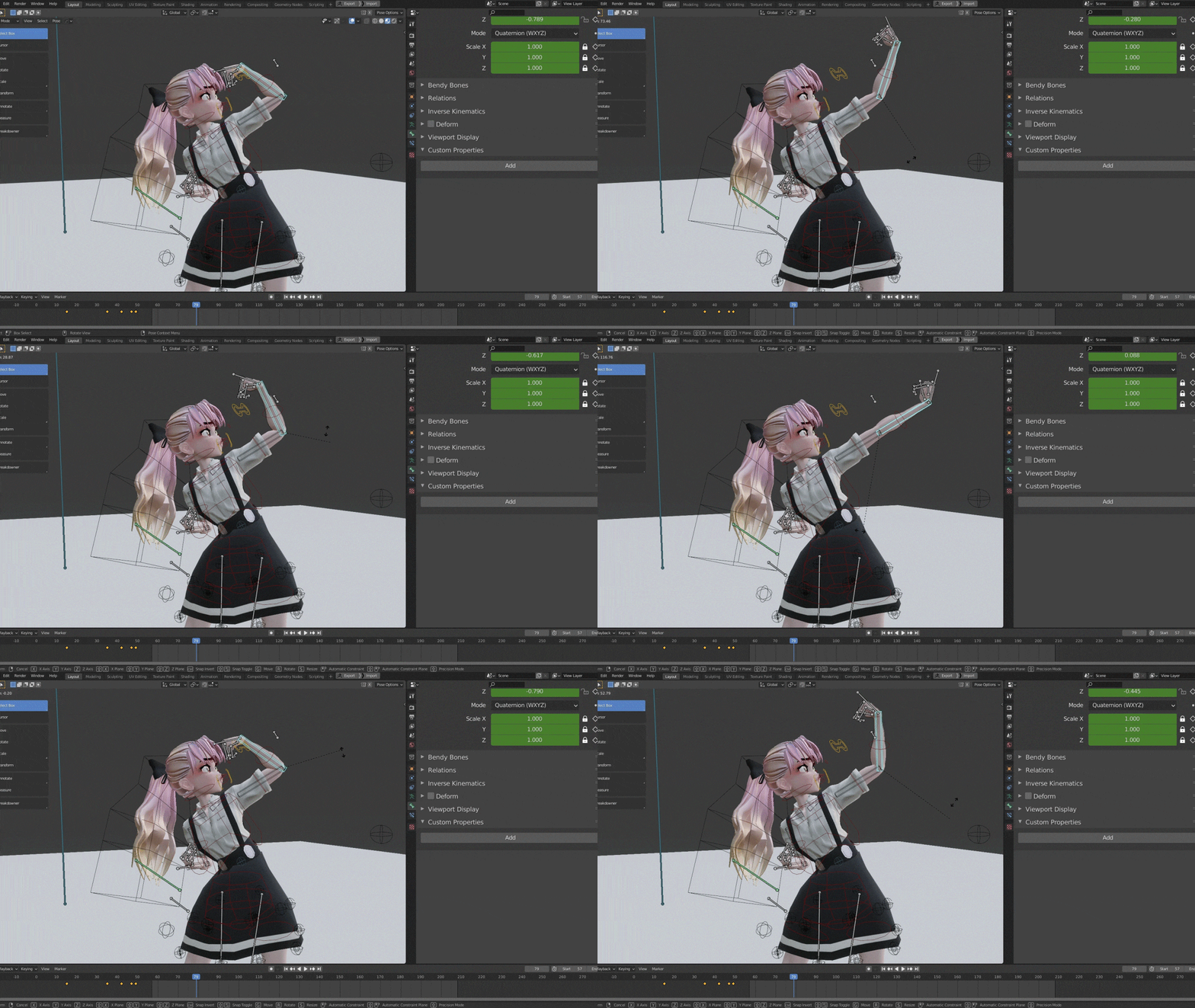 How to use driver and switch functions for convenient workYou will learn the 'Driver' function that can animate all setting values within Blender and the 'Switch' function of the control panel that allows animators to see the controls at a glance and switch the desired rigging decoration, and learn efficient work methods using them. .
-
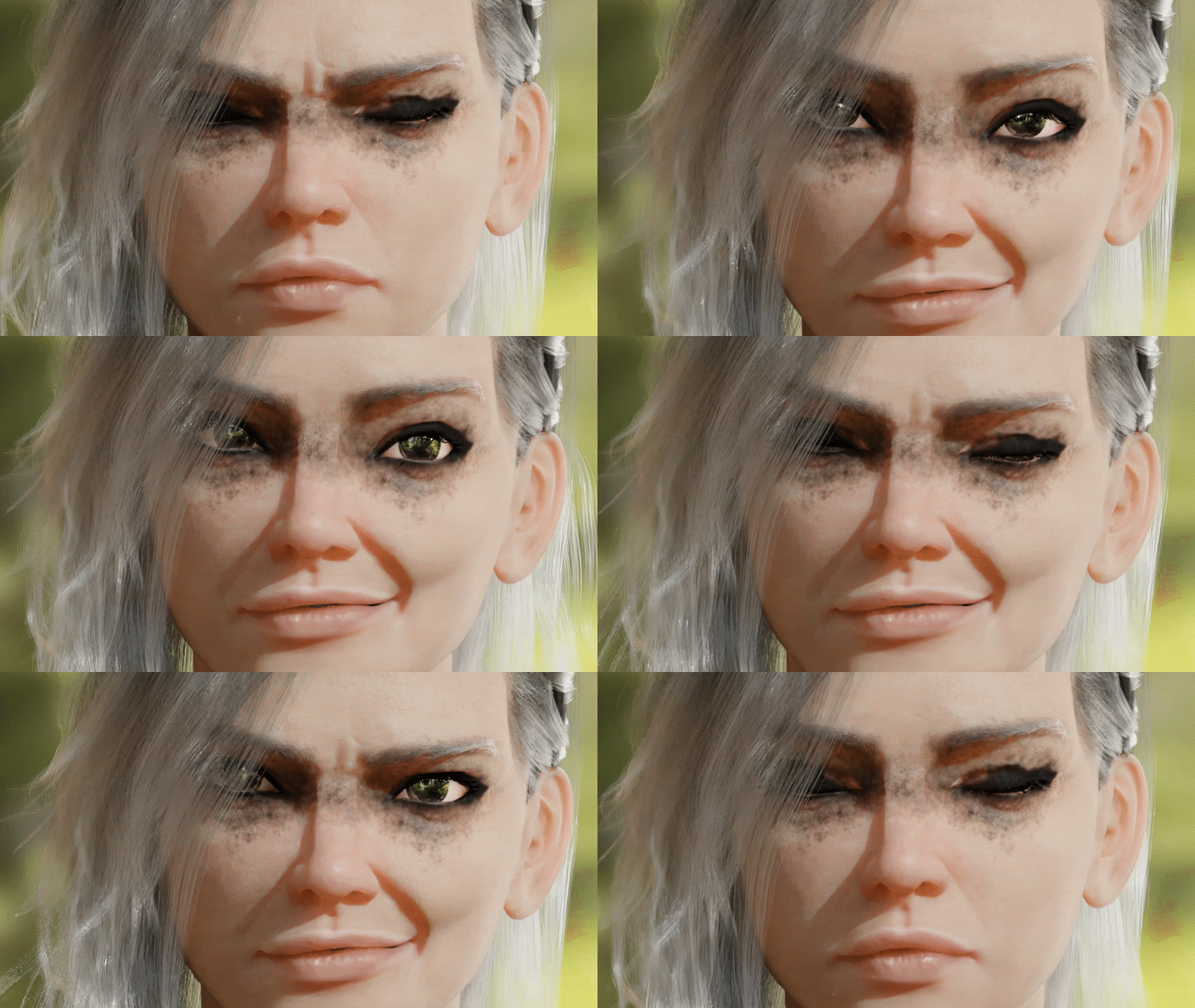 Detailed character expression with Tension MapWe learn 'Tension Map' to express the detailed changes that occur when a character's expression changes, and learn the know-how to use it effectively to create wrinkles that occur due to changes in the character's clothing, skin, and expression.
 -
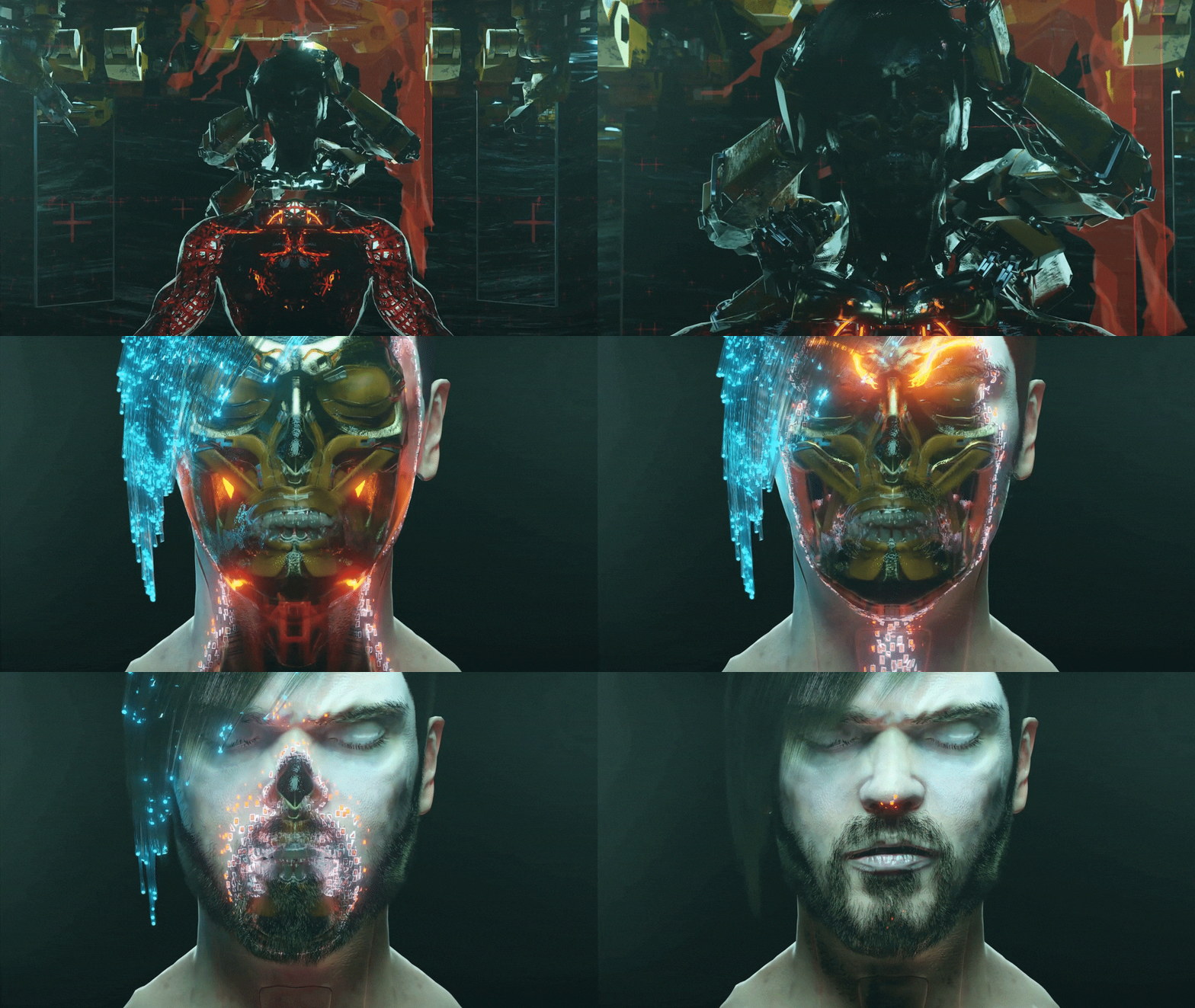 Introduction to procedural effects and creating transformation effectsFor students who are unfamiliar with procedural effects, we will learn about its definition, functionality, and usability. After learning the theory, I will create my own procedural effects to further upgrade the quality of my characters and animation.
curriculum
curriculum
Show me the curriculum
Section 01. Anatomical understanding of character rigging
01. Anatomical bone structure
: Accurate motion through correct bone position
- Bad example of rigging
- Learn about bone/joint movements
- Correct positioning of bones and exceptions
02. Human Body Rigging Costraints
: Learn about the core features of human rigging
- Damped Track
- Stretch To
- Copy Transform
- I.K.
- Learn about axes, world space, and local space
03. Brainstorming
: Establishing a constraint plan for human body rigging
- Combination of constraints such as spine, arms, and legs
- Mouth and facial movement requirements
- Consider the controller (handle)
04. Basic rigging
: Base rig production and left-right symmetry
- Deformation Skeleton Rigging
- Skinning/Weight Painting
- Symmetry, naming
05. Spine rigging
: Spine rigging using constraints
- Rigging that should not be done, principle analysis, and hierarchy analysis
- Spline Rigging
- spine rigging
06. Arm IK, FX rigging
: Dynamic arm rigging considering IK and FX
- Creating IK and FK skeletons
- Spline rigging
- How to toggle rotation
07. Finger rigging
: Easy finger rigging using Action Constraints
- A quick primer on Action Constraints
- finger rigging
- Creating and applying Action Constraint movements
08. Leg rigging
: Dynamic and flexible leg rigging
- Creating IK and FK rigging skeletons
- Spline rigging
- Solved with Leg Joint Transform
- How to toggle rotation
09. Foot rigging
: Ground and natural foot rigging
- Understanding footroll functions and principles
- foot rigging
10. Magic Wand Rigging
: Hand and natural magic wand rigging
- magic wand rigging
- How to change your hand position
11. Skirt rigging
: Clothes and natural skirt rigging
- How to trace the hem of a skirt to the thigh with Constraint
- clothes simulation
12. Hair Rigging
: Real-time moving hair rigging
- Learn about Mesh Deform
- How to control bones with mesh
- clothes simulation
13. Face rigging Part1. Base
: Facial movement base rigging
- Making facial deformation bones
- Symmetry left and right
14. Face rigging Part2. Lips
: Optimizing lip control method
- how to build mouth muscles
- Specifying a Controller
- Controller for moving lips and chin at once
- Upper lip, lower lip controller
- Upper lip, lower lip interaction
15. Face rigging Part3. Lips
: Automation of lip and jaw movements using constraints
- teeth
- tongue rigging and controller
- Change mouth position with one controller
16. Face rigging Part4. Lips
: Free smile and mouth position rigging
- Preview your mouth movements
- Convert movement into action
- Use Action Constraints
17. Face rigging Part 5. eye
: Eye rigging that moves at once
- eye expression rigging
Section 02. Drivers, switch functions, and details
18. Face rigging Part8. Driver
: Completing facial expressions using Driver
- Eyebrows, Forehead Rigging (Shape Key)
- mouth shaping
- cheek rigging
19. IK, FK, rotation method conversion method
: Creating IK, FK, rotation, follow toggle switches
- IK, FK toggle (right, left)
- Follow, Rotate toggle
20. Distorted shape automation, finishing
: Distorted shape correction, automation, finishing
- Regain the volume of your arms, legs, and waist
- Corrective Smoothing Modifier
21. Tension Map Wrinkle Production 1
: Learn about the necessity of Tension Map and the overall process
- Example of Tension Map
- Principle of Blender Tension Map
- Multi Resolution Modifier Sculpting
22. Tension Map Wrinkle Production 2
: Tension Map review and modification work
- Baking normal maps
- Correcting errors
- Apply it to the shader
23. Tension Map Wrinkle Production 3
: Specifying Vertex Color of Tension Map
- Paint Vertex Color
24. Tension Map Wrinkle Production 4
: Adjusting the strength of the tension map and specifying the driver
- Applying Tension Map to the skin
- Setting up Driver
25. Driver, Controller Summary
: Specifying limits for perfect animation
- Creating custom bone shapes
- grouping
Section 03. Procedural Effects
26. Blender VFX
: Learn about the definition and possibility of Procedural Effect, its flexibility, and how to combine it with rigging.
- Getting Started with Procedural
- Learn about Procedural Effects
27. Creating transformation effects 1. Shader Nodes
: Creating transformation effects using Material Node
- Approach using Material Node
- Creating the base of the effect
28. Creating transformation effects 2. Modifier
: Distorting the shape of a hat using Modifier
- Effect approach using modifiers and textures
- Create a Procedural Texture
29. Standardization and organization for effect recycling
: Create an effect library that can be used at any time
- Effect Summary
- How to create and load an effect library
Section 04. Final finishing touches for actual production
30. Final finishing touches for actual production
: Categorizing bones and controllers for production
- Controller classification
- Create a bone layer
- How to Recycle Rigging for Production
interview
What 3D artist Jay Choi Choi wants to say

Question.01
What are the marketability and prospects of 3D animation using Blender?
What are the marketability and prospects of 3D animation using Blender?
3D animation is bound to continue to be in demand in the future.
In particular, the blender's capabilities are superior. Blender is a very powerful tool even though it is open source, so more and more studios overseas are switching to the Blender tool, and because it is easy to access and economical, many startups and small studios are using it.
Question.02
What is the unique point of this course?
What is the unique point of this course?
If you teach Blender on your own, you have to search for overseas materials one by one, and learning academies is not yet common, so learning is not easy.
However, rather than fragmented knowledge or tips, Coloso's lectures systematically contain all the necessary material. We plan to teach you various hard-to-find knowledge and techniques for beginners to intermediate users, including the operating principles of each rigging part, the order of bones, and understanding constraints.
Question.03
What do you want students to learn from this?
What do you want students to learn from this?
It organizes the bone hierarchy, principles of constraints, and rigging.
Because rigging affects which bones come first, it's important to know which bones to work on first. Constraints are technical, and if you know the principles, you can understand rigging at a glance. Lastly, I will teach you my own know-how for systematically organizing and working on complex rigging.
We will guide you through the program to use.
This class is conducted using the tools specified below.
To ensure smooth course attendance, please install the program separately.
[Programs and versions used in lecture]
- Blender 2.93
[Recommended programs and versions for students to use]
- Blender 2.93 or higher recommended
- Available up to Blender 2.8X
* Programs and materials are not provided separately.