[Course]conceptartist,rahulc Details
Intro
Class Intro
Concept Artist, Rahul.C
Learn to build vast new worlds with the power of Blender & 3D assets
Entrancing Beauty of 3D: Pro Worldbuilding/Advanced Workflow
Combine the power of Blender and 3D assets to craft stunning, cinematic-quality keyframes. You'll gain hands-on experience in using industry-standard tools, plugins, and workflows, enabling you to create visually captivating scenes with ease and efficiency. Plus, you’ll walk away with the knowledge and files to continue building your portfolio or completing professional projects long after the class ends.
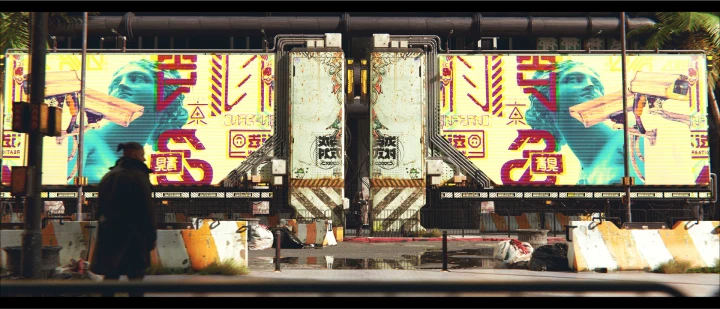
Beyond technical mastery, this class opens doors to understanding the artistic principles behind creating compelling keyframes. From composition and lighting to storytelling and mood, you'll learn how to bring ideas to life that resonate emotionally and visually. By the end of the course, you'll not only have new technical expertise but also a deeper appreciation for the creative process. With the added bonus of plugins, project files, and expert guidance, this class is a one-stop solution for taking your keyframe art to the next level.
Class Preview
Still Not Sure?
Check Out Rahul's Class Preview!
Chapter 01.
Orientation
1. Meet your instructor
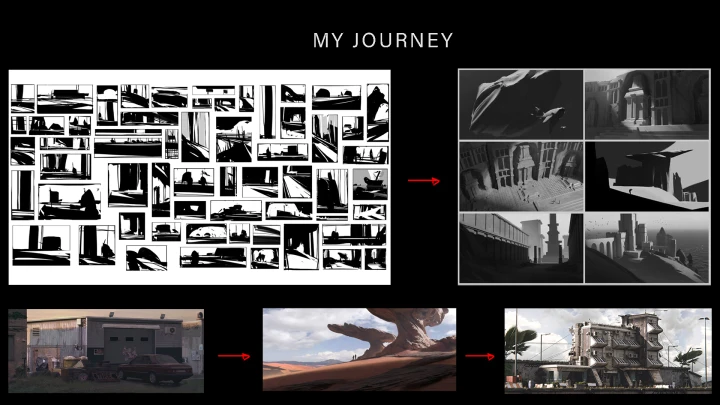
2. My journey to becoming a concept artist & landing my first job
3. Talking about past work
4. Overview of the class & what you will learn
Class Perks
Special Gifts from Rahul.C
-
 Realistic 3D Working Files
 -
 High-Resolution Final Illustrations & RAW Renders
 -
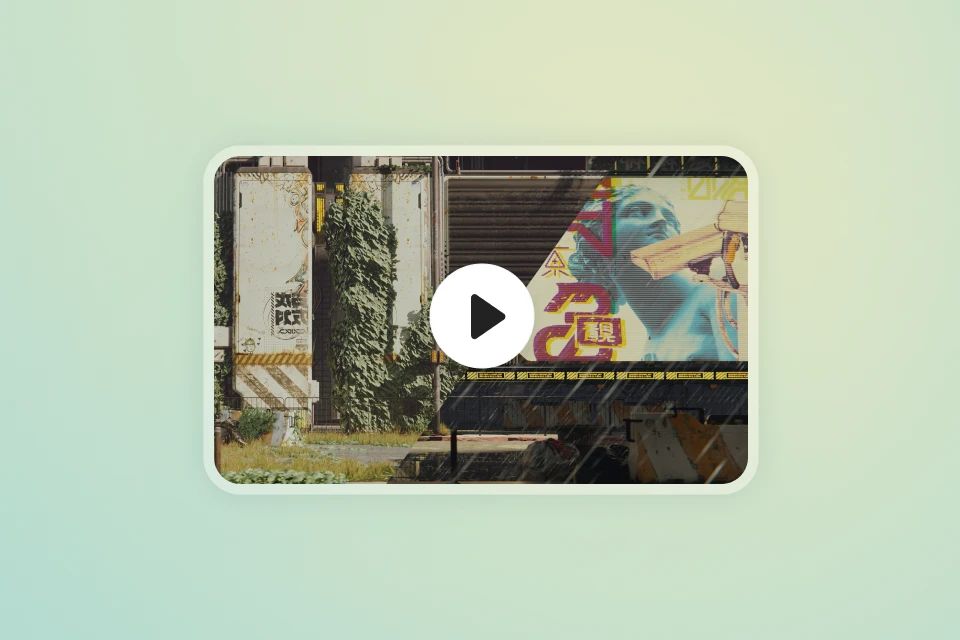 Coloso Exclusive Bonus Video
Class Material Details
-
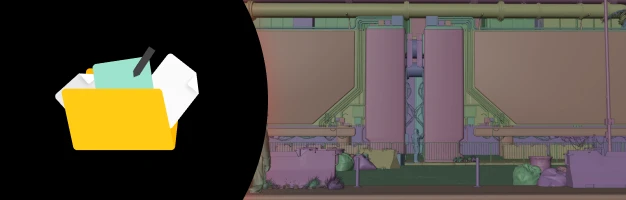 Multiple 3D Files Created During the Course, Ready To Use To Enhance Your Workflow Immediately.
 -
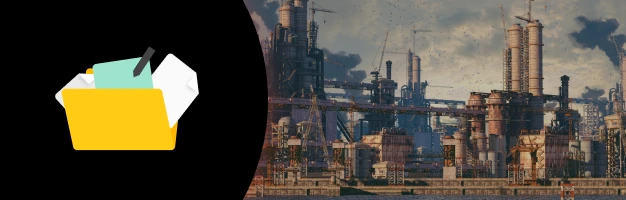 High-Resolution Final Images For All Artworks Created In the Course
 -
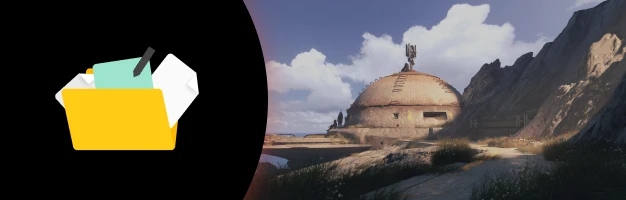 A Bonus Video of an Alternate Version of the Final Result, or a New Artwork Combining All Techniques Learned in Class
Recommendation
Who Should Take This Class?
Aspiring Artists
Master pro workflows and build a standout portfolio.
3D Enthusiasts
Level up with custom assets and keyframe techniques.
Creatives
Add 3D skills and unlock new project opportunities.
Expert Concept Artist Rahul.C's Portfolio
Professional Workflows




The Eye
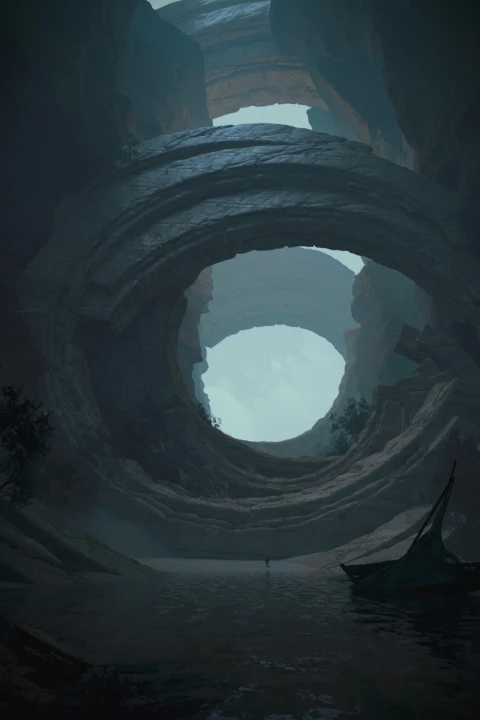
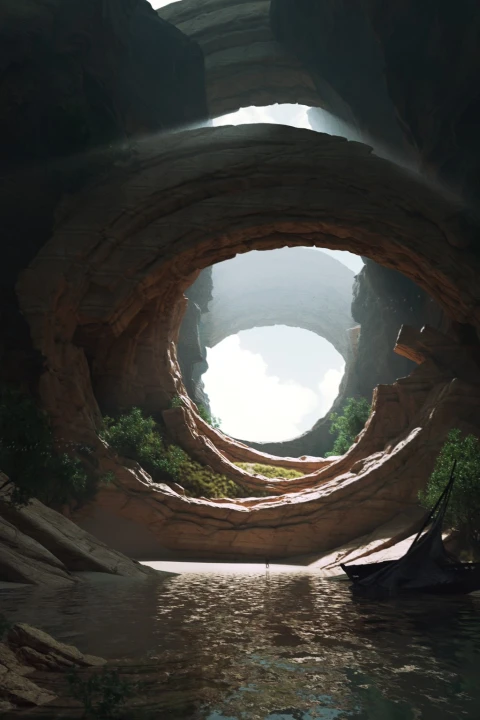
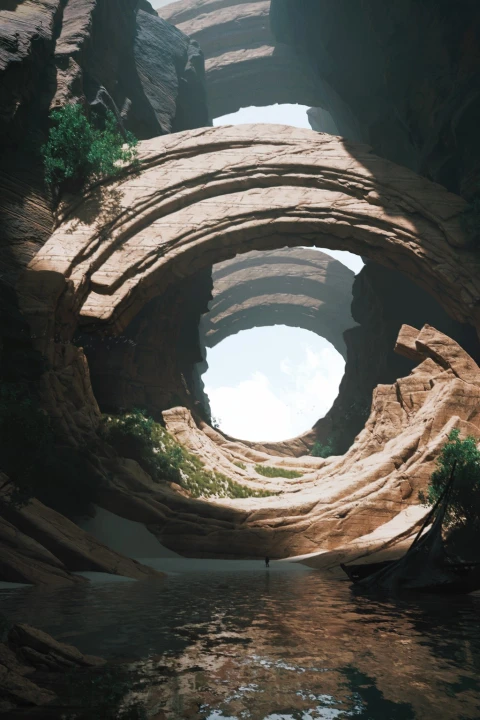
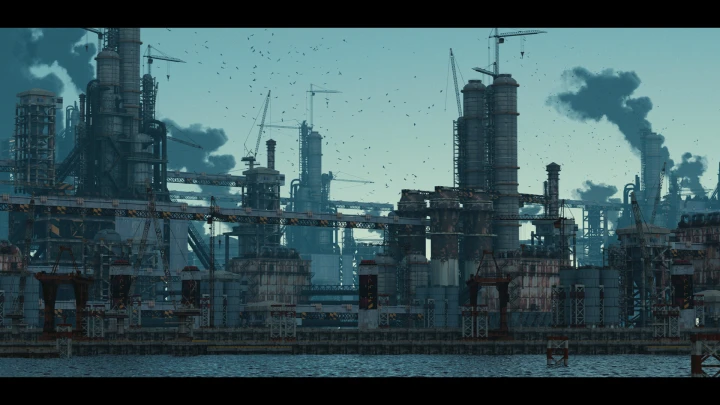
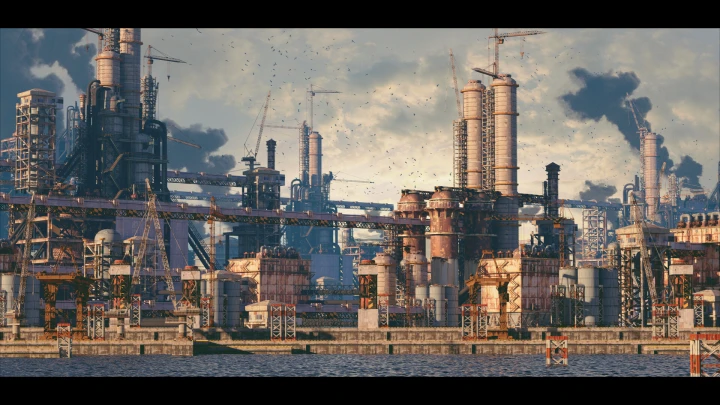
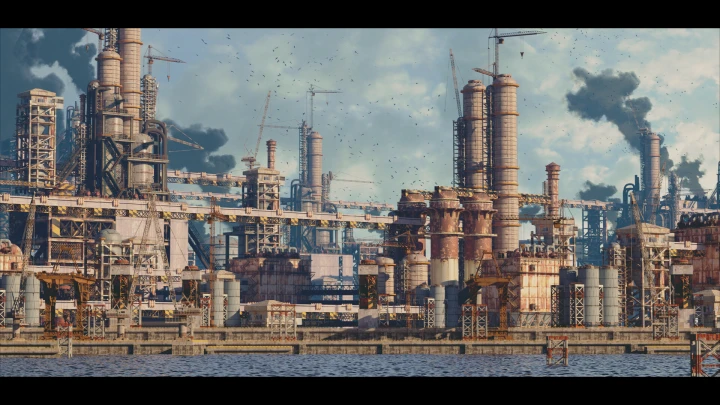
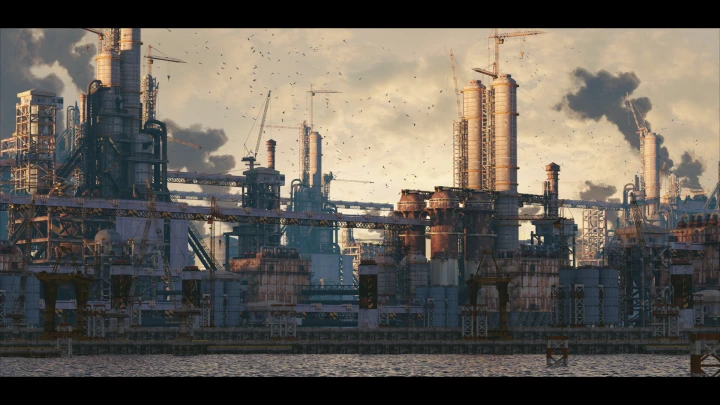
Age of Machine
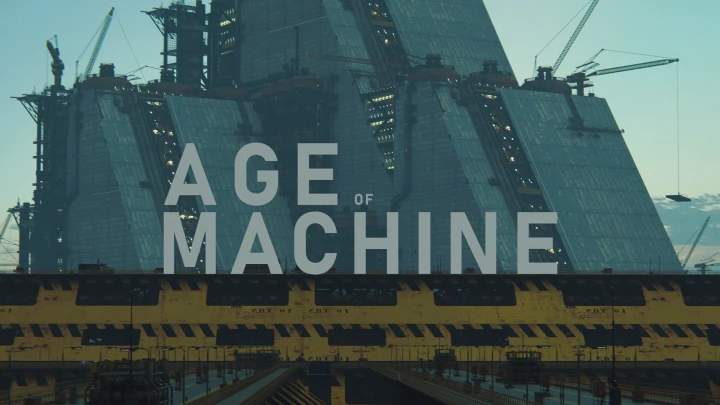
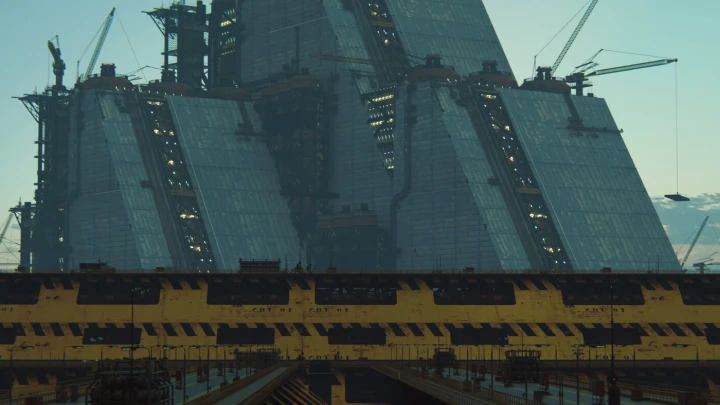
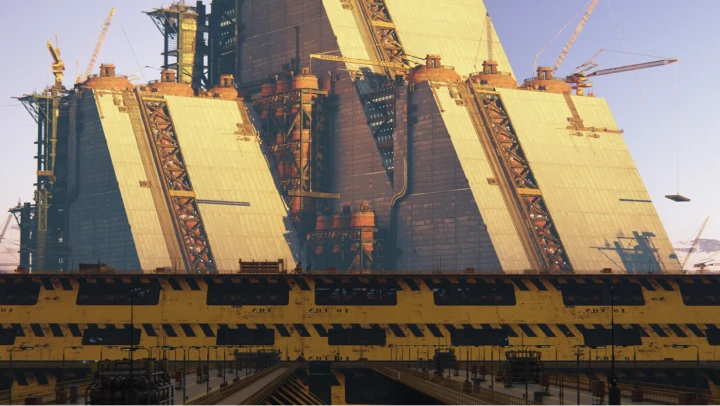
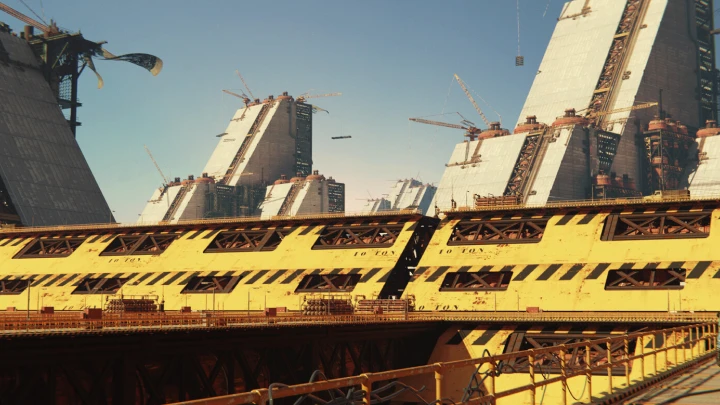
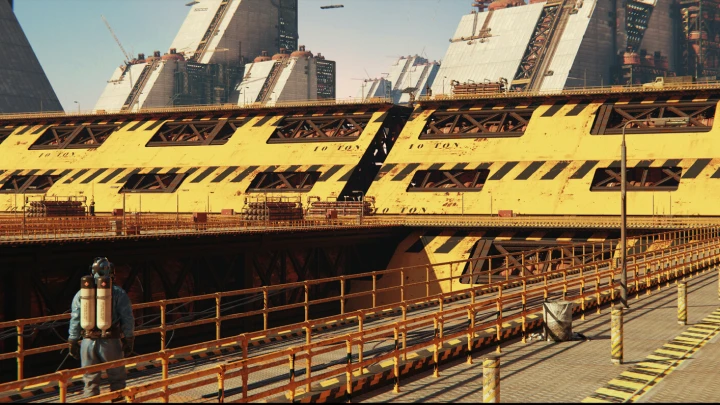
Across the River

Why Take This Class?
Rahul offers a complete and immersive learning journey, teaching you how to create 3D assets from scratch and use them to design visually stunning keyframes. Unlike other courses that rely heavily on pre-made assets, this class empowers you to build your own, giving you the creative freedom to craft truly unique and professional-quality artwork. Alongside this hands-on approach, you'll receive exclusive access to curated plugins and project files that streamline your workflow and save hours of effort, enabling you to focus on refining your skills and producing remarkable results.
Led by an experienced concept artist, working in the industry with a leading studio, the course dives deep into practical, real-world applications of Blender and 3D tools, showing you how to create production-ready keyframes with efficiency and precision. You'll leave with a set of polished keyframes and exclusive resources that will continue to benefit your creative process long after the class ends. This is your opportunity to master the same workflows that professionals use and take your keyframe art to the next level.
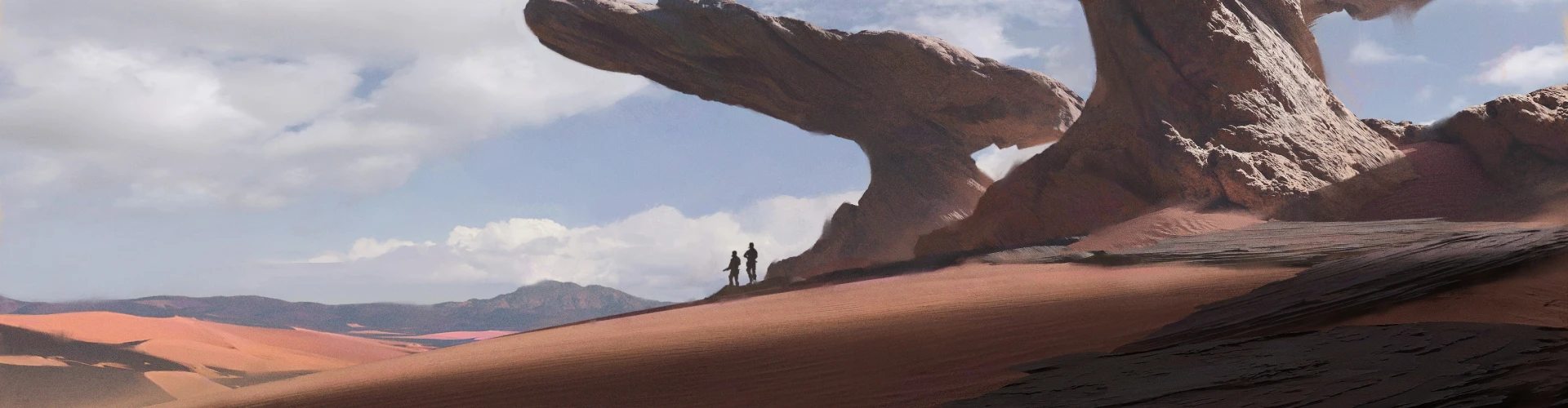
Get Ready for the Real-World
16 Class Exercises
-
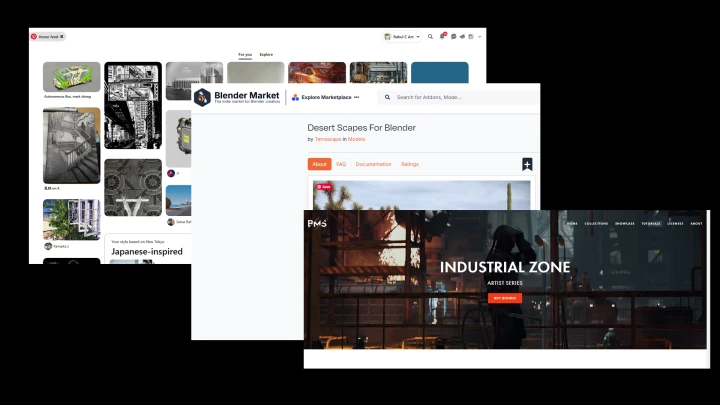
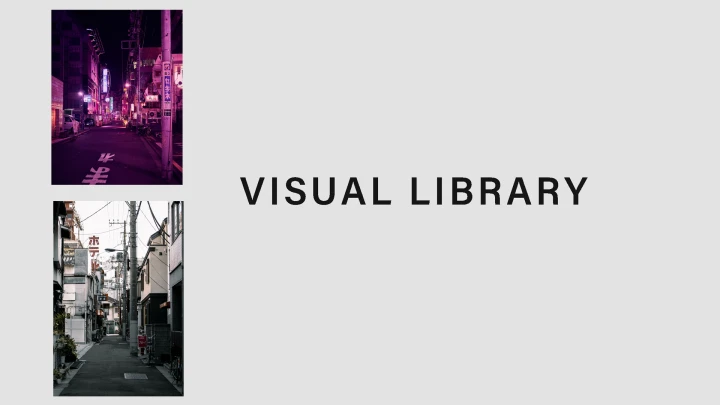
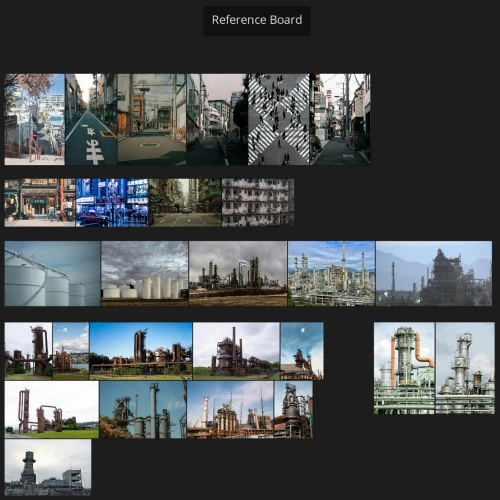 Create Your Reference Board
 -
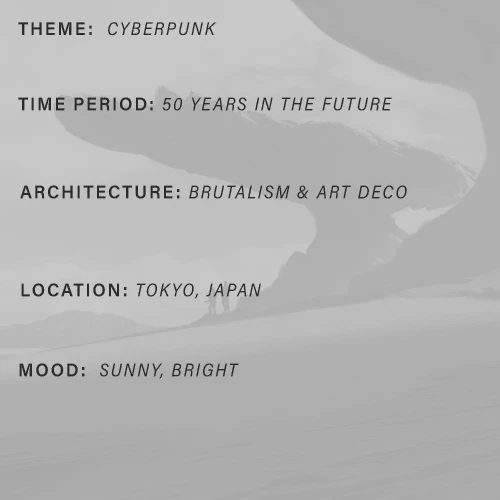 Create Your Brief, Map For Industry Flow
 -
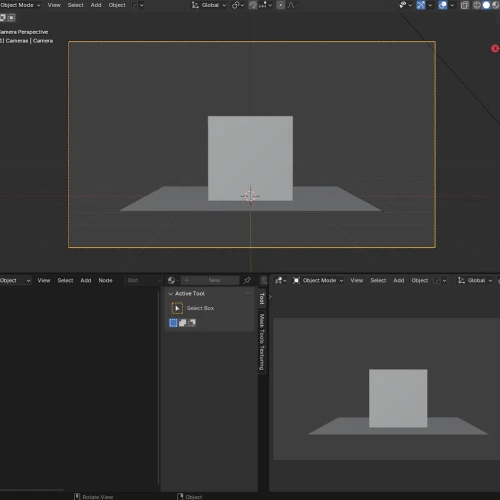 Personalize Your Blender Workspace
 -
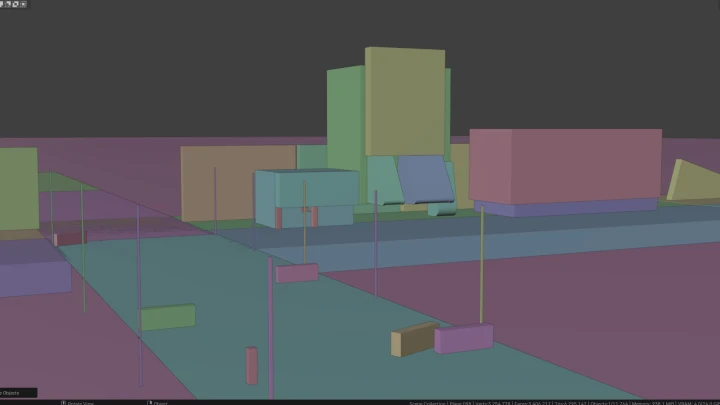
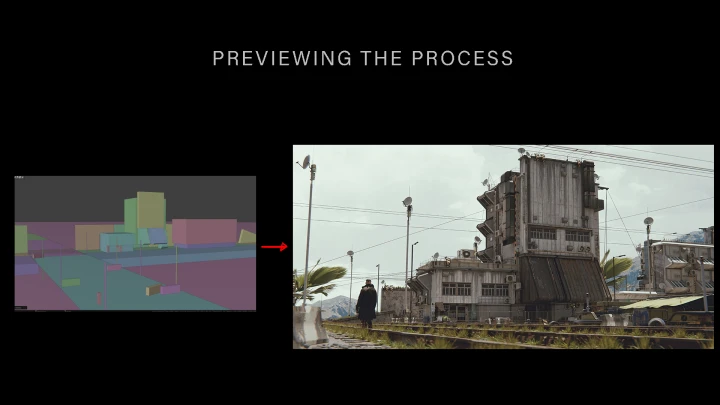
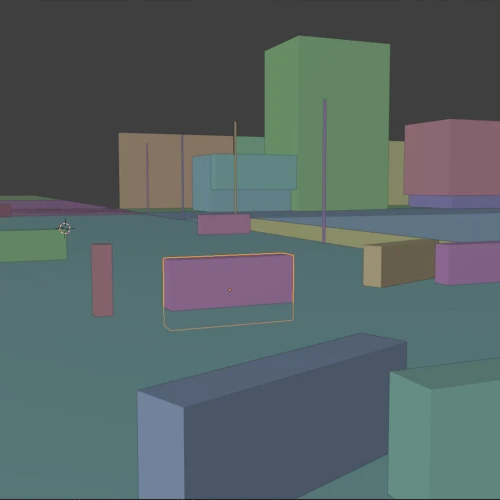 Blockout Your Scene
-
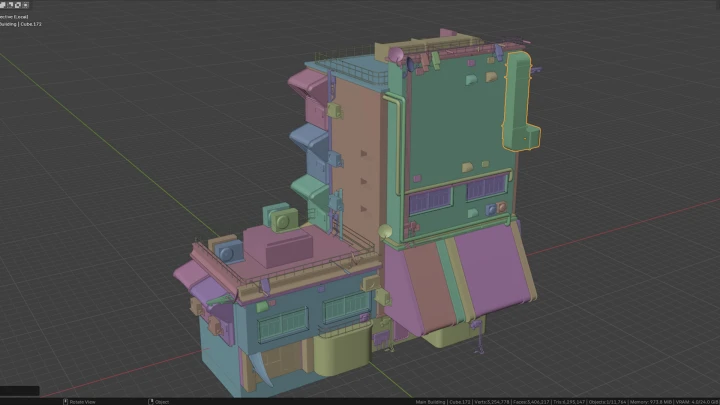
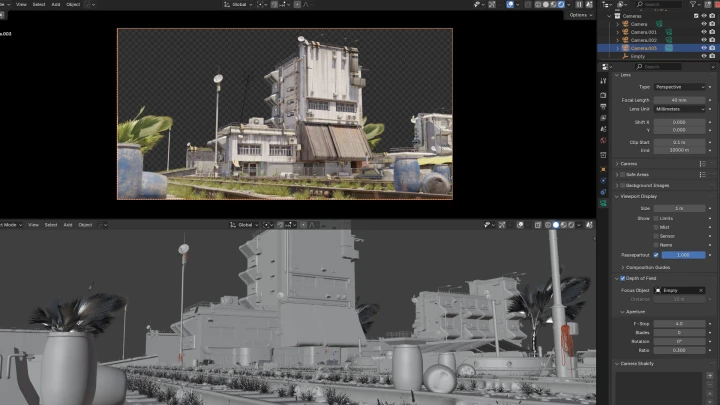
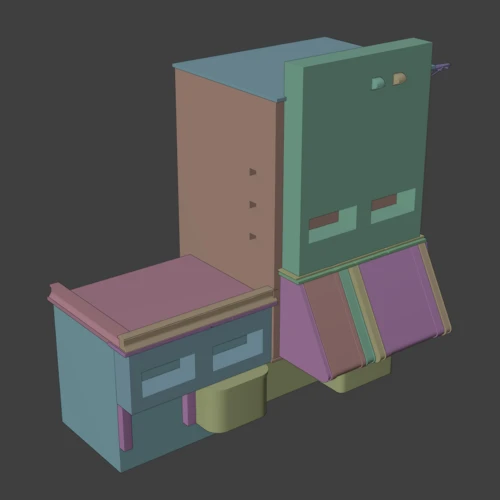 Create Main Assets With Blender
 -
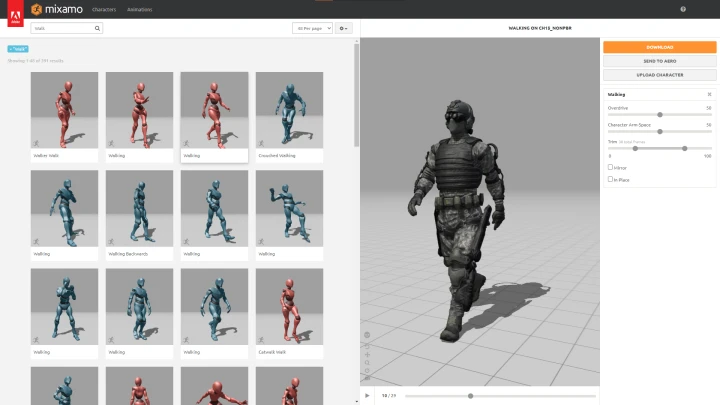
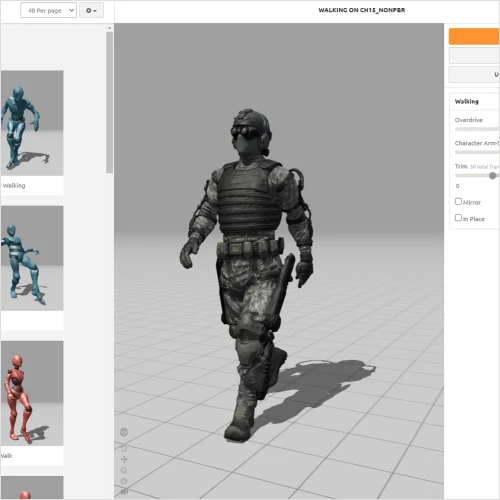 3D Character Customizing
 -
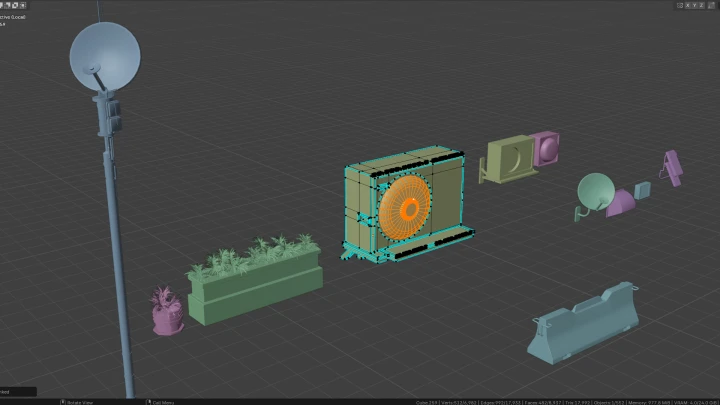
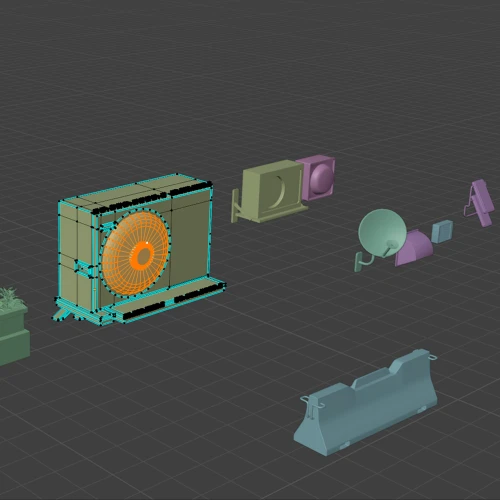 Create Secondary 3D Props From Scratch
 -
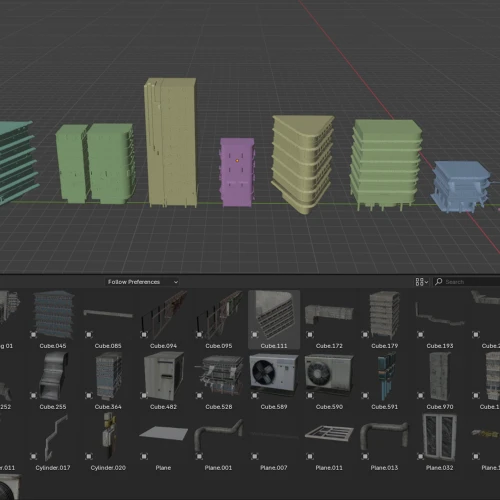 Setup and Personalize Blender’s Asset Manager
-
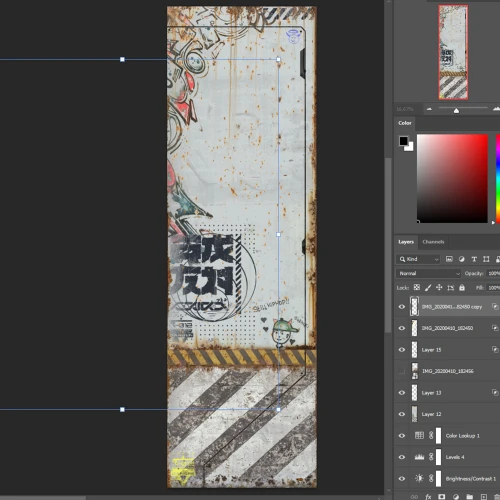 Create Custom Textures
 -
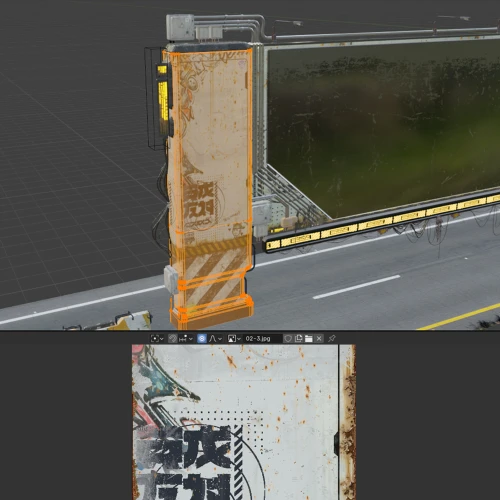 Ready To Use Texture Assets
 -
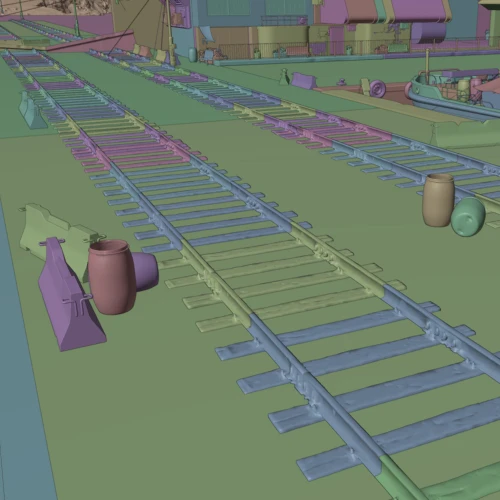 Build Your Scene
 -
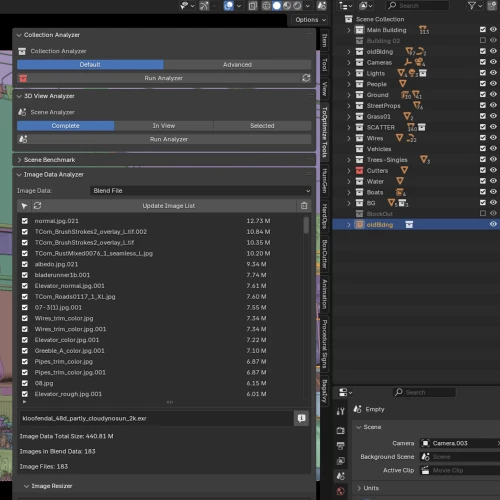 File Organization
-
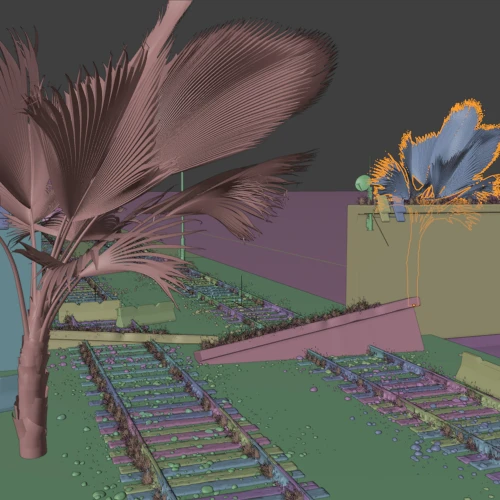 Foliage Design
 -
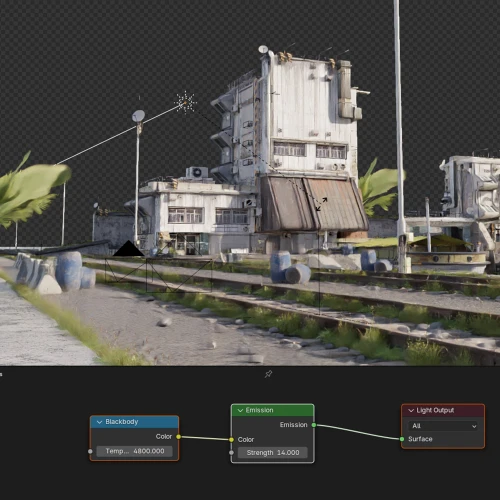 Lighting Techniques For Visual Impact
 -
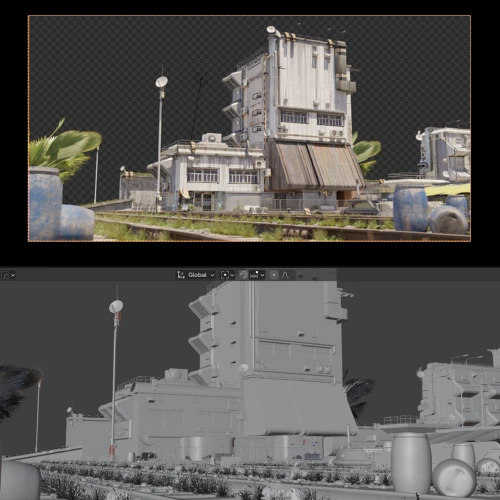 Camera Angles, Compositions
 -
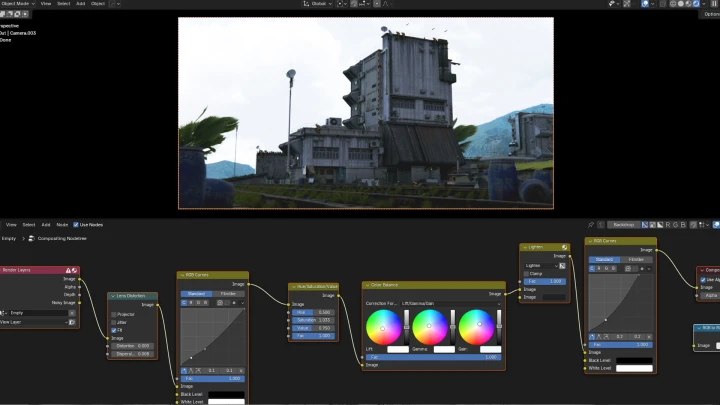
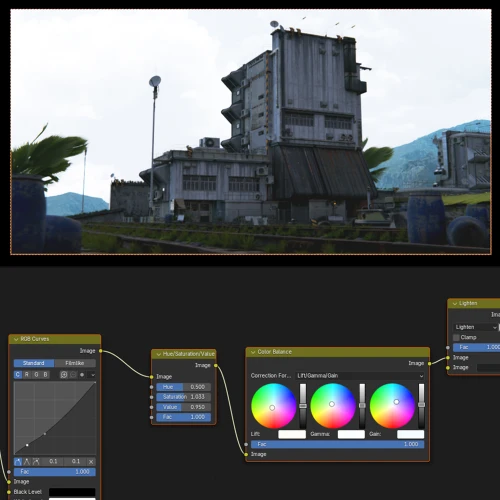 Post Processing For Complete Pro-level Keyframes
Final Product
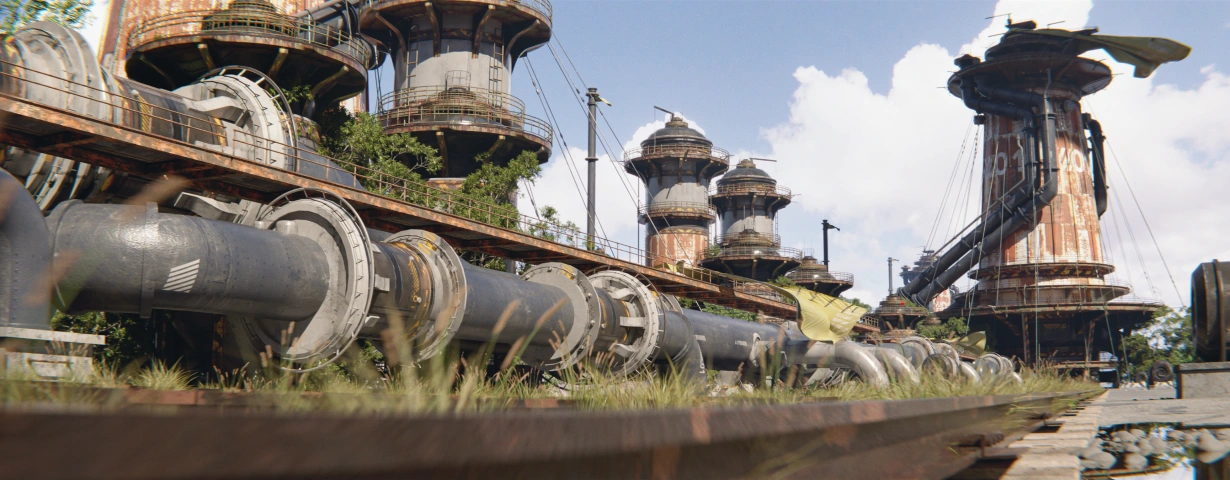
Showcase Assets
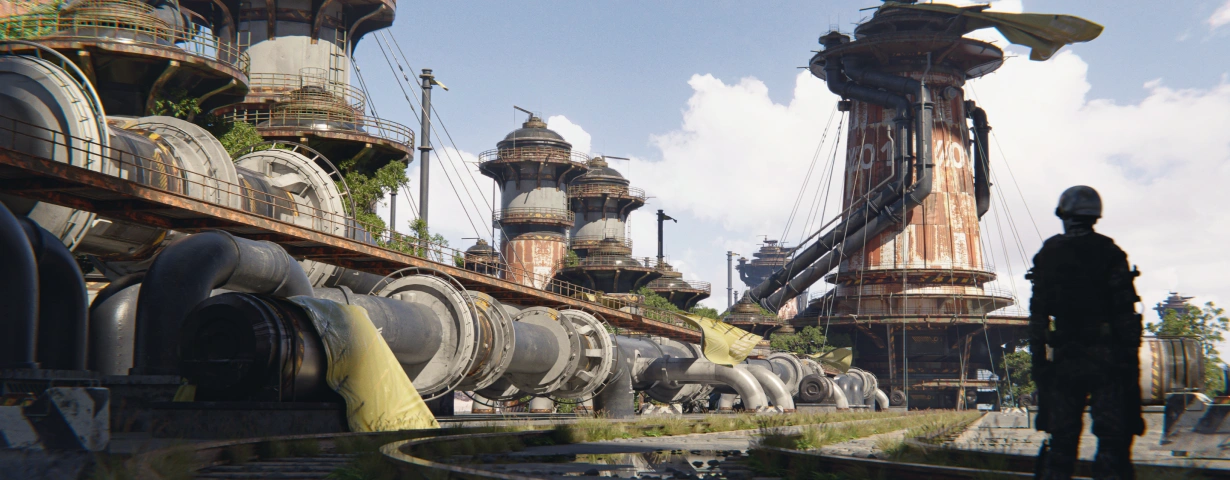
Fully Rendered Artwork
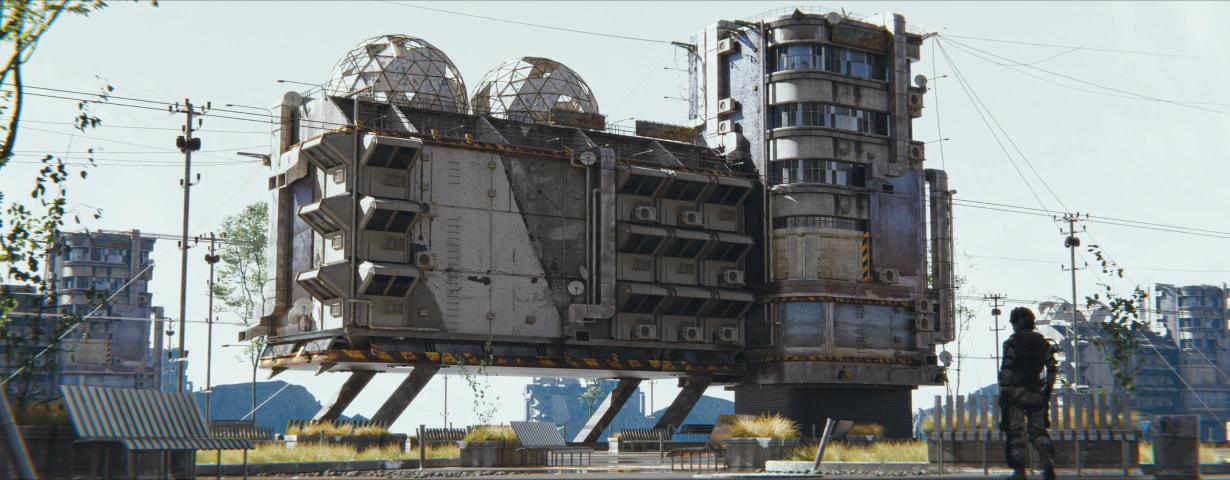
Bonus Artwork
Instructor
Concept Artist
Rahul.C
Hi, I am Rahul Chandwaney, a concept artist working with One Pixel Brush.
I specialize in environment design and am passionate about creating worlds that feel alive. My interests span a wide range of subjects, such as architecture, nature, and vehicles, that allow me to craft diverse and dynamic environments.
In this class, we'll focus on creating concept art that showcases your skills and also serves as a strong portfolio piece.

Highlights
Class Highlights
Power of 3D Assets for Concept Art
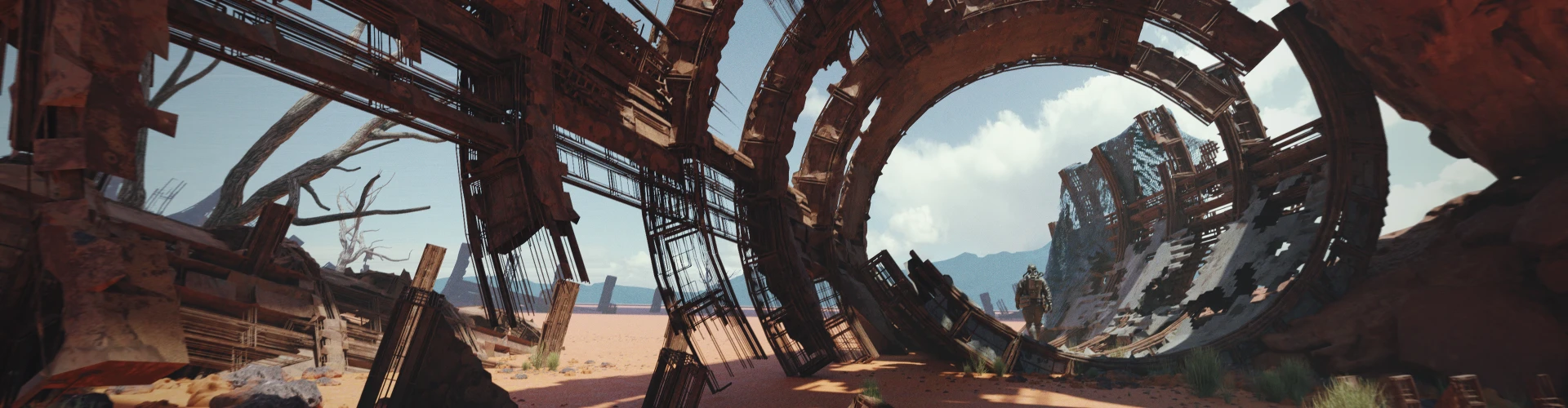
Dive into the world of concept art and asset creation designed to turn your creative visions into reality. Curated with a deep dive into Blender, one of the most powerful 3D software tools available, ensuring you not only learn the basics but also master advanced techniques. From crafting intricate models to creating reusable assets, you'll gain skills that are highly sought after in industries like gaming, animation, and film.
Transform Your Storytelling with Masterful Angles and Lighting
Mastering angles and lighting is crucial for creating visuals that tell compelling stories. By learning cinematic techniques to frame scenes and strategically use light and shadow, you can evoke emotion and guide the viewer’s focus. These skills are essential for crafting narratives that captivate audiences and make your work stand out in competitive creative fields.
Streamline Your Workflow for Fast, Reliable Results
Speed and precision are essential for concept artists, where tight deadlines demand quick turnarounds without sacrificing quality. Developing a structured and realistic workflow ensures you can deliver on time while avoiding unexpected setbacks. By learning how to optimize your process, from ideation to final render, you’ll gain the confidence to work efficiently under pressure. This practical approach not only boosts your productivity but also makes you a dependable professional in high-stakes creative environments.
Class Details
You'll Learn
-

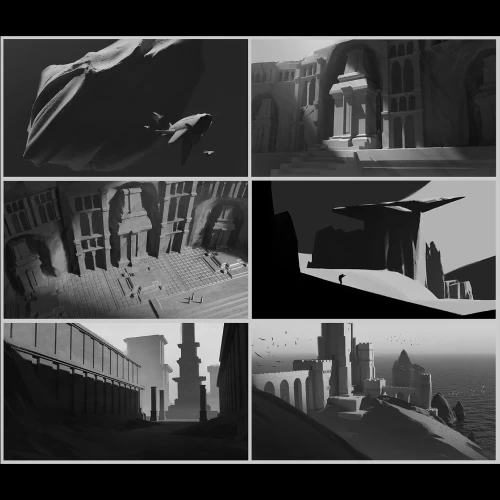 Basic Fundamentals of Image-MakingLearn the basics of what makes an image work and make your images stand out from the crowd: composition, shape language, graphic shapes, and more.
 -
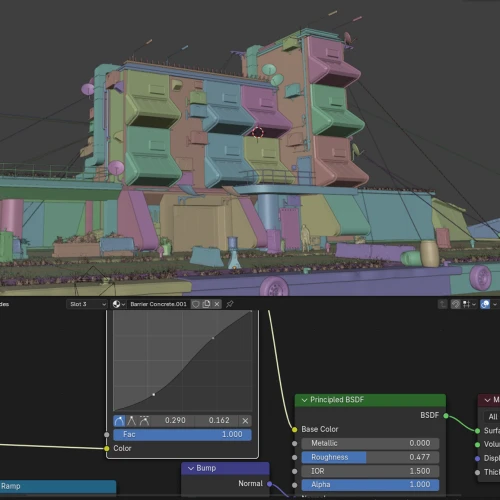 Artist-Friendly 3D WorkflowUnderstand Blender workflows and tricks to make your 3D concept art-making process as intuitive as possible.
 -
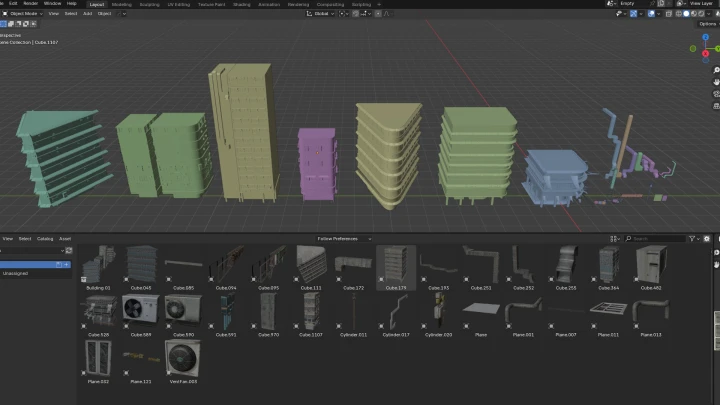
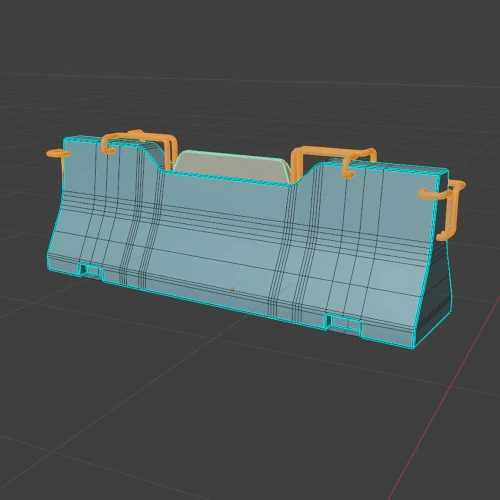 Create Your Own Assets in BlenderKnow how to design and model your own assets, not always relying on online Kitbash sets. This is an important industry skill, as you will be often required to design elements from scratch.
-
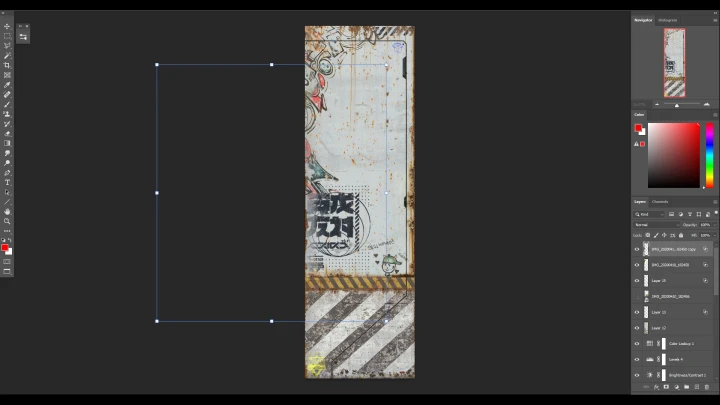
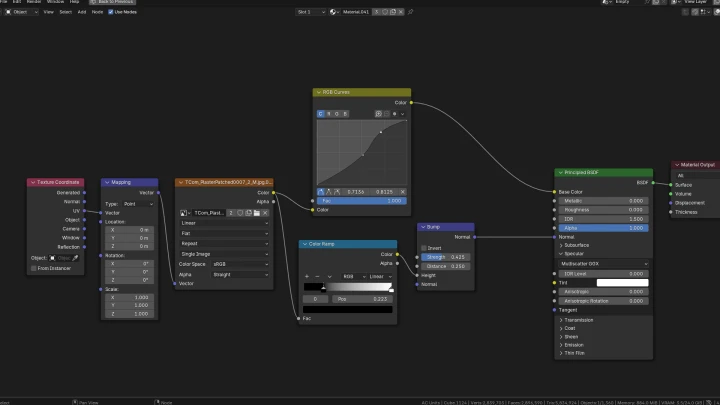
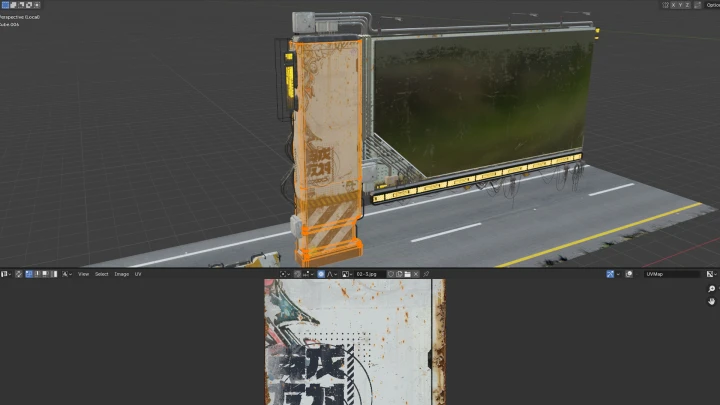
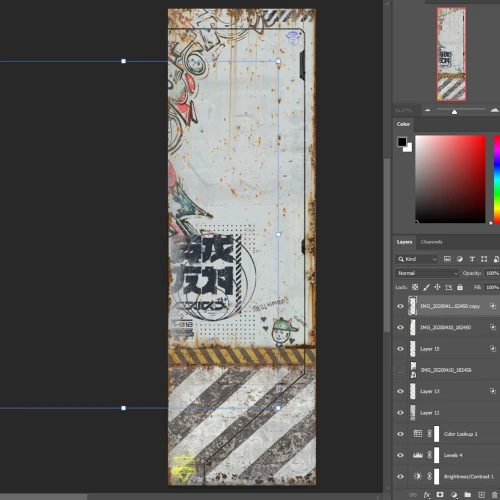 Create Custom Textures in PhotoshopDiscover how to create your own custom textures using photo textures in 2D. This allows you to create unique textures custom-tailored for your world. Export those textures into Blender later.
 -
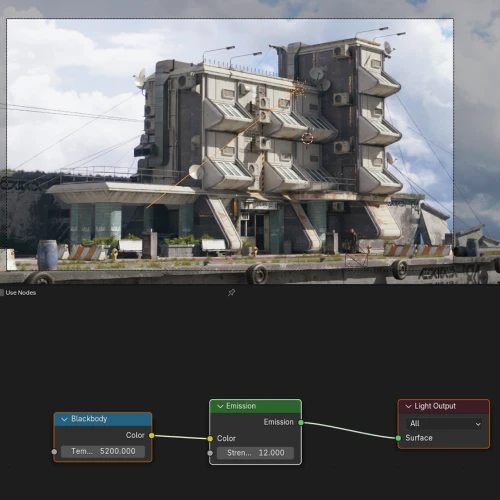 Lighting & AtmosphereTell a story and convey different moods while learning how to light your 3D scenes. Making them look natural and as close to real life as possible!
 -
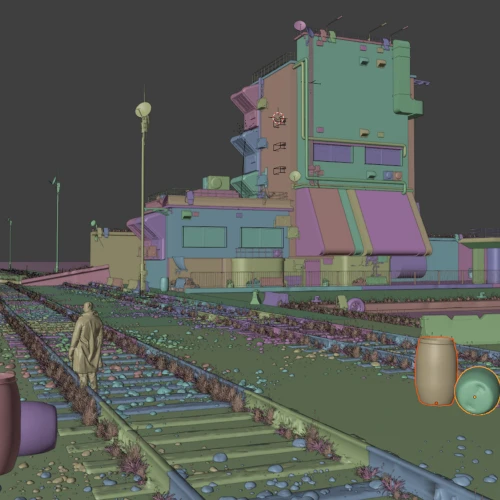 Build Your SceneStudy how to populate your scenes while keeping the basic fundamentals of image-making in mind. We will also take multiple shots from different angles in the scene, allowing you to show-off your world, to the world!
- Unlimited Access
- Best Price
Buy now, get unlimited access.
12/31 (Sat) (UTC-7) Special offer ends soon.
This special offer ends soon.
Buy now and save!
Interview with
Concept Artist Rahul Chandwaney

Question.01
Is there a specific reason why you chose this specific topic/themes?
I have always been captivated by the world around me. From the colors of the sky to different architectural styles. Observing the world right down to its intricate details fascinates me. From the leaking texture under an AC vent to different types of cultures, vehicles, architectural styles, terrain, and foliage. This fuels my interest in wanting to create worlds of my own. Worlds that feel alive. I have also always loved the potential games have to build worlds that feel lived-in with incredible detail! Wanting to have a hand in building worlds in games that players can explore and get lost in is what has driven me to start my career in concept art. I intend to empower students with the ability to bring their own ideas to life and hopefully help them build a career in doing so.
Question.02
What makes your class different from other classes?
With the use of 3D, concept art has become incredibly technical in recent years. It can be overwhelming with the wide range of tools available. However, when used correctly, the tools that seem overly technical can also open up new creative ways of working that allow you to be a more valuable part of the games industry. While it's crucial to stay up to date with the relevant ways of working in the industry, it can be incredibly difficult to balance technical skills and creativity as a concept artist. My goal is to teach students how to leverage these tools to their advantage and learn a workflow that allows creativity to shine.
Question.03
Please share your thoughts on the industry's job market and what you see in the industry's future.
The current job market is challenging for both professionals and students, particularly with the increasing accessibility and ease of use of tools as well as automation. As the barrier to entry lowers, the market can become oversaturated, where simply creating an image that looks good isn't enough! As a concept artist, it is your job to solve visual problems. Employers, now more than ever are looking for more than just technical ability, they're looking for work that demonstrates a strong understanding of fundamentals, storytelling, and design. In a landscape that keeps getting more and more automated, the value of creative decision-making will continue to rise. Artists that have the ability to approach design challenges with innovative creative thinking will stand out in an increasingly competitive and automated field.
Required Programs
This course will use Blender (recommended latest version), Adobe Photoshop, PureRef (latest version).
Please purchase and install these program(s) for an optimized chapter experience.
*These programs and/or materials will not be provided with the chapter.