[Course]conceptartist,joelcodina Details
Intro
Class Intro
Concept Artist,
Joel Codina
"Let’s shape your concept into a cinematic shot
that truly stands out in the crowd.
that truly stands out in the crowd.
From Concept to Final: Building Cinematic Shots
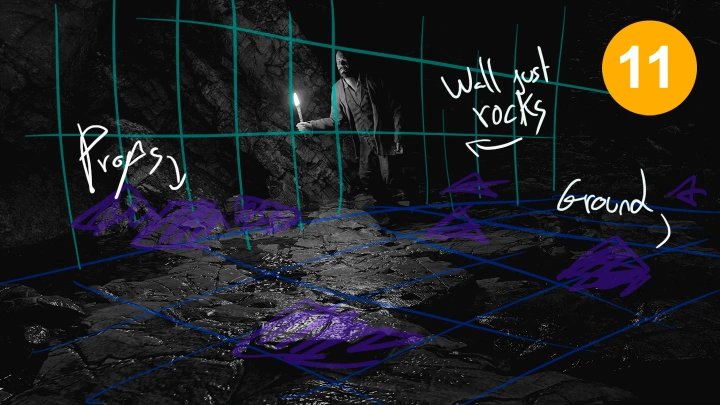
Elevate your visual storytelling by diving deep into the creation of professional-grade cinematic shots with Joel Codina's "Mastering Cinematic Shots for Film & VFX" course. Learn the essential techniques used by industry professionals to craft compelling visuals for films and VFX projects. This course focuses on practical skills in Blender for scene layout, set dressing, lighting, and camera work, enabling you to build detailed 3D environments from scratch.

You’ll then transition to Photoshop, where you'll master digital painting and photobashing techniques to refine your renders into stunning concept art and matte paintings, ensuring your visuals have that polished, cinematic quality. Gain a comprehensive understanding of the entire cinematic shot pipeline, from initial script analysis and moodboarding to pre-visualization, shooting, and post-production. You’ll learn how to plan your sequences visually through storyboarding and how to effectively utilize Blender for 3D pre-visualization. The course further explores the intricacies of cinematic lighting and color theory to enhance mood and depth. By the end, you’ll have a portfolio-ready shot, having followed a real-world workflow and utilizing industry-standard tools like Blender and Photoshop, making you ready to tackle complex visual challenges in the film and VFX industry.
Class Preview
Still Not Sure?
Check Out Joel's Class Preview!
Chapter 17.
Add Cinematic Lighting to Your Shot
- Adding basic lighting to establish mood and depth
- Using lights to guide the viewer’s eye
Class Perks
Special Gift from Joel Codina
-
 All-Inclusives Photoshop Files- 3+ Original Photoshop files used in class
- Applicable work flows and layers included -
 Application- Ready Blender Scenes- 3+ Original Blender files and assets used in class, adaptable for portfolio.
 -
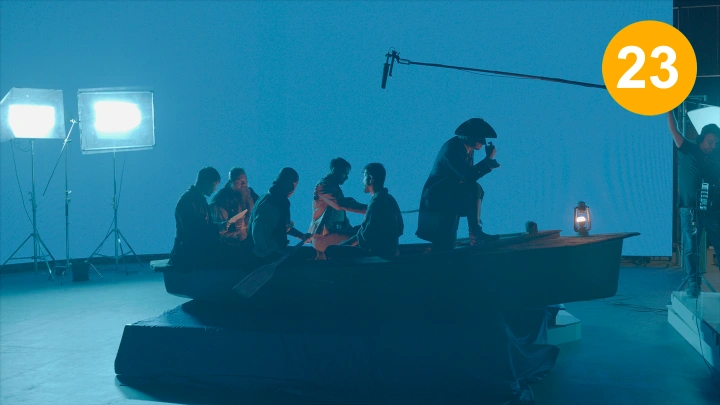
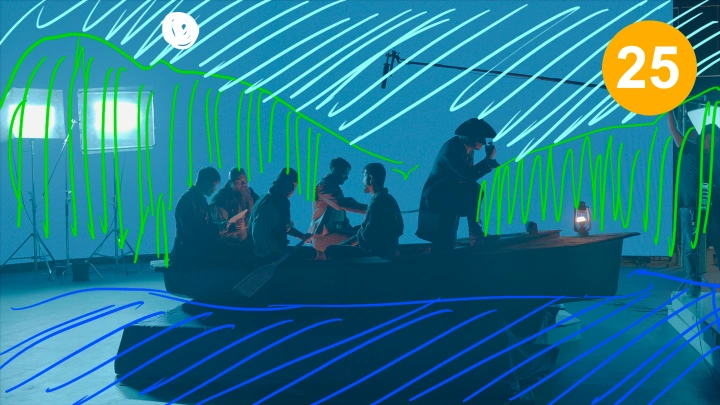
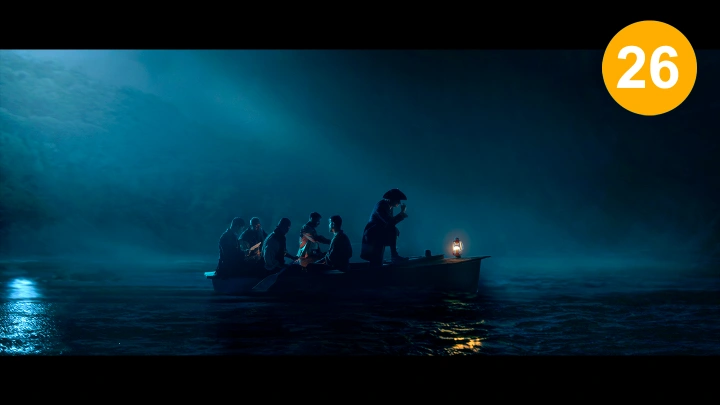
 Finalized Filmed footage- A footage filmed with the artworks made, Jumping through complicated hoops.
- Framework analysis
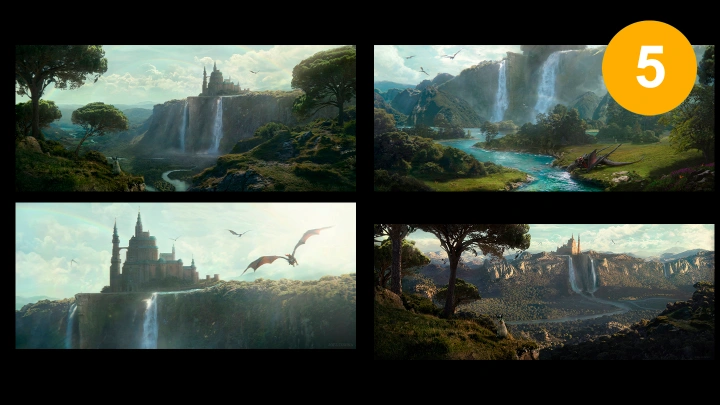
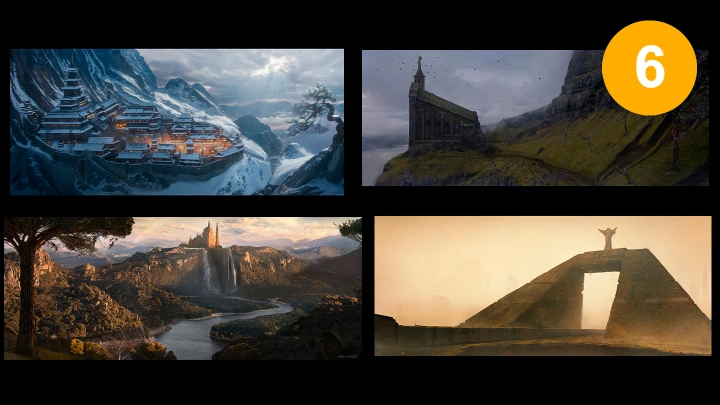
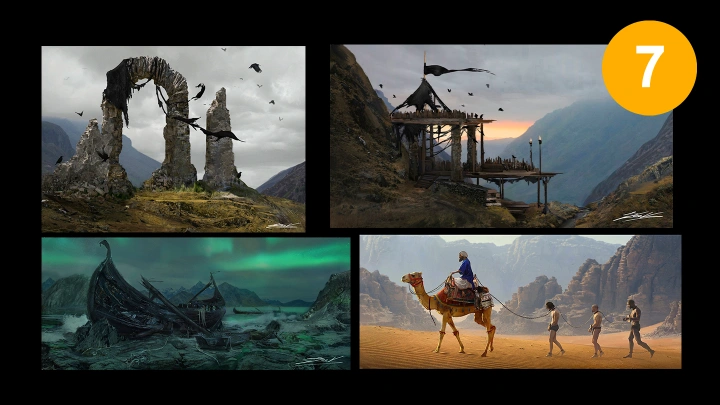









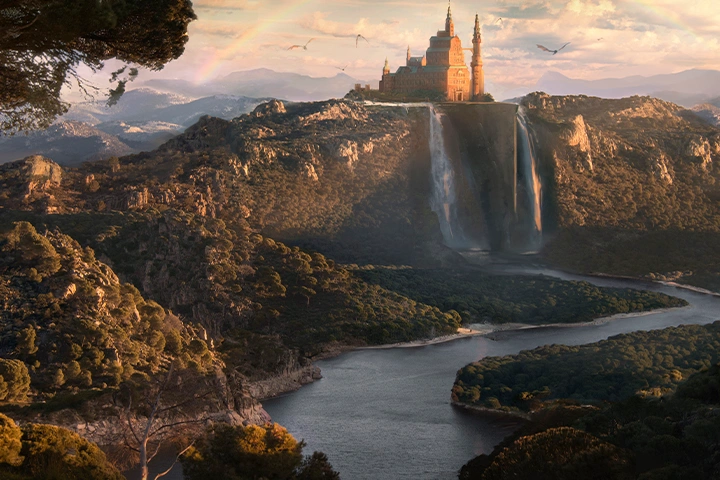
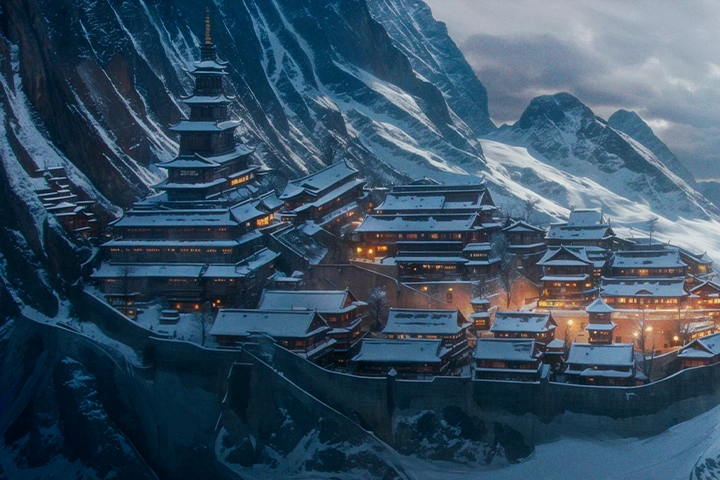
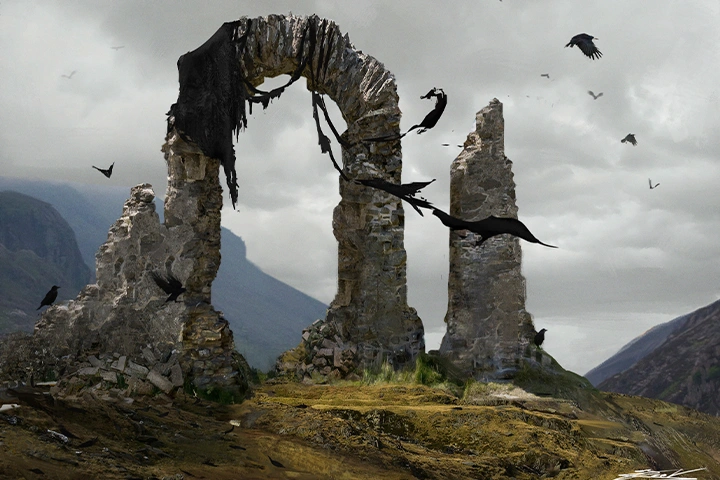
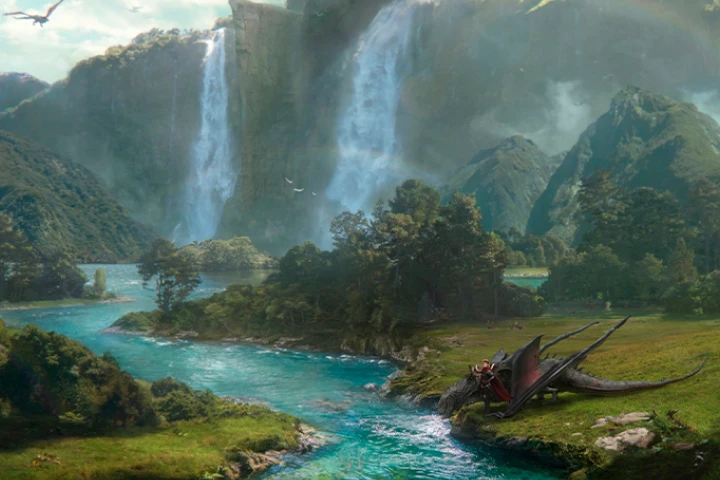


Expert Concept Artist Joel Codina's Portfolio

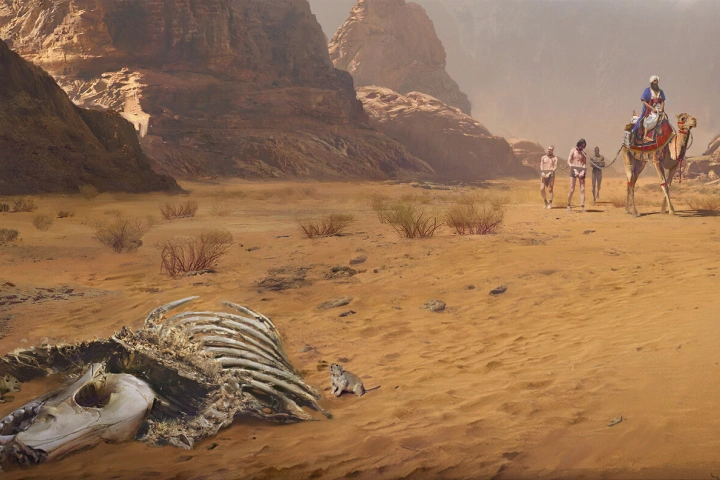
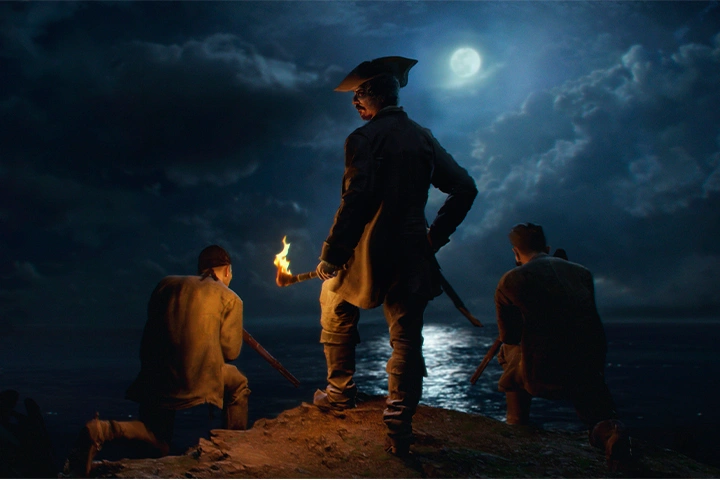
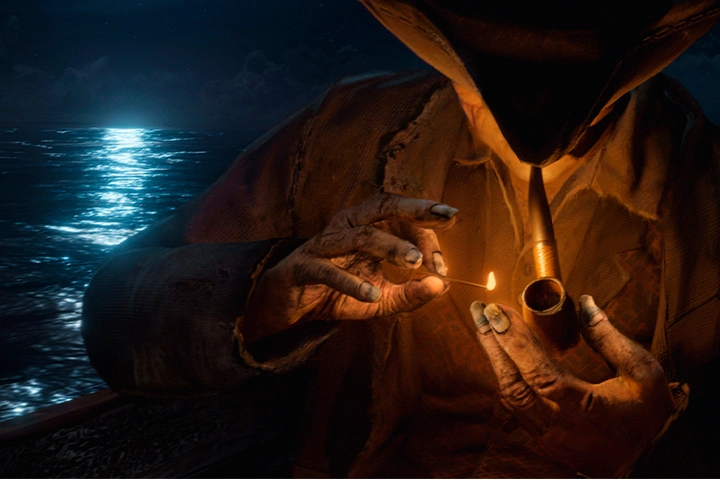
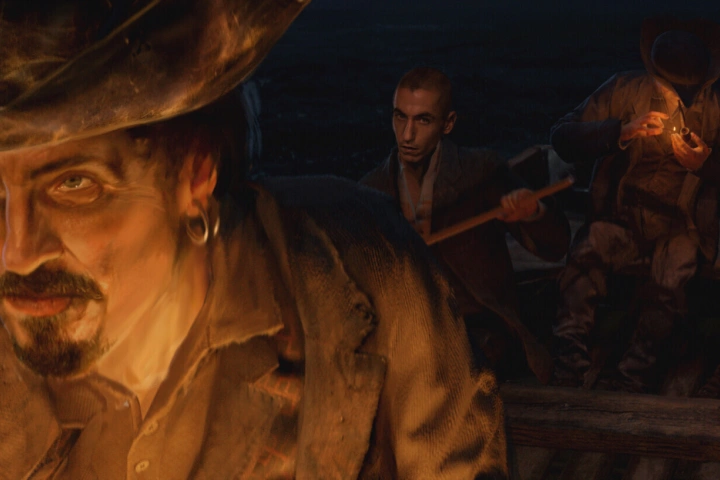
Why Take This Class?
Crafting Cinematic Visuals for Film & VFX
Dive into the world of cinematic visuals with Joel Codina.
This comprehensive program is designed to equip you with industry-standard techniques used in major productions like Star Wars and Star Trek. You’ll learn to craft compelling visuals by mastering Blender for 3D environments, including scene layout, set dressing, lighting, and camera work. Then, transition to Photoshop to refine your renders with digital painting and photobashing, ensuring a polished, cinematic quality. The course covers the entire pipeline from script analysis to final compositing, giving you a solid understanding of how to bring your visual stories to life.
This course is not just about tools; it’s about storytelling. Joel Codina, a seasoned concept artist, matte painter, and director with impressive credits, shares his expertise in composition, visual storytelling, and technical execution. You’ll follow a structured path with 19 class exercises, including building mood boards, storyboarding, and final shot development, resulting in a portfolio-ready piece. Whether you're aiming to enhance your skills in 3D art or break into the film and VFX industry, this class offers invaluable insights and practical knowledge directly from an industry expert.
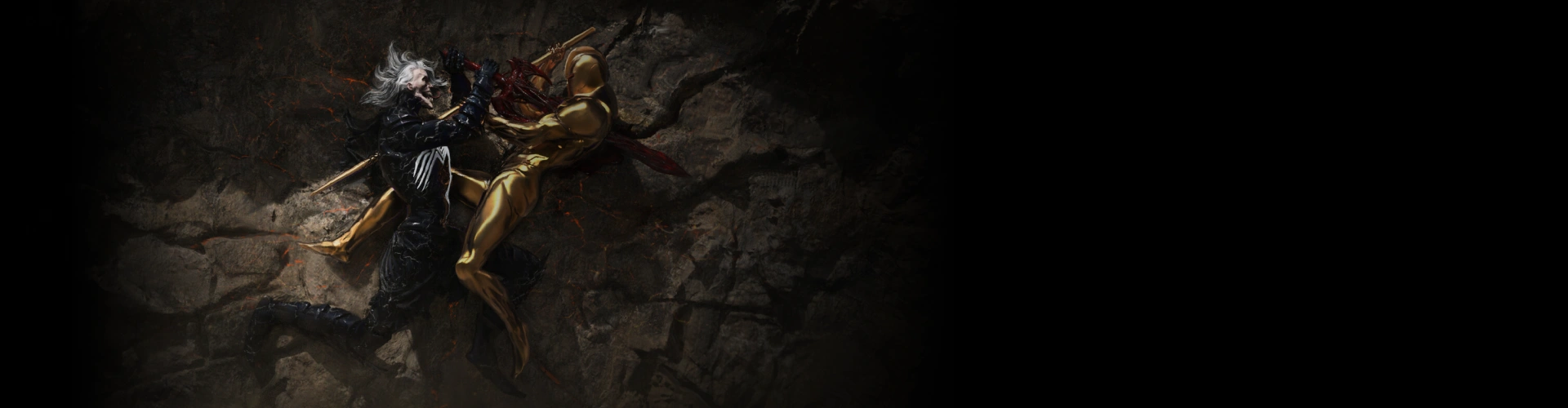
19 Class Exercises
-
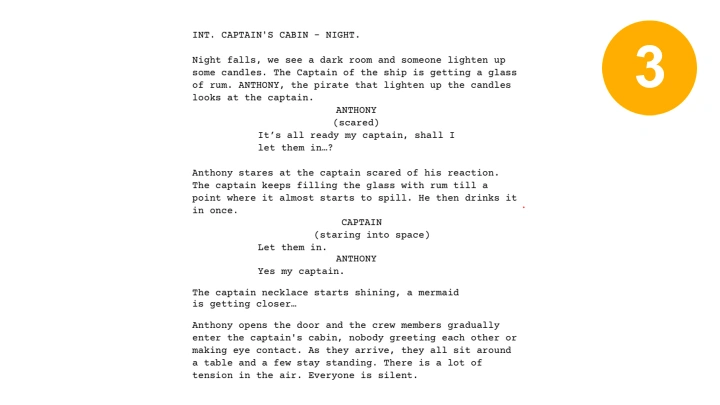
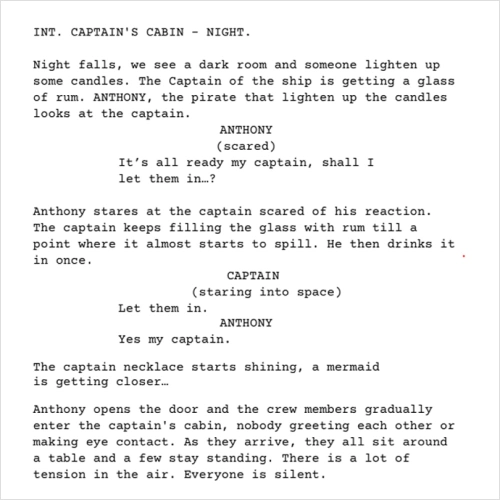 Select or Write a Scripted Scene for Your Shot
 -
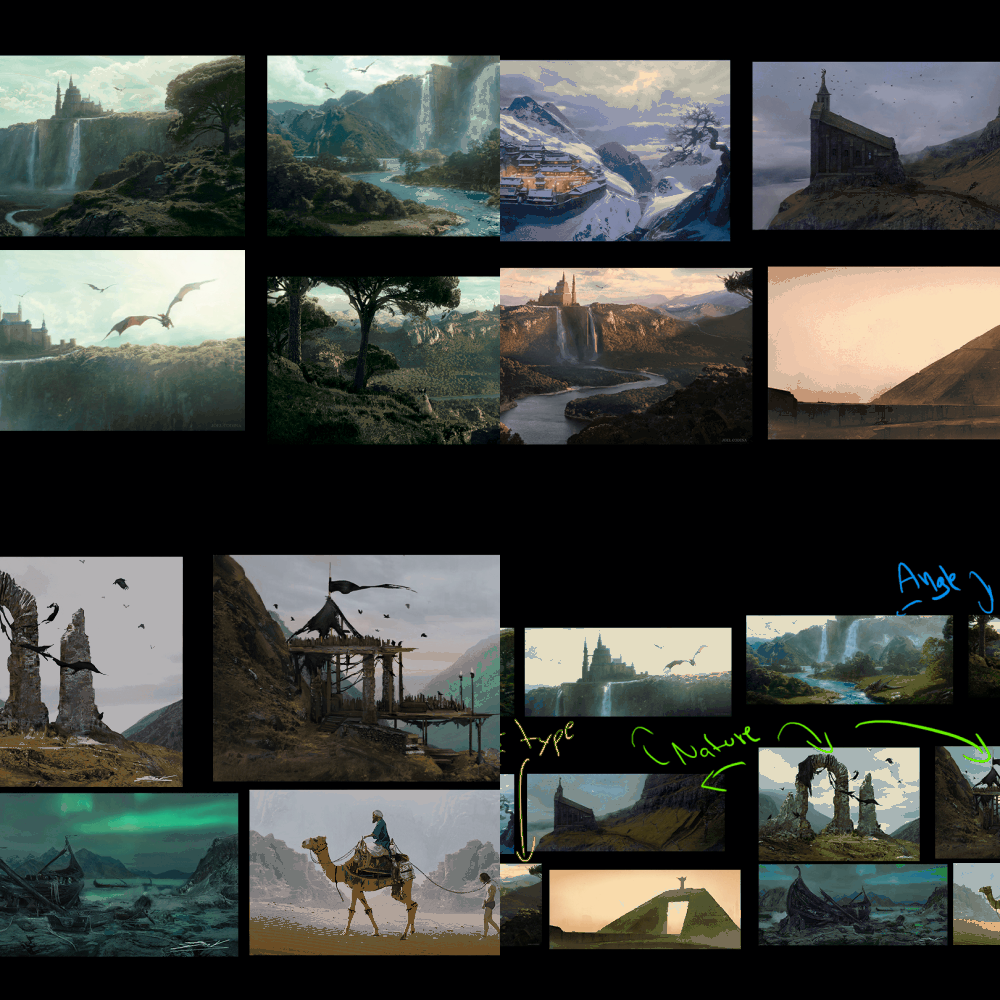 Start Building Your Own Moodboard
 -
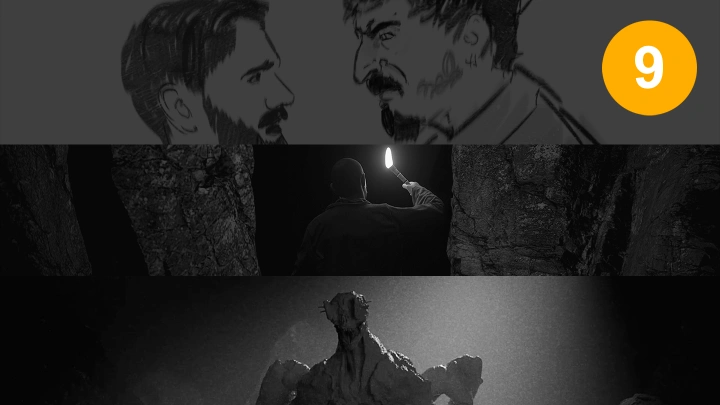
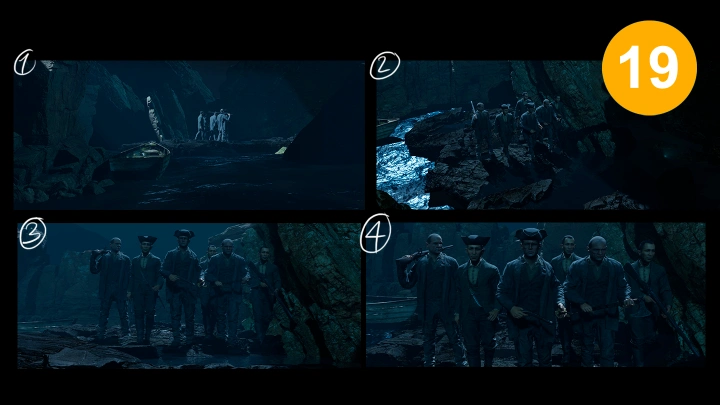
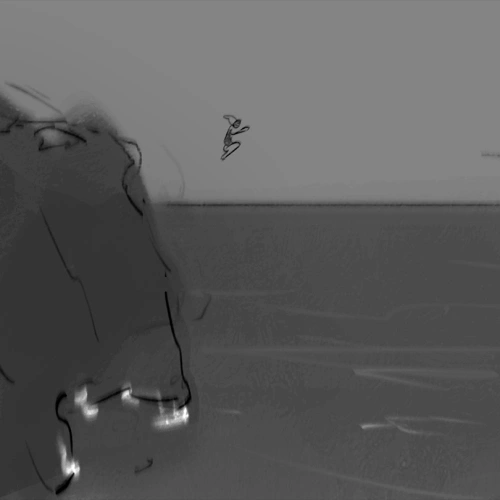 Sketch a Rough Storyboard for Your Scene
 -
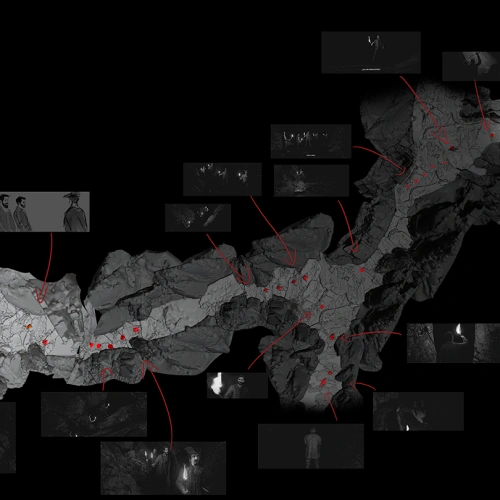 Sketching the Set Where Your Scene Will Happen
 -
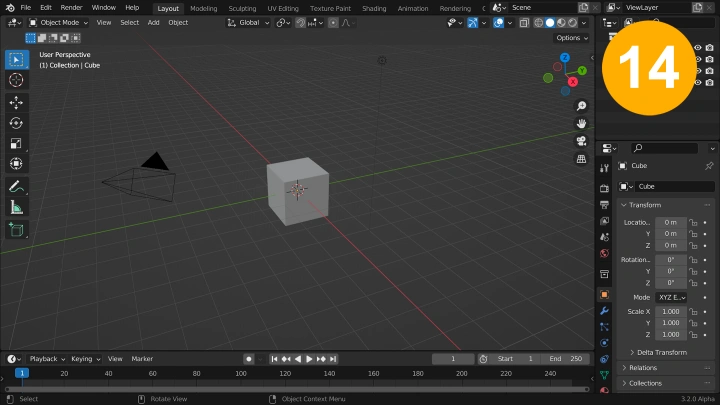
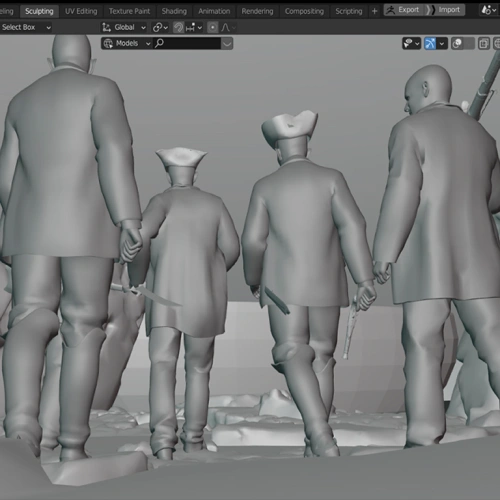 Set Up a Basic 3D Scene in Blender
 -
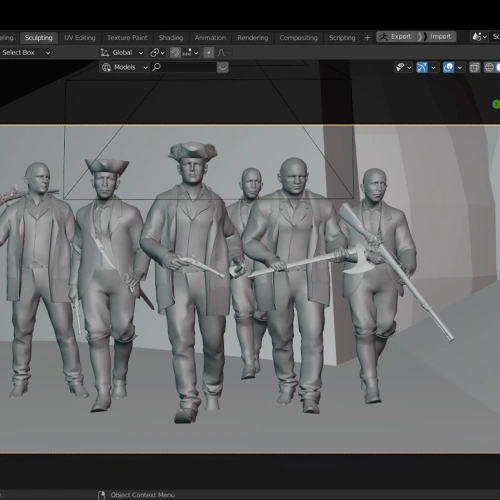 Set Up a Basic 3D Scene in Blender
-
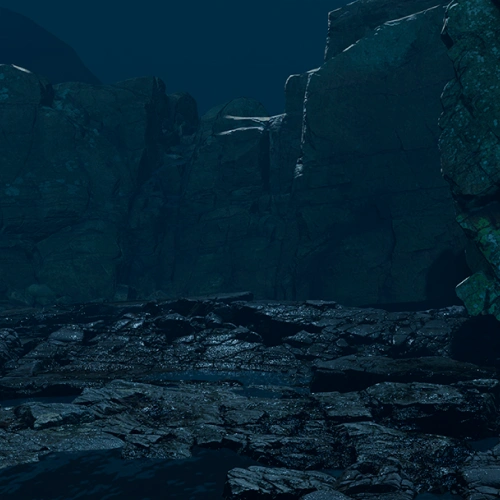 Set Dress Your Scene with Assets
 -
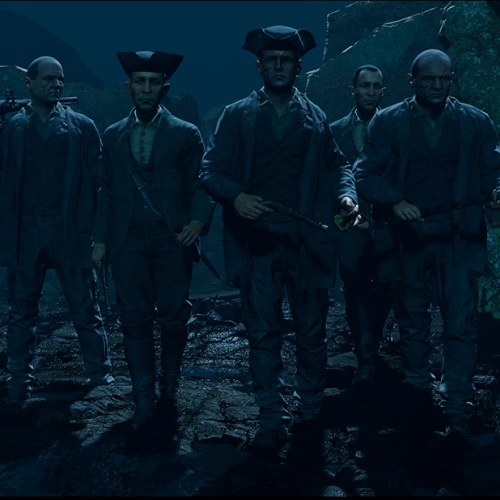 Add Light to Your Scene
 -
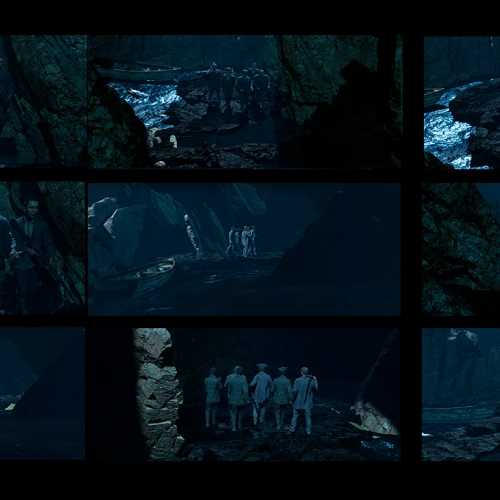 Make Multiple Renders for Your Final Compositions
 -
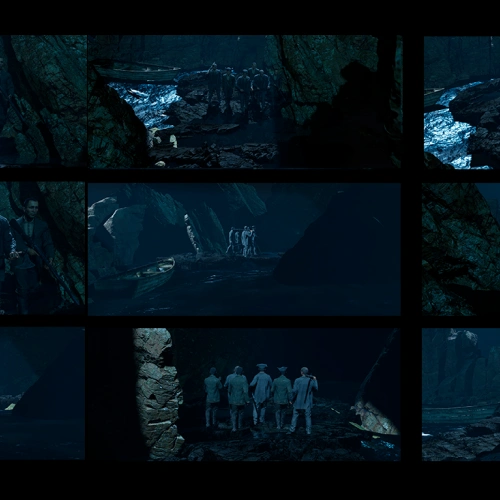 Choose the Renders to Create a Coherent Sequence
 -
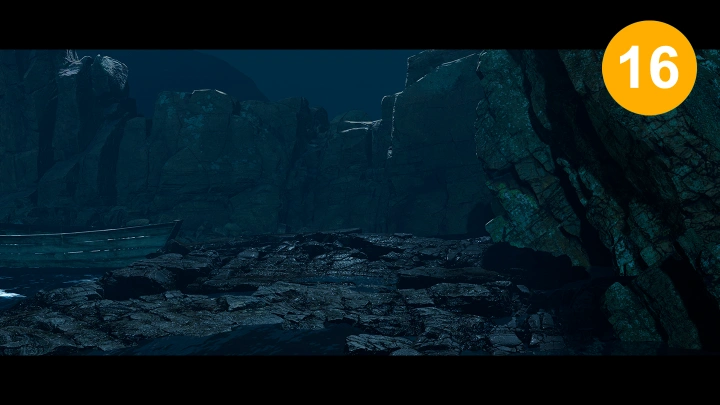
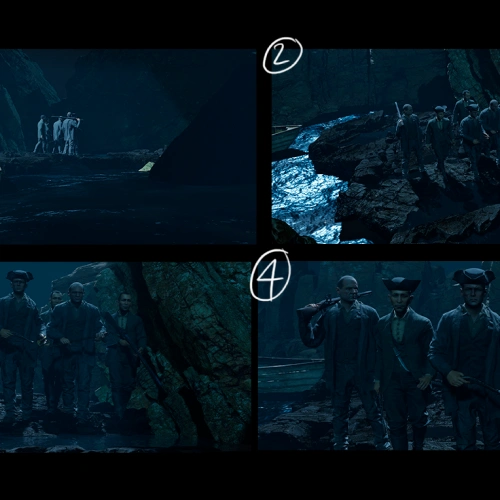 Take Your Chosen 3D Render to a Final Concept
 -
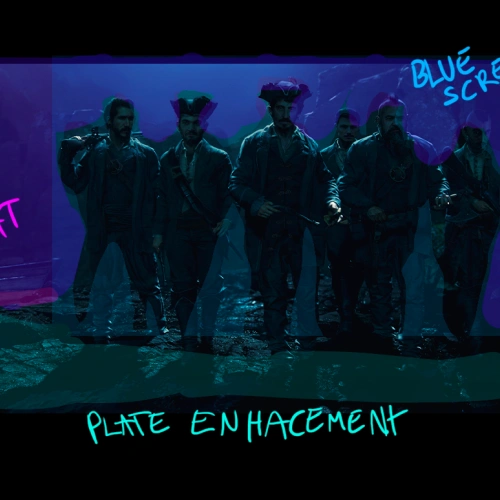 Break Down Concept for Shooting
-
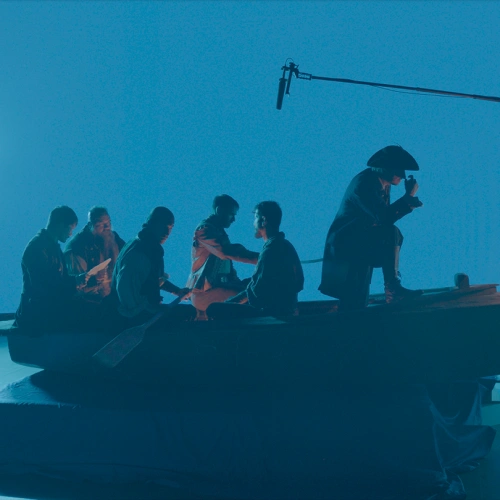 Capture a Plate for Your Shot Using a Camera or 3D Render
 -
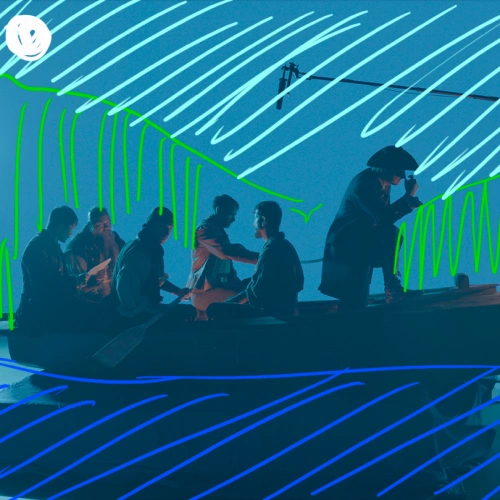 Analyze and Plan How You Will Approach Your Shot
 -
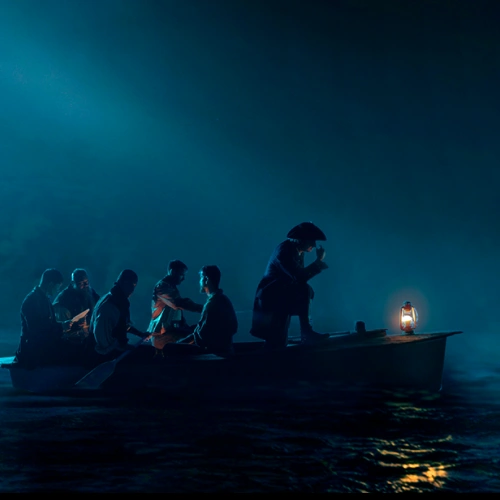 Make an Overpaint of Your Plate to Refine the Shot
 -
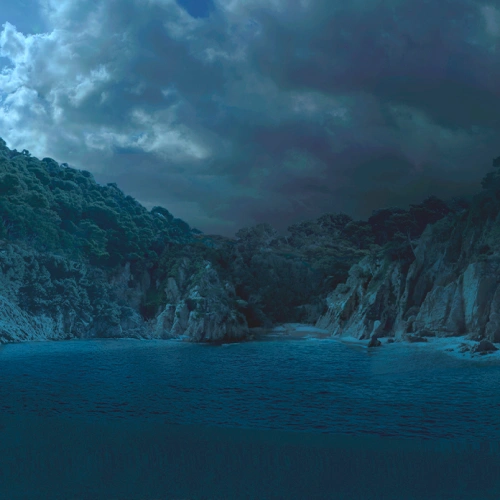 Start Making the Mattepainting of Your Shot
 -
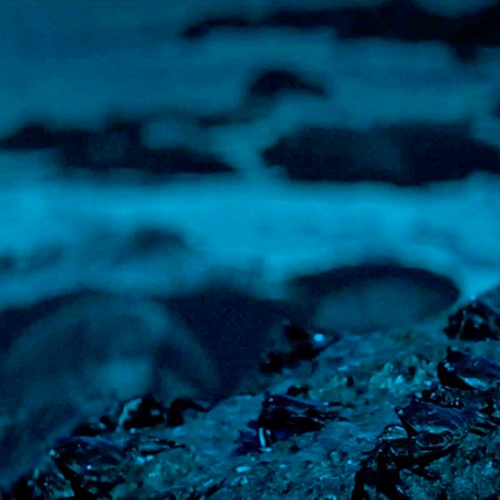 Finalize the Shot in Photoshop
 -
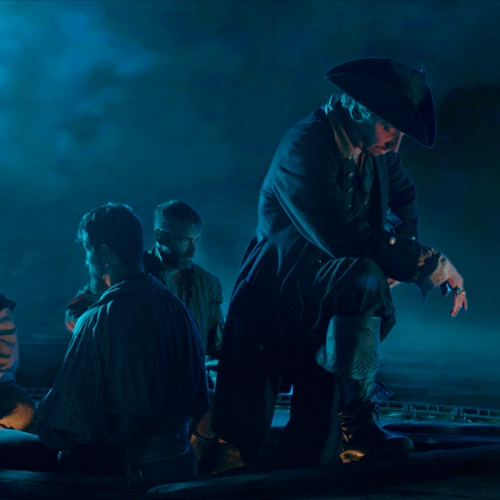 Experiment With the Transform Tool and Try to Bring Some External Assets
Final Product Examples
-
 Character + Background (VER1)
 -
 Character + Background (VER2)
 -
 Character + Background (VER3)
Instructor
Concept Artist
Joel Codina
Meet Joel Codina: Concept Artist, Matte Painter & Director.
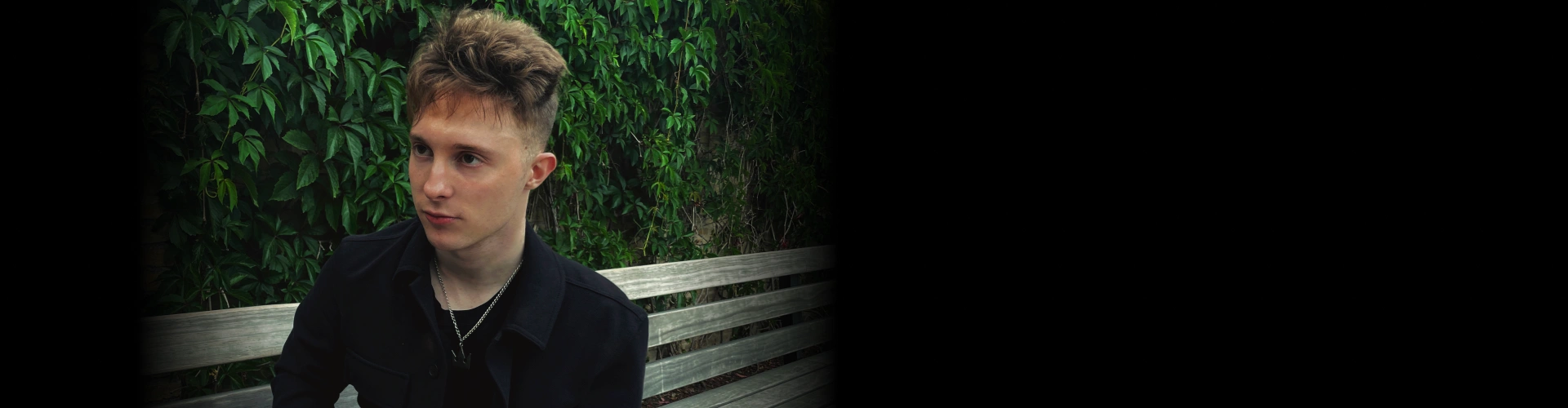
Joel Codina is a concept artist, matte painter, and director known for his work on Star Wars, Star Trek, The Hunger Games: The Ballad of Songbirds & Snakes, Fast X, and 65. Currently at Ghost VFX, he brings cinematic worlds to life with his expertise in storytelling, composition, and digital painting.
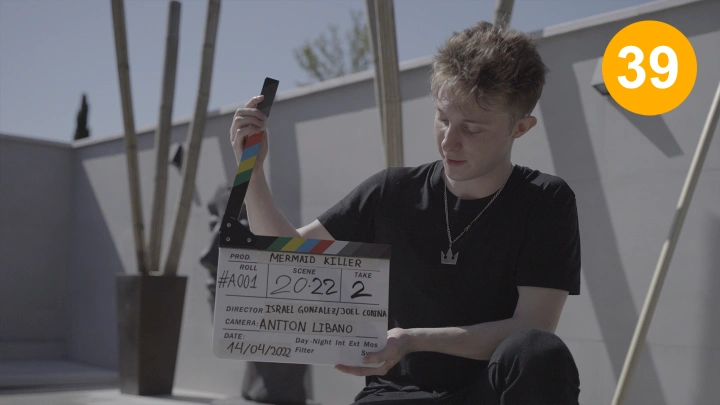
Beyond major productions, Joel co directed Mermaid Killer (2022), and produced and directed Game Night (2025) showcasing his versatility in filmmaking and VFX. His passion lies in blending traditional techniques with cutting-edge tools to craft visually stunning narratives.
Concept Artist, Joel Codina
[Current]
Concept Artist and Mattepainter at Ghost VFX
Director, Producer and founder at JC Arts
[Previous]
Concept Artist at 23 Lunes
Freelance Concept artist for majovideo games
Highlights
Class Highlights
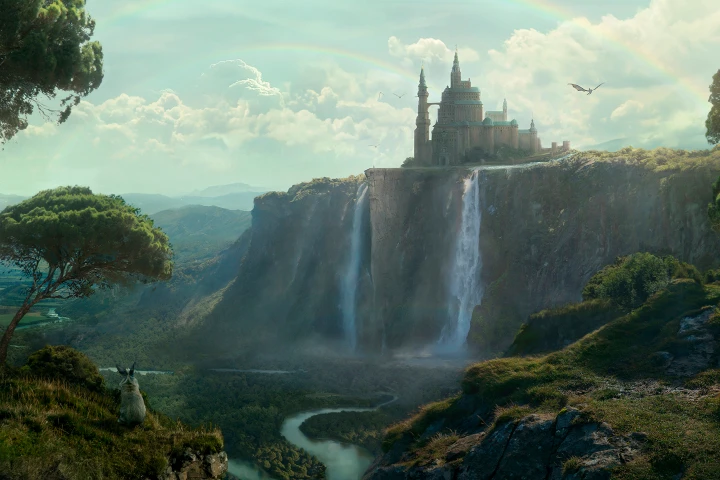
Cinematic Composition & Visual Storytelling
Learn how to craft visually striking and emotionally impactful shots by mastering composition, framing, lighting, and color theory. Understand how to guide the audience’s eye and enhance storytelling through strong visual choices.
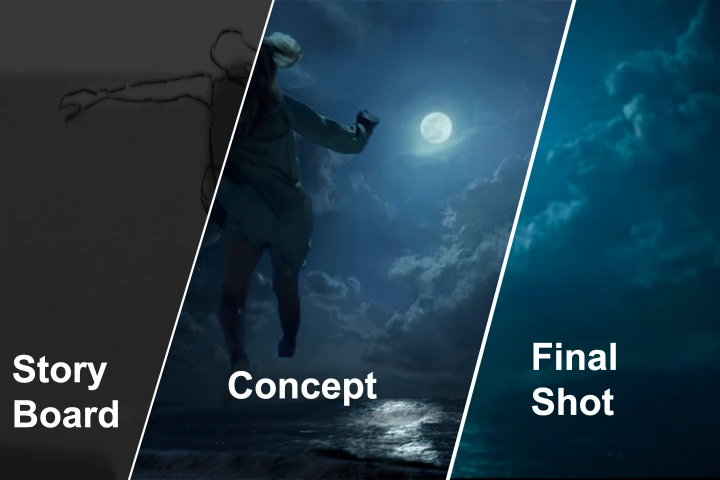
Concept, Storyboard & Matte Painting
Gain hands-on experience using Blender for scene layout, lighting, and camera work. Learn how to refine your 3D renders into professional-quality concept art and matte paintings using digital painting and photobashing techniques.
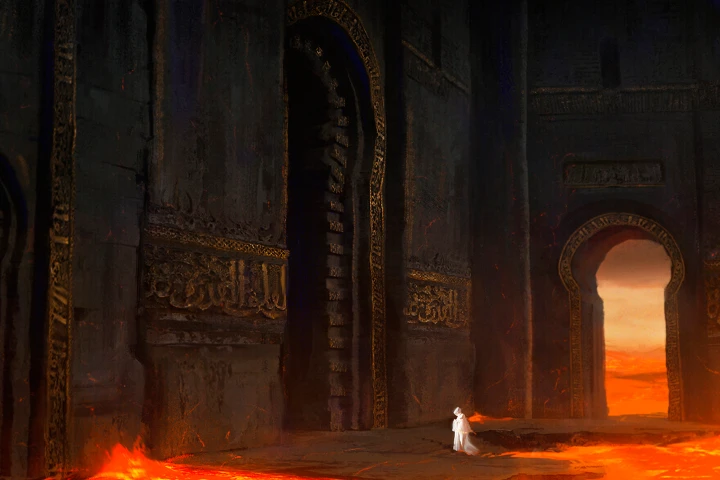
Full Cinematic Shot Workflow from Start to Finish
Follow the entire pipeline of creating a cinematic shot, from script and moodboarding to pre-vis, shooting, post-production, and final compositing. By the end, you'll have a complete, portfolio-ready shot using real industry techniques.
Class Details
You'll Learn
-
 Understanding Cinematic Shots & Pre-ProductionStudents will learn the fundamentals of cinematic shots, including composition, framing, and visual storytelling. They will also explore script analysis, reference gathering, and moodboarding to establish a strong foundation for their shot.
 -
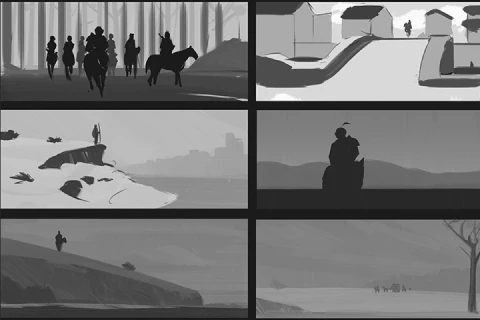
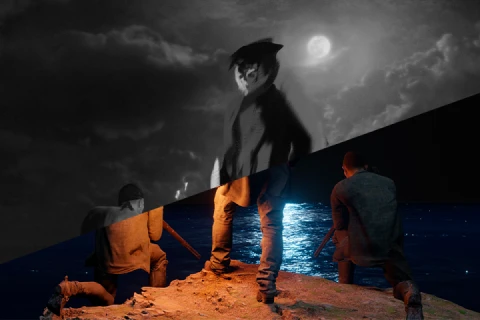 Storyboarding & 3D Pre-VisualizationThis section covers storyboarding techniques and how to plan a sequence visually. Students will also learn to use Blender for 3D scene layout, set dressing, and camera placement, ensuring a solid pre-visualization before moving into final production.
 -
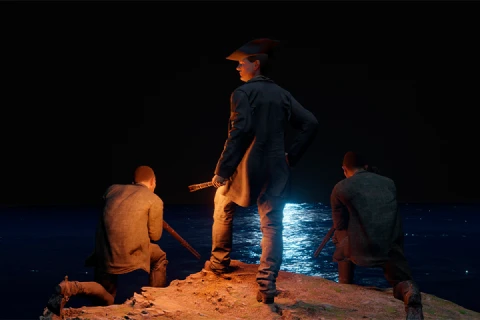 Cinematic Lighting & Shot DevelopmentA deep dive into how lighting and color affect mood, depth, and storytelling. Students will experiment with 3D lighting techniques and refine their shot’s composition before moving to the final concept.
-
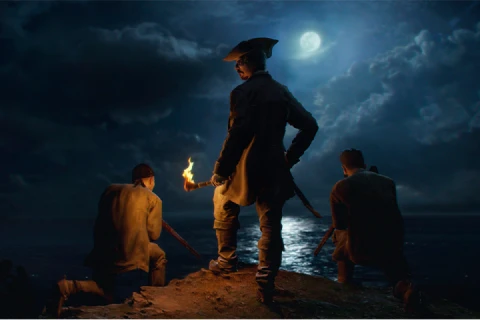 Concept Art & Matte PaintingStudents will take their 3D renders into Photoshop to create a polished concept image using digital painting and photobashing.They will also learn the basics of matte painting and how to integrate different elements seamlessly.
 -
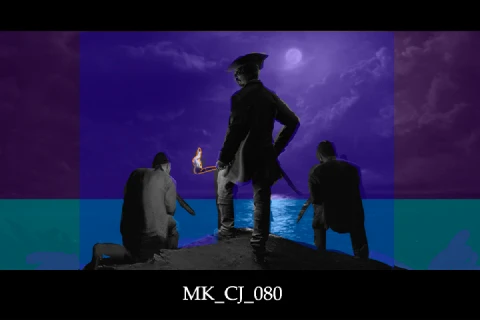 Preparing for Shooting & Post-ProductionA breakdown of how to prepare for live-action shooting or CG-based shots, including on-set planning, VFX considerations, and post-production techniques. Students will generate footage or renders for final compositing.
 -
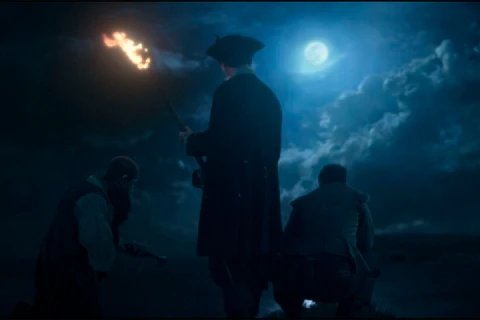 Final Shot Compositing & DeliveryBringing everything together, students will finalize their shot, apply compositing techniques, color grading, and export the final cinematic image. The class will wrap up with tips on building a strong portfolio and industry best practices.
- Unlimited Access
- Best Price
Buy now, get unlimited access.
12/31 (Sat) (UTC-7) Special offer ends soon.
This special offer ends soon.
Buy now and save!
Interview with
Concept Artist Joel Codina

Question.01
Why did you choose this specific topic?
Creating a cinematic shot is one of the most powerful ways to tell a story visually. Whether in film, VFX, or animation, every shot has to serve the narrative, evoke emotion, and immerse the audience. I wanted to teach this because it’s at the heart of what I do , combining composition, lighting, storytelling, and technical execution to craft compelling images. This course is designed to take students through the full process, from idea to final shot, so they can understand both the artistic and technical sides of filmmaking.
Question.02
What makes your class different from other classes?
Many courses focus on individual aspects, storyboarding, matte painting, cinematography, or compositing, but I wanted to create a full journey, covering every stage of making a shot. This class is hands-on, showing real-world techniques used in professional productions while also being accessible to both beginners and experienced artists. You’ll learn not just the how but also the why behind each step, helping you make better creative choices. On top of that it's very difficult to find someone who owns the material of a movie from start to end so we can showcase something quite rare to see.
Question.03
What do you think is the most important trait(s) to success in your industry?
Curiosity & Constant Learning: The industry changes fast, and staying updated is crucial.
Patience & Perseverance: It takes time to refine your craft and break into big projects.
Strong Visual Storytelling : Knowing how to tell a story visually makes your work stand out.
Collaboration : Films and VFX are a team effort; being a great collaborator is invaluable.
Required Programs
This course will use Photoshop, Blender, and Nuke.
Please purchase and install these program(s) for an optimized chapter experience.
*These programs and/or materials will not be provided with the lecture.