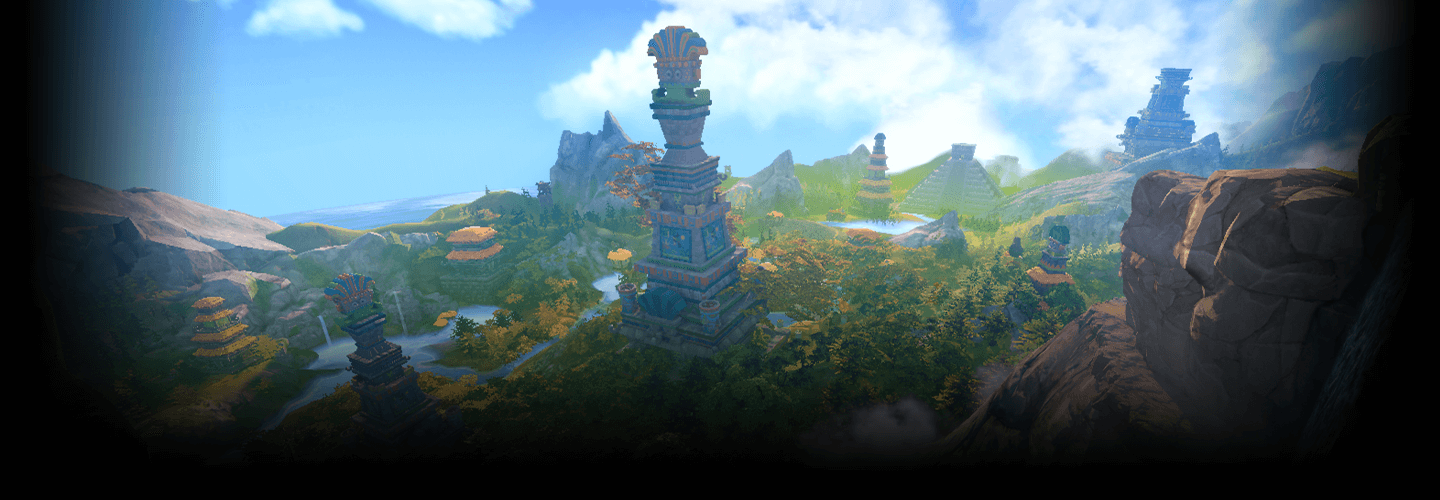
3DEnvironmentArtist,ANCALL_안콜 Details
Intro
Class Intro
3D Environment Artist, ANCALL
“In this class, you can learn everything from modeling to
ZBrush, texturing, engine leveling, and lighting.”
A Class for Beginners Covering the Start to Finish of Immersive Game Backgrounds
Are you at the limit of self-taught 3D background modeling?
Join me as we learn background production for beginners.
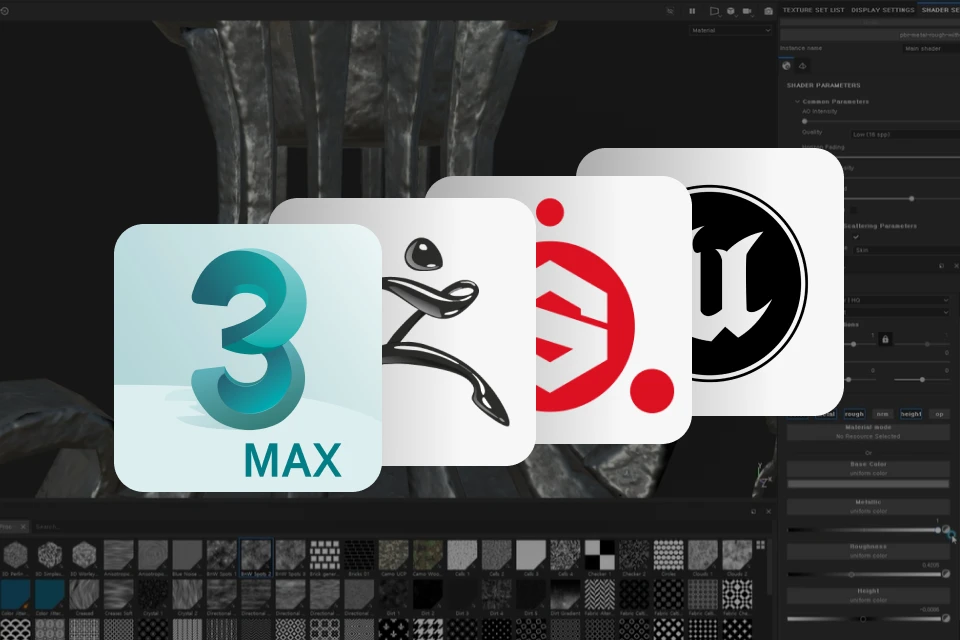
Discover basic tools commonly used in game production such as 3Ds Max, ZBrush, and Substance Painter, and various prop modeling according to concept and scene composition using Unreal Engine!
Discover basic tools commonly used in game production such as 3Ds Max, ZBrush, and Substance Painter, and various prop modeling according to concept and scene composition using Unreal Engine!

With just one class, you will learn the whole practical pipeline of 3D background modeling through a total of 40 step-by-step chapters.
Study the expertise of top 3D background artist ANCALL through step-by-step game background production and create a high-quality final background portfolio.
Study the expertise of top 3D background artist ANCALL through step-by-step game background production and create a high-quality final background portfolio.
Class Perks
Get These Coloso Exclusives
-
Unlimited Access to All 40 chapters -
Example Modeling Files -
Shortcut Keys
Class Material Details
-
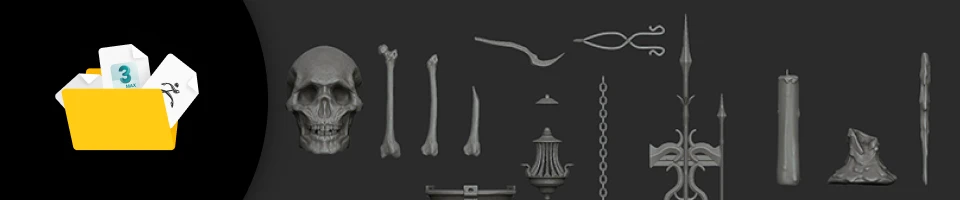 Modeling Files from Class Exercises- 14 3ds Max files (.max)
- 7 Zbrush files (.ztl)
- 2 Substance Painter files (.sbsar, .spsm)
- 10 Unreal Engine files (.obj) -
 Useful Shortkey Summary Files to Increase Efficiency- 3ds Max shortcut keys (.kbdx)
- Zbrush shortcut keys (.txt)
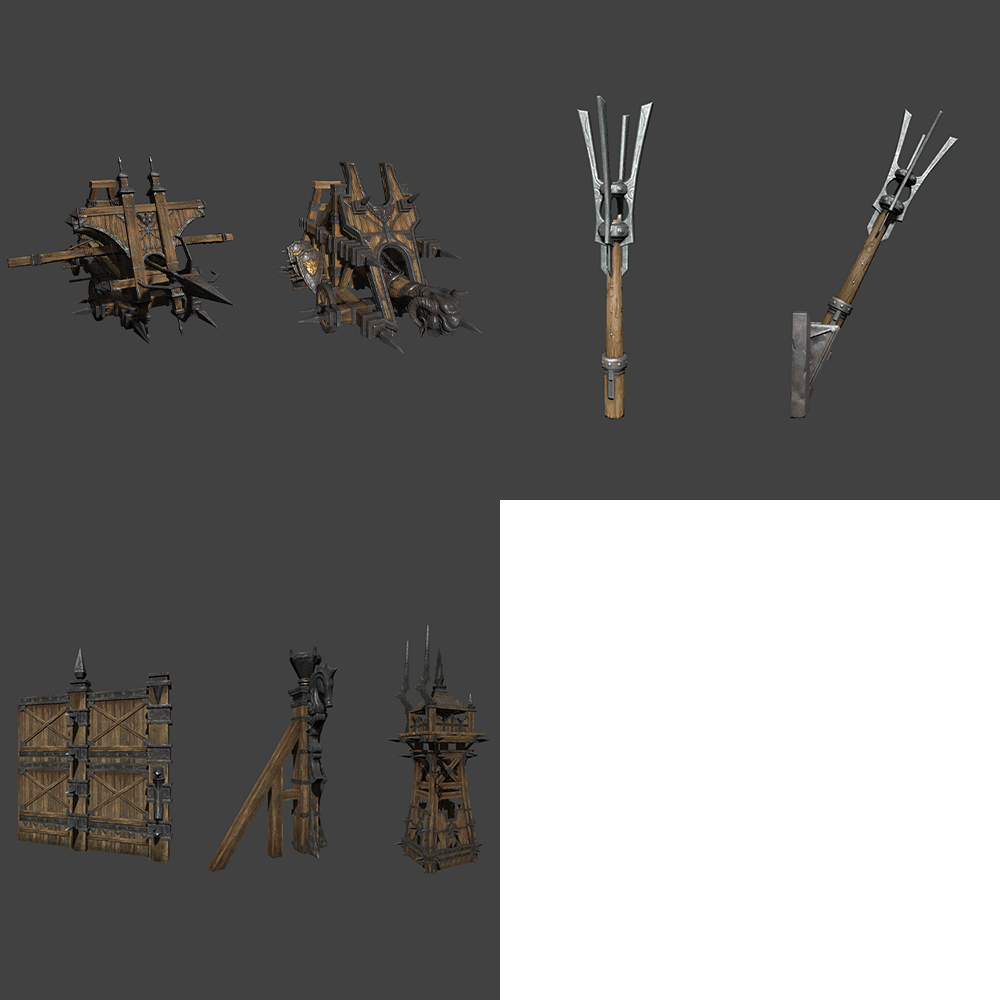
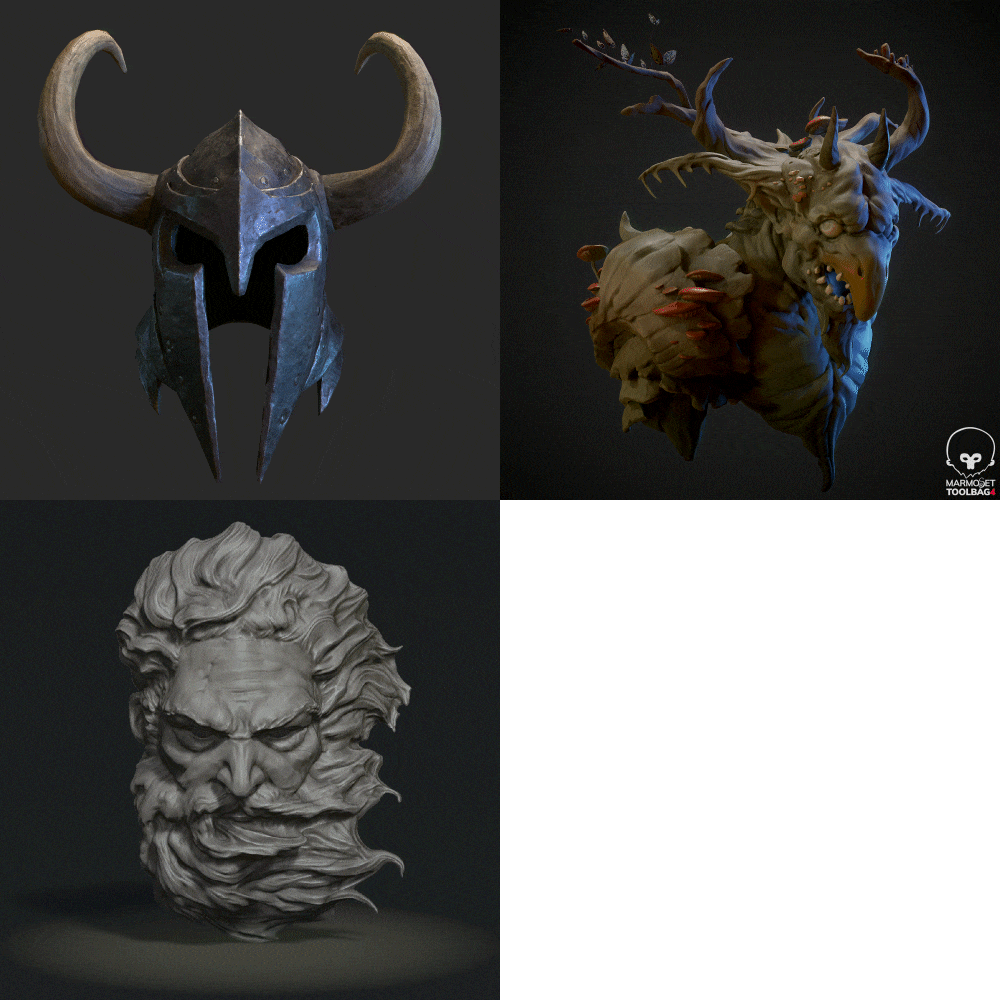
Expert 3D Environment Artist ANCALL's Portfolio
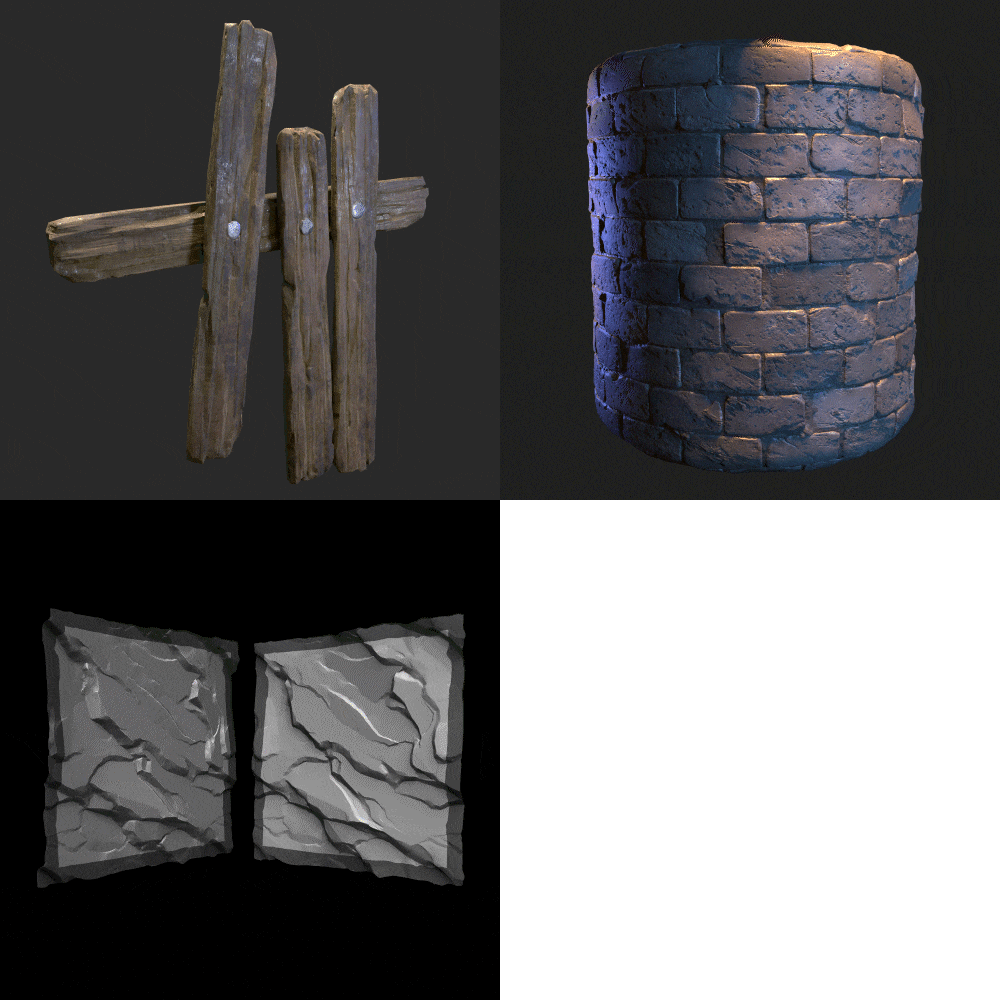
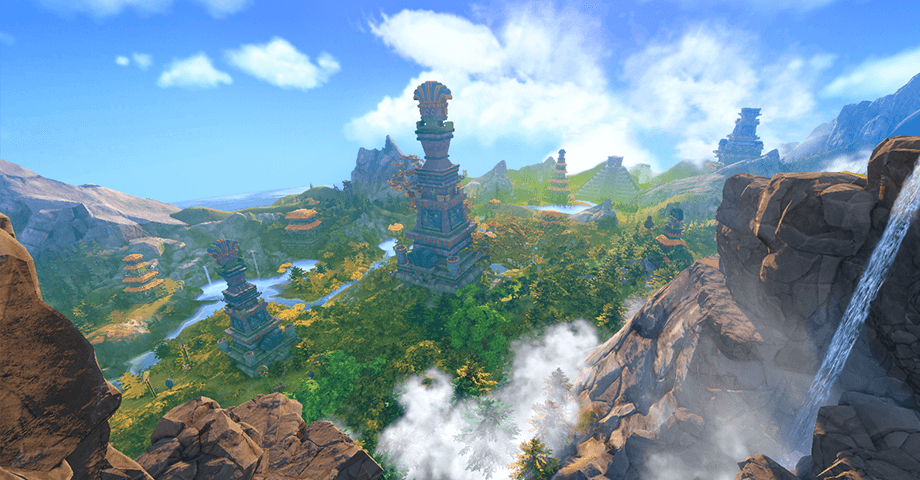
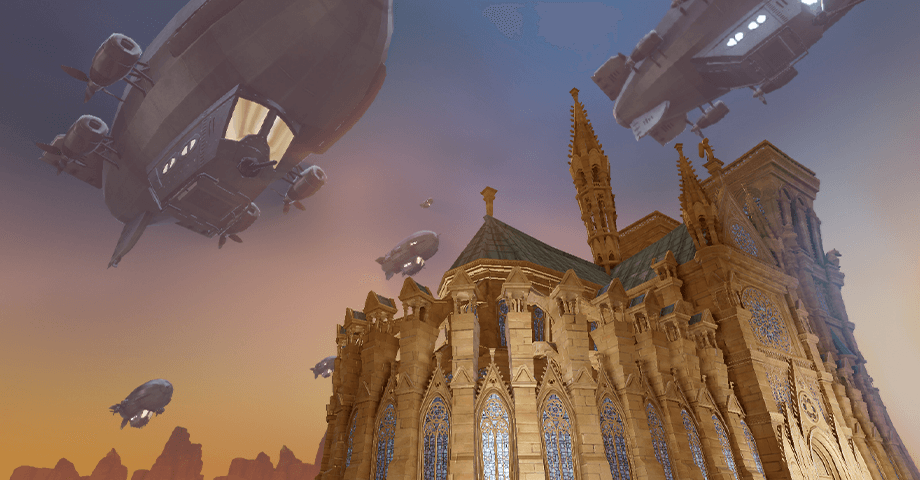
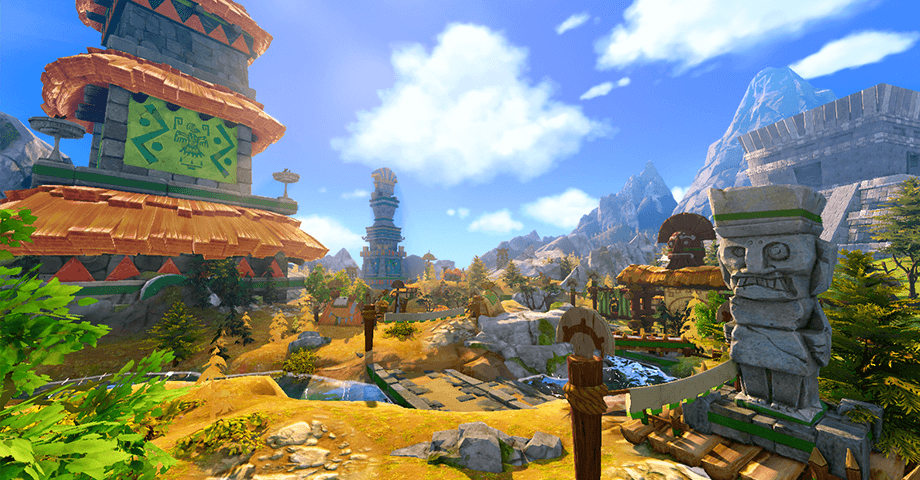
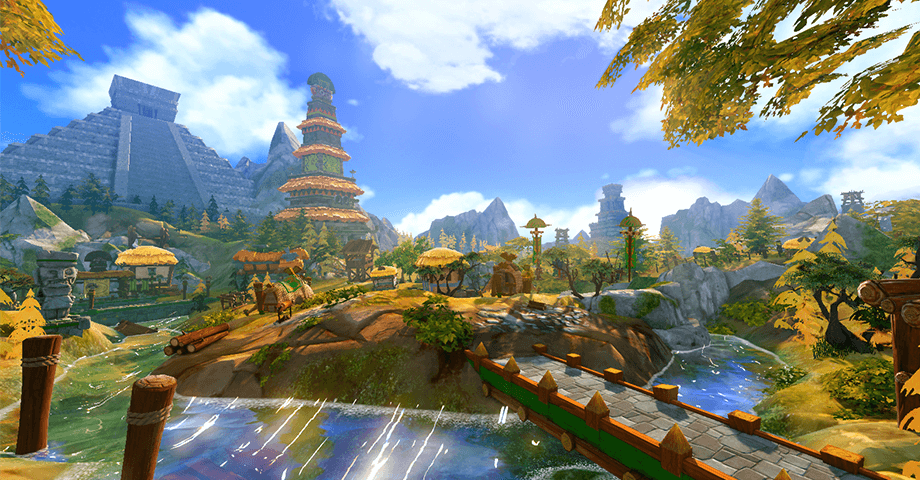
Why Take This Class?
Are you struggling to find the information you want due to fragmented background modeling materials, resulting in a waste of your time?
Game background creators often have to do everything from small dummy and prop modeling to overall scene composition, so it's important to familiarize yourself with various tools and skills for more efficient work.
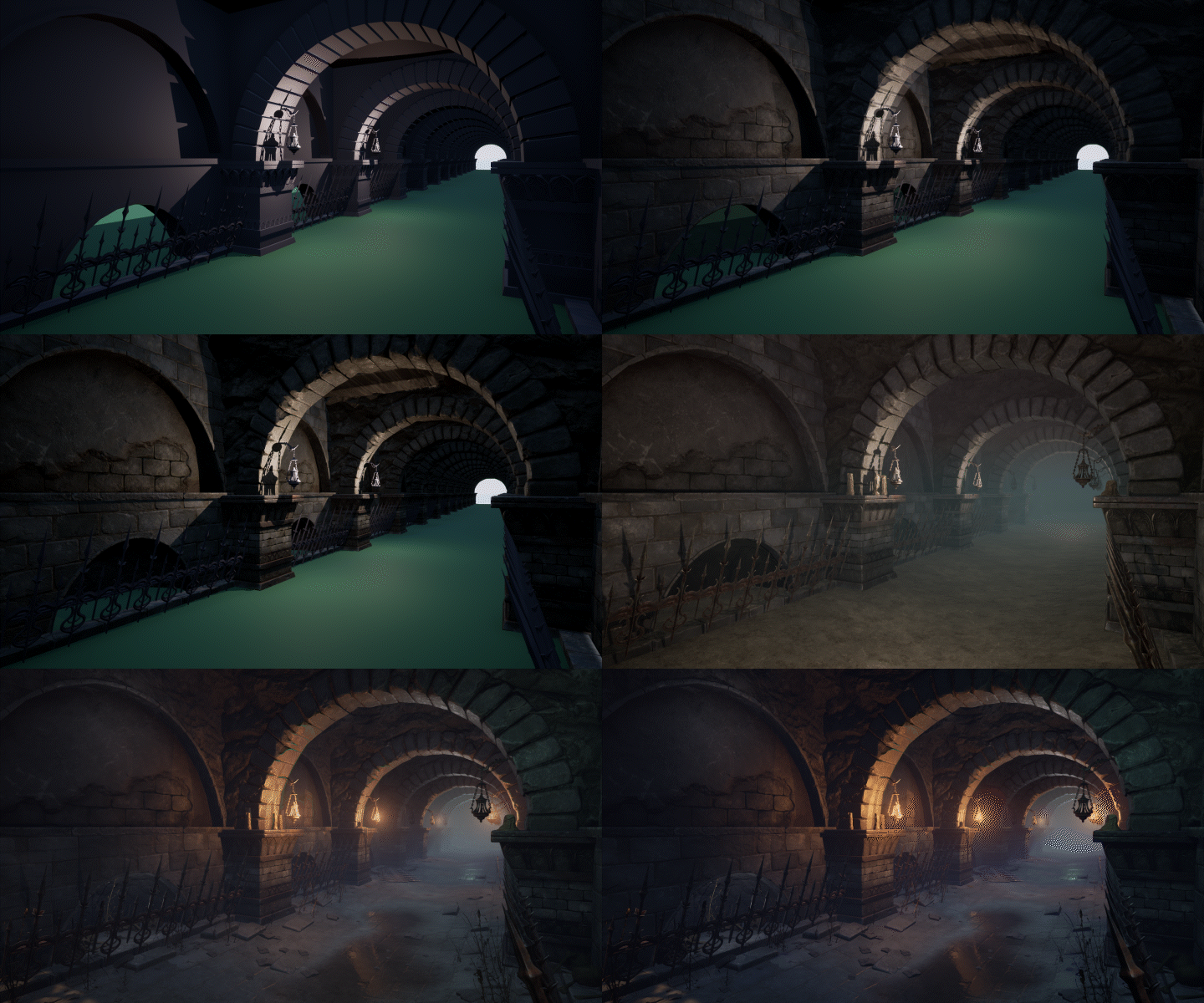
In this class, you’ll learn the entire process of a practitioner’s background production at once, from modeling and sculpting to texturing, leveling, and lighting.
Learn techniques on how to utilize tools effectively and the work pipeline of a practitioner who worked on projects like Lost Ark and Civilization Online, only at Coloso!

4 Class Exercises
Part 1. Basic Prop Creation
Create basic small props using 3Ds Max, ZBrush, and Substance Painter.
-
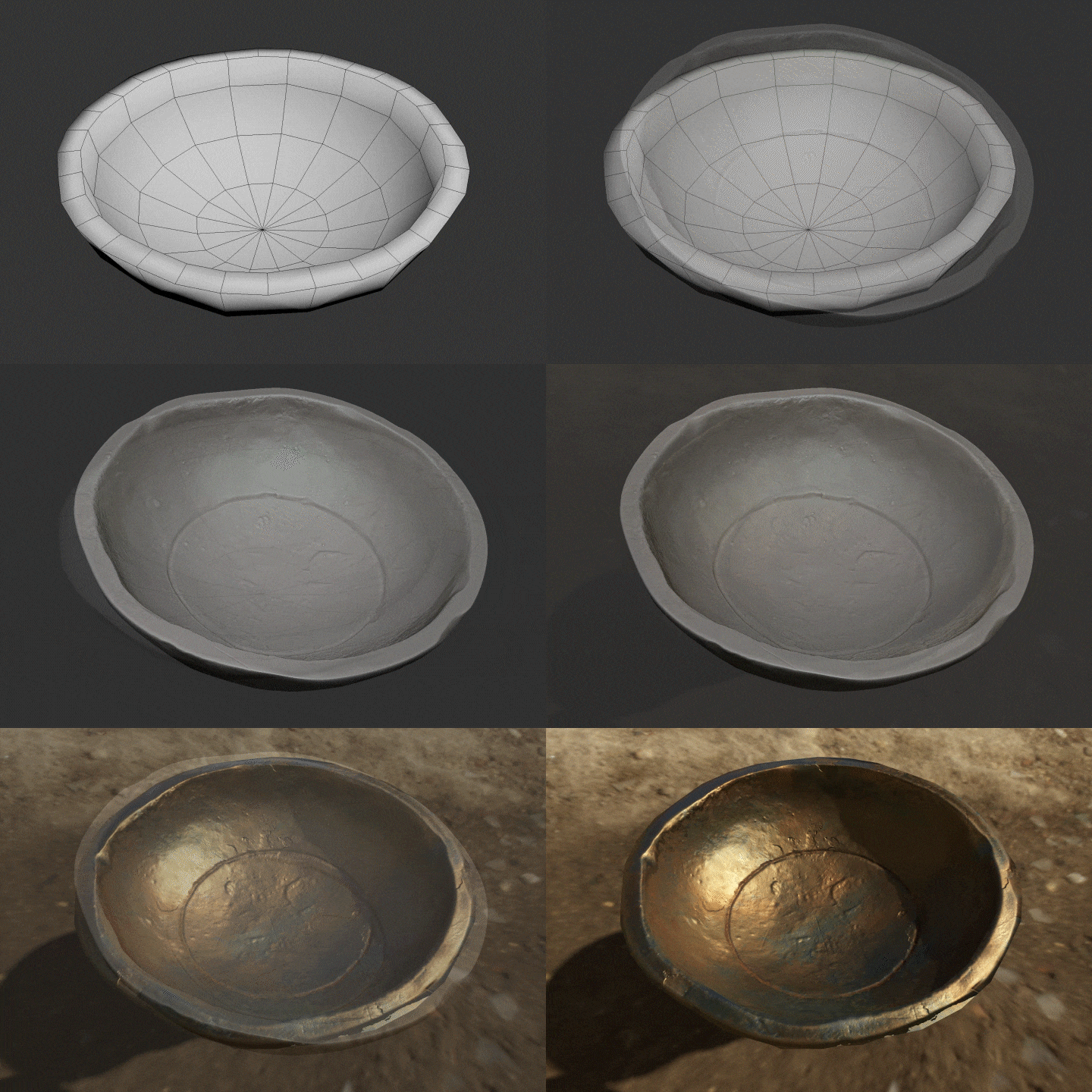 Plate
Plate -
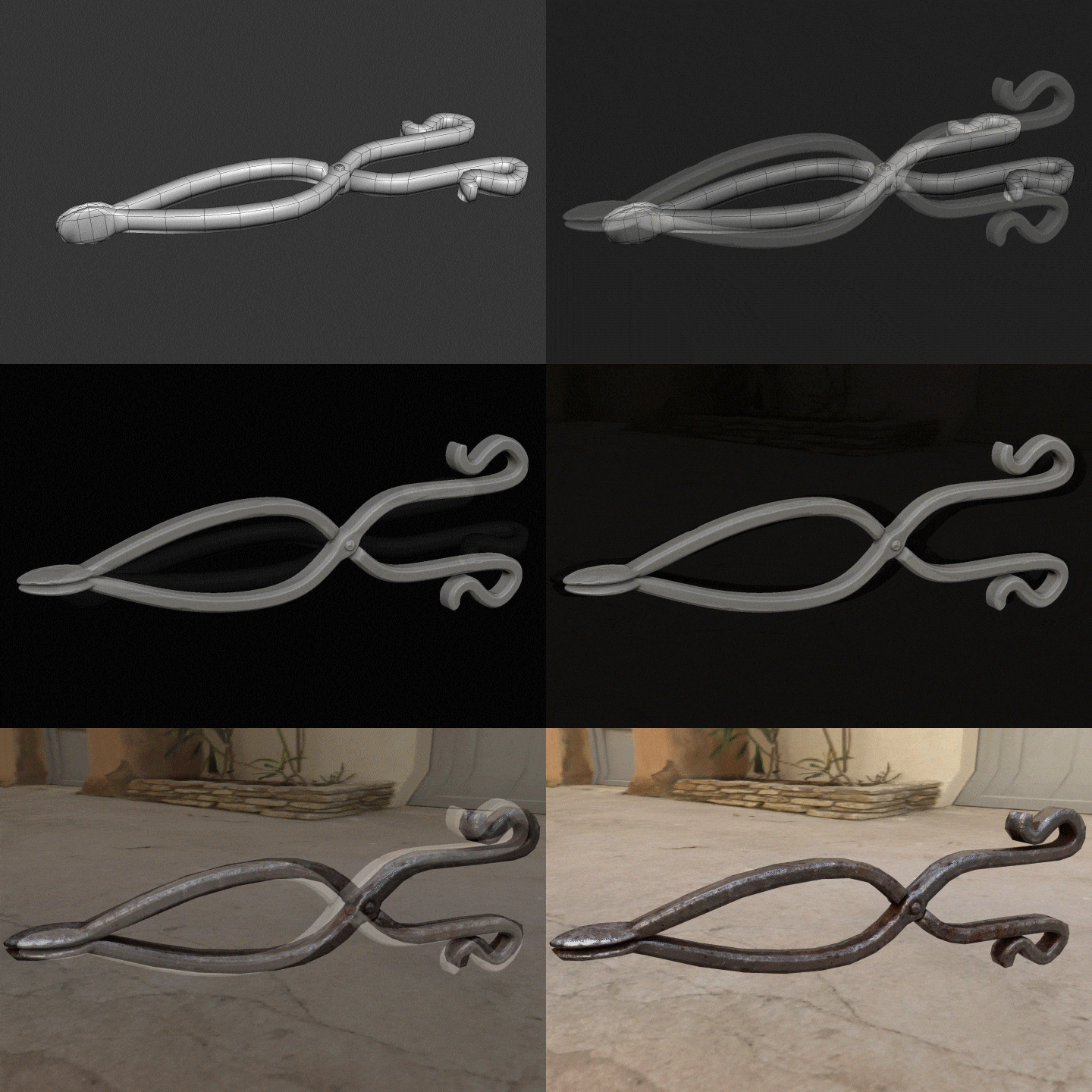 Tongs
Tongs -
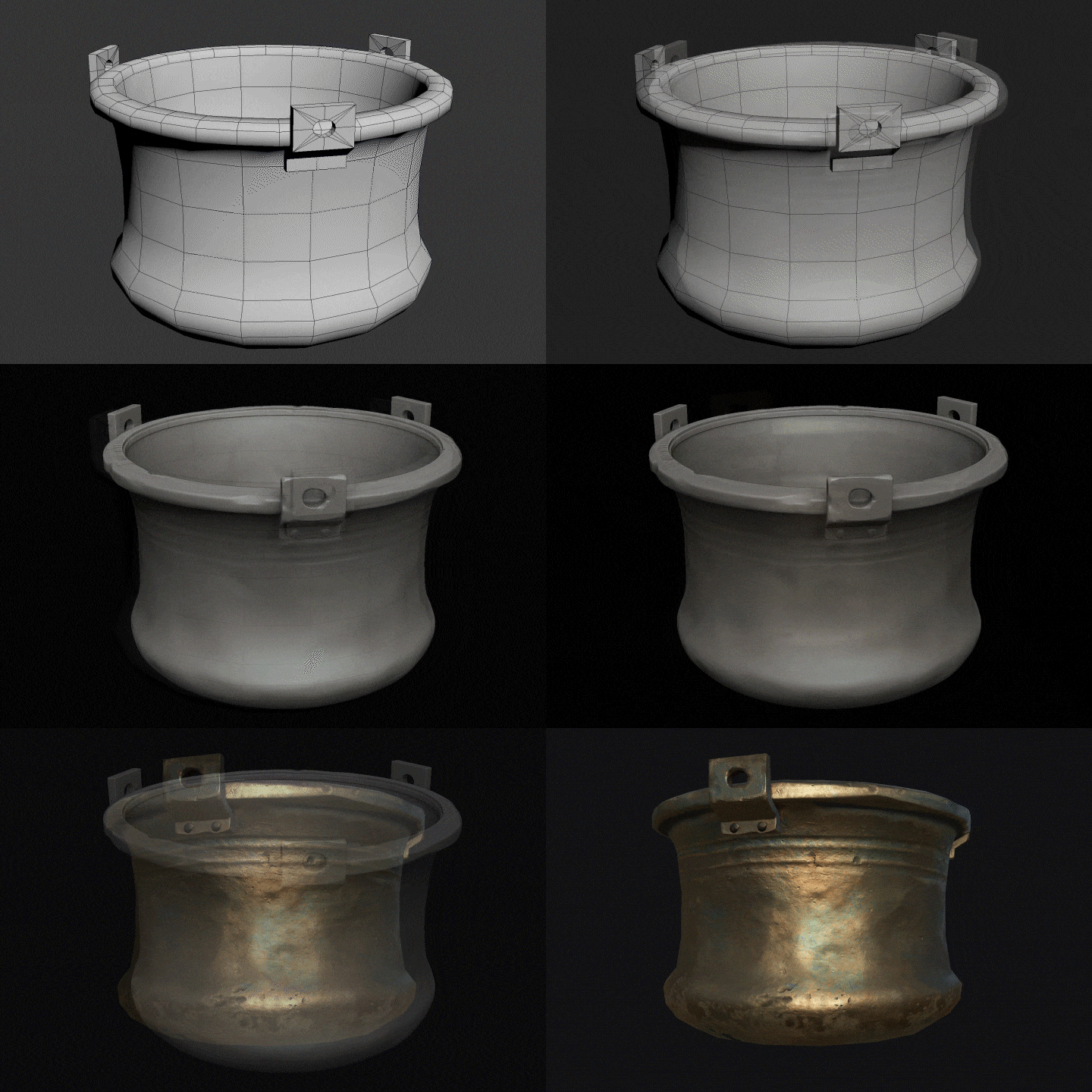 Pot
Pot
Part 2. Advanced Prop Creation
Create advanced props to enhance the completion of your background through modeling, sculpting, texturing, and lighting.
-
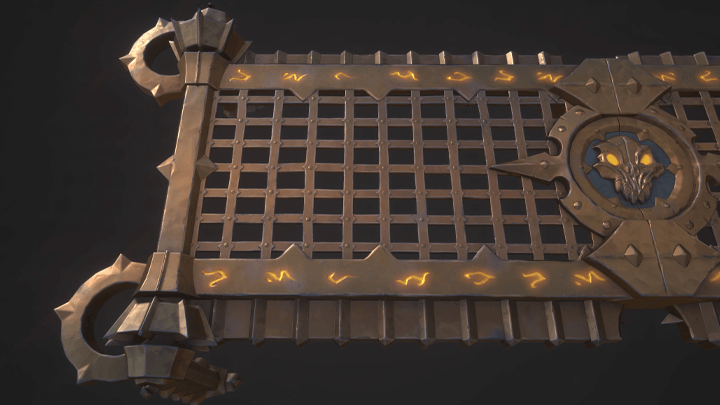
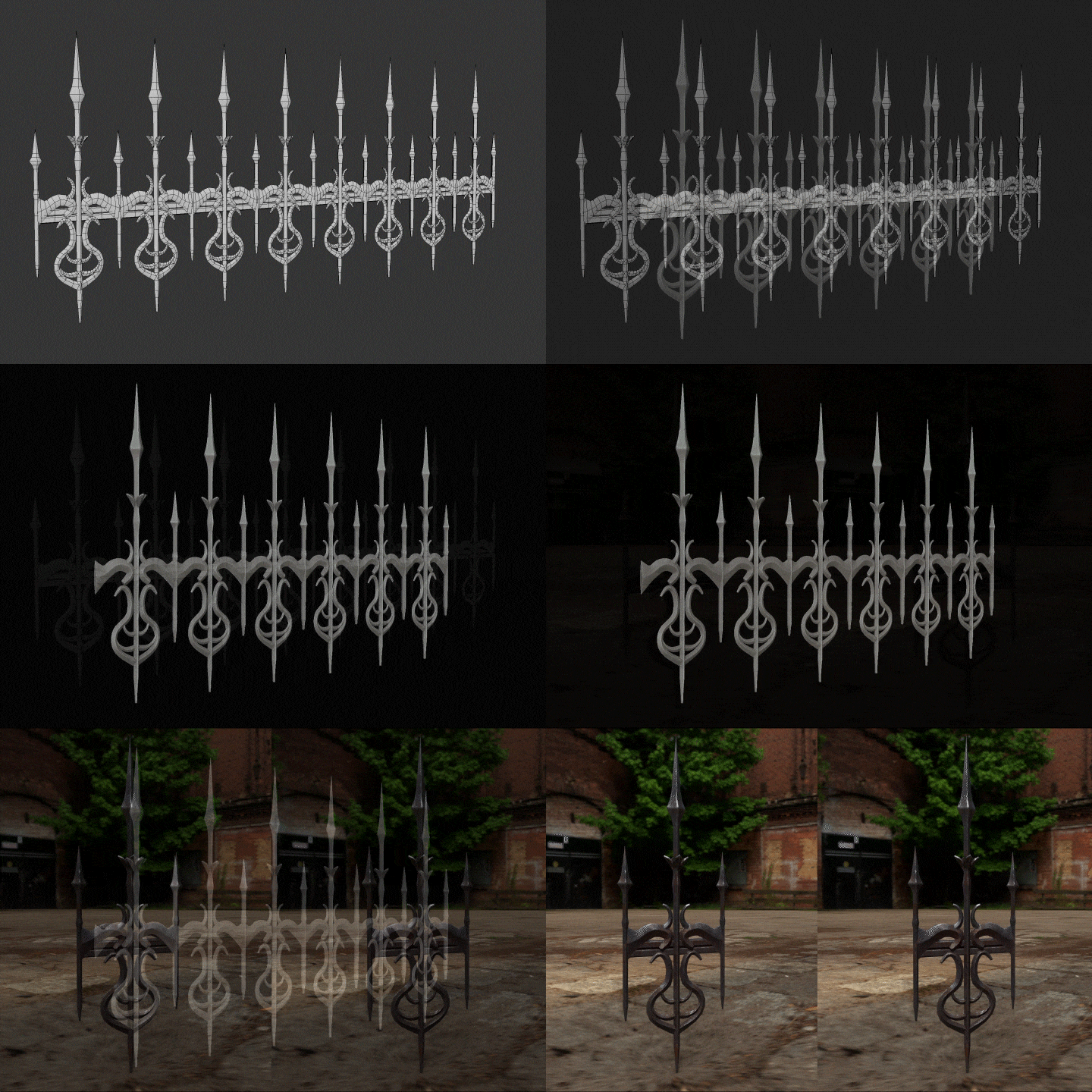 Window Bar
 -
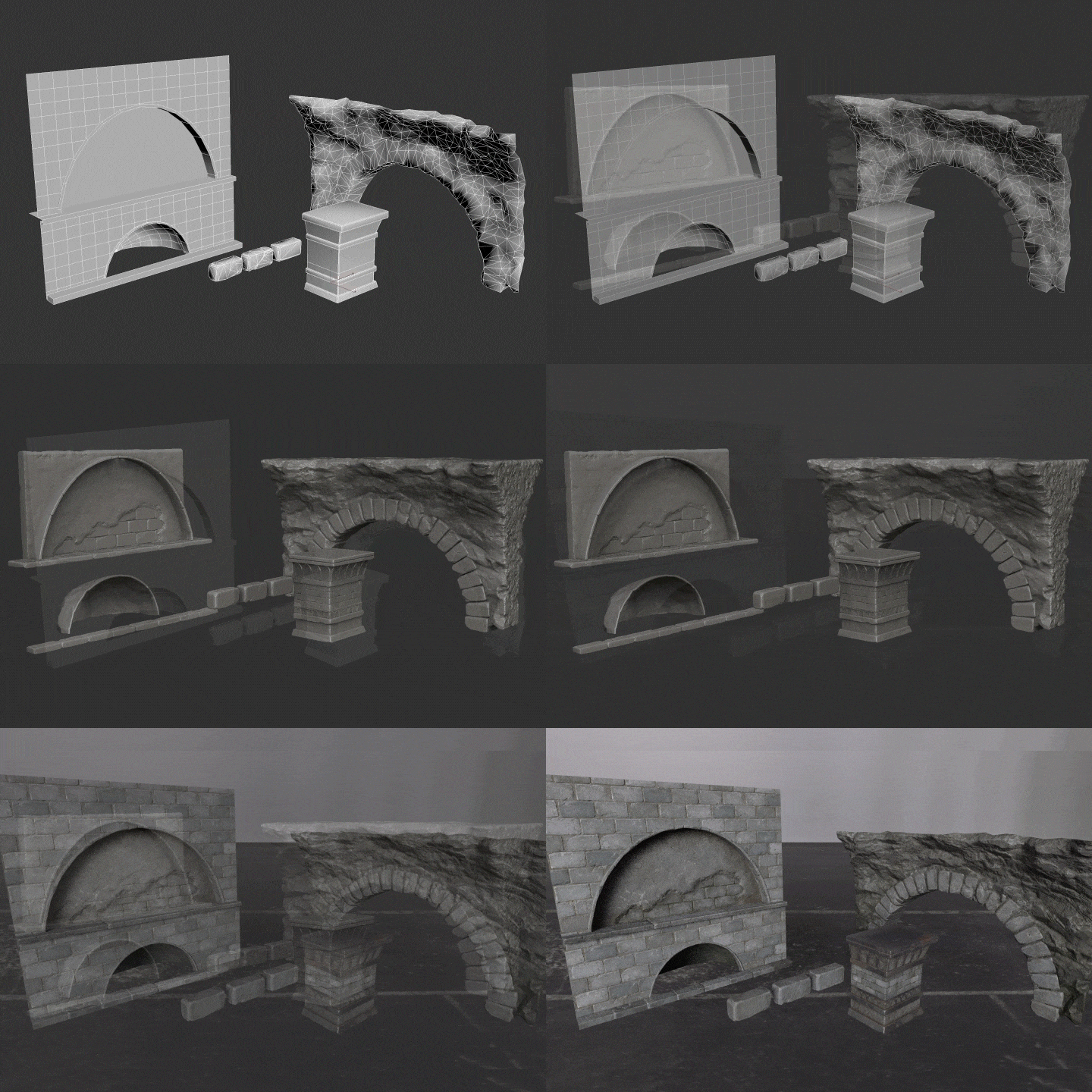 Wall Column
 -
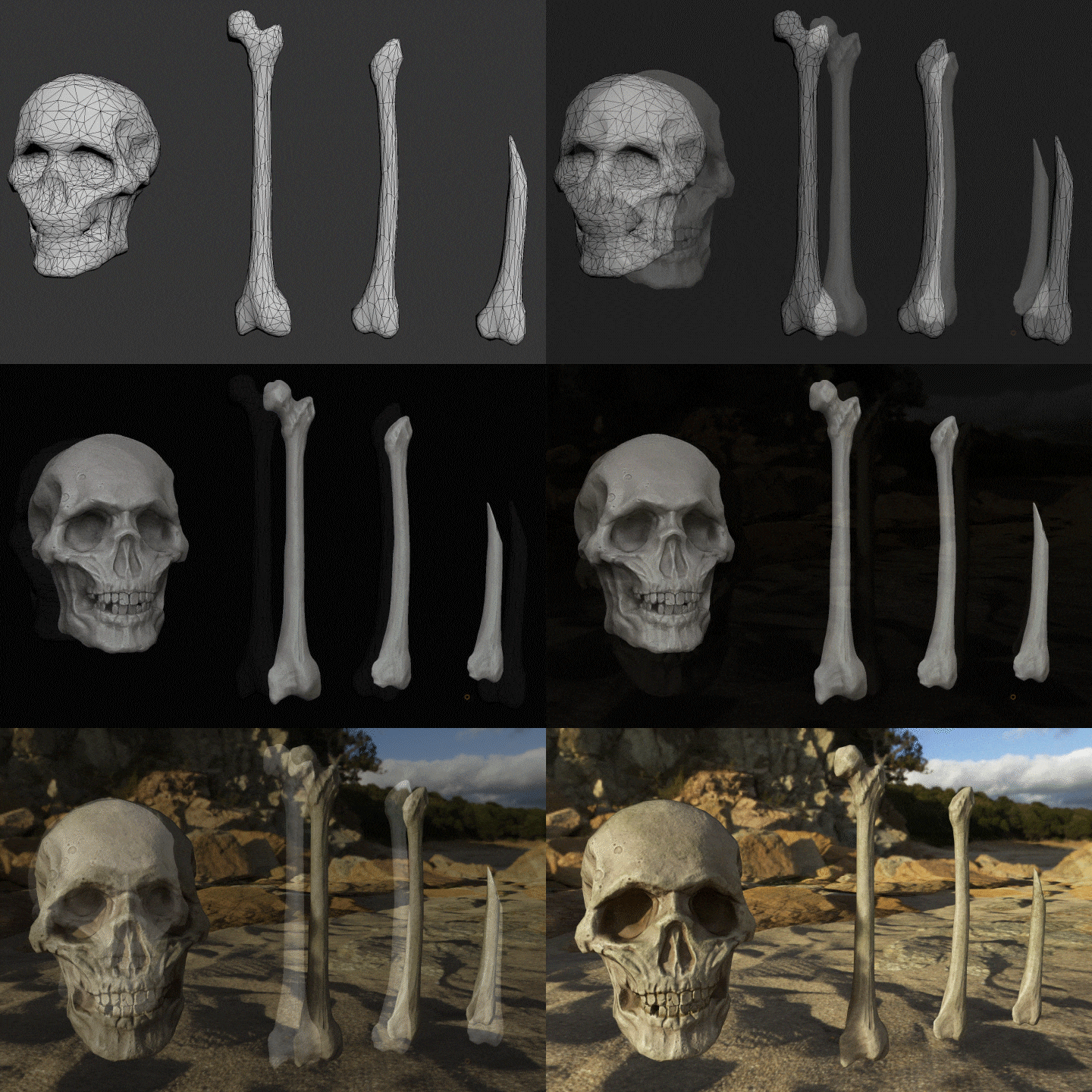 Bone
Bone -
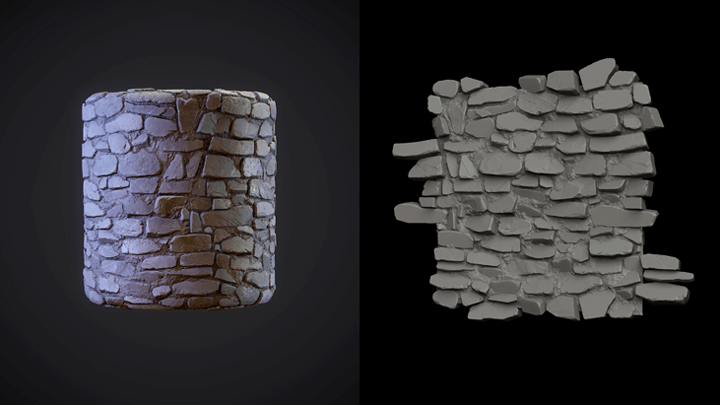
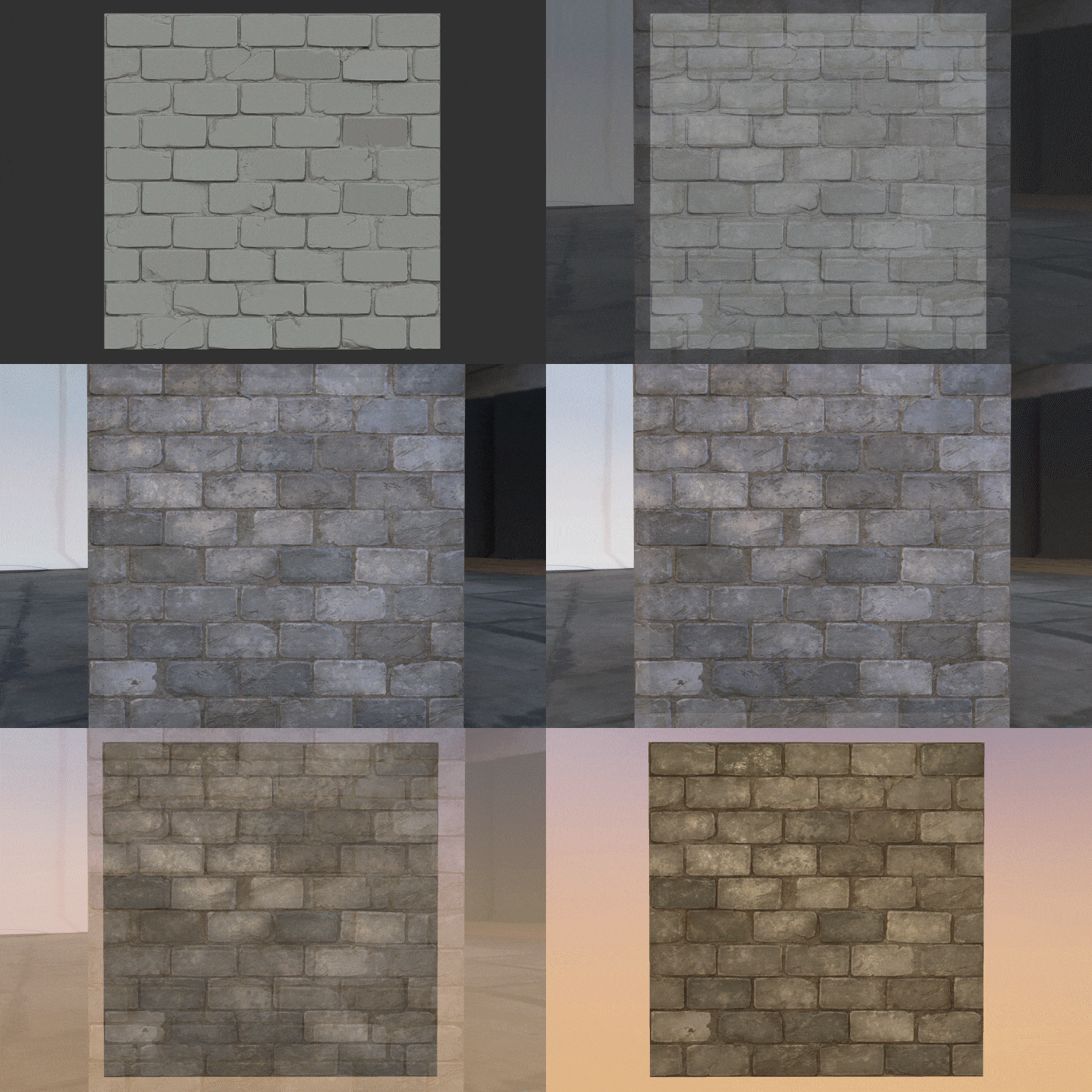 Brick Tile
Part 3. Scene Composition
Perform final tasks such as scene composition and leveling using Unreal Engine.
Instructor
3D Environment Artist
ANCALL
Hello, I’m 3D environment artist ANCALL.
I have been working as a 3D environment artist for 9 years and am currently working as a background modeler and leveler.
I’ve worked on various projects across mobile and PC platforms, realistic and stylized pictures, back view, quarter view, side-scrolling, etc., and have gained a lot of practical experience.
Via my “ANCALL3D” channel on YouTube and online tutoring, I’ve continuously communicated with job seekers and learned exactly what they need, then incorporated these insights and my own practical experience into this class.
If you are struggling with self-studying, curious about the process of creating 3D background, or want to try modeling and leveling work on your own,
my class will help you steadily build the basic skills needed for background production, including basic ZBrush capabilities, Substance Painter techniques for different materials, and basic use of Unreal Engine.

3D Environment Artist, ANCALL
[Current]
3D Environment Artist at NCSoft
Projects & Awards
Smilegate - Lost Ark
XLGAMES - Civilization Online
NXStudio - Team Manager of 3D Background Team
Student Reviews
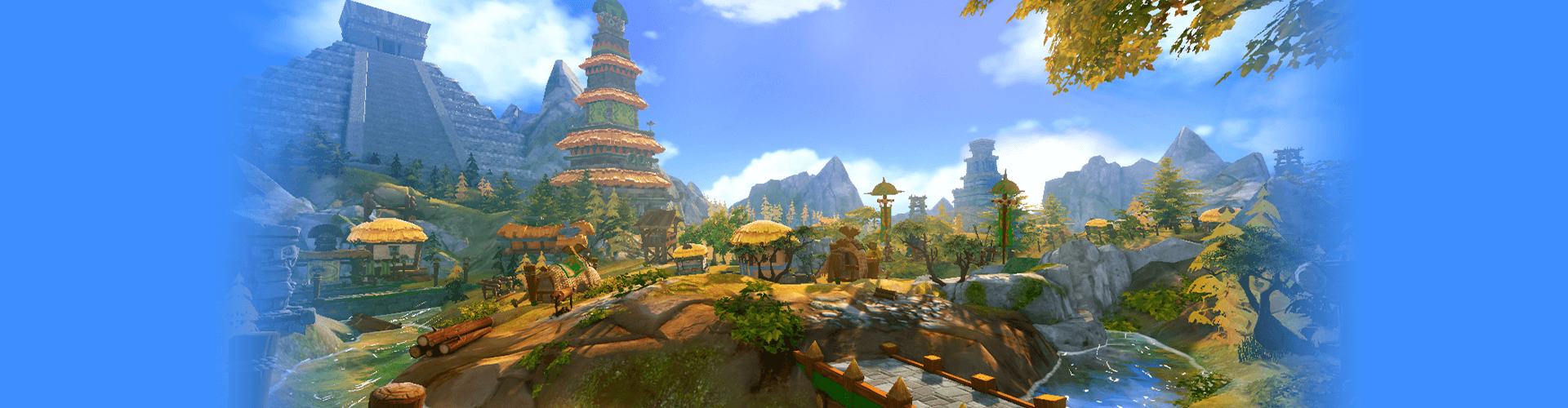
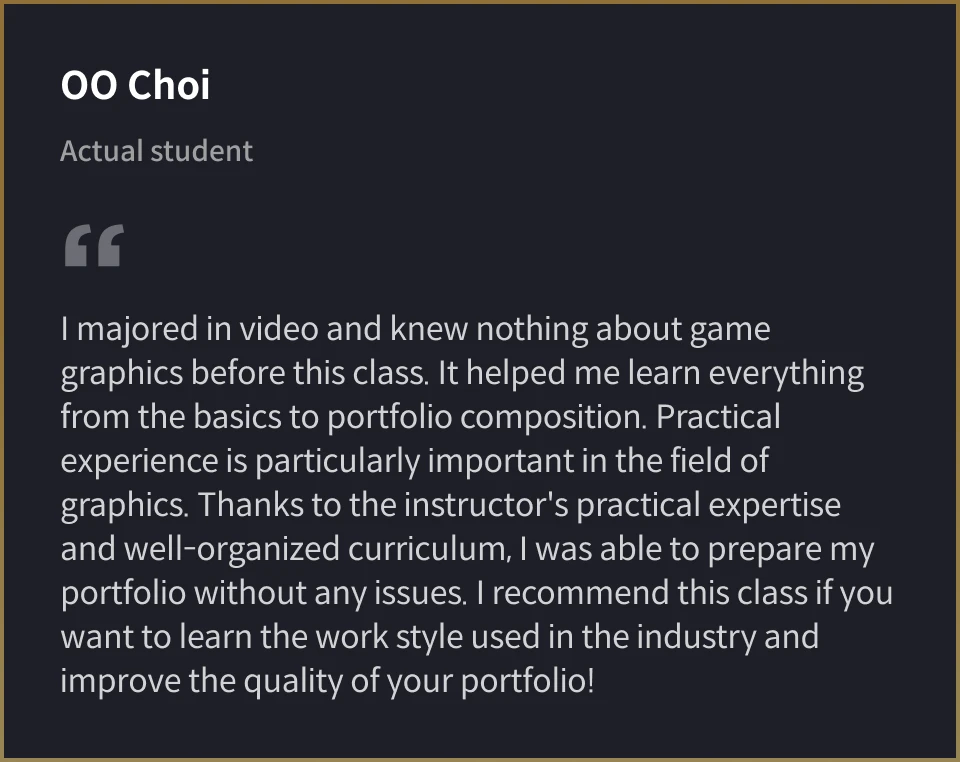
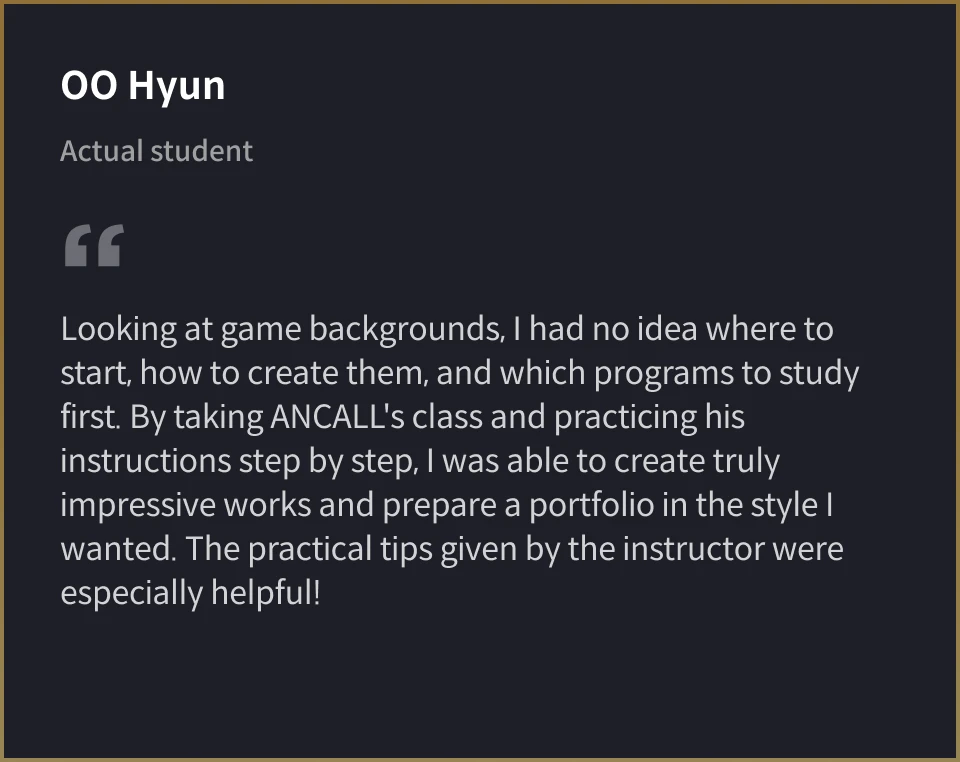
Class Recommended by ANCALL's Students
Student Portfolio Samples
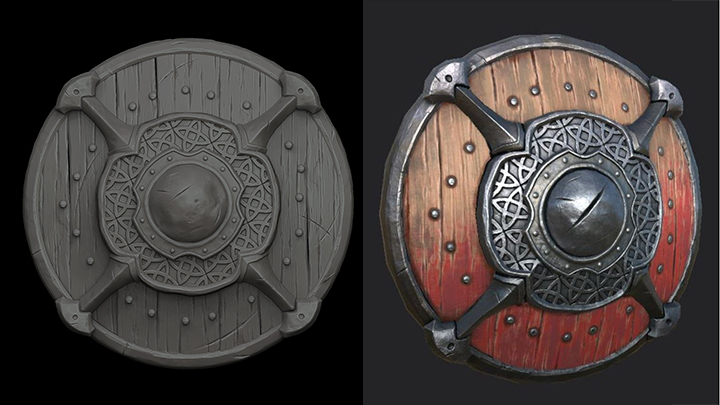
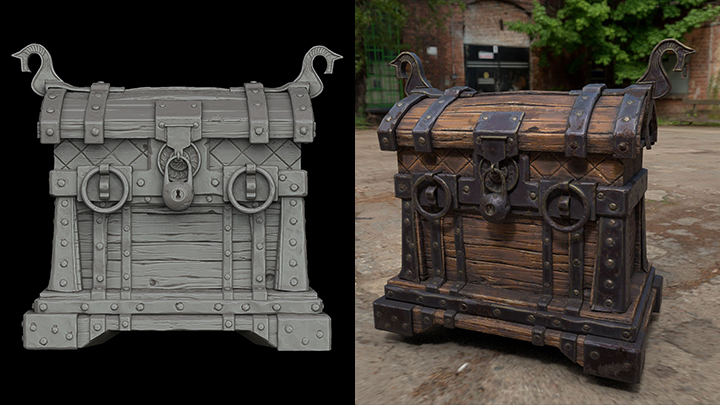
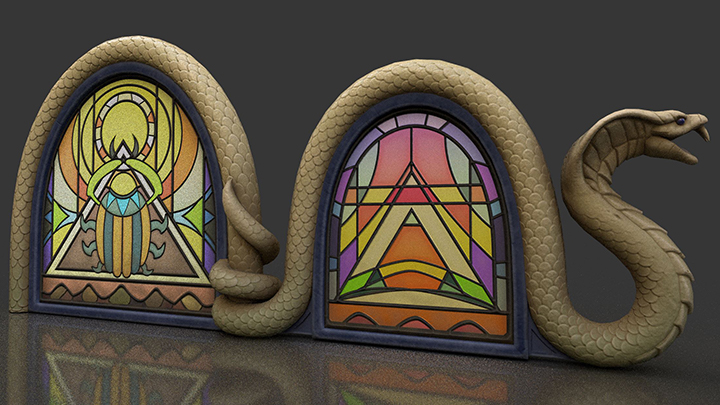
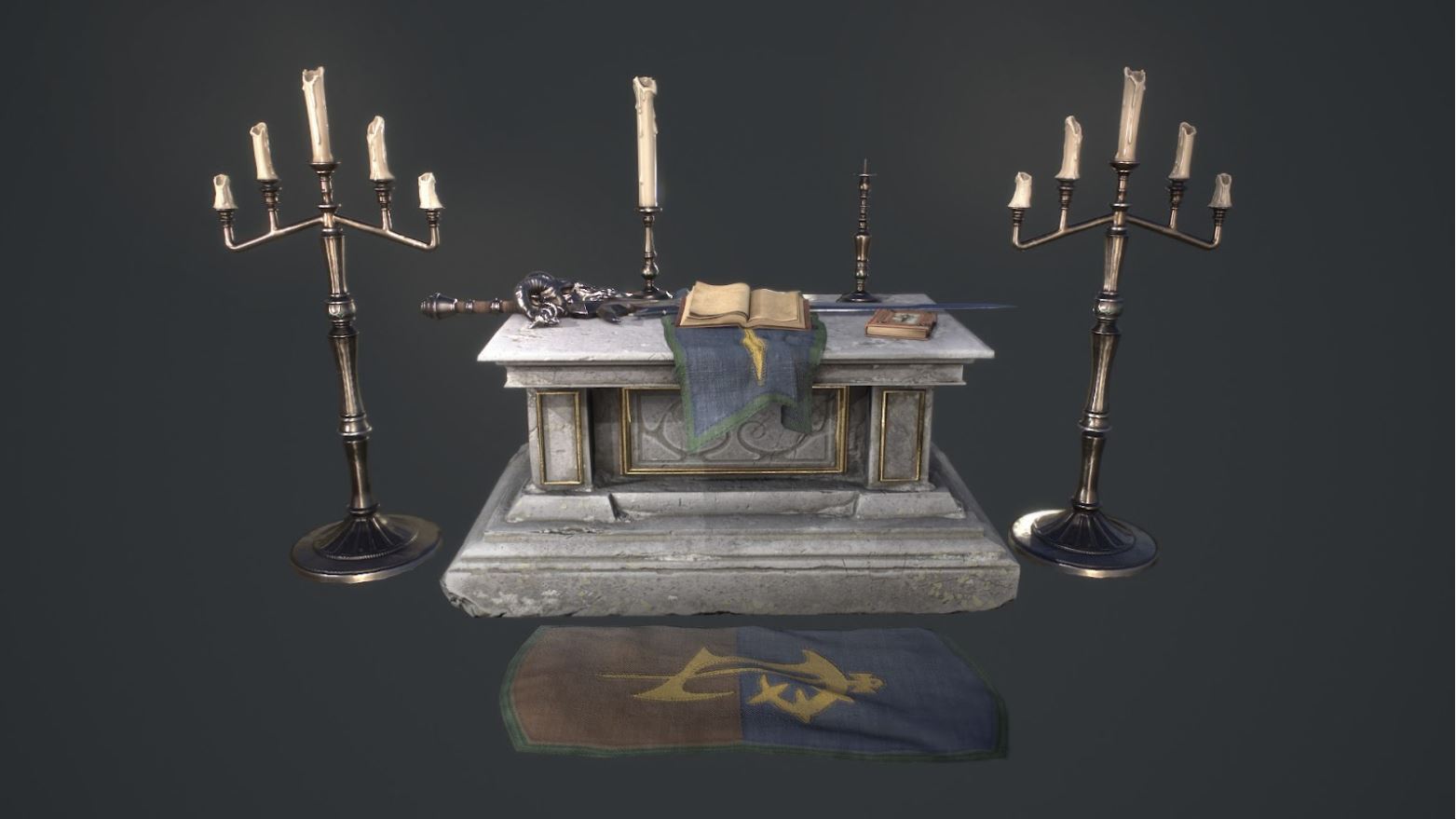
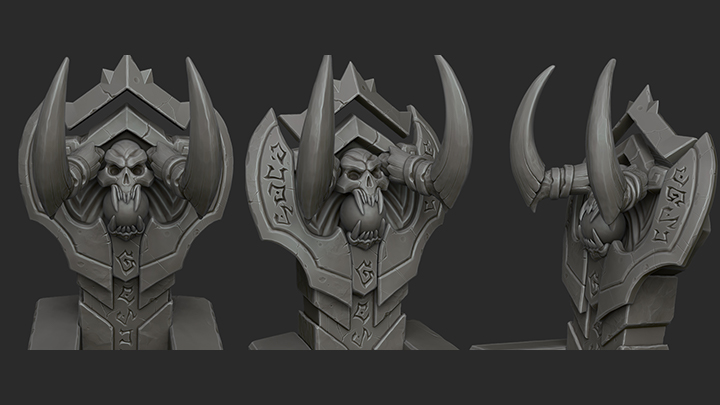
Highlights
Class Highlights
Your Chance to Learn the Practical Pipeline of a Top 3D Environment Artist
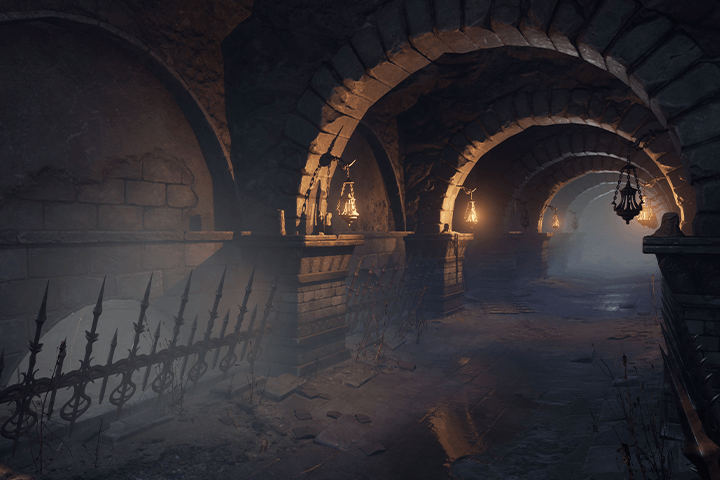
Follow the workflow of a current top-ranking 3D environment artist who has worked on numerous game backgrounds and make it your own! Through this class, you can sequentially learn the entire process of how a professional actually produces 3D backgrounds step-by-step, from modeling and sculpting to texturing, leveling, and lighting.
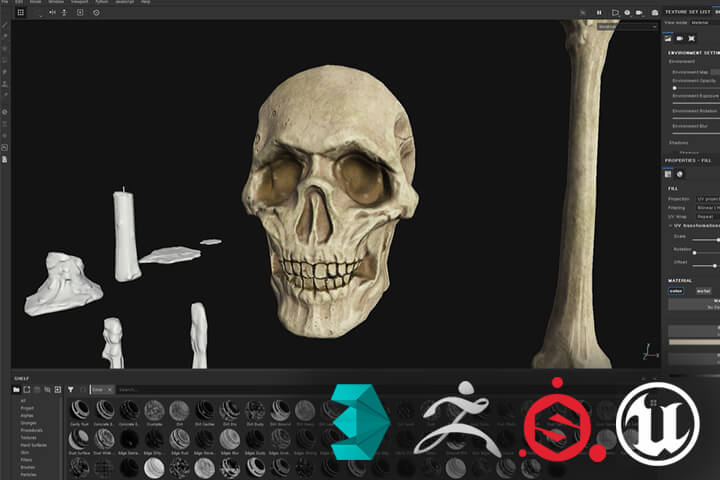
Expertise on the Four Essential Tools Used for 3D Background Modeling
Main tools used for background modeling: 3Ds Max/ZBrush/Substance/Unreal Engine Through this one class, you will learn how to utilize various tools and methods. This includes selecting appropriate modeling and texturing methods depending on the type of object you want to produce, whether natural or artificial, and choosing which tool should be used for faster and more effective work.
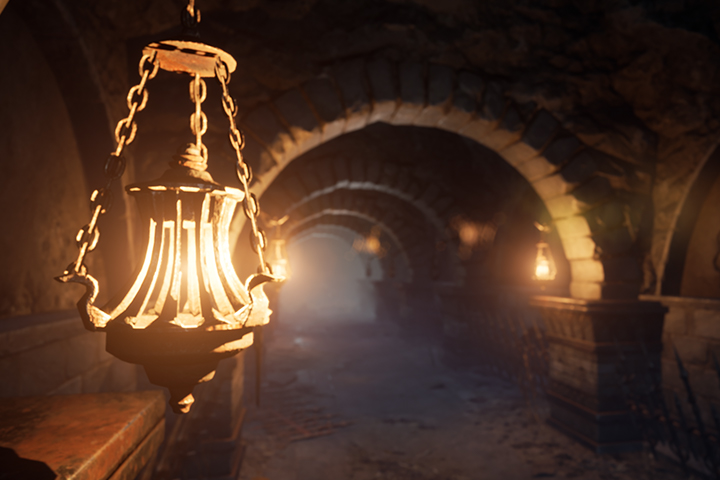
Portfolio Completion in Game Background Modeling That Even Beginners Can Do
A beginner-customized curriculum that includes modeling theories and practices newbies must master. Through this class, you will learn the interfaces and basic functions of various tools. Even beginners will be able to easily complete a final background portfolio by creating small props and entire scene compositions together with the instructor.
Class Details
You'll Learn
-
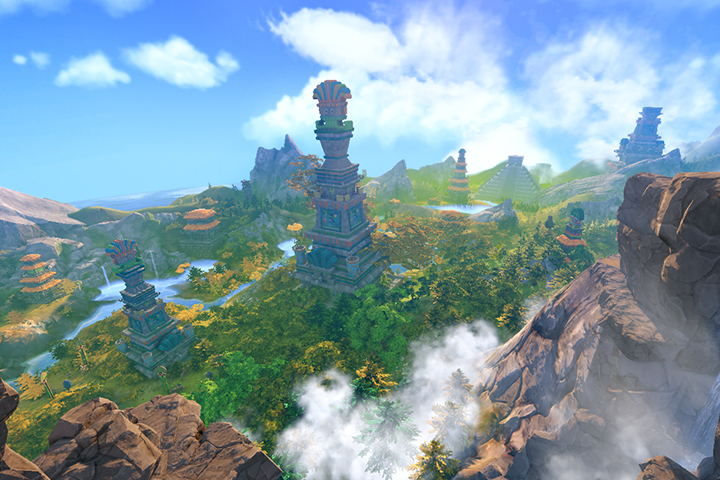 Introduction to the Workflow and Pipeline of a Game Background ModelerThis class covers what it takes to become a recognized background modeler in the industry and what activities background artists actually engage in, answering any questions students may have.
 -
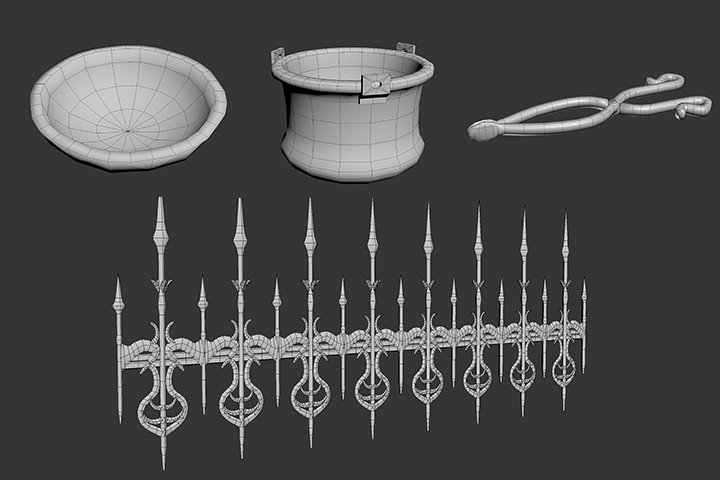 How to Create Dummies with 3Ds Max Modeling3Ds Max, an essential tool for background modeling, is widely used in game companies. You'll first learn the basic functions of this tool and model small props necessary for the background like plates, pots, tongs, wall-mounted lamps, window bars, walls, and columns.
 -
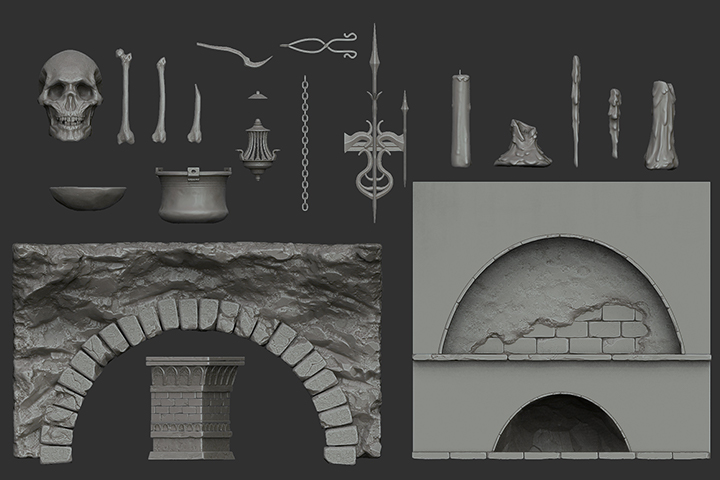 Detail Work and Additional Dummy Creation through ZBrush SculptingLearn how to add details and naturalness to modeled dummies with 3Ds Max through the use of ZBrush sculpting, and create additional dummies like bones, candles, and brick tiles, which are more effectively made with ZBrush.
-
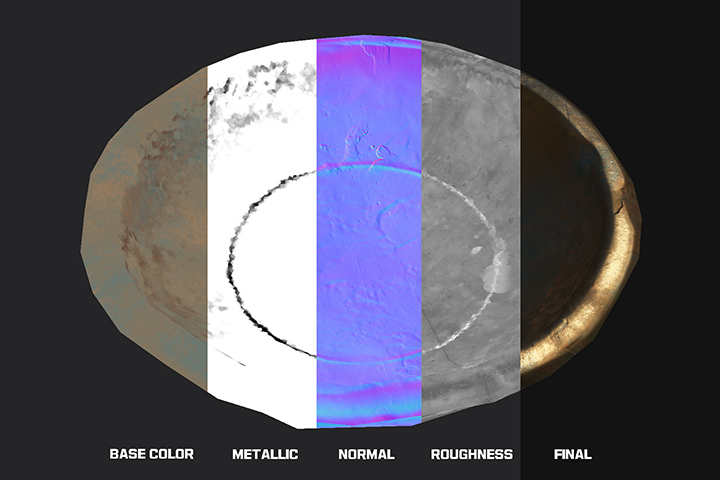 Material-Specific Working Methods Using Substance PainterAfter modeling and sculpting, take the dummies into Substance Painter to give them realistic textures, applying various material textures like Base Color, Metallic, and Roughness, and combine them to texture each dummy according to its characteristics.
 -
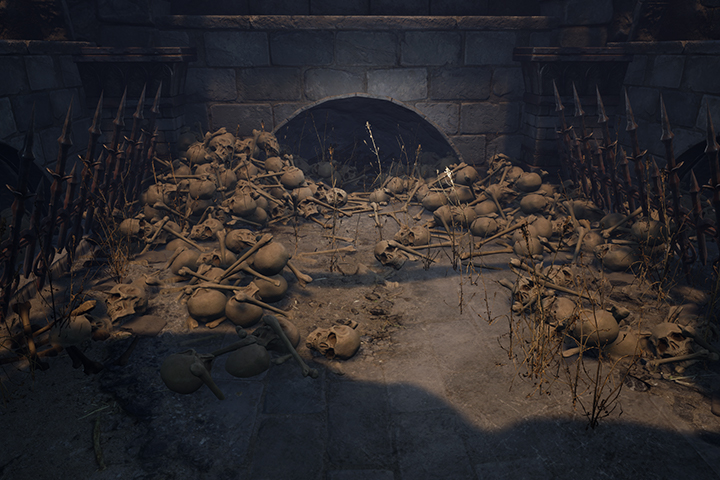 Scene Composition Expertise Using Unreal EngineImport models you created into Unreal Engine, a game engine commonly used for background production, and arrange them appropriately according to concept to compose a high-quality scene.
 -
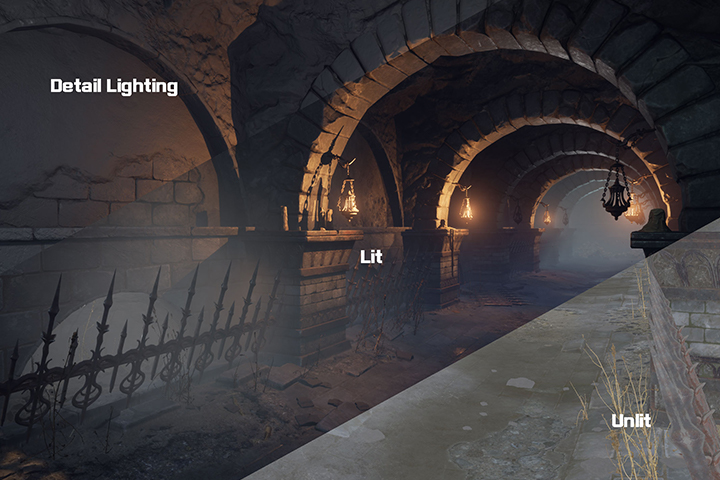 Complete Your Final Result by Adding Leveling and LightingTo ultimately enhance the quality of your composed scene, you will proceed with additional tasks such as adding spider webs and broken stones, and master skills in leveling and lighting to create an atmosphere that can be used in actual games, thereby improving background completeness.
- Unlimited Access
- Best Price
Buy now, get unlimited access.
12/31 (Sat) (UTC-7) Special offer ends soon.
This special offer ends soon.
Buy now and save!
Curriculum
Curriculum
In-Depth Look
SECTION 01. Intro
01. Before the Class Begins
- Instructor and class introduction
- What background artists do
- Explanation of work pipeline and software
- Setting the background concept
SECTION 02. 3ds Max
02. Interface
- Menu explanation
- Modifier
- Shortcuts
03. MAX Basics
- Geometry
- Basic functions of selection
SECTION 03. Creating Dummies
04. Making Plates
- Reason for making dummies
- Shell
- Flow connect
- Ring and loop
- Remove
- Grow and shrink
- Understanding turbo smooth and hard surface
05. Making Pots
- Taper
- FFD
- Modeling using instance
- Boolean and ProBoolean
- Moving from selection
- Shape merge
- Swift loop
06. Making Tongs
- Usage of line
- Soft selection
- Twist
07. Making Wall-Mounted Lamps
- Lathe
- Create shape from selection
- Array
- Path deform
08. Midway Total Dummy Check
- Creating a parent dummy
- FBX export settings
09. Basics of Unreal Engine
- Installing Unreal Engine
- Menu explanation and basic operation
- Import settings
- Group settings
- Camera shortcut keys setting
10. Making Window Bars
- Crease
- Arc
11. Walls, Columns, and Arch Structures
- Bend
- Mirror
12. Actual Placement of Dummies
- Engine placement work
SECTION 04. ZBrush
13. Interface
- Basic menu explanation
- Changing UI
- Tool menu explanation
14. Basic Operation
- Self menus
- Using gizmo
- Introduction to frequently used brushes and shortcuts
- Adding brushes and materials
- Adding patterns with Alpha
- Mask
- Group
- Cutting brushes
- Extract
- Mask mesh
15. Plates, Pots, and Tongs
- Alpha brush
- Radial symmetry
16. Window Bars and Wall-Mounted Lamps
- Surface noise
- Merge similar
17. Columns
- Trim smooth border
18. Arch Structures
- Bend Arc
19. Walls
- Lightbox noise makers
- Mask by noise
20. Bones and Candles
- Depth
21. Brick Tile
- Offset
- Wrap mode
SECTION 05. Low Poly and Unwrap
22. Normal Maps and Shaders
- What is a Normal Map?
- What to extract as normal and what to create as mesh
- Relationship between shaders and normal maps
23. UV Work
- Unwrap UVW
- Decimation master
- Slice plane
SECTION 06. Substance Painter
24. Basic Operation of Substance Painter
- Menu explanation and basic operation
- The role of each map
25. Bake
- ZBrush FBX export
- By mesh name
- IDmap and ColorSelection
26. Plates, Pots, and Tongs
- Filter and generator
- Export textures
27. Wall-Mounted Lamps and Window Bars
- Alpha
- Mask builder and mask editor
- Metal edge wear
- UV border distance
28. Brick Tiles and Plastered Wall Tiles
- Creating smart materials and smart masks
- Post-correction smart materials
- Dirt generator
29. Columns, Arches, and Walls
- Mask shift
30. Bones and Candles
- Material of bones and candles
31. Preparations Before Moving to the Engine
- Engine asset export
- Creating low poly
SECTION 07. Leveling and Lighting
32. Engine Settings
- Lod
- Collision
- SRGB
- Parent material and instance material
33. Leveling and Lighting 1
- Landscape
- Foliage
- Light
- Reflection capture
- Fog
34. Leveling and Lighting 2
- Vertex paint
- Decal
- Megascan
35. The Latter Part
- Effects
- Post processing
36. In Conclusion
- Final thoughts
SECTION 08. Learning Skills for Additional Work
37. Making Stones
- From sculpting to texturing of medium-sized rocks
38. Making Wooden Planks
- From sculpting to texturing of wooden planks
39. Creating Parent Materials
- Making basic nodes used in Unreal Engine
40. About Portfolios
- Reviewing portfolios from a job-seeking artist to practical professional portfolios
*The release date of this class, curriculum images, and associated content can be changed without prior notice.
** Class videos may be seperated for a more streamlined viewing experience
Interview with
3D Environment Artist, ANCALL

Question.01
What is the market potential and outlook
for 3D background modeling?
This field is already promising, but I believe it will become even more competitive in the future. This sector in game companies fundamentally requires a lot of manpower, and a lot of people from a variety of industries like movies and animation are also transitioning into it. Game companies treat workers well, and as technology advances and the field expands, the value of jobs for background modelers is increasing. I believe a worker who can continuously grow in this field has the ability to work up to 60 years old.
Question.02
What is the most challenging part
for students new
to 3D background modeling?
Background modeling is not just about making one thing well. Challenges include how your modeling appears in a scene and what density and balance to maintain in the work, which are the most difficult and error-prone aspects for beginners. This class focuses on these aspects and aims to provide an understanding of where to apply effort and where to hold back, through a multifaceted approach to value differences rather than a uniform working method.
Question.03
What makes this class unique?
This class is unique in that you can learn everything from modeling to ZBrush texturing, engine leveling, and lighting all in one. Making 3D backgrounds involves a lot of content and learning, divided into different fields, resulting in fragmented information. It takes time to find the information you want. I have structured this class’s curriculum so that students can complete a background scene portfolio on their own.
Required Programs
This course will use
- 3ds Max 2020
- Zbrush 2021.6
- Substance Painter 7.1
- Unreal Engine 4.26
Recommended versions:
- 3ds Max 2018 or higher
- Zbrush 2021.6 or higher
- Substance Painter 7.1 or higher
- Unreal Engine 4.26 or higher
Unreal Engine recommended specs:
link
Please purchase and install these program(s) for an optimized chapter experience.
*These programs and/or materials will not be provided with the chapter.
Recommended
Recommended Class
Like this class?
Then check these out!