[enrolltounlock]3DArtist,HeedoPark_3D 아티스트 박희도 Details
Class introduction
Class Intro
3D Artist, Heedo Park
“This class will make texturing easier by addressing various challenges you may have encountered in your work.”
The Secret of Photo-Realistic Texturing to Change the ‘Color’ of Your Work!
"Are you frustrated with messy and unrealistic results, no matter how many times you follow references or instructions in free lectures?"
Meet the online class of veteran 3D Artist Heedo Park, who is the head of the Locus lighting team.
Substance Painter is the ultimate texturing tool, and this basic guide covers it all! With 20 lessons, you'll learn everything from texturing theory to UDIM control and how to integrate with external tools like Maya. Boost your skills and confidence in realistic texturing with this Substance Painter class. Check it out at Coloso now!
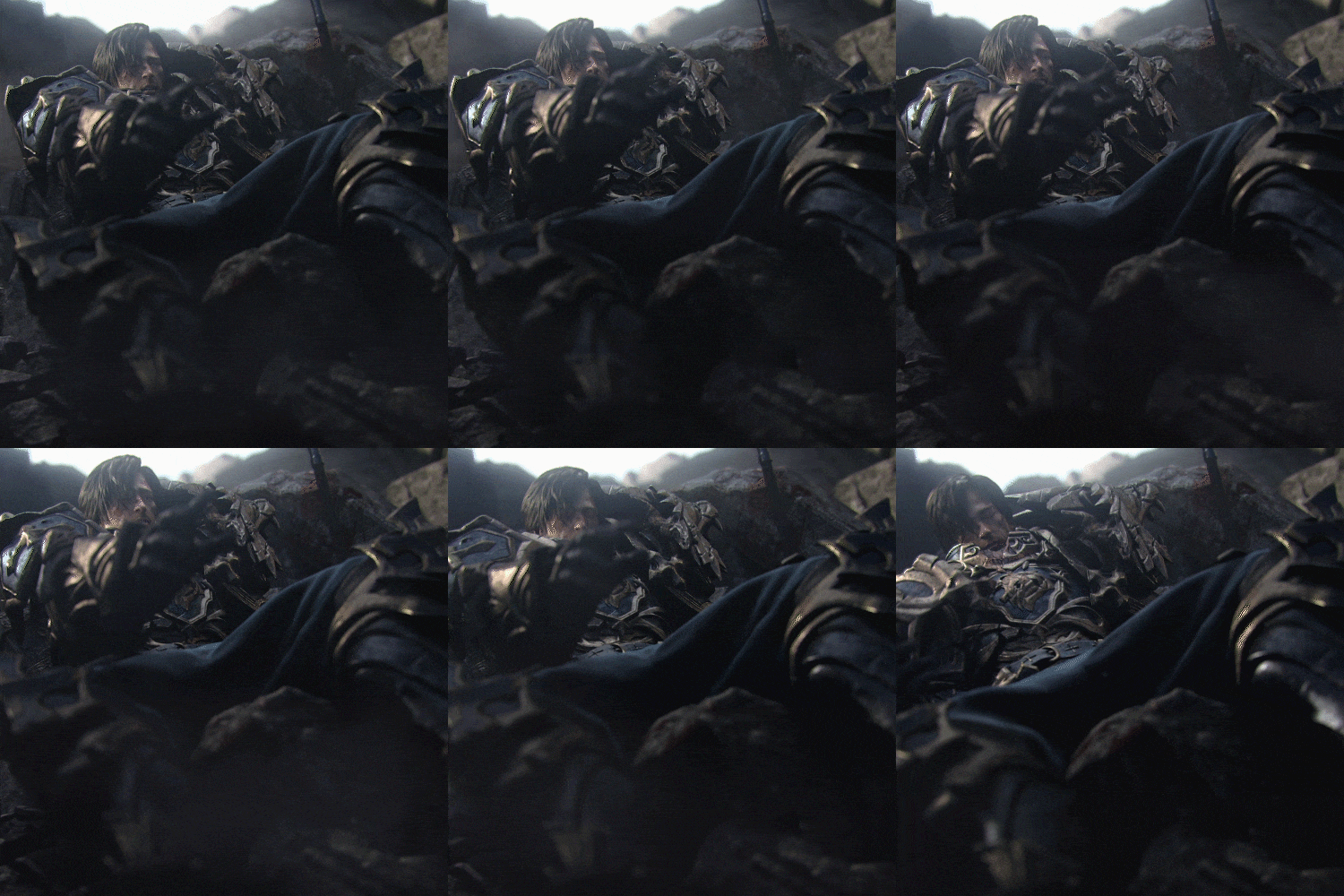
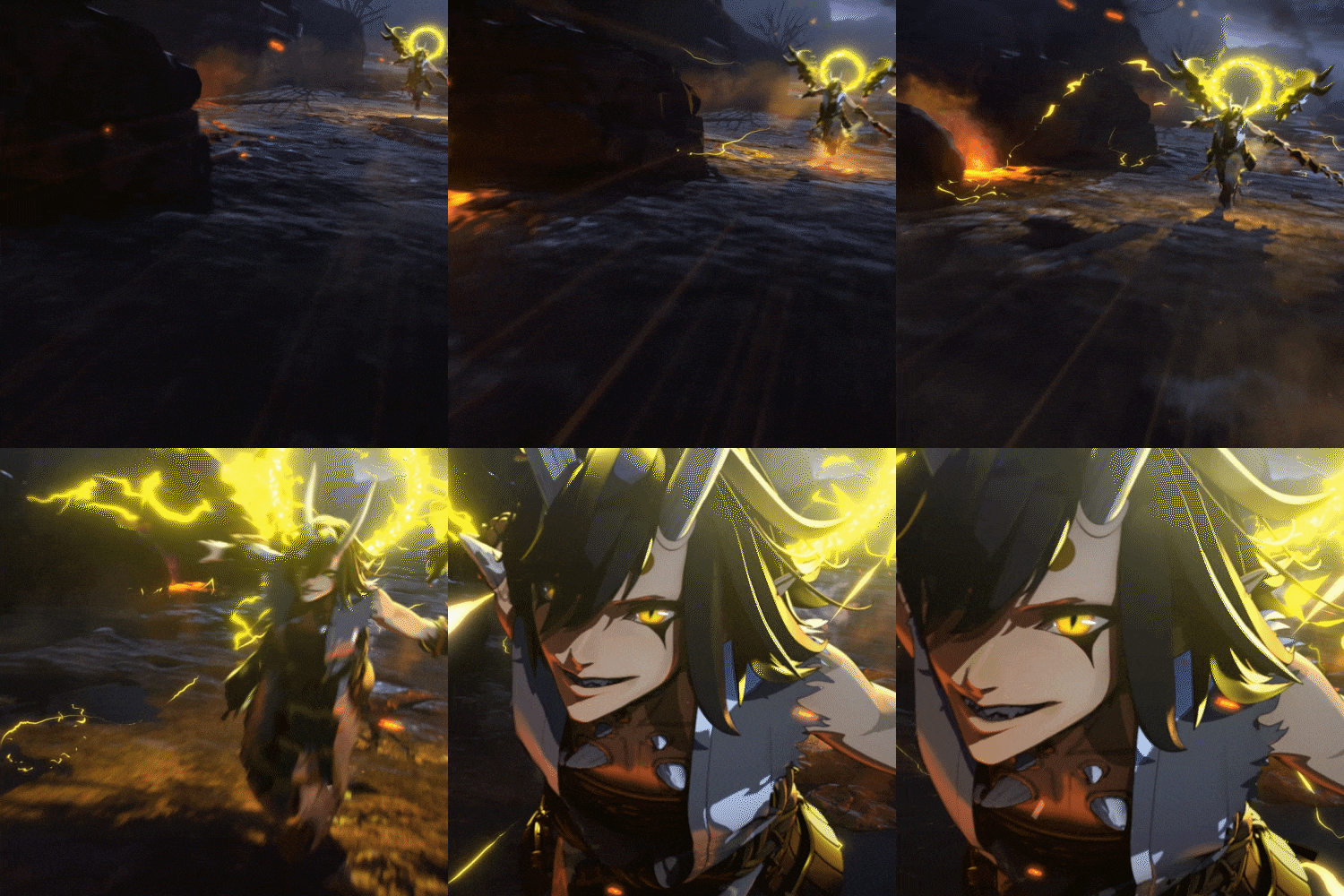
Expert 3D Artist Heedo Park's Portfolio

Why Take This Class?
While there are many online classes that teach the basics of the tool, but there are almost no tutorials that help you properly understand Substance Painter texturing.
In this class, you can learn in detail about the entire real texturing process, from the starting point of organizing modeling to reference analysis, base texture, and dirty values. Coloso is the only online class that teaches you everything from the overall work process to complex and detailed skills and practical know-how to develop your work even better.
5+ Class Exercises
-
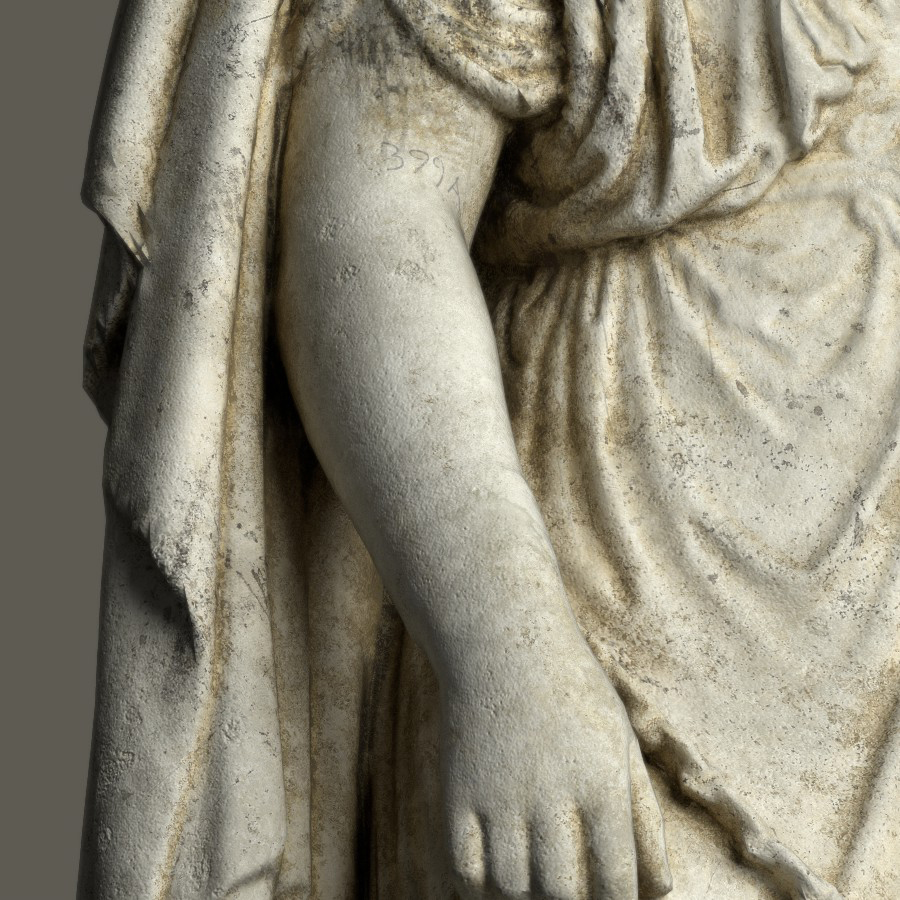
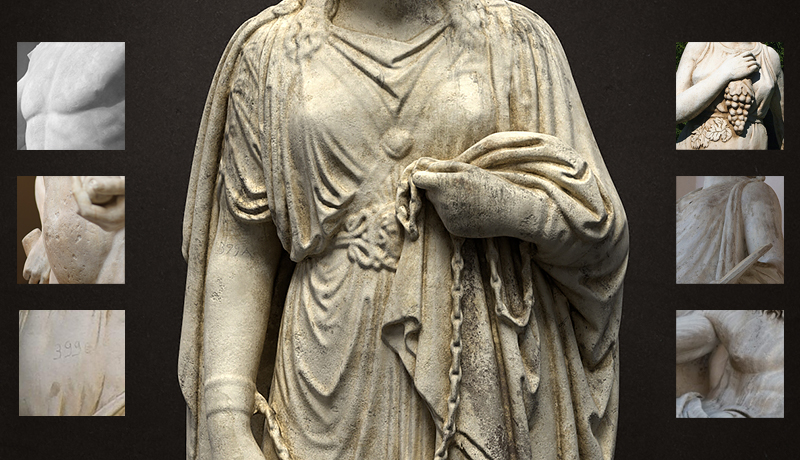
Stone -
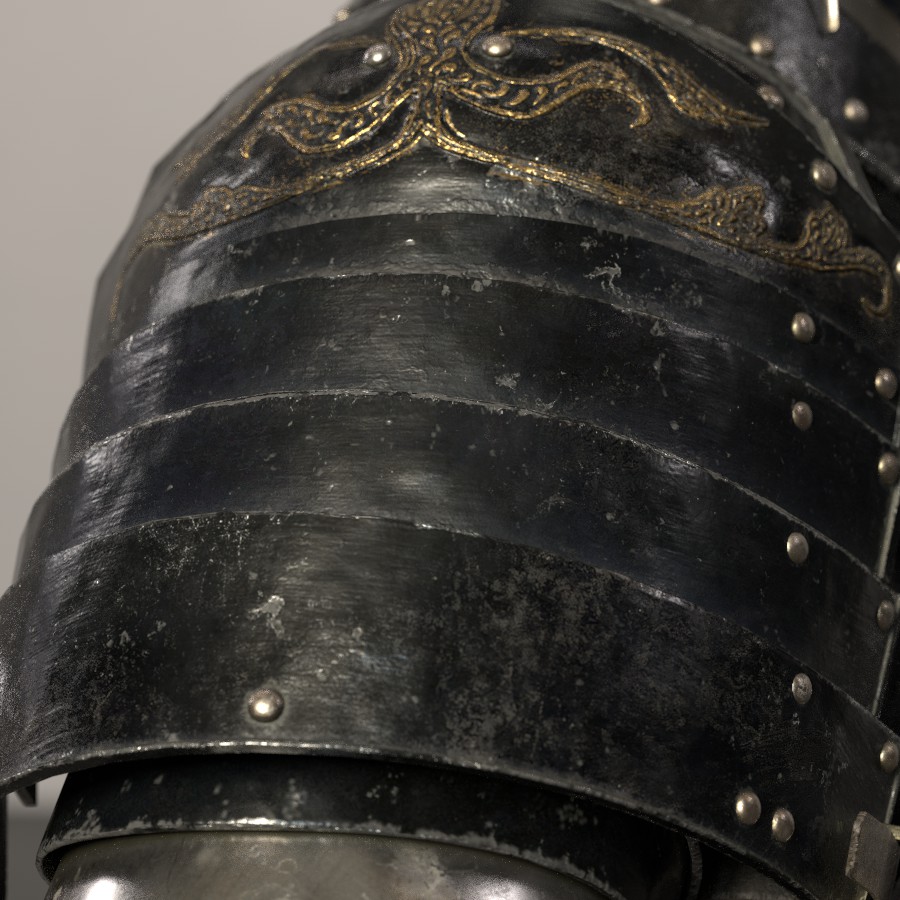
Paint Metal -
Silver
-
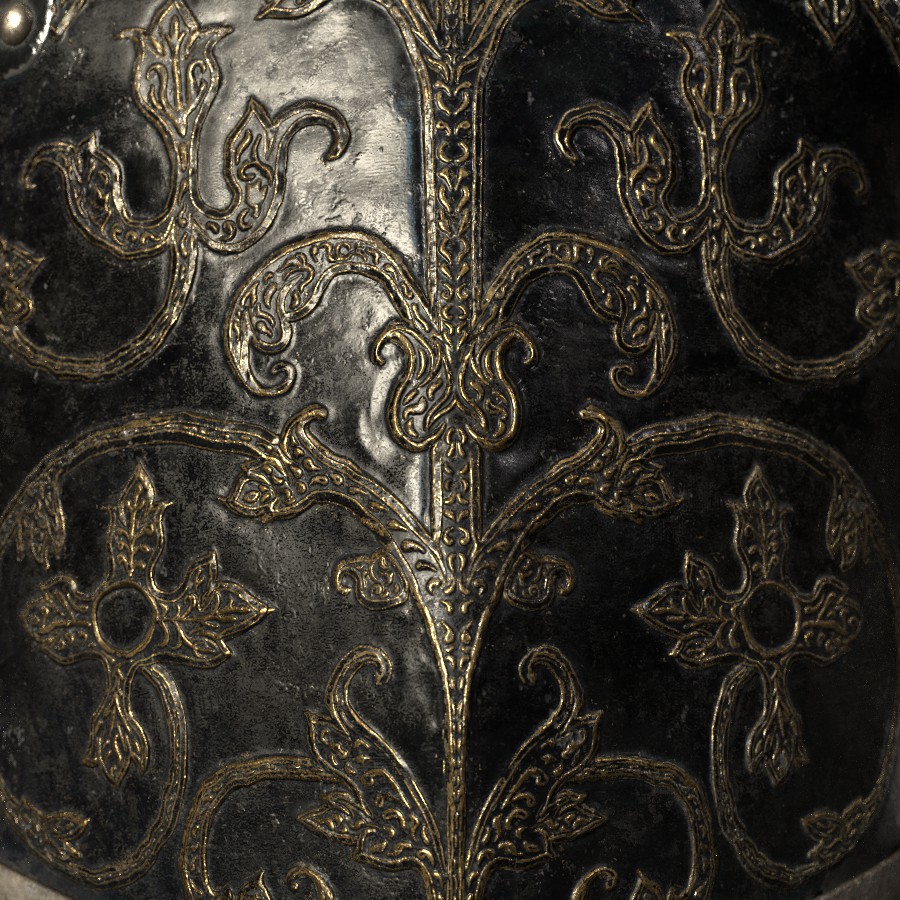
Gold -
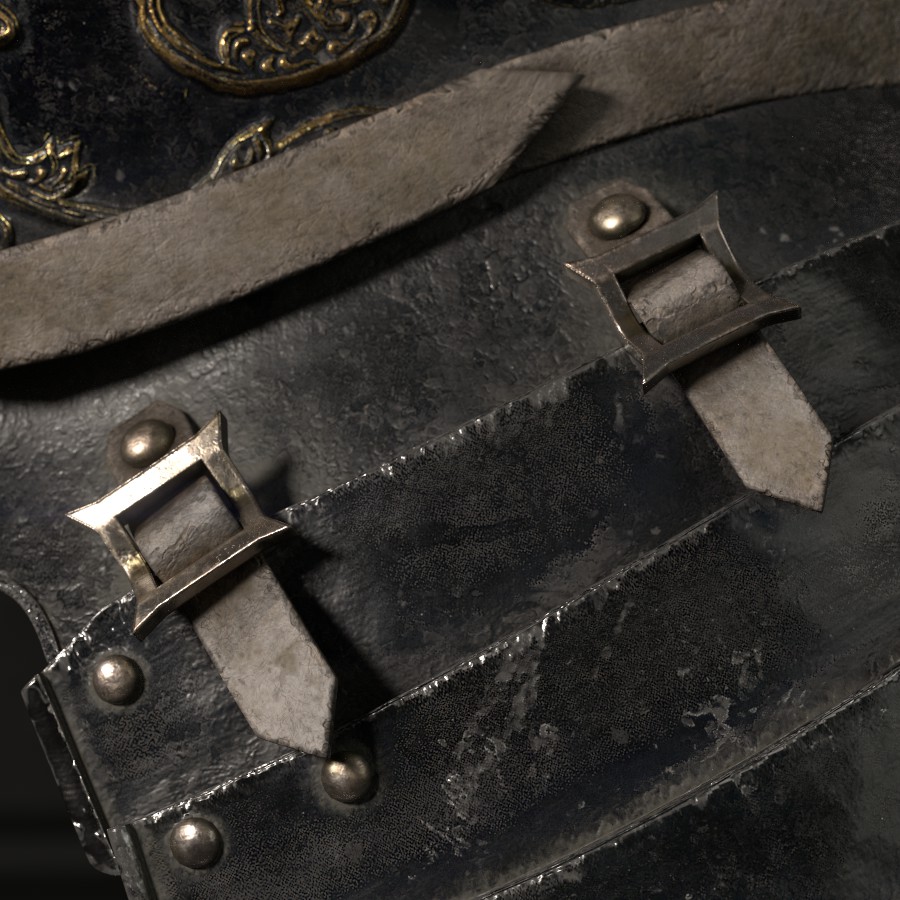
Leather -
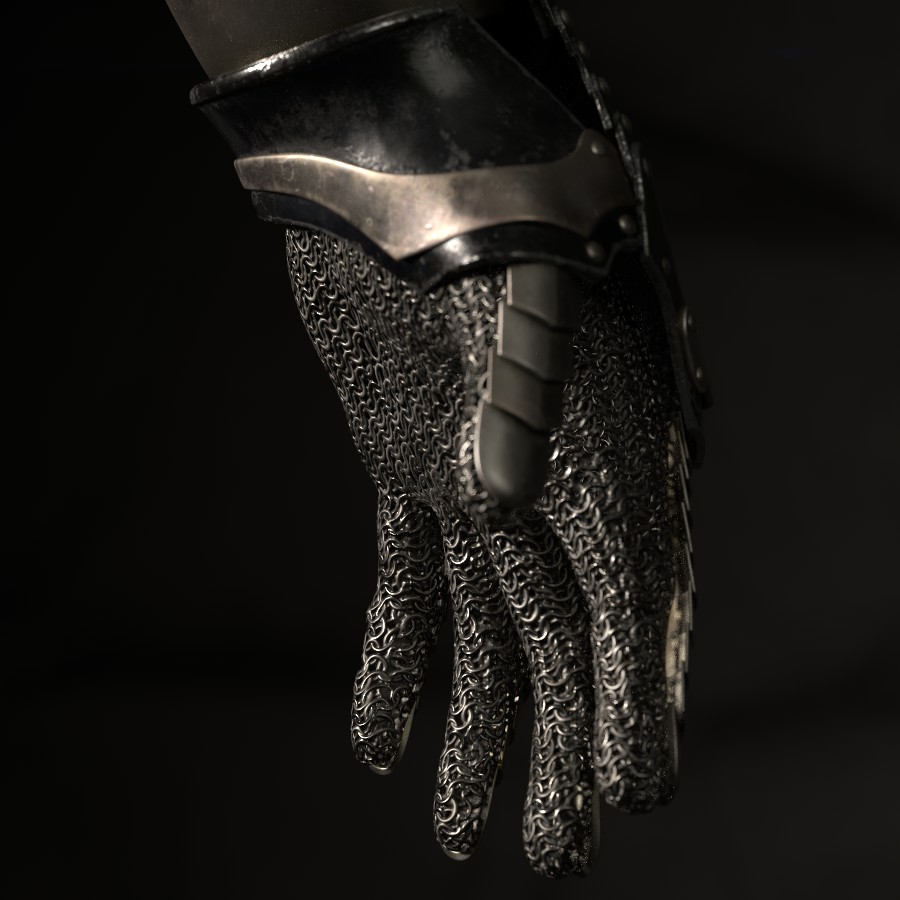
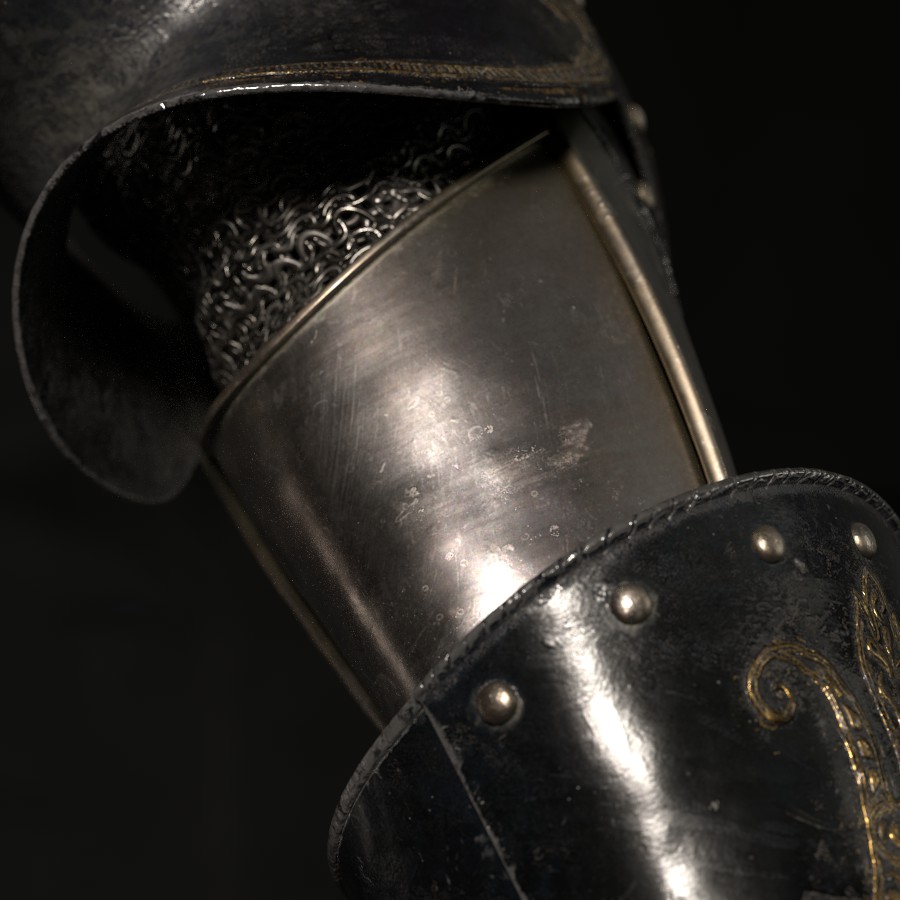
Chain Mail
-
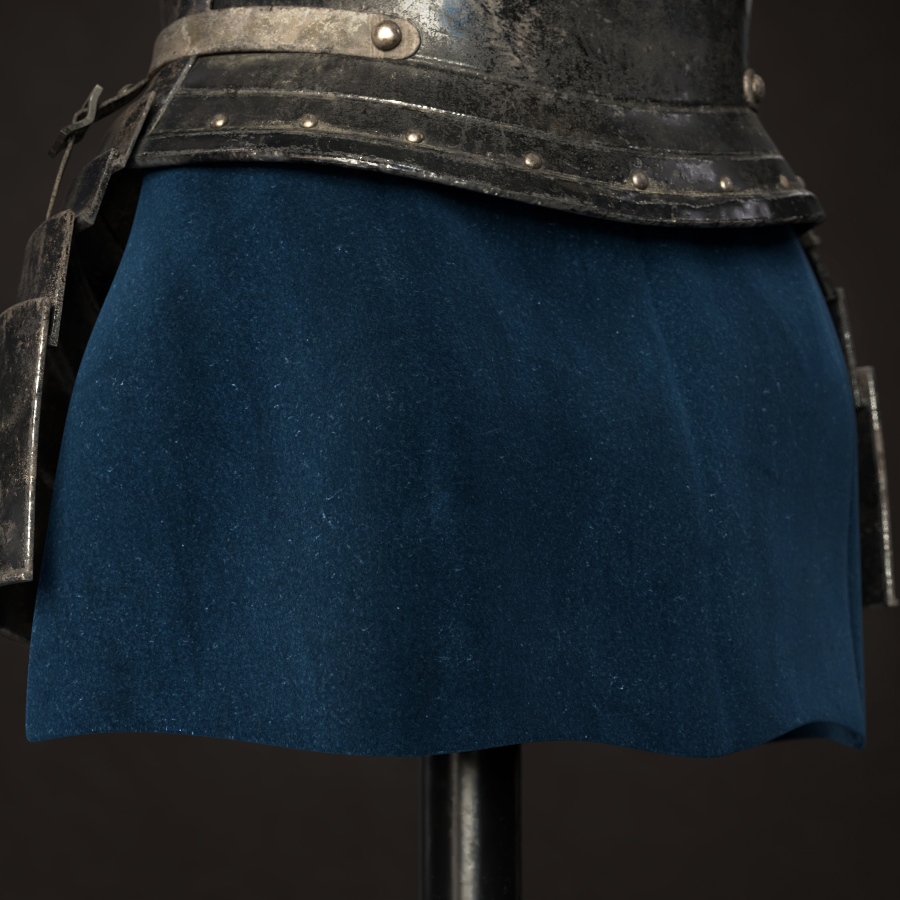
Velvet -
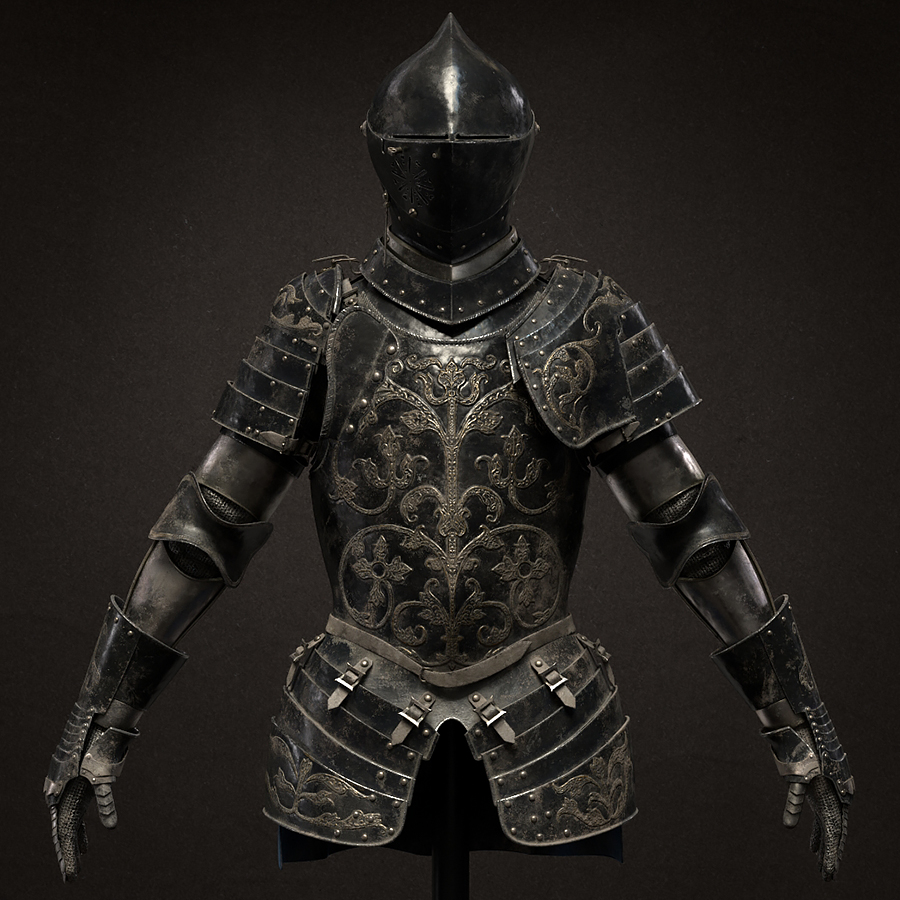
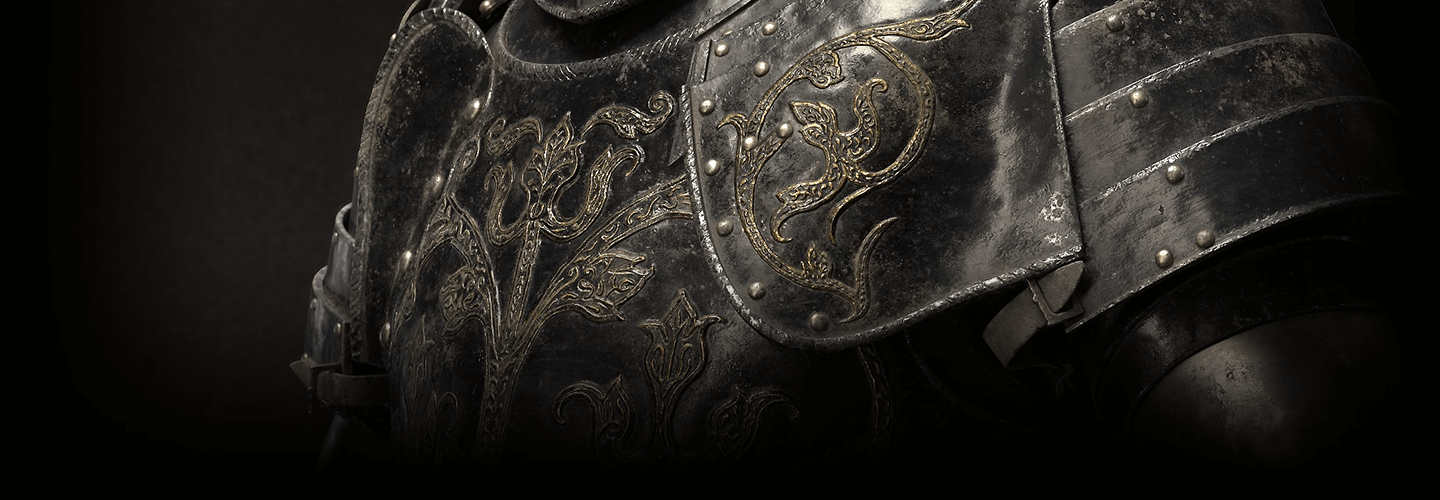
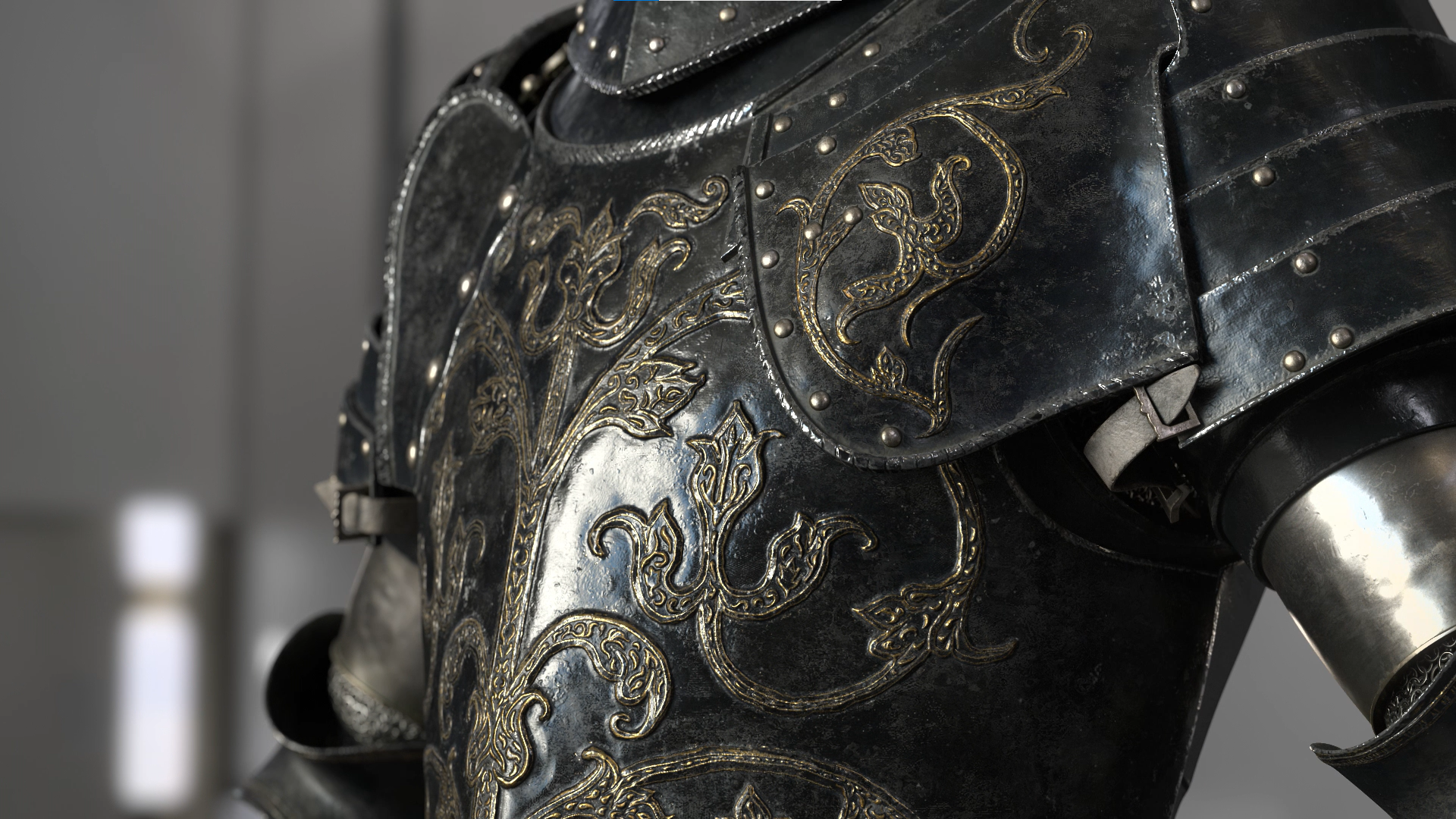
Antique Armor -
Speaker introduction
3D Artist
Heedo Park
Hello, this is 3D artist Park Hee-do. After working at Giant Step, I am currently the head of the Locus lighting team, and lead all cuts and asset work that goes into cinematic videos, including texturing, shading, lighting, rendering, and pre-com.
I have produced commercials for numerous companies, including Samsung, Toyota, and Hera, and has also participated in the production of numerous game cinematic works, including Lineage 2 Revolution, Blade & Soul 2, Bless, and Onmyoji.
class features
Class Highlights
Learn How to Use Substance Painter
Learn the functions of Substance Painter, which are used by most texturing artists, and learn how to apply them to create realistic results.
Texturing, from Basics to Output All at Once
Based on the practical pipeline, from basic theories you must know to planning texturing concepts that reflect design elements and in-depth understanding of tools. I will teach you how to express both realistic texture and design stability.
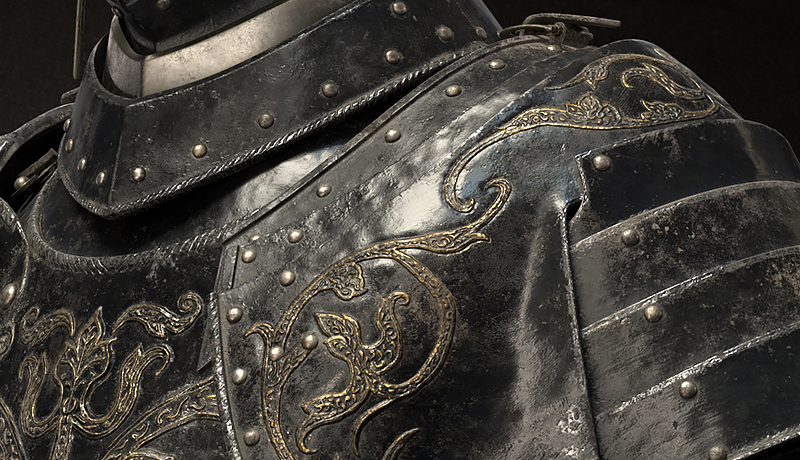
Provides over 200 Practical Texture Presets
I will provide a variety of practical files that can be used immediately in practice, including over 20 example material & scene files, 160 brush sources, reference images, and reference site links.
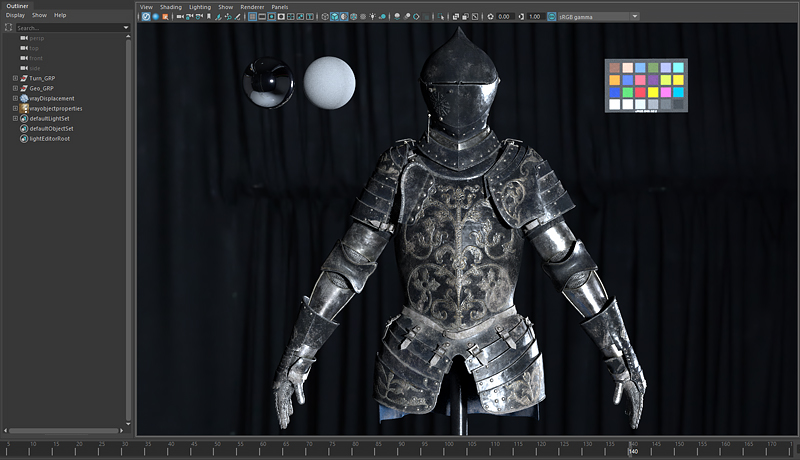
Class Details
You'll Learn
-
 Understanding Substance PainterLearn how to utilize representative practical functions such as Texture Bake, Filter, and Generator.
 -
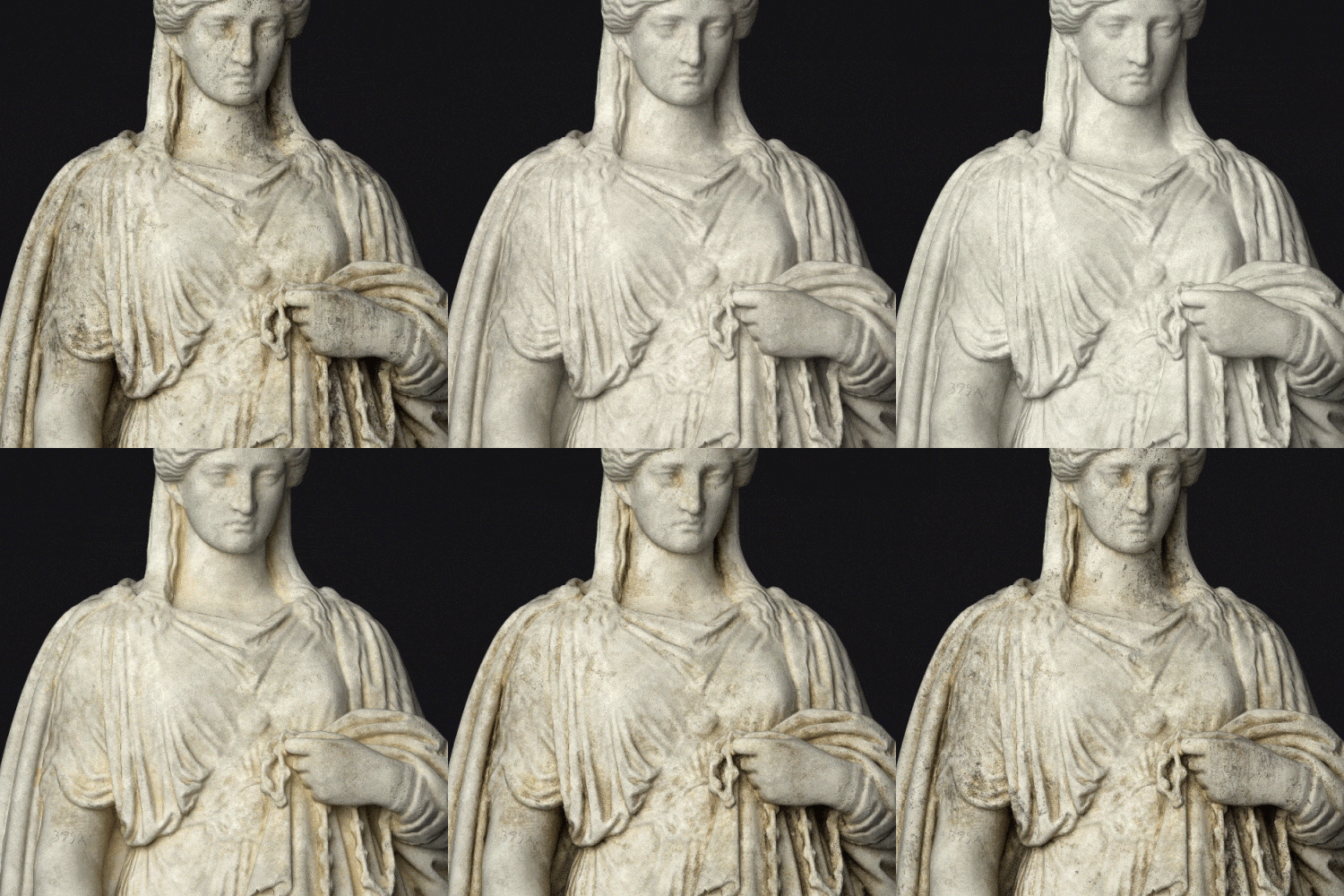
 Texturing Theory for QualityWe will analyze the characteristics of a good reference and, based on this, learn various theories and points to reach good results.
 -
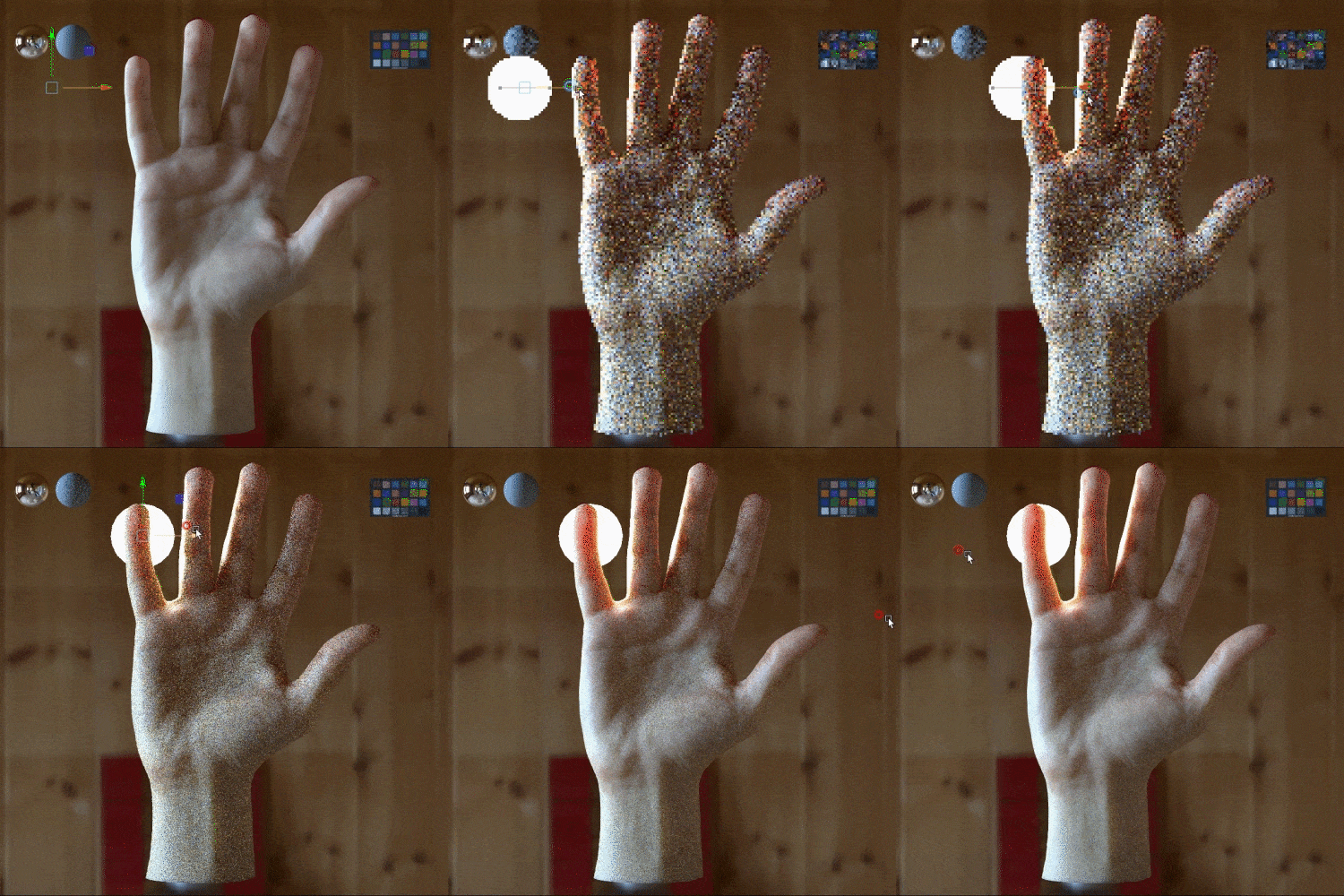
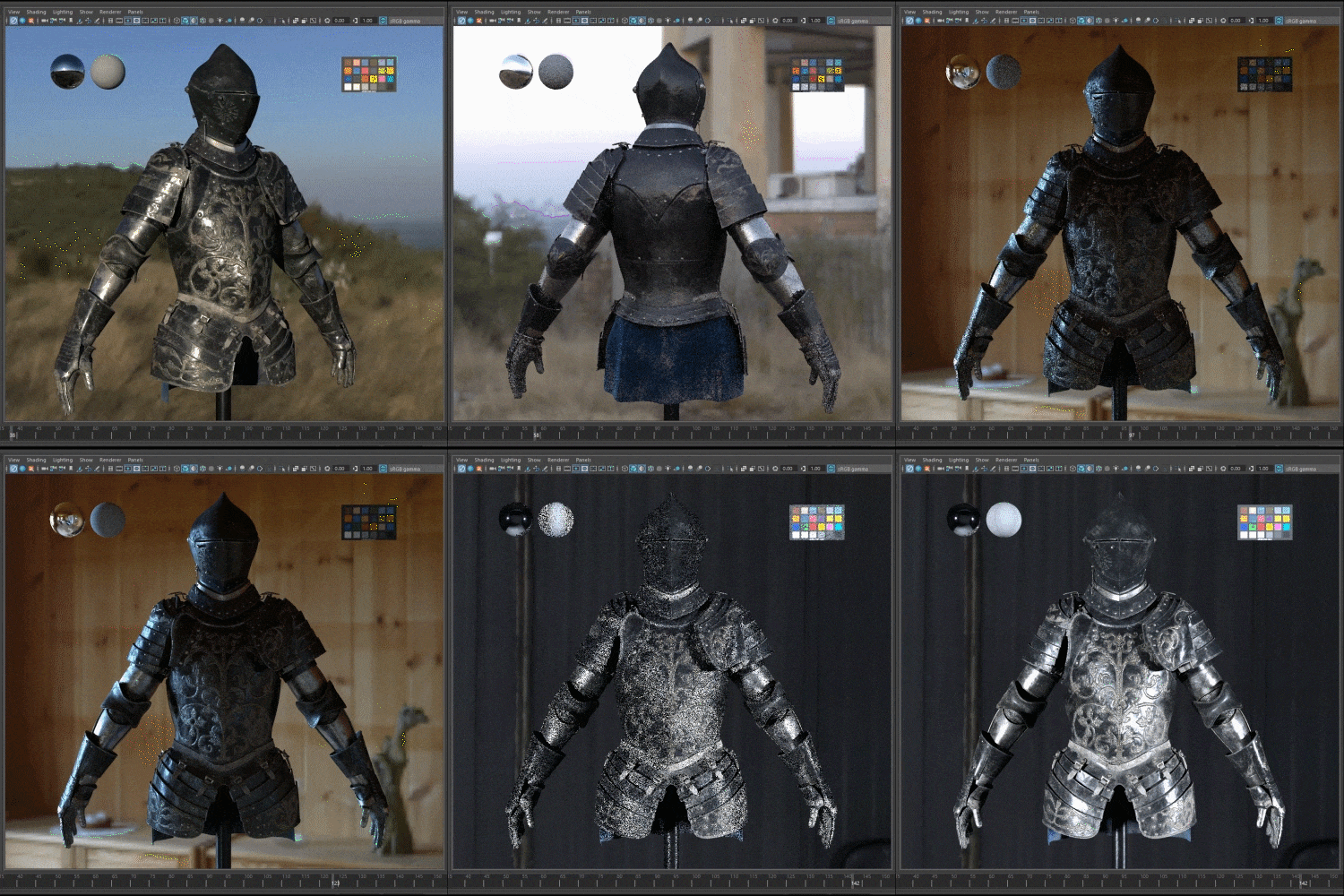 Understanding TurntablesLearn about the true purpose of a turntable based on an understanding of lighting and shading.
-
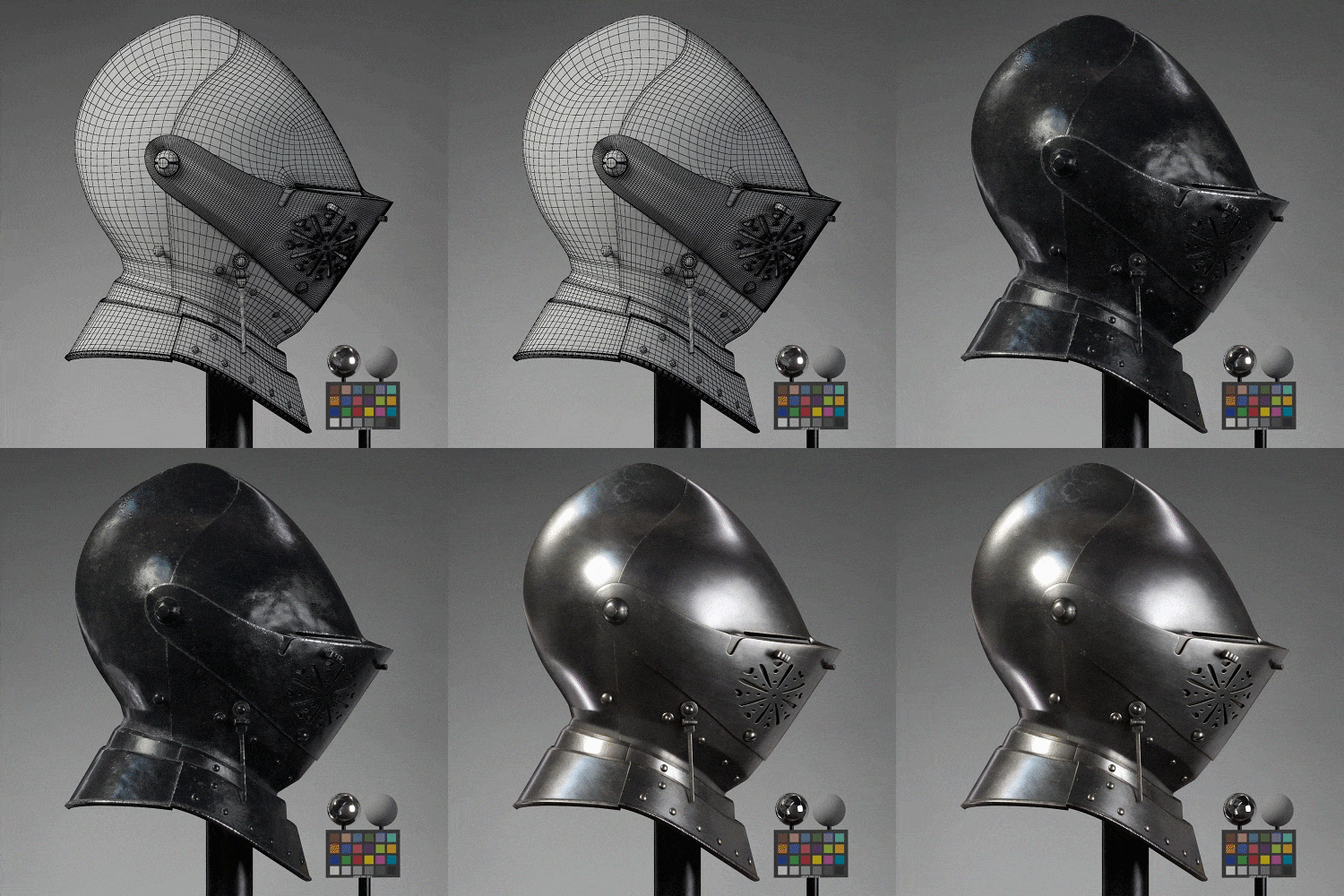 Maya and Substance PainterLearn how to use Substance Painter efficiently and how to render in Maya while maintaining texture quality.
 -
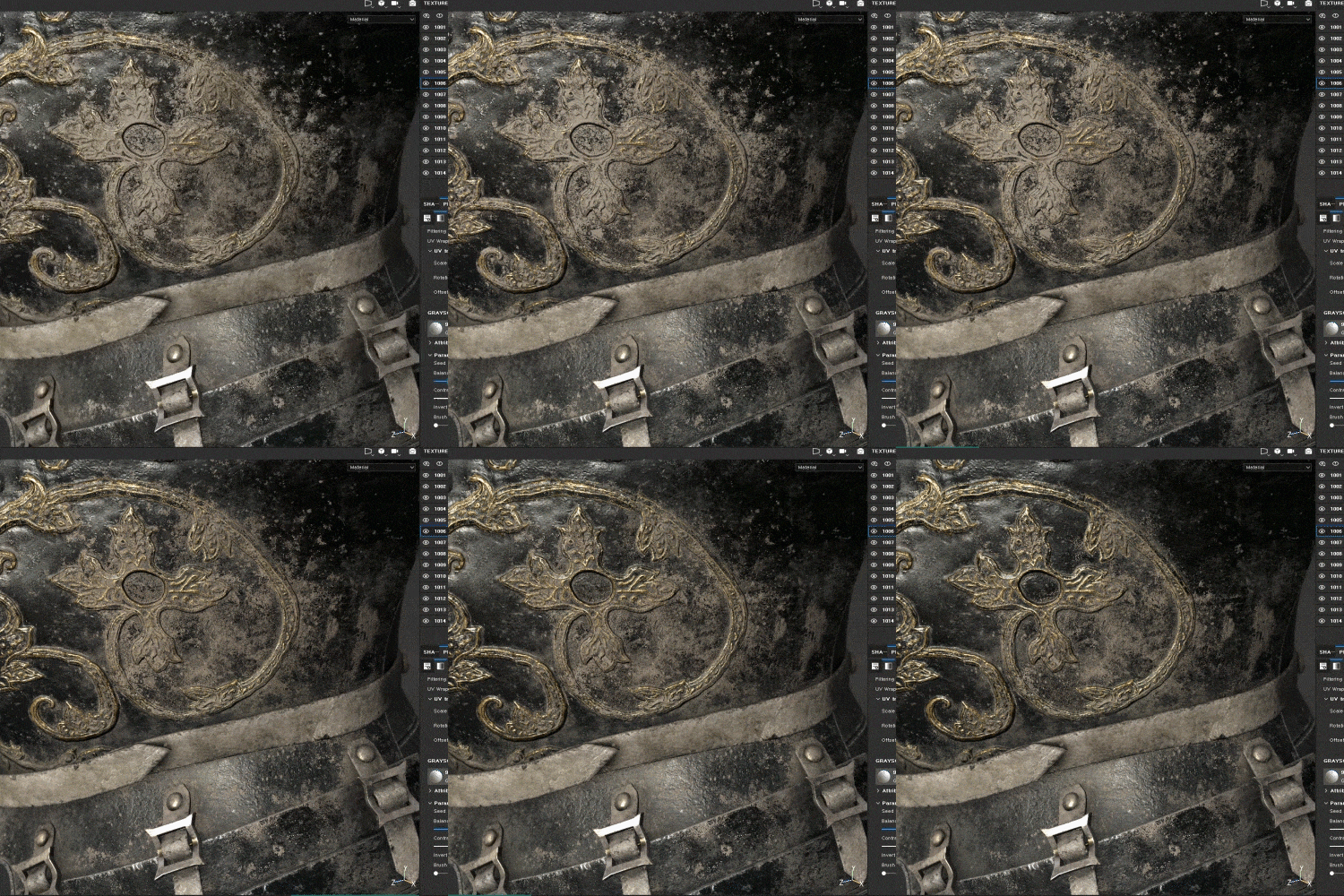 UDIM controlWe will understand UDIM, which consists of multiple UVs, for texture details, and provide know-how for efficient work.
 -
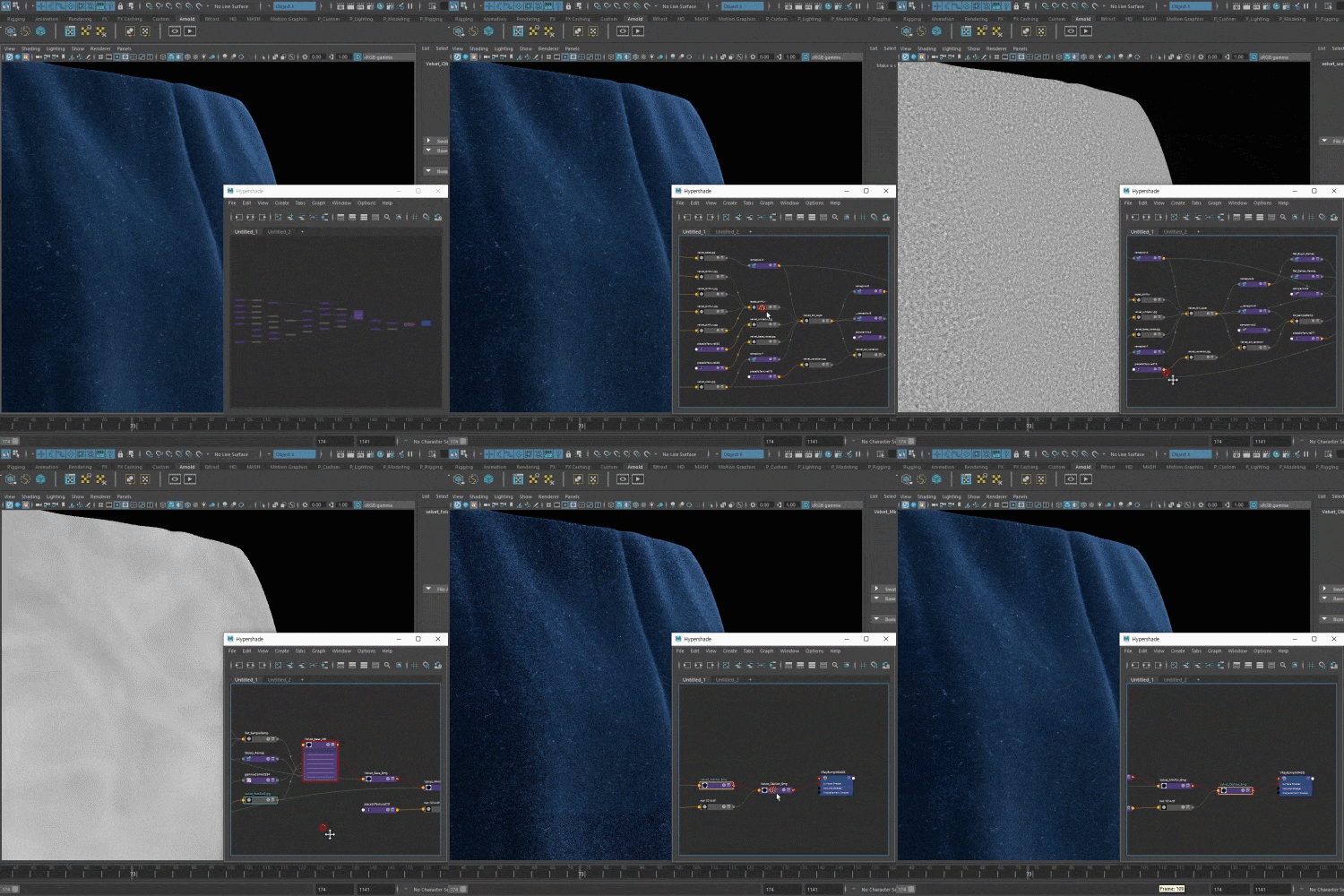 Maya Procedural TexturingWe will learn how to create procedural texturing using only Maya, as well as how to express detailed fabric texture.
curriculum
Curriculum
In-Depth Look
SECTION 01. OT
01. Orientation
- Instructor introduction
- Direction of class
- What Texturing Artists Need to Know
- Curriculum Introduction
SECTION 02. Basics of Texturing Artist
02. Shader
- Shader basics and tips
- Shader comparison between Vray and Substance Painter
03. Lighting
- Uses of turntables
- Understanding lighting through HDRI
- Learn about Maya's render setup/turntable render settings/Texture Color Space
04. Preparation for Texturing
- Source site introduction
- Concept design for texturing
- How to distinguish layers through references
- 6 rules for good-looking dirty expressions
05. Getting Started with Substance Painter
- Comparison of pros and cons of Substance Painter and Mari
- Understanding UV, UDIM, and Mesh Map
- Checklist when bringing objects into Substance Painter
SECTION 03. Non-metal Statue: Stone
06. Stone Base Texturing
- Reference organizing
- Production of base material using real-life texture
- Learn about the layering order of non-metallic materials
07. Storytelling Through Dirty
- Adding bumps for surface detail
- Dirty expression using Generator/Fill/Painting functions
- Incorporating stories into textures
- Check the results through the IRAY Render function
SECTION 04. Antique Armor Base: Silver Metal
08. Silver Metal Base Texturing
- Reference organizing
- Important points when texturing metal texture
- Learn about the stacking order of layers of metal materials
09. Expressing Points Through Dirty
- Types of dirt on clean metal
- Adding Dirty Using Ambient Occlusion/Curvature Mask
- Things to keep in mind when creating a base material to be applied to all parts
SECTION 05. Antique Armor Base: Paint Metal
10. Antique Paint Metal Texturing
- Reference organizing
- Layer composition for expressing antique texture
- How to add detail to a solid color
11. Add Depth to Modeling Through Dirty
- Add an antique feel to modeling through multiple bump layers for expression of curves.
- Using mask maps to enhance the shape of modeling
- Expressing areas where paint has peeled off
SECTION 06. Antique Armor
12. Plan For Texturing
- Organize your references and plan your texturing
- Modeling cleanup and mask map creation
13. Distribution of Base Material Parts
- Apply and organize base material for each part using the Instance function
- Add layers to provide variety for each part
14. Texturing of Helmet & Torso Parts
- Helmet/torso texture arrangement
- Creating gold texture for patterns
- Applying gold texture to patterns using Curvature Mask
- Creating leather texture
15. Arm Texturing
- Organizing the arm texture
- Adding curved lines to the shoulders for variety
- Texturing chain mail and applying transparency using free sources
16. Utilizing Mesh Map
- How to output a mesh map that is selected differently depending on the type of modeling to fit the purpose
- Expressing the time between screws using an additional mesh map
SECTION 07. Dirt Armor
17. Adding Dirt to the Body
- Create a layout plan for a good looking dirty
- Adding dirt to the body using the generator function
- How to use the correct brush for dirty painting and detailed painting using the Painting function.
18. Adding Dirt to Helmet & Arms
- Dirty texturing on arms/helmet/chain mail
- How to naturally increase the dirty value on a highly reflective metal texture
SECTION 08. Maya Finishing
19. Velvet Texturing
- Understanding Fresnel Effect required when creating clothing texture
- Velvet texturing in Maya using procedural texturing
20. Texture Map Extraction and Maya Render
- Extract texture map from Substance Painter
- Quality comparison according to image format
- Rendering a turntable in Maya
Interview with
3D Artist, Heedo Park

Question.01
What are your strengths as a 3D artist?
What are your strengths as a 3D artist?
I think my strength is being able to utilize the newly studied and learned material when carrying out actual work. Taking advantage of my strengths, whenever an issue arises in the current texturing process, I always solve it and suggest a better method. In this class, based on my own texturing know-how that I have accumulated over the years, I would like to share how to use Substance Painter in practice and organize and share the parts that others may have easily missed .
Question.02
What differentiates it from other Substance Painter classes?
What differentiates it from other Substance Painter classes?
Most Substance Painter tutorials just talk about the tools and it's hard to find anything beyond that. In addition to detailed information about the tool, I will tell you about the entire texturing skill and know-how so that you can easily approach it, including the point of texture expression, linking with other tools such as Shape for modeling and Maya, and other tools.
Question.03
What are the main points of this class?
What are the main points of this class?
In addition to the examples covered in class, we focused on providing guidance so that you can more easily create new textures . By creating a statue where color is important and a metal armor where reflection is important, we will teach you how to express texture in detail in each situation.
Question.04
Who do you recommend this class to?
Who do you recommend this class to?
First, I recommend it to those who have just started or are just learning texturing. This is because through this lecture, you will not only gain skills using tools, but also gain an understanding of shading and lighting, which you need to know as a texturing artist .
Secondly, for those who have basic knowledge but want to upgrade their skills, my unique work process will be a great help in improving their skills.
Required Programs
This course will use
- Substance Painter 2019 3.3
- Maya 2019
- Vray 3.3
Please purchase and install these program(s) for an optimized chapter experience.
*These programs and/or materials will not be provided with the chapter.