3DCG Creator Jp-K Details
Intro
Class Intro
3DCG Creator Jp-K
Learn about character animation production through practical examples and produce a narrative animation.
The Secret to Creating
Character Animation With
A Variety of Facial Expressions
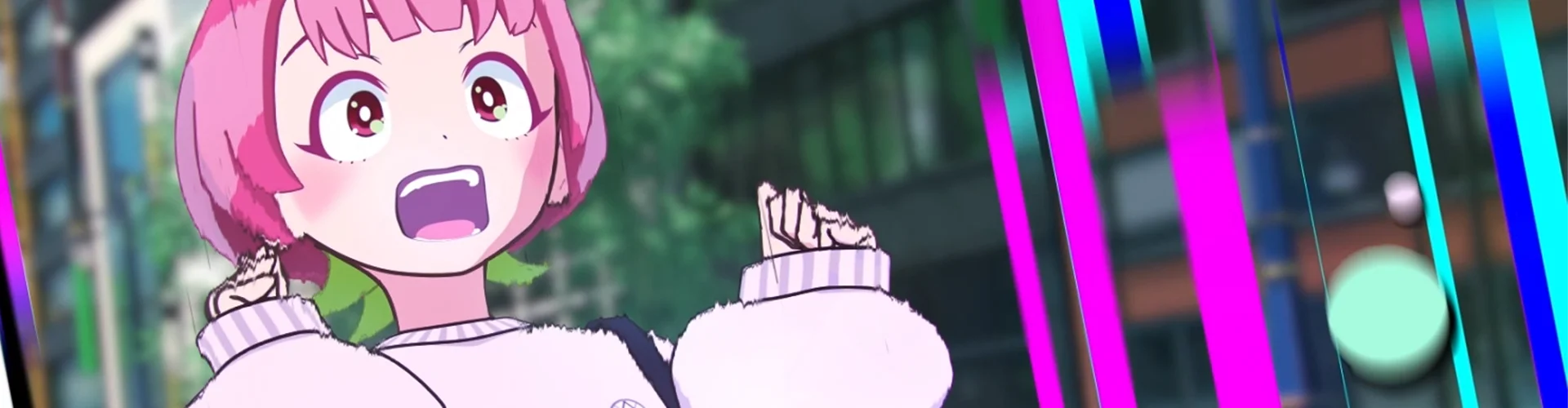
Jp-K is a 3DCG artist who specializes in creating expressive characters and has experience with independent Blender animation.
Beginning with the fundamentals, Jp-K will equip you with the knowledge and abilities needed to finish an action animation that tells a tale.
Beginning with the fundamentals, Jp-K will equip you with the knowledge and abilities needed to finish an action animation that tells a tale.
Blender makes animation production accessible to even the most inexperienced users, as it provides comprehensive instructions on basic operations and initial setup.
Next, using a pre-made character, you will learn how to pose characters. You will learn how to give characters poses and how to use posing to convey a character's essence. You will also learn how to create action animations, how to add secondary animations, and how to express weight using constraints in order to help you become an expert in the fundamentals of character motion production.
Next, using a pre-made character, you will learn how to pose characters. You will learn how to give characters poses and how to use posing to convey a character's essence. You will also learn how to create action animations, how to add secondary animations, and how to express weight using constraints in order to help you become an expert in the fundamentals of character motion production.
Class Perks
Get These Coloso Exclusives
-
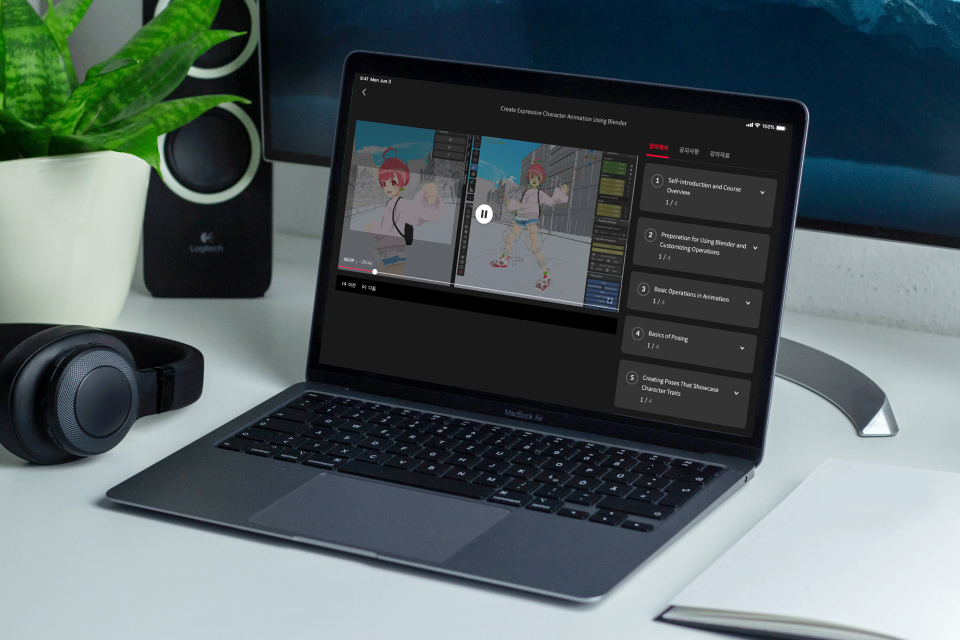
Unlimited Access to 50+ Hrs & 100+ Chapters of Content -
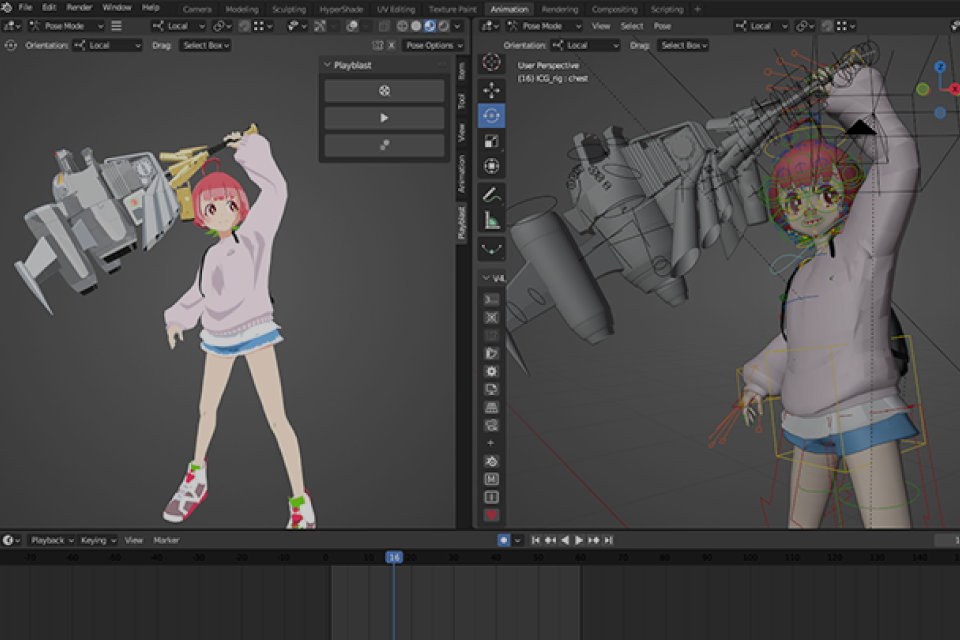
Essential Techniques for 3DCG Artwork from Professional Illustrator -
Study Material Files Used in Class Exercises
Class Material Details
-
 Exercise Materials- Modeling data
- Animation data -
 Example File- 1 completed animation
 -
 PDF Summaries of Course Content- Documents summarizing key concepts by section (.pdf)
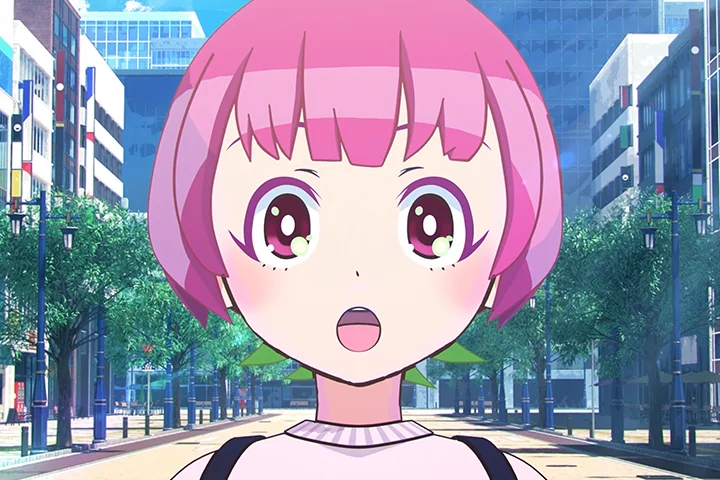
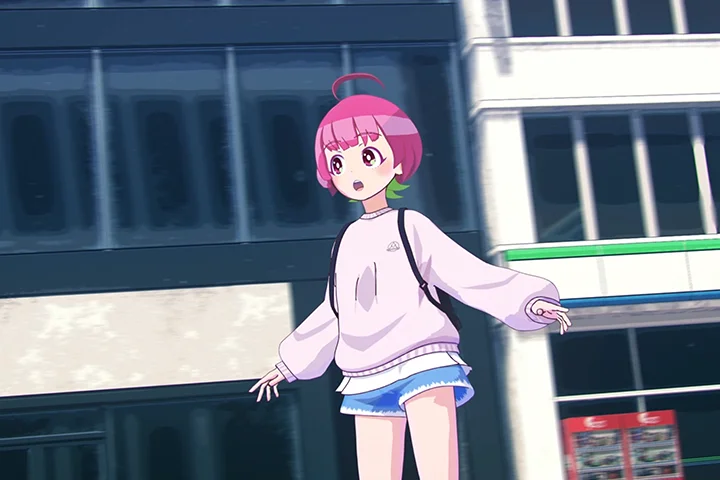
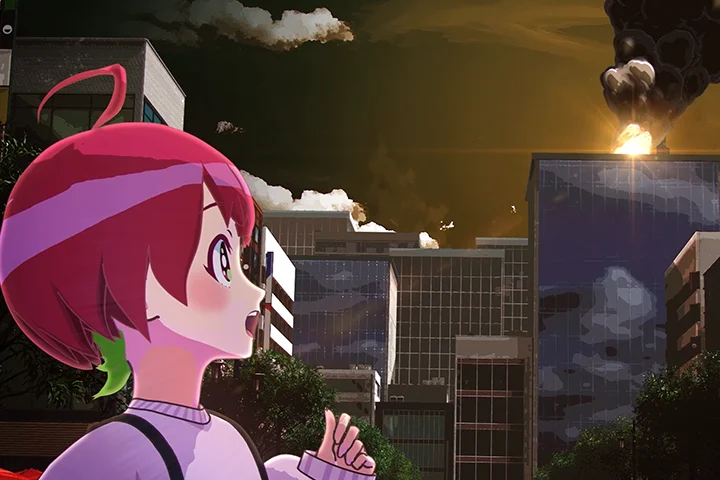
Expert 3DCG Creator Jp-K's Portfolio
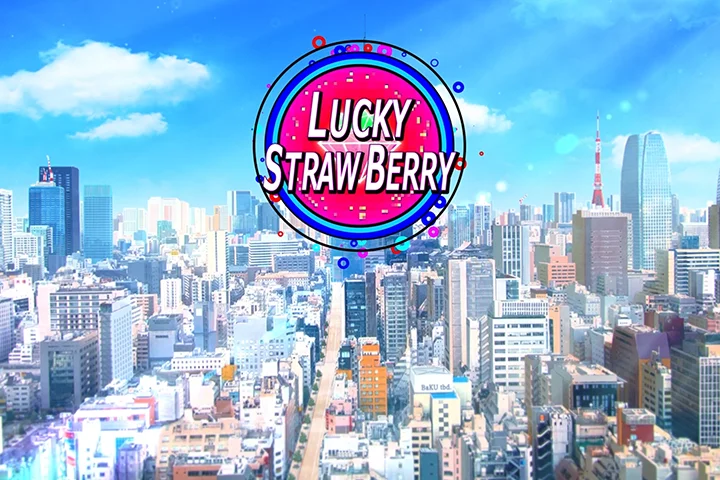
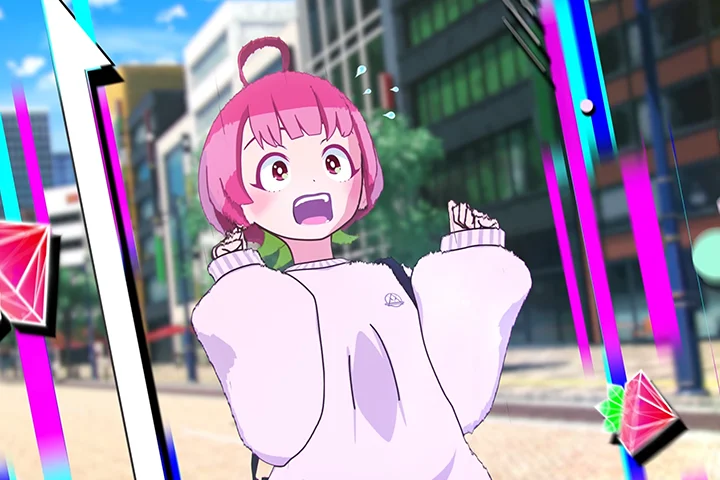
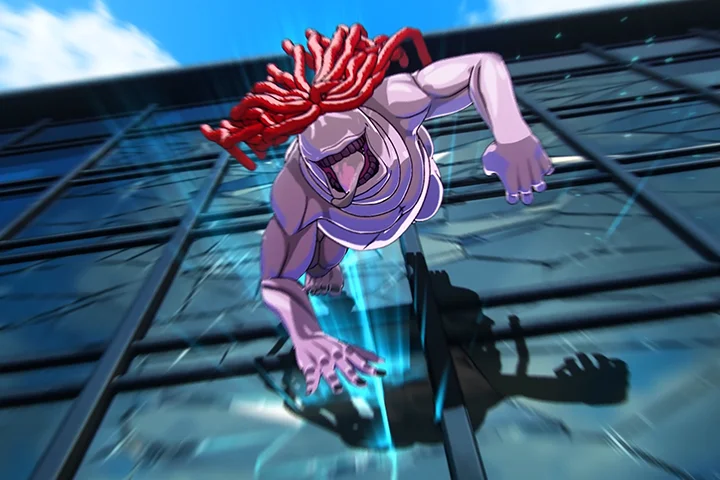
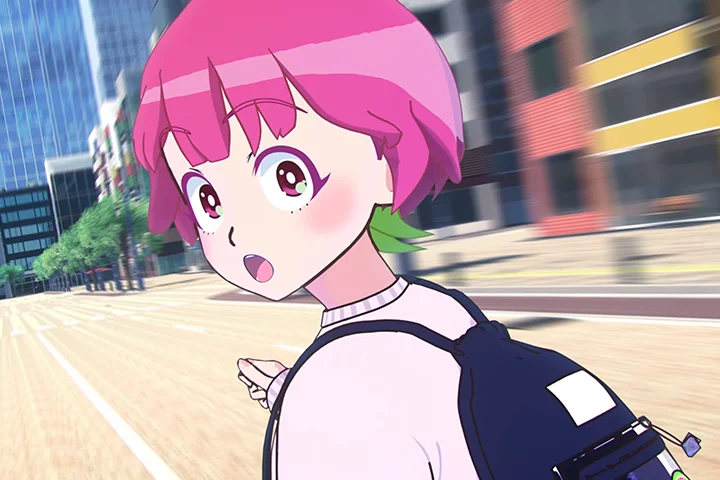
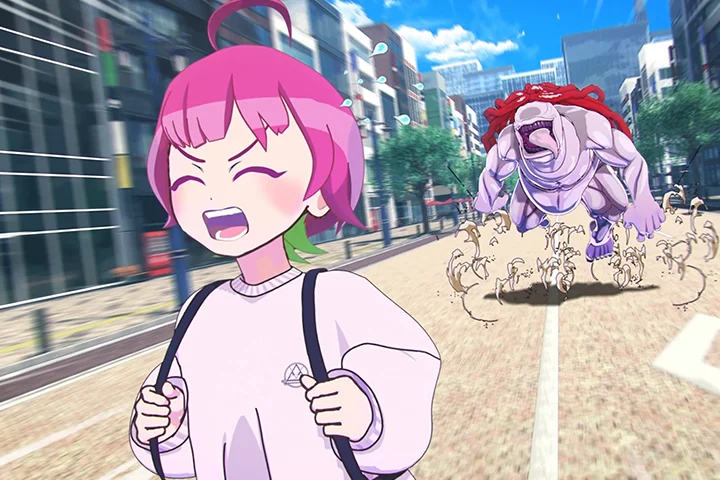
Why Take This Class?
In this class, you will start creating animation with the camera once you have a solid understanding of the animation production process. You will learn the basics of Blender's cameras as well as the skills required to produce character animations of the highest caliber, including camera placement and camerawork principles.
In addition, you will discover how to create narratives, characters, annotated storyboards and learn about worldbuilding. After that, you will finish a brief animation that tells a story using the layout that corresponds with the storyboard.
Learn about Jp-K's specialization in character animation and how to create expressive animations. Provided only at Coloso!
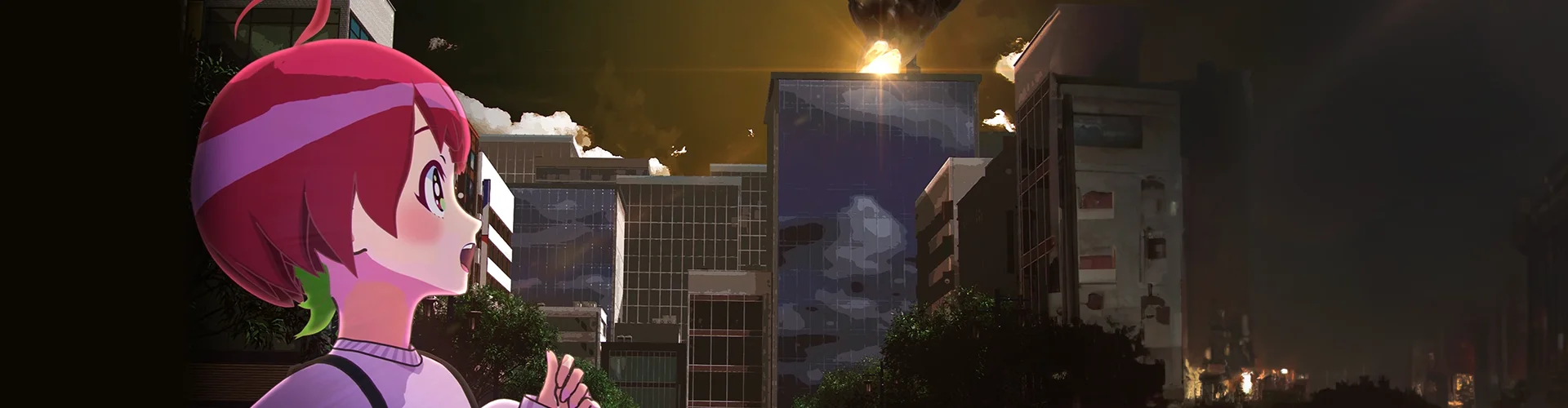
6 Class Exercises
-
 Basics of Posing
 -
 Basics of Animation
 -
 Loop Animations
-
 Animation With Constraints
And Weight Expressions -
 Action Animation
 -
 Storyboarding
Completed Animation
*The images above are provided as examples to illustrate the course.
Instructor
3DCG Creator
Jp-K
Hello I'm Jp-K, a creator of 3DCGs. With the group known as _BakU, I produce computer-generated imagery. I assume the role of director within the team and manage directing-related tasks like camerawork and character animation.
This course is intended for people who have attempted CG animation but are having difficulty, or for those who are interested in starting but find it confusing. Not only will I go through all of Blender's features and functions in detail, but I'll also go over the fundamentals of animation creation, from the very beginning to the techniques used to produce cutscenes.
It is my hope that this course will lay the groundwork for you to advance your abilities and perspective in the field of animation production. I'm excited to collaborate with you.

3DCG Creator Jp-K
[Current]
3DCG Creator
[Career]
- After graduating from vocational school, worked at a CG production company.
- Has changed jobs to a game company and formed an independent production team called ``_BakU.''
- Currently producing "Lucky Strawberry."

3DCG Creator
Mikamo-chan
[Current]
Course Assistant
[Career]
- After graduating from a CG school, started working at a game company in 2016.
- Active as a 3DCG animator and cutscene designer.
Highlights
Class Highlights
Planning and Requirements For Character Animation
It is possible to create character animation by sequentially joining poses. Learn everything from the fundamentals of posing to modifying the interpolation between poses to the information required for the animation production process through real-world examples.
Gain Practical Experience With The Fundamentals of Camerawork
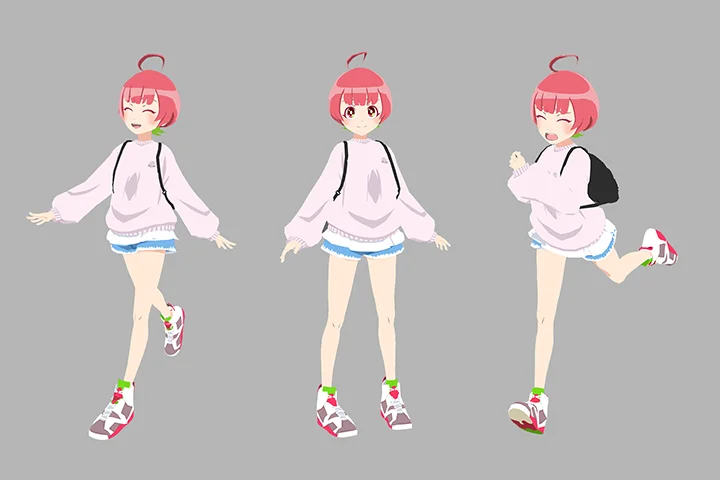
One crucial component of visual productions is the camera. Jp-K will instruct you in a variety of filming methods, starting with the fundamentals and progressing to character motion production and camera-based animation.

Create Your Own Videos Using The Correct Workflow and Knowledge
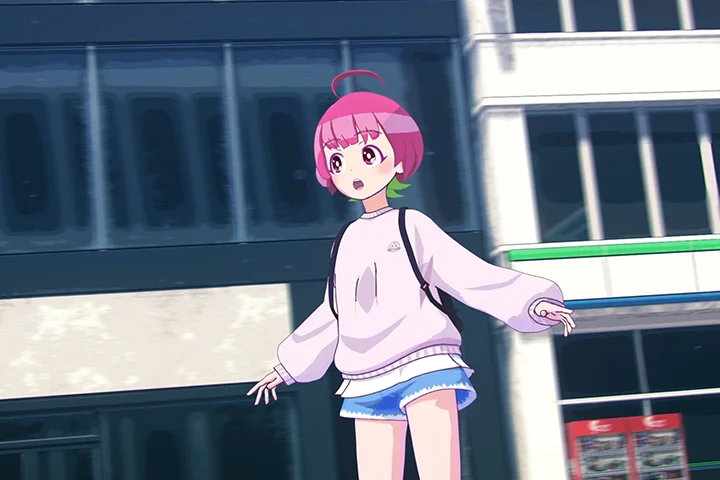
Every visual piece tells a story, and moving characters have lives of their own. Jp-K thinks that there should never be unnecessary cuts or movements in visually striking content. You will learn how to put together character animation and perform camerawork using Jp-K's techniques in this course.
Class Details
You'll Learn
-
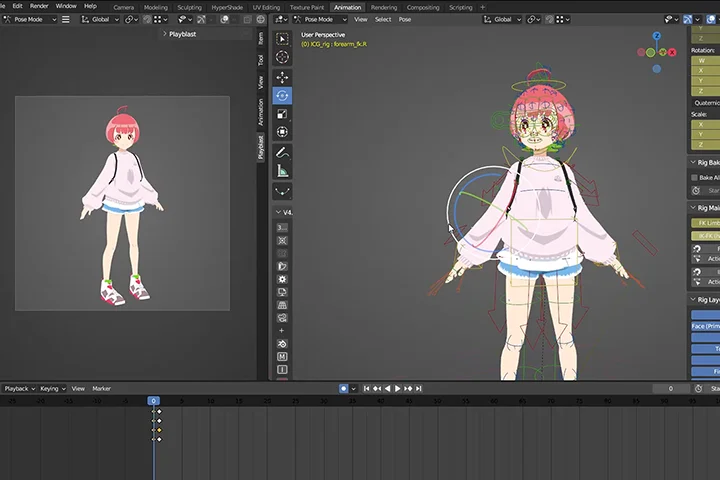 Character Posing FundamentalsPose sequences can be connected to create character animation. As such, having a solid base when posing is essential. You'll discover how to place your weight properly, comprehend how the body is connected, and create unique, expressive poses that look professional.
 -
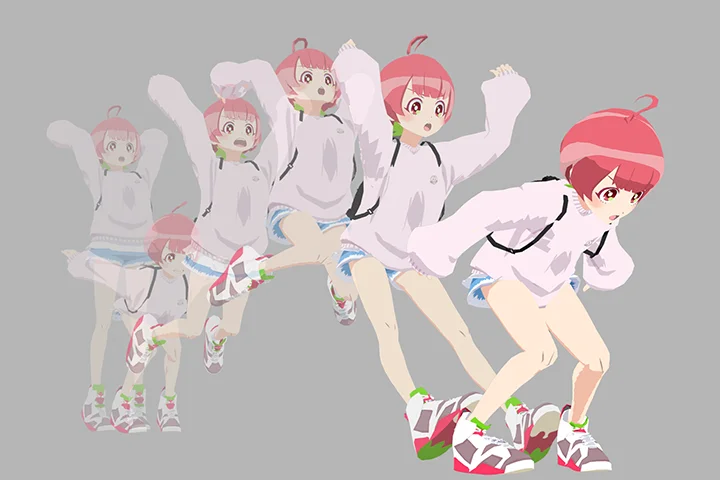 Five Pillars of Character AnimationDiscover the fundamental components needed to produce animation by applying these five guidelines. Examine the various pose adjustments and pose interpolation techniques. Discover methods for expressing a character's appeal and changing the center of gravity. It will all be explained in an understandable way with examples from jump animations.
 -
 Explore Various Animation PatternsThe animation genres are numerous. You can get comfortable with the animation production process by producing traditional animation. Characters and situations can be changed to create completely different animations. You will discover the value of experimenting with different kinds of animation production.
-
 Using Camerawork to Express Visual IdeasLearn how to use the camera to make computer-generated imagery and acquire the ability to accurately capture characters. Jp-K will go over the dos and don'ts when it comes to using the camera to improve character appearance.
 -
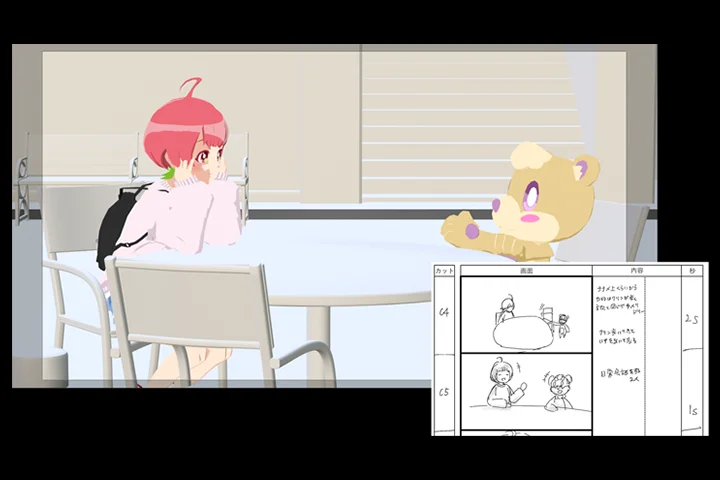 The Value of Storyboards and ScenariosPutting words to the story you envision in your head is the first step towards creating a visual. You will begin to see the pictures in your mind that are required to describe your situations once you have put it into words. Building a cohesive visual requires moving from text to images to computer graphics.
 -
 Story-Based Visual ProductionYou can learn animation, camerawork, and the creation of scenarios and storyboards by taking this course from the ground up. You can create your own videos by putting all of these components together. This course will teach you how to put together videos and how to add more interest to them.
- Unlimited Access
- Best Price
Buy now, get unlimited access.
12/31 (Sat) (UTC-7) Special offer ends soon.
This special offer ends soon.
Buy now and save!
Curriculum
Curriculum
In-Depth Look
SECTION 01. Self-Introduction
01. Self-Introduction and Course Overview
- Self-Introduction
- Overview of the course
SECTION 02. Preparing to Create Animations Using Blender
02. Preparation for Using Blender and Customizing Operations
- How to install blender
- Customizations for this course
- Introduction to the add-ons used
03. Basic Operations in Animation
- Basic Blender operations
- Explanation of model & rig operations
SECTION 03. Creating Character Poses
04. Basics of Posing
- Basics of posing
- Keying the rig
- Posing
05. Creating Poses That Showcase Character Traits
- Creating poses suited to the character
- Picking a theme and creating poses
- Rotating the camera 360 degrees
SECTION 04. Creating Character Motion
06. The Basics of Character Animation
- Learning the 12 principles
- Applying basic animation
07. Loop Motion
- Explanation of loop motion
- Creating loop animations
08. Weight Representation Using Constraints
- How to use constraints
- Creating an animation with weight representation
09. Action Animation
- Creating action animation
10. Secondary Animations
- Explanation of secondary animation
- Pre-production checks
- How to add secondary animation
- Types of secondary animation
- Notes about secondary animation
SECTION 05. Understanding the Effects of the Camera
11. Basic Knowledge of Cameras
- Types & Characteristics of Camera Lenses
- Camera Operation and Terminology
12. Checking Your Composition & Adjusting the Layout
- What Is composition and layout?
- Introduction to composition and layout
SECTION 06. Creating an Animation Using the Camera
13. About Camerawork
- The basics and concepts of camerawork
- Points to consider when repositioning the camera
- Considerations when switching camera cuts
- Explaining camerawork using visuals
14. Applying Camerawork
- Adding camerawork to the motion created in section 4
15. Enhancing the Quality of Each Shot
- About depth of field
- About camera & screen shake
- Scale adjustment
- About blur
SECTION 07. Creating a Story With a Narrative
16. Things to Check Before Creating a Video
- Defining your characters, story and worldbuilding
- Determining the highlights of the video
- Verifying the location of the background
17. Creating an Annotated Storyboard
- Creating an annotated storyboard
- How to write storyboard notes
- How to create a storyboard
18. Layout
- Creating a layout
- Creating a layout with only the essential poses
- Adjusting the pace
19. Fine-Tuning the Motion
- Increasing animation's expressiveness
- Refining pose interpolation
- Adjusting the camera
20. Final Adjustments to Your Animation
- Adding secondary animations
- Reconfirming the continuity of cuts
- Double-checking for bugs
21. Effects
- The role of effects
- Creating necessary effects
22. Video Output
- Video output
SECTION 08.Conclusion
23. Course Conclusion
- Rendering & using After Effects
- Final thoughts
- A message to students
- The future of computer graphics
Interview with
3DCG Creator Jp-K

Question.01
Which aspect of this field Is the most difficult for students to study, and how can this course help overcome those difficulties?
It's common knowledge that animation is difficult since it depends so much on feeling. An animation is not always produced well by merely entering certain numbers. Since it is difficult to measure, people frequently assume it to be intuitive. You could become overwhelmed or disheartened by this and give up. However, in addition to intuitive aspects, there are also fundamentals and principles. I hope that by dissecting and elucidating the elements of a good pose and animation, this course will help students get over any apprehensions or challenges they may have with animation.
Question.02
What prompted you to learn about 3DCG?
Personally, I think that a video creator who can use computer graphics (CG) and one who cannot has a much different marketability. I therefore made the decision to study CG at that time in order to improve my own marketability, regardless of whether I liked or disliked CG. I enjoy considering directing, which is why I went with animation. Beyond the capabilities of a computer-generated animator, I have produced a variety of visual works by concentrating not only on character animation but also on camerawork and visual expression.
Question.03
What are the salient features of expression in 3DCG?
One major benefit of computer-generated imagery (CG) animation over 2D anime is its capacity to convey a sense of three dimensions. It also makes the process of creating the desired visuals easier than it would be in a live-action movie. On the other hand, I believe that the advantages of computer graphics are underutilized when I view the creations of people who are not very proficient in this field. If you use computer graphics (CG), I hope you use its specific expressive methods in your work because it offers possibilities that no other medium can match.
Question.04
What message would you like to share with aspiring students?
I sincerely appreciate your consideration of this course. I'm sure this course will help you with your upcoming animation endeavors. Please keep exploring a wide range of characters and production styles after you're done. I still take on new challenges because there are so many options available to me. Though this is just conjecture, I think the area of computer graphics least vulnerable to AI penetration is animation. I believe that any element, no matter how small, can change the message that a video conveys. Such subtlety, in my opinion, can only be conveyed through human sensibilities. It is my hope that this course will fully instruct you in the principles and assist you in producing the works.
Required Programs
This course will use
- Blender 3.5
Using version 3.5 or above is recommended
Please purchase and install these program(s) for an optimized lecture experience.
*These programs and/or materials will not be provided with the lecture.
Recommended
Recommended Class
Like this class?
Then check these out!