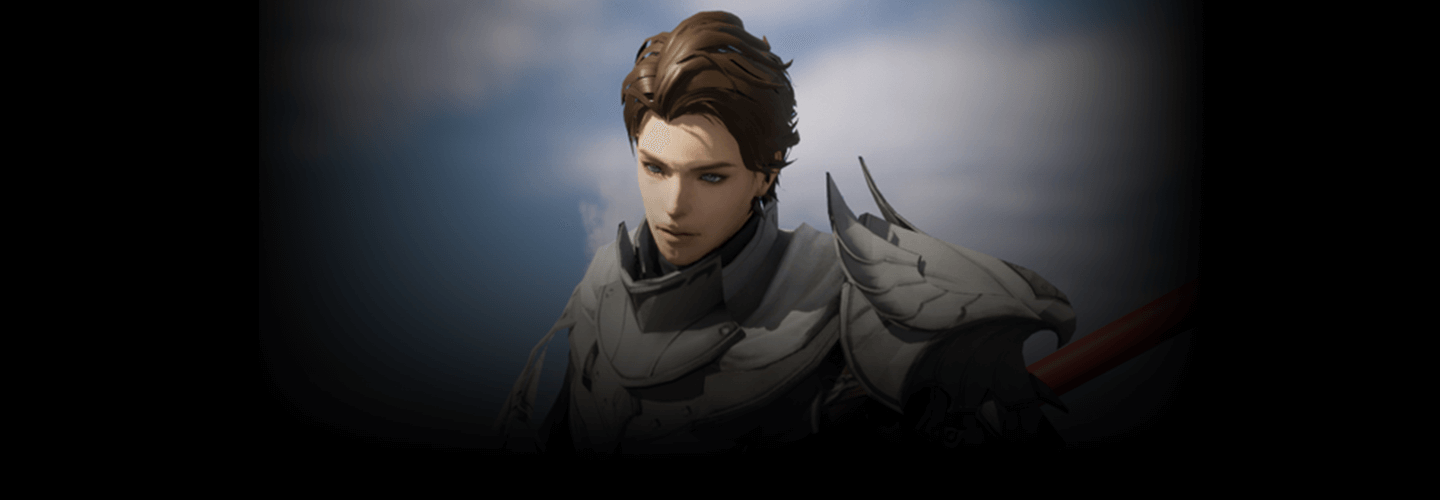
3DAnimator,Yun Kwon_권국윤 Details
Class Intro
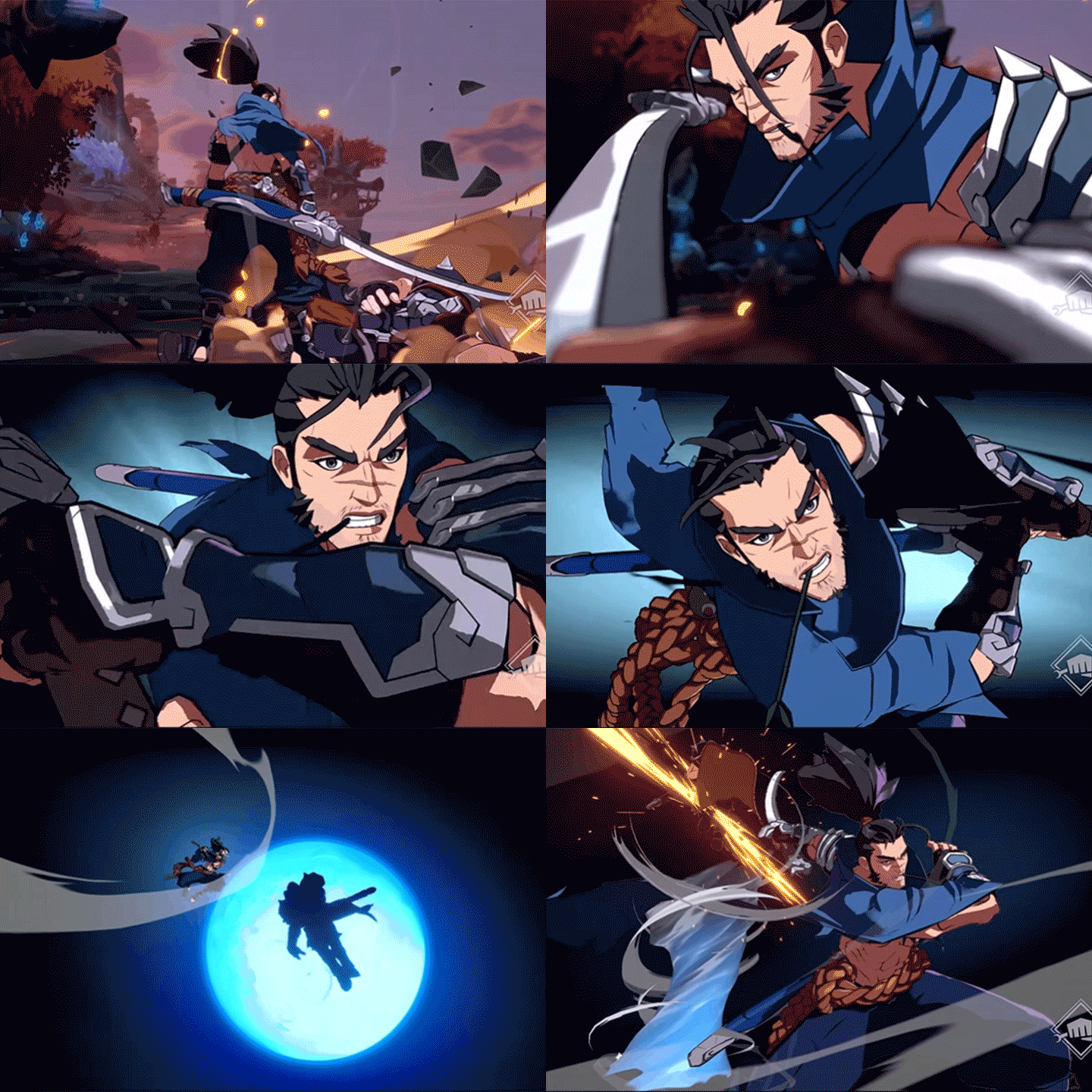
*This trailer features dubbing in English. Please note that the course videos are not dubbed.
Class Perks
Get These Coloso Exclusives
-
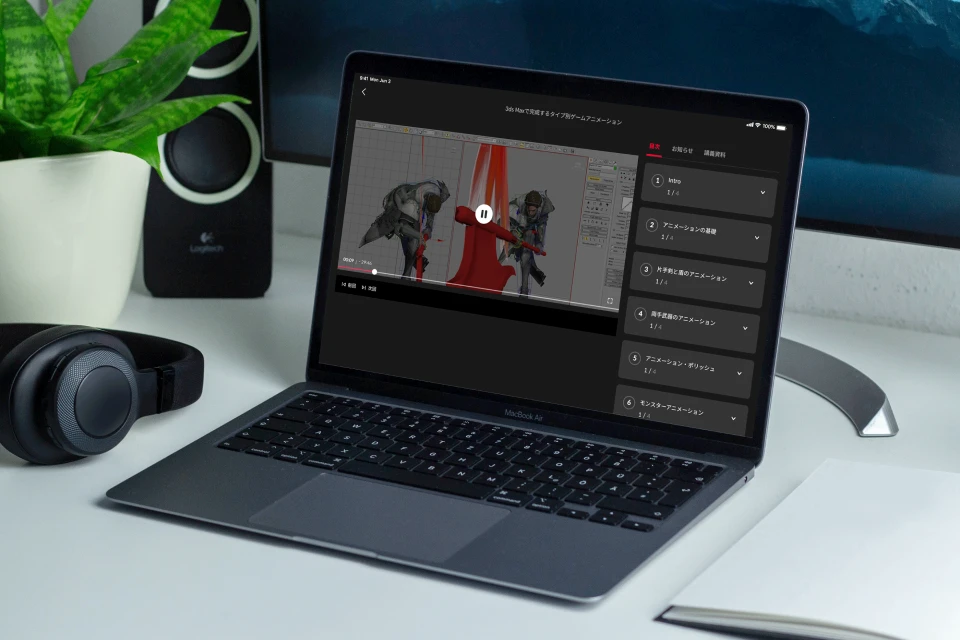
Unlimited Access to All 19 Classes -
Class Exercise Files -
Class Summary PDF files
Class Material Details
-
 Files for Setting Up 3ds Max- Animation files (.max)
- Custon Keyboard Shortcut List (.pdf) -
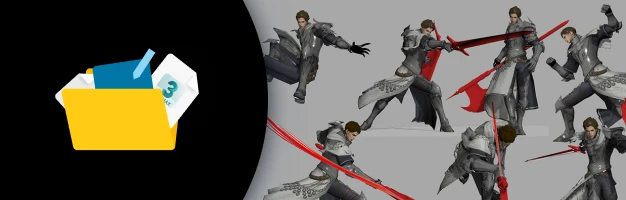 Class Exercise Files- 20+ action exercise files (.max)
- Fire trail texture image (.tga) -
 Class Summary PDF Files- How to self critique
- Tips on creating a demoreel and job hunting for your career
- Links to animation references (.pdf)
Expert 3D Animator Yun Kwon's Portfolio

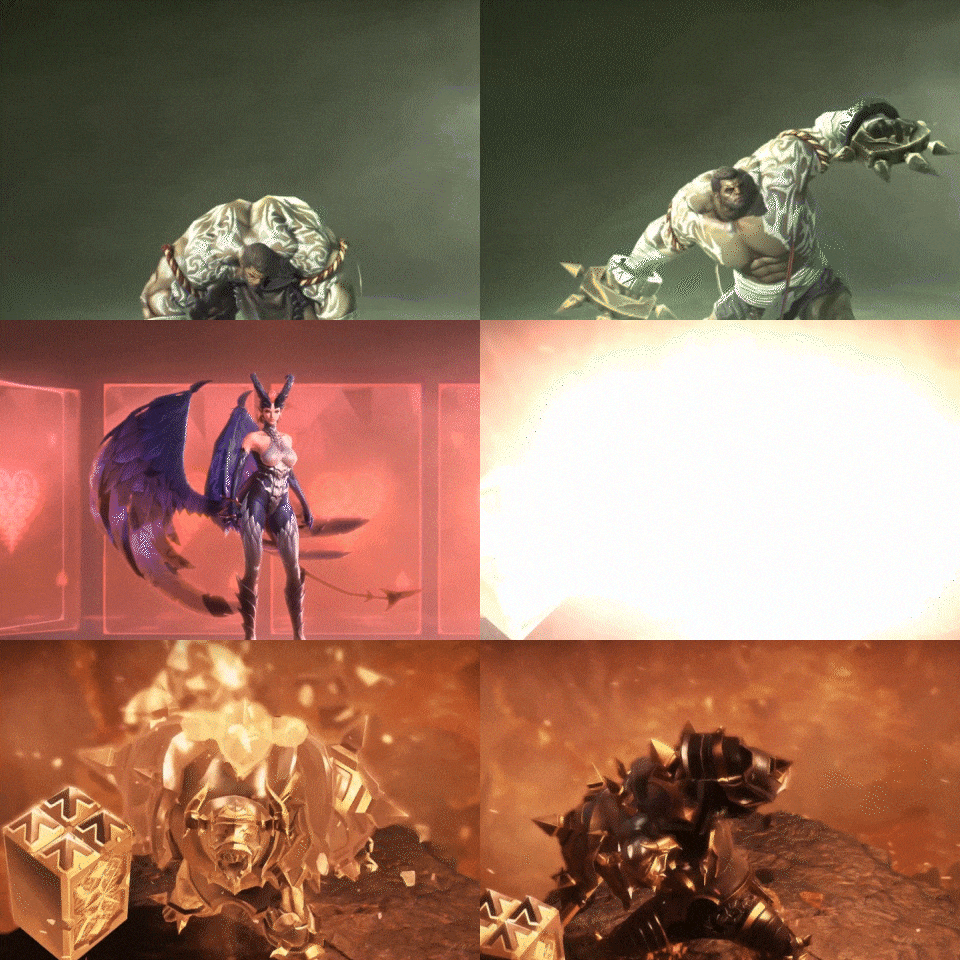
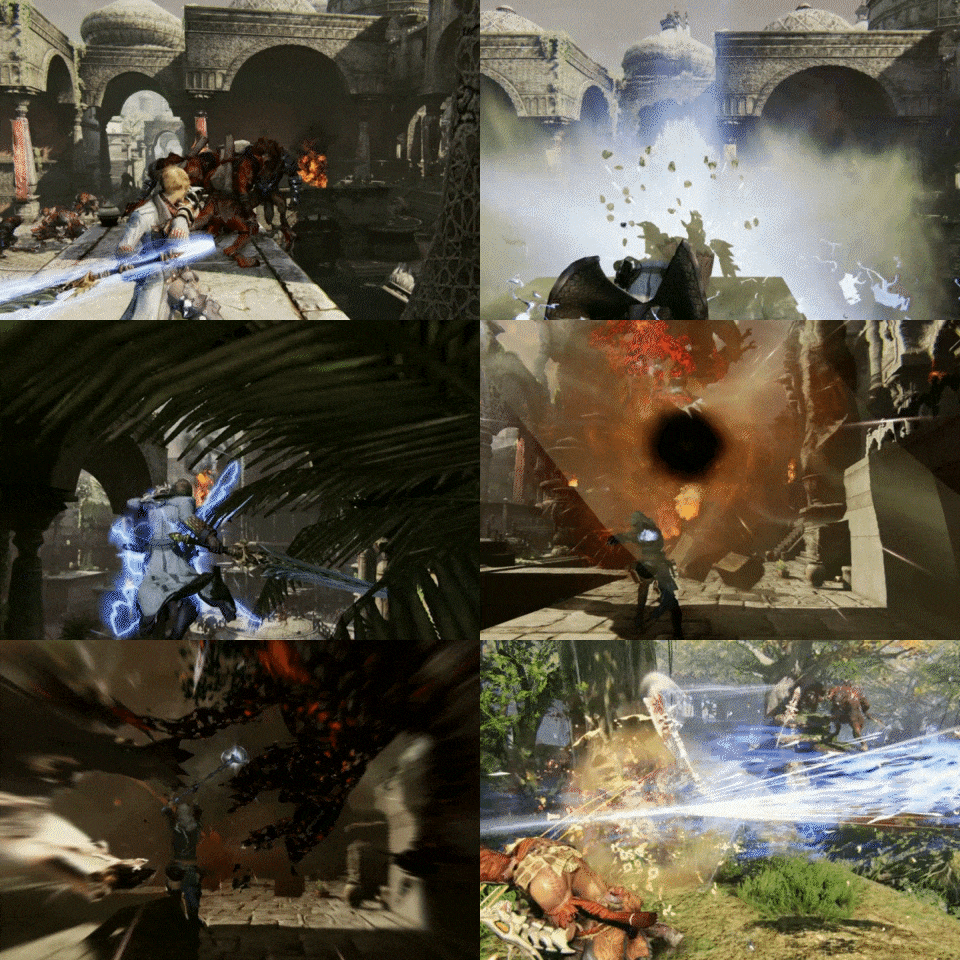
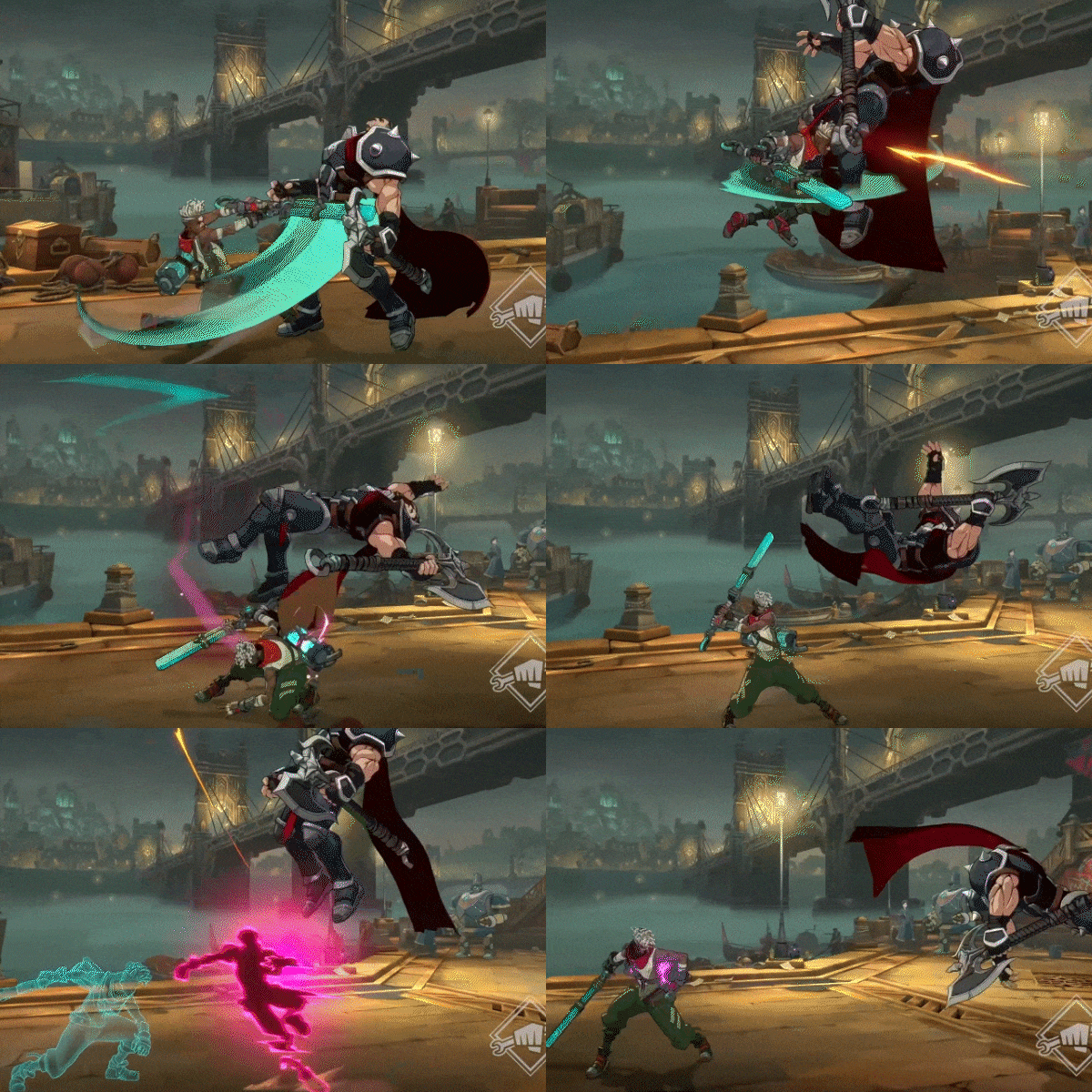
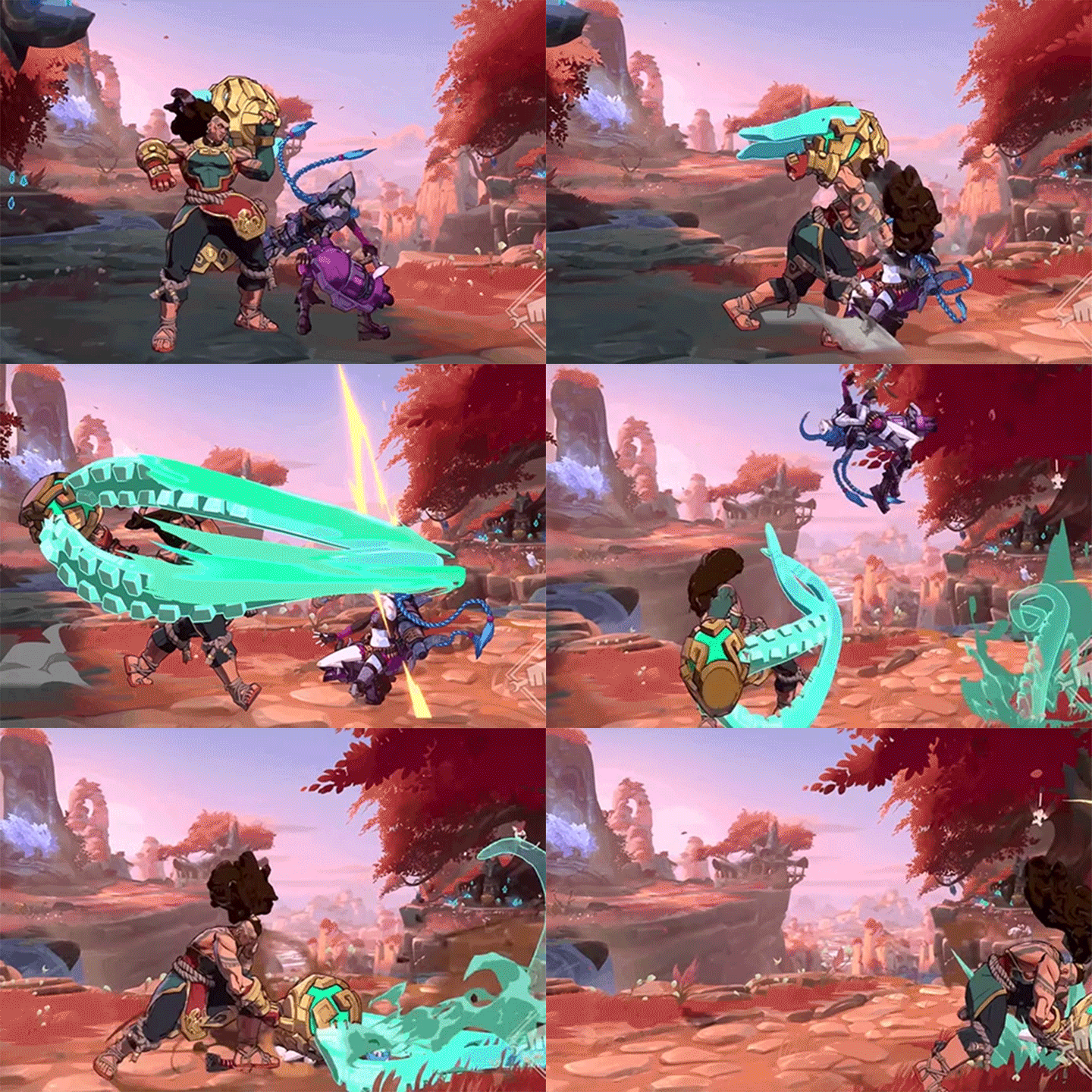
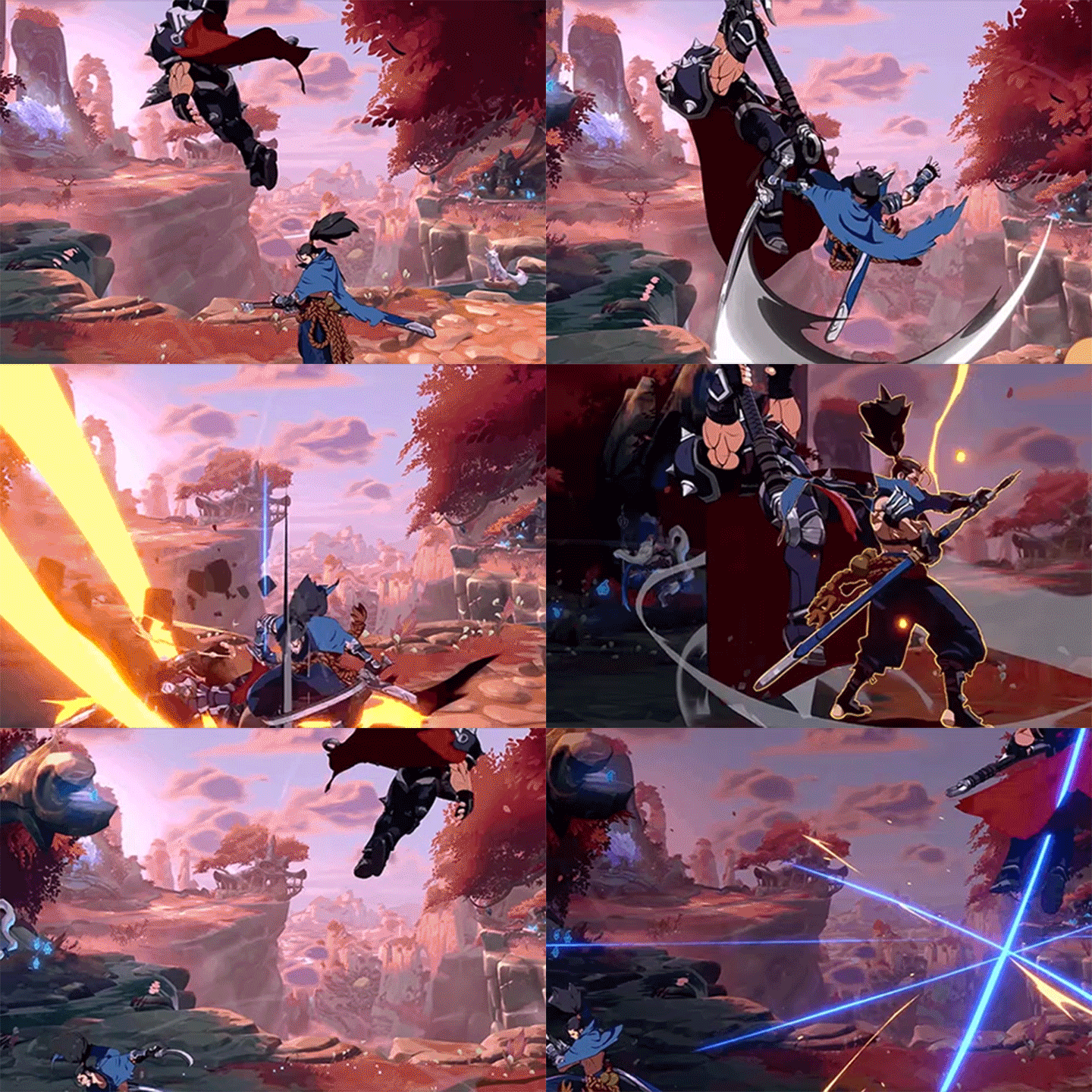
Why Take This Class?
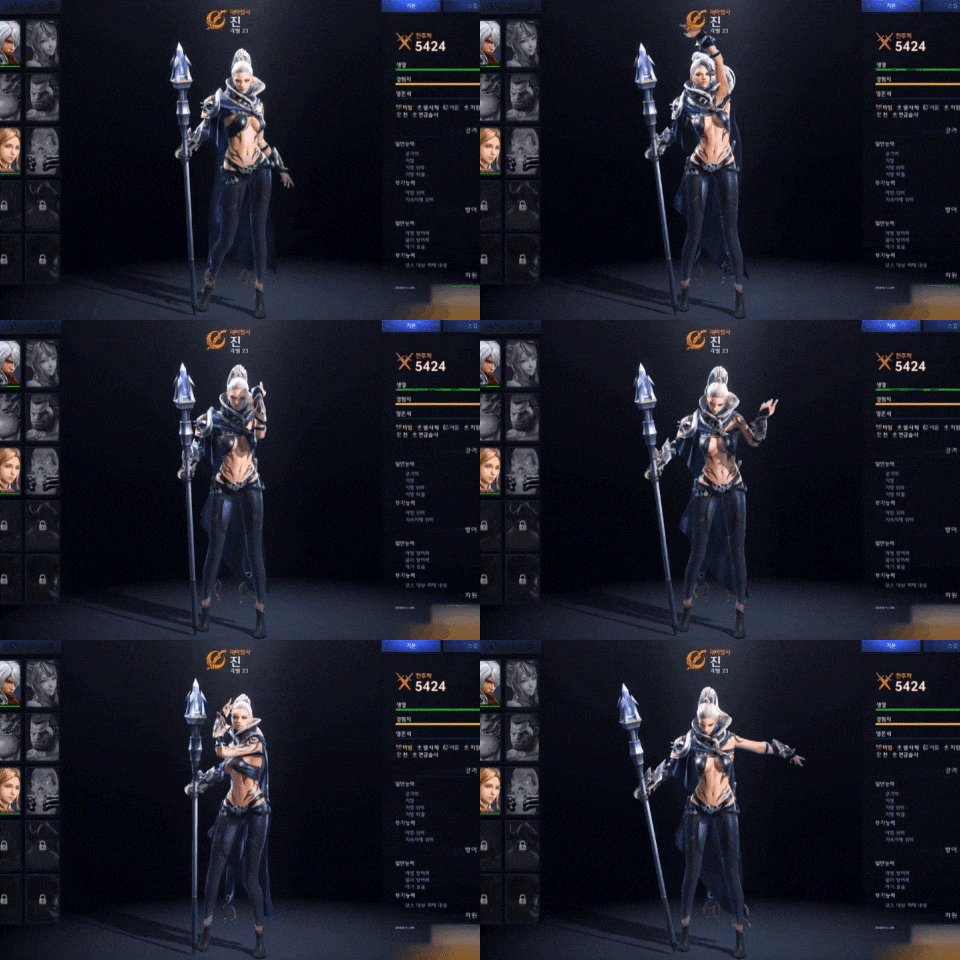
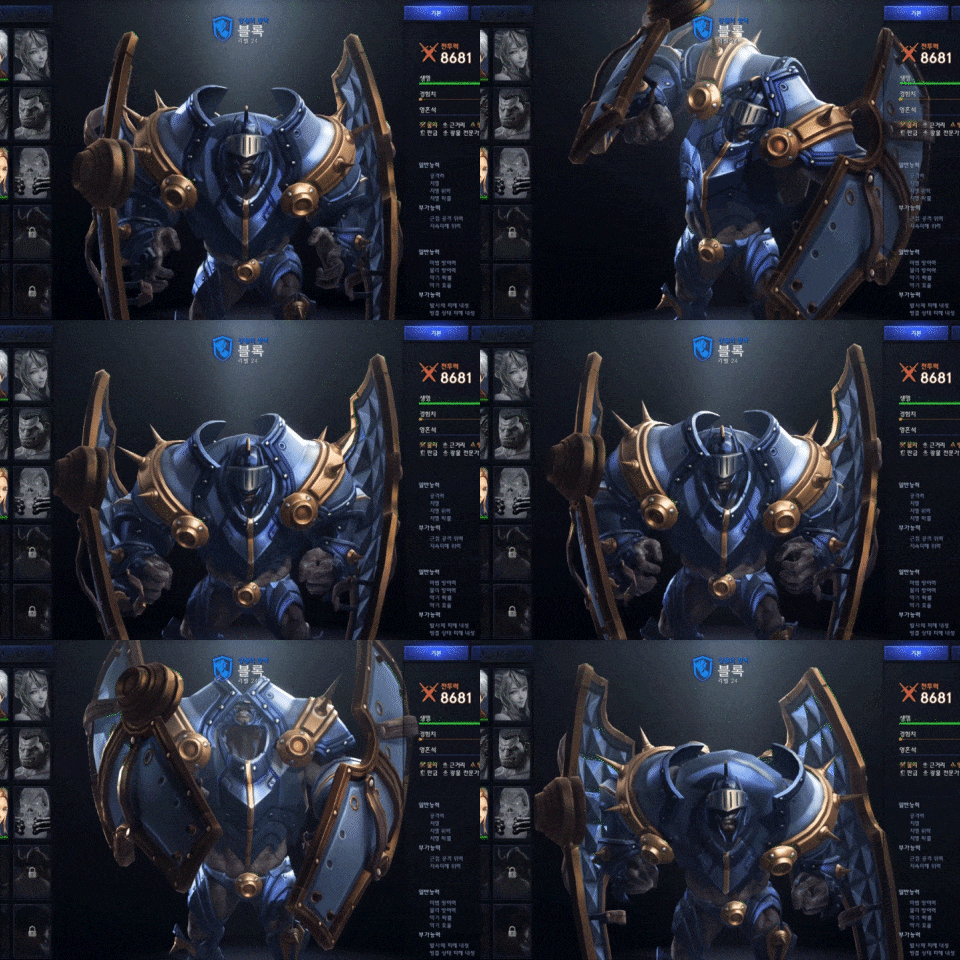
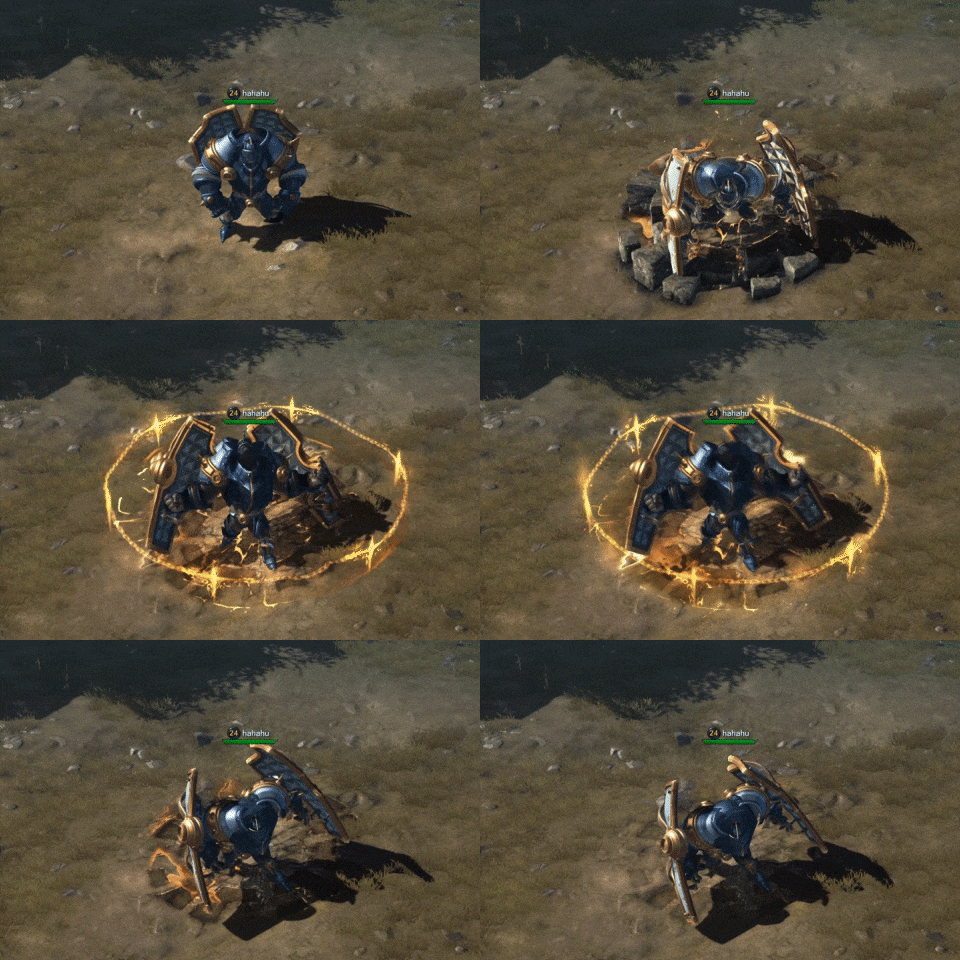
In game combat scenes, character animation and attack animation of “monsters”
are both essential.
This curriculum contains everything you need to practice before you start working at a game animation studio, including creature motion techniques with various characteristics.
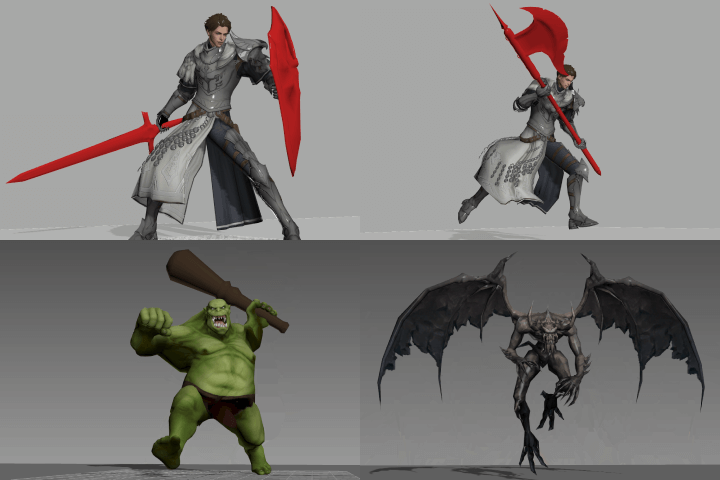
This class will teach you how to create various character combo attacks with a unique feeling of impact while taking into account the center of gravity. In addition, you will learn the rigging and combat animation techniques for orcs, gargoyles, and slimes, which traverse both the ground and the air, as well as some tips to effectively capture each interaction.
3D Animator Yun Kwon's specialized class on type-specific game combat animations and how they are eventually applied in Unreal Engine, is available. Only at Coloso!
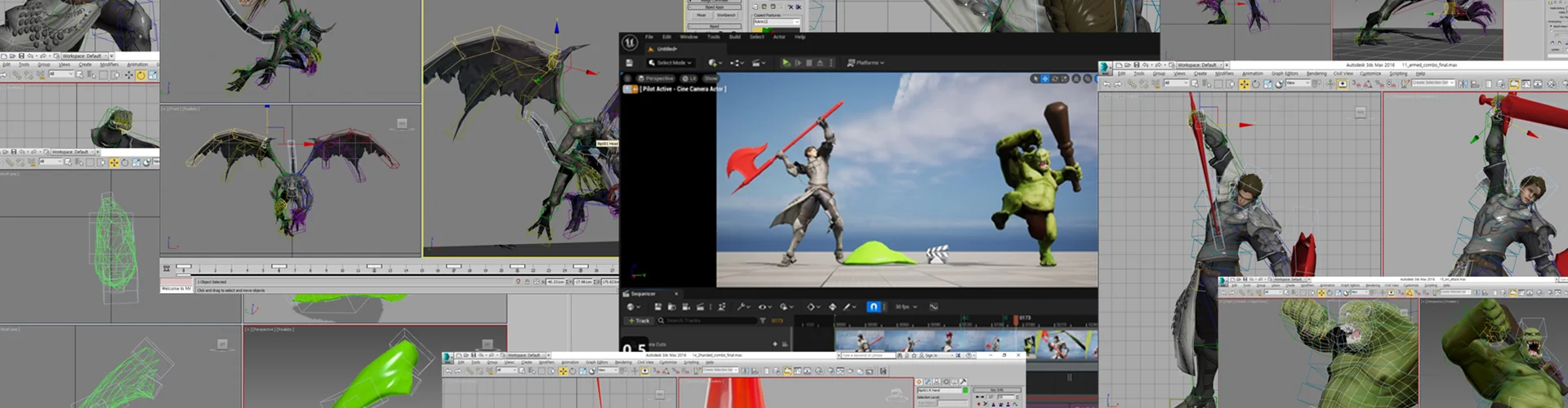
20 Class Exercises
Part 01. Basic Animation
-
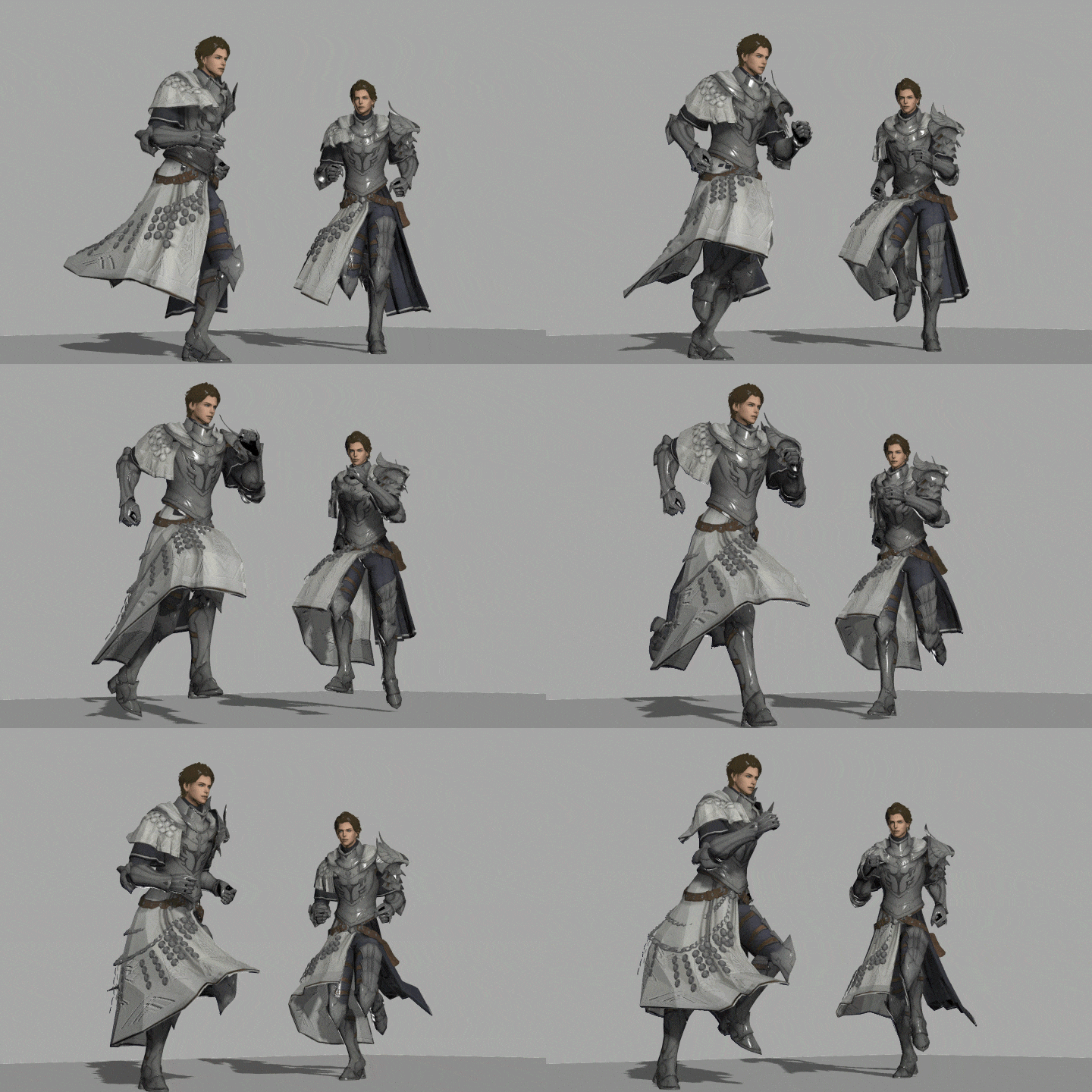 Exercise 01Character Run Cycles
 -
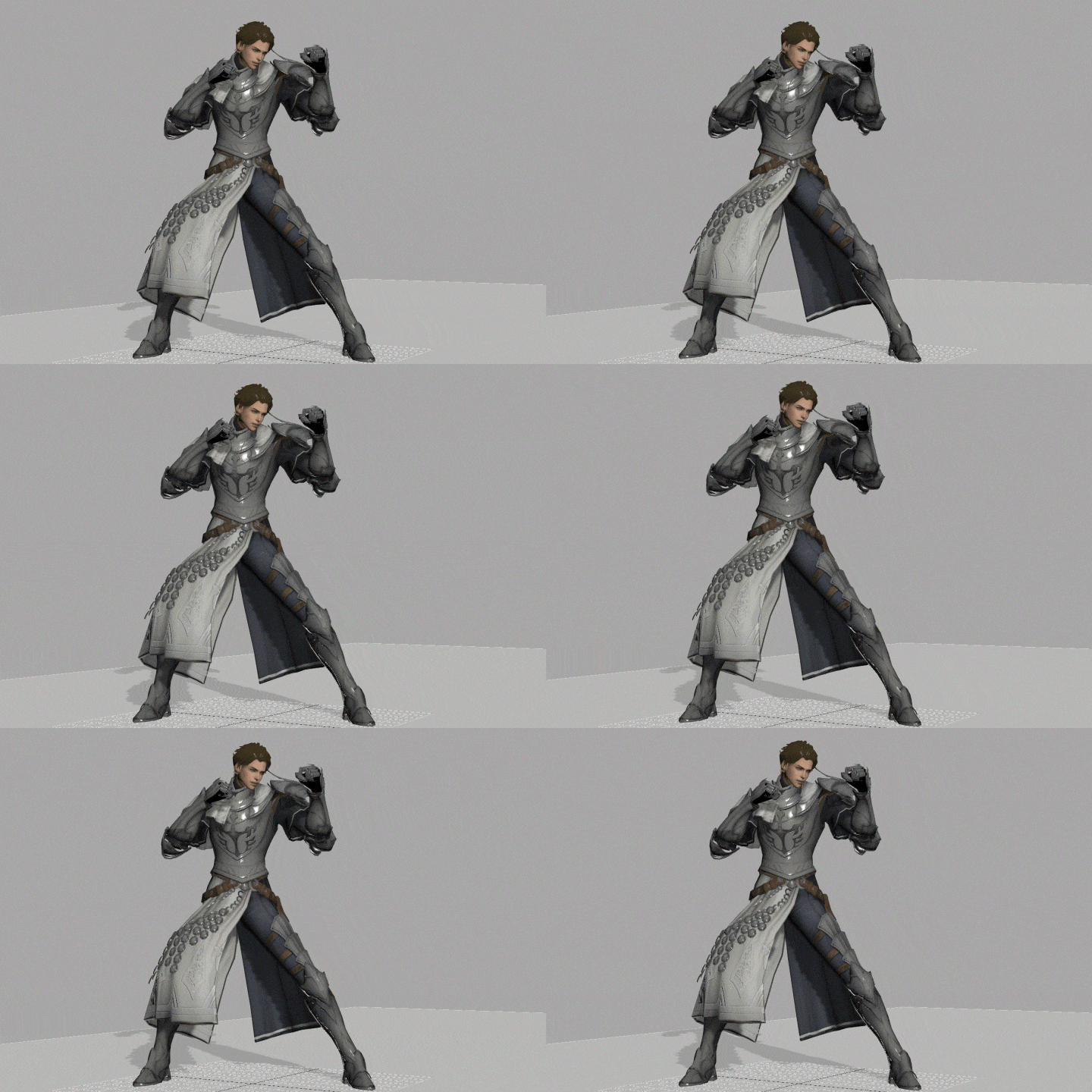 Exercise 02Character Breathing
 -
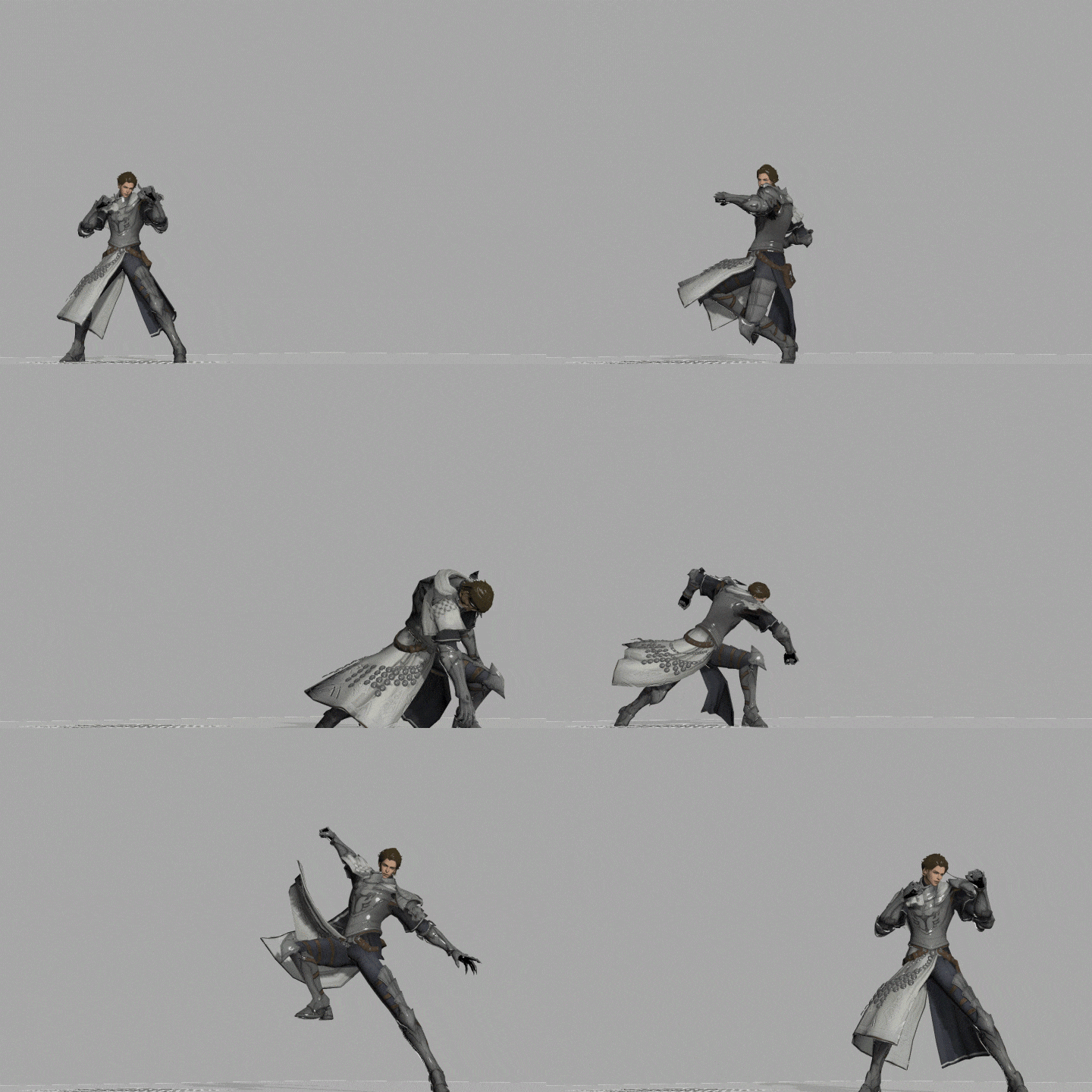 Exercise 03Unarmed 3-Hit Combo Attacks
 -
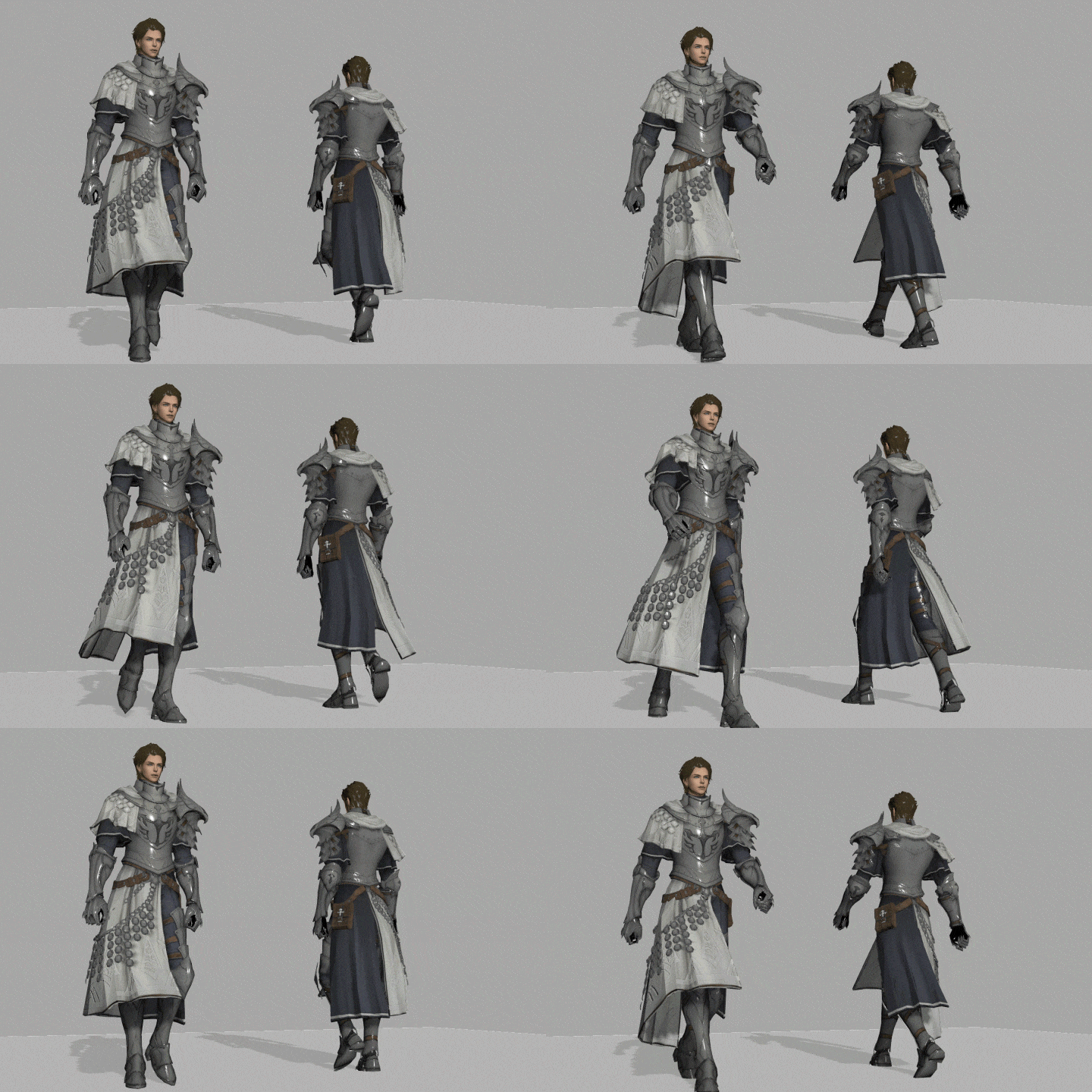 Exercise 04Character Walk Cycle
Part 02. One-Handed Sword & Shield Animation
-
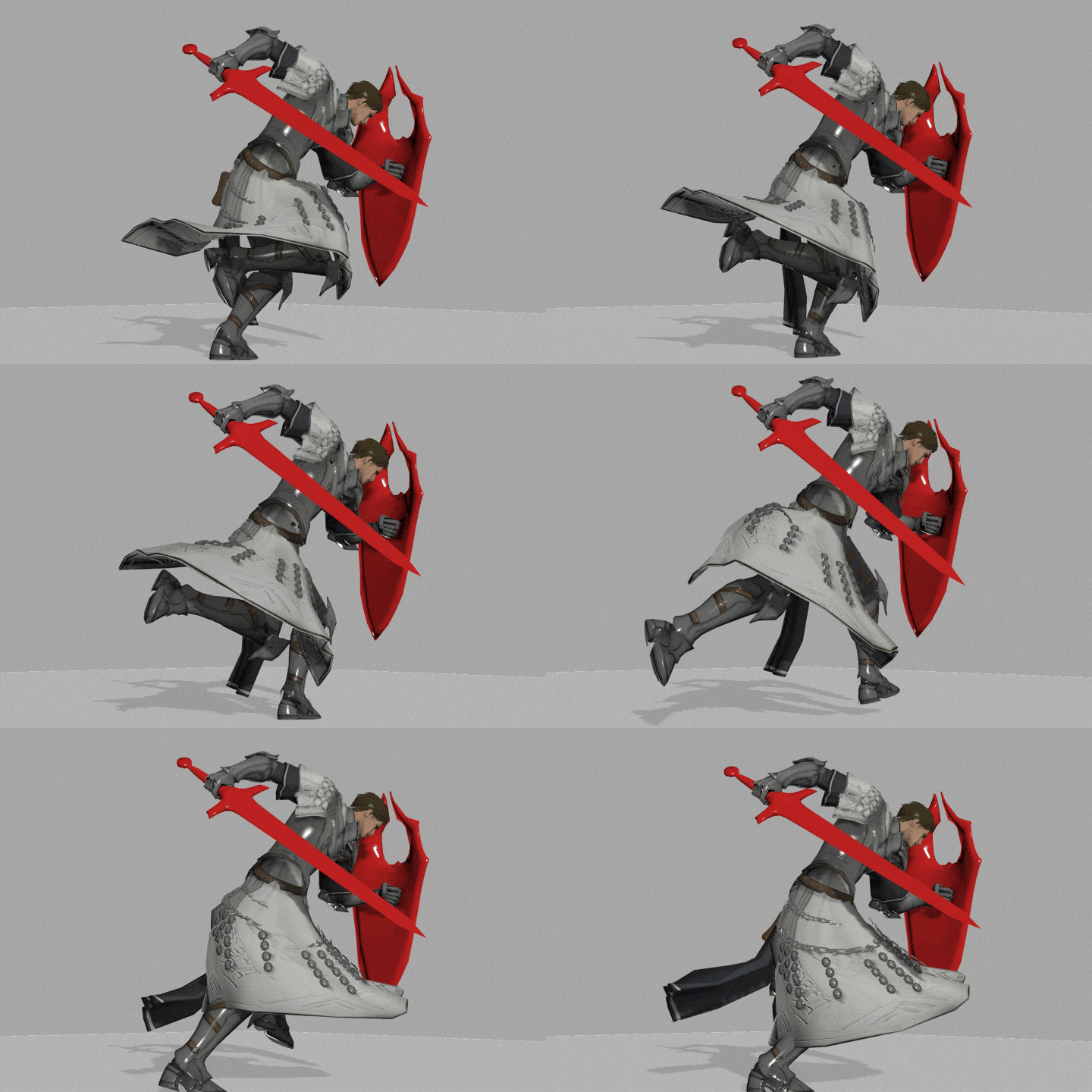 Exercise 05Run Cycles of Character with One-Handed Weapon
 -
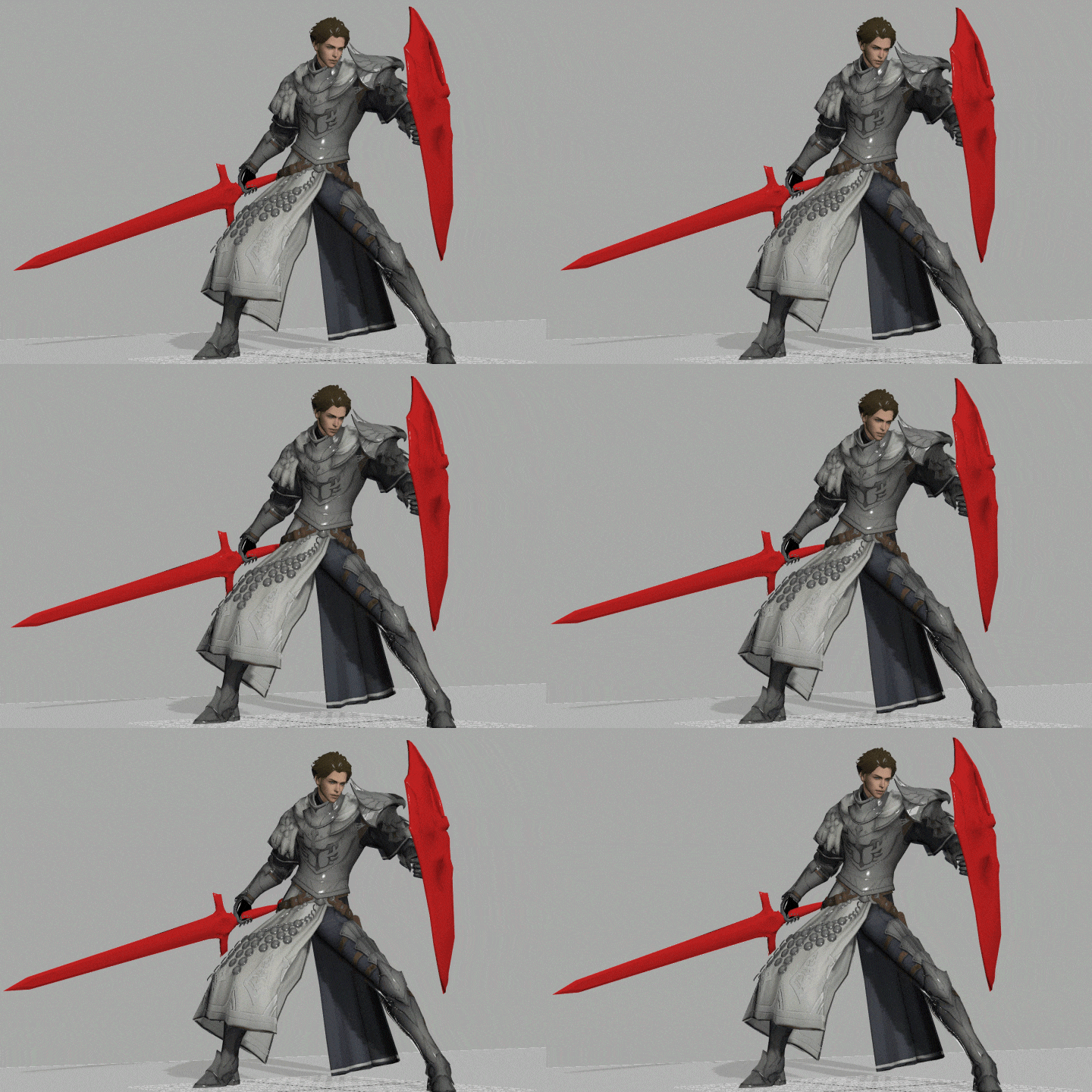 Exercise 06Breathing of Character with One-Handed Weapon
 -
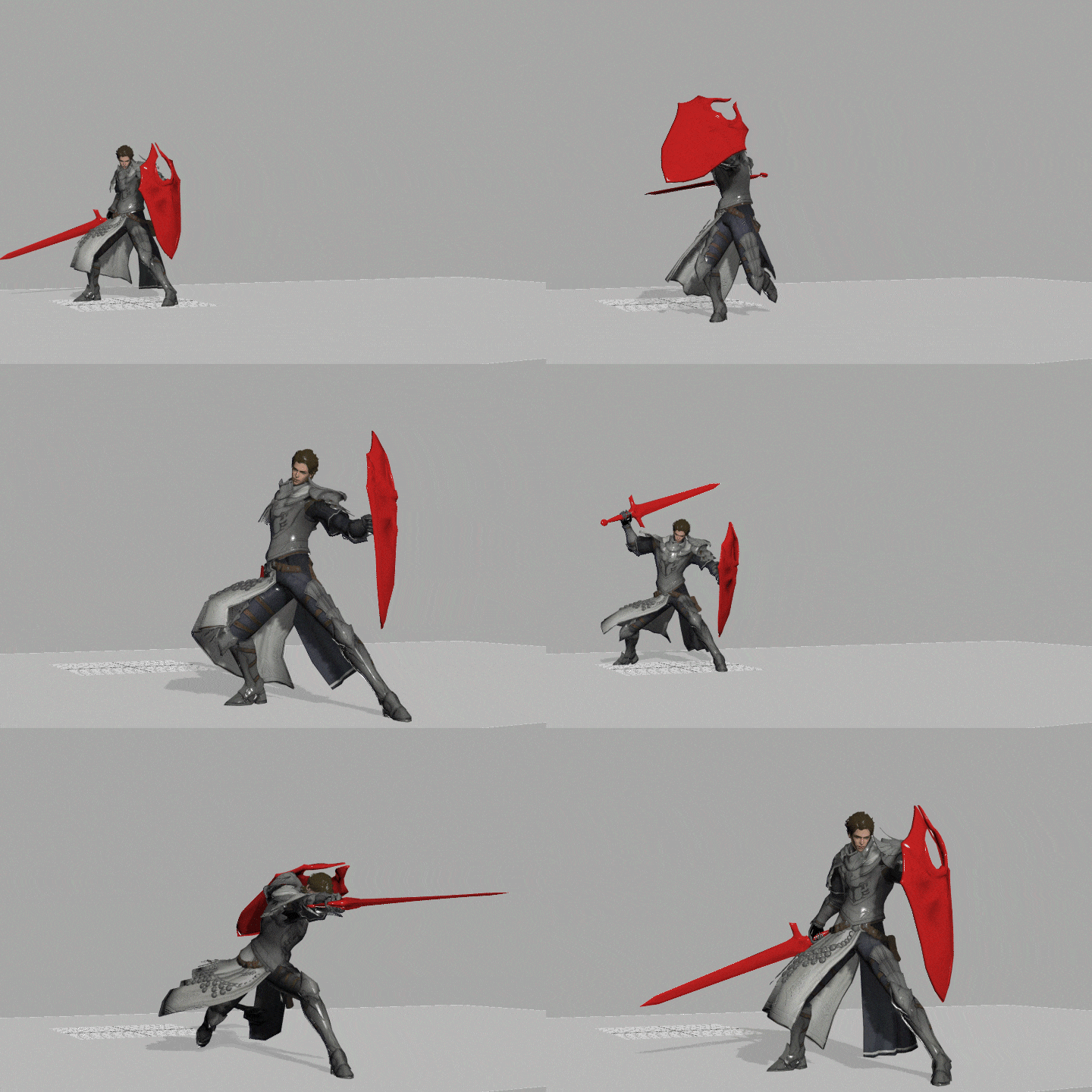 Exercise 07One-Handed Weapon 4-Hit Combo Attacks
 -
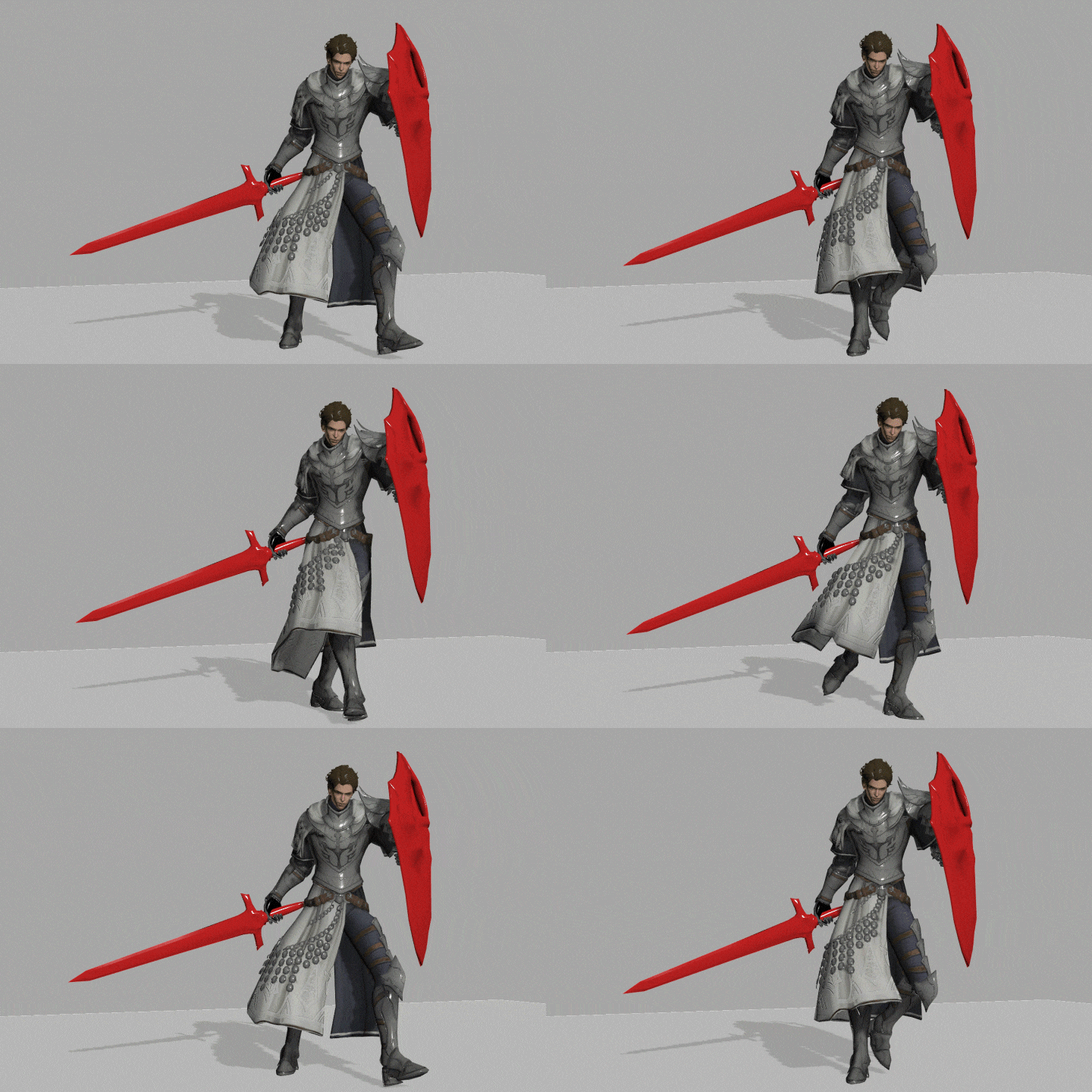 Exercise 08Walk Cycles of Character with One-Handed Weapon
Part 03. Two-Handed Weapon Animation
-
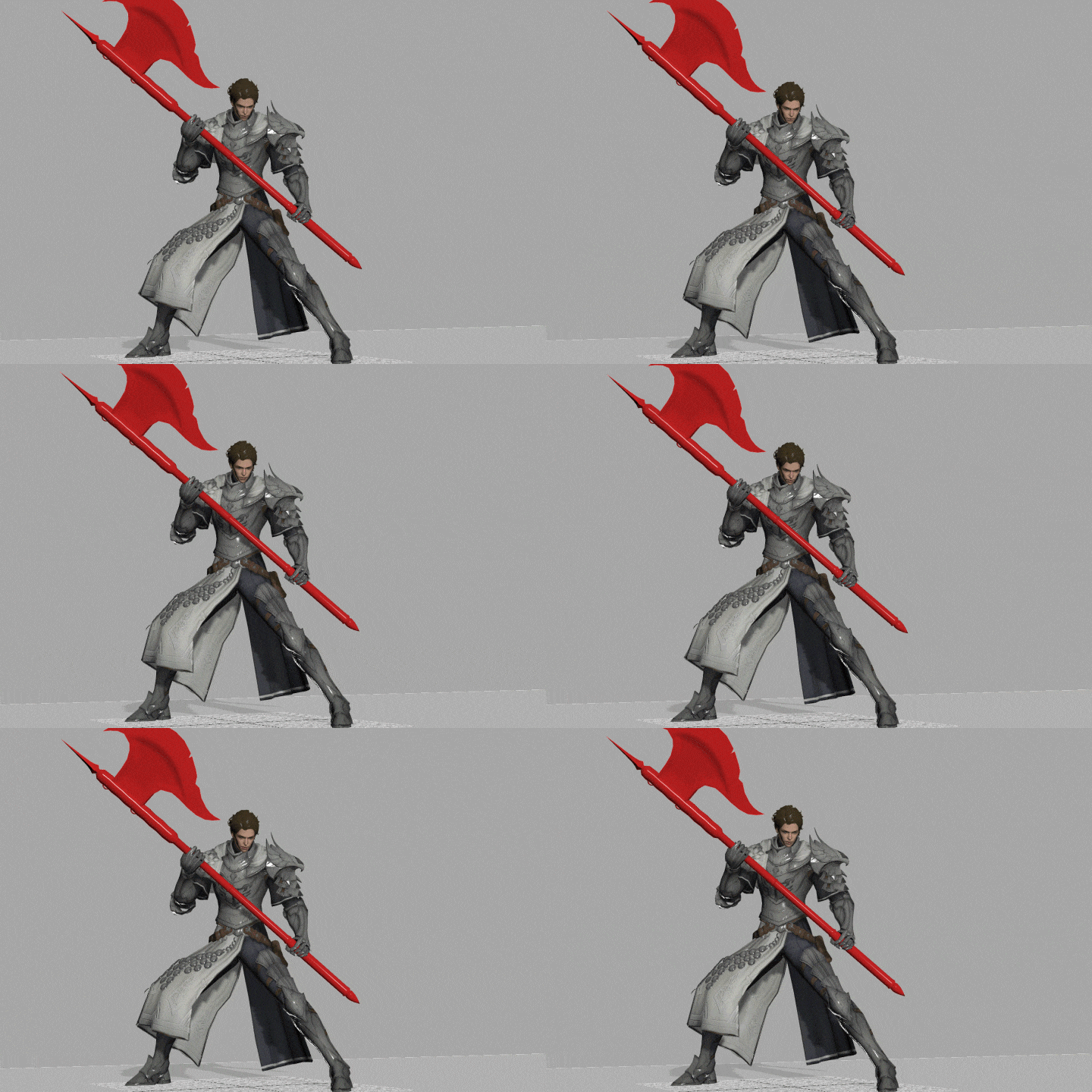 Exercise 09Breathing of Character with Two-Handed Weapon
 -
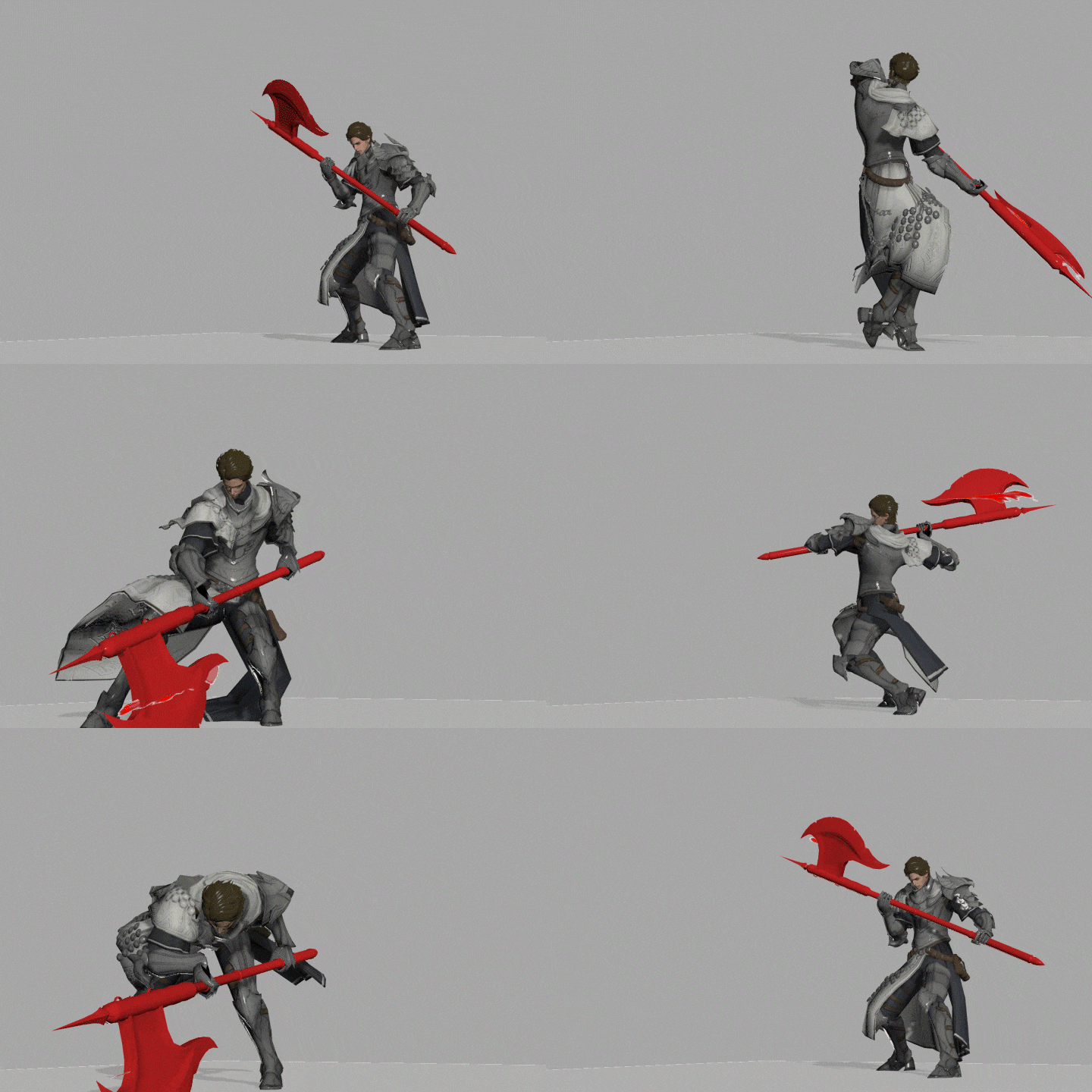 Exercise 10Two-Handed Weapon 3-Hit Combo Attacks
 -
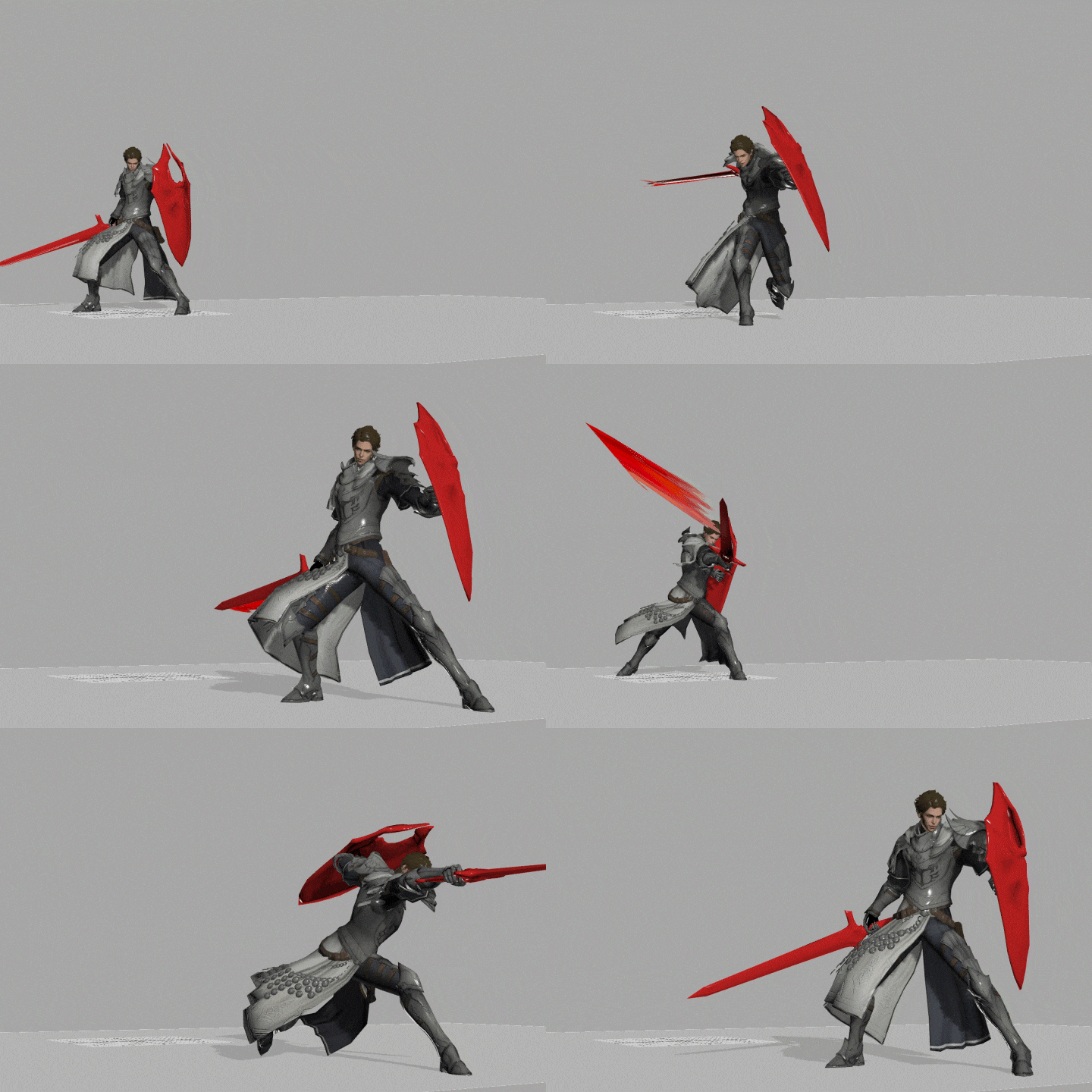 Exercise 11Animation Polishing
 -
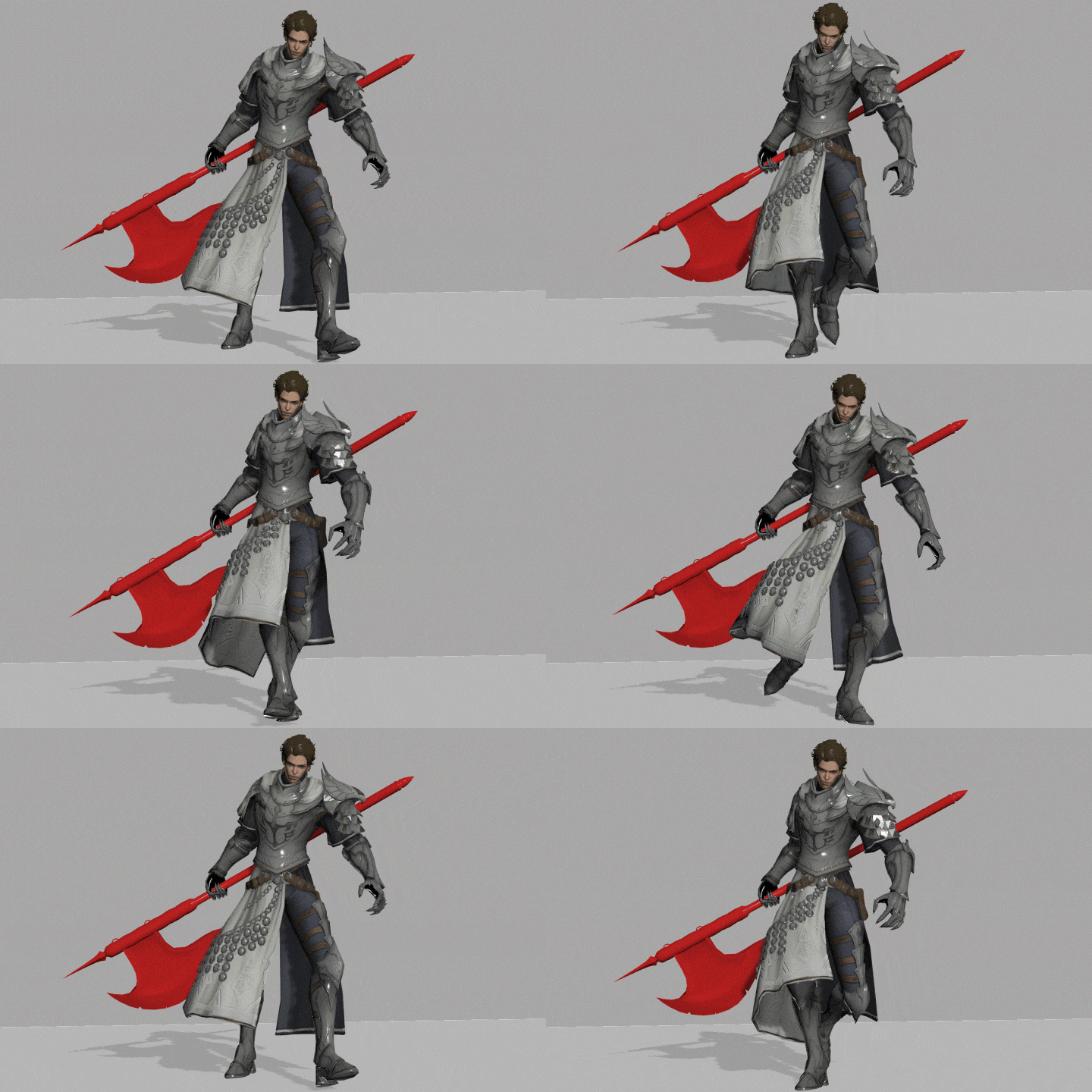 Exercise 12Walk Cycles of Character with Two-Handed Weapon
 -
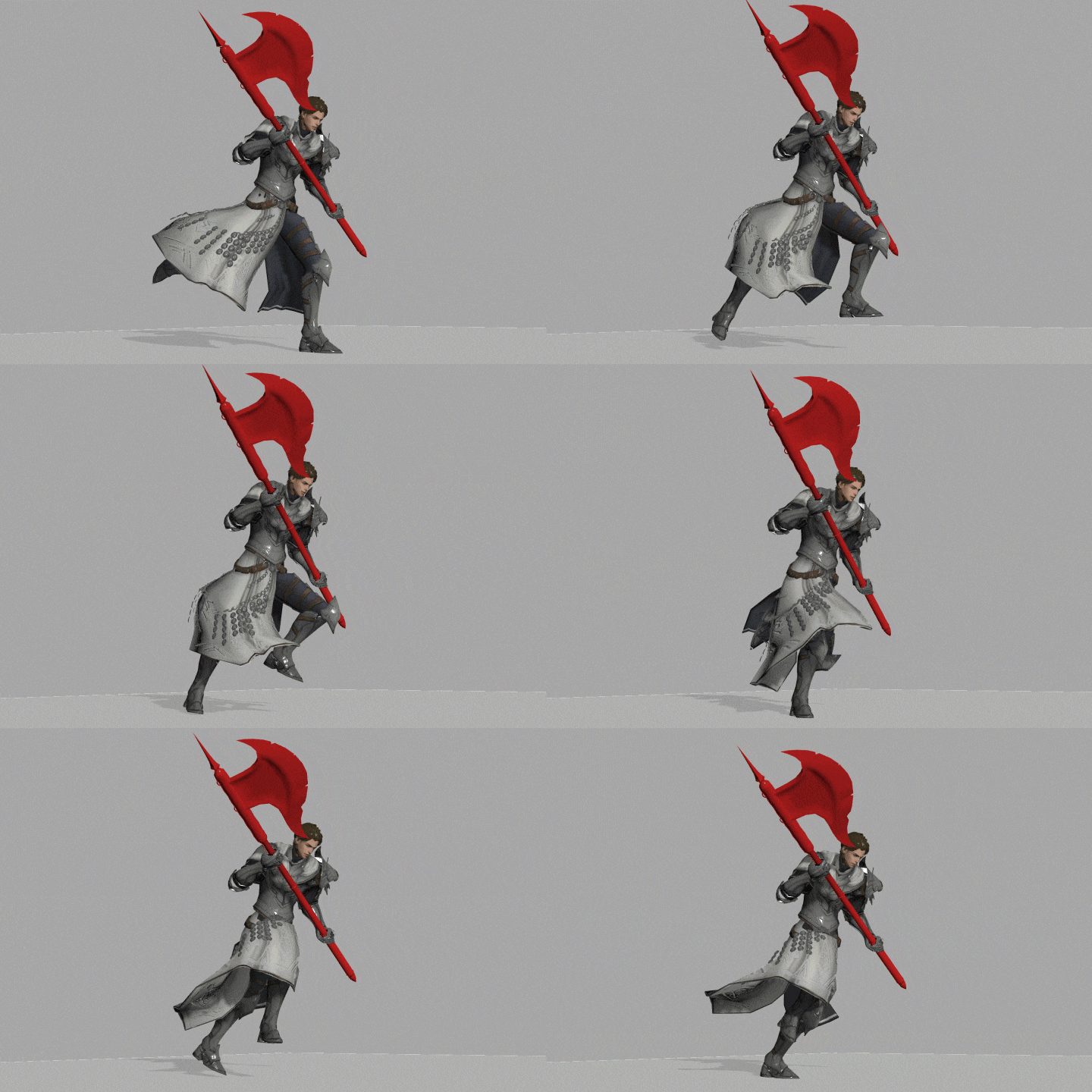 Exercise 13Run Cycles of Characters with Two-Handed Weapon
Part 04. Monster Animation
-
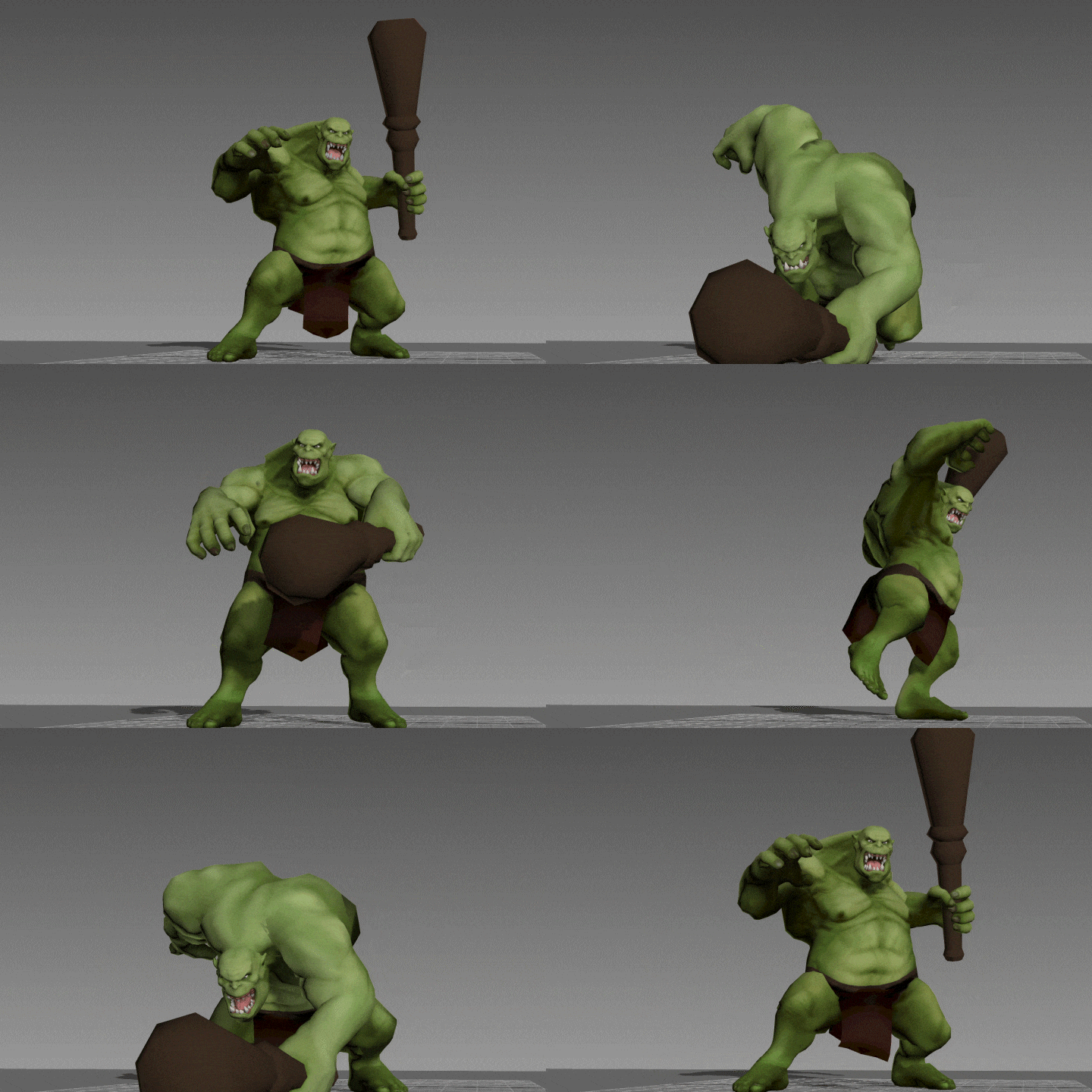 Exercise 14Orc Attacks
 -
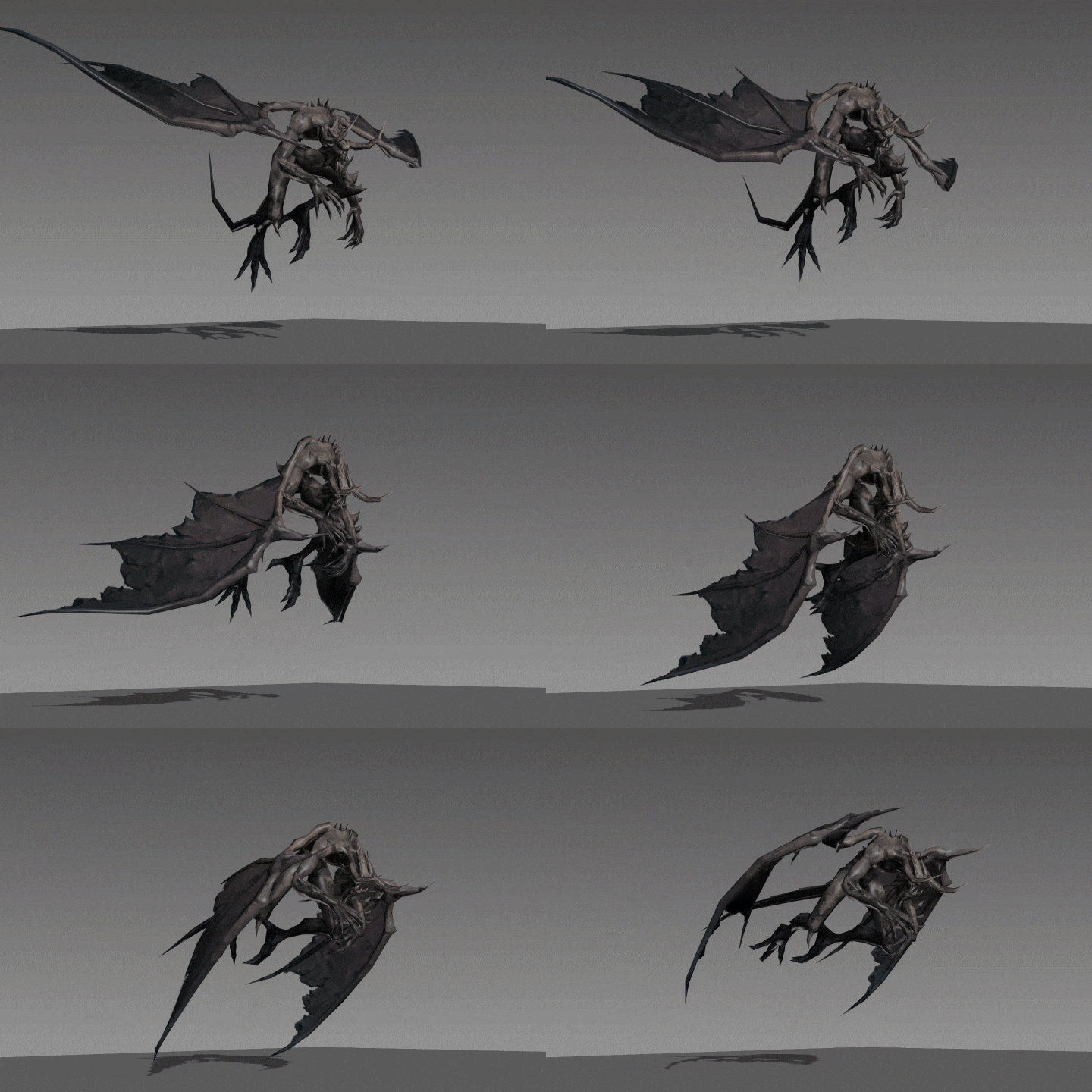 Exercise 15Gargoyle Run Cycles
 -
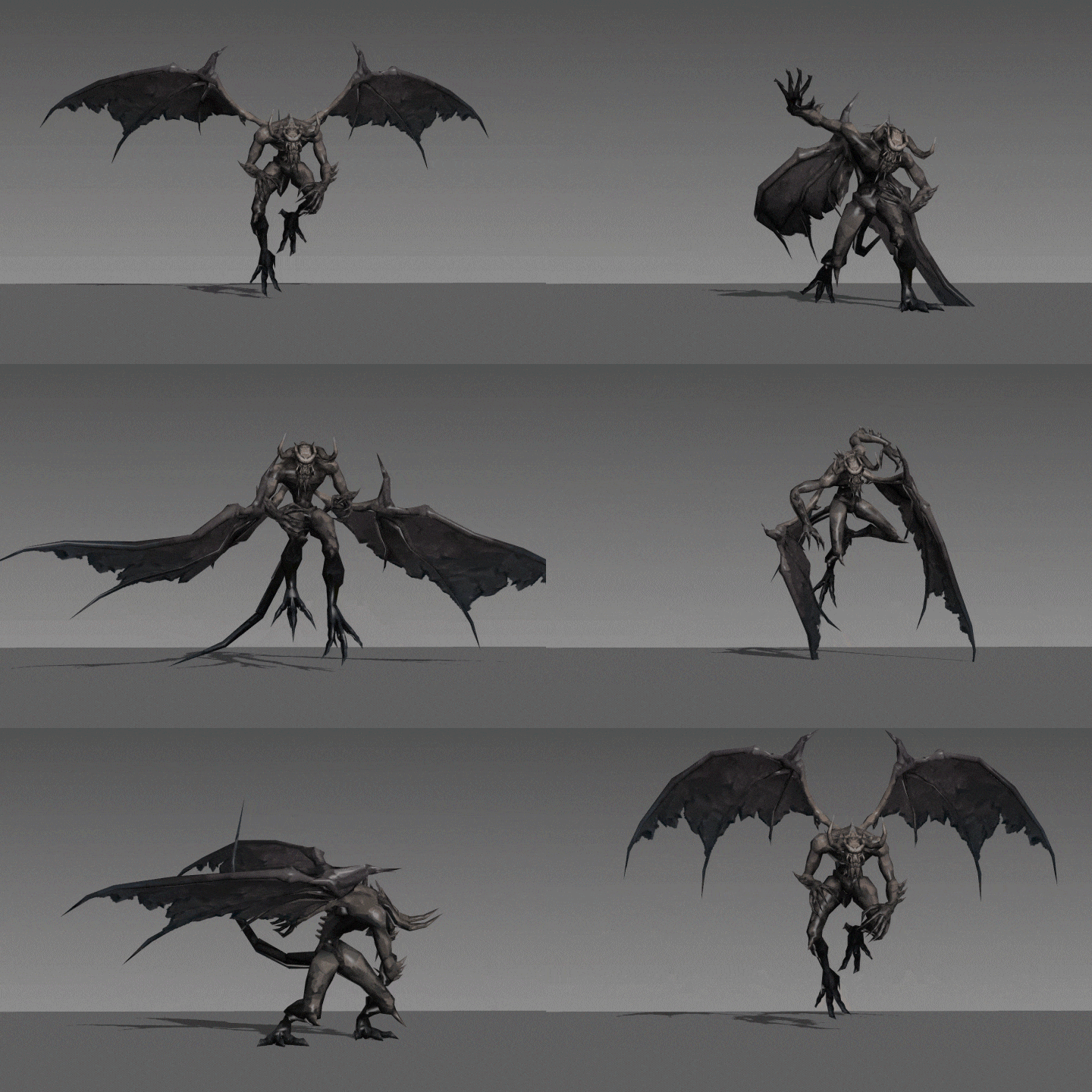 Exercise 16Gargoyle Attacks
 -
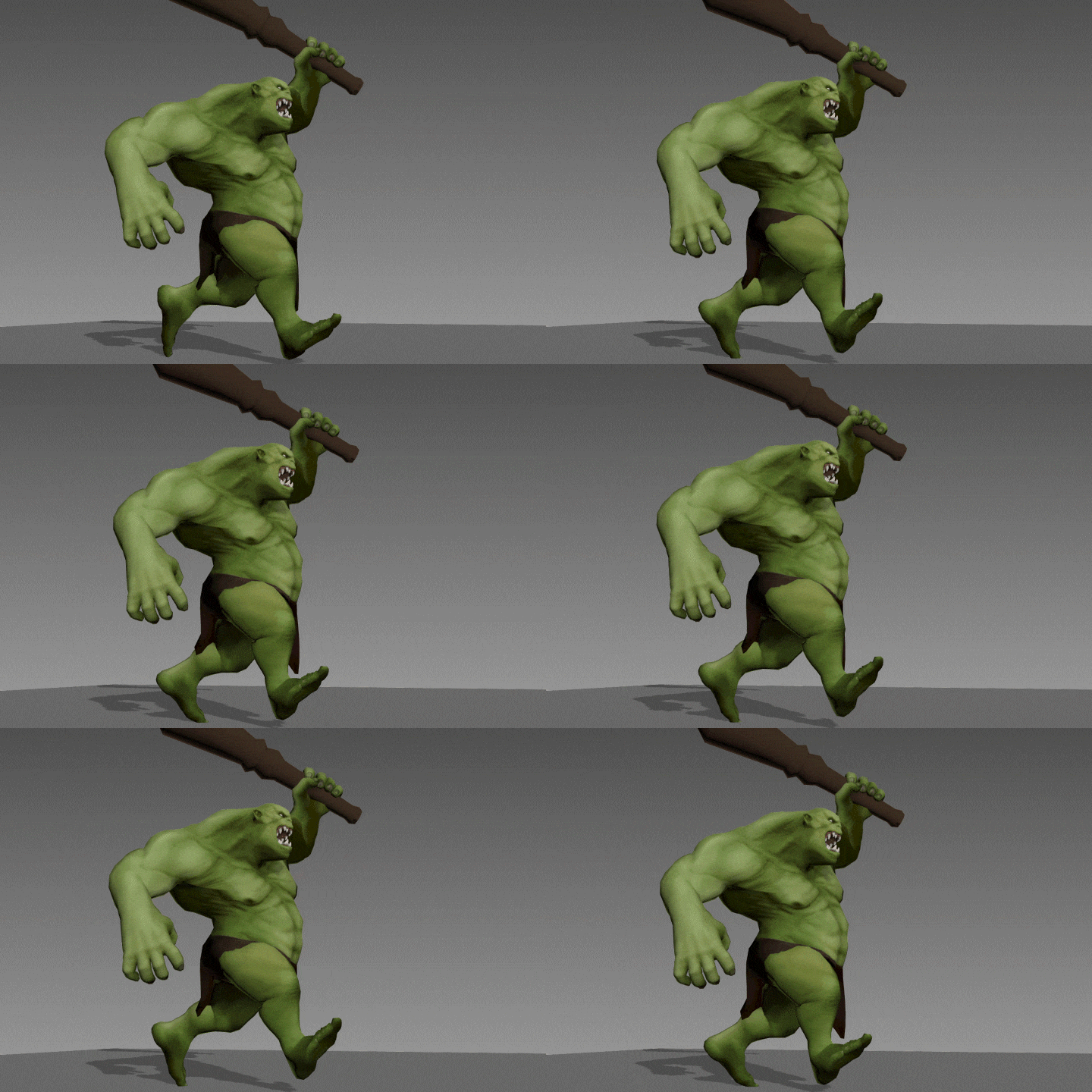 Exercise 17Orc Run Cycles
-
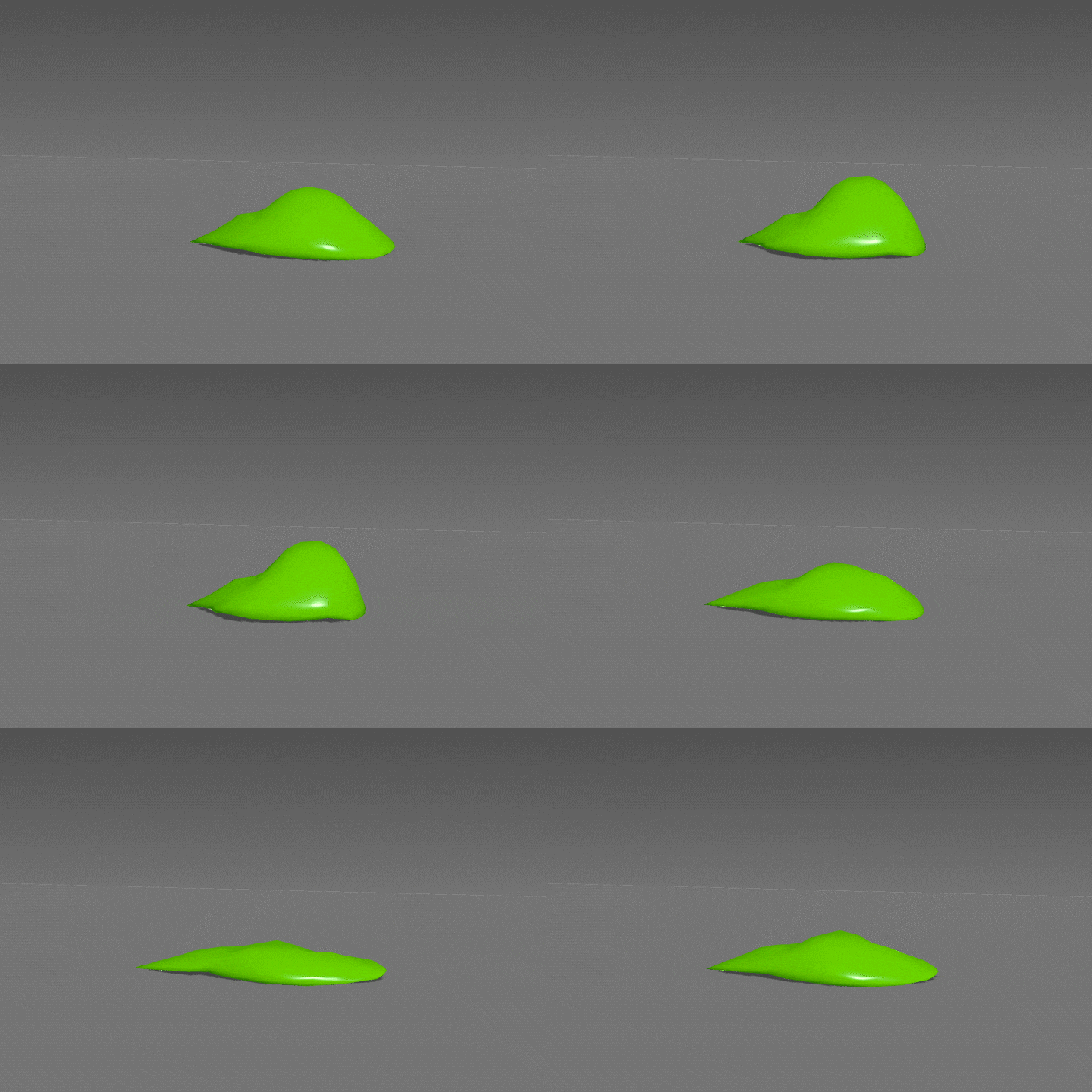 Exercise 18Slime Run Cycles
 -
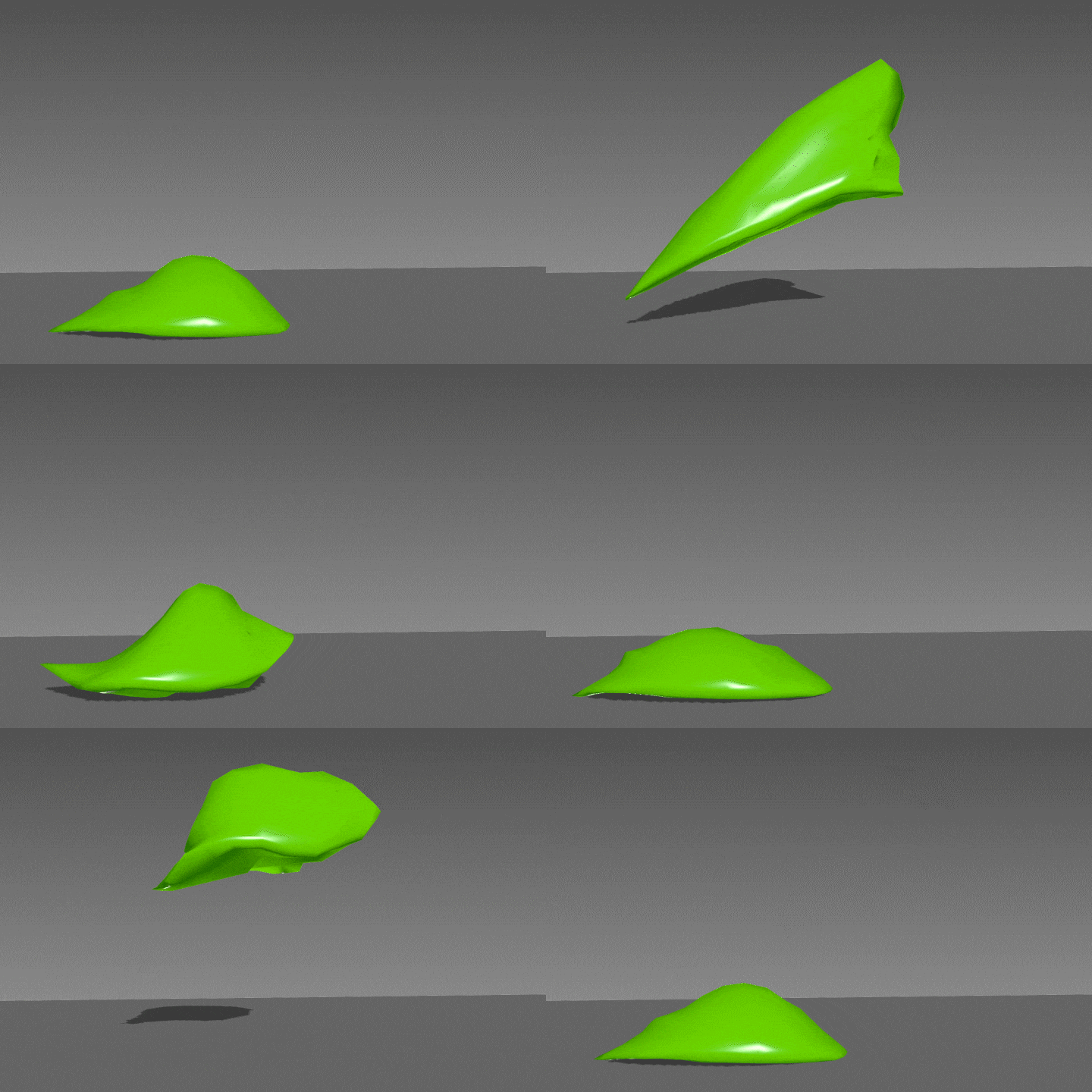 Exercise 19Slime Attacks
 -
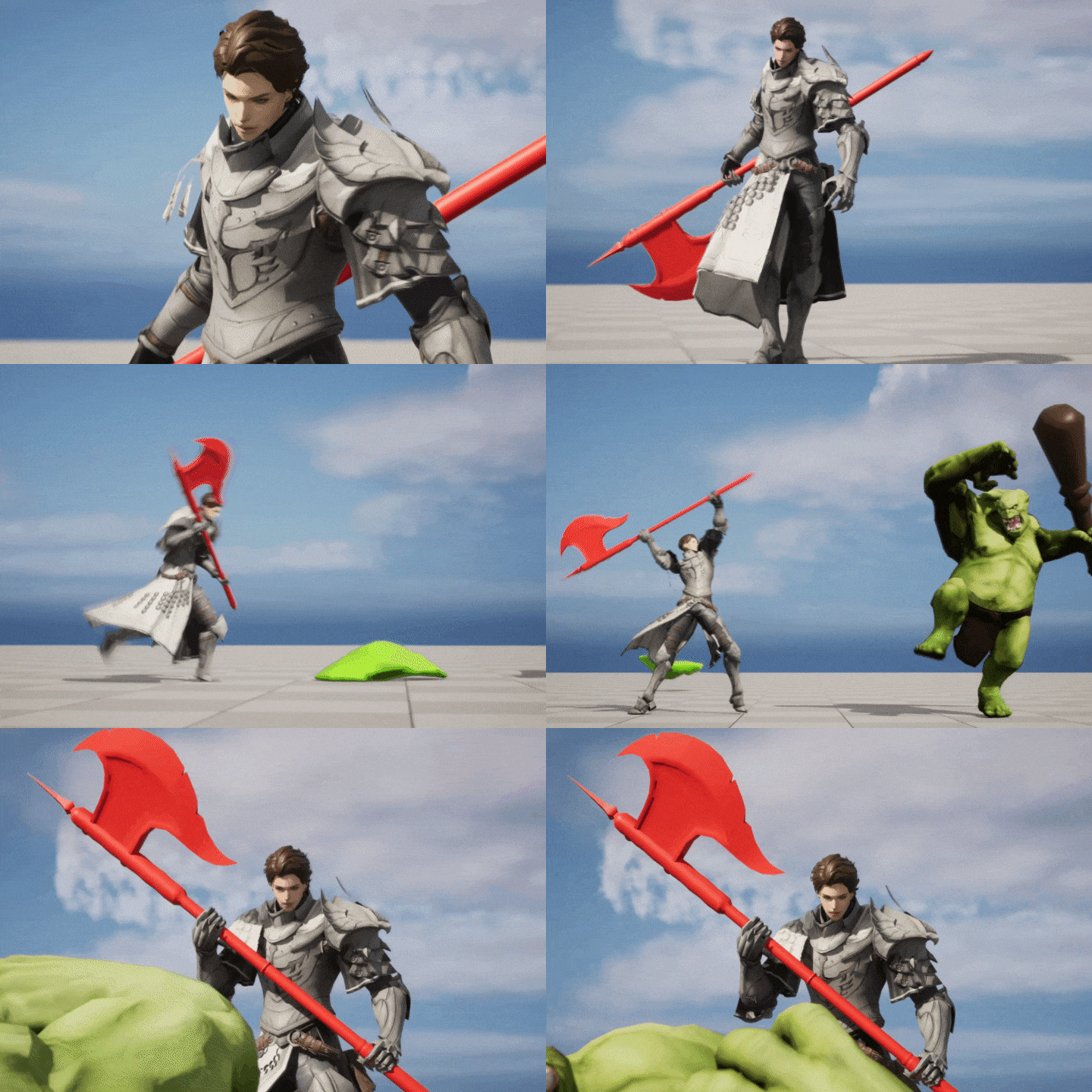 Exercise 20Unreal Monster Combat Scenes
*These are sample images for better understanding. The associated content can be changed without prior notice.
Recommendation
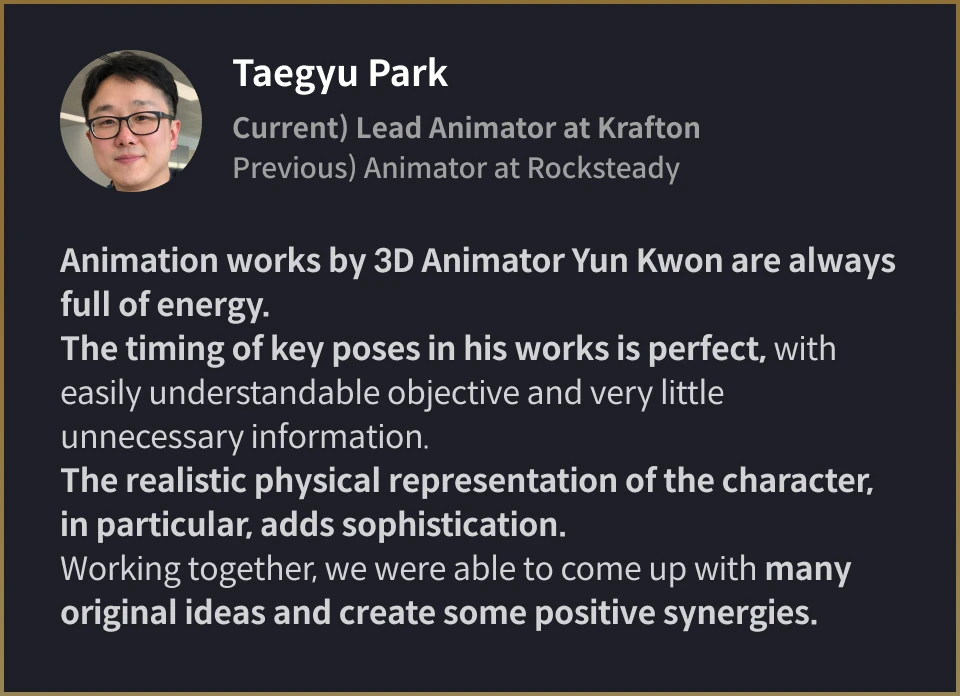
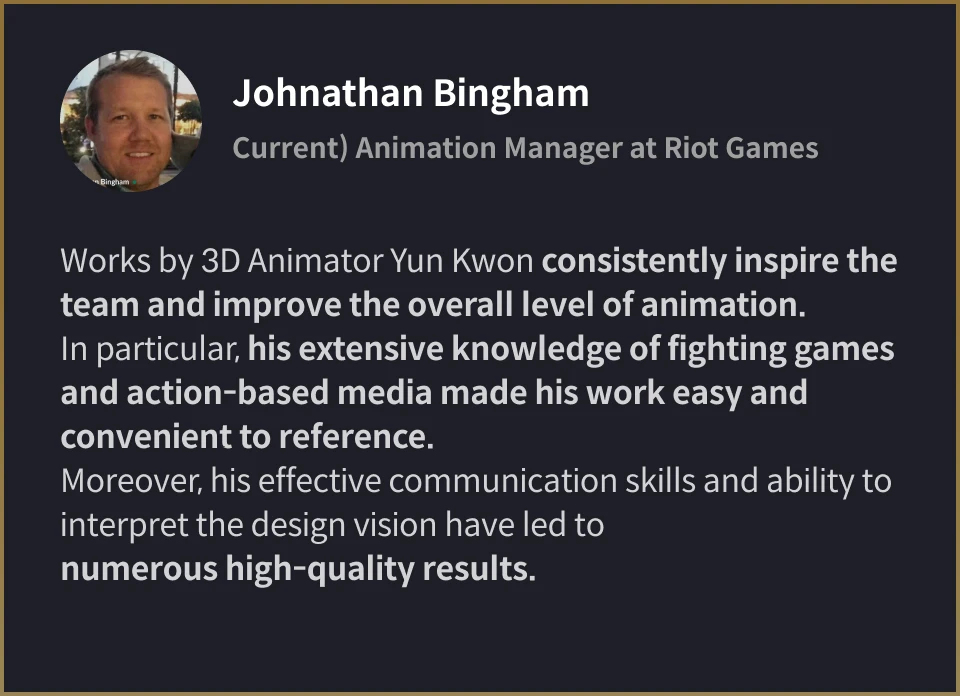
Class Recommended by Experts in the Field
Yun Kwon
3D Animator
Hello. I’m Yun Kwon, and I’m a 3D Animator.
I’ve been part of multiple game development projects at companies like NCSOFT and Webzen. Currently I’m on the Project L Team at Riot Games, or better known as the developer and publisher of League of Legends.
I hope to share some of the experience and expertise I have gained in the field since I started as a mid-level animator, and offer a shortcut for anyone looking to go down the path of becoming an animator.
Students will be getting hands-on exercises on how different motions are applied, rather than only learning various rules and theories, which is quite impractical.
3D Animator, Yun Kwon
[Current]
Riot Games - Principal Animator
[Previous]
NCSOFT - Senior Animator
Projects & Awards
[Projects]
Currently part of Project L, a fighting game
Project TL (Throne and Liberty)
Lineage Eternal
Archlord 2
and others
Class Highlights
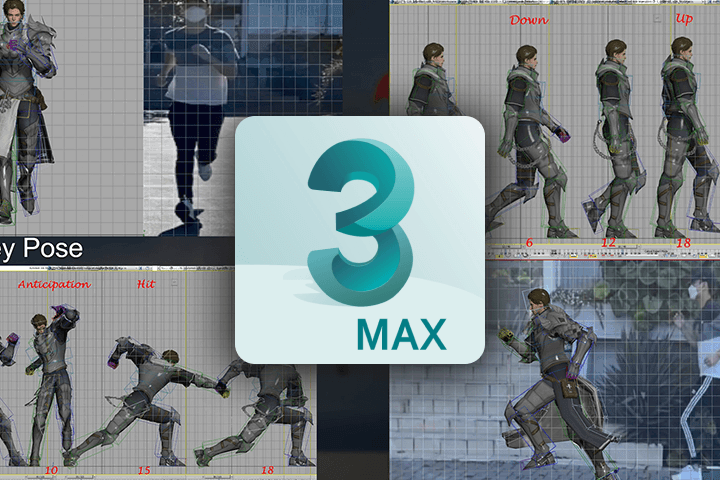
Exercise-Based 3ds Max Workflow Tailored for Attack Animation in Games
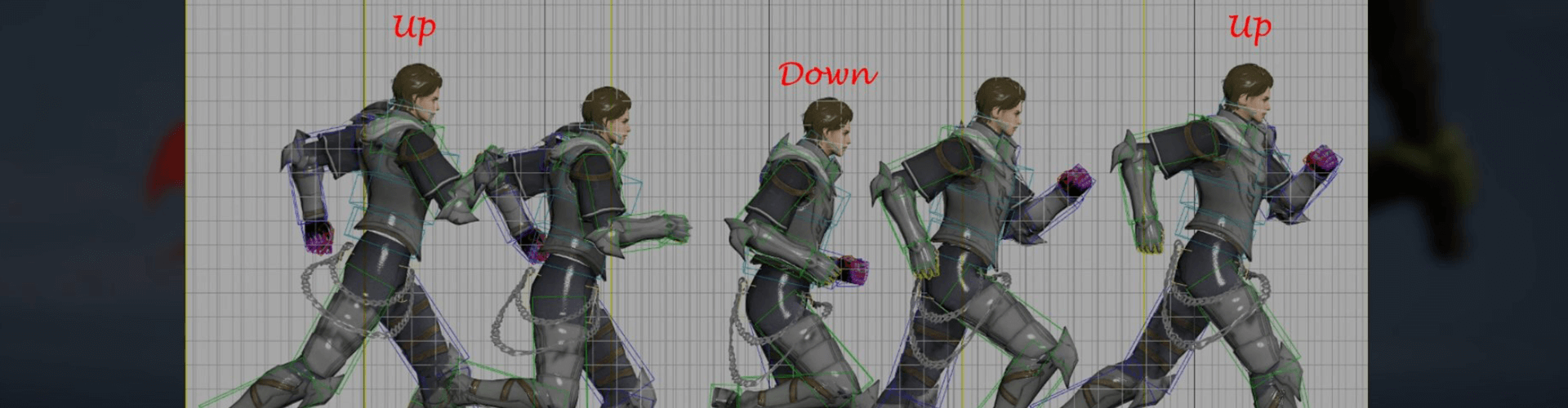
Learn only essential theories without unnecessary elements. Then, practice different processes of the work, including rigging, across various motions such as walking and running, to grasp the basics of animation. Leverage real human motion references to apply and replicate the same movements in your animation.
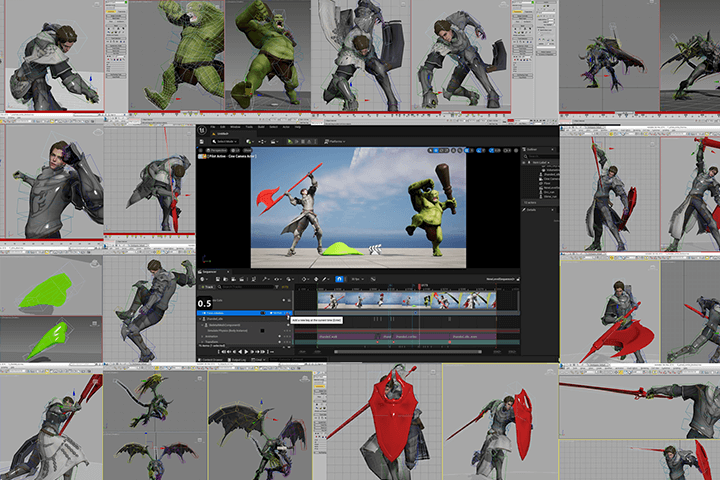
Type-Specific PC Character and Monster Motion For Different Levels of Difficulty
Learn attack animations that vary according to the character's weapons, whether they are unarmed, one-handed weapons, or two-handed weapons. Master the animations of three monster characters, namely orcs, gargoyles, and slimes as you enrich your motion skills.
Tips on Making Your Best Portfolio And How to Land a Job Overseas
This class will provide you with tips and insights for constructing an efficient workflow. The content is designed based on countless trial and error I personally encountered while working in the field. Additionally, the class covers creating a standout game animation portfolio and excelling in job interviews at globally recognized game companies worldwide.

Class Details
You'll Learn
-
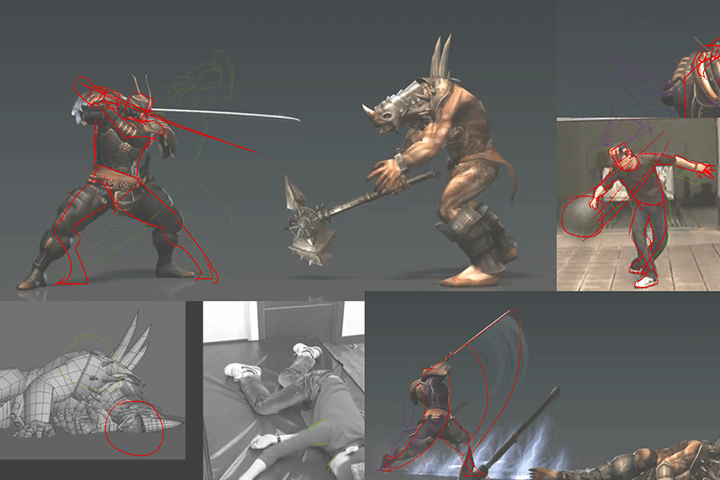 How to Select Key Poses Based on Actual Acting and ReferenceUse action scenes and motions easily seen around you and translate them into 3D animation. Similarly, practice getting the most information from a single reference to create highly realistic animation.
 -
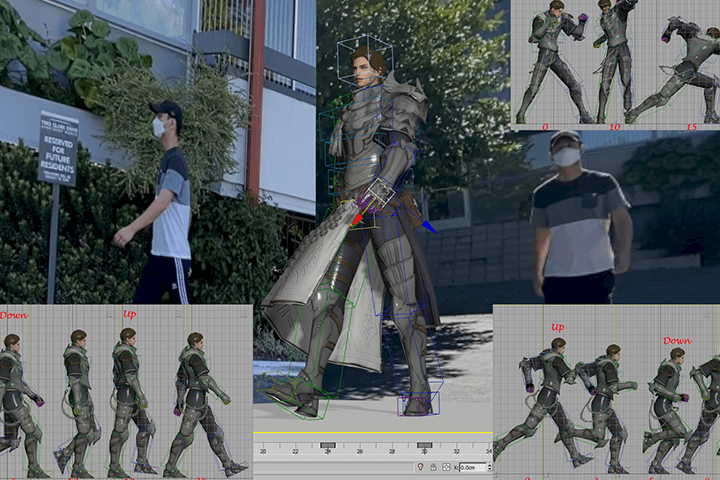 Understanding the Principles Behind Basic Motions of CharactersRather than focusing solely on learning theories, explore how the center of gravity shifts when a character takes a step. Learn to consider balance when creating key poses, developing character-specific motions with a deep understanding of each one.
 -
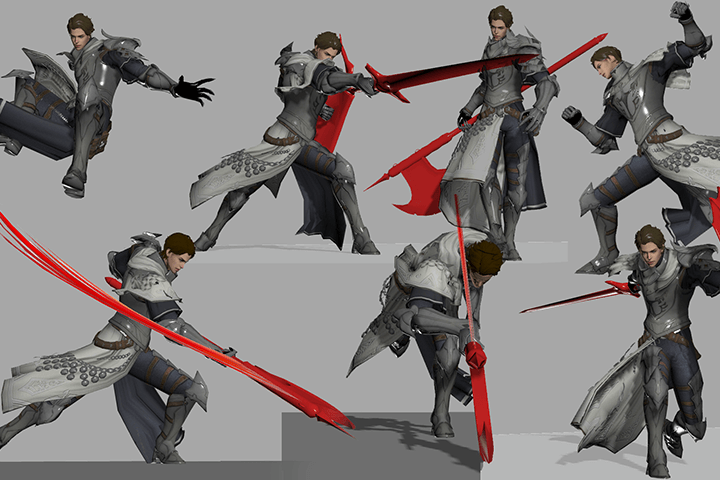 Combo Attacks Based on the Understanding of the Different Characteristics of Various WeaponsEven with the same character, motions can vary significantly depending on the weapon. This course will emphasize understanding the characteristics of different weapons, along with depicting their weight and applying basic movements in combo attack motions.
-
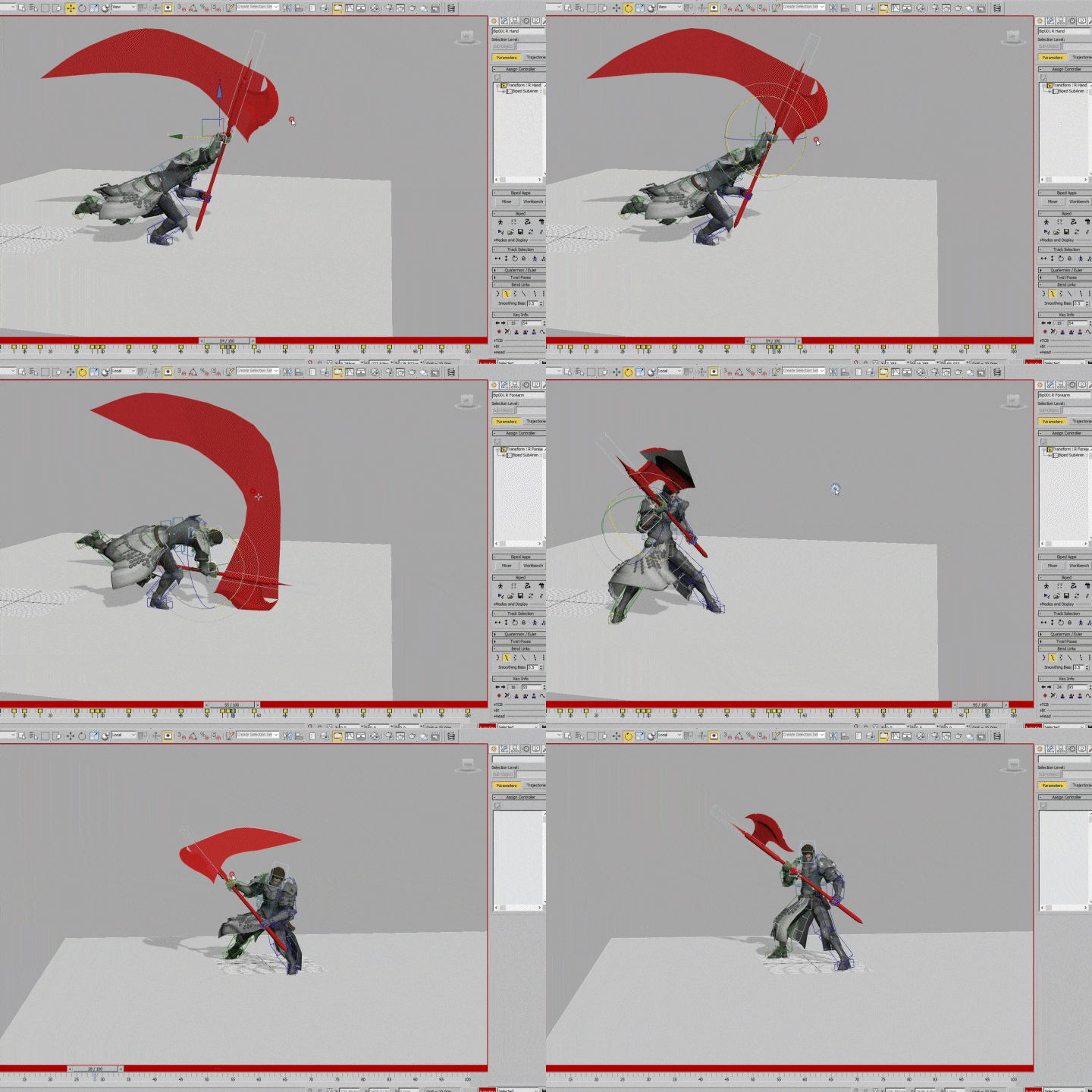 Animation Polishing Tips And How to Boost the Quality of your WorkReopen the animation after completing the first draft to proceed with rigging, blocking out, full animation, and polishing. This process aims to enrich the motions in the final output, enhancing the overall quality of the animation.
 -
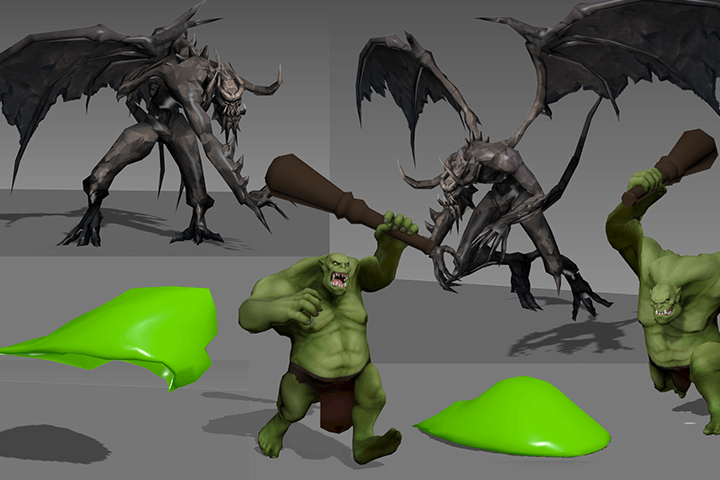 How to Create Three Unique Kinds Of Monster AnimationExplore how the intelligence, wings, and components of monsters influence their actions, and gain a deeper understanding of how the structure and characteristics of non-human monsters are reflected with appropriate motions.
 -
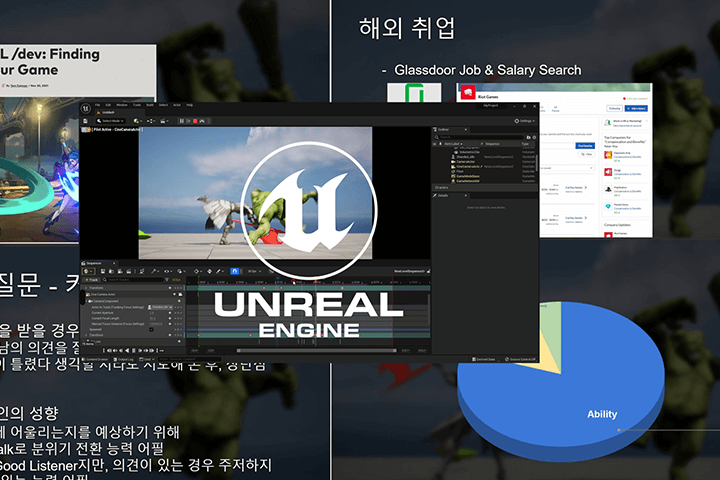 Tips on Making Demo Reels Using Unreal EngineImport your animation into Unreal Engine, the most widely used software in today's game industry. Complete simple scenes to ensure your work is portfolio-ready.
- Unlimited Access
- Best Price
Buy now, get unlimited access.
12/31 (Sat) (UTC-7) Special offer ends soon.
This special offer ends soon.
Buy now and save!
Curriculum
In-Depth Look
SECTION 01. Intro
01. Orientation
- Introducing the instructor and the class objective
- What is a game animator?
02. Using References
- How to be the observer
- Why key poses are important
- Critique training
03. Getting Animation-Ready
- A quick overview of 3ds Max UI
- Setting shortcuts
- Bip settings and functions
- Setting body-friendly Bip placement
04. Rigging
- Separating layers by type
- Using orient constraint to make shoulder, elbow, and knee models
- Skinning
SECTION 02. Basic Animation
05. Exercise 01: Character Walk Cycles
- Creating animation using references
- Pose-to-pose animation
- Understanding how steps influence the center of gravity and pelvic movement
06. Exercise 02: Character Walk Cycles
- How to create a knight’s running animation
- Clearly distinguishing walking from running
- Understanding arm and foot motility
07. Exercise 03 and 04: Character Breathing, Unarmed 3-Hit Combo Attacks 01
- How to create Straight Ahead
- Block-out animation using Anticipation, Hit, and Recovery Pose
- How to use Arc
- Combo finish using Jump Smash
08. Exercise 03 and 04: Character Breathing, Unarmed 3-Hit Combo Attacks 02
- Correcting the timing
- Refining the key pose
- Adding in betweens
- Follow through & overlapping
SECTION 03. One-Handed Sword & Shield Animation
09. Exercise 05, 06 and 07: Character Animation with One-Handed Weapon
- Walking, running, and breathing animation of a knight holding a one-handed sword and shield
- Why the idle pose is important
- The change in each animation when holding weapons in both hands
10. Exercise 08: One-Handed Weapon 4-Hit Combo Attacks 01
- How to create various attack combos using one-handed swords
- The difference between stabbing and slashing
- Block-out animation
11. Exercise 08: One-Handed Weapon 4-Hit Combo Attacks 02
- Correcting the timing
- Adding in betweens
- Improving the quality
SECTION 04. Two-Handed Weapon Animation
12. Exercise 09, 10 and 11: Character Animation with Two-Handed Weapon
- Walking, running, and breathing animation of a knight holding a two-handed weapon
- Capturing the weight of the weapon
- Setting a two-handed weapon using Target IK
- Understanding the limitations of two-handed weapons
13. Exercise 12: Two-Handed Weapon 3-Hit Combo Attacks
- Understanding the timing and spacing
- The allowable range of anatomy and exaggeration
- Things to look out for with spin attacks
- The body-weapon interaction
SECTION 05. Animation Polishing
14. Exercise 13: Animation Polishing
- What is polishing and how does it enrich motion?
- Adding impact using existing combo attacks
- Adding trails
- Aligning the path of the weapon
SECTION 06. Monster Animation
15. Exercise 14 and 15: Orc Animation
- Applying slow in & slow out
- Understanding the characteristics of characters
- Creating non-human, monster-specific animation
16. Exercise 16 and 17: Gargoyle Animation
- Understanding the structure of wings
- Adding individuality to flying monsters
- How to create claw combo attacks
17. Exercise 18 and 19: Slime Animation
- Applying squash and stretch
- Bone rigging
- Adding liquid-like feel using only move and scale
SECTION 07. Outro
18. Exercise 20: Unreal Combat Scene Animation
- Creating videos using the Create Preview feature
- Creating scenes using the sequencer in Unreal
- Using physics to kill monsters
19. How to Create Demo Reels and Land a Job
- Secrets to making demo reels
- Interview and career tips for working in Korea and abroad
- Closing remarks
*The release date of this class, curriculum images, and associated content can be changed without prior notice.
** Class videos may be seperated for a more streamlined viewing experience
Interview with
3D Animator Yun Kwon

What would you say is your forte as a 3D Animator?
For over 13 years, I have been involved in the production of various RPG games, the genre with the highest demand in the industry. In this class, I will be sharing with the students the knowledge and experience I have accumulated on frequently used animation techniques. In particular, I can walk the students through type-specific game animation based on the workflow currently in trend at a globally prestigious game company that owns one of the many global game titles.
What will students gain from this class?
This class will teach the students a step-by-step practical workflow for quickly and efficiently creating animations suitable for combat situations in games. We will start by referencing techniques for designing attack animations for armed characters and monsters in the right places at the right time. The students will get sufficient practice using different skills, which will help them reduce trial and error in their work while also helping them build a high-quality portfolio.
Who is this class recommended for?
This class is designed for individuals already familiar with the basics of 3ds Max but seeking to delve deeper into implementing character and diverse monster animations within real-world scenarios. It is also recommended for those facing challenges in creating action motions for various weapons, aiming to grasp the intricacies of combat-focused game animations, or looking to enhance their portfolio for potential job opportunities in the promising game industry.
Required Programs
This course will use
- 3ds Max 2016
- Unreal Engine 5
Please purchase and install these program(s) for an optimized lecture experience.
* Recommended specification for Unreal Engine: Link
*These programs and/or materials will not be provided with the lecture.
Recommended Class
Like this class?
Then check these out!