2DAnimator,SeryunHan_2D애니메이터 한세륜 Details
Class Intro
A Spine Animation
Masterclass
I’ll show you how to create animations that look like 3D animation while retaining the charm of an illustration, in a way that anyone can understand.

This class will help you take your hobby to the next level and set you on the path to becoming a professional 2D animator.
Class Perks
Get These Coloso Exclusives
-
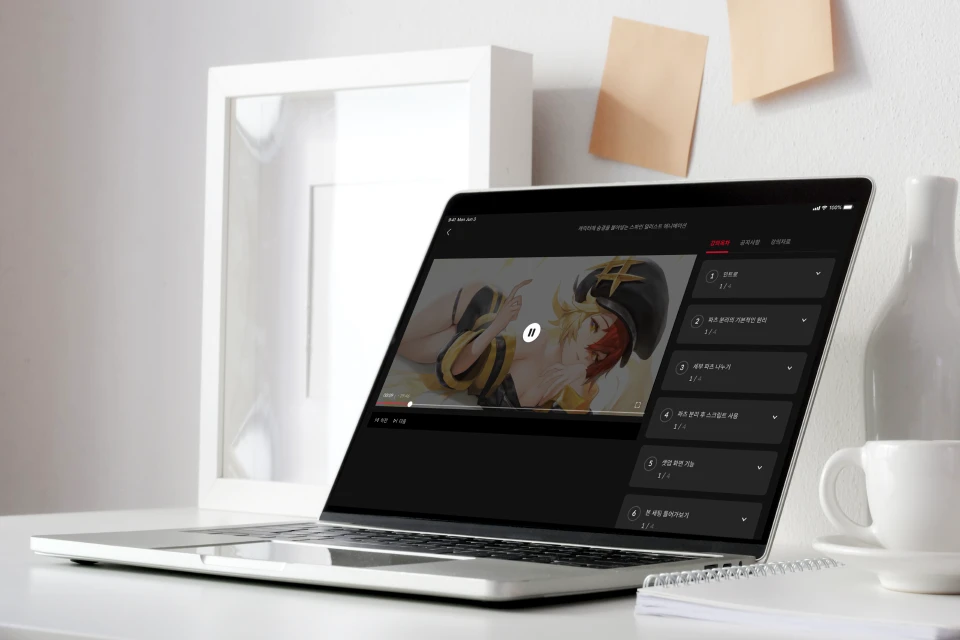 Fevercell Academy’s Popular Instructor, Seryun Han’s Unique Spine CurriculumUnlimited Access to 21 videos
 -
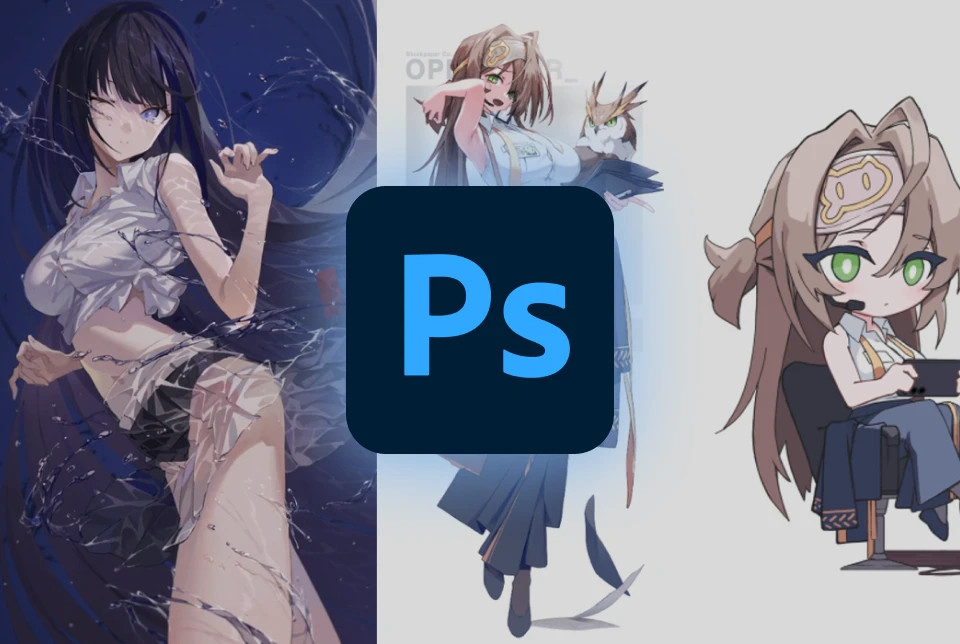 For Hands-on Course Exercises and Future WorkIllustration Character PSDs and Guidance Materials
 -
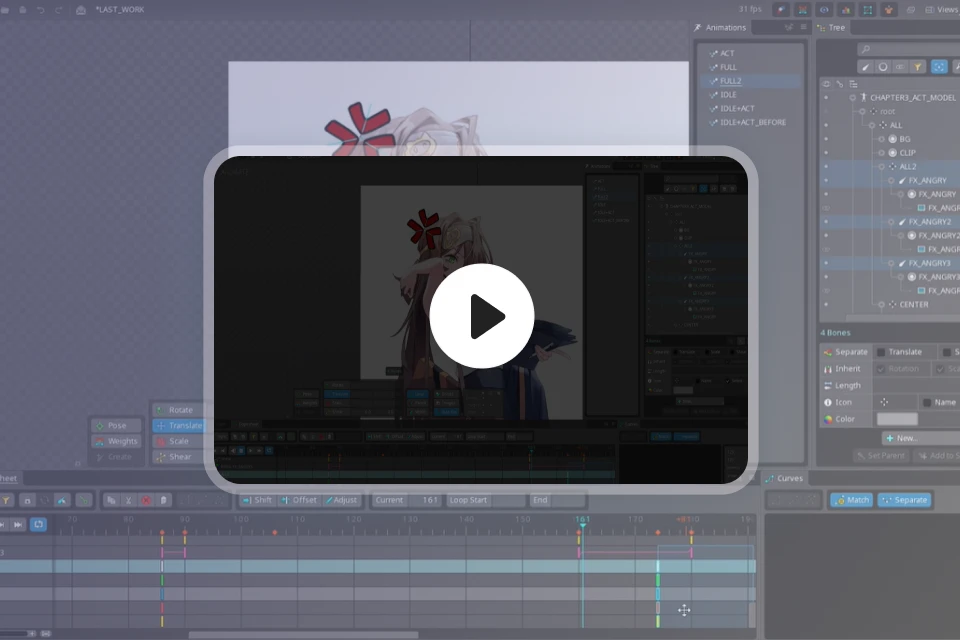 You Can See the Real-Time Work Process as It IsAnimated Demonstrations of In-Depth Exercises
Class Material Details
-
 List of Files Provided for Exercise Practice- Before/after PSD for 2 LD character part separations
- Before/after PSD for 1 SD character part separations
- Key pose storyboard PSD
- Original project SPINE of 3 final exercises -
 Guidance Materials for Improvements for the Next Step- PSD of "Eyes" work guide by difficulty
- Spine tool theory summary PNG
Recommendation
Who Should Take This Class?
Illustrator who wants
to add natural movement
and personality
to their original character
Job seeker
who is considering
a 2D game animator
as a career
Those who want to learn 2D Spine easily and quickly
from the beginner’s perspective and create illustration animation



Expert 2D Animator Seryun Han's Portfolio




Why Take This Class?
No more unnatural, jerky animations!
No more motions that detract from your character’s appeal!
Look no further for tricks to make your animations less awkward and more high-quality!
From step-by-step part separation to movement concept ideas, how to work out stiff spots, and the sequencing of moving joints, you’ll learn everything you need to know to create the detailed, natural movement you want.
From IDLE animation and acting animation to custom animation for LD and SD characters! You’ll learn how to add lighting and context to make your characters more interesting.
Join expert Spine animator Seryun Han from Fevercell Academy known for their years of experience and unrivaled curriculum and teaching, now at Coloso.

Class Exercises
LD and SD Character Animation in One Go With Spine!
*LD (Light Deformer) character with with standard head-to-body ratio
*Cute SD (Super Deformer) character with added stylization
Part 1. IDLE Animation
-
 Part separation
 -
 Bone settings
 -
 Meshes and Weights


IDLE (Art by HxxG)
Part 2. Advanced Animation
-
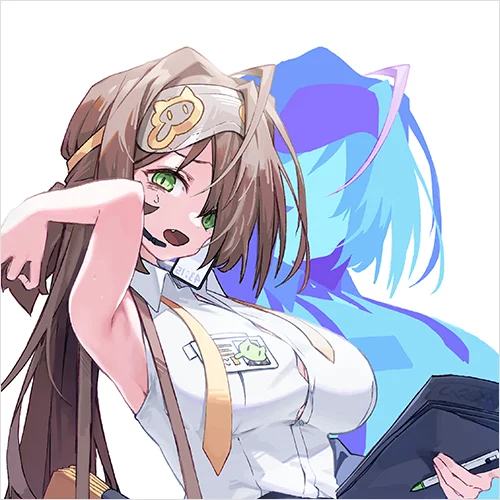 Part separation
 -
 Setting key poses
 -
 Applying lighting
-
 IDLE and keypose animation
(Advanced Animation) -
 In-Depth Animation Direction
(Demonstration)
Part 3. SD Character Animation
-
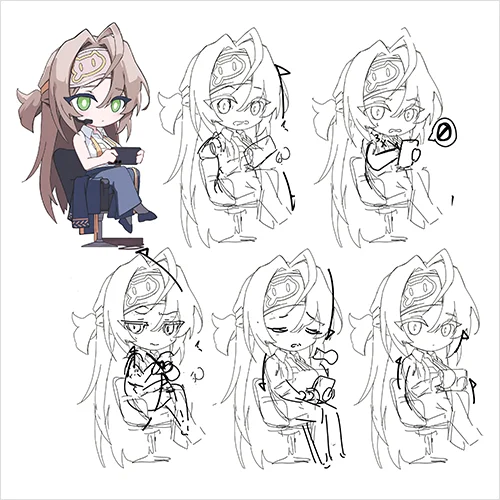 Animation conceptualization using key poses
 -
 SD character part separation
 -
 SD character key poses

SD character final animation
※ The illustrations used in this course are copyrighted by HxxG and Seryun Han
(Modification or redistribution strictly prohibited/for personal study only)
Seryun Han
2D Animator
Hello, I'm Seryun Han, a 2D animator with a passion for bringing characters to life through movement. Throughout my career at Super Creative and across various notable projects—including CookieRun: Witch's Castle, Devil Book, and Counterside—I've dedicated myself to crafting character animations that transcend mere motion.
My core belief as an animator is that true character comes alive through nuanced, expressive movement. Every frame is an opportunity to reveal a character's personality, emotions, and inner world. I'm constantly exploring how subtle shifts in posture, timing, and gesture can transform a static illustration into a living, breathing character.
In this class, I'll share the techniques and insights I've developed over years of professional animation, helping you understand how to infuse your own work with depth, personality, and that magical spark of life.


2D Animator
Seryun Han
[Current]
Representative Spine Instructor at Fevercell Academy
[Previous]
Neo Scion Animation Team
Super Creative Epic Seven TA Team
Super Creative New Project Animation and Storyboard Animation Team
Projects & Awards
Company (In-house) Experience
- Neo Scion Animation Team
- Super Creative Epic Seven TA Team
- Super Creative New Project Animation and Storyboard Animation Team
Outsourcing Experience
- Starter Devil’s Book animation outsourced production
- Devsisters Cookie Run Witch’s Castle animation outsourcing production
- CookApps unreleased project animation outsourced production
- Studio Beside Counterside outsourced production
Class Highlights
Creating a Solid Foundation to Work with Spine Easily
You’ll learn the basics of Spine to build a solid foundation and set up a working environment optimized for creating animations. This is an “entry-level friendly” curriculum that will take you from zero knowledge of how to create animations to a fully-fledged, high-quality character animation in one course.
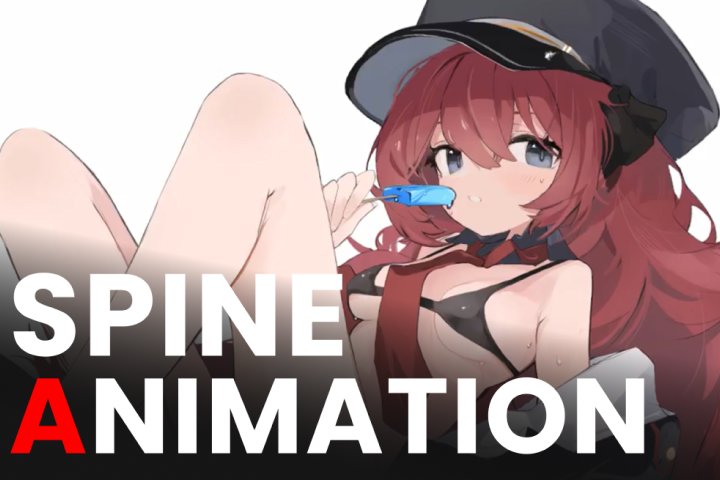
How to Vividly Animate
Your Original Characters
Characters are the embodiment of their personalities and settings. You'll learn how to create your original characters and get them to move freely by learning what expressions to add based on the character's characteristics and concepts to make them unique and alive. You’ll also learn how to add small elements to the basic animation, such as subtle hand gestures and eye gazes, to make them more lifelike.

Mastering All Characters,
From LD to SD
Character illustrations include not only full-body LD characters but also many small and cute SD characters. You’ll learn how to use different body types to maximize the cuteness of not only LD characters but also SD characters and learn how to utilize Spine in various ways.

Class Details
You'll Learn
-
 Spine 101 for BeginnersFrom installing Spine to the basic interface, features, and terminology, we’ll cover the basics so that even those new to Spine can understand it at once.
 -
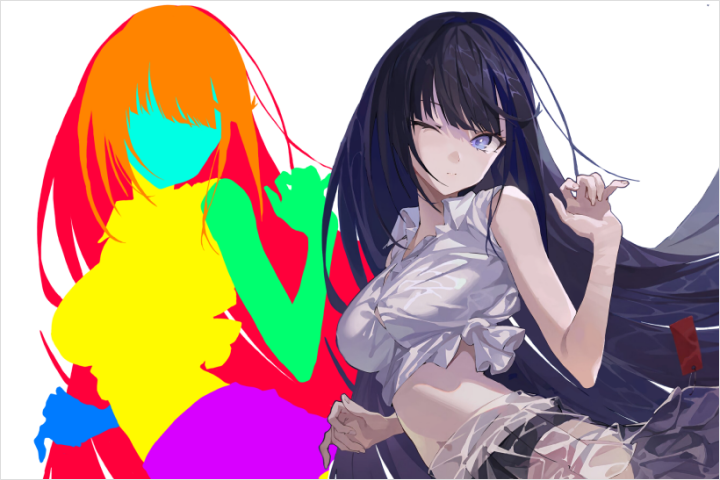 Understanding Human Movement and Separating PartsLearn how the joints in the human body move and the order in which they move, and follow along with illustrations to break it down from large forms to detailed parts like hair, clothing, hands, and more.
 -
 Setting up Characters for Animation ProductionOnce you've separated the parts based on the illustrations and movement you want, you'll want to set up your character to understand how the bone setting, meshes, and weights work before you start animating.
-
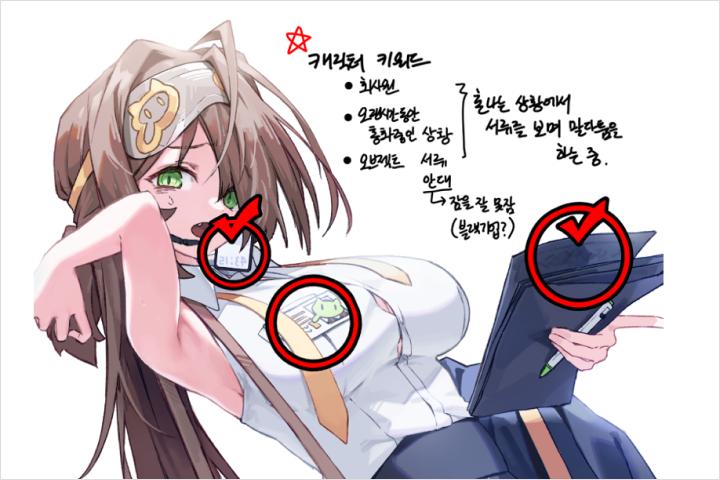 How to Storyboard Animations to Capture a Character’s IndividualityLearn how to conceptualize and storyboard illustrated animations so that every character you encounter has a unique personality and concept.
 -
 From Idle Animation to Acting Animation with LD CharactersLearn the basics of illustration animation, starting with breathing IDLE animation, followed by acting and loop animation, and finally, natural key pose animation.
 -
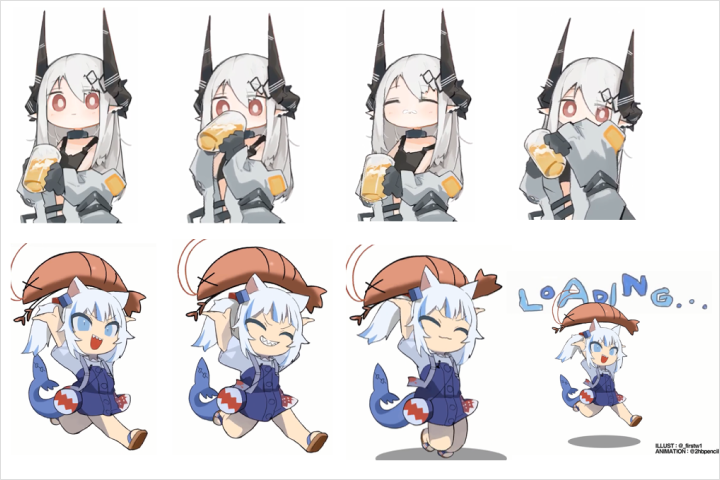 SD Character Animation Using Various Key PosesCreate a variety of key poses to create dynamic acting animation for cute SD characters. Using these key poses, you’ll replicate the animation workflow you learned earlier.
Curriculum
In-Depth Look
SECTION 01. OT
01. Introduction
- Instructor introduction
- Curriculum overview
SECTION 02. Making Basic Illustration Animations
02. How Part Separation Works
- Separating large parts according to the basic principles of part separation
03. Separating Detailed Parts
- Separating detailed parts such as hair, accessories, skirts, and more
04. Using A Script After Part Separation
- Understanding and applying script files
05. Setup Screen Functions
- General description of setup screen functions
06. Starting Bone Setting
- Basic bone setting tips
07. Principle of the Mesh Function
- How the mesh function operates
- How to shape the mesh
08. Principle of the Weights Function
- How the weights function works
- Using weights
09. Producing the Main Bone Animation
- Description of the animation tab and the name of the main bone animation
10. Creating and Finalizing Follow Animation
- Description of functions such as follow animation production keys, offsets, and adjustments according to the main animation
SECTION 03. Illustration Animation - Advanced Movement
11. Separate Into More Detail Parts
- More detailed part separation for creating various animations
12. Additional Functions Available In the Settings
- Disconnect rotation and scale values
- Explanation of transform constraints and advanced 2.5D settings
13. Simple Key Pose Animation
- IDLE Animation Review
- Making a simple key pose animation
14. Connect And Finalize The Animation Naturally
- Connect two animations
- Finishing the follow animation
15. Applying Lighting to Illustrations
- Adding light to illustrations using the slot function
SECTION 04. Creating Cute SD Character Animations
16. Animation Conceptualization Using Various Key Poses
- Storyboard work for producing acting animation
17. SD Character Part Separation
- SD character part separation work and additional part work
18. Setting SD Characters
- Applying additional character parts and utilizing IK
19. Creating SD Character Animation Key Poses
- 2+ acting key poses
- Attachment replacement animation
20. Complete SD Character Animation
- Finding the timing of the animation and finalizing
SECTION 05. In-depth Animation Demonstration Video
21. LD Character Animation In-depth (Demonstration)
- Demonstration of in-depth animation process
Interview with
2D Animator Seryun Han

What do you consider your strengths when you work?
One may think it's unnecessary, but the tiniest hand gestures, eye gazes, and other small elements add up to details. I’m constantly working to make sure I don't miss those things.
How do your unique strengths integrate into the curriculum of this course?
If you pile up too much from the beginning, it’s bound to fall apart. Just as a strong foundation is essential to ensure that whatever you build on top of it won't collapse, we'll go over how to build a solid base animation and how to add your character's movements of choice to this base animation so that you can create highly polished animations.
What benefit does this course have for learners?
This attention to detail will help you bring out the personality and charm of your characters. You'll learn what movements you need to think of to add personality to your characters, how to make them move naturally, and what the different poses and expressions are, so you can take away detailed ways to create your unique animations, not animations that just anyone can make.
Required Programs
This course will use
- Spine 2D Professional(ver 3.8.99 or higher)
- Adobe Photoshop
Please purchase and install these program(s) for an optimized course experience.
*These programs and/or materials will not be provided with the course.