visualdevelopmentartist,priyakakati Details
Intro
Class Intro
Visual Development Artist, Priya Kakati
"Going beyond concept art, we'll be taking the next few steps and set the tone & palette of your production."
Mastering Visual Development Using Color
The secret isn't more rendering or tighter details.
It's understanding how color whispers emotion before a single shape is read, how a shift in temperature can transform loneliness into hope, how light and shadow become the heartbeat of your story.
This is the invisible language that makes work unforgettable.
This is the invisible language that makes work unforgettable.
This class is taught by Priya, who doesn't just use color, she orchestrates it. She knows how to speak with a wash of warm amber that can cradle a character in safety, a slash of cool cyan createing distance and longing, create contrast and flow can guide a viewer's heart exactly where you need it to land.
You'll learn to see mood and color as something you can design, control, and repeat with confidence.
This is where your work finally starts to resonate the way you've always imagined it could.
You'll learn to see mood and color as something you can design, control, and repeat with confidence.
This is where your work finally starts to resonate the way you've always imagined it could.
Class Preview
Still Not Sure?
Check Out Priya Kakati's Class Preview!
Chapter 9: Ideation and Composition
1. Picking and Structuring the storyline
2. Tips and Tricks of balanced composition
2. Tips and Tricks of balanced composition
Class Perks
Special Gift from Priya Kakati
3+ Final Procreate/PSD Files

Coloso Exclusive Exercise Files

Priya Kakati's Custom Brushes

Class Work Templates
Class Material Details
-
 Final Illustrations- Access to Priya Kakati's illustration files, from rough sketches to finished pieces
 -
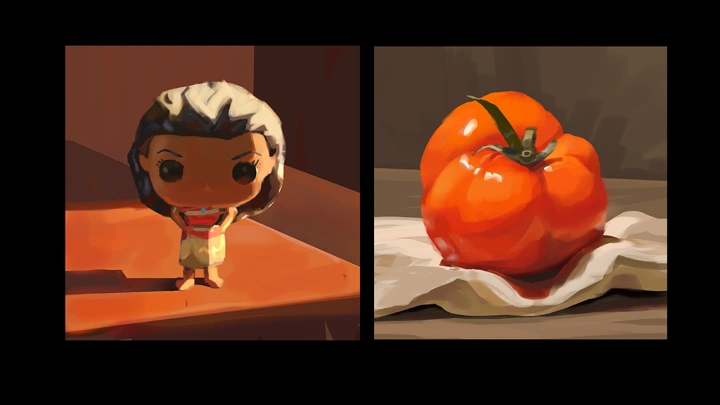

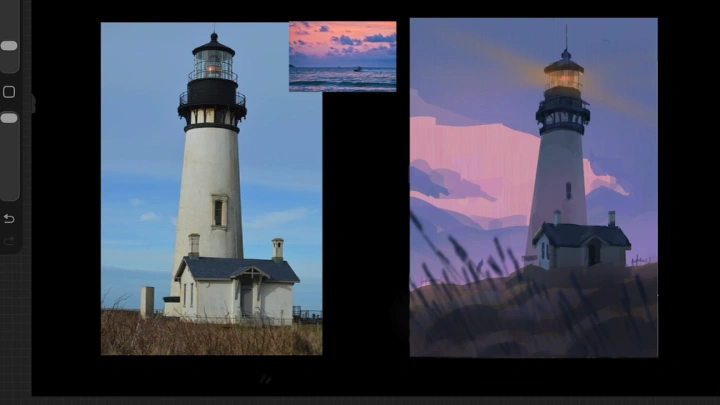
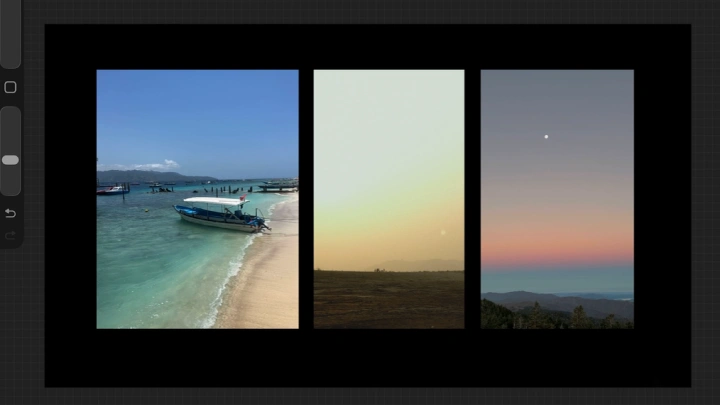
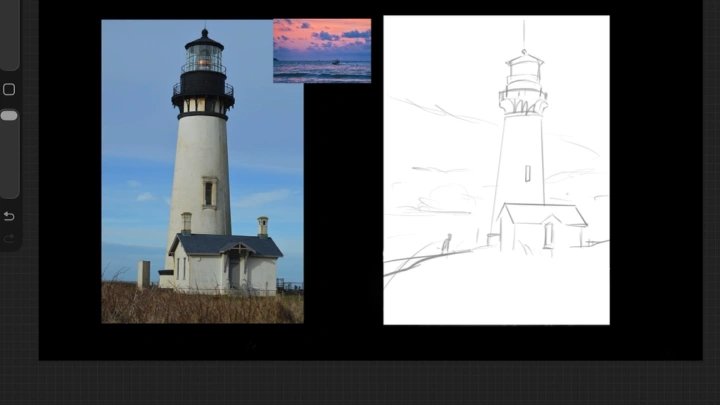
 Reference Studies- Follow along using reference images to study value, color, and light
 -
 Exclusive Brushes- Custom brushes for sketching and adding elements (trees, rocks, clouds), compatible with Procreate and Photoshop
 -
 Editable Class Files- Editable Procreate/PSD templates for classwork
Recommendation
Who should take this class?
Aspiring illustrators who want to take ideas from concept to finished illustration using a reference-driven workflow
Early-career artists who want to improve their understanding of value and composition
Illustrators beginning to explore professional work and aiming to make confident color decisions
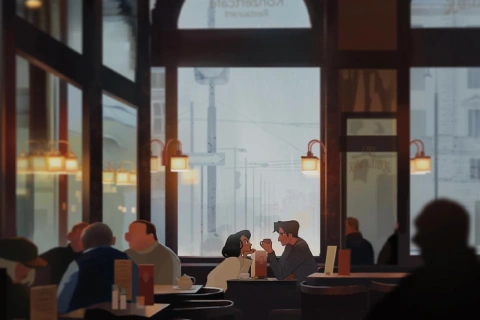
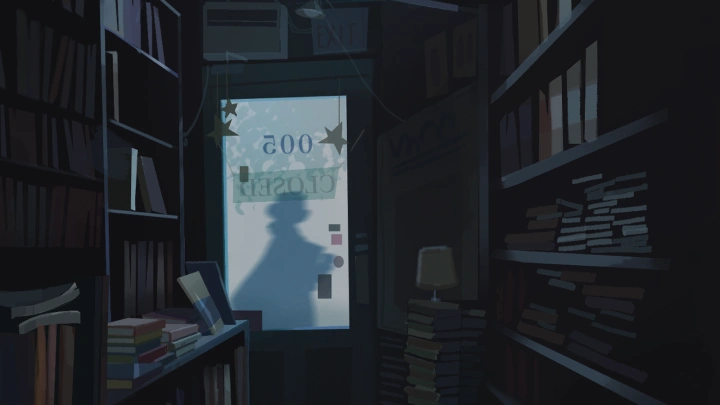
Expert Visual Development Artist Priya Kakati's Portfolio

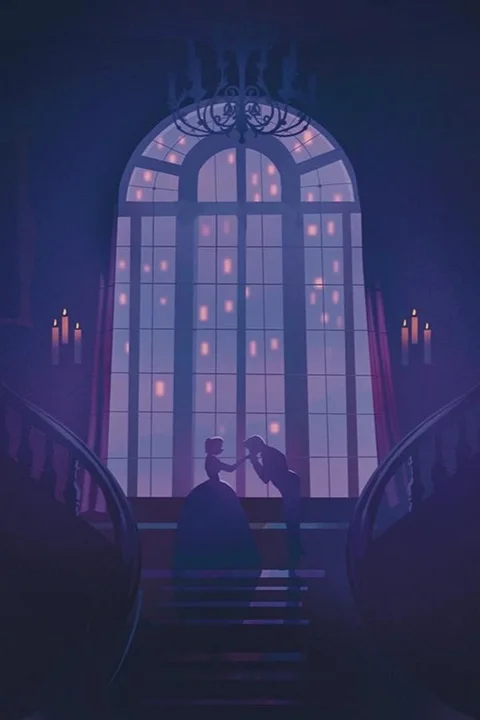
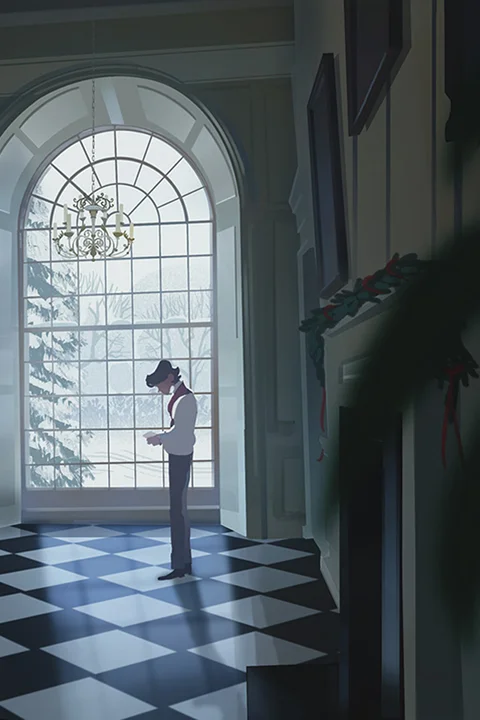
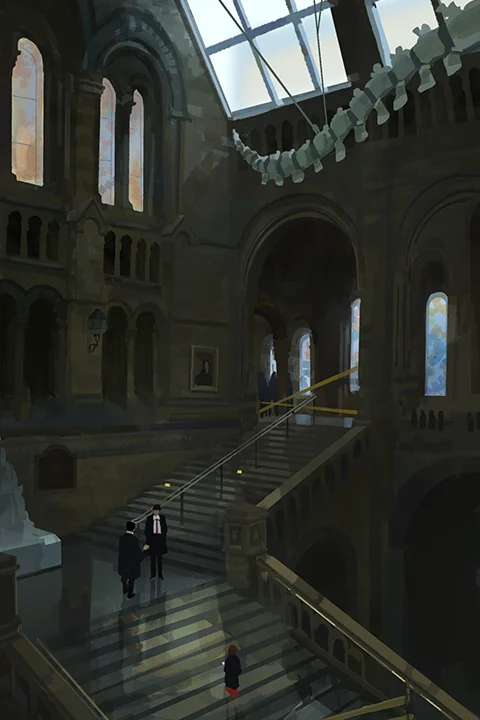
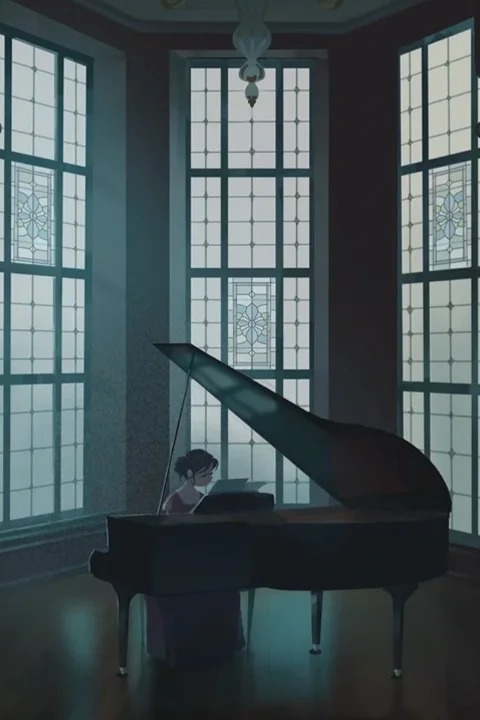
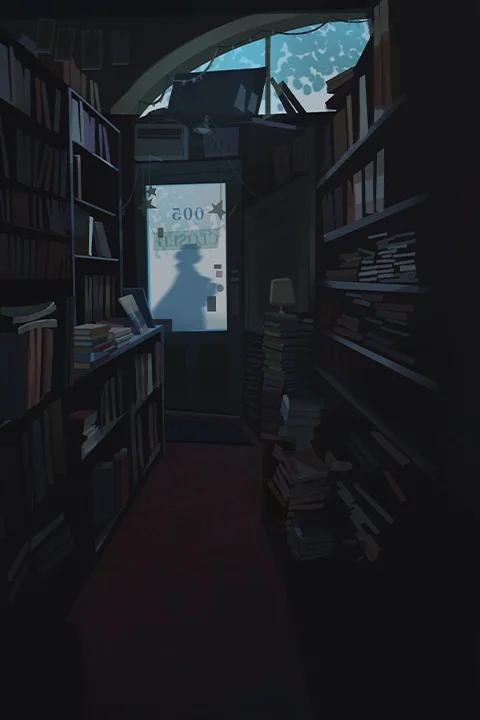




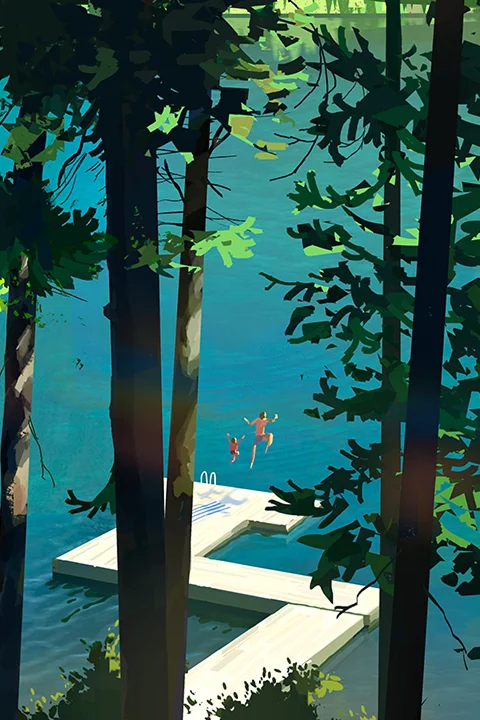


* This Portfolio includes client works.
Why Take This Class?
Here's the thing: you can keep refining your technical skills, and that's valuable, but if your work isn't connecting the way you want it to, more rendering practice isn't the answer.
The gap between solid work and work that resonates isn't about perfecting your brush strokes. It's about understanding how color creates emotion before anyone notices a single detail, how composition guides feeling, and how mood becomes the story itself.
These are deliberate, learnable decisions that professionals make instinctively, and this class breaks down exactly how to make them yours.
You'll finally understand why some images just work and others fall flat, and more importantly, you'll have a clear process to create that impact yourself.
This isn't about adding one more course to your list. It's about finally bridging the gap between where your work is now and where you know it could be.
If you're ready to stop guessing and start creating with real intention, this is exactly what you've been looking for.

Get Ready for the Real-World
12 Class Exercises
-
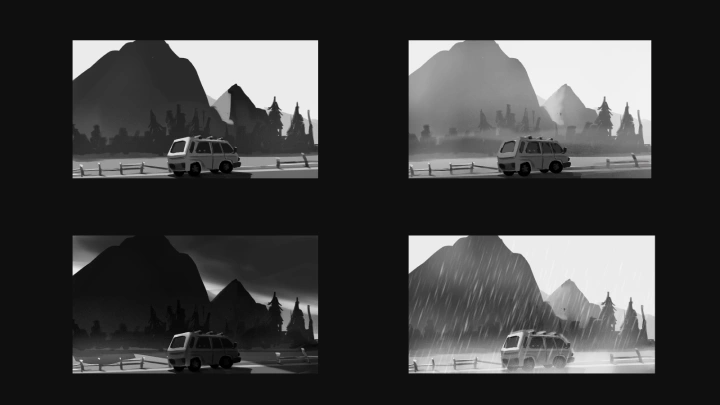
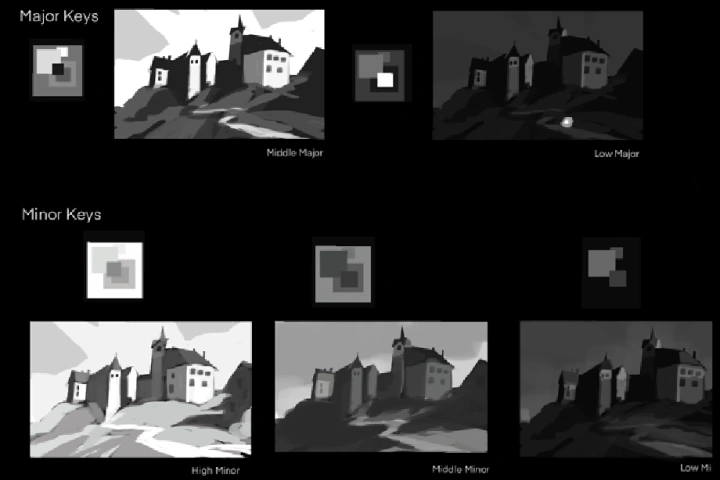 Value Key Studies
 -
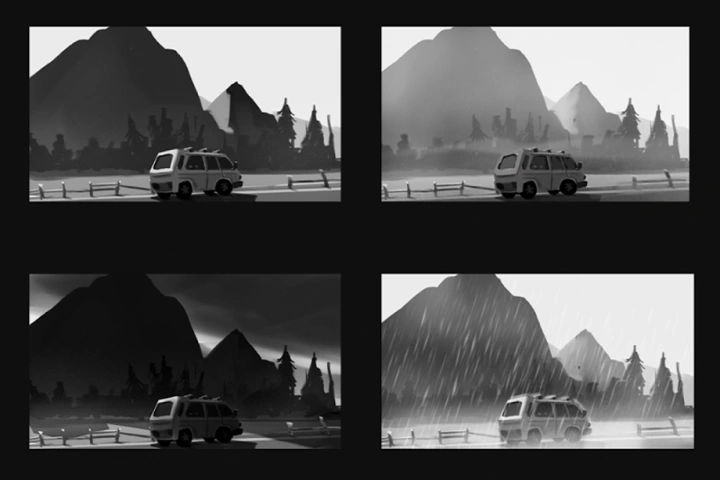 Value and Light
 -
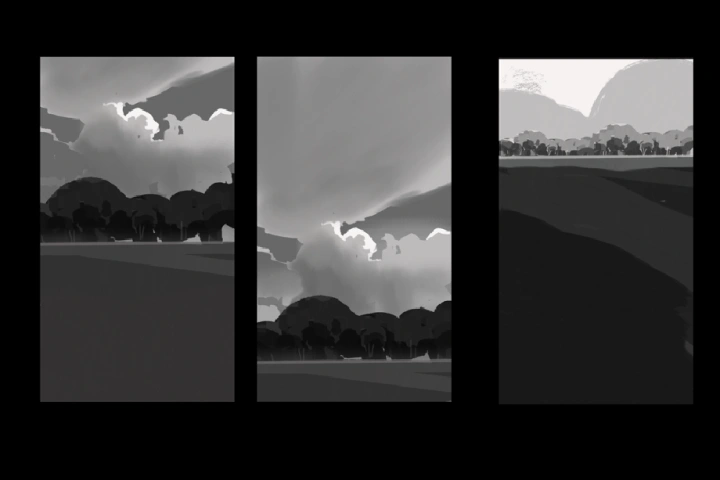 Composition with value
-
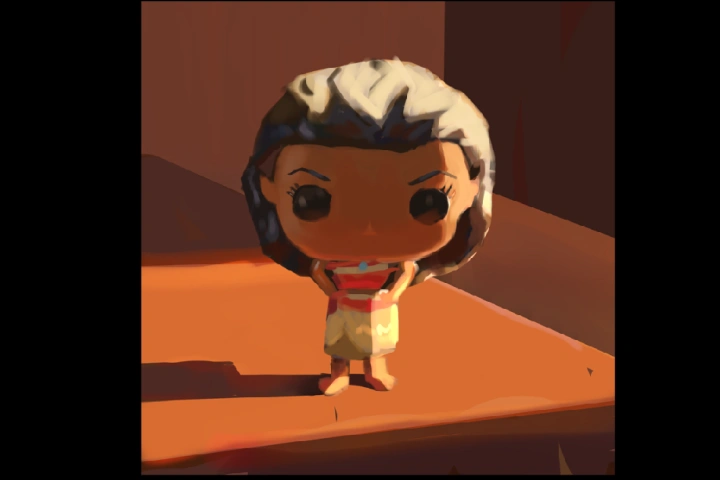 Color Studies
 -
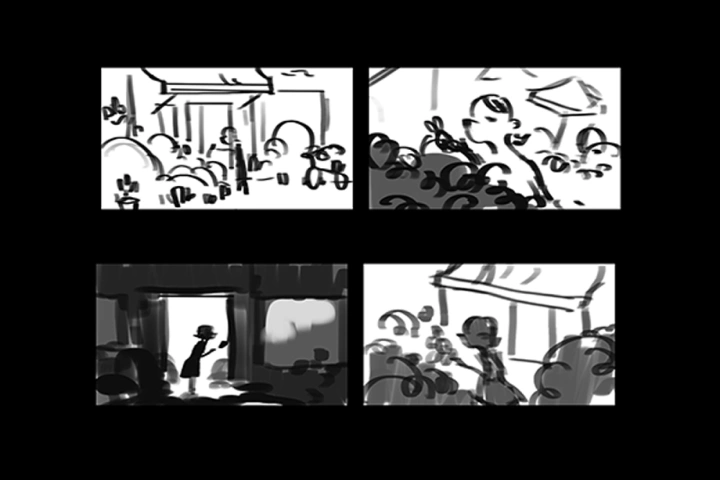 Ideating
 -
 Creating a Moodboard
-
 Designing Illustrative environments
 -
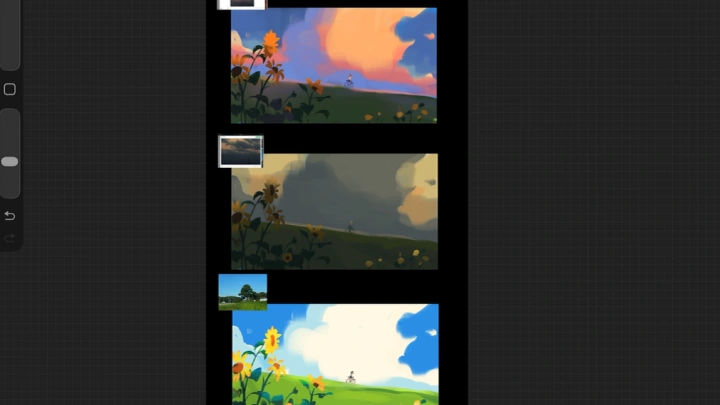
 Defining mood with color
 -
 Rendering and adding final details
Final Product Example(s)
-
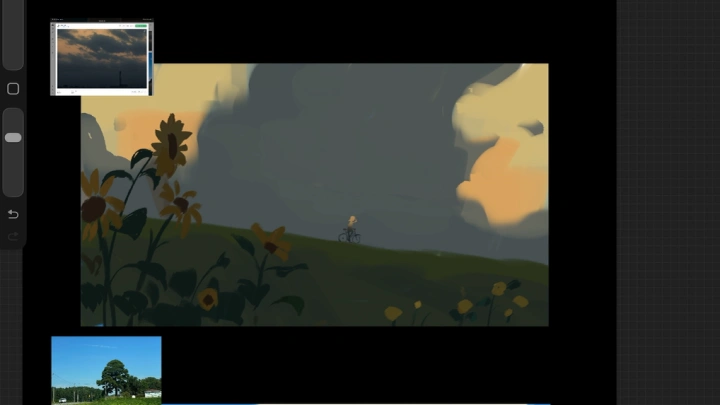
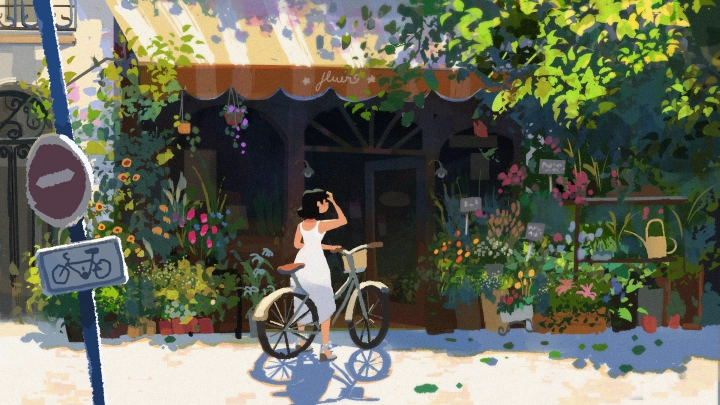 Sequence Illustration 1:
Establishing Shot -
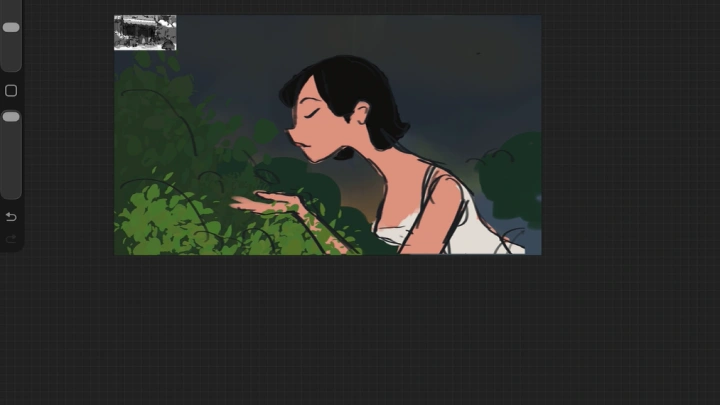
 Sequence Illustration 2:
Medium Shot -
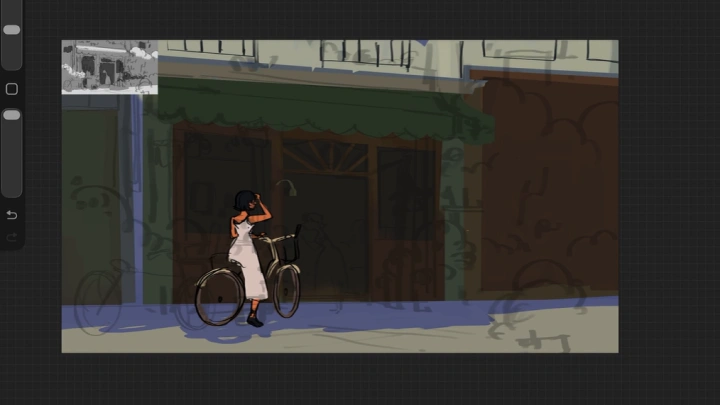
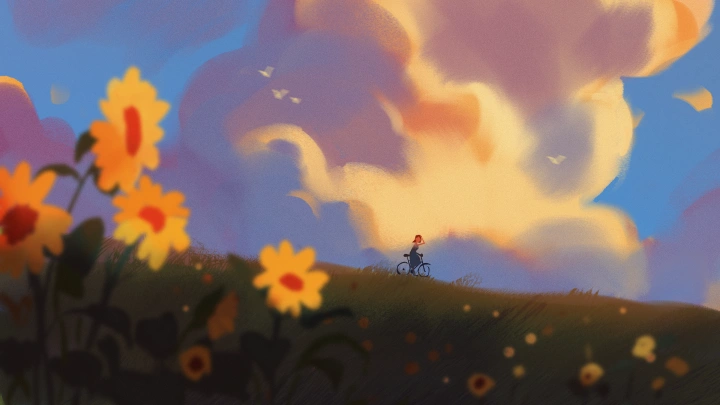 Sequence Illustration 3:
Close-up Shot -
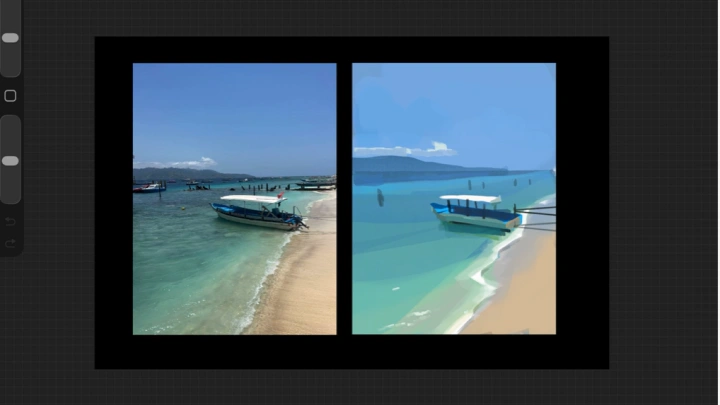
 Sequence Illustration 4:
Action Shot
*The above images are sample images for a better understanding.
Highlights
Class Highlights
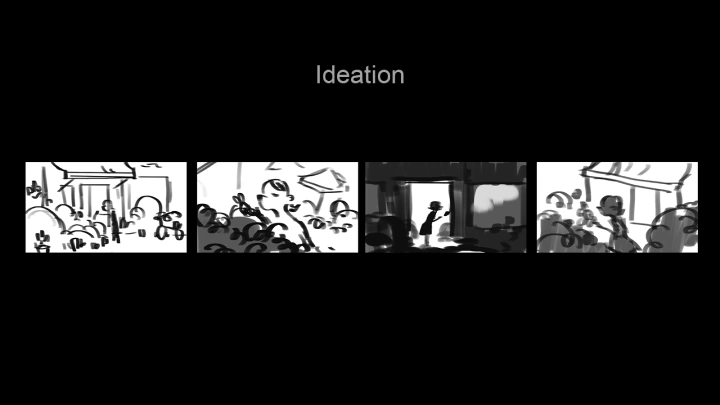
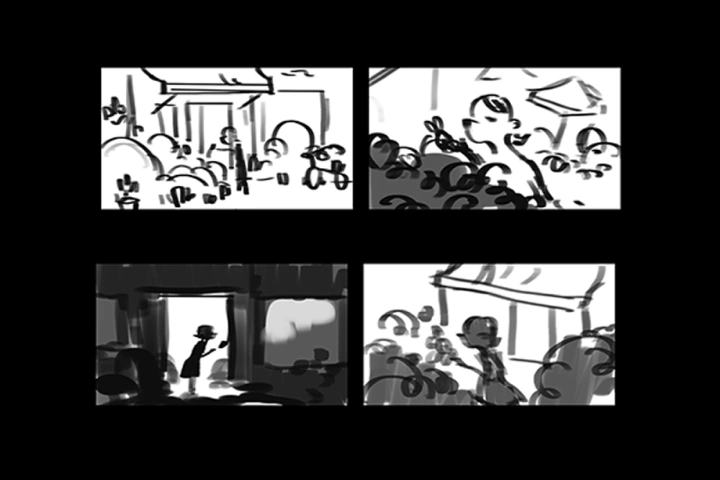
Ideation.
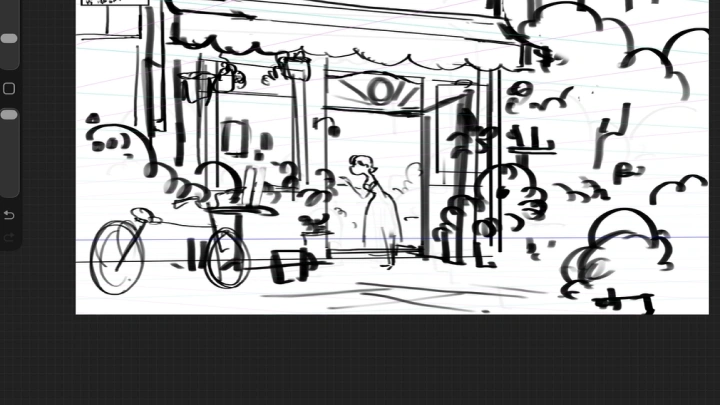
Strong ideation is where the magic actually happens. Without worrying about getting the perfect composition, we'll learn how to do it without stress, and learn how to set the tone.
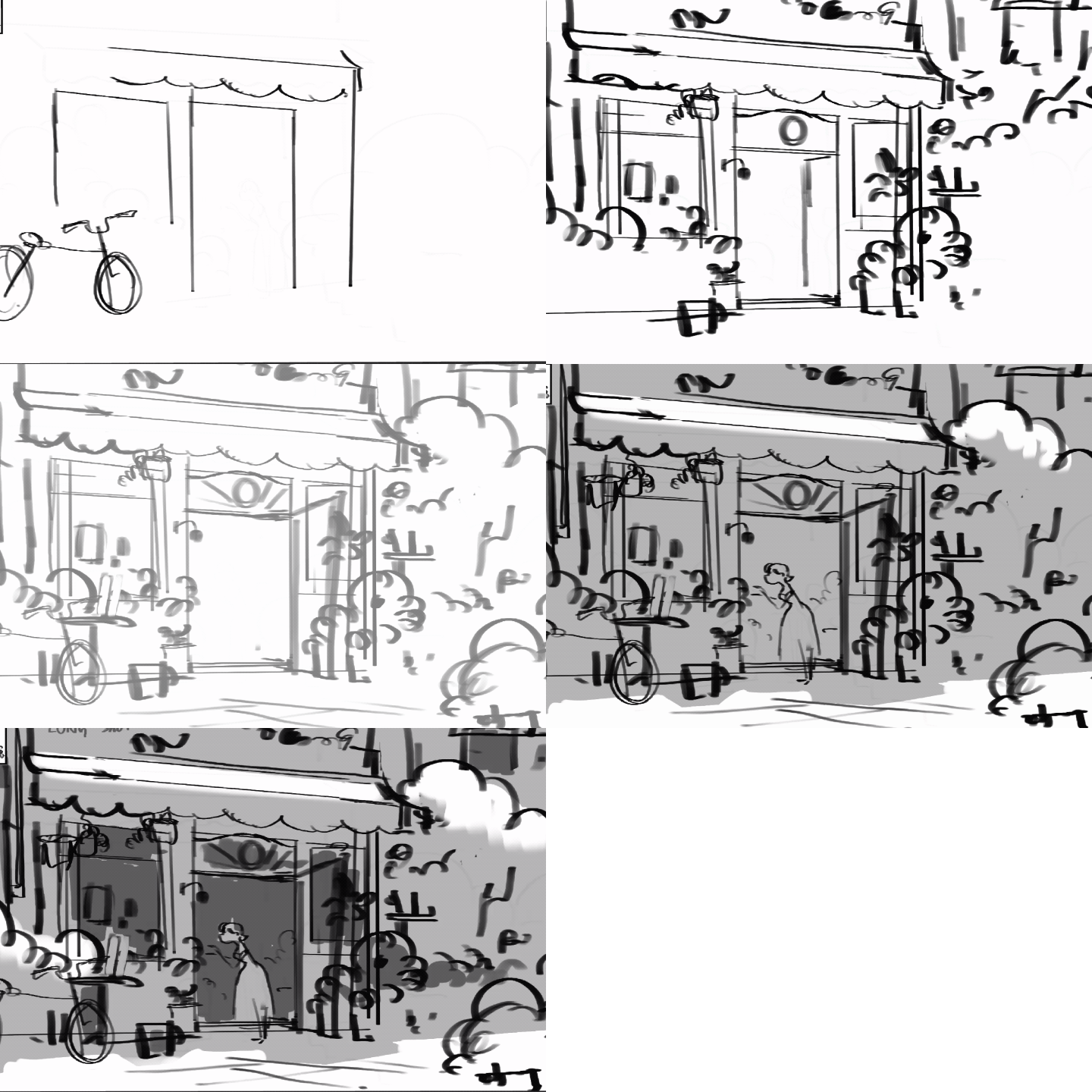
Set Dressing.
Learn to craft worlds that don't just house your narrative but amplify it. Discover how environment design becomes a silent storyteller, where every color choice works in service of emotion and guides you deeper into the world you've imagined.
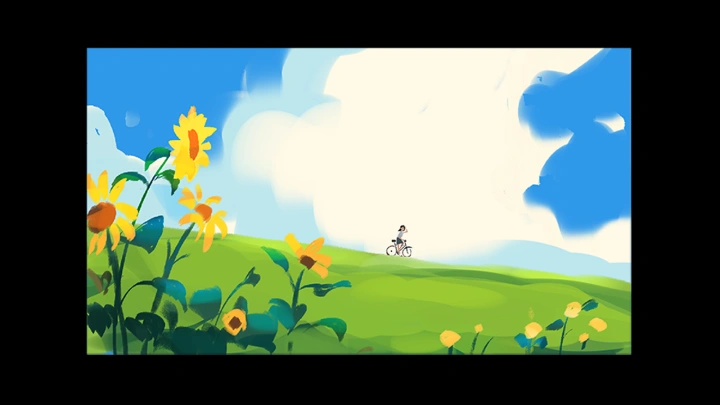
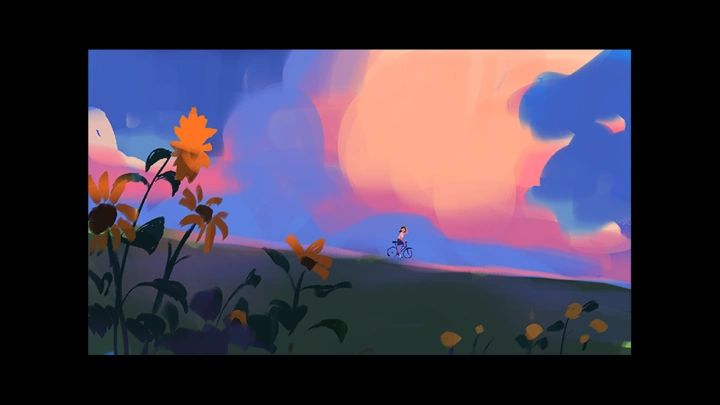
Color.
Master the art of color exploration, learning how to test bold palettes fearlessly and choose the exact hues that conjure the mood your story demands.