illustrator,nanoka_나노카JP Details
Intro

Now in Your Language, Only on Coloso!
Learn from Top Creative Experts Worldwide
-
 Create Strong Character Presence
 -
 Refined Costume Design & Coloring
 -
 Detail, Texture, and Visual Impact
Class Intro
Illustrator, Nanoka
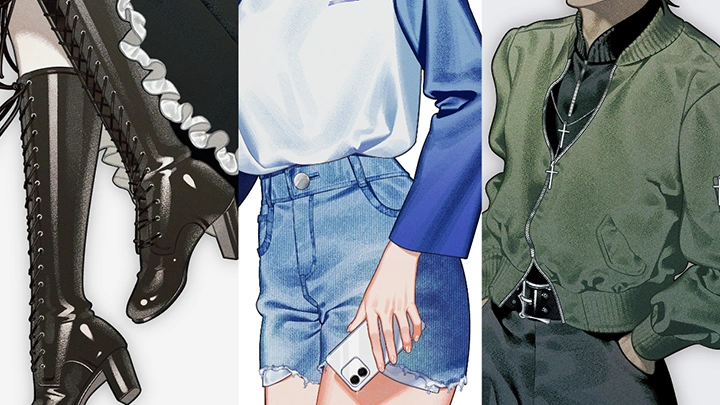
Compelling Costume Design and Realistic Clothing Rendering
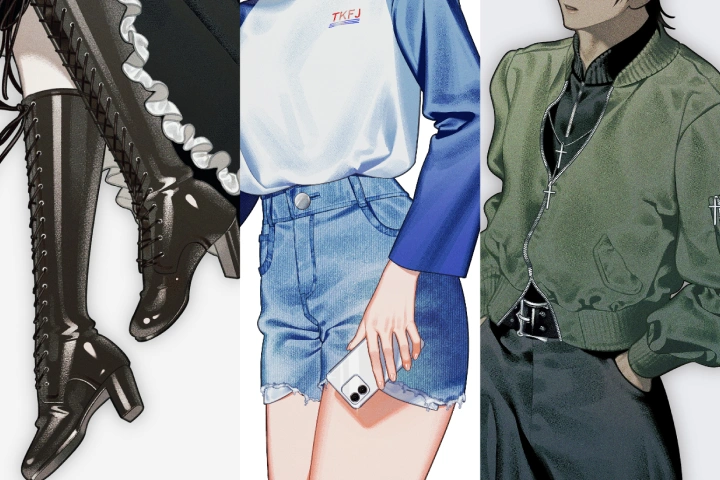
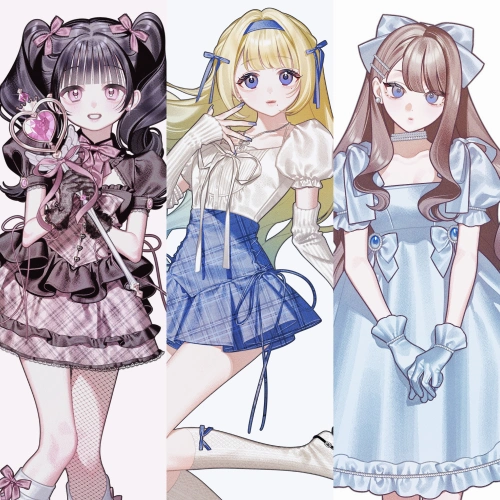
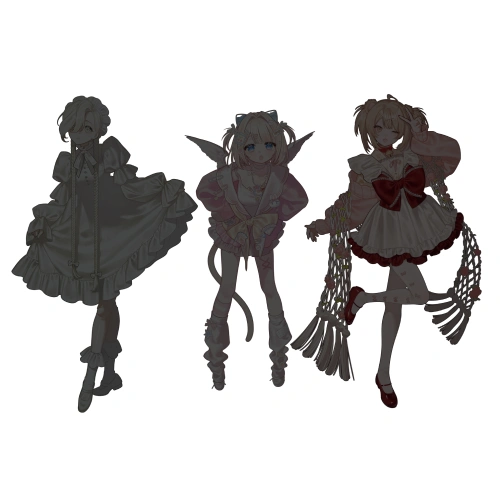
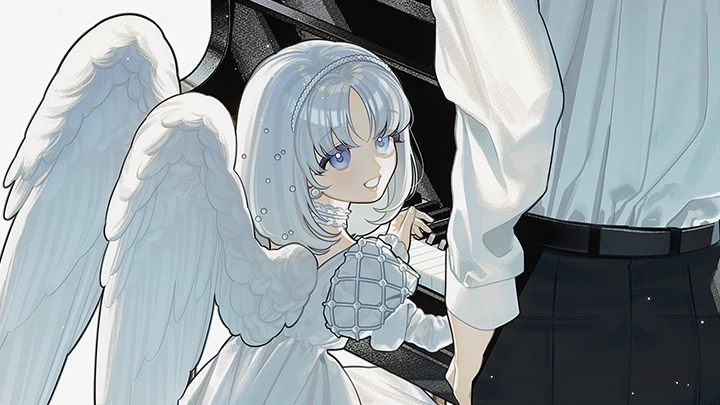
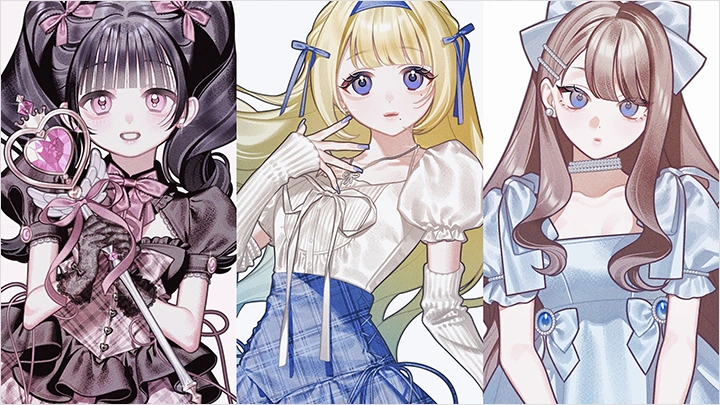
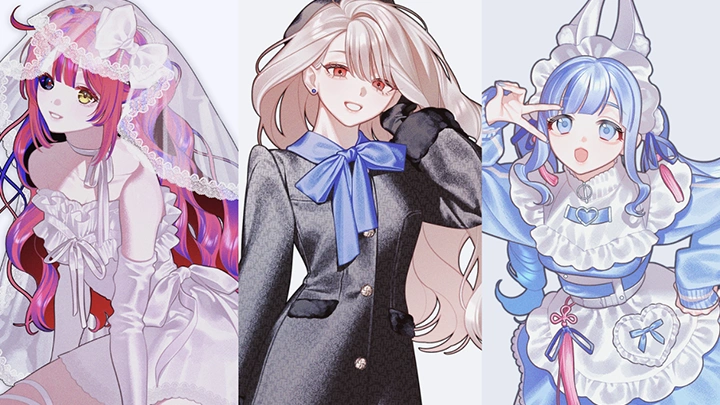
Meet Nanoka, an illustrator known for creating goods visuals for the TV anime BanG Dream! Ave Mujica, designing 3D models for Daimaru Matsuzakaya, and being featured in popular illustration collections.
In this class, Nanoka guides you through the entire process, from conceptualizing costume designs to applying color that adds depth and presence, while sharing techniques that bring out the full appeal of your characters. This goes beyond simple tips and tricks, helping you understand a design approach grounded in character identity along with the skills to render clothing with a convincing sense of material and texture.
In this class, Nanoka guides you through the entire process, from conceptualizing costume designs to applying color that adds depth and presence, while sharing techniques that bring out the full appeal of your characters. This goes beyond simple tips and tricks, helping you understand a design approach grounded in character identity along with the skills to render clothing with a convincing sense of material and texture.
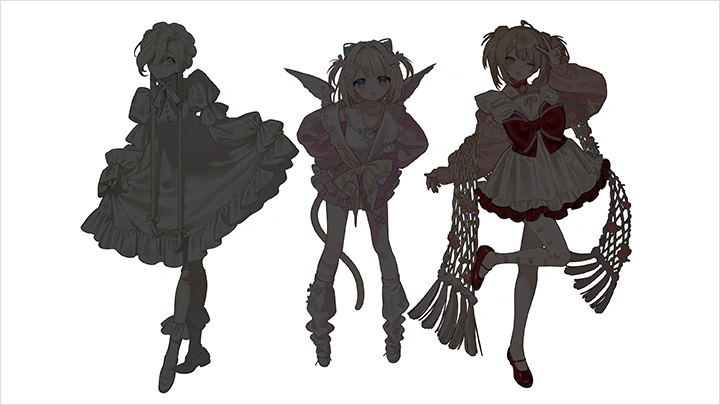
You'll start by identifying the core of your design based on the character’s personality and defining a concept that makes the costume feel convincing. Before moving into details, you'll learn how to establish a strong silhouette by mapping volume distribution and refining outlines, ensuring your design stays consistent from start to finish.
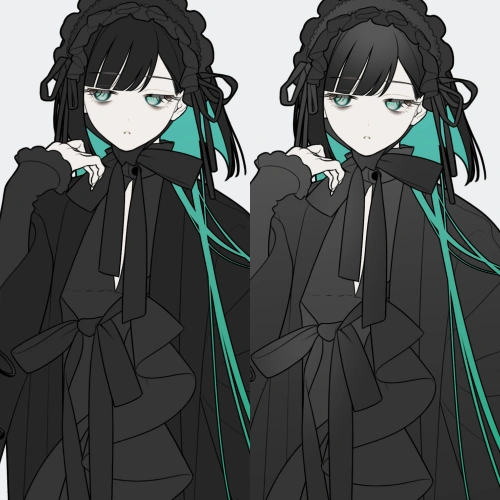
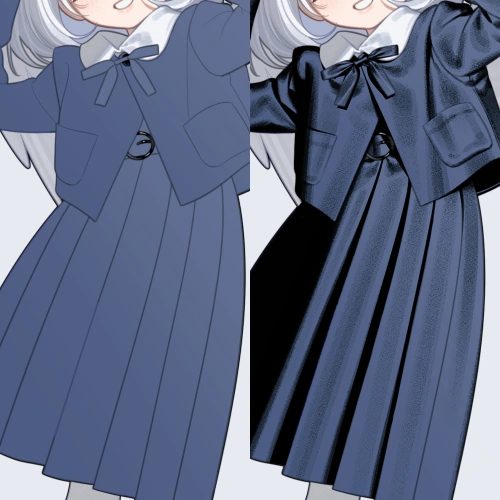
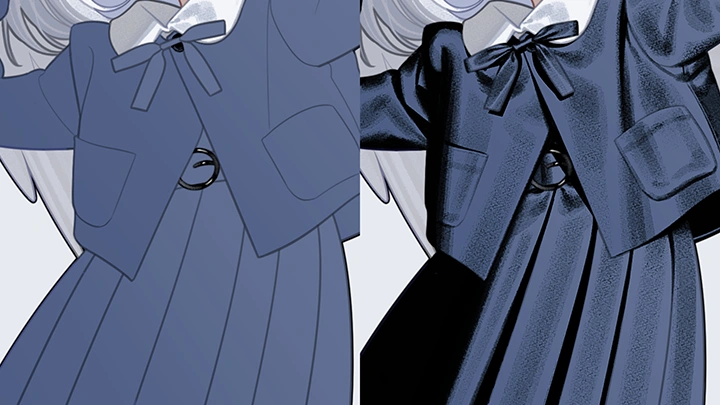
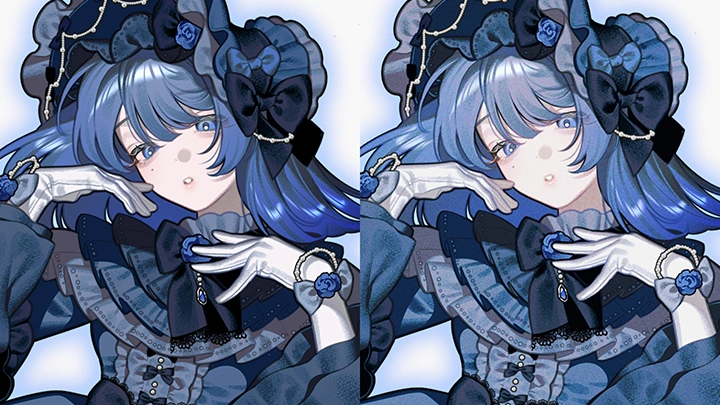
Next, you'll deepen your understanding of light sources to overcome flat-looking coloring. By clearly distinguishing between shade, the surface shadow, and shadow, the cast shadow, and by learning how to apply reflected light across different materials such as silk and leather, you'll gain techniques that give your characters a strong sense of presence.
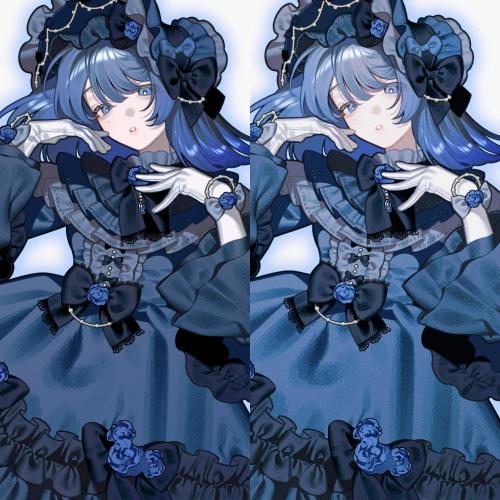
Finally, you'll move on to the finishing stage, where you'll adjust contrast, refine color tones, and introduce subtle textures to create an analog feel. You'll also learn how to control the level of detail throughout the illustration and make final refinements that elevate the overall quality of your work.
Experience the complete design and coloring workflow that brings out the full appeal of your characters, only on Coloso.
Next, you'll deepen your understanding of light sources to overcome flat-looking coloring. By clearly distinguishing between shade, the surface shadow, and shadow, the cast shadow, and by learning how to apply reflected light across different materials such as silk and leather, you'll gain techniques that give your characters a strong sense of presence.
Finally, you'll move on to the finishing stage, where you'll adjust contrast, refine color tones, and introduce subtle textures to create an analog feel. You'll also learn how to control the level of detail throughout the illustration and make final refinements that elevate the overall quality of your work.
Experience the complete design and coloring workflow that brings out the full appeal of your characters, only on Coloso.
Class Preview
Still Not Sure?
Check Out Nanoka's Class Preview!
Chapter 05. Color Palette
1. How the number of colors affects the overall impression
2. Tips shared through a live demonstration
3. Adjusting the final color tones to refine the overall mood
2. Tips shared through a live demonstration
3. Adjusting the final color tones to refine the overall mood
Class Perks
Special Gift from Nanoka
-
 Character illustration expertise with unlimited access to 26 chapters
 -
 Complete 2 finished artworks throughout the class
 -
 Downloadable resources including PSD and PDF files
Class Material Details
-
 Non-Merged PSD Files- Original illustration drawn exclusively for this class
 -
 Course Resource PDF Files- Costume design (concept, silhouette)
- Pose (impression)
- Coloring (clothing)
Recommendation
Who should take this class?
Artists looking to create costume designs that enhance character personality
Creators seeking to push beyond fabric texture and dimensional shading
Illustrators aiming to elevate detail for greater realism and impact
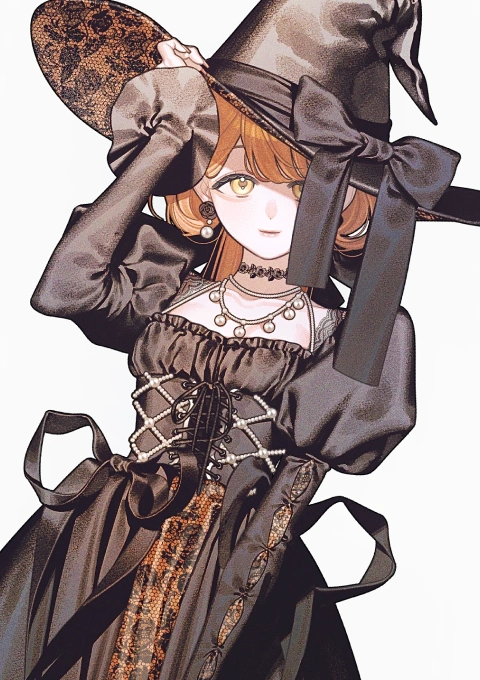
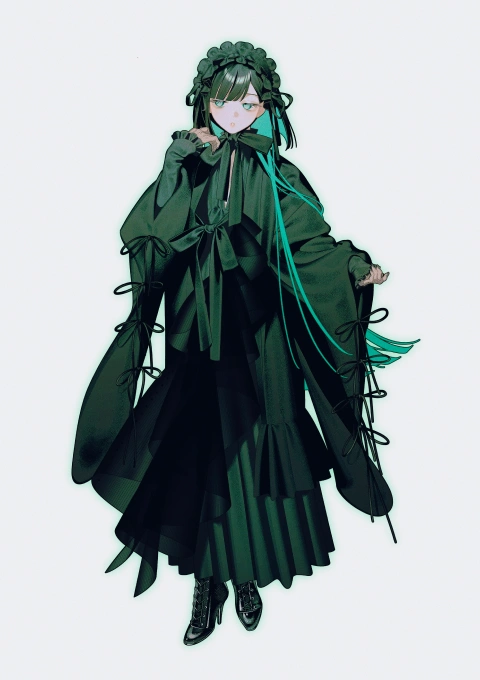
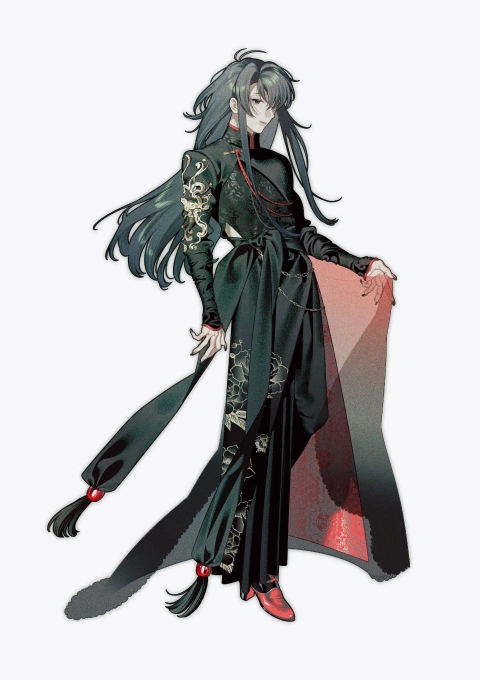
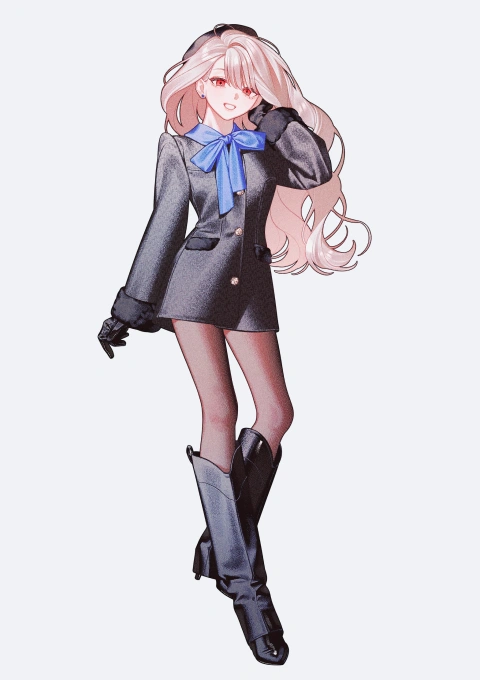
Expert Illustrator Nanoka's Portfolio
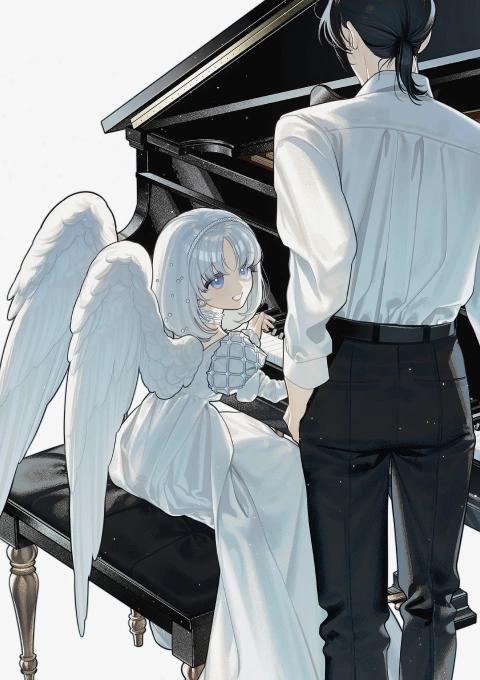
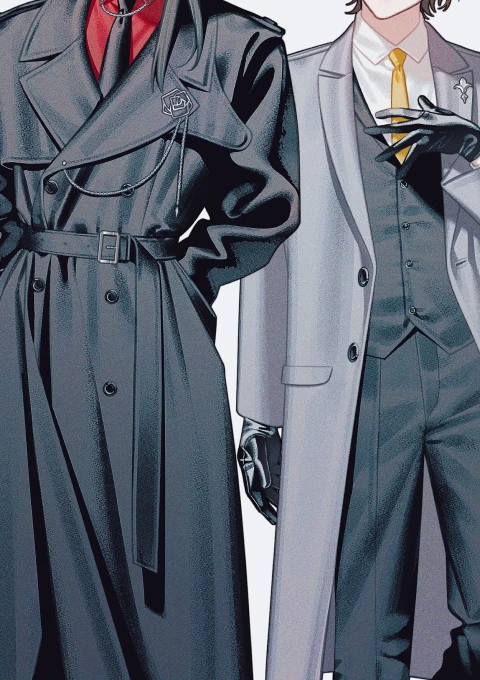
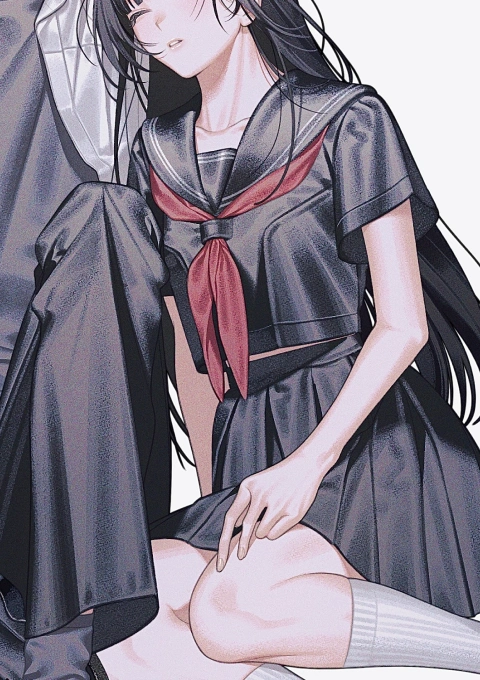
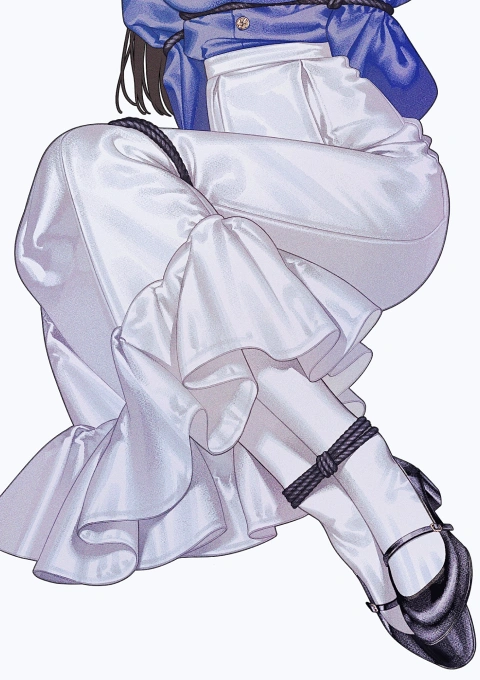
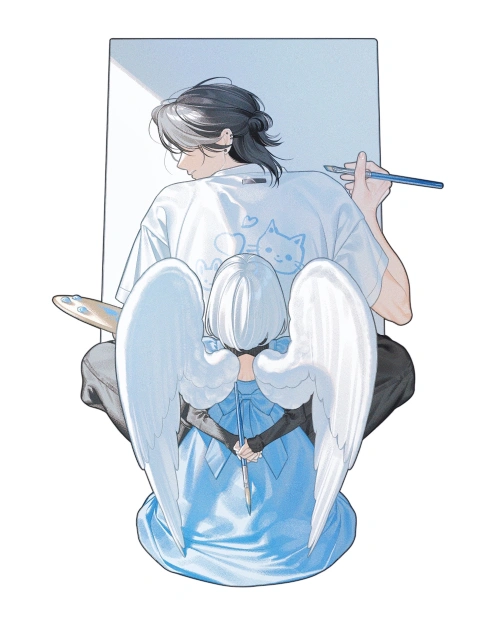
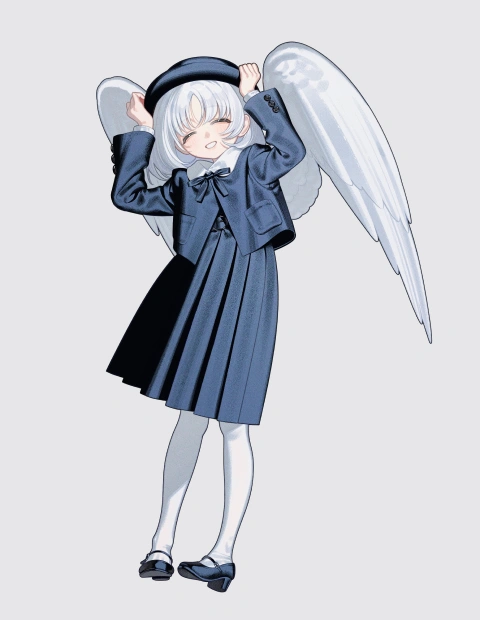
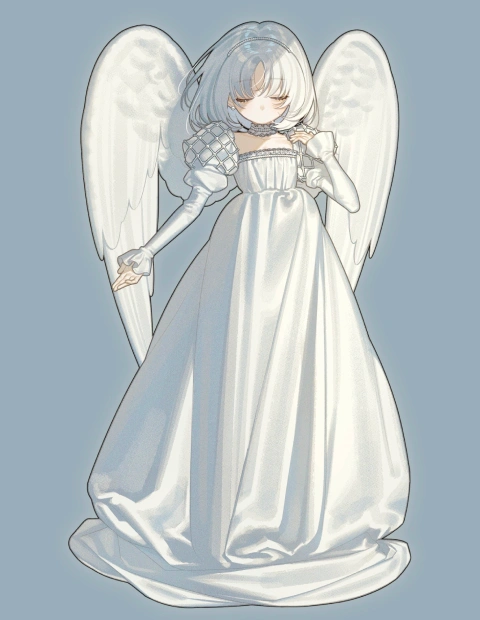
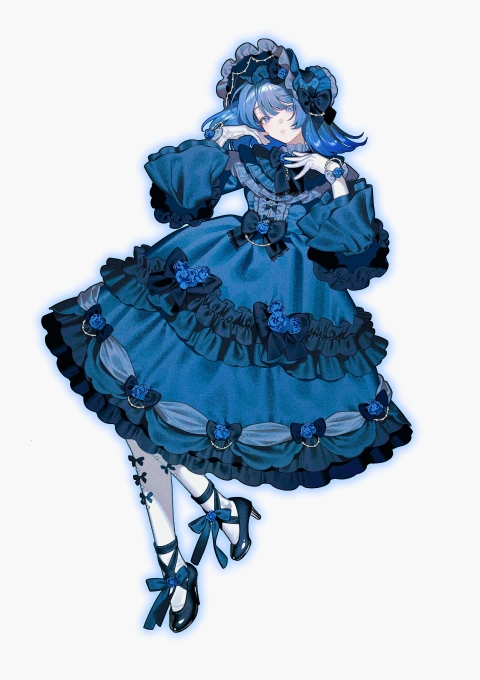
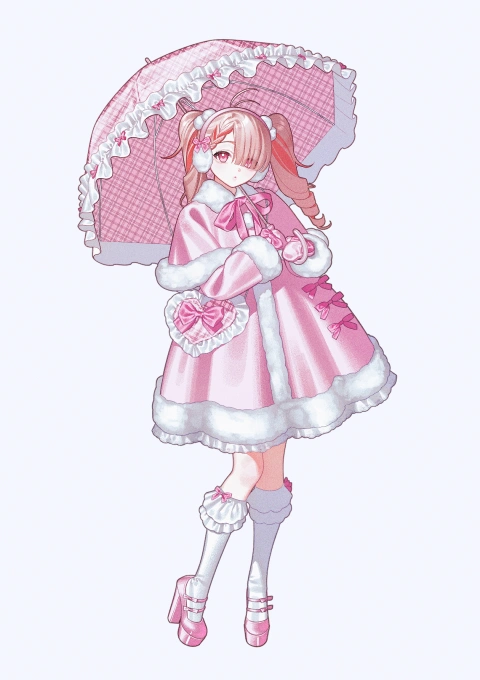
Why Take This Class?
Discover a distinctive approach to costume design that seamlessly bridges theory and practice. Drawing from extensive industry collaborations and published works, Nanoka shares a proven design philosophy that goes beyond intuition. Through clear guidance on silhouette, color composition, and the use of accessories, you’ll learn how to build original outfits with intention and confidently develop your own creative voice.
Explore a refined coloring technique that blends the sensitivity of analog illustration with the efficiency of digital workflows. Learn the artist’s unique methods for recreating delicate textures in a digital environment, from layer structuring and brush control to material-based rendering. These practical, production-ready techniques will help you achieve rich, polished results in your own work.
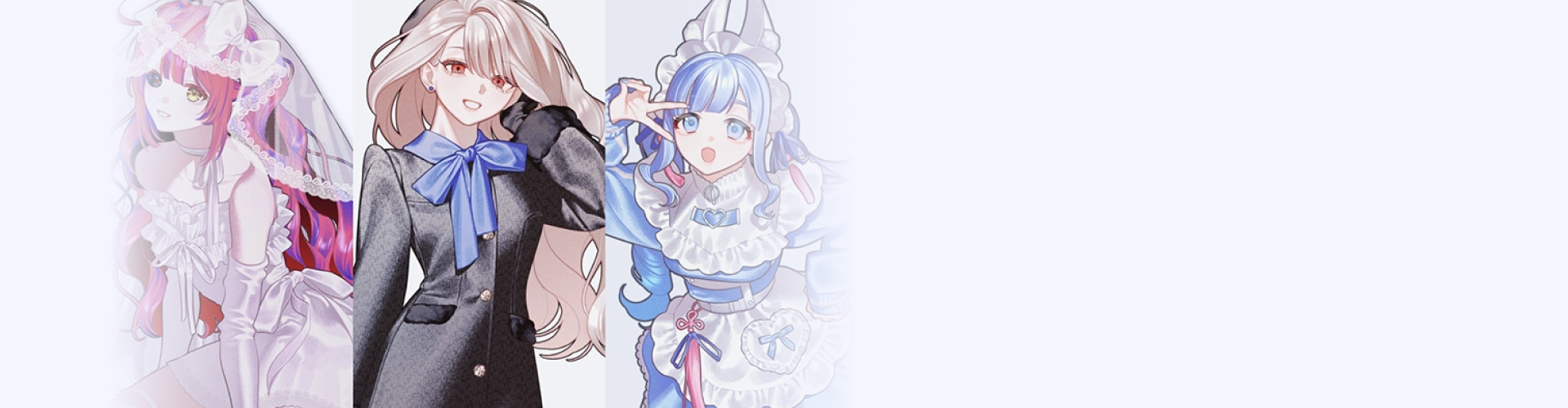
Get Ready for the Real-World
Character Illustration from Costume to Final Rendering
-
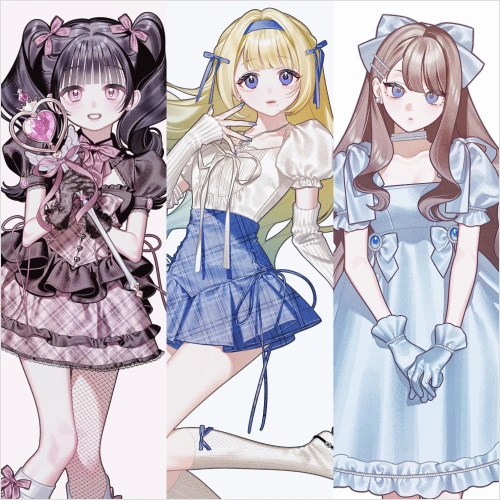 Conceptualizing Costume Designs
 -
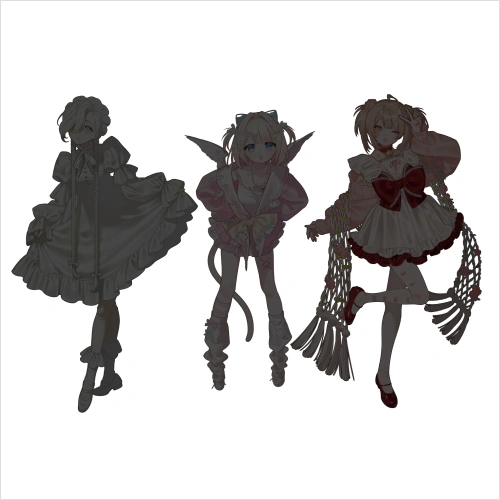 Posing to Highlight Character Personality
 -
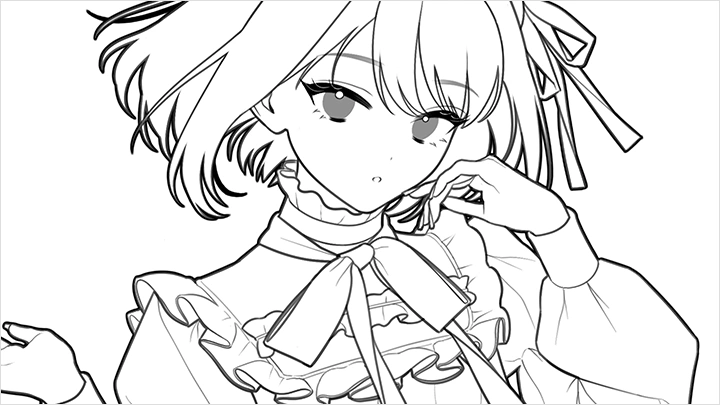
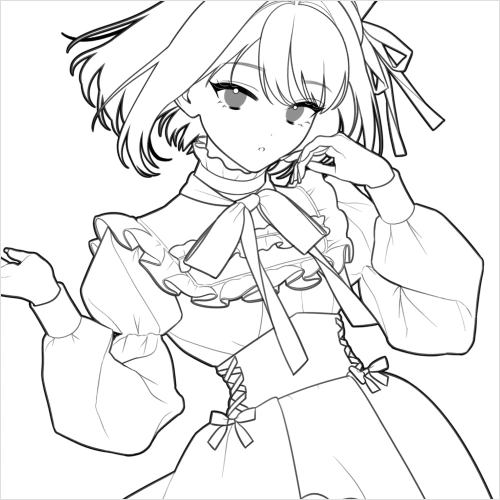 Tips for Drawing Linework That's Easy to Color
-
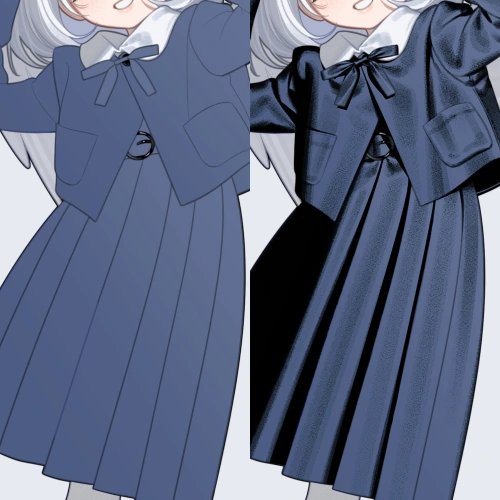 Coloring Clothing with Intentional Shading
 -
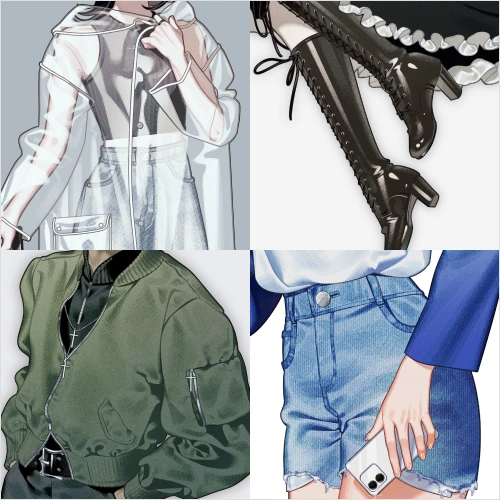 Differentiating Fabric Textures
 -
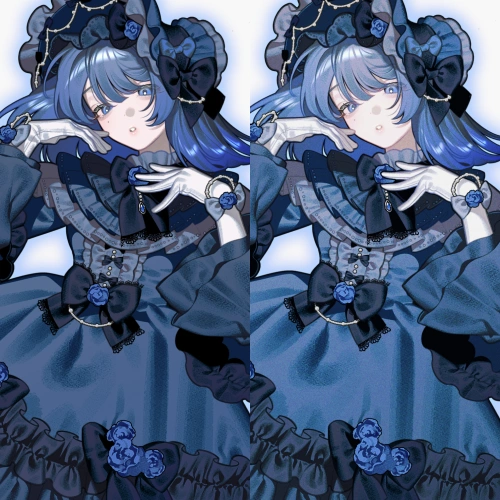 Finishing with Contrast and Texture
-
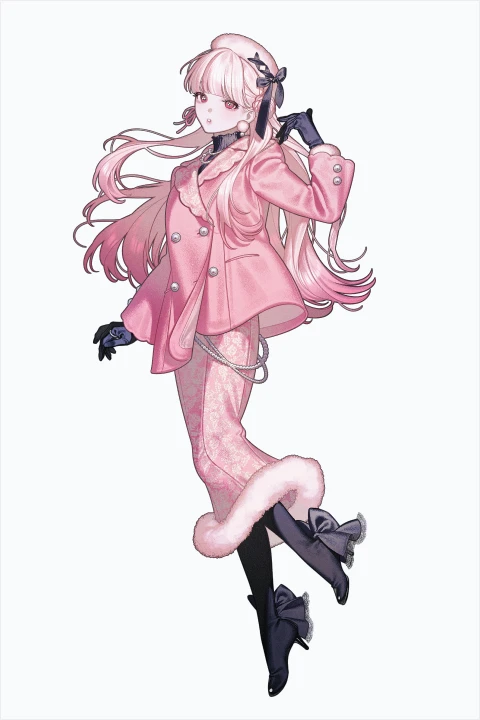 Final Artwork 1
 -
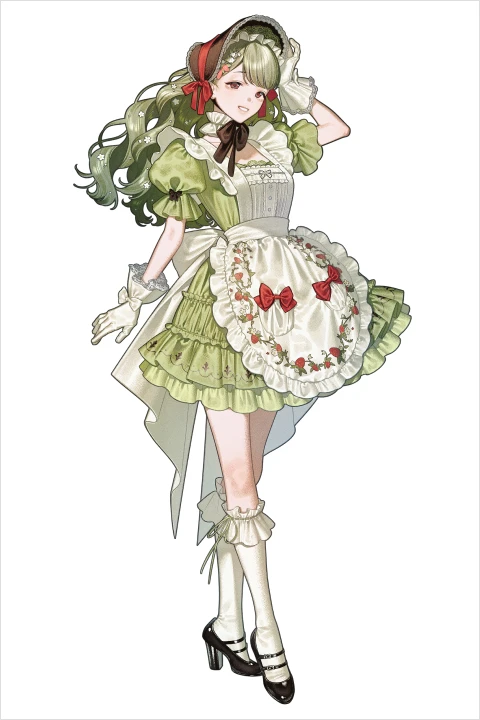 Final Artwork 2
Highlights
Class Highlights
Costume Design Skills That Bring Out Your Character's Appeal
You'll learn the complete design process for creating costumes that highlight your character's individuality, from building the core concept to shaping the silhouette, refining details, and selecting colors. The focus is not on decoration for its own sake, but on developing the ability to create convincing costumes by clearly defining what you want to express.
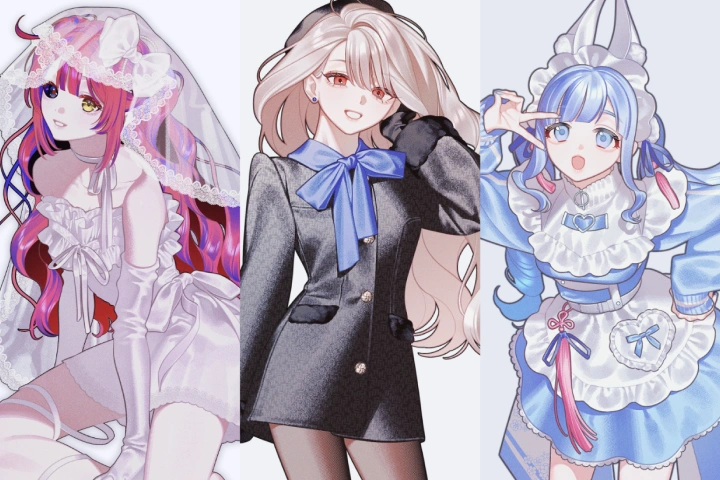
Foundational Coloring Techniques That Create a Sense of Volume
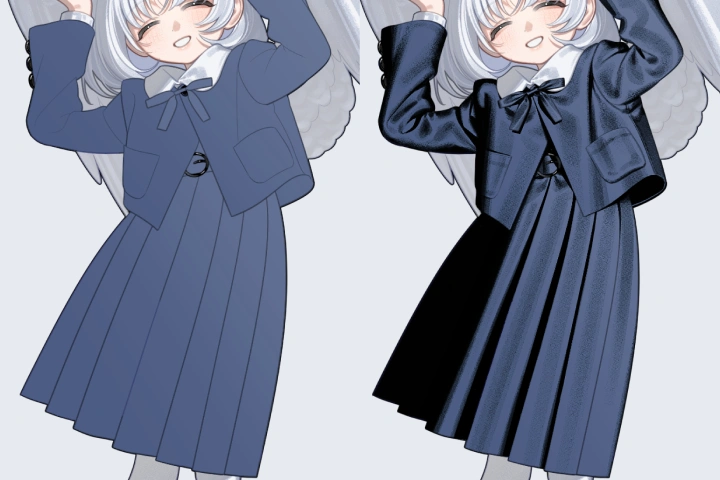
Learn the foundational coloring techniques that naturally create a sense of volume, including how to distinguish between shade and shadow across skin, hair, and clothing, how to understand light sources, and how to handle reflected light. You'll also cover practical coloring workflows such as layer structure and creating a color rough.
Advanced Coloring Skills for Rendering Distinct Material Textures
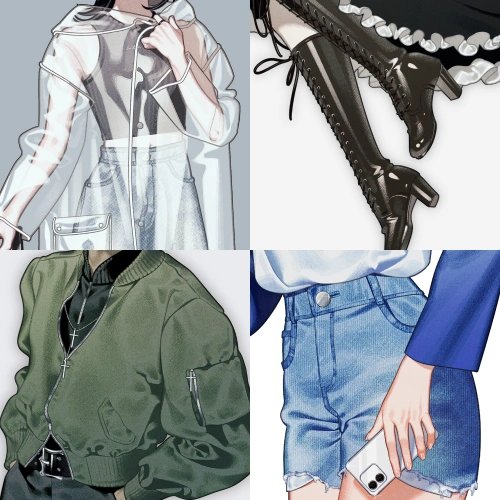
You'll develop advanced coloring skills that capture the unique sheen, hardness, and weight of different fabrics such as silk, velour, leather, and denim, allowing you to render each material with its own distinct texture. You'll also learn finishing techniques that elevate the overall quality of your illustration.