[enrolltounlock]FXArtist,ChungkyeomKim_FX아티스트 김충겸 Details
Class introduction
introduction video
FX Artist, Kim Chung-gyeom
“We will teach you how to use Unity, Photoshop, and Blender to create a variety of cartoon-style 2D effects that resemble hand-drawn drawings.”
A 2D FX intensive class that allows you to create handcrafted effects.
Have you wanted to create a sensuous effect by properly combining freely expressive drawing with the power of technology actually used in the gaming industry?
Instead of the expensive and difficult to use 3ds Max, learn how to create meshes for 2D FX and minimal resources using the free 3D tools Unity and Blender, as well as linkage know-how.
Instead of the expensive and difficult to use 3ds Max, learn how to create meshes for 2D FX and minimal resources using the free 3D tools Unity and Blender, as well as linkage know-how.
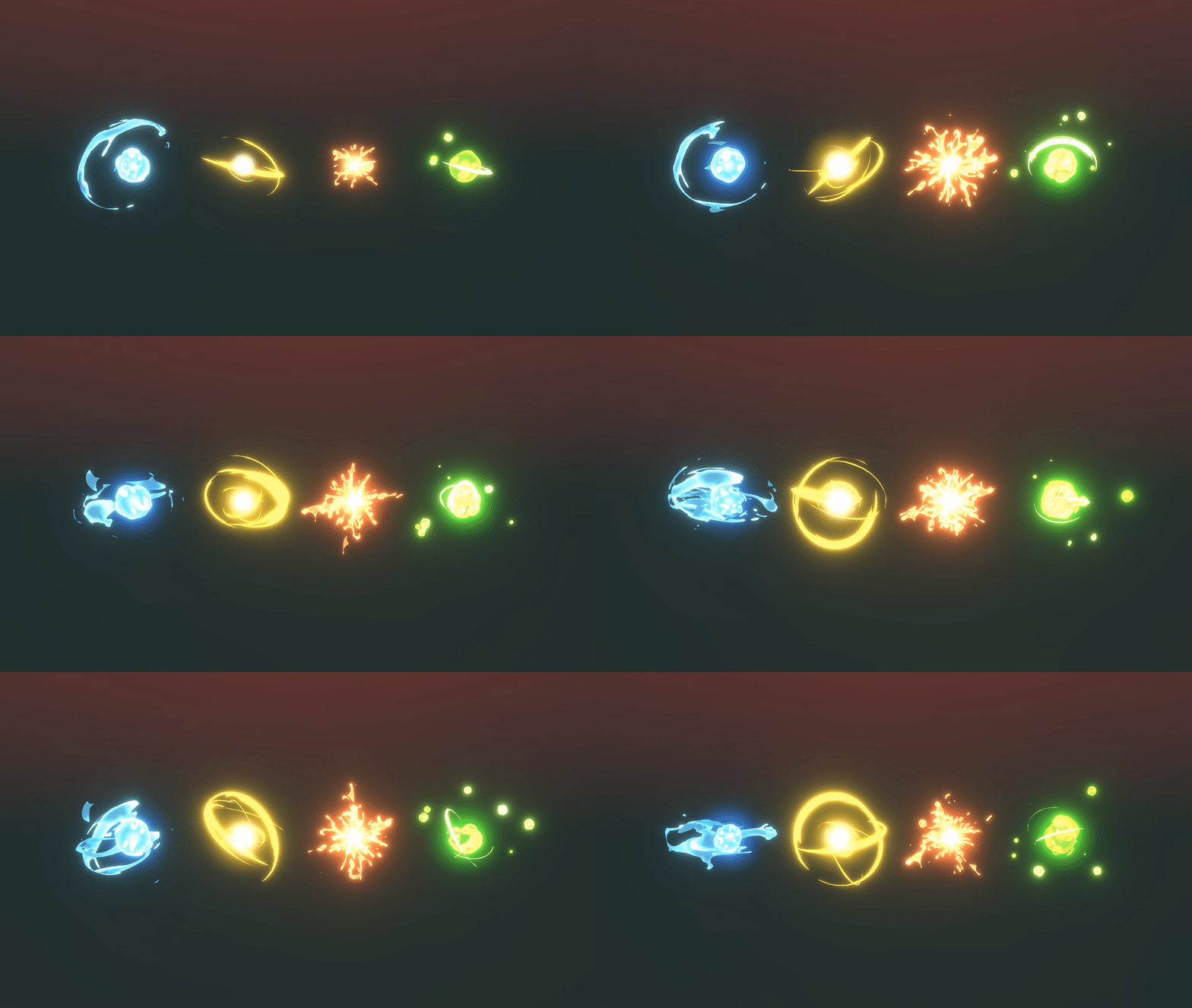
FX artist Choong-gyeom Kim provides 12 types of 2D FX examples that are good for use in games, so that even beginners can easily create casual stylized effects.

Build a simple, efficient, and optimal work pipeline without complicated processes, and then show off cool effects that highlight your own style right now.
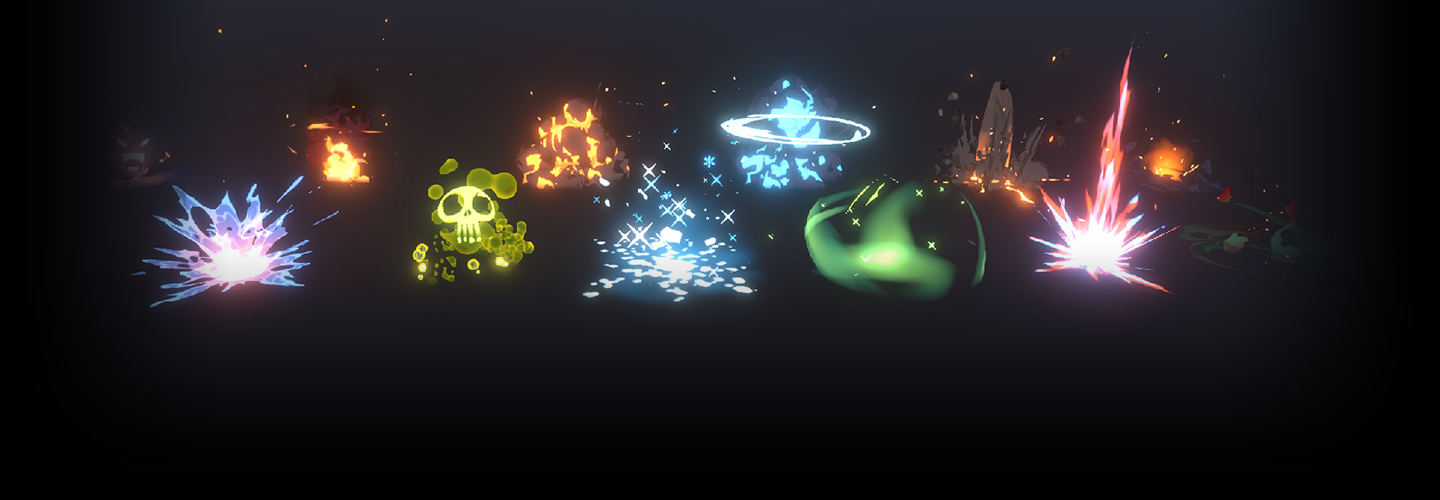
Portfolio of FX artist Kim Chung-gyeom

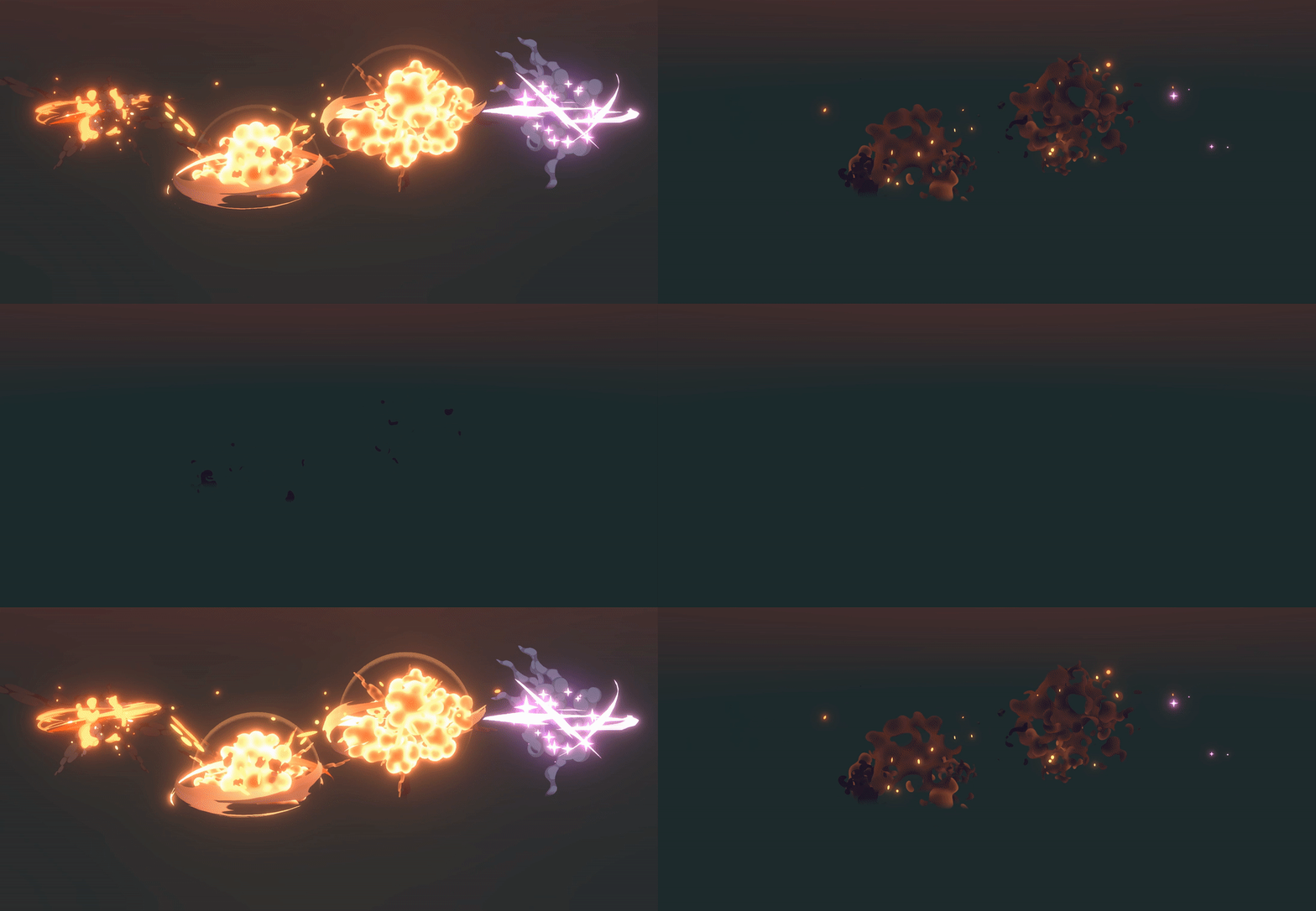
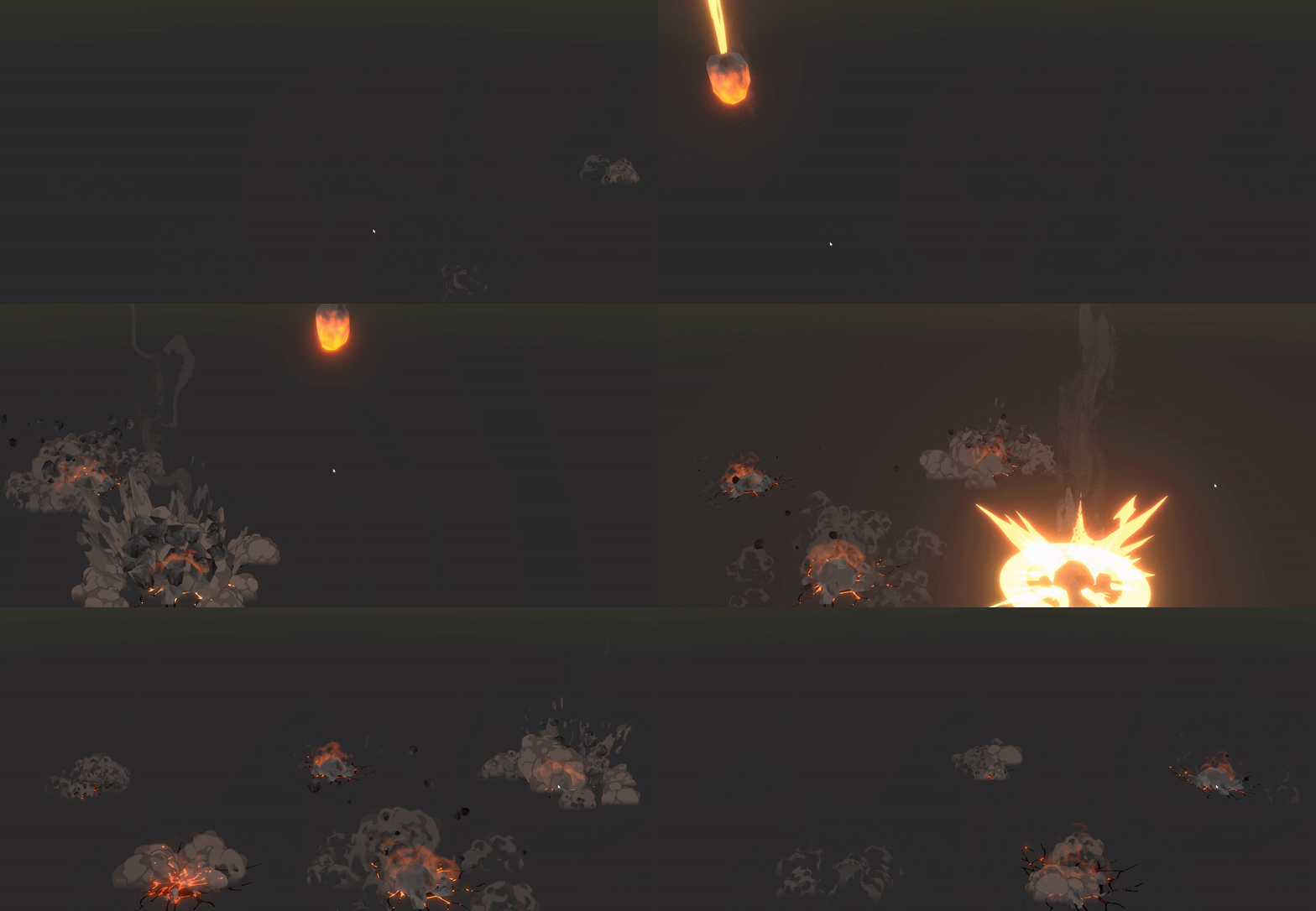
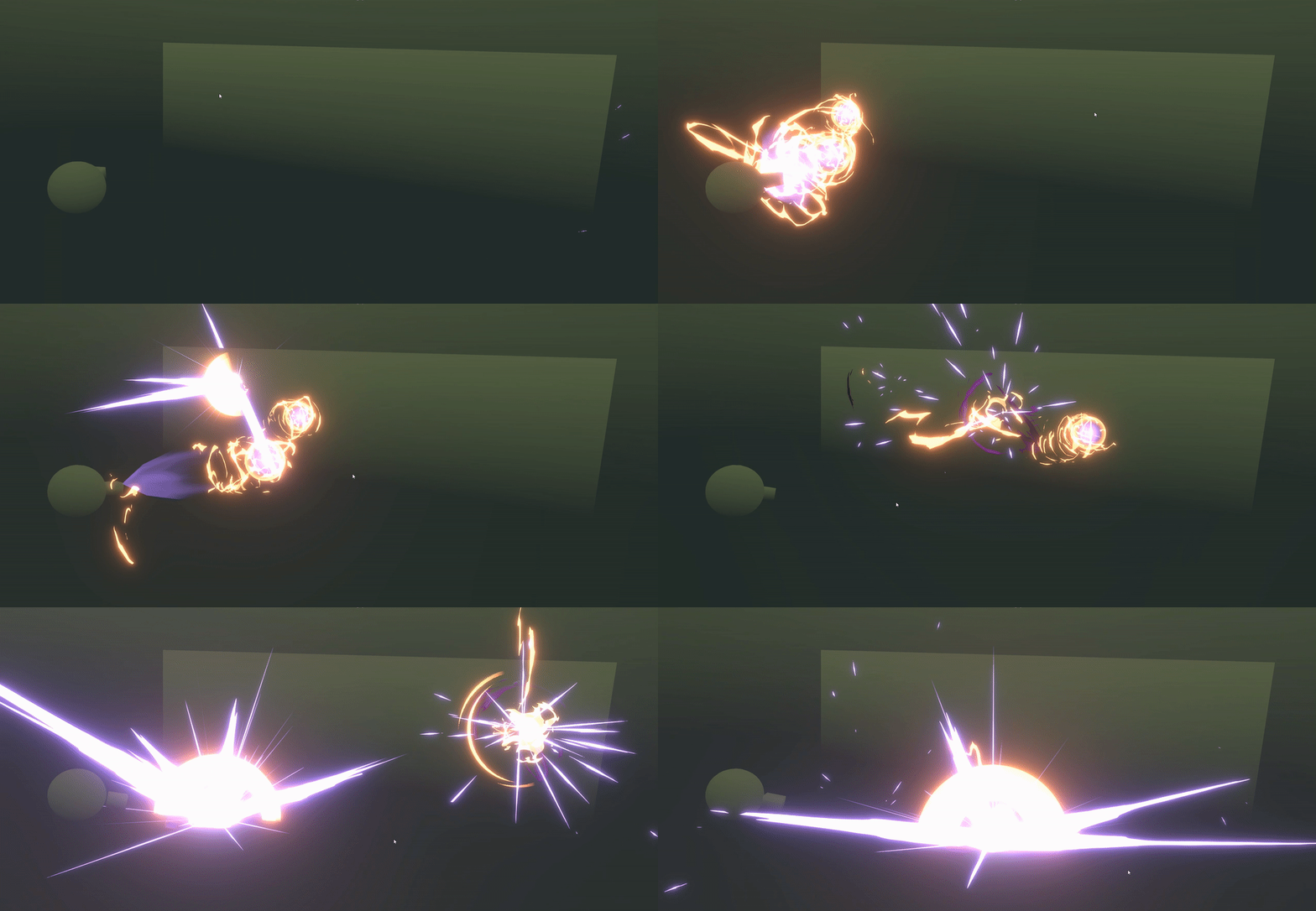

Why Take This Class?
2D FX that requires comprehensive capabilities including drawing skills, sense for concept making, and directing skills!
We reveal the optimized process by extracting only the core contents so that anyone can learn the basics of the Stylize effect step by step and produce spectacular output.
In this class, we have prepared to systematically learn not only texture drawing of elements such as water, ice, fire, and rock, but also how to create shaders and use particle systems, and how to select colors suitable for effect concepts.
Dive into the world of 2D effects with Kim Chung-gyeom, a workaholic and professional FX artist who spends overwhelmingly more time creating effects than playing games.
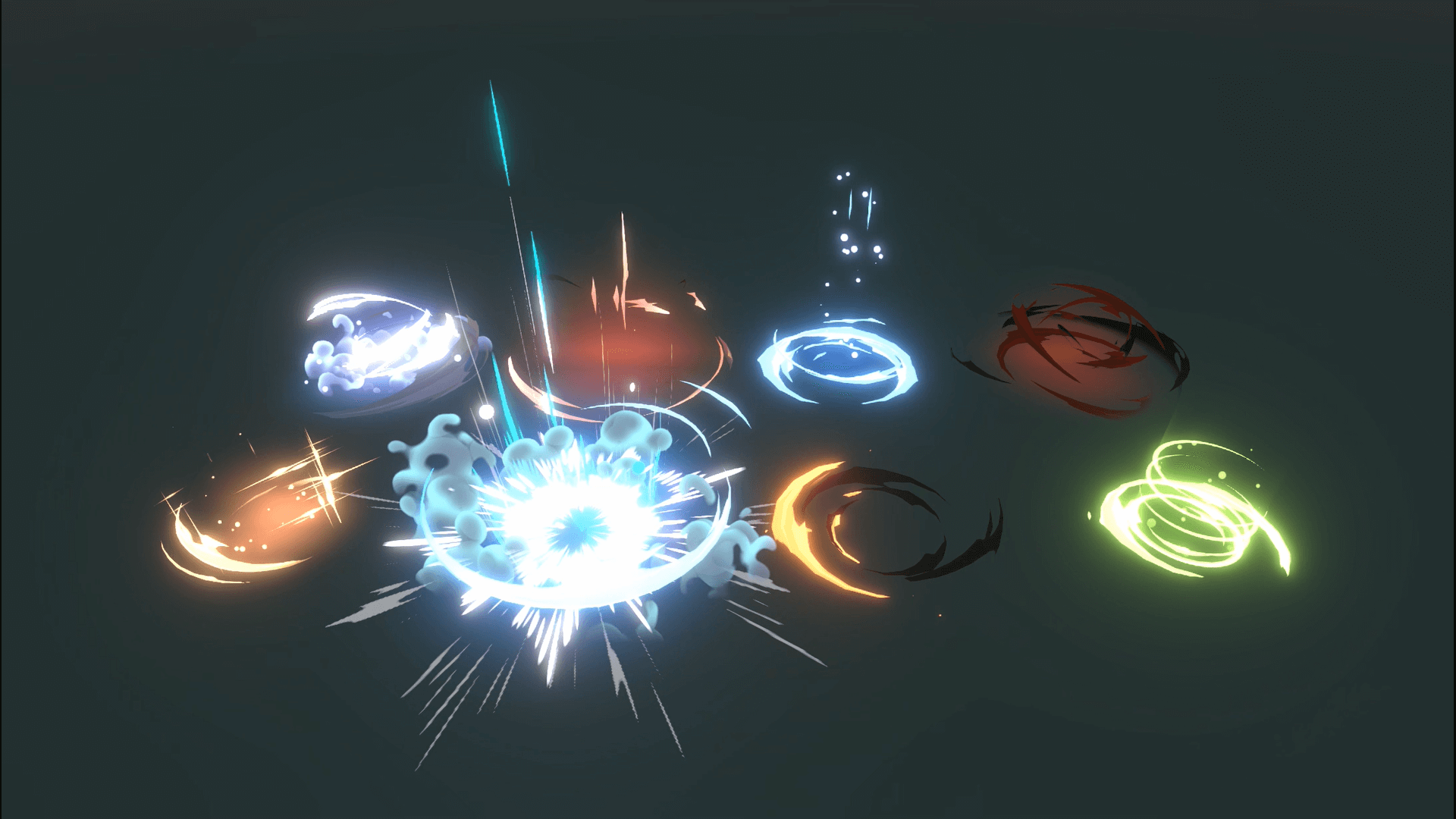
Practice 12 2D effect examples.
-
 mana potion
 -
 flame magic
 -
 ice magic
-
 recovery magic
 -
 energy magic
 -
 curse magic
-
 horror magic
 -
 poison
 -
 explosion
-
 magic explosion
 -
 rock magic
 -
 ground eruption magic
*The image is an example to help understand the lecture and may be slightly modified later.
Speaker introduction
FX Artist
Kim Chung-gyeom
hello. This is FX artist Kim Chung-gyeom.
After working at Etoi Lab, Slow Boat, and Meerkat Games, I am currently working at Panana Studio, and am steadily building my career as the head of the directing department.
In particular, I became very interested in casual, cartoon, and stylized effects, and with the skills I accumulated while working, I am selling effect assets as a publisher under the name Kyeoms on the Unity Asset Store.
Through this class, I will share my know-how optimized for creating casual-style effects and teach you how to create cool effects for anyone.
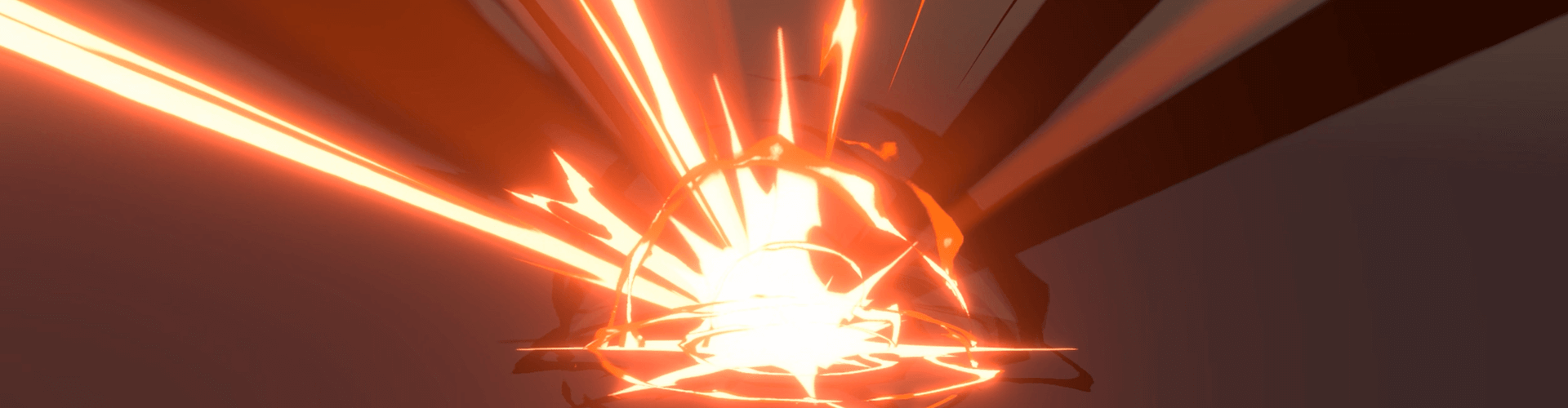
FX artist Kim Chung-gyeom
Current) Director of Directing, Panana Studio
Former) Meerkat Games Directing Team Effector
Former) Slow Boat Art Team Directing Part Effector
Former) Director of Directing at Etoi Lab
History and experience
[Participating Project]
Meerkat Games - Genesis Mobile Asura Project
Etoy Lab - Action vs Mine
class features
class features
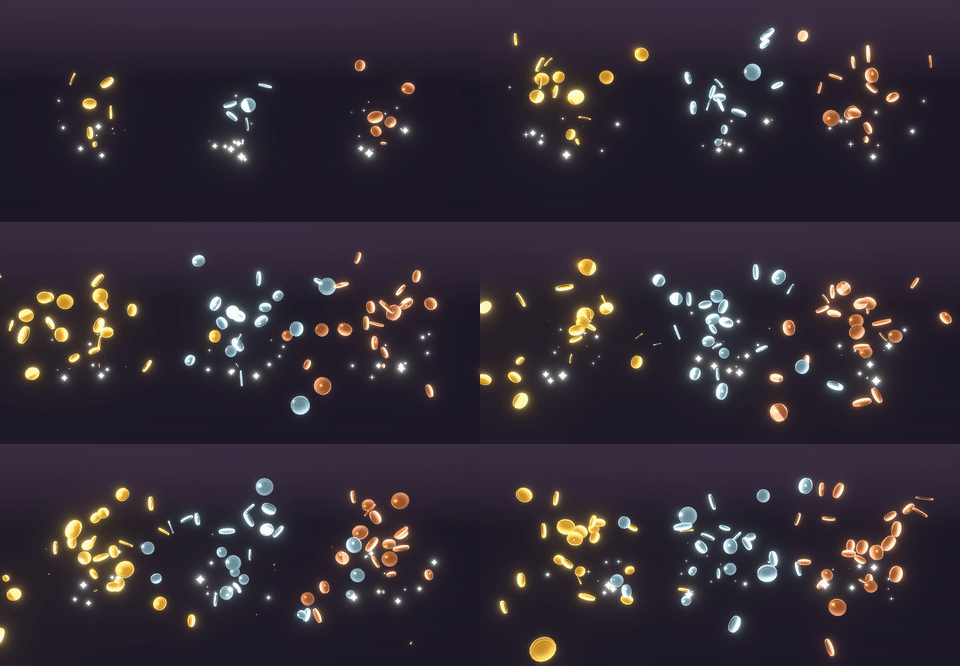
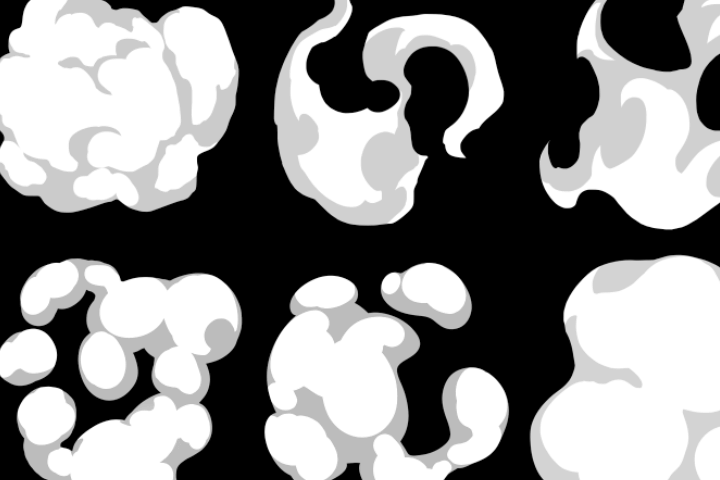
2D casual effects created by drawing yourself
Learn about a simple drawing method that can be used from a 2D environment to 3D, and create effects with a handmade feel by utilizing various functions of Photoshop.
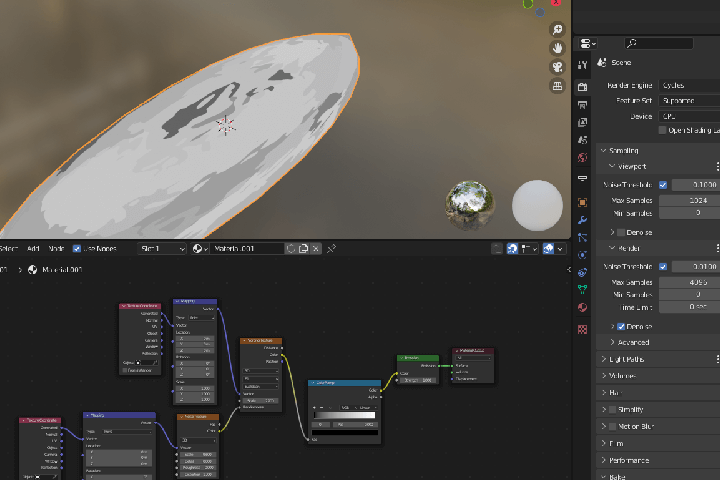
How to create resources using Blender
Rather than simply recognizing Blender as a 3D tool, we will learn about its wide expandability and usage when approaching it as a 2D effect production program, as well as effective resource creation methods.
Fast and efficient effects workflow
Load the created source into Unity and use it easily, and check the polishing process in real time to ensure satisfactory quality of the Stylize effect result.
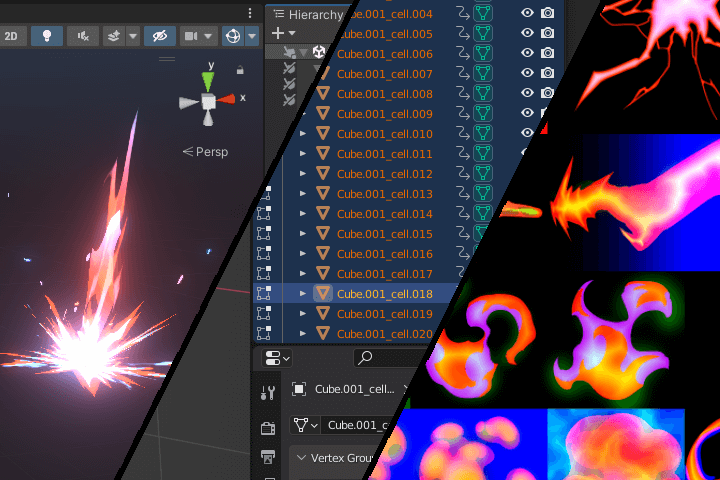
Provides 60 unreleased game effect resource packages
2D effect resources researched and developed by FX artist Kim Chung-gyeom are distributed exclusively to students in the class. Feel free to apply it to your created games or portfolio.
* Secondary processing and commercial use are possible.
* Resale is not possible.
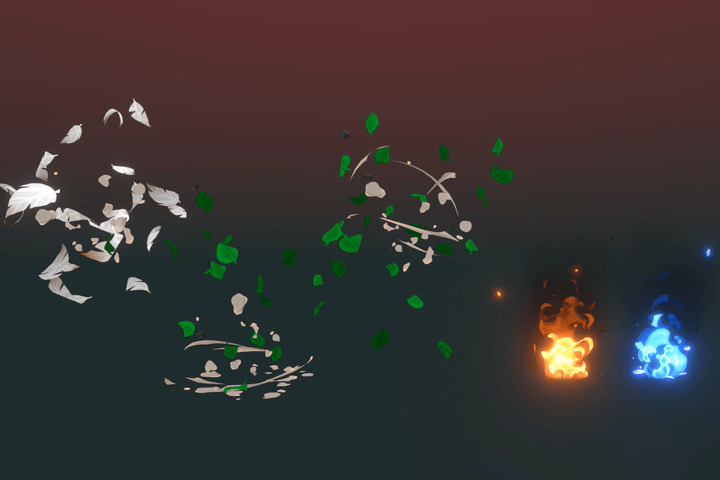
Class composition
learn this
-
 Texture drawing is the core of 2D FXLearn how to draw textures to be used in the Stylize effect as simply as possible.
Easily manage it in conjunction with shaders. -
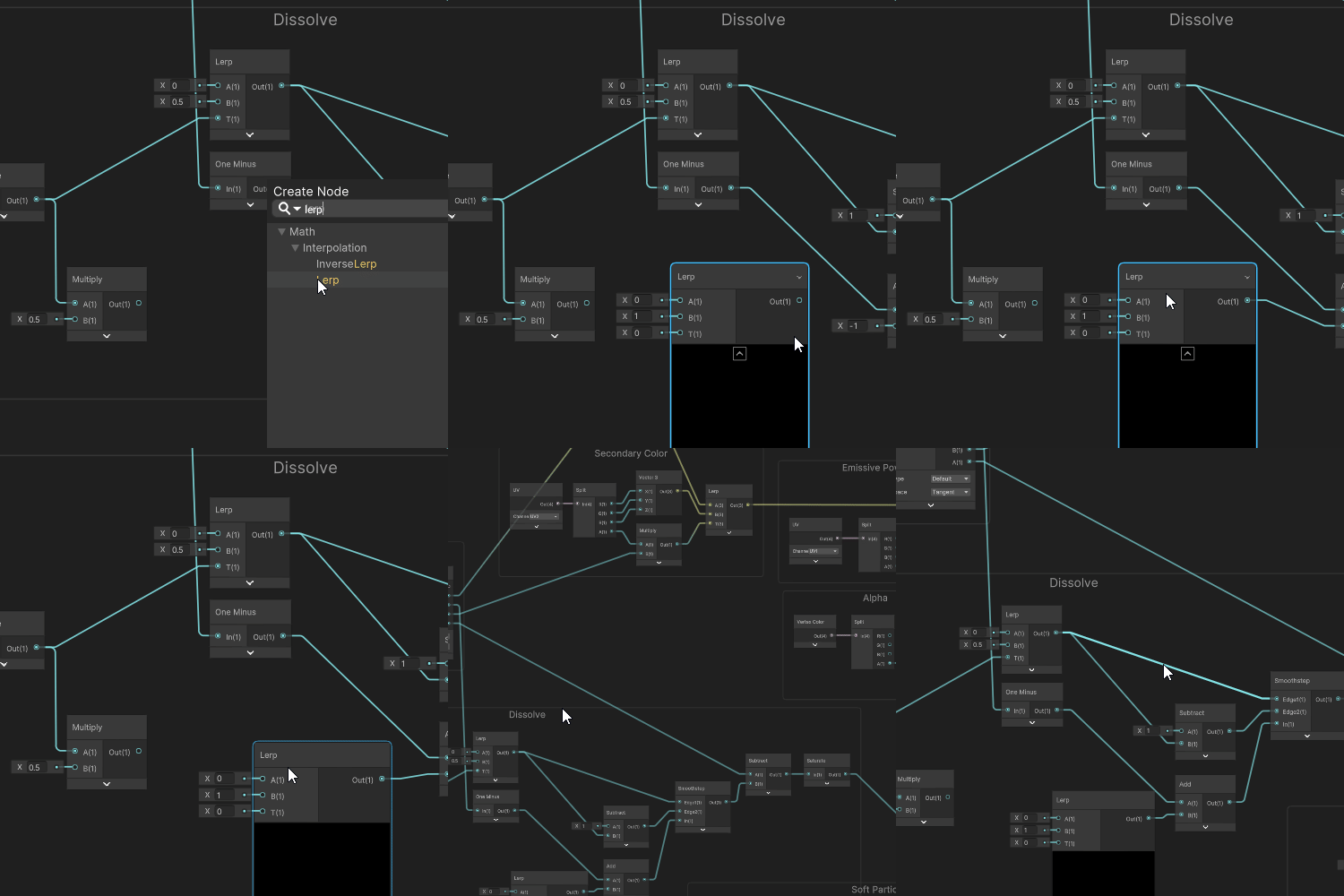 Understanding shaders for various effectsUnderstand the features and functions of shaders, select only the main functions frequently used during production, minimize parameters for easy viewing at a glance, and express them freely.
 -
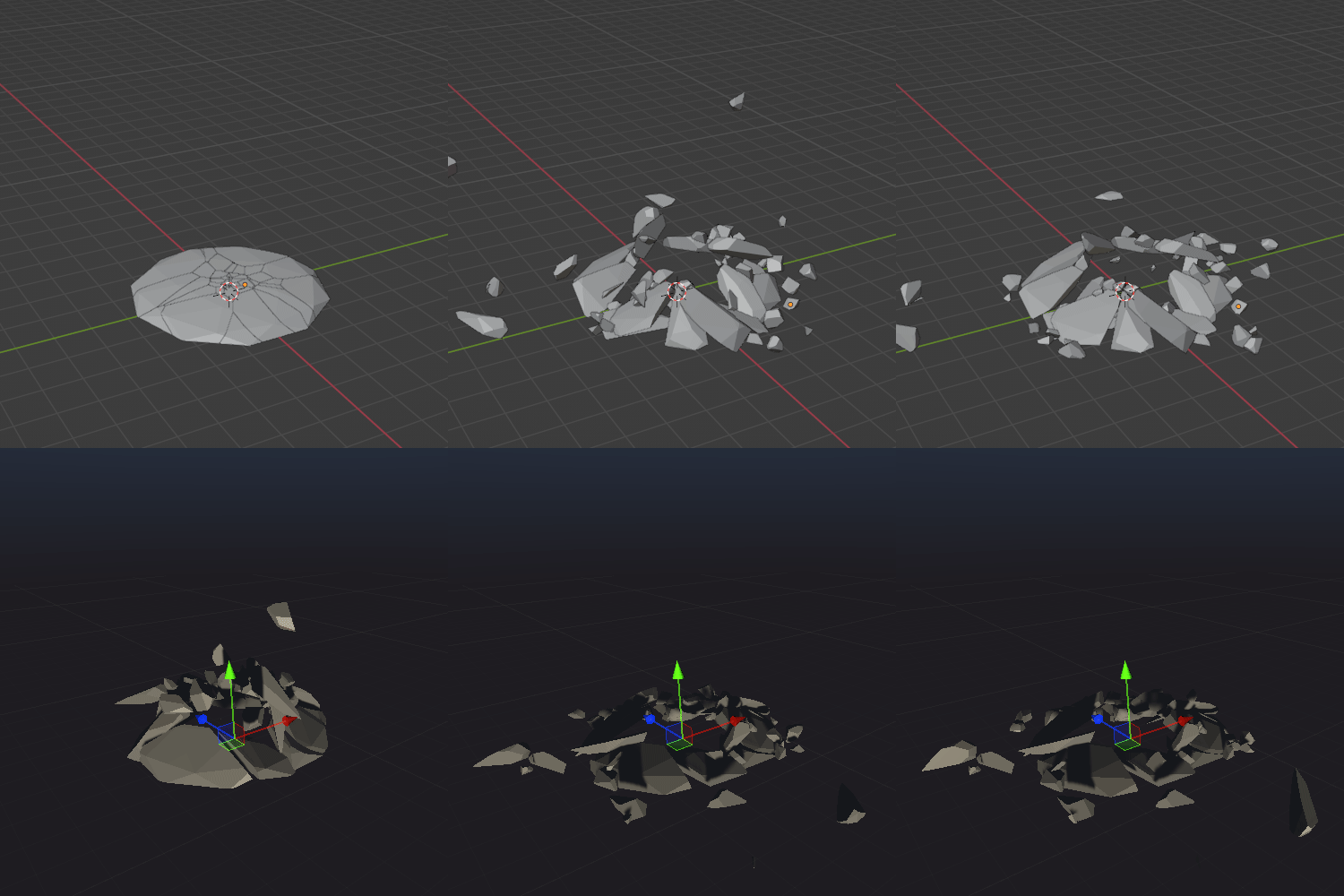 How Blender and Unity work togetherCreate meshes and resources using Blender, which has as many features as a paid program, and export them to Unity to implement various types of effects to your heart's content.
-
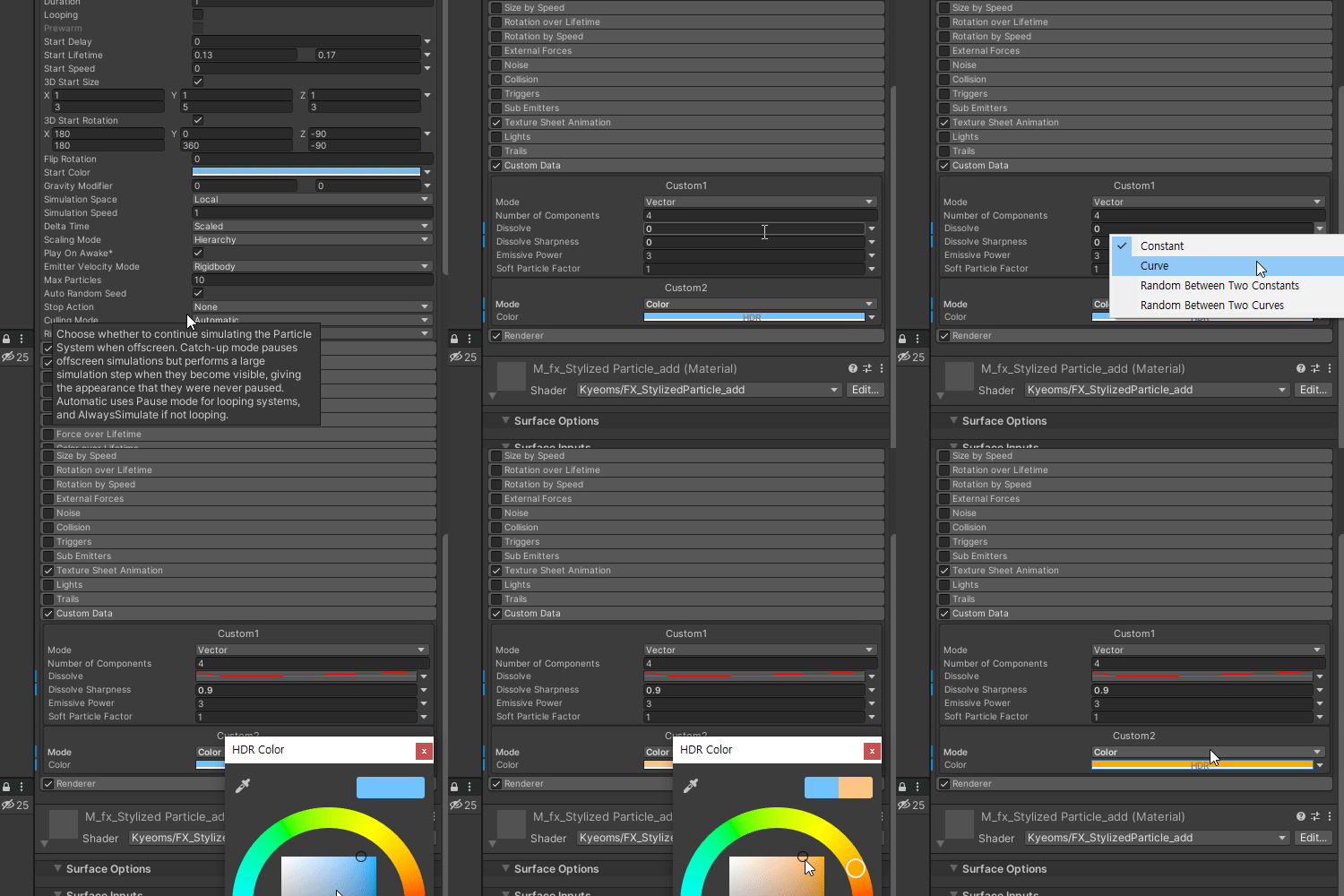 Particle system for detailed expressionUsing textures, shaders, and meshes, we apply casual effects of 2D FX and natural, rich movement using the particle system, an essential tool for Unity effects.
 -
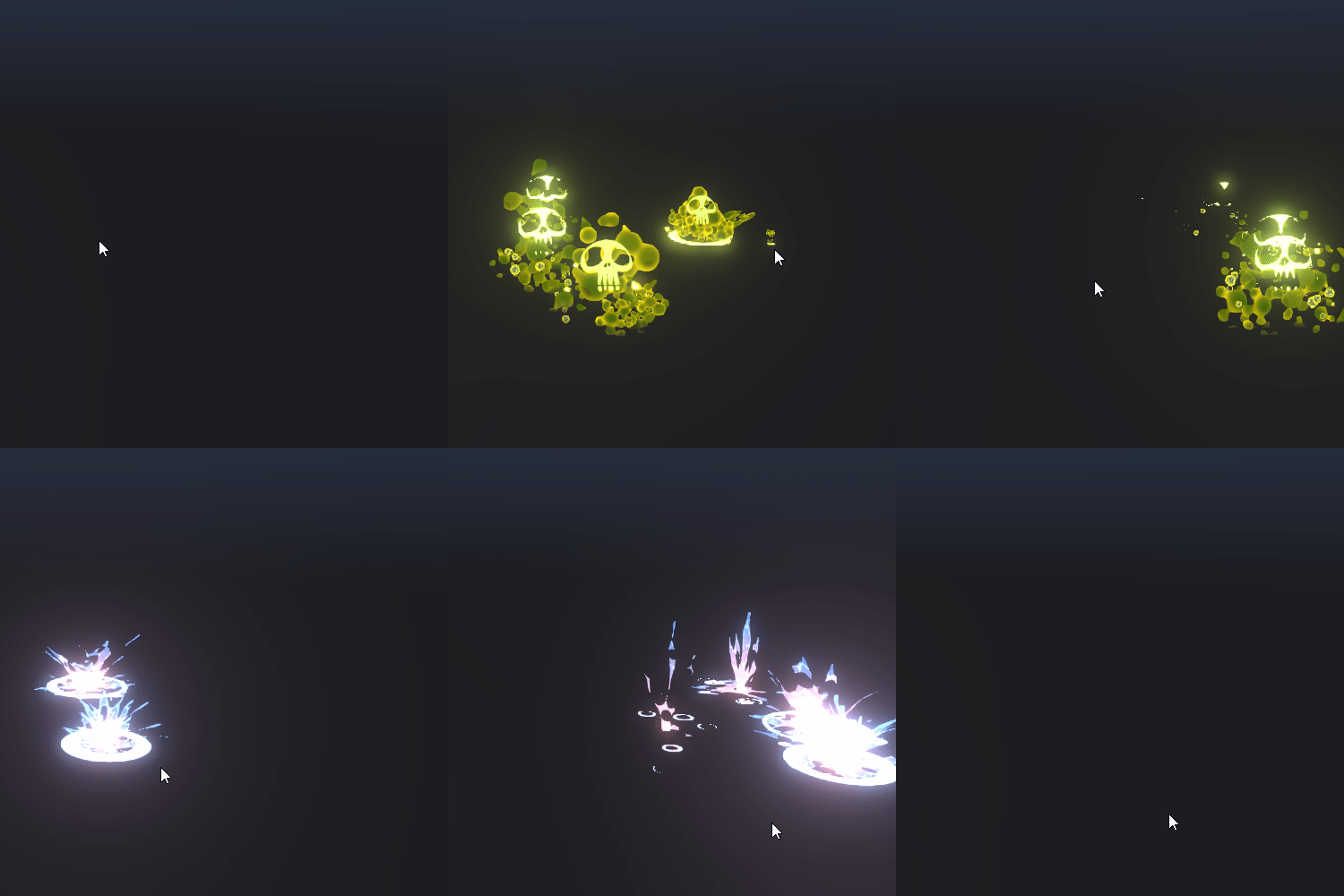 Simple Play Scene TestRather than simply creating and playing an effect, you can check and supplement your work through the Test Scene, which allows you to play by clicking on the floor to explode the created effect.
 -
 Various ways to use custom dataLearn about the range of effects and various transformation methods beyond the prepared examples, and combine them fluidly with your work to create your own unique 2D effect.
curriculum
curriculum
Show me the curriculum
Section 01. Intro
01. Orientation
- Instructor introduction
- Cartoon-style characteristics and various references
- Differences between casual genre range and painting style
- Introduction to programs and tools
Section 02. Preparation for effect production
02. Unity engine basic settings
- Scene settings
- Particle system settings
- Material and texture settings
03. Blender and Photoshop settings
- Blender settings
- Photoshop settings
04. Shader production 01
- Dissolve
- Dissolve Sharpness
- Emissive Power
05. Shader production 02
- Soft Particle Factor
- Secondary Color
Section 03. Basic elemental drawing and particle system use
06. Mana Potion
- water properties texture drawing
- FBX production and extraction method using Blender
- Creating particle system effects
07. Flame magic
- fire texture drawing
- Creating particle system effects
08. Ice magic
- ice texture drawing
- Creating particle system effects
09. Recovery magic
- light properties texture drawing
- FBX production and extraction method using Blender
- Creating particle system effects
10. Energy magic
- Energy properties texture drawing
- Creating particle system effects
Section 04. Advanced detailed expression drawing and particle system use
11. Curse magic
- Dark attribute texture drawing
- Creating particle system effects
12. Fear Magic
- horror attribute texture drawing
- Creating particle system effects
13. Poison
- Skull/Poison Texture Drawing
- FBX production and extraction method using Blender
- Creating particle system effects
14. Explosion
- explosion texture drawing
- Creating particle system effects
15. Magic Explosion
- magic texture drawing
- Creating particle system effects
Section 05. In-depth Blender Mesh production
16. Rock Magic 01
- Creating a rock mesh using Blender
- Export from Blender to Unity
17. Rock Magic 02
- Creating a rock mesh shader
- Creating particle system effects
18. Ground eruption magic 01
- Cell Fracture
- Rigid Body Setting
- Animation Baking
19. Ground eruption magic 02
- Export from Blender to Unity
- Creating particle system effects
Section 06. Outro
20. A step toward better effects
- Other ways to use custom data
- Use in 2D
- effect color
interview
What FX artist Kim Chung-gyeom wants to say

Question.01
What are your strengths as an FX artist?
What are your strengths as an FX artist?
I believe that my unique strength is being able to create complete 2D effects even though it is a simple process . We pursue a work direction that reduces unnecessary time consumption through an efficient pipeline framework and freely expresses a wide range of effects by minimizing the use of textures, materials, and shaders that have a high impact on effect optimization.
Question.02
What are the main points of this class?
What are the main points of this class?
Unlike live-action effects, which can be observed to some extent as actual phenomena, the curriculum has been designed to focus on drawing and expression appropriate for casual and stylized effects . We will help you break away from the stereotype that 2D effects have a high barrier to entry if you do not have a feel for them, and help you solidify the basics step by step and develop your production capabilities .
Question.03
Who do you recommend this class to?
Who do you recommend this class to?
Beginners who want to easily learn only the core functions of Unity, Photoshop, and Blender to create colorful 2D effects that stand out with creativity , aspiring artists who want to release a package on the Asset Store or participate in the creation of a trendy Stylize-style game , and various resources. Recommended for those currently employed who are curious about know-how for effective management and use .
We will guide you through the program to use.
This class covers Unity 2021.3.6f1, Photoshop 2020,
It will be conducted using Blender 3.0 .
To ensure smooth course participation, please install the corresponding version of the program separately.
* Unity 2019, Photoshop CS6, Blender 3.0 or later versions are recommended.
* Programs and materials are not provided separately.