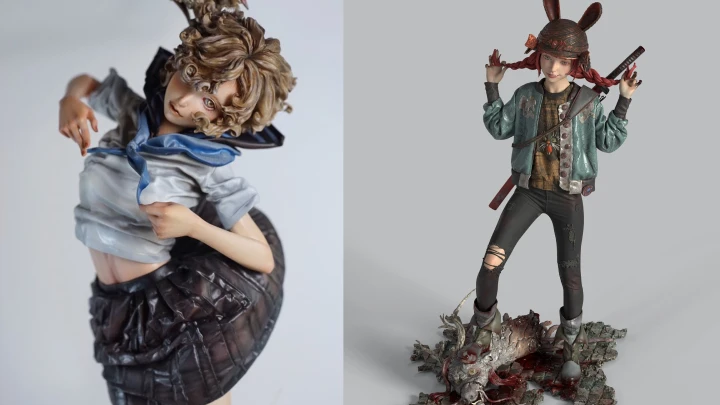
figuremodeler,juanjuan_ZH Details
Intro
Class Intro
Juanjuan
Juanjuan’s Signature Formula for Bringing Your Character to Life
Still stuck making figures from someone else’s designs? It’s time to create something that’s truly yours. Step away from outsourced work and learn how to turn your own character idea into a living figure with real presence and personality. From building a solid character concept to completing a clean, polished sculpt, this class walks you through a clear and beginner-friendly original character modeling process. Create your own original character, from idea to final form.
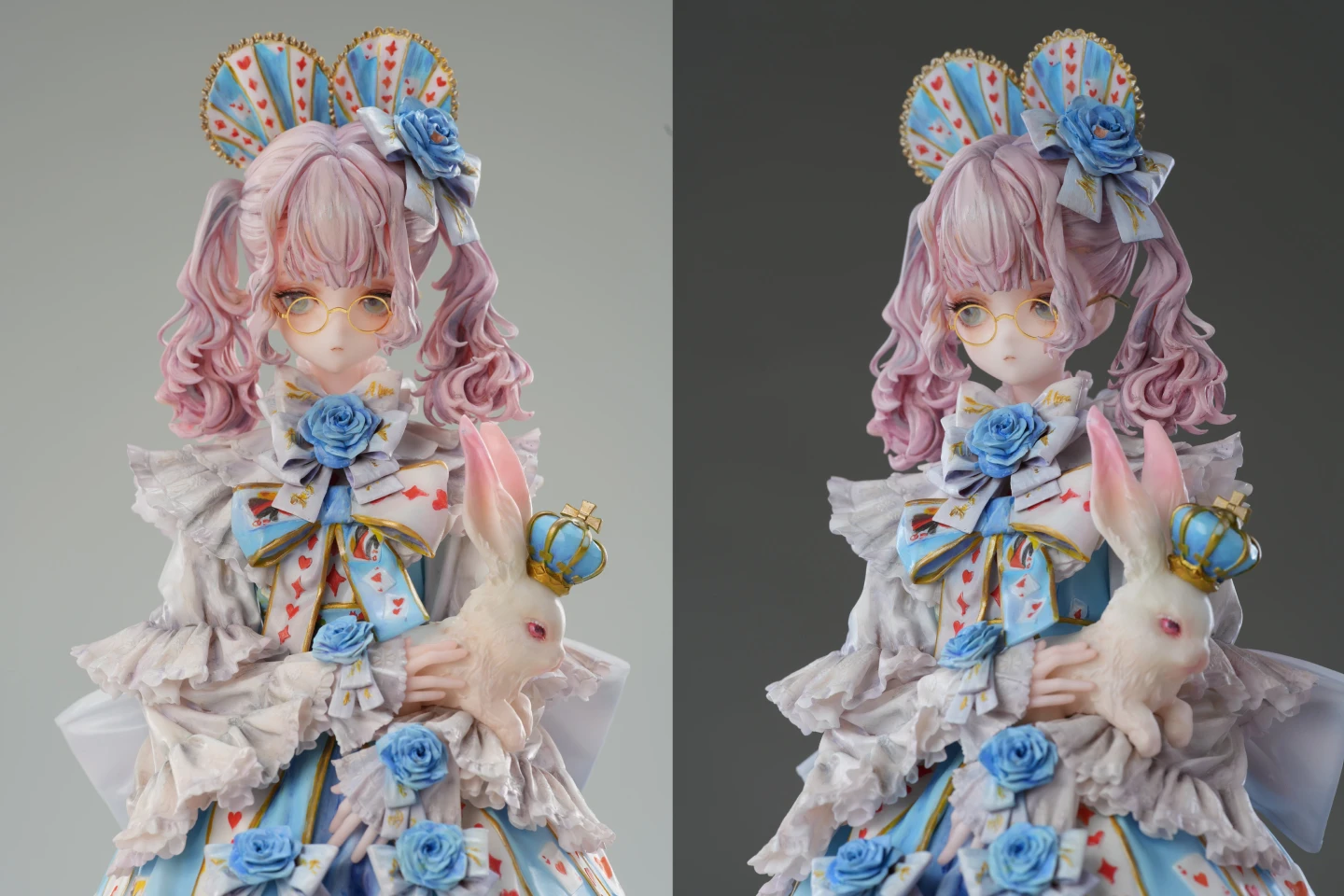
With over 100,000 views per project, industry-renowned artist Juanjuan unveils the secrets behind standout original characters. Join Juanjuan, whose creations have sparked a sensation in Japan, and learn how to craft a character portfolio that grabs attention at first glance. Gain expert insight into original character design and unlock the techniques needed to stand out in the industry. Master competitive OC production, exclusively on Coloso.
Class Perks
Get These Coloso Exclusives
-
 Unlimited Access to 22 ChaptersEverything in Figure Modeling
 -
 Original Zbrush Project File ProvidedBased on Actual Lecture Examples
 -
 Original Illustration FileContaining the Entire Work Process Provided
Recommendation
Who should take this class?
Beginner modelers seeking to improve figure sculpt quality
Junior sculptors struggling with detail limitations in figure modeling
3D creators stuck in outsourced work, seeking original characters
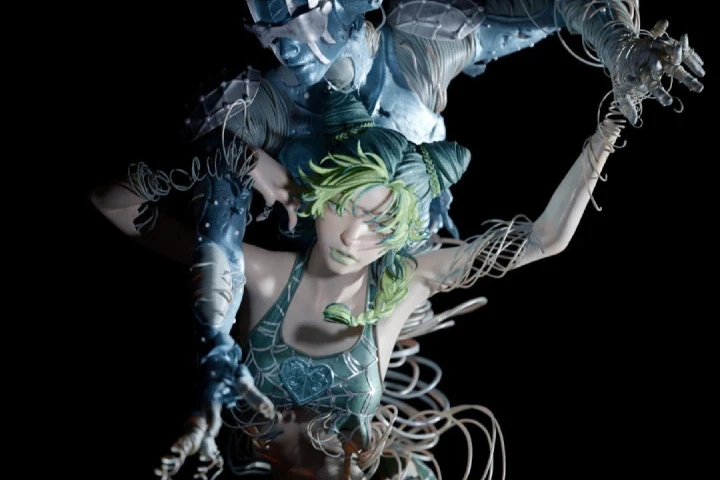
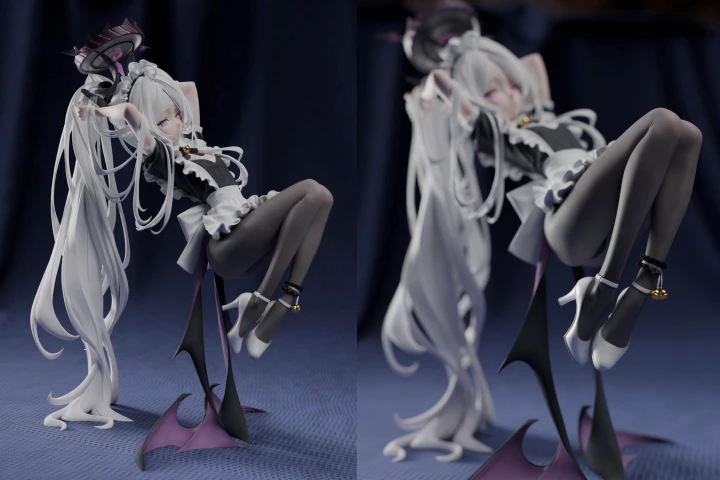
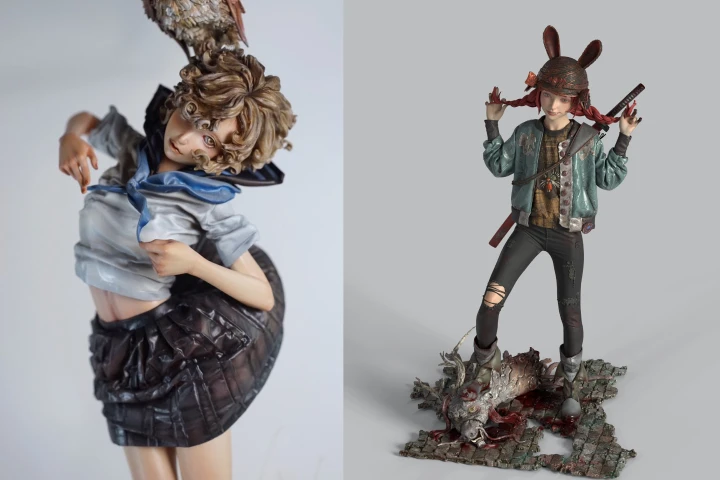
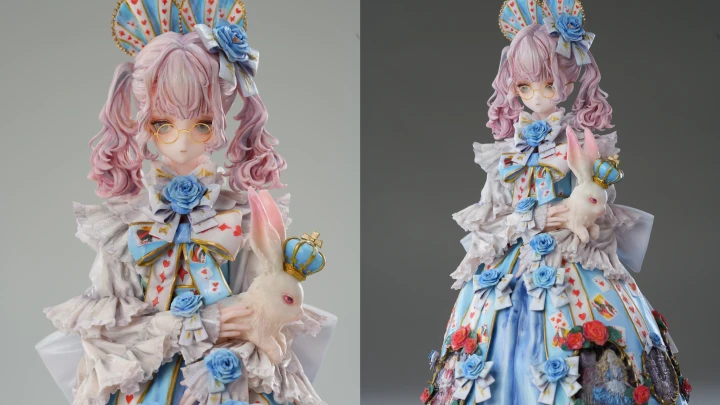
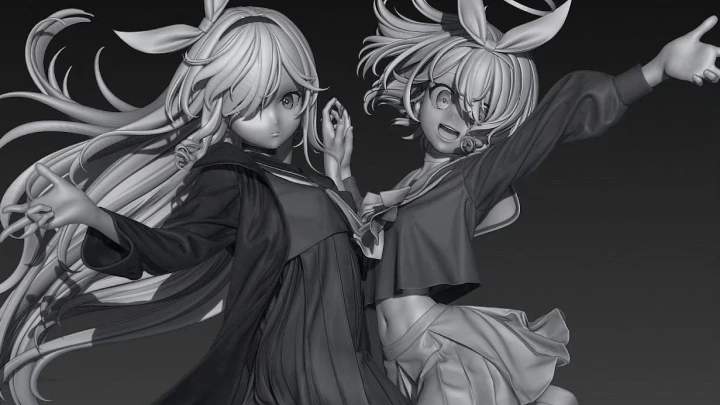
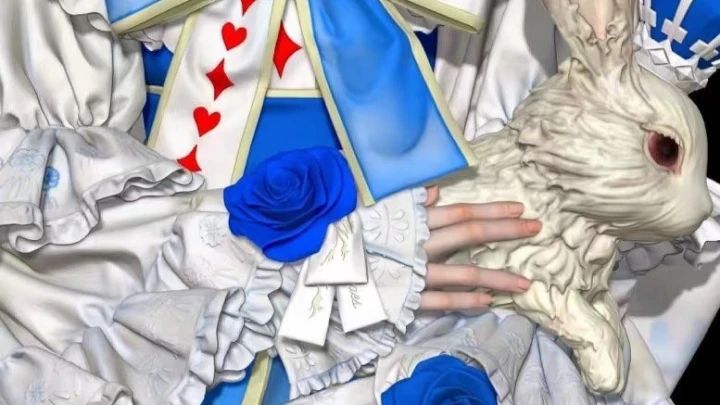
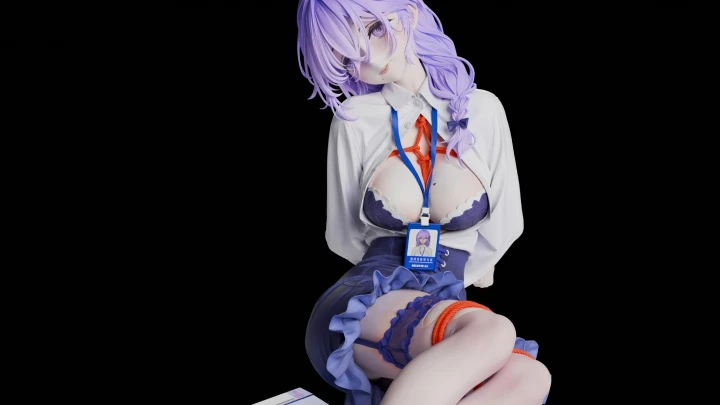
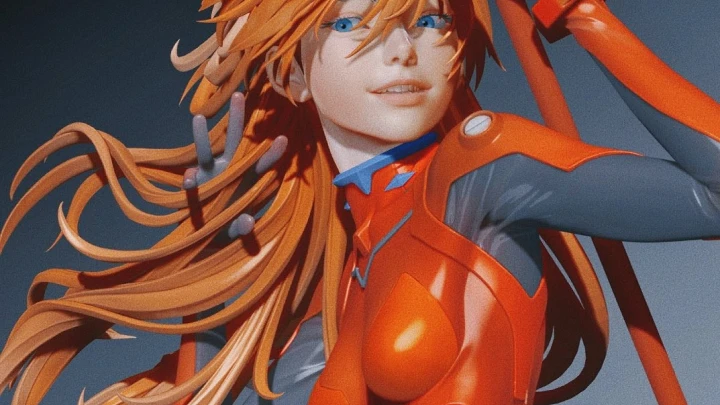
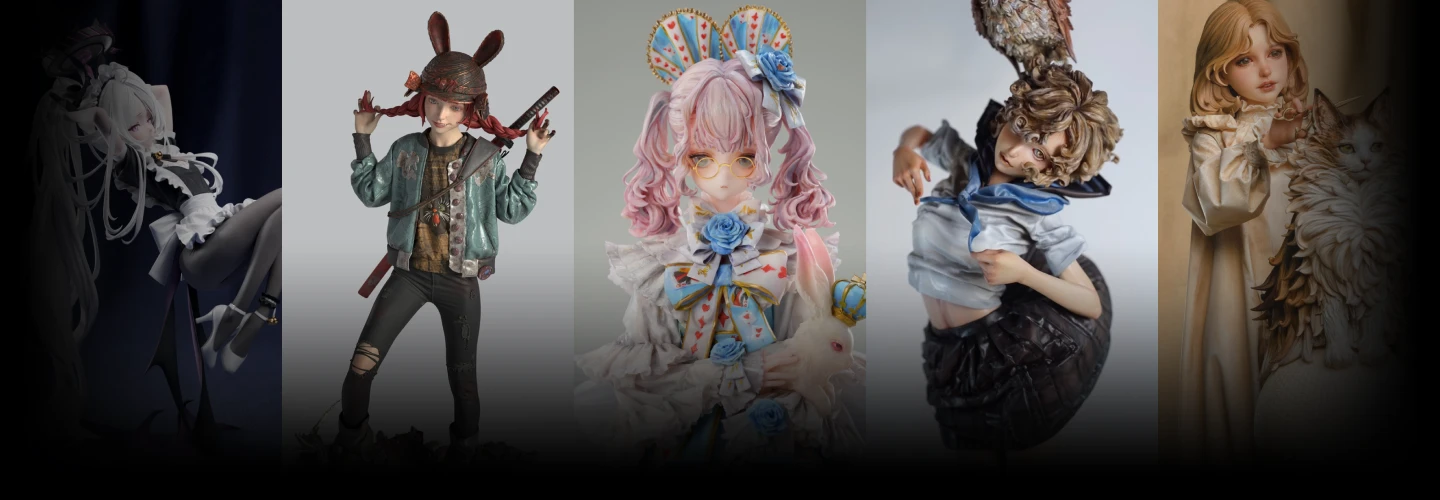
Expert Figure Modeler Juanjuan's Portfolio
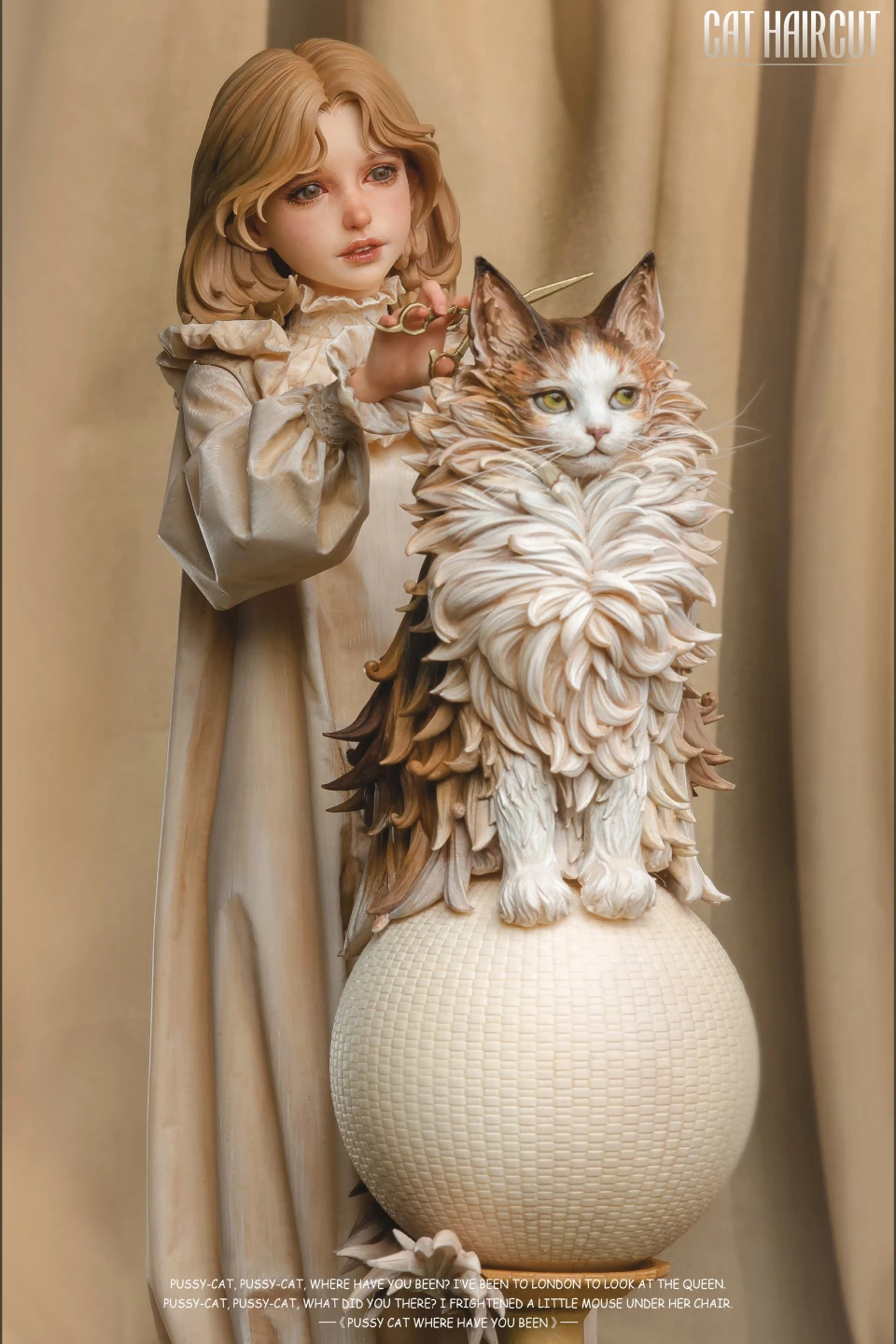
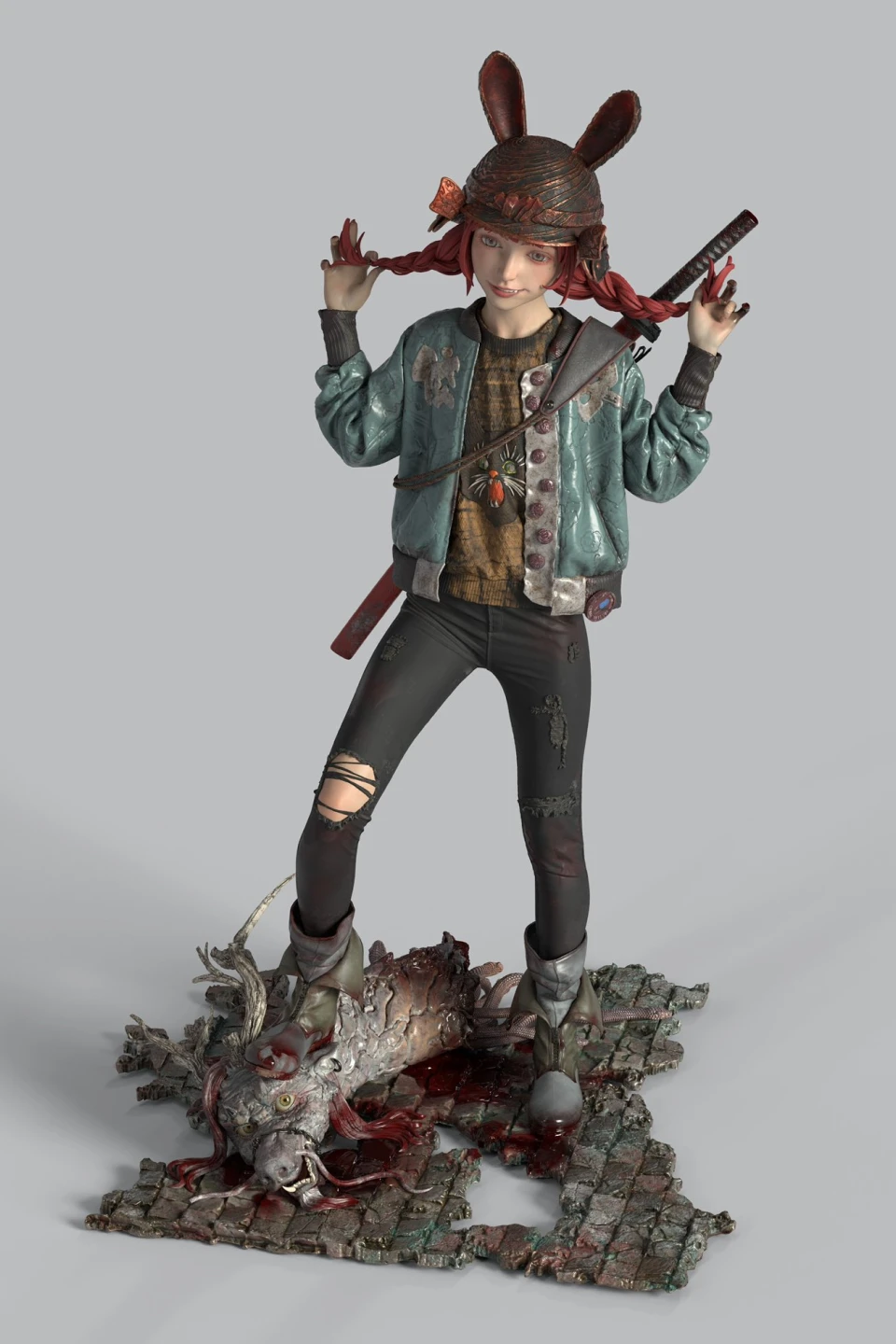
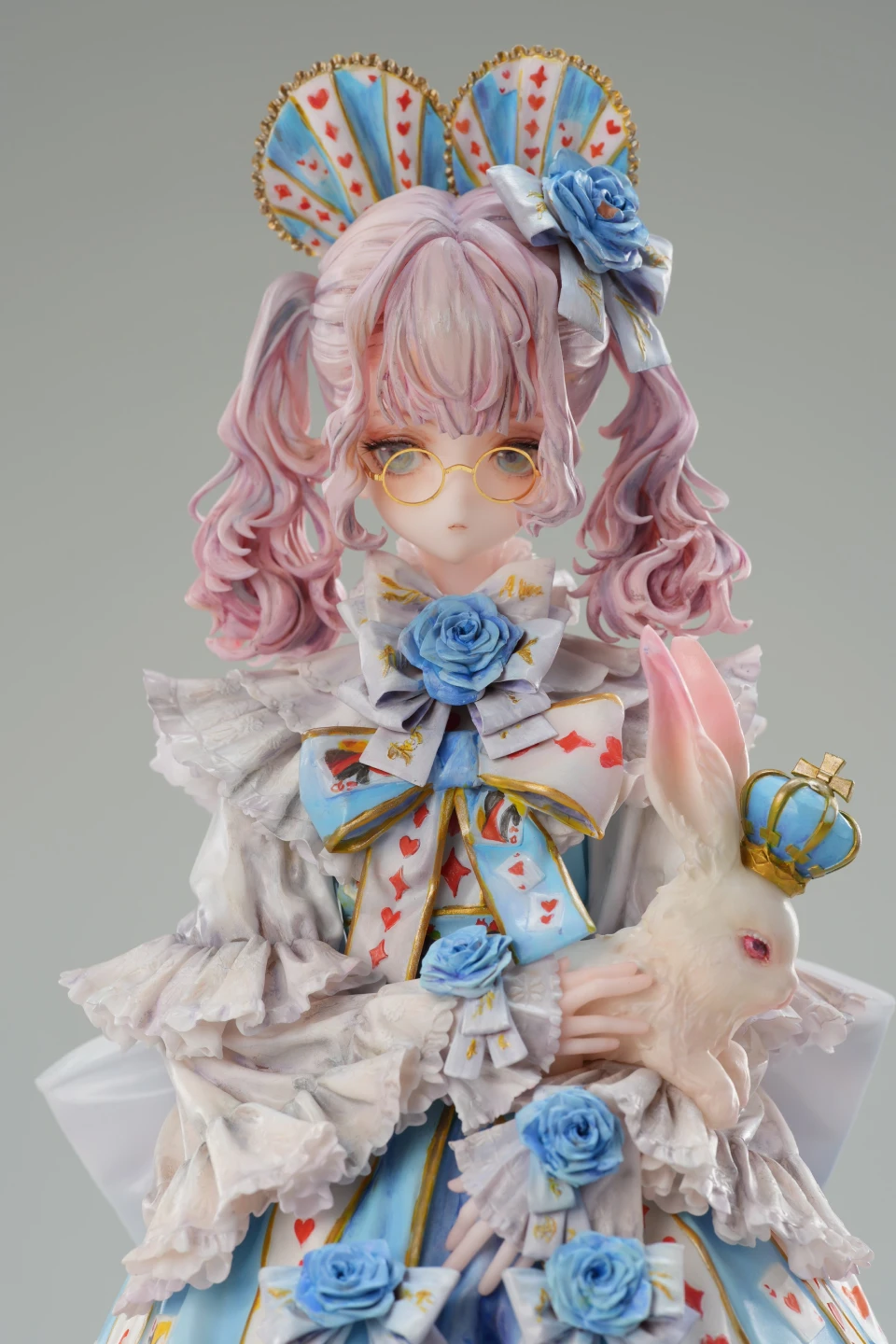
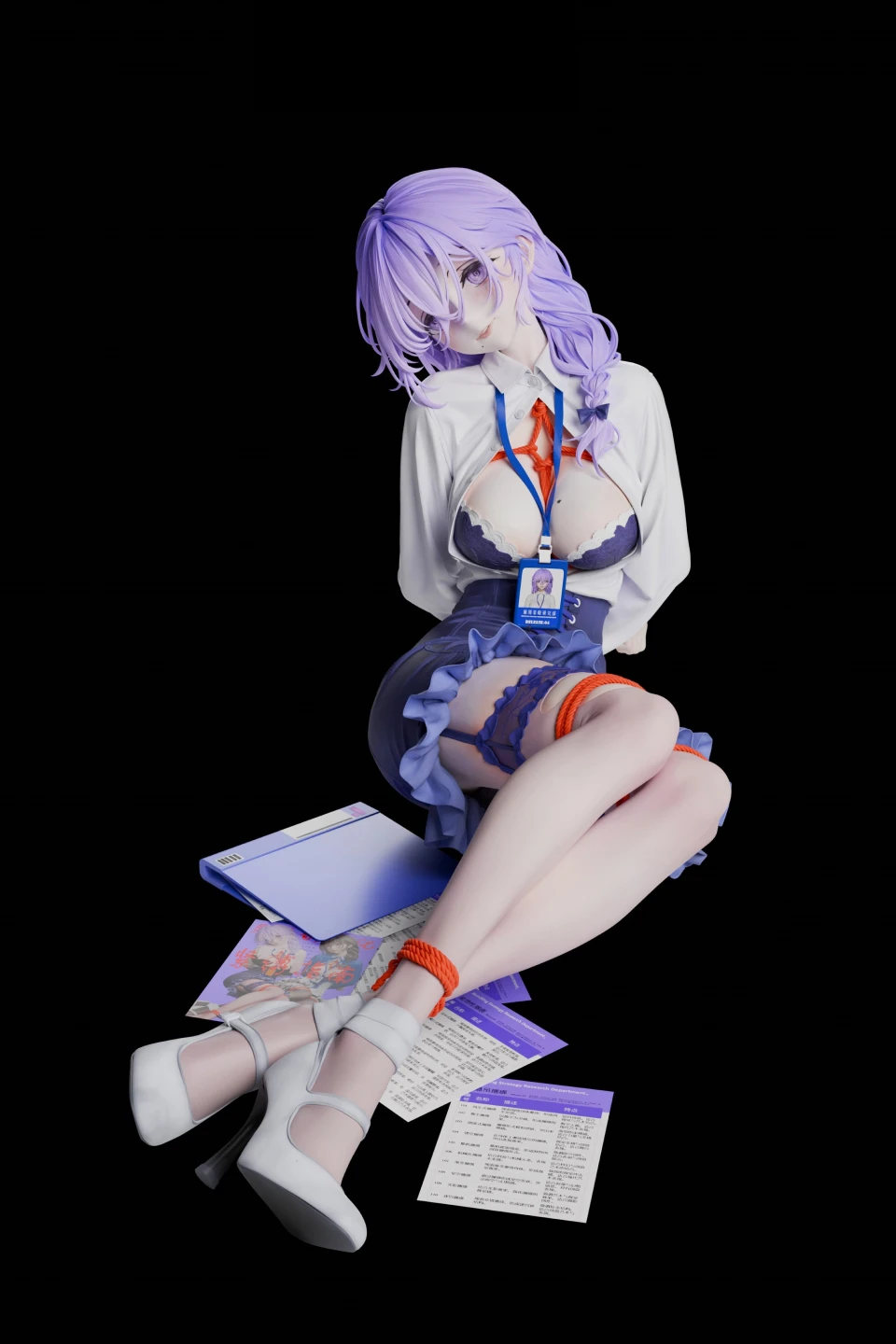
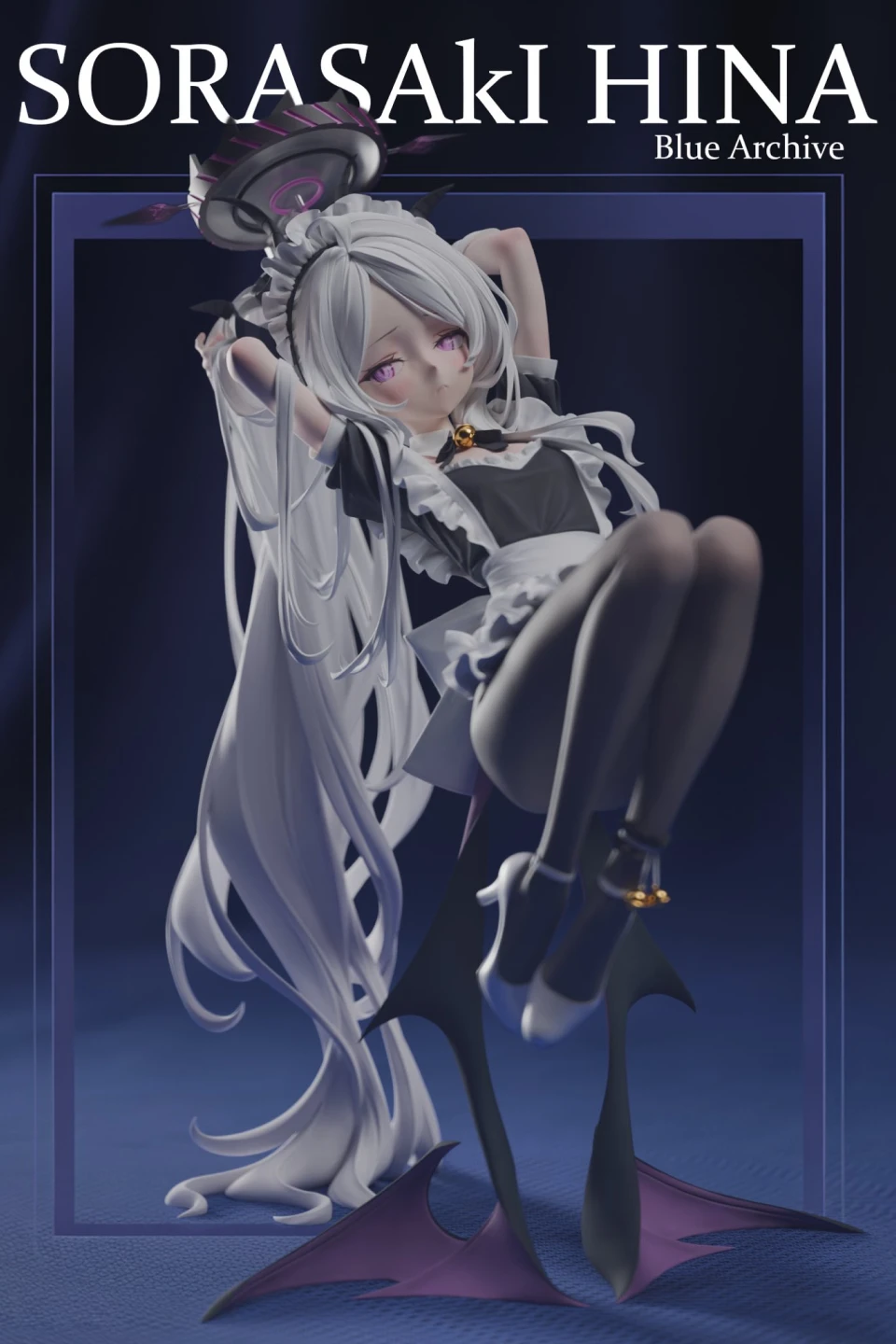
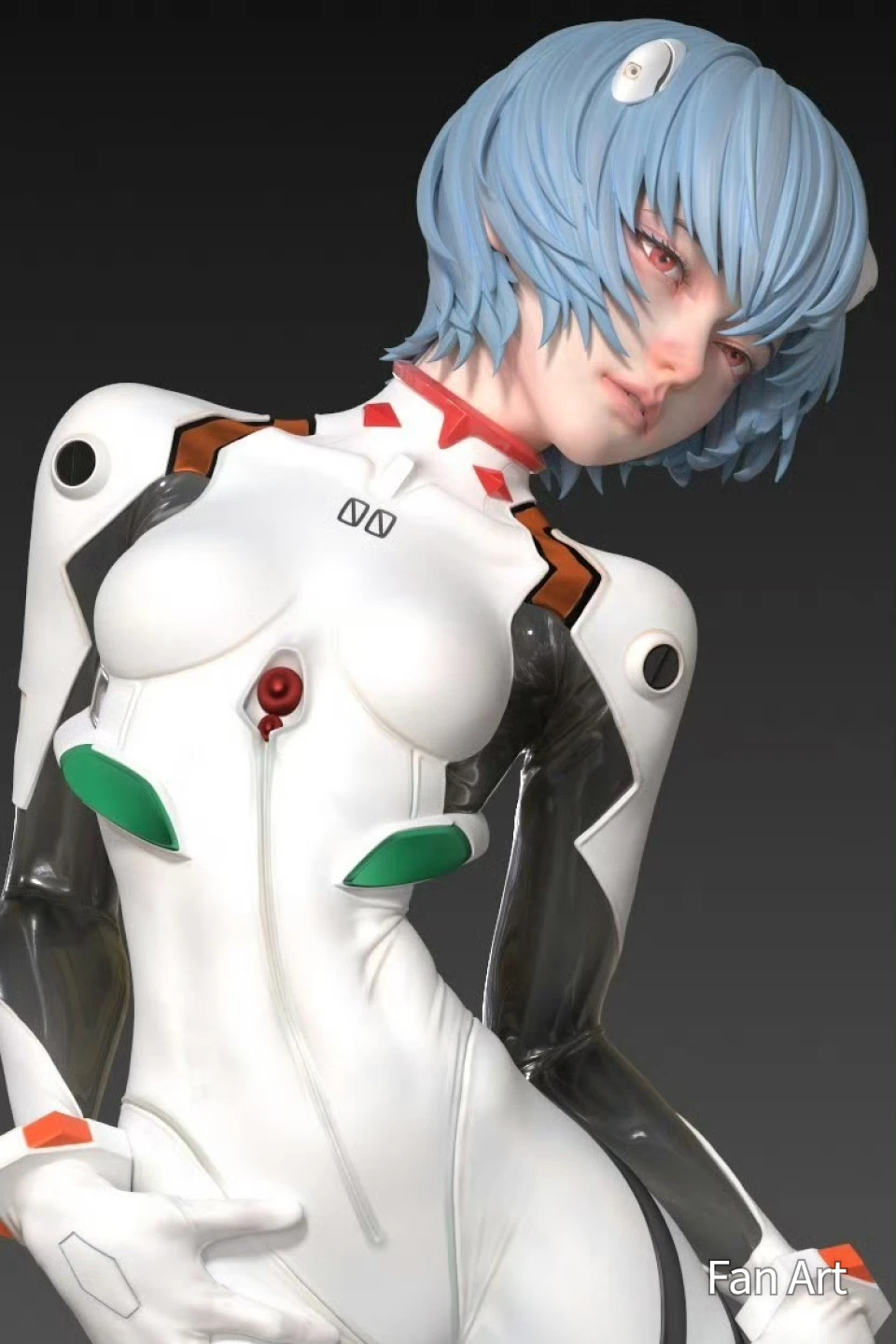
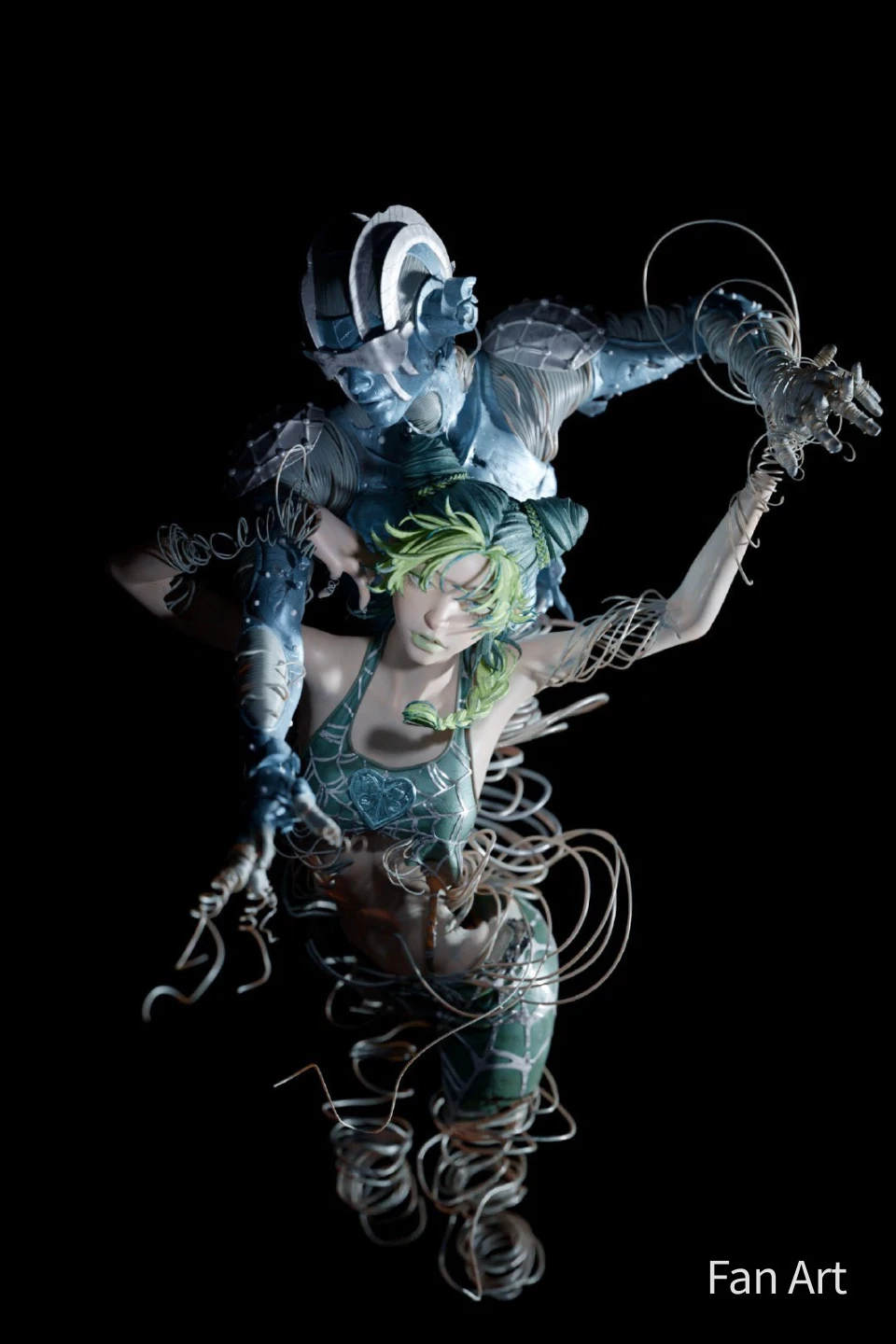
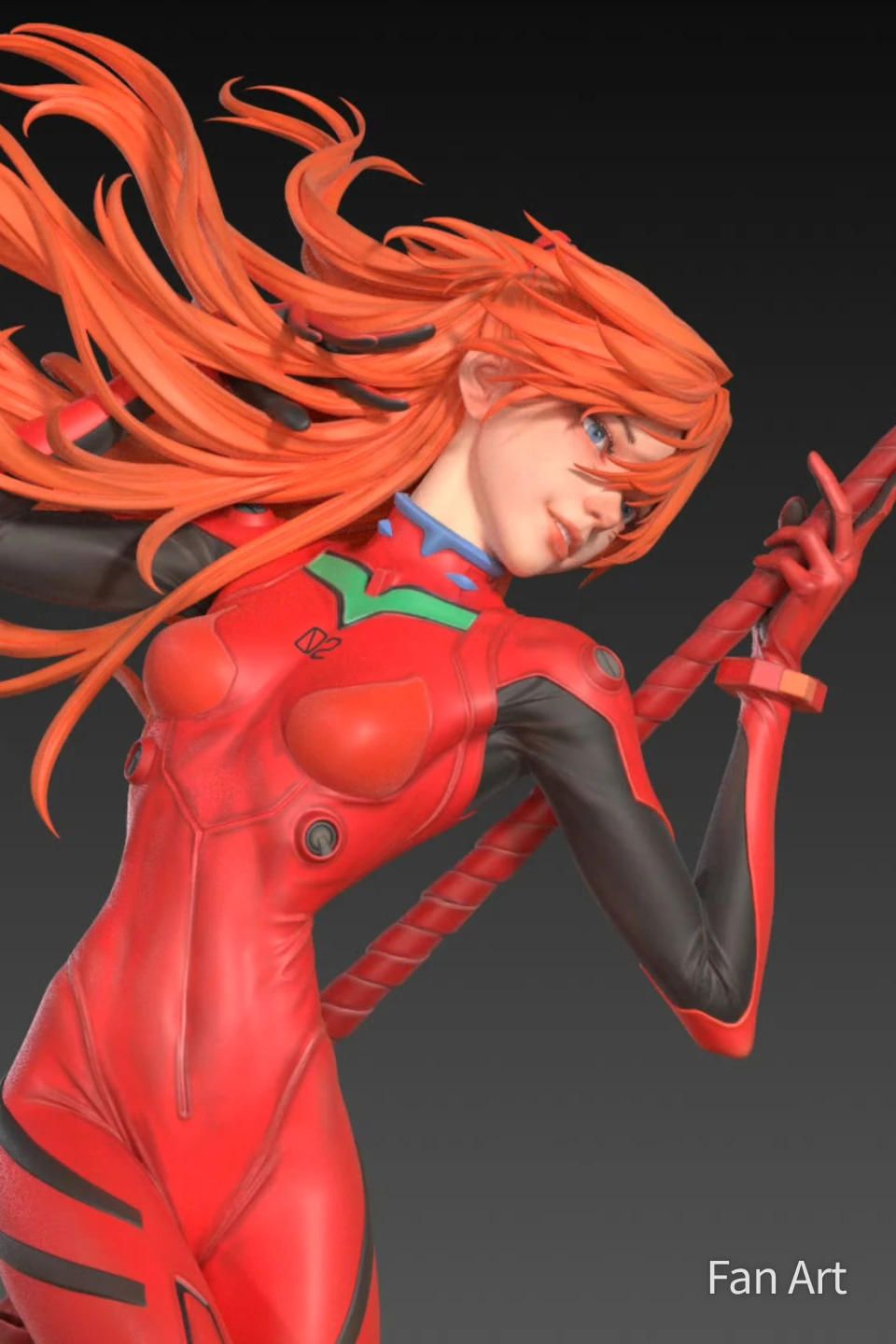
Why Take This Class?
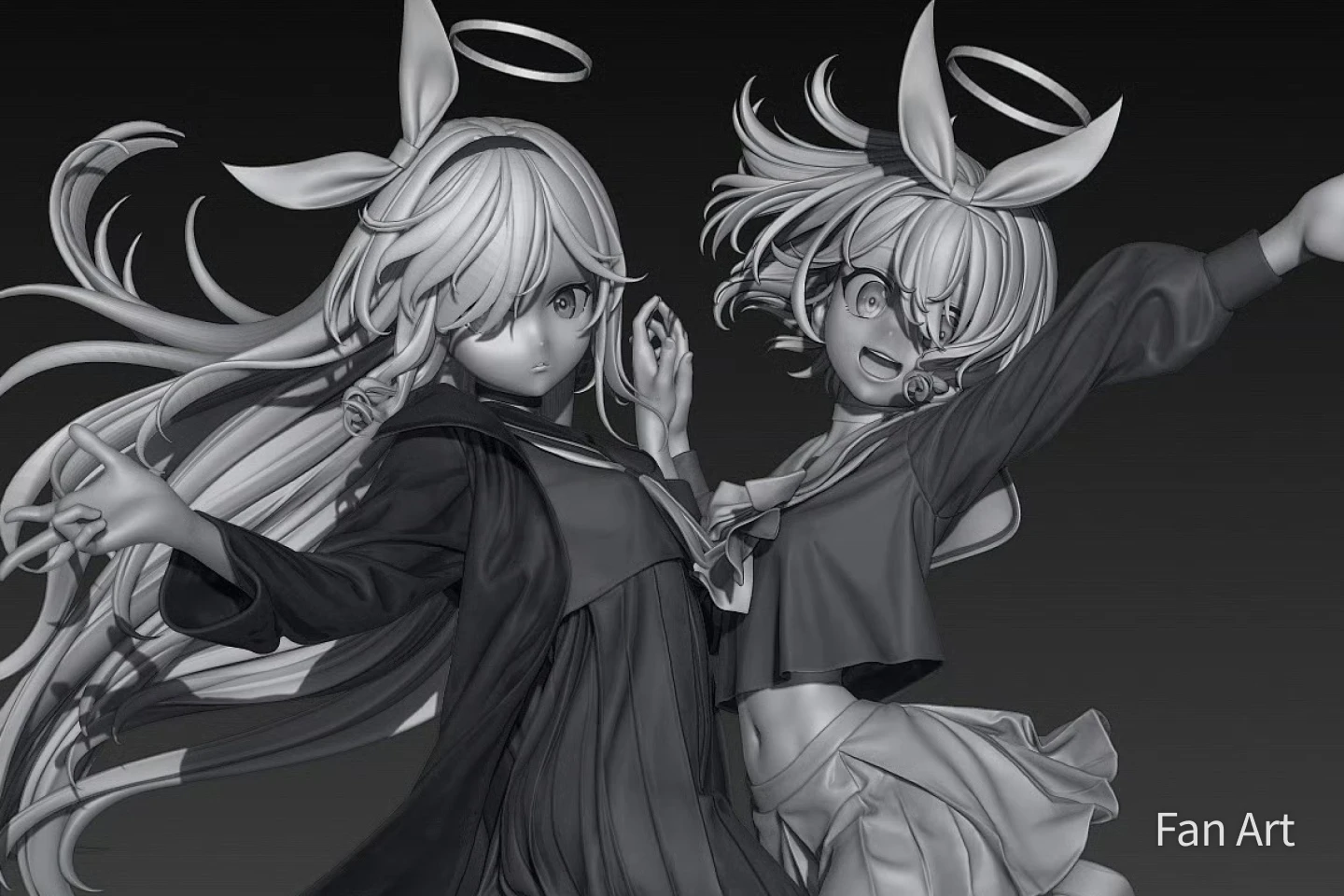
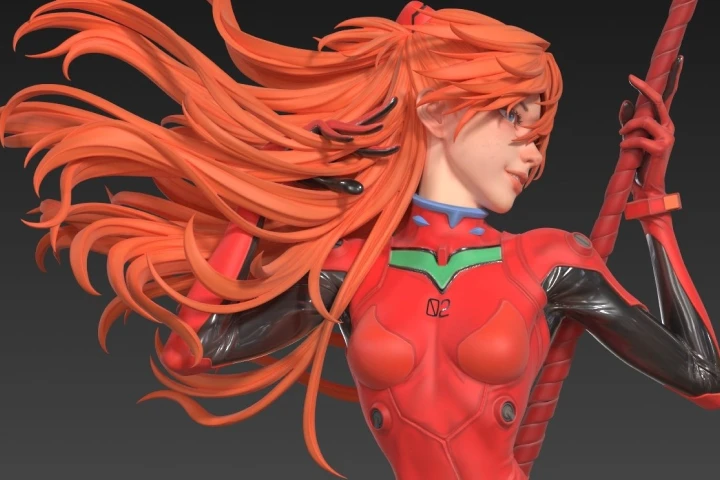
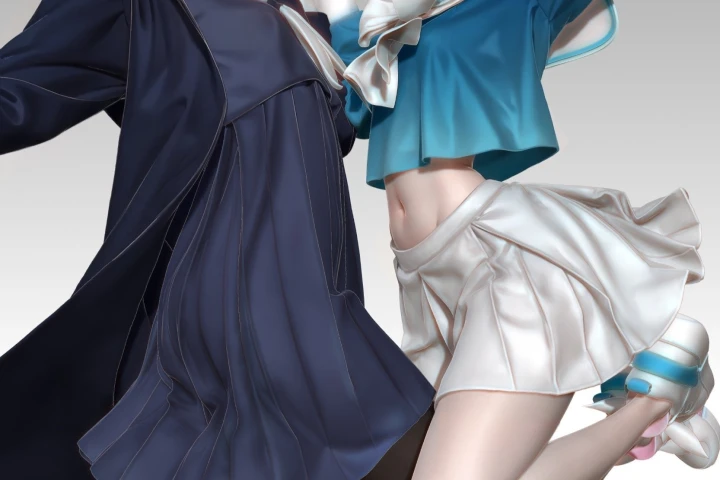
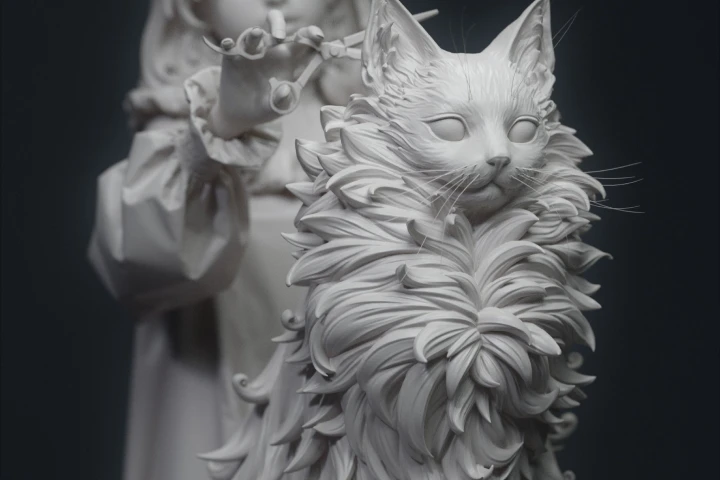
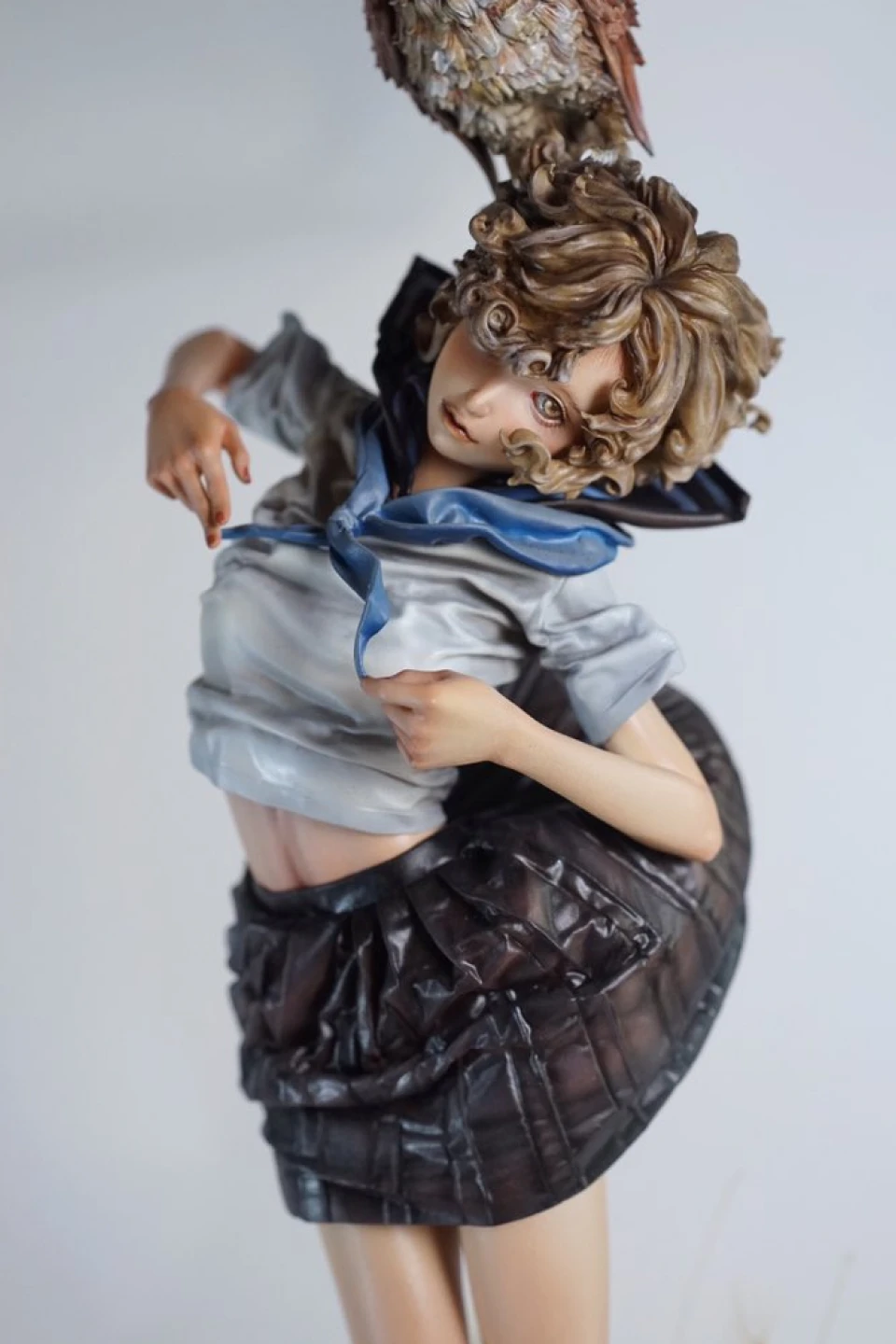
Juanjuan’s character detailing techniques push the limits of expressiveness. Learn a method that renders intricate elements such as folded fabrics, layered clothing, flowing hair, and textured fur clearly and effectively, even at high density. Build the sculpting intuition to make every detail purposeful, precise, and vividly alive.
Transform your original character into a print-ready figure with clarity, efficiency, and top-quality results. Explore Juanjuan’s practical production workflow that enhances sculpting quality while minimizing unnecessary effort. Go beyond ZBrush and discover how Blender, DAZ3D, and Marvelous Designer work together to simplify complex steps and help you build a reliable, high-quality figure creation pipeline of your own.

Get Ready for the Real-World
Juanjuan Original Character Figure Creation
-
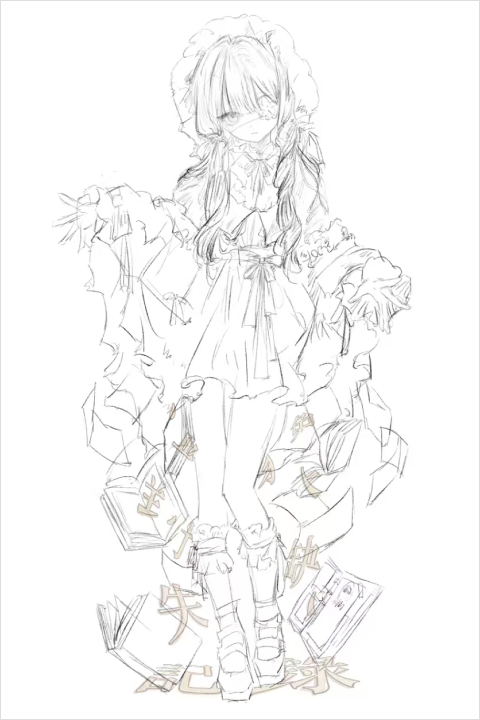 Character Design and Original Concept Sketch
 -
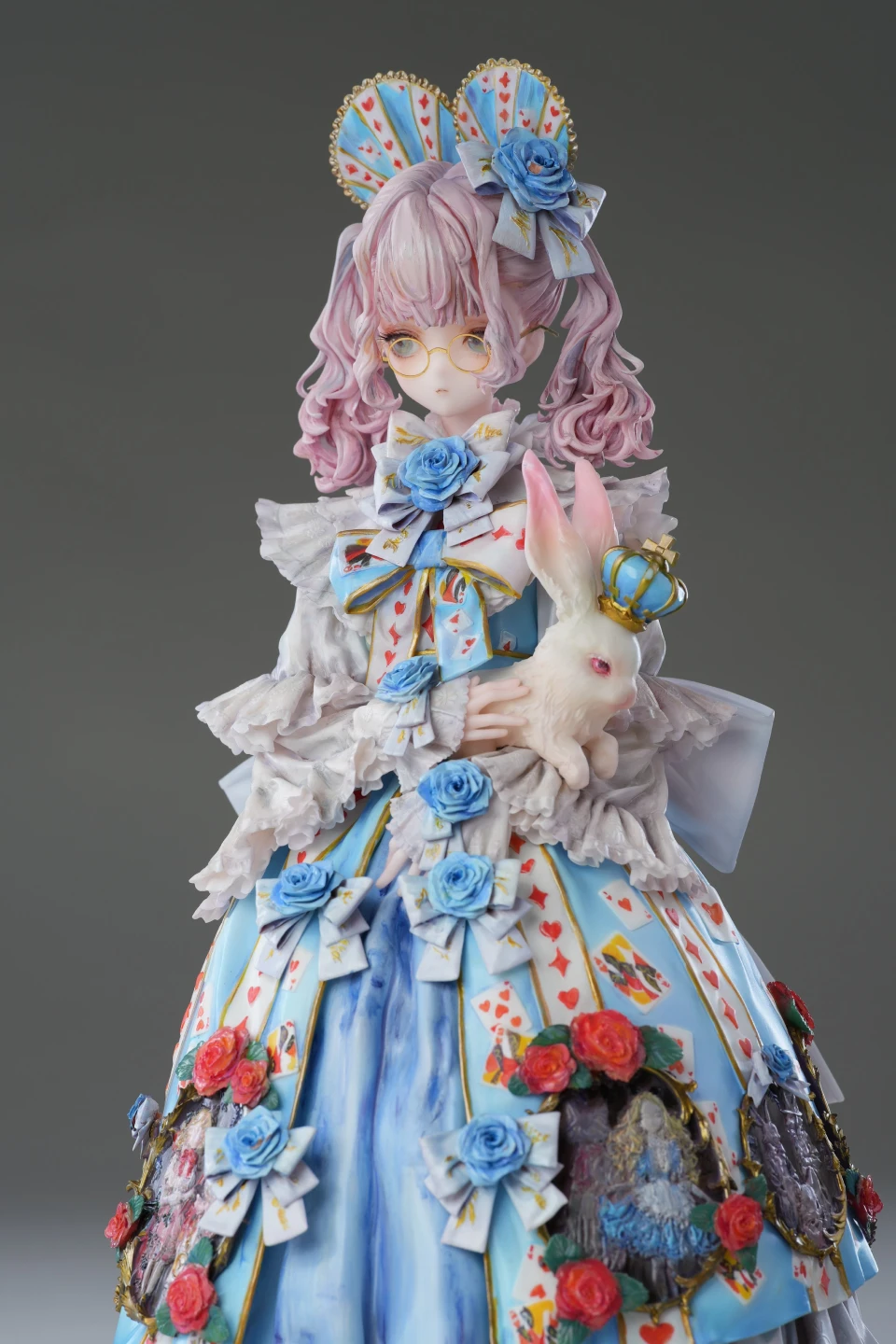 FigureModeling, Painting, and Rendering
*The above images are sample images for a better understanding.
Highlights
Class Highlights
The First Complete Guide to Juanjuan’s Original Character Creation
Stop just using tools. Start thinking like a pro. Learn the full original character creation process from concept to final sculpt. Create a character that not only looks stunning but carries clear identity, market appeal, and professional intent.
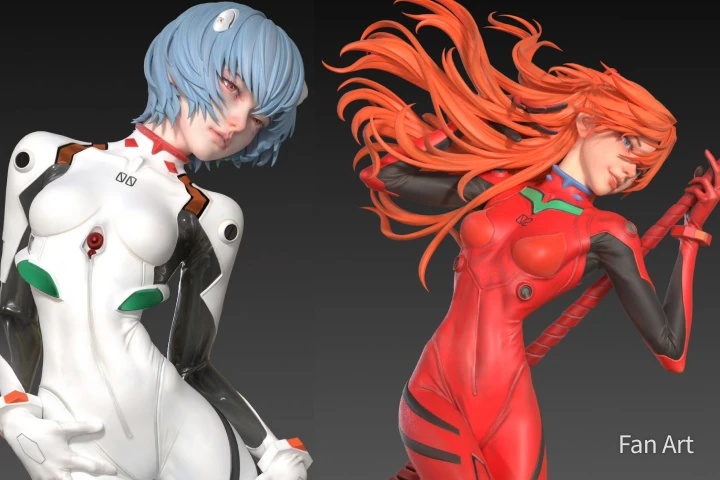
A Multi-Tool Workflow for Maximum Quality and Efficiency
One tool isn’t the problem. Being limited to one is. Go beyond ZBrush with a professional-grade multi-tool workflow. Choose the right tool at each stage, integrate DAZ3D, Marvelous Designer, and Blender with purpose, and deliver work that surpasses industry expectations.
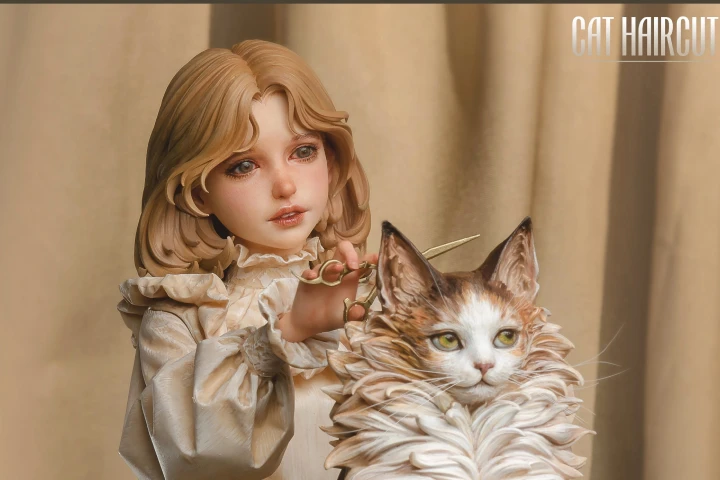
Portfolio Strategy for the Aspiring Advanced Sculptor
Still stuck with projects that never reach the finish line? Now is the moment to break that cycle. Step beyond the beginner stage and train like an advanced prototype artist by fixing the core reasons your work keeps stalling. Learn studio-proven workflows, cut out production-killing mistakes, and build a portfolio that commands attention. Finish with confidence and step into the industry as a creator others recognize.