comicartist,perdizzion Details

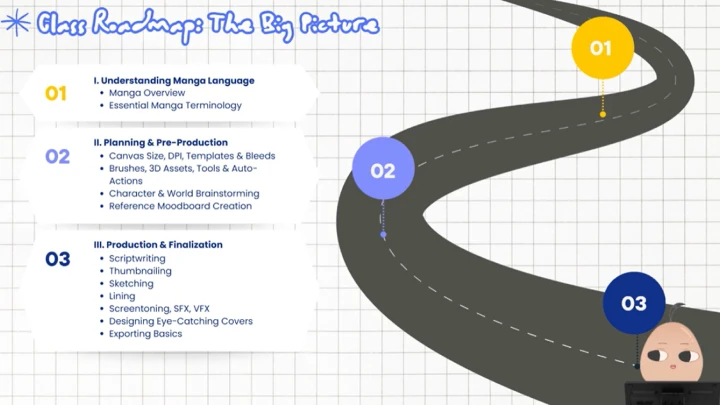
Manga Foundations & Technical Setup
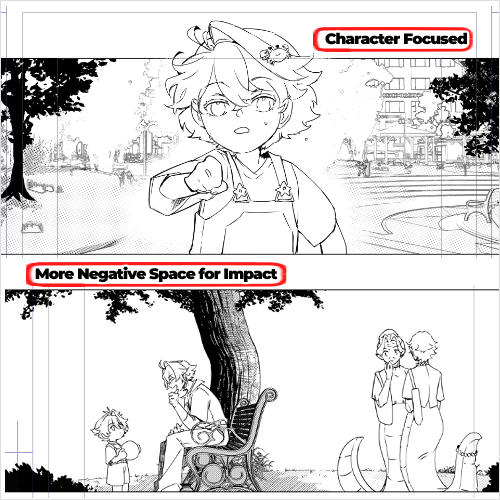
Learn the basics of manga structure, pacing, visual language, and essential technical preparation needed before starting a project.

Story Development & Reference Building
Create concepts, develop worlds and characters, and gather visual references to establish tone, genre, and style of your manga.

Scriptwriting & Narrative Planning
Turn ideas into a structured manga script, organize scenes and dialogue, and plan pacing for clear, engaging storytelling.

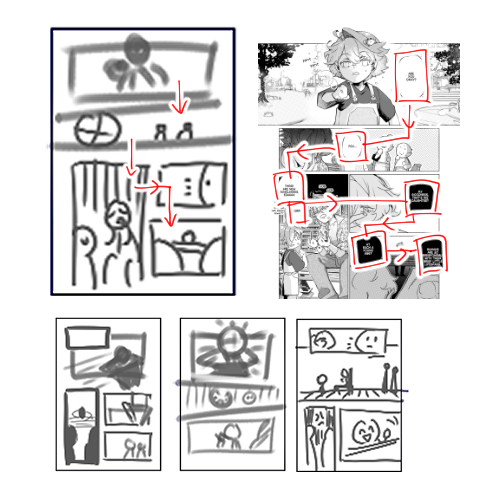
Thumbnailing, Layouts & Page Planning
Use thumbnails, panel flow, and early layouts to shape how your story will visually unfold on each page.

Production: Sketching, Inking, and Linework
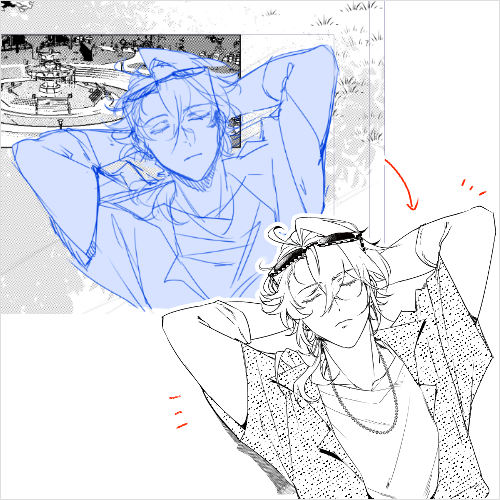
Sketch pages, frame panels, place text, refine compositions, and ink with controlled line weight for clarity and impact.

Finishing & Publishing: Screentones, Effects & Final Output
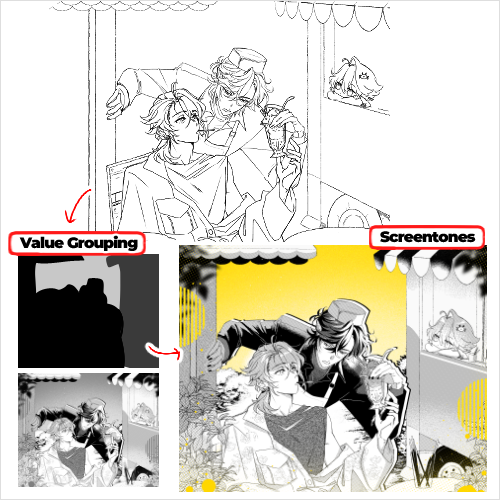
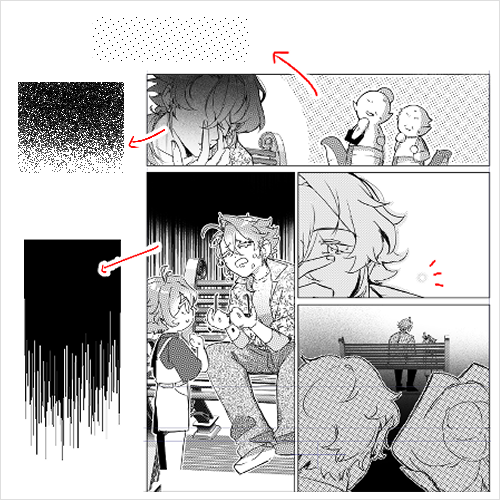
Apply screentones, shading, VFX/SFX, create cover art, export files correctly, and prepare your manga for digital or print release.
- Section 01
OT
01. Orientation- Meet your instructor - Learn about the course objectives, overview, and learning outcomes
- Section 02
Manga Foundations: Structure, Flow & Visual Language
02. Manga Overview- The core components of a manga page
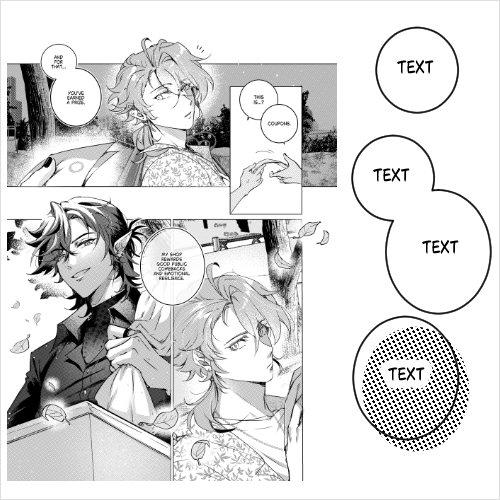
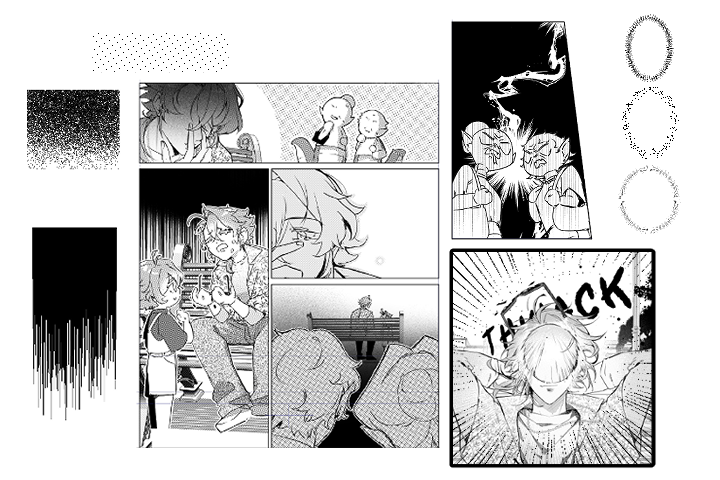
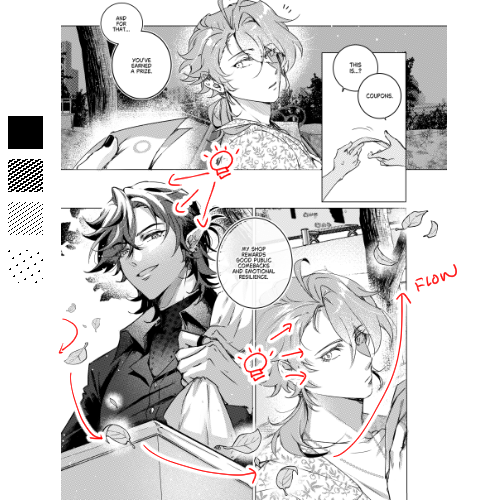
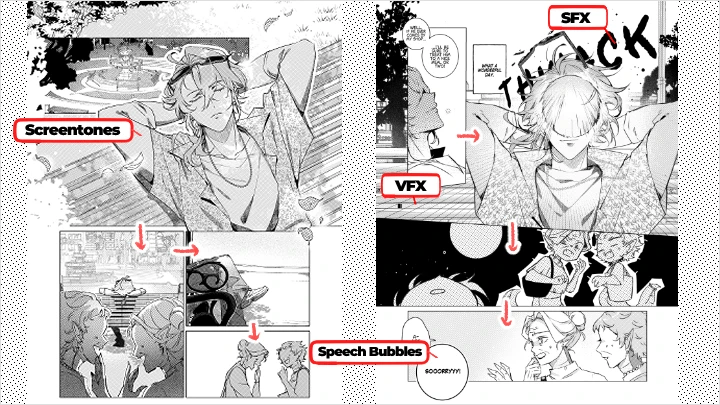
03. Essential Manga Terminology- Key terms such as screentones, beta fills, SFX, speed lines, and more
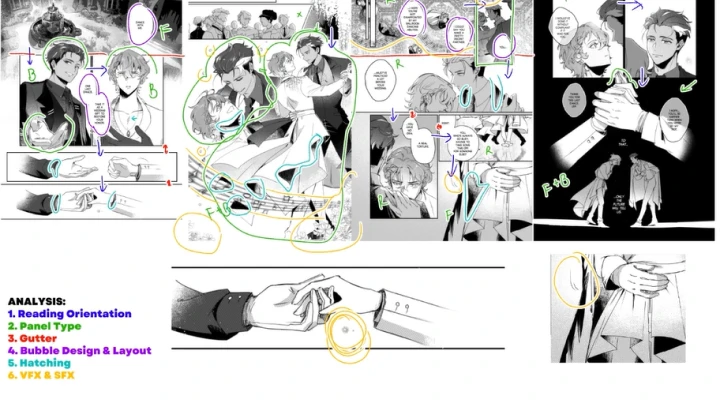
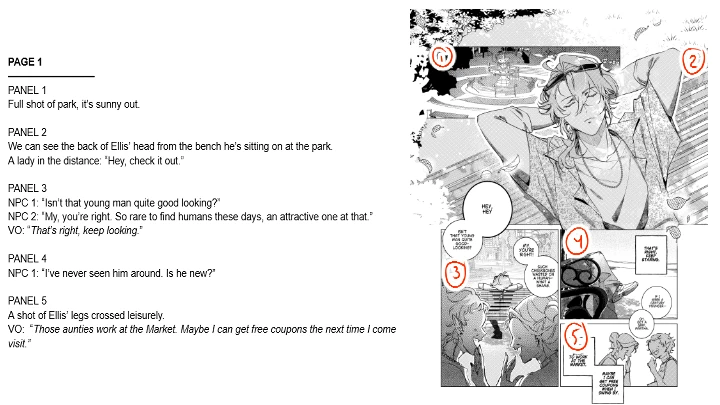
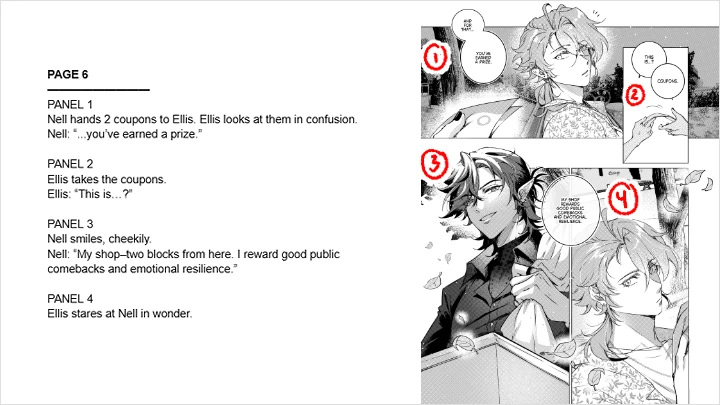
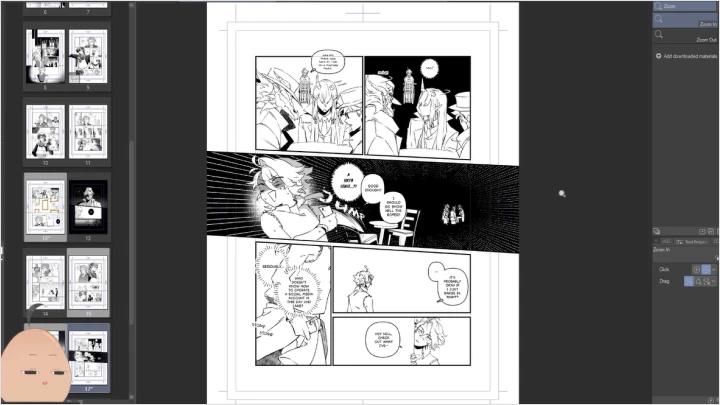
04. Case Study: Reading a Manga Page- Examining professional manga pages to identify effective techniques
- Section 03
Project Setup & Technical Preparation
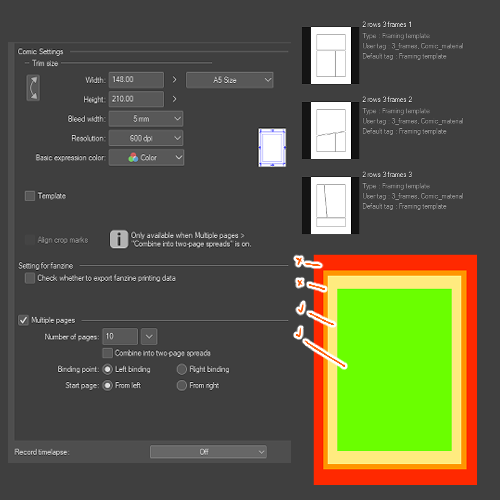
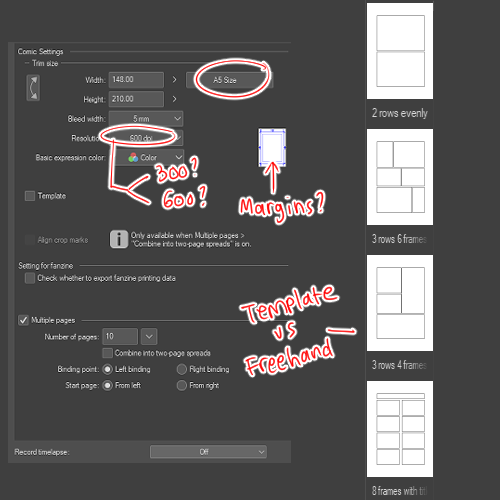
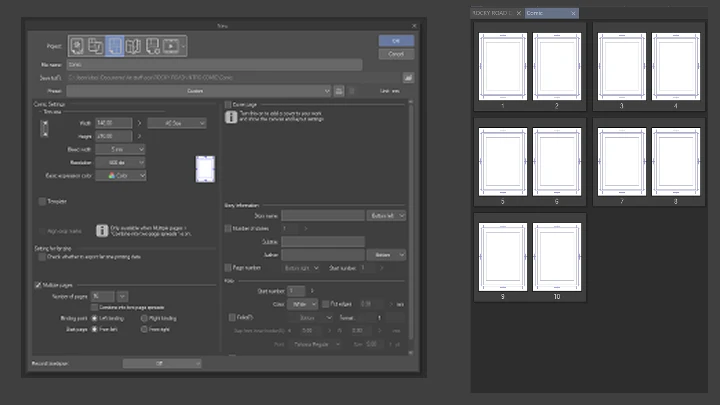
05. Canvas Size, DPI, Templates & Bleeds- Print vs digital requirements, and why margins matter
06. Brushes, 3D Assets, Tools & Auto-Actions- Optimizing Clip Studio Paint with brushes and automation
07. Setting Up A Project File- Using the proper and necessary settings for a project
- Section 04
Pre-Production I: Story Concept & Reference Building
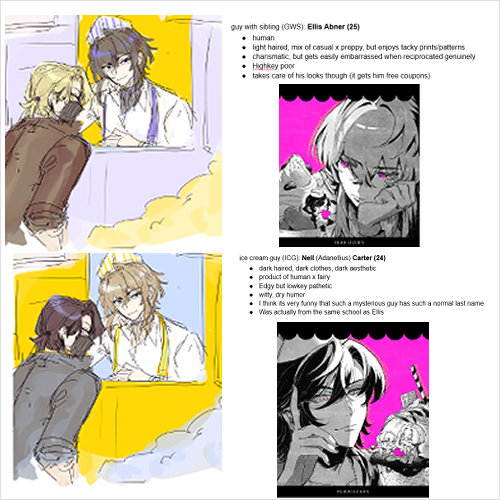
08. Character & World Brainstorming- Fast ideation exercises for characters and environments
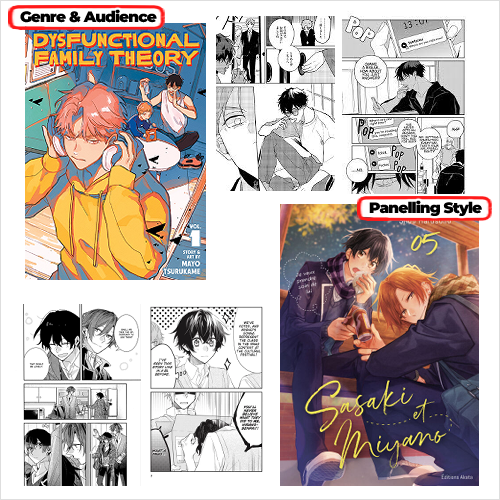
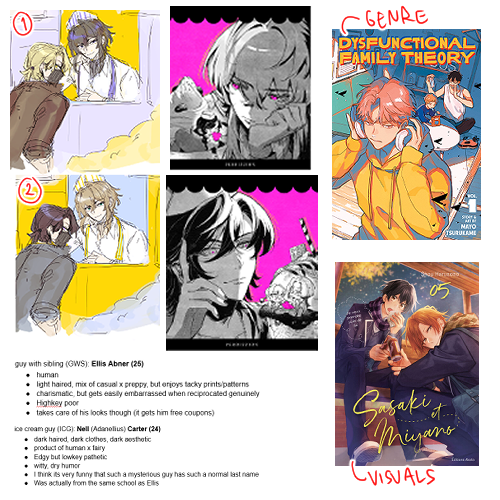
09. Reference Moodboard Creation- Using published manga titles and images to guide style and tone
- Section 05
Pre-Production II: Scriptwriting for Manga
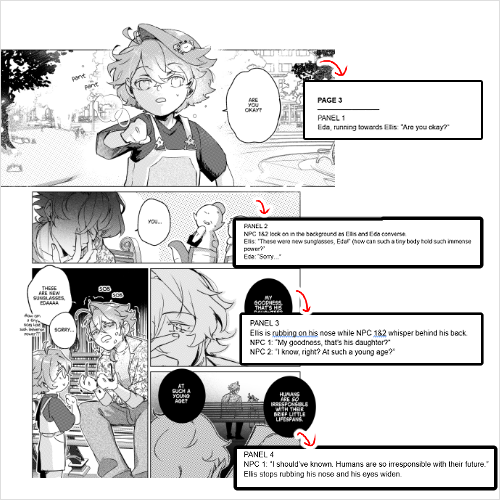
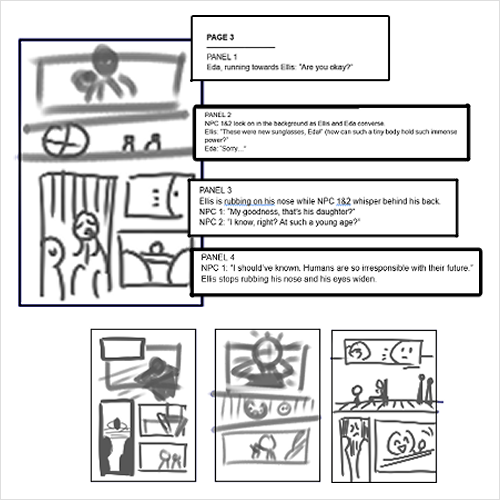
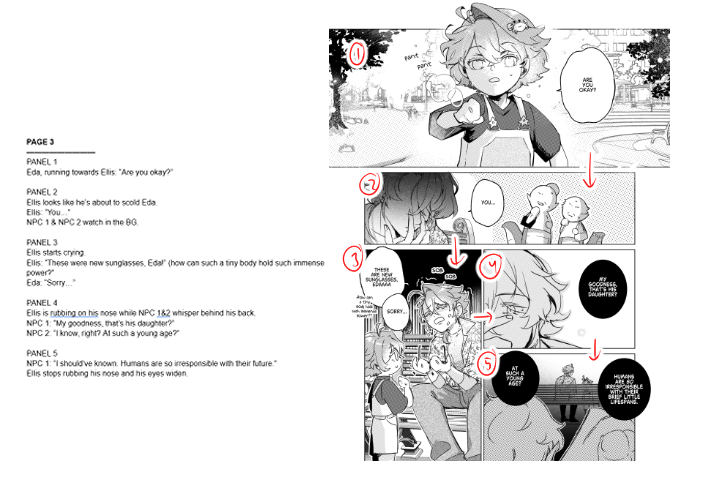
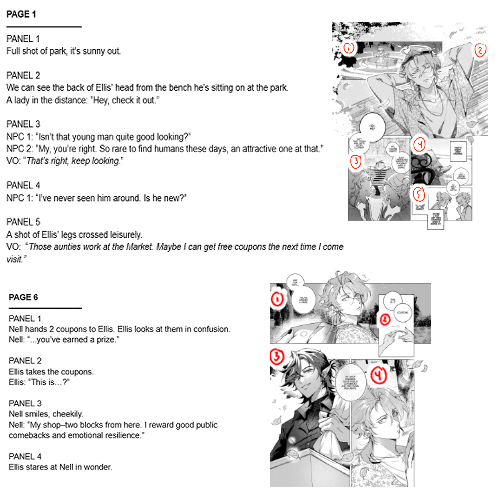
10. Panel-by-Panel Script Format- Familiarization with industry-standard scripts
11. Translating Ideas Into Script- Building a script from simple, rough bullet points
- Section 06
Pre-Production III: Thumbnailing & Layout Design
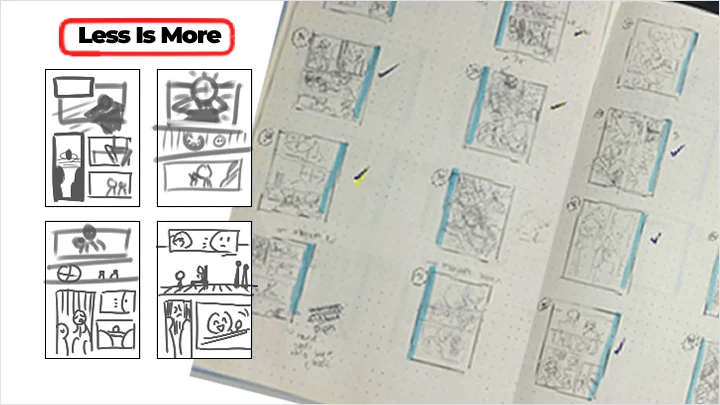
12. Purpose of Thumbnails: Less Is More- Simplifying storytelling using minimal shapes
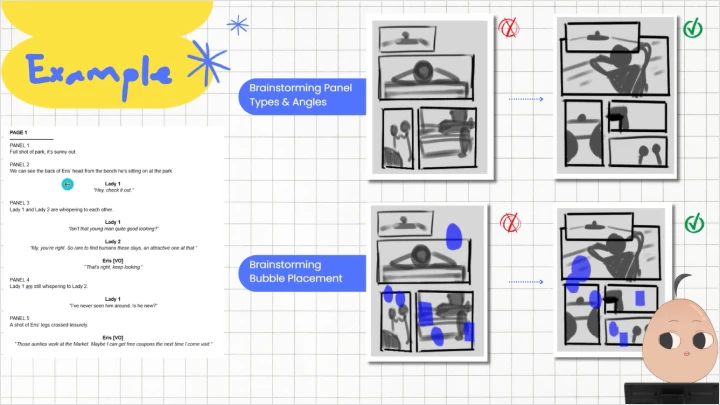
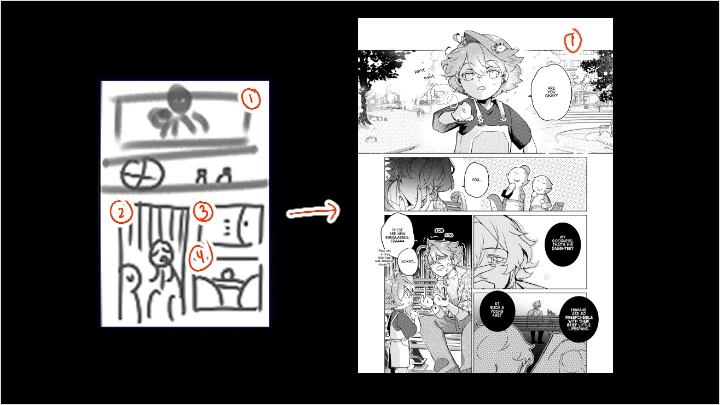
13. Translating Script Into Thumbnails- Creating page thumbnails based on the script
- Section 07
Production I: Sketching, Frames & Text Planning
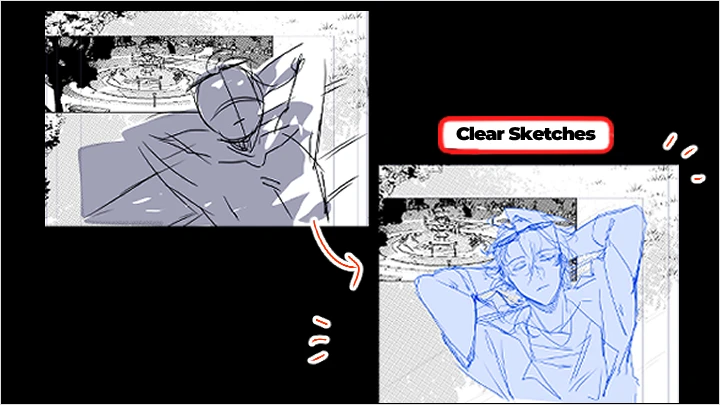
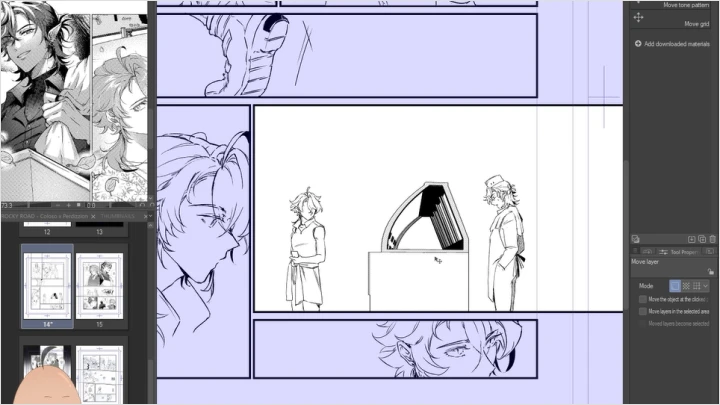
14. Importance of Clear Sketches- Understanding the importance of relaxed, clean sketches while avoiding unclear or messy shapes
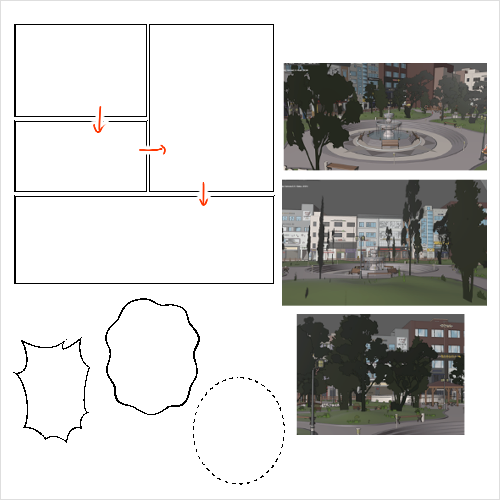
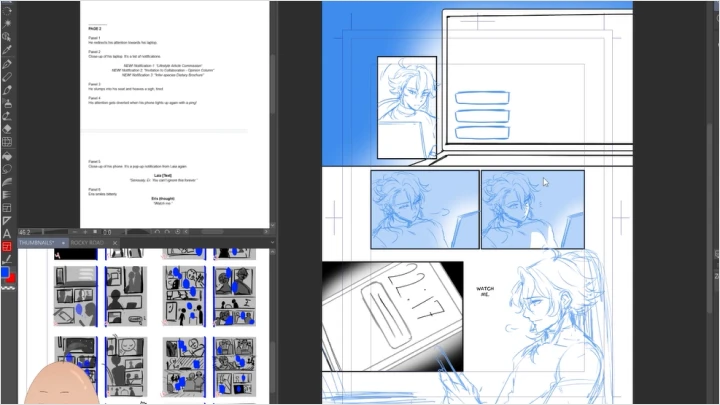
15. Creating Frames, Preparing Backgrounds & Speech Bubble Placement- Using frame border tools and masks correctly, and drafting backgrounds + text
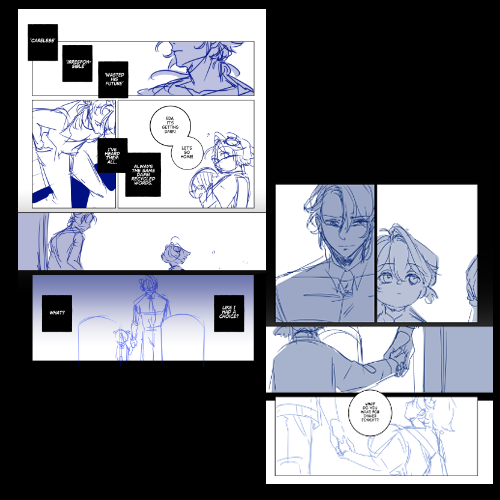
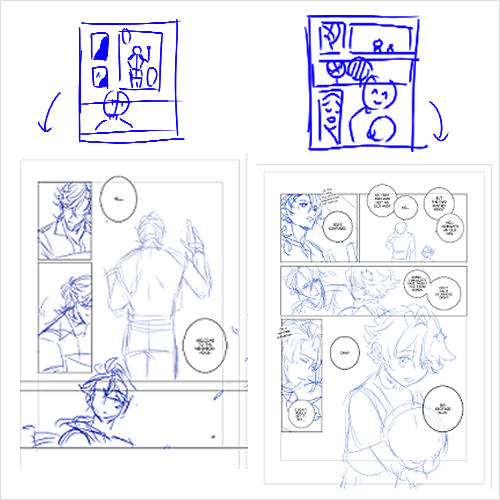
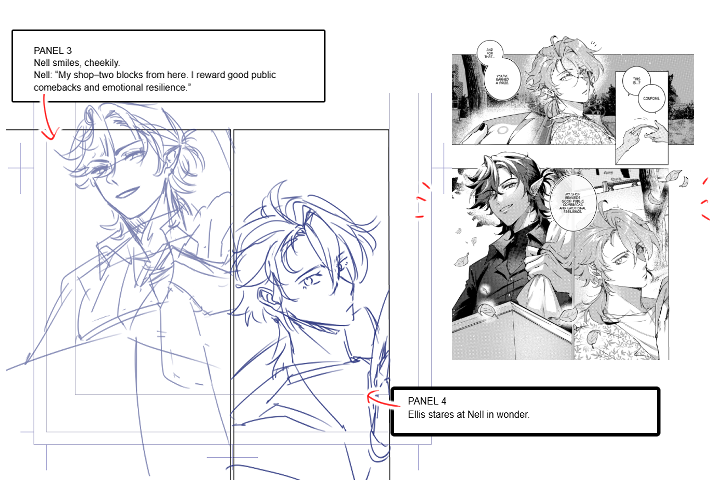
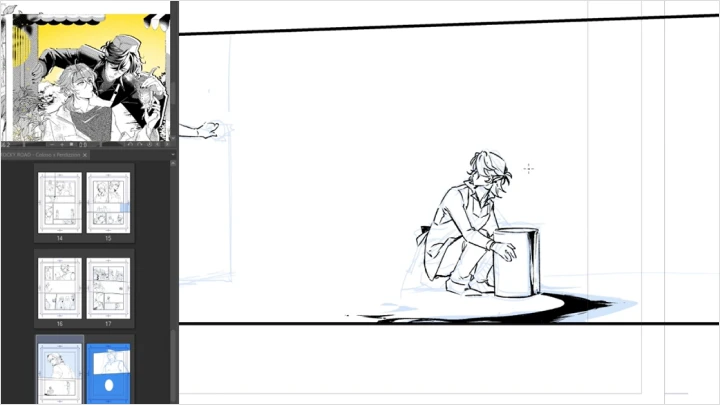
16. Translating Thumbnails Into Sketches- Completing a polished sketch draft
- Section 08
Production II: Inking & Line Weight Control
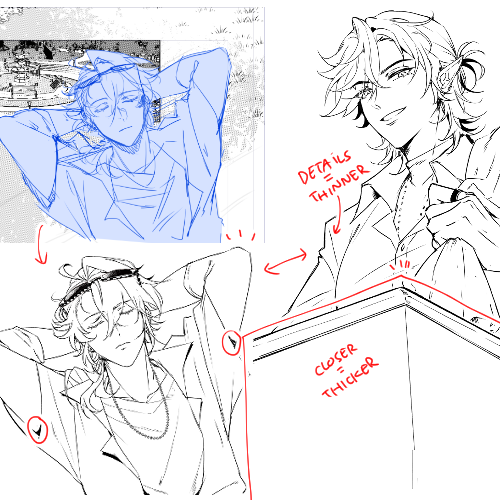
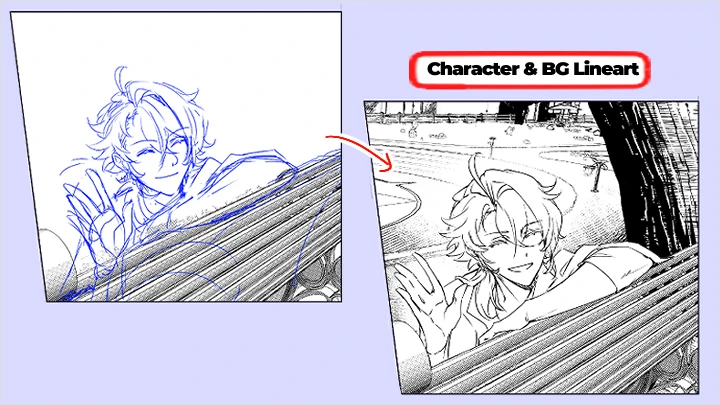
17. Character vs Background Lineart- Keeping character features consistent across scenes while avoiding overly detailed backgrounds
18. Maintaining Clean, Confident Lines with Weight Variation- Reducing wobble and unnecessary detail while using thickness to control readability
19. Translating Sketches Into Lineart- Inking panels based on previous sketches
- Section 09
Production III: Screentones, Beta, VFX & SFX
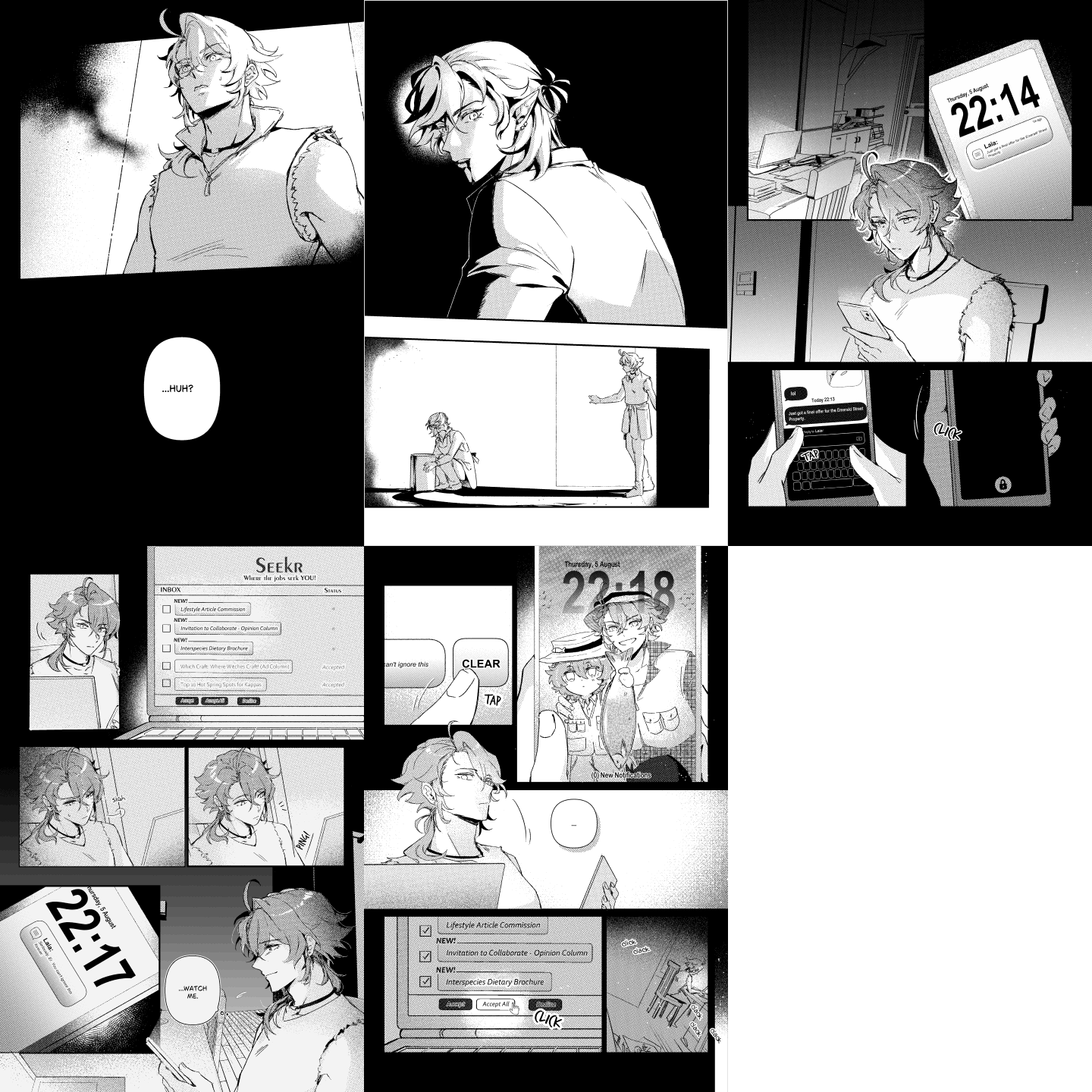
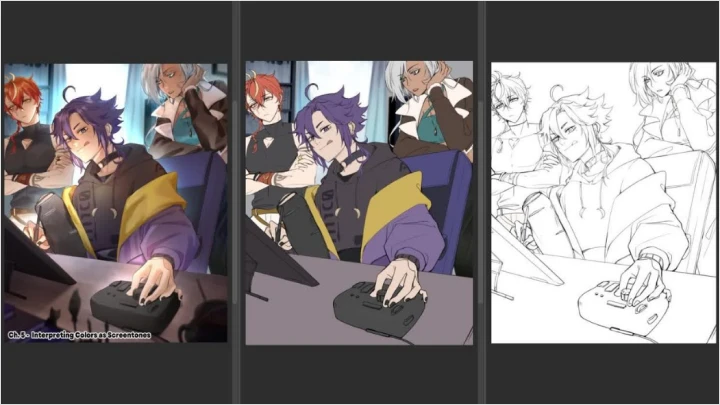
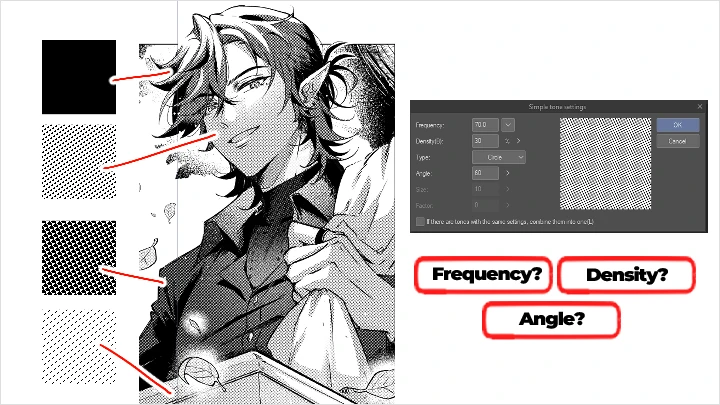
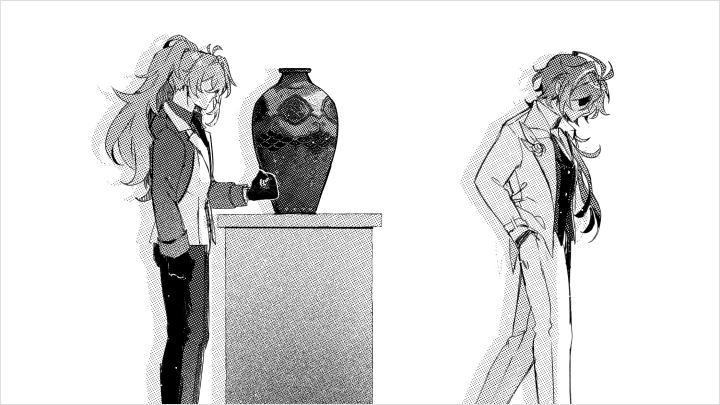
20. Screentones and Values- Understanding print-safe screentone usage and beta (black solid fills)
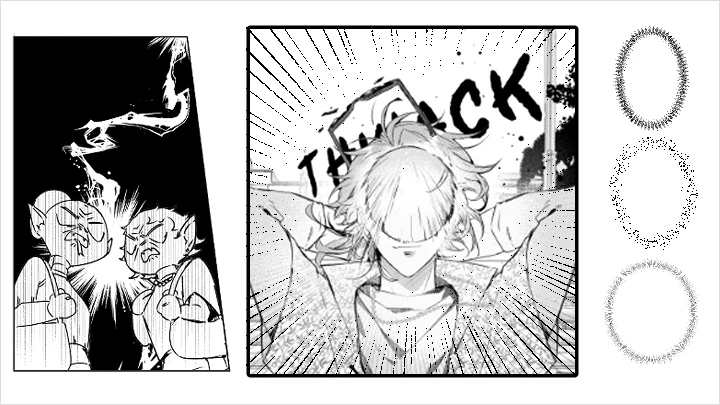
21. Setting Atmosphere with SFX & VFX- Applying speed lines, bursts, and atmospheric textures
22. Typesetting & Bubble Placement Final Pass- Final arrangement of speech bubbles to ensure clarity
- Section 10
Finalization: Cover Art, Exporting & Printing
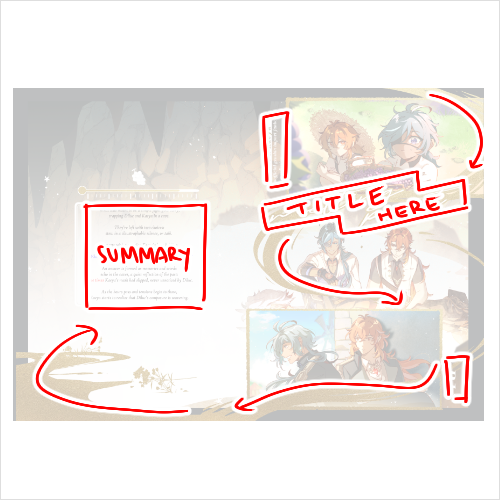
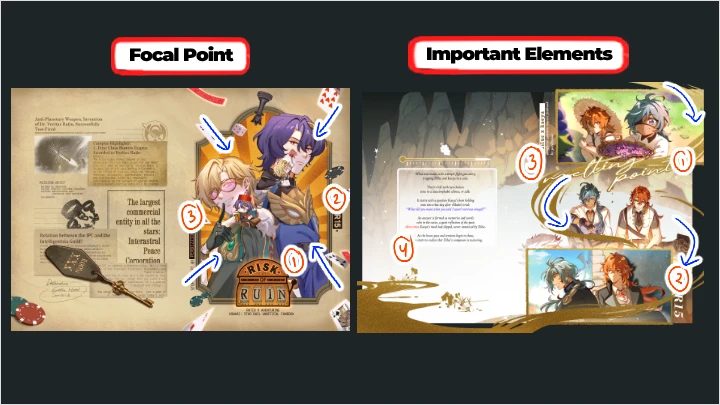
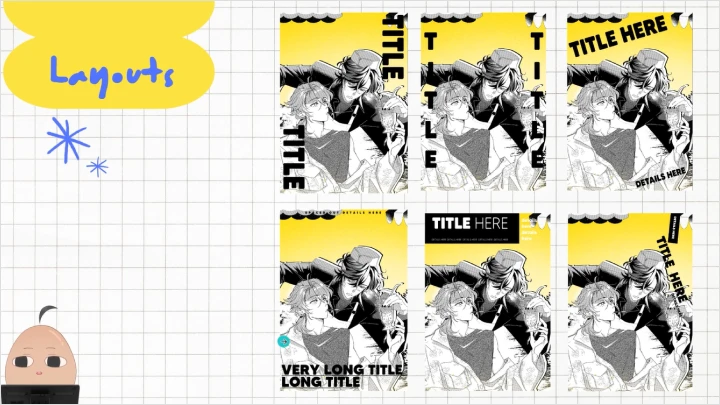
23. Designing Eye-Catching Covers- Creating covers that grab attention while maintaining story direction
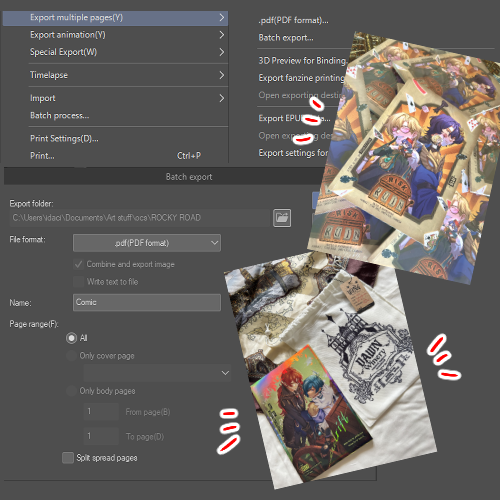
24. Printing Basics & Physical QC- Understanding paper types, book spines, bleed adjustments, and common printing pitfalls
- Section 11
Outro
25. Final Words- Steps on how to begin in the industry, career advice, etc.
This course will use Clip Studio Paint (EX / PRO) minimum version 1.0.0.
Please purchase and install these program(s) for an optimized chapter experience.
*These programs and/or materials will not be provided with the chapter.