
Secrets to Bringing Beautiful 3D Game Characters to Life
Through Animation
3DGameAnimator,YeongjeKim_3D게임애니메이터 김영제 Details
Class introduction
Class Intro
3D Game Animator, Yeongje Kim
“Learn to animate subculture-style characters and create your own animations.”
Are you eager to tackle a subculture-style game project but hesitant due to a lack of entry-level skills?
The key to stylized character animation is to display exaggerated movements and cartoonish expressions in a fun way!
If you want to enhance your skills to master key animation and bring your unique ideas to life, this class is for you.
If you want to enhance your skills to master key animation and bring your unique ideas to life, this class is for you.
From creating rhythm action games for Nintendo Switch to creating mobile RPG games! The class of Yeongje Kim, a 3D game animator who is actively working in various industries, has finally arrived.
Check out the know-how to incorporate not only the inverted triangle silhouette unique to female characters, but also body curves such as hair, arms, waist, and hips, and clothing details such as skirts and accessories into a variety of spectacular movements!
Check out the know-how to incorporate not only the inverted triangle silhouette unique to female characters, but also body curves such as hair, arms, waist, and hips, and clothing details such as skirts and accessories into a variety of spectacular movements!
Expert 3D Game Animator Yeongje Kim's Portfolio
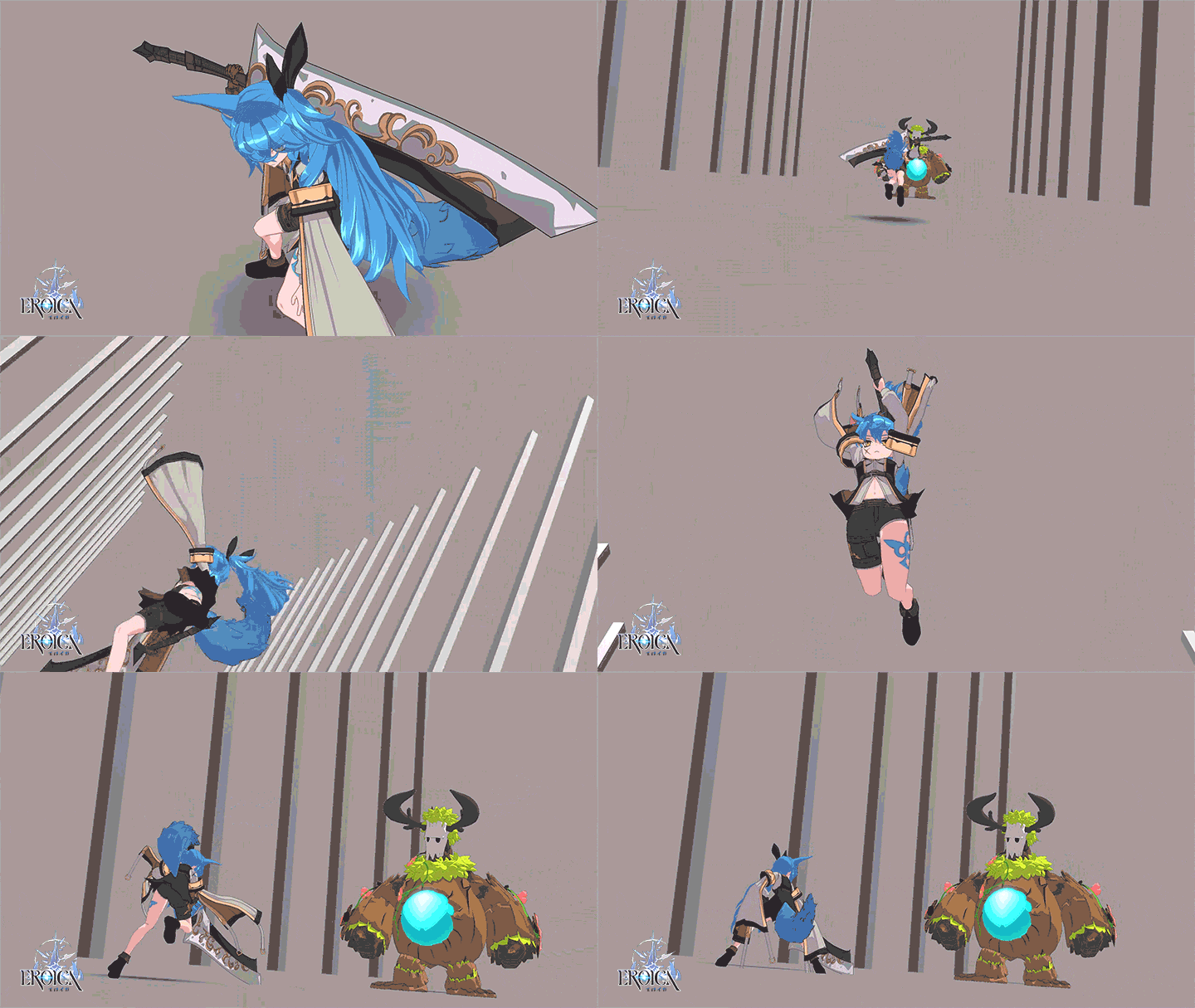
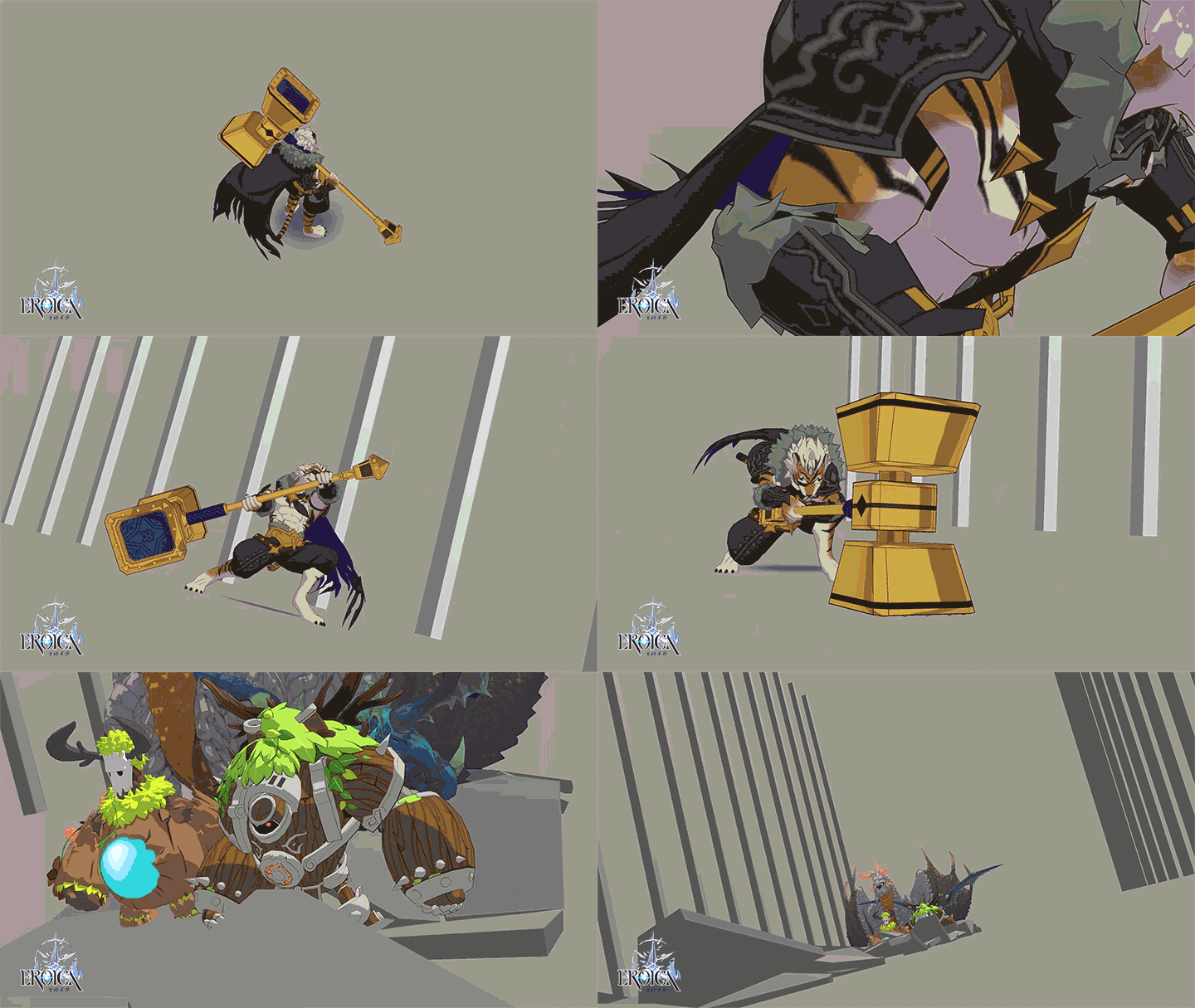
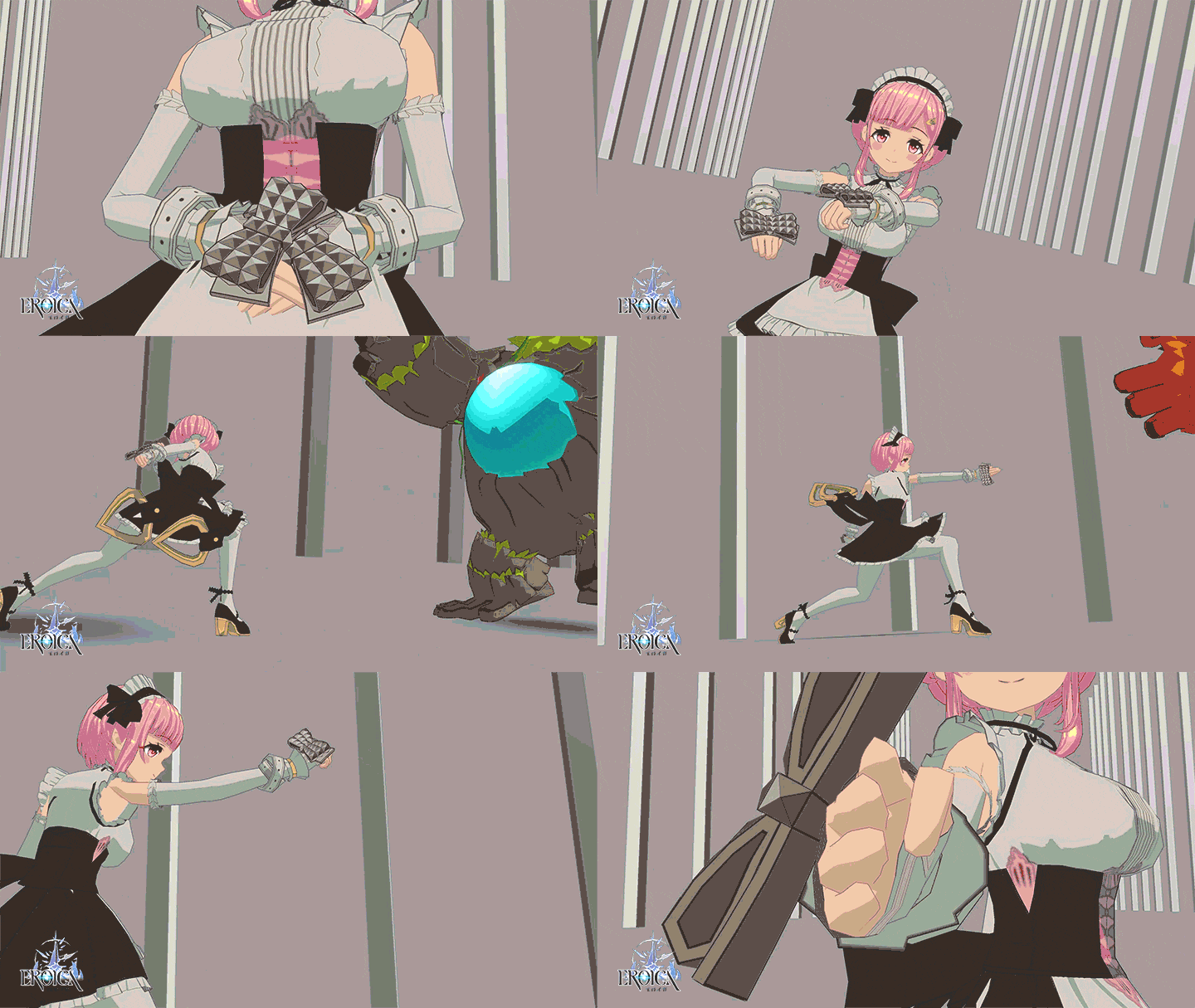
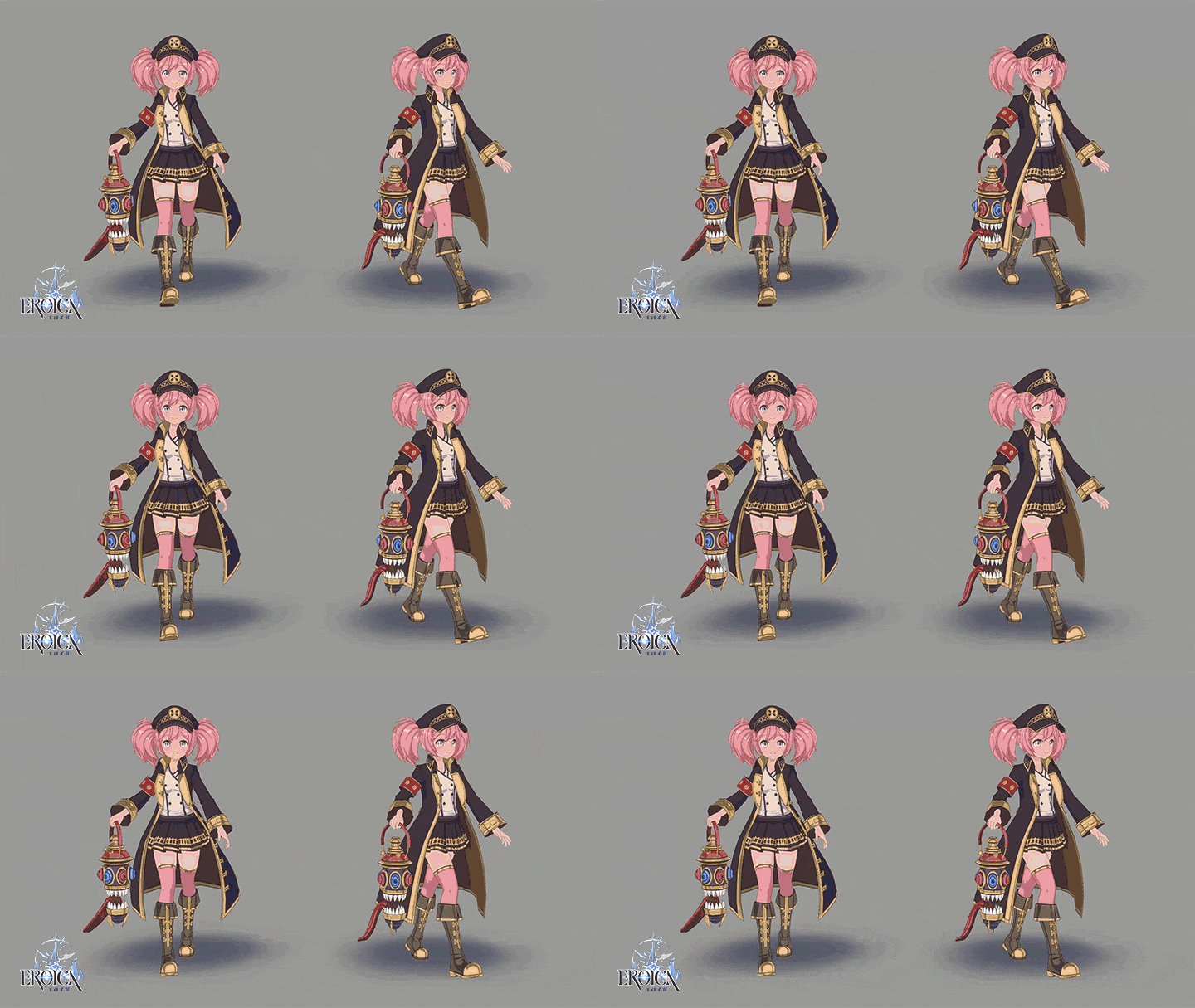
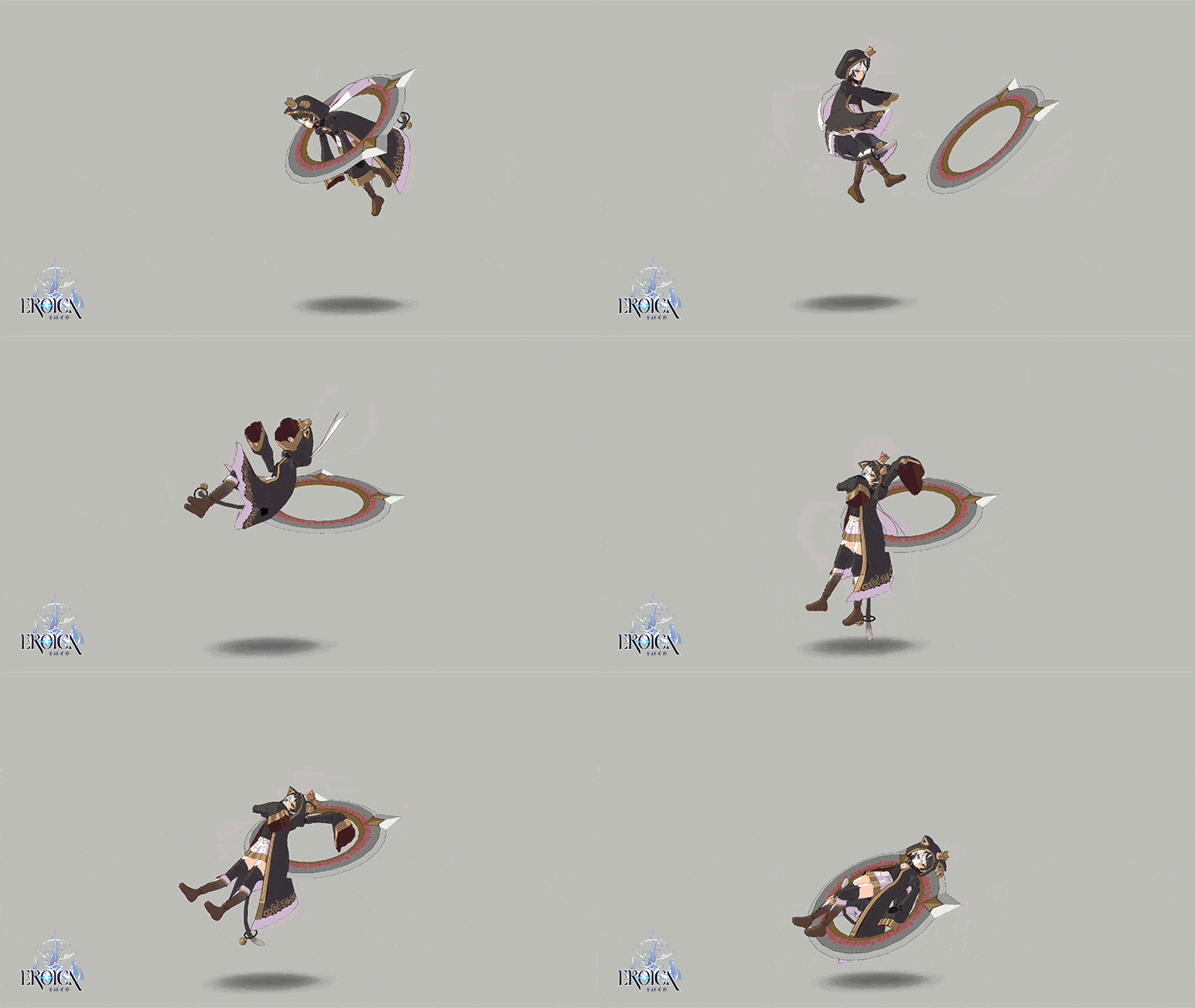
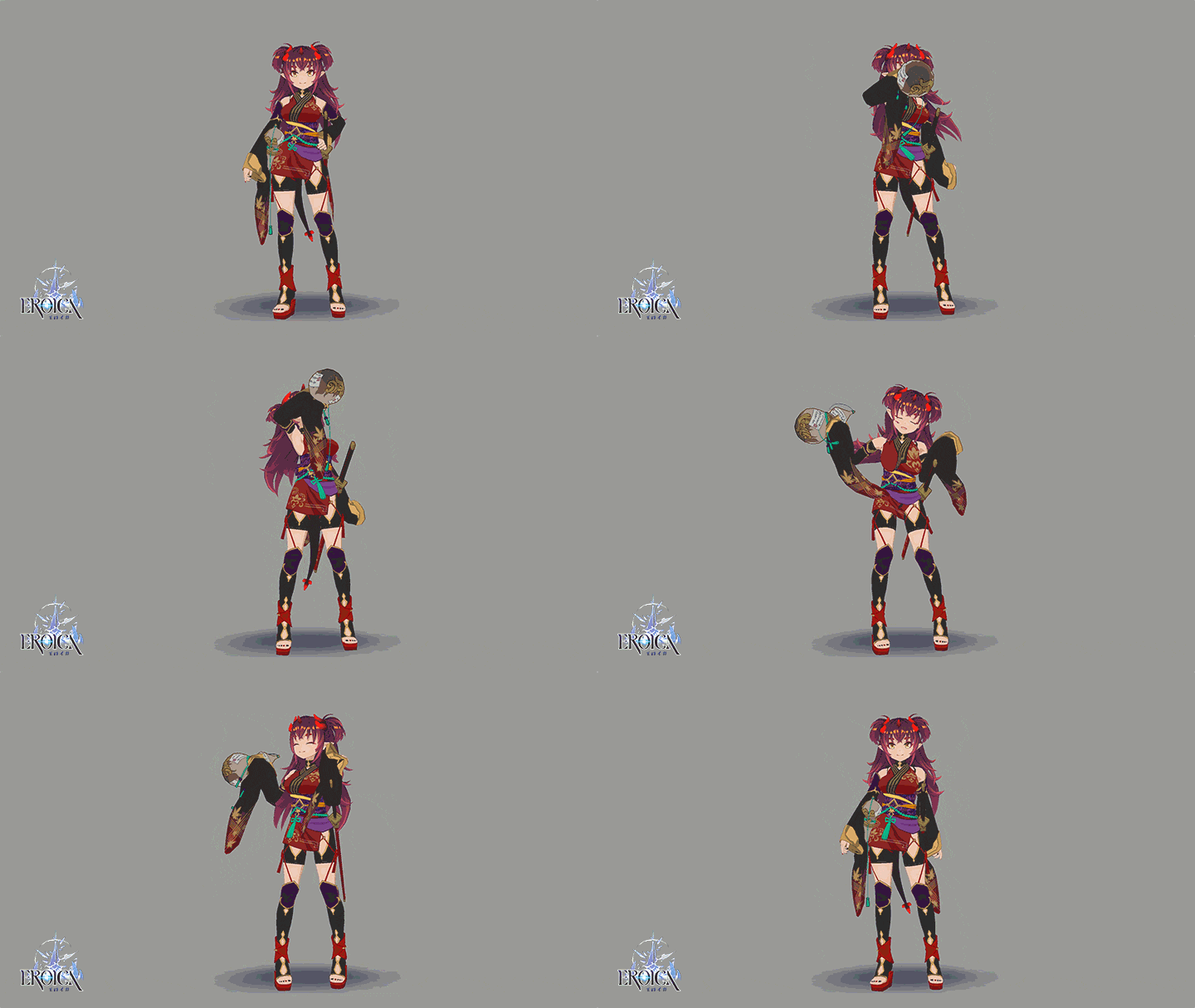
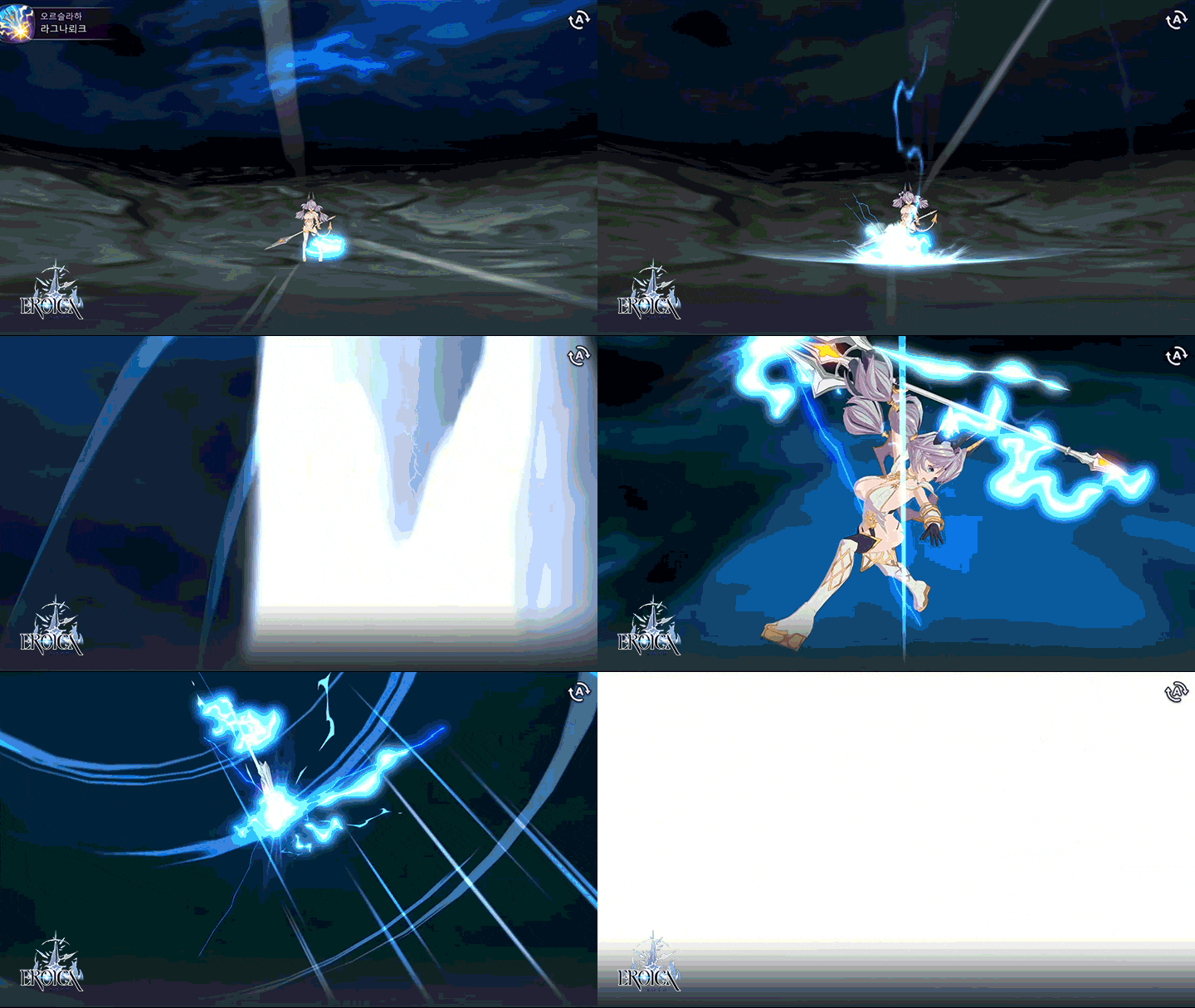

Why Take This Class?
In addition to the 12 principles and basics of animation for the first step in animation, how to operate 3ds Max and Unity tools, how to work efficiently using shortcut keys, and even practice 13 types of character animation!
With a systematic curriculum that allows you to complete your skills sequentially, even beginners who are starting animation for the first time can complete their own portfolio with subculture-style game characters.
You can meet 3D game animator Yeongje Kim's class at Coloso, where you can experience the subculture-style character animation that is rapidly emerging in the gaming industry.

10+ Class Exercises
Part 01. Animation Basics
-
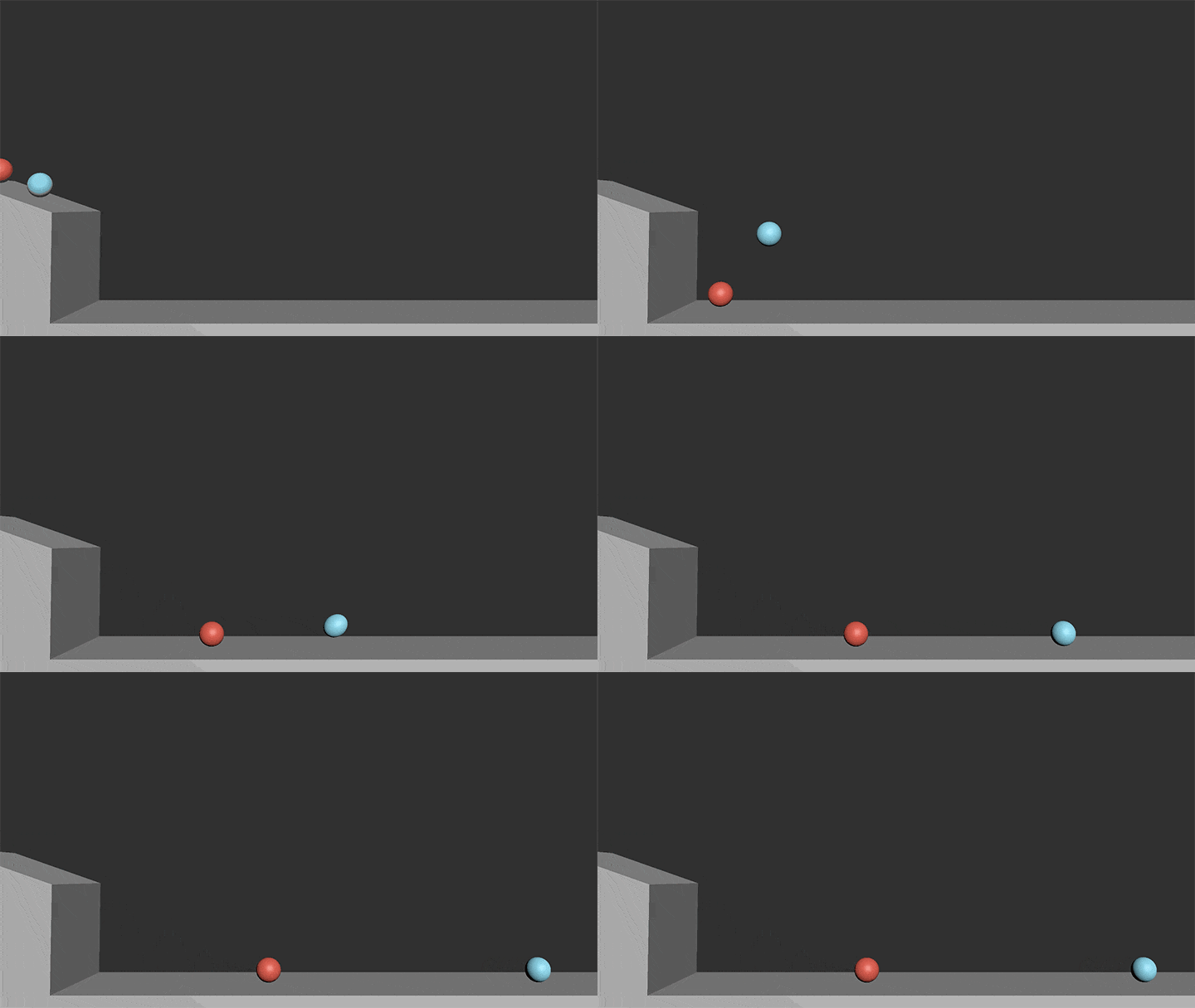
Bounce the ball -
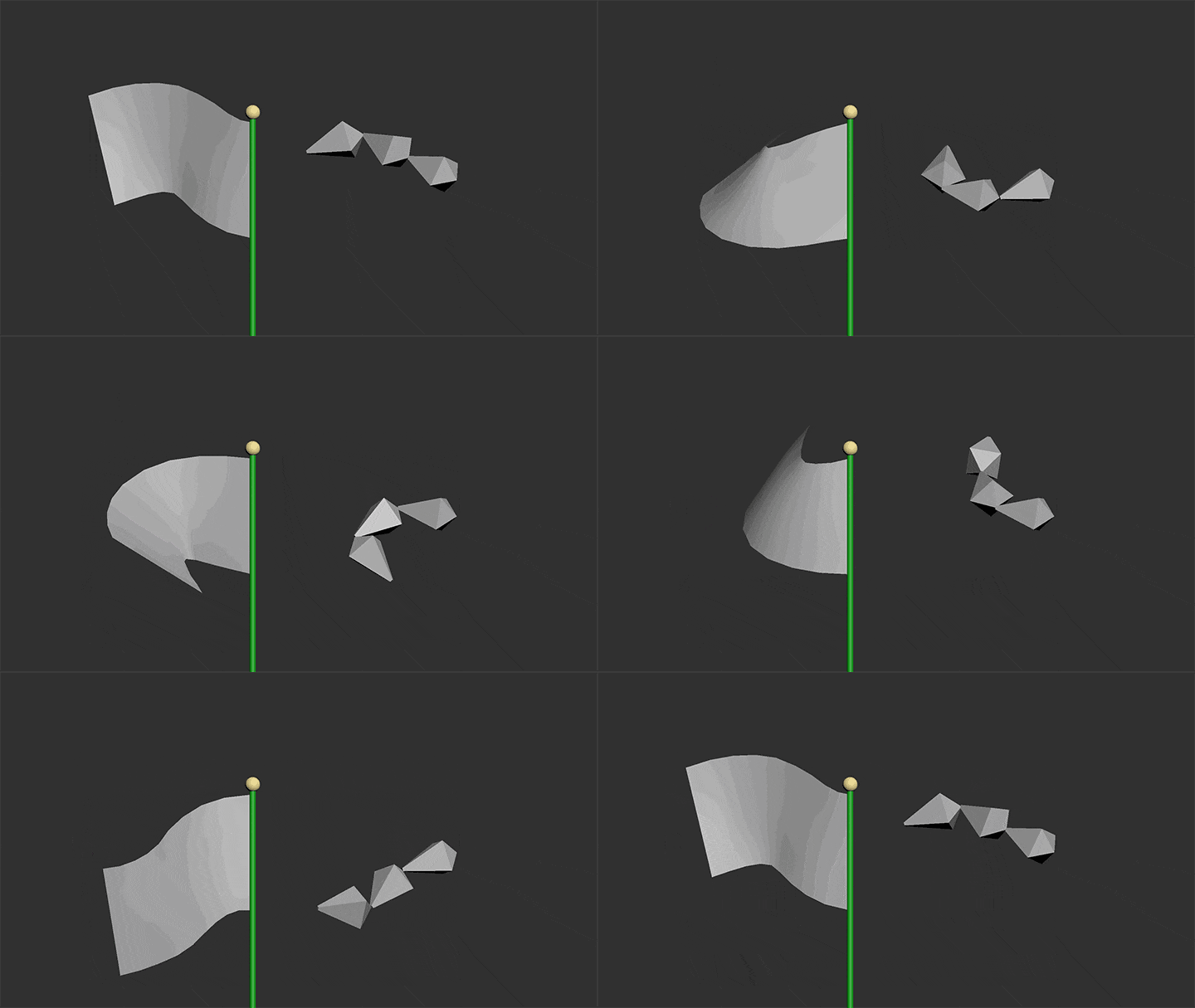
Waving the flag -
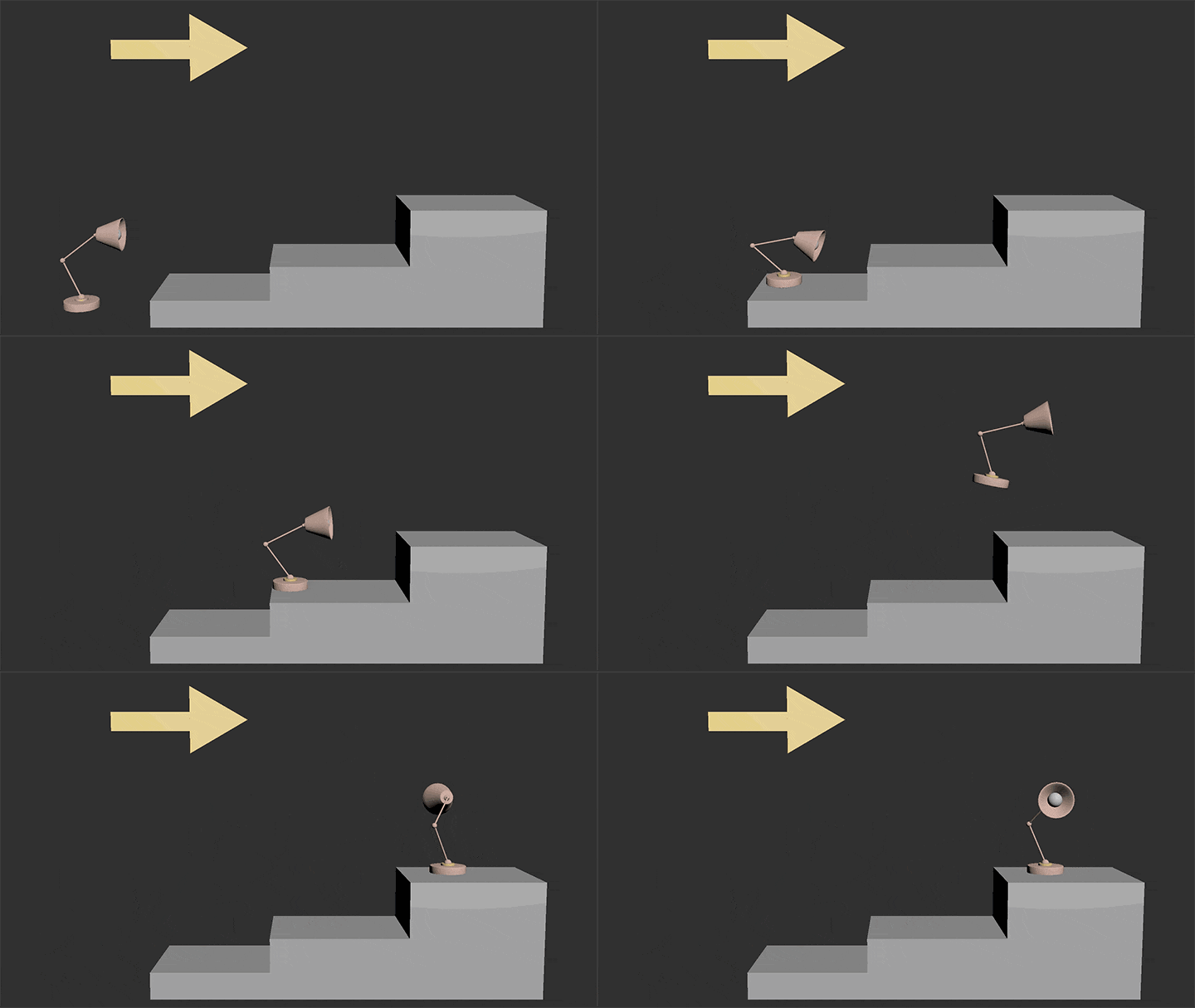
Stand jump
Part 02. Character Animation Practice
-
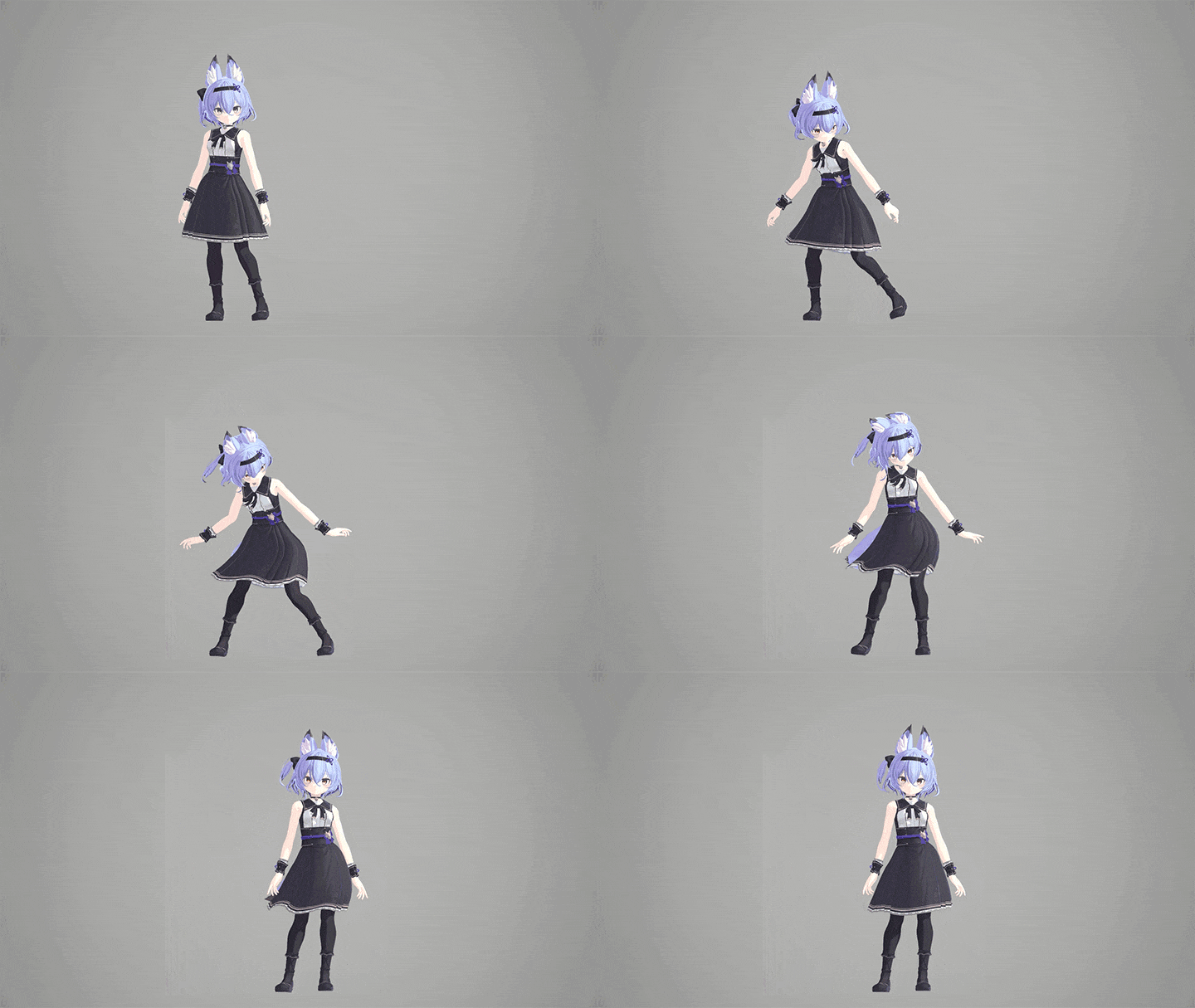
Side step -
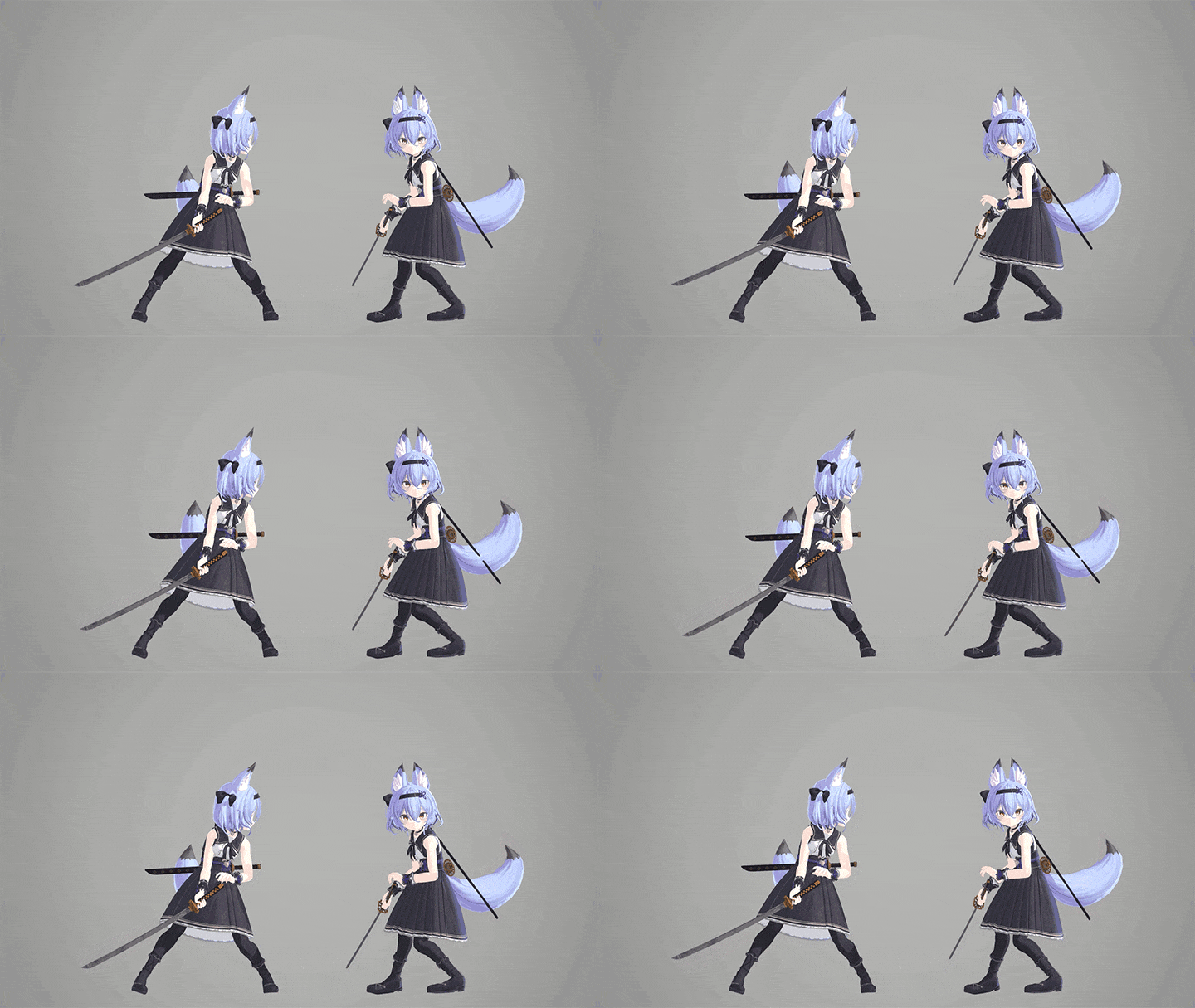
Waiting for battle -
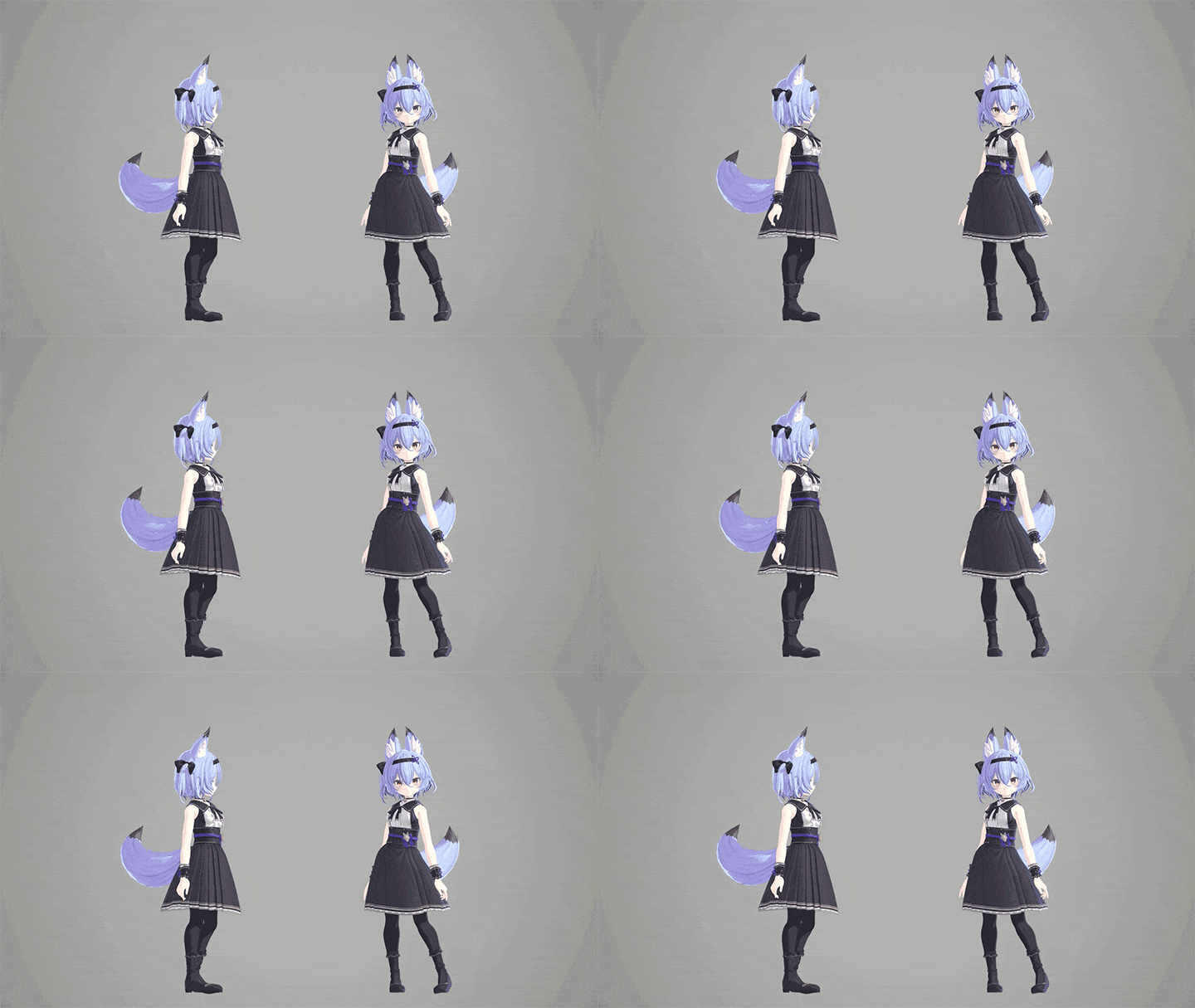
Normal standby
-
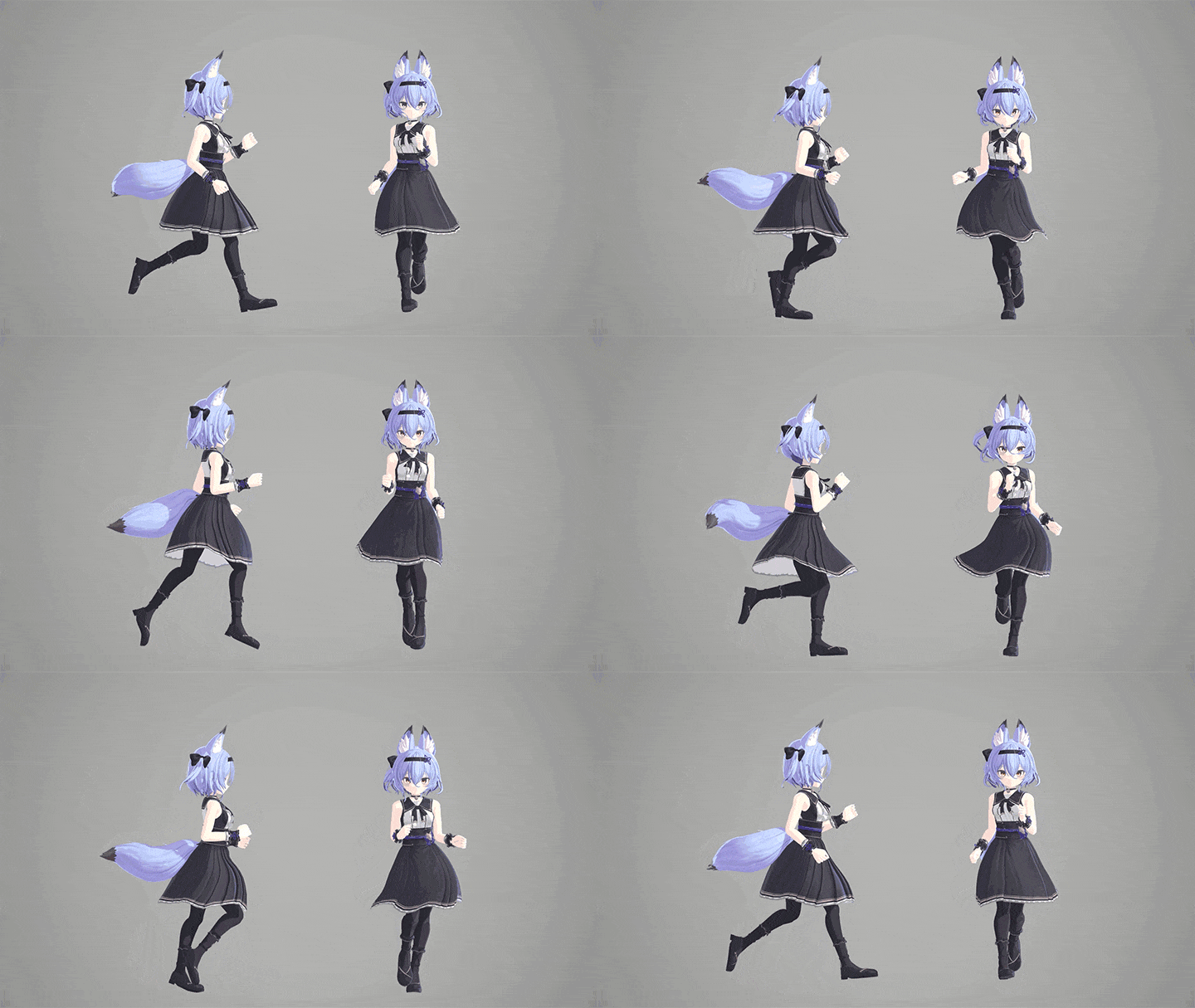
Jumping -
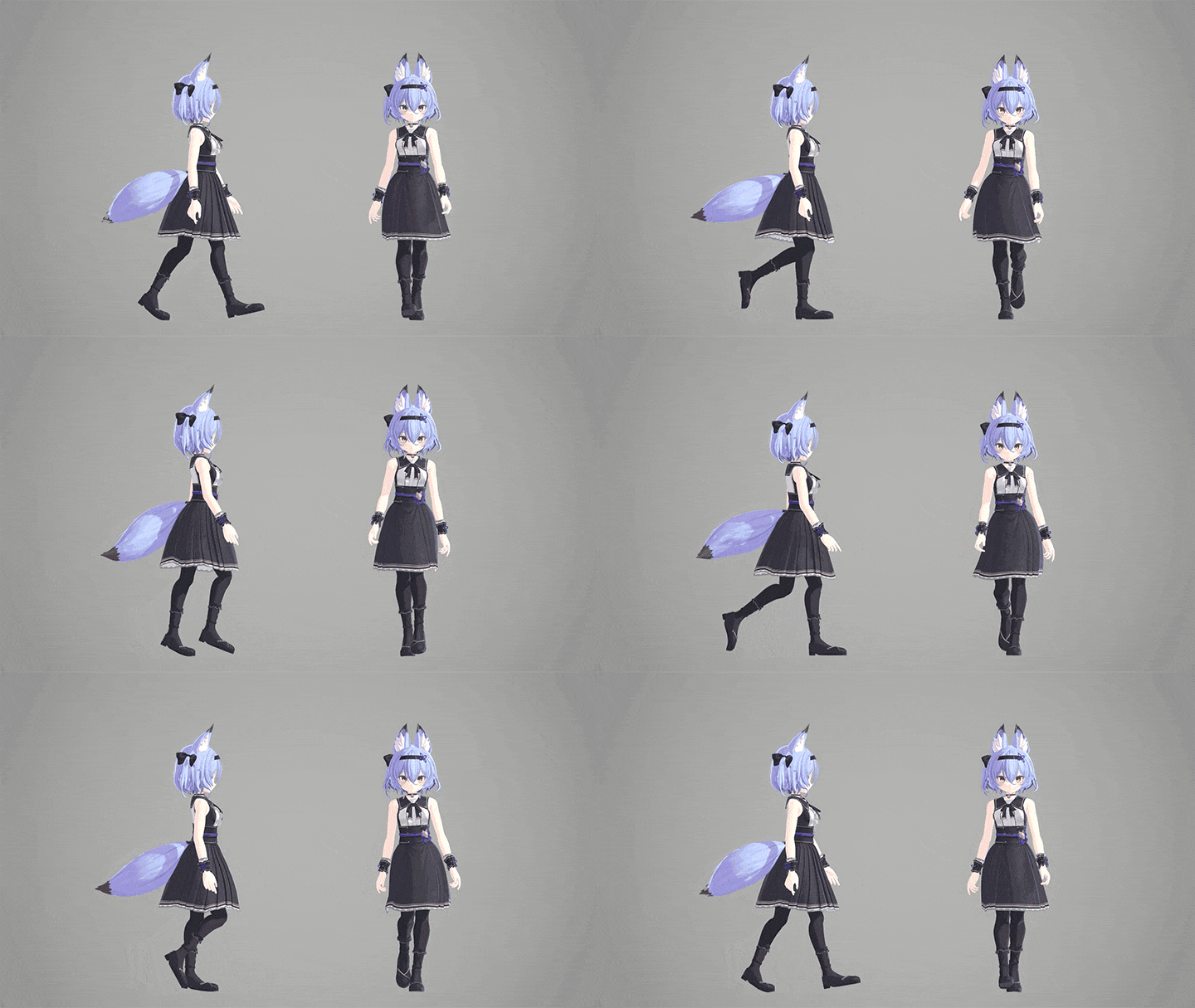
Walking -
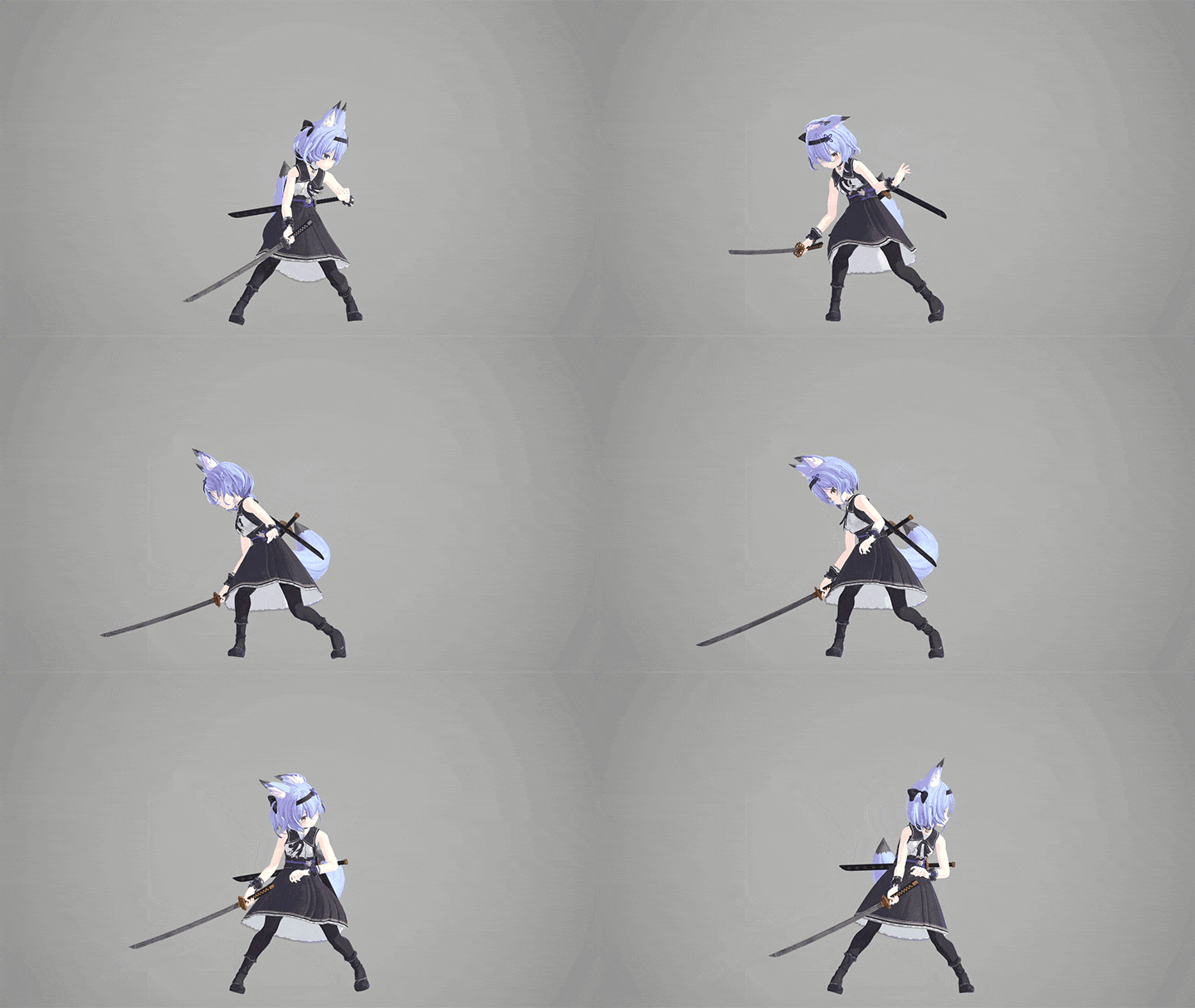
Hitting
-
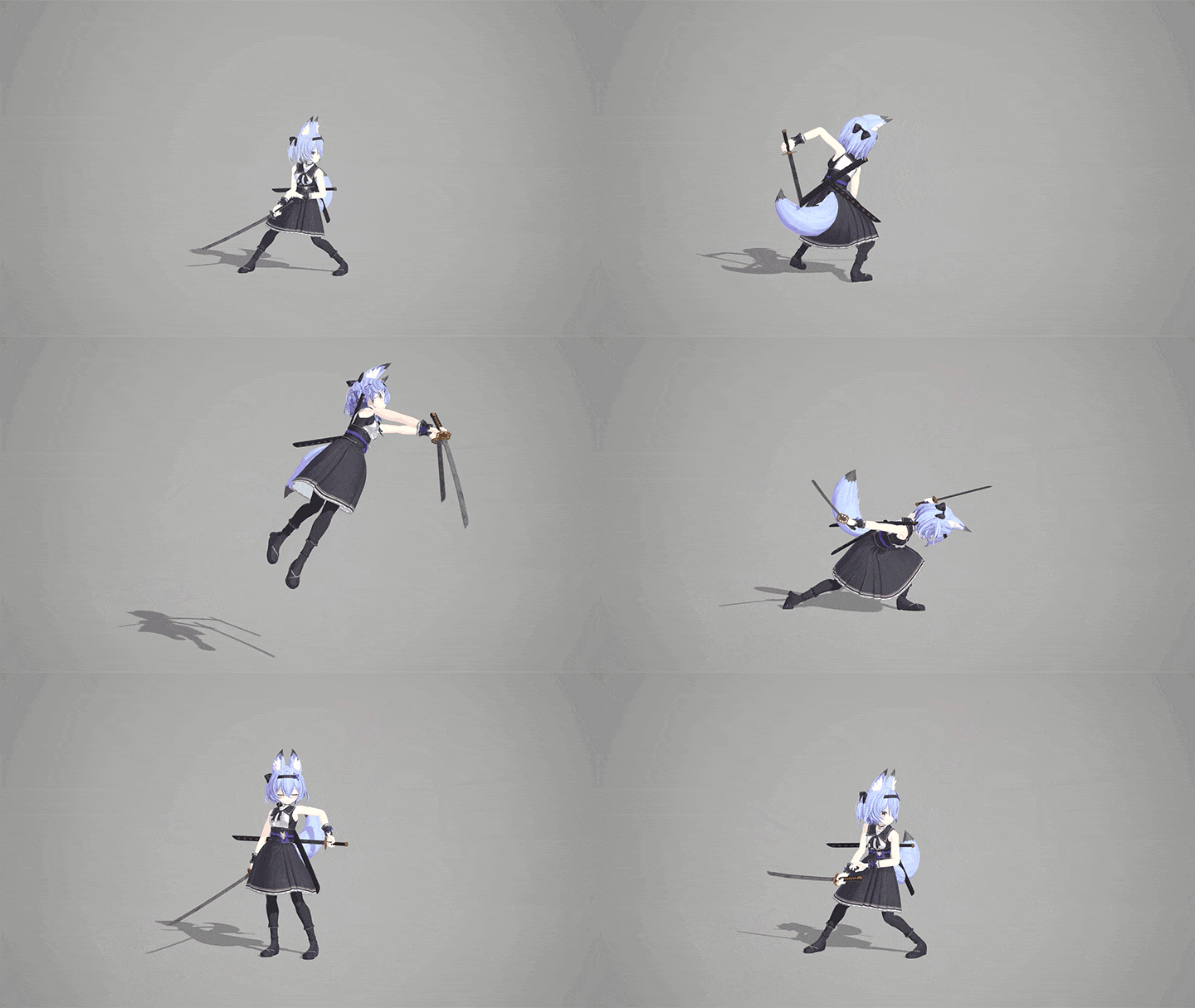
Skill -
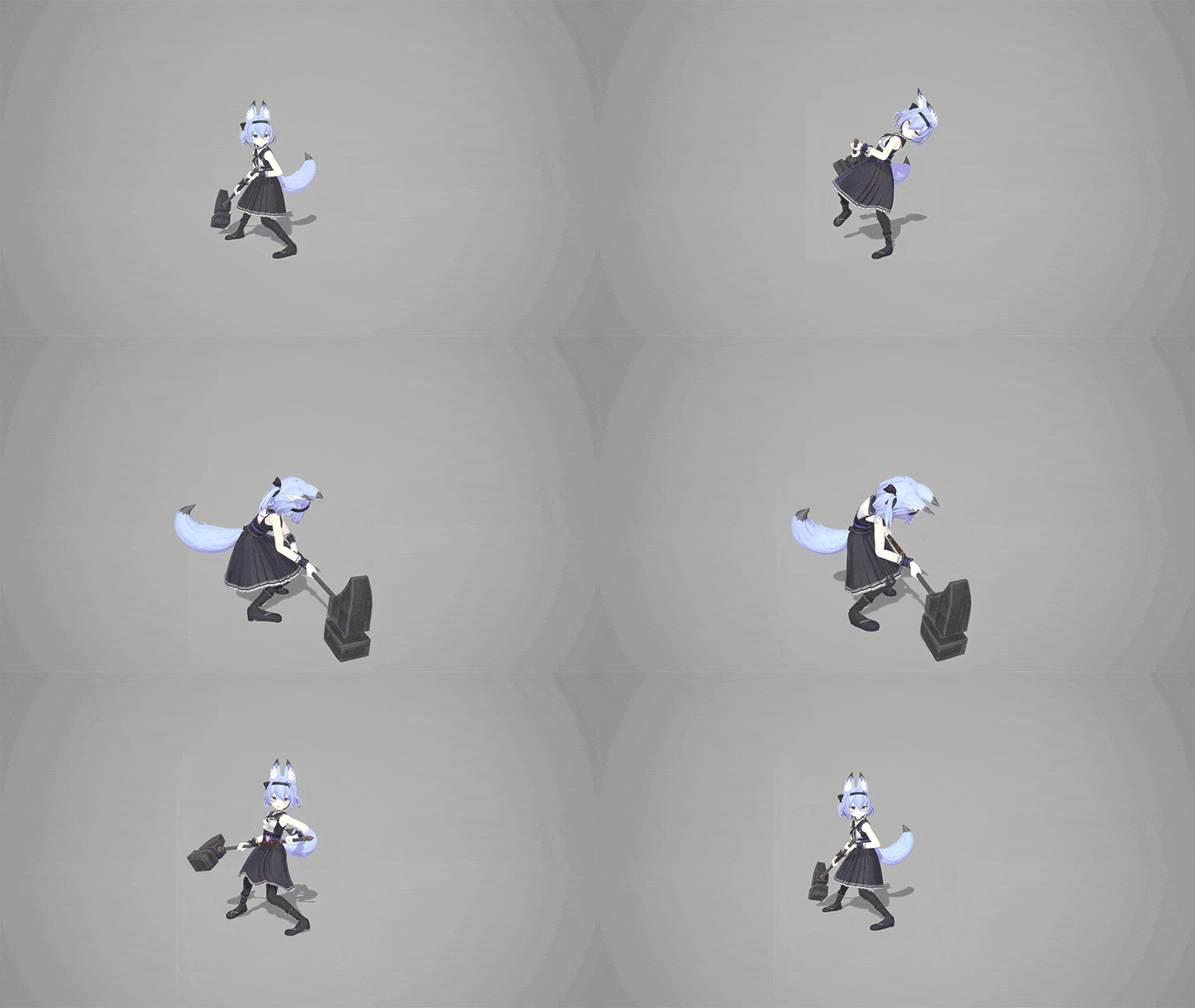
With weight -
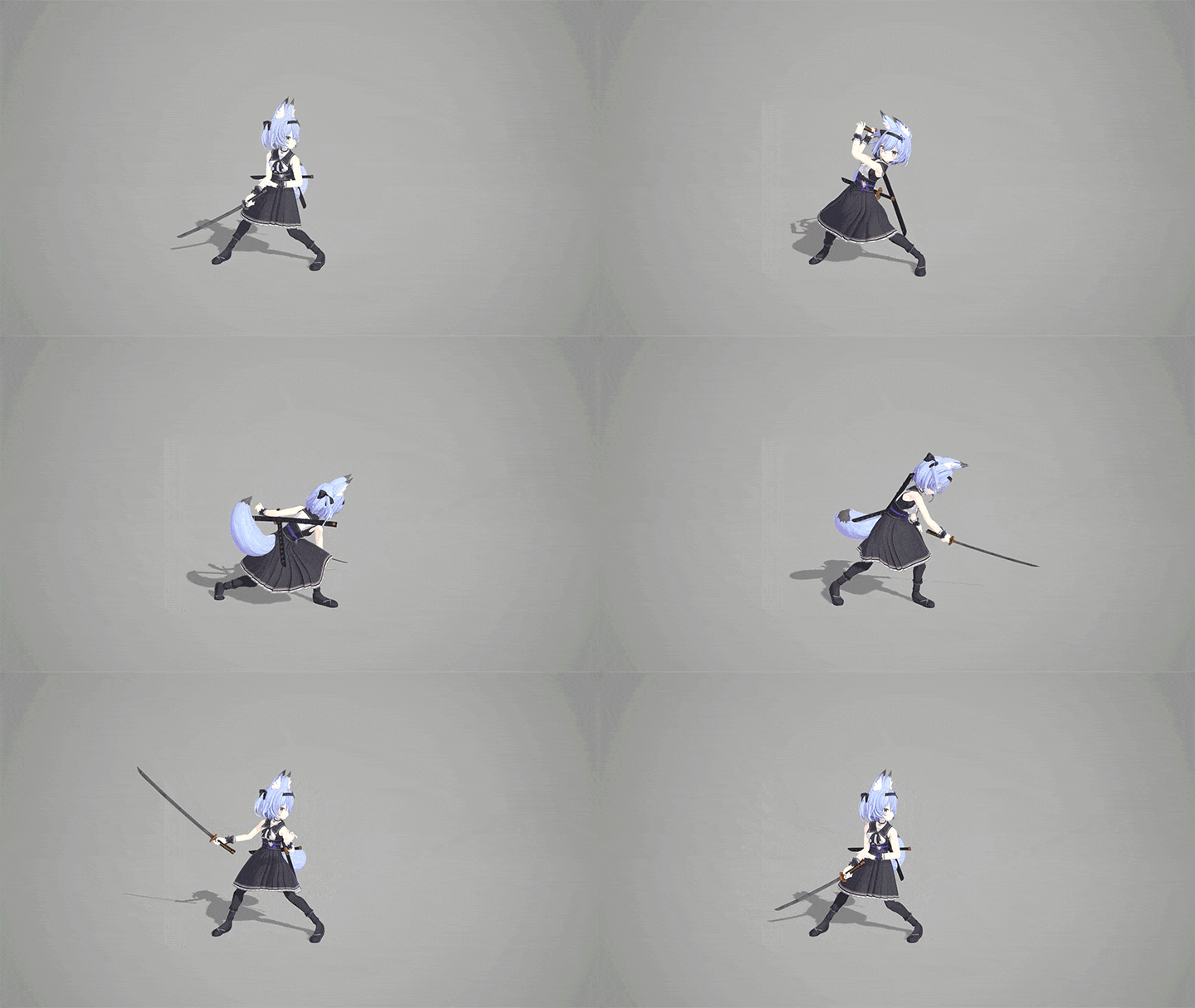
Attack -
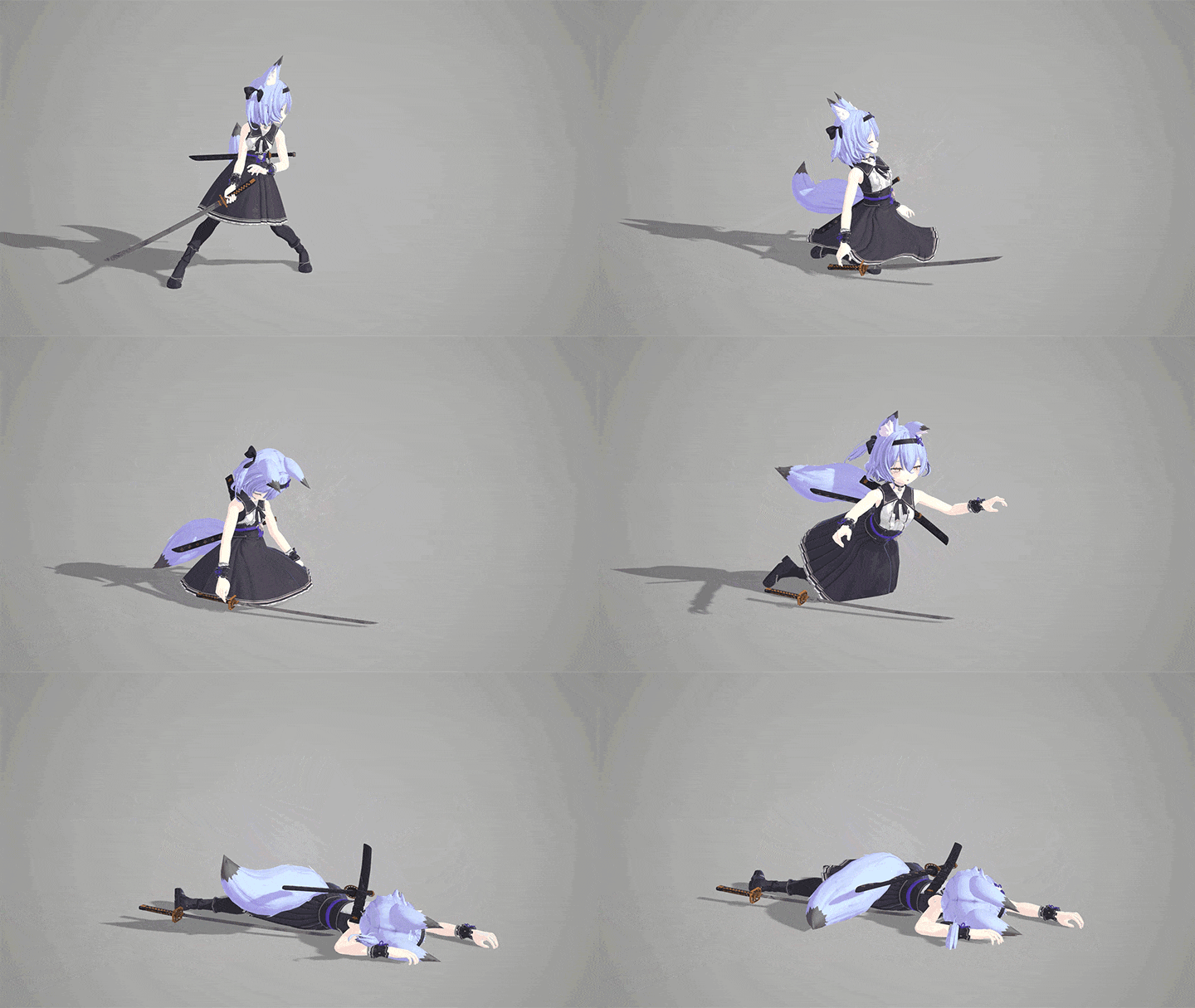
Dead
* The character example used in this course is the work of Armaziron (アルマジロン), who has permission to use it.
Speaker introduction
3D Game Animator
Yeongje Kim
Hello, my name is Yeongje Kim, a 3D Game Animator. I worked at Punter Studio, a developer known for 4:33 Group RPGs, and contributed to the mobile RPG 'Eroica.' My experience spans game development across PC, console, and mobile platforms, covering in-game animation and ultimate skill directing.
In this class, I've packed in-depth information for newcomers and aspiring animators, including animation production techniques, practical know-how, and game engine tutorials. Whether you're just starting or preparing to go solo, this course aims to guide you through every aspect of game animation, from the basics to building your portfolio.


3D Game Animator
Yeongje Kim
[Current]
3D Game Animator
Projects & Awards
[Participated Projects]
Nexon / 3D Animation Lead
Punter Studio / 3D Animator
- Mobile RPG ‘EROICA’
Superb Corp / 3D Animator
- Nintendo Switch rhythm action game ‘Project May’
class features
Class Highlights
Comprehensive Game
Animation Fundamentals
Get into game animation by following the step-by-step curriculum, starting with simple animation basics, rigging & skinning, character animation, portfolio creation, and game engine practical work.
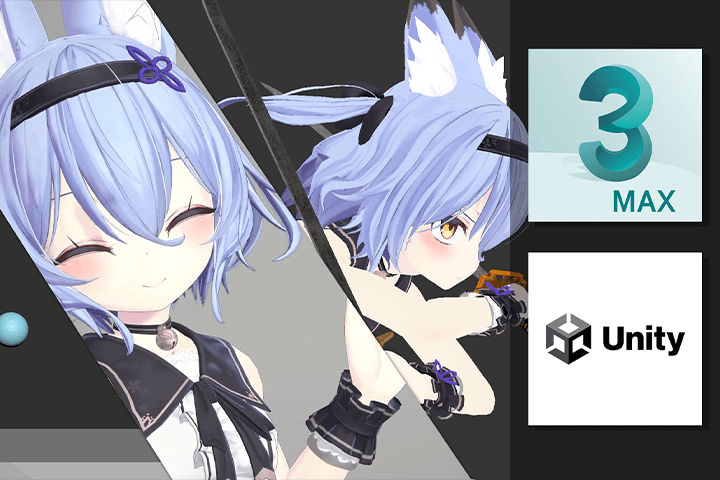
A to Z of Animation
Expression Methods
A cartoon character with a cute personality! Develop your sense of motion as a stylized game character by creating your own ‘fun to watch’ animation mixed with unique cartoon-like exaggeration.
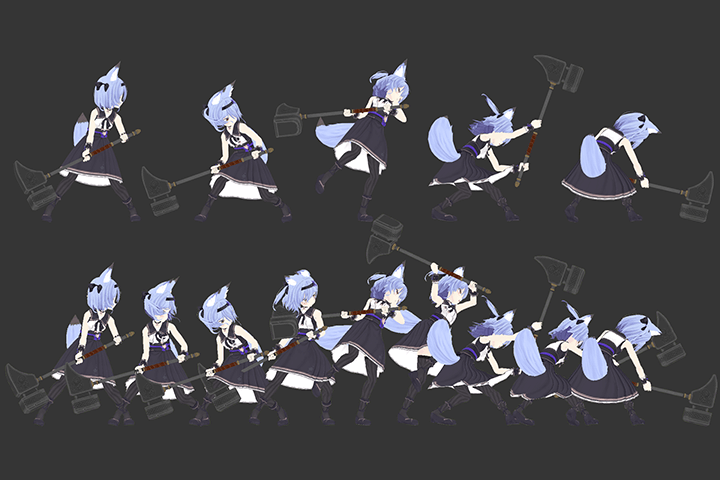
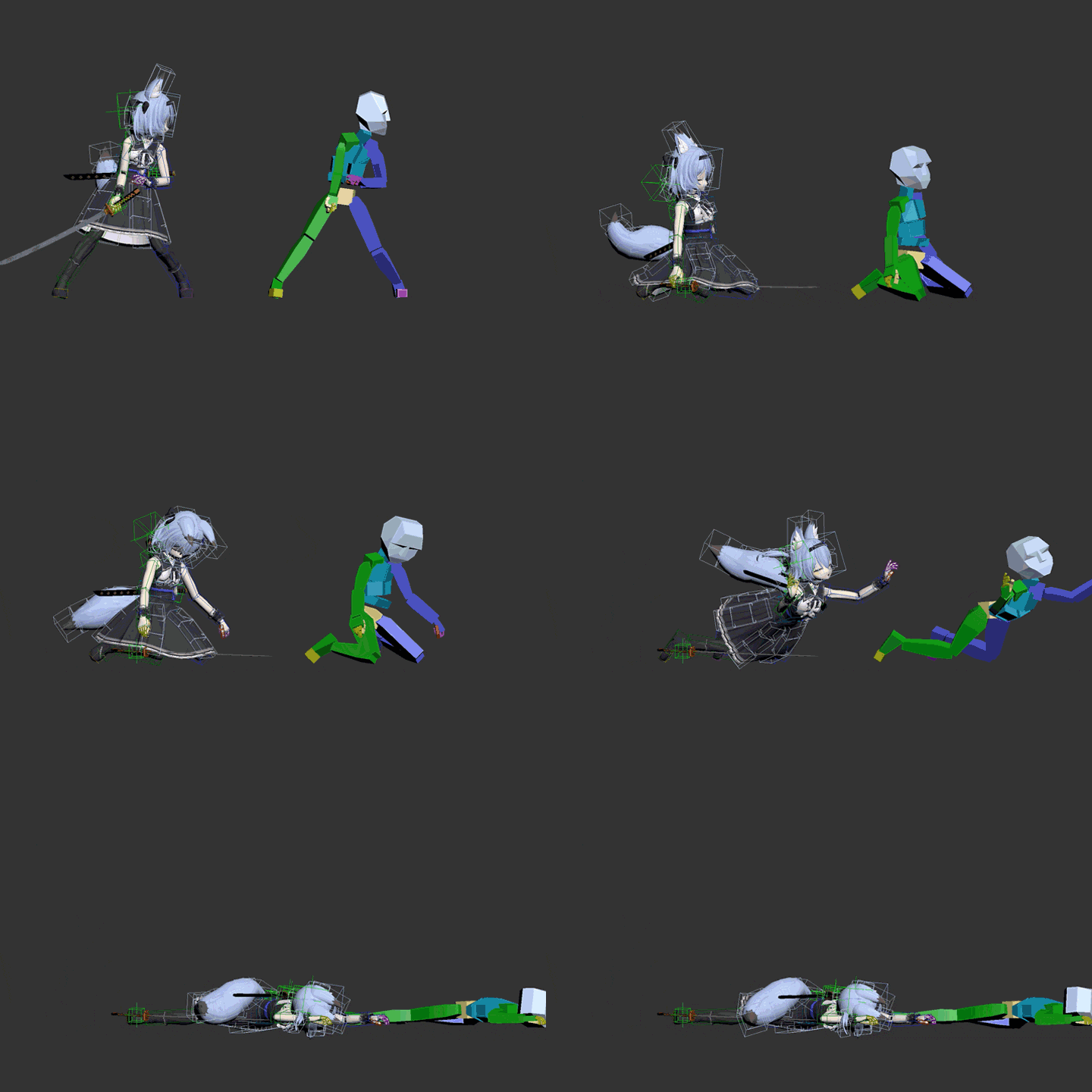
Step-by-Step Production with 13 Types of Animation Samples
Among the 13 types of animation files provided, 3 types of attack, skill, and weight can be analyzed and examined in more detail by dividing them into 'key pose - blocking - polishing - finishing'.
Class Details
You'll Learn
-
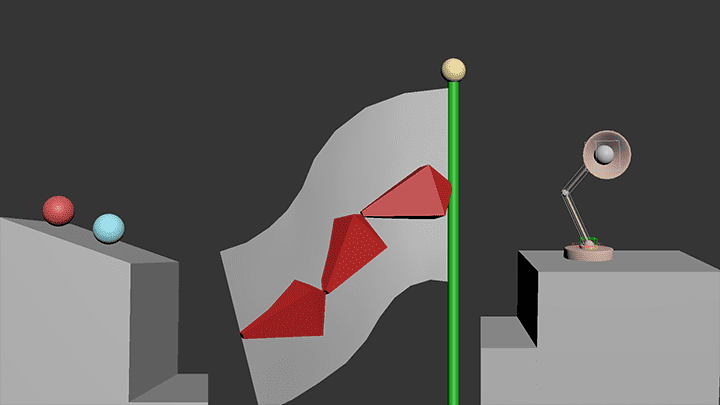 Learn 3DS Max Tool Basics & Basic AnimationLearn about tools such as the 3ds Max interface and shortcut key settings, and learn about the 12 principles of animation. Based on this, you will learn the basics while working on basic animations that awaken your senses.
 -
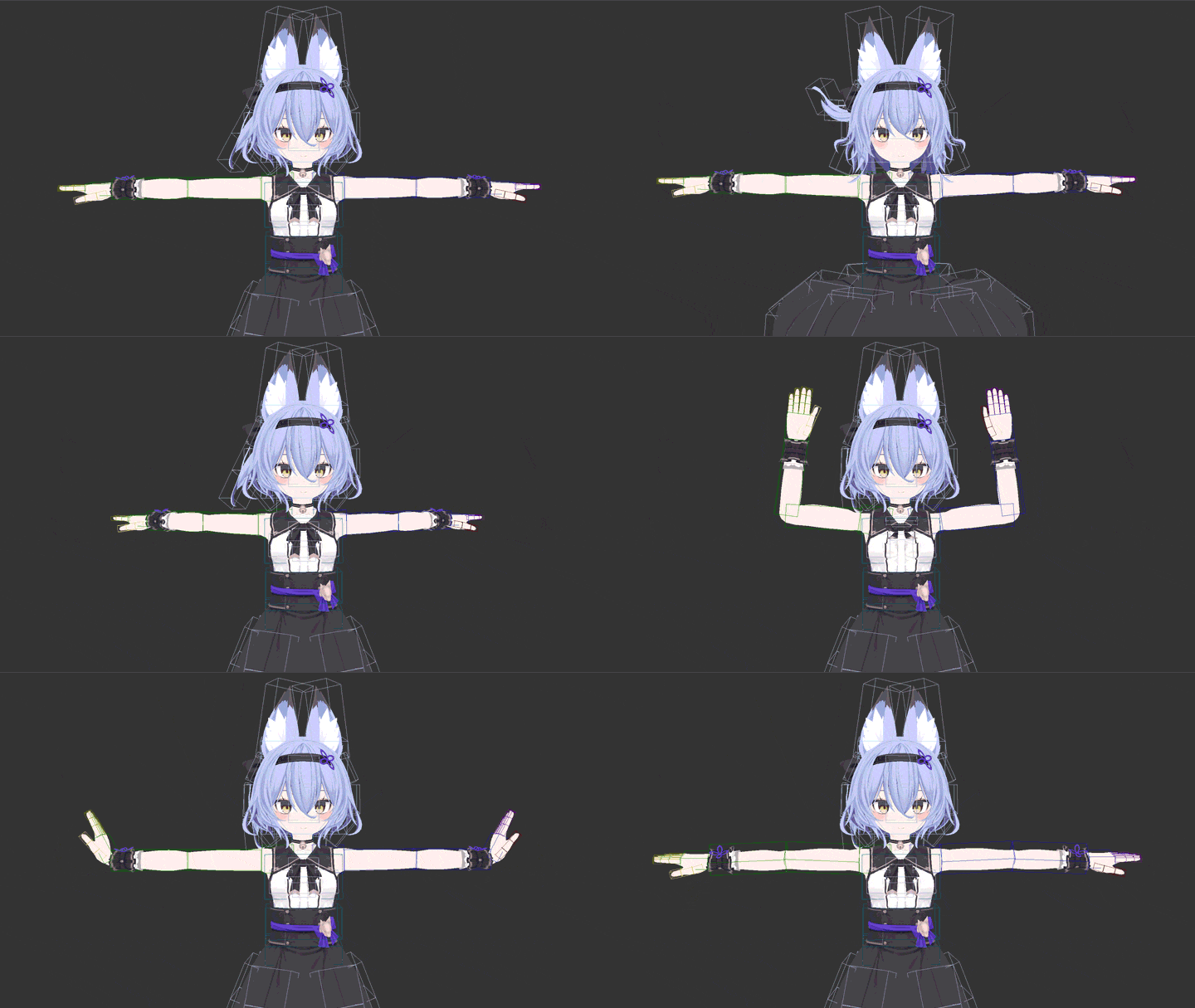 Rigging & Skinning Characters through Solid Basic LearningThrough the rigging and skinning process of planting bones in character modeling and making them move, you will set up the character yourself and learn how to smoothly skin each body and joint area by moving the character.
 -
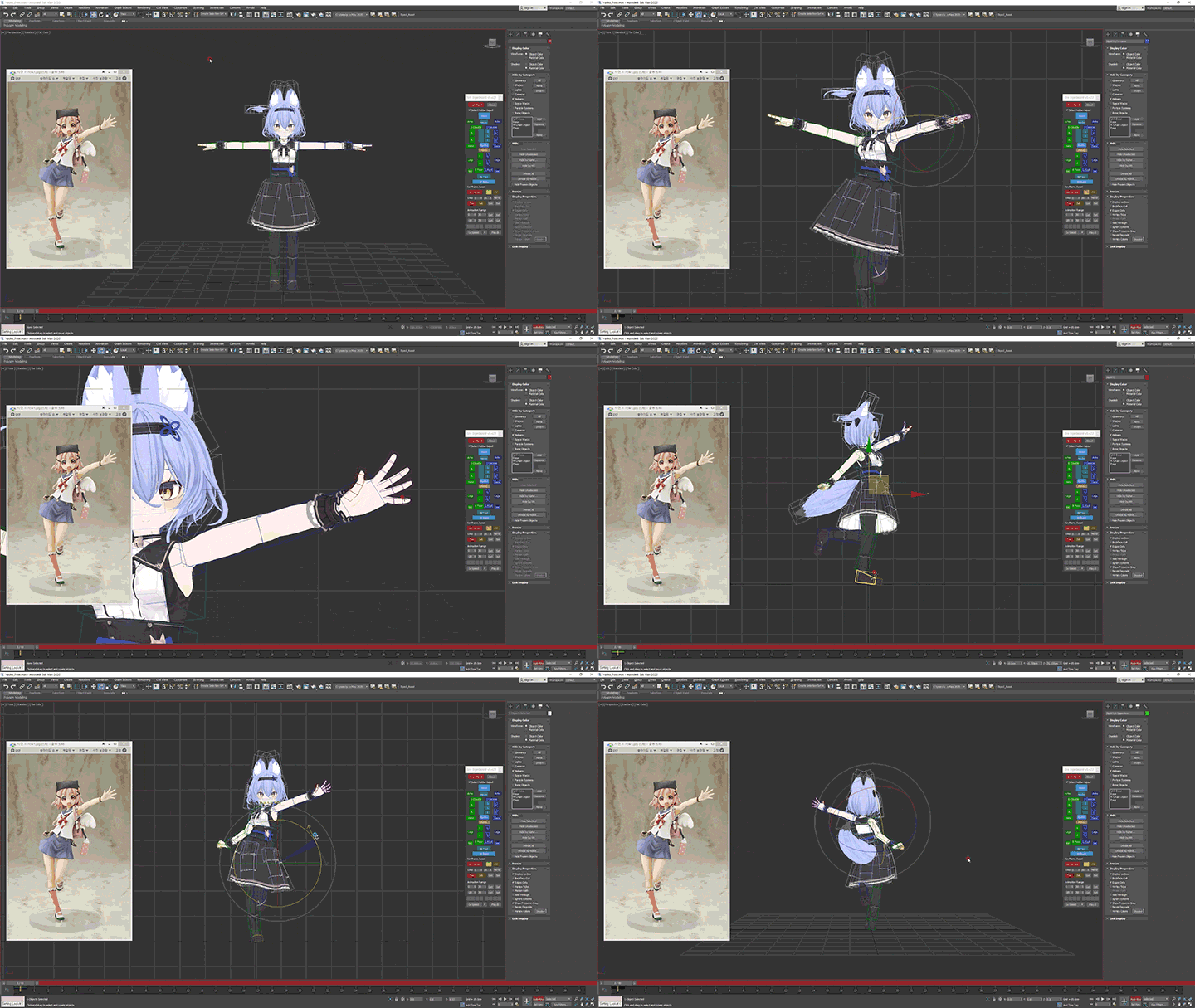 Creating Good Poses through Theory & PracticeYou will learn what constitutes a good pose, how to analyze poses, and how to use the bi-pad. Apply pose theory to learn how to use the bi-pad by posing the character yourself.
-
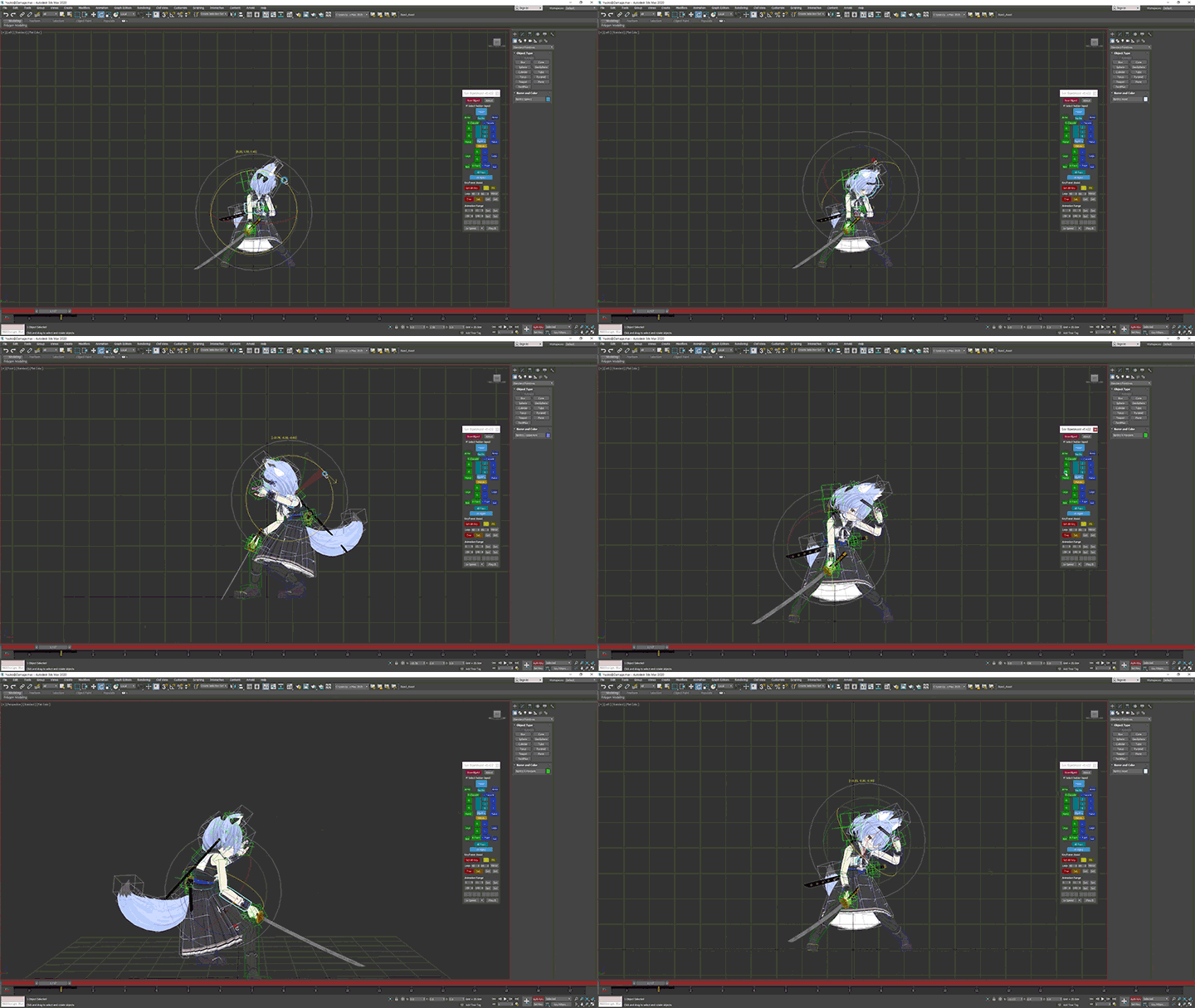 Production of Game Animations Used in Actual GamesI will teach you how to create animations frequently used in actual games, the overall process of practical work, and how to apply the basics you have learned in real life.
 -
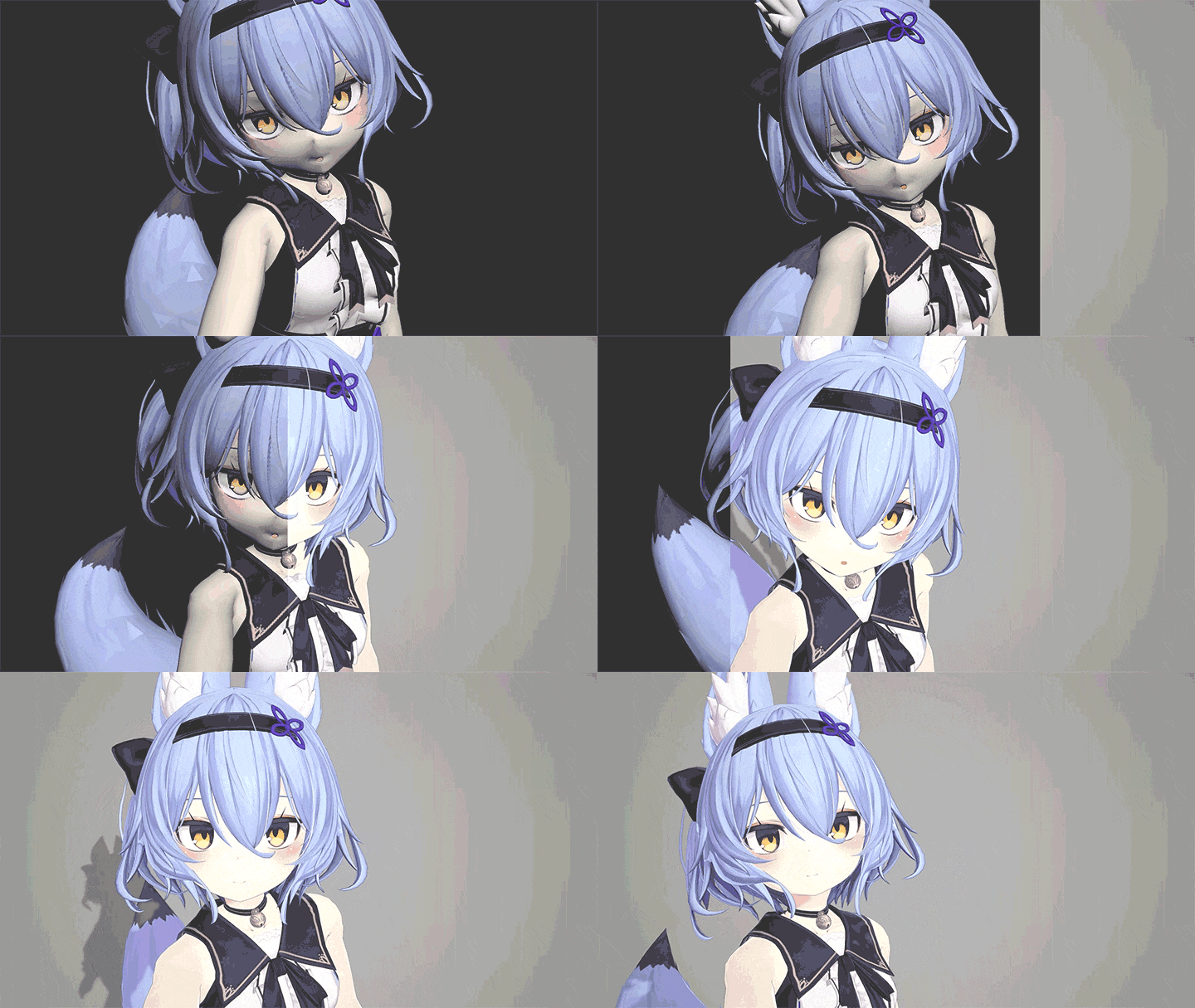 Rendering Skills in Game EnginesYou will learn the basic operation of Unity, go through the process of exporting animation files as FBX files and uploading them to a game engine, and even learn how to render them in an actual game engine.
 -
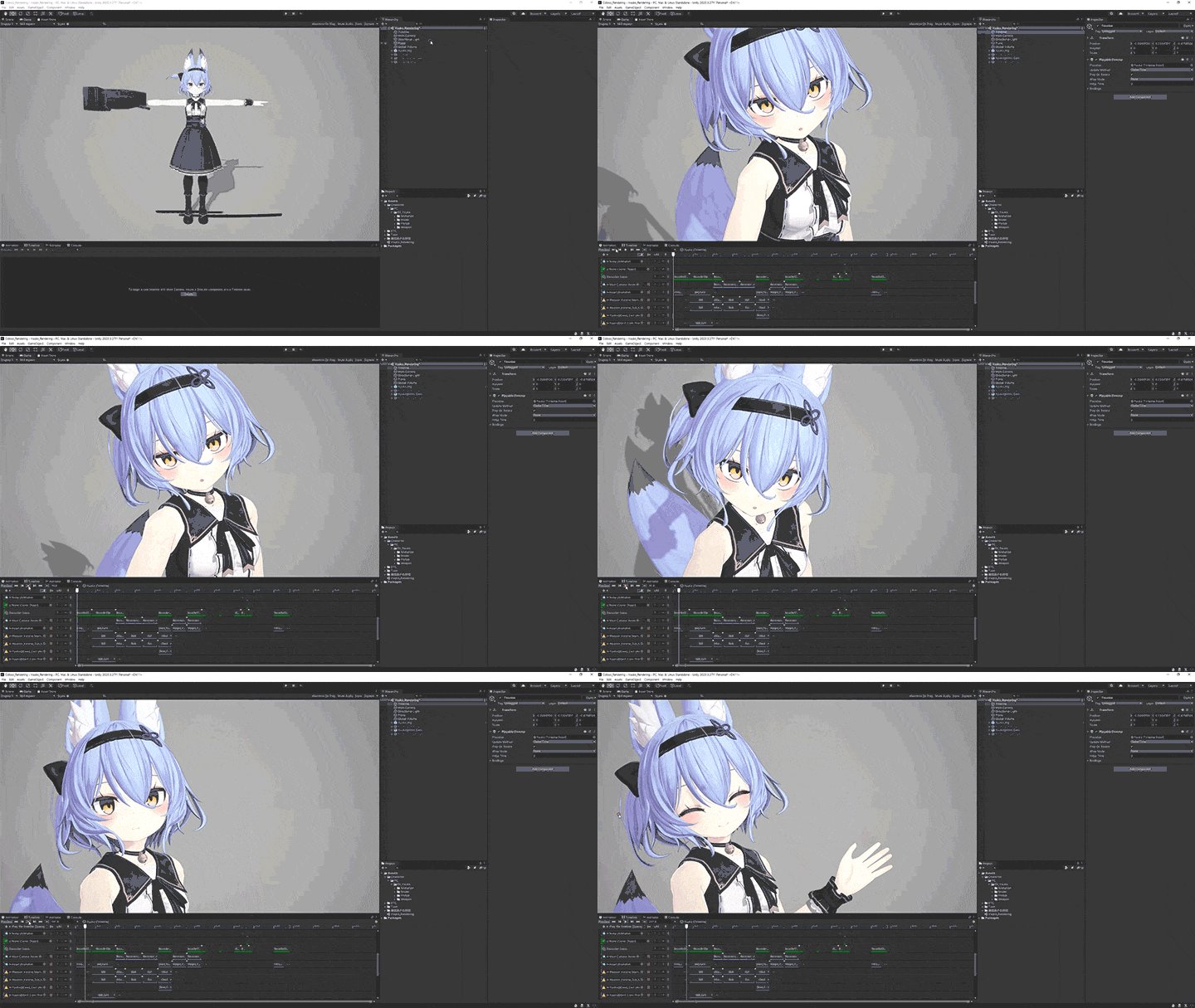 Constructing a Portfolio and Tips for Finding a JobI will generously reveal how to efficiently organize and place a portfolio using the various animation results and the speaker's unique know-how for interviews/employment.
curriculum
Curriculum
In-Depth Look
SECTION 01. Before Starting
01. Orientation
- Instructor introduction
- Objectives
- Programs and characters used
02. The 12 Principles of Animation and the Importance of Basic Skills
- Introduction to the 12 principles of animation
- The importance of basic skills
- Reasons for bouncing a ball
- Why pendulum movement
- The most important thing in animation
03. What is the Role of a Game Animator?
- In-game animator
- Cinematic animator
- Character creation process
- Animator's role
- Key frame animation
- What is motion capture?
04. 3DS MAX Basics
- Basic interface
- Operation method and shortcut keys
- Object creation and linking, hierarchy explanation
- Mainly used scripts
SECTION 02. Animation Basics and Practice
05. Bouncing the Ball
- General ball, bowling ball expression
- Expressing acceleration
- Expressing the movement of the ball
06. Waving the Flag
- Practice sequential movement expressions
07. Stand Jump
- Plan ahead, give it life
- Basic application
SECTION 03. Character Setup Basics and Practice
08. Understanding Rigging & Skinning Concepts
- Installing bones and objects
- Skin Modifier
- Weight Tool and Skin Envelope
09. Character Rigging
- Bipad setting
- Focus on character
- Finding joint areas and wires
- Costume and hair secondary bone installation
- Selection set and Explorer summary
- Weapon Settings
10. Character Skinning 1
- Distinguish between bones to use and bones to not use
- Loading Bipad Bones
- Give weight value to each part
- Remove weight values that interfere with each other
- Weight value blending
- Skinning demonstration focusing on character body
11. Character Skinning 2
- Secondary bone skinning of character clothing, hair, tail, etc.
- How to modify rigging after skinning
SECTION 04. Character Animation Practice
12. Character Pose Theory
- Find pose reference
- Center of gravity and silhouette
- Symmetric and asymmetric poses
13. Before Practice, Intro to the Bipad Function
- Introduction to the bipad selector script
- Understanding IK/FK concepts
- Copy and paste pose, left/right inversion function
14. Character Pose Practice
- Demonstration and explanation based on pose theory
15. Side Step
- Move the character's center of gravity
- Let's take the steps
16. Waiting for Battle
- Decide on a concept
- Understanding loop motion
- Production of battle waiting motion
17. Normal Standby
- Decide on a concept
- Generic atmospheric motion creation
18. Run
- Key pose for running
- Various concepts of running
- Production demonstration and explanation
19. Walking
- Key poses for walking
- Various concepts of walking
- Production demonstration and explanation
20. Hit
- Decide on a concept
- Production demonstration and explanation
21. Death 1
- Decide on the concept of death
- Blocking stage fabrication demonstration and explanation
22. Death 2
- Mid-motion task
- Secondary animation
- Final stage production demonstration and explanation
23. Attack 1
- Determine the movement concept
- Blocking stage fabrication demonstration and explanation
24. Attack 2
- Mid-motion task
- Secondary animation
- Final stage production demonstration and explanation
25. Skill 1
- Decide on a concept
- Key pose and timing tasks
- Blocking stage fabrication demonstration and explanation
26. Skill 2
- Intermediate motion, spacing, and overlapping operations
- Demonstration and explanation of intermediate work steps
27. Skill 3
- Detail work and secondary animation
- Polishing stage production demonstration and finishing
28. Weight 1
- What's important about weight
- Silhouette and acceleration expression
- Blocking stage fabrication demonstration and explanation
29. Weight 2
- Intermediate motion, spacing, and overlapping operations
- Demonstration and explanation of intermediate work steps
30. Weight 3
- Detail work and secondary animation
- Polishing stage production demonstration and finishing
SECTION 05. Portfolio Creation
31. Portfolio Composition
- Motion Placement Order
- Video composition plan
- Types of Rendering
- 3ds Max Preview Rendering
32. Game Engine Basics
- Export files before inserting them into the game engine
- Unity engine basic operation and layout configuration
- Frequently used menus
- How to create objects and cameras
- Unity UI Layout Adjustment
- Folder and file management
- Create materials and apply textures
33. Game Engine Rendering
- How to create and manipulate timelines
- Renderer track placement and setup
- Record engine video
- Portfolio completion
SECTION 06. Conclusion
34. Conclusion
- Advice for aspiring and new recruits
- Collect good references
- Frequently asked animator interview questions
- It would be good to study in the future
Interview with
3D Game Animator, Yeongje Kim

Question.01
What is the marketability/prospect of mobile in-game animation?
What is the marketability/prospect of mobile in-game animation?
Mobile games account for a significant portion of the overall gaming market and continue to expand. Many game companies are developing mobile games and require a lot of manpower. Mobile in-game animators are a position that is in constant demand in the gaming market, and are also a preferred position not only on mobile but also on various platforms .
Question.02
What are the main challenges faced by beginners in game animation?
What are the main challenges faced by beginners in game animation?
When you encounter game animation for the first time, you are at a loss as to how to work, and it is difficult to figure out problems with your work on your own. Training is needed to solidify the basics and develop an eye for viewing the work. In this class, I will provide step-by-step training and solution directions and help you get the hang of it.
Question.03
What are your unique strengths and weaknesses?
What are your unique strengths and weaknesses?
This class starts from the most basic level to develop your senses and learn about game animation . We will introduce you to techniques that are good to prepare as a new game animator through a practical course on how to work on animations needed for various mobile games and how to upload your animations to a game engine.
Question.04
Who do you recommend this class to?
Who do you recommend this class to?
It is recommended for those who find it difficult to study 3D game animation on their own and for beginners who are trying 3D game animation for the first time . Learn the basics thoroughly, go through the animation work process step by step, and complete high-quality animation results.
Required Programs
This course will use
- 3ds Max (ver. 2017 or higher recommended)
- Unity (2020.3.27f1)
Please purchase and install the latest versions of the programs for an optimized lecture experience.
* Character and weapon modeling are not provided separately. Please refer to the Class materials for alternative modeling download methods.
*These programs and/or materials will not be provided with the course.