3dartist,kimko_KR Details
Intro

Now in Your Language, Only on Coloso!
Learn from Korea's Top Master Creatives
-
 Houdini & Redshift Fundamentals
 -
 Particle & Simulation Techniques
 -
 Procedural Motion Visuals
Class Intro
3D Artist, kimko
“Discover how to create 3D art beyond imagination with Houdini in kimko’s Coloso class.”
Master High-End VFX and Houdini Skills Through Stunning Artwork
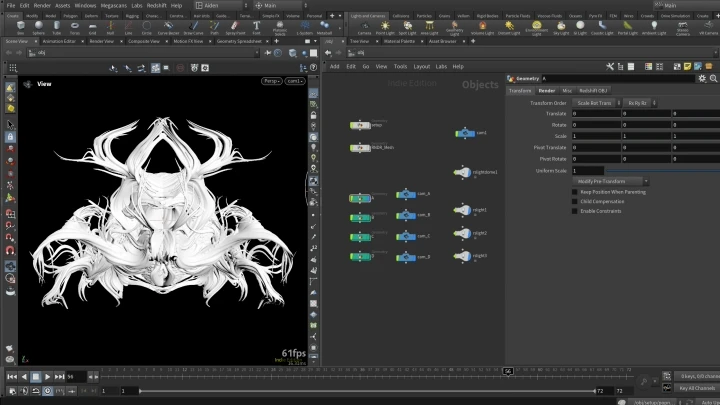
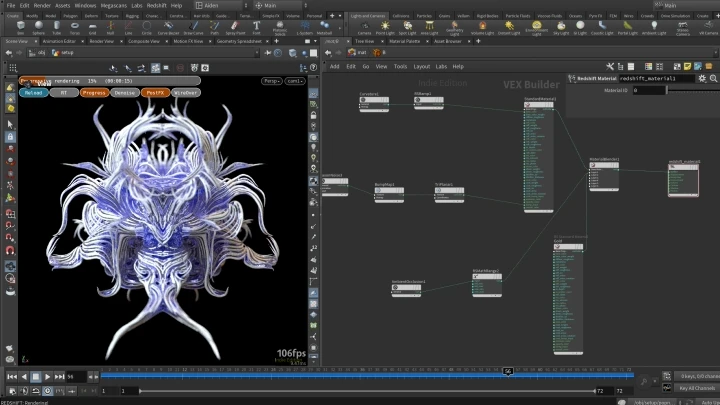
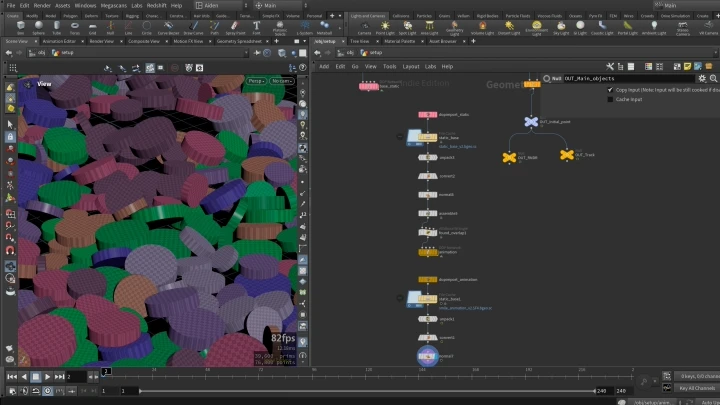
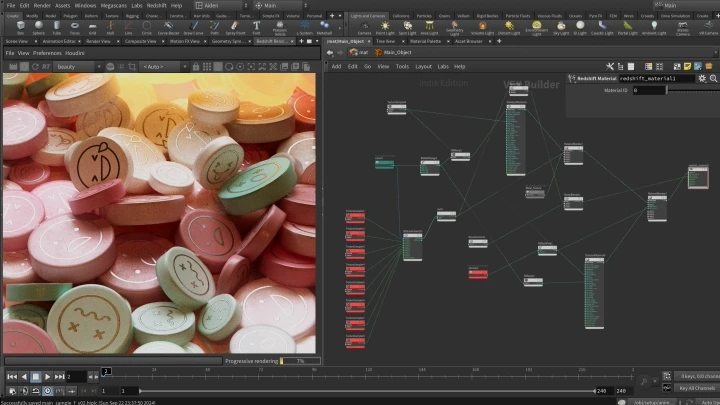
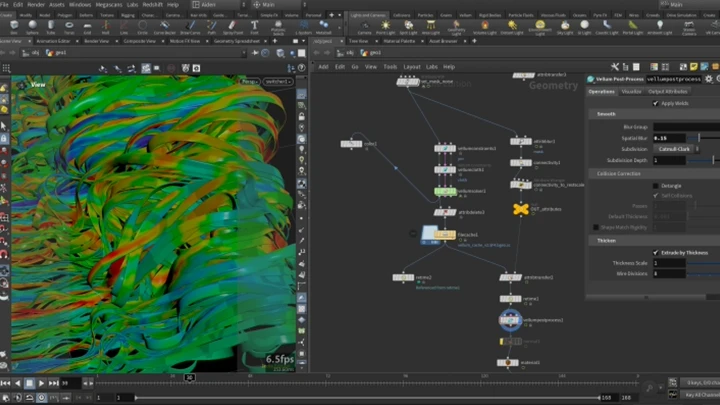
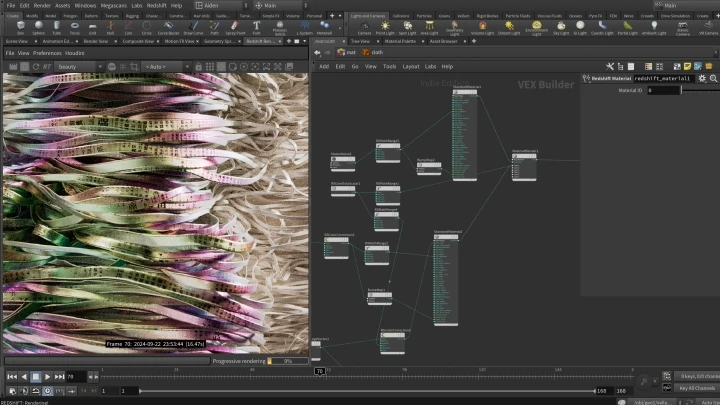
Meet the one-of-a-kind 3D tool that delivers unimaginably high quality and efficiency. Let Houdini take your creativity beyond the limits in this class by kimko, which explores both theory and practice to cover everything from the basics to hands-on skills. By creating vibrant, appealing 3D artwork with his step-by-step guidance, you’ll soon realize you’ve become a Houdinist with unmatched skills!

While Houdini can push your creativity to the highest level, using the software can also feel challenging. But worry no more, as this class will equip beginning 3D artists with special weapons to overcome their lack of knowledge in mathematics, physics, or any other field! Take your first step to work with Houdini, which will guide you to any career trajectory you want, whether it be video design, advertising, or media art. Join kimko as he shows you the most efficient ways to create compelling artwork with a procedural approach, focusing only on the essentials.
Class Preview
Still Not Sure?
Check Out kimko's Class Preview!
01. Intro
- Instructor introduction
- About the instructor’s style
- Pros and cons of using Houdini
- About the instructor’s style
- Pros and cons of using Houdini
Class Perks
Special Gift from kimko
-
 9 Original Exercise Filesto Master Basic to Advanced Skills
 -
 List of Ultra-Practical Functionsfor Real-World Projects
 -
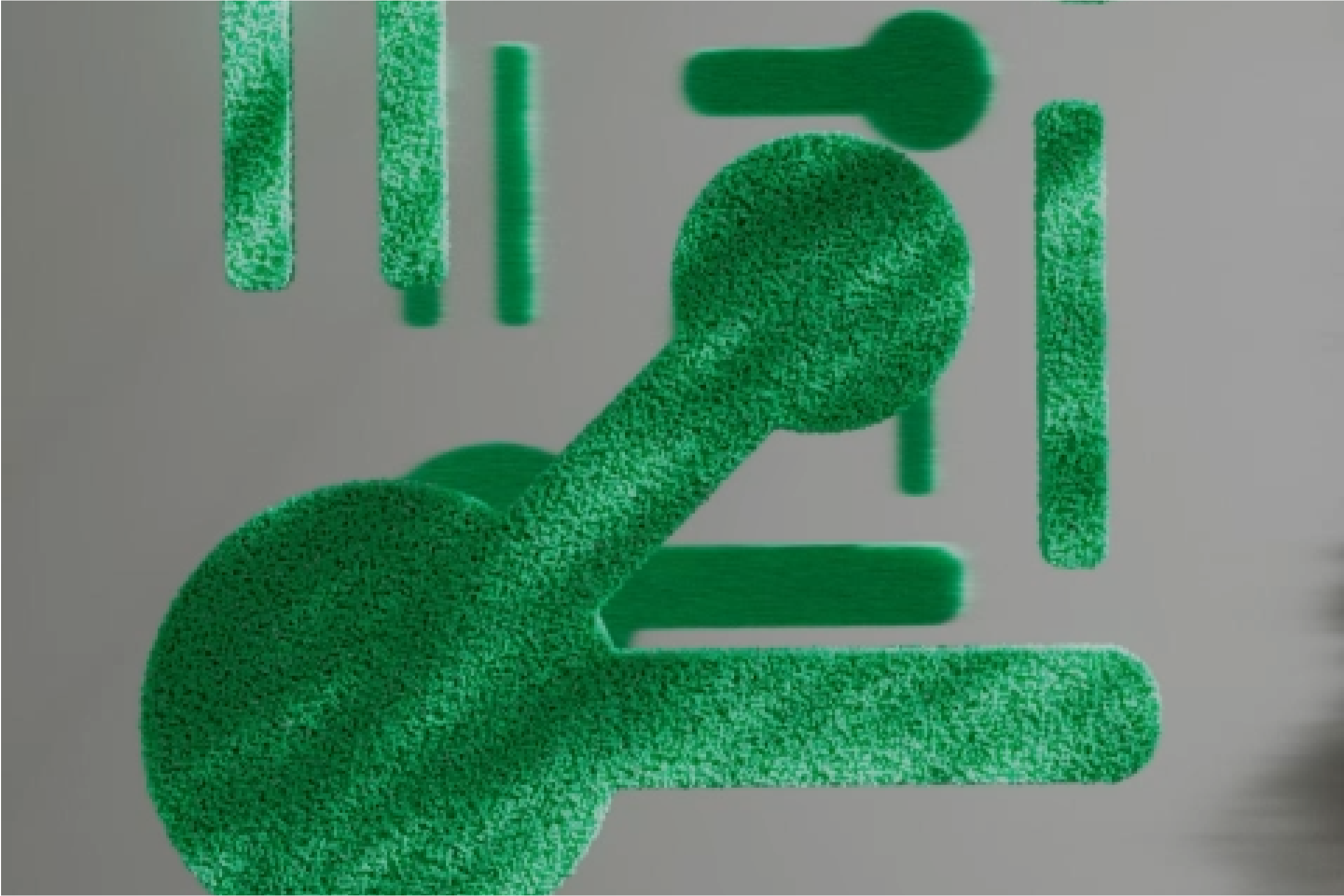 Reference Sites and Attribute Glossaryfor Growing Houdinists
Class Material Details
-
 Houdini Attribute Glossary (.xlsx)> Global Variables
Available in all SOP wrangles
Available in Attribute wrangles (point, vertex, primitive and detial)
Available in Volume Wrangle
> Common Geometry Attributes
Float attributes
Vector attributes
Vector4 attributes
String attributes -
 Houdini Essentials for Kimko’s Students100 Most Useful VEX Functions (.xlsx)
Very frequently used functions
Frequently used functions
Moderately used functions
Noise-related functions
Less frequently used functions
Functions for special occasions
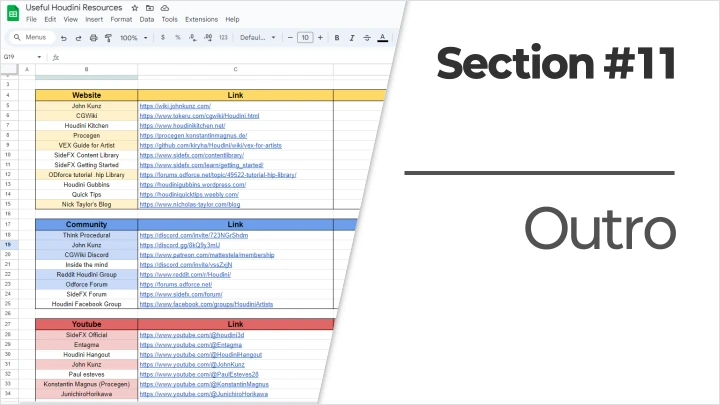
30 Useful Resources for Learning Houdini (.xlsx)
Reference Websites
Helpful Online Communities
YouTube Channels
Recommendation
Who should take this class?
Houdini beginners looking to differentiate themselves from their competitors in the 3D field
Basic-level Houdinists who want to develop job-ready skills
Anyone who wants to experience the process of creating 3D artwork in Houdini and unleash their creativity



Expert 3D Artist kimko's Portfolio



Why Take This Class?
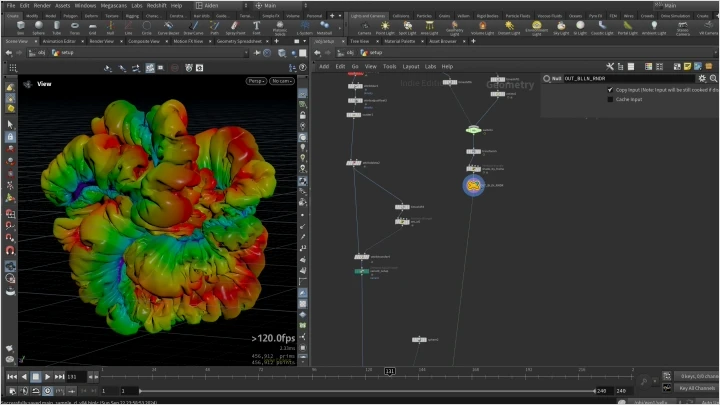
Turn your imagination into reality with Houdini, whose entry barrier has never been lower! Instead of complicated, hard-to-grasp theory, you’ll work hands-on with essential features that can be applied immediately through a variety of exercises. Create realistic, natural-looking motion artwork in Houdini while mastering both the visual theory and fun, dazzling practical skills.
Ease yourself into everything you need to learn, including the procedural approach based on complex nodes, physical simulation settings, and VEX coding! Designed for beginners, the curriculum introduces Houdini’s essential systems gradually, beginning with small, shot-based exercises to help you build core skills. With kimko’s Houdini class, you will be guaranteed the easiest, most enjoyable start to creating high-quality motion artwork.

Get Ready for the Real-World
Basic to Advanced Exercises on Creating Next-Level 3D Art in Houdini
Part 1. Mastering Houdini Basics Through Hands-on Practice
For Beginners and Basic-Level Learners
-
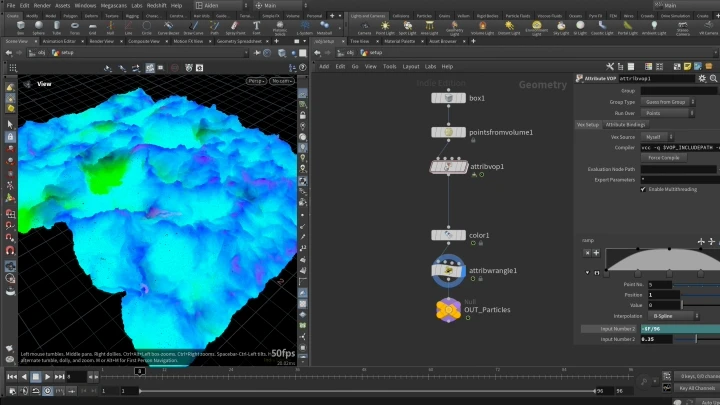
 Wave ParticleParticle animations using noise
 -
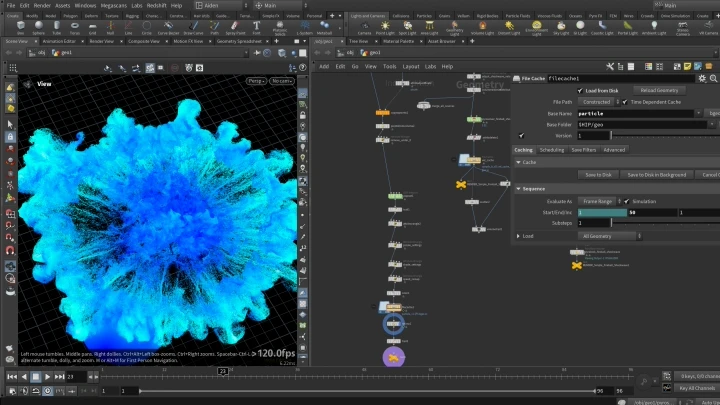
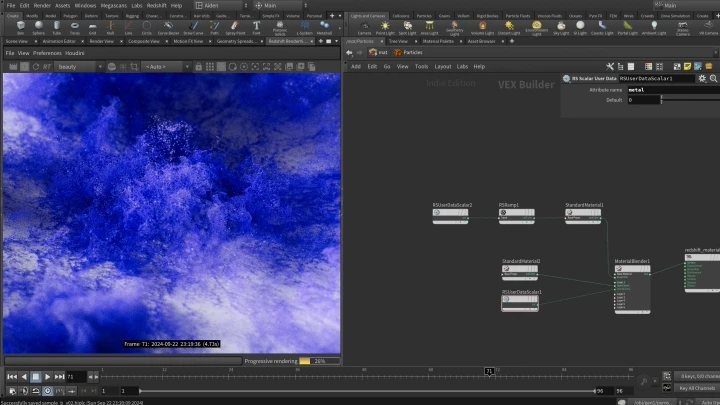
 Glittering Particle ExplosionParticle simulations using volumes




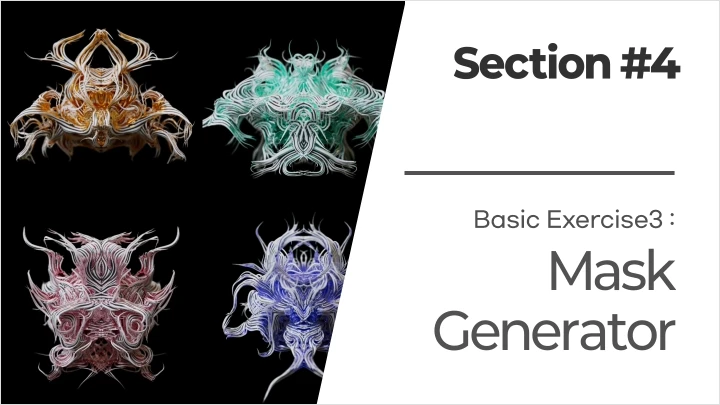
Mask Generator
Using control features through shape and pattern automation
Part 2. Practical Application and Creating Artwork Using the Essential Houdini Skill Set
For Intermediate to Advanced Learners
-
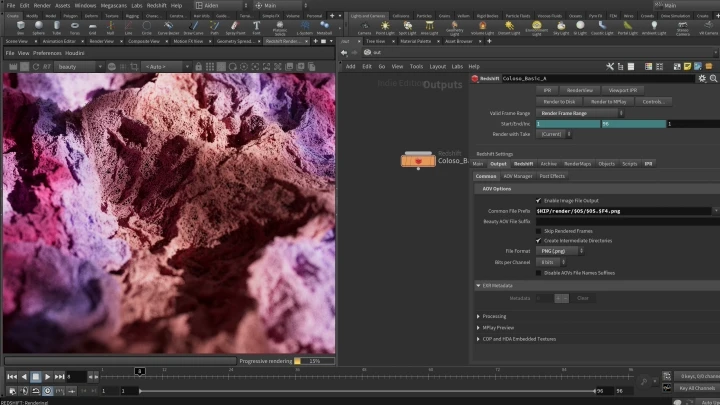
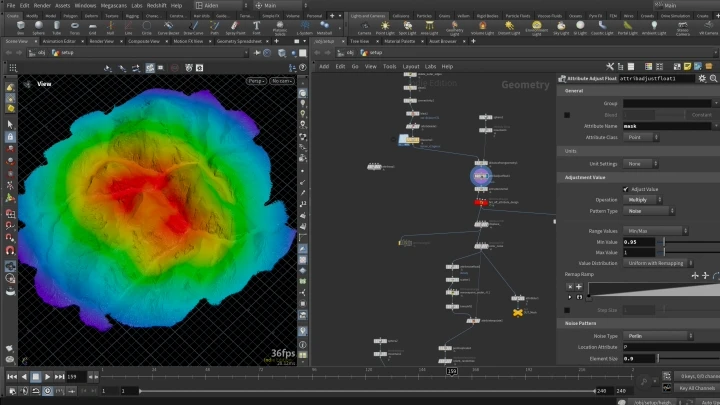
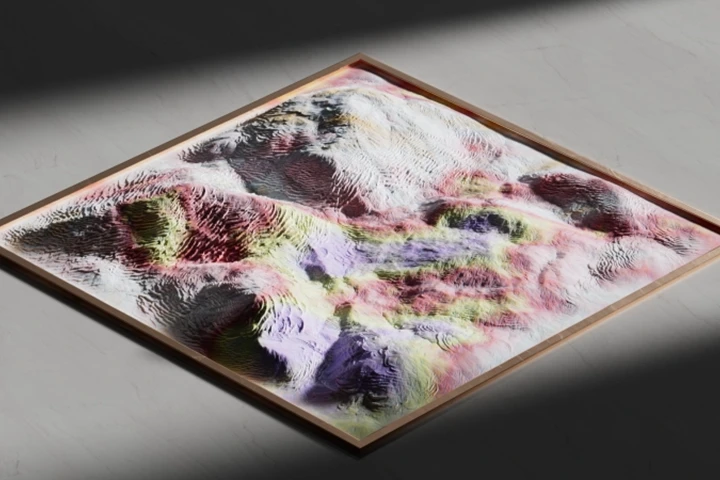
 Breathing MountainCreating complicated terrains and color animations
 -
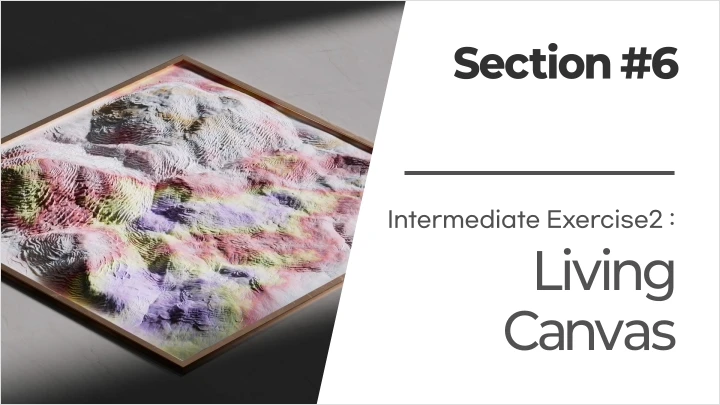
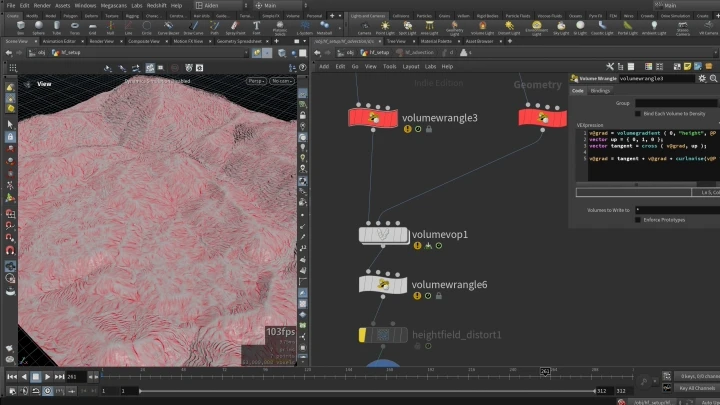
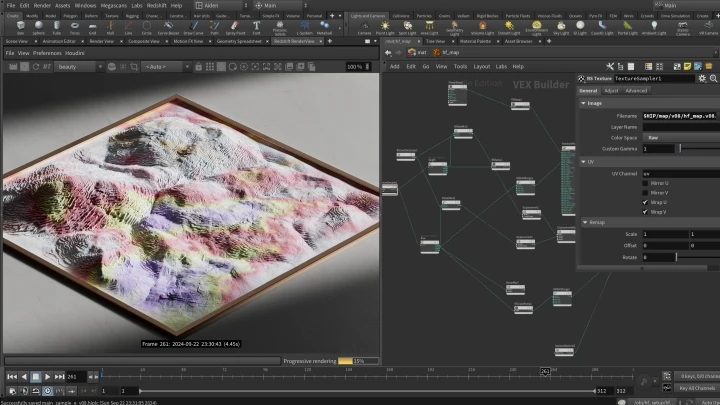
 Living CanvasAnimations using terrain simulations
-
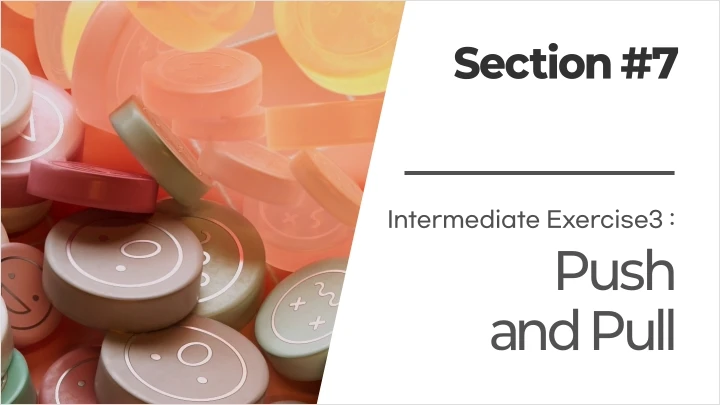
 Push and PullBasics of RBD simulations and applying VEX coding
 -
 Dancing BandsShading using band simulations and normals
-
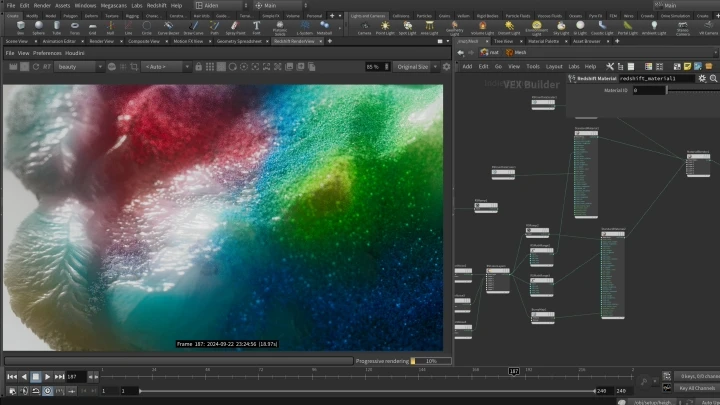
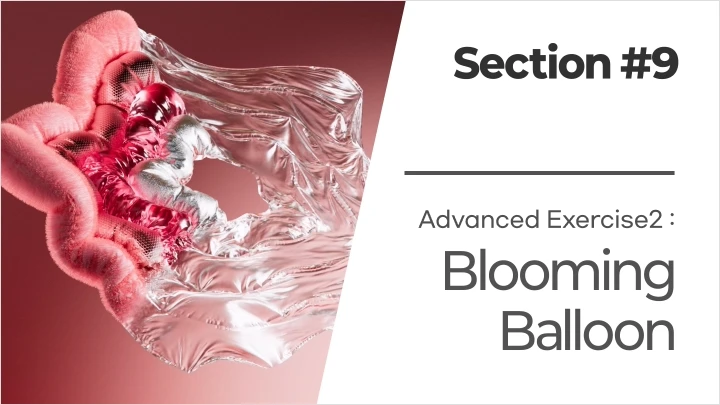
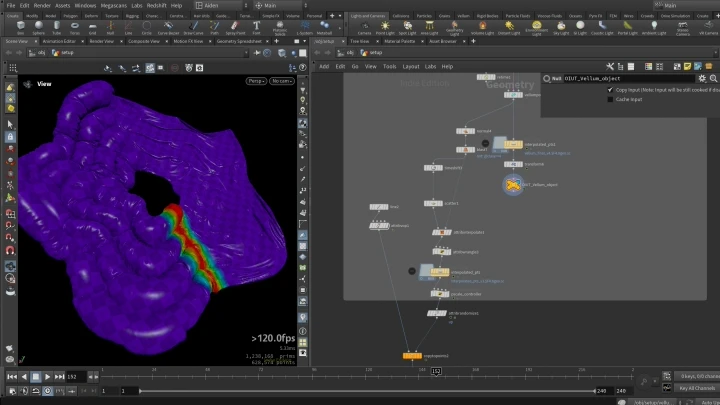
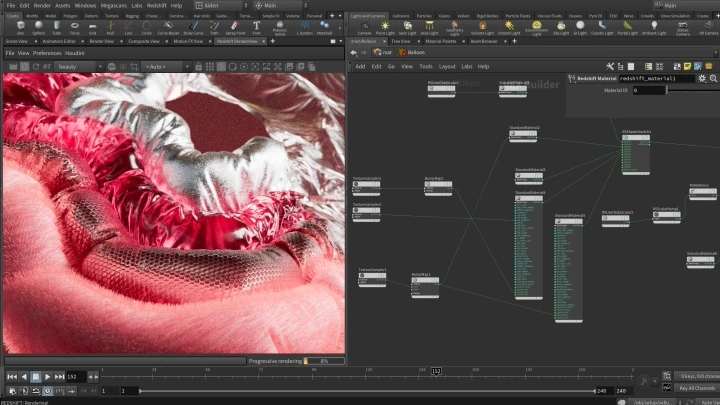
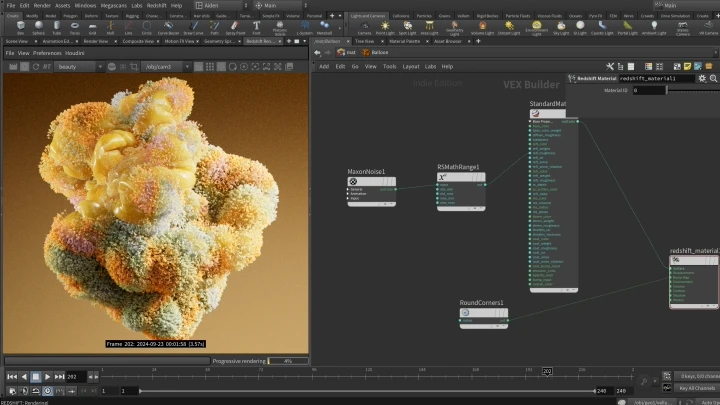
 Blooming BalloonBalloon animations using hair, metal, glass, and aluminum materials
 -
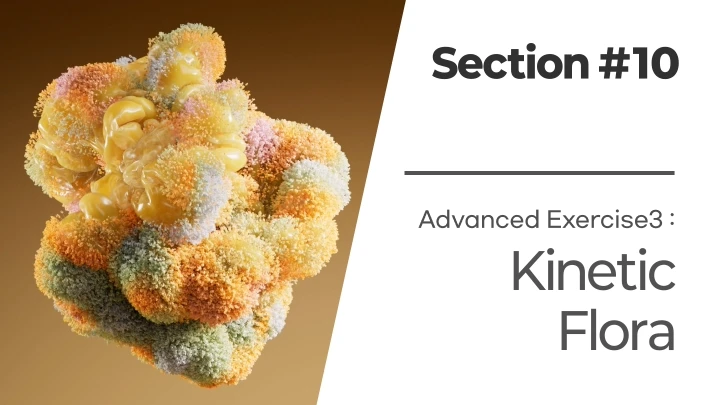
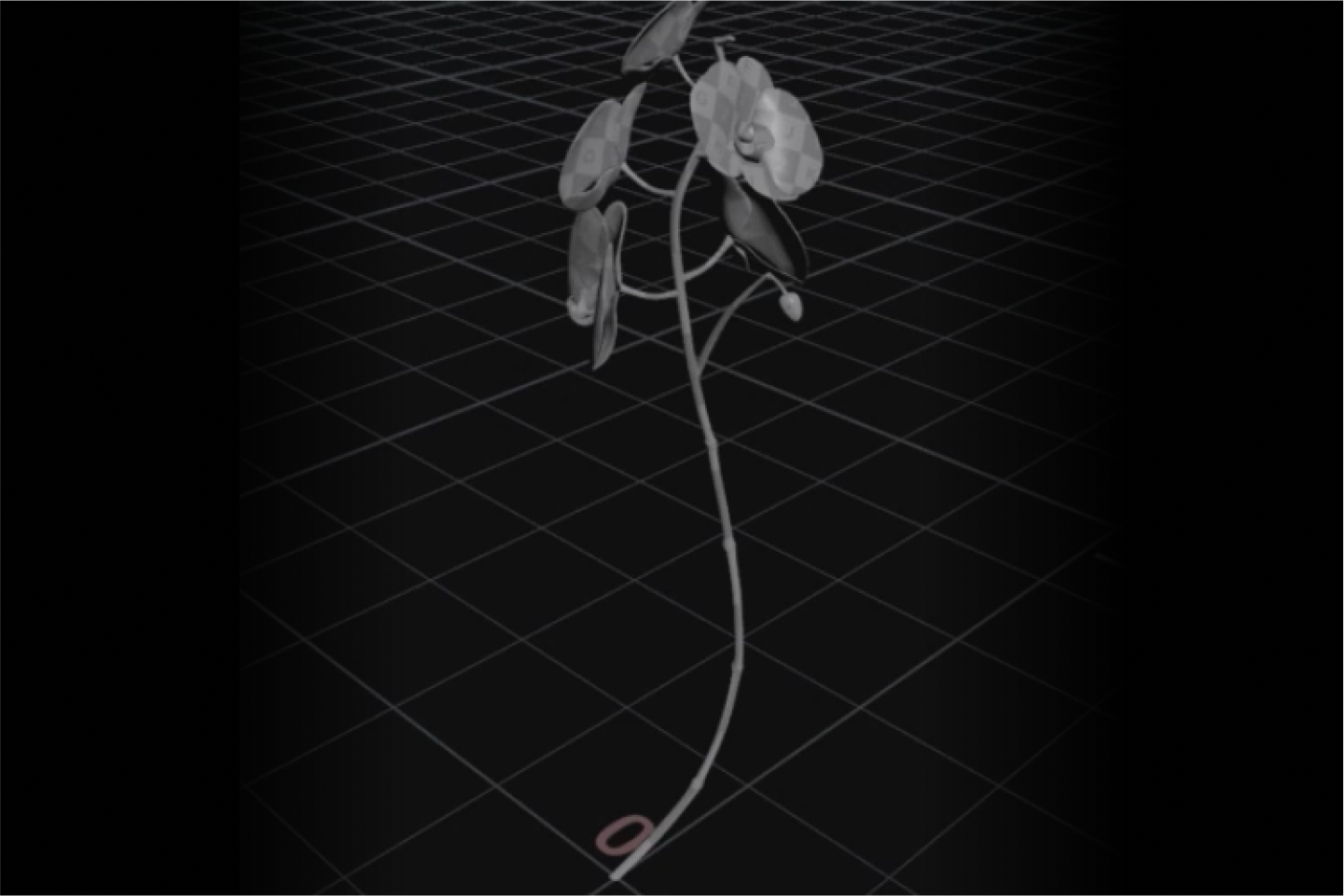
 Kinetic FloraBalloon simulations and flower animations
Student Reviews
Why Professionals Recommend This Class
-
 Intae Jang
DDIP Studiokimko always creates such inspiring works, and his class will provide useful guidance for anyone who wants to combine simulation and motion design. In particular, the Vellum-focused simulations are built around engaging examples that take you from the basics to practical, production-ready skills. If you find Houdini fun but difficult, this class will introduce you to the program in the most enjoyable way.
-
 Yuhwan Jang
Backed by kimko’s vast knowledge and resources, the course shows a genuine commitment to helping students build a strong, thorough foundation. Following and recreating Kimko’s distinctive visual style is another valuable experience this course offers. I strongly recommend it to Houdini beginners, as well as those who already enjoy using the program but want to solidify their basic skills further.
-
 Doja
Dojakimko’s works are impressive not only in technical aspects but also in their exceptional looks. If you want to learn the functional aspects of Houdini and produce higher-quality results, this class will offer much more than what you’re looking for.
Highlights
Class Highlights
Step-by-Step Approach to Houdini with Practical Examples for Beginners
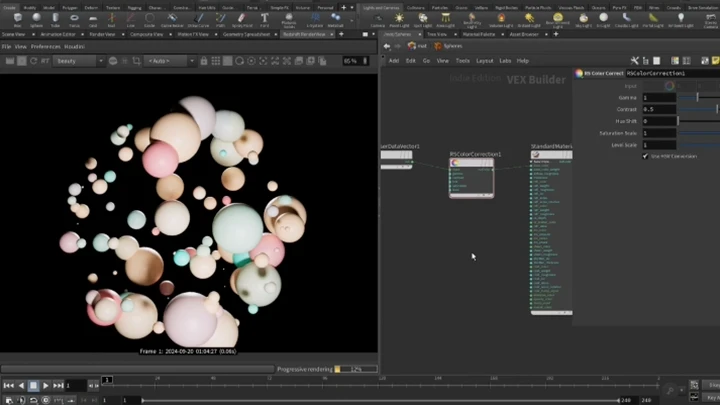
Have you ever felt overwhelmed by complex theories and functions when starting with Houdini? In this course, you’ll learn while creating step-by-step examples. From understanding the basics of theory to exploring node functions, you’ll remember concepts more easily and enjoy the instant satisfaction of producing results as you gradually become more comfortable with Houdini.
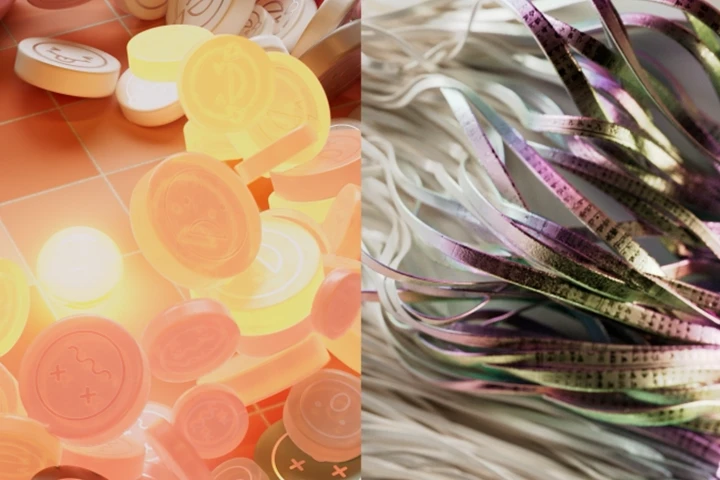
Boost Your Speed! Master the Procedural Workflow for Maximum Efficiency
Unlock faster workflows and higher efficiency with Houdini’s procedural system! Learn how to apply procedural methods that allow edits and updates all at once, enabling you to work more effectively than ever. By visualizing and applying complex node-based workflows, you’ll gain the know-how to expand your creative expression like never before.
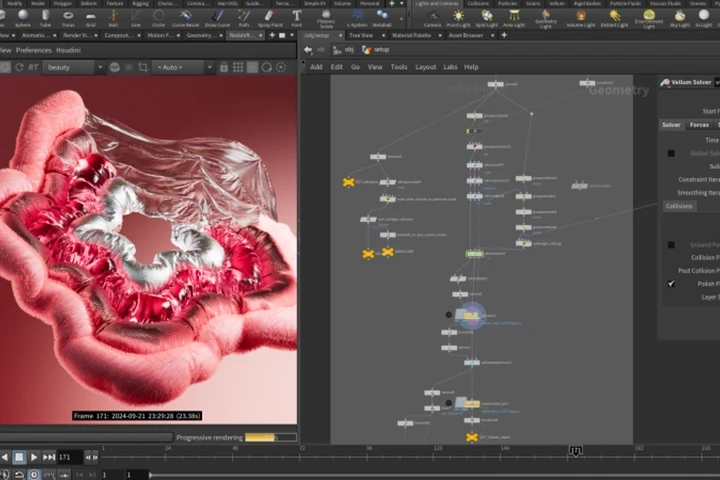
Create High-Quality, Production-Level Art with Houdini
Go beyond beginner examples and create high-quality artwork that can be used in real production. Through step-by-step advanced exercises, you’ll learn to express realistic shapes, movements, and textures in 3D. Experience Houdini’s unparalleled efficiency and expressive power firsthand, taking your skills to the next level.
Roadmap
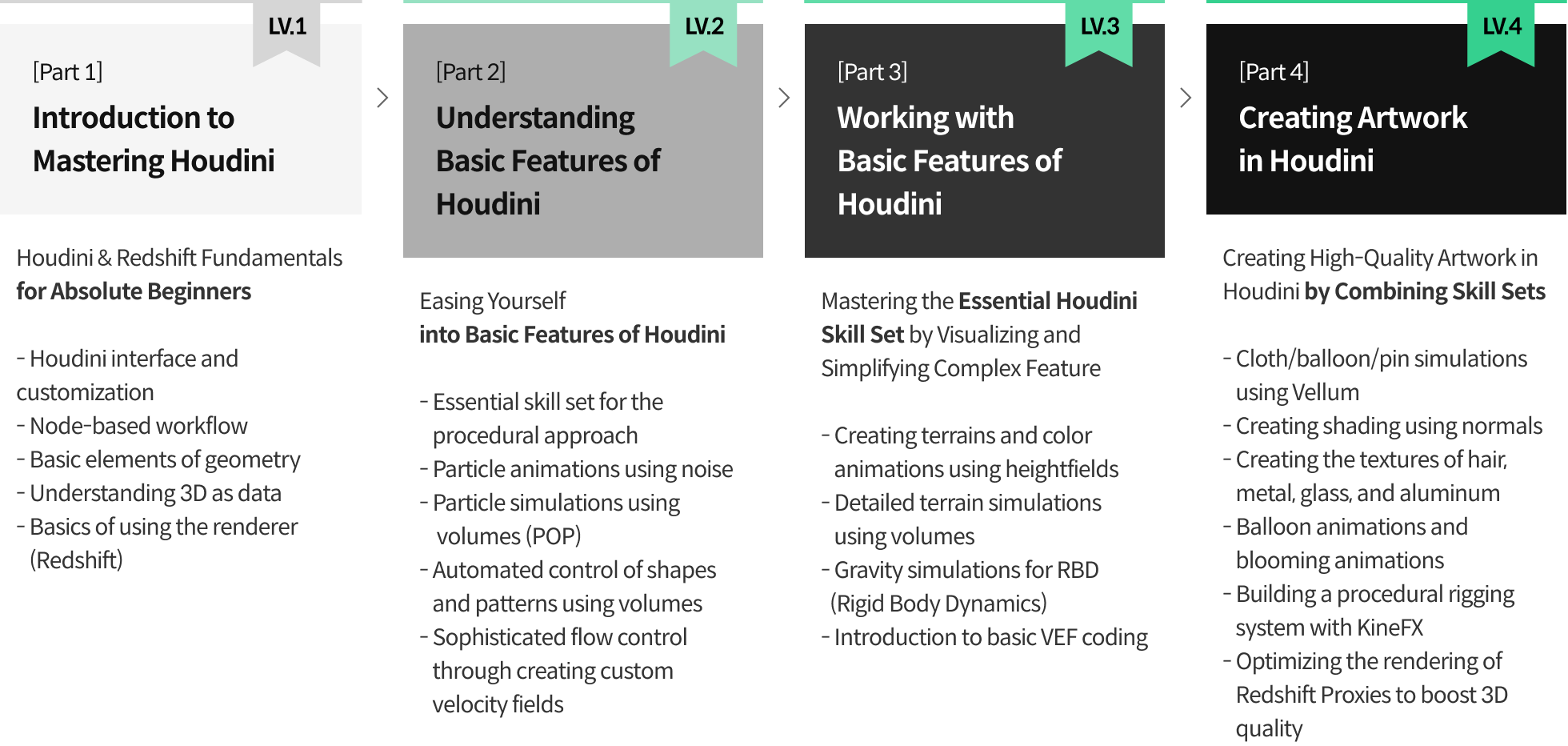
A Houdini Masterclass, from Introduction to Practice