2danimator,rosymollet Details
Intro
Class Intro
2D Animator, Rosy Mollet
"Through rough pencil strokes & textures, you'll learn how to draw emotive illustrations with line work that takes your story further!"
Expressive Storytelling With Rosy Mollet: A Myth-Inspired Creature & Animation Course
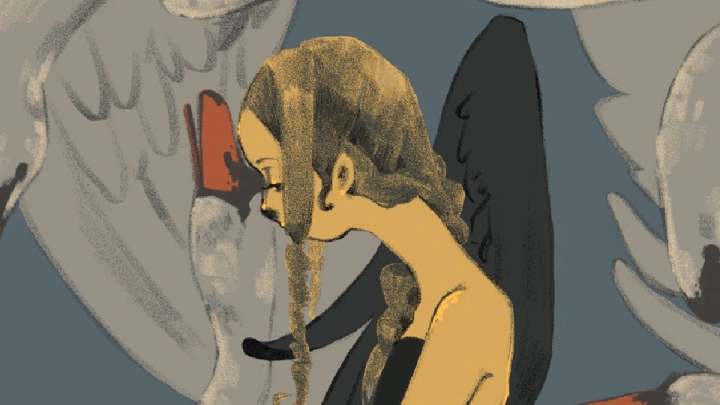
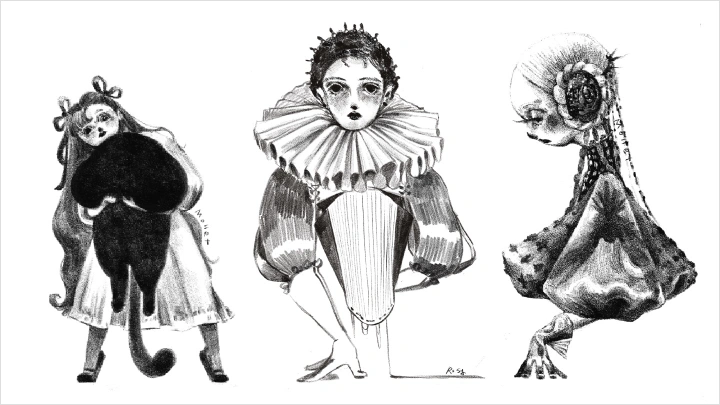
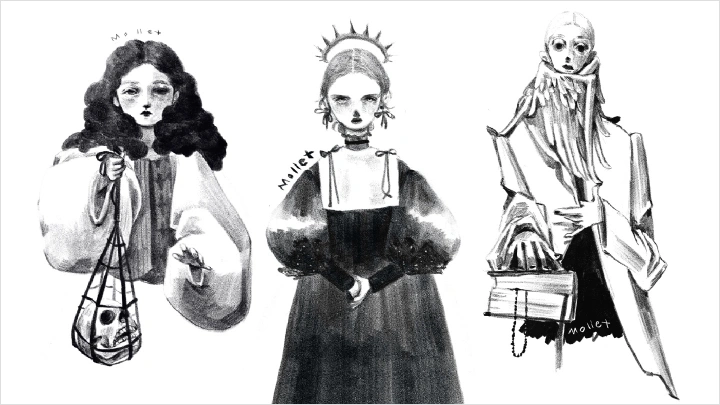
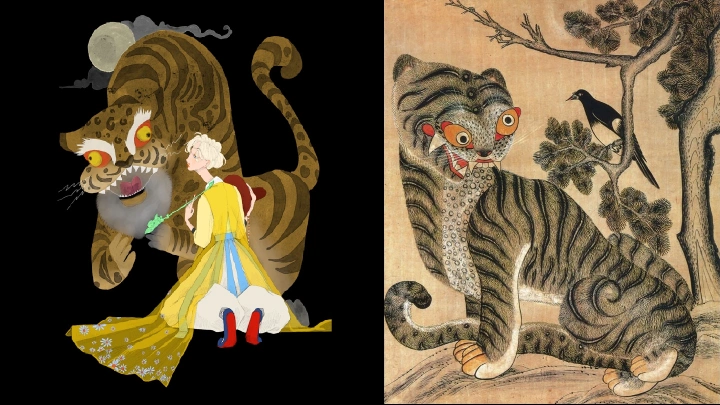
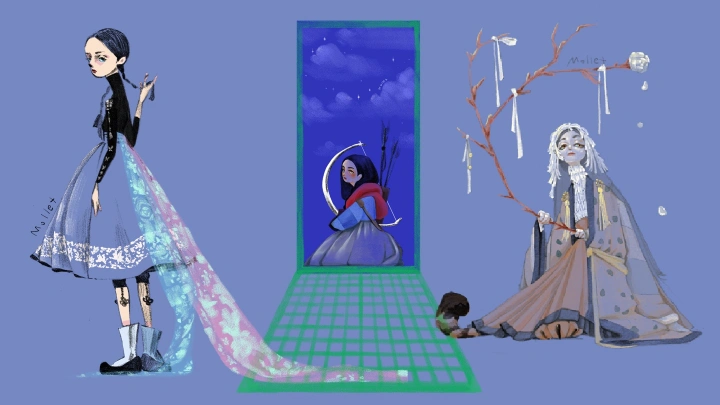




Learn from Rosy Mollet, a Korea-based illustrator and animator known for expressive pencil textures, limited color palettes, and myth-inspired storytelling. With vast experience in album art, music videos, book covers, and branded animations, Rosy Mollet now teaches the techniques behind a signature atmospheric style that brings creatures and worlds to life.
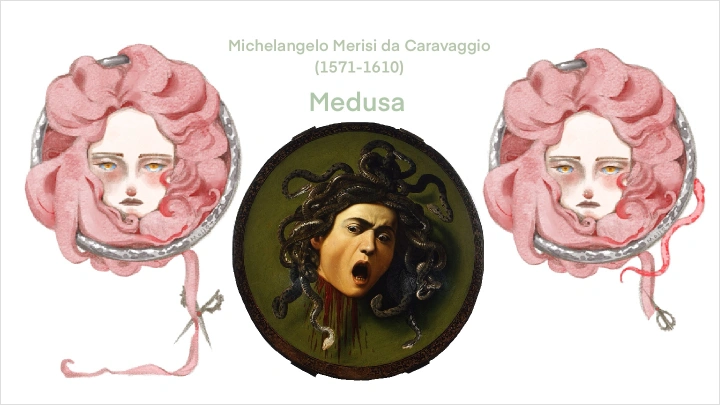
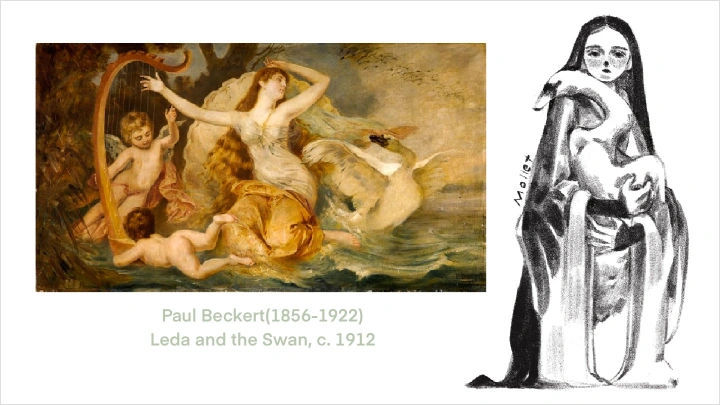

This course consists of two parts. Part 1 covers Western-myth-inspired black & white pencil drawings and rough animation, teaching depth, movement, and visual interest in monochrome. Part 2 focuses on Korean and Eastern myths, showing how to create color character designs and animations using a limited palette while maximizing emotional impact.
You won't just study design, animation, and myth-based worldbuilding. Master the art of storytelling with character designs and short animations, exploring both black-and-white and full-color styles. Your myth-inspired creatures will come alive in their own unique world, while you grow practical skills to apply in your own projects.
You won't just study design, animation, and myth-based worldbuilding. Master the art of storytelling with character designs and short animations, exploring both black-and-white and full-color styles. Your myth-inspired creatures will come alive in their own unique world, while you grow practical skills to apply in your own projects.
Class Preview
Still Not Sure?
Check Out Rosy Mollet's Class Preview!
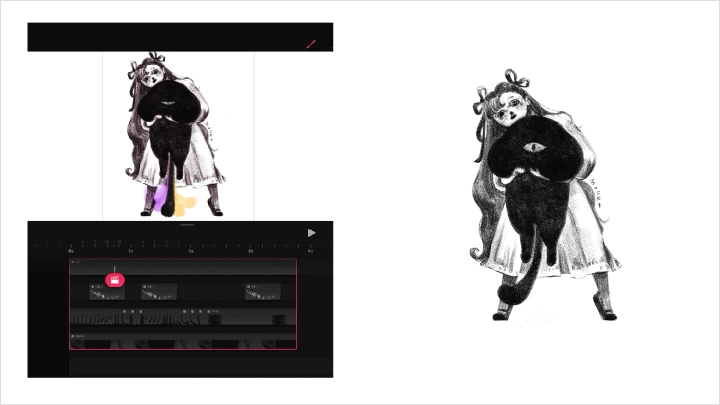
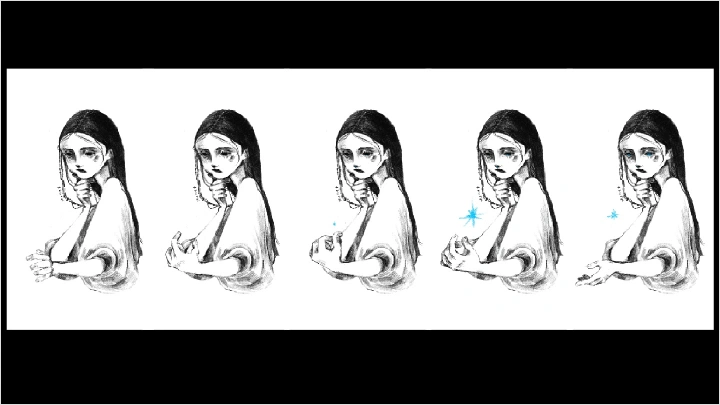
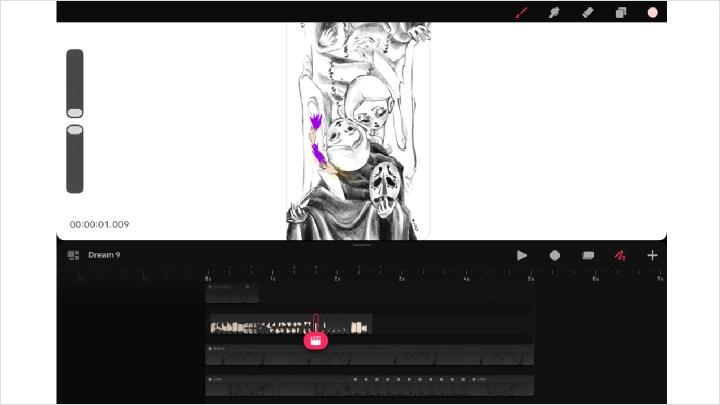
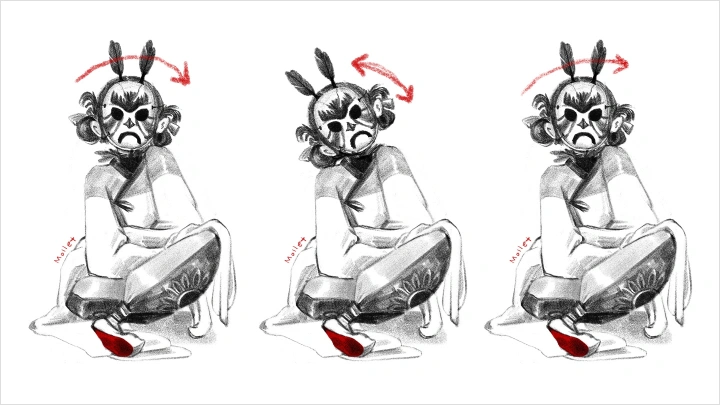
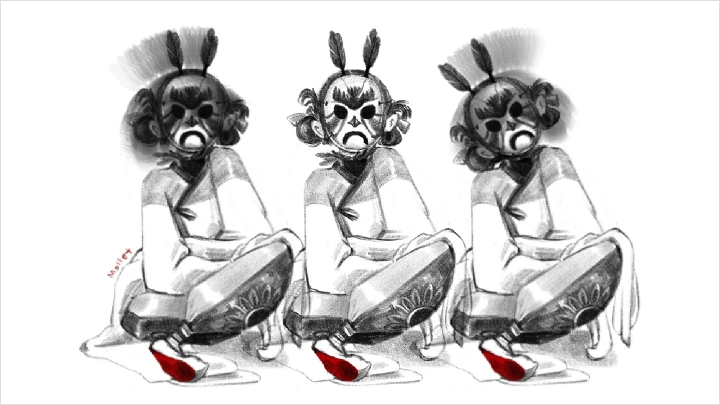
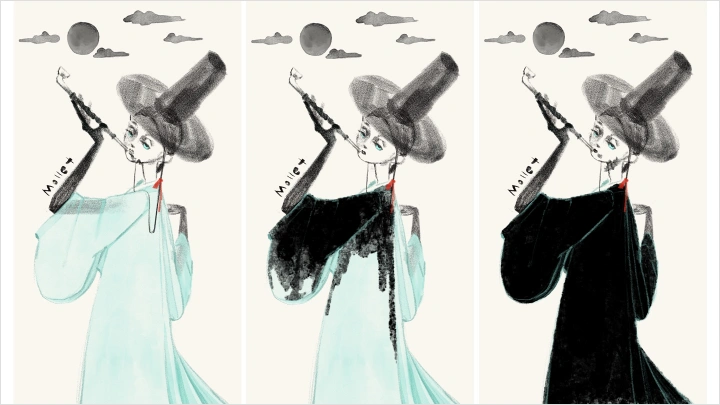
Chapter 10: Loop Animation Application 2
1. Explore movement and directional changes based on object textures
Class Perks
Special Gift from Rosy Mollet
Rosy Mollet's Brush Pack

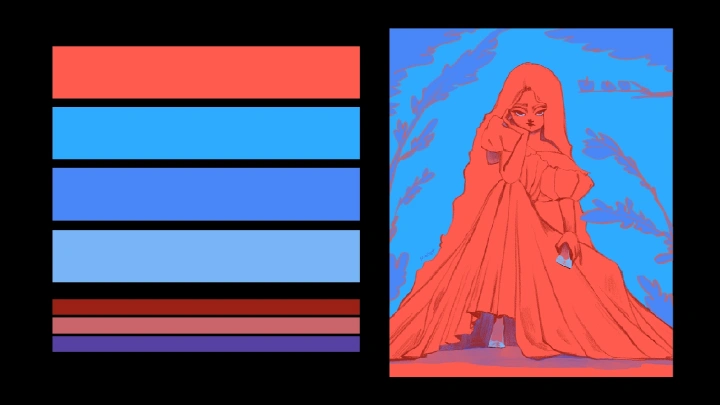
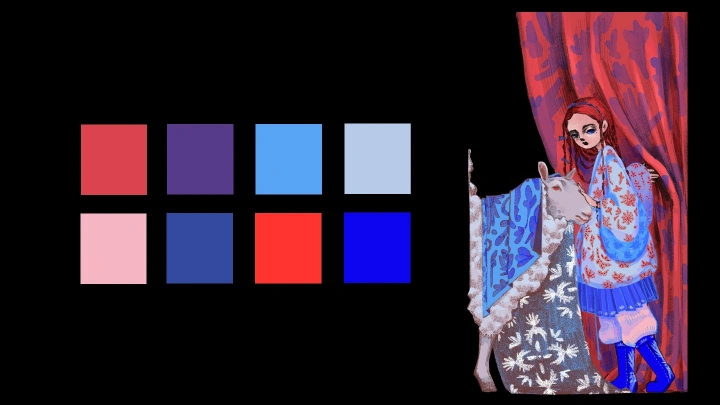
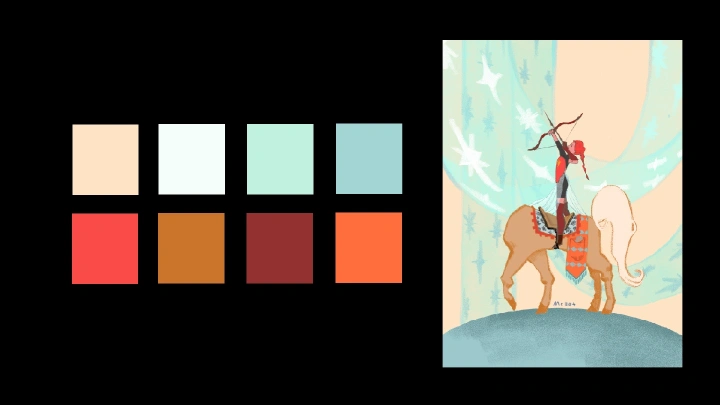
Rosy Mollet's 4 Color Palette Sets
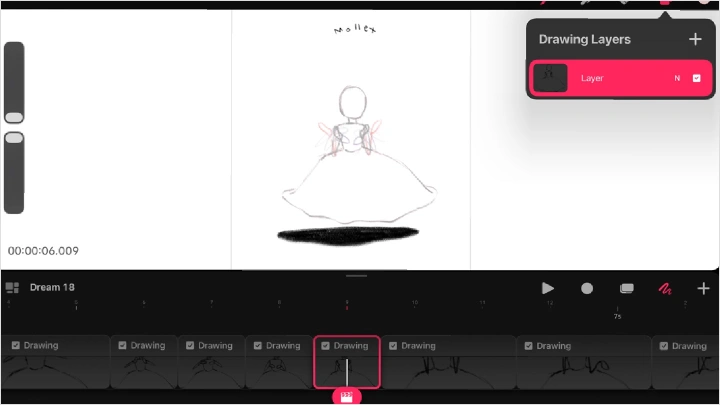
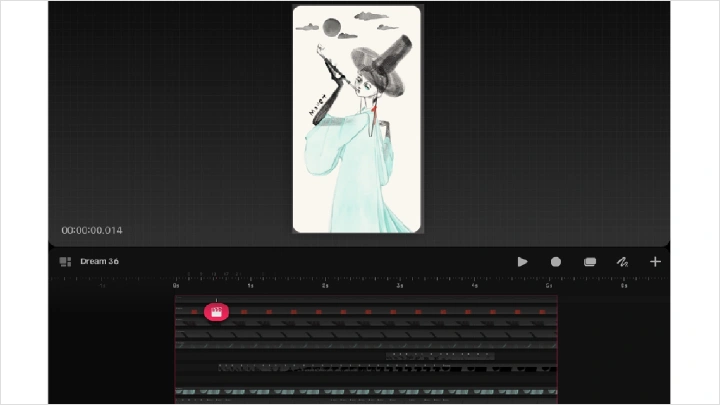
Procreate Dreams Animation Template & Work Files for Exercise Illustrations
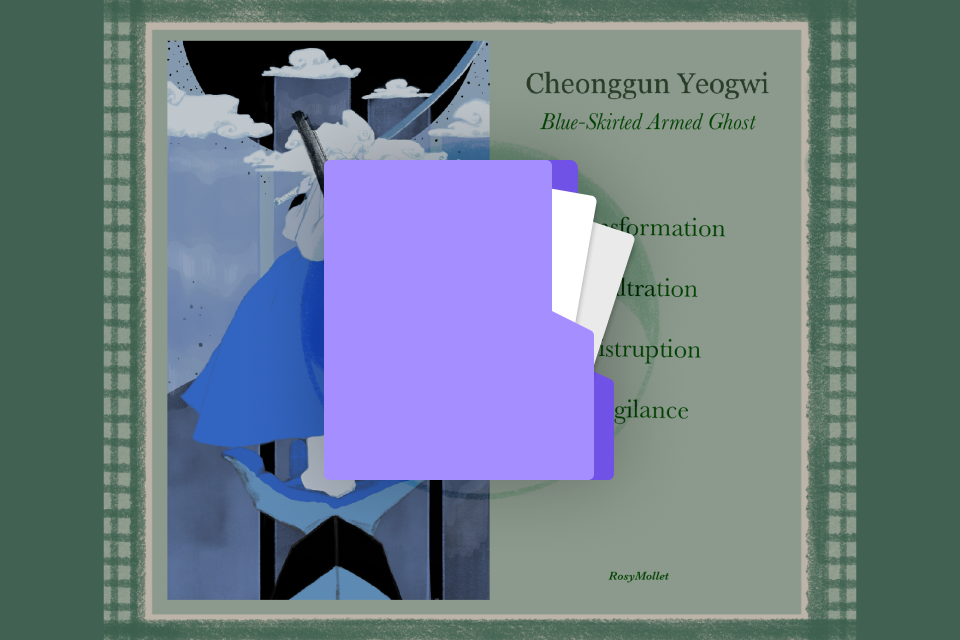
Coloso Exclusive Illustration Card
Class Material Details
-
 Custom Brush Collection- Custom digital brushes optimized for linework, shading, and texturing
- Includes specialty brushes crafted by the instructor, ideal for creating any kind of myth-inspired creatures -
 Custom Color Palette Collection- Curated color palettes to guide you through exercises, final characters, or animations
- Carefully chosen by the instructor to express more through your paintings, showing how to create impactful works even beyond the course -
 Animation Template- An animation layer template from Rosy Mollet's personal animation works
- PSD work files with organized layers and descriptions for concept illustrations inspired by Western mythology -
 Rosy's Original Illustration- 15 concept illustrations based on Korean and Western mythology, created for Coloso users
Recommendation
Who should take this class?
Adventurous artists who love exploring new techniques and finding fresh ways to express emotion in their work.
Illustrators who want to bring their drawings to life with animation, enhance storytelling, and develop a unique visual style.
Animators who aim to create atmospheric, stylized animations inspired by mythological illustrations and stories.
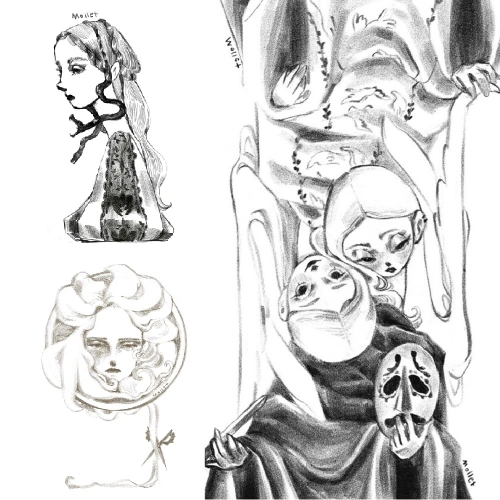
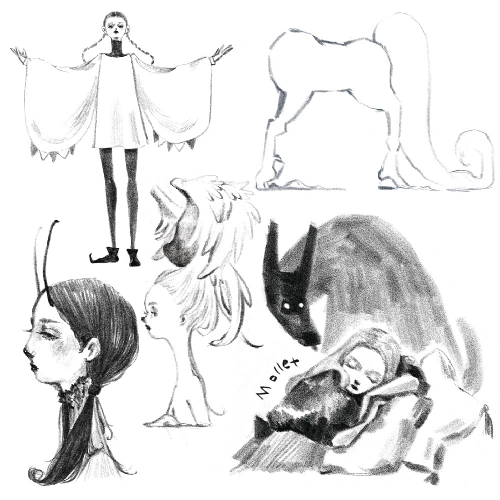
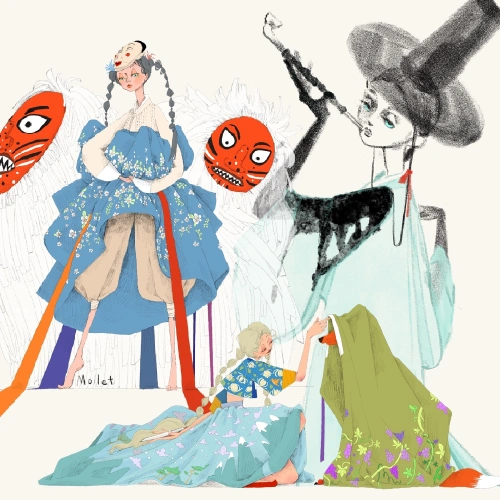
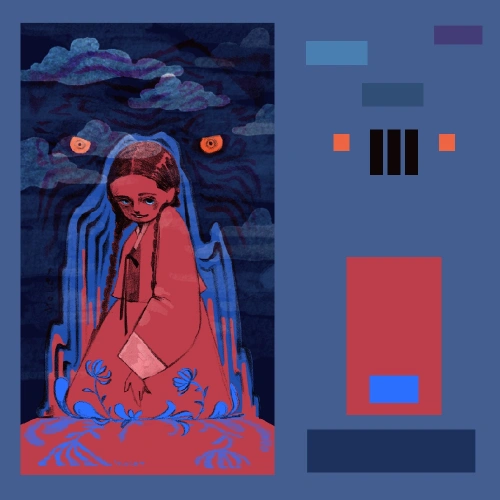










Expert 2D Animator Rosy Mollet's Portfolio













Why Take This Class?
Explore a unique approach to emotional storytelling. Learn how to convey mood and narrative through textures, movement, and symbolic details instead of relying on facial expressions. You'll create scenes that feel emotionally rich even with minimal character expression.
Focus on character and creature design that emphasizes relationships and dynamics. Consider predator and prey, leadership and following, or the balance of life and death. This perspective will help you develop designs that are more meaningful and story-driven, going beyond simple aesthetics.
Lastly, learn to develop a strong visual impact using a limited color palette. Try working with fewer than ten colors and focus on contrast and accents. These strategies allow you to create cinematic atmospheres with minimal tools, giving your myth-inspired worlds a vivid and immersive presence.
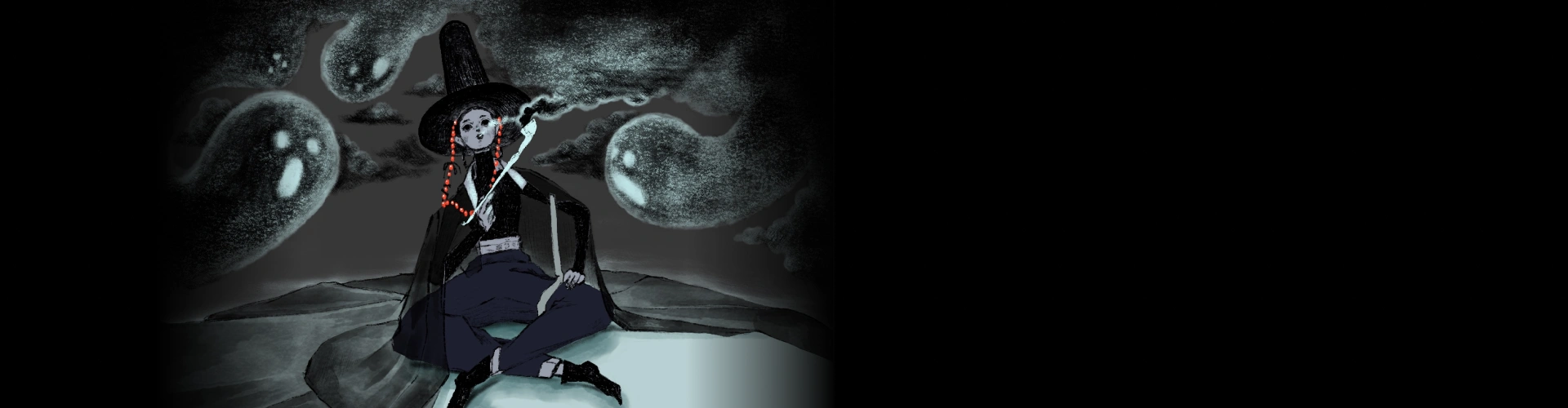
Get Ready for the Real-World
21 Class Exercises
-
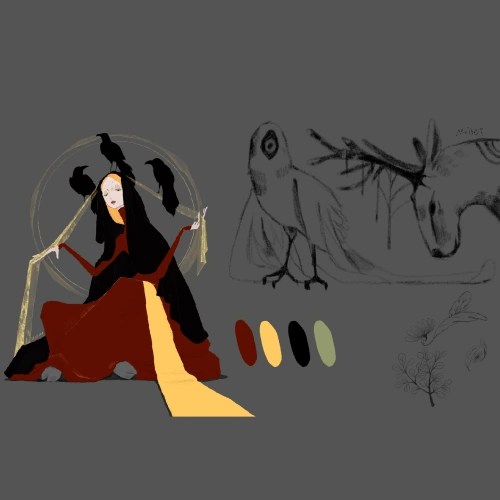 Western Myth-Based Mood Board & Rough Sketch
 -
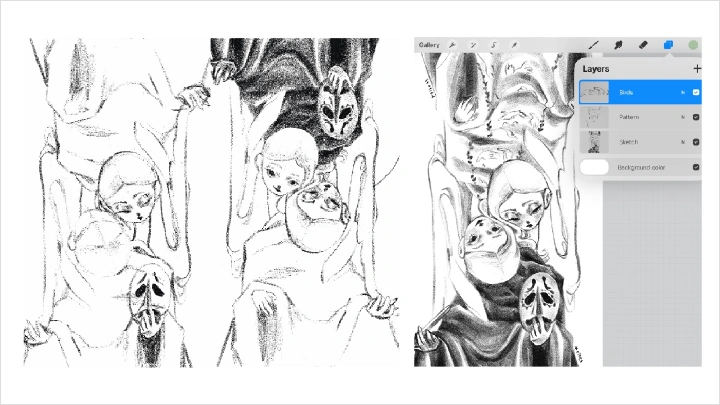
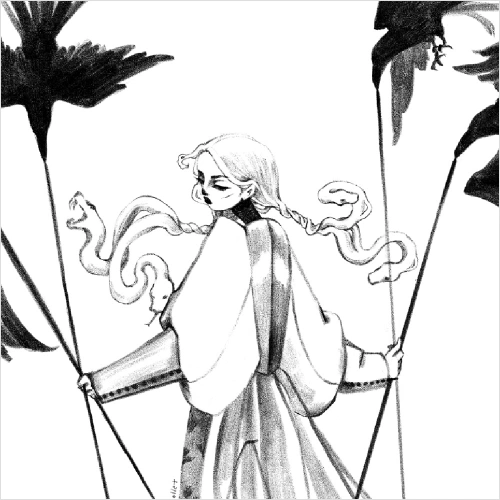 Character Drawing with Rough Pencil Brush
 -
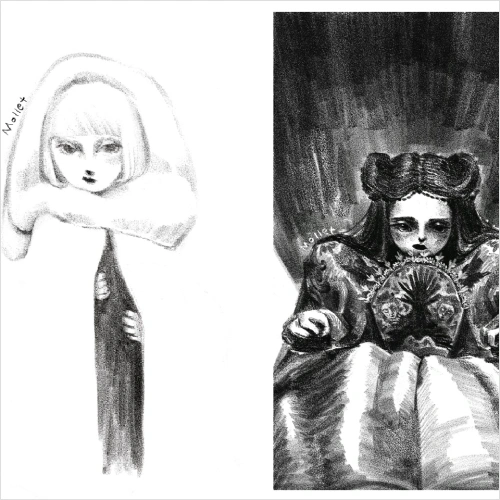 Experimenting with Light & Shadow
 -
Adding Accent Elements
-
Background Development
-
Black & White Loop Animation
-
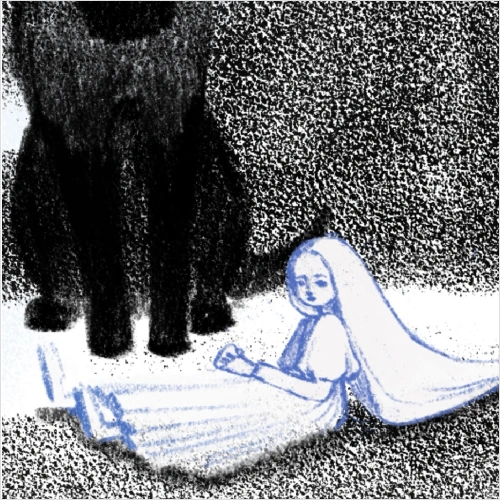 Original Character Development – Final Project 1
 -
Original Character Animation – Final Project 1
-
Polishing & Rendering – Final Project 1
-
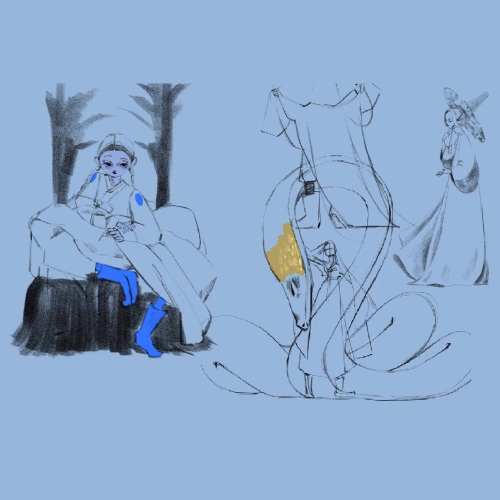 Korean Myth-Based Mood Board & Rough Sketch
 -
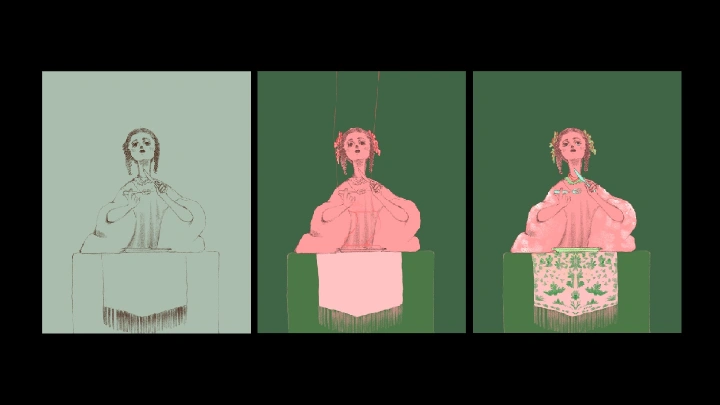
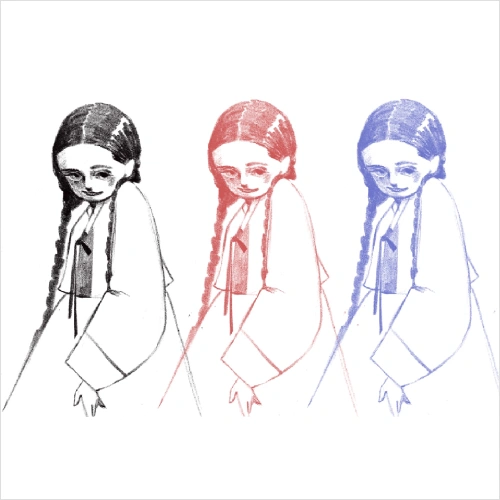 Character Drawing with Color Pencil Brush
 -
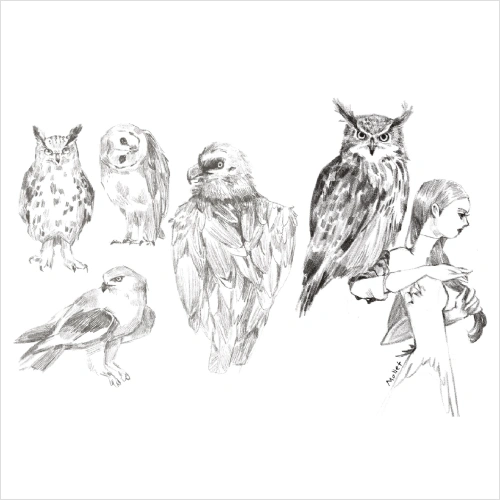 Sidekick Character Drawing with Color Pencil Brush
-
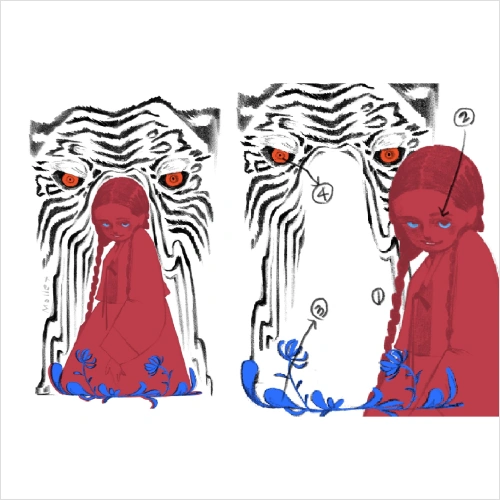 Scene Color Blocking & First-Pass Coloring
 -
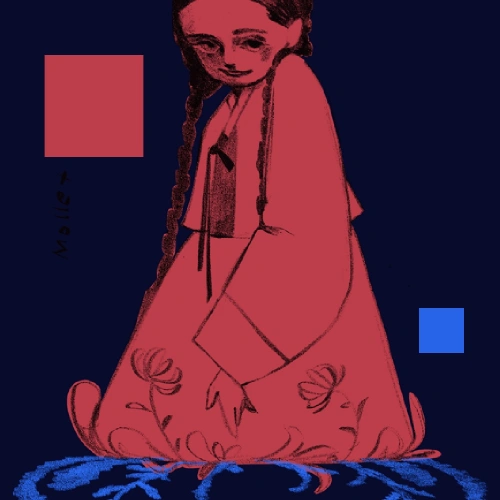 Complementary Color Experiment
 -
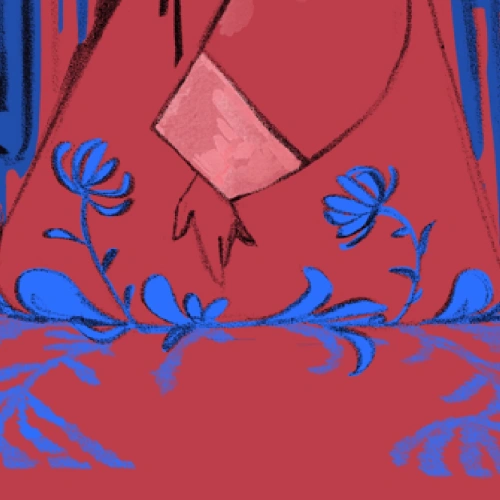 Second-Pass Coloring
 -
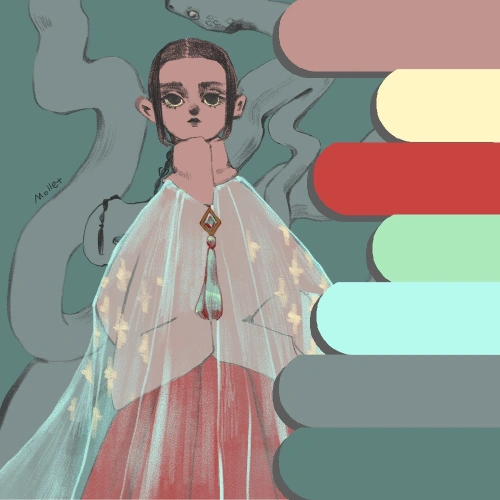 Composing a Personal Color Palette
-
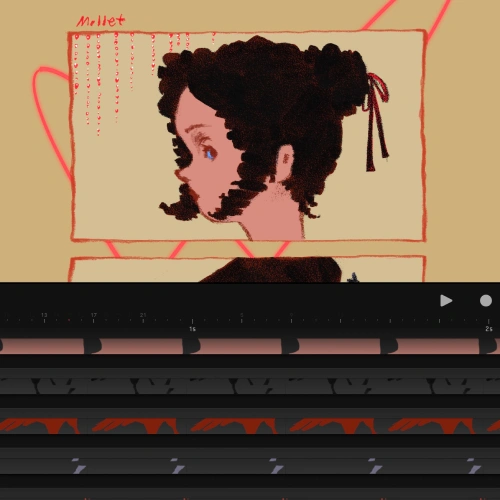 Sketch Framing & Color Framing
 -
Color Loop Animation
-
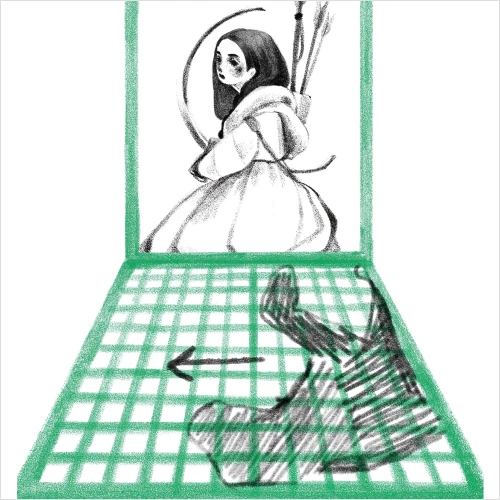 Original Character Animation – Final Project 2
 -
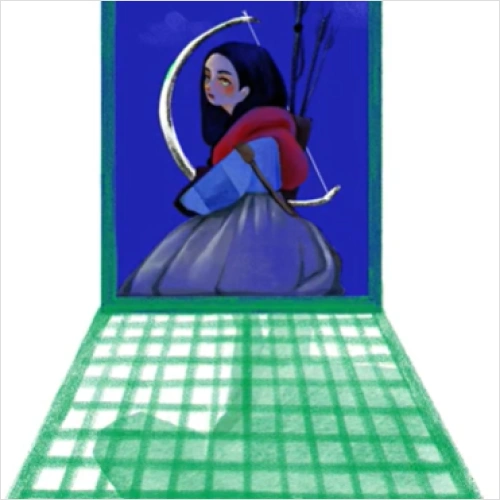 Scene Development – Final Project 2
 -
Polishing & Rendering – Final Project 2
Final Product Examples
-
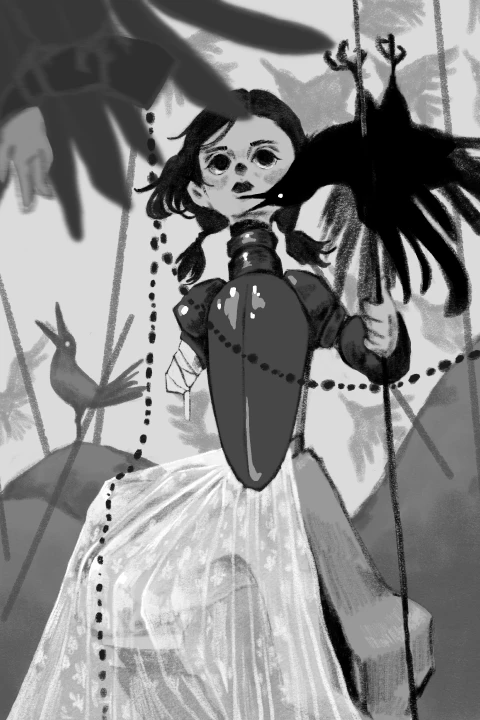 Black & White Character Design
 -
Black & White Short Animation
-
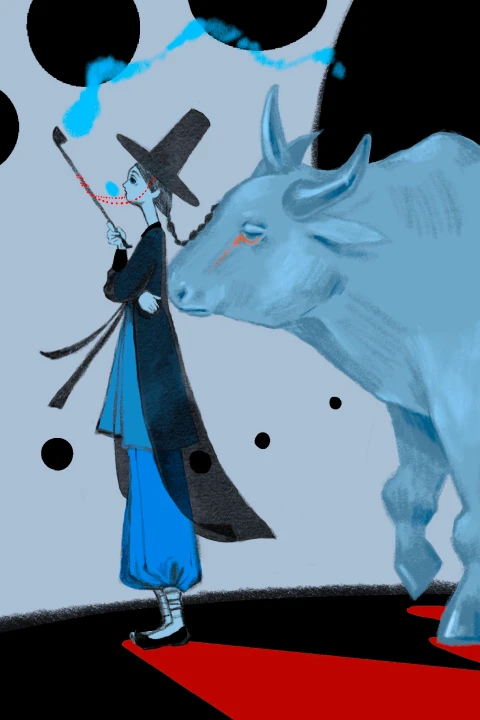 Color Character Design
 -
Color Short Animation
Highlights
Class Highlights
Expressive Pencil Textures
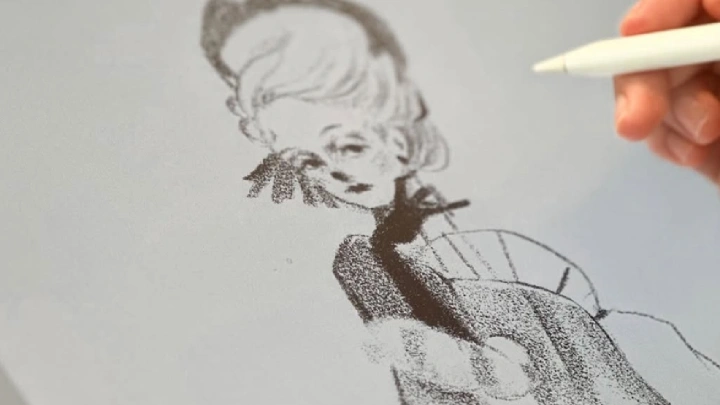
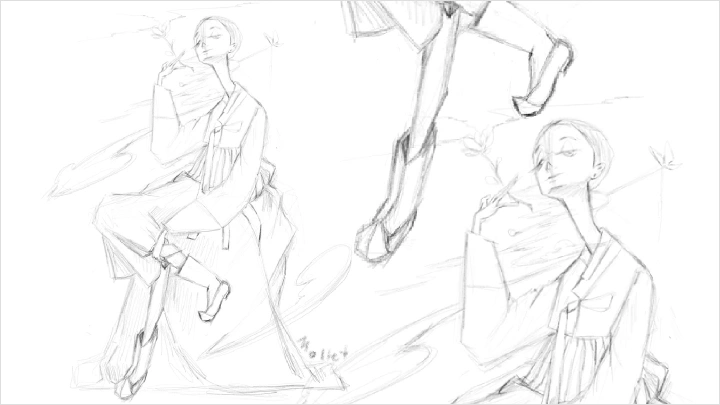
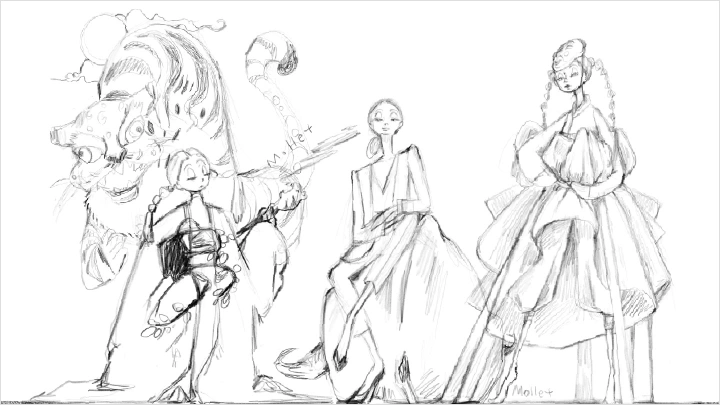
Learn how to use rough pencil strokes, pressure variation, and minimal refinement to create emotional depth. Instead of relying on clean, polished lines, we’ll explore how texture itself becomes part of the storytelling.
Dramatic Expression With Limited Color
Discover how to create powerful visual impact with a limited color palette. We’ll explore intentional color placement, contrast strategies, and efficient color use in animation. In the end, you will be able to use colors to deliver intended message and emotion.
Designing Characters with Contexts
Discover how to design characters through the context they live in. By studying myth-inspired relationships—predator and prey, leader and follower, life and death—you’ll create creatures shaped by the worlds and dynamics around them.