2danimator,lamoon_ZH Details
Intro
Class Intro
2D Animator, Lamoon
Create Your Own Independent Animation Through the Authentic Japanese Production Pipeline
Learn how to build an entire animation on your own by following the same production process used in Japanese studios. Lamoon, who worked as a key animator on global titles such as One Piece, Bleach, Arknights, and various Netflix projects, shares the complete workflow of professional animation production. From planning and storyboarding to key animation, effects, shooting, and compositing, you will understand how each stage connects and how a full animation cut is constructed from start to finish. This course restructures the studio pipeline into a practical system that independent creators can realistically follow.
Using Clip Studio Paint and After Effects, you will learn how to complete polished, high quality animation cuts on your own by combining smart planning with efficient production methods. Discover where to simplify, how to save time, and how to use tools and compositing to achieve results that feel professional even without a team. Turn the scenes you have imagined into a finished independent animation and build your own short sequence with guidance from an industry animator who has mastered both studio work and solo creation.
Class Preview
Still Not Sure?
Check Out Lamoon's Class Preview!
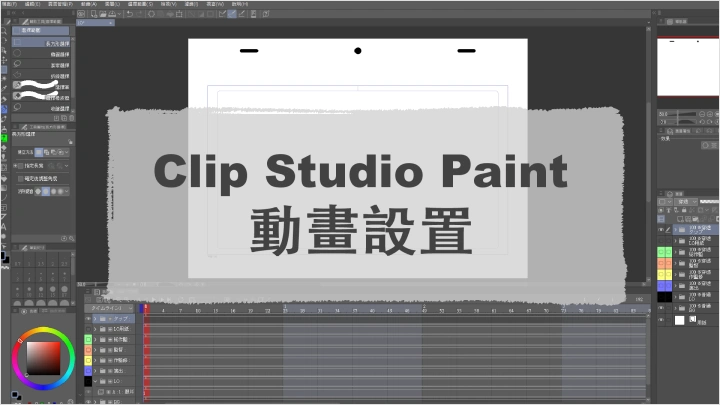
09. Creating Templates & Exporting Animations
- Understand the purpose of using templates
- Create templates customized for your workflow
- Set up and optimize animation export
- Create templates customized for your workflow
- Set up and optimize animation export
Class Perks
Get These Coloso Exclusives
-
 Your Personal Animation Completion PipelineCore Lecture Materials PDF
 -
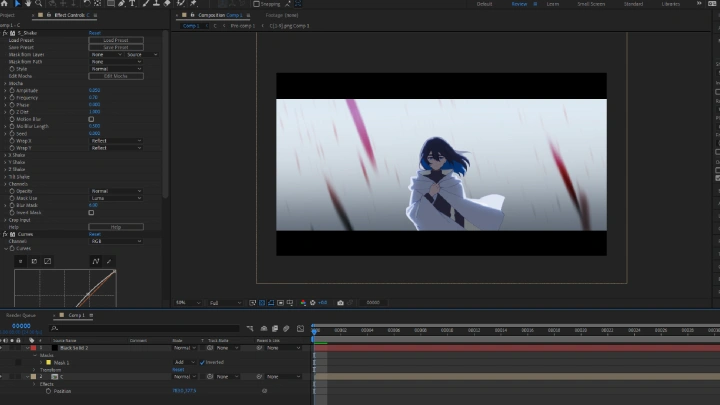
 Hands-on Practice with Editable TemplatesAfter Effects Compositing Project File
 -
 For Drawing, 3D, Post-production and SFXCurated List of Recommended Asset Sites
Recommendation
Who should take this class?
Beginners and Hobbyists who want to create their first independent animation
Aspiring and Junior animators who want to understand the full animation production pipeline
Creators and Illustrators who want to bring their original characters to life
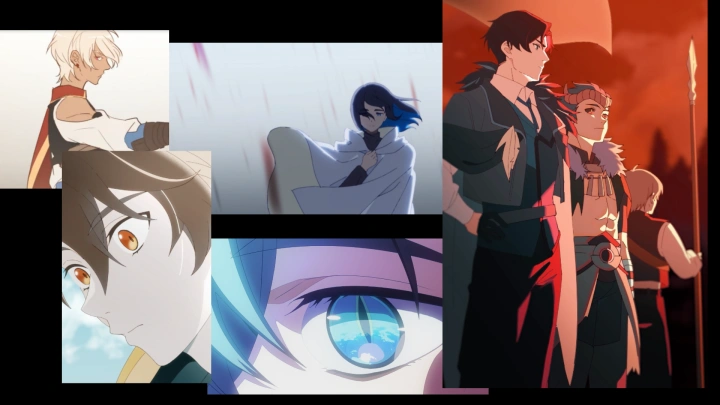
Expert 2D Animator Lamoon's Portfolio
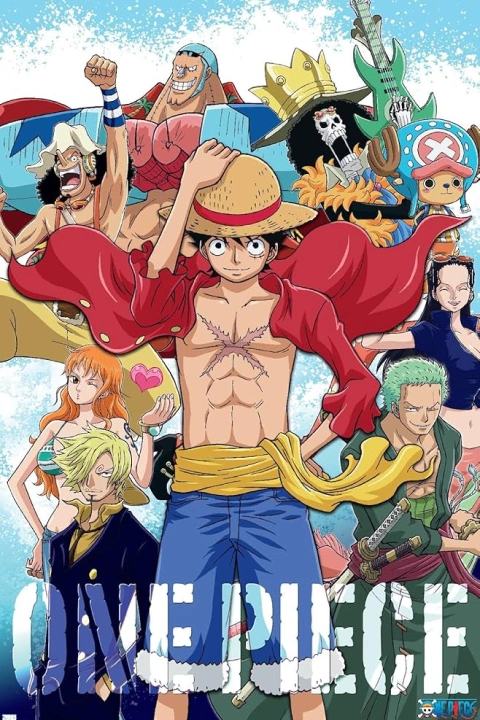
【ONE PIECE】
Layout & Key Animation
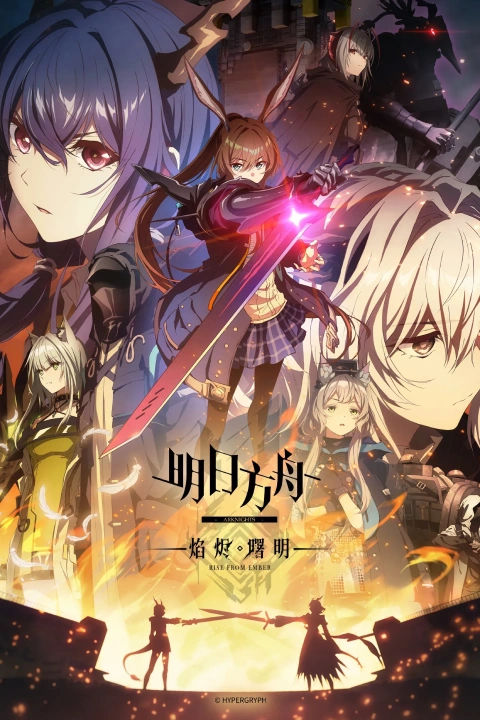
【Arknights】
Layout & Key Animation
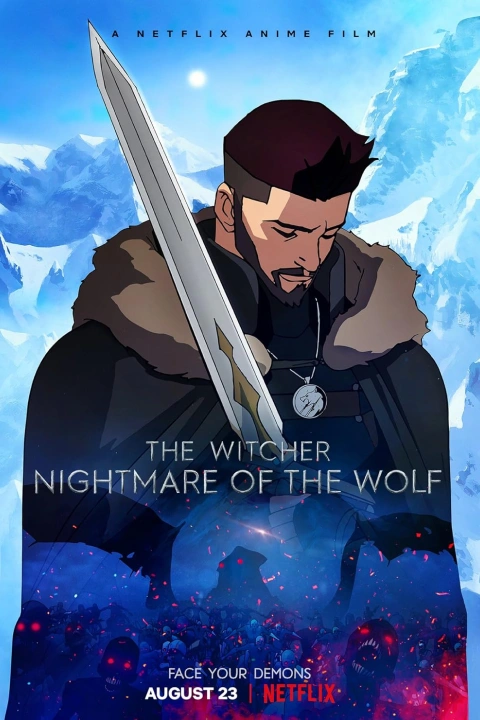
【The Witcher: Nightmare of the Wolf】
Layout
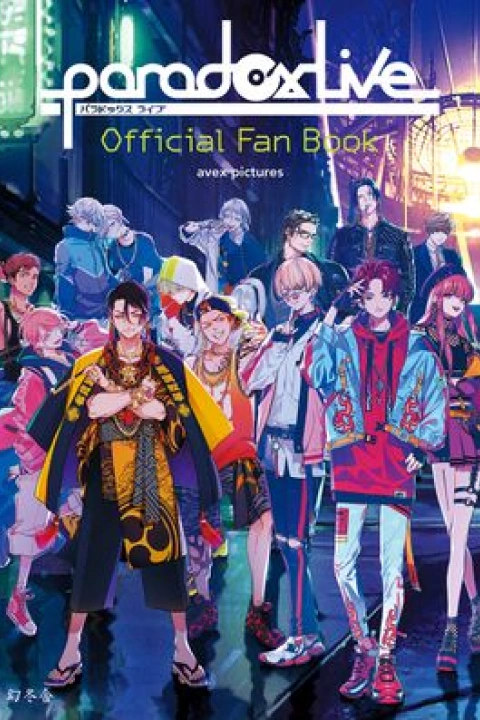
【Paradox Live】
Layout & Key Animation
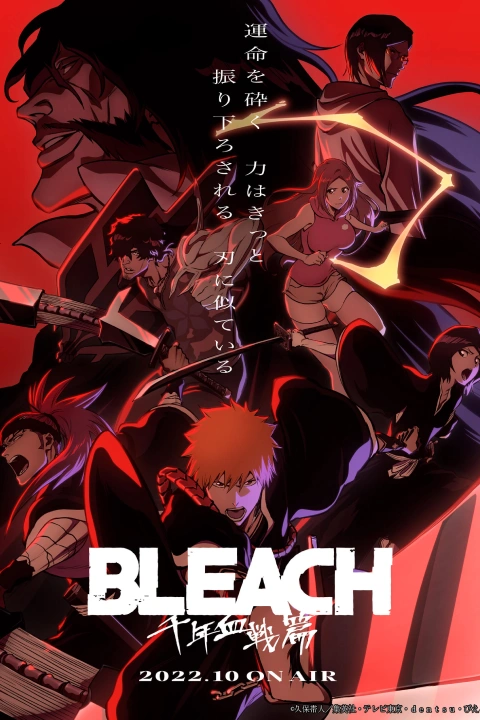
【BLEACH: Thousand-Year Blood War】
Layout
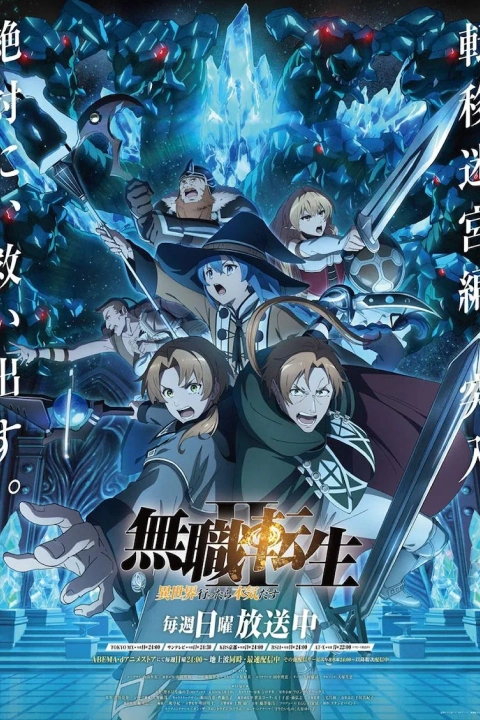
【Mushoku Tensei II】
Layout & Key Animation
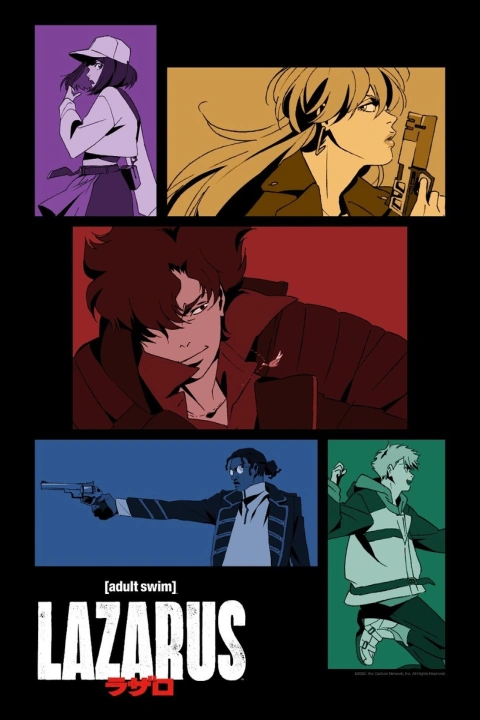
【LAZARUS】
Layout & Key Animation
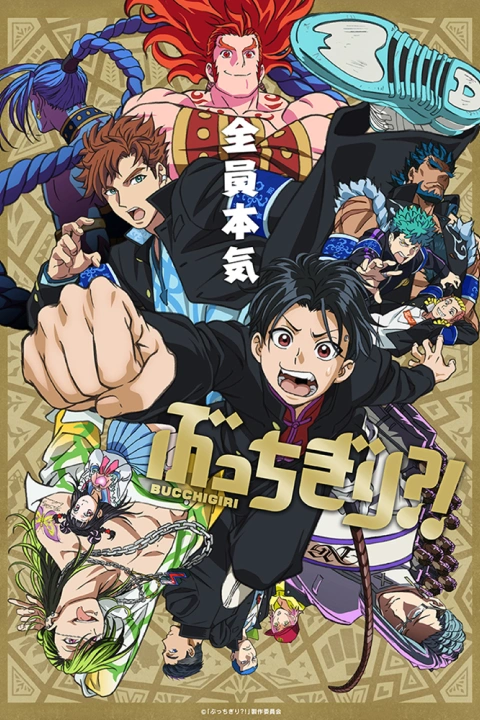
【BUCCHIGIRI?! 】
Layout & Key Animation
League of Legends【 Everything Goes On】MV
Layout
ReGLOSS【Feeling Gradation】OFFICIAL MV
Layout & Key Animation
Why Take This Class?
Experience Lamoon’s practical creation curriculum, shaped by years of professional key animation work and widely loved character-centered projects including VTuber, fan animations, and Japanese animations. With expertise that bridges both studio-level production and independent creation, Lamoon teaches the essential skills of acting, directing, timing, and compositing that make animated characters feel alive.
Go beyond theory and tool tutorials, and learn how to complete solo animation cuts with convincing character movement and performance. Lamoon reveals a practical, production-tested workflow designed specifically for one-person creators—showing how to balance quality, efficiency, and artistic intent from start to finish. Discover the full independent animation pipeline and learn the creative decision-making behind it, all inside Coloso’s exclusive class with Lamoon.
*The images used in this section are fan art and are not used for commercial purposes.

Get Ready for the Real-World
23 Class Exercises
Part 1. Clip Studio Paint Basics
-
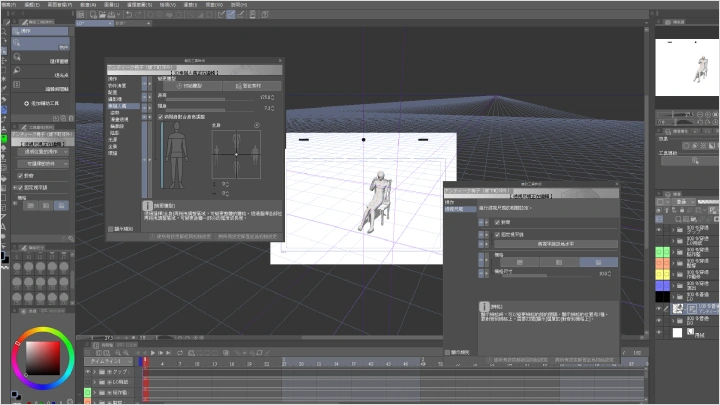
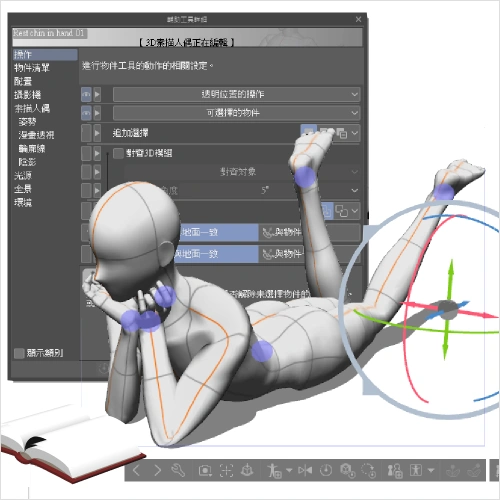 3D Materials and Perspective Lines
 -
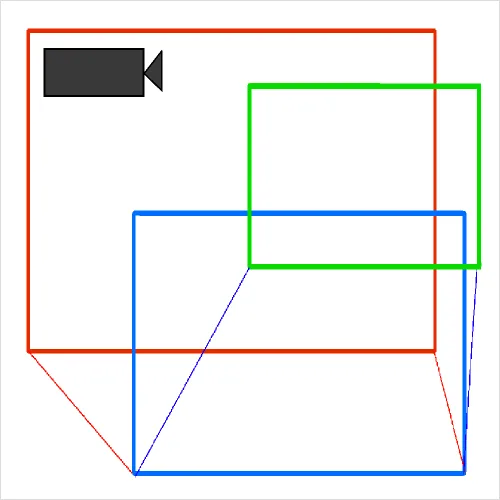 Animation Camera
 -
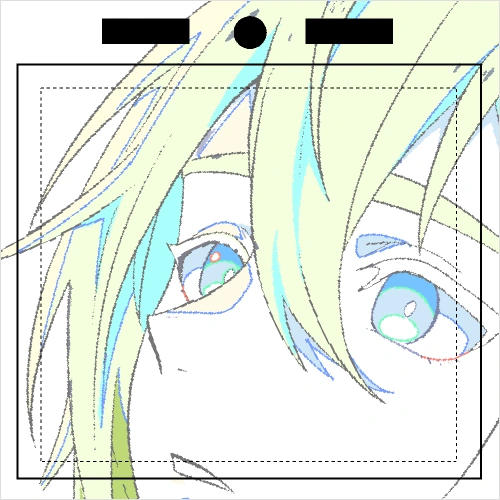 Template Creation and Animation Export
Part 2. Pre-production
-
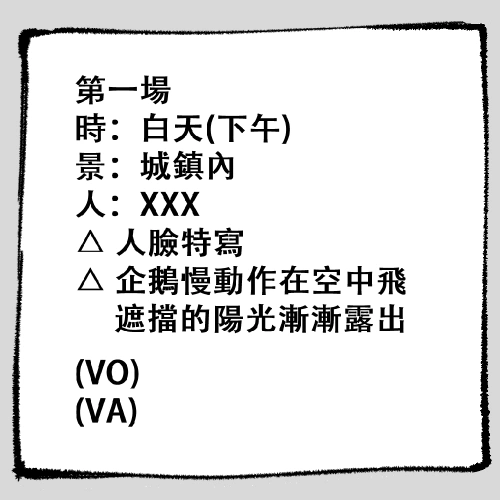 Script
 -
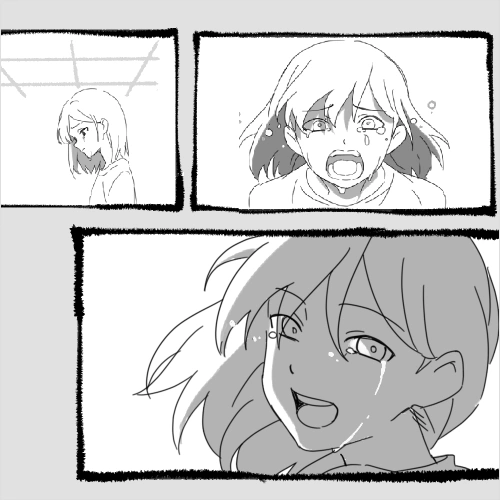 Direction Approach
 -
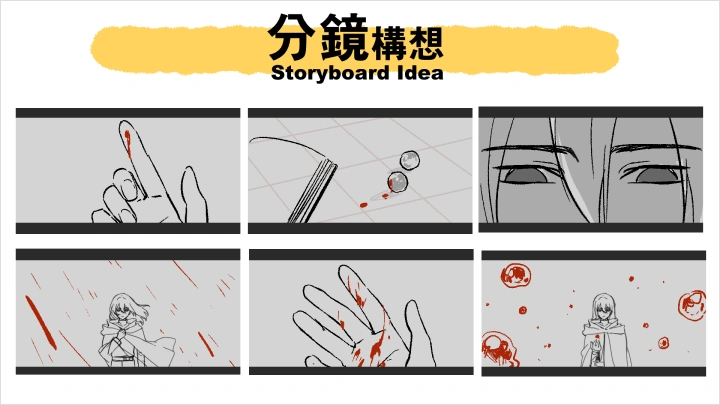
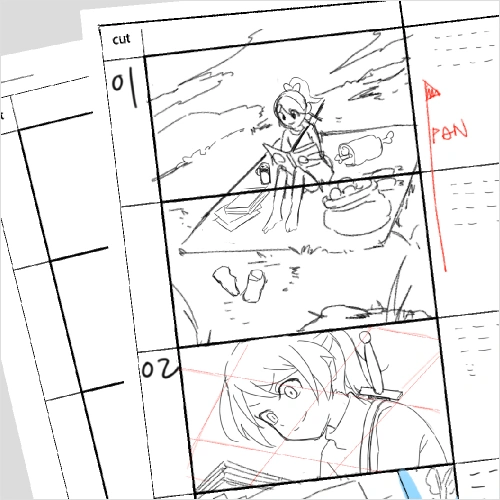 Storyboard
-
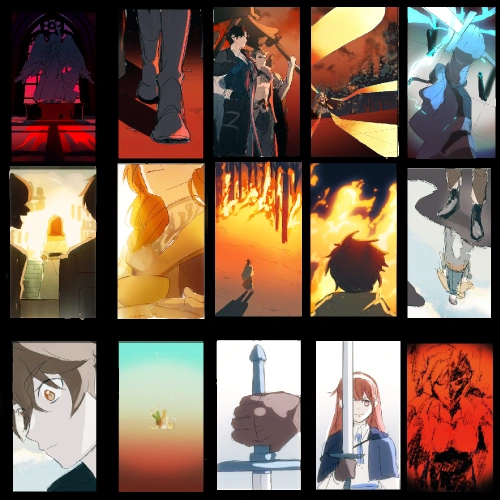 Color Script
 -
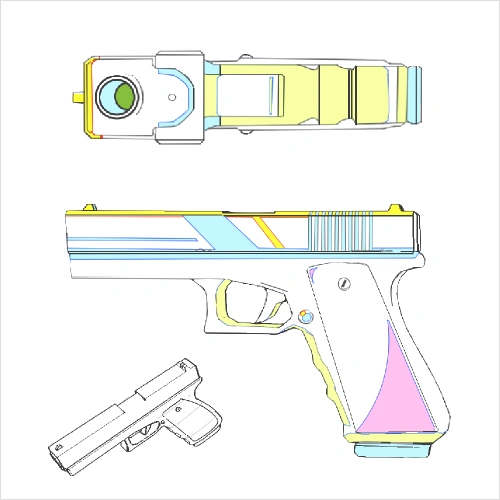 Visual Development
 -
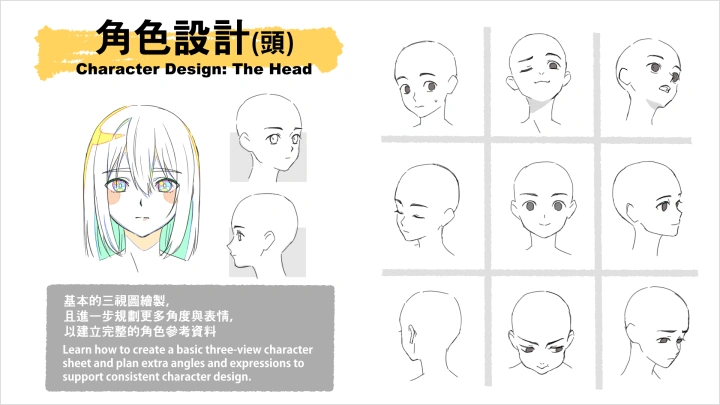
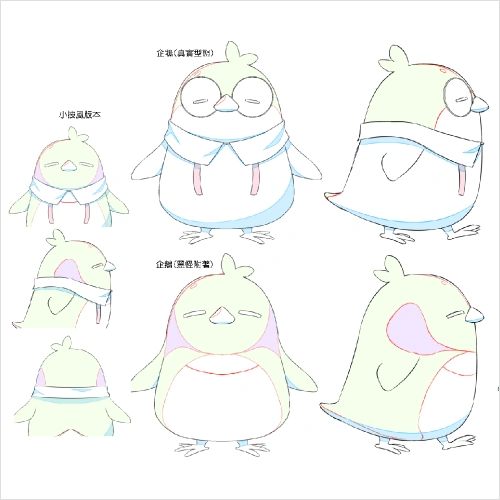 Character Design
 -
Animatic
Part 3. Main-production
-
12 Principles of Animation
-
Anticipation, Follow-through & Overlapping Action
-
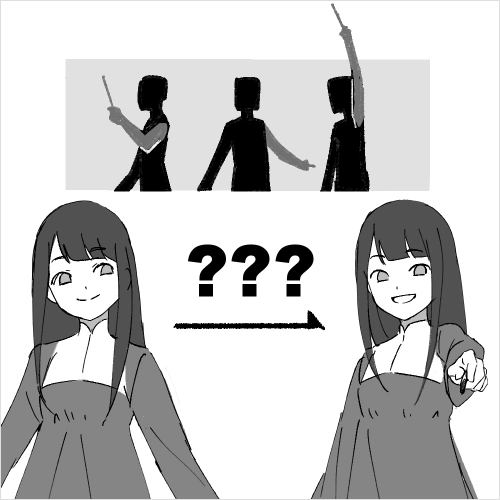 Character Acting
-
Basic Facial Animation
-
Daily Action Animation
-
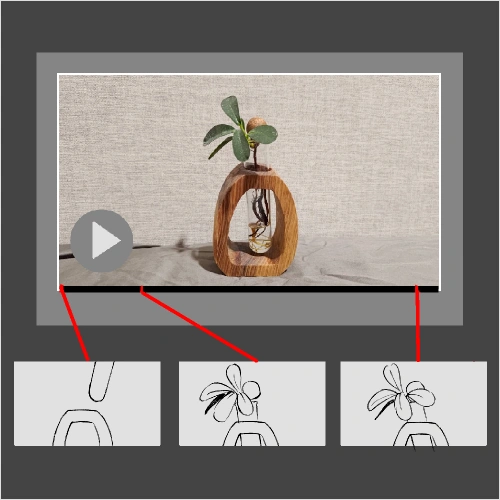 Rotoscoping
 -
VFX
-
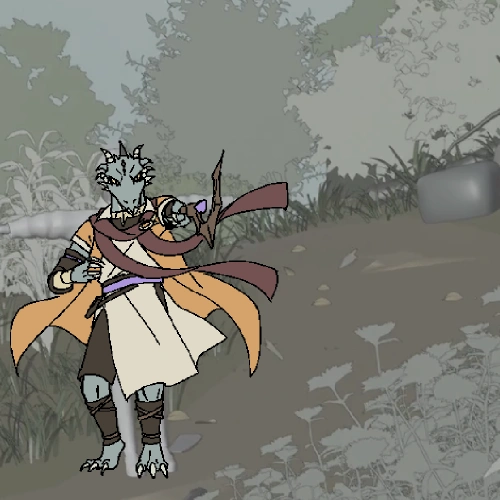 Characters & Environment
 -
 2nd Key Animation (Clean-up)
 -
In-betweens & Coloring
Part 4. Post-Production
-
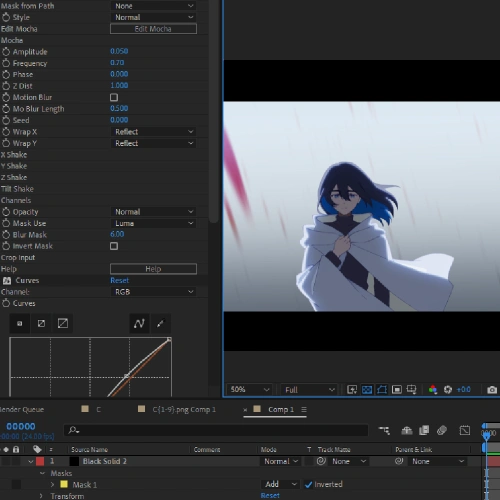 Animation Camera
 -
Compositing
-
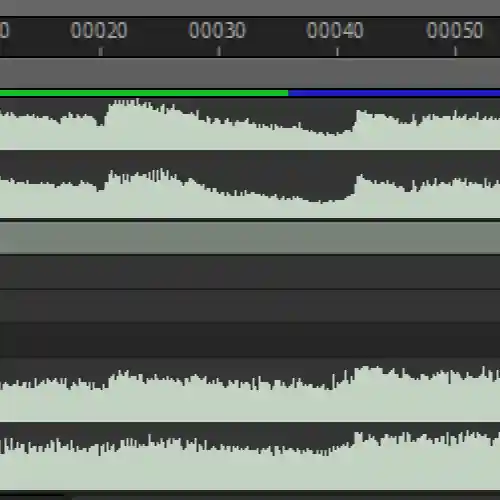 Music & Sound Effects (SFX)
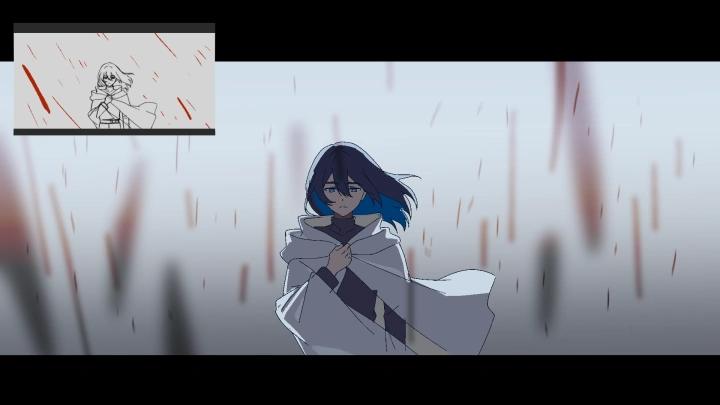
Final Product Example
*The above images are sample images for a better understanding.
Highlights
Class Highlights
Bring Your Original Character to Life Through Independent Animation Production
Turn your Original Character into a fully animated performance. From planning and storyboarding to key animation, motion, effects, and compositing, learn the complete one-person animation workflow. Using Clip Studio Paint and After Effects, transform your ideas into expressive acting, natural movement, and polished final cuts. Experience the full journey of making your own character truly come alive on screen.
Master the Real Production Workflow Behind Japanese Animation Studios
Learn from an industry animator whose key animation work includes major Japanese titles like One Piece and Bleach. Understand how professional key animators plan, structure, and refine their cuts through practical standards such as layout decision-making, storyboard logic, key animation guidelines, correction processes, and optimization techniques. Go beyond software tutorials and gain a clear grasp of how studio-quality animation is actually produced.
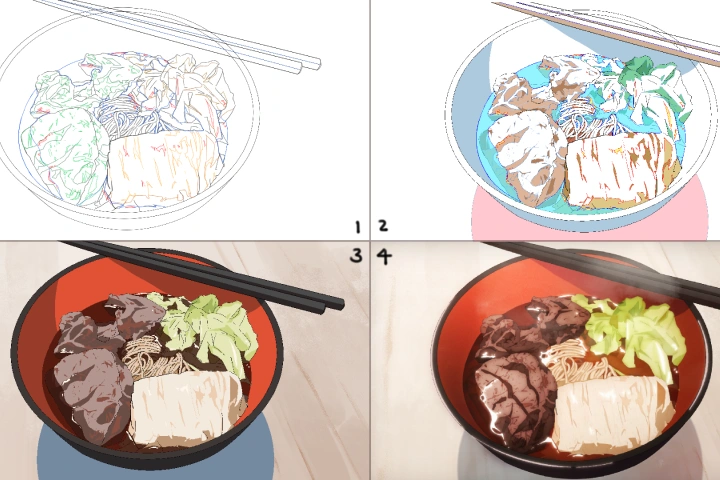
Creat Your Own Animation Cuts for a High-Quality Portfolio
Create your own creative animation scenes that demonstrate both artistic impact and technical credibility. Follow a full pipeline covering concept development, character design, animation, FX, color, shooting, and compositing to complete a commercial-level cut. Craft animation that reflects your Original Character, storytelling, and directing style, and build a portfolio that opens opportunities to participate in the professional works you love.