Details
Introducción
La Roadmap completa desde los fundamentos de Spine y Unity hasta conseguir el trabajo de tus sueños en la industria de los videojuegos.
Ve más allá de la animación básica para crear piezas de portafolio que destaquen y te ayuden a conseguir trabajo. Domina el flujo de trabajo Spine-to-Unity utilizado en la producción de videojuegos reales. Aprende directamente de los 9 años de experiencia comprobada de D-LiuRouDuan para convertirte en un animador listo para la producción.
¿Eres nuevo en estas herramientas? Aun así, lograrás resultados profesionales en poco tiempo. Empieza desde lo básico y avanza hasta animaciones de combate impactantes para juegos de rol de acción y secuencias dinámicas esenciales para juegos de estilo subcultural. Basado en métodos probados y compartidos con más de 800 estudiantes exitosos, este curso te ayuda a adquirir técnicas prácticas rápidamente y aplicarlas de inmediato.
Beneficios del curso
Consigue estas exclusivas de Coloso
-
 Acceso ilimitado a 26 conferenciasCon la experiencia de D-LiuRouDuan
 -
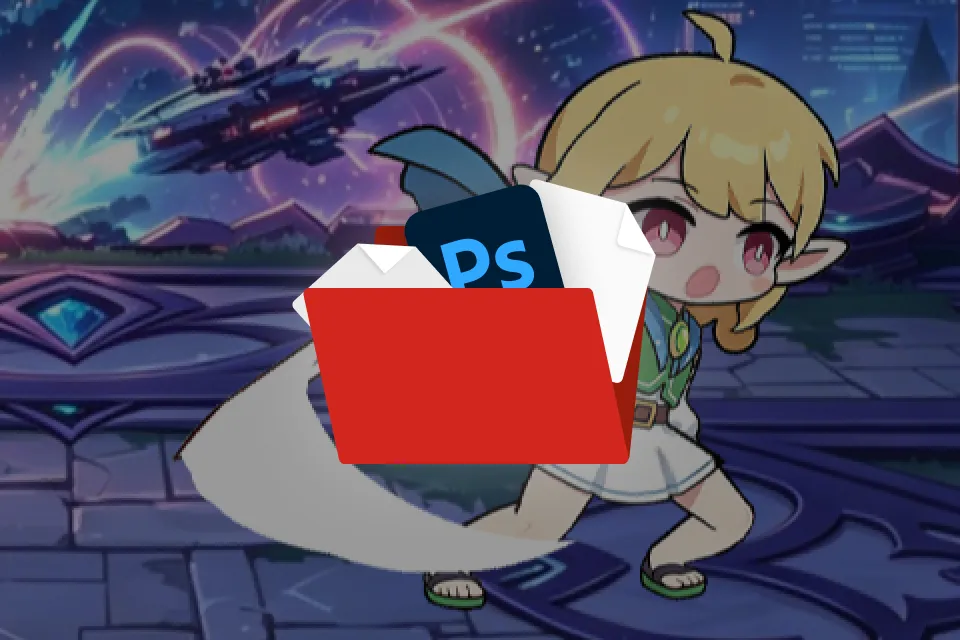 Archivos originales PSD y de origen del lomoPara flujos de trabajo profesionales y autoverificación
 -
 Diapositivas de resumen esenciales (PPT y PDF)Conocimientos básicos integrales de un vistazo
Recomendación
¿Para quién es este curso??
Estudiantes y principiantes de animación que buscan un portafolio profesional basado en la columna vertebral.
Artistas conceptuales y diseñadores que buscan ampliar sus set a través de la animación.
Desarrolladores independientes buscan implementar animaciones de columna vertebral en juegos reales.
Portafolio del diseñador de motion graphics experto D-LiuRouDuan
¿Por qué tomar este curso?
Supera las limitaciones visuales con un dominio técnico excepcional. Aprende del líder de animación de Kunpo y desarrolla la doble mentalidad de artista y programador: una de las habilidades más demandadas en la industria. Desde el movimiento de personajes y los efectos visuales de habilidades hasta la optimización de Unity , cada lección se centra en las exigencias de la producción real.
Este sistema ha impulsado un juego con más de 10 millones de usuarios activos diarios, y ahora puedes dominarlo. Trabaja en tres proyectos prácticos distintos: combate dinámico, dirección de cinemáticas y configuración del Engine con optimización a nivel de producción, guiado por un veterano que lideró producciones a gran escala. El estándar no es solo "tener buen aspecto"; es "estar listo para su lanzamiento". Dominarás no solo los aspectos visuales, sino también las rigurosas configuraciones del Engine y los flujos de trabajo de optimización necesarios para lanzamientos de juegos reales, y los harás tuyos.

Ejercicios de CLASS
24 ejercicios de CLASS
PARTE 1. Dominando el flujo de trabajo principal
Guía para principiantes
-
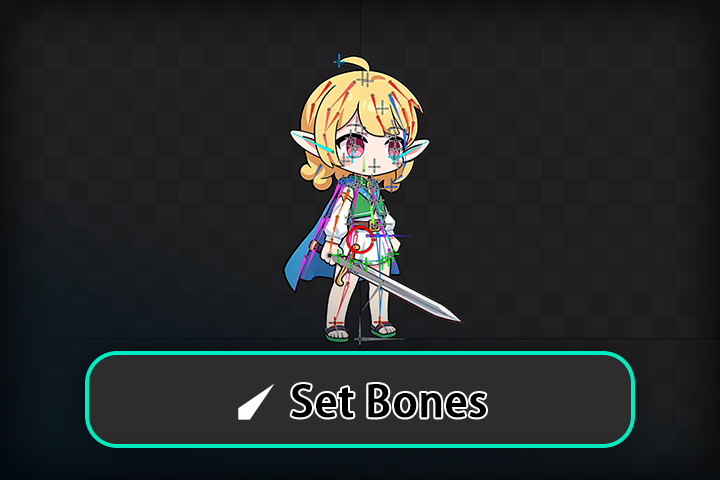 Cómo crear un esqueleto completo para tu personaje.
 -
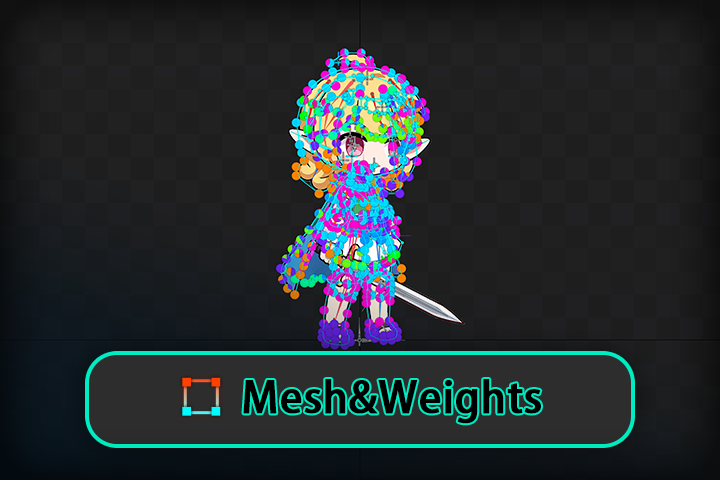 De "Marioneta" a "Persona de carne y hueso"
PARTE 2. Entrenamiento intensivo sobre las características de la columna vertebral.
Fundamentos
-
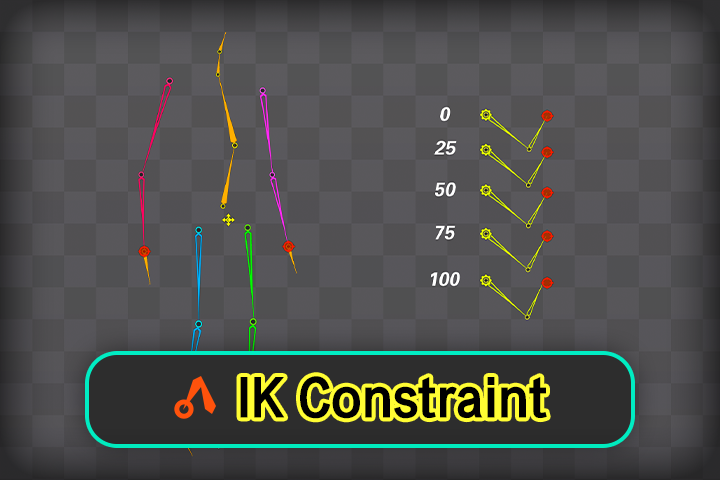 Restricción IK
 -
Restricción de transformación
-
Restricción de ruta
-
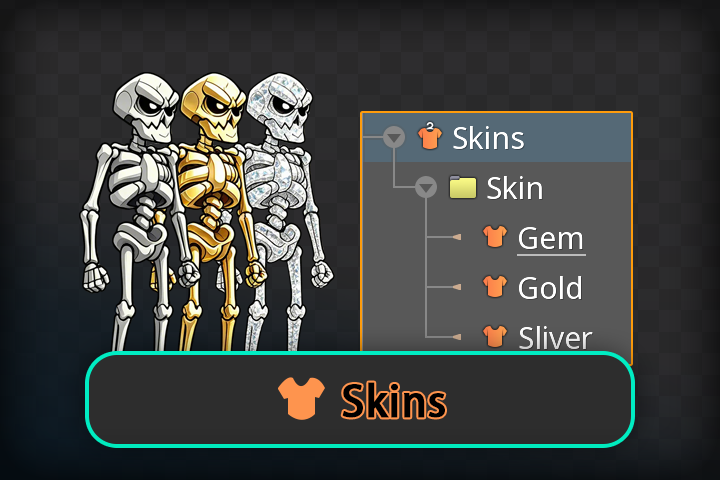 Piel
Piel -
Curvas y ritmo
-
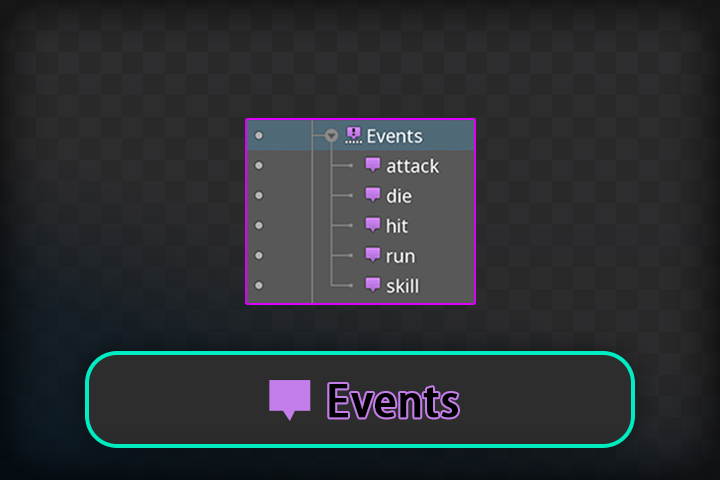 Eventos de animación
PARTE 3. Integración con el Engine de juegos Unity
Trayectoria profesional
-
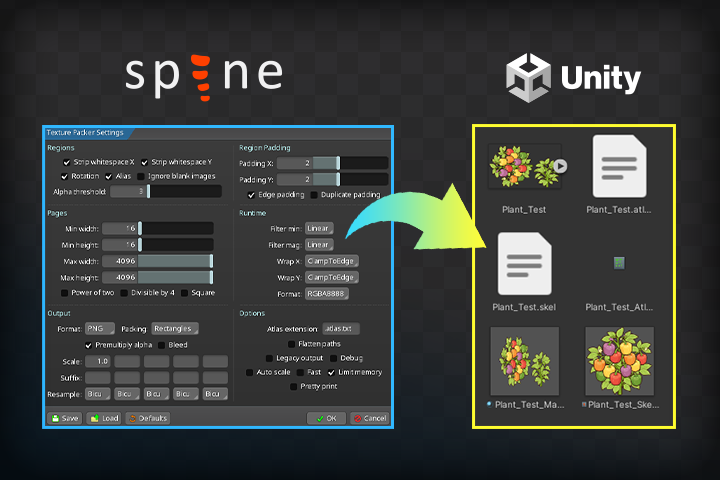 Introducción a Spine en Unity
 -
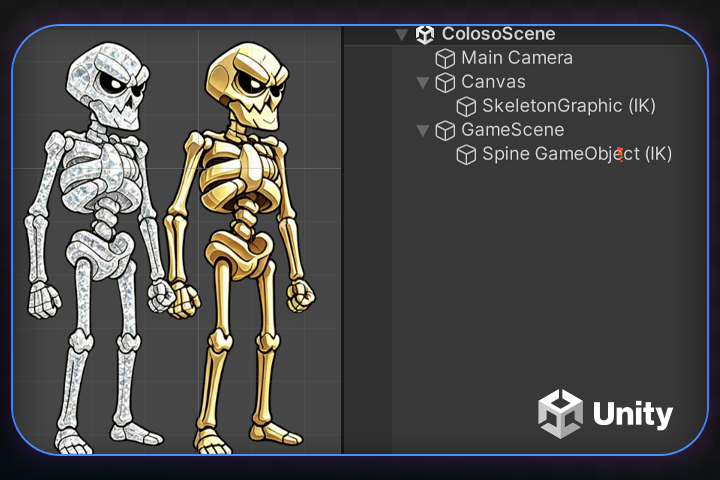 Adjuntar columna vertebral en Unity
 -
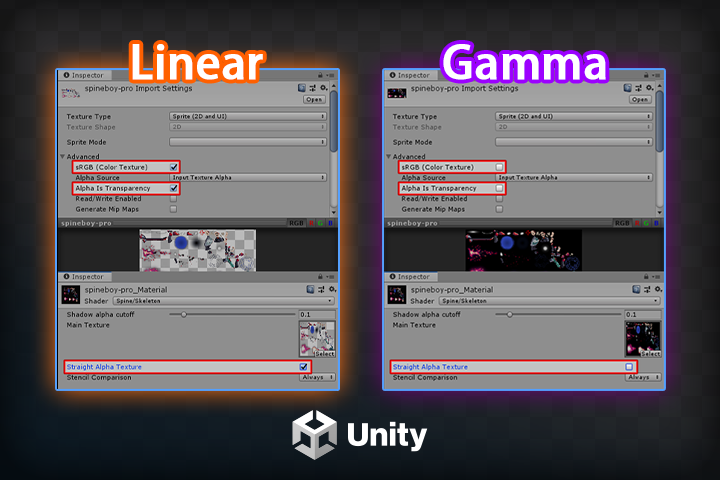 Configuración de Atlas para Spine en diferentes flujos de trabajo de desarrollo.
-
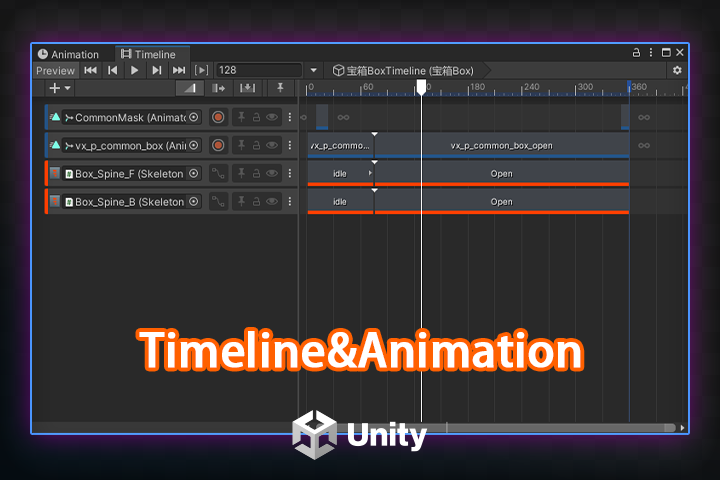 Animación y línea de tiempo con Spine
 -
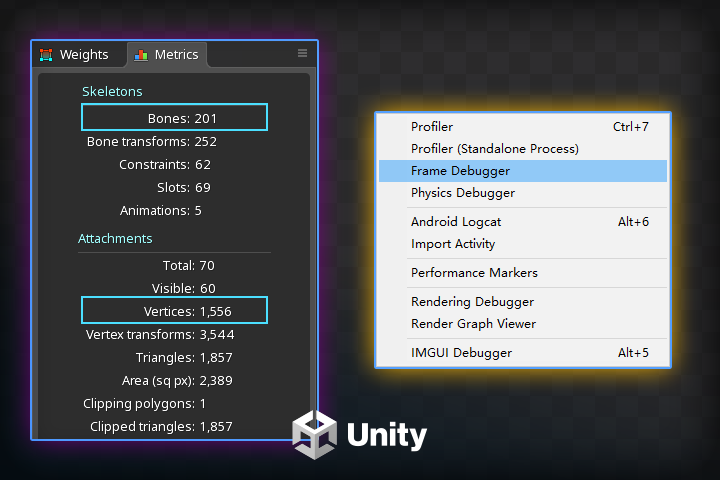 Análisis de optimización del rendimiento
 -
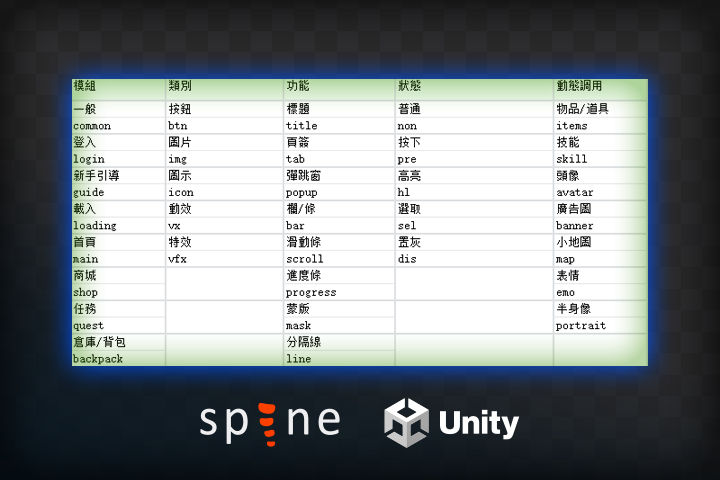 Directrices Recursos del equipo
PARTE 4. Animación de combate de personajes en 2D
Taller práctico
-
Animación inactiva
-
Animación exitosa
-
Animación de ataque
-
Animación de muerte
-
En animación
-
Animación de salida
Habilidades en animación y efectos visuales
PARTE 5. Animación de ilustración de personajes
Taller práctico
-
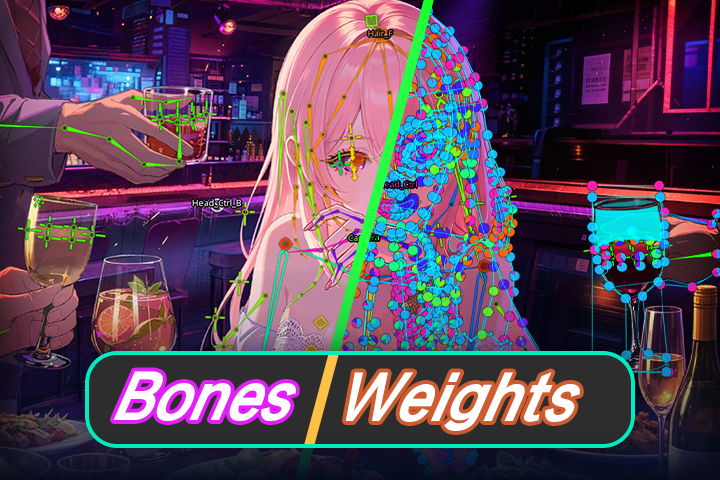 Configuración básica del esqueleto + Pesos
 -
Configuración de giro 2.5D
-
Animación inactiva
Ingresar
Destacado
Destacado de la CLASS
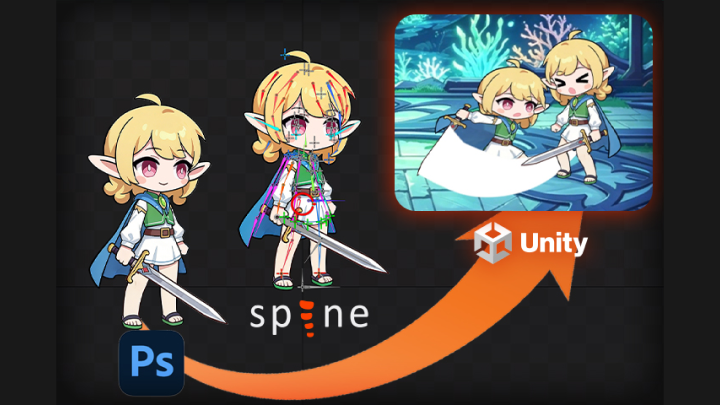
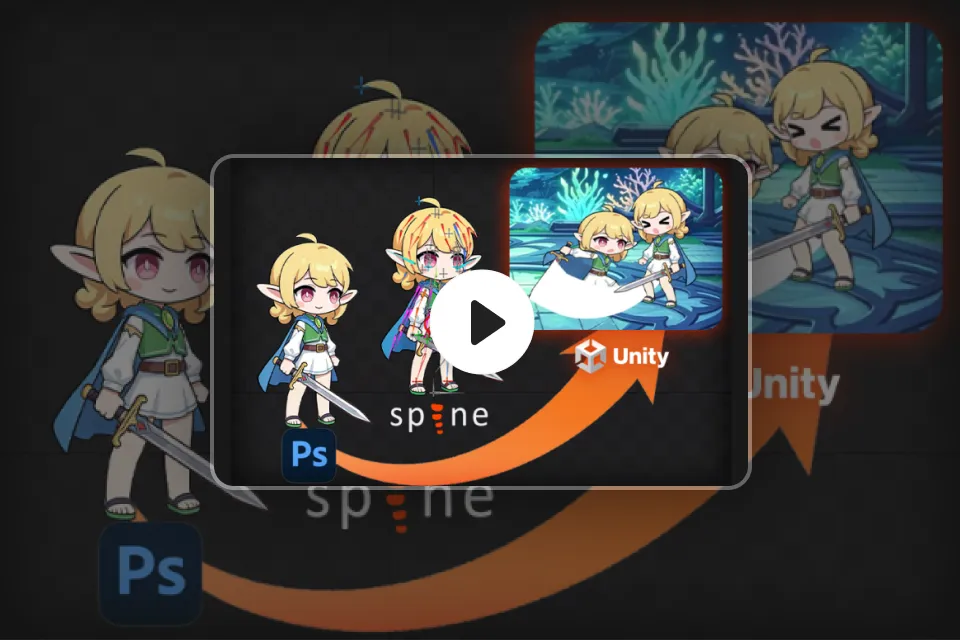
Pipeline de desarrollo de animación de Spine y Unity
De Spine a Unity : domina todo el proceso de producción. Domina cada etapa, desde la animación de personajes y el diseño de eventos hasta la integración con el Engine y la optimización del rendimiento. Nuestro programa paso a paso garantiza un flujo de trabajo excepcional en la producción real. ¿Eres nuevo en el Software? Nuestro enfoque estructurado te ayudará a mantenerte en el camino correcto. No solo crearás algo con buen aspecto, sino que desarrollarás recursos que funcionarán a la perfección en un entorno de juego real.
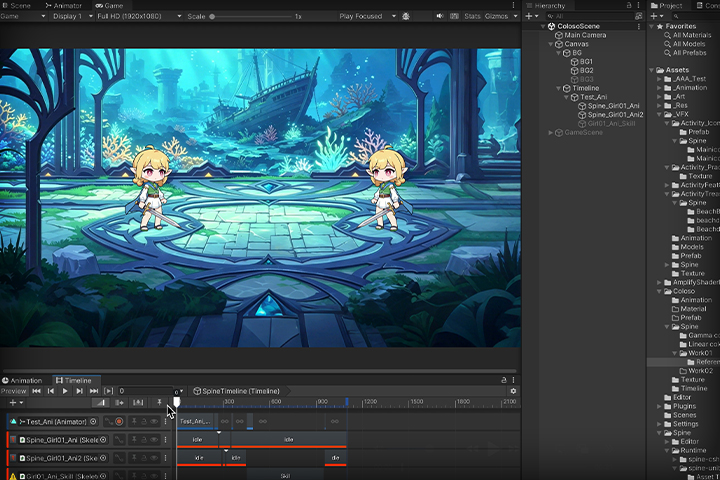
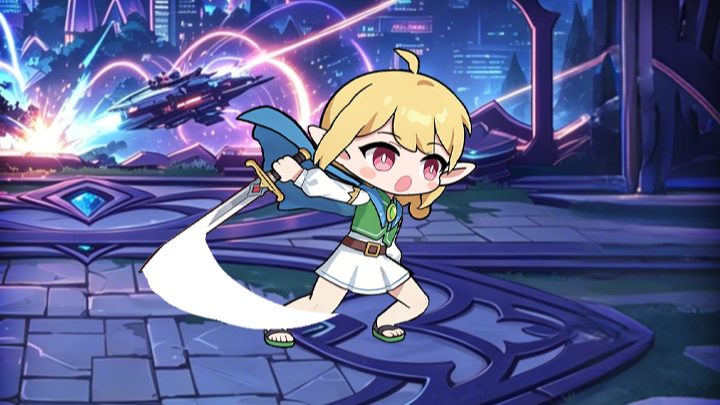
Dominio de la animación de videojuegos: desde los fundamentos hasta las escenas de combate y la dirección.
Crea un set de animaciones de combate de nivel profesional, listo para la producción inmediata. Domina los movimientos esenciales mediante la práctica, incluyendo animaciones de inactividad, ataque, impacto y habilidad. Mejora tus habilidades dirigiendo cinemáticas y domina el flujo de movimiento y la sincronización utilizados en el desarrollo de videojuegos reales. Ve más allá de la práctica aislada: conviértete en un animador capaz de cumplir con los estándares de producción profesional.
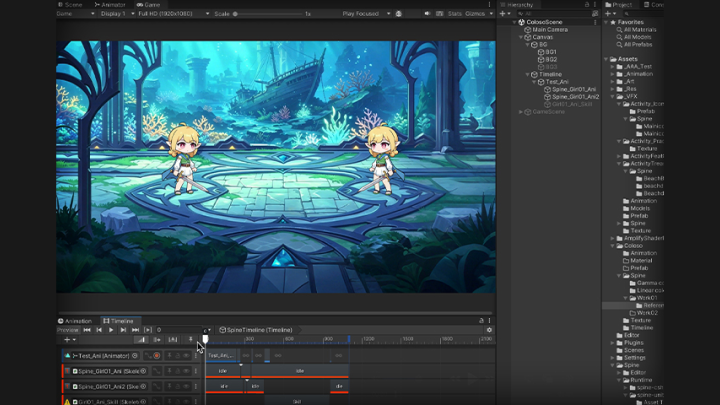
Domina el proceso profesional y obtén un portafolio ganador.
De la columna vertebral a la Unity: el flujo de trabajo de animación completo. Adquiere experiencia práctica con todo el proceso de producción, desde la vinculación de eventos de animación hasta la integración perfecta con Unity y la optimización avanzada. Ve más allá del uso básico de herramientas; implementa un flujo de trabajo profesional idéntico al de los estudios de primer nivel. Crea recursos de alta calidad que cumplen con los estándares de la industria y que impulsarán tu portafolio desde el primer día.