3DCG Creator, Hiroshi Kanazawa2_카나자와히로시2 Details
Intro
Class Intro
3DCG Creator, Hiroshi Kanazawa
3DCG Creator Hiroshi Kanazawa explores ways to use Blender that blur the boundaries of 2D and 3D, drawing on his career in film, animation, and promotional and music videos. Starting with the basics, this class will teach you the skills to create works using Blender, including how to produce effects with geometry nodes and make anime-style animation.
*This trailer features dubbing in English. Please note that the course videos are not dubbed.
Hiroshi Kanazawa Returns by Popular Demand for His Highly Anticipated Second Course!
3DCG Creator Hiroshi Kanazawa explores ways to use Blender that blur the boundaries of 2D and 3D, drawing on his career in film, animation, and promotional and music videos.
Starting with the basics, this class will teach you the skills you need to create works using Blender, including how to produce effects with geometry nodes and how to make anime-style animation.
Class Perks
Get These Coloso Exclusives
-

Unlimited access to 44 lecture videos, including Hiroshi Kanazawa’s expertise on cel-shaded animation -
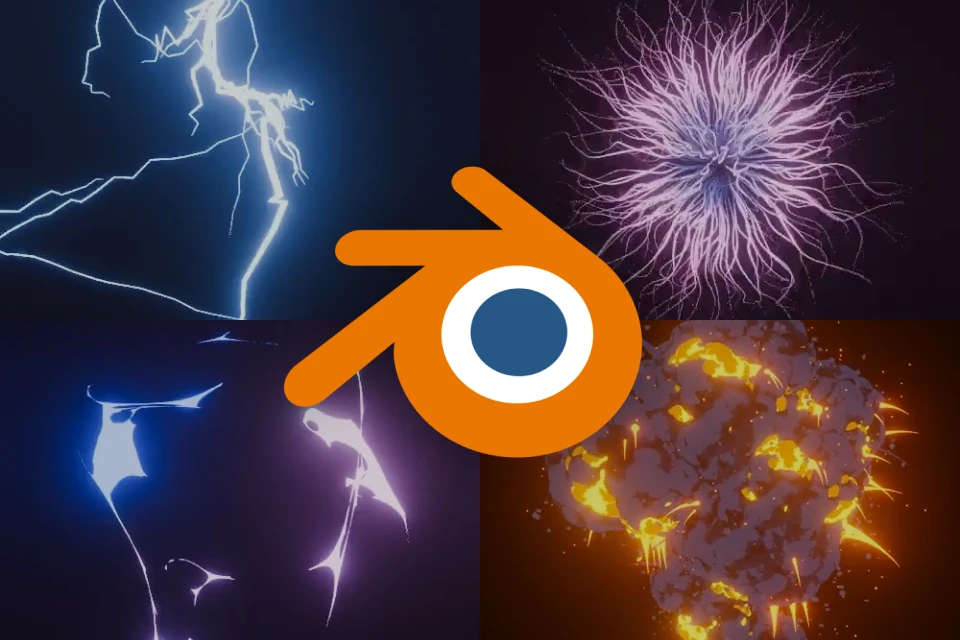
Complete eight finished works during the class -

Materials including city backgrounds, terrain, and finished data used in the class are provided
Full List of Class Materials
-
 Files for the sci-fi HUD・Terrain material (blend)
・Video footage (mp4)
・Logo image (png) -
 Files for the anime-style explosion scene・Terrain material (blend)
・Scene materials (blend) 5 files
・Images for the background (png) 5 files -
 Set of finished data for the class・Finished data (blend) 2 files
・Finished data (aep) 2 files
・Rendering file
・Output data (mp4) 2 files




Expert 3DCG Creator Hiroshi Kanazawa's Portfolio




Why Take This Class?
Dive into our online class for an exciting journey in Blender and 3D fundamentals. Craft a sleek sci-fi HUD using advanced geometry nodes techniques. Master practical applications such as procedural effects and anime-style explosion generators.
Cap it off with a stunning cel-shaded animation where everything you’ve learned comes together. Receive expert tips from Hiroshi Kanazawa, known for his dynamic cel-shaded animations on Coloso!
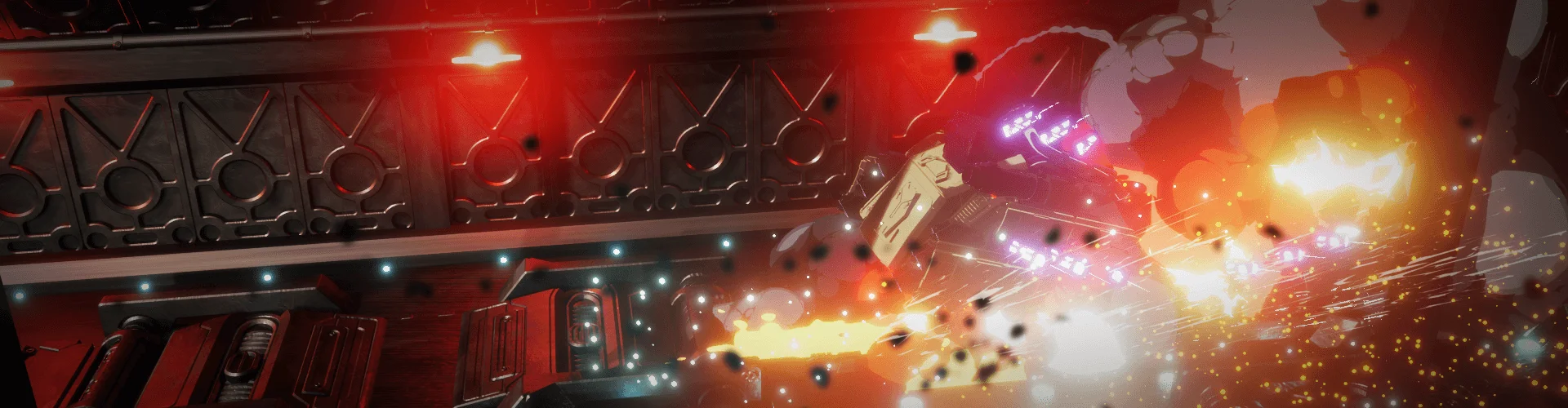
8 Class Exercises
-
 Lightning
 -
 Noise Effect
 -
 Wave effect


Completed Work ①
Completed Work ②
Instructor
3DCG Creator
Hiroshi Kanazawa
Hi! I’m Hiroshi Kanazawa, a 3DCG creator and VFX artist. Previously, I worked as a graphic designer specializing in 2D visual effects. Now, I focus on video production, using Blender as my primary tool to innovate ways of integrating 3D techniques into 2D media for films, animations, promotional content, and music videos.
Most of my projects involve 3D animation and cel-shaded animation. My goal is to bring unique 3D expressions to the film industry. Through this class, I aim to share the expertise I have developed over the years. Feel free to check out my independent work on my social media pages!
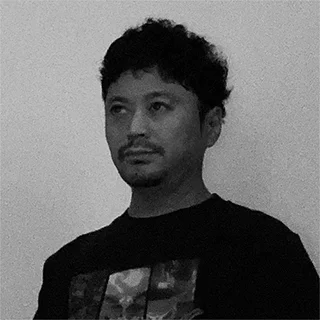
Hiroshi Kanazawa
3DCG Creator
[Background]
Freelance Illustrator
Lecturer at Ateum Academy
Recognizable Projects & Awards
[Participating Project]
TANGTANG -animated movie
Fisher's Quest -opening credits animation
Tsumugibako Section 2 -promotional video effects
Diorama by Kokowa, Wonderland -music video animation
FRIDAY KIDS CHINA TOWN by Nishina -music video CG
Showa Centennial (Common Era 2025) at Parco GALLERY -group exhibition
Highlights
Class Highlights
CA Beginner’s Guide to 3DCG and Geometry Nodes
This class will focus on explaining the basics of 3DCG and procedural modeling using geometry nodes. If you find it hard to understand these concepts through other tutorials, this class can help, by explaining things with step-by-step exercises.


Transform Imagination into Form with Geometry Nodes
Once you understand the characteristics of each node, you’ll learn node configuration techniques that will give form to your imagination. By learning procedural modeling skills that will help you realize new possibilities and expressions, you’ll gain the ability to adapt to future developments and environments.
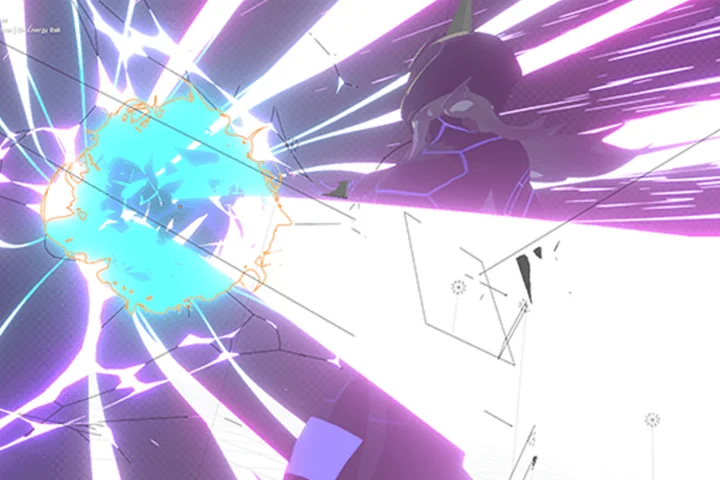
Create Cel-Shaded Animation Using 3D and Compositing
This class will give you tips for creating 3D animation. While it is one thing to turn a model into an anime character, there are many points to consider when actually animating it. Those points will be thoroughly covered in the class’s exercises.
Class Details
You'll Learn
-
 3D fundamentals and ways to use Blender every artist needs to knowThis class will teach you essential information about working with 3D and Blender in a way that’s easy to understand even for beginners. There’s a lot to remember when working with 3DCG, so this course focuses on key points.
 -
 Learn the basics of geometry nodes through simple exercisesSee how to do procedural modeling using geometry nodes. You’ll learn how to create the components of a Heads-Up-Display (HUD) and solidify your understanding of node fundamentals through 3D to 2D conversion that puts an emphasis on clarity.
 -
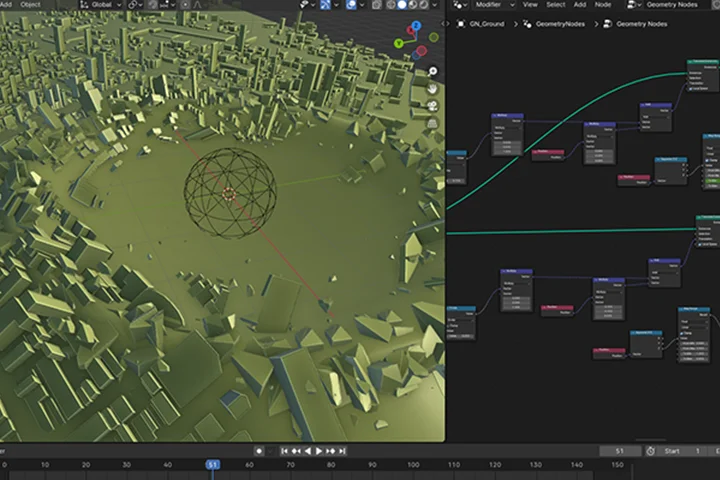 Create procedural effects using geometry nodesAfter mastering the basics of geometry nodes, you’ll create procedural effects for practical use. You’ll get to systematically handle various elements to recreate lightning and destruction effects using geometry nodes.
-
 Generators using geometry nodesA geometry node is a function that allows you to generate a large number of items and freely manage animations. The class will also explain advanced node customization techniques so that you can use a geometry node as a generator.
 -
 Key points when creating animation with dynamic movementsBy actually placing the effects you created in a scene, you’ll learn useful animation methods using keyframes, the Graph Editor, and modifiers. Moreover, you’ll also learn tips for creating dynamic animations.
 -
 From rendering to compositing, you can master video productionThis class will teach you the skills you need for rendering and compositing and for turning your created elements into a finished visual work. You’ll also learn how to manage rendering and get tips for compositing to improve the quality of your work.
- Unlimited Access
- Best Price
Buy now, get unlimited access.
10/26 (Mon) (UTC-7) Special offer ends soon.
This special offer ends soon.
Buy now and save!
Class Preview
Check out a few scenes from the class!
SECTION 03.
Learn the basics of geometry nodes (HUD design)
About geometry nodes ①
*The Japanese language content in this class preview is translated into English in the class videos.
**The subtitles in this preview video are auto-translated. Please note that some content may not be accurately translated.
***Associated content is subject to change without prior notice.
Curriculum
Curriculum
In-Depth Look
*The release date of this class, curriculum images, and associated content can be changed without prior notice.
** Class videos may be separated for a more streamlined viewing experience
Interview with
3DCG Creator Hiroshi Kanazawa

Question.01
Are there any notable differences between this class and your first, Anime-Style VFX Production in Blender?
In my previous class, I taught a wide range of Blender functions, from materials to physics simulations to modifiers, so that students could apply them to video production and anime-style art.
In this class, I focused on the geometry node function in Blender. Since it is a fairly complex node system, I carefully added fundamental items into the curriculum so that even beginners can follow along successfully. When I made the class, I paid special attention to making my explanations understandable to someone who has no prior knowledge. This class is shorter than my previous class, and the main points have been divided into sections, so that students can learn and stay focused easily.
Question.02
What should someone pay the most attention to when learning 3DCG?
Since 3DCG covers various areas, it depends on what you want to do. That said, since computer graphics is about handling data, having a deep understanding of tools and mastering their use can greatly affect the range of what you can do. However, if that’s all you study, then you can only create something that relies on tools. So, at the same time, I think other artistic skills, such as composition, camerawork, and animation, are much more important. You can’t learn these things overnight, but I think it’s important to be aware of them when you create something.
Question.03
Who would you recommend this class to?
From video creators to graphic designers, and of course, 3D artists, I believe many people will have the skill to create various elements using the geometry nodes covered in this class. If you want to start something creative, even if you’re a beginner or you’re not aiming for 3DCG work, you’ll still learn something useful.
Question.04
Do you have a message for prospective students?
In fact, I’m not that attached to the field of 3DCG, but I use Blender as one of my tools when I create something. In addition to being free, Blender is a very useful and convenient tool, so I believe being adept with it to a certain degree is advantageous for any profession. Unlike paid software, you can just stop using it if you don’t need it anymore, and you won’t have any regrets. So, even if you aren’t super enthusiastic about learning 3D by itself, I hope you’ll join me and use this chance to add Blender as one of your skills!
Required Programs
This course will use
[Primary tool]
- Blender
[Secondary software]
- After Effect
*Recommended versions for each program are as follows:
- Blender: Version 4.0 and later
- After Effects: 2024 version or higher
Please purchase and install these program(s) for an optimized class experience.
*These programs and/or materials will not be provided with the course.