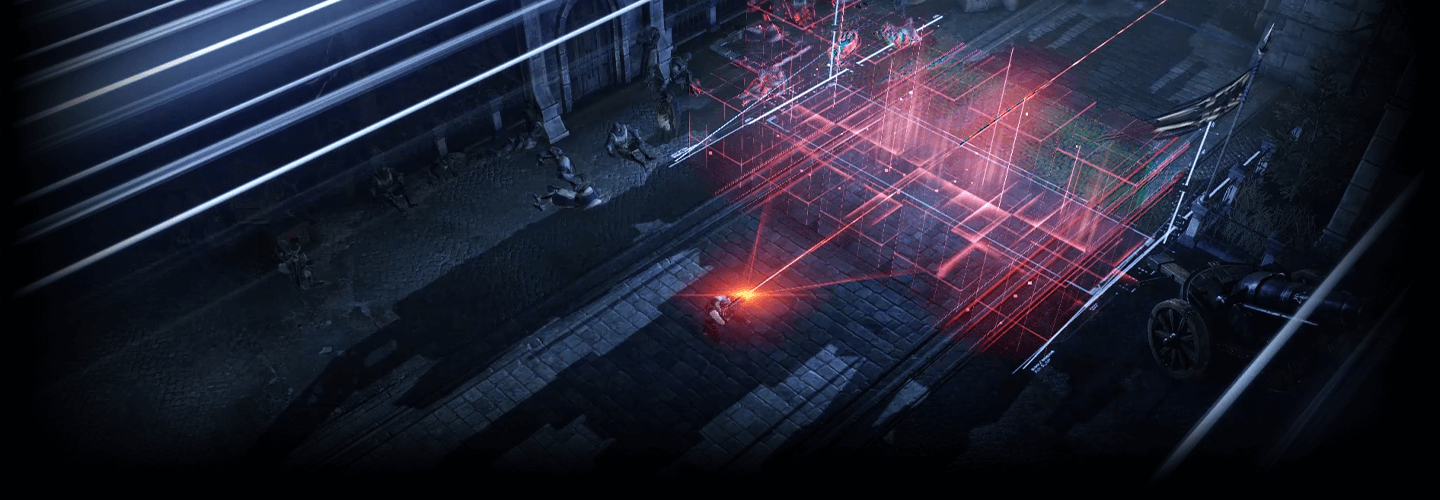
VFX Artist, Kisong Lee_이기송 Details
Intro
Class Intro
VFX Artist, Kisong Lee
“Learn everything in this course, from the essentials of responsive effects, including color impressions, form, and timing of effects, to the intricacies of effect production tailored to each motion.”
High-Quality Visual Effect Designs to Capture Your Player’s Attention
Some effects simply stand out and attract more attention, even when using the same engine and functions as others. What sets them apart?
While Material and Particle functions are essential, to craft impressive effects that truly captivate players and stand out, you need skills that engage the senses.
While Material and Particle functions are essential, to craft impressive effects that truly captivate players and stand out, you need skills that engage the senses.
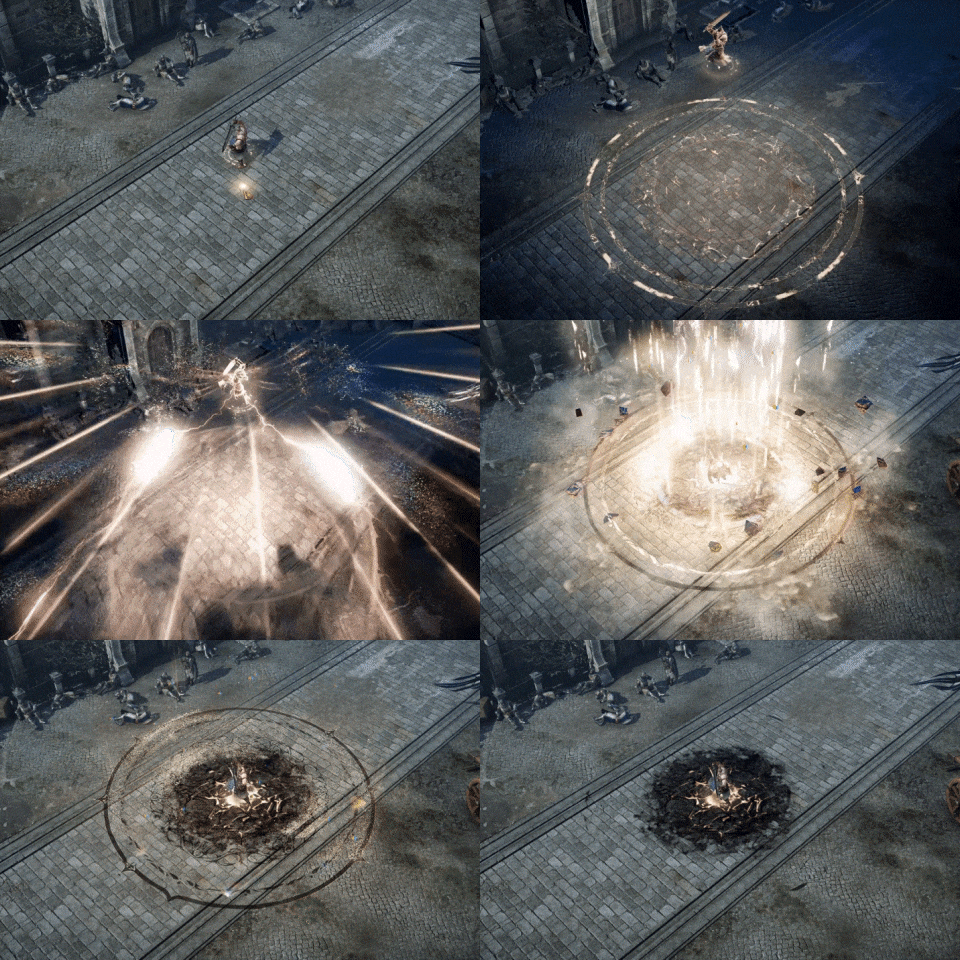
In addition to mastering the elements of technique, this curriculum will teach you what no one else did: developing the artistic sense that is the core competency of an effects artist. Kisong Lee, the VFX artist behind Lost Ark, will be your guide to developing this crucial skill.
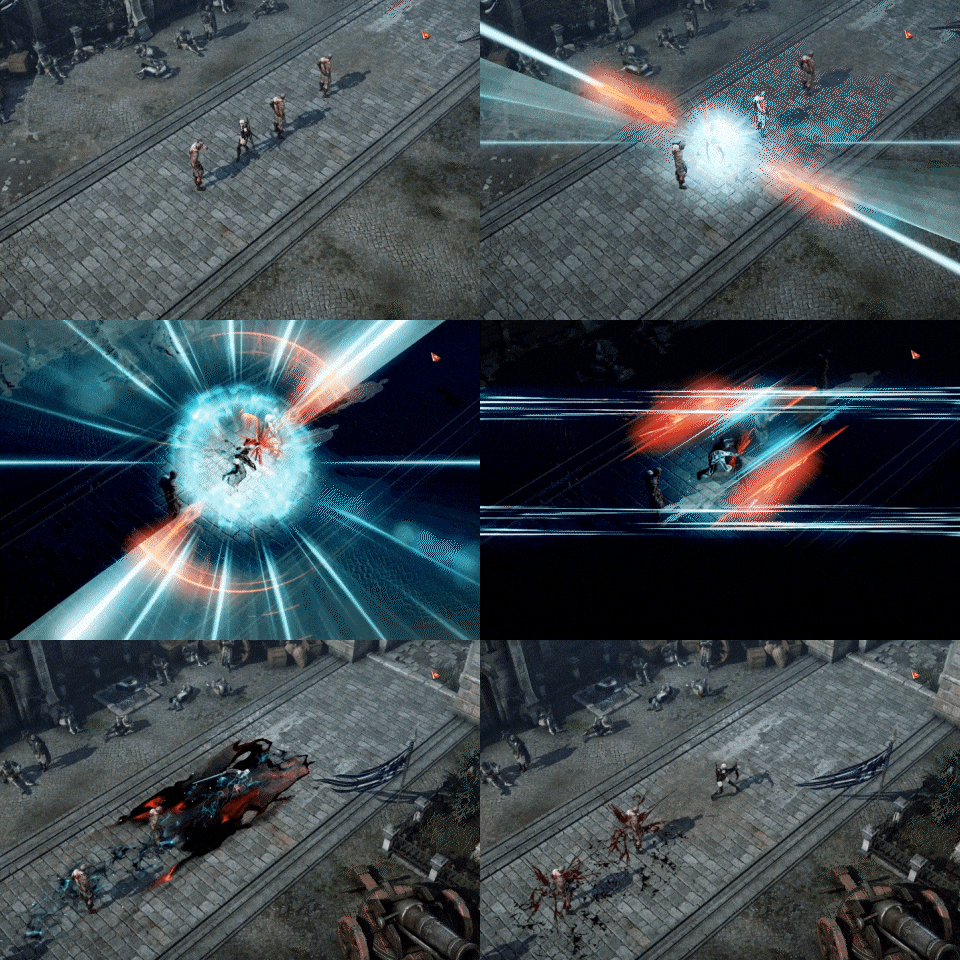
Explore not only the fundamentals of responsive, elaborate effects, such as effect color impressions, form, size, timing, and lighting, but also the details of effect production and composition tailored to character motions.
Seize the opportunity to excel in both the solid foundations of game effect creation and the artistry of crafting beautiful, vivid VFX, infinitely enhancing your value as an effects artist.
Seize the opportunity to excel in both the solid foundations of game effect creation and the artistry of crafting beautiful, vivid VFX, infinitely enhancing your value as an effects artist.
Class Perks
Get These Coloso Exclusives
-
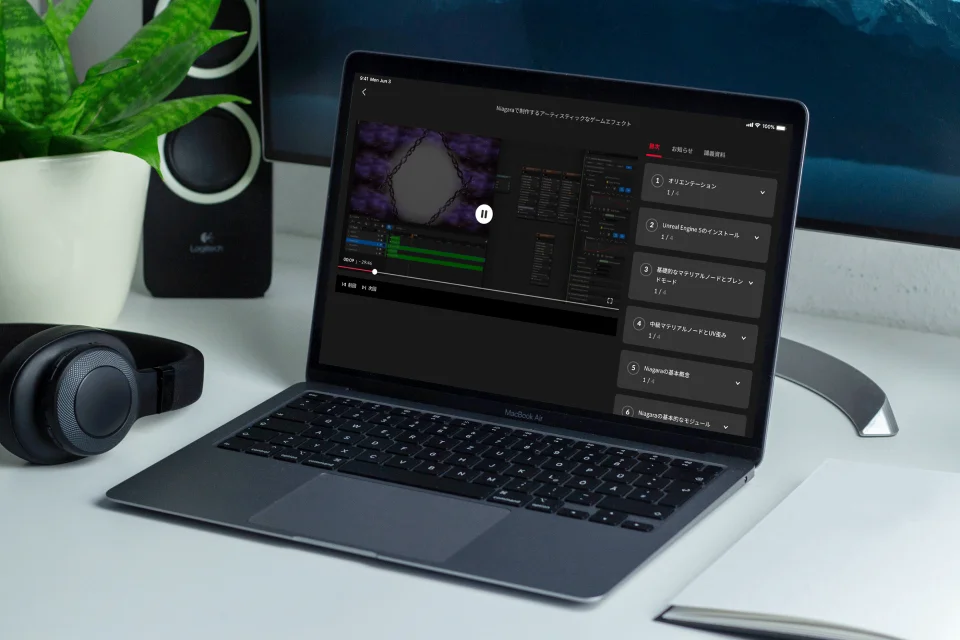
Unlimited Access to All 31 Classes -
Class Summary Notes -
Study Material Files Used in Class Exercises
Class Material Details
-
 Helpful Class Summaries- 5 ppt files (.ppt)
- 5 pdf files (.pdf) -
 Study Material Files- 3 mesh files (.uasset)
- 36 texture files (.uasset)
- 10 material files (.uasset)
- 14 particle files (.uasset)
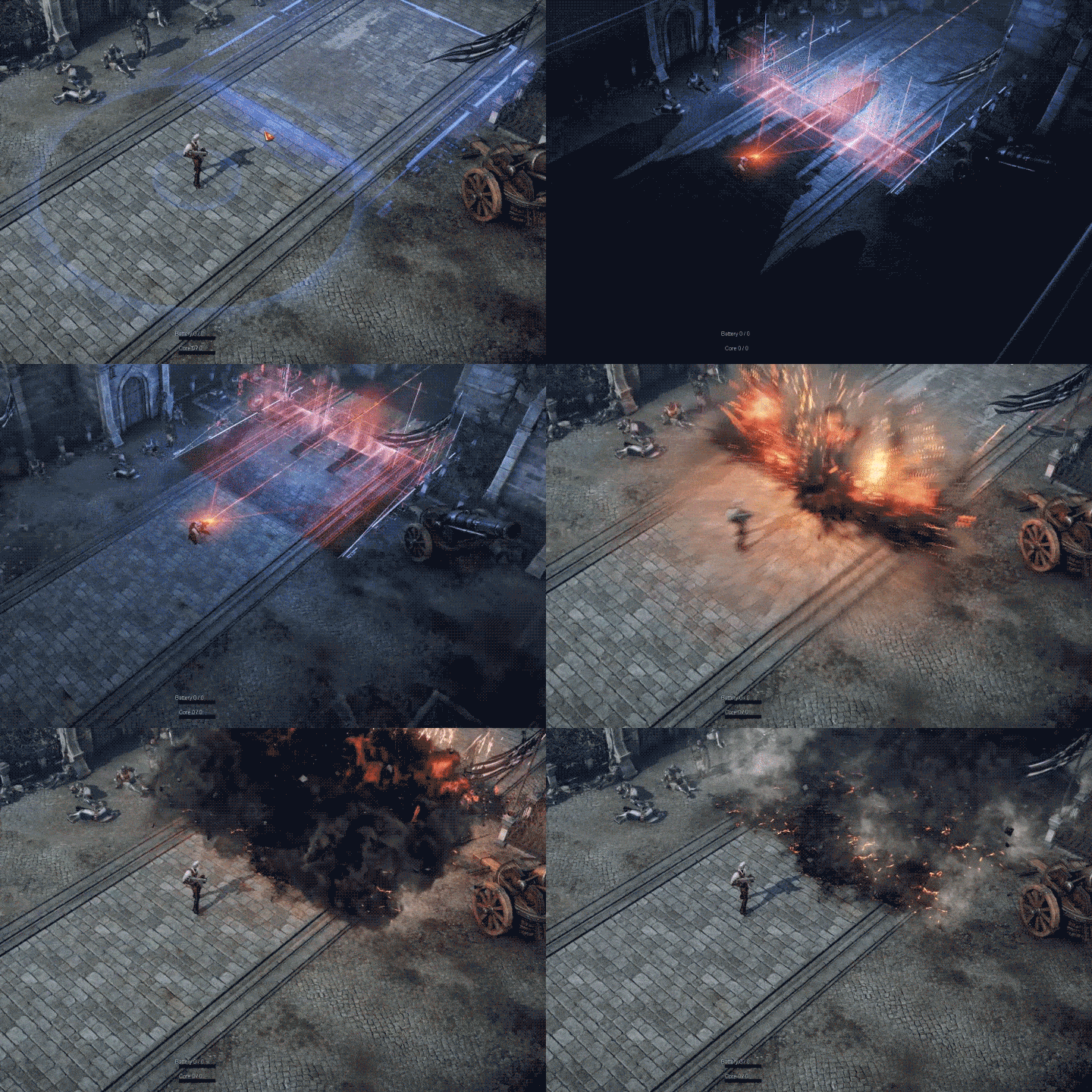
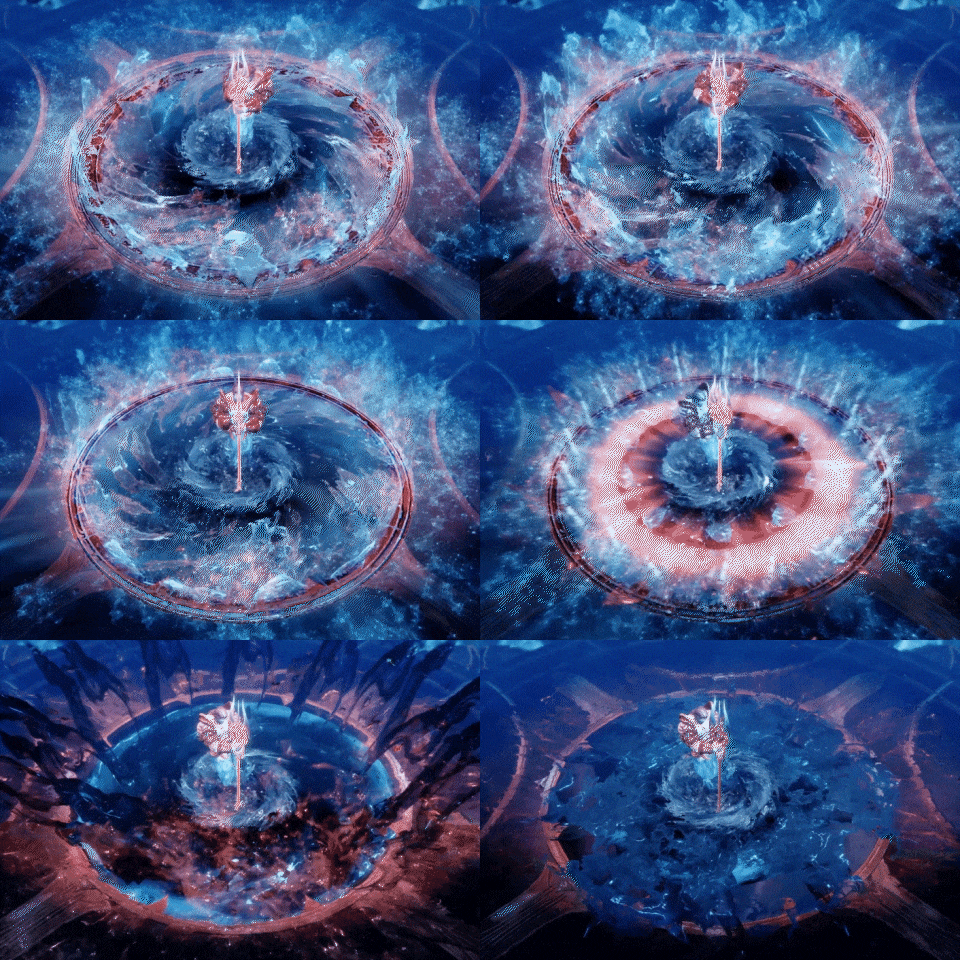
Expert VFX Artist Kisong Lee's Portfolio
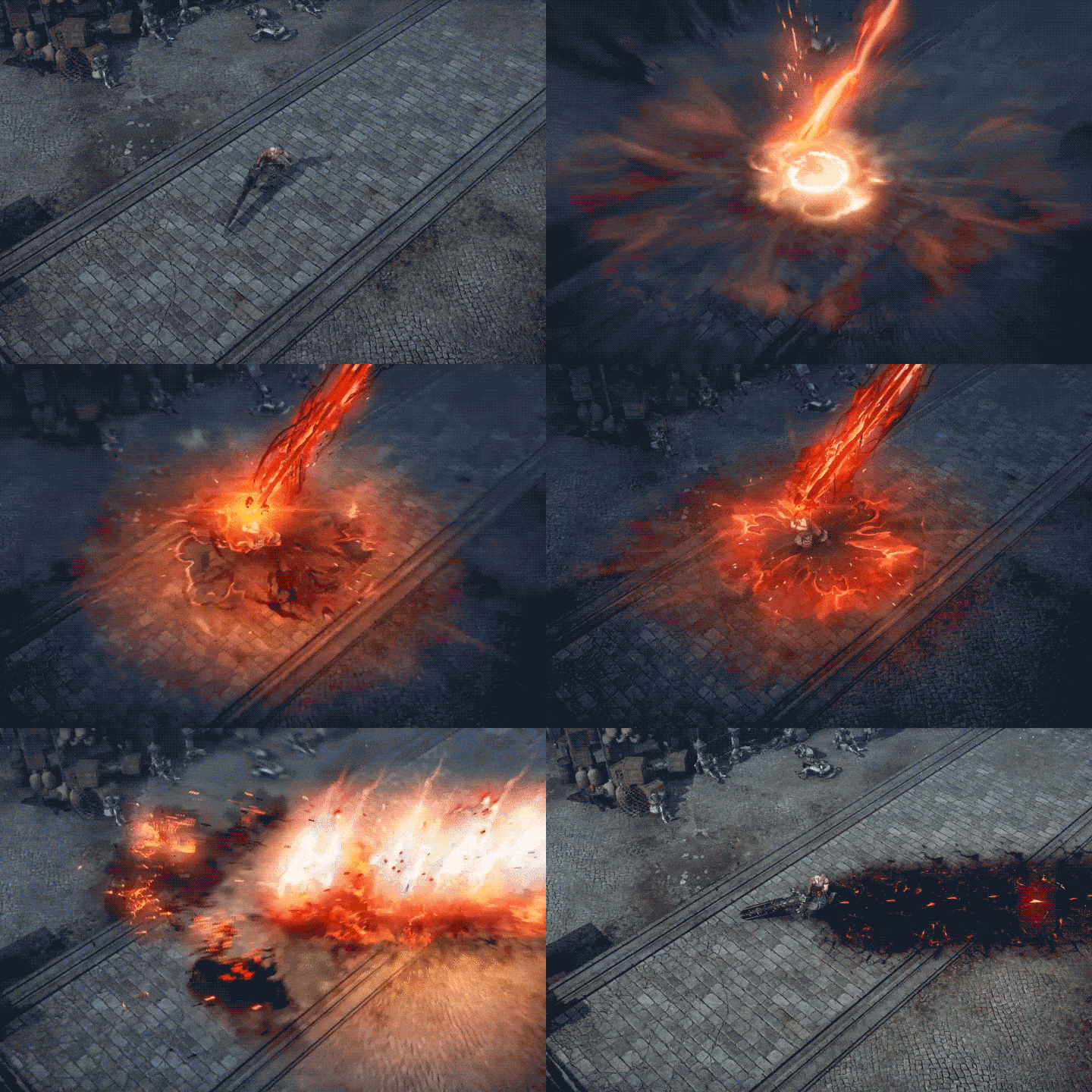
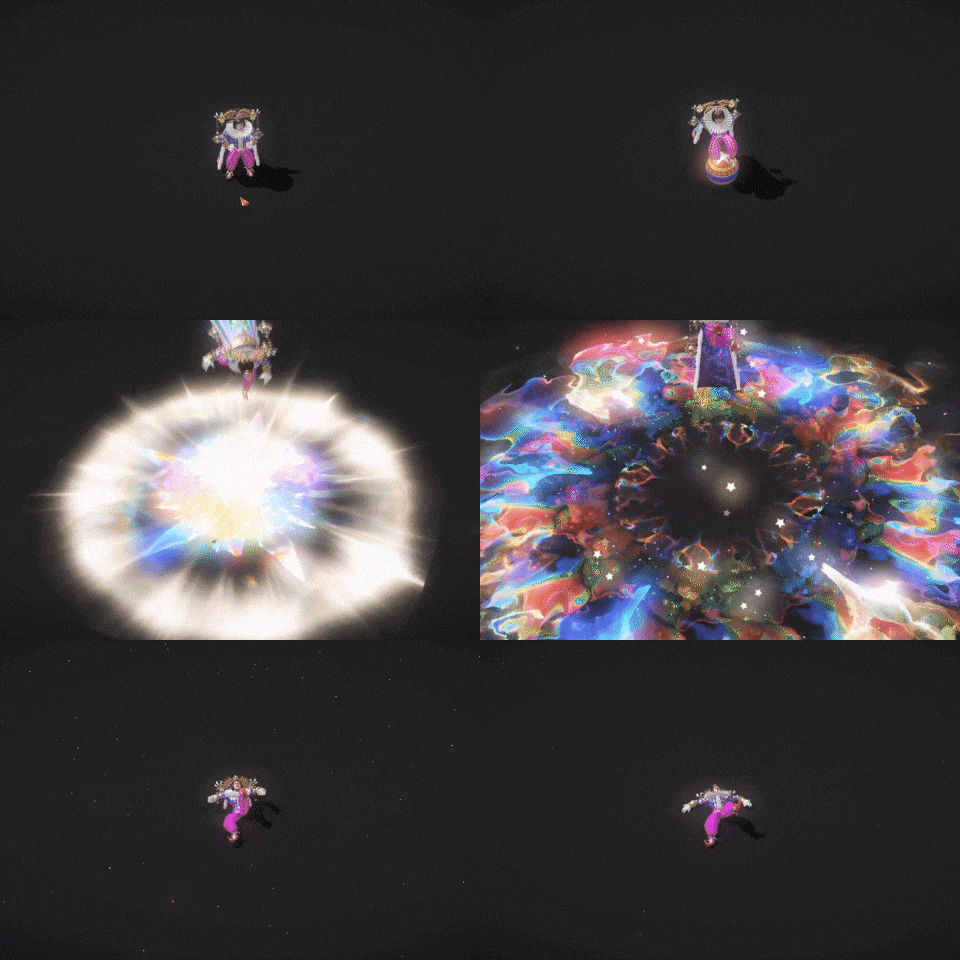
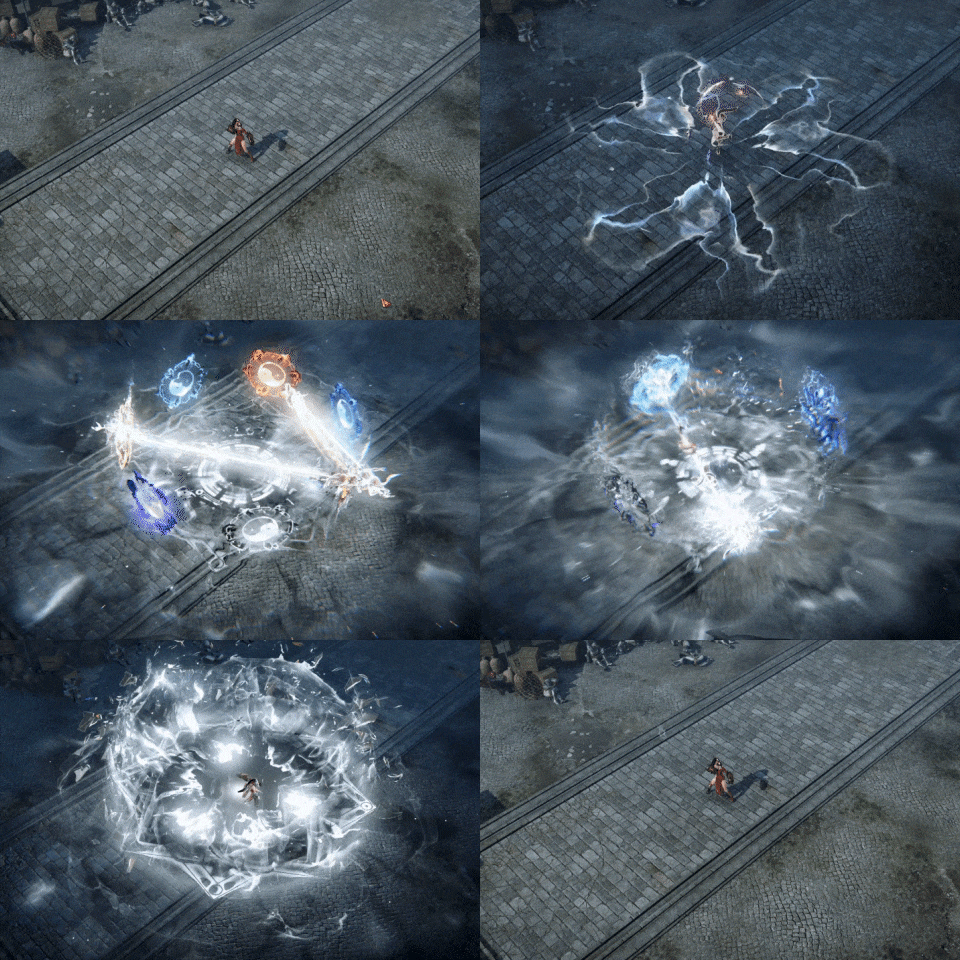
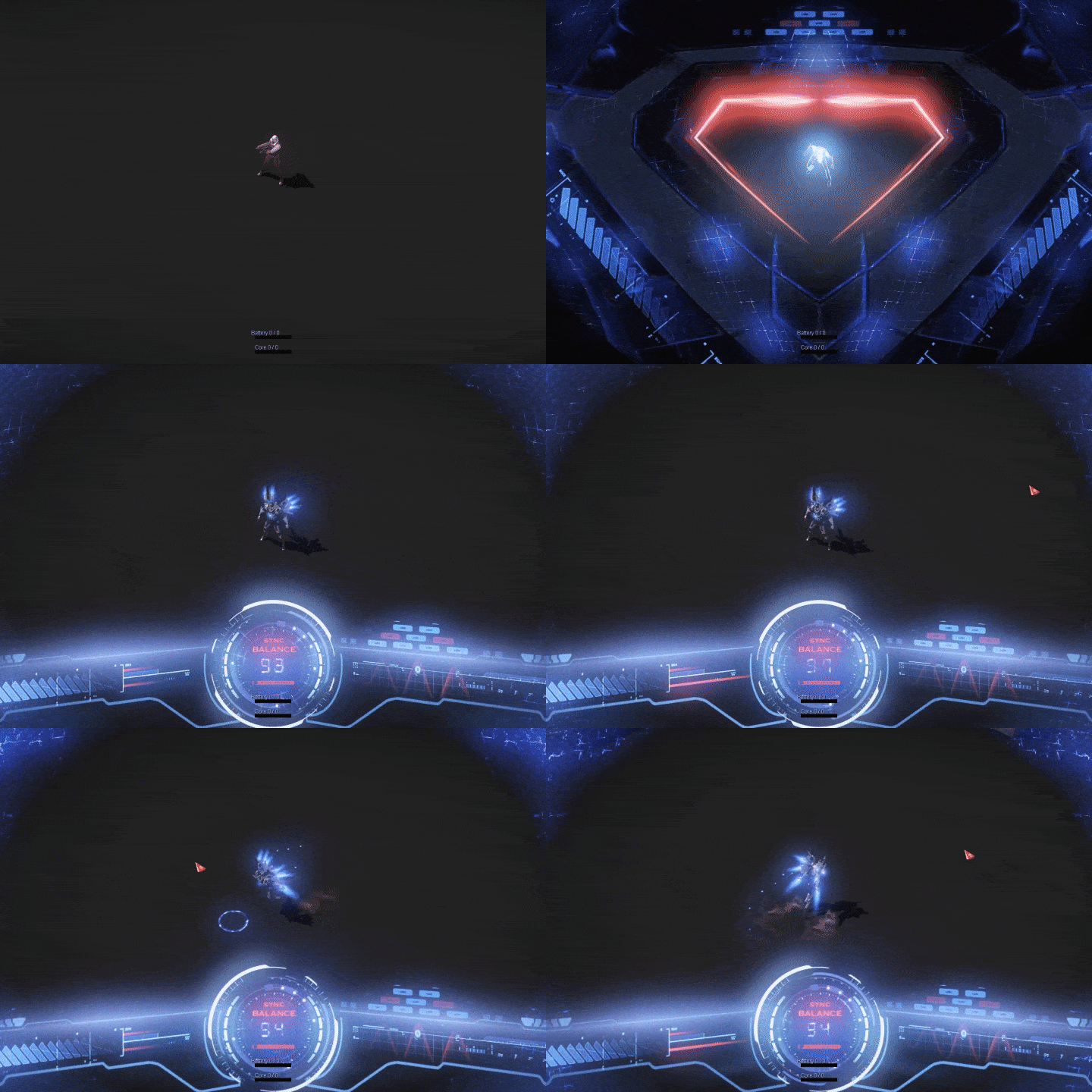
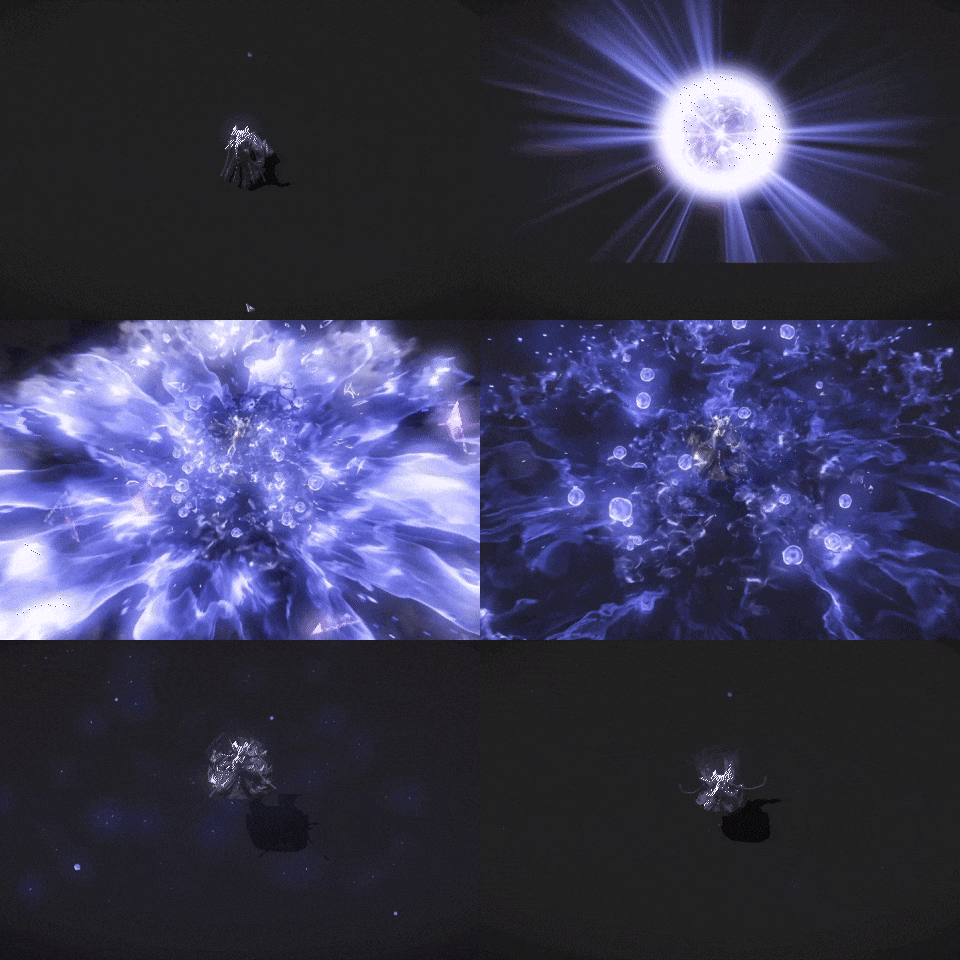
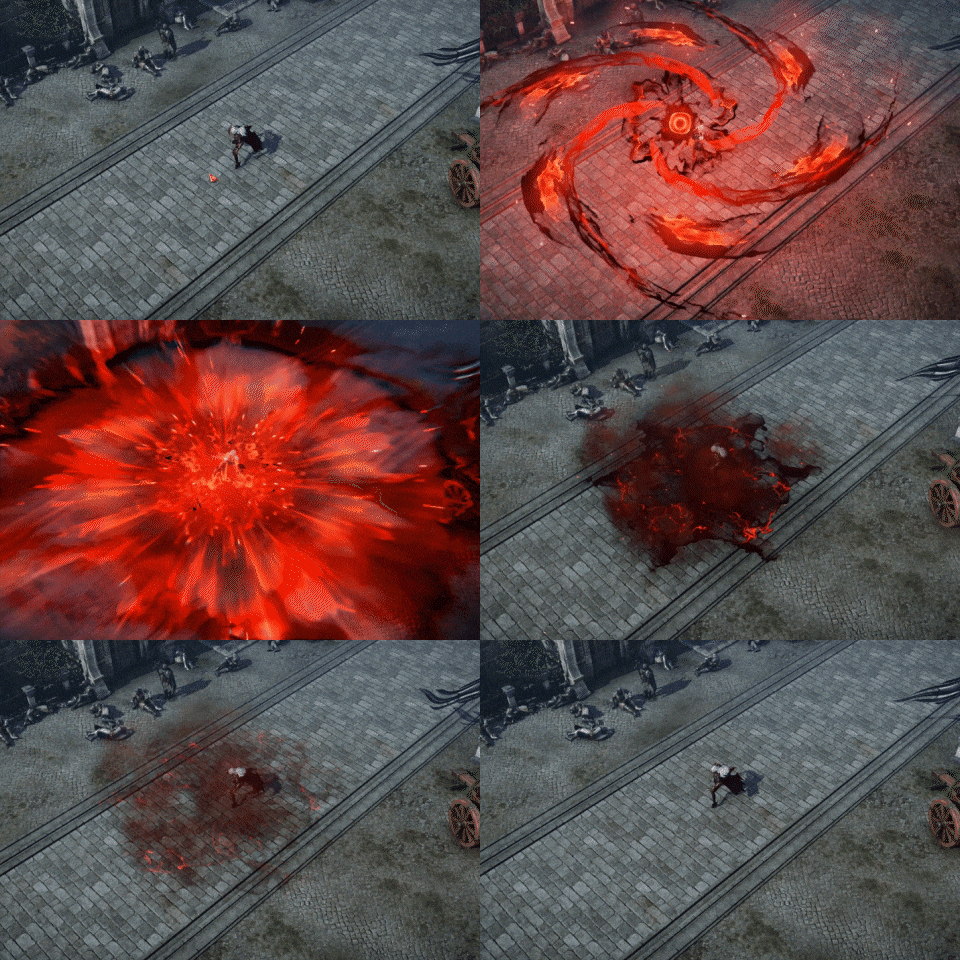
Why Take This Class?
Have various classes equipped you with the basics of effects creation software, but left you lost when it comes to building your portfolio and wondering what skills to showcase and how?
If you’ve been struggling to weave together the techniques you’ve worked so hard on into an impressive portfolio, you’re in the right place.
In these lectures, you will breathe life into intricately detailed effects, training the most in-demand skill effects for practical work, particularly for fantasy games.
Master sprites, ribbons, and Mesh forms through 9+ class exercises.
If you crave the effects production expertise and attention to detail of the VFX artist of Lost Ark, a game known for its captivating and visually stunning effects, this is an opportunity you can’t miss!
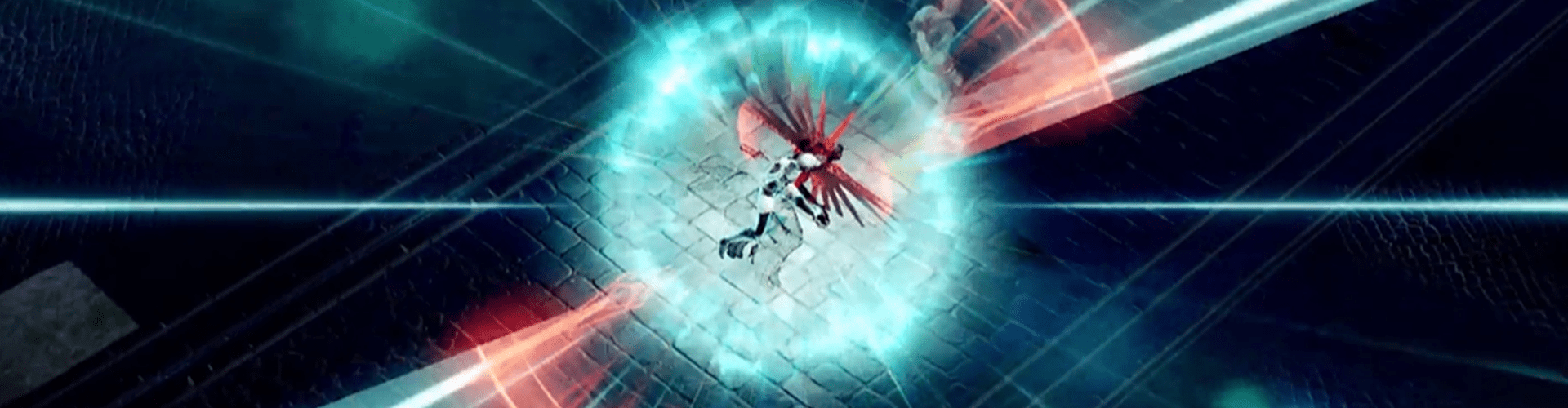
Recommendations
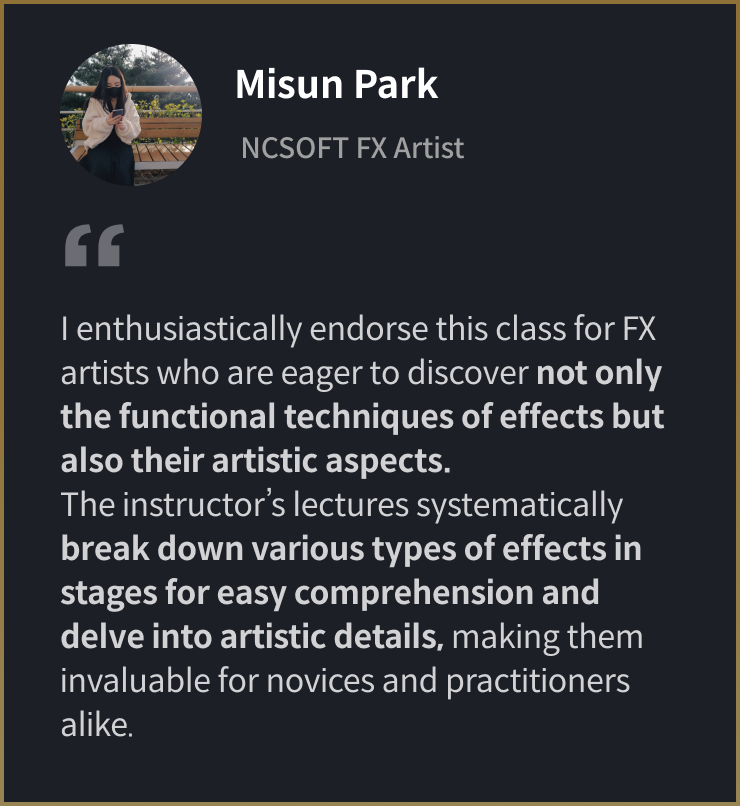
Class Recommended by Experts in the Field
9+ Class Exercises
Part 1. Art
-
 Color
Color -
 Shape
Shape -
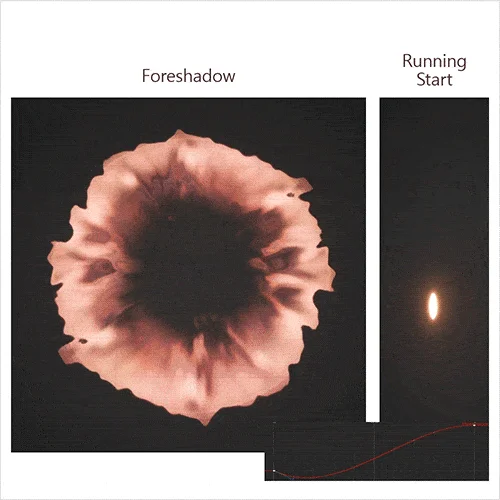 Motion & Timing
Part 2. Technic
-
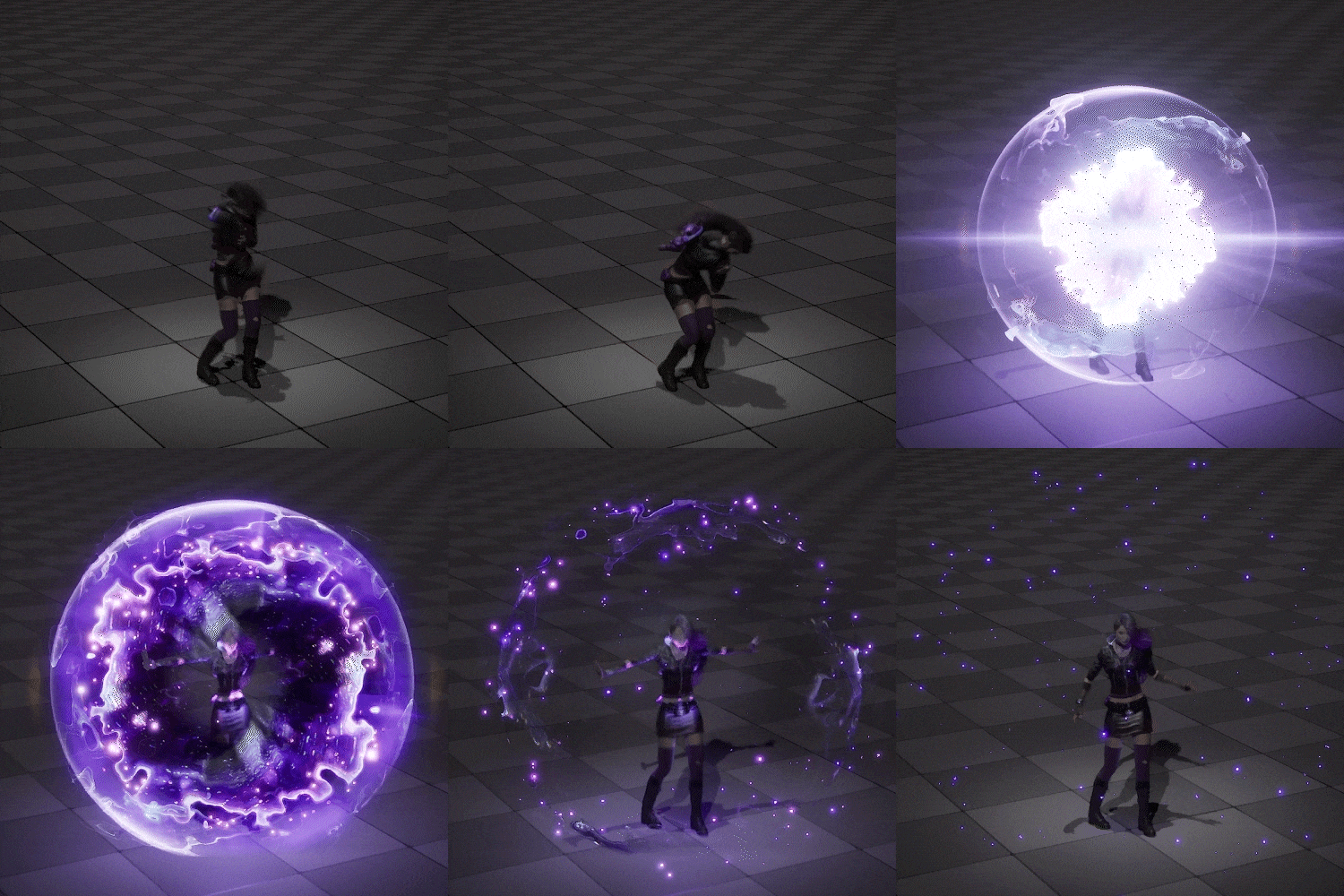 Sprite Explosion
 -
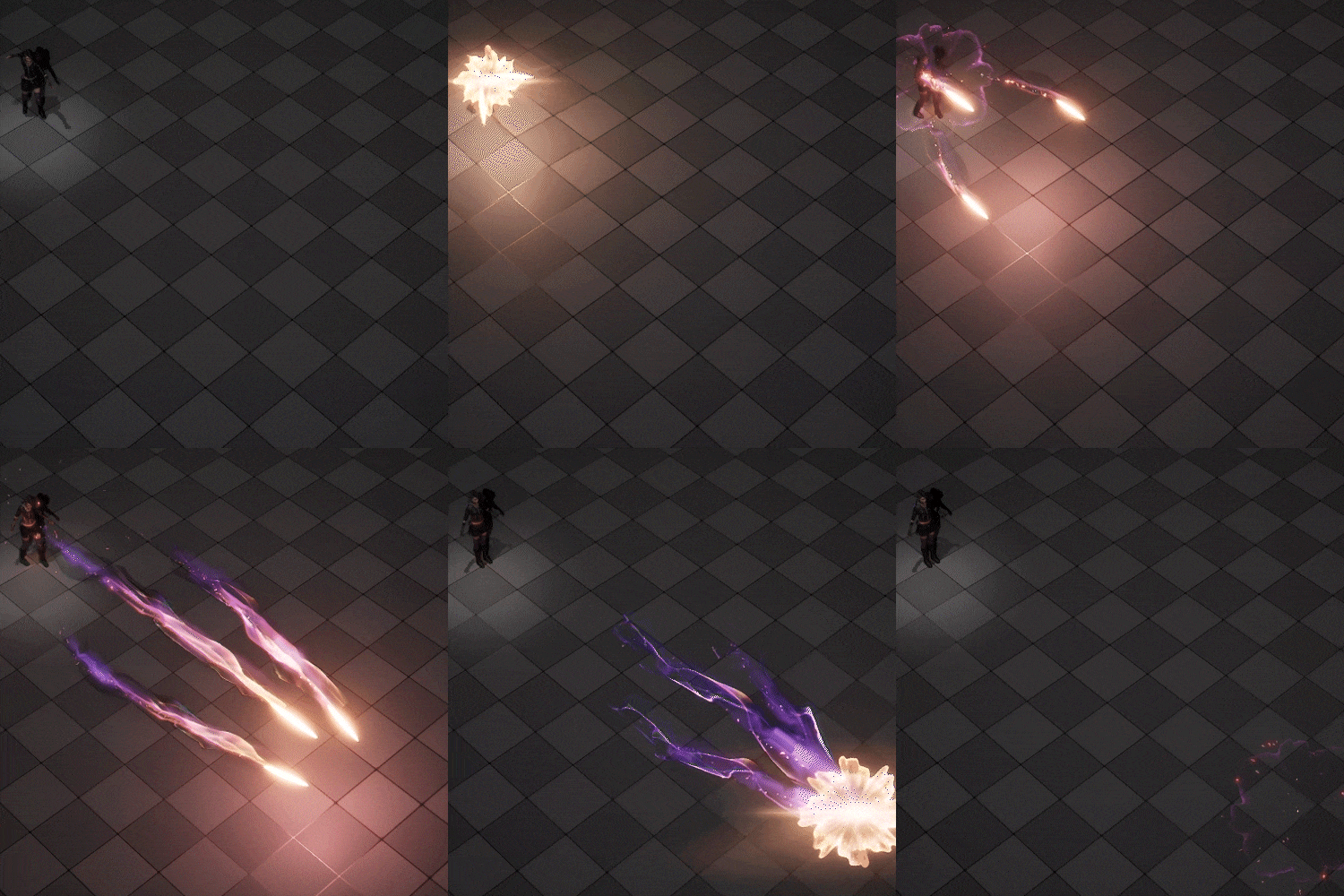 Missiles
 -
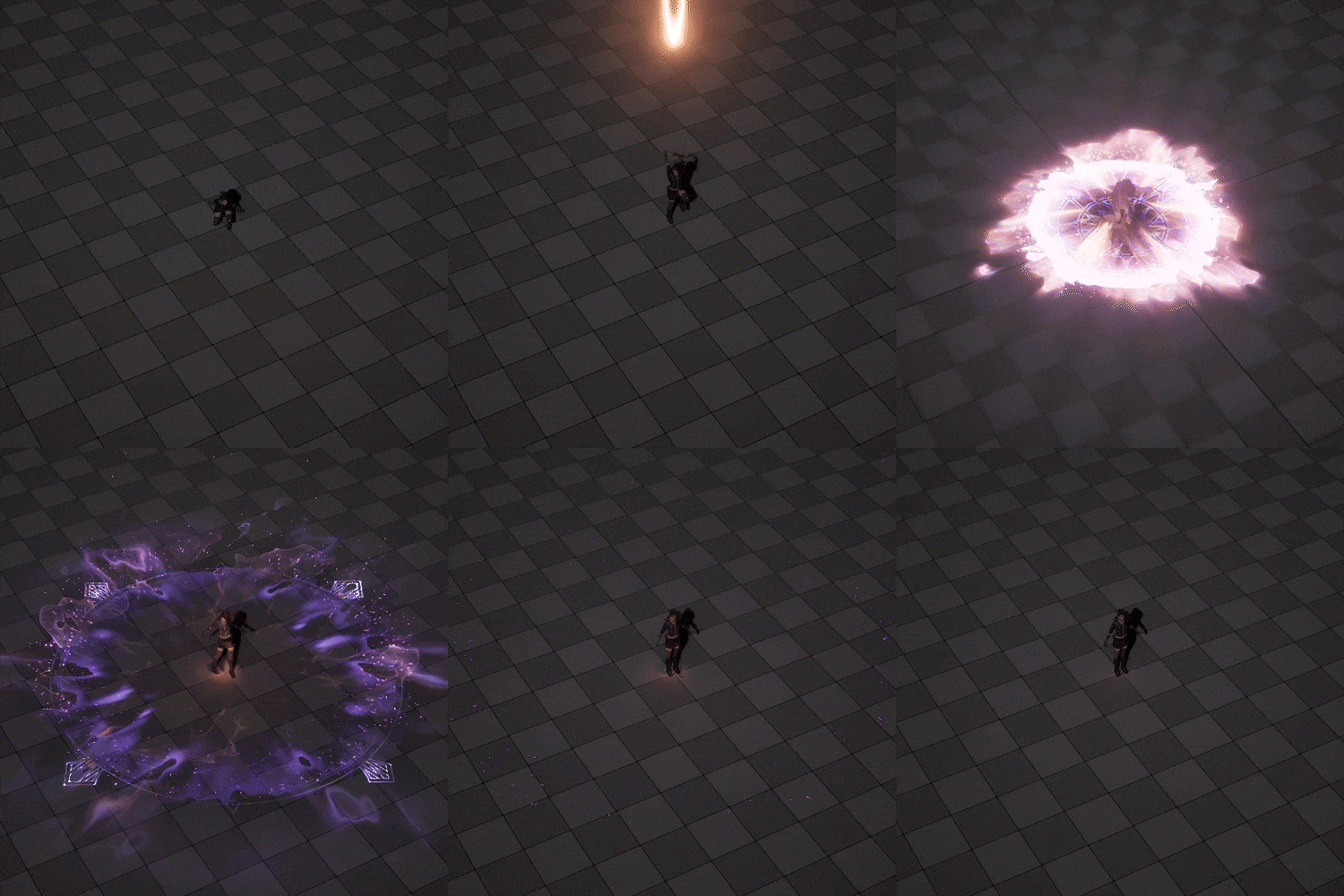 Shock Wave
-
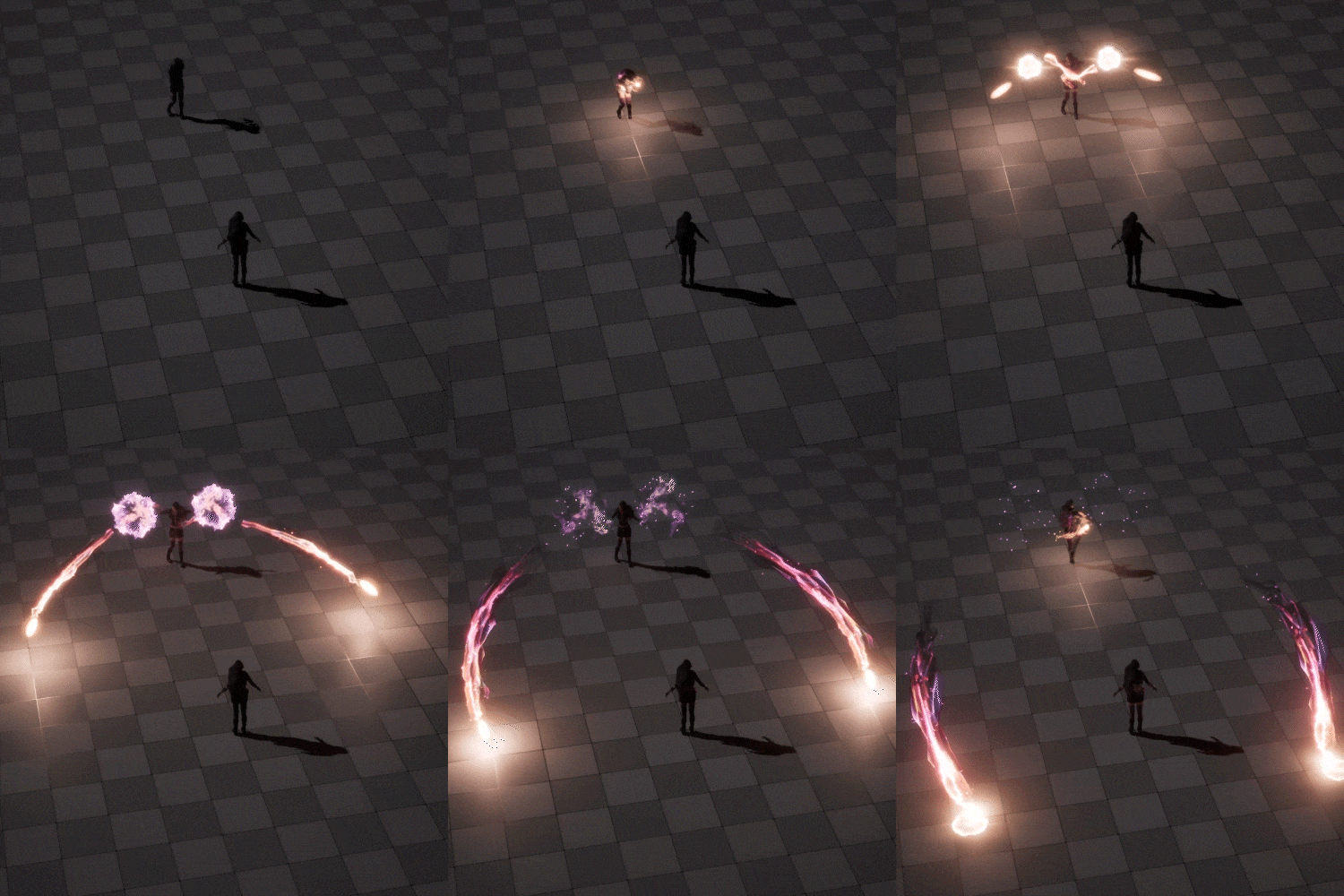 Casting Ribbon Trail 1
 -
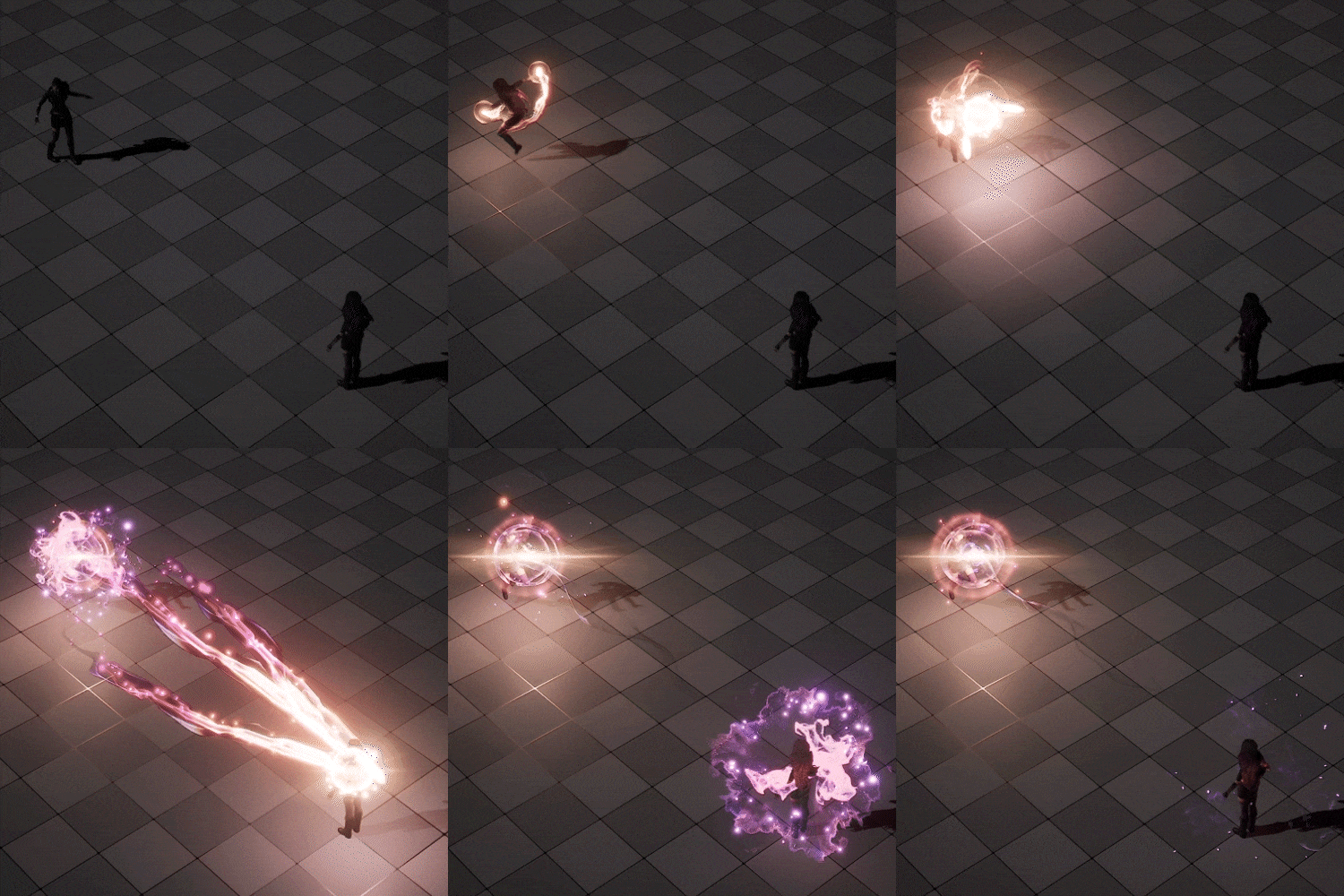 Casting Ribbon Trail 2
 -
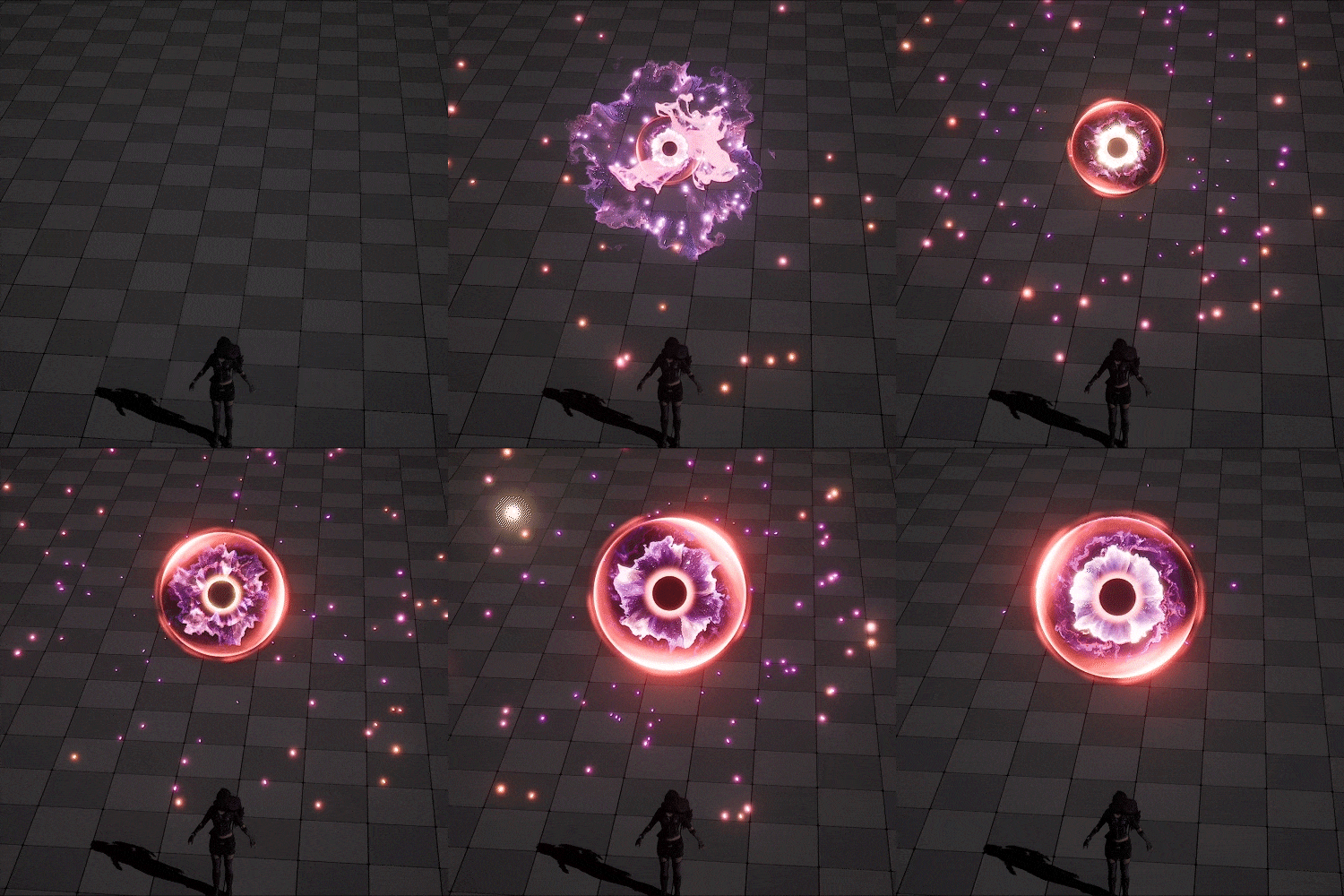 Casting Energy Globe
-
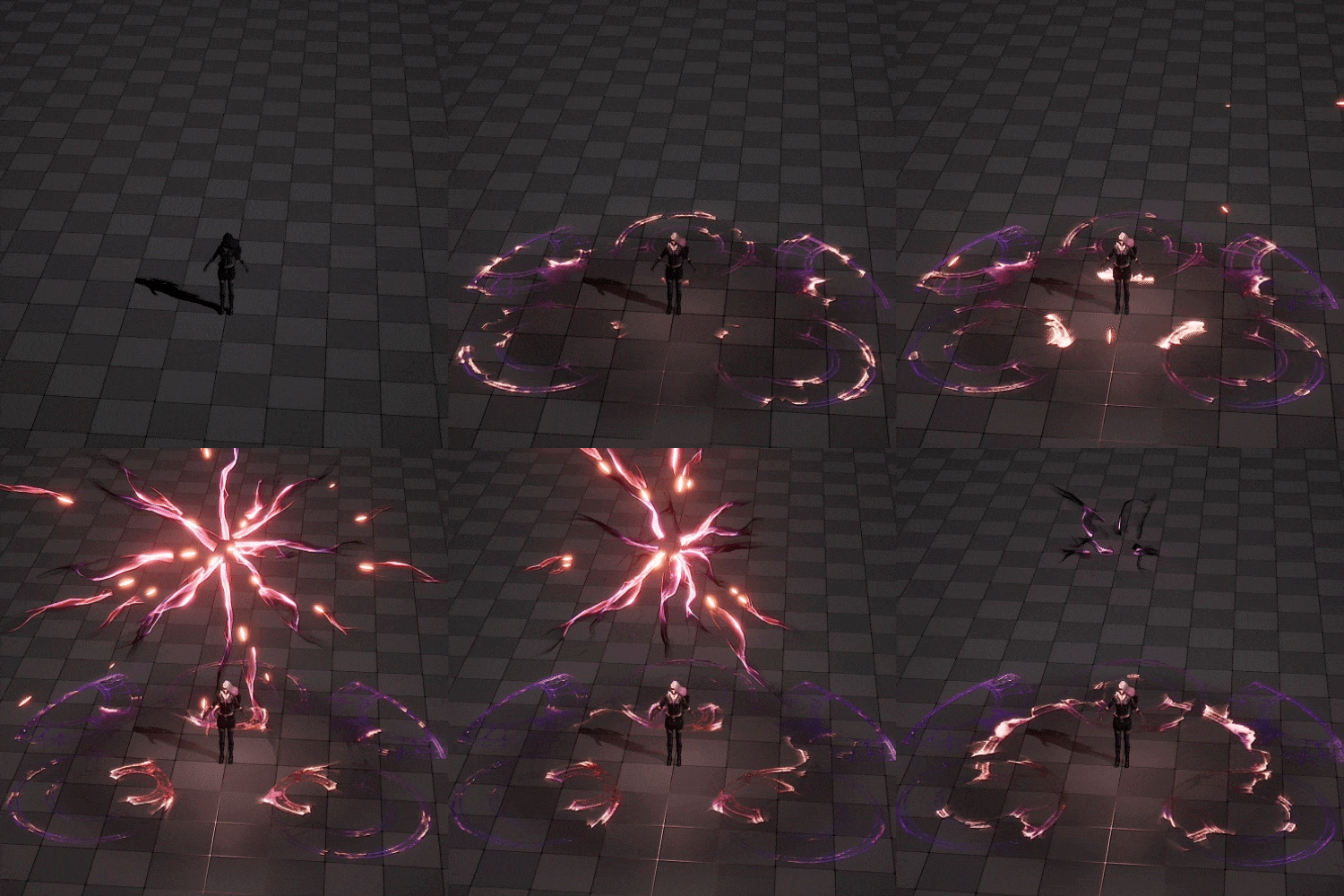 Casting Circle
 -
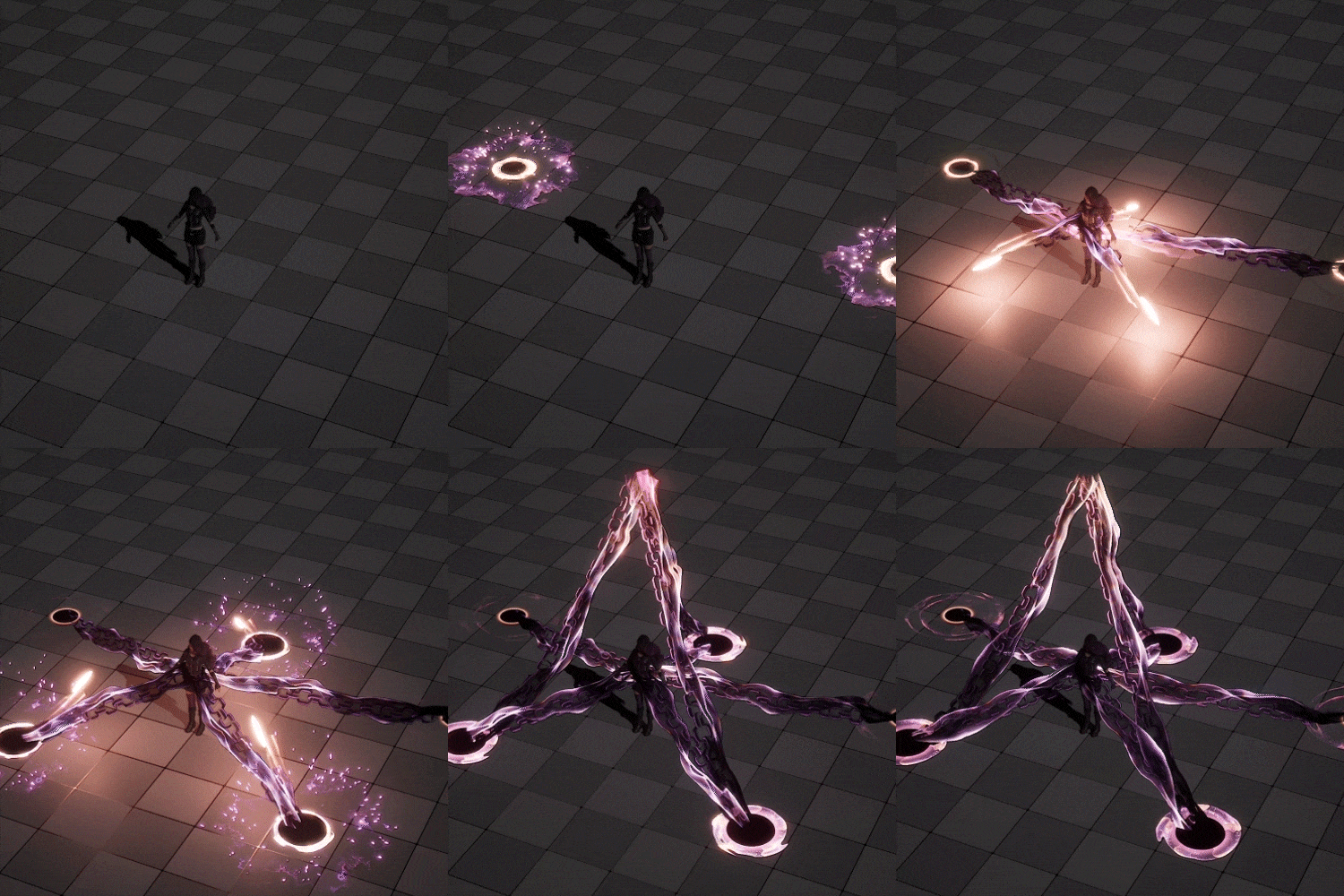 Casting Beam Trail
 -
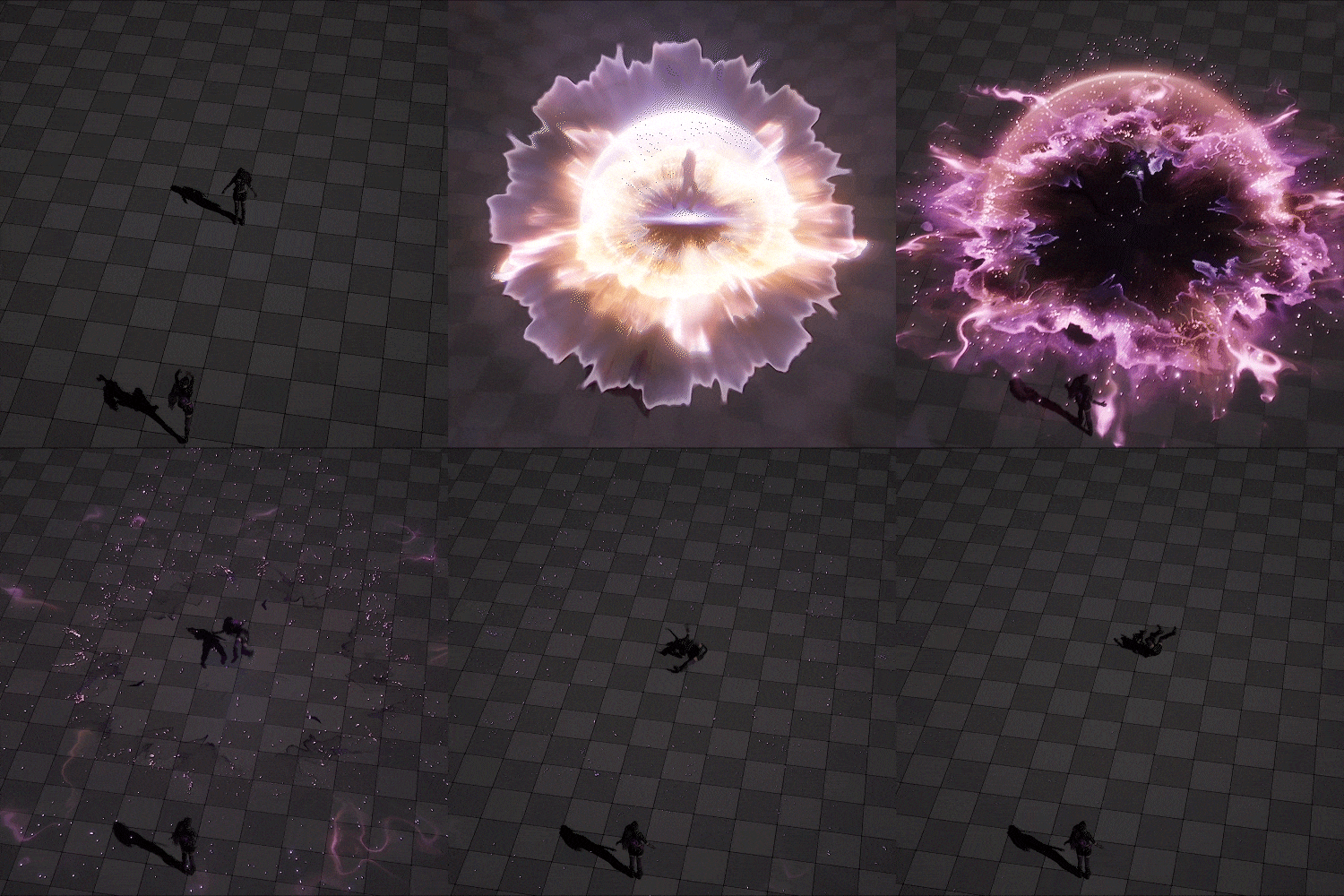 Impact Explosion
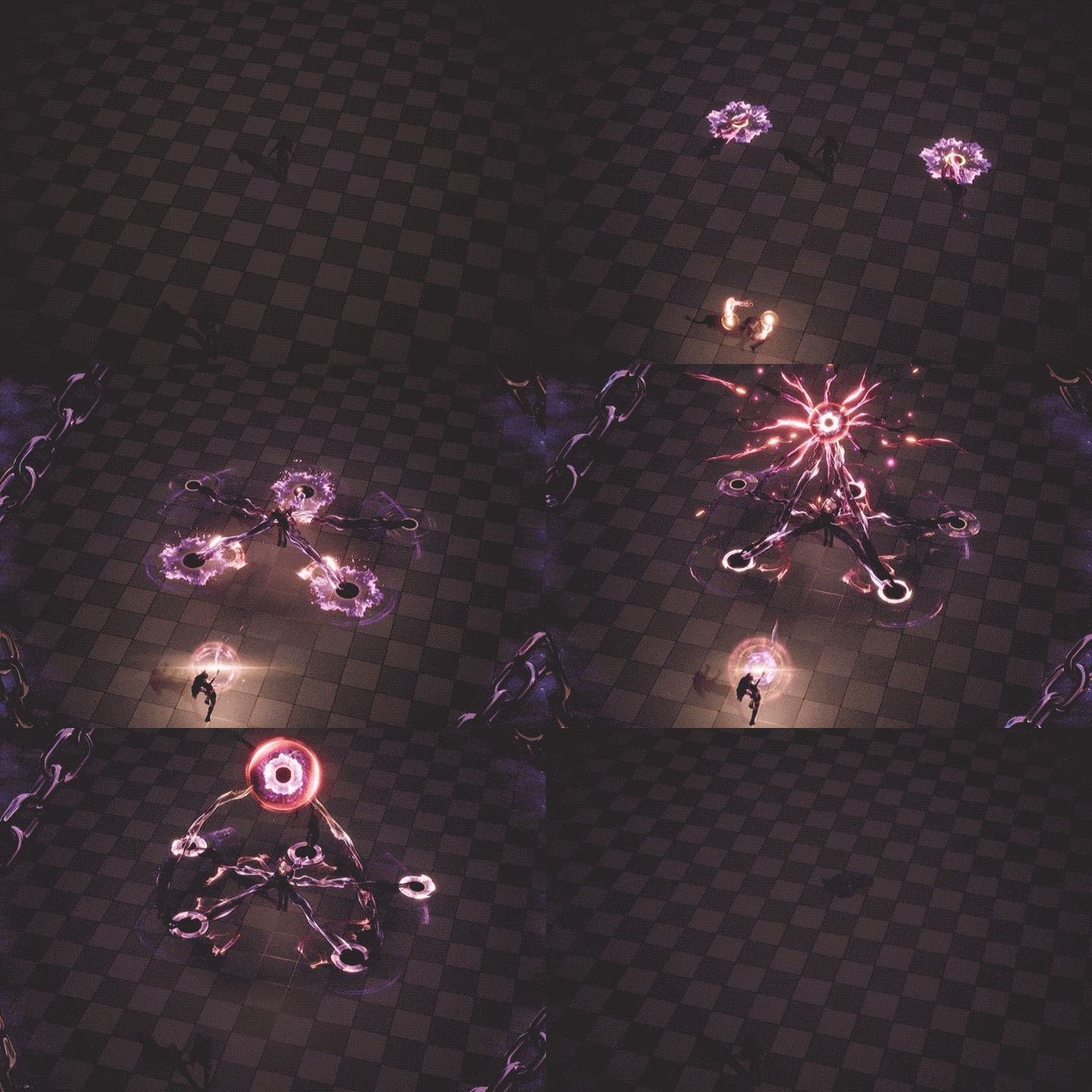
Skill Effects Production That Tells a Story
Instructor
VFX Artist
Kisong Lee
Hi. I'm VFX Artist Kisong Lee.
I have over 10 years of hands-on experience in various fields, ranging from film VFX to game effects.
After helping develop Lost Ark and KRAFTON, I now work as the Lead VFX Artist for a new MMORPG project.
I am still working on diverse projects in the field, from mobile and semi–live-action to extreme live-action concepts.
Through this class, I hope to pass on my knowledge to help you develop not only techniques but also the artistic sensibility that many game effects creators have difficulty learning systematically.
The lectures on core effects skills used extensively in practical work will also help you pick up portfolio production knowledge that no one else teaches.
Let this class be your guide to creating your unique and competitive effects portfolio.

VFX Artist, Kisong Lee
[Current]
VFX Lead Artist
New MMORPG project
Projects & Awards
[Projects]
KRAFTON – The Bird That Drinks Tears Visual R&D / The Callisto Protocol (Support)
SMILEGATE RPG – Lost Ark
NSE Entertainment – Sura Online, Sura Mobile
Macrograph – R2B, Starship Troopers: Invasion
Highlights
Class Highlights
Effects Design and Production for Attention-Grabbing VFX
Based on experience contributing to Lost Ark’s sensitive and elaborate effects, learn unique know-how of effects creation that goes beyond techniques to include designs and visuals.
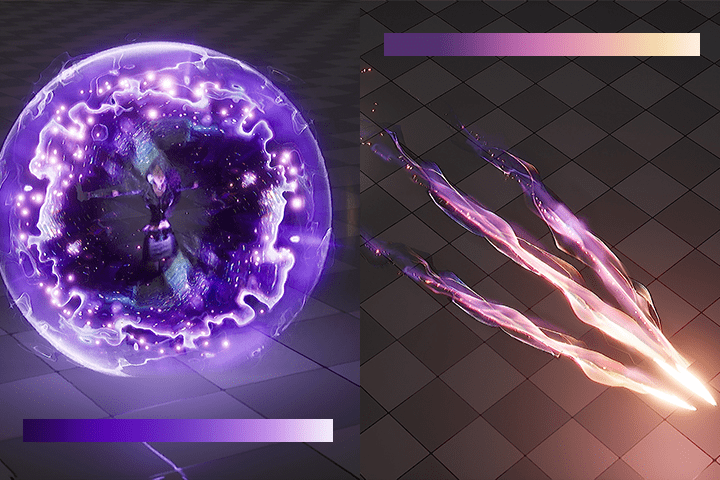
Practical Work Skills Learned in Stages: The Event Creation Process
Learn the skill FX commonly used in fantasy concept games one by one, and grasp the whole effects creation process applied in the industry.
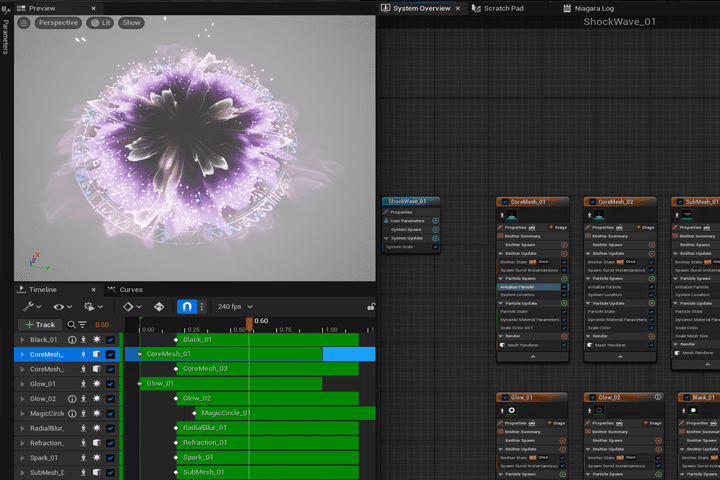
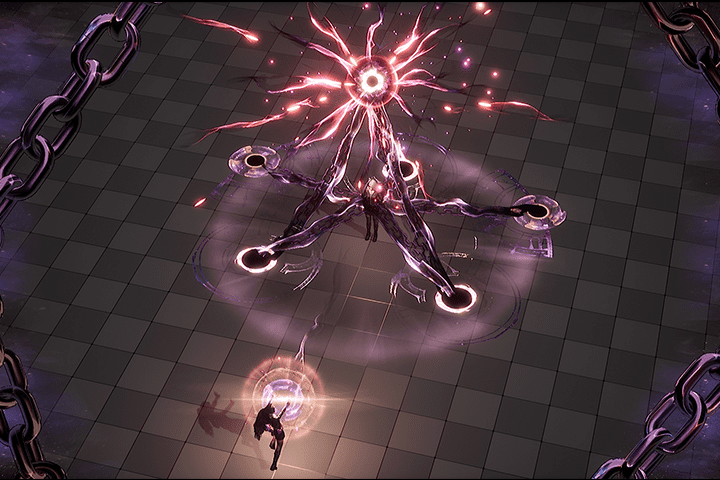
Effects Production Sensibility and Skills That Elevate Production Quality
Build the skills not only for just creating basic effects, but also creating production details in motion to bring your portfolio to new heights.
Class Details
You'll Learn
-
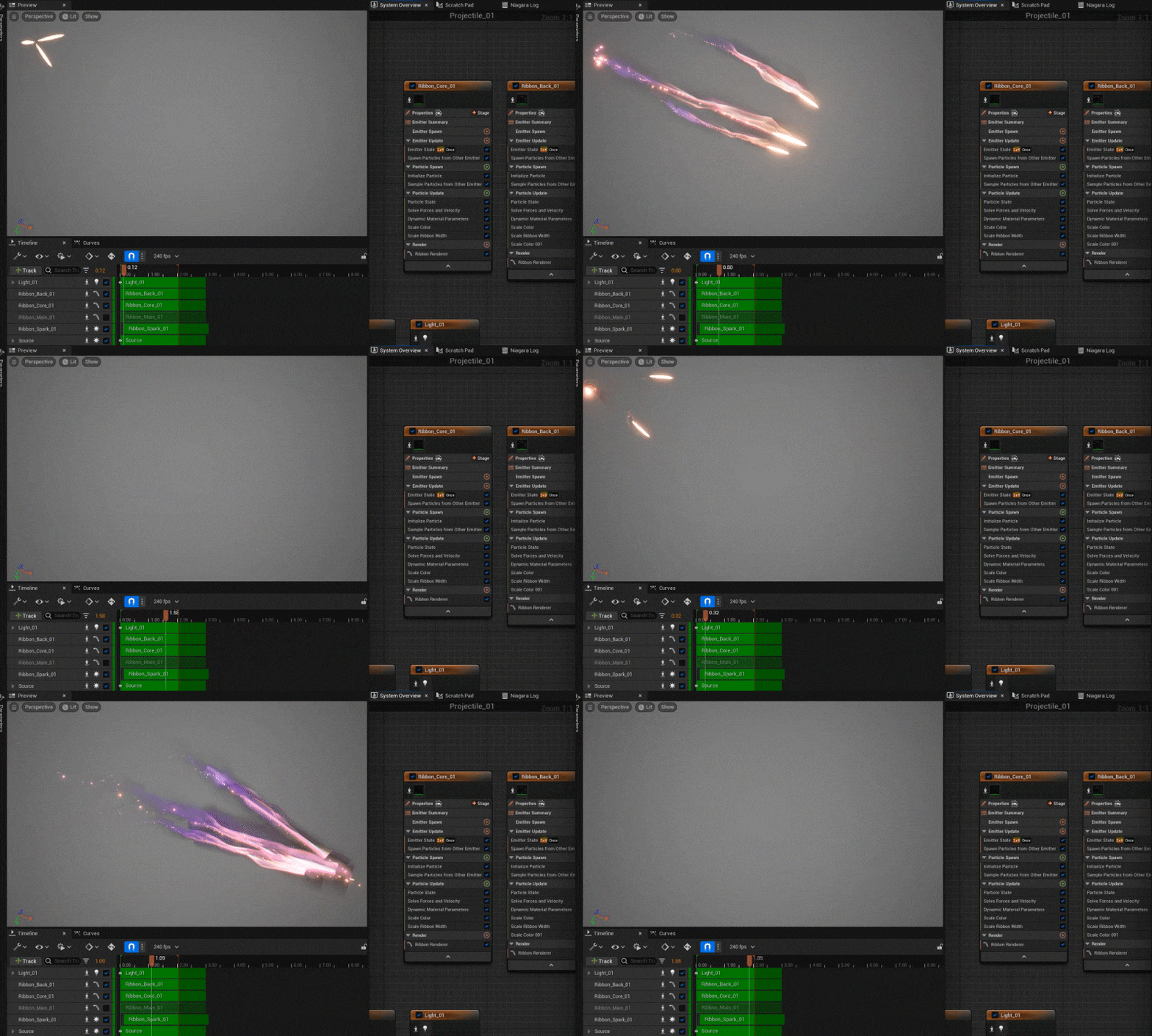 Effects in Unreal Engine: Basic Terminology and ConceptsNiagara, Material, Blend Modes, modules: Familiarize yourself with the basic terminology of effects, along with the concept of nodes.
 -
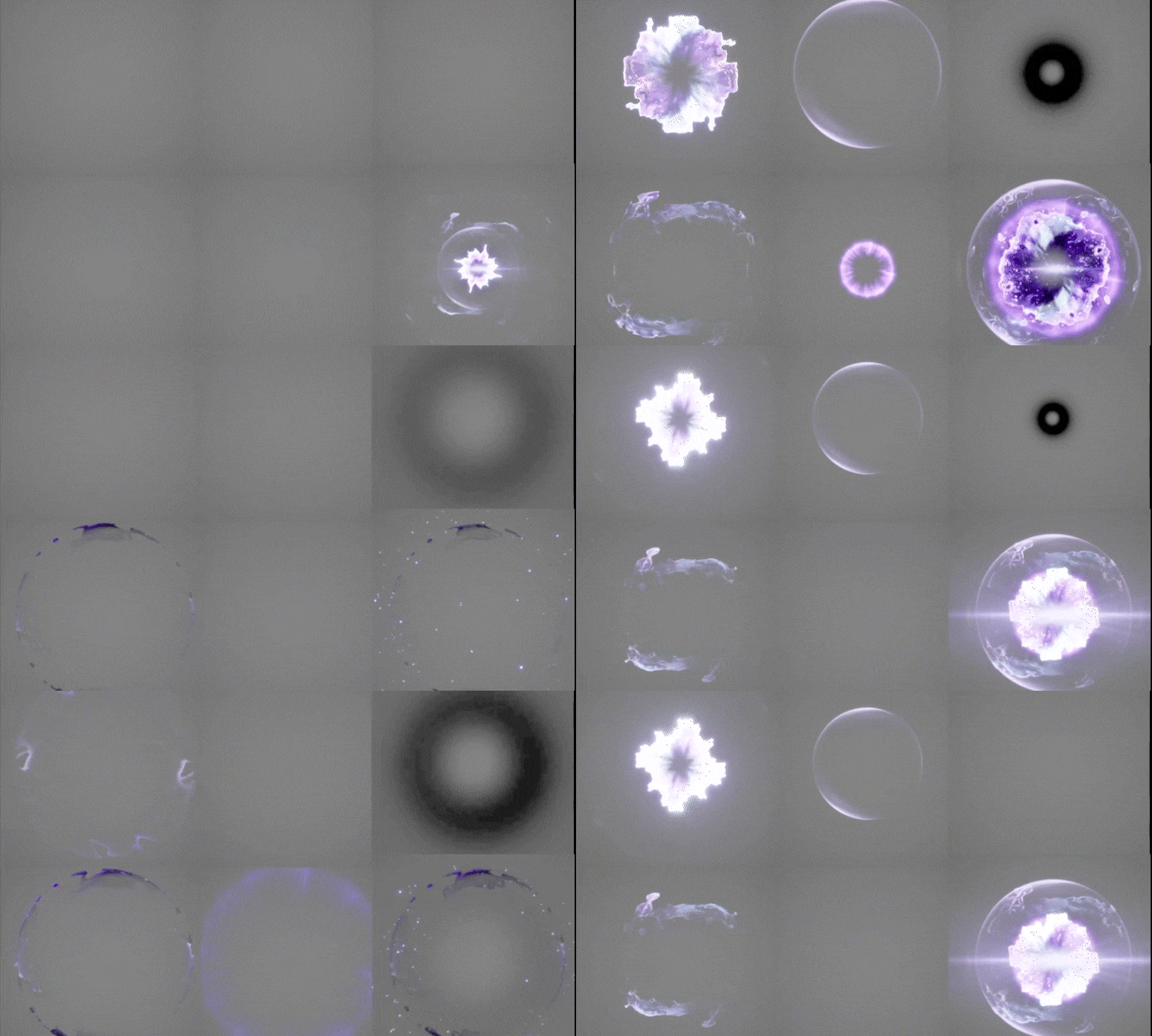 Particle and Material Creation for Vivid Color EffectsLearn Particle and Material creation to make full use of colors, the essence of vivid effects creation.
 -
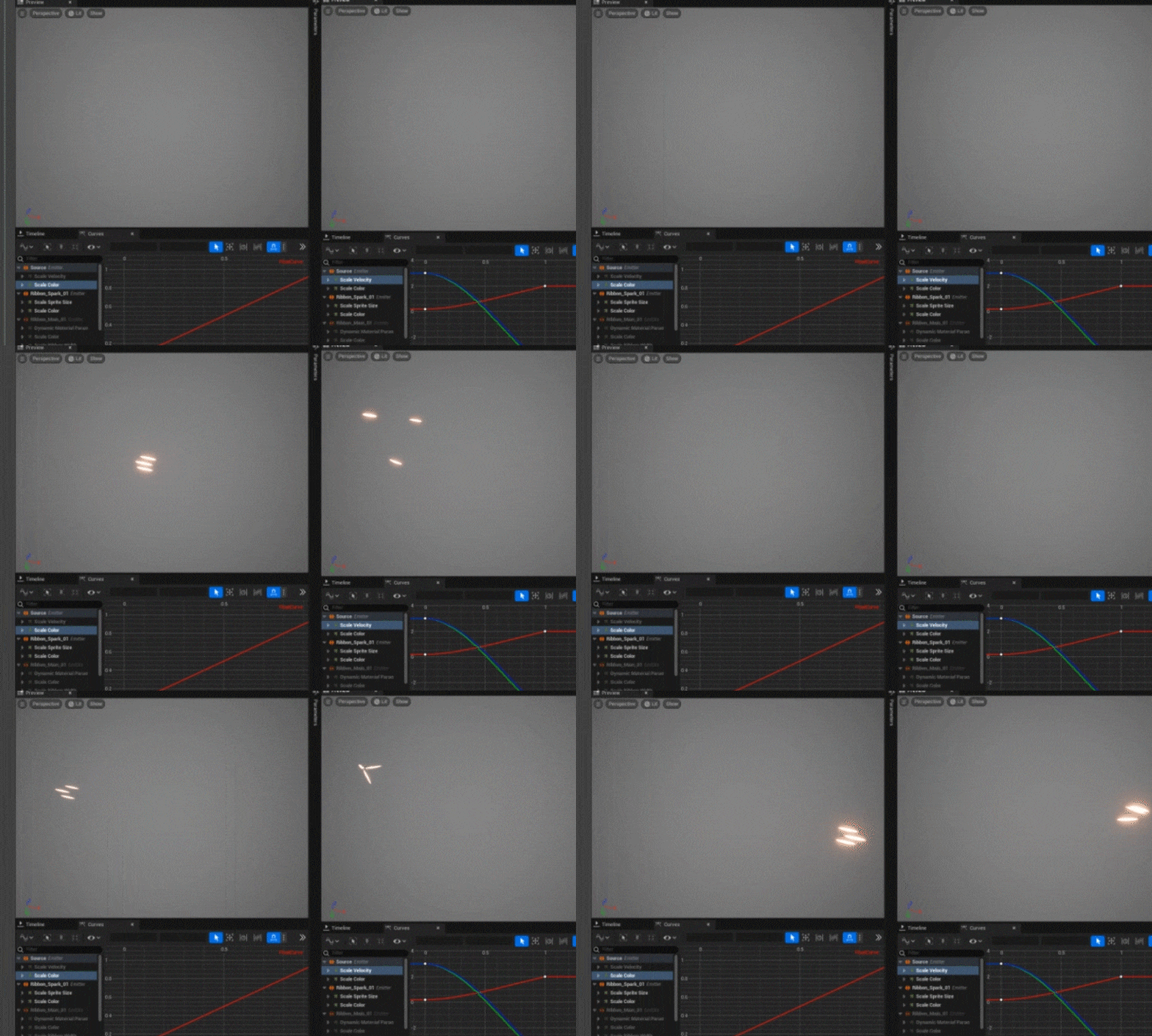 Developing a Sense of Form and Motion for Striking EffectsMaster animation techniques to heighten dramatic tension in the Niagara system’s shaping process, honing your sense for high-end effects production.
-
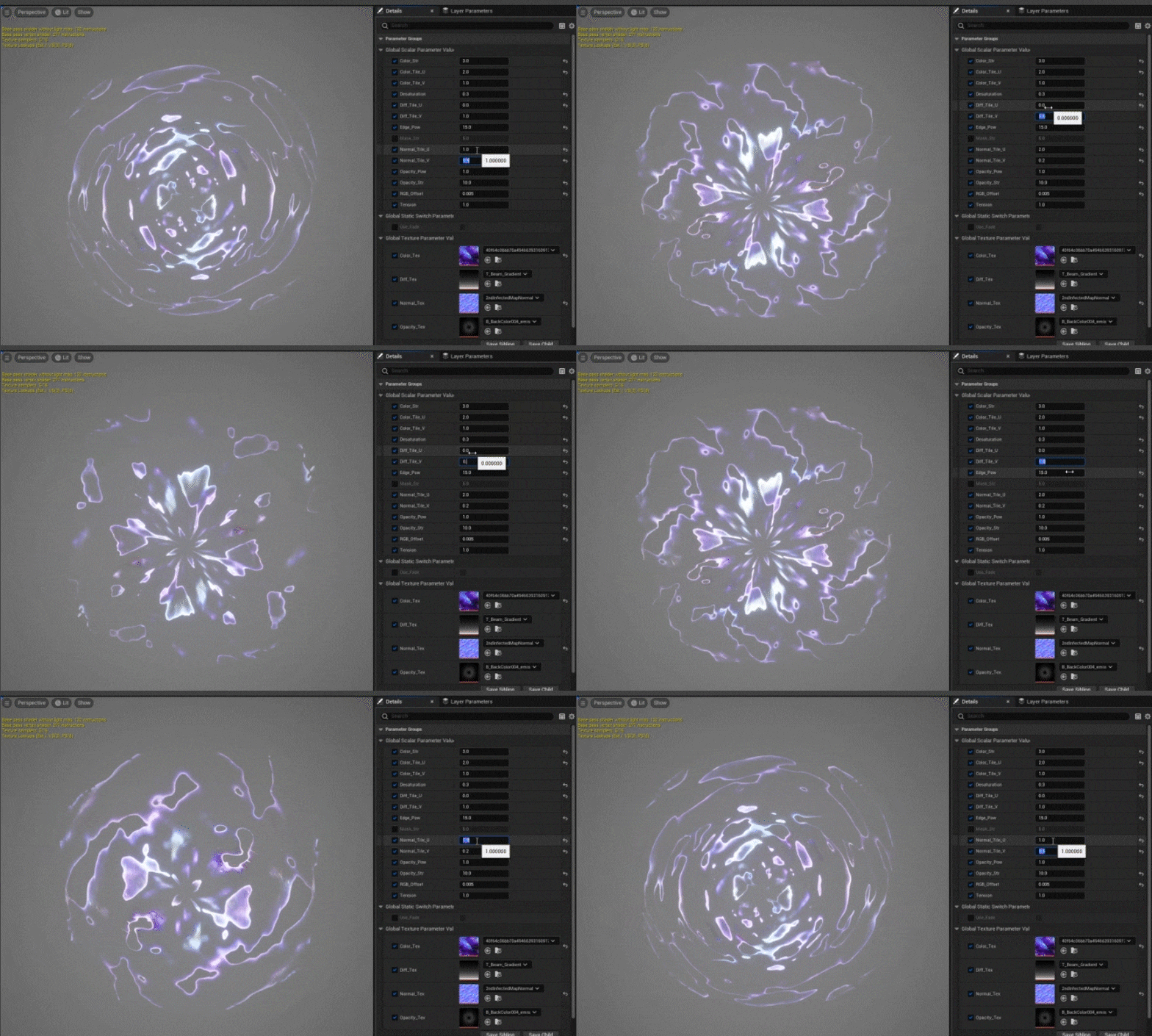 Versatile Master Material Creation TechniquesDevelop Master Materials with adaptability for effortless reuse using simple Texture changes, and learn how to apply them to your unique effects.
 -
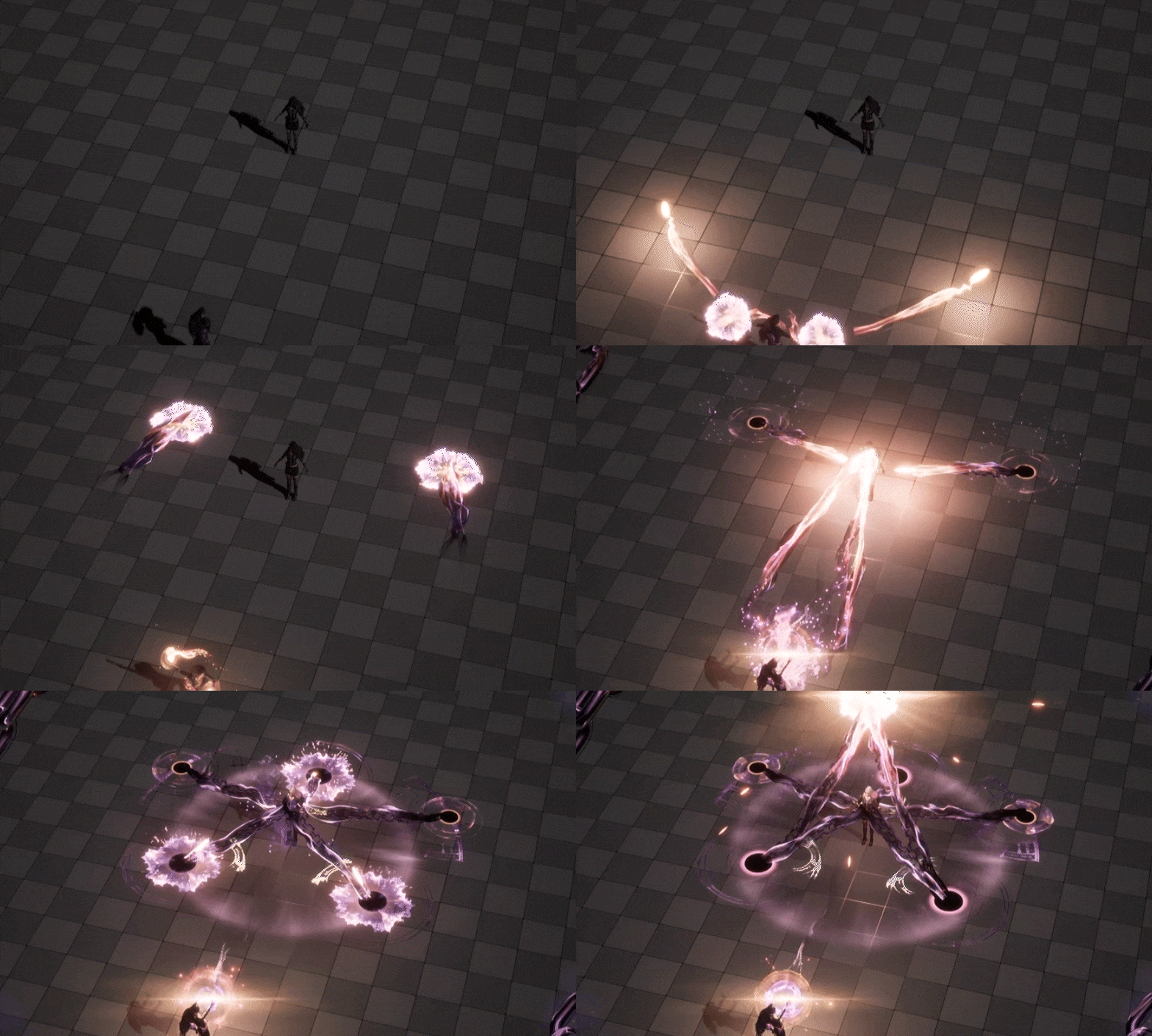 Skill FX That Maximize Storytelling in ProductionCreate different skill FX stage by stage all the way to overall skill production at the end, learning in the process how to link together the individual Niagara systems into a whole picture.
 -
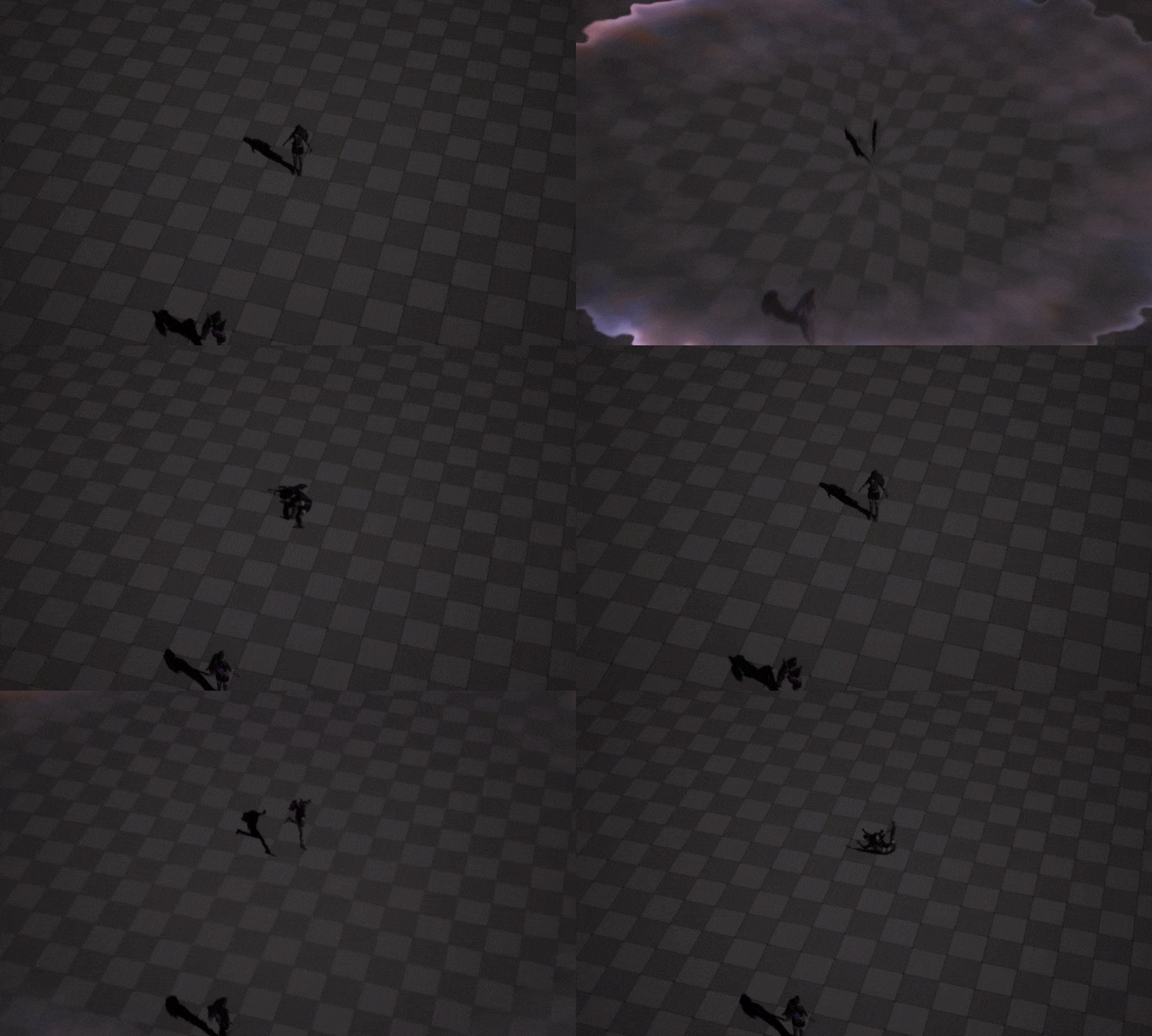 All-in-One Portfolio Composition with Camera Work and Post-ProductionCraft your unique effects portfolio by showcasing not only your Particle production chops but also camera work and post-processing for a comprehensive display of production details.
- Unlimited Access
- Best Price
Buy now, get unlimited access.
10/05 (Mon) (UTC-7) Special offer ends soon.
This special offer ends soon.
Buy now and save!
Curriculum
Curriculum
In-Depth Look
SECTION 01: Intro
01. Orientation
- On being a VFX artist
- Instructor background
- Class structure overview
02. Unreal Engine 5 Software Installation
- Engine installation and basic UI
- Addition of free resources to the project
- Basic effects creation workflow in Unreal Engine
- Terminology for effects creation
SECTION 02: Basic Concepts of Essential Tools for Effects Creation
03. Basic Material Nodes and Blend Modes
- Understanding the difference between additive and translucent Blend Modes
- Basic Math Expression nodes in Materials
04. Intermediate Material Nodes and UV Distortions
- Frequently used intermediate nodes
- The concepts of UV and point movements
- Texture distortion effects through UV point movements
05. Introduction to Basic Niagara Concepts
- The concepts of Niagara Emitters and systems념
- Basic Emitter options
- Emitter spawning and update renderer
06. Basic Niagara Modules
- Basic Particle properties
- Frequently used modules
- Examples of basic Particle motions
07. Basic Sequencer Tool UI
- Applying motions in the sequencer
- Incorporating Niagara in the sequencer
SECTION 03: The Importance of Artistic Expression in Effects
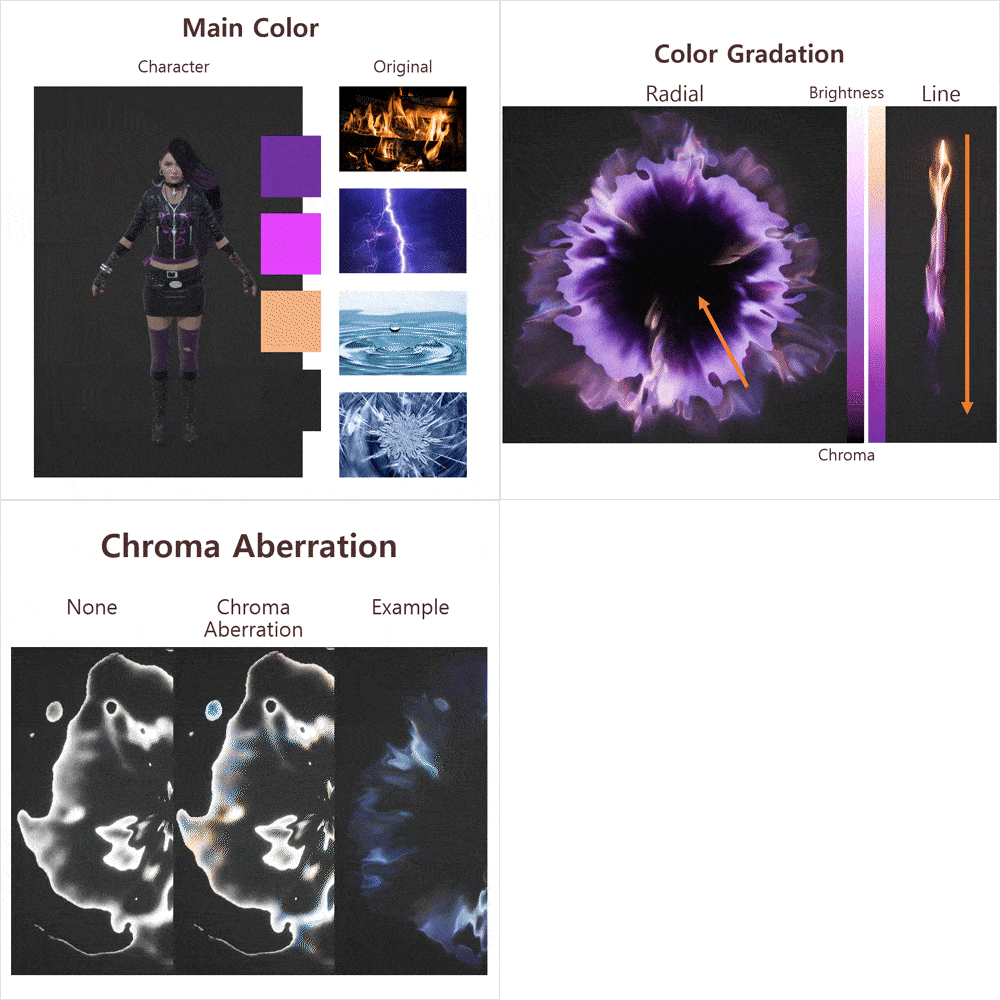
08. Significance of Using Color Impressions
- Examples of color areas and their uses by effects concept
- Effect color expressions - Gradations
- Effect color expressions – Chromatic aberration
- Effect color expressions – Contrasts and point colors
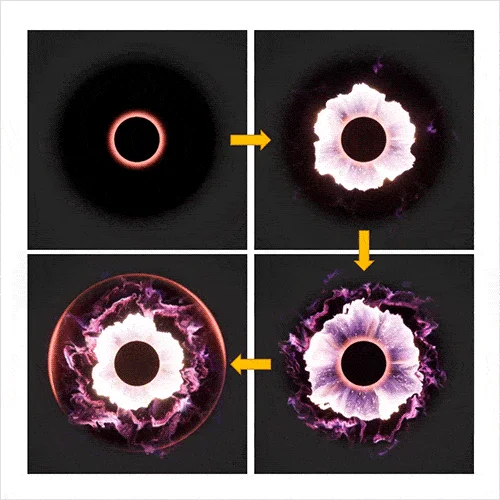
09. Significance of Form Blends and Distortions
- How to create forms with Emitter blends
- Particle blends and Texture surface based on force cores
- The relationship between texture distortions and forms
10. Significance of Motion Senses
- The relationship between animations and graphs
- The importance of graph usage
- Harbinger motions and timing blends
SECTION 04: Camera Work and Post-Effects
11. Post-Effects Creation (Refraction and Blur Effects)
- Crafting refractive Materials
- Creating blurring Materials
12. Post-Effect Application and Camera Work
- Examples of post-effects application
- Examples of camera work using noise values
13. Setting Backdrop Levels
- Setting backdrop levels for application in creation exercises
SECTION 05. Skill Creation Exercise 01: Sprite Explosion
14. Sprite Explosion Skill Production Sequencer Settings
- Adding motion to the sequencer
- Incorporating Niagara Particles in the sequencer
- Understanding the Sprite Particles
15. Developing Radial Master Materials
- Composing a texture distortion node using radial UV
- Formulating a color blend node in the main Texture
- Checking the linkage between the created Material and Niagara Particles
16. Creating Niagara Particles for Sprite Explosions
- Creating core elements with master Materials
- Adding subordinate elements
- Refining production details and applying finishing touches
SECTION 06. Skill Creation Exercise 02: Missiles
17. Missiles Skill Production Sequencer Settings
- Adding motion to the sequencer
- Incorporating Niagara Particles in the sequencer
- Understanding the concept of Ribbon Particles
18. Developing Ribbon Trail Master Materials
- Checking the linkage between the ribbon UV and Niagara Particles
- Composing the main Texture distortion node
- Formulating the main Texture color blend node
19. Creating Niagara Particles for Missiles
- Creating core elements with master Materials
- Adding subordinate elements
- Refining production details and applying finishing touches
SECTION 07. Skill Creation Exercise 03: Shock Waves
20. Shock Wave Skill Production Sequencer Settings
- Adding motion to the sequencer
- Incorporating Niagara Particles in the sequencer
- Understanding the concept of Ribbon Particles
21. Developing Mesh Master Materials
- Checking the linkage with Niagara Particles depending on the basic UV Mesh form
- Composing the main Texture distortion node
- Formulating the main Texture color blend node
22. Creating Niagara Particles for Shock Waves
- Creating core elements with master Materials
- Adding subordinate elements
- Refining production details and applying finishing touches
SECTION 08. Skill Production and Creation That Tell Stories
23. Skill Production Sequencer Settings
- Understanding effects concepts and production references
- Adding motion to the sequencer
- Incorporating Niagara Particles in the sequencer
24. Creating Ribbon Trail Elements 1
- Developing Niagara Particles for character hand-casting Ribbons
- Creating the main Ribbon Particles in Niagara
- Establishing linkages between the hand-casting and main Ribbon elements
25. Creating Ribbon Trail Elements 2
- Developing the main Ribbon Particles in Niagara
- Creating Materials for the hand-casting Beam Emitters
- Crafting Particles in Niagara in loop forms for hand-casting
26. Creating Energy Globe Elements
- Creating the basic core Emitter for the energy globe
- Developing a main Emitter Material instance
- Completing the energy globe Niagara Particles
27. Creating Elements of Casting Circles
- Developing Materials for the casting circle
- Creating the loop-form Emitter for the casting circle
- Crafting the casting Ribbon Emitter
28. Creating Chain Elements
- Developing Materials for the chain Beam Emitter
- Creating Niagara Particles for a two-link chain
- Creating Niagara Particles for a three-link chain
29. Creating Elements of Impact Explosions
- Developing a main element Material instance and Emitter
- Creating a subordinate element Material instance and Emitter
- Crafting a detail element Material instance and Emitter
30. Camera Work and Post-Production Creation
- Creating Particle camera work
- Developing impact explosion post-production
- Adding camera shaking
SECTION 09. Outro
31. Developing Effects Portfolio
- Understanding effects resources necessary for portfolio creation
- Understanding effect elements by project concept
- Developing an effective effects portfolio
- Concluding remarks
*The release date of this class, curriculum images, and associated content can be changed without prior notice.
** Class videos may be seperated for a more streamlined viewing experience
Interview with
VFX Artist Kisong Lee

Question.01
What prompted the creation of this class,
and what are its main points?
Game VFX artists usually combine artistic and technical elements to create results. However, many tend to emphasize the technical aspects, neglecting artistic sensibility. The main point of this class is to directly showcase a mastery of the functional elements in the process of creating the artistic aspects such as colors, timing, and details of form.
Question.02
What unique strengths do you, as the instructor, bring to the class?
I believe my strengths as a VFX artist and what helps me stand out are the artistry and aesthetics I bring out in production compositions and effects designs. To demonstrate these elements, I share my complete skill effect creation process, integrating my techniques for effect expression and elements touch-up in this class.
Question.03
What do you expect students to take away from this class?
I hope students realize the potential to generate high-quality results by laying a solid foundation for effects creation. This class is designed to cultivate effects production skills and sensibility, with an emphasis on artistic elements. It guides students in producing effects tailored for fantasy concepts using the Niagara tool. Ultimately, I hope to help you create a portfolio that truly showcases your unique signature skills.
Required Programs
This course will use
- Unreal Engine version 5.0.3
*The character used in the exercises is Paragon: Pase in Epic Content (UE Marketplace).
*The Paragon character asset’s materials are incompatible with version 5.1 of Unreal Engine.
*Therefore, version 5.0.3 is recommended when taking this course.
Please purchase and install these program(s) for an optimized chapter experience.
*These programs and/or materials will not be provided with the lecture.
Recommended
Recommended Class
Like this class?
Then check these out!