[Dictionary]technicalartist,ethan_유현도KR Details
Intro

Don’t miss out, enroll now!
Enrollment closes in
0
d
0
h
0
m
0
s
2026-08-10T23:59

Now in Your Language, Only on Coloso!
Learn from Top Creative Experts Worldwide
-
 Global Game TA Workflow
-
 UE Shader Engineering System
-
 Interactive World Optimization
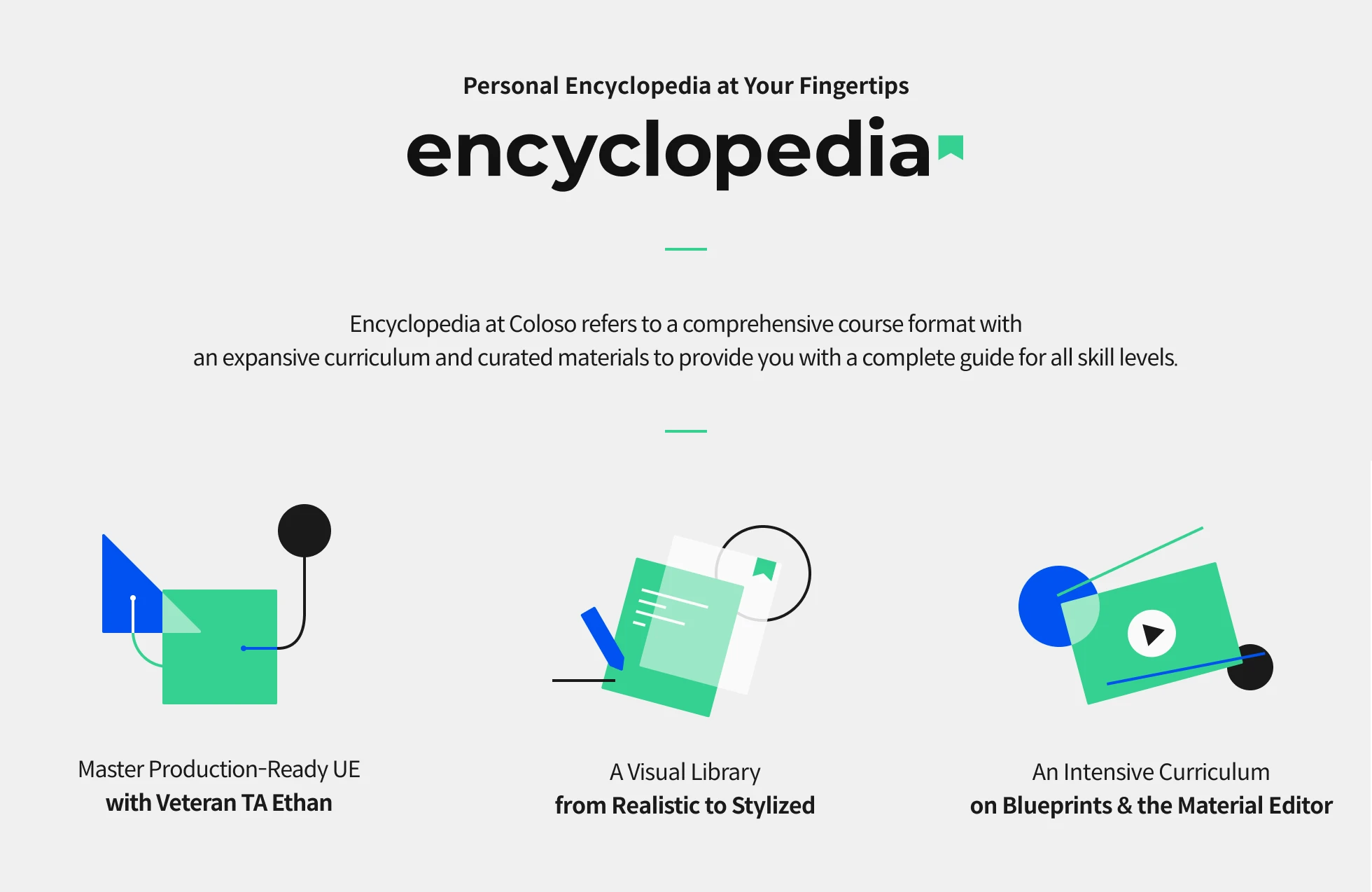
TA Ethan's UE Shader & Interactive Systems Masterclass
Does your portfolio still lack that final polish, no matter how many tutorials you follow? Learn production-proven techniques from veteran TA Ethan, who contributed to the visuals of global titles like Stellar Blade and Rust. Explore high-quality shader pipelines for everything from realistic to stylized visuals.
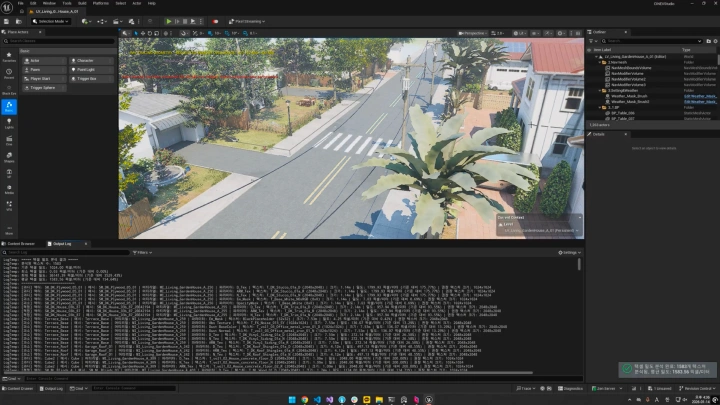
Master Unreal Engine shaders and interactive systems through an intensive curriculum centered on Blueprints and the Material Editor. Build advanced interactive systems while learning production-tested optimization techniques, and expand your technical art toolkit with Ethan's comprehensive visual library.
Class Perks
Special Gift from Ethan
-
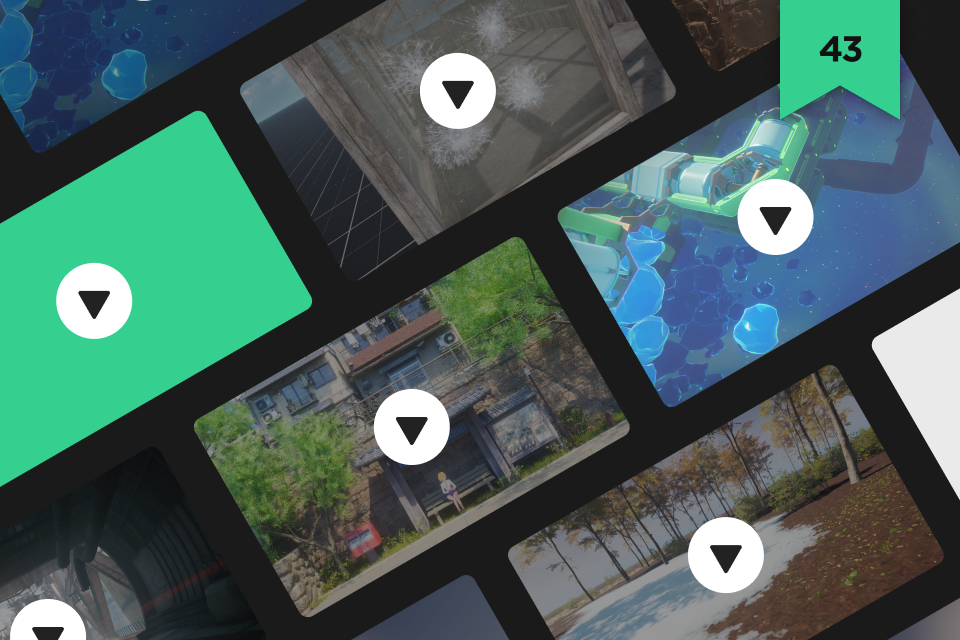 Unlimited Access to 43 Chaptersto build advanced systems that transcend genres
 -
 Hands-on Project Filesto breath life into game worlds (.uproject)
 -
 Hands-on Asset Filesto craft lifelike environments (.uaaset)
Recommendation
Who Should Take This Class?
Game Environment Artists who want to overcome visual limitations during Unreal Engine implementation
Junior Technical Artists looking to strengthen their technical skills and build a more polished portfolio
Professional TAs seeking the right balance between production optimization and advanced visual effects
Expert Technical Artist Ethan's Portfolio
-
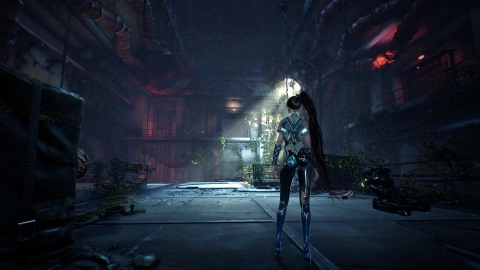 Stellar Blade
 -
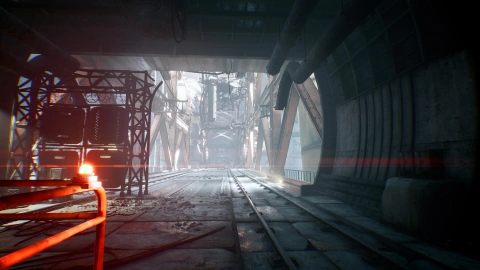 Stellar Blade
-
CINEV
-
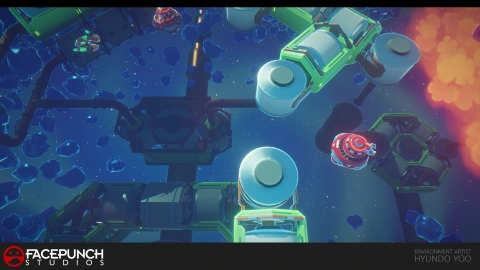 Trouble Shooter
-
CROWZ
-
CROWZ


A Practical TA Solution Library for Every Style and Theme
Discover Ethan’s production proven techniques for building polished game environments, organized like a reference library you can turn to whenever a challenge arises. Learn how to create cohesive world systems through detailed guides structured by theme and visual style. With a curriculum divided by material and function, you can quickly find the right solution for virtually any project.
Tackle everything from large scale world systems to the performance optimization challenges that matter most in production. Rather than simply learning isolated techniques, discover how to balance project optimization with advanced interactive effects. Master complex topics such as instruction cost comparison and texture sampler management with clear, accessible guidance, and build the practical skills that set Technical Artists apart.
Get Ready for the Real World
Build Interactive Game Environments with UE Shaders and Blueprints
Part 1. From Material Fundamentals to Advanced Visual Effects
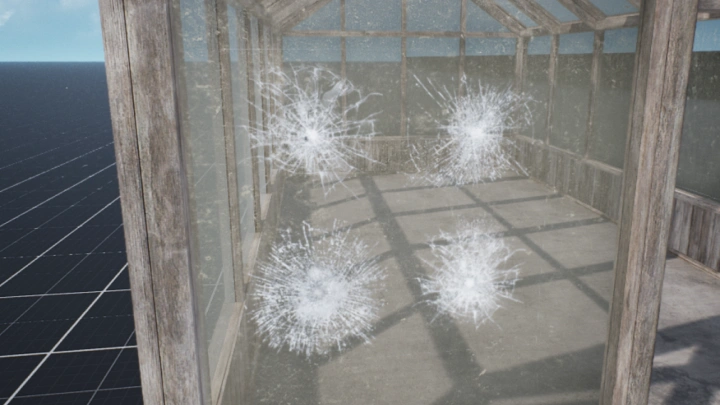
Learn how to create essential game environment materials, including glass, water, and vegetation, based on the principles of physically based rendering (PBR).
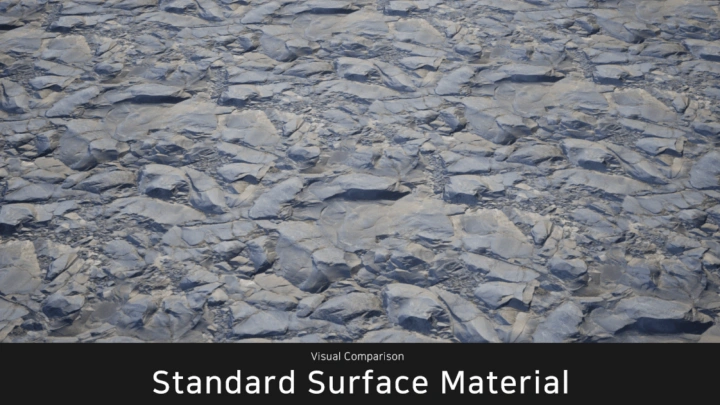
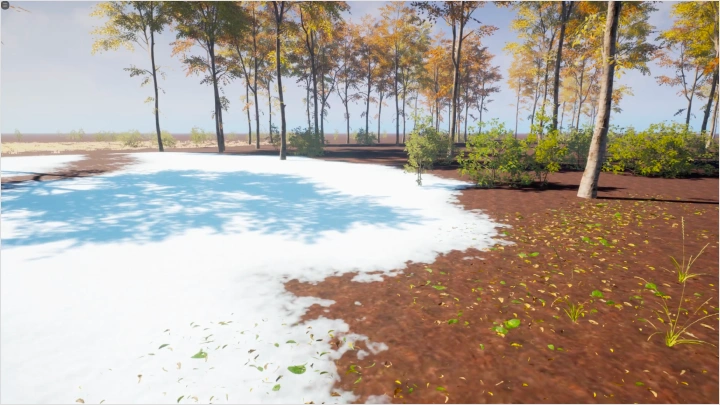
Explore techniques for building shaders that suit both realistic and stylized art styles, while enhancing environmental detail with effects such as accumulated snow, rain-soaked surfaces, and blinking emissive materials.
-
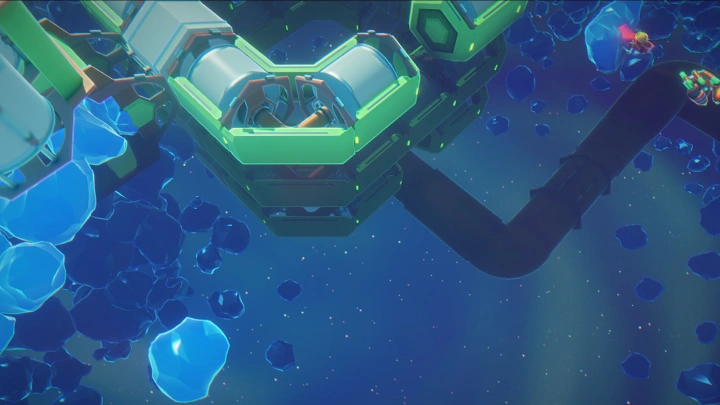
Glass MaterialsBasic glass, blurry glass, dirty glass
-
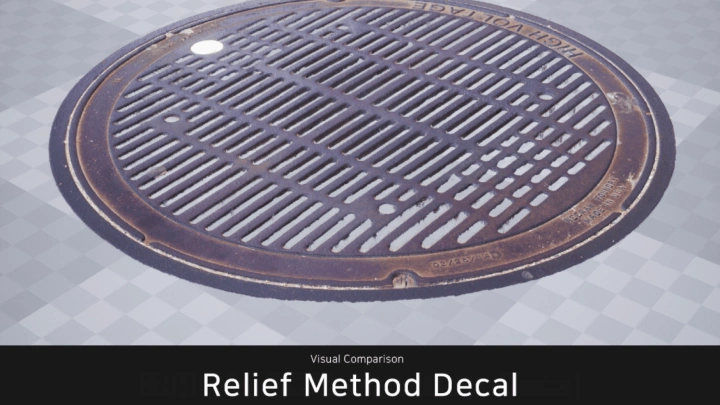
Material FundamentalsDecals and multi-texture blending materials
-
Blinking Emissive EffectsMaterials with special effects
-
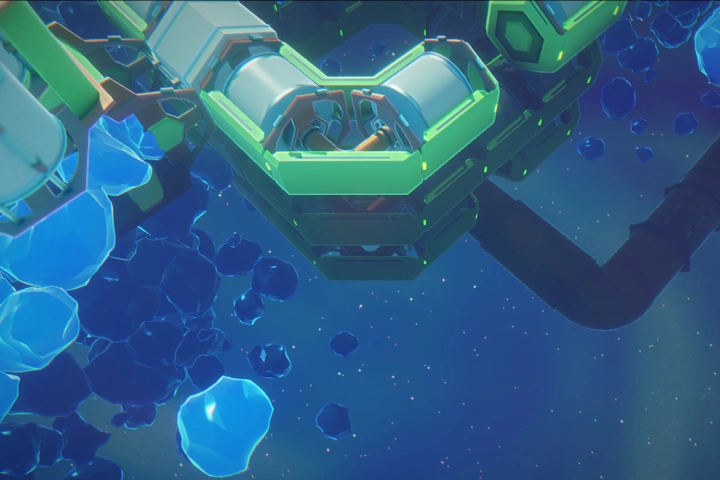 Realistic & Stylized Water MaterialsRendering water (lake) and ice by style
 -
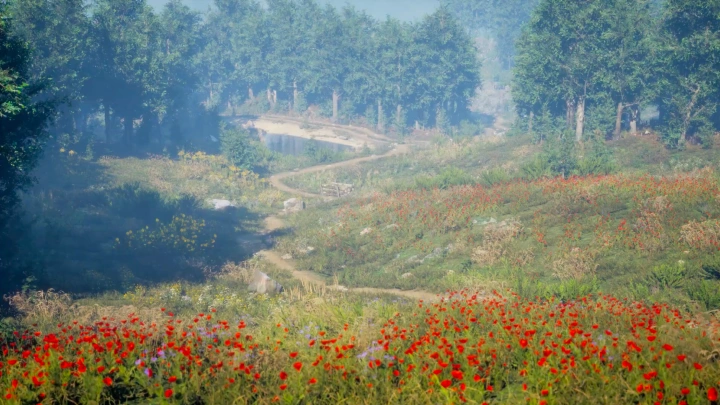
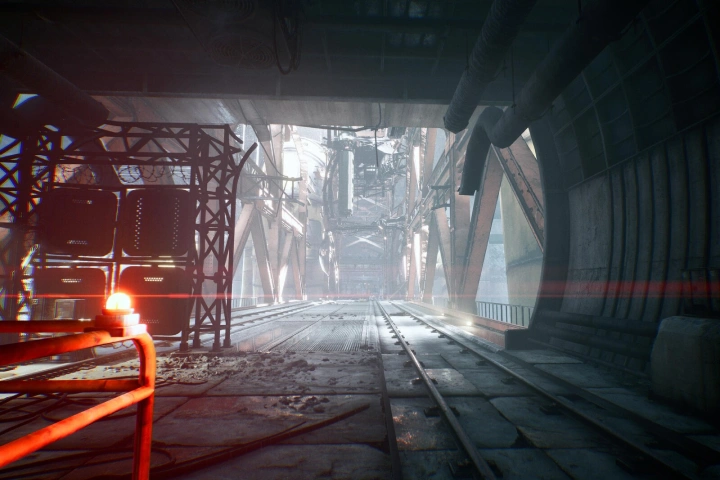 Foreground & Background TreatmentCreating landscape materials
Part 2. Building Environmental Control Systems with Blueprints
Design dynamic world systems that control seasonal changes based on the time of day (TOD).
Create advanced interactions, from footprints left in snow to vegetation that responds naturally to the wind.
-
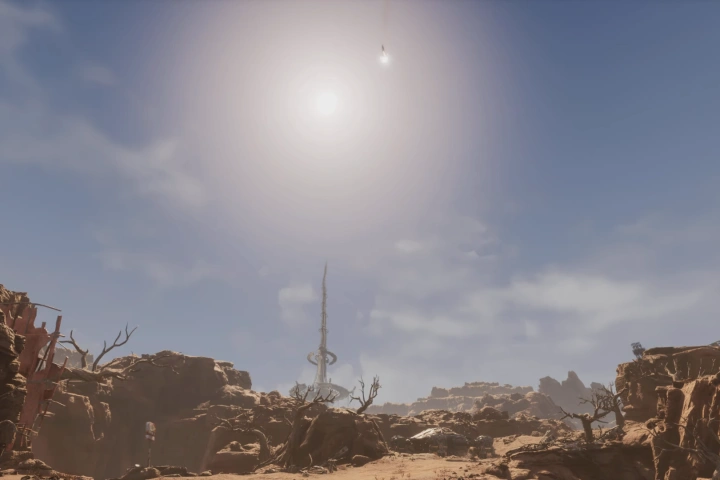 Four-Season SystemCreate seasonal transitions driven by the time of day (TOD)
 -
Wind-Responsive VegetationBuild interactive vegetation with Blueprints
Render Target Interactions
Footprints in the snow, water splashes, and more
Part 3. Production-Ready Optimization & Automation
Learn professional optimization techniques that maximize engine performance without sacrificing visual quality.
Build reusable master material libraries and streamline your workflow with Editor Utility Widgets to create an efficient, production-ready pipeline.
-
GPU ProfilingIdentify and optimize inefficient memory usage
-
Master MaterialsBuild versatile materials that can be reused across projects
Highlights
Class Highlights
Move Beyond Node Copying to Master Shader Engineering
Stop simply recreating node graphs from tutorials. Build a deeper understanding of the physical principles behind PBR and the mathematical logic that drives shader development. Learn to create shaders for both realistic and stylized visuals with confidence, and develop the skills to design your own shader graphs and solve complex visual challenges from scratch.
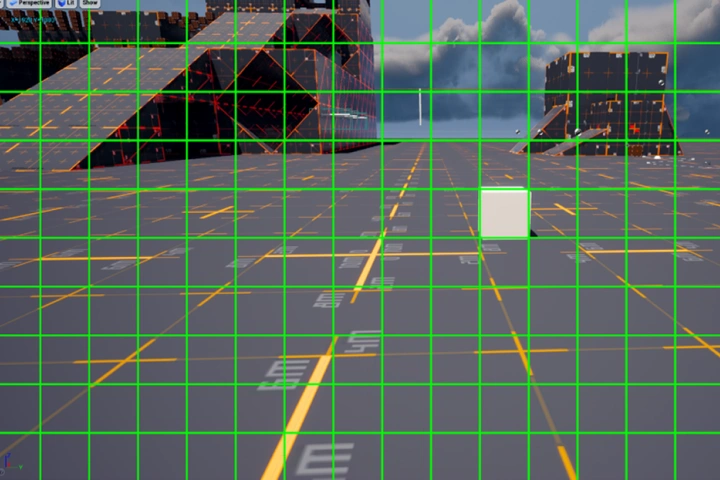
Build Interactive Systems That Bring Worlds to Life
Go beyond static environment assets and create dynamic worlds that respond to both players and their surroundings. Design advanced systems that combine Blueprints and the Material Editor, from time-of-day (TOD) lighting and seasonal changes to interactive snow and water effects powered by render targets. Strengthen the core technical skills every Technical Artist needs for production.
Learn a Production-Proven TA Pipeline and Optimization Techniques
Even the most impressive visuals are meaningless if they can't run efficiently in a game engine. Learn production-ready optimization techniques, from terrain blending with Runtime Virtual Textures (RVT) to instruction cost analysis. Discover how to balance stunning visuals with stable performance while building the practical skills used in professional game development.
Roadmap
From Realistic to Stylized: A Complete UE Environment Roadmap for Technical Artists