motiongraphicdesigner,subarusx Details
Intro
Class Intro
Motion Graphic Designer, SubaruSx
"We're going to make the most of After Effects and create electrifying visual compositions to accompany your musical ones!"
Create Cinematic Music Videos with Compositing & 2.5D Effects
There's a reason some music videos stop you mid-scroll.
Depth, atmosphere, and motion that all feel intentional.
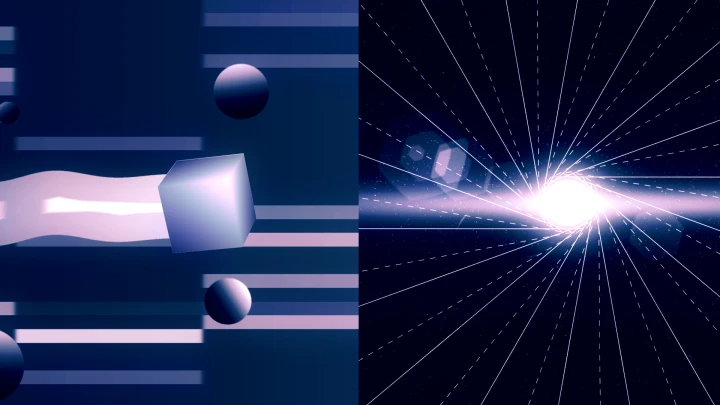
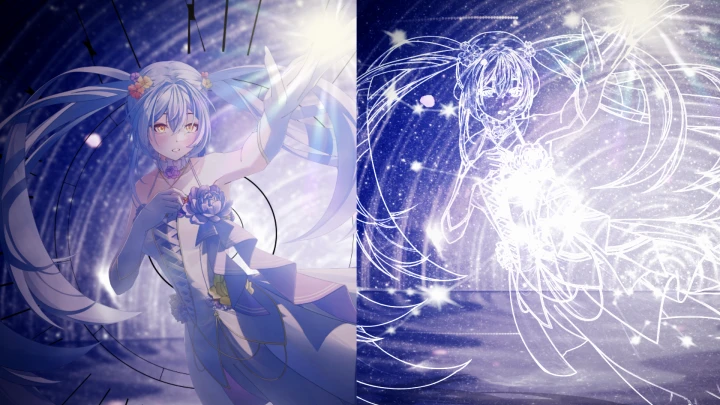
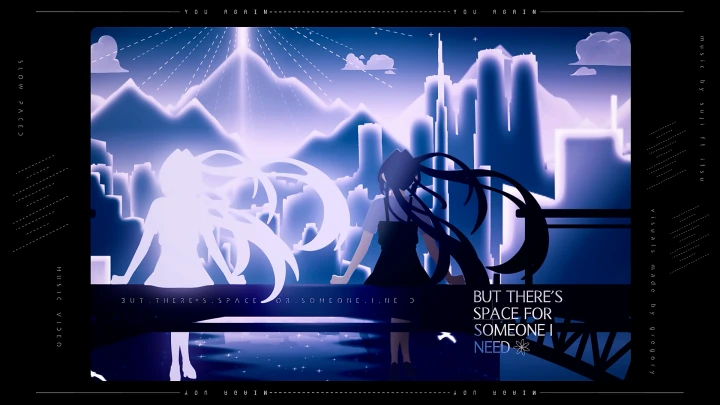
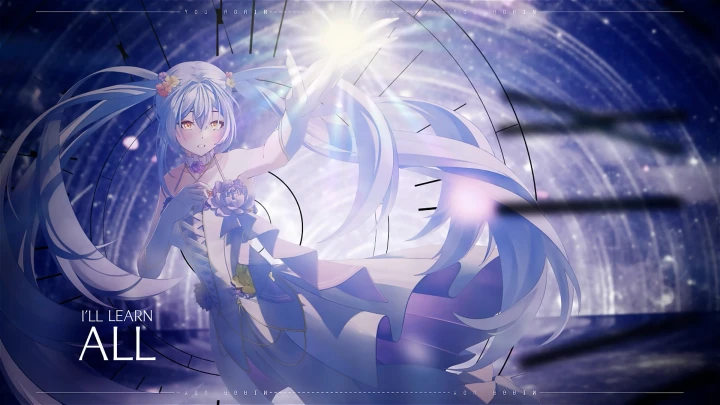
In this class, motion graphics designer SubaruSx teaches you how to build that kind of visual from the ground up. Using compositing and 2.5D techniques in After Effects, you'll learn to construct full scenes, control depth and atmosphere, and follow real production workflows from concept to final export.
You'll also develop a strong understanding of core motion design principles, so every decision you make has intention behind it. No matter where you're starting from, you'll finish with visuals that actually look the way you imagined them.
You'll also develop a strong understanding of core motion design principles, so every decision you make has intention behind it. No matter where you're starting from, you'll finish with visuals that actually look the way you imagined them.
Class Preview
Still Not Sure?
Check Out SubaruSx's Class Preview!
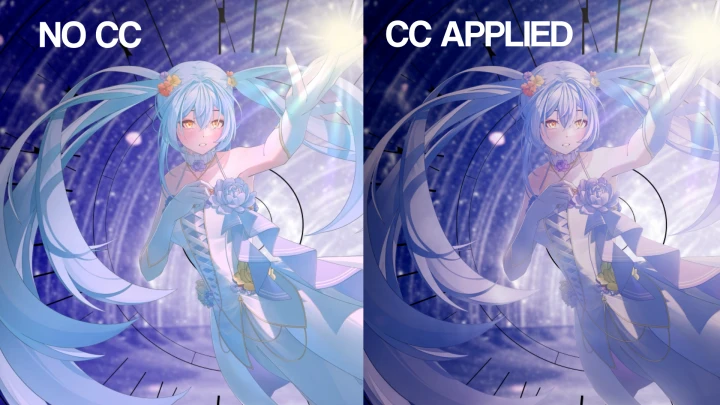
Chapter 4. Color Grading & Color Theory
(Exercise)
1. Difference between color correction and color grading
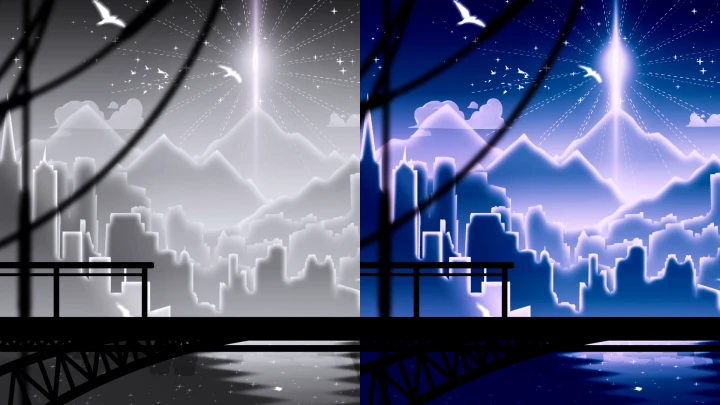
2. Use color grading to create mood and atmosphere
3. Understand color theory and building cohesive color schemes
2. Use color grading to create mood and atmosphere
3. Understand color theory and building cohesive color schemes
Class Perks
Special Gift from SubaruSx
-
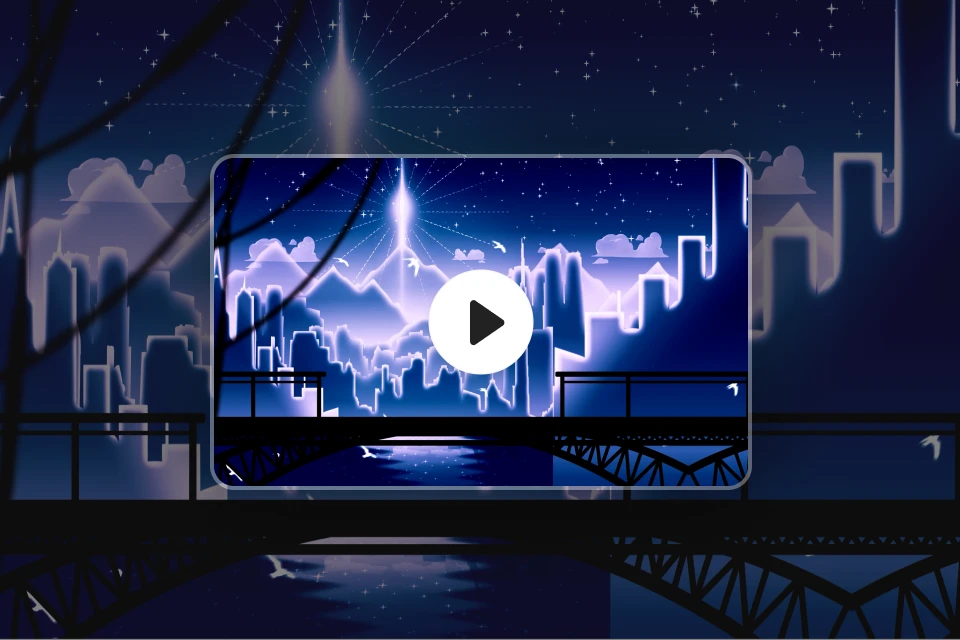 Video & PNG Overlays- A collection of overlays, textures, and backgrounds ready to use in your projects
- Motion elements that import directly into After Effects
- Includes PNG sequences, JPG images, and MP4 clips -
 Unlimited Access to 20 Chapters- An unlimited access to 20 chapters accessible anytime
-
 All Course Project Files- All After Effects files used throughout the class
- Layers, compositions, and project structures intact, exactly as shown in each chapter
-
 SubaruSx's After Effects Presets- SubaruSx's personal animation and effect presets, ready to apply in After Effects
 -
 Copyright-Free Music & Artwork- Music and artwork approved by the original artists for educational use
 -
 Additional Project Files for Study and Practice- A project file personally selected by SubaruSx for extra study and practice
Recommendation
Who should take this class?
Video editors who want to learn After Effects from scratch and build a strong foundation in motion graphics
Content creators who want to level up their visuals and produce more cinematic, high-quality edits
Beginner to intermediate animators who want to move past basic editing and start building their own scenes and effects
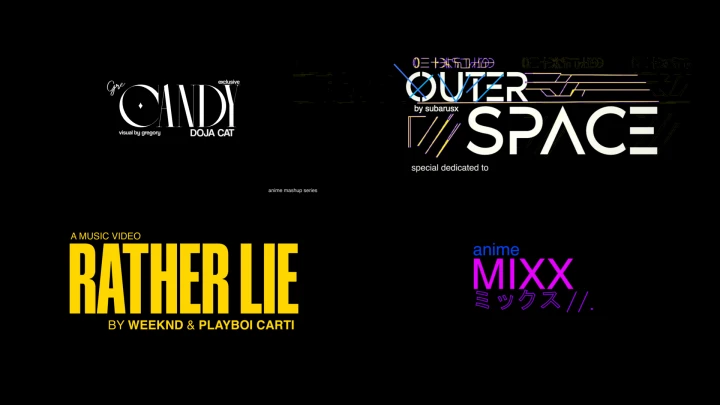
Expert Motion Graphic Designer SubaruSx's Portfolio
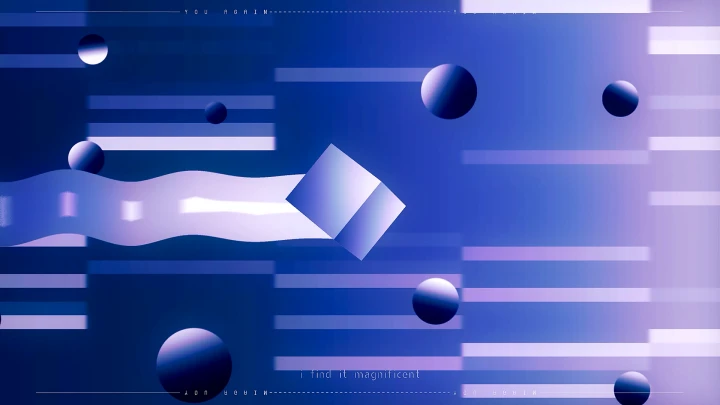
ENERGY
LOVENOTE
I’LL NEVER CRY
OUTERSPACE
DROP
YOU ARE MY HEART
ON ONE TONIGHT
REMEDY

Why Take This Class?
This course emphasizes accessibility, practicality, and cost-effectiveness by highlighting the uses of built-in Adobe After Effects tools, with no third-party plugins required. This ensures all techniques are fully replicable within standard software, removing financial and technical barriers for any learner of various levels while reinforcing immediate, real-world usability.
The fundamentals-first, creative approach prioritizes understanding over shortcuts, teaching you how and why to build visuals from the ground up. Combined with the instructor’s five years of hands-on editing experience, the course is positioned as a focused, in-depth path to mastering Adobe After Effects. It appeals to those seeking professional-level skill development in a single tool rather than a broad, surface-level overview.
Get Ready for the Real-World
11 Class Exercises
-
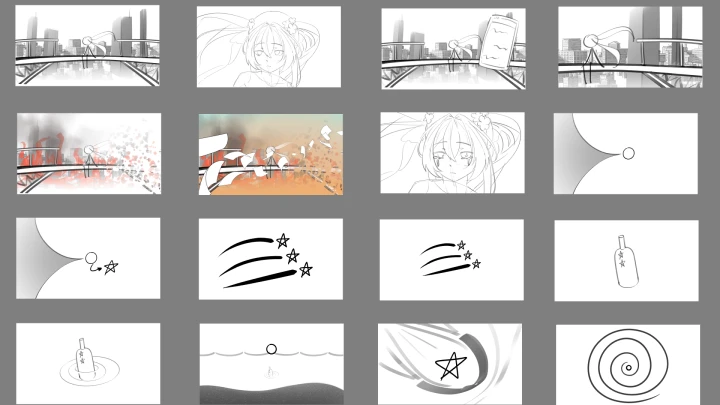
Planning & Storyboarding
-
Basic Color Correcting
-
Color Grading and Color Theory
-
Text Animation
-
Layer Naming
-
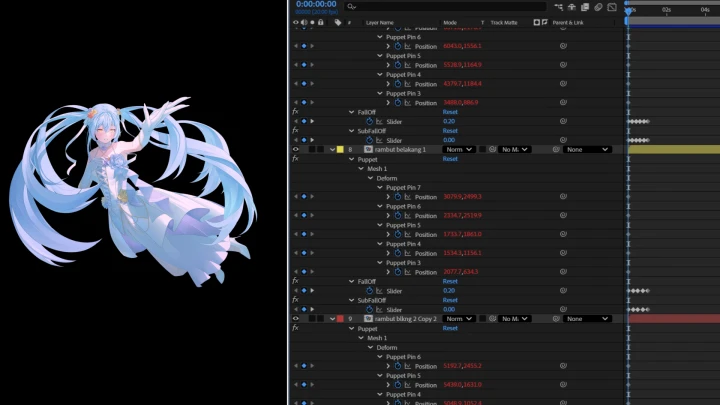
Rigging and Animating
-
2D Motion
-
Compositing
-
VFX Creation
-
Environment Creation
-
Final Polish of the Product
Final Products
-
Multi-Style Editing BreakdownExplore three different editing approaches, each focusing on unique techniques and creative direction to broaden your understanding of motion design.
-
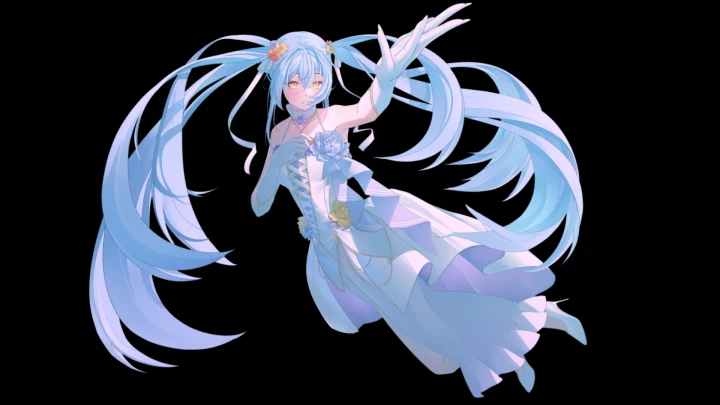
Polished Composited SceneVisual elements, lighting, color, and effects are blended seamlessly to create depth and atmosphere, turning simple assets into high-quality, professional visuals that feel immersive and impactful.
-
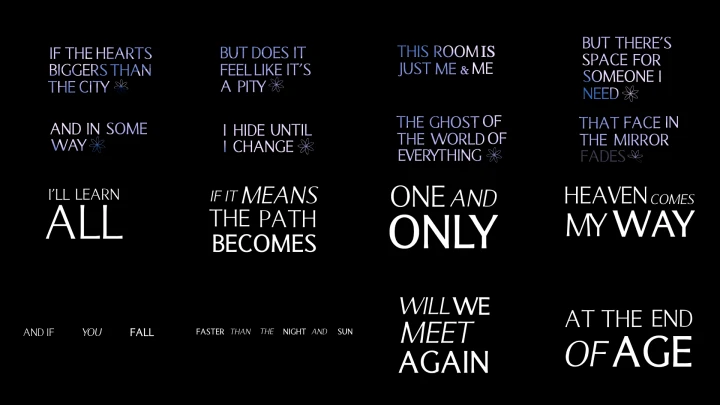
Text AnimationA deeper focus on building expressive and flexible text animations that can be applied across different styles and projects.
Final Composited Music Video
One fully polished music video that brings everything together, from storyboards and animated visuals to clean compositing and strong typography. A focused, high-quality final piece.
Highlights
Class Highlights
Advanced Compositing & Complex Scene Creation
Learn how to build full scenes by combining assets, effects, and layers without relying on templates. You'll develop control over depth, lighting, and composition, and turn simple elements into high-impact visuals.
Motion Graphics Mastery
Develop a stronger sense of timing, movement, and design. Create animations that feel smooth and natural, with every motion serving a clear purpose.
Clear, Easy, Organized Workflow Project Files
Get access to well-structured project files that help you understand the structured workflow without confusion.