

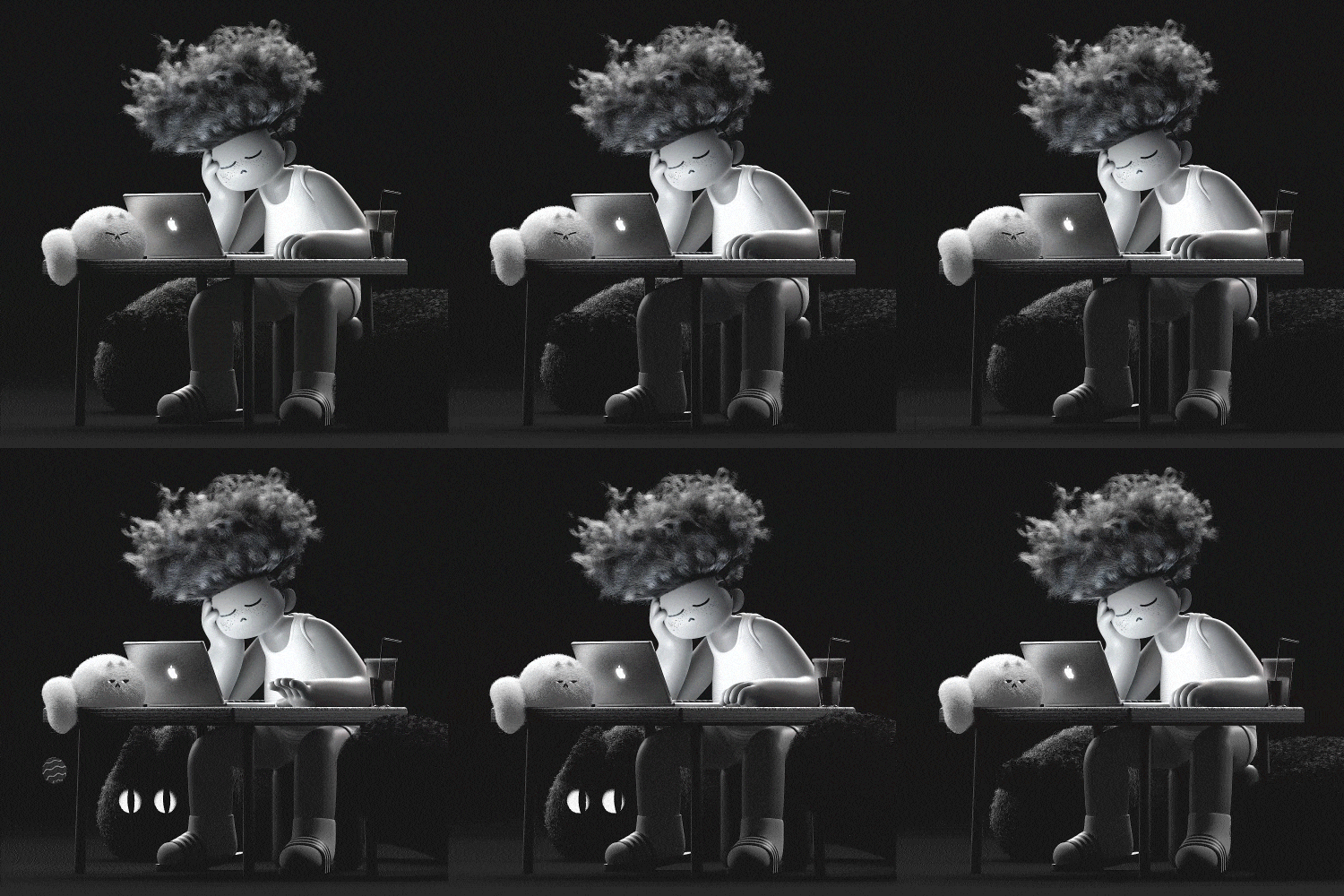
Question.01
Why did you select ‘3D character animation’ as the class topic?
MotionGraphicDesigner,JeonghwanChoi_모션그래픽 디자이너 최정환 Details
Class introduction
Class Intro
Motion Graphic Designer, Jeonghwan Choi
“We will develop your application skills so that you can create as many characters as you like by applying your own designs and colors.”
Create your own 3D character animation by setting it to suit each type of style!
You definitely learned C4D skills, but have you ever felt awkward applying them as they were because you lacked the sense of motion and application to the character?
You want to expand the spectrum of character animation that can be used in a variety of ways, such as in branding videos and broadcasts, but have you reached the limit of your technique where you keep getting stuck in similar visuals and familiar methods?
You want to expand the spectrum of character animation that can be used in a variety of ways, such as in branding videos and broadcasts, but have you reached the limit of your technique where you keep getting stuck in similar visuals and familiar methods?
Work with Jeonghwan Choi Choi, a motion graphic designer recognized for his extraordinary expressive ability, to create various character motions with each shape and characteristic, including animals, shapes, people, and two-headed characters.
We will teach you step-by-step everything from looping animations that can be created simply without complex modeling or technology to transformation and emotional expression animations that require controllers and detailed settings, as well as post-production and practical application cases using After Effects.
We will teach you step-by-step everything from looping animations that can be created simply without complex modeling or technology to transformation and emotional expression animations that require controllers and detailed settings, as well as post-production and practical application cases using After Effects.
Expert Motoin Graphic Designer Jeonghwan Choi's Portfolio
Why Take This Class?
Would you like to see a character with your own unique design in motion?
If you come up with a motion setting and production method that matches the shape and personality of the character, not only will the work time be shortened, but variation work will also become easier. Experience practical processes that are useful in the field through this class.
You can learn a wide range of planning, production, settings, and animation according to various character types so that you can ultimately apply it to your own character.
Coloso is the only 3D character animation class that utilizes C4D, Octane, and After Effects as appropriate and can be approached in a variety of styles.

6 Class Exercises
Part 01. Animation practice
We'll create a really simple character using some of C4D's basic functions, and practice animation to become familiar with using the timeline and graphs.
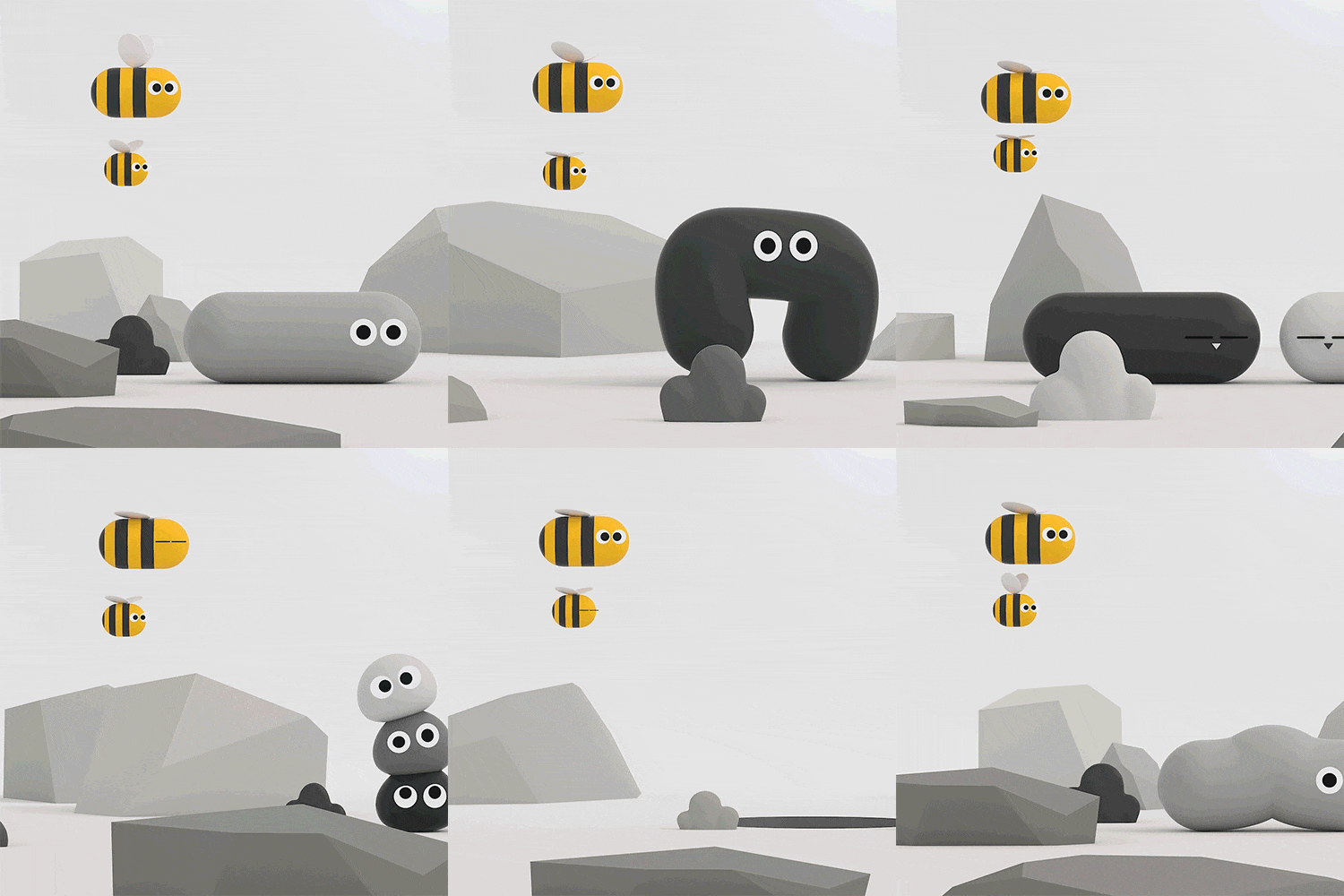
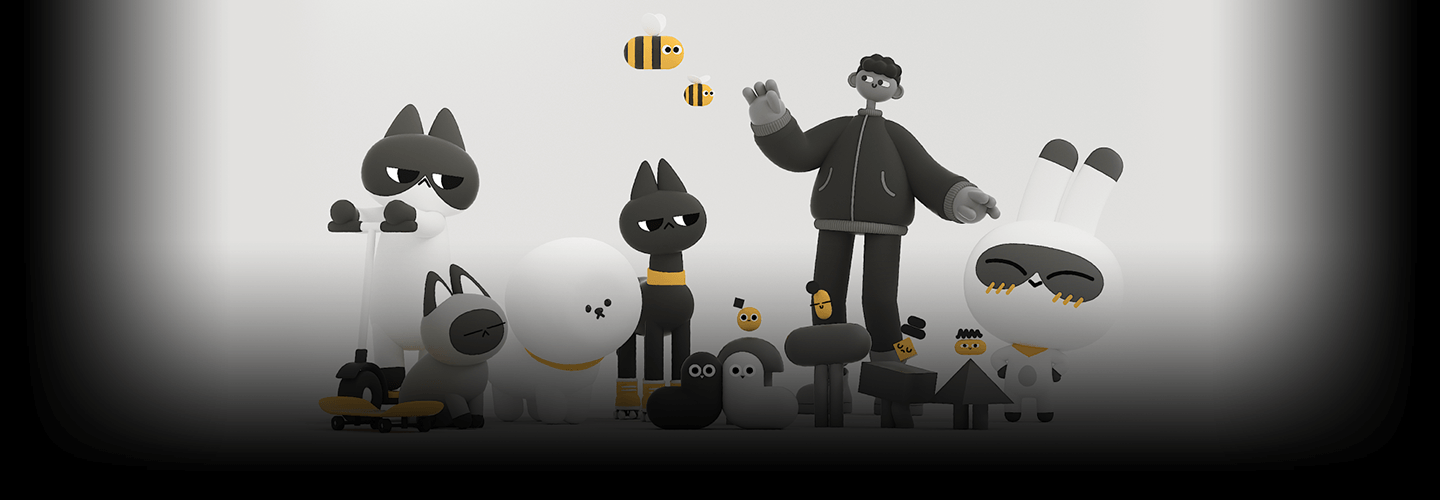
bug friends
Part 02. Animal characters
Learn about a control method that can be accessed lightly without planting a joint, and convert it into a character of various proportions.
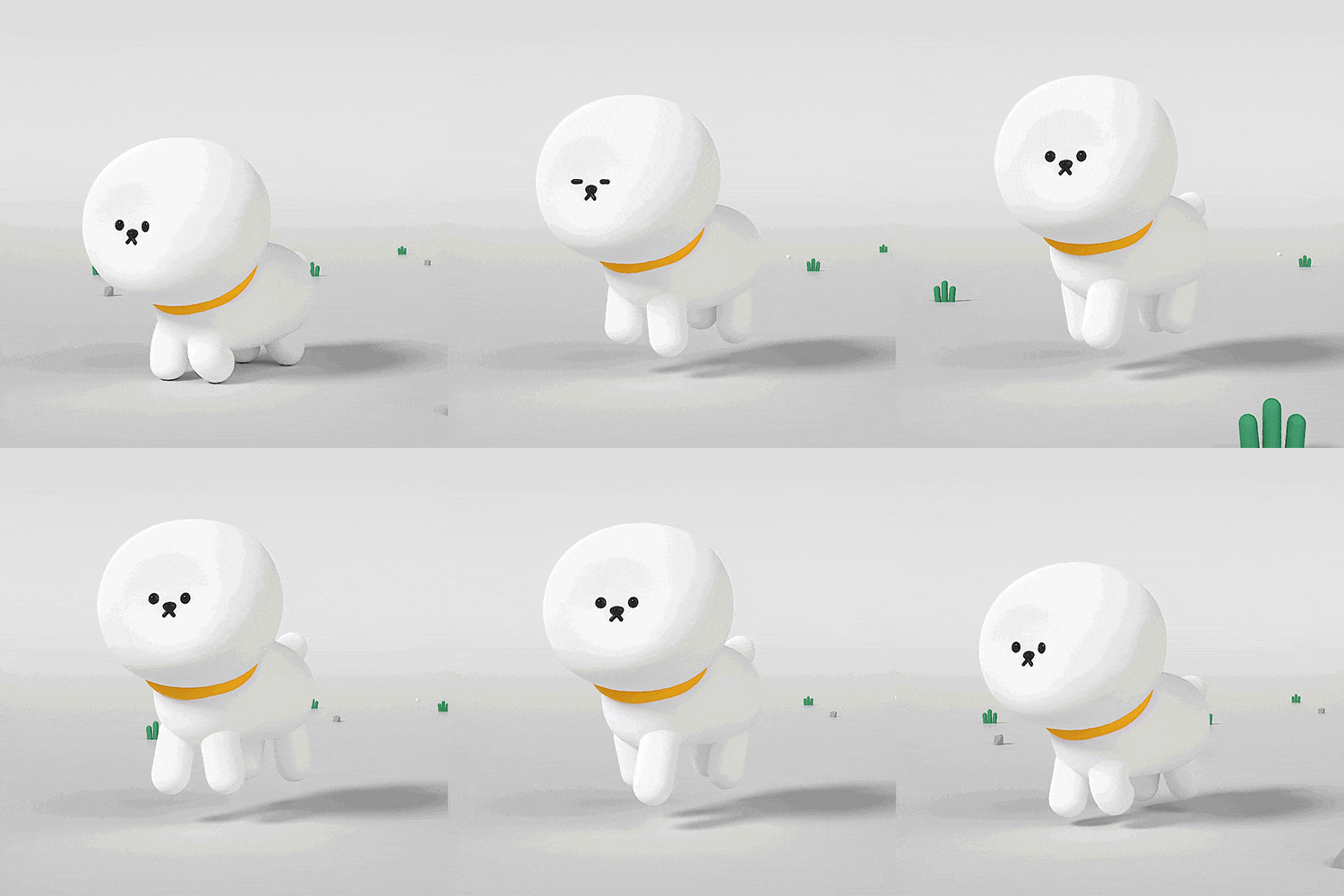
Basic: Doggy
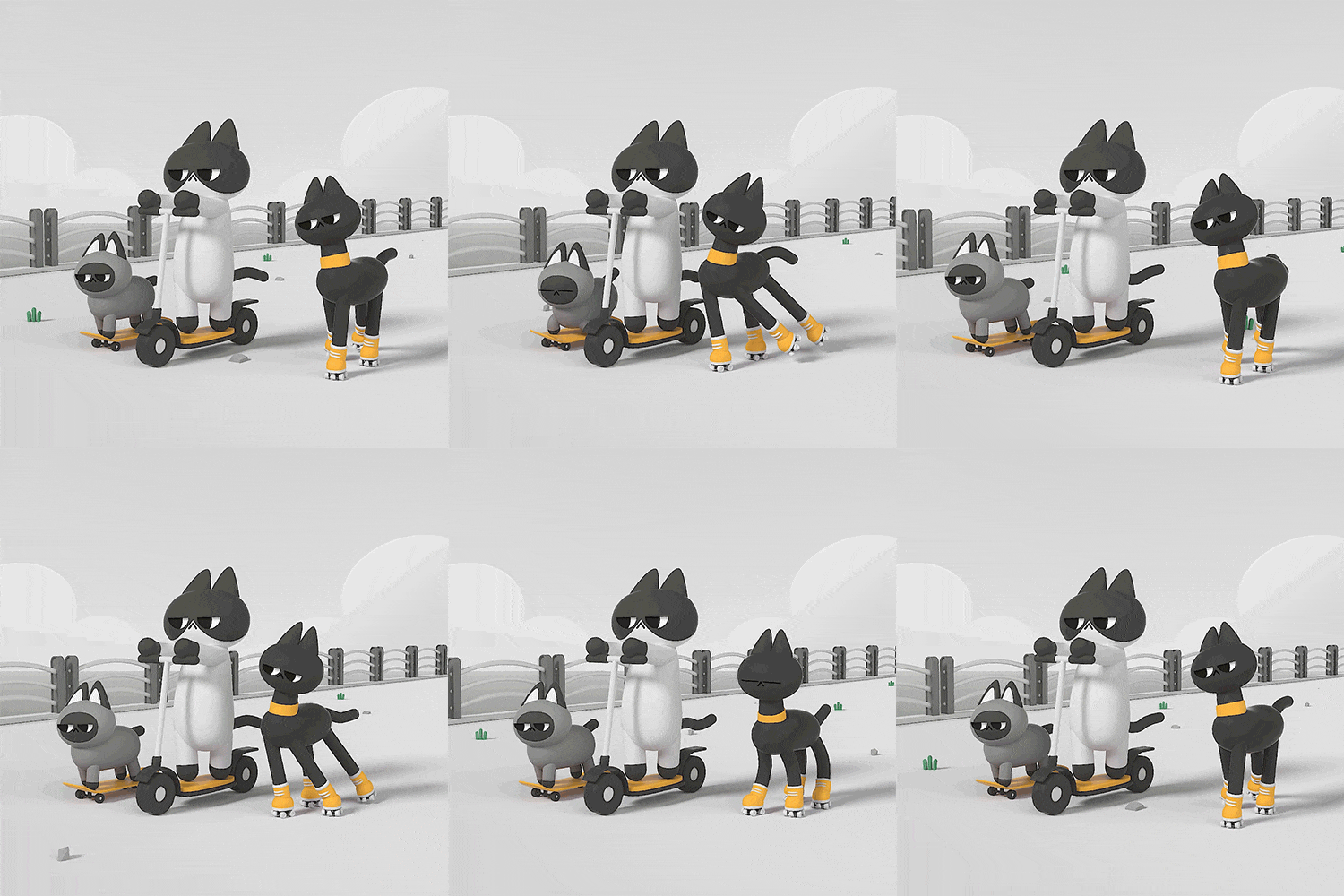
Challenge: Cat Riders
Part 03. Shape characters
Through geometric characters, we will understand the joint setting method and weight work, which are the basics of the character setting stage, and apply them in a variety of ways.
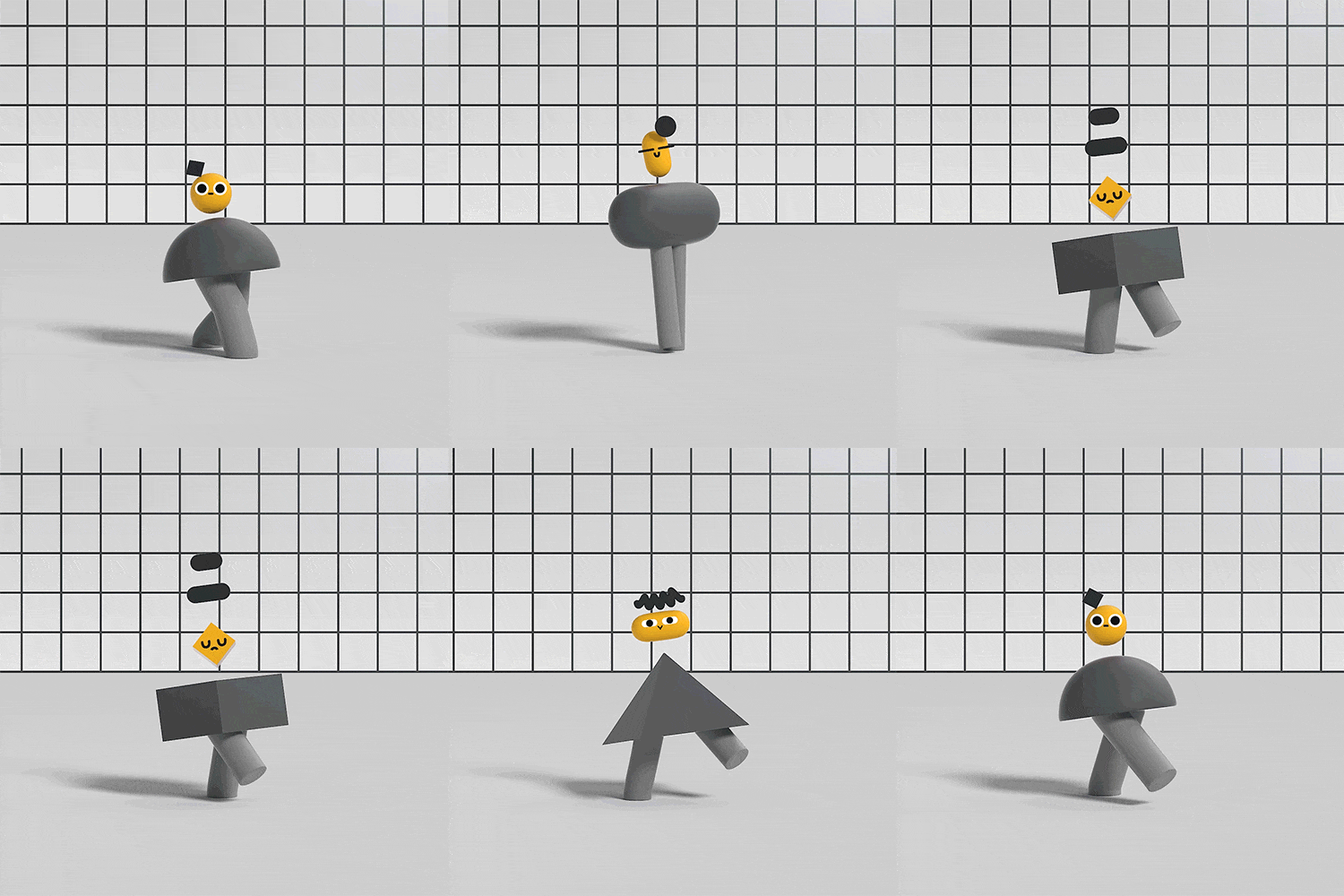
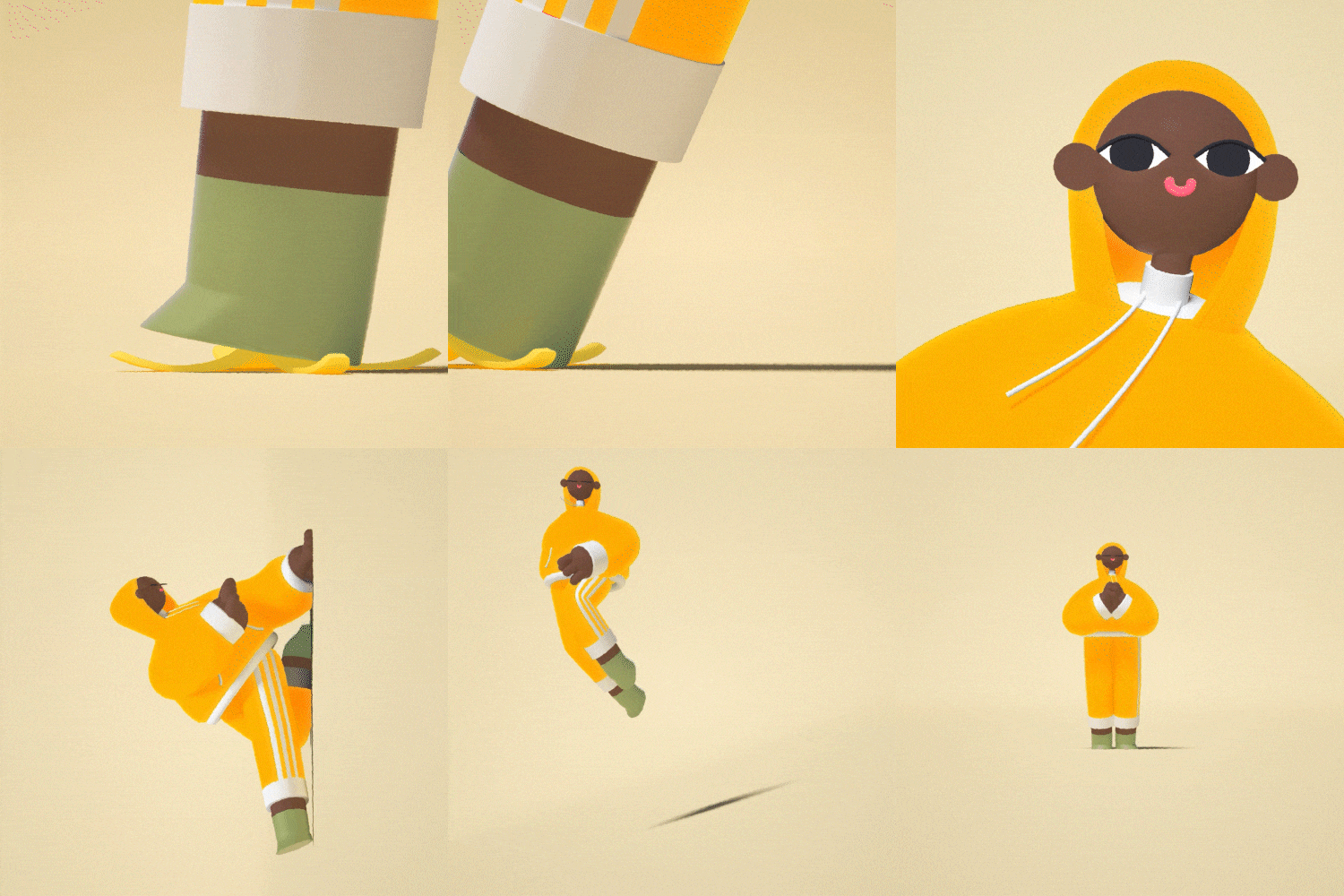
Shape character transformation
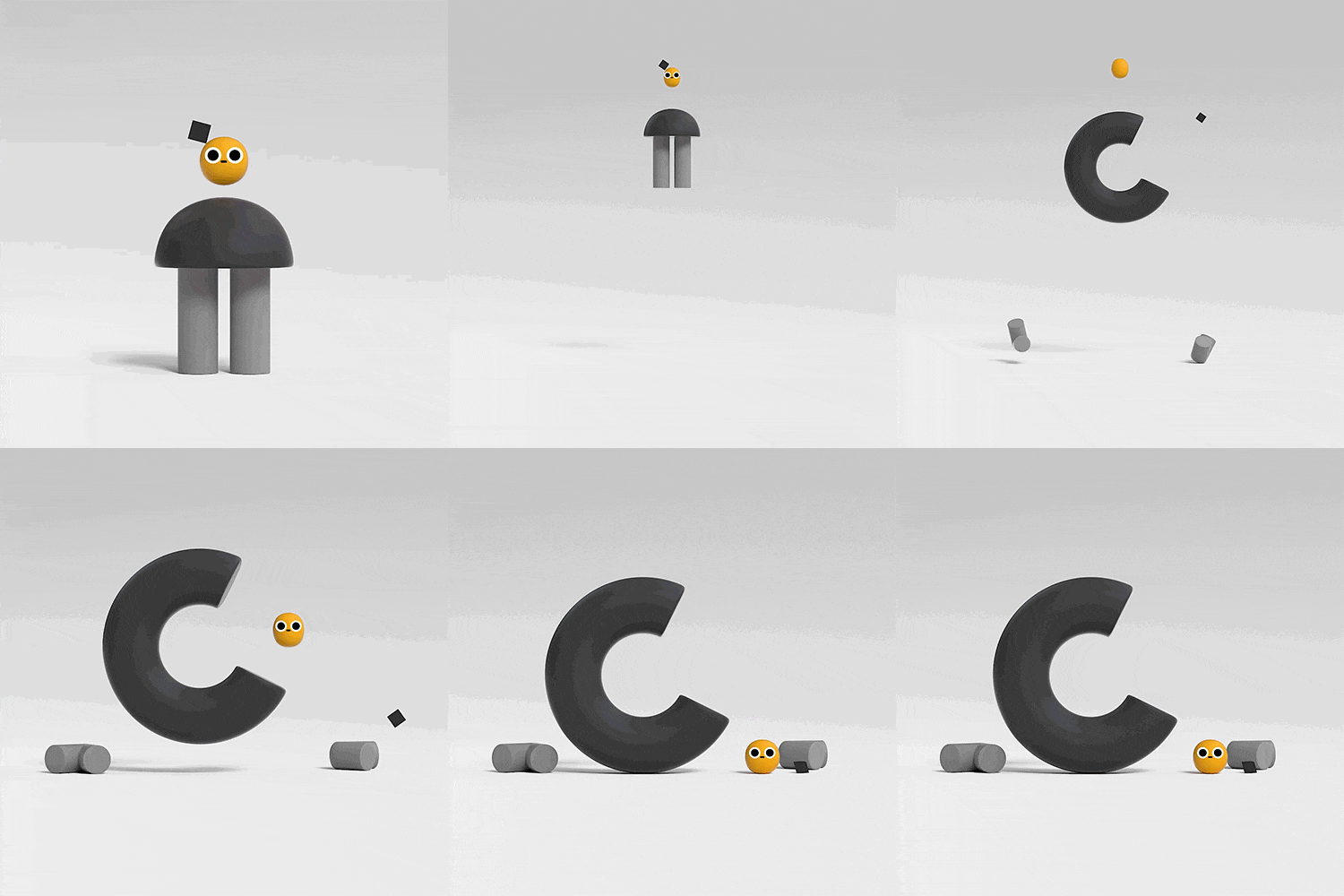
Shape character decomposition
Part 04. Human-shaped character
We will apply the character setting method we learned earlier to create a human-shaped character and practice animation.
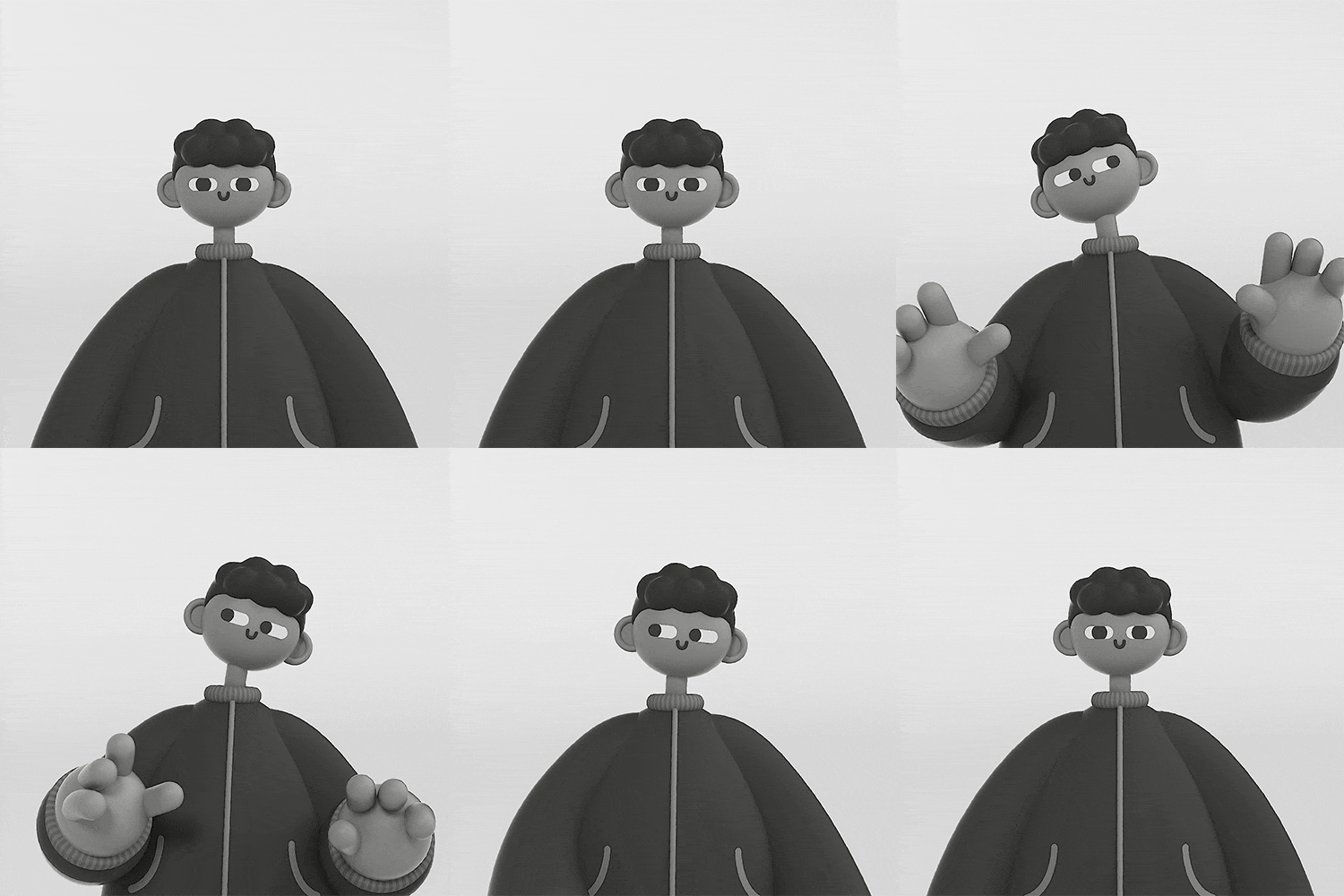
human form setting
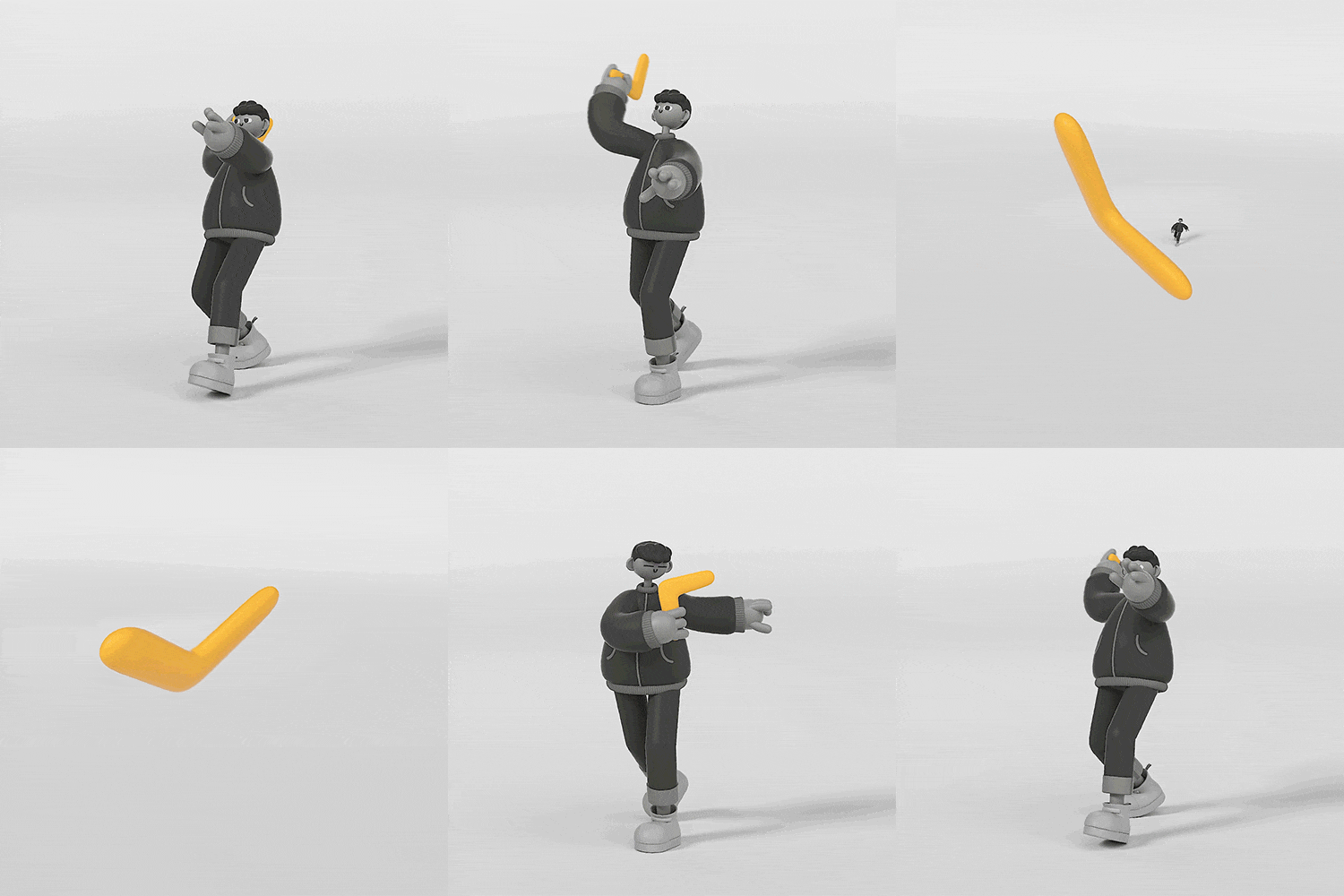
Boomerang Throwing
Part 05. Two-headed character
Set up a two-headed character with a specific concept and various facial expressions, apply animation to it, and create your own character.
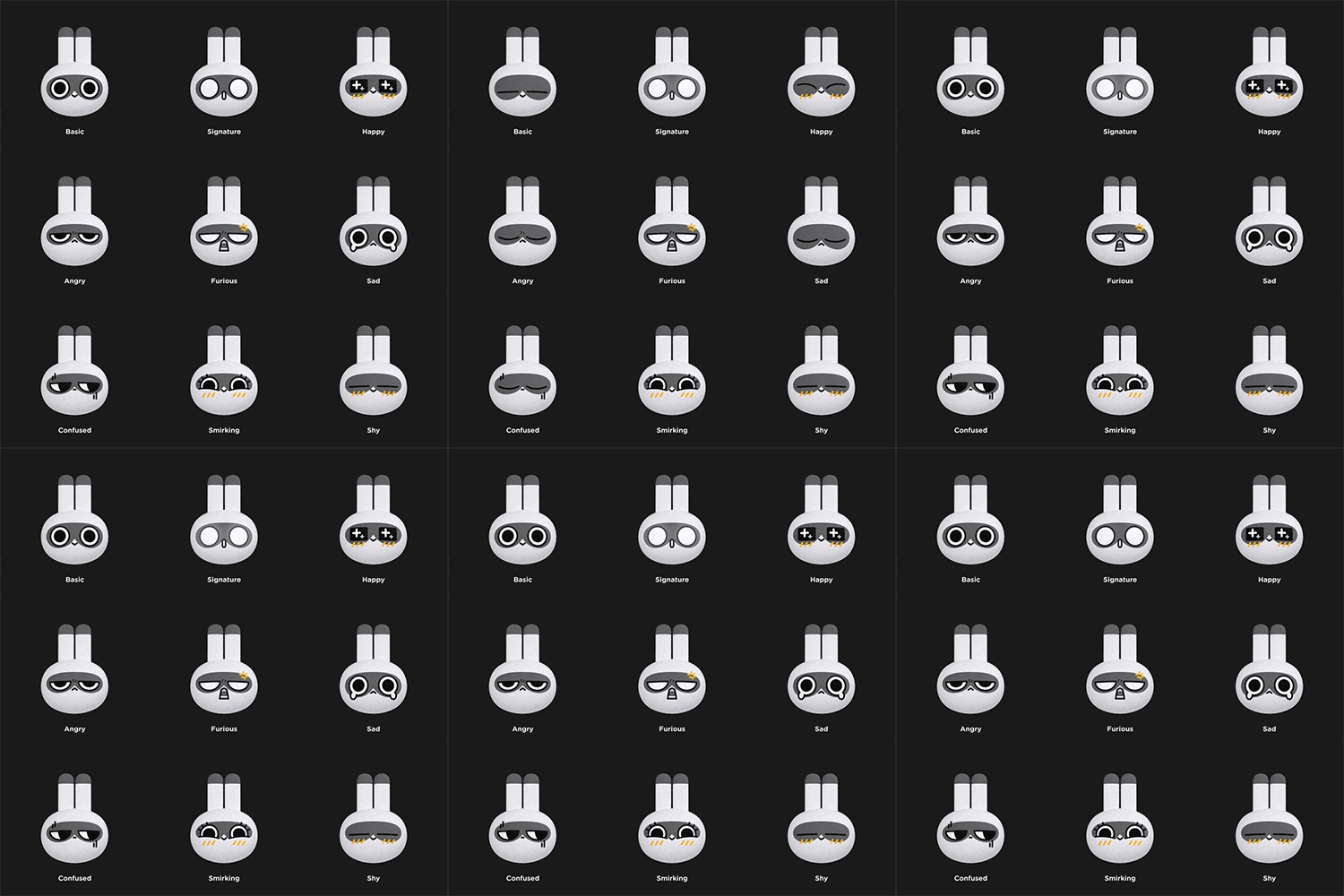
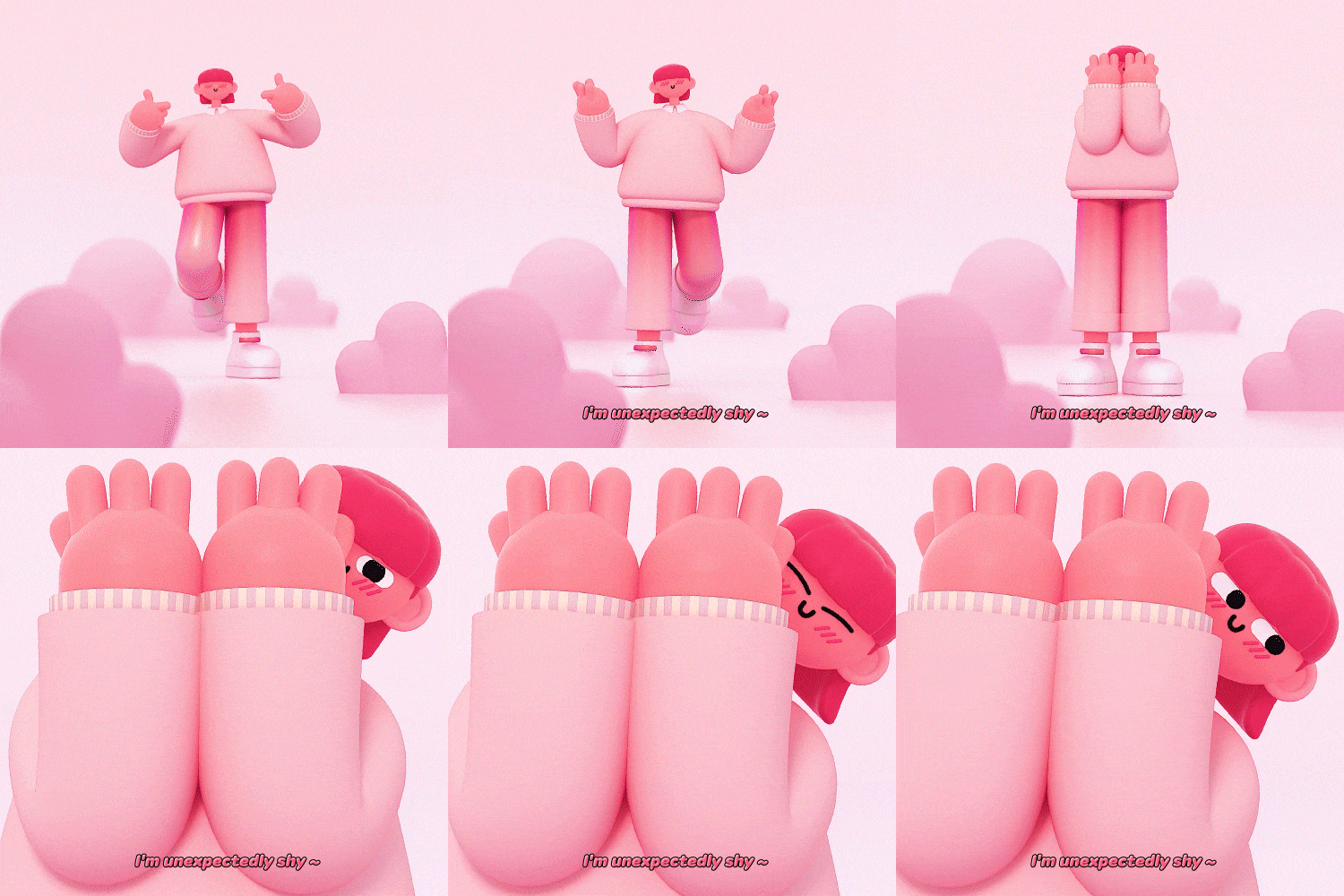
2-head character (expression setting)
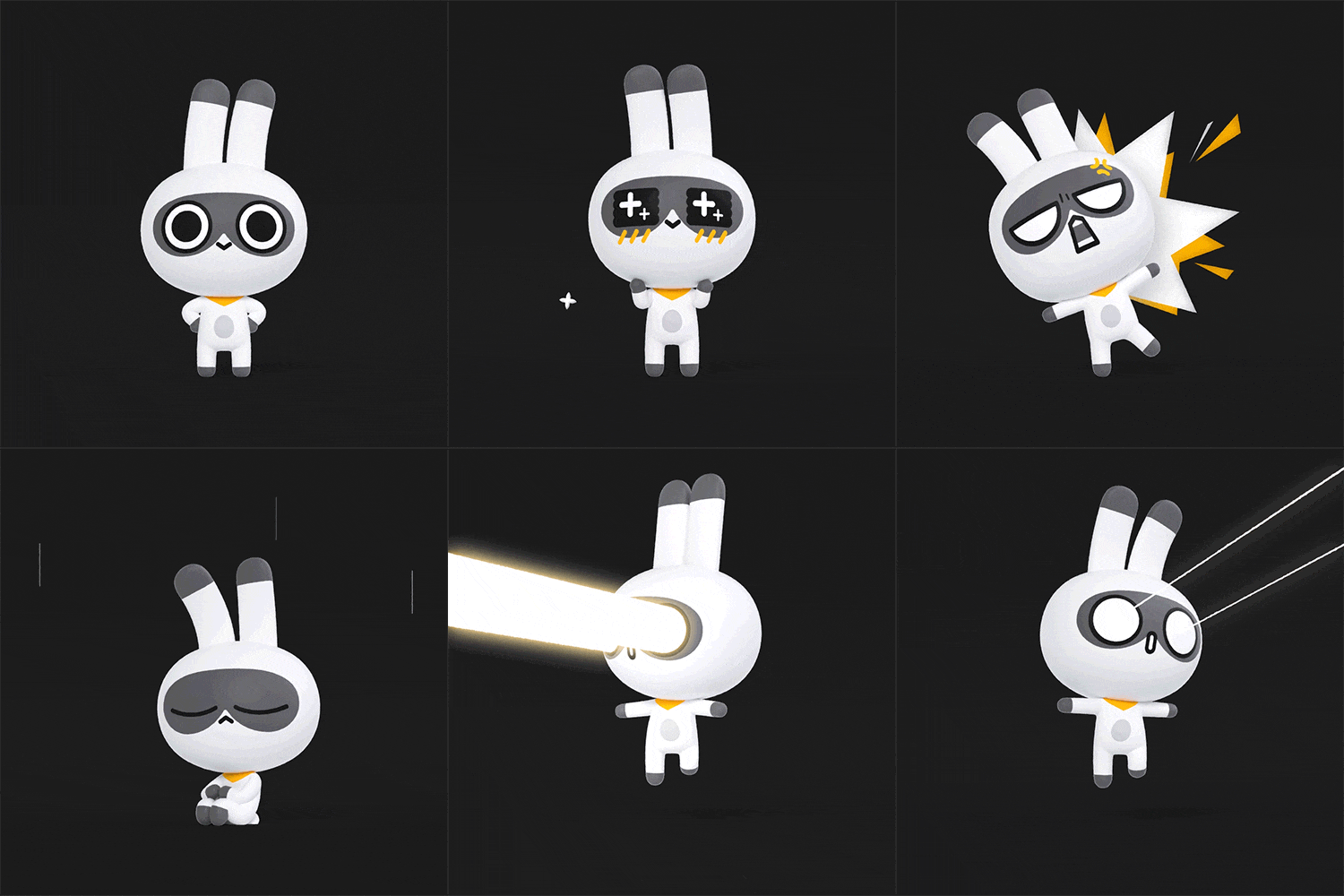
2-headed character (emotion expression)
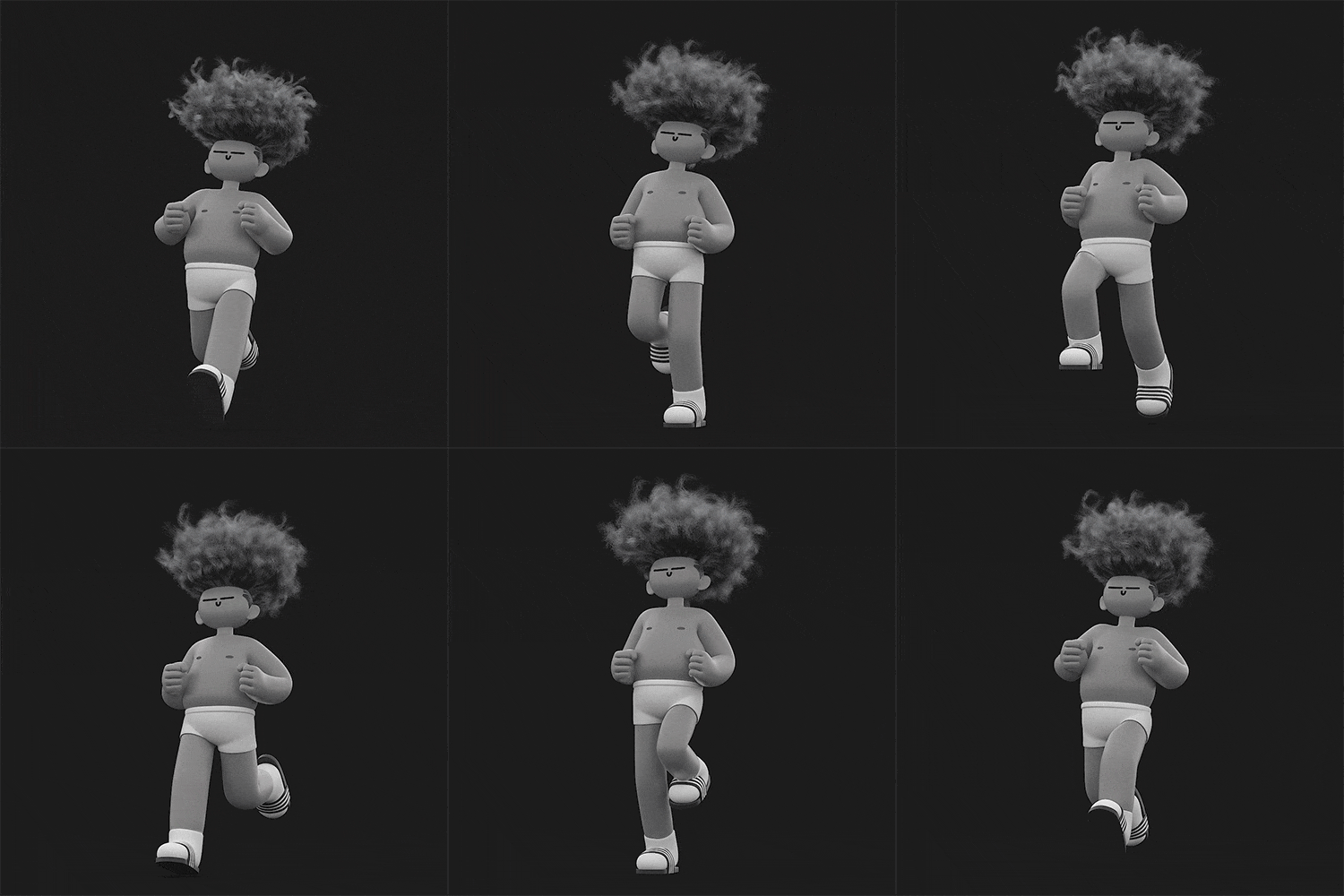
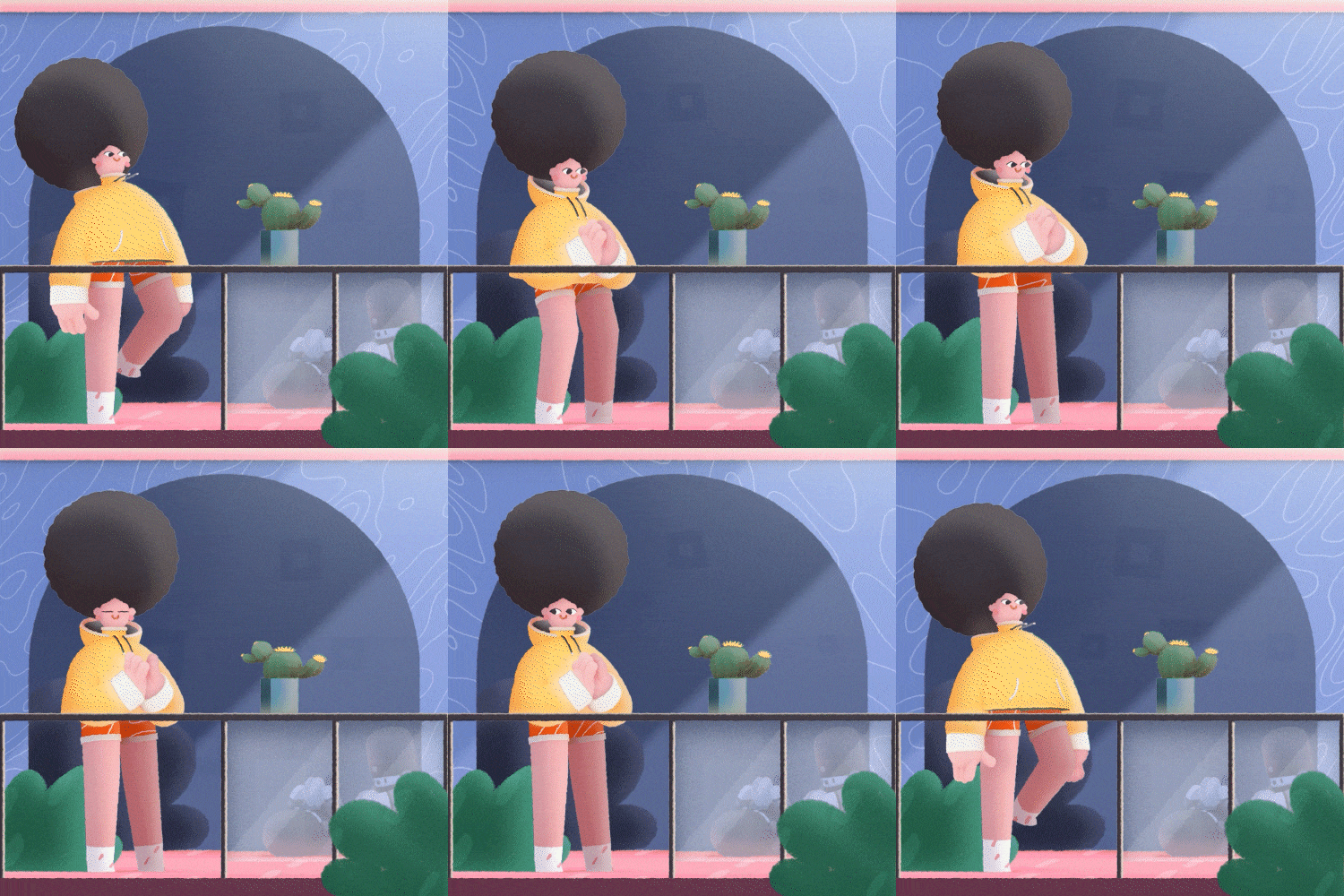
Full Application: A Tour of Running Characters
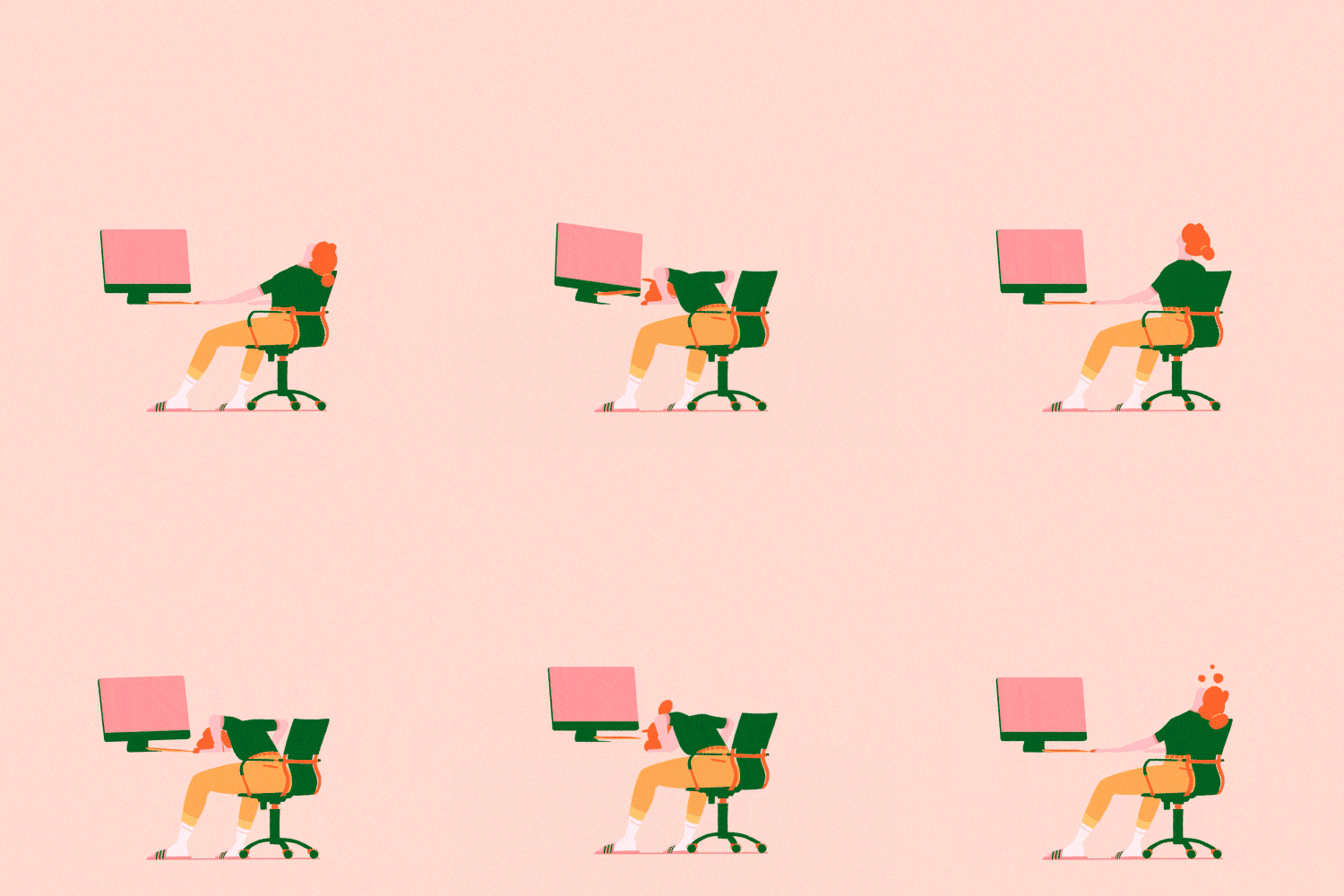
* The results above are actual examples that will be created directly in the class.
Speaker introduction
Motion Graphic Designer
Jeonghwan Choi
Hello, I am Jeonghwan Choi, a motion graphics designer.
I was previously in charge of 3D-related work at the Locus Art Team, and am currently working at motion graphics studio Super Barrymore.
By mainly producing branding videos for channels of broadcasting companies such as tvN and MBC, as well as numerous companies, I have solidified my position through work on vibrant characters with a unique style.
Through this class, I would like to reveal the knowledge and know-how I have accumulated through running on my own as a practitioner.
We will help you show off your own unique 3D character animation by learning not only how to use C4D core functions, but also various setting approaches and animation expression skills.
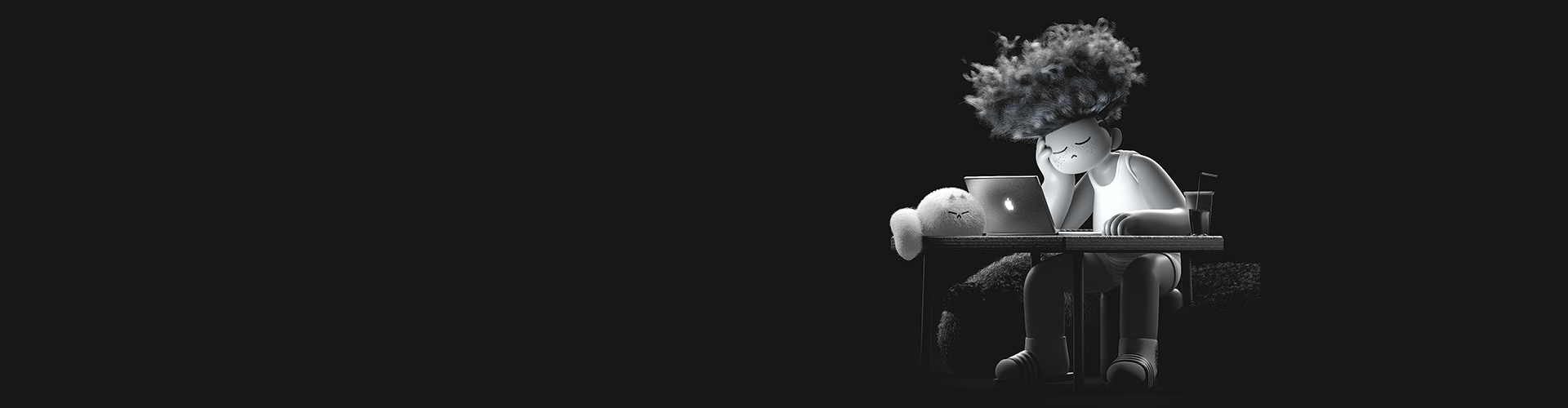
Motion Graphic
Designer
Jeonghwan Choi
Current) Super Barrymore
Designer
Former) Locus Art Team 3D
Designer
Projects & Awards
[project]
2021 Hyundai Card MY DATA SERVICE: Character Design & Animation
2021 tvN Story Channel Branding
2021 KAKAO FRIENDS STORE : Beijing Universal Studios
2020 SWC2020: World Finals Opening
2020 SK Broadband Channel Branding
2020 tvN channel rebranding
2020 MBC M Channel Branding
2019 tvN Friends [tvN at the end of the year] Project
2019 Socar Rebrand Film
2019 SNOW JAM Live Renewal Package
class features
Class Highlights
Understanding the character creation process using C4D & Octane & After Effects
To create an attractive character, you must first know what order to create it in. You will learn the entire work flow, from how to set up a character you have designed by style, to animating it according to the characteristics of the character you think of, and composing a scene with the completed character.
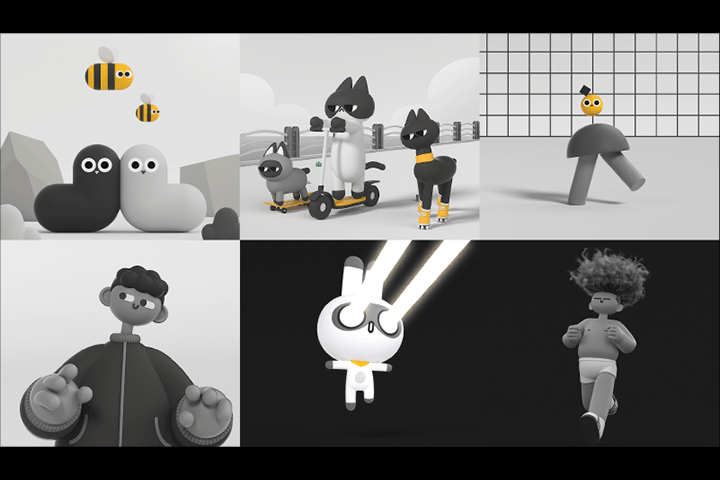
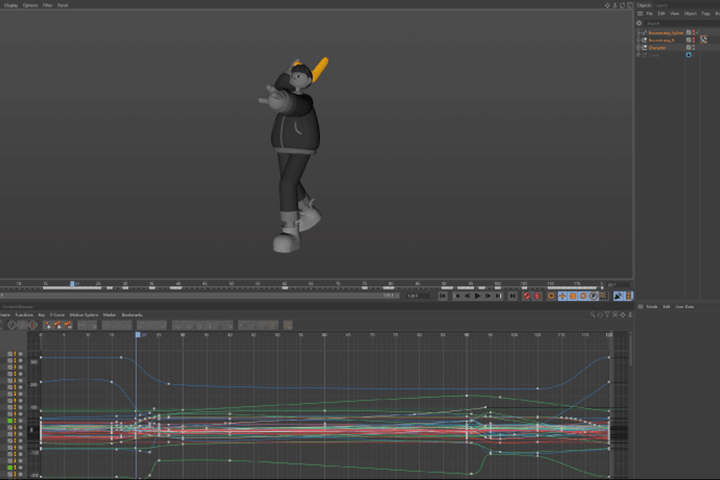
3D character animation with natural, non-awkward movements
The character's life is vivid and natural movement! To do this, you will become familiar with graphs and timelines, create characters of various styles from simple to slightly complex, understand movements appropriate for each case, and learn how to express dynamics and emotions through posture and facial expressions.
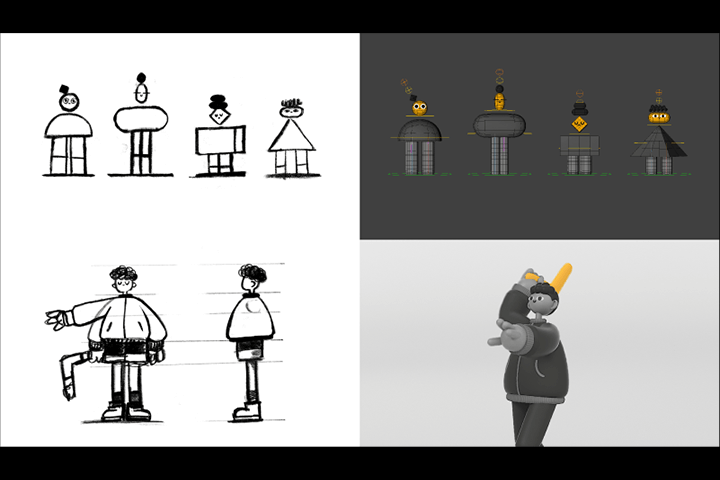
Create your own 3D character with examples of 6 themes
Let's create a variety of characters together, including abstract shapes, characters using shapes, and human-shaped characters, and apply them fluidly to our own characters.
We also learn animation expression methods consisting of looping, transformation, walk cycle, jump, logo, and emotional expression.
Class Details
You'll Learn
-
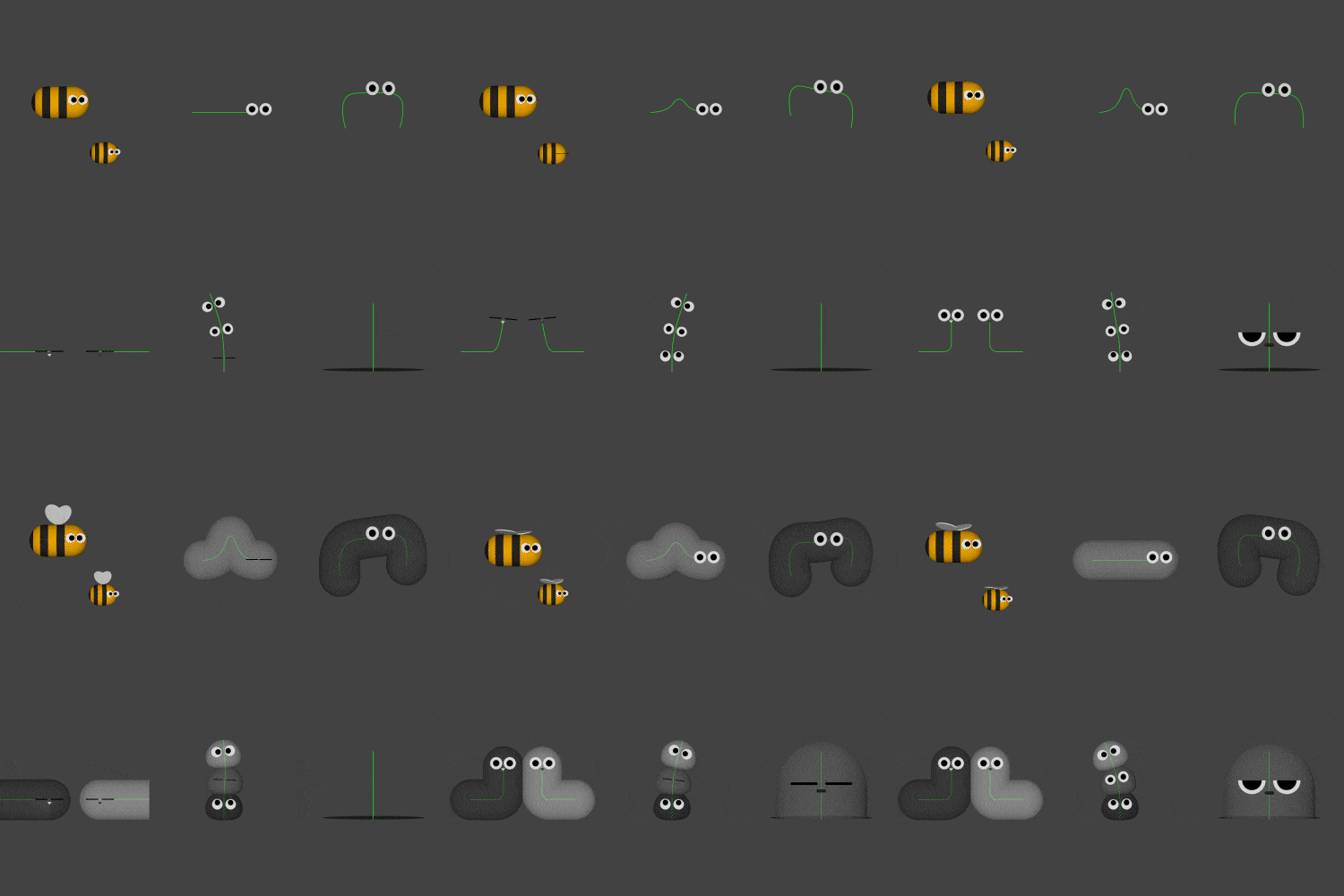 Becoming familiar with graphs and timelines through charactersWhile controlling the core functions of shapes and C4D, you will get a feel for how to use timelines and graphs, which are the basics of character animation, and practice to become familiar with them.
 -
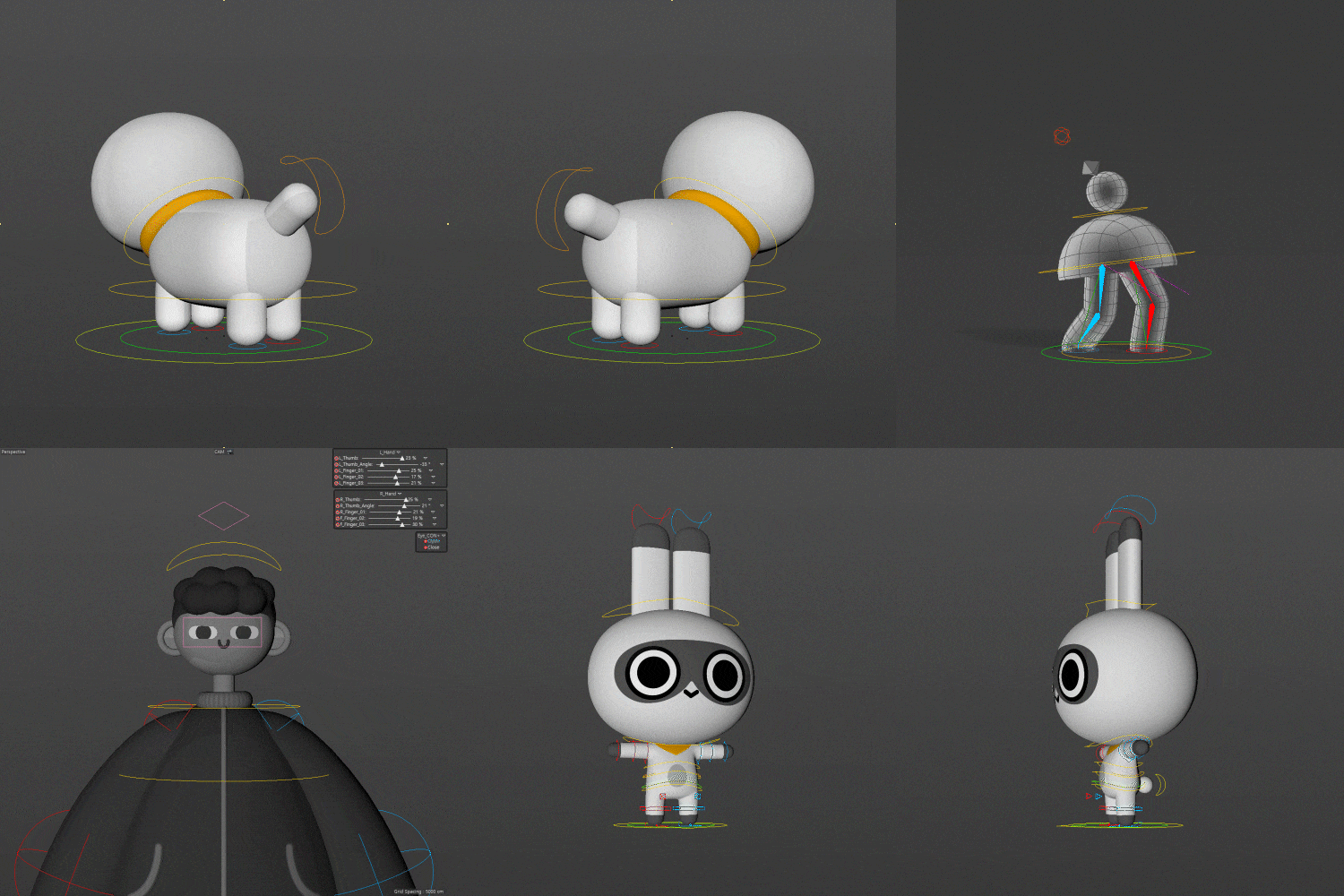 Core techniques for character setting appropriate to the situationSet functions such as Spline, Joint, Character Tool, and Deformer in a way that suits your character according to the intended concept and situation.
 -
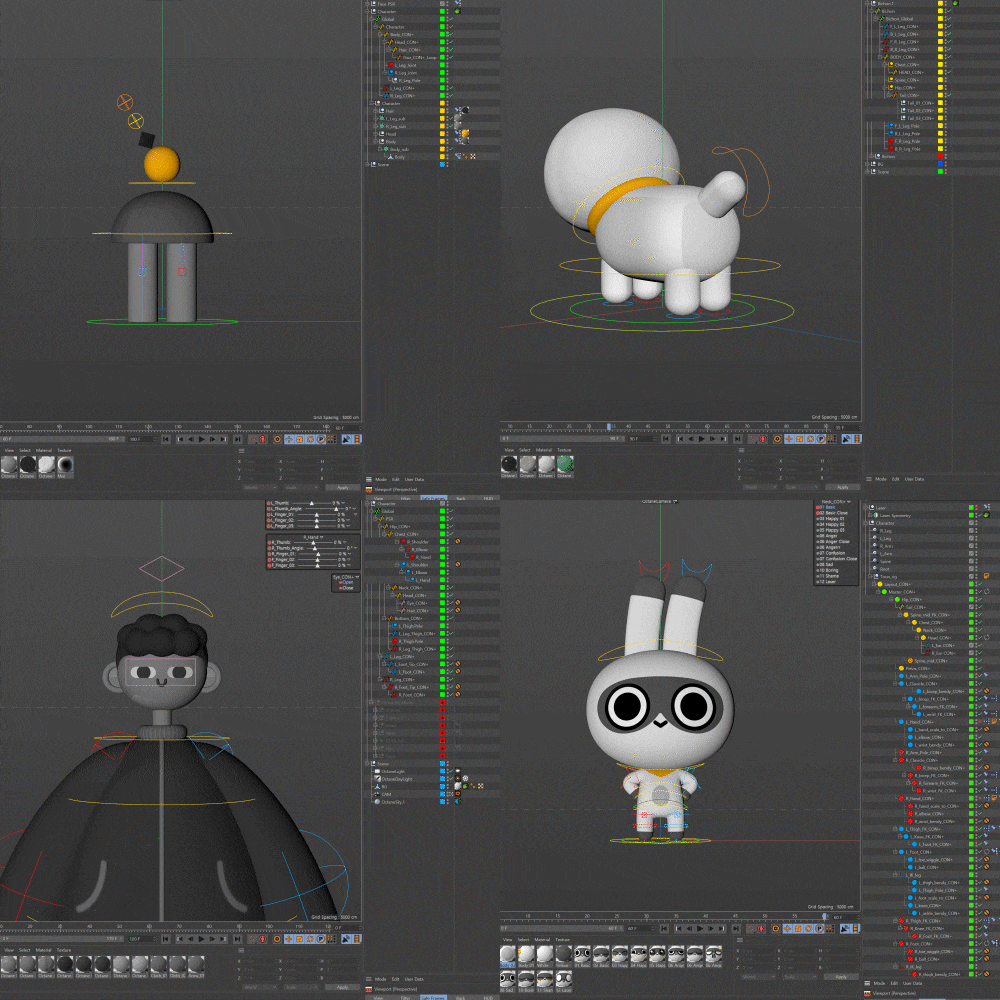 Efficient character animation work processWhile setting up the character, we create a controller and separate and organize the complex layers. Let's optimize it so that it can be distinguished even if it is a complex task.
-
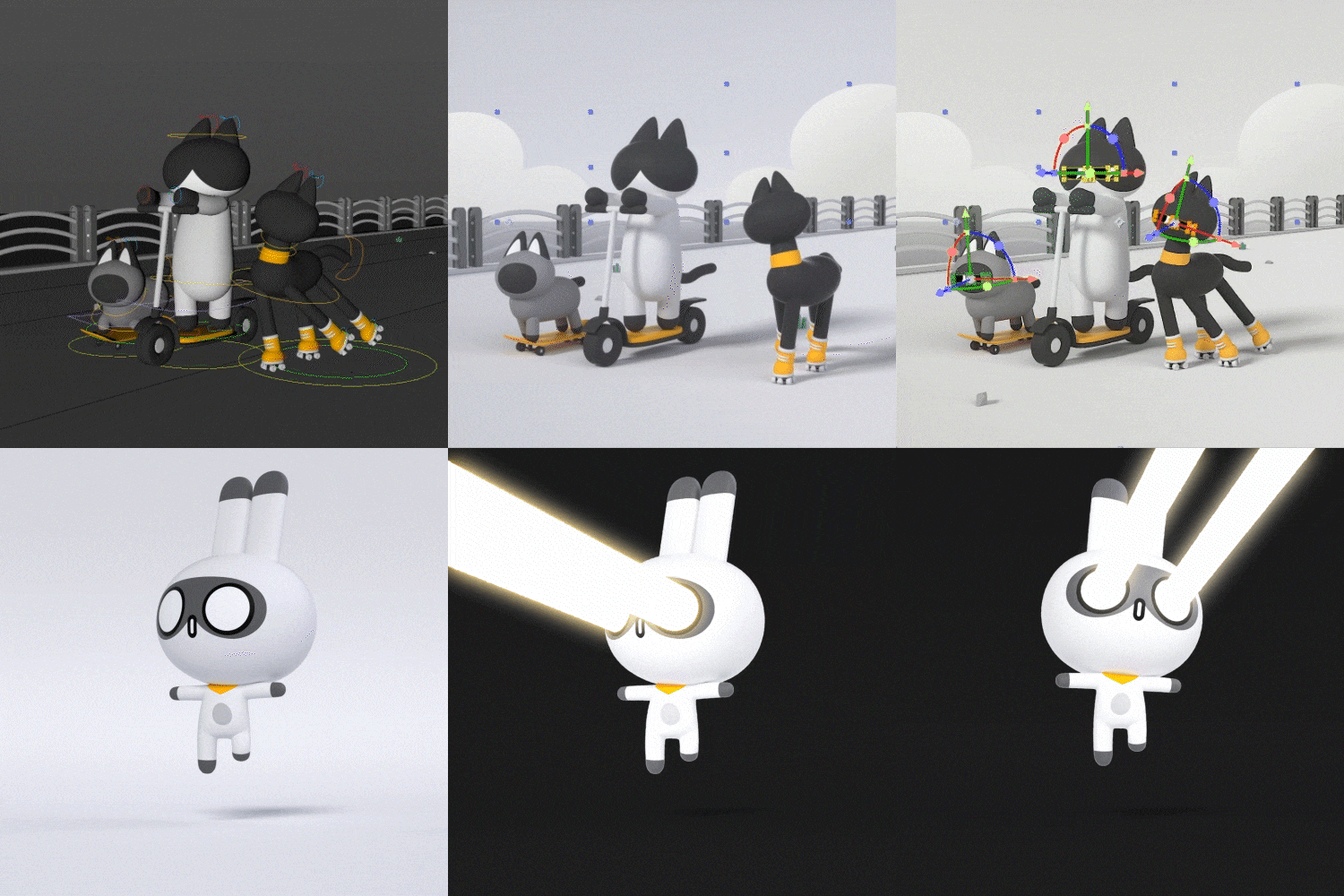 Know-how to express a style that combines 2D and 3DLet's create a character with a mix of 2D and 3D feelings in After Effects using camera data values that are relatively simple but can be applied in a variety of ways.
 -
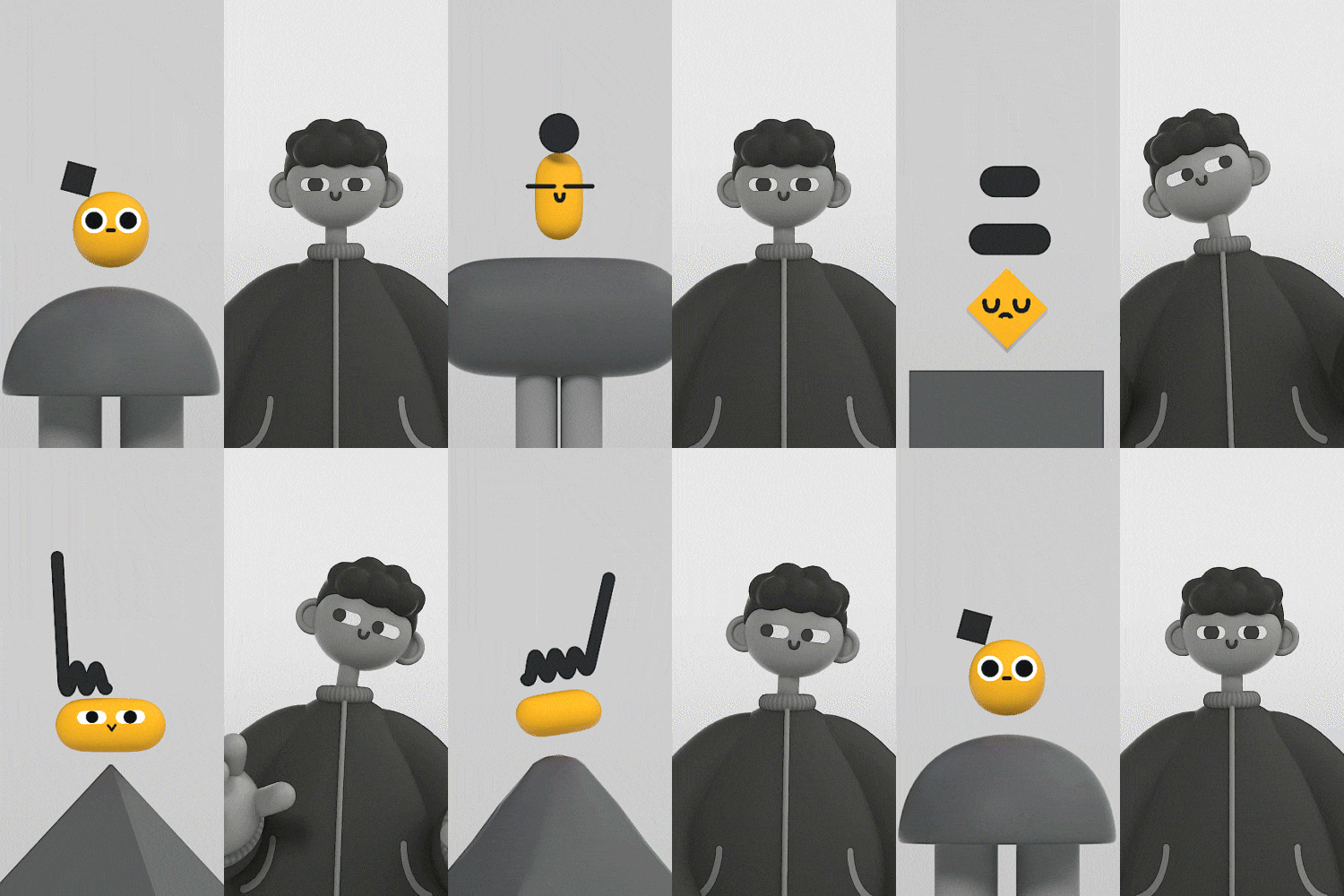 In-depth learning through basic and applied examplesExplore various combinations of examples that can be learned sequentially depending on the level of difficulty, follow them as you please, and apply them to your own character with unique concepts and proportions.
 -
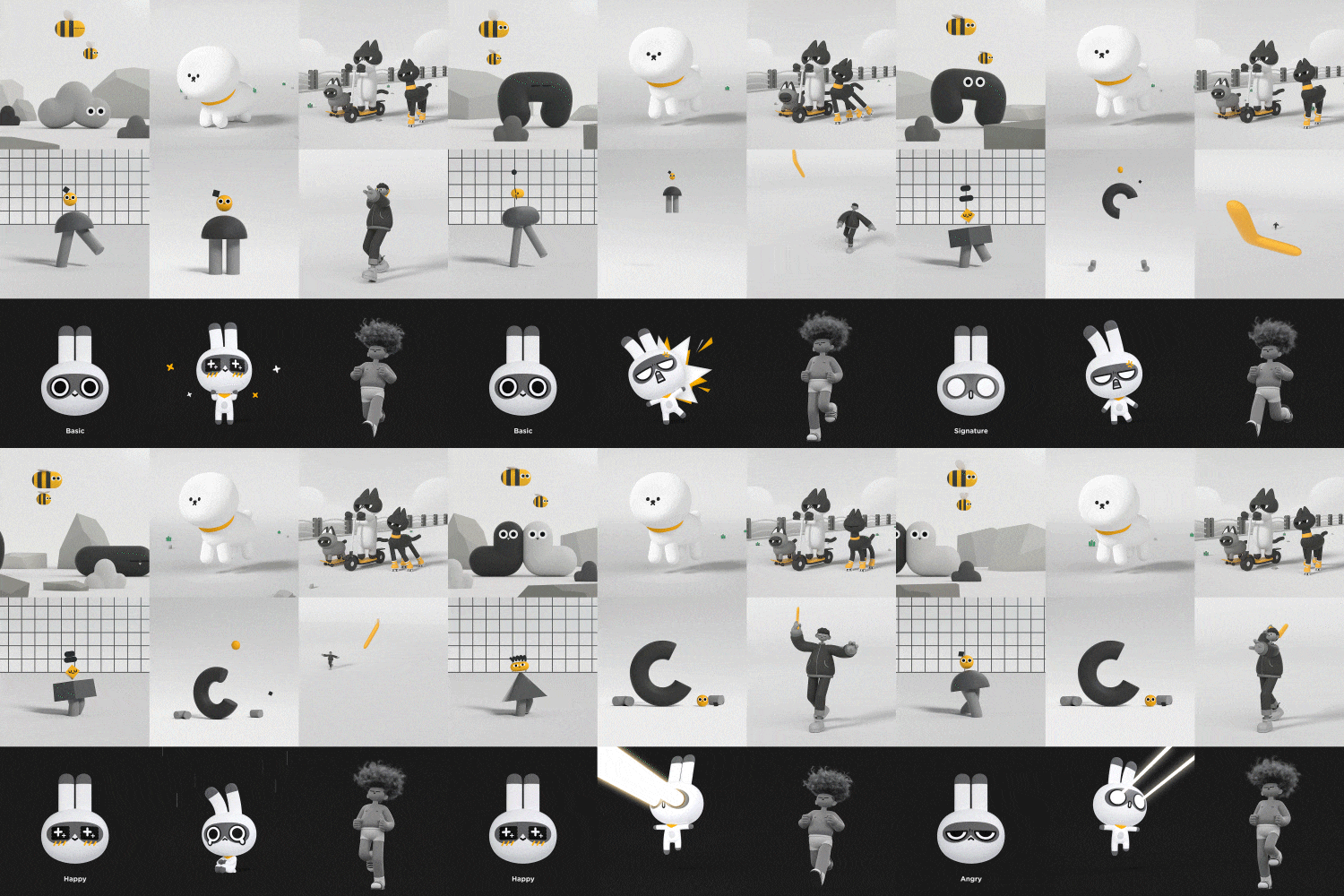 Various types of character animation that can be used in a variety of waysLearn the entire process from modeling to setting and animation to derive the designed character motion, and develop the ability to apply it and utilize it flexibly.
curriculum
Curriculum
In-Depth Look
SECTION 01. OT
01. Getting started
- Browse the course with examples to learn from
- Work environment settings
SECTION 02. Bug Friends
02. Bug Friends Part 01: Planning & Setting
- Character form and movement planning
- Spline properties
- Setting up Spline
03. Bug Friends Part 02: Animation
- character animation
04. Bug friends Part 03: Scene composition & rendering
- Simple scene composition and looping animation
- rendering
- Simple post-production and output in AE
SECTION 03. Doggy
05. Doggy Part 01: Planning & Setting
- Character sketching and movement planning
- shape making
- Setting with Spline, Joint, IK
06. Doggy Part 02: Controller & Layer Organization
- Create a controller
- Layer organization
07. Doggy Part 03: Animation & Rendering
- Character Loop Animation
- Background Loop Animation
- Design your own animal by changing body proportions and face shape
SECTION 04. Cat Riders
08. Cat Riders Part 01: Shape Transformation
- Transforming from a dog to 3 types of cats
- Apply to create your own character
09. Cat Riders Part 02: Face Composition
- Simply add texture
- Take a ride
- Attaching faces in AE using initial settings and camera data
SECTION 05. Shape characters
10. Shape character Part 01: Setting
- Shape sketching and movement planning
- shape making
- Setting the body and head using Pose Morph
- Setting up legs with Joint, IK, and Weight tools
- Controller and Layer Cleanup
11. Shape character Part 02: Slider settings
- Setting the slider
12. Shape Character Part 03: Transformation Animation
- Walk Cycle
- Pasting faces and backgrounds in AE
- simple post-production
- Design your own geometric character by changing the proportions, shape shapes, etc.
13. Decomposing geometric characters: animation practice
- jump animation
- Leg and headdress simulation using rigid body
- C logo animation
SECTION 06. Throwing a boomerang
14. Boomerang Throwing Part 01: Application Character Case & Plan & Form
- Application work examples
- Character sketches and plans
- shape making
15. Boomerang Throwing Part 02: Setting 01
- Leg and torso setting using joint and weight tools
16. Boomerang Throwing Part 03: Setting 02
- Eye, hair and finger controllers
- Try the controller you created
17. Boomerang Throwing Part 04: Animation 01
- posture
- animated movie
18. Boomerang Throwing Part 05: Animation 02
- Grab your camera in a few simple ways
- Create your own character
SECTION 07. Two-headed character
19. Two-headed character Part 01: Planning & modeling
- Character sketch, including character concept and form
- character modeling
20. Two-headed character Part 02: Setting 01
- Setting using character tool Toon Rig
- Weight summary
21. Two-headed character Part 03: Setting 02 & Checking facial expressions
- texture
- face setting
- ear setting
- Check the facial expression you created
22. Two-headed character Part 04: Emotional expression animation 01
- Joy, anger emotion expression animation
- Expressing various emotions of the character
23. Two-headed character Part 05: Emotion expression animation 02
- Sadness, signature pose emotion expression animation
- Expressing various emotions of the character
24. Application Character
- Explore application characters
SECTION 08. Outro
25. Conclusion
- Practical application of what you have learned: Review of personal and practical work
Interview with
Motion Graphic Designer Jeonghwan Choi

When doing motion graphics , various types of characters are often needed for personal work or practice . However, the reality is that there is a lack of information about character settings and animation using C4D . So, I wanted to help you easily access character animation by teaching you various combination methods that are useful in real life, starting with simple methods that I learned through self-taught while working with several characters.
Question.02
What are your strengths as a motion graphics designer?
What are your strengths as a motion graphics designer?
Rather than having a set job, I have a variety of experiences through different projects each time . So, we have been able to flexibly handle various tasks in line with the characteristics of the character industry , where likes and dislikes tend to differ depending on the concept and design. By covering some of the characters, we will inform you about various forms and setting methods and animations according to need .
Question.03
What are the main points of this class?
What are the main points of this class?
Usually, character setting requires many functions, methods, and long work time, so it is not easy to access at first, and many people find it difficult due to a lack of practical information. So, in a somewhat light-hearted way, we designed the curriculum to naturally improve character skills by exploring various types of character settings and animations .
Question.04
Who do you recommend this class to?
Who do you recommend this class to?
Those who know a little about C4D but want to create characters in earnest , those who want to create their own characters and give them appropriate movements , those who want to easily access characters and learn character settings and animation , 3D motion graphics or character animation fields. I recommend it to everyone preparing for employment .
Required Programs
This class is conducted using Cinema 4D R23, Octane Render, and After Effects CC . To ensure smooth course participation, please install the corresponding version of the program separately.
* You can take the course with Cinema 4D R21 or later, but the latest version is recommended as it covers some of the new features of Cinema 4D R23.
* Octane Render and After Effects can be taken regardless of version.
* Programs and materials are not provided separately.