illustrator,wsfish_ZH Details
Intro
Class Intro
illustrator, WSFish
Complete a unique drawing atmosphere Step-by-step color theory & color styling know-how
A upper beginner-friendly coloring recipe to create your own unique color palette more easily than anyone else Based on a systematic step-by-step curriculum, practice various color theories and break free from ordinary base colors or dull shadows to complete harmonious coloring. Beyond typical and methodological coloring, style your own work more stylishly.

Practical color styling know-how completed with warm, soft, and rich colors We provide everything from theory and practice to color recipes you can use immediately in real situations. Learn everything about color composition that creates a dazzling look with your desired colors and infuses your own atmosphere now in Coloso WSFish's lecture.
Class Preview
Still Not Sure?
Check Out WSFish's Class Preview!
14. On-site adjustment demonstration of semi-finished artwork
- Quickly change the atmosphere
Class Perks
Get These Coloso Exclusives
-
 Step-by-step Introductory Color Styling 20 Example Practice Original Files (.psd)
 -
 10 Types of Lecture Materials (.pdf) to Easily and Quickly Develop Your Own Personality
 -
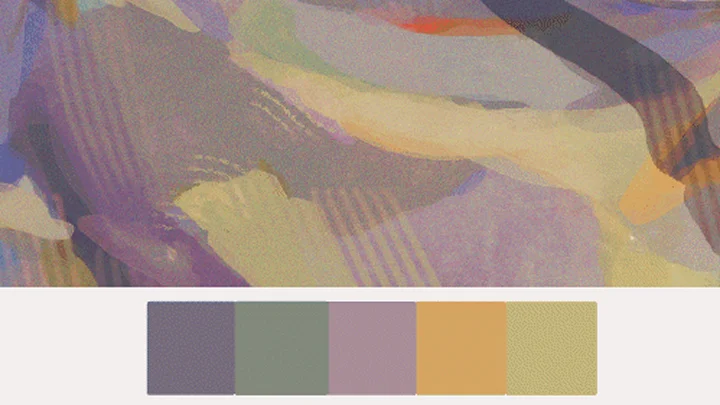
 12 Color Chip Files (.cls, .aco) Containing WSFish's Unique Color Palette
-
 Exclusive recipe for my own application Color hiding & color matching formula (.pdf)
 -
 Recommended brushes and assets list for perfectly recreating the WSFish aesthetic
 -
Class Material Details
-
 Example Practice Original File (.psd)- Brightness and hue practice
- Quick atmosphere change practice
- Decoration and enriching the picture practice
- Adding background elements practice
- Increasing picture consultation volume practice
- Color scheme practice
- Enhancing light and shadow contrast practice -
 10 types of lecture materials (.pdf)- Brush, material catalog
- Different hues with the same brightness *2
- Local color and ambient light *2
- Case analysis of color mood
- Guide the gaze to strengthen composition *2
- Create a sense of depth and layering
- Color hiding formula
Recommendation
Who should take this class?
upper beginner Illustrator in Need of Systematic Coloring Training
Intermediate illustrator who wants to learn proven color schemes and color hiding techniques
An illustrator who wants to express atmospheric works with lyrical color expression
Expert Illustrator WSFish's Portfolio
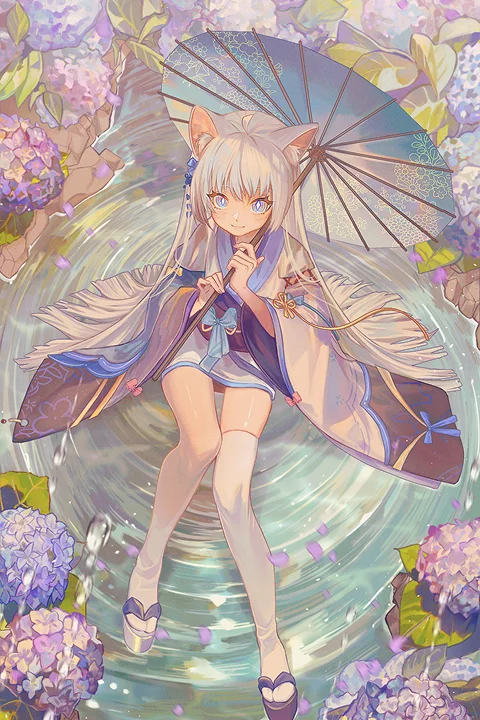









-
 Panty & Stocking with Garterbelt (derivative work)
 -
 Panty & Stocking with Garterbelt (derivative work)
 -
 Frylen (derivative work)
 -
 Faerun (derivative work)
-
 Voyager (derivative work)
 -
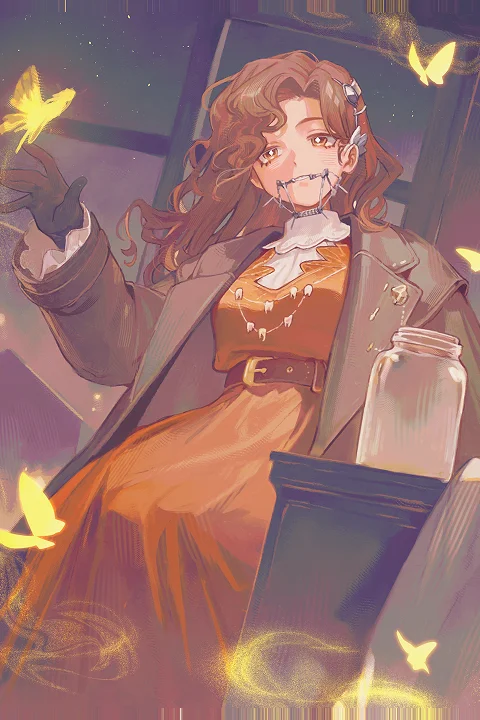 Tooth Fairy (derivative work)
 -
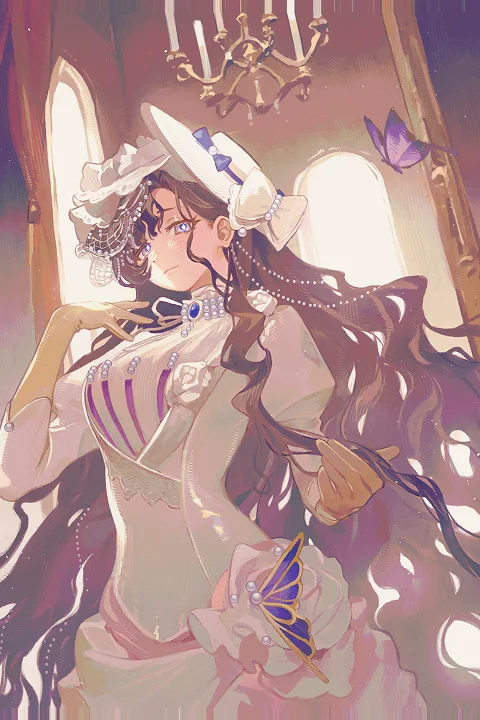 Isolde (derivative work)
 -
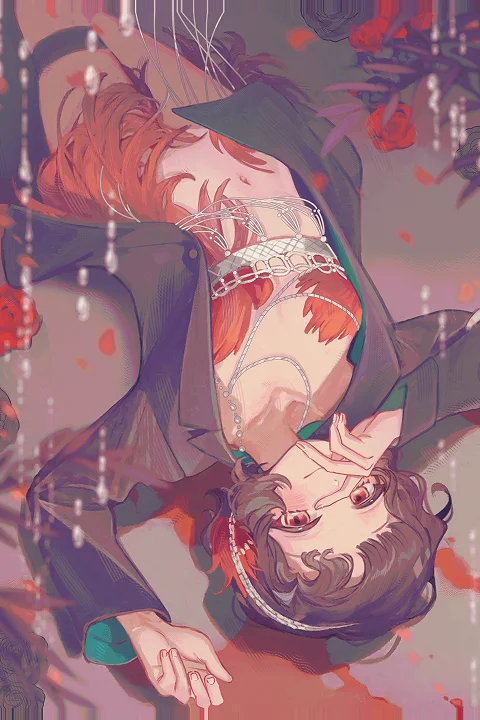 Snyder (derivative work)
Why Take This Class?
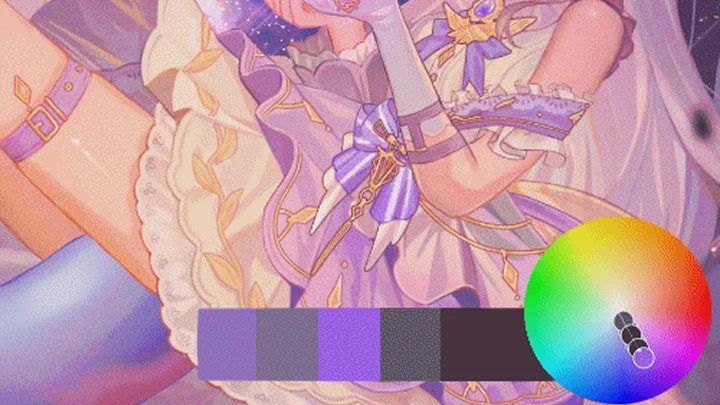
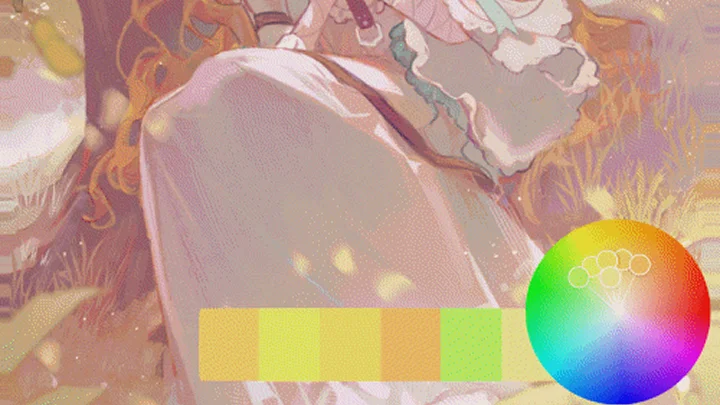
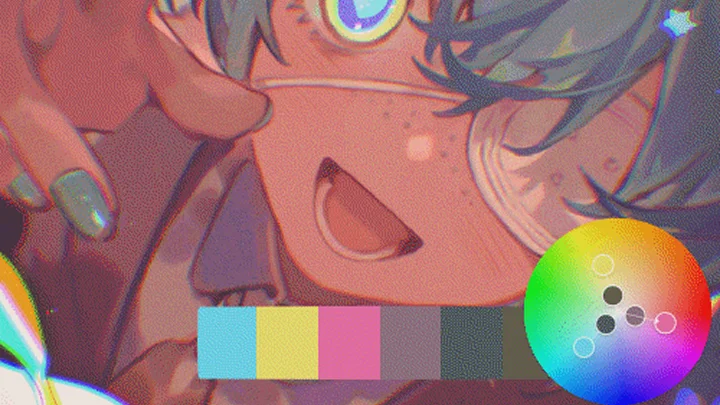
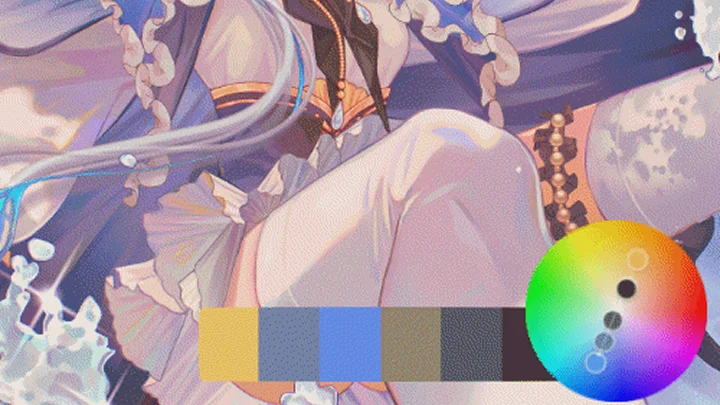
The hidden secret of a painting that you won't forget after just one look Beyond the usual similar coloring lectures on unique colors, shading, blending, and more, discover WSFish's signature recipe for completing your own standout artwork. We share WSFish's exclusive color styling know-how created through color mood, color schemes, and color layering.
Exclusive for students We provide WSFish's dedicated color chip file, gaining attention on the continent with a trendy style. Use it widely for shadow and highlighter effects, material expression, and freely style unique colors as you like. Discover WSFish's practical color application method now

Get Ready for the Real-World
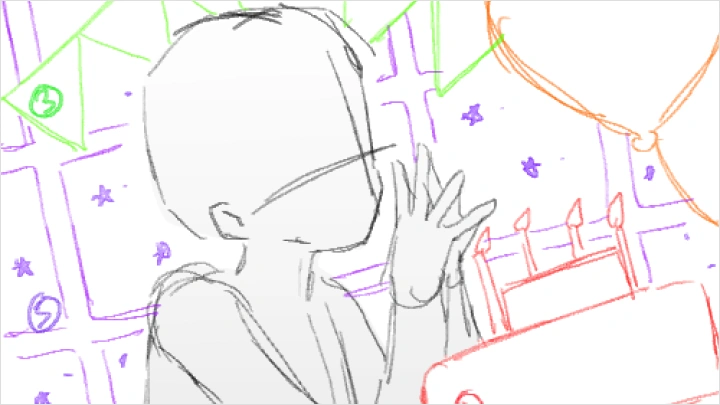
20 Class Exercises
-
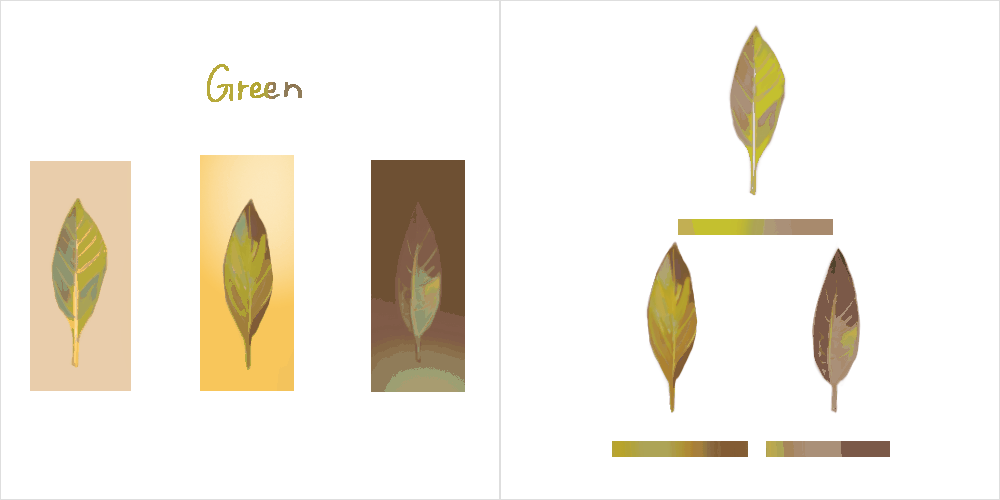
 Hue shifts by value
 -
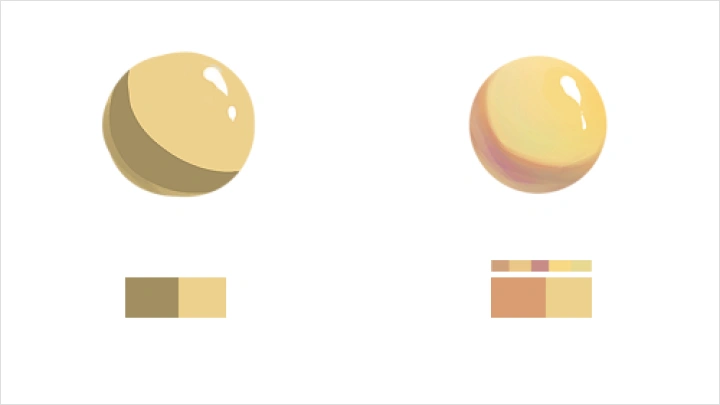
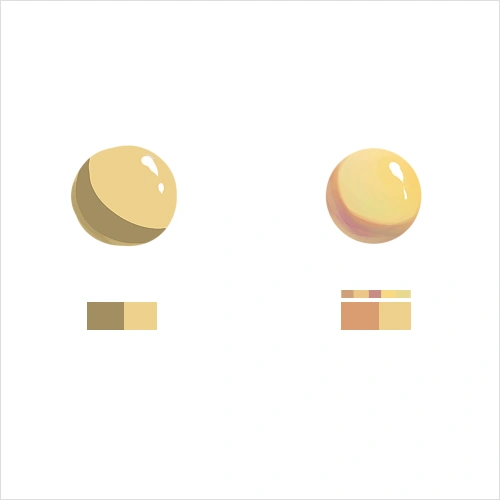 Shadows, base color, highlights
 -
 Warm vs. cool light
-
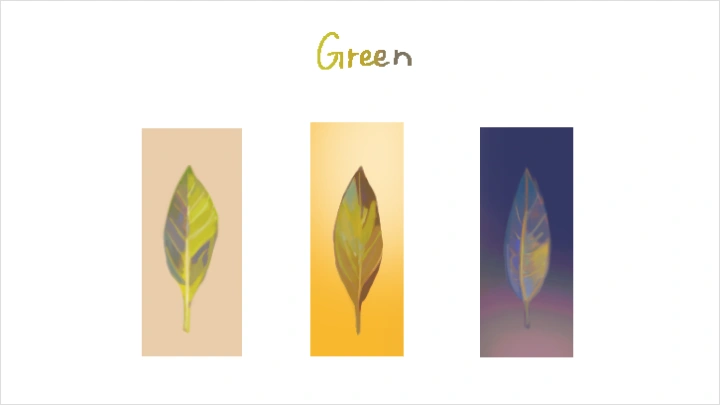
 Objects under different light sources
 -
 Choosing color direction
 -
 Day → Night / Cool → Warm switching
-
 Dynamic poses and camera angles
 -
 Rich, detailed backgrounds
 -
Depth through light and distance
-
 Character–object–background relationships
 -
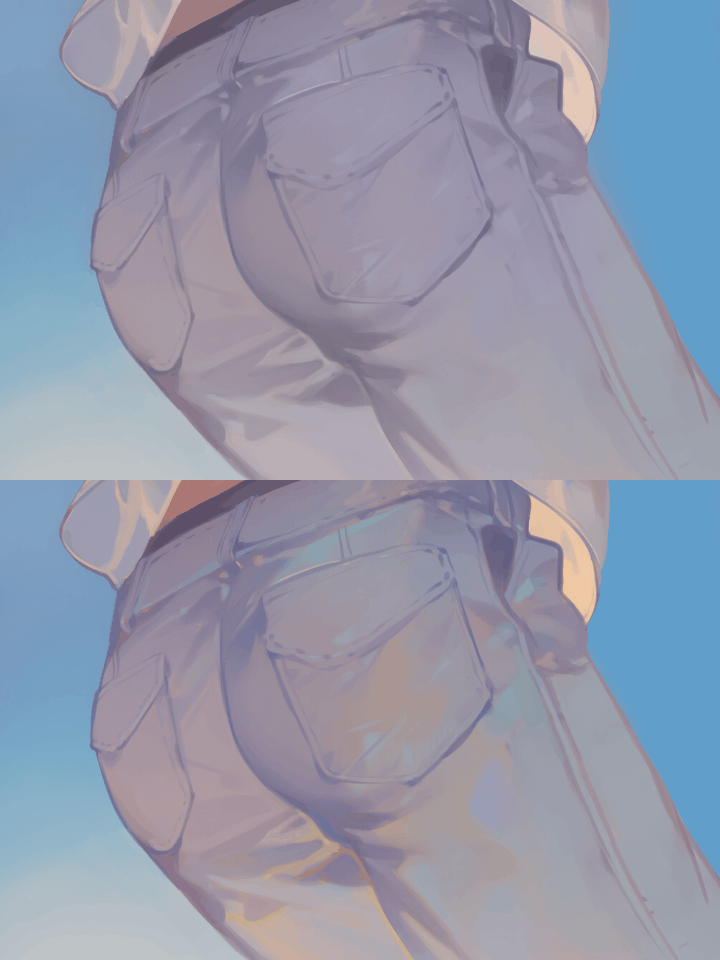 Hidden color principles
 -
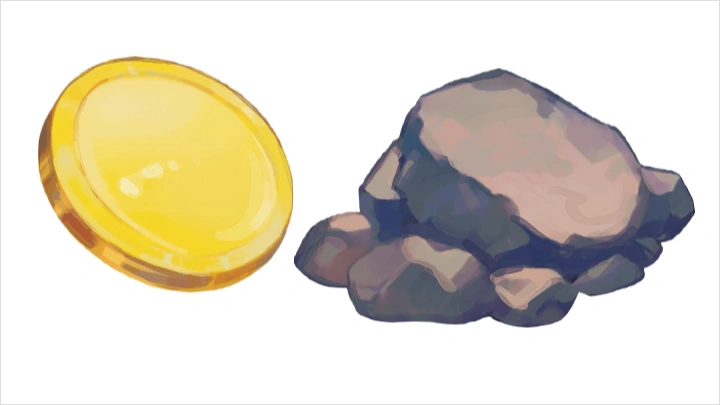
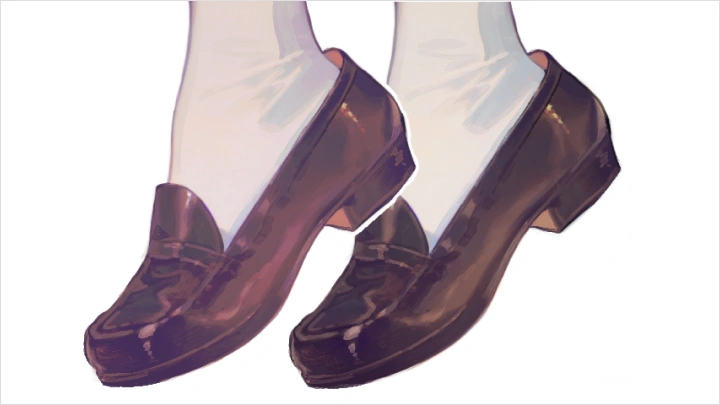
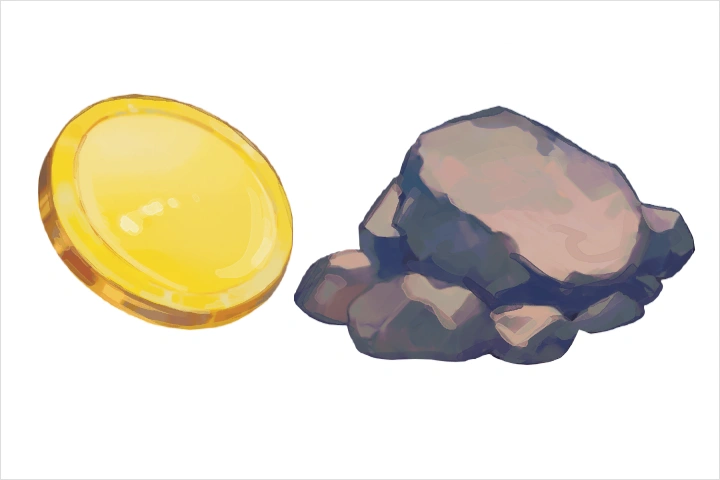 Metal & stone materials
-
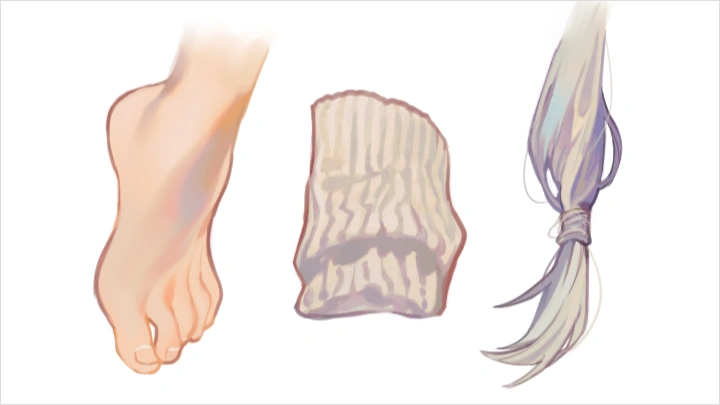
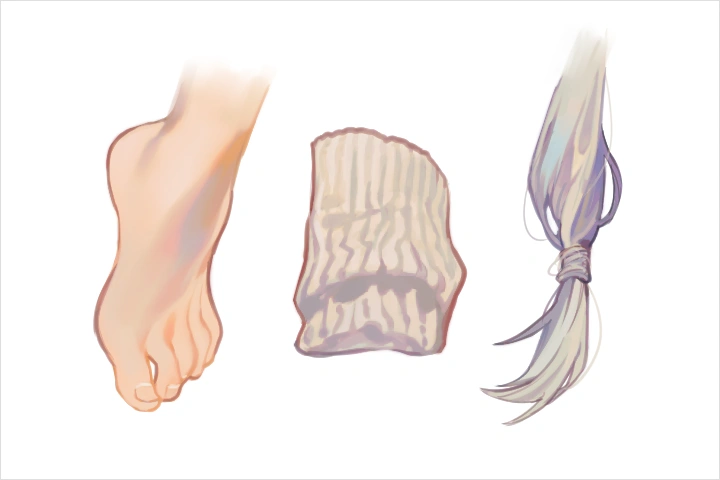 Skin, fabric & hair materials
 -
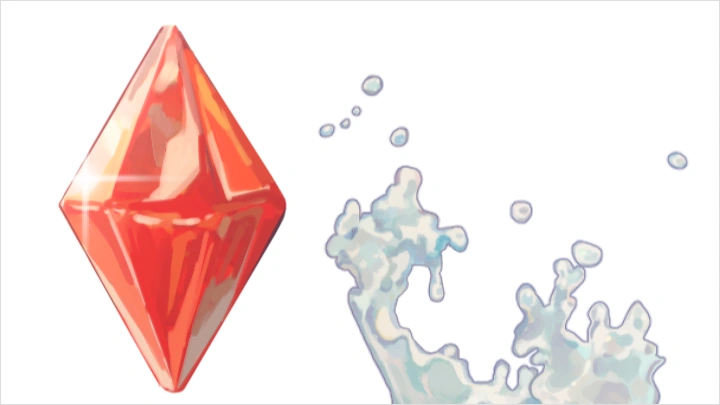
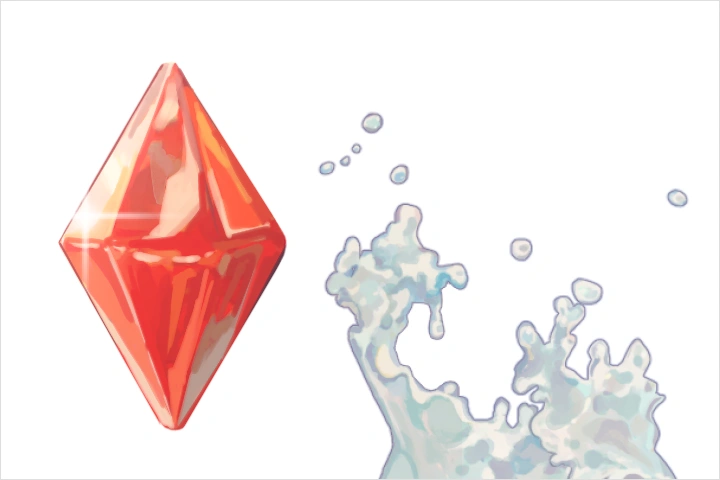 Crystal & water materials
 -
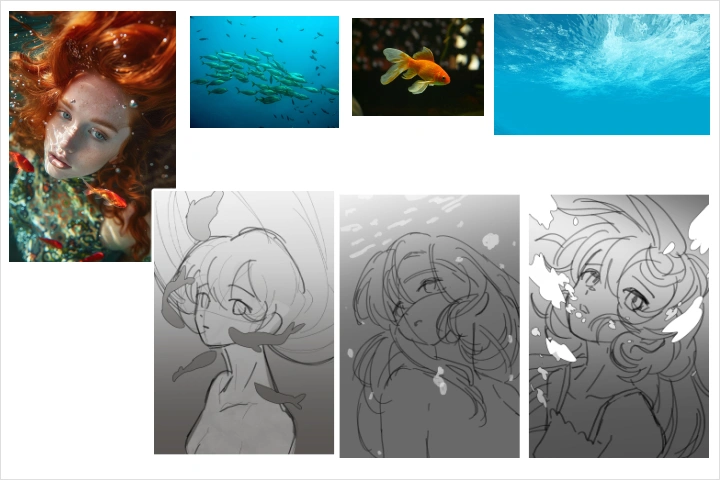 Mood boards & thumbnails
-
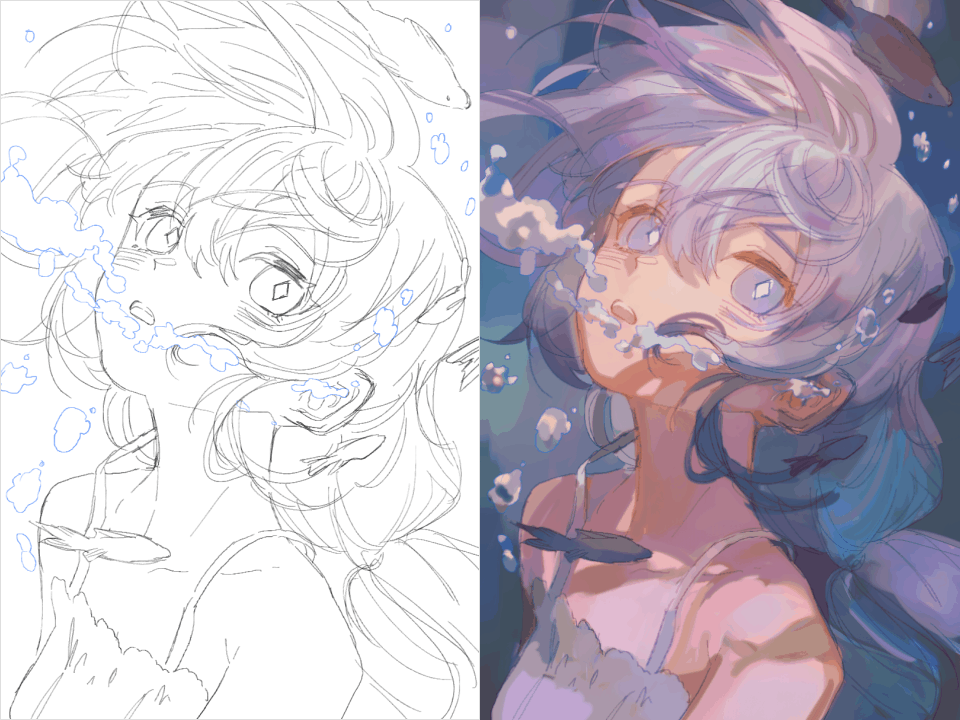 Base colors & color roughs
 -
 Detailing & color blending
 -
 Sharpening, ornament & hatching
-
Color grading
-
Fixing and enhancing mood
Final Product Example


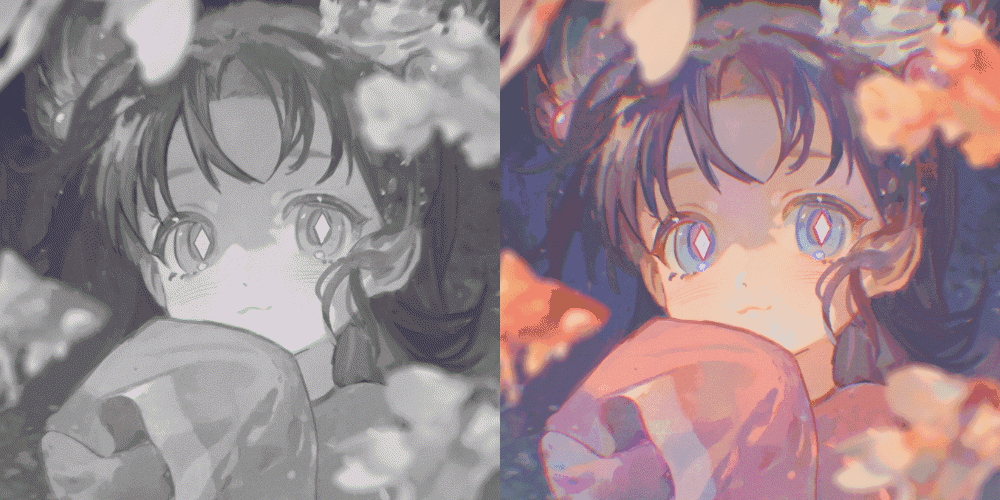
Atmospheric Character Illustration
*The above images are for illustrative purposes only and will be replaced once the course videos are released.
Highlights
Class Highlights
Understanding the Logic of Soft and Clean Colors Completed Without Being Muddy
How to use colors that are soft but not muddy, clean and deep Understand the subtle relationships between colors through training in hue, saturation, and brightness. Move beyond relying solely on intuition for color use, and develop the ability to control colors that adjust the mood according to the intention of the artwork and compose the screen.

Screen expression methods that convey the atmosphere and emotions of time and space
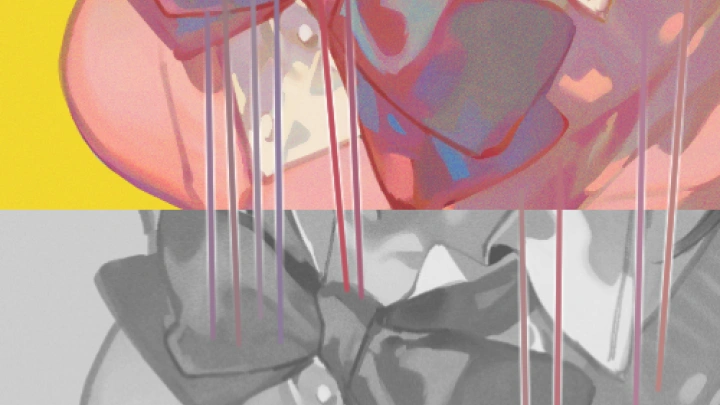
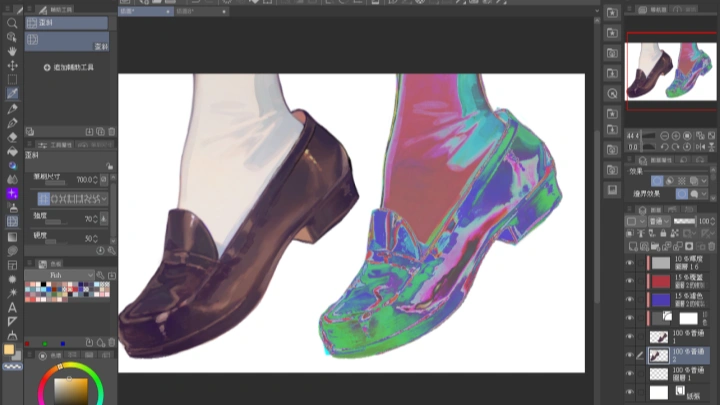
The fact that light is not white, and shadows are not black Understand the concept of light and shadow, and express time and atmosphere with color. Systematically analyze the influence of cool and warm light, and WSFish's unique hidden color technique, which can be used easily and quickly like a filter, to create richer and more vibrant colors.
From Rough to Completion, Building My Own Soft Tone Style
Step-by-step work process to complete your own character illustration Learn by connecting everything in a single flow, from color theory to material expression, composition relationships, and post-processing correction, and complete a stylish work based on the newly built soft color sense. Learn how to capture new individuality with the desired tone and atmosphere.