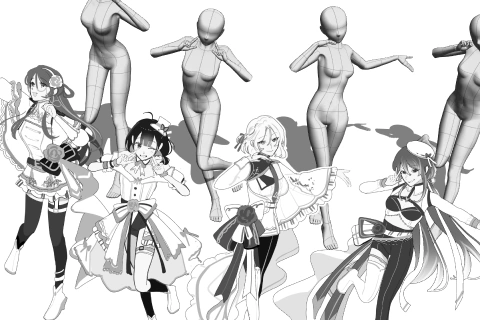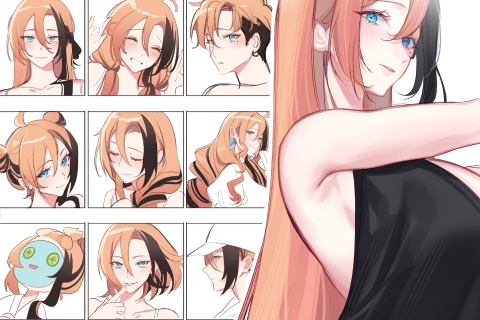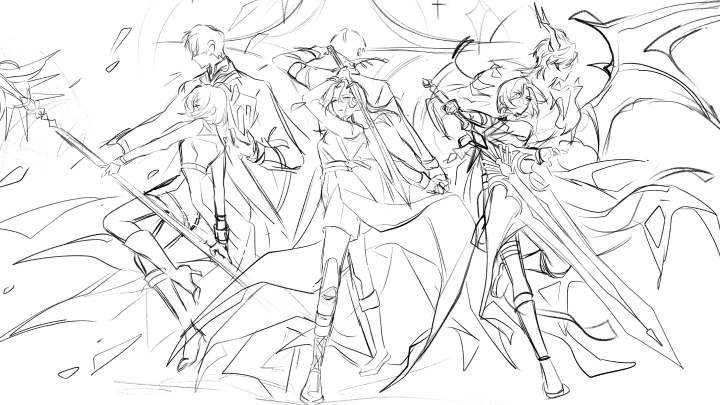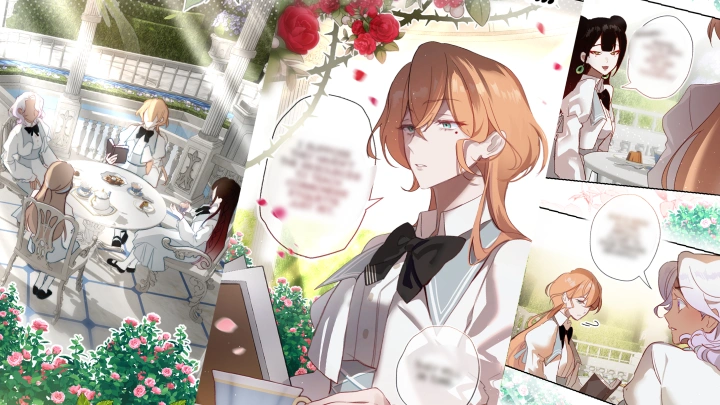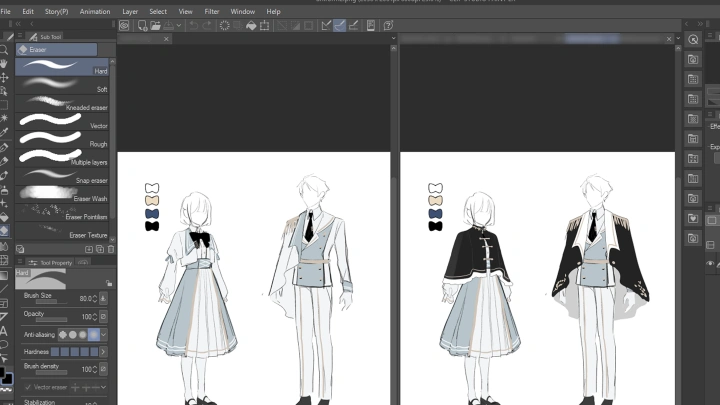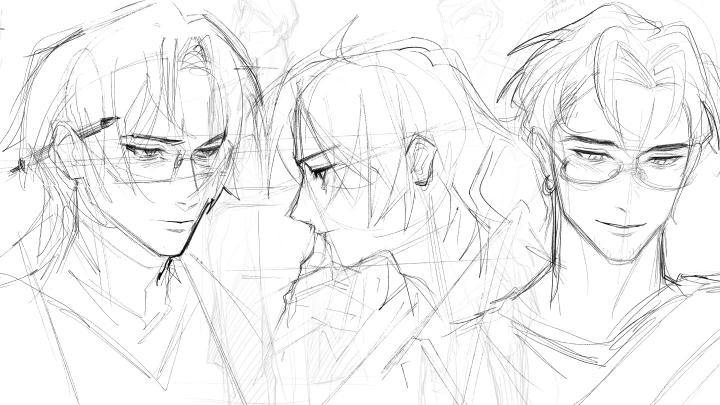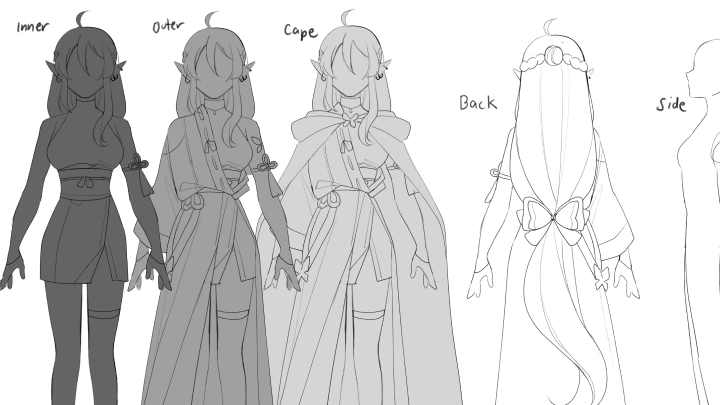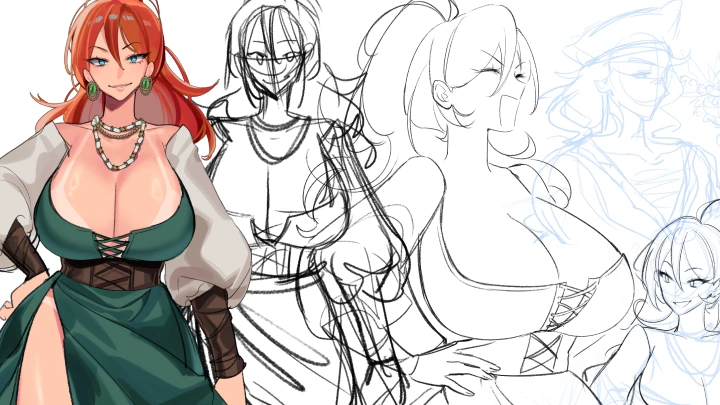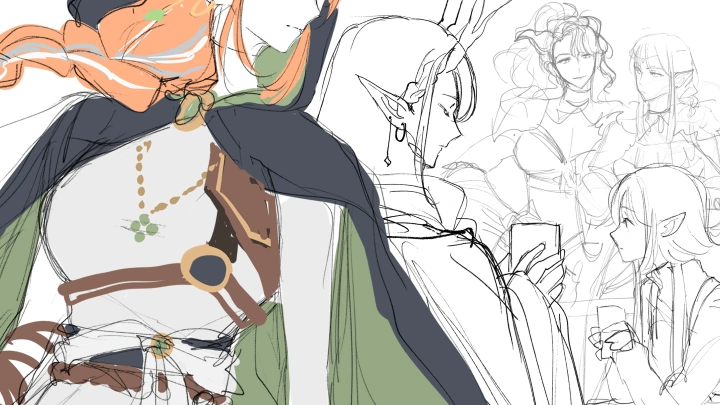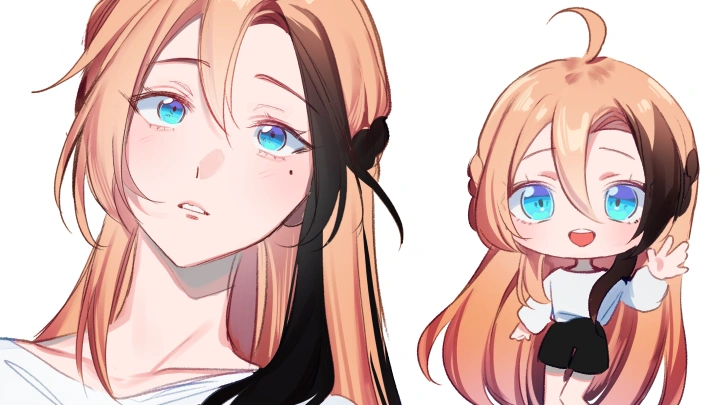
illustrator,nrnmarie Details
Intro
Class Intro
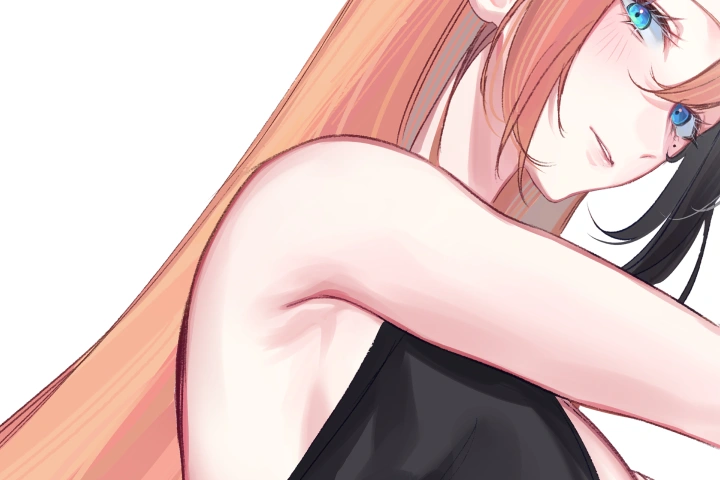
Illustrator, nrnmarie
"From foundational sketching to polished character sheets, I'll guide you through the full process of turning creative ideas into commercial-grade illustrations!"
Guiding Towards an Expansion of Illustration
Stuck on the principles of art, the start of your personal projects on characters, or the expansion of your artistic skills and knowledge into the professional field? If you're one of the above, then nrnmarie's course is just for you!

Structured to be a comprehensive character illustration and design course, this class intends to guide you from fundamental drawing skills all the way to effective reference sheets and finished character illustrations.
Rather than focusing solely on how to draw, the course explores how established artists think: how to build a visual library, design with purpose, use references effectively, and translate abstract ideas into cohesive, usable character designs. You will learn how to create from a process centered around intentional design and come out the other side with a full illustration of a character that's made from scratch.
Rather than focusing solely on how to draw, the course explores how established artists think: how to build a visual library, design with purpose, use references effectively, and translate abstract ideas into cohesive, usable character designs. You will learn how to create from a process centered around intentional design and come out the other side with a full illustration of a character that's made from scratch.
Class Preview
Still Not Sure?
Check Out nrnmarie's Class Preview!
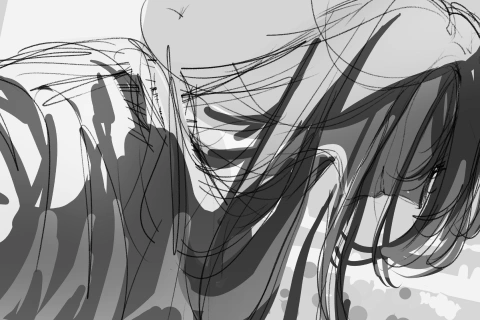
Chapter 14: The Dynamic Character
1. Understanding the character's identity
2. Applying concepts under section "Fundamentals Part 2"
3. The uses of imagining the character in motion
4. Creating dynamic poses based on the characters' personality
2. Applying concepts under section "Fundamentals Part 2"
3. The uses of imagining the character in motion
4. Creating dynamic poses based on the characters' personality
Class Perks
Special Gift from nrnmarie
-
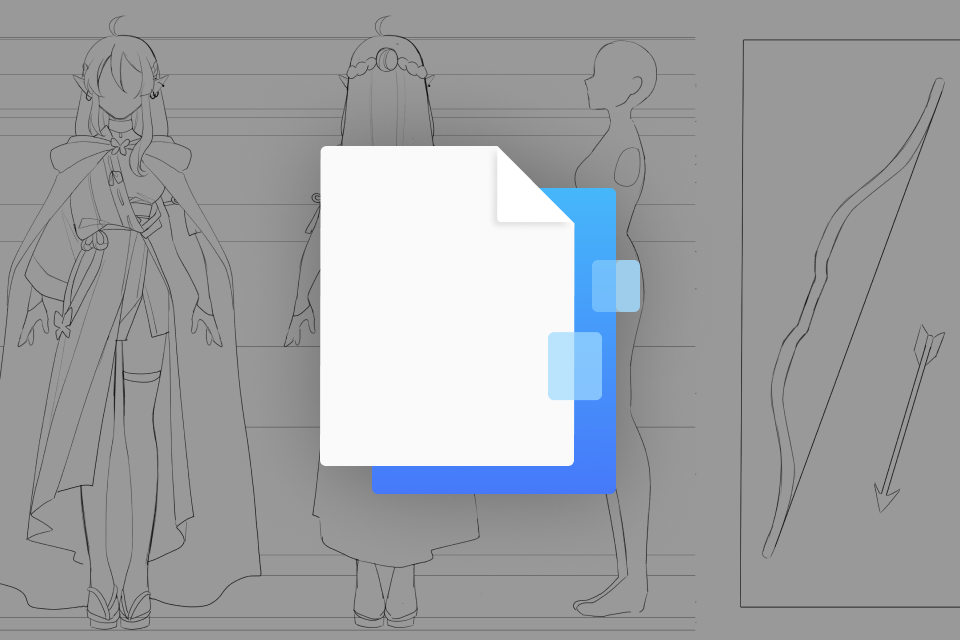 Customizable Character Reference Sheet Template- 1~4 pages including a blank template for character reference and sample pages
- PSD and CLIP files -
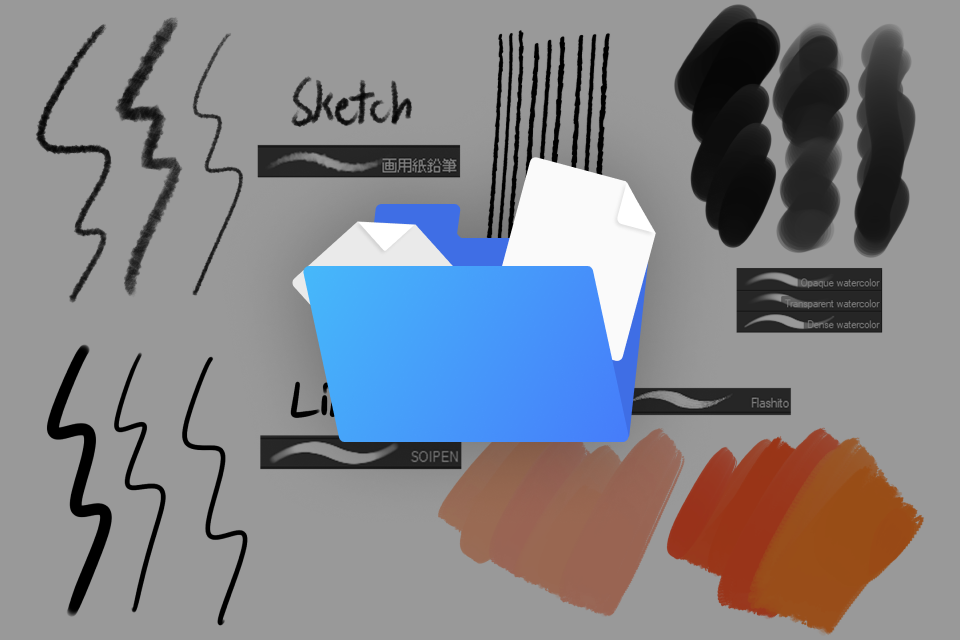 Brushes, Assets, Gradient Maps- A list of nrnmarie's most used brushes and assets from the CSP store (with credits) & samples of use
- PDF file (or external website link for accessibility) -
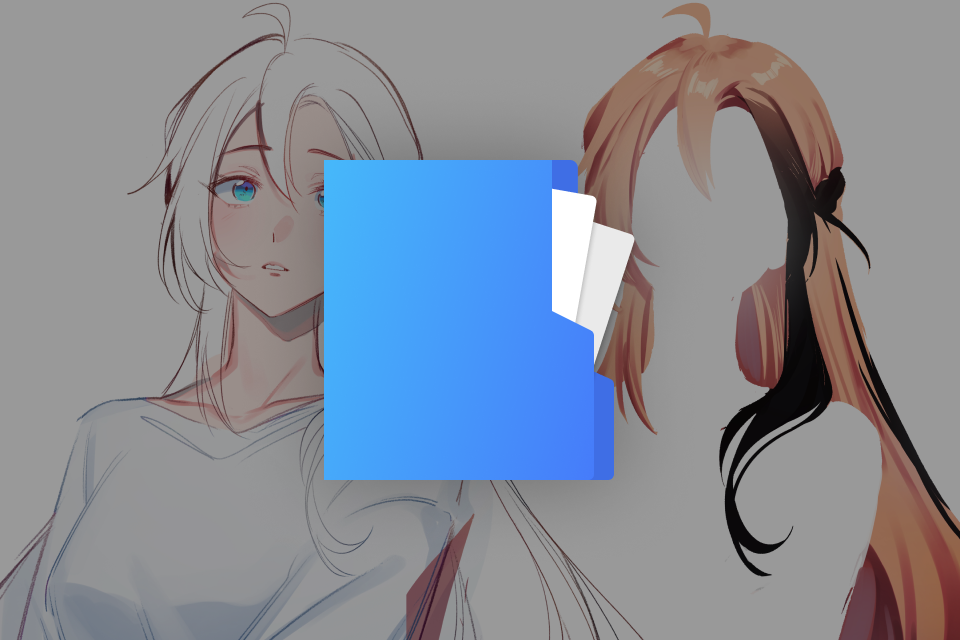 Working Files- Raw, layer-organized demo files of exercise sheets, character sheet and final illustration for study
- Timelapse of final illustration (10-30 seconds)
- PSD and CLIP files -
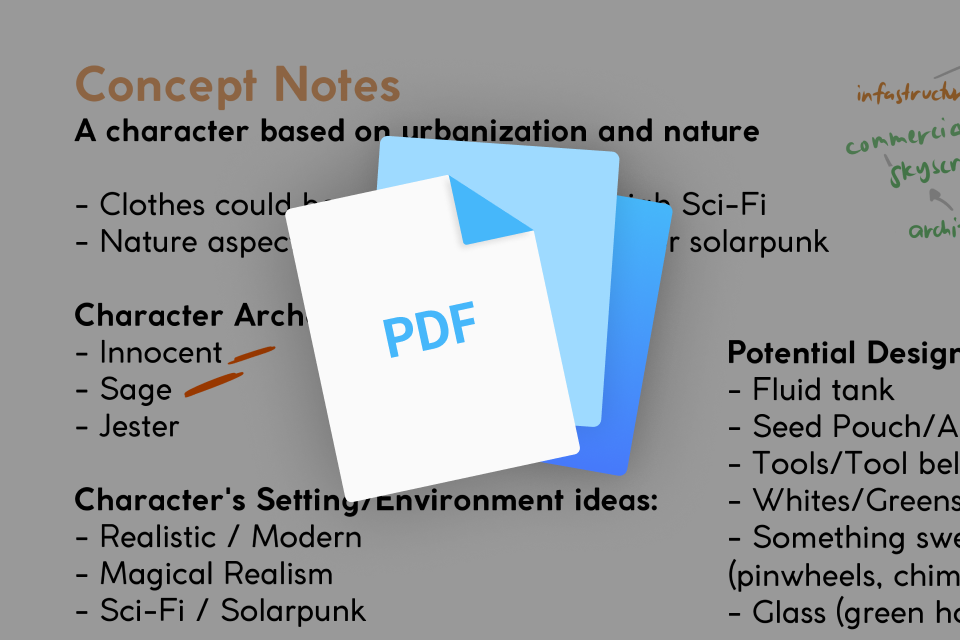 Class Slides- Compilation of all the written/demo slides featured throughout the course for referencing
- PDF file
Recommendation
Who should take this class?
Aspiring Artists who work on building their fundamentals and defining their artistic direction.
Hobbyists who enjoy drawing characters for personal projects, fandoms, and original stories.
Artists who want to dive into the industry preparing to take their work into professional or commercial spaces such as illustration, games, animation, or freelance work.
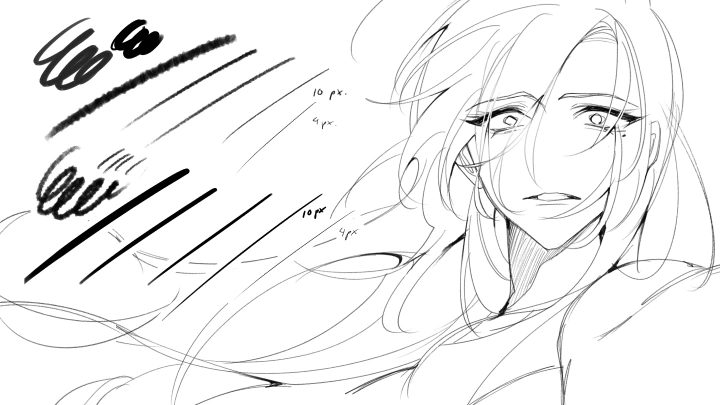
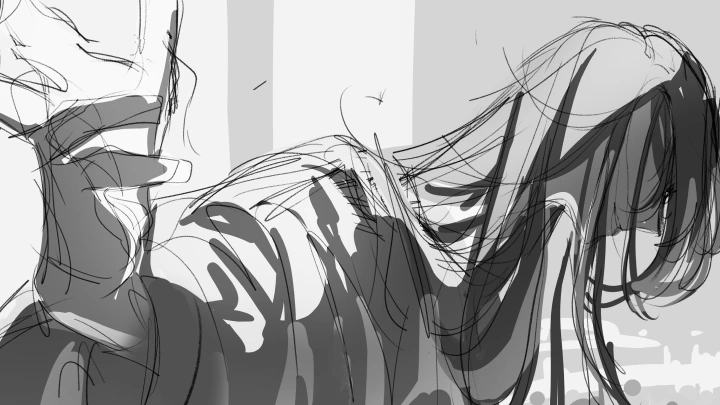
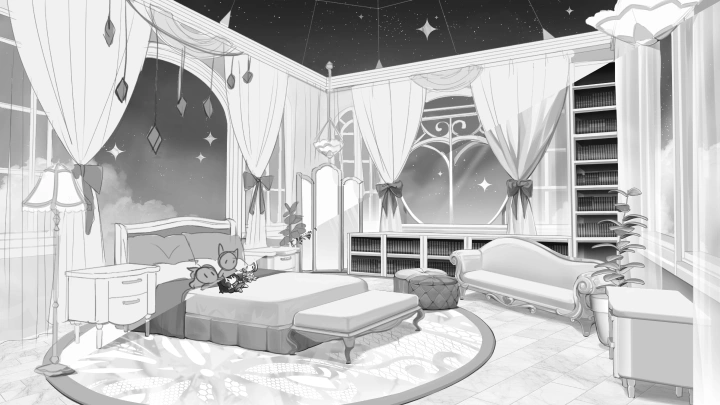
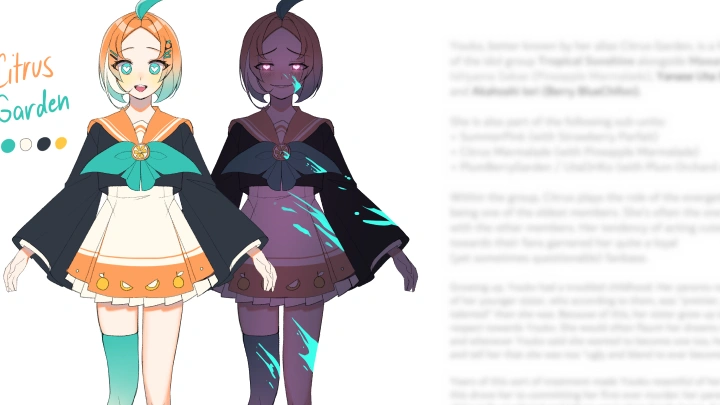
Expert Illustrator nrnmarie's Portfolio
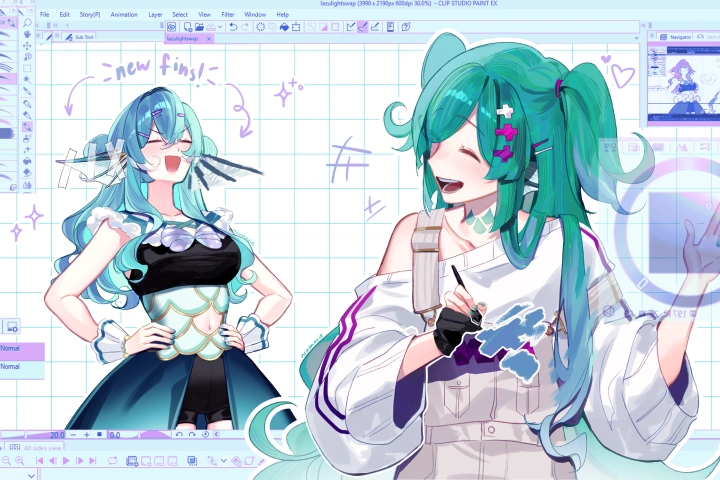




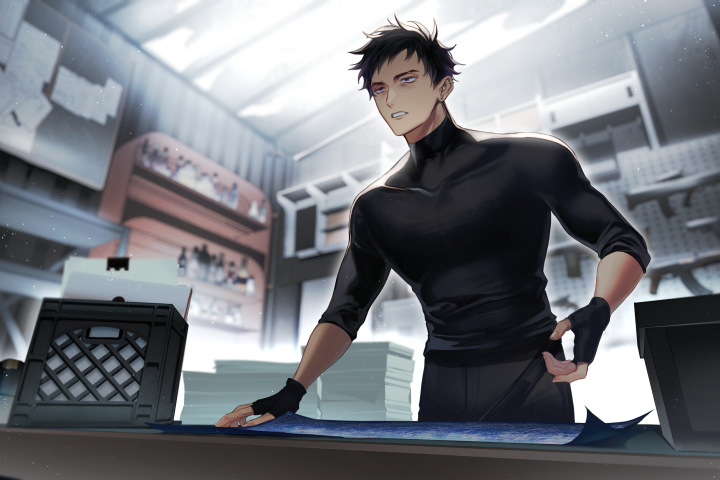




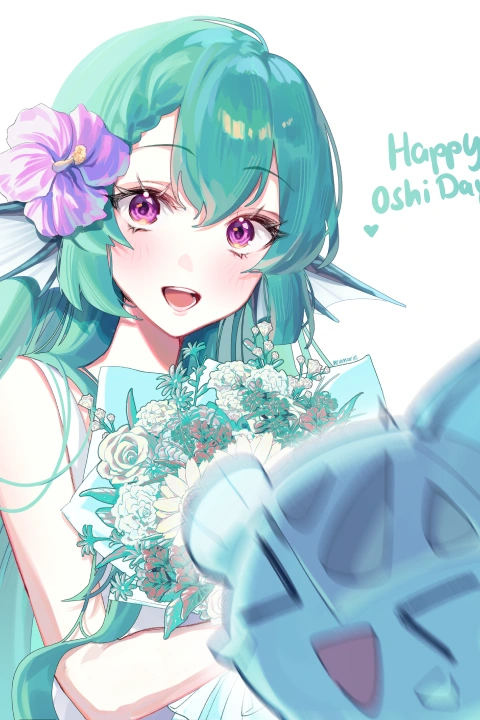





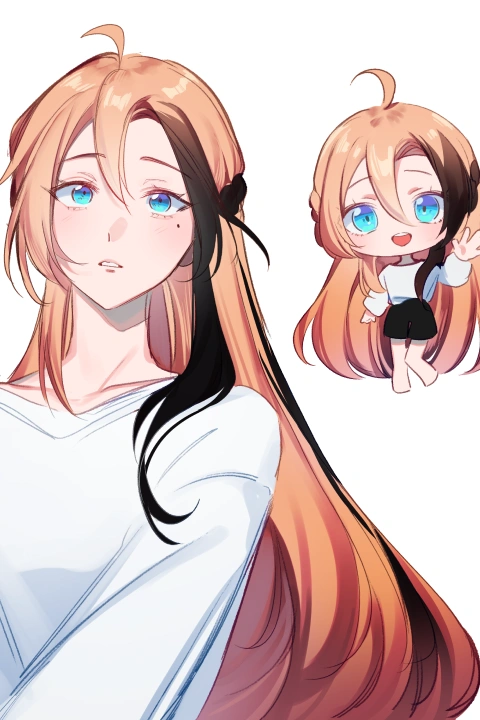

* This Portfolio includes fanart and client works.
Why Take This Class?
This course has a particular focus on the flow of intentional character design by teaching students how to make deliberate, purpose-driven design decisions even for something as intuitive as designing personal characters.
Through the building of visual library, ideation, and smart referencing, students are guided from foundational skills to polished, professional-level deliverables such as full illustrations and effective reference sheets. The class also features the exploration of the lecturer’s personal rendering style that's been honed throughout years of experience.

Get Ready for the Real-World
20 Class Exercises
-
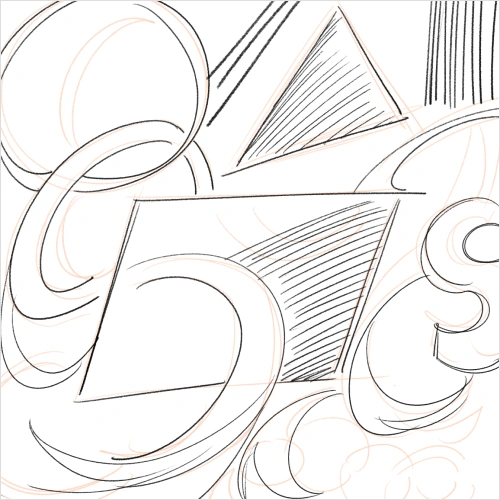 Practicing Core TheoriesFill a page or a canvas with simple lines and shapes to focus on line confidence and practicing “ghosting”
 -
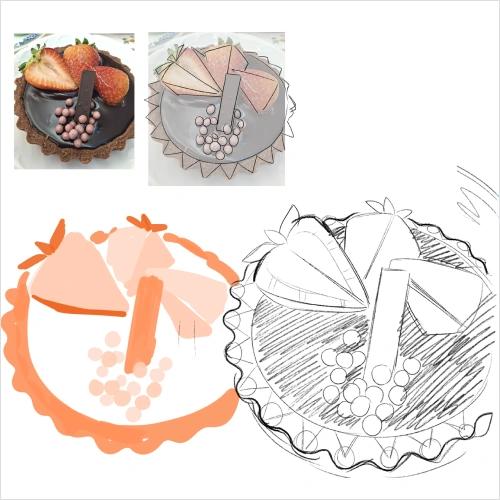 Breaking Down Objects in 2D and 3D ShapesChoose objects either in real life or in reference photos and learn to break them down into shapes both 2D and 3D
 -
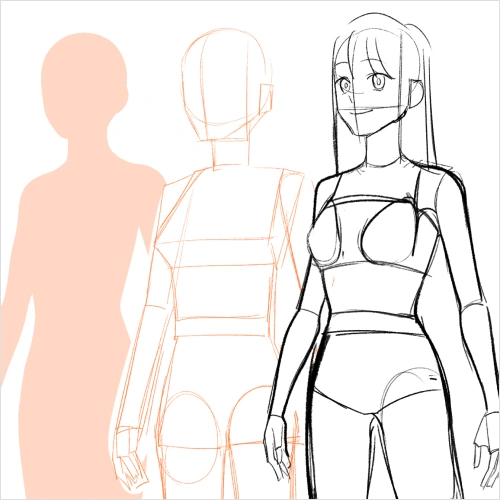 Understanding Anatomy and StructureFollow along with the demonstration to get a feel for what is being drawn
-
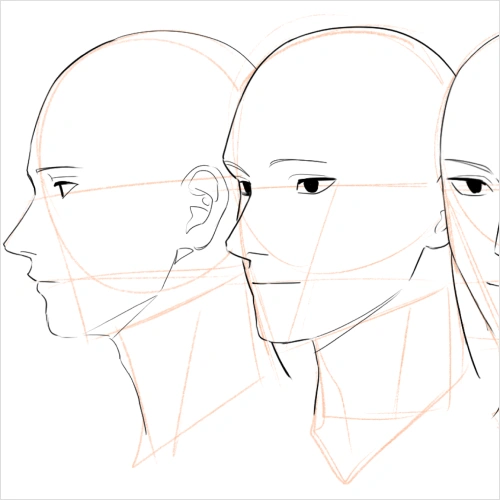 Practicing Angles in Different StylesPractice each of the main head angles with both realistic and anime styles
 -
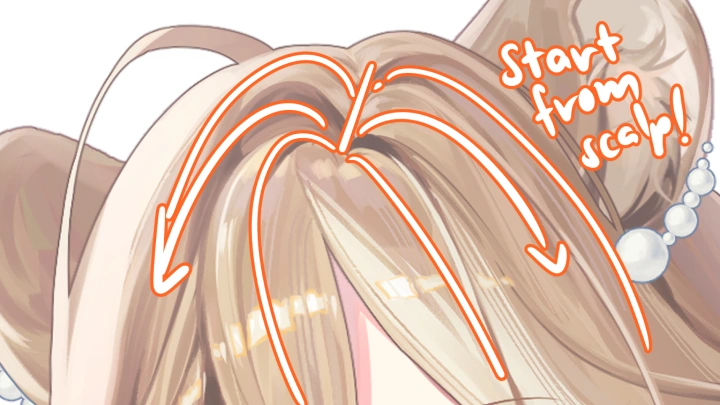
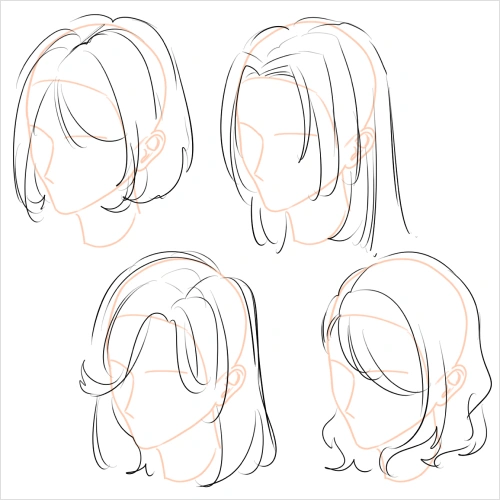 Experimenting with Hair and FabricCreate a sheet each practicing the flow of hair and fabric from a point/source
 -
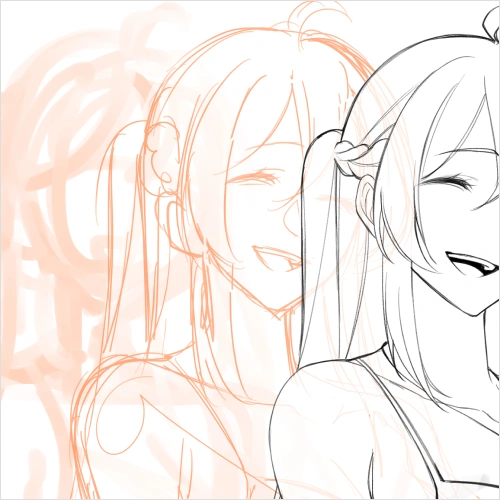 Outlining a SketchPractice outlining a sketch by both drawing lineart and cleaning the sketch
-
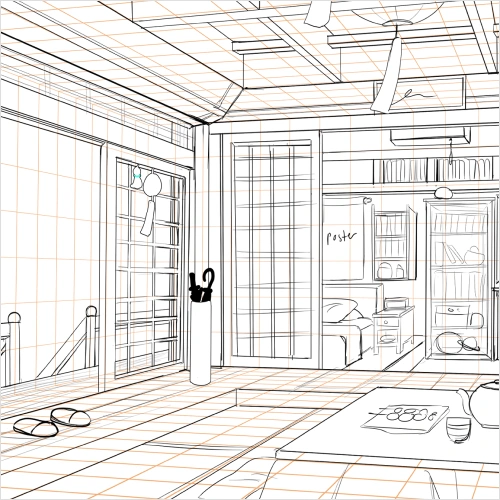 Exploring PerspectivesPractice viewpoint placement & the different types of perspective
 -
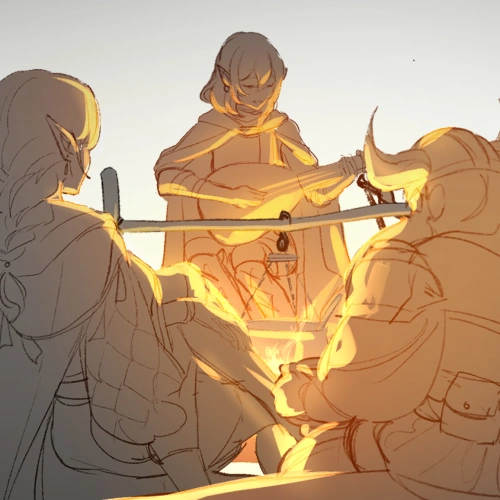 Applying Theories on ShadingFollow along to practice shading (main shadows, bounce light, ambient light, etc.)
 -
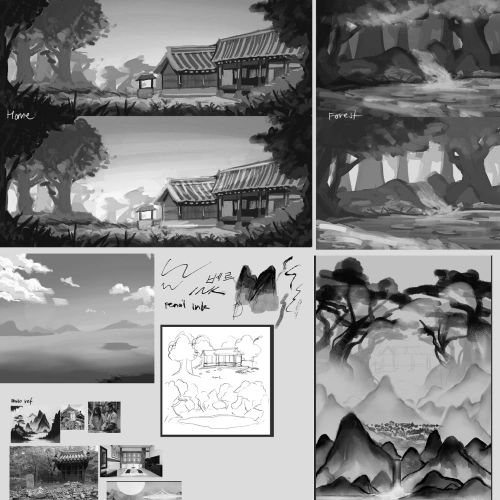 Placing Characters on a BackgroundPractice placing characters in a space by doing any of the following:
1) Making them interact with furniture
2) Putting a floor texture underneath standing characters
3) Drawing indoor characters against a window; Drawing outdoor characters with the sky
-
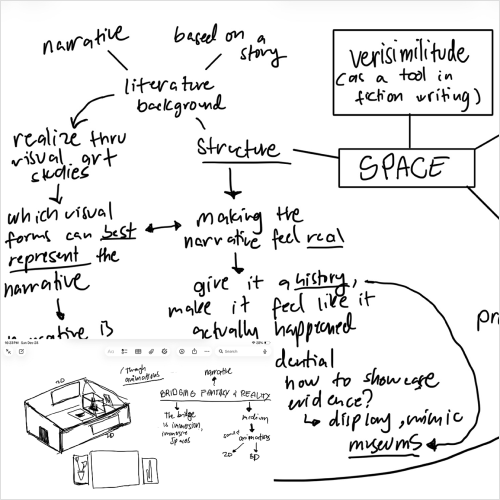 Creating a Mind MapCreate a mind map, and if possible, form a collage of photos of the enviroment where you lived, taken by you
 -
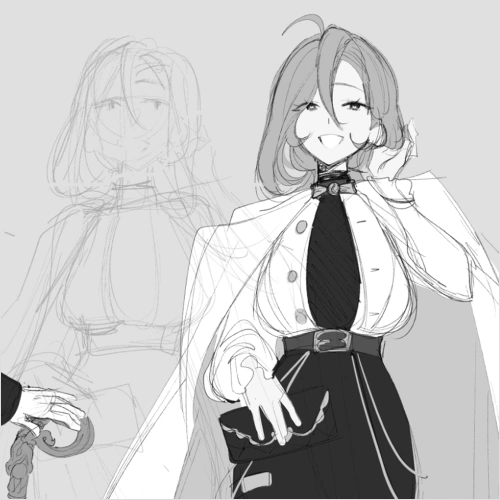 Conceptualizing CharactersCome up with a character based on the lessons learned
 -
 Collecting ReferencesCreate a moodboard or a proper reference compilation
-
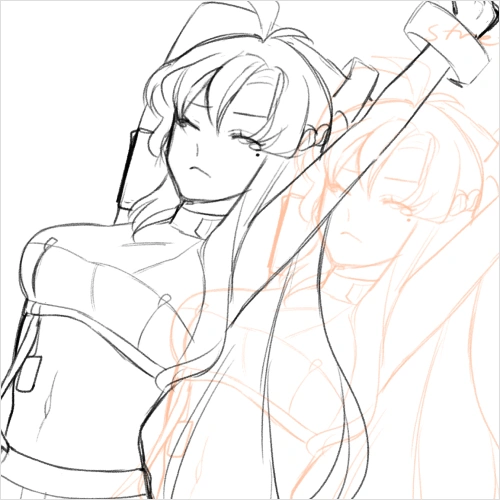 Understanding Static CharactersSketch along to get a tangible feel for how lines, shapes, colors, etc.,could apply to the character you might have in mind
 -
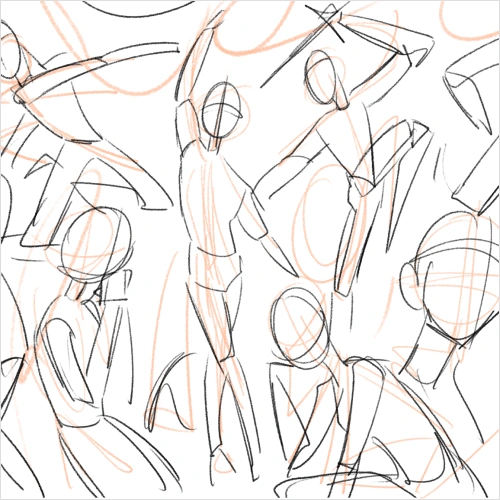 Understanding Dynamic CharactersBased on the exercise on static characters, create gesture drawings of the character's perceived movement
 -
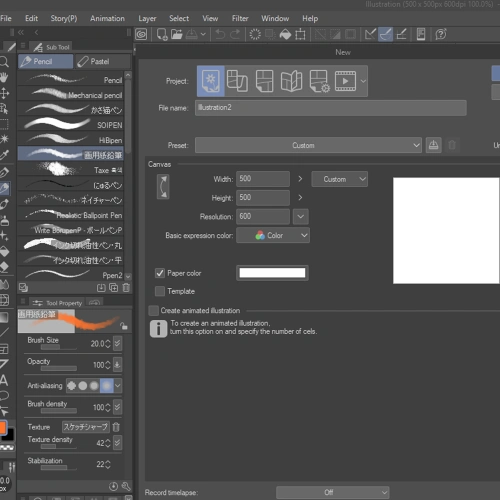 Shadowing Canvas PrepFollow along the purposes of canvas setups while preparation is being done
-
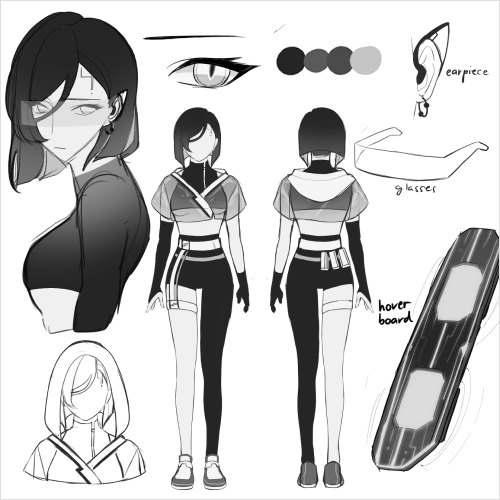 Gathering ReferencesUpdate your reference compilation to references for illustration
 -
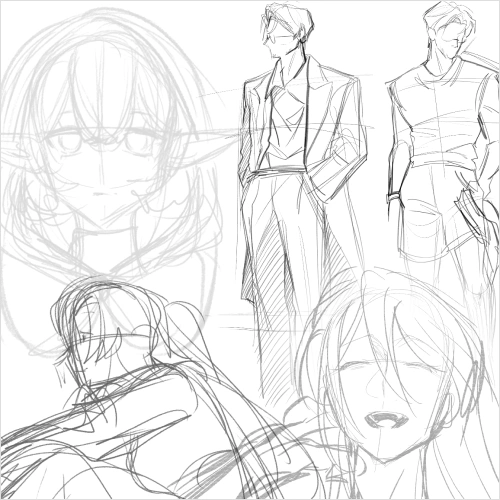 Going Through the Process of Warming UpPractice the process through "loose sketching"
 -
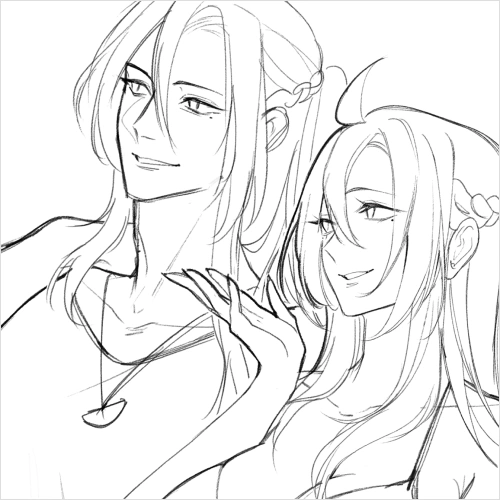 Application of Theories on Sketching and LineartFollow along the processes of sketching and lineart
-
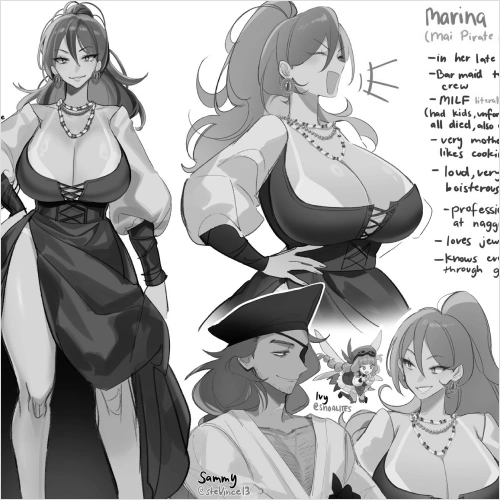 Polishing the Reference SheetUpdate and finalize your character's reference sheet
 -
 Use of Shapes, Layers and an Introduction to ThumbnailingFollow along the processes of shapes, layers and thumbnails
Final Products
-
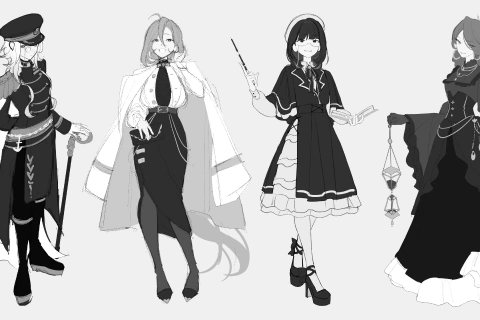
 Character Illustration
 -
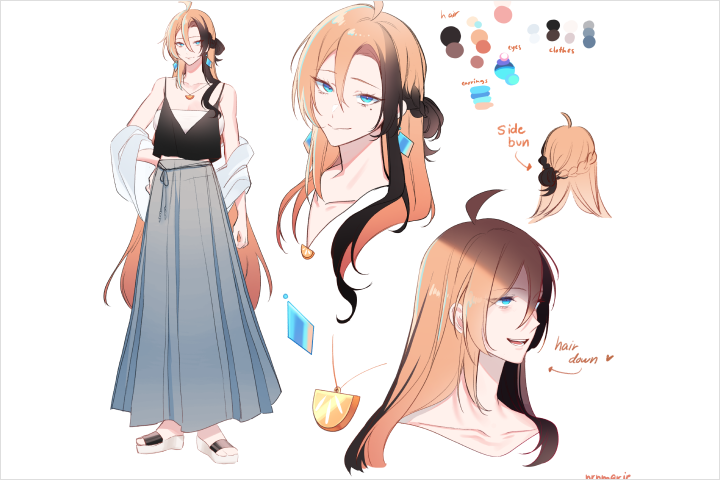 Character Sheet
Highlights
Class Highlights
Intentional Character Design
Students should be able to: translate personality, narrative, and purpose into visual language, avoid overdesigning and visual noise, and develop the ability to stylize, reinterpret, and innovate from source material.
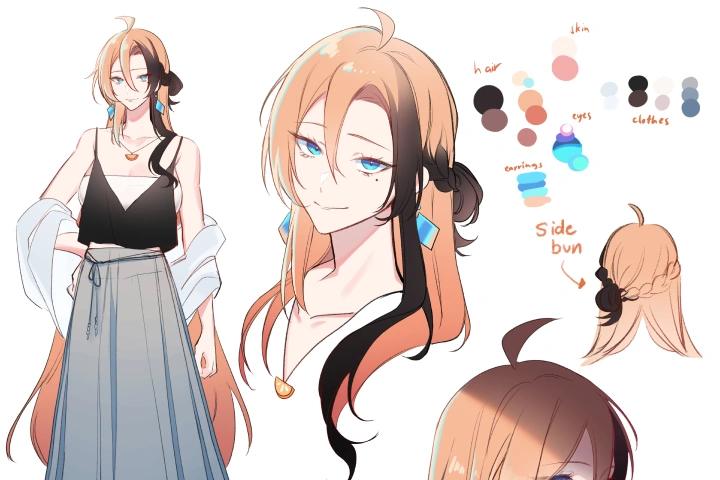
Efficient, Repeatable Illustration Workflow
Students will go through a step-by-step process from ideation to final export. This includes knowing technical software workflows that save time and reduce friction.
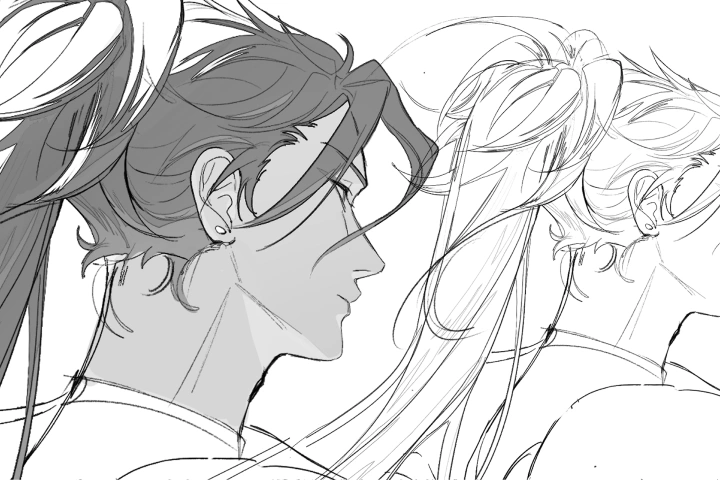
A Rendering Style that Catches the Eye
Students will learn the instructor's personal rendering process, from flat colors to polished highlights, and understand how to make process work for them by understanding their tools, their software, and most importantly, breaking the rules.