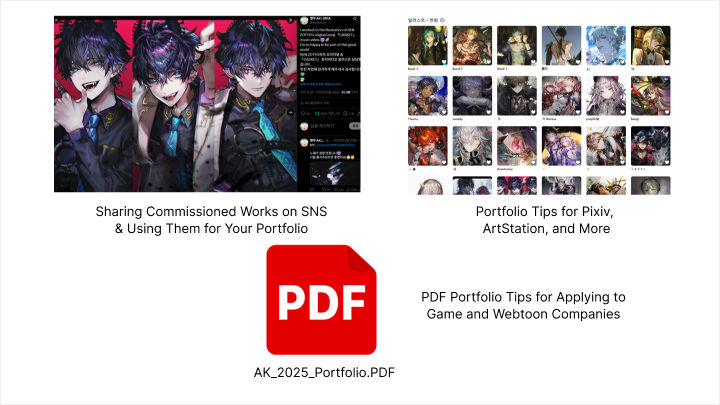
illustrator,ak_앵꾸KR Details

Now in Your Language, Only on Coloso!
Learn from Korea's Top Master Creatives
-
 Stylized Figure & Gesture Drawing
 -
 Modern Character Coloring
 -
 Composition & Visual Narrative
Class Intro
Illustrator, AK
“Worried your colors look flat or too burnt out? Learn how to keep rough brushstrokes as part of your style while achieving commercial polish.”
Professional Illustration Outsourcing: From Analysis to Reinterpretation with AK
AK, the popular artist behind collaborations with major game studios like <Honkai>, <Arknights>, and <Ensemble Stars>, presents a 100% authentic illustration commission process! Analyze and reinterpret AK's actual collaboration cases step-by-step, from securing the project to final delivery, and practice a virtual commission project using the exact same real-world pipeline.

Roughness as style and precision as standard. Learn commercial illustration training that turns rough sketches into stylistic assets while maintaining clear production standards. Master portfolio strategies tailored to different types of clients balancing individuality and commercial appeal. Gain know-how for making existing characters even more compelling and take your first steps toward debuting as a professional illustrator with AK.
Class Perks
Special Gift from AK
-
 Turn roughness into full completionUnlimted Access to 28 Chapters
 -
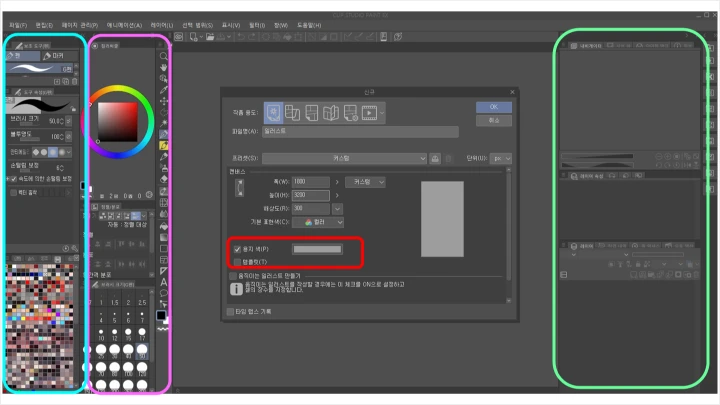
 Level up your quality with painterly coloring techniques2 Class Exercise Files (.clip)
 -
 From email templates to sample commission formsCommission Practice Materials for Professional Illustration
-
 Coloring Practice Q&APDF Guide for Correcting Mistakes
 -
 AK’s Real-WorldBrush & Shortcut Settings Files
 -
Recommendation
Who should take this class?
Aspiring artists and freelancers aiming to become professional commercial illustrators
Intermediate artists who want to apply rough and painterly coloring styles to commercial illustrations
Active illustrators looking to establish their own style and improve coloring depth
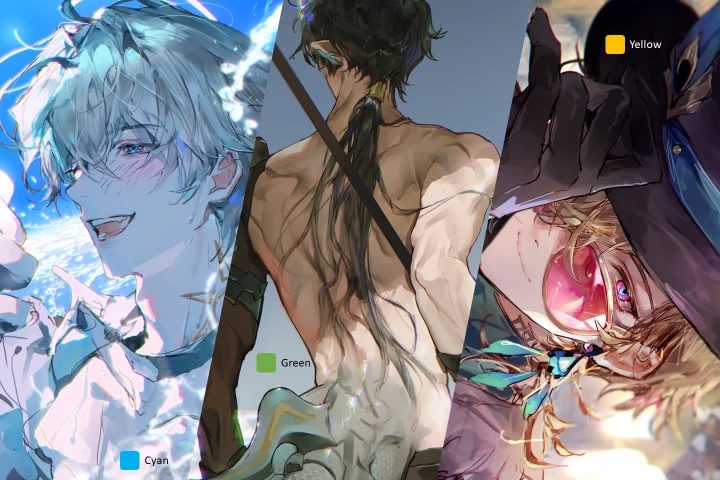
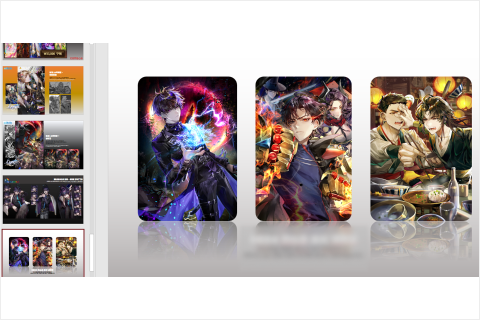
Expert Illustrator AK's Portfolio


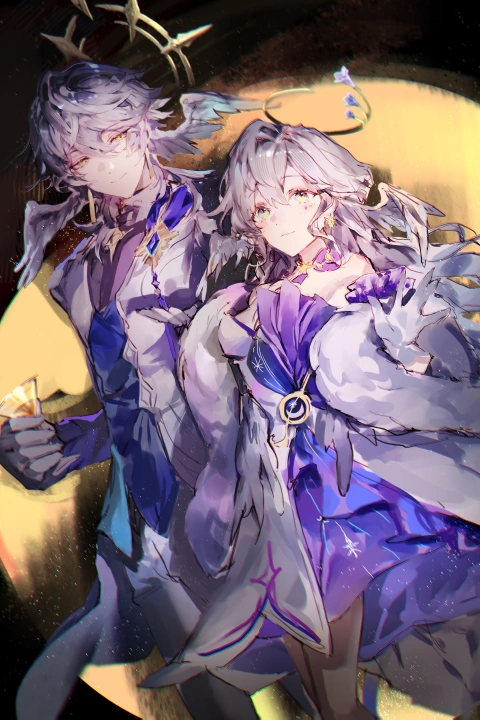




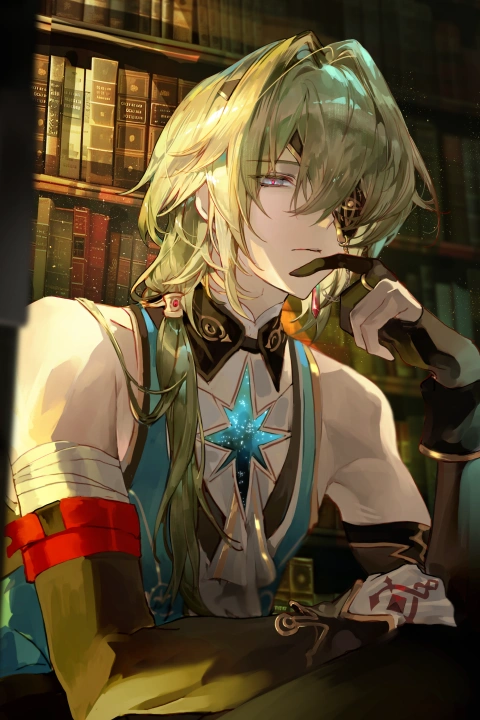
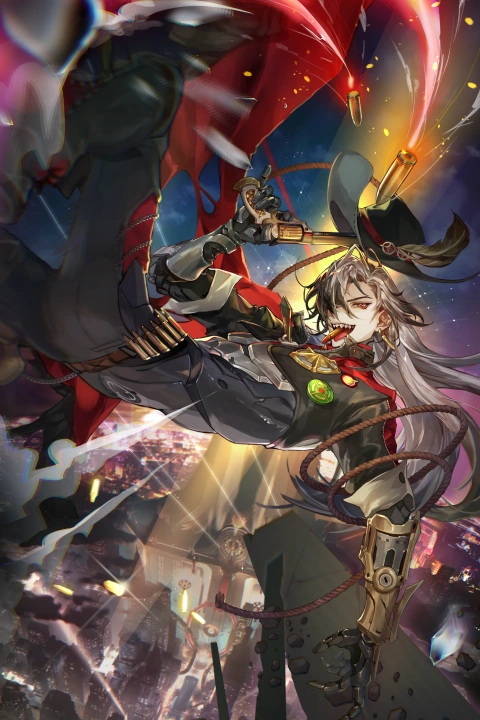

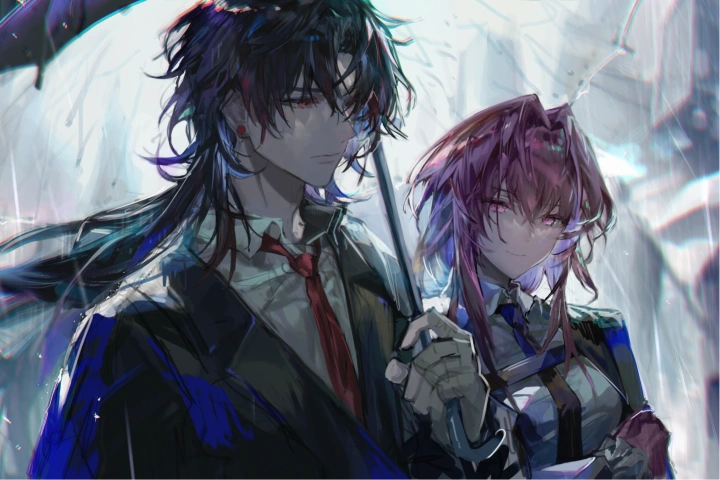
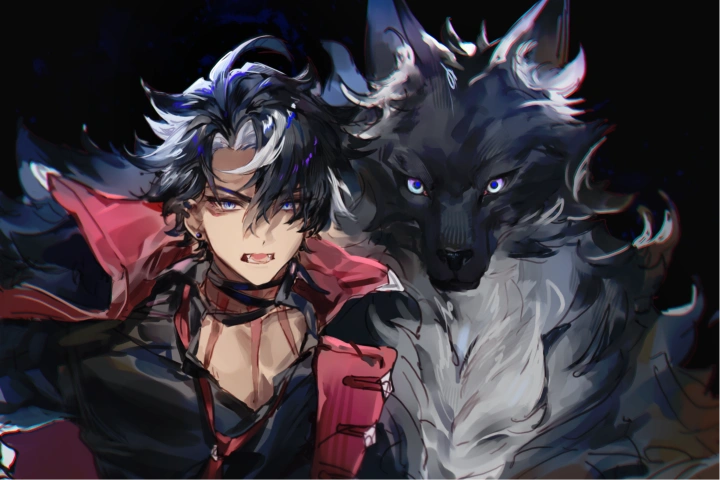
* This Portfolio includes fanart and client works.
Why Take This Class?
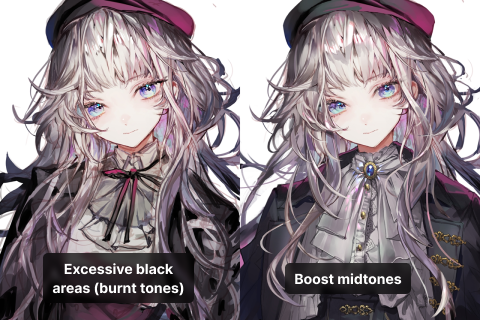
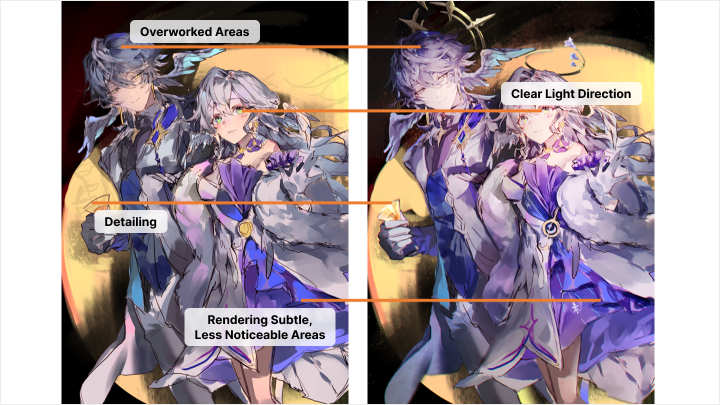
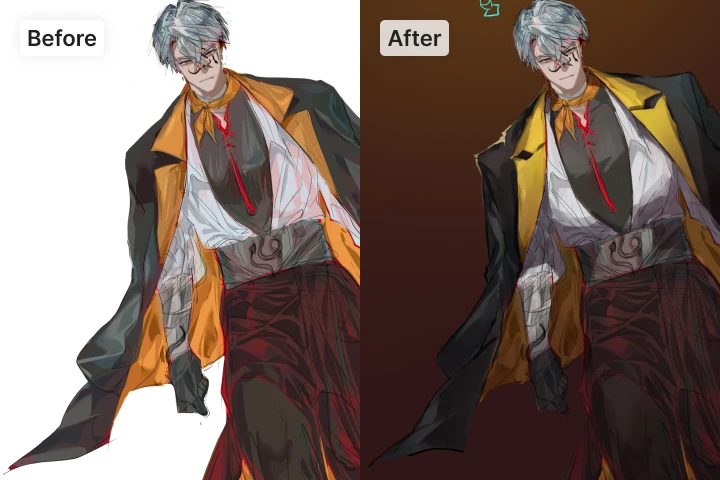
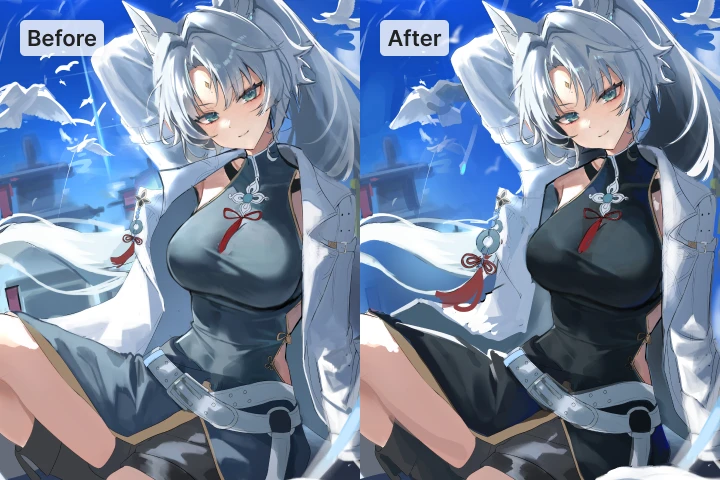
Overcome the constant challenges of coloring with this personalized, intermediate-level coloring guide with analysis of correct answers and mistakes! Discover solutions for the most common coloring mistakes intermediate artists face, like tones looking flat or overly burnt. AK's coloring correction guide will help you achieve clear color balance and add painterly density and depth of light.
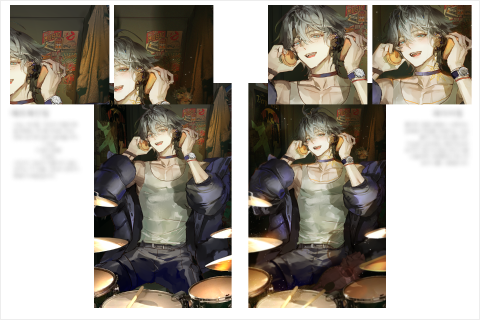
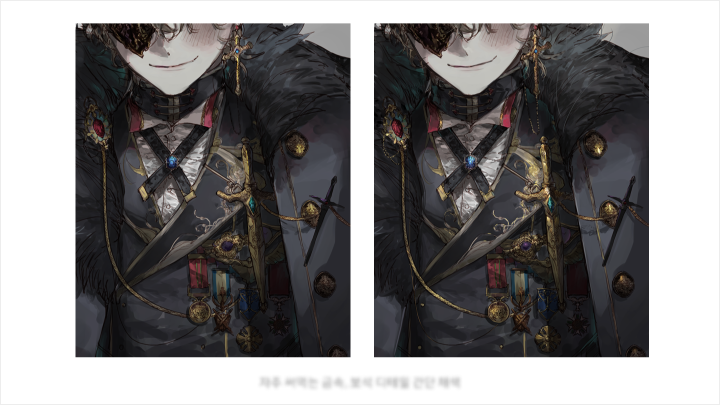
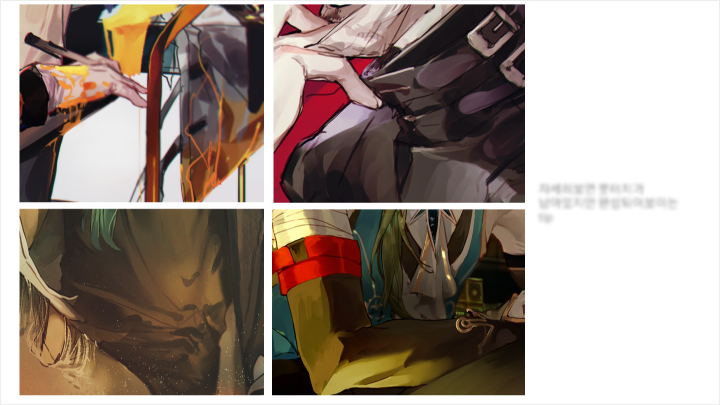
High-quality coloring techniques that turn rough brushstrokes into a professional-grade finish! Achieve a more complete and refined coloring style through painterly rendering and precise detail. Experience a practical coloring training method that creates deep, weighty density through layering and brushwork, then finishes with prism-like color using reflected light and color temperature, right here at Coloso.

Get Ready for the Real-World
Master Techniques That Combine Personal Style and Commercial Appeal
Part 1. Coloring Notes Every Pro Should Know
-
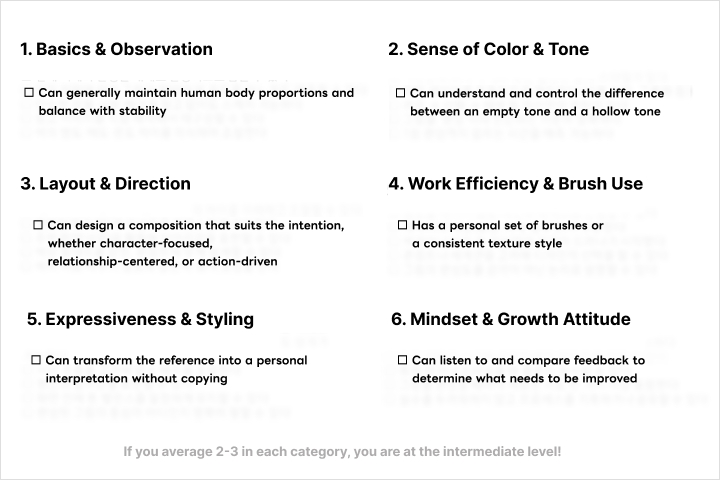 Note 01. Am I an Intermediate Artist?Intermediate skill level checklist
 -
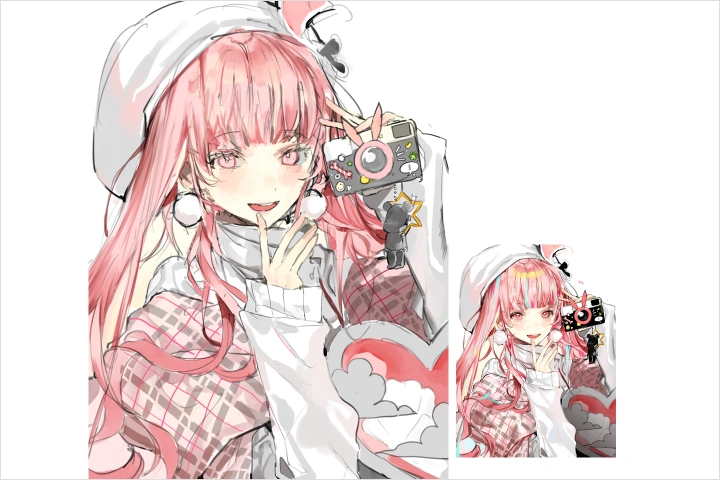 Note 02. Does Your Artwork Feel Empty?Analyzing hollow-toned issues
 -
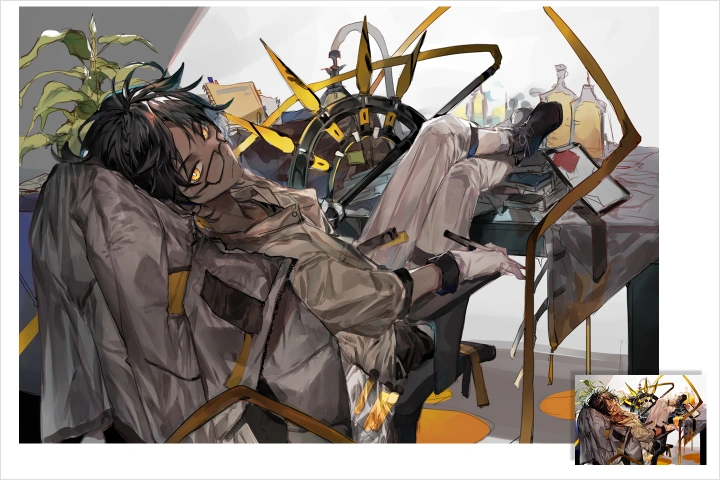 Note 03. Does Your Artwork Feel Stiff?Analyzing overworked tonal issues
-
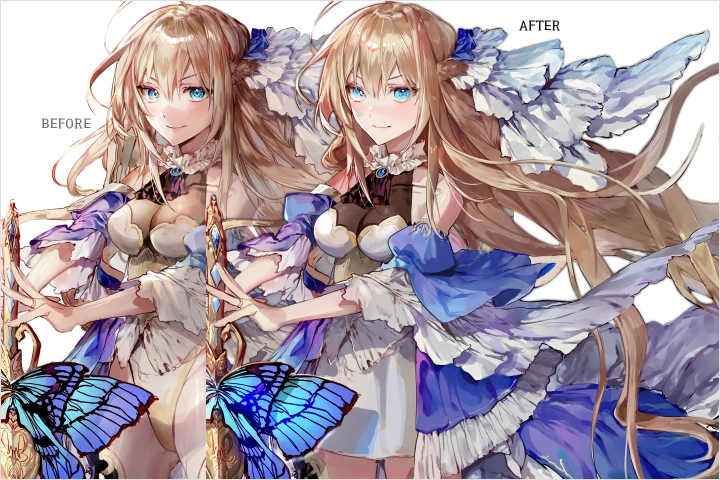 Note 04. Using Midtones EffectivelyBalancing highlights and shadows
 -
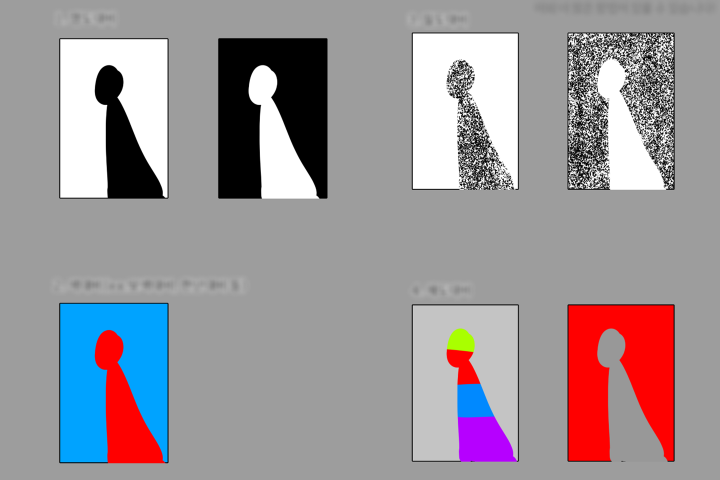 Note 05. Separating Characters and BackgroundsManaging differences in midtone, density, and brightness
Part 2. Tips to Enhance Your Unique Style and Appeal to a Wider Audience
-
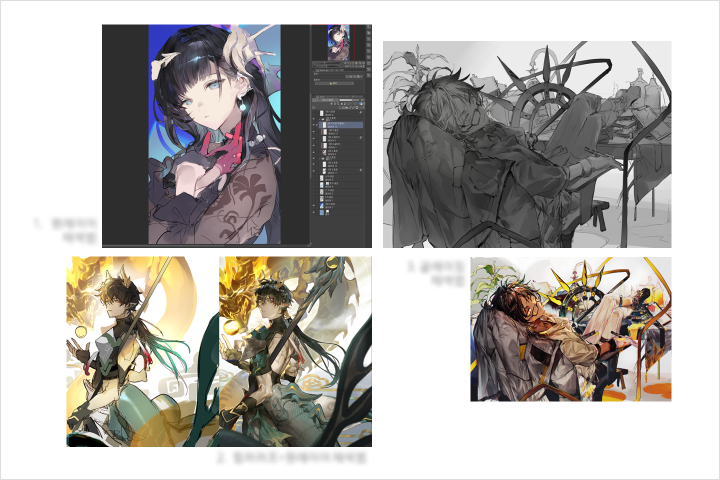 Tip 01. Light StylizationThe core of painterly coloring techniques
 -
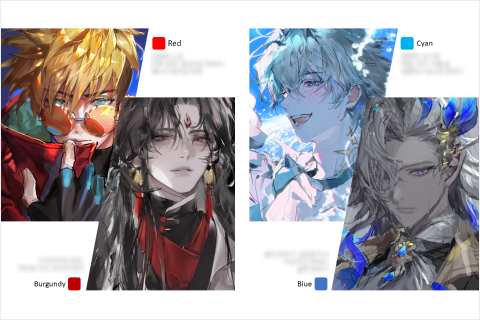
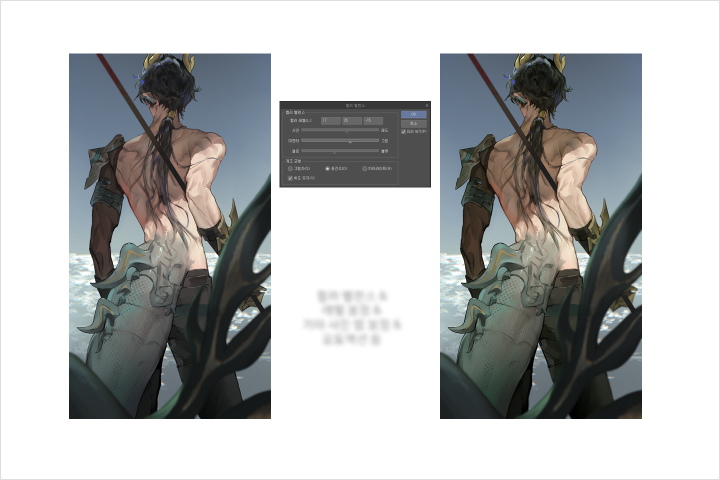 Tip 02. Reflections and Color TemperatureTechniques for creating atmosphere
 -
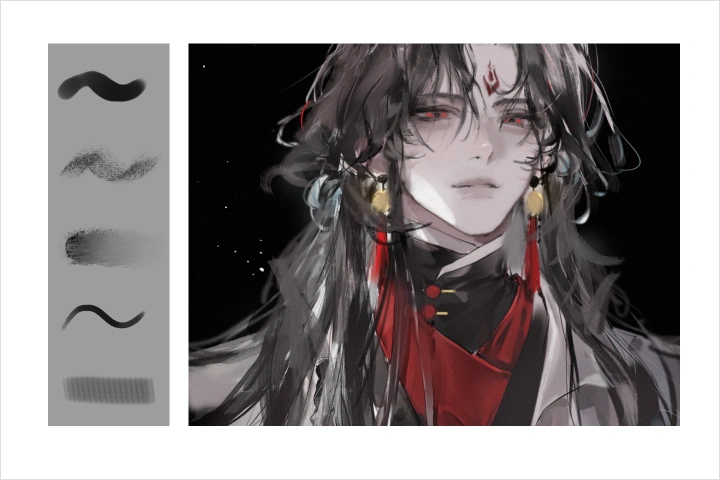 Tip 03. Achieving Rich DensityLayering and brush techniques
-
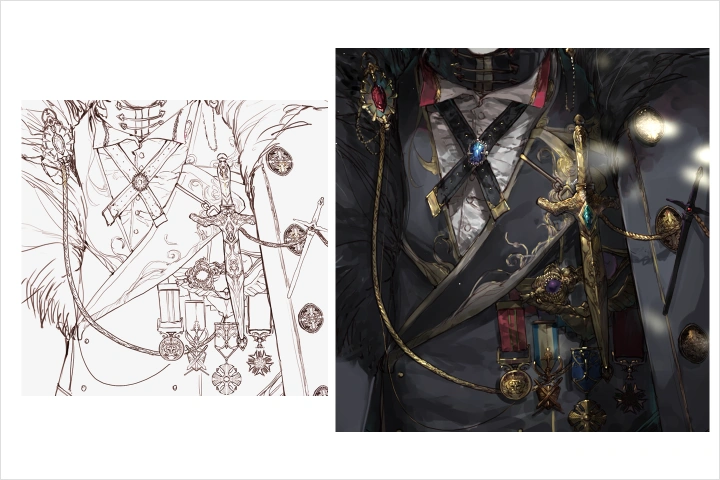 Tip 04. Detail Coloring for Higher Quality 1Rendering textures of props, clothing, and decorations
 -
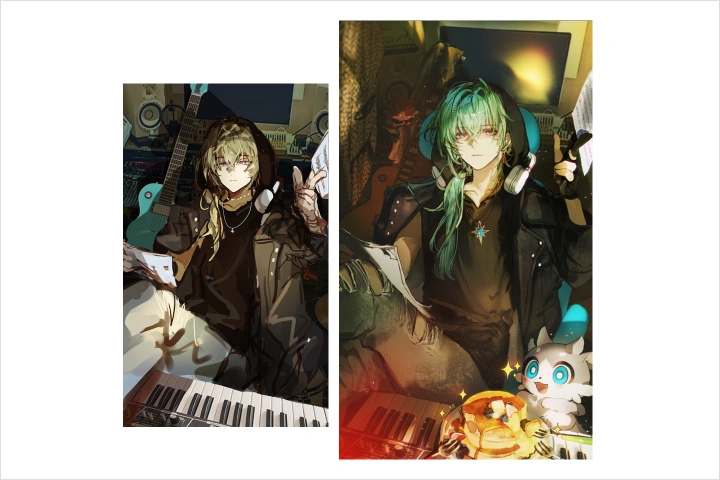 Tip 05. Detail Coloring for Higher Quality 2Matte painting techniques
Part 3. 10 Steps to Advancing Commission Work Toward a Pro Debut
-
 Step 1. Essential Information to Know in AdvanceCommission inflow channels, email reply templates, price negotiation points
 -
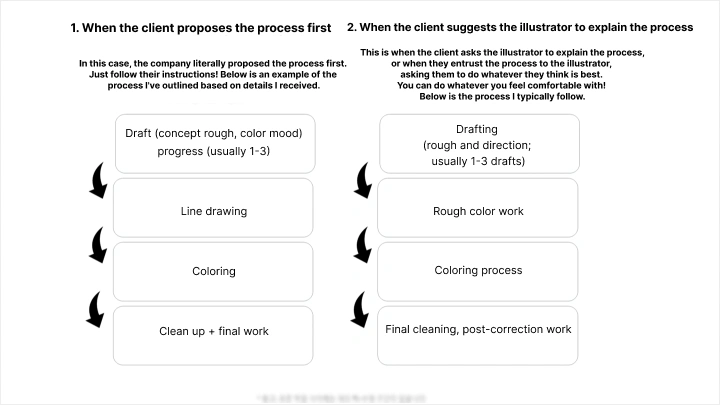
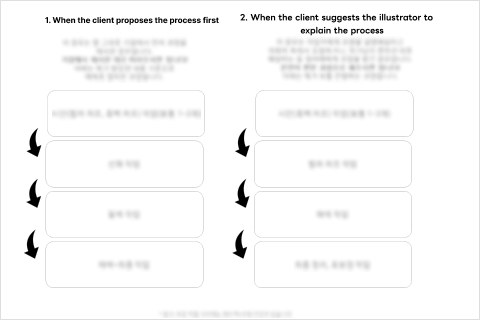 Step 2. Commercial Commission ProcessFull process from commission form to final delivery
 -
 Step 03. Project KickoffAnalyzing the brief and defining the scope of work
-
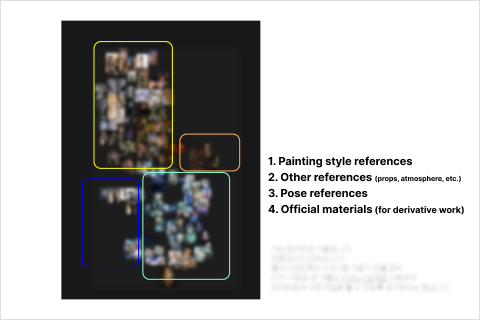 Step 04. Planning 1Organizing concepts and references
 -
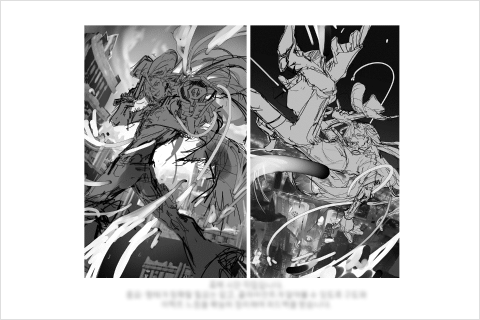 Step 05. Planning 2Creating rough sketches and anticipating client feedback
 -
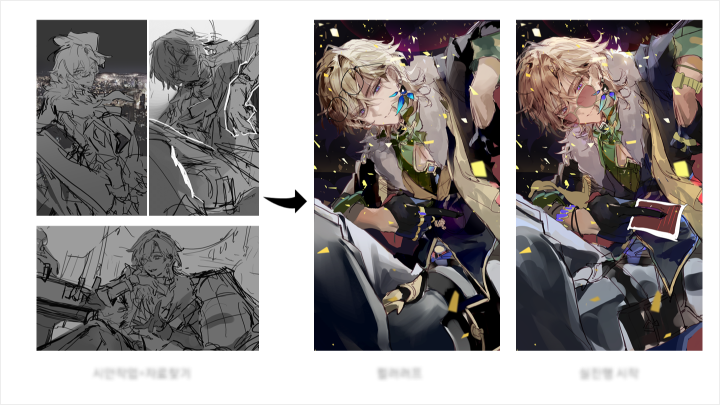
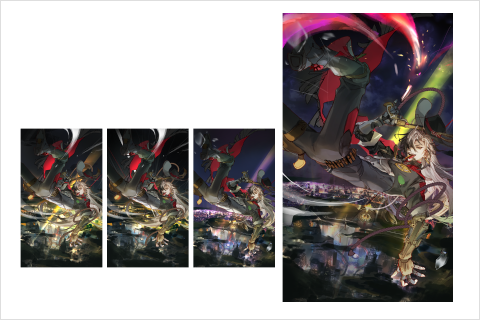 Step 06. DrawingEstablishing composition for characters and background with color roughs
-
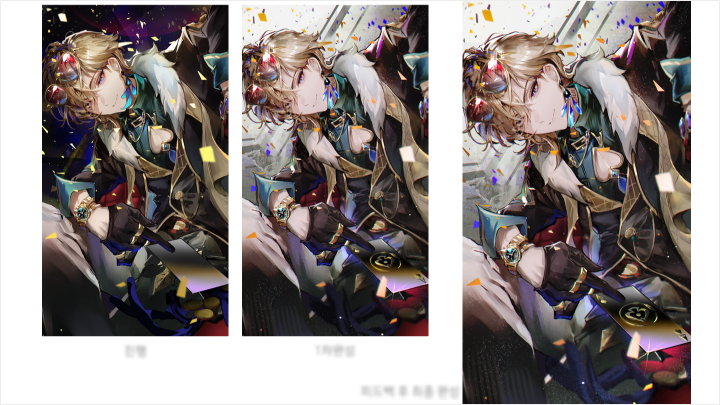
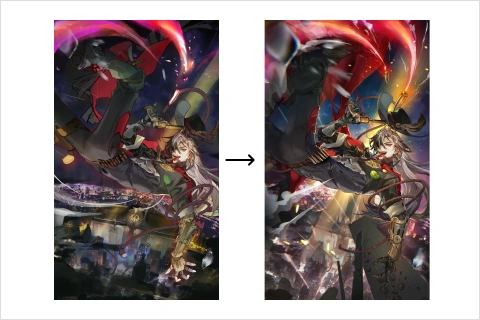 Step 07. ColoringMeeting professional-quality standards
 -
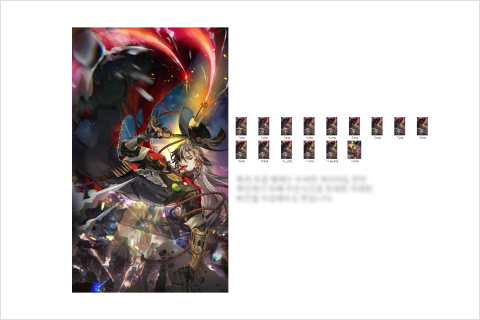 Step 08. Finishing 1Creating rough sketches and anticipating client feedback
 -
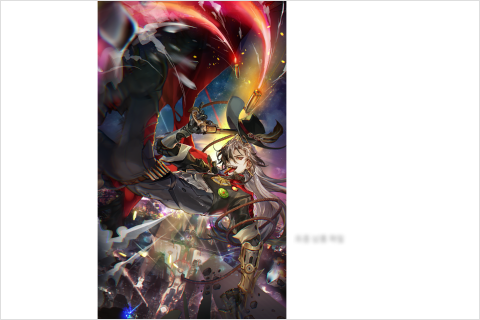 Step 09. Finishing 2Simulating responses to first and second round revisions
 -
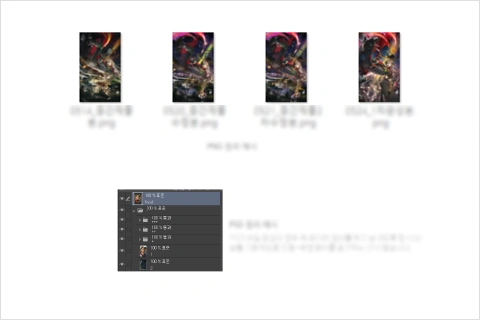 Step 10. Final DeliveryOrganizing files for final submission
Part 4. Ready for a Professional Debut! Portfolio Preparation & Career Roadmap by Industry
-
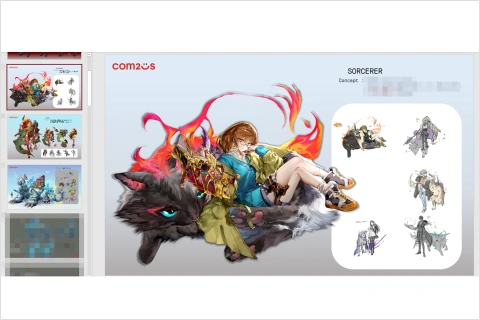 Organize Your Commission Experience into a PortfolioDistinguish between what to include and what to leave out
 -
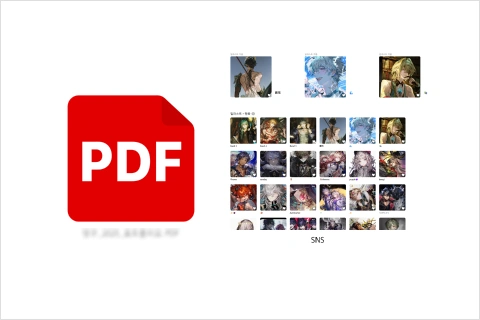 Tailoring Your Portfolio to Company or Individual ClientsDifferentiating between game, publishing, and private clients
 -
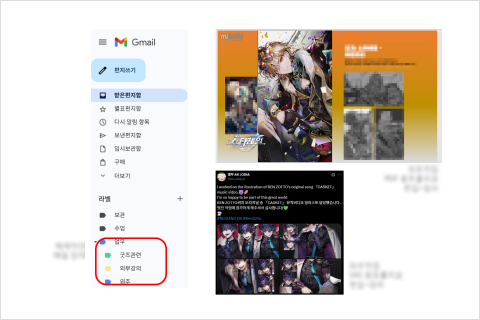 Next LevelDeveloping a sustainable long-term career plan and maintaining income
*The above images are sample images for a better understanding.
Student Reviews
Student Reviews of AK, a Global Artist Beloved for Their Extensive Commission Experience and Unique Coloring Techniques
-
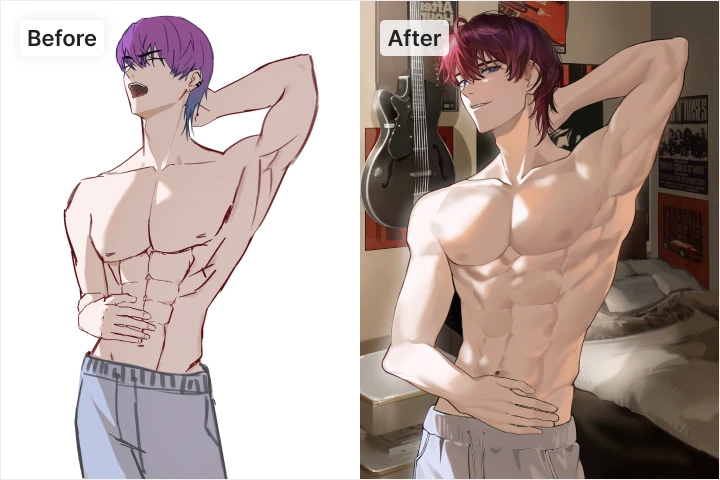 Student A
Through the class, I was able to systematically learn everything from the basics to coloring. It was especially helpful that AK highlighted key points through live demonstrations, and I received individual feedback to address my weaknesses. Thanks to AK's class, I was able to establish my own workflow, and I gained a lot of confidence from the noticeable improvement in quality for everything from the initial rough stage to the final piece.
-
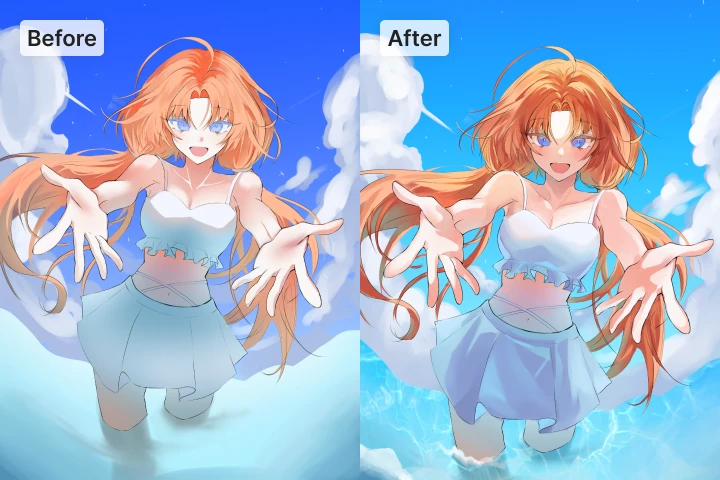 Student B
I was very pleased that the instructor addressed only the areas needing improvement without compromising my original style. I was also very satisfied with how much I learned about coloring techniques I hadn't grasped before through the instructor’s demonstrations. Feedback was explained kindly, and this greatly helped with mental health management. Even small tips like their unique techniques and information about the pens they use was very helpful. Beyond simple drawing feedback, I especially benefitted from the discussions about moving toward a professional career.
-
Student C
The best part was how the instructor accurately identified the students’ preferred art styles and analyzed them to explain how we could utilize them. The instructor also provided feedback considering their intended goals and clearly explained specific points to consider when creating illustrations that include both backgrounds and characters.
-
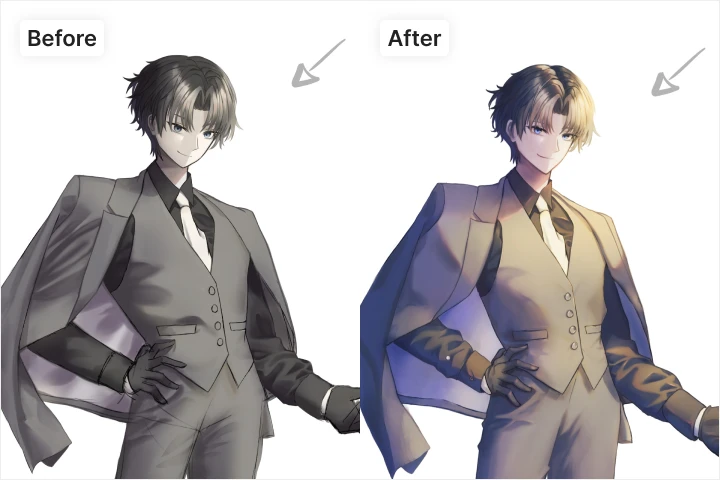 Student D
I appreciated how the instructor immediately demonstrated answers to any questions I had. They pointed out and explained areas needing improvement in my work, and even though our artistic styles differed, I received thorough feedback without issue. In fact, I loved how the instructor personally showed me coloring methods I'd never tried before. Since it gives you the chance to experiment with a wide range of color palettes, I recommend AK's class if you're struggling with color choices. You'll gain a lot of knowledge and advice.
-
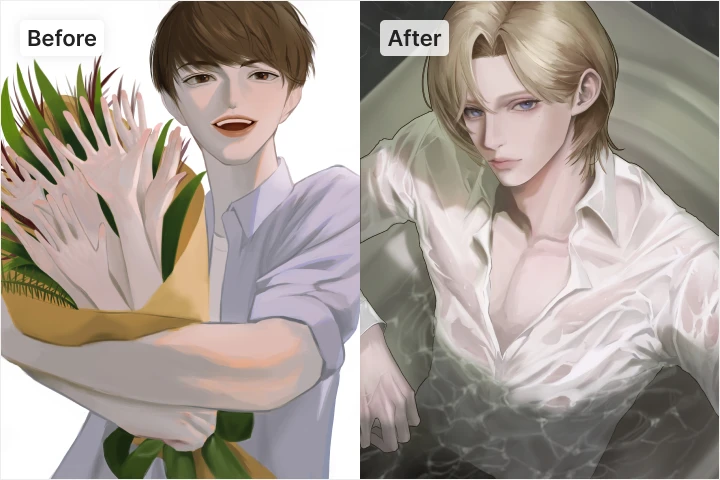 Student E
Observing the process of building density and creating vibrant colors helped me develop my eye for drawing. I also appreciated the sound and objective feedback I received. This let me greatly enhance my aesthetic standards and sensitivity for drawing beautiful faces. Furthermore, I was provided guidance on future directions and job search tips, which helped me learn where to focus my efforts in my art.
-
 Student F
I appreciated how the instructor carefully identified the students’ aesthetic aspirations, meticulously analyzed them, and explained how they differed from the actual drawings, as well as where improvements were needed to achieve the students’ goals. The instructor's explanations and demonstrations were fun, which made it easy to focus on the class, and I appreciated their keen attention to detail in understanding the students’ intentions. Their explanation of the vibes of different colors (warm and cool) was totally new to me.
-
 수강생 G
수강생 G이론을 중심으로 정확하게 설명해 주신 점이 정말 좋았고, 제가 가진 자료를 작업 중인 일러스트에 어떻게 접목시킬 수 있을지 구체적으로 알려주셔서 정말 유익했습니다. 또한 학생이 스스로 자신의 작업을 이어갈 수 있도록 세심하게 신경 써주신 점도 인상 깊었습니다. 선생님이라면 어떤 방식으로 작업했을지 설명해 주신 덕에 프로의 작업 방식을 엿볼 수 있었던 것도 큰 도움이 되었고, 덕분에 더욱 뜻깊은 시간이었습니다!
Highlights
Class Highlights
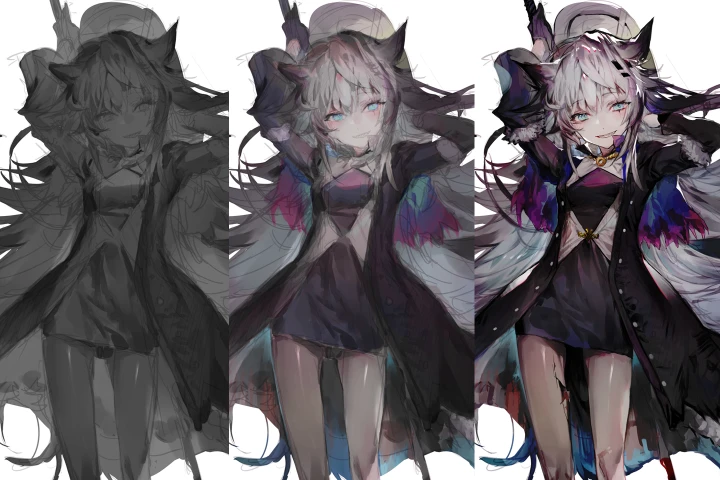
Painterly Glazing Techniques That Bring Emotion to Life, From Rough Sketch to Full Completion
Learn how to create polished commercial illustrations while preserving rough, painterly strokes. Go beyond simply choosing pretty colors. Explore how to use light direction, color temperature, and reflective lighting to convey emotion, and master step-by-step illustration coloring techniques that make rough sketches feel intentional rather than unfinished.
A Practical Guide to Balancing Personal Style and Commercial Appeal
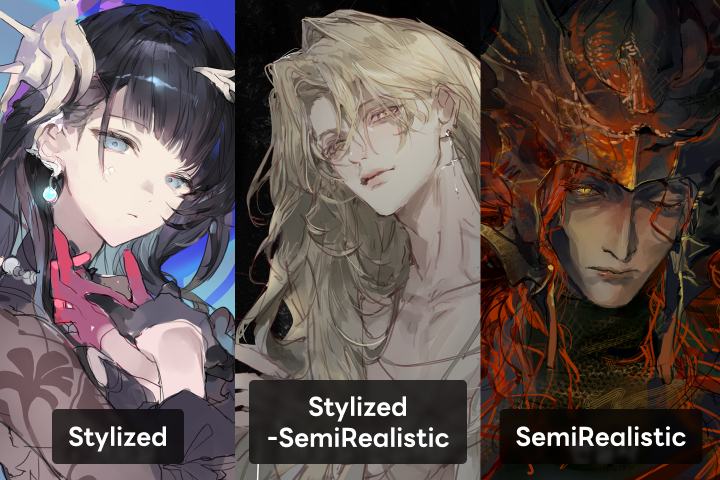
Solve the dilemma of balancing individuality and trends in your illustrations. Through AK’s real-world examples, develop a commercially effective illustration style. Practice the full process of actual client projects from analyzing briefs and adjusting styles while maintaining personal flair, to handling feedback and delivering final files.
Mastering Commercial Illustration Through Light, Color, and Emotion
Learn how to express characters’ emotions clearly even within intense color palettes, and create compositions that tell a story in a single scene. Use light temperature, color density, and emotional flow to make your commercial illustrations stand out. Experience the full process of completing an illustration that conveys narrative and impact in just one shot.