GraphicDesigner,JaehoonChoi_최재훈 Details
Intro
Class Intro
Graphic Designer, Jaehoon Choi
"Creating a distinct and appealing design language is hard to do from scratch. Learn how to visualize creative concepts and set up unique design processes with designer Jaehoon Choi."
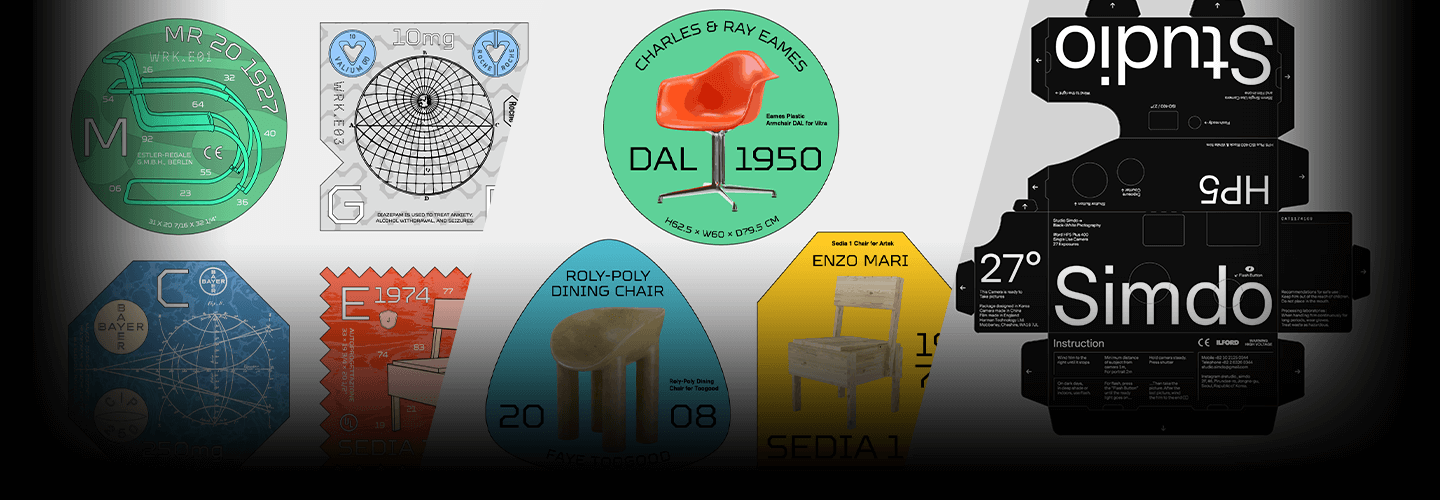
Have you ever wanted to display eye-catching and instantly identifiable graphic designs with consistency on different applications and projects?
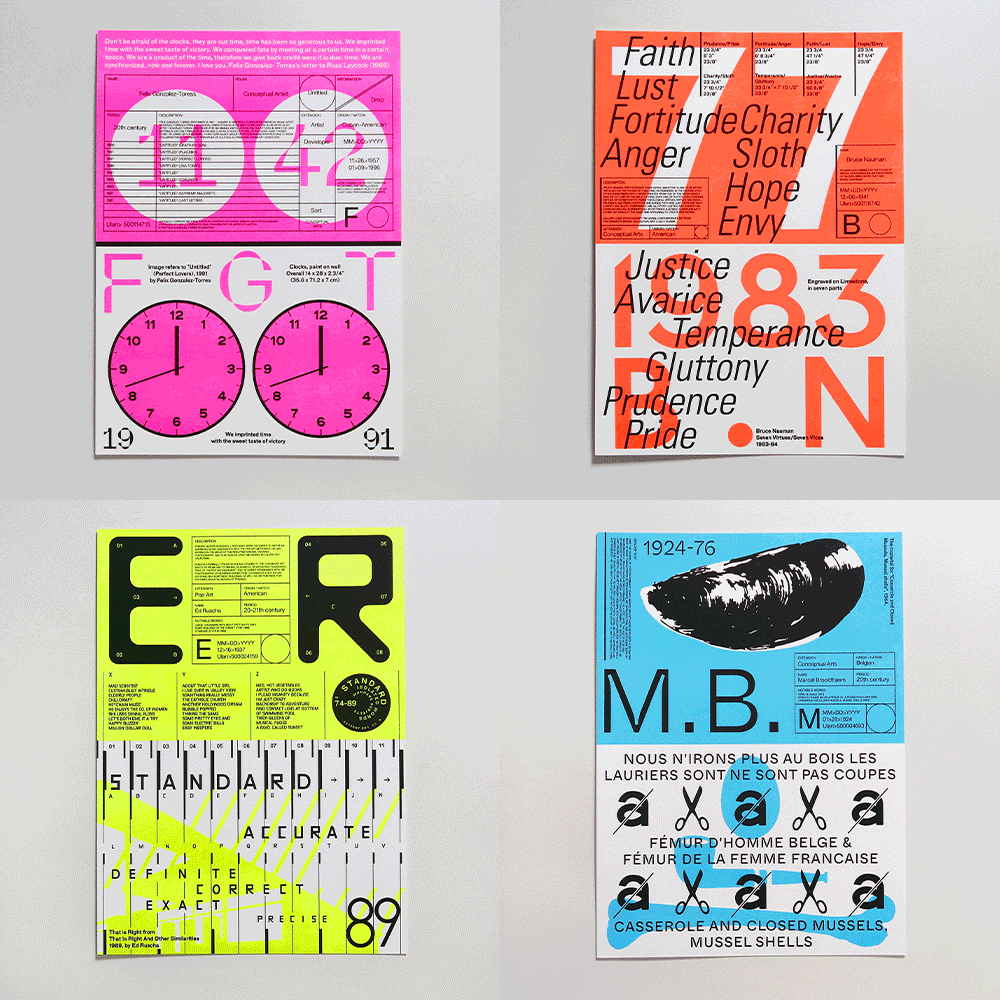
Well then you would need a distinct design style grounded in the foundations of design, so that you could use fluent design language with flexibility and stand out everywhere and anywhere.
Expert Graphic Designer Jaehoon Choi's Profile & Portfolio
Instructor
Graphic Designer
Jaehoon Choi
Hello, this is Jaehoon Choi, Graphic designer and owner of Design Studio Werk.
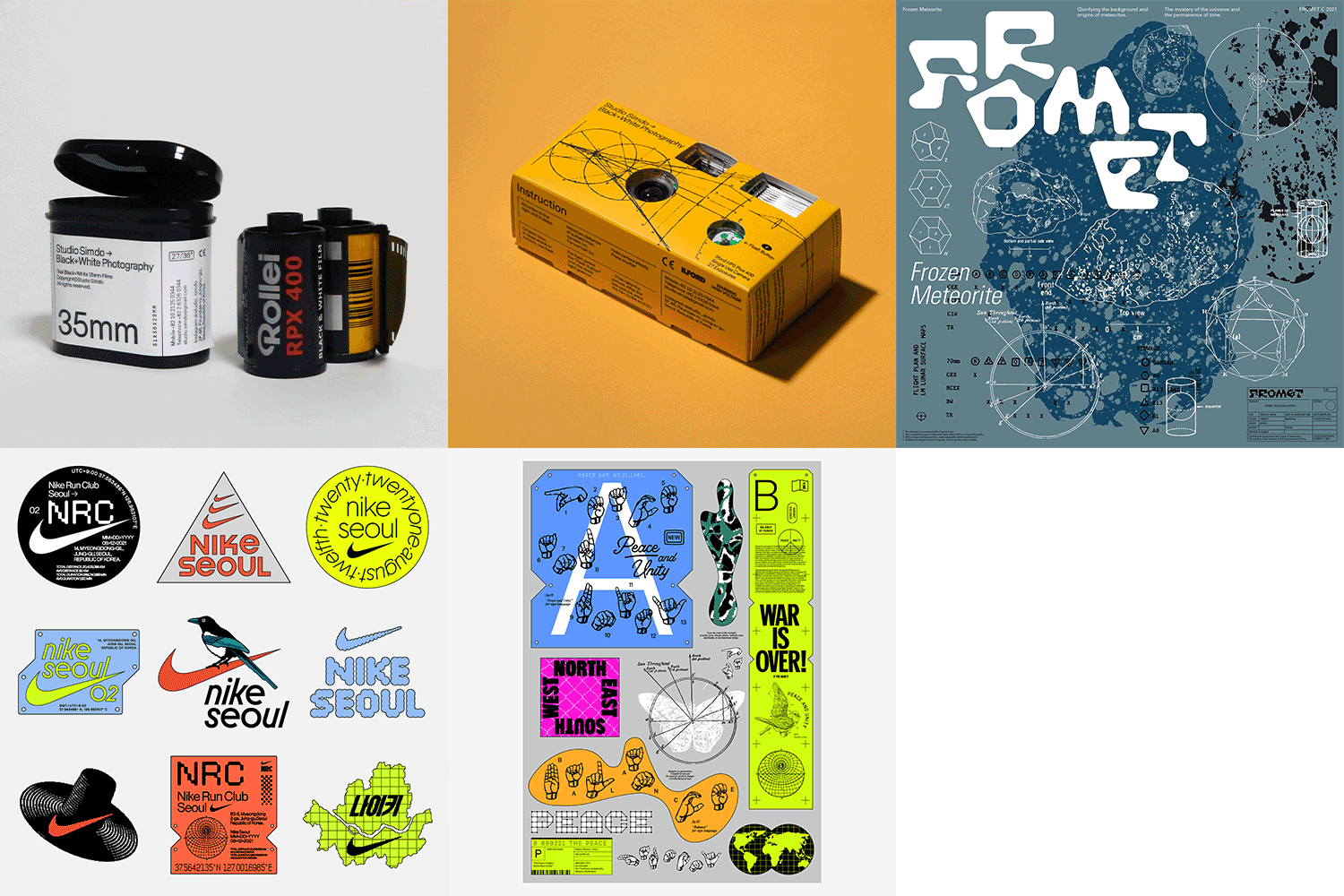
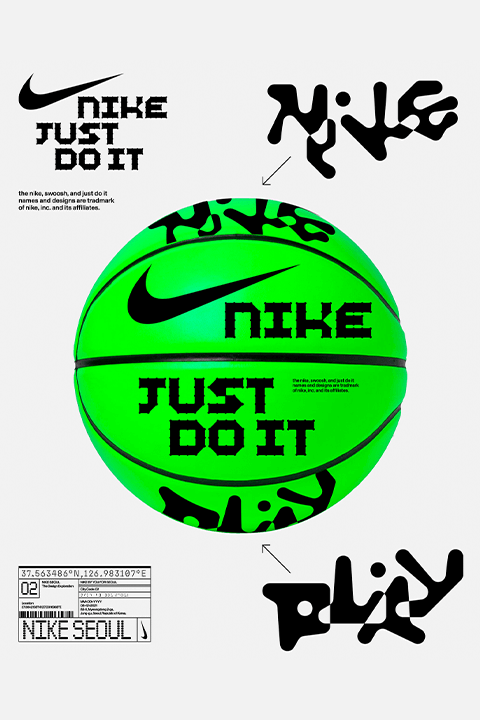
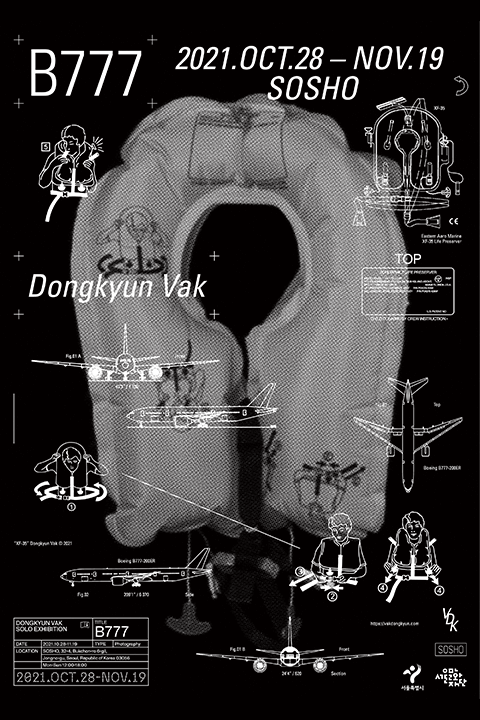
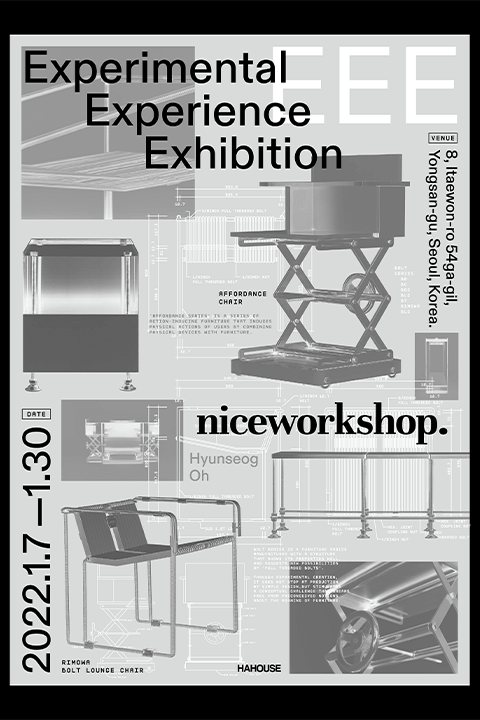
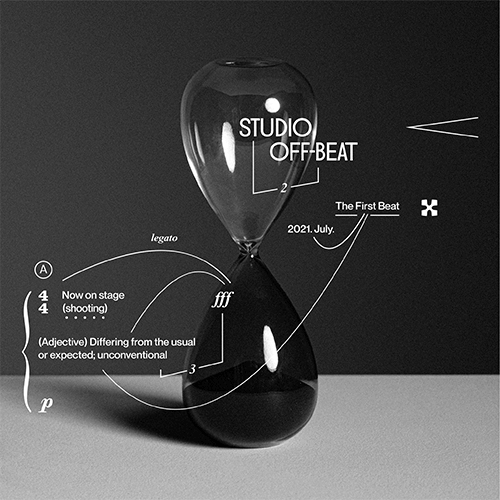
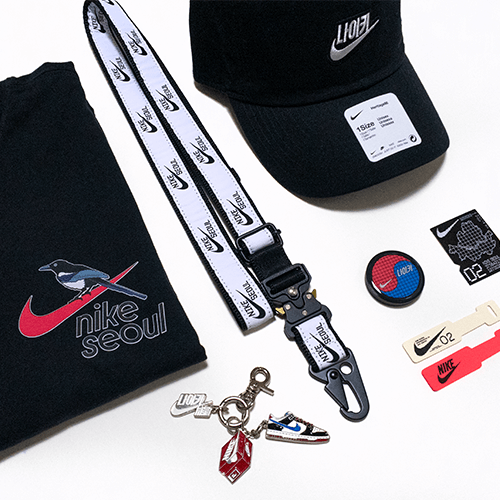
I worked as a graphic designer for various projects including the Nike By You Seoul and Hongdae store, the DOOSAN Humanities Theater 2022: fairness, the Naver 1784 brand store product launch, and more. Currently I'm working on a variety of commercial, cultural, and art design projects that use experimental graphic design approaches based on adaptable design languages.
I know that there are a lot of you struggling in creating distinct and appealing designs.
This is why I would like to help by laying down a strong foundation for you to develop unique and intriguing images, and build your own design solutions so that you could be flexible yet identifiable in any project you undertake.

Graphic Designer,
Jaehoon Choi
[Current]
Studio Werk, CEO/Graphic Designer
[Previous]
Creative Studio Unravel, Graphic Designer
064 Design, BX/Graphic Designer
Recognizable
Projects & Awards
[Projects & Awards]
[Participated Projects]
Nike Singapore Nike By You Graphic Design
Galaxy S23 Promotion Graphic Design
Album Design for Artists under Pledis and SM Entertainment
LG Art Center Seoul CoMPAS 23 Identity and Promotional Material Design
Doosan Humanities Theater 2022 “Fairness” Graphic Design
Naver 1784 Brand Store Product Graphic Design
Nike Seoul Nike By You and Store Installation Graphic Design
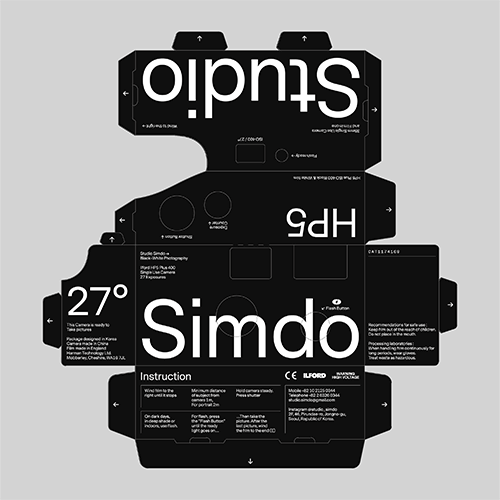
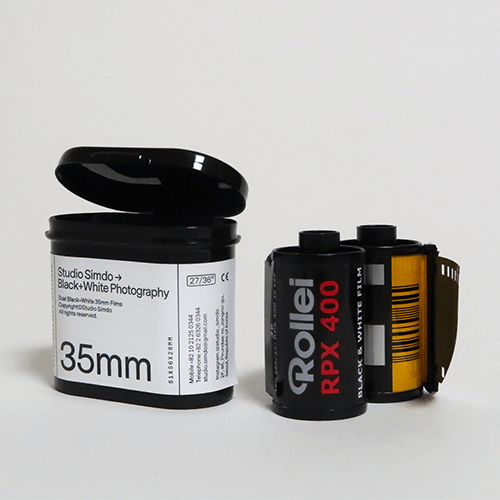
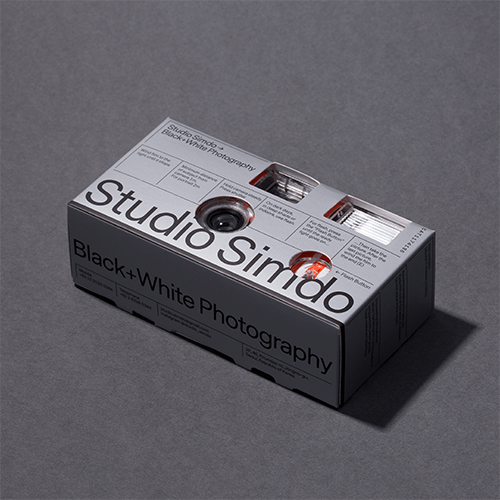
Studio Simdo Brand Identity and Graphic Design
[Exhibitions]
2021 OH DEAR CO. Collaborative Exhibition FROMET, Incheon/Seoul
2019 The 6th Typojanchi: Typography and Objects – Corners Section, “The Shape of Shells,” Seoul
2018–2020 Jeonju International Film Festival 100 Films 100 Posters, Jeonju/Seoul
[Awards]
2021 Korea Design Award 2021 Winner in Communication Category, hosted by Monthly Design – “Nike Seoul”
[Interviews / Press]
2024 Interview with Sabukaru Magazine (JP)
2024 Featured in Victionary’s Made in Korea Project (HK)
2023 Designer Talk at the 5th Google VisD Summit (US)
2022 Interview with Pangram Pangram Foundry’s Pangram Paper (CA/UK)
2021 Monthly Design, December Issue – “Nike Seoul: Studio Werk” (KR)
2020 GRAPHIC Quarterly #46 Studio Directory – Studio Interview (KR)
2020 It’s Nice That – “Graphic designer Jaehoon Choi finds form in function when combining the abstract with strict rules” (UK)
2019 CA Magazine #246 Interaction – “The Depth of Black and White: Studio Simdo” (KR)
10 Hands-on Graphic Design Class Exercises
-
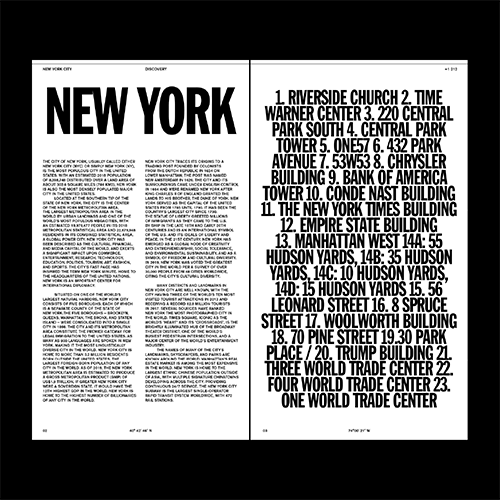 TypographyLearn about different typefaces and ways to stylize typography.
 -
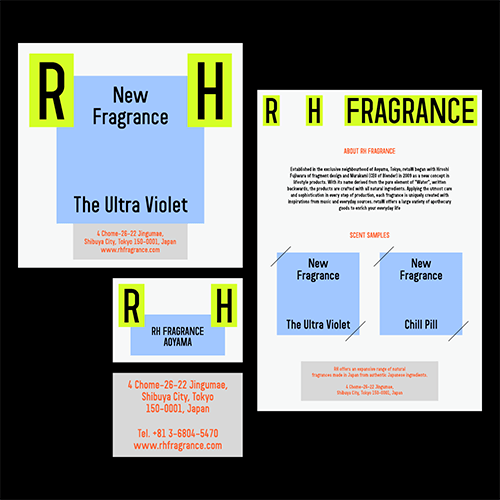 Using Color and LayoutsLearn about color and layout composition and their variations.
 -
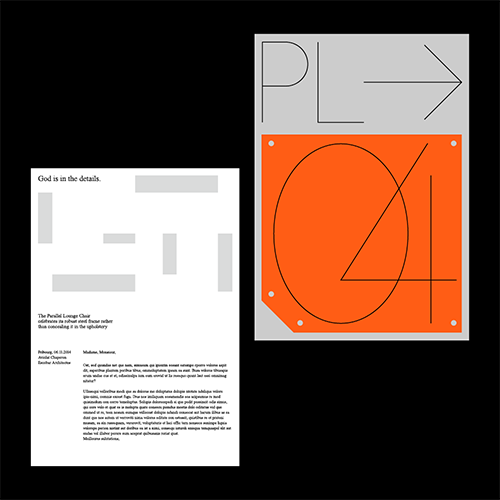 Graphic ElementsCreate Graphic Elements with information given and graphic motifs.
-
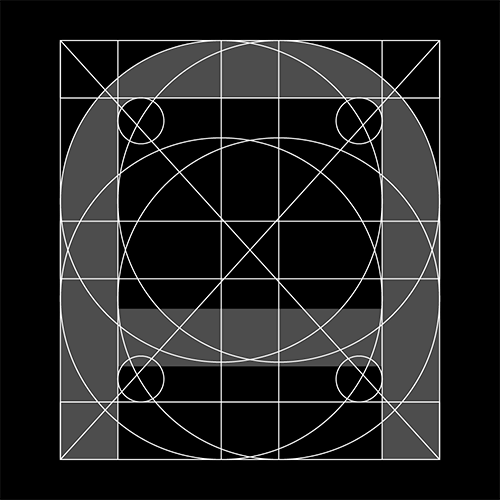 Custom TypefaceLearn about different typefaces and ways to stylize typography.
 -
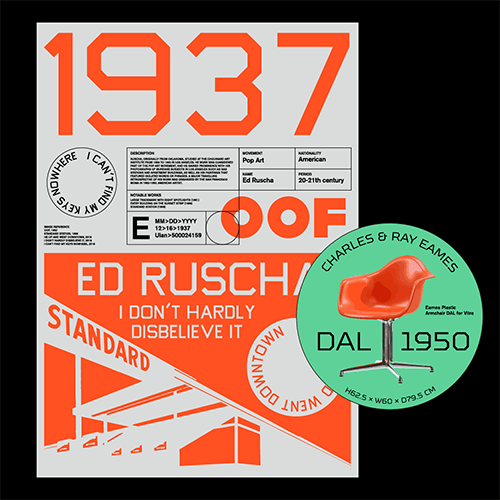 Visualize Keywords and ConceptsLearn how to visualize specific and detailed keywords and concepts into graphic images.
 -
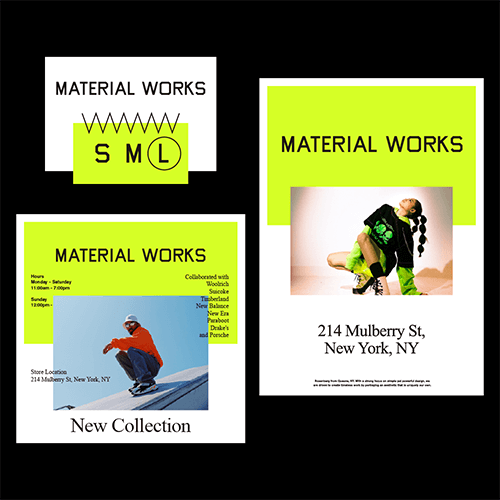 Diverse ApplicationsCreate diverse applications for Graphic elements while maintaining concept consistency.
Highlights
Class Highlights
Insight into Key Element Composition for Each Project and Adaptable Design Approaches
You will learn how to compose key design elements for different graphic design conditions from posters to a variety of applications, and the process of developing the main concept.
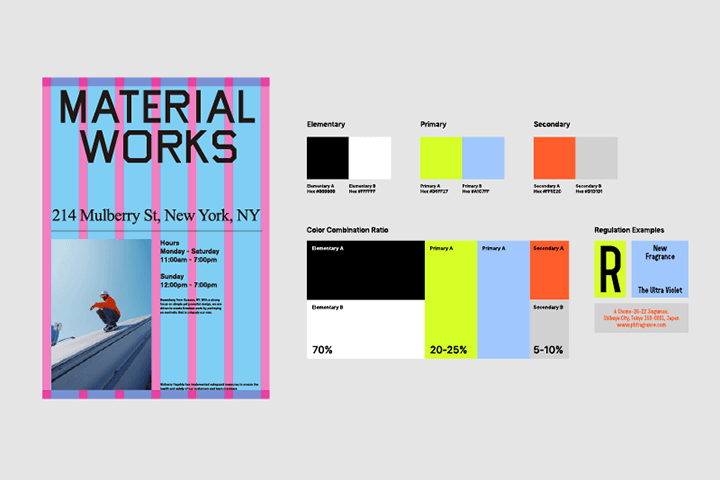
Case Studies to Help You Build a Distinct Design Language
You will learn to define and build a distinct and creative design style and language through over 6 case studies.
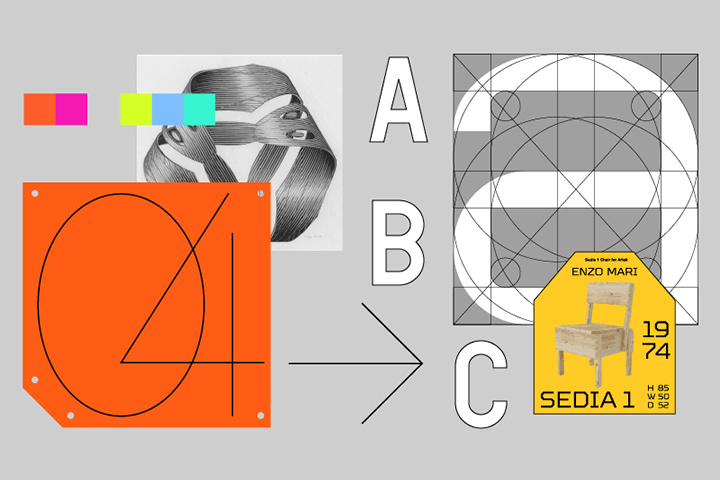
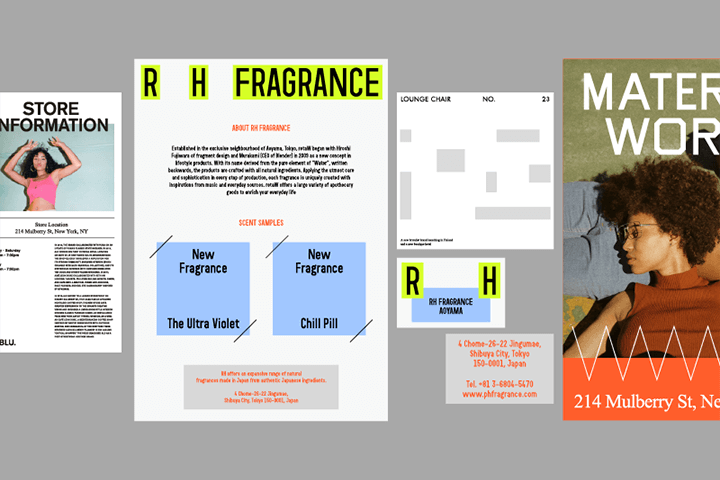
Creating Consistency between Different Applications with Design Systems
You will learn the fundamental approach for creating consistent design styles, and work with hands-on exercises where you could get a sense for applying the approach yourself.
Class Details
You'll Learn
-
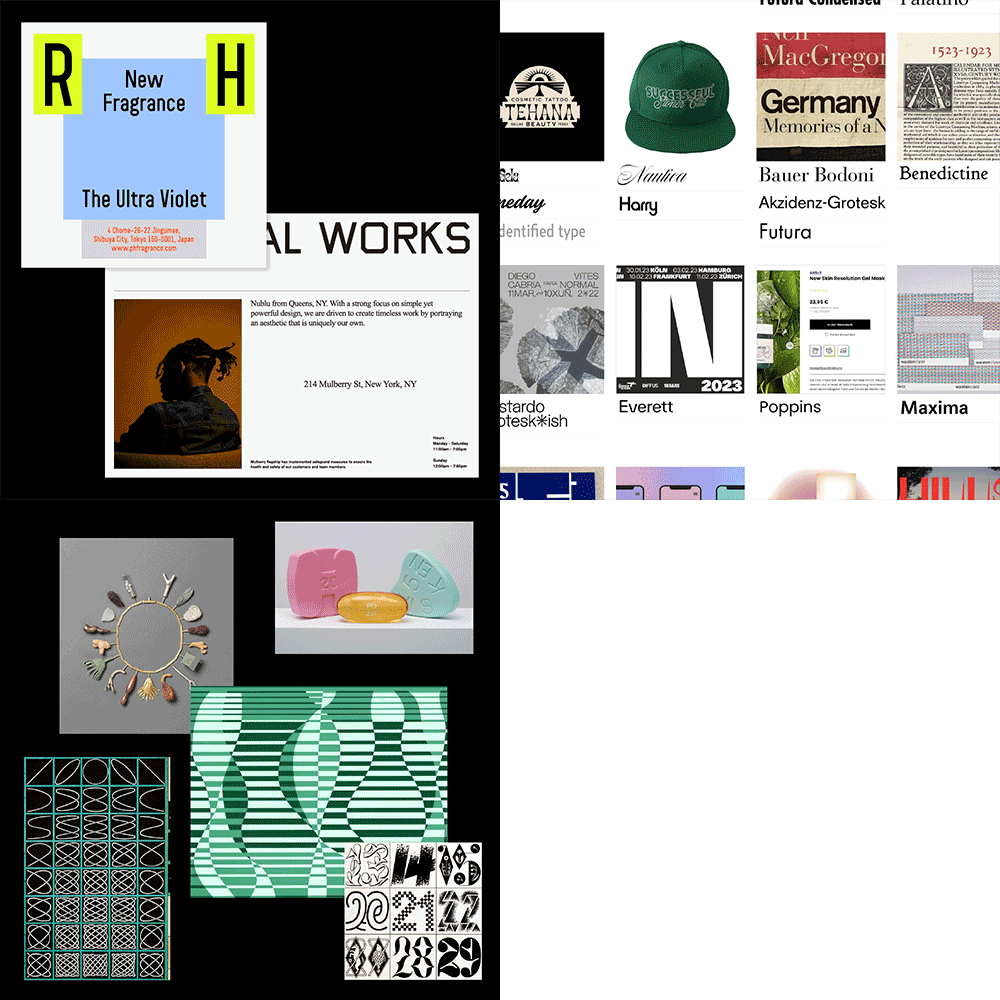 Appropriate Design Approaches for Each Project and SituationYou will learn how to tailor designs for various design projects with reference searches, appropriate design languages and approach.
 -
 Types of Typefaces and Typography StylizingYou will learn the different types of typefaces from classic to modern, understand typography, which is the foundation of graphic design, and its settings for an organized composition.
 -
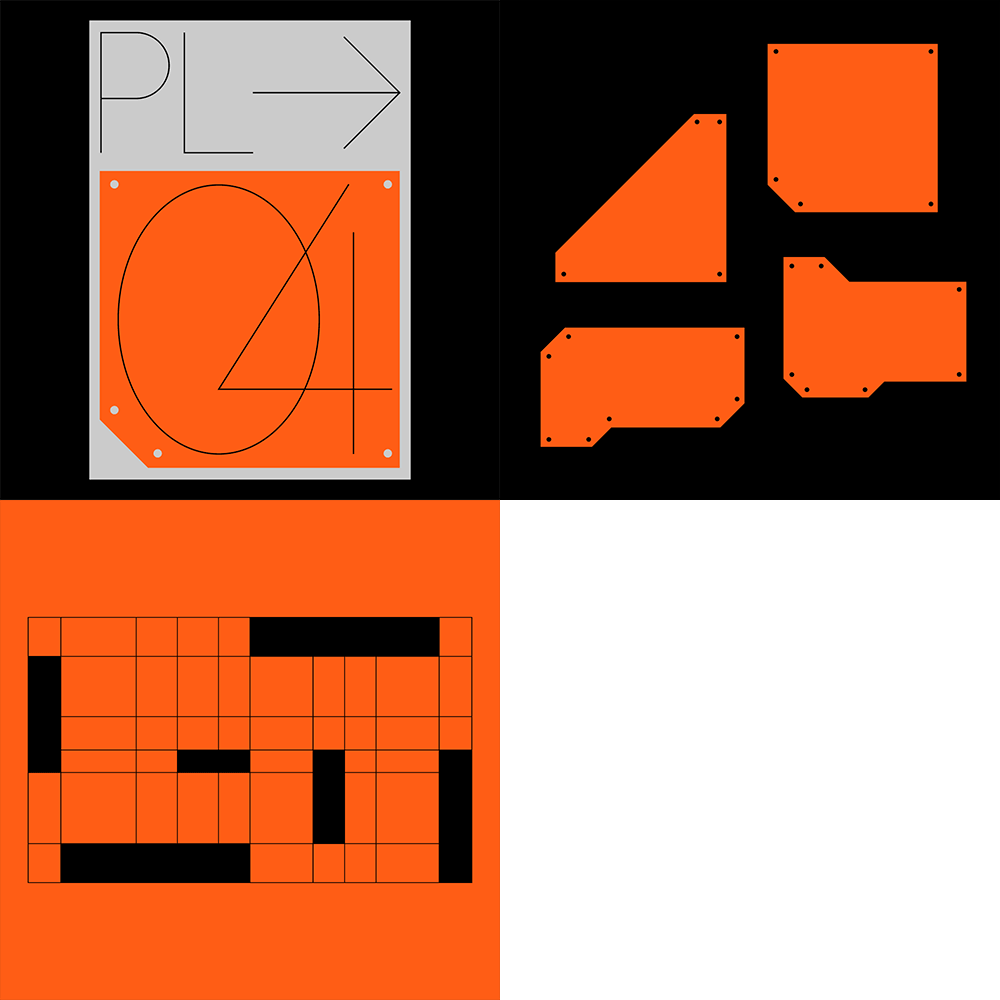 Design Composition Using Graphic Elements, Color, and LayoutYou will learn how to create and use the back bone of graphic design, such as the graphic elements, color, and layout, more effectively and with more flexibility.
-
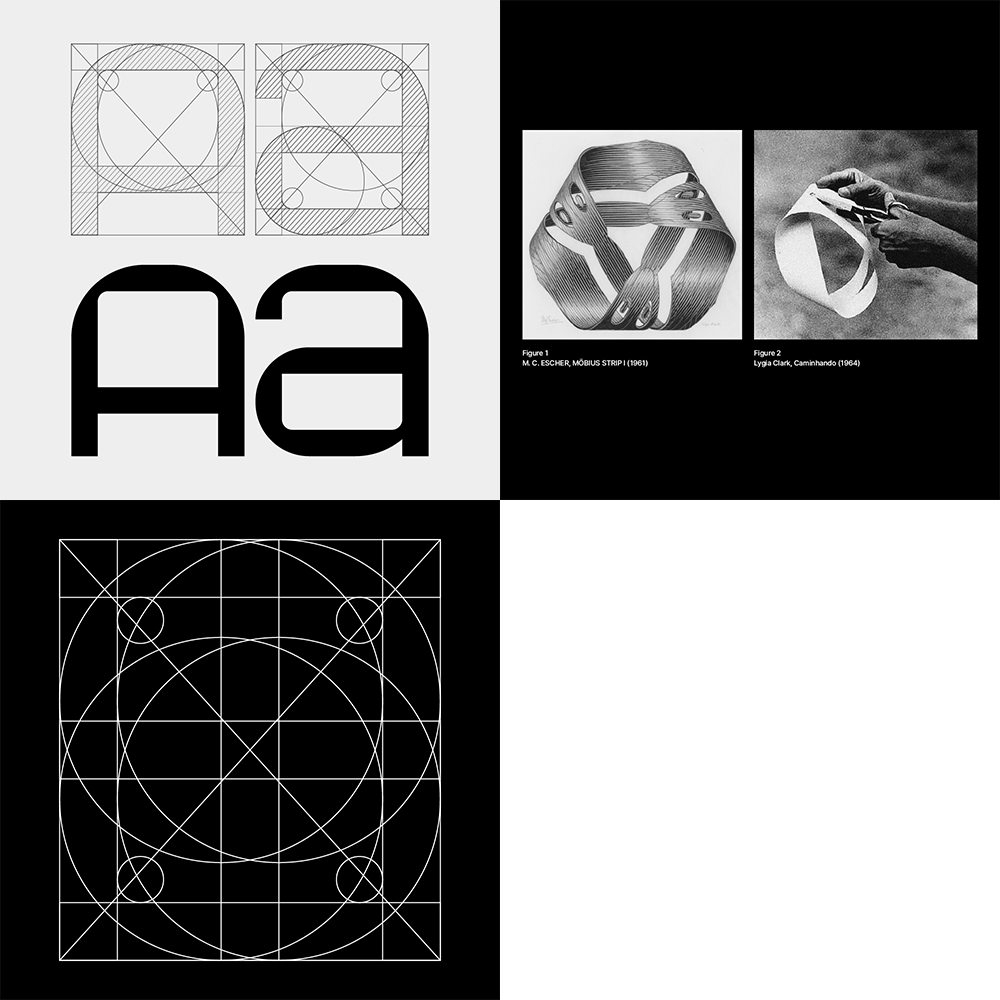 Experimental Approaches for Typeface CreationYou will learn to create custom typefaces that implement characteristics of an object into specific shapes.
 -
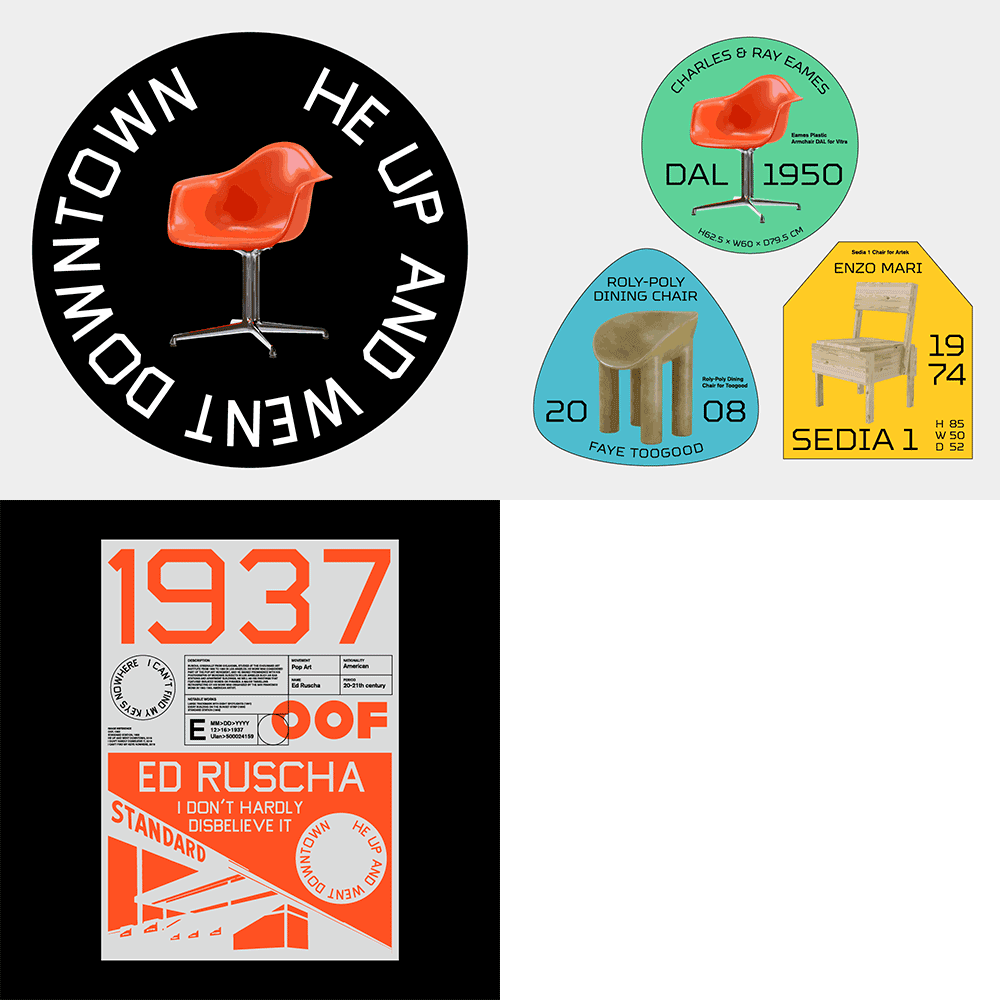 Information and Concept Visualization into Graphic ElementsYou will learn how to draw out keywords and concepts from information about the object and visualize it into graphic images that are appealing.
 -
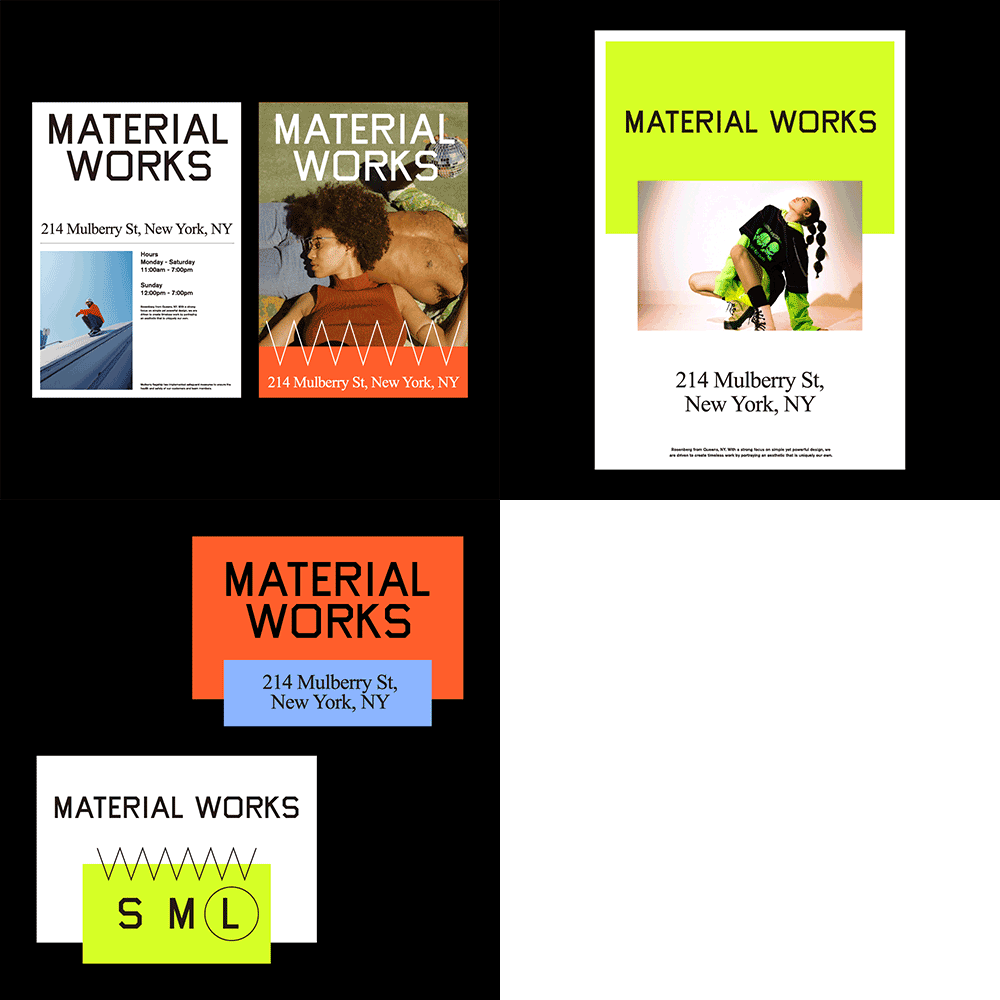 Creating Consistency in Concepts for Diverse ApplicationsYou will learn to apply graphic assets to various applications with the graphic elements you create during the hands-on exercises of the basic graphic elements class
- Unlimited Access
- Best Price
Buy now, get unlimited access.
12/31 (Sat) (UTC-7) Special offer ends soon.
This special offer ends soon.
Buy now and save!
Curriculum
Curriculum
In-depth Look
SECTION 01. Introduction
01. Orientation
- Introduction of the instructor and previous work
- Overview of personal style, intentions for class, and class curriculum
02. Diversity of Design Projects & Design Approaches
- Design Project examples for different mediums: branding, poster, package, web, editorials
- Design categories and approaches for each project
- Understanding visual communication through briefs and graphics
- Actual examples of how to develop creative design processes
SECTION 02. Foundations of Graphic Design
03. Typeface & Typography 1
- Understanding different images of typefaces
- Understanding current trends of typeface designs
- How to pick the appropriate typeface for a project
- General and unique ways to compose typography
- Case Study: Typefaces of different Type foundrys on 'Font In Use'
04. Typeface & Typography 2
- Stylizing and setting hierarchies for Typography
- Understanding different Typography settings
- Understanding placement, use of negative space, grid applications and more for Typefaces
05. Color Usage & Color System 1
- Understanding color and color selection
- Experiments for fresh and exciting color selections
- Case Study: Analyzing works of Ellsworth Kelly and Josef Albers
06. Color Usage & Color System 2
- Understanding color strategy for design intentions
- Creating a color palette for a project
- Systemizing colors
07. Graphic Motif / Element 1
- Introduction to graphic elements needed for visualization when creating graphic identities
- Understanding how to interpret graphic motifs into graphic elements
- Case study: Tezzo Suzuki's calendar project
08. Graphic Motif / Element 2
- Hands-on exercise, creating a graphic element with reference image as motif
- Case Study: Creating graphic elements based on the shape of an object
09. Layout 1
- Current trends in graphic design layouts and evaluation on different layout designs
10. Layout 2
- Understanding typical/atypical typography and image layouts
- Understanding different layouts on different artboard ratios
SECTION 03. Design Application Project: From Conceptualization to Visualization
11. Custom Typeface / Lettering
- Custom typeface/lettering based on visual characteristics of an object
- Understanding lettering for brand logos or poster designs, and more
- Case study: Expressing the characteristics of a Moebius strip as a typeface
12. Visualization of Information and Concepts 1: Graphic Expression
- Experiments on different graphic expression approaches when creating or compositing visual interpretations of specific/abstract objects or concepts
13. Visualization of Information and Concept 2: Developing Concepts
- How to actualize a modern art piece into cards/posters
14. Creating a Consistent Design Language
- How to use a design approach to create consistent design language on different applications for one concept
- Case study: Inspired by triptych, creating a series of 3 graphic tableaus of design pieces
15. Graphic Identity 1
- How to develop a basic design system for graphic identity
16. Graphic Identity 2
- Hands-on Exercise: Creating different applications(poster, card, document, stationery, label sticker, merch, social media image, etc) for a hypothetical design project
SECTION 04. How to Be a Graphic Designer, without Losing Your Soul
17. Exploring the Creative Process for Design Projects
- About the book "How to be a graphic designer, without losing your soul"
- Tasks and habits you could implement for your own design approach and creative design process
- What you should do to achieve desired results in actual design projects
18. Expanding Your Interest into Other Fields and Genres
- Insight into collaborating and communicating with workers in other fields
- Personal story on the experience of expanding understanding about other fields and gathering information to create a distinct style
19. Surviving as a Designer
- How to create a portfolio, find job or clients as a designer
- How to face the reality, or non-design works related to design, as a designer
Interview with
Graphic Designer,
Jaehoon Choi

Question. 01
What is the unique selling point of this class that you've intended?
What is the unique selling point of this class that you've intended?
This class is unique because you'll learn to come up with your own design solutions for different projects, and develop a distinct and flexible design language. I'll teach you how to draw out creative concepts, how to visualize and adapt the concepts with flexibility, and how to build your own design language to create a distinct style and perspective that you could use to create any design solution.
Question. 02
In what fields could the students use the insights/skills they learn from this class?
In what fields could the students use the insights/skills they learn from this class?
This class deals with the general knowledge needed in graphic design in specifics, which is why you'll be able to come up with design concepts, develop the main graphics and create applications without being bound to either brand or graphic designs.
Question. 03
Who do you recommend this class to?
Who do you recommend this class to?
I recommend this class to everyone from graphic design majors with a basic understanding of the tools, to junior designers or anyone who wants to create brand designs or visual marketing materials. With this class you'll learn the foundations and approach of graphic designs, as well as how to draw out design concepts from given information, and how to visualize and apply the concept.
Required Programs
This course will use Adobe Ilustrator 2021 and Adobe InDesign 2021.
Please purchase and install these program(s) for an optimized lecture experience.
* You may use other versions of Adobe Illustrator and InDeisgn.
* These programs and/or materials will not be provided with the lecture.