TechnicalArtist,JuyeongYi_테크니컬 아티스트 이주영 Details
Class introduction
Class Intro
Technical Artist, Juyeong Yi
“Use practical know-how, special course sample files, and powerful assets I created to create detailed textures and materials.”
Know-How to Use Substance Designer to Ensure Both Work Efficiency and Quality
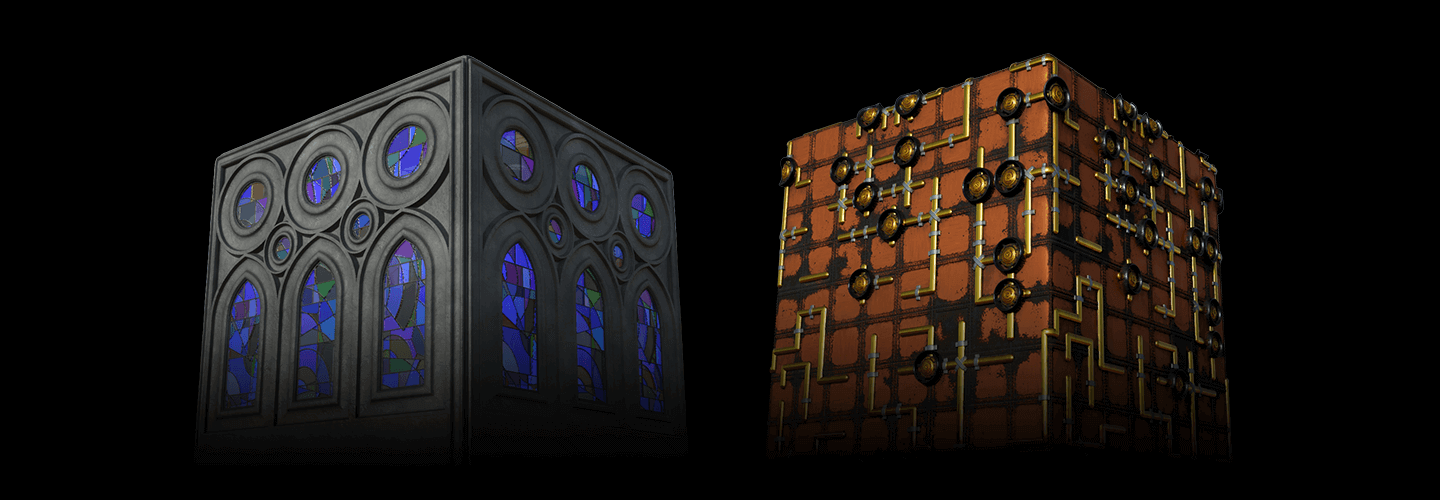
When creating works with random textures, such as game backgrounds, castle walls, lawns, and stone floors, it is difficult to produce high-quality work using only the default textures provided by Substance Painter.
Functions and operating principles of various nodes, understanding and utilizing procedural methods, creating various types of textures, and even new workflows.
Learn Substance Designer, a powerful tool that anyone working in the 3D graphics field should know, and freely customize it to create as many textures as you can imagine.
Additionally, if you use the specially provided lecture sample files and assets created by the speaker, you will be able to dramatically improve the tool experience and produce faster, higher-quality results.
Learn Substance Designer, a powerful tool that anyone working in the 3D graphics field should know, and freely customize it to create as many textures as you can imagine.
Additionally, if you use the specially provided lecture sample files and assets created by the speaker, you will be able to dramatically improve the tool experience and produce faster, higher-quality results.
Expert Technical Artist Juyeong Yi Lee's Portfolio
Why Take This Class?
This class will not simply help you memorize the theory of using the Substance Designer tool, but will help you fully understand it and develop the ability to actively select the nodes needed for a specific situation.
Students will be able to gradually increase their skills by repeating theory and practice through a two-stage curriculum that involves learning the basics of using a new node and then producing materials using the node.
Create the colorful textures and materials you imagine with the essential theories and procedural production methods provided by Substance Designer through a total of 32 step-by-step curriculums.

5+ Class Exercises
-
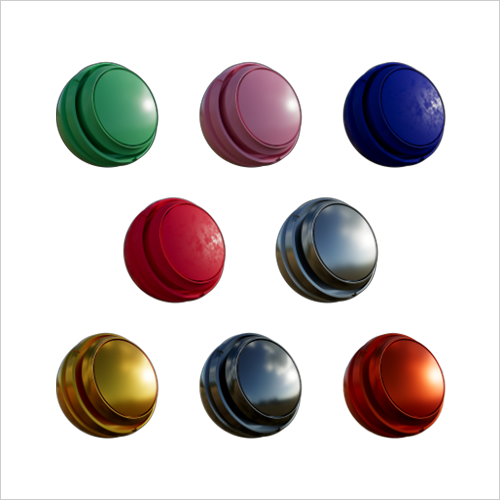 Default material
 -
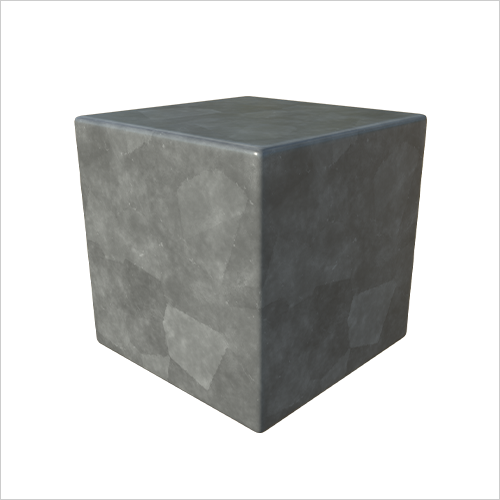 Marble
 -
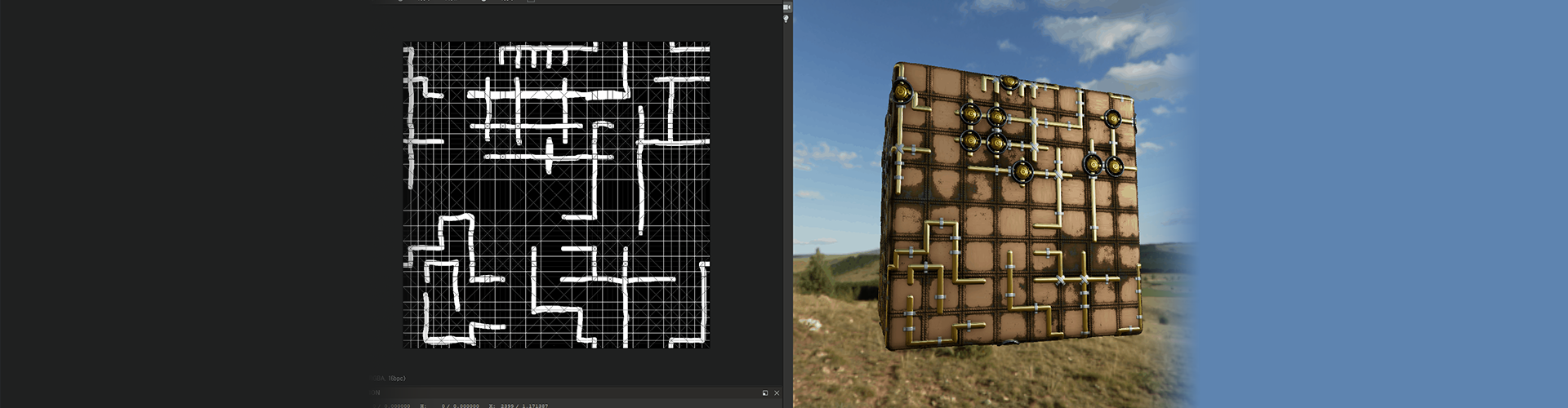
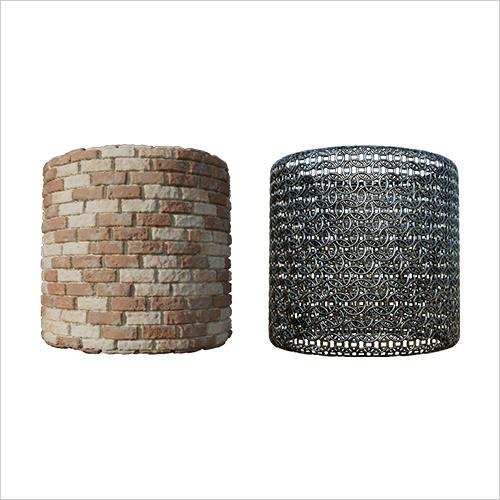 Tile sampler
-
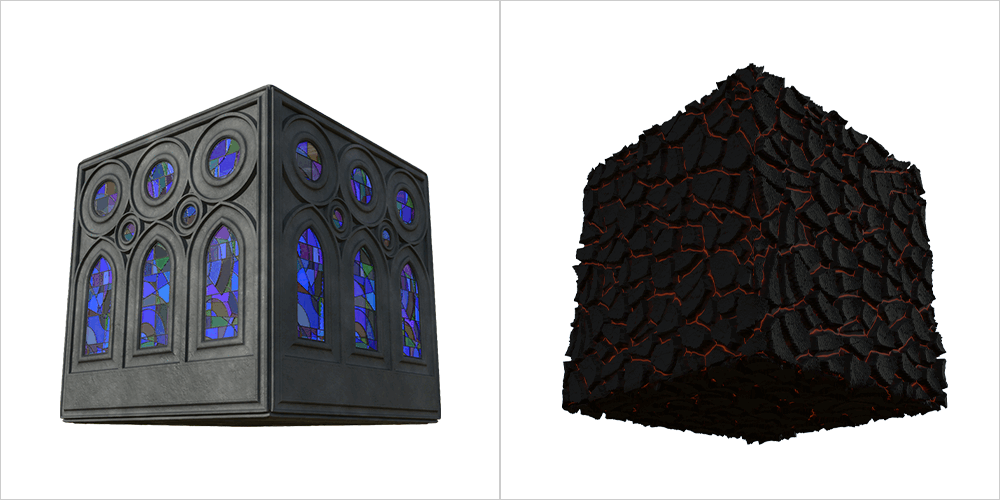 Flood fill
 -
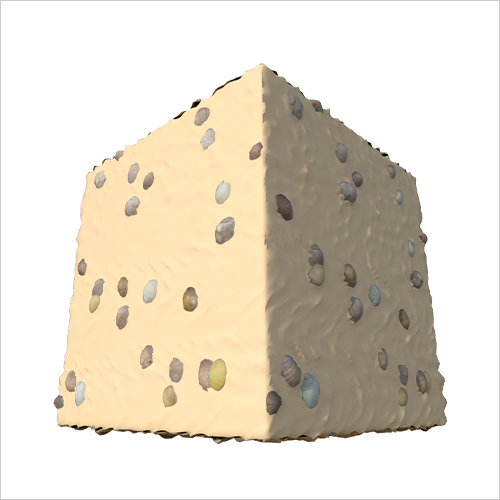 Atlas Scatter
 -
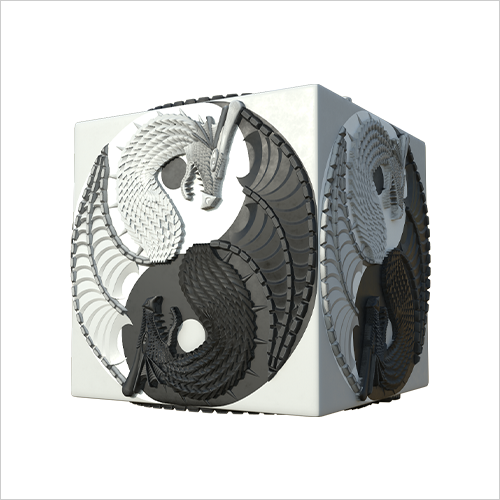 Curve information generation system
-
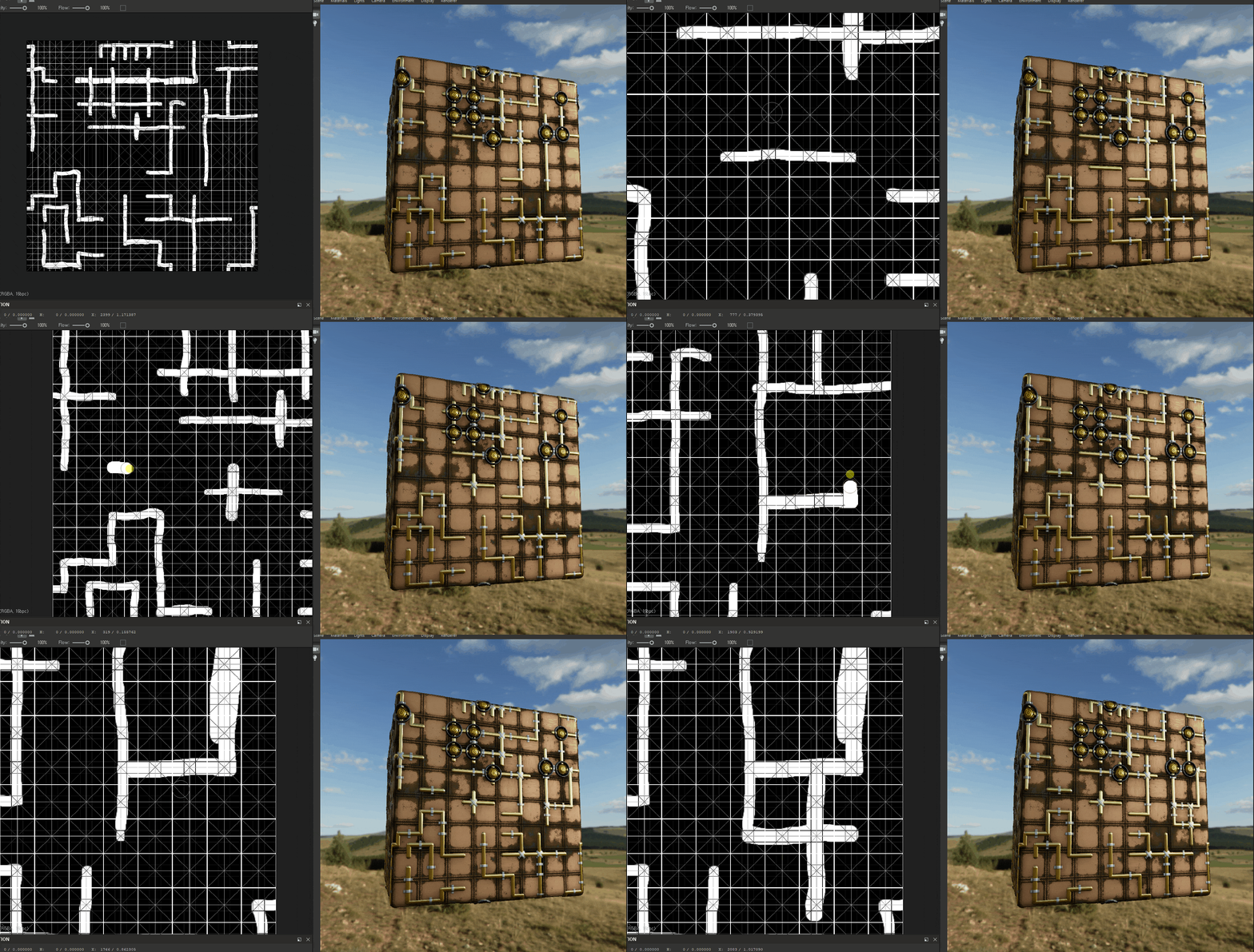
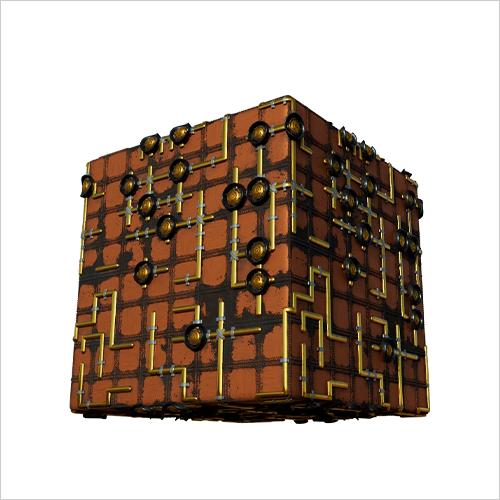 Automatic pattern linking system
 -
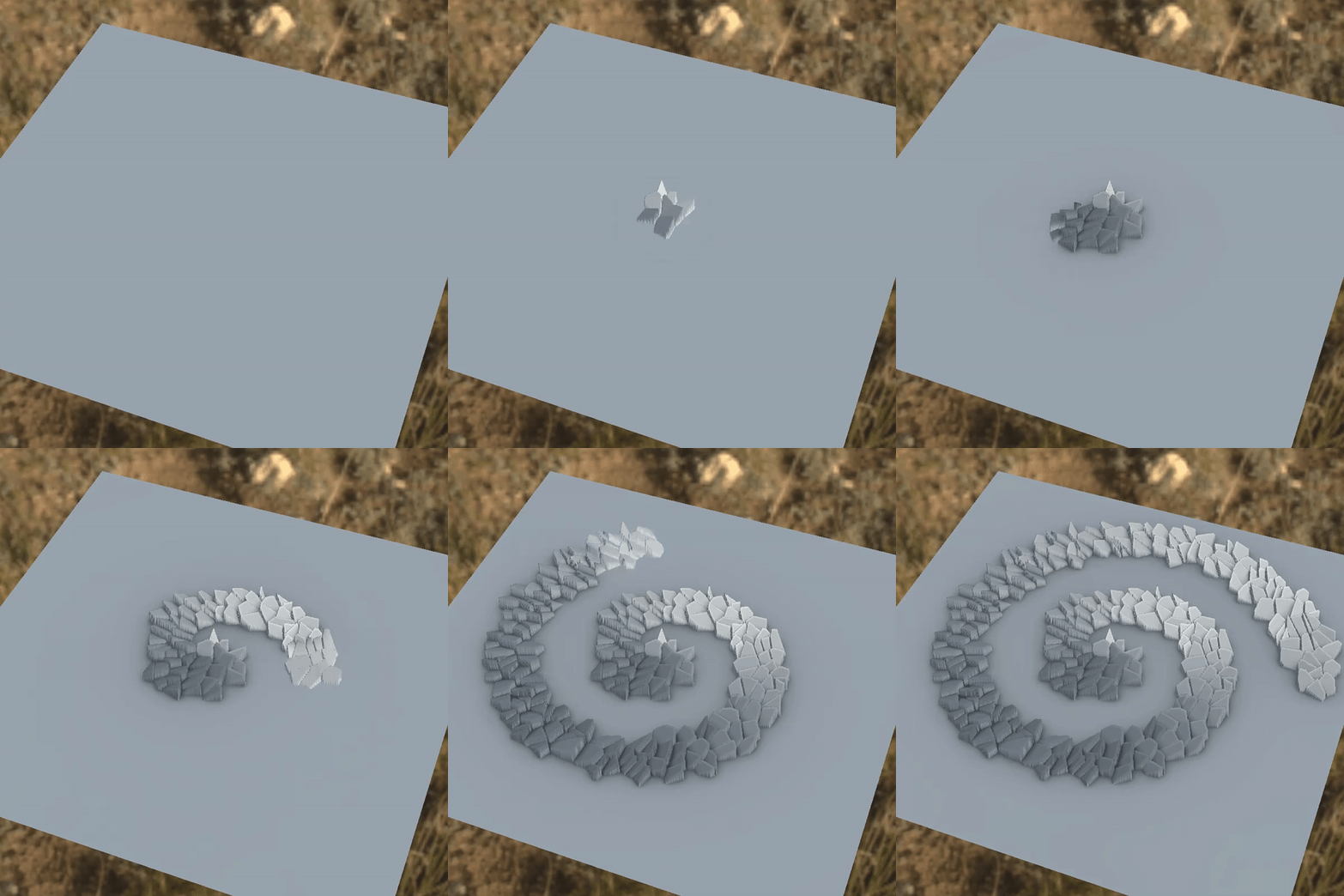 Flow map
 -
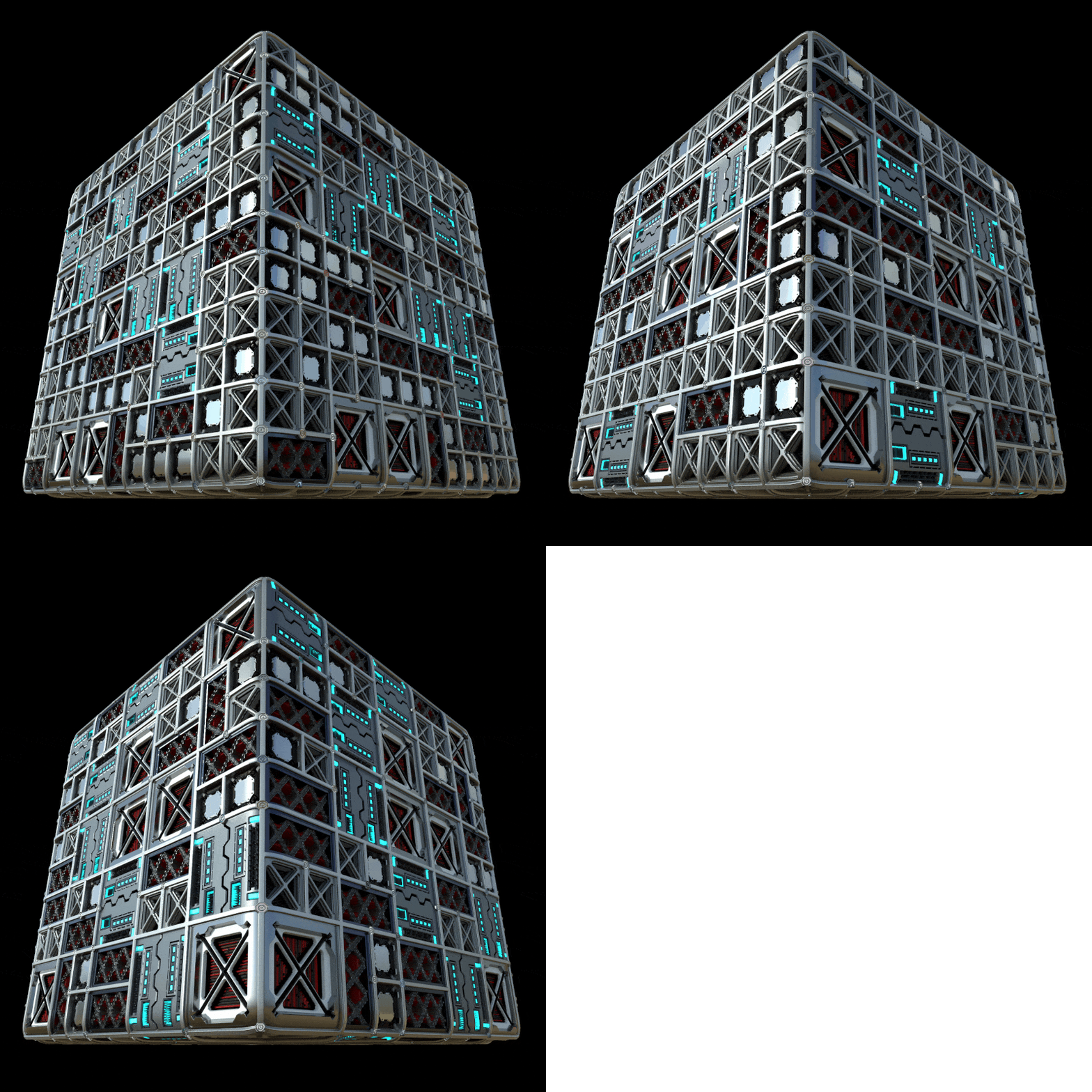 Sci-fi
-
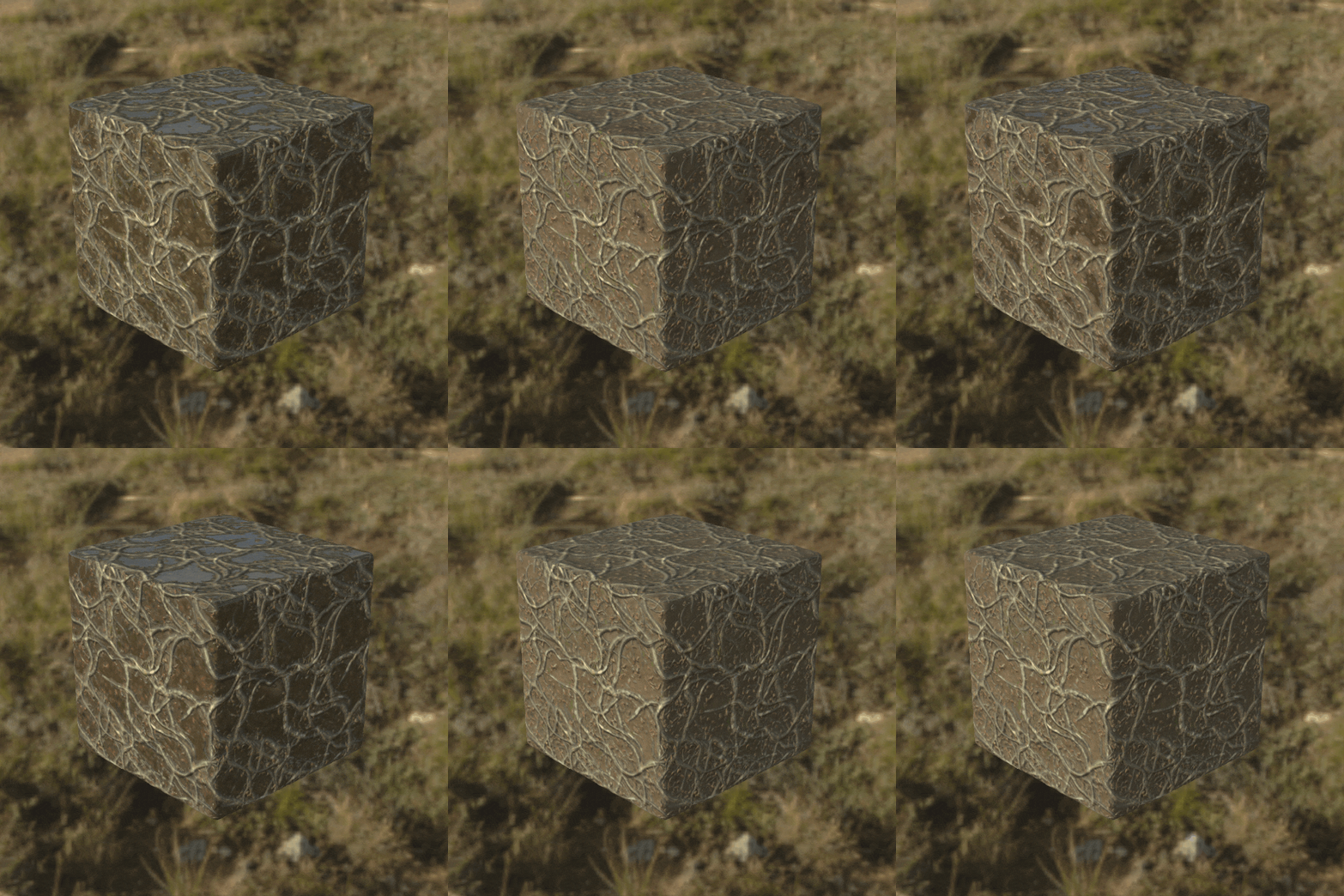 MatFx
MatFx -
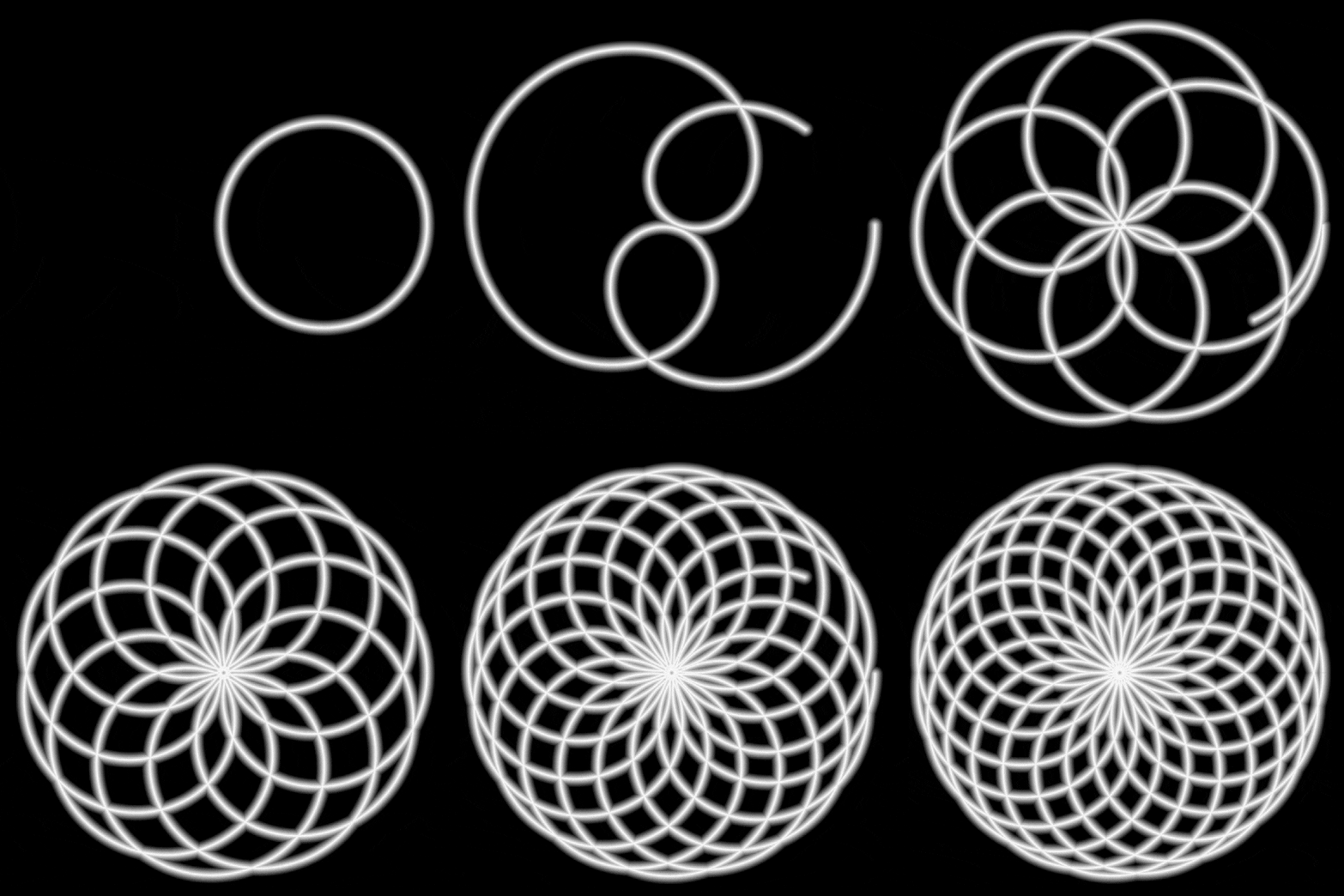 Curve tool
 -
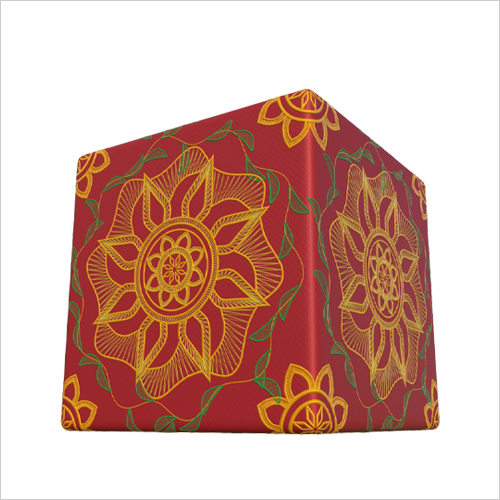 Lace and fabric
* This image is an example image to help you understand the class.
Speaker introduction
Technical Artist
Juyeong Yi
Hello. My name is Juyeong Yi and I am working as a freelancer.
Although I have never introduced myself as a TA, people around me call me that. However, I would like to take this opportunity to introduce myself as an Art Programming Programmer.
Since I first entered the industry as a Substance expert around Christmas 2019, I have been steadily contributing to the Substance ecosystem. It's only been a short time, a little over two years, but I've been able to stand where I am today based solely on my skills.
I received help when I first started working as a Substance Designer, but since then I have been self-taught, so I know how difficult it is to study on your own. Now, I created this course to return the help I received back then 10-fold, 100-fold.
Discover the convenience and power of procedural asset creation with Substance Designer.

Technical Artist
Juyeong Yi
[Current]
Freelancer
Projects & Awards
Participated in 2 sessions of 2019 NDC
BL Books - Participated in writing 3 volumes of modeling and texturing
Balchagi.inc lecture held 3 times
class features
Class Highlights
Learn How to Create Procedural Assets
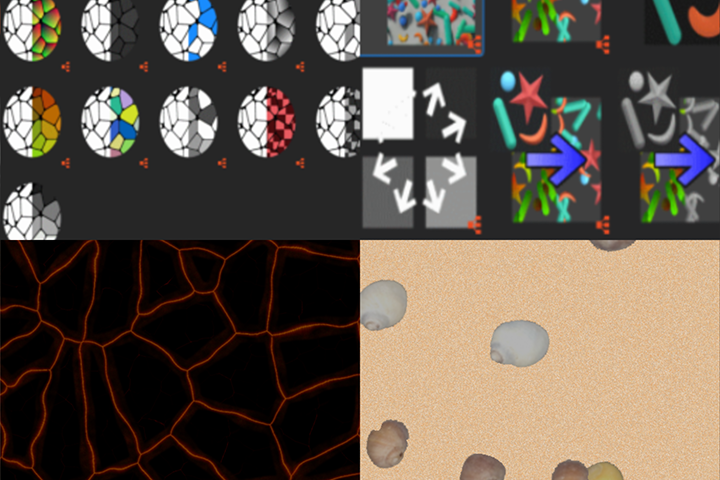
By creating textures and materials using procedural asset creation, you can dramatically reduce work time and produce higher quality results.
Solid Curriculum for Beginners
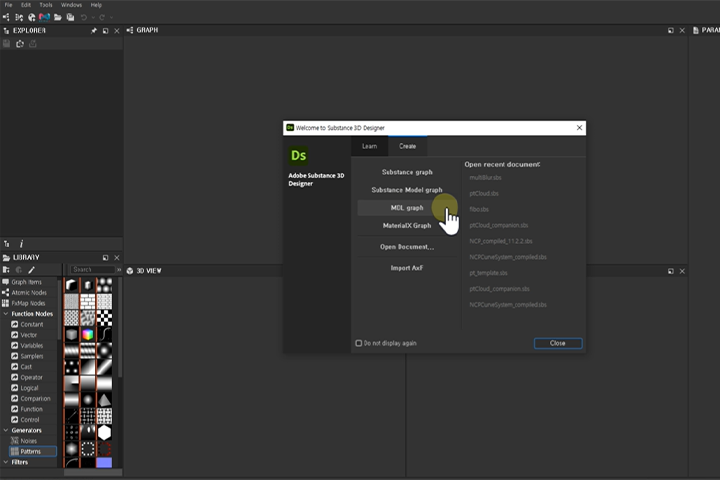
Even beginners who are studying Substance Designer for the first time can easily study the theory and practice step by step, from the most basic theory and nodes to the steps of creating complex and colorful textures.
Ability to Select Appropriate Nodes to Achieve Desired Results
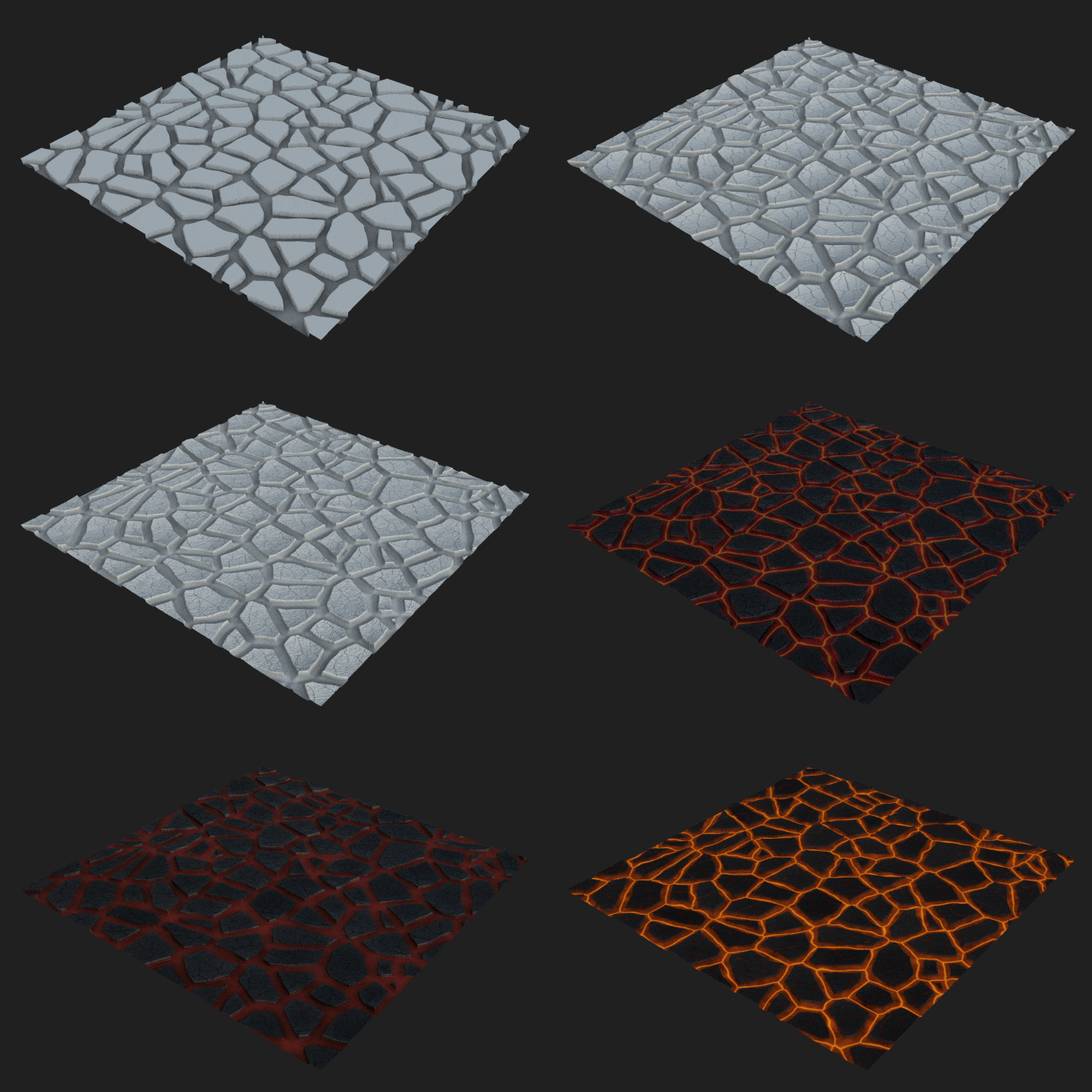
Rather than learning the functions of various nodes abstractly, you can develop the ability to directly select and use the necessary nodes by understanding their exact functions.
Class Details
You'll Learn
-
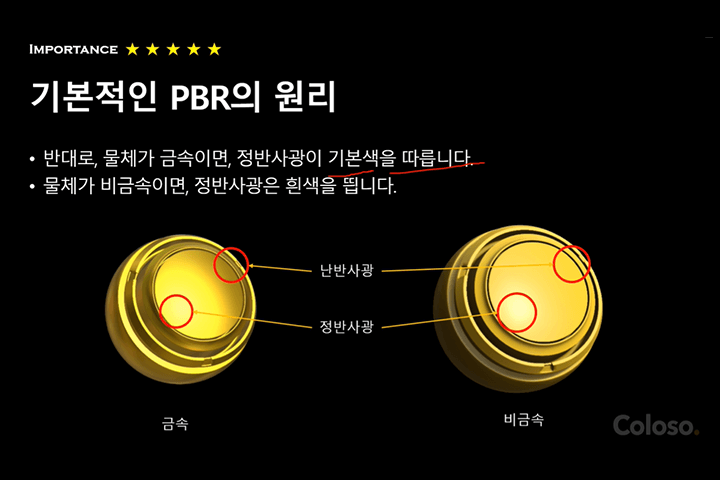 A PBR and Substance Designer That Even Beginners Can UnderstandWe will provide a clear, step-by-step explanation so that you can understand the principles of implementing graphics with nodes even if you only know the four basic operations. We will also learn basic knowledge commonly used in CG, such as the principles of PBR.
 -
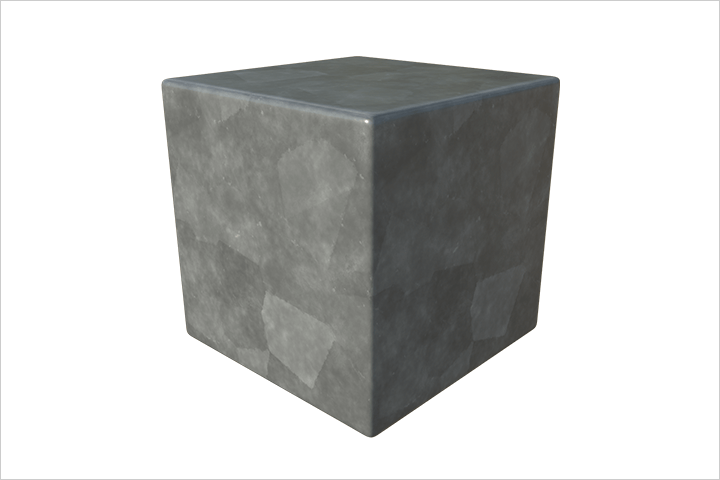 Create over 14 Textures and MaterialsBy learning various nodes and techniques and creating various textures that can optimally utilize them, you will learn to master the nodes and techniques clearly.
 -
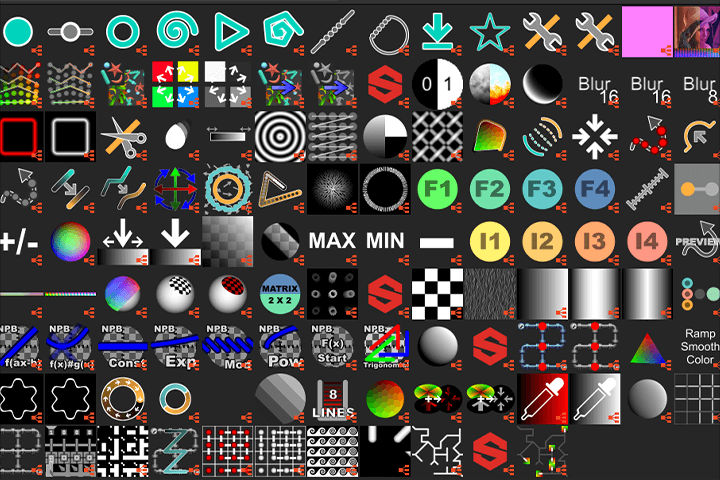 Know-How to Increase Efficiency and Quality at the Same TimeBy using dozens of new nodes not found in the basic Substance Designer, we will work to achieve the same task faster, with higher quality in the same time, and with more diverse results with the same effort.
-
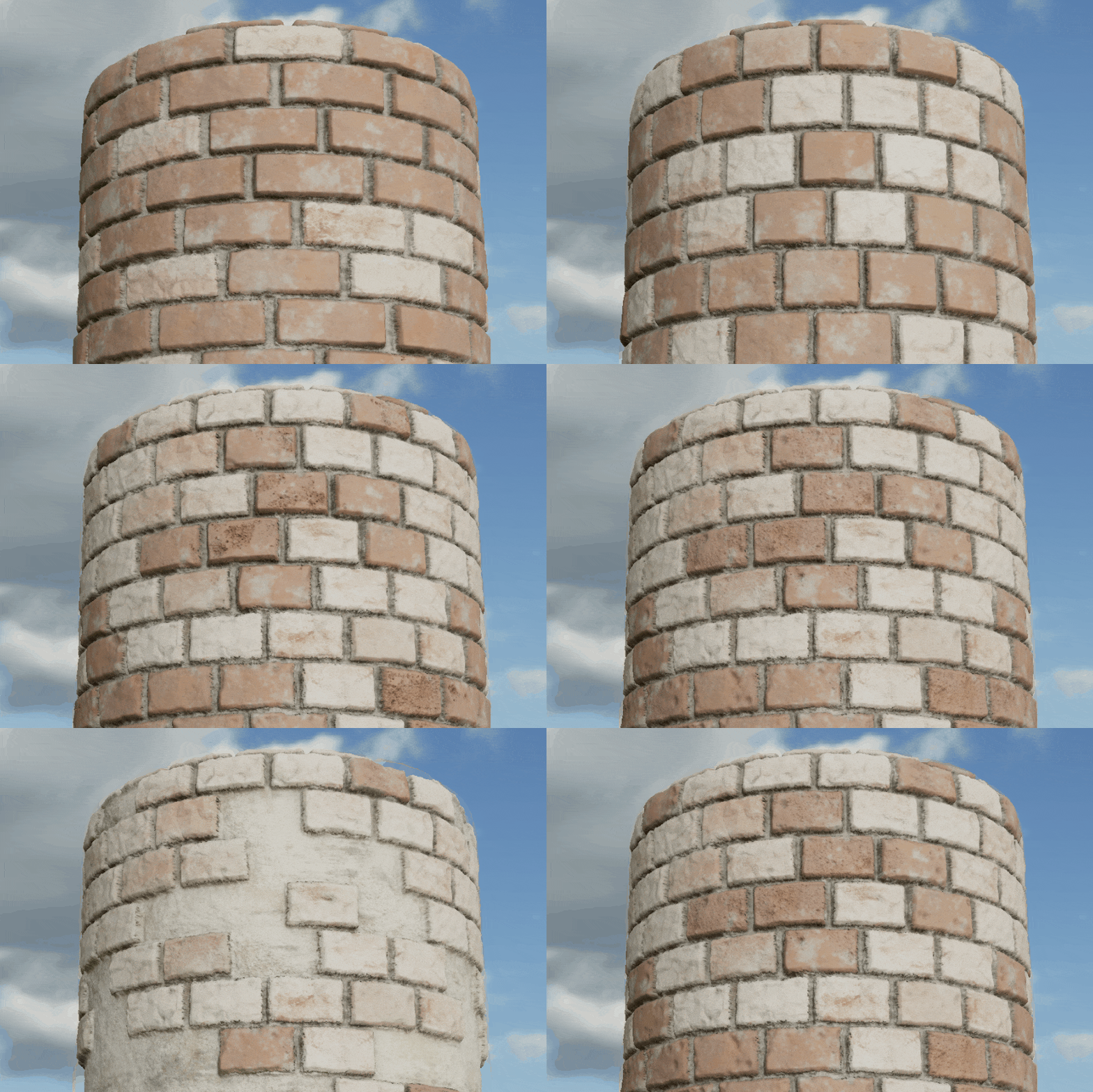 How to Take Full Advantage of Procedural Asset CreationGoing beyond simply creating textures, we will create a variety of textures by taking full advantage of the advantages of creating assets in an efficient and freely customizable procedural way.
 -
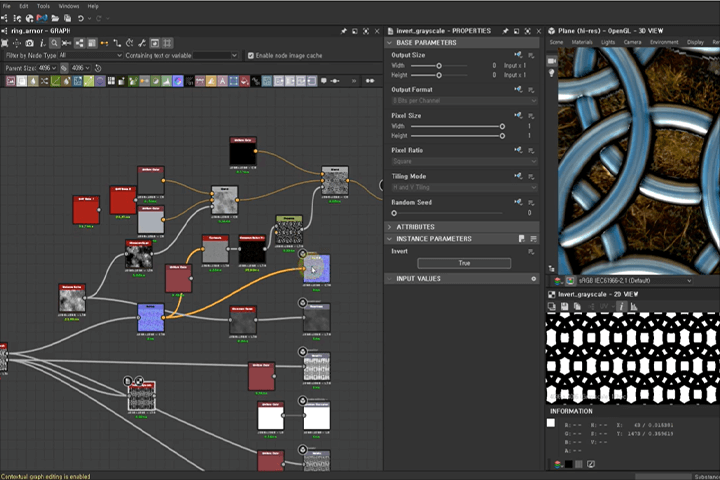 Curriculum That Combines Theory and PracticeThis class consists of a two-step structure in which you learn the basic use of a new node and then directly produce materials using it. To make sure you don't forget what you've learned, use all the skills you've previously learned to create a higher level of difficulty.
 -
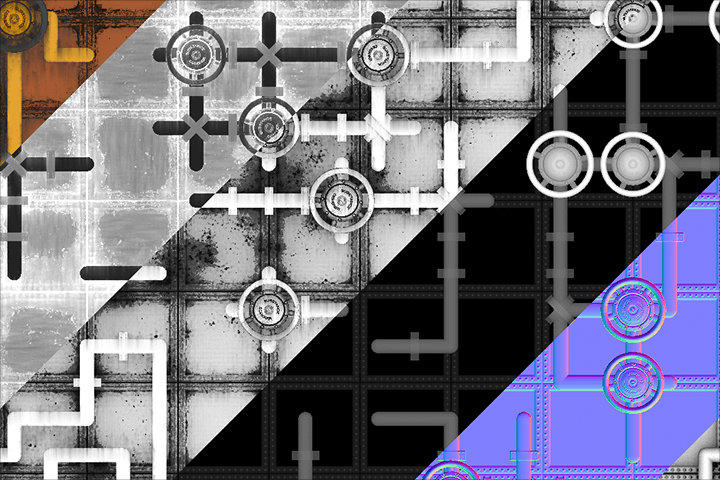 Final Practice in Producing High-Quality MaterialsUltimately, you will learn how to work with complex yet very high-quality materials by creating high-level materials using both built-in nodes, additional nodes, and various techniques.
curriculum
Curriculum
In-Depth Look
SECTION 01. Intro
01. Substance designer and procedural work
- Substance Designer Basic UI
- Shortcut keys used to connect nodes
- Characteristics and advantages of procedural tasks
SECTION 02. PBR basic theory
02. Introduction to PBR basic theory 1
- Maps used directly in PBR rendering
- Maps indirectly used in PBR rendering
03. Introduction to PBR basic theory 2
- Maps used directly in PBR rendering
- Maps indirectly used in PBR rendering
04. Creating a super simple material
- Crafted from a very simple red metal material.
- Differences between shaders, textures, and materials
- How to switch between Spec/Gloss workflow and Metal/Roughness workflow
SECTION 03. Heightmap
05. Heightmap synthesis formula
- Heightmap composition formula
- Characteristics and precautions of summation, multiplication, and comparison operations
06. Texture creation using heightmap
- Description of nodes helpful in creating heightmaps
- Curve Node Description
- How to create normal maps and Ambient Occlusion (AO)
SECTION 04. Atomic node, histogram node
07. Atomic Node
- Atomic Node Description
08. Making a marble floor
- Description of some frequently used nodes in Subdi, such as noise, filter, and generator
- Marble material production
09. Histogram node
- Detailed explanation of the most commonly used histogram nodes
- Principle and usage of each histogram node
- Problems of the histogram node and a new node to overcome them
SECTION 05. Sampling
10. Sampling concept
- Explain the concept of sampling
- Types and interpretation of information read through sampling
11. Sampling Exercise 1
- Tile Sampler Practice: Creating chain mail using simple arithmetic operations
12. Sampling Practice 2
- Tile Sampler Lab: Texture Creation Using 4-Channel Merge-Separate Technique
SECTION 06. Flood Fill
13. Flood Fill Theory
- Flood fill node theory explained
- Companion Node Concept and Flood Fill Companion Node Description
14. Material Creation
- Flood Fill Lab: Stained Glass Making
15. Material Creation
- Flood Fill Practice: Creating a volcanic field with flowing magma
SECTION 07. Shape Splatter, Atlas Scatter
16. Shape Splatter basic principles
- Description of Shape Splatter and its companion nodes
- Limitations of Shape Splatter and overcoming them using Atlas
17. Atlas Scatter Description
- Atlas Concepts and Atlas Scatter Description
- Create your own atlas
18. Limitations and overcoming Atlas Scatter
- Explain the limitations of Atlas Scatter nodes and how to overcome them
19. Material Creation
- Things I've Learned So Far + Creating Materials Using Atlas Scatter Nodes
SECTION 08. Curve
20. Curve Drawing Toolkit Description
- Difficulties in creating curves in Substance Designer
- Node system description for curve creation
21. Material Creation
- Create materials using the curve drawing toolkit
SECTION 09. Automatic pattern connection system
22. Automatic tile placement system
- Wang tile concept and usage
23. Material Creation
- Steampunk material creation using Wang Tile
SECTION 10. Flow map
24. Flow map
- Flow map concept and method of writing
- Various expression methods using flow maps
25. Material Creation
- Creation of cracked ground using flow maps
SECTION 11. Highly difficult practice
26. Creating Sci-Fi Textures
- Sci Fi Panel production that automatically selects the panel to be assembled according to the shape of the mask
27. Lace creation using the curve tool
- Lace creation using the curve tool
- Fabric material with embroidery
28. Creating a multi-purpose filter
- Production of various weathering filters
29. Mesh mapping strategy
- Mesh mapping and strategies for it
SECTION 12. Custom Node and Mesh Bake
30. What is a custom node?
- Why do you need custom nodes?
- How to create a custom node
- How to set up and use node groups
31. Mesh bake theory
- Mesh bake theory
SECTION 13. Conclusion
32. Conclusion
- How to use Substance Designer work
- Directions for future study
- Why you should learn shaders
- FAQ
- Things that weren't covered
Interview with
Technical Artist Juyeong Yi

Question.01
What is the marketability and outlook for Substance Designer?
What is the marketability and outlook for Substance Designer?
The prospects for procedural asset creation tools are getting brighter. I think the biggest reason is the ever-increasing workload of artists. Procedural work has the advantage of allowing part of the overall work process to be noded and used for the next task . Thanks to this, we can work quickly and efficiently and produce high-quality results . Being able to create your own nodes can be your weapon.
Question.02
What is the unique point of this course?
What is the unique point of this course?
In this lecture, all related background knowledge is explained before using a specific node, so you can learn how to use various nodes more efficiently and in a variety of ways. In addition, we plan to provide dozens of nodes and node systems that can dramatically improve the Substance designer's work process, and encourage students to directly analyze and study Substance files that can be downloaded from the Substance 3D Assets site.
Question.03
What difficulties do prospective students have?
What difficulties do prospective students have?
I think the most difficult thing is the vague wall about procedural methods . This is because it uses a completely different method from the way we have been working until now. Therefore, what we will focus on in this lecture is the understanding and use of the procedural method and the operating principles of each node .
Question.04
Please say a word to the students.
Please say a word to the students.
We have included everything from very basic theory to advanced know-how so that you can fully utilize Substance Designer. After taking this lecture, Substance Designer will not just be the name of a tool, but will become your new name . No longer think of Substance Designer as an insurmountable wall, but break that wall.
Required Programs
This course will use
- Substance 3D Designer 11.3.0 (Steam version 2022)
Please purchase and install these program(s) for an optimized chapter experience.
*These programs and/or materials will not be provided with the chapter.