3DCharacterArtist,Jason_3D 캐릭터 아티스트 제이슨 Details
Class introduction
Key Techniques for Expressing Realistic Emotions in 3D Character Faces!
Is it all over just because the modeling is nicely completed? Only when proper texturing and rendering are implemented perfectly can a high-quality result be completed.
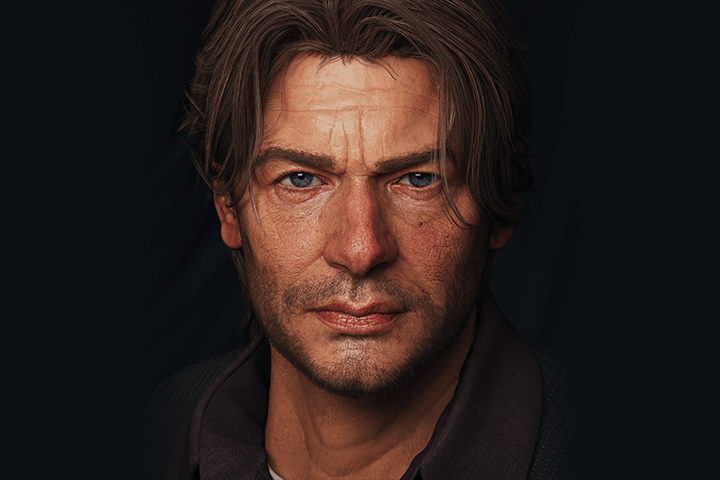
In this class, you can learn not only realistic facial expressions, which are the core of 3D characters, but also the skills necessary for more realistic facial skin, eye, and eyebrow texture expressions and rendering work.
Check out the know-how for realistic expression of high-quality 3D characters from Triple-A game company's 3D character artist now at Coloso.
Check out the know-how for realistic expression of high-quality 3D characters from Triple-A game company's 3D character artist now at Coloso.
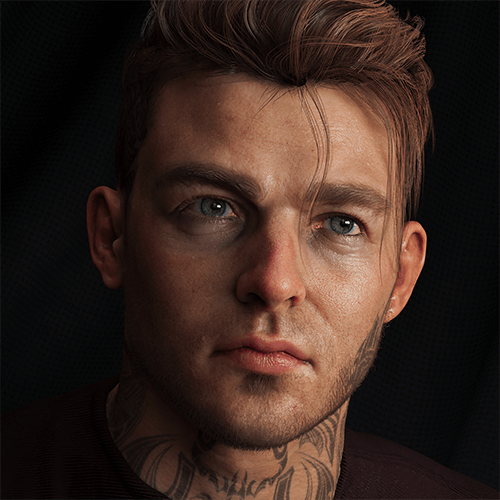
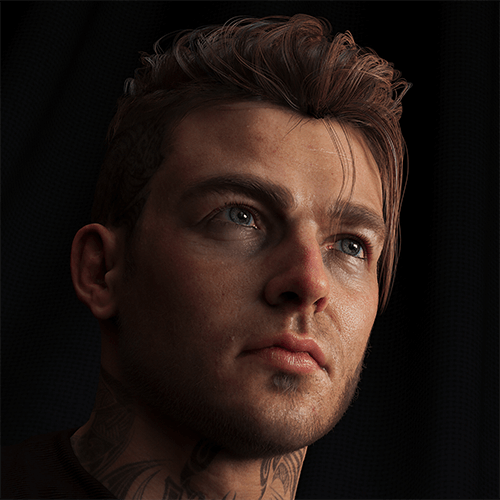
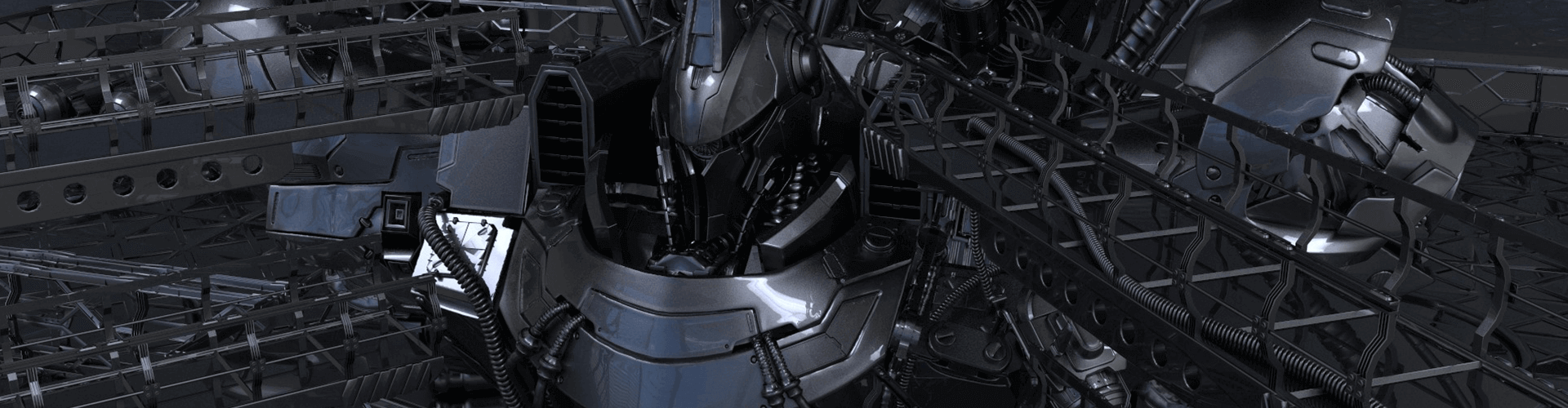
Expert 3D Character Artist Jason's Portfolio
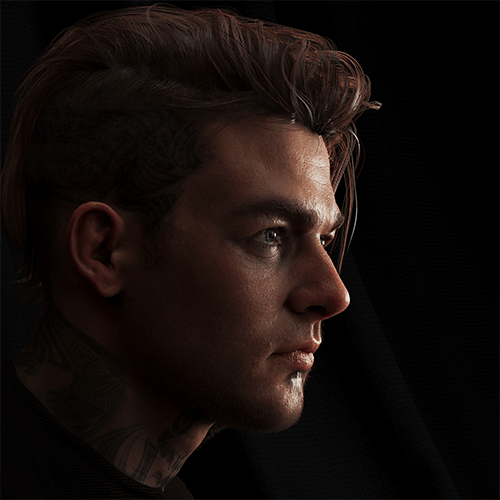
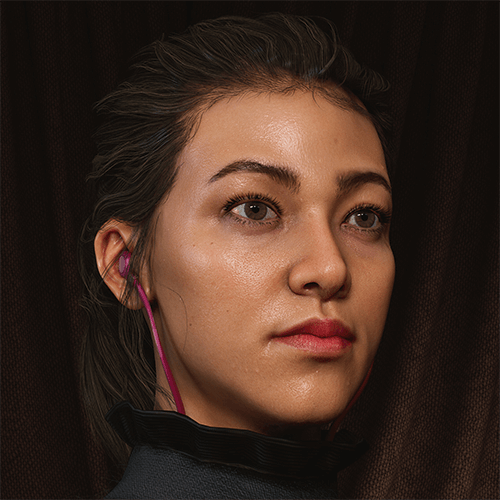
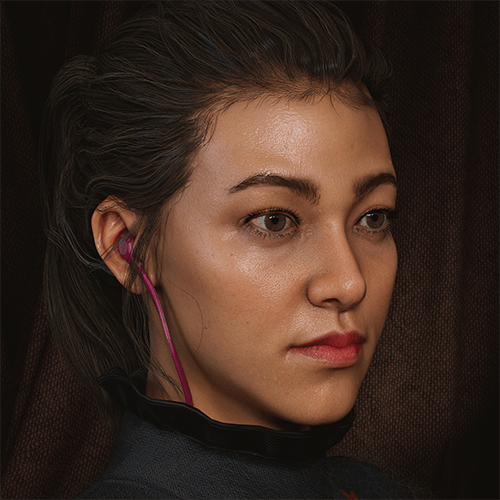
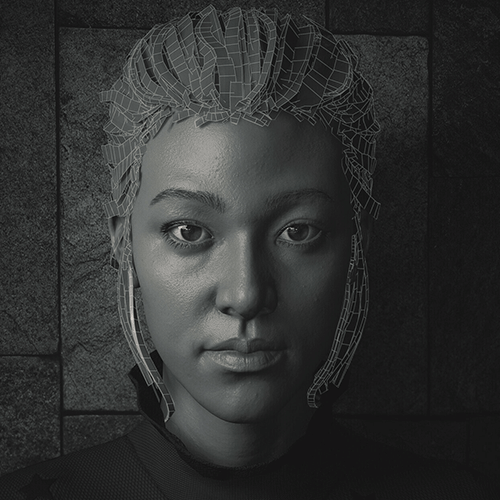
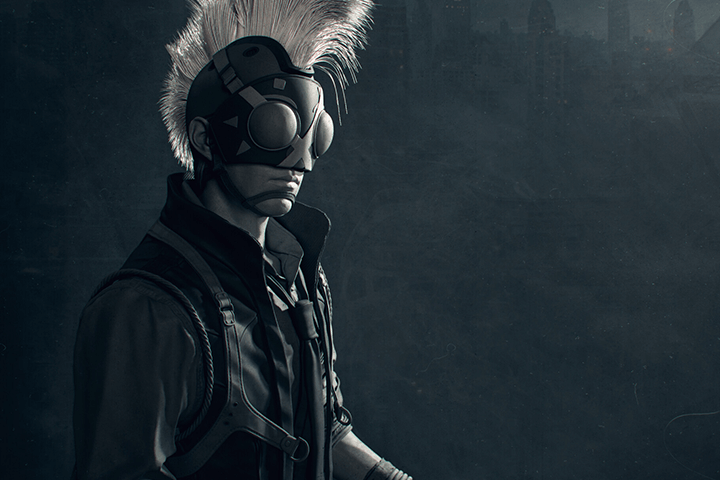
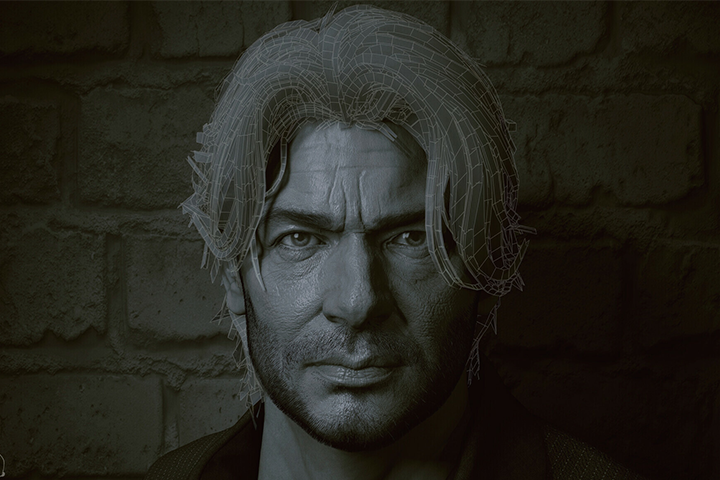
Why Take This Class?
Check out this hands-on texturing class comprised of the tools most used by triple-A game companies in Korea as well as the United States!
*Maya *Zbrush *Marmoset
*Substance Painter *Photoshop
Depending on how you use the same tool, the results can be very different! From setting methods for creating realistic characters to important points in using tools learned through examples.
In this class, we will provide you with the guidance you need when creating realistic characters.

Focused Expression on 3D Character Face
In this class, you can learn in-depth the texture and rendering skills needed to create vivid 3D character faces.
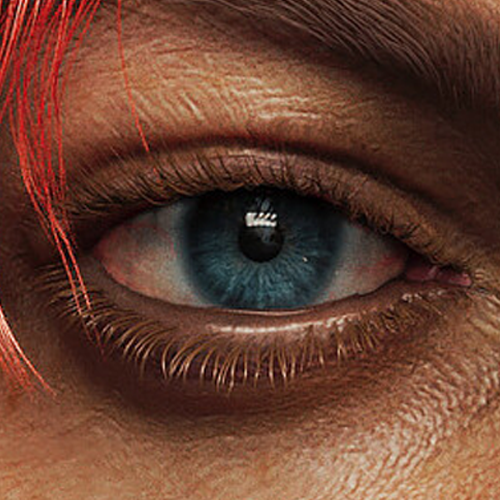
Creating Realistic Eyes
For realistic characters, eyes are an important element that determines the final quality. You can learn how to use Maya and Texturing XYZ and create various utility maps for realistic eyes.
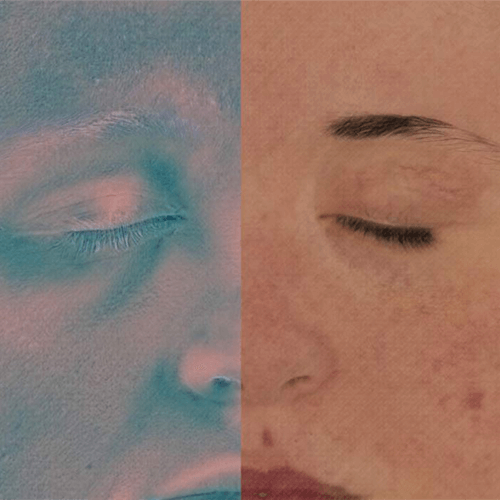
Skin Expression
In order to express realistic skin, it is important to express the texture well. In this class, we will create high-quality skin using SSS Skin Shader.
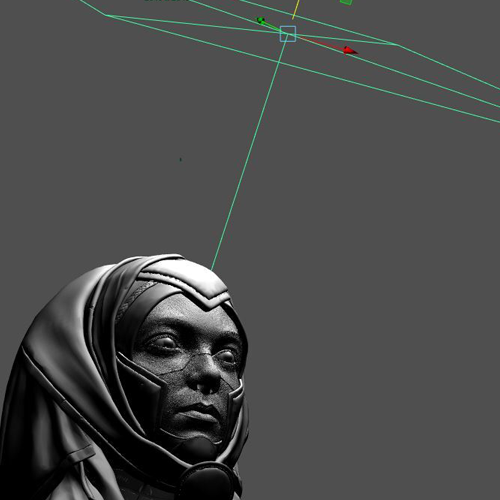
Lighting
You can learn in detail the principles of character lighting and the know-how to set up the HDRI for the scene and set up the camera in the preparation stage for lighting.
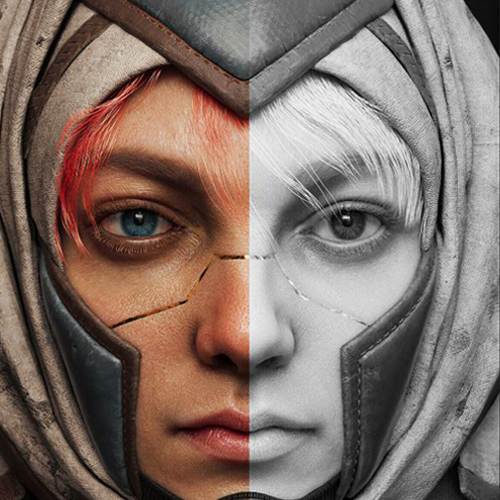
Rendering
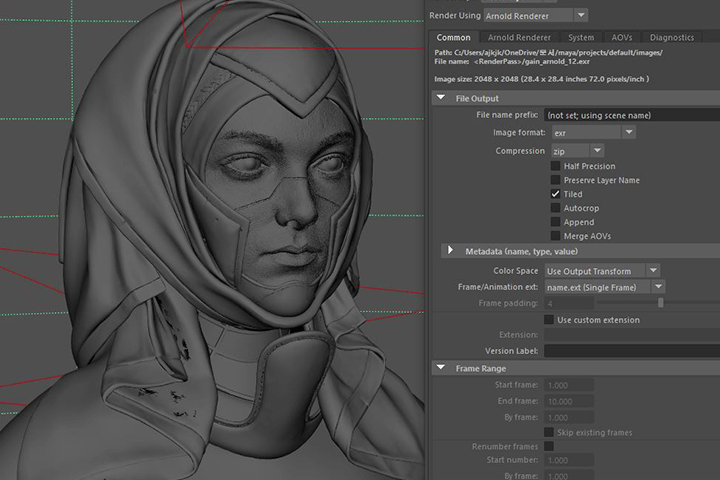
Learn how to render for the best results in Arnold Renderer and Marmoset, respectively, and dive into practical know-how to effectively create dramatic effects during the look development stage of character creation.
Direct Application of Texturing & Rendering
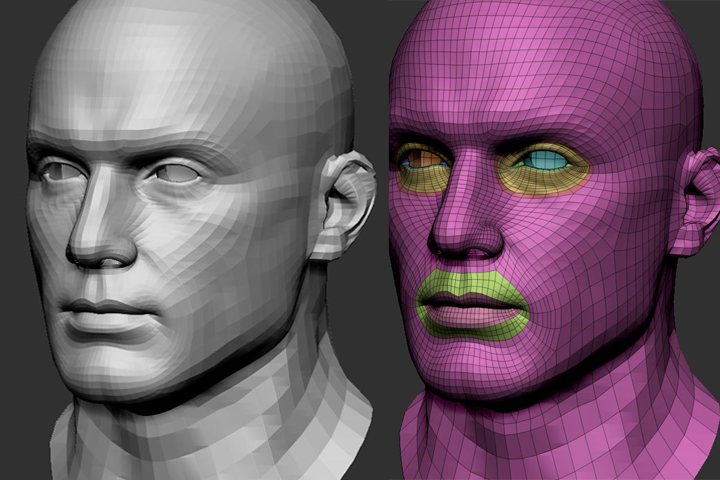
Head Base Provided
A basic Head Base modeling file is provided so that you can apply it according to the class contents. Feel free to apply your texture and rendering skills.
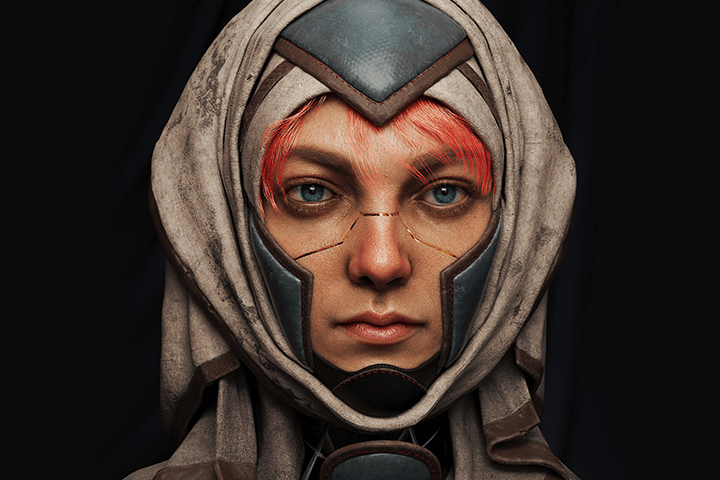
High-Quality Realistic Facial Expression
Create high-quality, realistic characters with the know-how to instantly improve the quality of your character's eyes, eyebrows, and skin expressions.
*Example files for the results are not provided.
Speaker introduction
3D Character Artist
Jason
Hello. This is Jason, a 3D character artist.
I am currently working as a Senior Character Artist at EA Respawn in the United States. I have participated as a modeler in projects in various fields such as movies, advertisements, and TV, and I am participating in projects in the game field such as Call of Duty and Apex Legend.
In this class, we have prepared to intensively learn the process of texturing and rendering the face of a realistic character based on the tools and pipelines used by actual Triple A game companies.
In addition, I think it will be a useful time to share tips on career paths related to overseas employment that I have actually experienced, along with various technical aspects.
I will share with you all the practical know-how I have accumulated while working as a 3D character artist at Triple A Game Company.
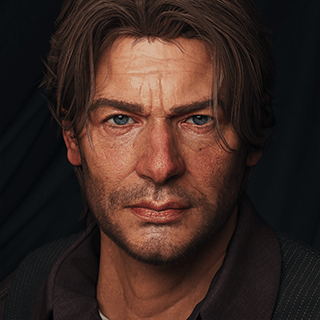
3D Character Artist
Jason
[Current]
EA Respawn Senior Character Artist
[Former]
Activision Treyarch
And many more VFX Studios
class features
Class Highlights
Create Ultra-Realistic Faces in AAA Games: Tools and Techniques for High-Quality Expression
Until now, although there were many time-lapse videos showing the process of creating realistic characters, it was difficult to access the detailed work process and know-how of actual triple-A game companies. In this class, you can learn how to effectively utilize various tools such as Xgen, Arnold Renderer, and Photoshop in the post-modeling stage to create high-quality ultra-realistic face results.
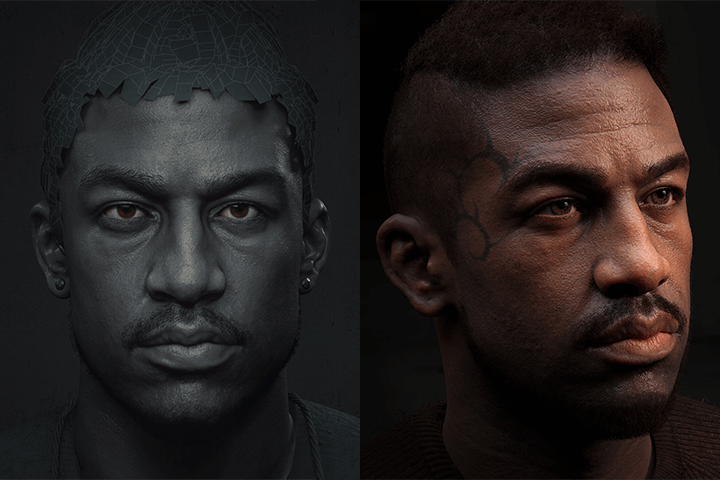
Summary of Common Mistakes and Important Points That Are Easy to Miss
If you study on your own, you may be at a loss as to what part is wrong and how to solve it, right? In this lecture, rather than simply showing the production process, we will point out common mistakes made at each stage and areas that are easy to miss on your own, and present solutions so that you can easily understand them.
Practical Tips You Need to Know to Build Your Career as a 3D Artist
Job hunting tips from real practitioners! Through this class, we will inform you of various employment and practical know-hows gained while working at famous overseas companies such as EA Respawn and Activision Treyarch, as well as content that is practically helpful in getting a job, such as visa, portfolio preparation, and interview preparation.
Class Details
You'll Learn
-
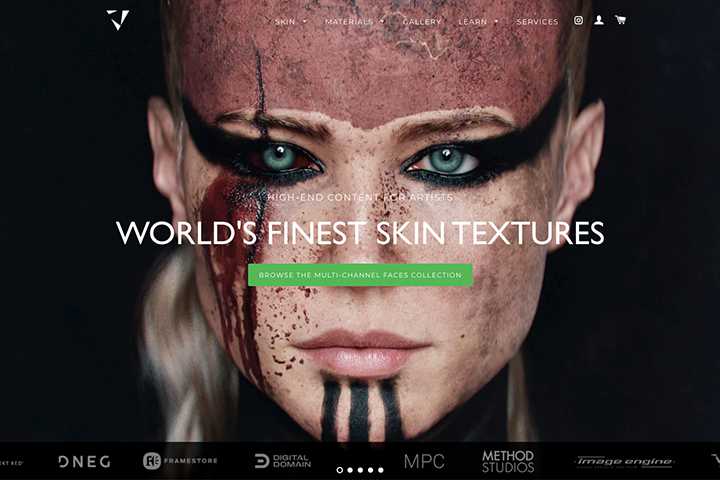 How to Prepare Materials Needed for Texturing WorkLearn how to use Texturing
 -
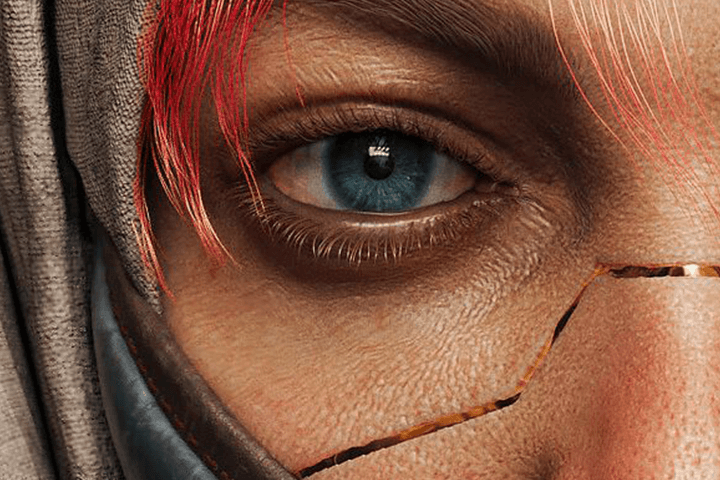 Realistic Eyebrow, Hair, and Skin Expression Methods That Add RealismBased on materials prepared by Texturing XYZ, we will learn the skills necessary for realistic expressions such as eyebrows, hair, and skin.
 -
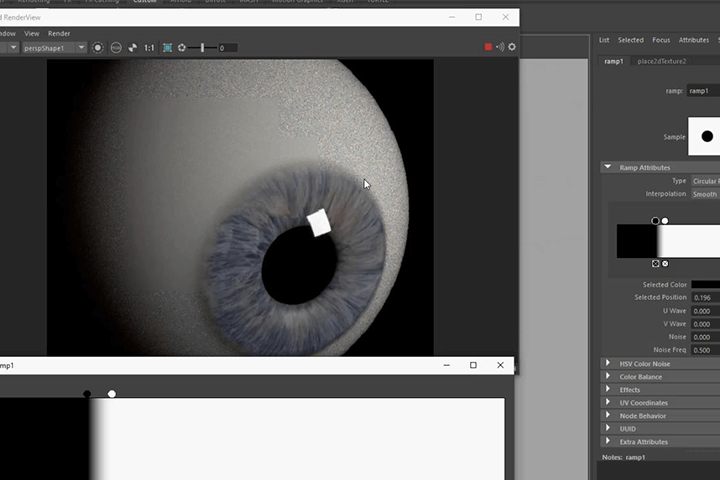 The Most Important Point in Facial Expression: How to Create Realistic ‘Eyes’We will learn through several examples why vivid eyes are important when creating realistic characters, and learn about points such as iris, sclera, eye muscle, etc. that need to be understood for eyes and specific methods for implementing realistic eyes.
-
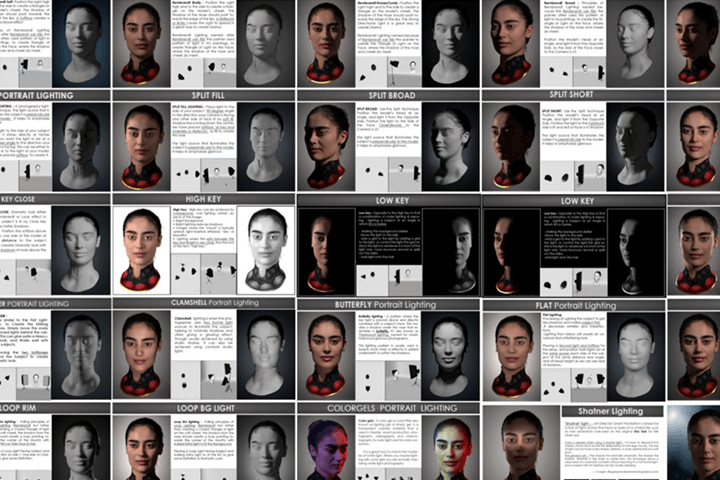 High-Quality Rendering Settings Using Arnold RendererUnderstand the principles of Arnold rendering in Maya and learn how to create the elements needed for rendering using Zbrush. We will also guide you through the settings for lighting work in Arnold Renderer.
 -
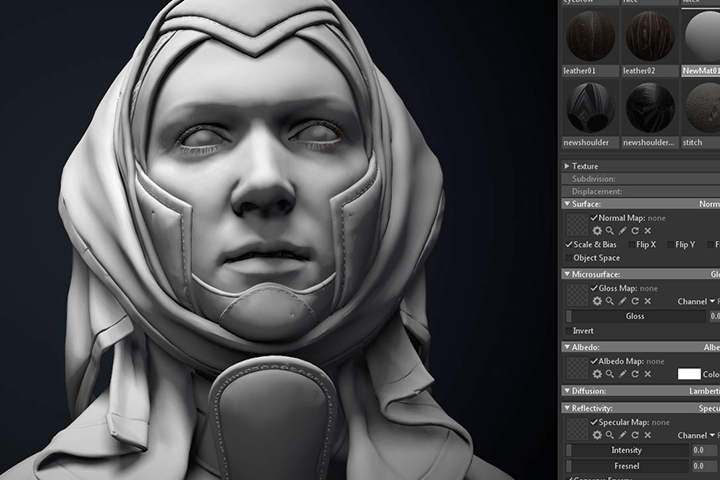 Marmoset Renderer Setup to Improve QualityLearn more about how to use Marmoset by learning about the principles of game engines. You will set up scenes, cameras, and render settings in an actual Marmoset, and learn in-depth about lighting.
 -
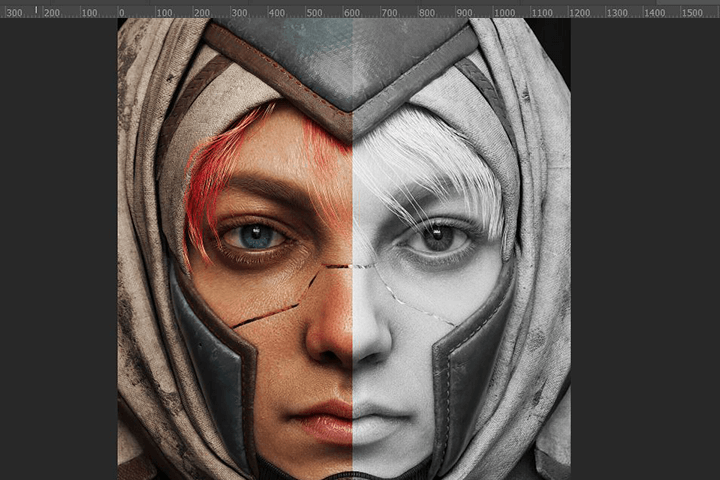 Post-production Process That Preserves the Details of the Final ResultWe will discuss the importance of post-production, which is easy to miss, and finalize the post-production process for realistic and dramatic production using Photoshop tools.
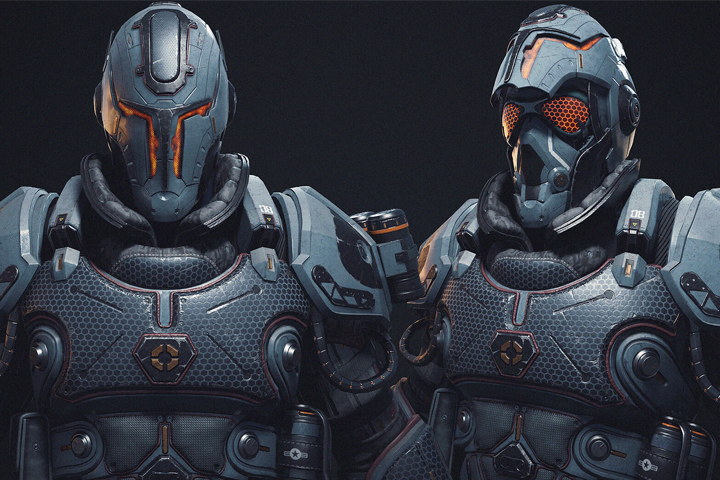
* This image is an example image to help you understand the class.
curriculum
Curriculum
In-Depth Look
Section 01. OT
01. Orientation
- Introduction
- Current industry trends and employment information
- General introduction
02. Employment information
- Current industry trends and employment information
- Related site information
Section 02. Detail processing and texturing preparation using Texturing XYZ
03. Preparation stage
- Description of shortcut keys and preferences
04. Preparing for the sculpting step
- Preparing the Basemesh
- Finishing and preparing for sculpting
05. How to utilize multi channel faces
- Information about TexturingXYZ and how to use it
- Proper sculpting information transfer
- Sculpting correction and supplementation
06.Texture Maps
- UDIM settings
- Detail sculpting using generated maps
- Creating Normal, Displacement, Gloss, Color Maps
07. Creating eyebrows using Xgen hair
- Introduction to Xgen tools
- eyebrow shaping
- making hair
Section 03. Making snow
08. Importance and basic principles of eyes
- Explanation and examples of the importance of eyes
09. Creating Eye Texture maps
- Creating realistic eyes using Maya and TexturingXYZ
- Creating various utility maps for realistic eye expressions
Section 04. Material setup in Maya Arnold
10. Costume making
- Preparing for lowpoly
- Substance painter basic usage methods and precautions
11. Extract the maps you need
- Creating maps for Arnold Rendering
- Create elements needed for rendering using Zbrush and tools
12. Preparing Maya Arnold
- Principles and understanding of Arnold rendering
- Setting up a Maya scene for Arnold Rendering
13. Texture settings
- Explain the importance of skin texture and examples
- Create realistic skin (SSS skin shader) texture
- Creating realistic eye material
Section 05. Character Lighting in Arnold
14. Lighting preparation
- HDRI settings suitable for character
- Adjusting eye position
15. Bringing out the realism of the eyes
- Tearline sculpting, mask map creation
- Tearline texture
16. Tearline material setup
- Setting up Tearline material
- Caruncle, creating a shadow map
17. Lighting
- Basic theory of lighting
- Add lighting
Section 06. Marmoset render
18. Maps needed for the game engine
- Basic explanation of Marmoset
- Creating a Geo map suitable for marmosets
19. Scene setup
- Material settings
- Add lighting
20. Rendering, compositing
- Additional lighting and camera settings
Section 07. Post production
21. Creating the final result using Photoshop
- Importance and understanding of post production, post-production process for realistic and dramatic production
Interview with
3D Character Artist Jason

Question.01
What is the most important point when creating a character?
What is the most important point when creating a character?
Texturing is not just about realistic depictions; it also has to incorporate all of the character's background into the texture, and finding harmony within it is the hardest part, but I think it's the most important point. In fact, I think it can be said that training your eyes by watching many works is a factor that has a great influence on character creation.
Question.02
Who do you recommend this class to?
Who do you recommend this class to?
I think this class would be good for those who want to upgrade their quality through realistic characters. Since texturing and rendering for realistic character creation cannot begin until modeling is completed first, we recommend that you prepare to some extent for the modeling part first before starting. I think this will be a good opportunity to answer the questions of those who are curious about the actual tools and know-how used by Triple A game companies.
Question.03
What are the points you focus on when constructing the curriculum?
What are the points you focus on when constructing the curriculum?
In some ways, the texturing and rendering tasks handled in the class are part of the look development process, which is the final step. That's why we're going to teach you the detailed know-how needed to create high-quality 3D characters. Since the resources used in the actual gaming field are limited, we will generously share tips for maximizing efficiency within them.
Required Programs
This course will use
- Maya 2020
- Zbrush 2020
- Marmoset 4
- Photoshop cs
- Substance Painter
* Please purchase and install these program(s) for an optimized chapter experience.
*These programs and/or materials will not be provided with the chapter.