GameDeveloper,EugeneRoh_노동진 Details
Intro
Class Intro
Game Developer, Eugene Rho
“This online Unreal Engine class will transform
the difficult, unfamiliar world
of game programming
into a fun, one-of-a-kind game!”
Think you need coding or math skills
to start gaming programming? Think again!
With Unreal Engine,
you can learn game programming
even without any prior knowledge.
Curious how that’s possible?
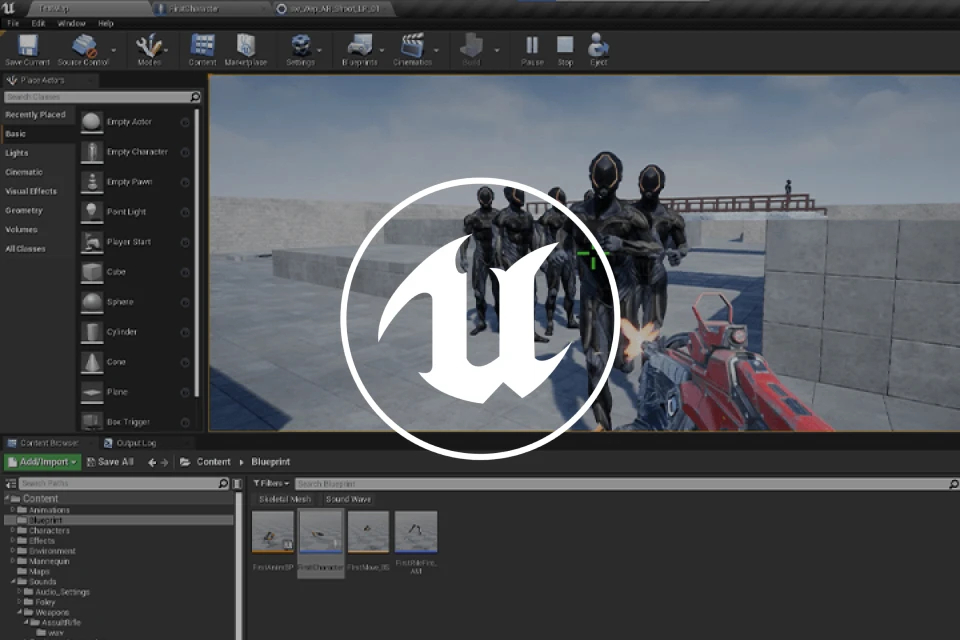
You can now learn Unreal Engine from Eugene Rho, a veteran game programmer who has worked with countless Korean and overseas companies for twenty years!
Curious how that’s possible?
You can now learn Unreal Engine from Eugene Rho, a veteran game programmer who has worked with countless Korean and overseas companies for twenty years!
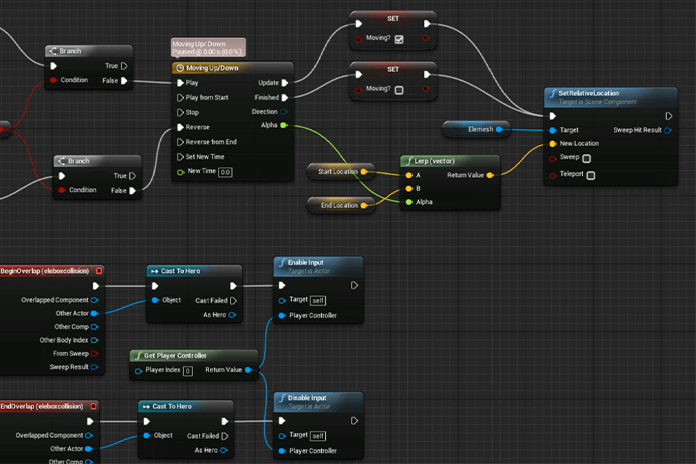
He will guide you through how to use Unreal Engine and Blueprints, as well as basic programming concepts and mathematical knowledge for game development, delivering them in an easy-to-understand and applicable manner.
This game development process will introduce you to Unreal Engine’s different tools and difficult-to-grasp basics to make game creation fun and interesting.
Join the one-and-only Unreal Engine class at Coloso right now and master the game design workflow to take your programming skills to the next level.
This game development process will introduce you to Unreal Engine’s different tools and difficult-to-grasp basics to make game creation fun and interesting.
Join the one-and-only Unreal Engine class at Coloso right now and master the game design workflow to take your programming skills to the next level.
Class Perks
Get These Coloso Exclusives
-
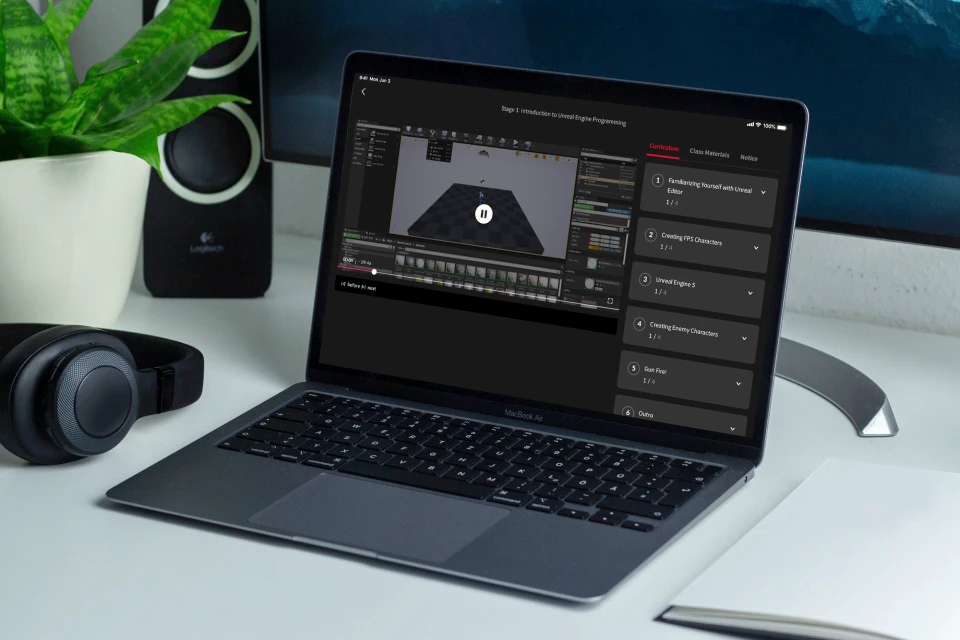
Unlimited Access to 14+ Hrs & 32 Chapters of Content -
Essential Tips for Aspiring Game Programmers to Enhance Their Skills -
‘Real’ Programming Class: From Beginner Theory to Blueprints and Gameplay
Recommendation
Check Out Reviews Written by Actual Students!
-
 Student AA lot of short online courses focus only on producing good-looking results, but this class’s curriculum takes a more fundamental approach, helping you understand the overall flow. I was really satisfied with it because I could feel myself improving slowly but surely.
 -
 Student BWhat you learn in this class can be applied not only to Unreal Engine but also to other game engines. It was also really helpful for understanding mathematical concepts.
 -
 Student CI was really impressed by the explanations of basic theories. Thanks to this class, I was able to fully grasp concepts that I didn’t know very well, which helped me improve my practical skills.
 -
 Student DI used to feel lost because I didn’t know how I should start studying tools. This class gave me a much better understanding of them as it provides various content about game design.
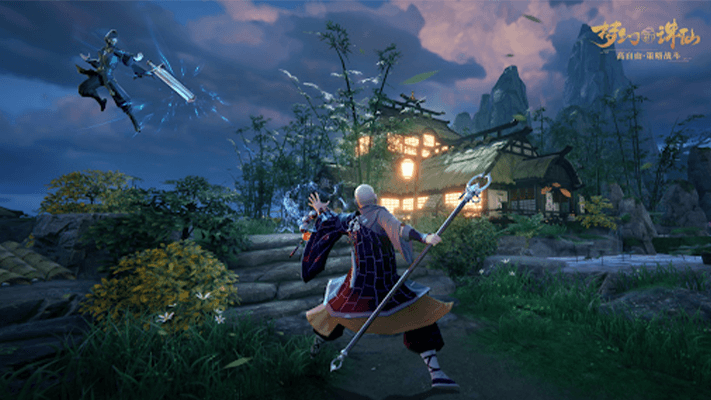
Expert Eugene Rho's Portfolio
Why Take This Class?
This is not one of those basic classes that only explains how to create gaming features without exploring the background concepts and gives you headaches by talking about a bunch of difficult, unnecessary ideas.
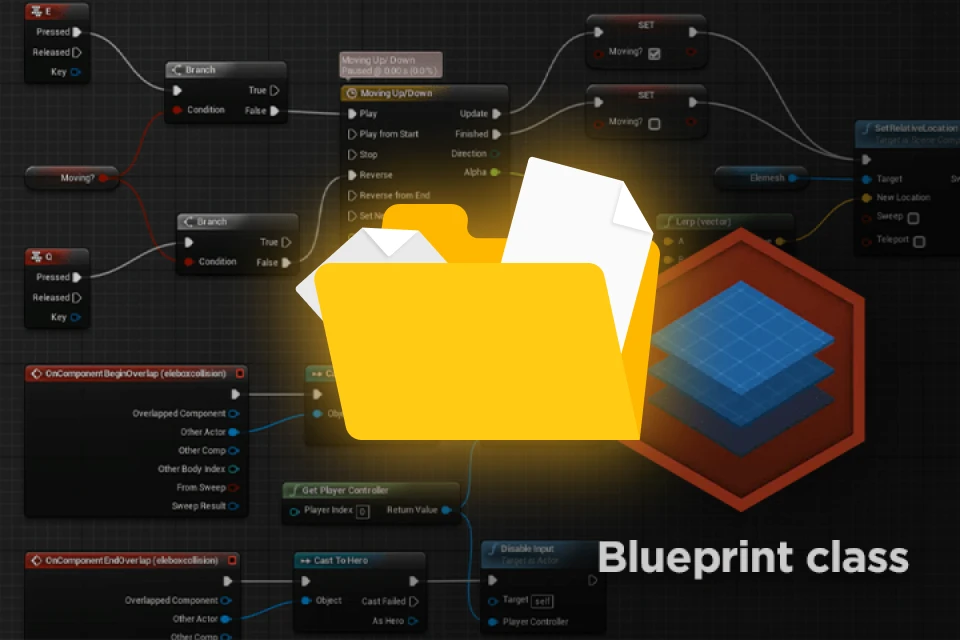
This class merges theory and tools with the “why” behind it all and explores a mixture of fundamental theories and skills that a programmer must know to use Unreal Engine, including programming basics, math for gaming, and how to work with editors, Blueprints, animations, and simple AI models.
Don’t miss this rare chance to master theories and Unreal Engine while developing essential programming skills!
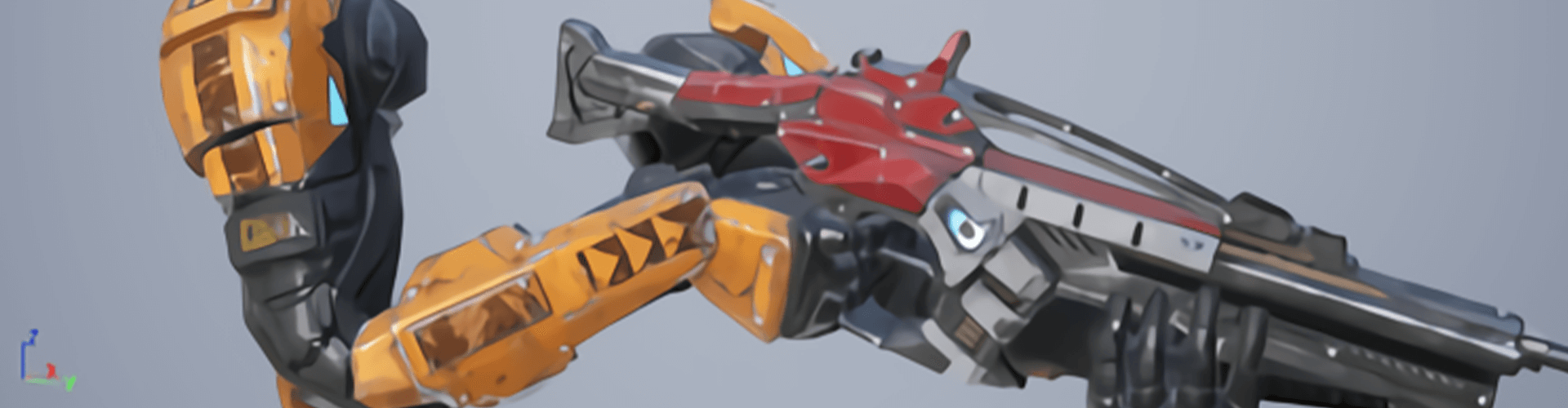
6 Class Exercises
-
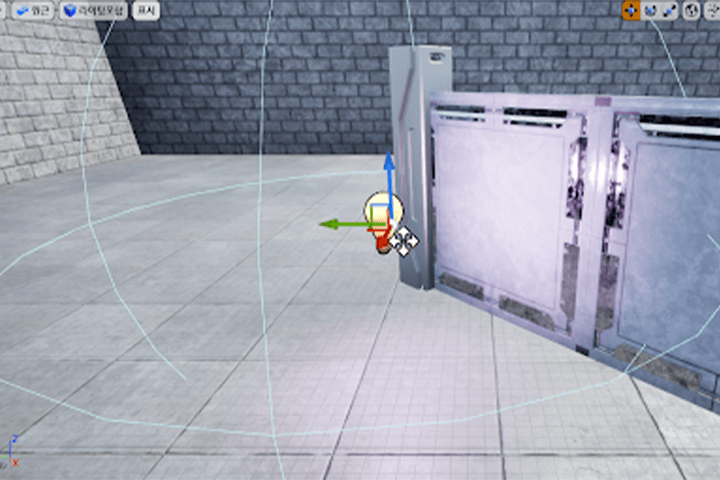 1. Background Design
 -
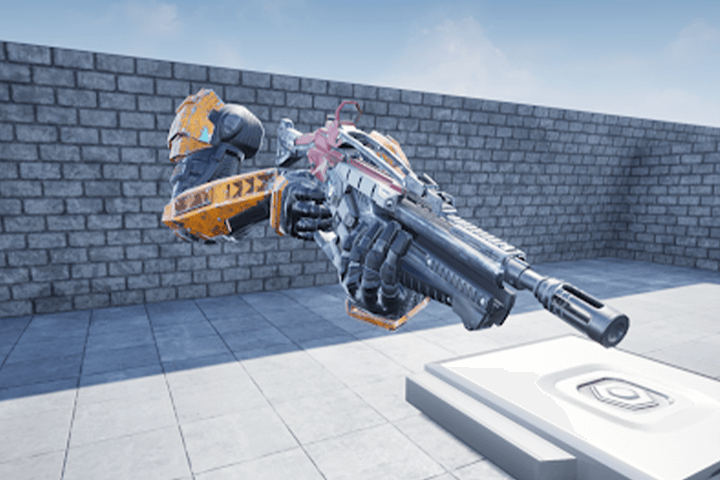 2. Creating Playable Characters
 -
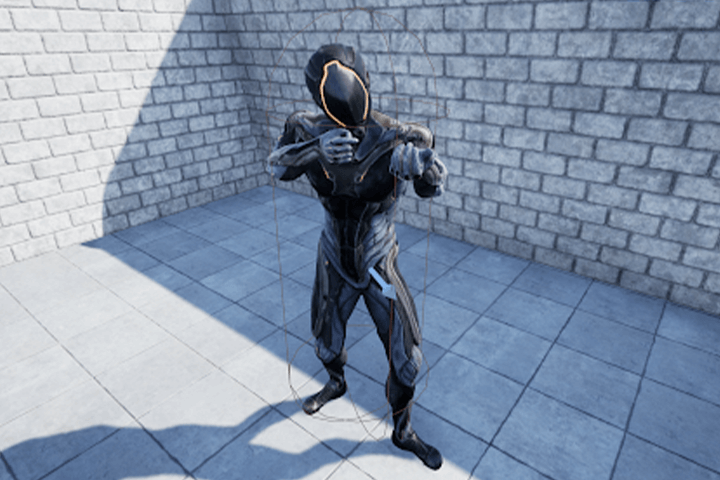 3. Creating AI Enemy Characters
-
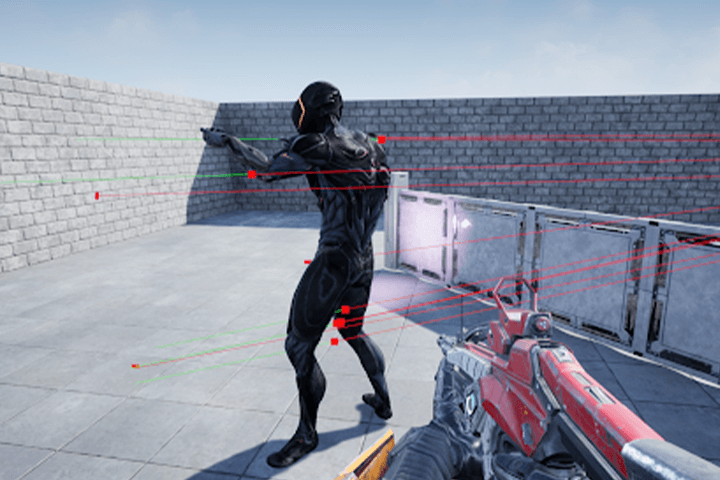 4. Animation
 -
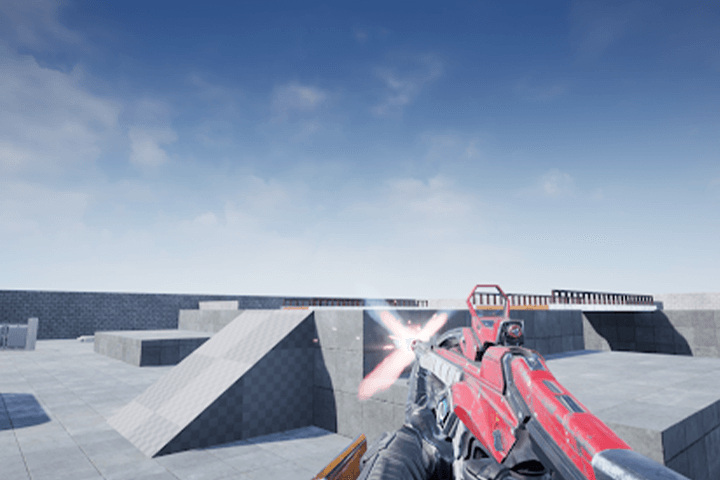 5. Applying Effects and Sounds
 -
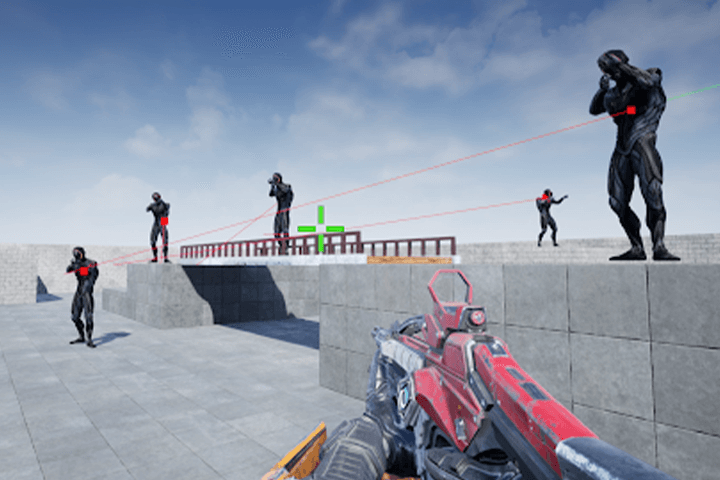 6. Final Test
Instructor
Game Developer
Eugene Rho
Hello, I’m Eugene Rho, a game developer. With experience at leading companies like NCSOFT and NetEase, where I worked on clients, engines, graphics, and various programming tasks, I now develop new projects at Tencent.
I’ve been using Unreal Engine since version 2.0 and had the opportunity to contribute as an external community developer to Unreal Engine 4.26. Through my journey, I’ve noticed many beginners struggle with programming due to its complexity and the sheer volume of information.
My goal in this class is to simplify the learning process and make programming more approachable and enjoyable for you.


Game Programmer
Eugene Rho
[Current]
Netease Games
Engine Team Leader &
Graphics Programmer Expert
Tencent
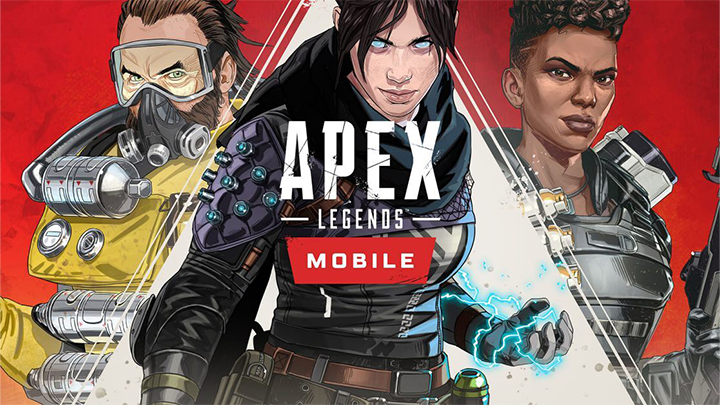
Engine development for Apex Legends Mobile
Engine development for new projects
Perfect World
Graphics Lab’s Director
Led the graphics lab in developing real-time rendering technology, mainly in Unreal Engine 4
NCSOFT
Lead Graphics / Engine Programmer
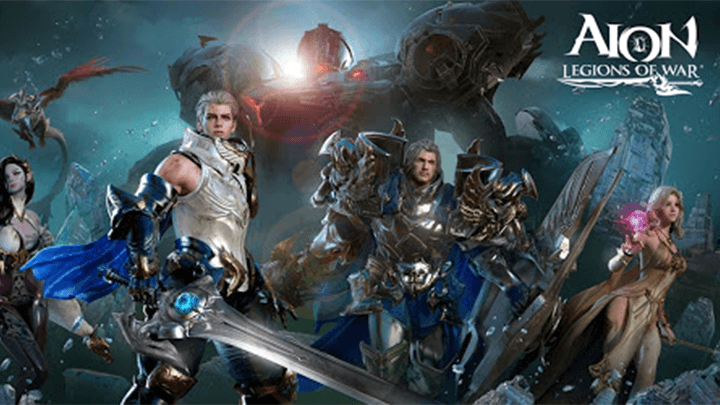
Took part in the development of a new mobile game based on Aion, the company’s major IP
Projects & Awards
[Projects]
NetEase
- Undisclosed FPS project
Tencent
- Apex Legends Mobile
- New FPS project
NCSOFT
- AION Mobile
- LEGIONZ
- Hodoo English
JCE
- Priest Online
Perfect World
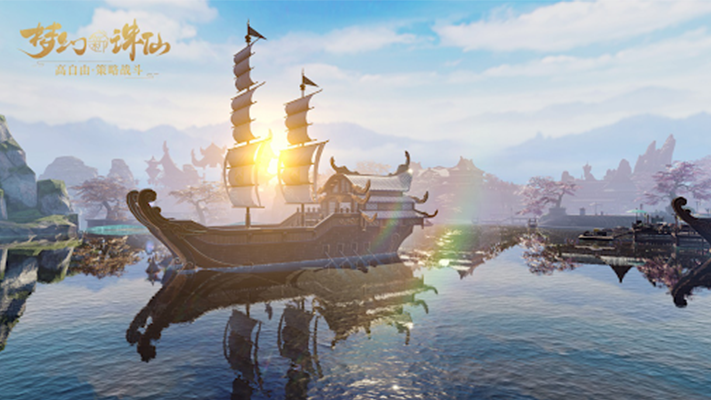
- Zusun Online
Highlights
Class Highlights
Master the Essential Math for Programming Using Only the Basic Arithmetic Operations
With Unreal Engine, you can easily learn the fundamentals like variables, functions, classes, and conditions, as well as math for gaming.
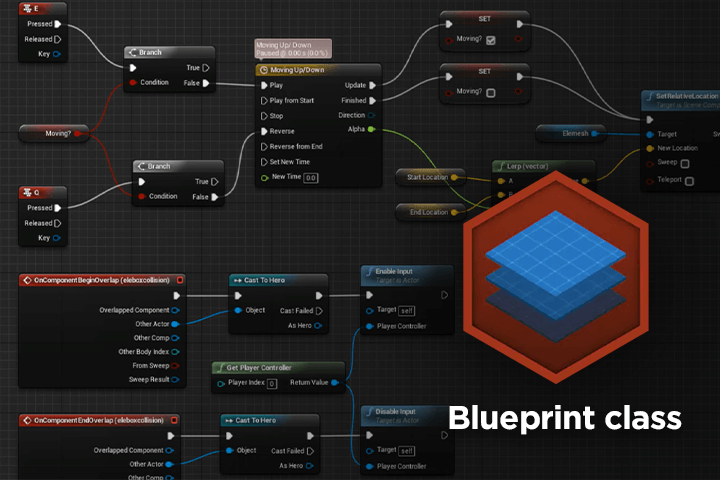
Program with Unreal Engine’s Blueprints Instead of the C++ Language
Discover how programming beginners can use Blueprints to do node-based coding and develop gaming features, in addition to exploring basic programming concepts.
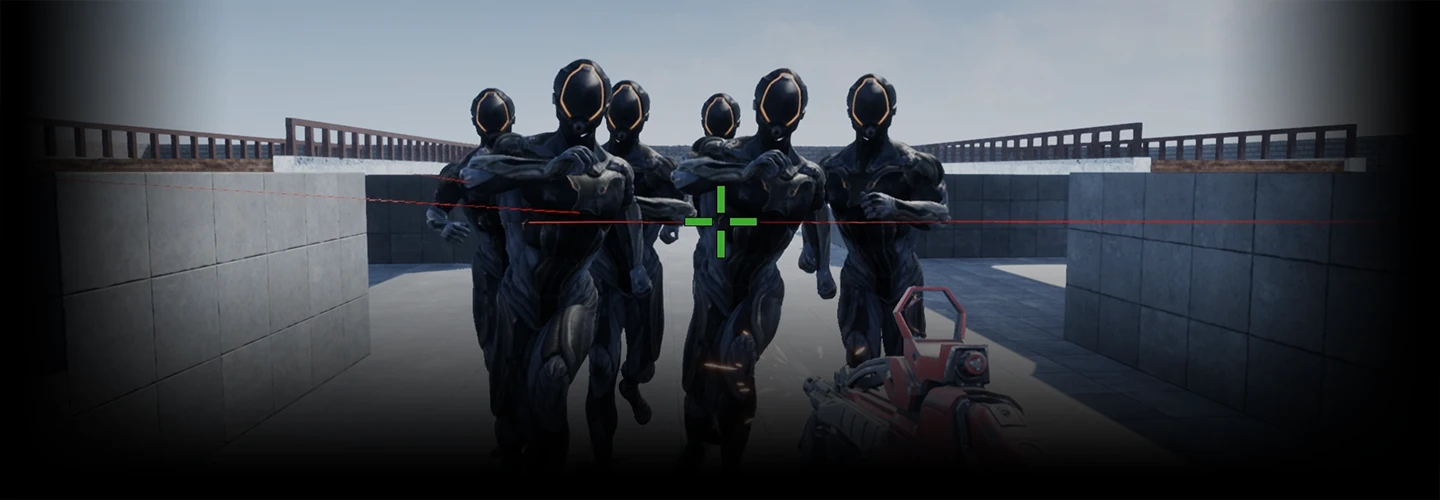
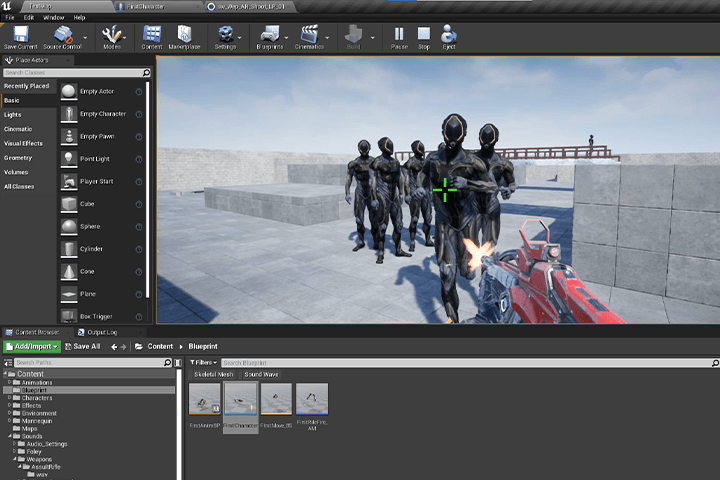
Quick, Easy Ways to Create a FPS Game Using Only the Basic Features
Learn how to create fairytale-style characters with expressive eyes and unique facial features! This class gives you step-by-step guidelines on body proportions, facial angles, drawing fundamentals and real-life applications.
Class Details
You'll Learn
-
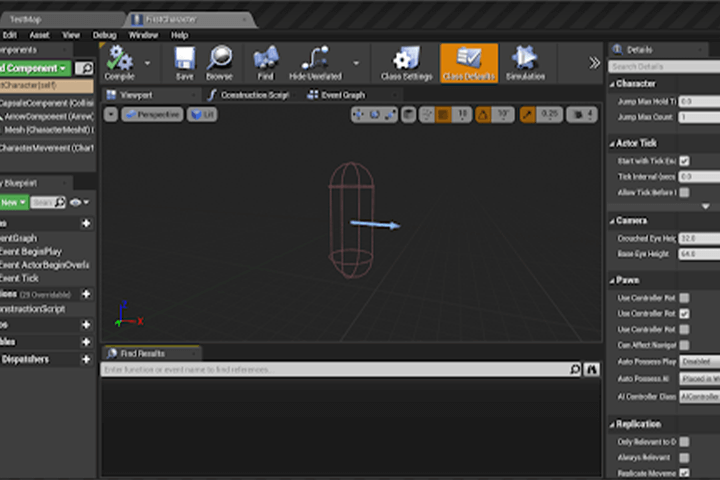 Mastering the Basics of Unreal EditorGrasp Unreal Engine concepts and learn the basic features like UI settings, customization, virtual spaces, and navigation.
 -
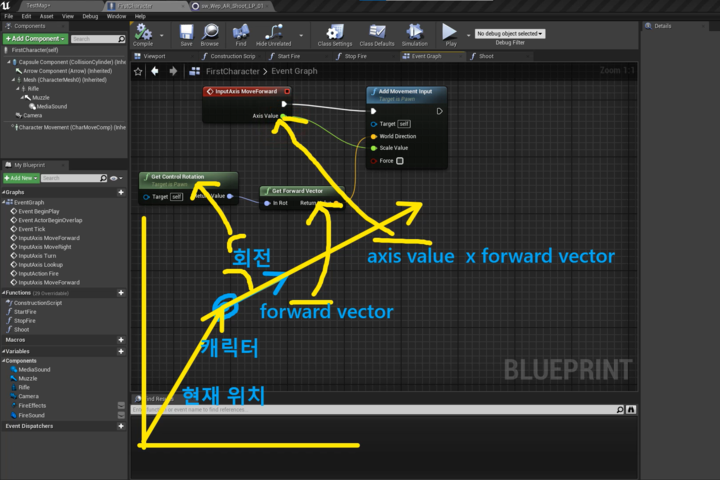 Understanding Math for GamingDiscover how you can use Vectors and Rotators to create gameplay, including character movements, and the mathematics that drive them.
 -
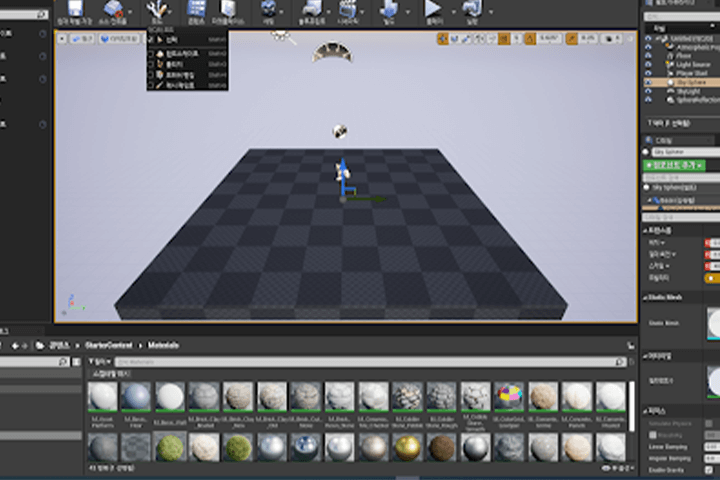 Super Easy Ways to Create BackgroundsArrange objects using basic features like Move, Rotate, and brushes, then apply background and lighting effects to produce a simple yet effective background on your own.
-
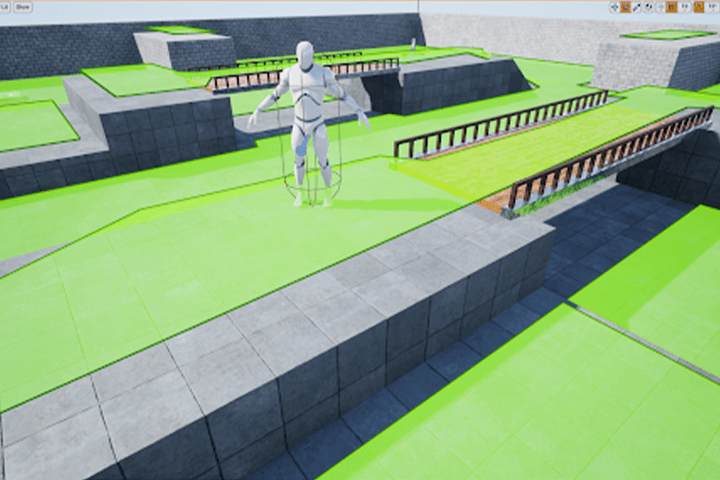 Applying In-game AnimationsDiscover quick and easy ways to move characters and guns with drag and drop using Blueprints instead of coding.
 -
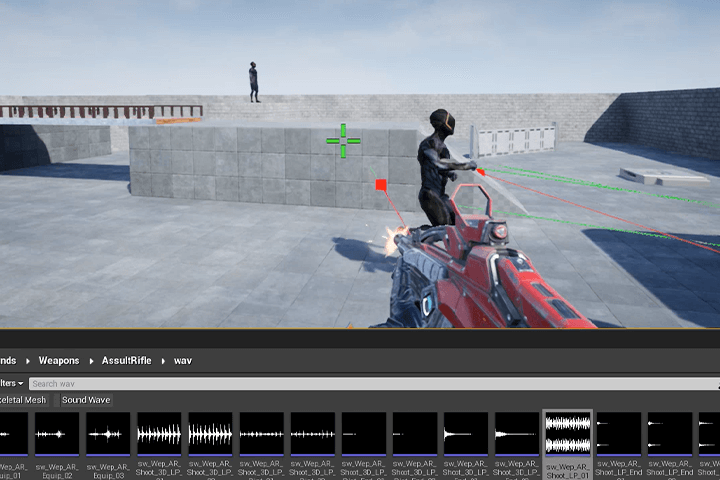 Shooting and EffectsBased on an understanding of math for gaming and theoretical concepts such as variables, functions, and vectors, learn how to make a gun fire bullets along a track and control in-game effects accordingly.
 -
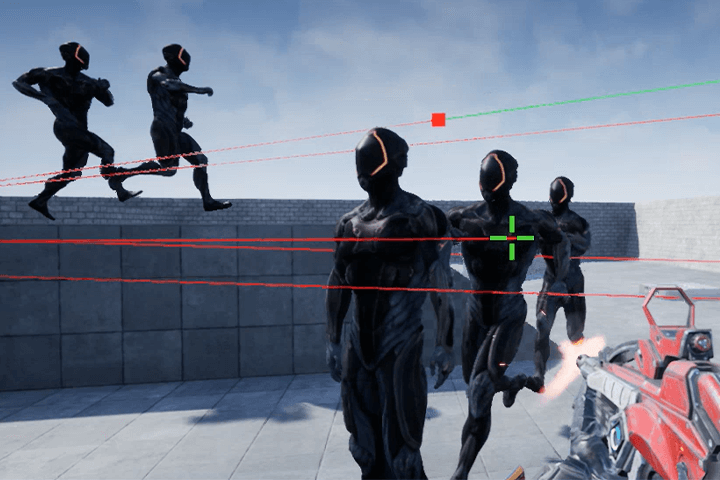 Creating Basic AI EnemiesUsing the AI Controller and Navigation features, create basic-level AI enemy characters that move on their own to attack the set target.
Curriculum
Curriculum
In-Depth Look
SECTION 01. Familiarizing Yourself with Unreal Editor
01. Introducing Unreal Engine and the Class
- Introducing Unreal Engine: The history and purpose of engines, and their role in the industry
- Introducing game programming: The evolution of game programming and its types and roles
- Introducing the class: About the curriculum, final works, and teaching method
02. Installing and Running the Engine
- System requirements: Recommended hardware specifications to run Unreal Engine smoothly
- Installing the engine: Creating an Epic Games account, installing the launcher, understanding versions, checking the HDD space, and installing Unreal Editor
03. Getting to Know Unreal Editor: Unreal Basics - The Unreal Editor Viewports
- A brief look at the demo of Epic Shooter
- Navigating virtual spaces: How to walk around a virtual space
- Setting up the viewports: Understanding the various viewport settings
04. Creating a Project: Unreal Basics - Main UI
- Creating a project: Running the editor, setting up and creating a project, and checking the folder structure
- Understanding the Detail and World Outliner windows
05. Creating a Sky: Unreal Basics - Sky Spheres and Directional Lights
- Creating a Sky: Making a sky and sun using the Sky Blueprint
- Setting up a sun: Using Directional Lights and connecting them to Sky Spheres
06. Creating a Floor: Math Basics - Coordinate Systems/Unreal Basics - Translation Gizmo
- Understanding the concept of a coordinate system
- Creating a floor with Box Brushes
07. Creating Four Walls: Unreal Basics - Brush CSG, Top View
- Creating four walls using Box Brushes Understanding CSG modeling
- Arranging in Top View: Understanding the differences with Perspective View
08. Building a Simple Structure: Unreal Basics - Rotation Gizmo, Snap
- Precise moving: Snapping an object accurately into a position using the Snap tool
09. Building a Bridge: Unreal Basics - Advanced CSG
- Creating a more complicated structure: A detailed guide to CSG
- Creating a triangular slope: Editing a brush’s vertices
10. Lighting: Unreal Basics - Lightmaps
- Restructuring objects: Group and Folder tools
- Lighting for the sun: Understanding Lightmaps
- Lighting for the sky: Understanding Sky Lights
11. Setting up Materials: Unreal Basics - Post Process Volumes and Materials
- Setting up Eye Adaption: Understanding Eye Adaption and Post Process Volumes
- Setting up harmonious lights: Understanding lighting units
- Setting up Materials: Understanding Materials
12. Completing Levels: Math Basics - World Space and Object Space/Unreal Basics - Consoles
- Adding decorative objects: Distinguishing between brushes and Static Mesh
- Resizing: Using the Scale Gizmo
- Understanding spaces: World Space and Object Space
- Hiding screen messages: Understanding Logs and Console Commands
SECTION 02. Creating FPS Characters
13. Getting to Know Blueprints: Unreal Basics - Creating Blueprint Classes
- Computer and programming
- Understanding Blueprint Classes: Create, edit, compile, save
- Gameplay: The start and end of a game
14. Animations for FPS Characters
- Repositioning Meshes
- Understanding and using Animation Blueprints
15. Setting up Cameras for FPS: Unreal Basics - Camera Aspect Ratio, BP Node
- Adding and setting up cameras for characters
- Understanding and solving the problems of Camera Aspect Ratio
- Creating simple character movements
16. Moving Characters: Math Basics - Vectors
- Why games require math: Showing the position and direction of a Vector
- Input Mapping and creating character movements
- Understanding how to compile Blueprints: Create, compile, save
17. Changing a Character’s Direction Math Basics - Direction Vectors and Rotators
- Why games require math: Direction Vectors and rotation
- Understanding Rotators: Showing rotation with Pitch, Yaw, and Roll
- Changing direction: Changing horizontal and vertical direction
18. Adding Weapons to Characters: Unreal Basics - Understanding Slots
- Fixing movement bugs
- Understanding Slots: Setting where to add on a Mesh
- Adding weapons: Adding a weapon to a character’s Slot to be visible in the game
19. Movement Animations for Characters Unreal Basics - Blend Spaces/Programming Basics - Variables
- Understanding Animation Blend Spaces: Structure and controlling parameters
- Math for gaming: Velocity and speed
SECTION 02-1. Unreal Engine 5
20. Upgrading to Unreal Engine 5 Unreal Basics - Upgrading Projects
- How to install Unreal Engine 5
- Upgrading Unreal Engine 4 projects
- Exploring the new UI of the Editor
SECTION 03. Creating Enemy Characters
21. Bot! AI Characters: Unreal Basics - AI Controllers and Navigation
- Building bots: Creating new character Blueprints
- Making automatic movement: Understanding and using the Navigation system
22. Bot! Chaser: Unreal Basics - Navigation
- Controlling Navigation in detail
- Making a character chase you forever: Starting and ending Blueprint nodes
23. Appearance of Alien Characters: Unreal Basics - Importing Assets
- How to use Mixamo
- Importing external assets into Unreal Engine
- Creating an AlienSoldier Character Class
24. Movement Animations for Bots: Unreal Basics - Understanding Root Motion
- Understanding the function and limitations of Root Motion
- Modifying Assets using external tools
- Creating movement animations for bots
SECTION 04. Gun Fire!
25. Solving Character Movement Issues: Unreal Basics - Blend Parameter and Blocking Volumes
- Identifying movement issues in the created character
- Understanding the limitations of Blend Spaces and controlling Blend Parameter in detail
- Restricting character movement
26. Firing Animations: Unreal Basics - Animation Montages
- Understanding the problems of the Play Animation feature
- Understanding the concept of Possession: Dominating characters using Controllers
- Understanding Animation Montages: Creating and controlling firing animations
27. Displaying and Controlling Firing Effects: Programming Basics - Variables and Their Types
- Effect Emitters: Adding firing effects to guns
- Turning off effects: Understanding variables and their types
28. Creating Firing Sounds and Camera Movements: Programming Basics - Functions; Unreal Basics - Sound Systems
- Distinguishing between complicated codes: Understanding programming functions
- Creating shooting sounds: Understanding sound systems
- Creating realistic movements with Camera Shakes
29. Games & UI: Unreal Basics - The Game Mode and Widgets
- Game Mode and characters
- Creating a crosshair UI: Adding a crosshair image to the center of the screen
30. Examining the Shooting Line: Unreal Basics - Line Traces; Math Basics - Sum of Vectors
- Creating the logic for shooting
- Creating a straight trace for bullets and collision
31. Hitting a Bot: Unreal Basics - Set Timer and Collision Channels
- Creating the auto-fire feature: Understanding Set Timer
- Creating a bot getting shot: Understanding Collision Channels
SECTION 05. Outro
32. Finishing Up - Unreal Basics: Asset Reference
- Understanding Asset References
- Exploring the finished game
- Class summary
- What you’ll learn in the next part
*Eugene Rho’s game programming class consists of two parts, with this class being Part 1.
*The release date of this class, curriculum images, and associated content can be changed without prior notice.
** Class videos may be separated for a more streamlined viewing experience
Interview with
Eugene Rho

Question.01
What are your strengths
as a game programmer?
I have been using Unreal Engine since the 2.0 version and built a career in game programming, engines, and graphics by working at various Korean and overseas companies. This class is more than just a tutorial or guide. Drawing upon my real-world experience, I filled this class with basic game programming skills that can also be applied in practice.
Question.02
What kind of skill do you think
is required to use Unreal Engine?
Unreal Engine offers powerful features not just for creating art but also for programming. Despite that, many of the professionals who have used it for a long time—and not to mention beginners—only know very few of its programming features. To create playable software, I highly recommend learning the programming tools offered by Unreal Engine. Plus, it will be a perfect start for those who are new to programming.
Question.03
What are the key points
of this class?
This class explores the A to Z of creating gaming features as well as the basic knowledge required to do so. For learners who love game design, it will be an opportunity to learn the core programming knowledge in fun ways and gain the ability to solve more difficult problems on their own as they work.
Question.04
Who do you recommend
this class to?
This class allows even complete beginners to develop gaming programming skills using Unreal Engine with easy-to-understand and engaging explanations. You will be able to understand why programmers learn such concepts and what kind of problems they face, taking your very first step to becoming a full-fledged game programmer.
Required Programs
This course will use the publishing license version of Unreal Engine.
Please purchase and install these program(s) for an optimized class experience.
* Recommended specifications for running Unreal Engine: Link
**Download link
*These programs and/or materials will not be provided with the course.