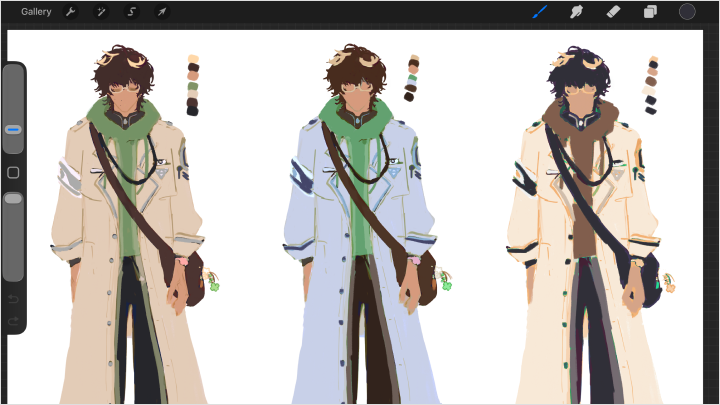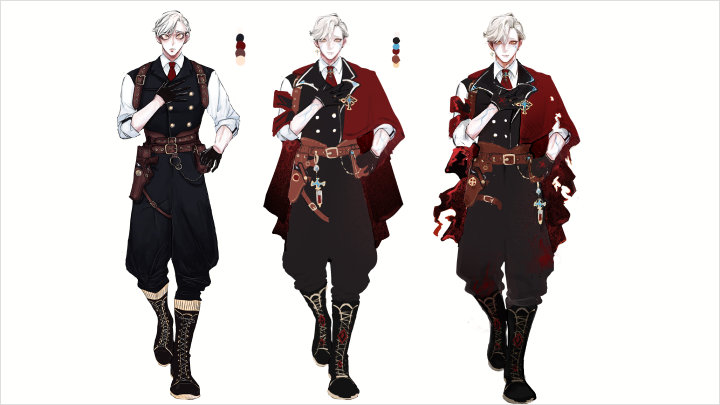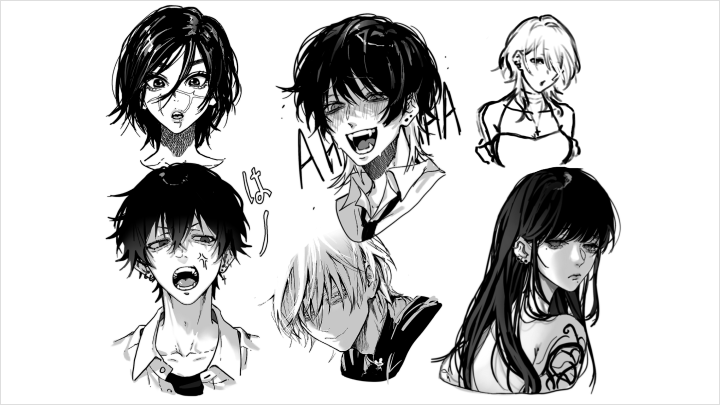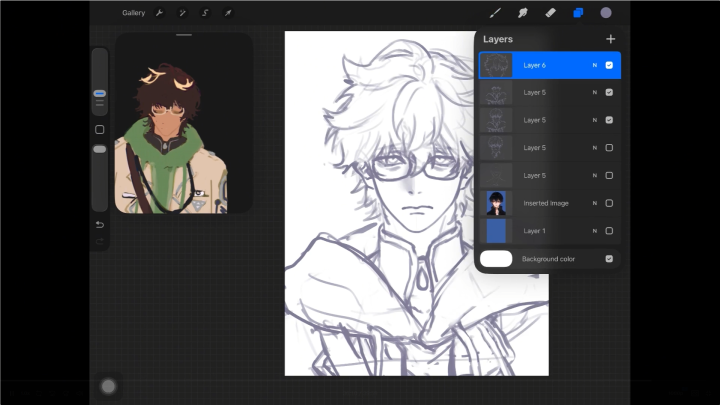
digitalillustrator,shibaruirui Details
Intro
Class Intro
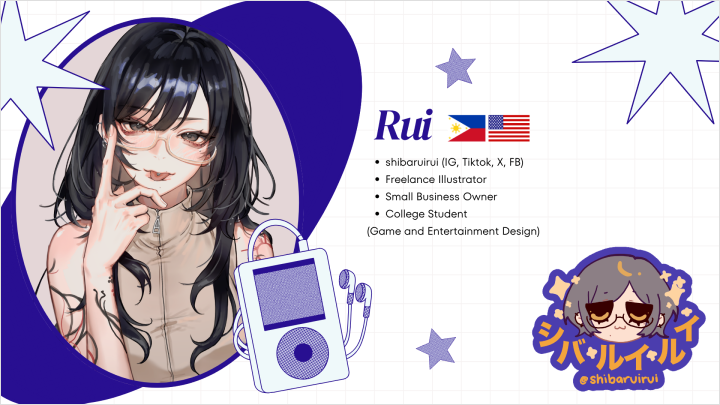
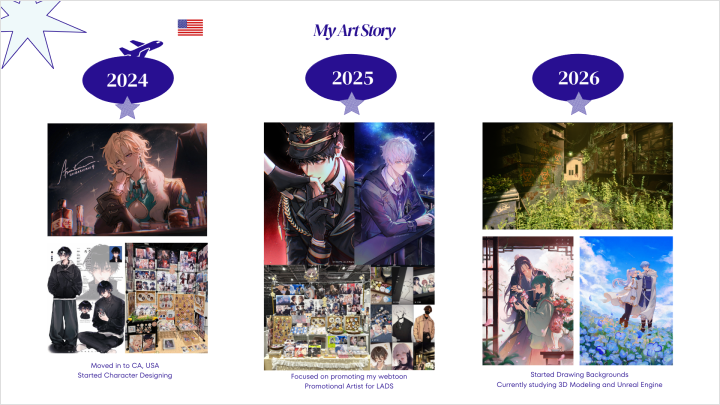
Illustrator, shibaruirui
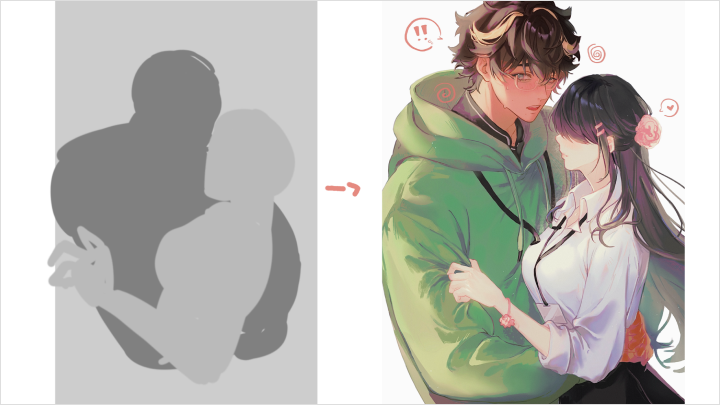
"We'll design multi-character compositions with visual harmony & balanced body language to express natural interactions & relationships!"
Bring Characters to Life Fans Can’t Forget!
Unlock the secrets of character creation and bring your imagination to life with every stroke. Transform your ideas into designs that captivate and inspire.

Join Shibaruirui as she guides you through the entire character creation process from the ground up!
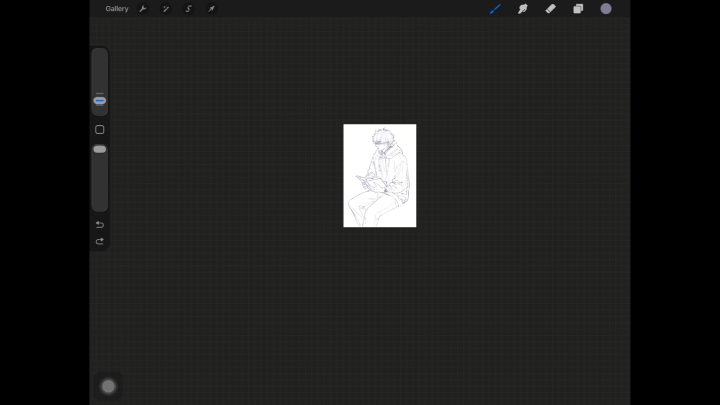
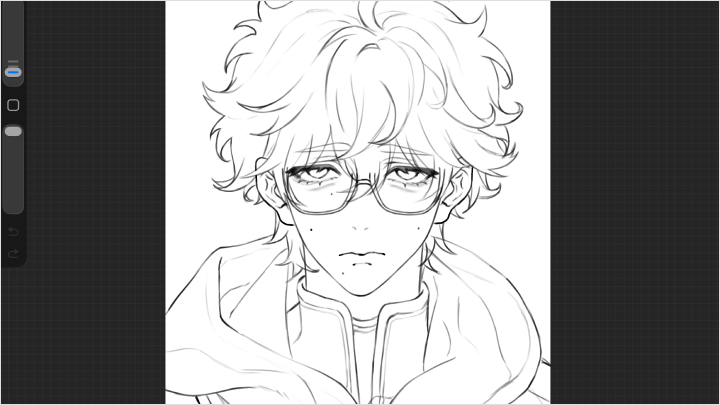
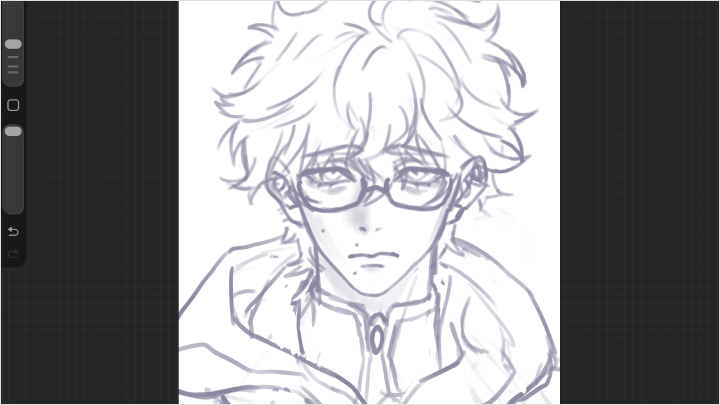
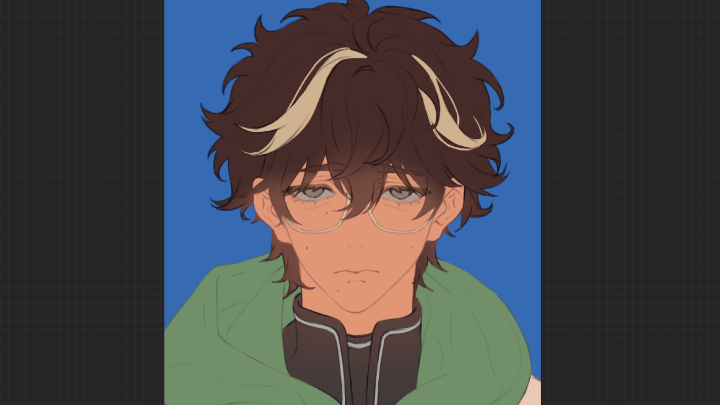
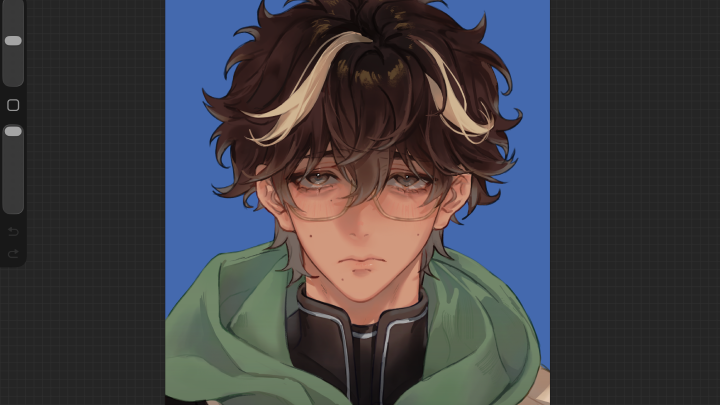
Start with foundational sketching techniques and gradually advance to professional rendering, learning how to craft characters that are visually compelling and emotionally engaging.
In addition, this course emphasizes the three V’s that shape every memorable character: Vision and Narrative Research, Visual Research, and Visual Development, giving you a structured approach to bring your ideas to reality.
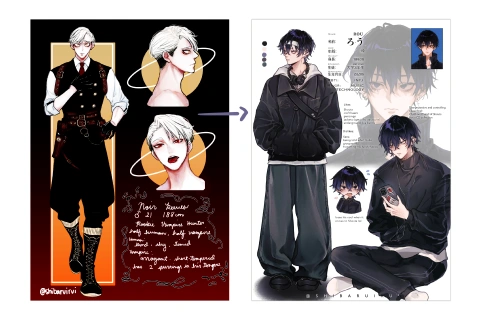
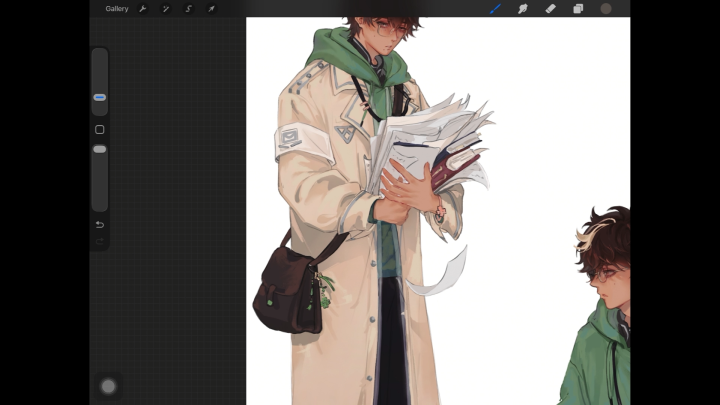
You'll also gain hands-on experience designing professional character sheets and composing dynamic illustrations that showcase characters interacting in immersive scenes. Through storytelling techniques and careful visual planning, you’ll learn to make your characters not just appealing but unforgettable, building a fanbase that connects with your work on a deeper level.
By the end, you’ll possess the skills to create original, professional-quality characters that reflect your personal style and resonate with audiences worldwide.
Start with foundational sketching techniques and gradually advance to professional rendering, learning how to craft characters that are visually compelling and emotionally engaging.
In addition, this course emphasizes the three V’s that shape every memorable character: Vision and Narrative Research, Visual Research, and Visual Development, giving you a structured approach to bring your ideas to reality.
You'll also gain hands-on experience designing professional character sheets and composing dynamic illustrations that showcase characters interacting in immersive scenes. Through storytelling techniques and careful visual planning, you’ll learn to make your characters not just appealing but unforgettable, building a fanbase that connects with your work on a deeper level.
By the end, you’ll possess the skills to create original, professional-quality characters that reflect your personal style and resonate with audiences worldwide.
Class Preview
Still Not Sure?
Check Out shibaruirui's Class Preview!
Chapter 08. What Makes A Character Interesting? Part 1
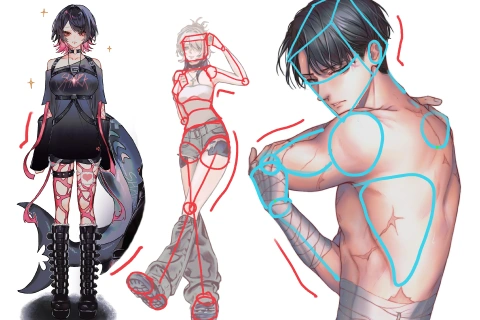
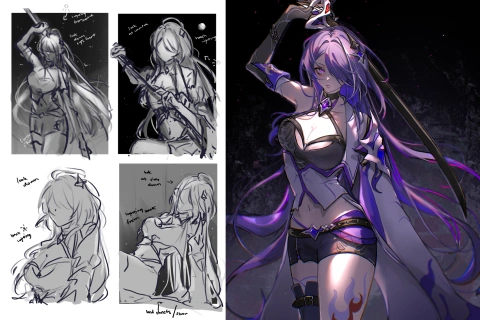
1. Playing with body types, proportions, and scale
2. Generating multiple design options quickly
3. Going from big shapes to small, significant details
2. Generating multiple design options quickly
3. Going from big shapes to small, significant details
Class Perks
Special Gift from shibaruirui
-
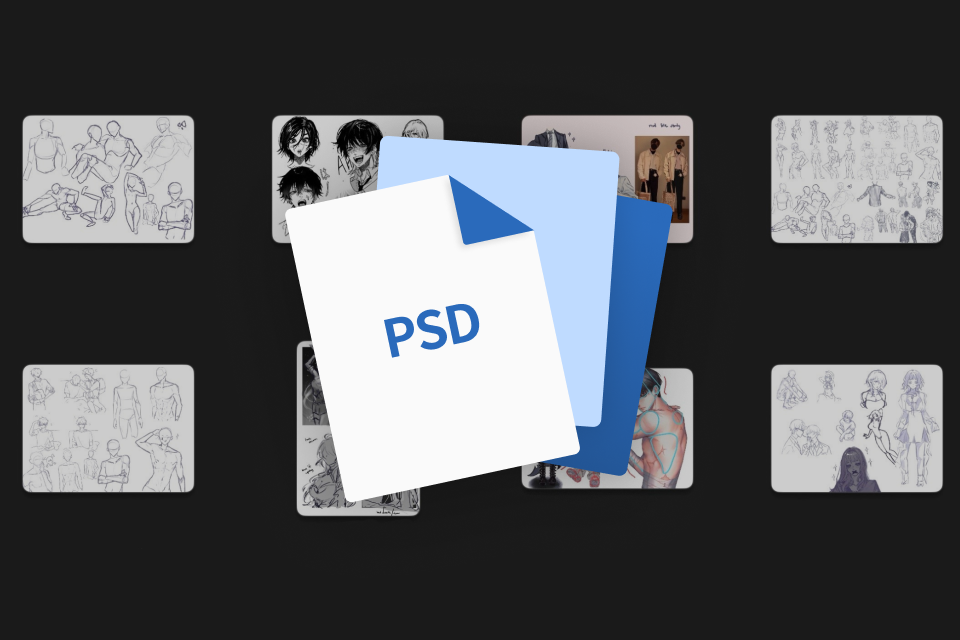 Working Files- Key illustration RAW PSD files with preserved layers for structure and rendering analysis
 -
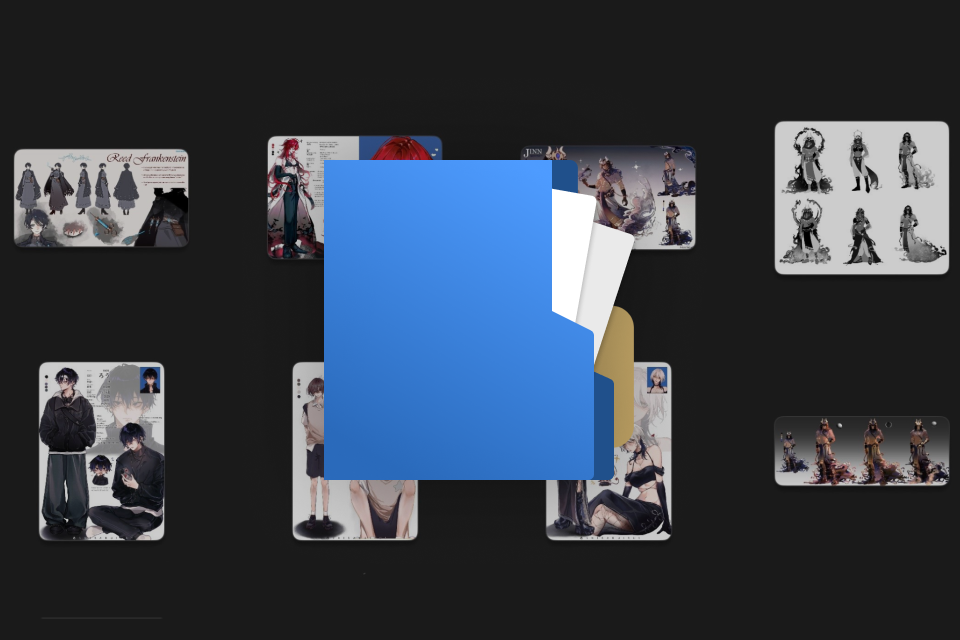 Templates- A character sheet template, guided practice sketches, and a body sketch preset for streamlined work
 -
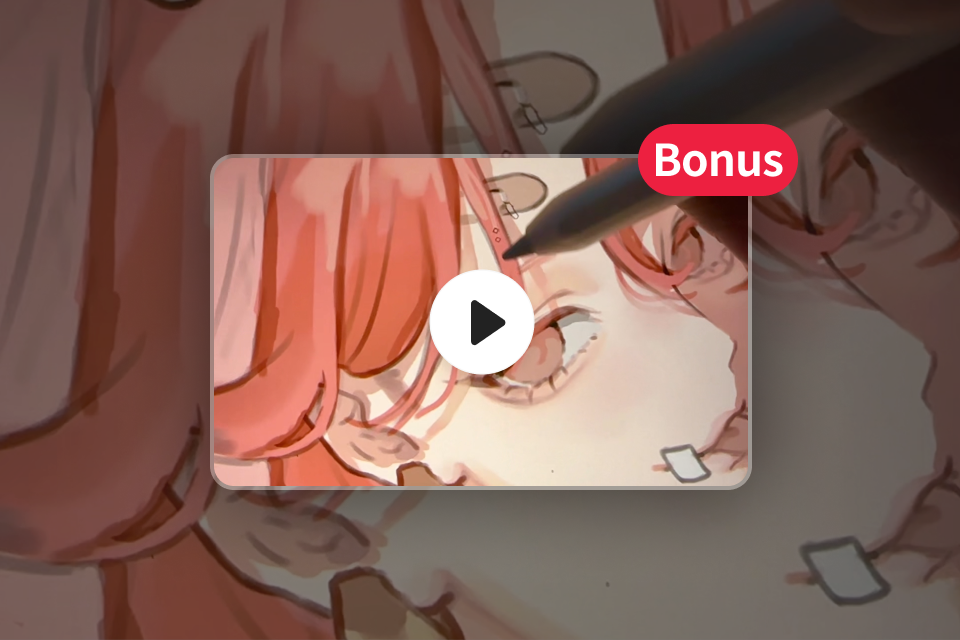 Bonus Clips- Full illustration time-lapses, two additional chapters, and homework exercises
 -
 Brushes- Instructor's personal set of brushes
Recommendation
Who should take this class?
Aspiring Artists
From anatomy and color theory to fully rendered, polished pieces, learn to develop strong character design fundamentals.
Creators Seeking Direction
Develop your personal style while gaining practical tools to bring greater intention and depth to your work.
Struggling Illustrators
Layout and composition can be challenging. Build the ability to depict multiple characters with clarity, cohesion, and flow.
Expert Illustrator shibaruirui's Portfolio
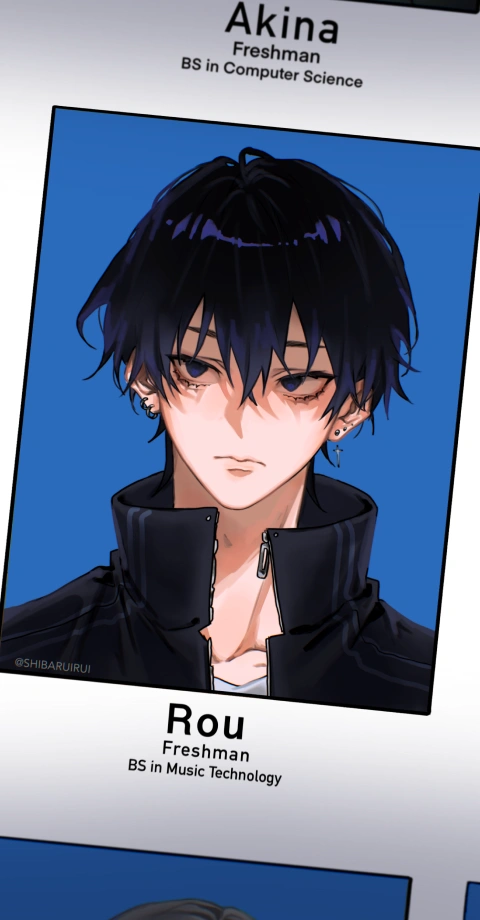
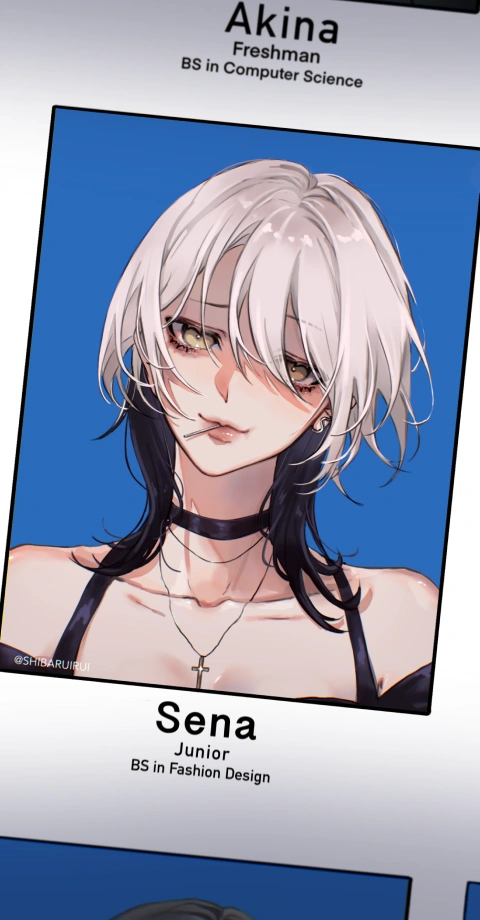
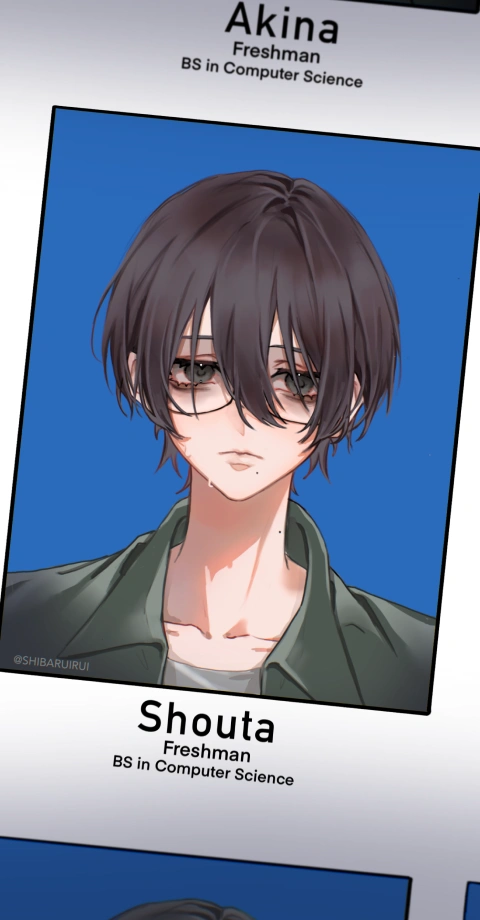
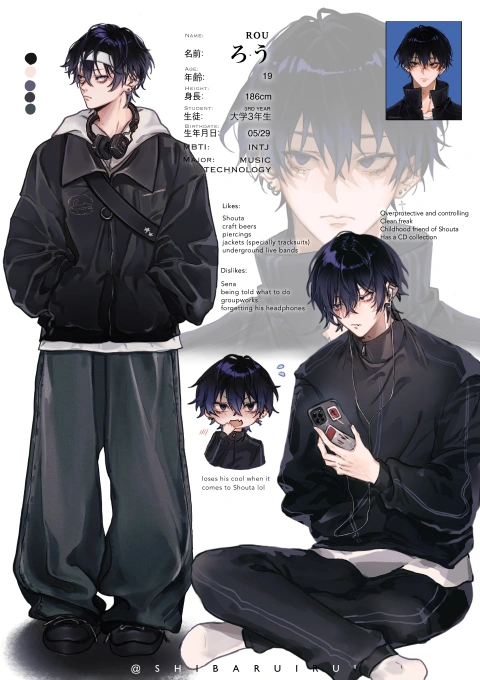
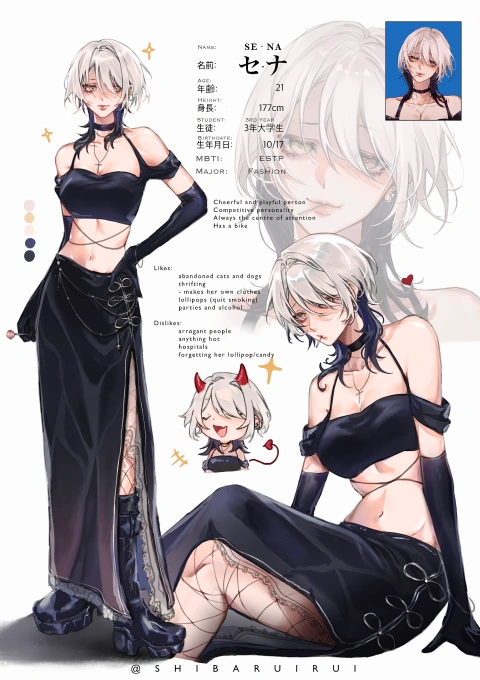
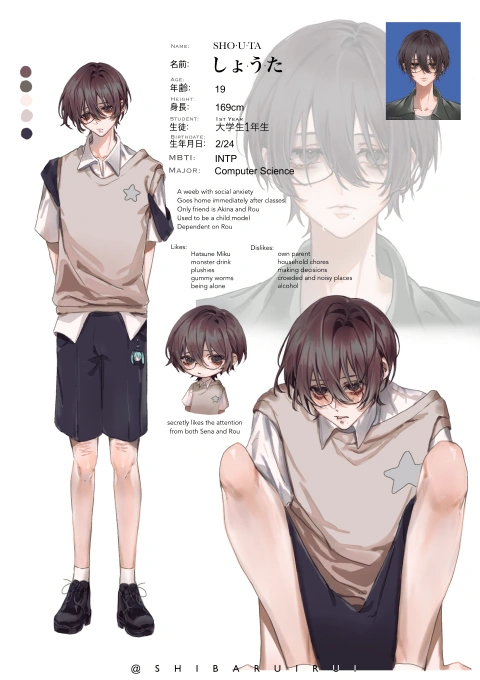
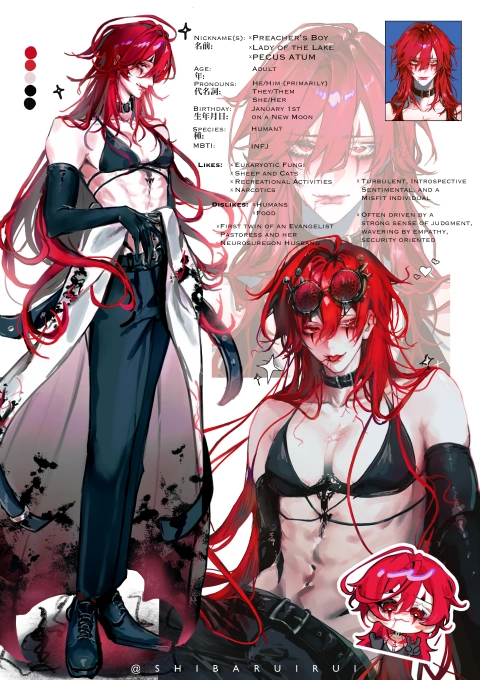

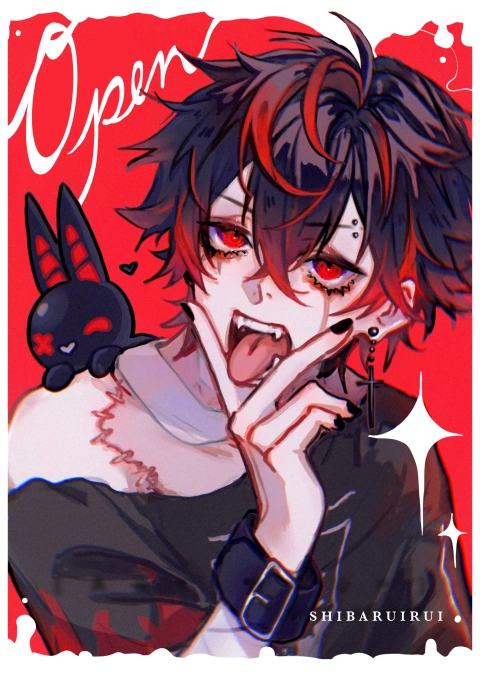
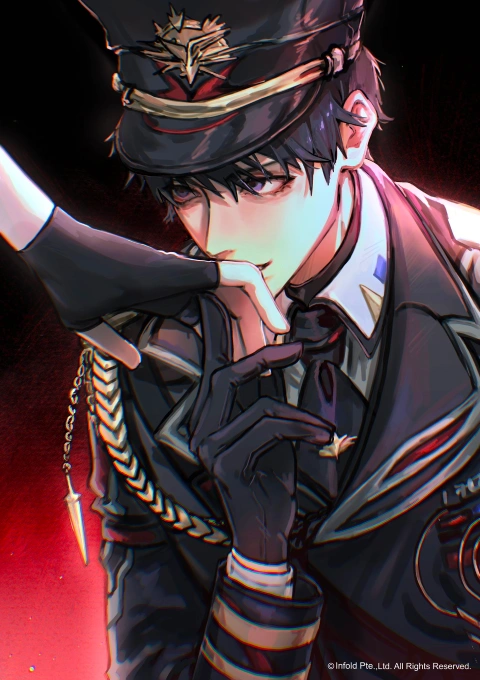



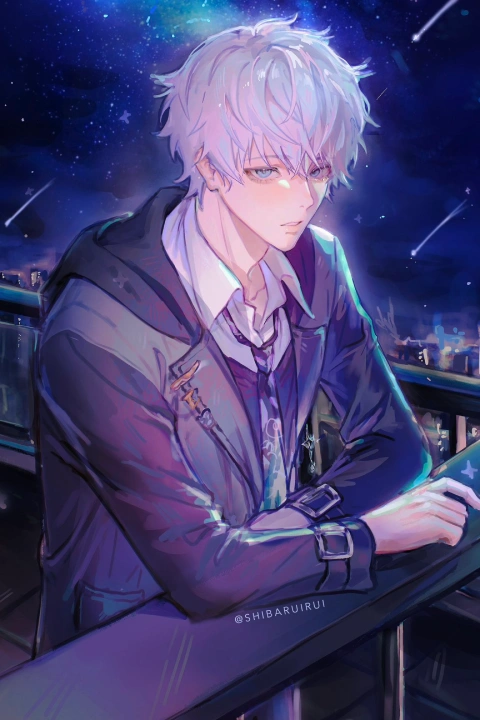


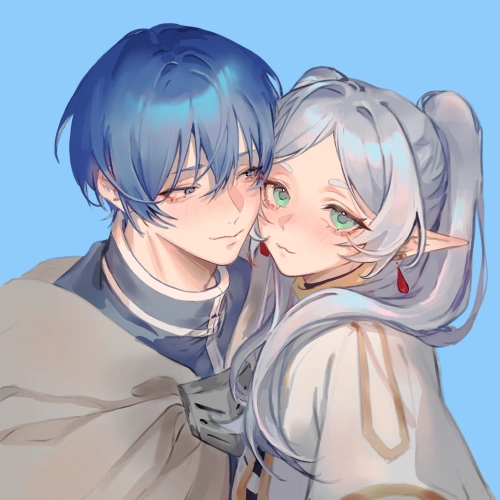

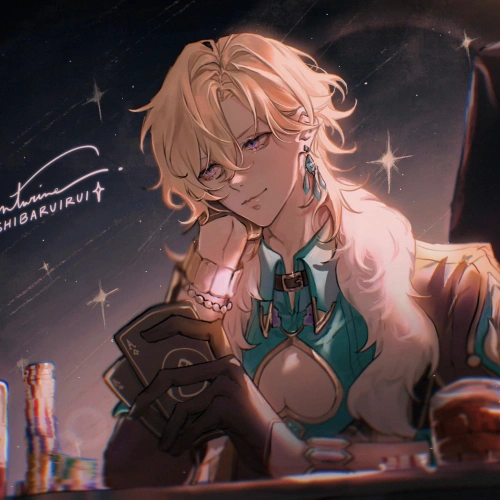
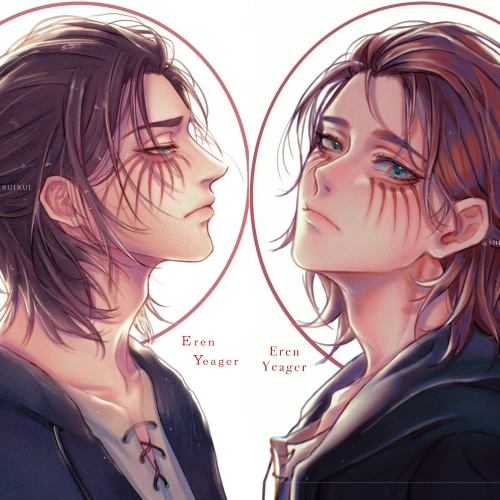

* This Portfolio includes fanart and client works.
Why Take This Class?
Impress, Resonate, and Engage Your Audience
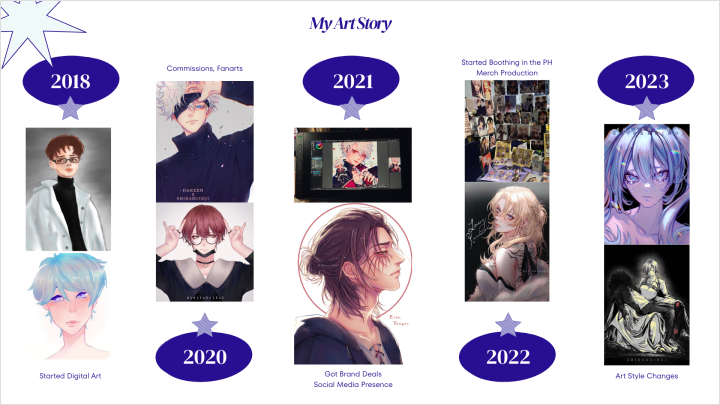
Ever wondered why some characters stick with you while others fade away? In this course, shibaruirui, an artist who transformed her passion for fandom into a thriving career, shares her approach to creating characters that leave a lasting impression. Through her proven “Three V’s” method—Vision and Narrative Research, Visual Research, and Visual Development—you’ll learn how to build characters with personality, depth, and story to truly resonate with the audience.
But this isn’t just theory. You’ll master professional techniques from sketching to rendering, including character sheets and dynamic illustrations that portray characters interacting in realistic yet compelling ways. This course also covers how to use lighting, refinement, and composition to elevate your work and captivate your audience. By the end, you’ll have the skills to create original characters that not only stand out but also help you build a recognizable brand with a strong, engaged fanbase.

Get Ready for the Real-World
11 Class Exercises
-
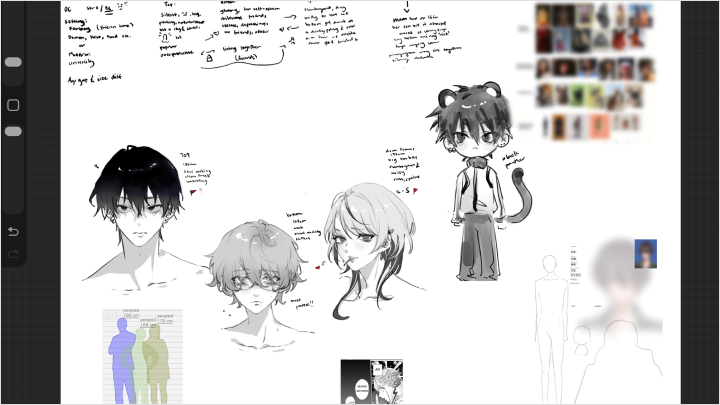
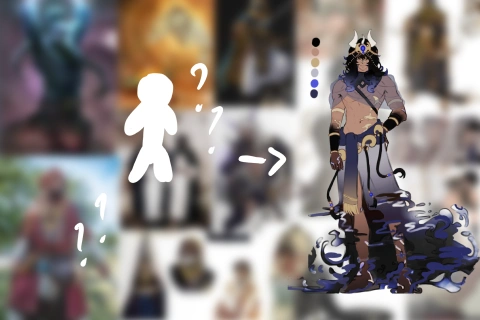 Character Biography Form
 -
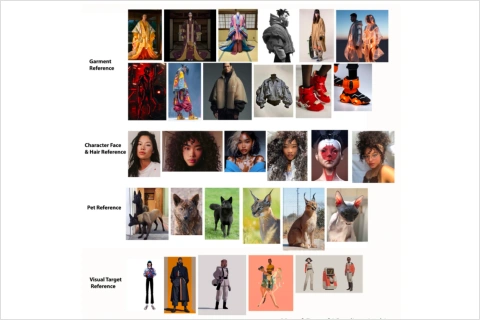 Moodboard and Template
 -
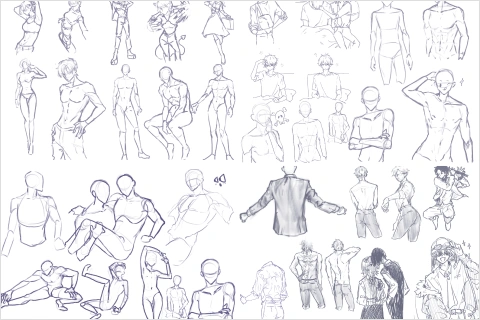 Timed Figure Drawings
 -
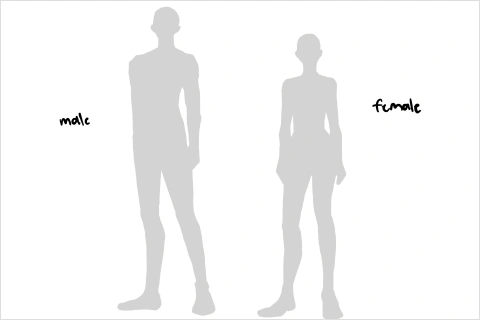 Body Presets
-
Line Art for Existing Sketches
-
Skin Rendering
-
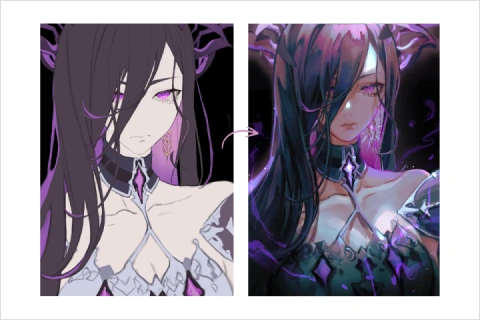 Hair Rendering
 -
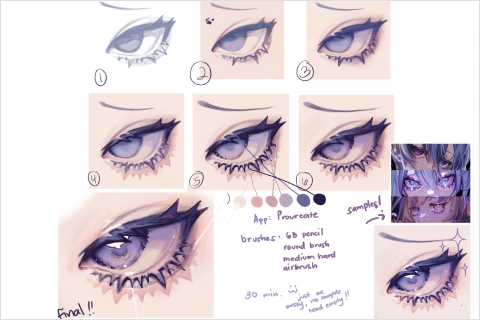 Analyzing Eyes
-
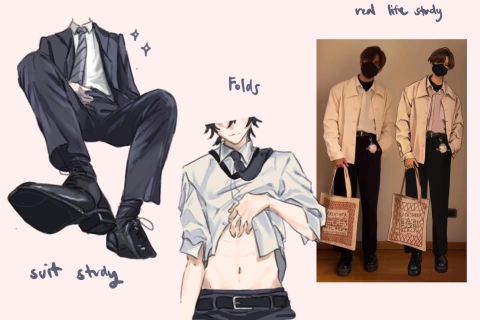 Fabric Folds and Textures
 -
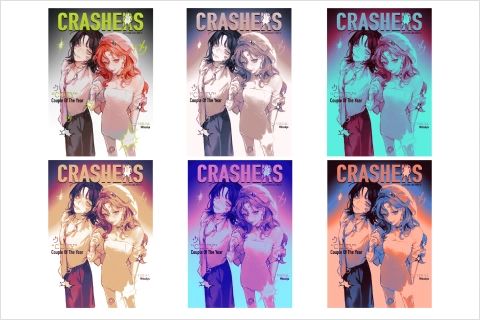 Gradient Maps
 -
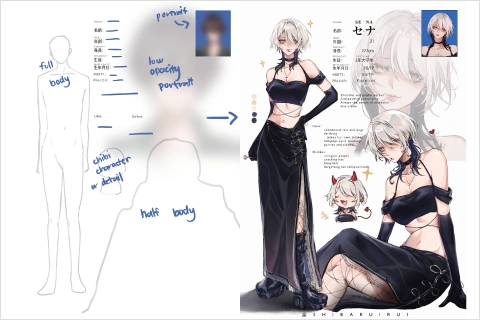 Character Sheet for Personal Work
Final Products
-
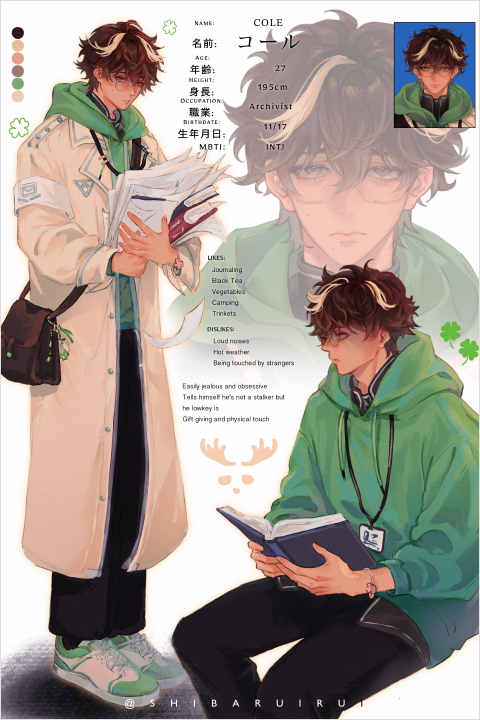 Complete Character Sheet
 -
 Characters Illustration
 -
Studies
Highlights
Class Highlights
Refining Your Character Design
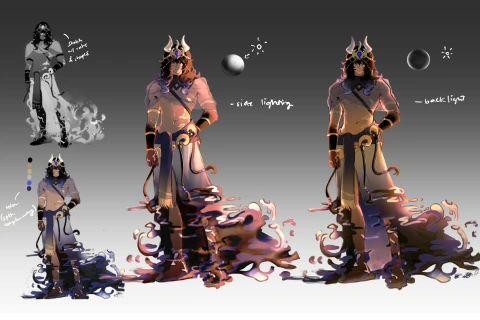
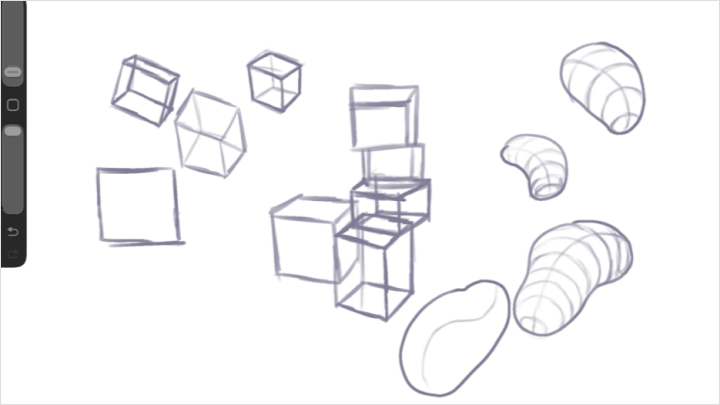
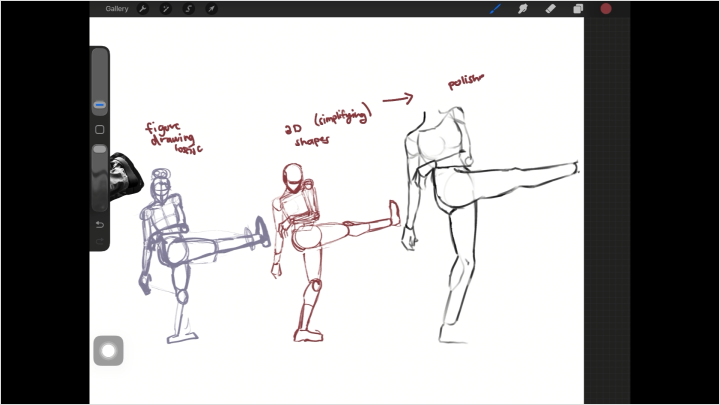
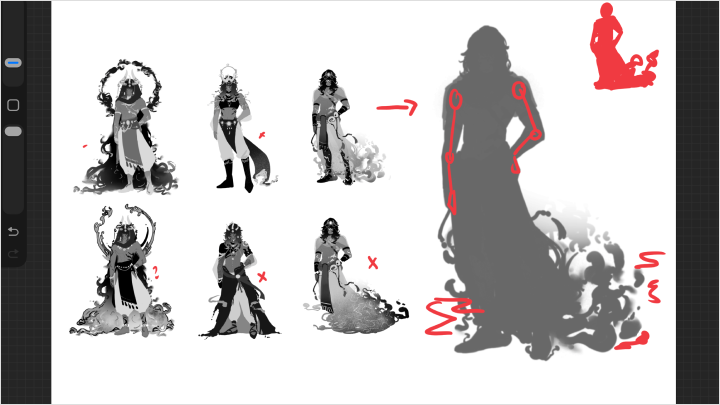
Learn how to research with purpose, then refine your concepts through thumbnailing, silhouette exploration, and anatomical study-building characters that feel solid from every perspective. Produce a clean, informative character sheet featuring turnarounds and expression variations.
Master Fundamentals for Portfolio-Ready Work
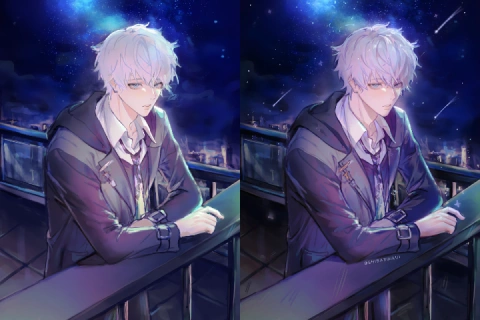
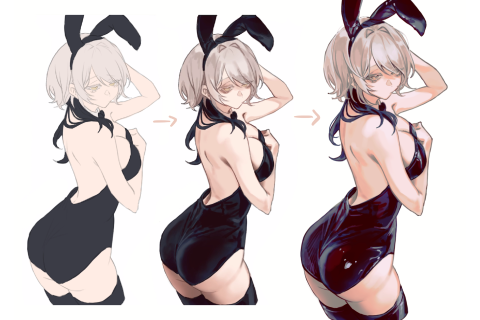
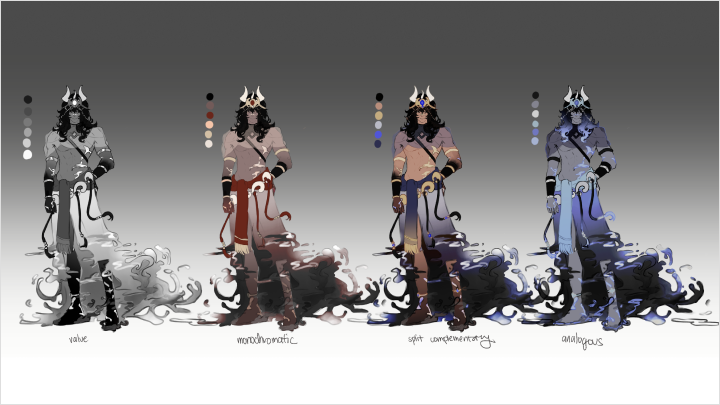
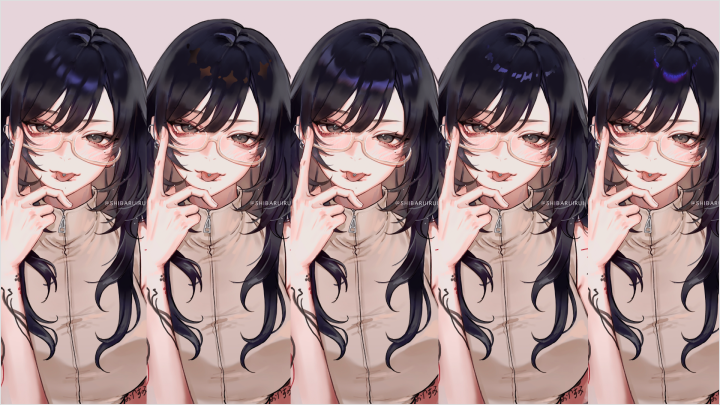
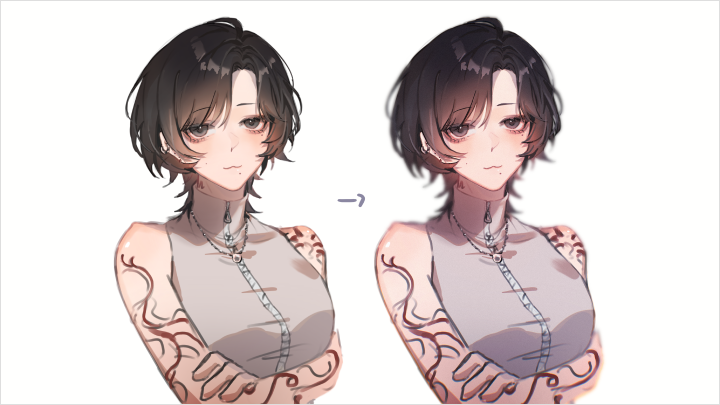
Study how line weight adds dimensionality, how color theory communicates personality, and how intentional shadows and lighting make characters feel three-dimensional. Acquire professional-level finishing skills for a "portfolio-ready" polish.
Create Cohesive Multi-Character Illustrations
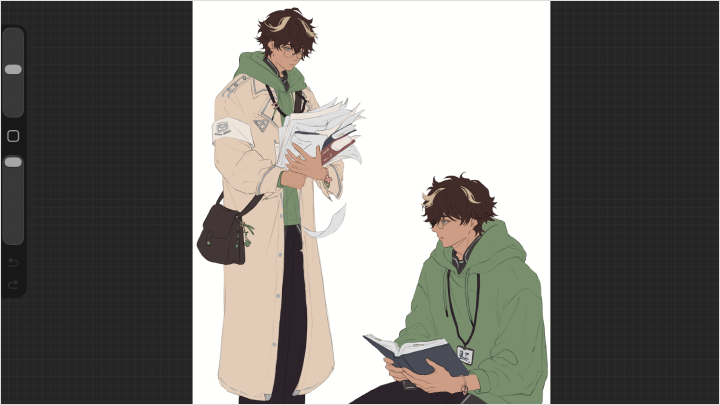
Build composing scenes with multiple characters who interact naturally and share visual harmony. Learn to balance complex compositions, leverage gesture, and body language to convey relationships without a single line of dialogue.