3DArtist,InjaeChoi_3D 아티스트 최인재 Details
Class introduction
introduction video
3D artist, Injae Choi
“I have put the practical know-how I have accumulated while working in the 3D industry for over 10 years into this one lecture.”
Real-life interior modeling process learned with the free tool Blender
Do you want to create high-quality photorealistic models, such as buildings or interiors, but are having trouble with the editing and rendering time taking a long time and being difficult?
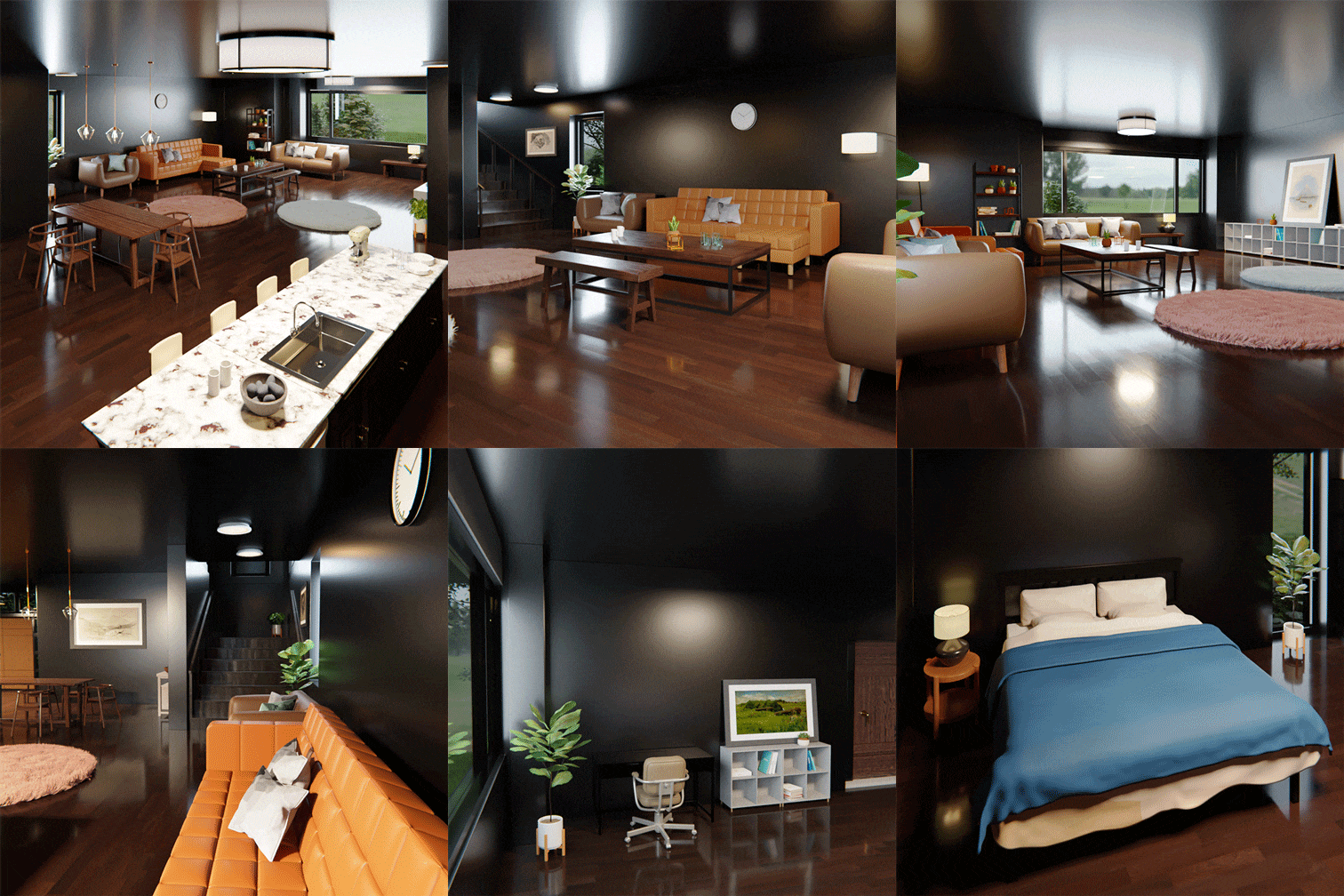
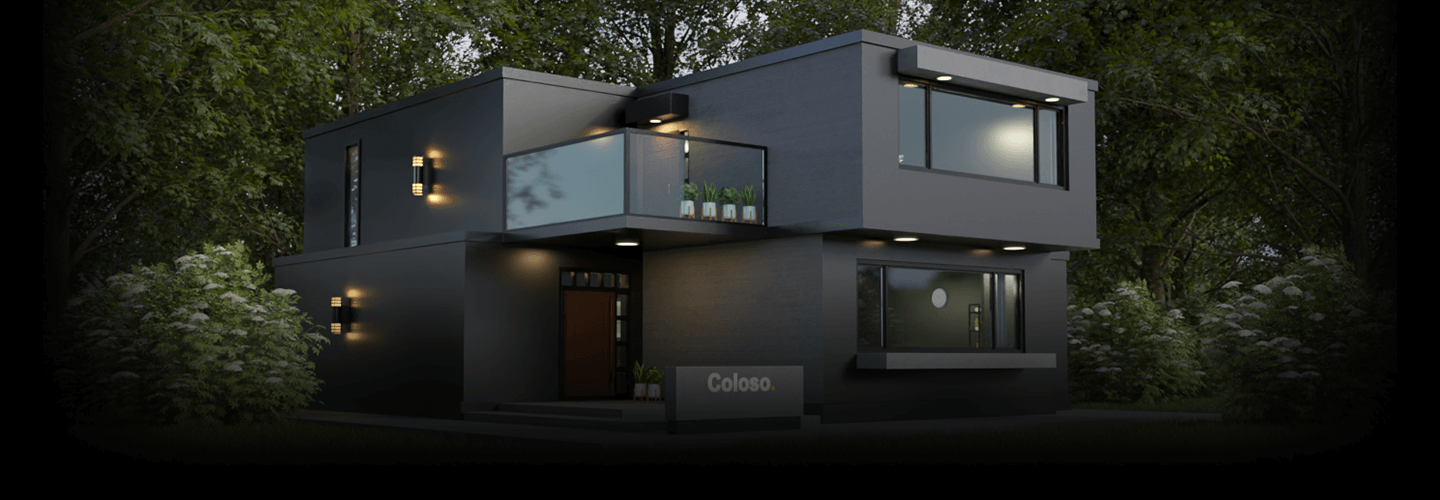
Start by making simple home accessories, learn basic interface and modeling techniques, and learn from interior modeling of complex structures such as living rooms, bedrooms, and bathrooms to texturing and lighting to complete the final exterior building.
You can learn how to work on large-scale works easily and efficiently from Injae Choi, a 3D industry practitioner with 10 years of experience and offline training, and create various real-life examples.
You can learn how to work on large-scale works easily and efficiently from Injae Choi, a 3D industry practitioner with 10 years of experience and offline training, and create various real-life examples.
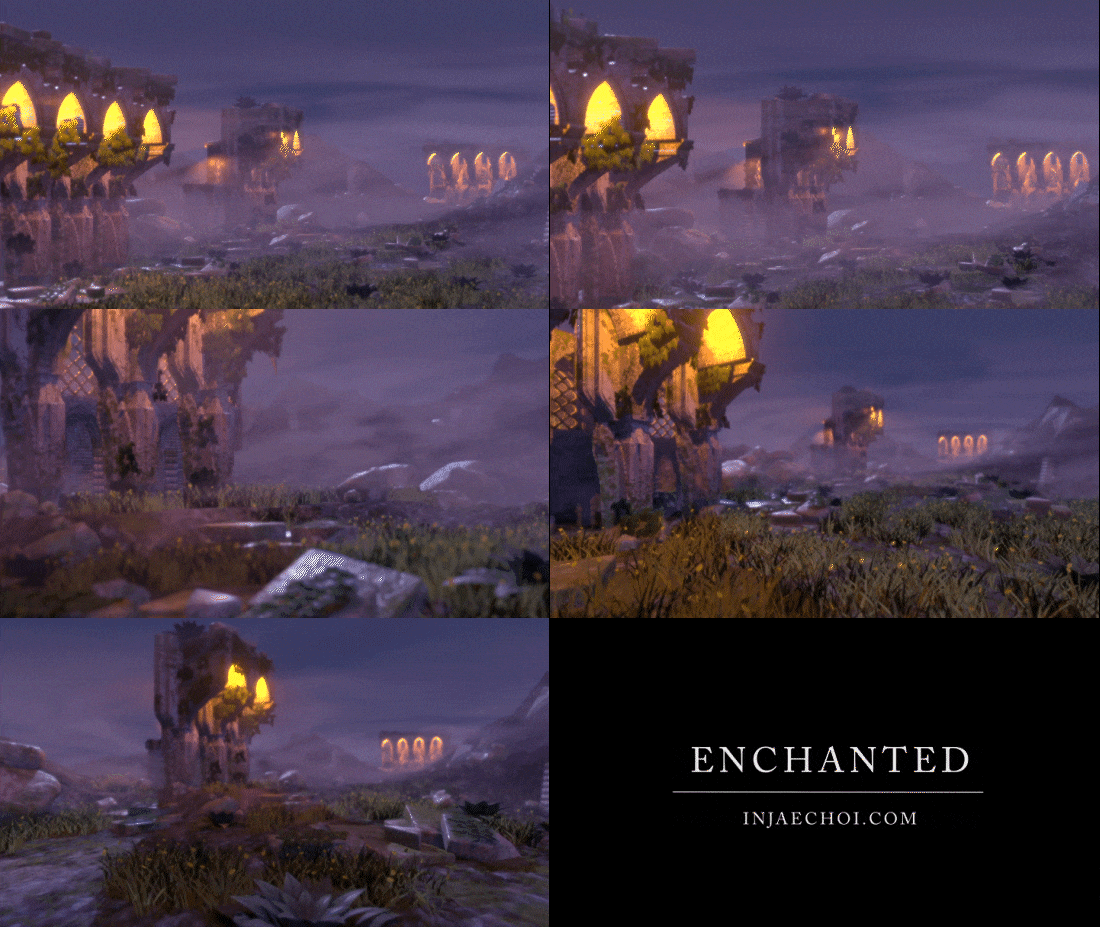
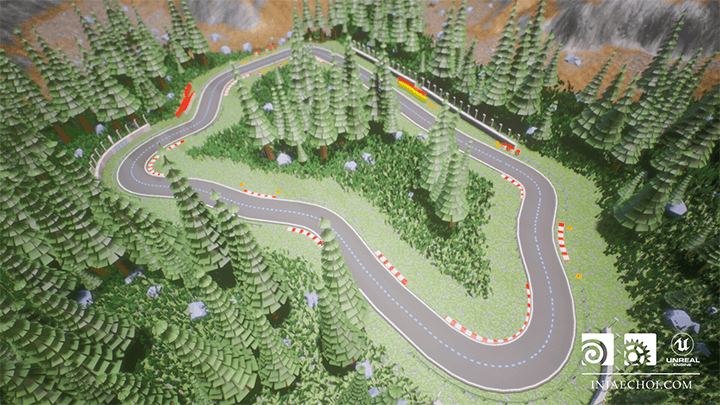
Portfolio of Injae Choi, a 3D artist with 10 years of experience in the 3D industry.
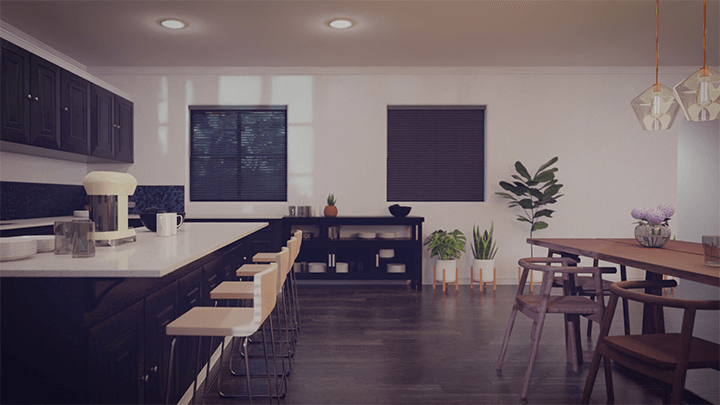
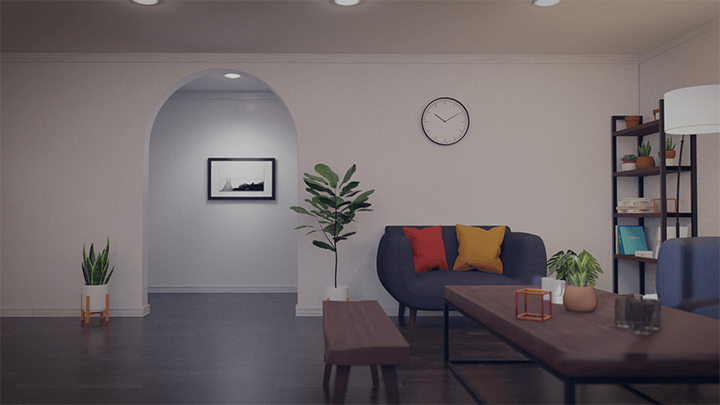
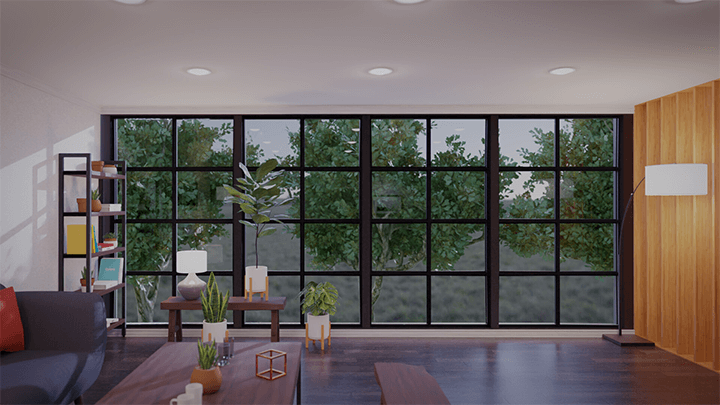
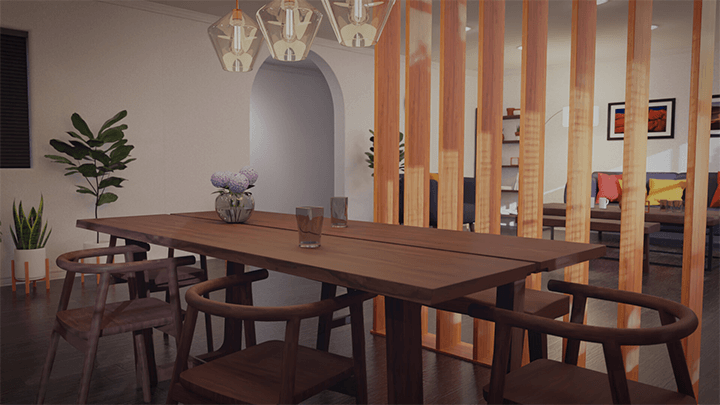
Why Take This Class?
1. 'Cycles' rendering engine Basic rendering engine optimized for creating images close to photorealism.
2. 'EEVEE' rendering engine A real-time renderer similar to a game engine that is fast and easy to modify.
In this class, you will learn not only modeling, but also the pros and cons of Blender's two built-in rendering engines, 'Cycles' and 'EEVEE', and learn the know-how of a practitioner to render efficiently according to the situation. You will also learn how to use 'Cycles' to obtain high-quality results. You can finally learn the engine and extract the finished product.

In this class, you will complete photo-realistic works of various sizes through step-by-step learning.
-
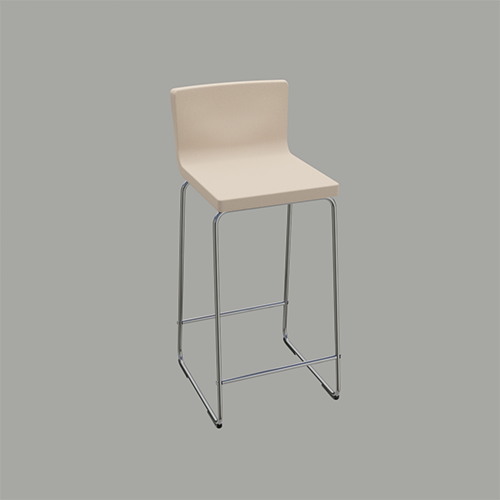 chair
chair -
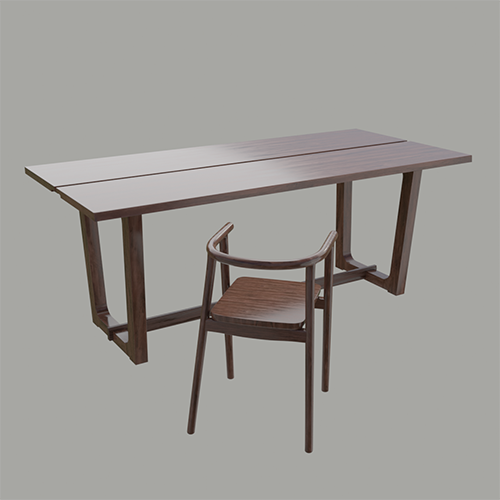 dining table and chairs
 -
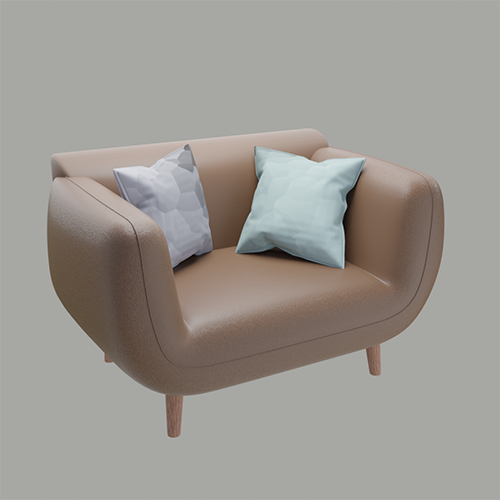 Sofa
Sofa -
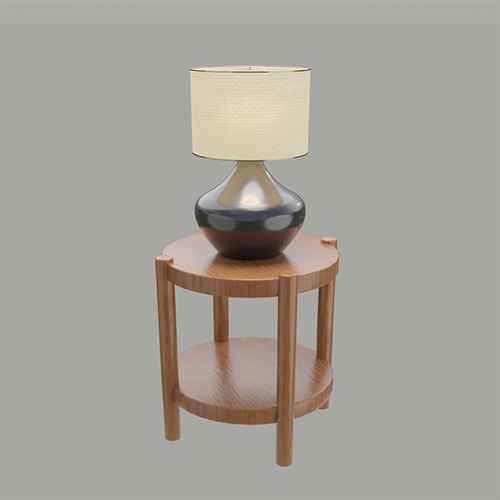 light
light -
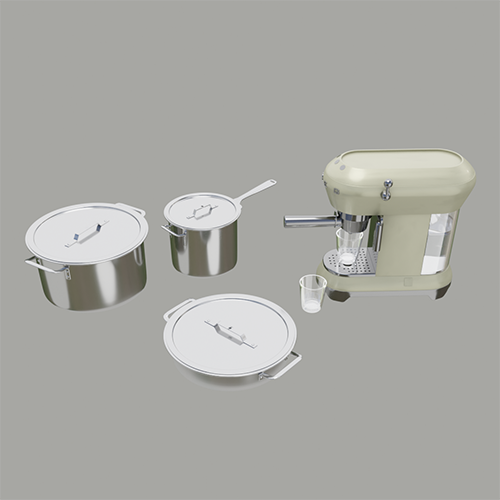 kitchen tools
 -
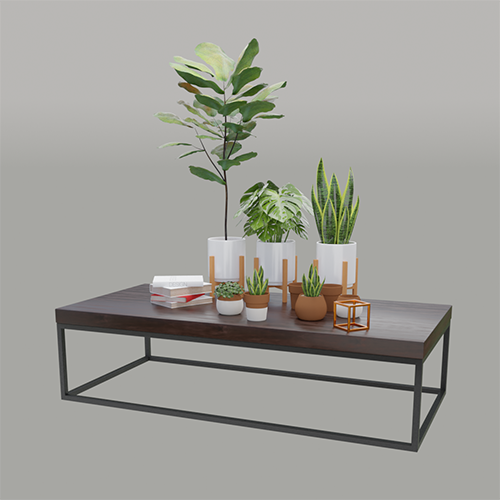 pot
pot
-
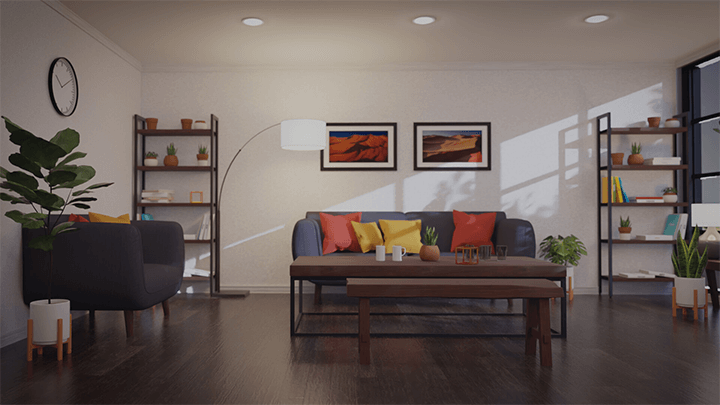
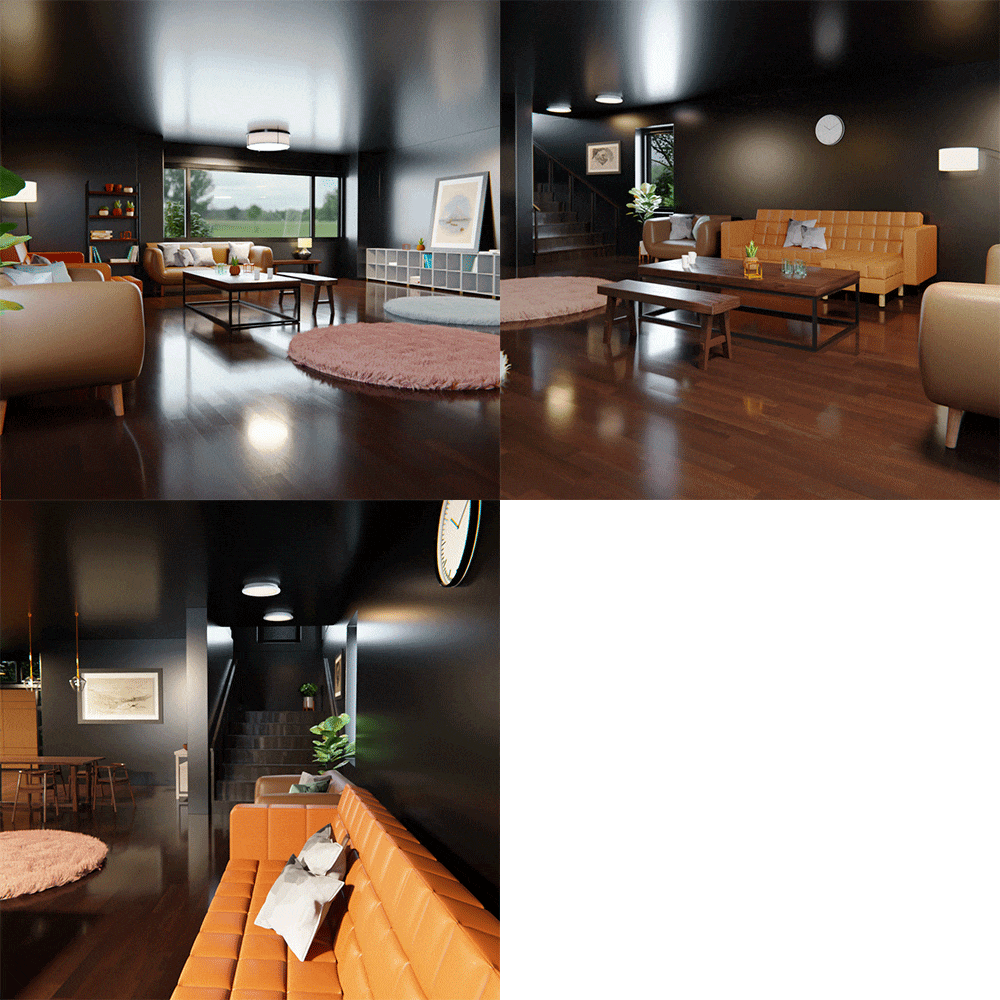 living room
 -
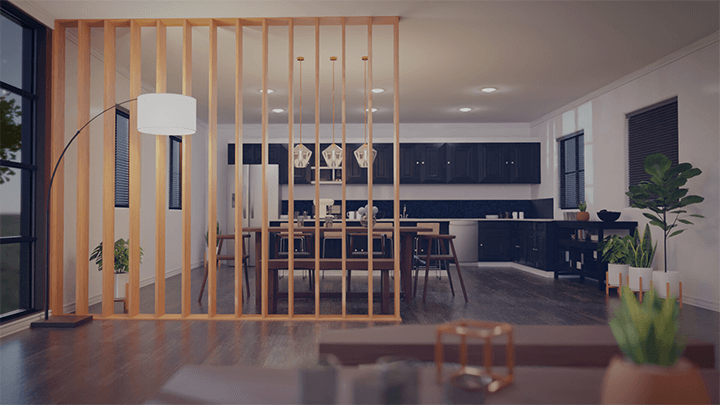
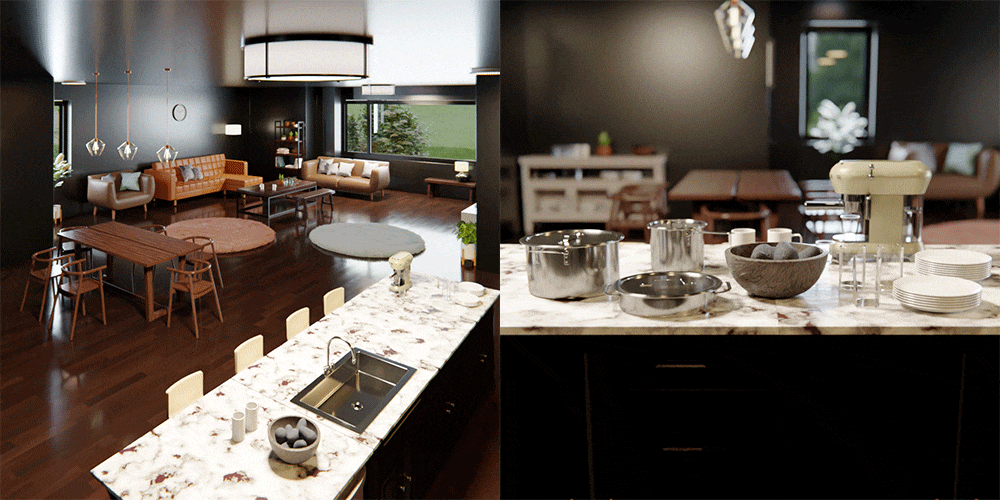 kitchen
 -
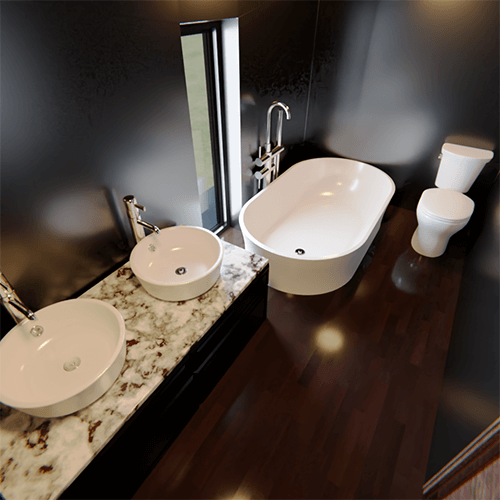 bathroom
 -
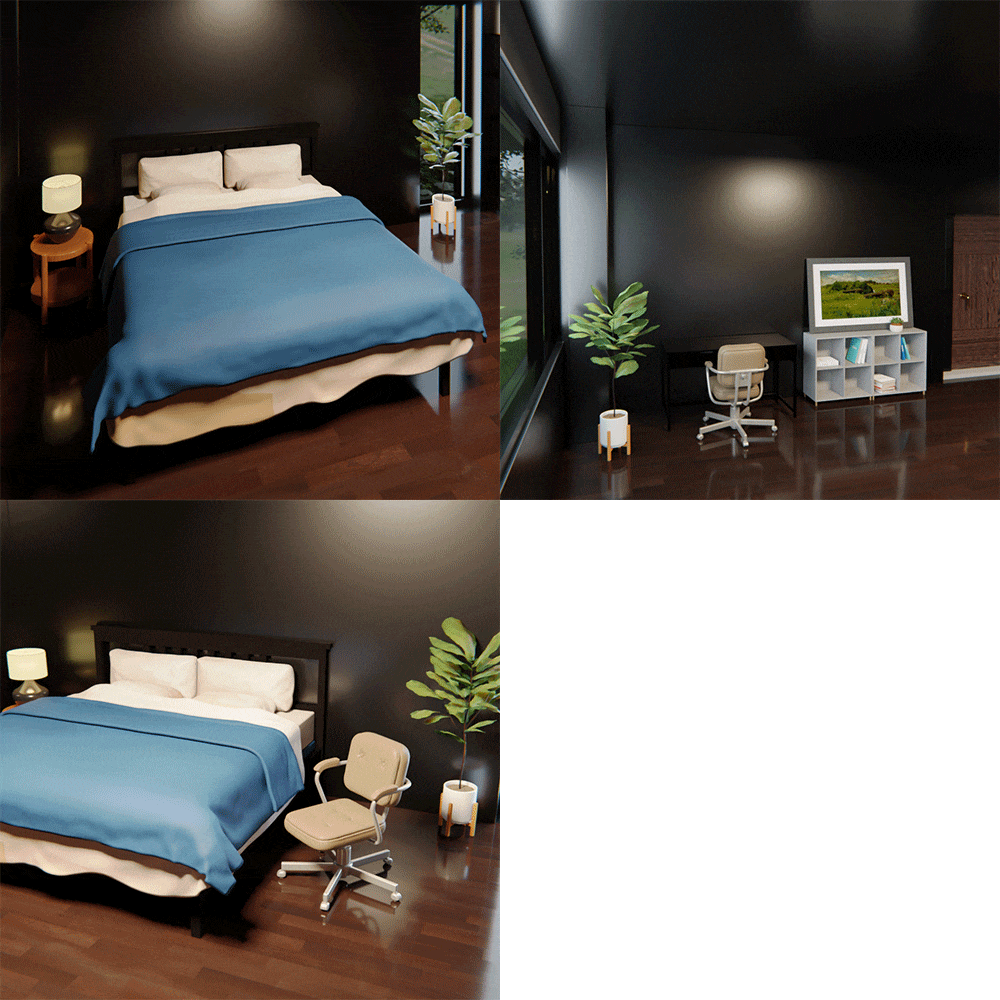 bedroom
-
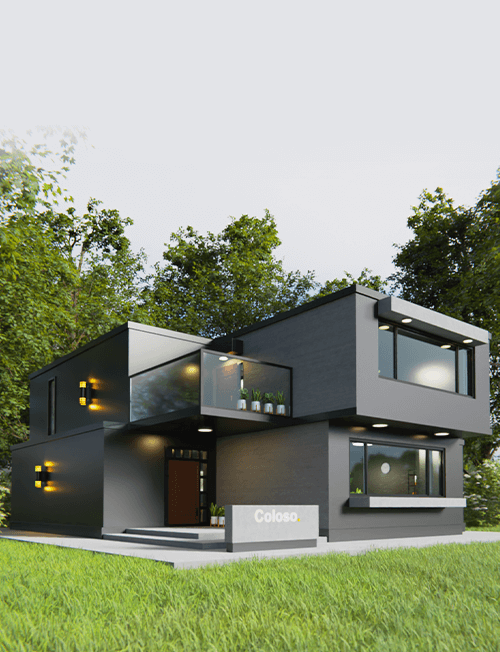 house exterior
 -
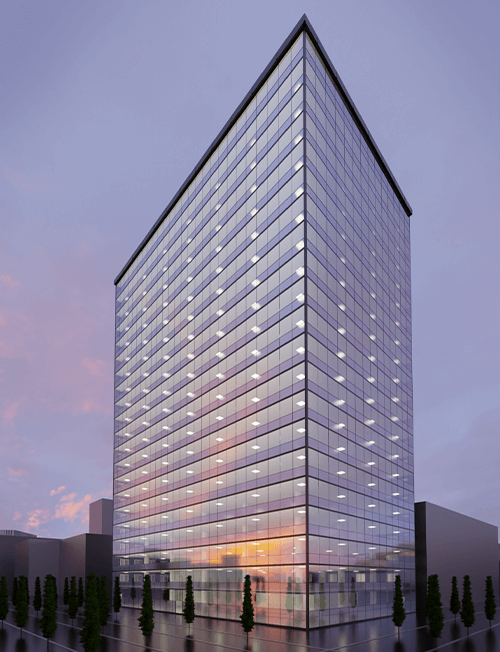 outside the building
* This image is an example image to help you understand the class.
Speaker introduction
3D artist
Injae Choi
Hello, this is 3D artist Injae Choi. I have accumulated practical experience in various fields, including 2D, 3D, and video design, and have experience conducting numerous offline lectures. Because I have had practical experience in various industries, I know very well how to work quickly and efficiently, and I plan to teach this to students in this lecture.
I believe that those who are new to Blender or who want to use Blender to create large-scale realistic models with a practical focus will be able to more easily learn the characteristics of the tool called Blender and the 3D work process through my lectures. I will teach you all the know-how I have in this lecture.

3D artist Injae Choi
Current) 3D Artist
Current) Participation in a number of outsourced works and projects such as interior design, architecture, video production, etc.
View more history
Technical training for video companies and special lectures at universities
Software technical supporter
Game company 3D artist
class features
class features
Creating interior and bird's eye views that is easy to follow even for Blender beginners
Even if you have never used Blender or other 3D tools, you can build a general understanding of 3D work and complete the photorealistic model you want by starting with simple tools commonly used at home and sequentially creating interior interiors and bird's-eye views of buildings.
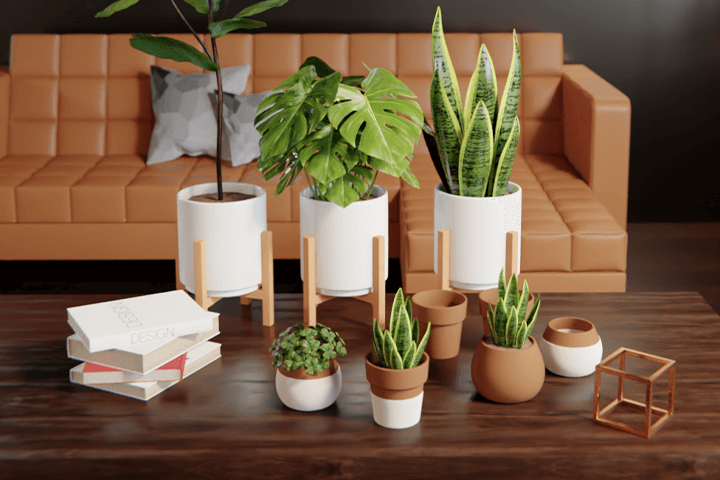
Know-how for efficient use of two rendering engines
We will look at the features and pros and cons of Blender's two high-performance rendering engines, and provide practitioners' know-how on how to use the engines according to the situation for easy and efficient work.
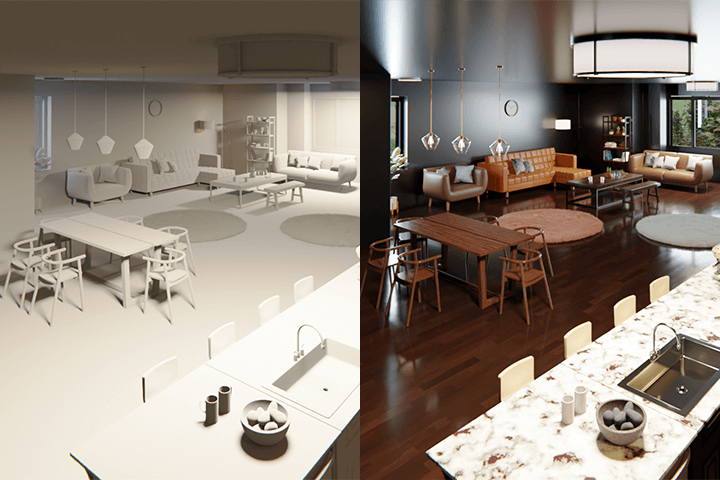
Efficient work process from modeling to lighting
You can learn step-by-step work methods from modeling to texturing, lighting, and rendering from practitioners with more than 10 years of experience in the 3D industry, and learn skills to further improve work efficiency by using external plug-ins.
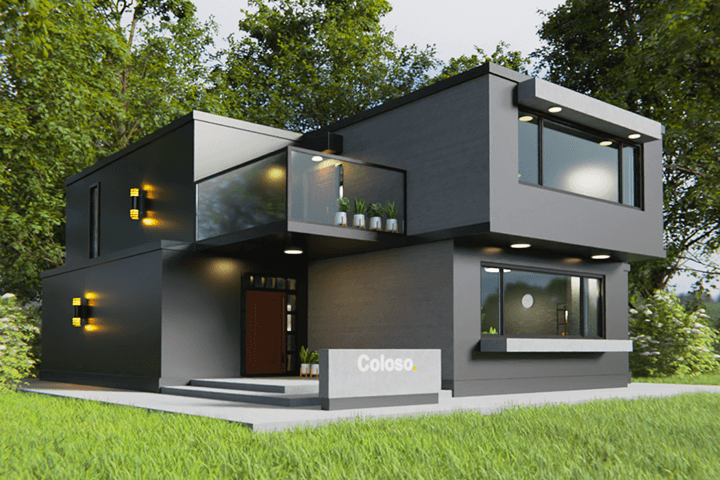
Class composition
learn this
-
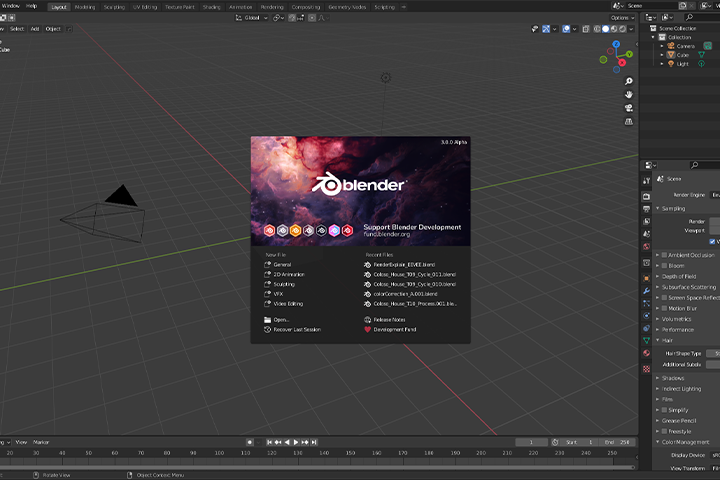 Basic interface and environment settings for smooth operationPrior to the actual class, you will learn how to install Blender and its interface to familiarize yourself with the program structure and create a work environment for efficient work processes.
 -
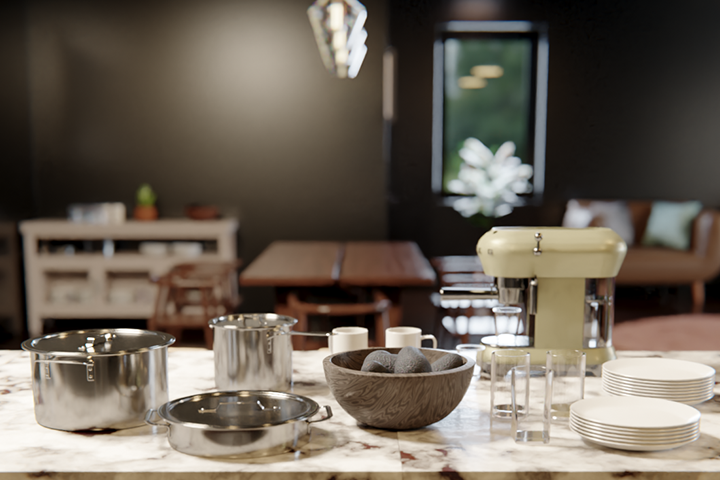 Develop the basics of Blender through simple prop modelingLearn basic modeling skills by making simple tools frequently used in the home environment, such as cups, pots, coffee machines, flower pots, and books.
 -
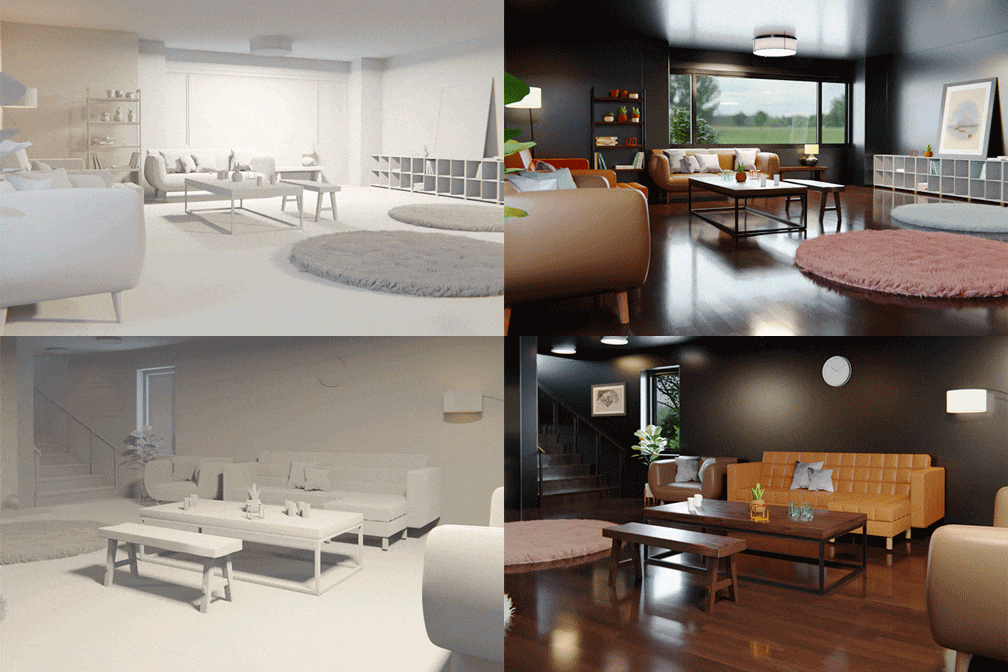 Creating interiors with complex structures and composing scenesYou will learn modeling using sculpting, texture work with difficult shading, scene composition, and scene compositing methods to complete works of increased difficulty, such as bathrooms, kitchens, and bedroom interiors.
-
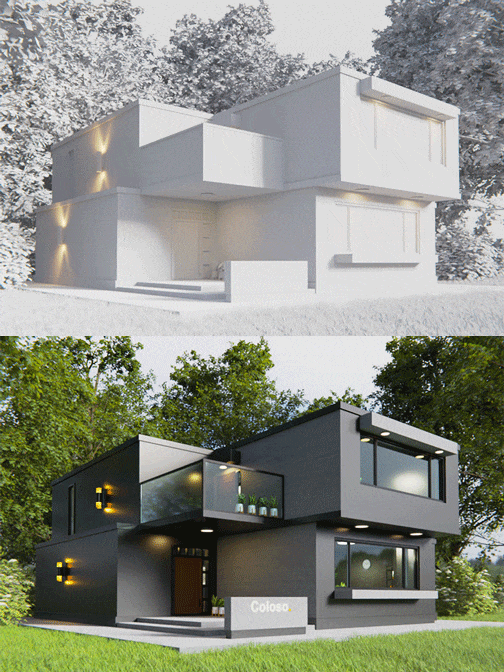 Production of a bird's eye view of the exterior of a residential buildingFrom modeling the exterior of a large-scale building to final lighting, we add details by creating additional terrain, trees, and grass.
 -
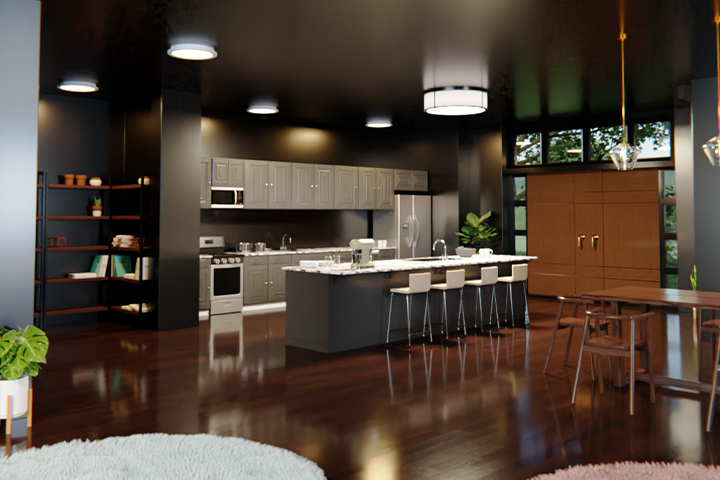 Learning Cycles and EEVEE rendering enginesLearn about each feature of Cycles and the EEVEE engine, and do the final rendering using Cycles, which can extract images that are close to photorealistic images.
 -
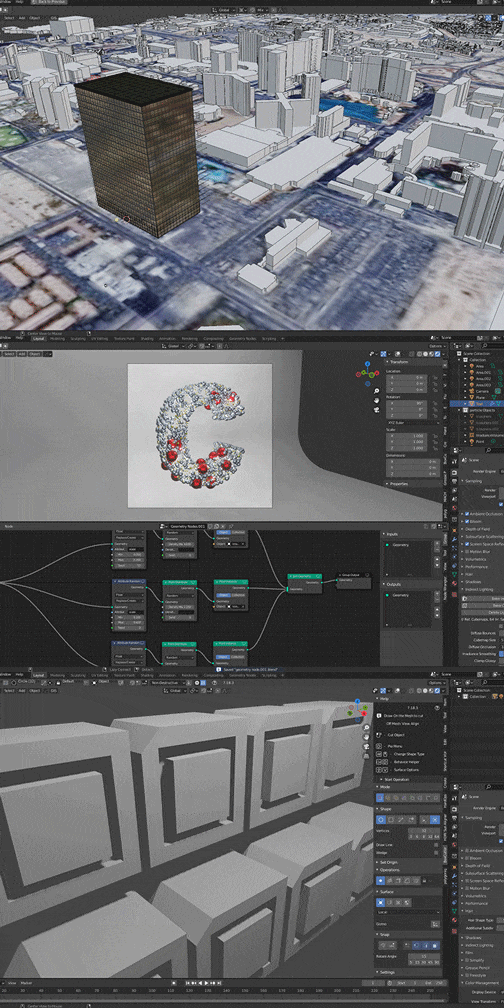 Plug-in usage and additional featuresLearn how to use external plug-ins without having to manually work on rocks, grass, etc., and how to utilize GIS data and Geometry Nodes that can be automatically placed and transformed.
curriculum
curriculum
Show me the curriculum
SECTION 01. Basics
01. Blender installation, basic interface, and program structure explanation
- Download and install program
- Save files and organize projects
- Interface Description
- Basic modeling explanation
- How to use Snap
- How to use the 3D cursor
02. Renderer (Cycles, EEVEE) description and setup method
- Understand using real examples
- Differences between Cycles renderer and EEVEE renderer
- Pros and cons of each engine and how to use them
03. Constructing an efficient work environment (Basic Add-on)
- Node Wrangler, (Hardopts), Import Images as Planes
- Add Curve, Archimesh, Archipack, Extra Object
- 3D viewport Pie Menus, LoopTools, Bool Tool, HDRI Sun Aligner
- How to set shortcut keys and save them to Add to Quick favorites
04. Interface 1 to learn by making props
- Making vases and flower pots
05. Interface learning through prop production 2
- cup making
- Making a teacup
- making a bookshelf
06. Interface 3 learned through prop production
- Plant modeling needed for pots
SECTION 02. Utilization (Interior)
07. Kitchen modeling, texturing, lighting 1
- Making various kitchen furniture
08. Kitchen modeling, texturing, lighting 2
- Build a dining table
- Making a dining chair
09. Kitchen modeling, texturing, lighting 3
- Making a coffee machine
10. Kitchen modeling, texturing, lighting 4
- Coffee machine text modeling
- Add complex modeling
11. House Modeling 1
- Modeling a house using blueprints
12. House modeling 2
- Modeling a house using blueprints
13. Bathroom modeling/texturing/lighting 1
- bathroom modeling
14. Bathroom modeling/texturing/lighting 2
- Procedural Texturing
- writing
15. Bedroom modeling/texturing/lighting 1
- Modeling using sculpting
- Making a Stool
- creating a bedroom
- How to use the cloth brush
16. Bedroom modeling/texturing/lighting 2
- create a desk
- Making a chair with backrest
- How to use cloth simulation
17. Bedroom modeling/texturing/lighting 3
- Creating a Carpet Using Particle Hair
18. Scene composition camera placement and usage
- Camera (DOF) and lighting (Color, IES) theory and practical use
- Description and installation of window lighting
19. Preparing to Render 1
- Modeling movement and alignment
- Loading objects from another scene
20. Preparing to render 2
- shading
- Procedural Shading
- Texturing using image textures
21. Preparing to render 3
- Interior shading completed
22. Interior lighting
- Interior lighting settings
23. Interior rendering
- interior rendering
SECTION 03. Creating the exterior of the building (bird’s eye view)
24. Using Compositing in Blender
- Crypto Map
- Compositing and color correction
- Image renderout
25. Building exterior modeling
- Additional modeling of missing parts on the exterior of the building
- Making decorative lights for walls
26. Building a lawn
- Lawn production through grass modeling and placement
27. Making a tree
- wood crafting
28. Placement and Rendering
- (Lawn/Trees) Camera Placement
- rendering
29. Introduction to paid plant-related plugins
- Botanique
- Vegatation
- Transportation
- Grassblade
30. Building a big building 1
- making big buildings
- Basic settings and modeling
- shading
31. Building a big building 2
- detail modeling
- Shading Model Placement
32. Building a big building 3
- Camera settings and rendering
- Instructions on how to use tilt shift lens
33. Terrain work using GIS data
- Import city model using GIS plugin
34. Introduction and usage of various add-ons (modeling convenience)
- Hard Ops
- Box Cutter
- Mech Machine
- Fluent
- Speed
- Sculpt
- ARCHPACK
SECTION 04. Bonuses
35. Introduction to Geometry Node
- Learn about geometry nodes while creating graphic sources
- Production of grass scatter that can be used in practice
* Curriculum details may change before or after the video is released.
interview
What 3D artist Injae Choi Choi wants to say

Question.01
What are the marketability and prospects for producing 3D results using Blender?
What are the marketability and prospects for producing 3D results using Blender?
Blender is the most accessible 3D tool you've ever seen. In addition, rendering of large-scale, realistic models such as buildings or interiors may take several hours, but Blender has a built-in real-time rendering engine, making the work easier. Within the next two years, all 3D people will know about the tool called 'Blender' and will actually use it to some extent.
Question.02
What do students find most difficult when creating photorealistic models in Blender?
What do students find most difficult when creating photorealistic models in Blender?
The difficult part is that there is an absolutely large amount of study to be done. There are many steps involved in 3D work, including modeling, shading, texturing, lighting, and rendering. People who are starting to use Blender for the first time may be intimidated by the amount of study they have to do and give up. In this lecture, we will explain only the most essential and practical parts in a very easy to understand manner.
Question.03
What are the unique points of this course?
What are the unique points of this course?
I will teach all students how to learn Blender in the easiest and fastest way, using my practical experience and offline education experience accumulated over many years in the 3D industry. Through the lecture, even beginners can gain a general understanding of 3D, learn how the Blender tool is different from other tools and how to use it, and learn efficient work methods to achieve the desired results.
We will guide you through the program to use.
This class is conducted using the tools specified below. To ensure smooth course attendance, please install the program separately.
[Programs and versions used in lecture]
- Blender 3.0a or higher
- Photoshop CS5 or later
* Programs and materials are not provided separately.

suggestion