artdirector,jeekim Details
Intro
Class Intro
Art Director , Jee Kim
"With folklore-based stories in the spotlight, why not try making one of your own by boosting your technical & creative skills."
A Structured Approach to Animated Storytelling
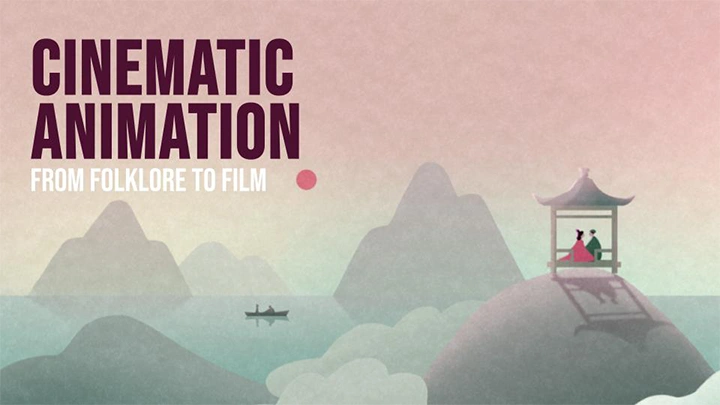
If you're interested in directing and cinematic storytelling through animatics, this course offers a structured path into the process. Led by Jee Kim, a designer and animator at Scholar, the class explores how emotion, visual language, and character-driven narratives come together in animated storytelling.
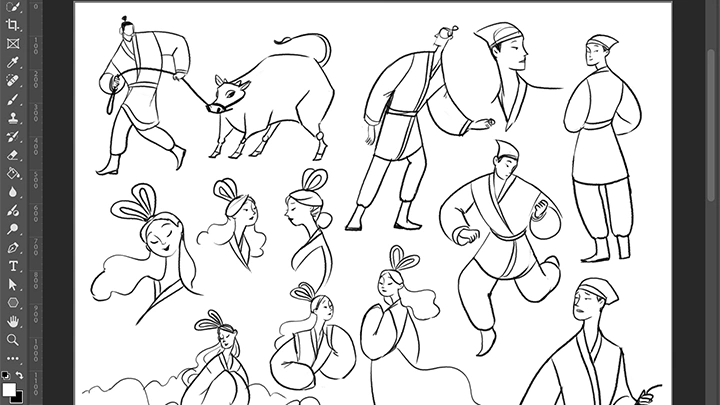
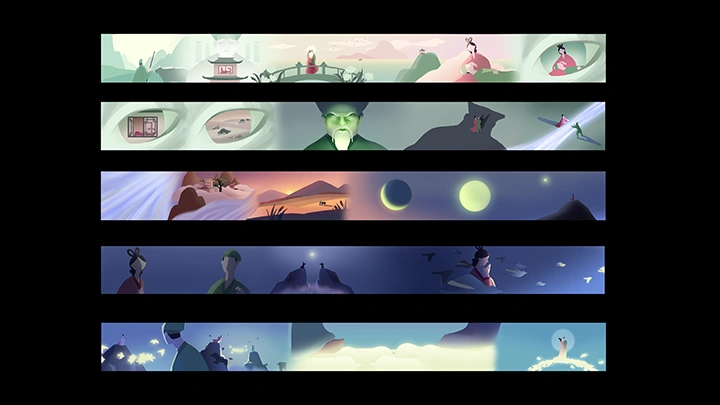
Drawing inspiration from folklore as a narrative foundation, the course guides students through the full process of directing a short animated film, from initial concept to final composite. Across 30 chapters, students learn how to translate story into visual language through storyboarding, art direction, character design, production planning, and animation.
The main objective of the class is to help artists develop a clear narrative vision and execute it with intention. By the end of the course, students will complete a 60-second animated short and gain a repeatable production framework that can be applied to future personal or commercial projects.
The main objective of the class is to help artists develop a clear narrative vision and execute it with intention. By the end of the course, students will complete a 60-second animated short and gain a repeatable production framework that can be applied to future personal or commercial projects.
Class Preview
Still Not Sure?
Check Out Jee Kim's Class Preview!
Chapter 3. Turning a Story into a Script
1. The process of distilling an existing story to its major plot points
Class Perks
Get These Coloso Exclusives
-
 Photoshop Brush Set- Custom Photoshop brushes (.abr) used throughout the project demonstrations
 -
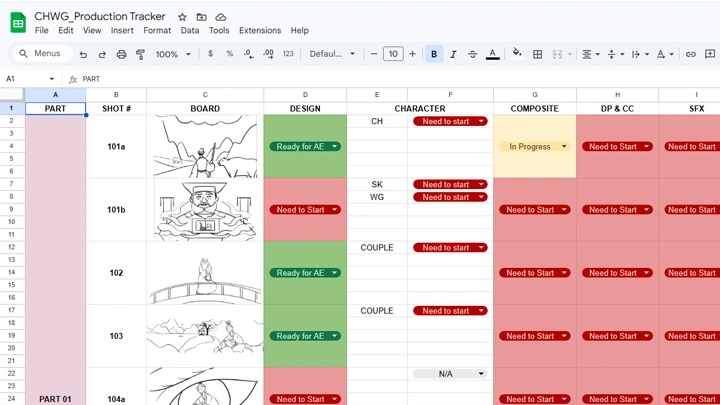
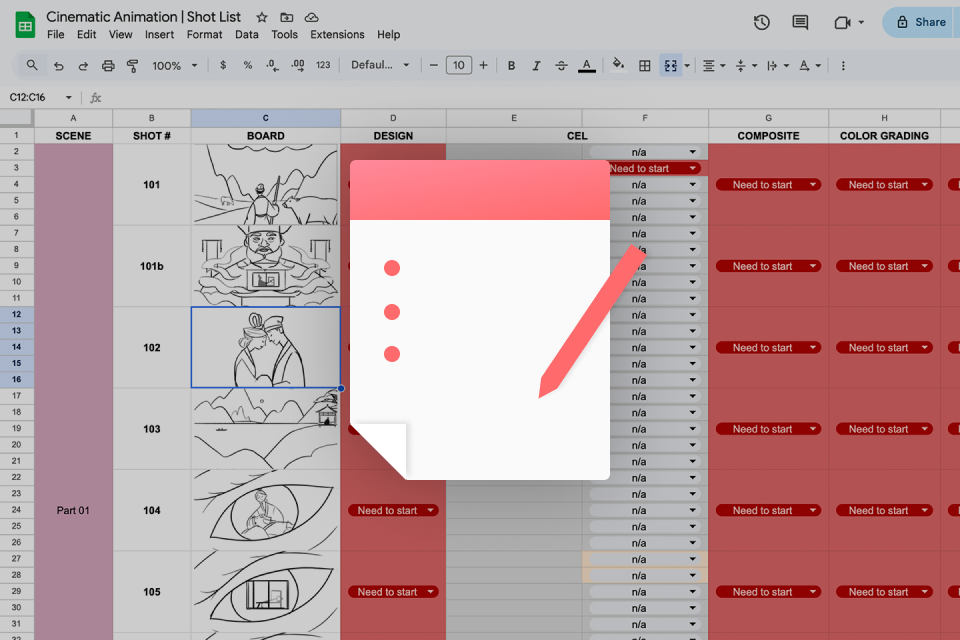 Shot List Template- Google Sheets template for organizing shots and tracking production progress
 -
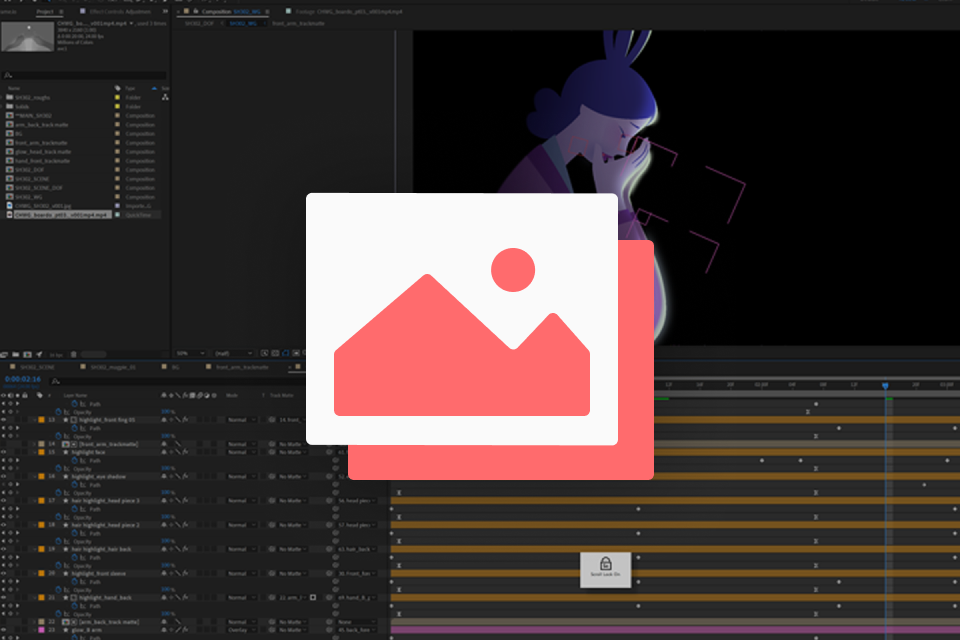 Final Animation Files- Final project files from the completed animation
-
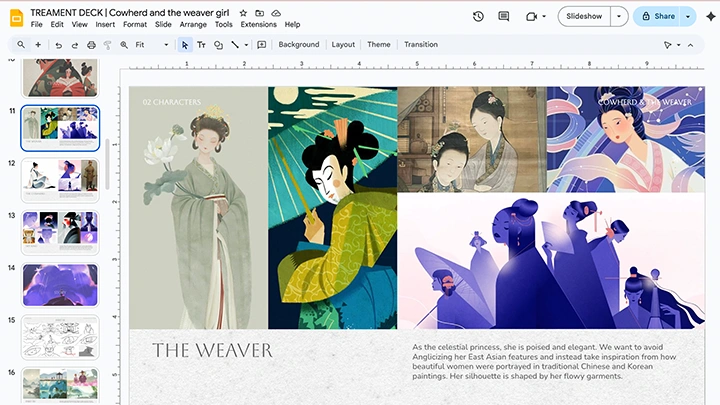
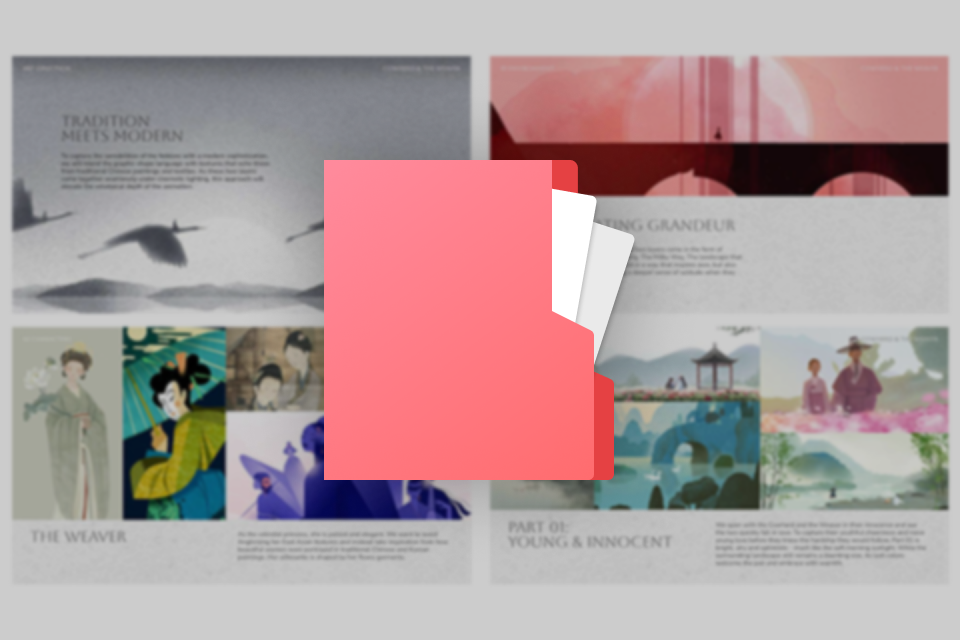 Project Treatment Deck- Google Slides treatment deck developed during the pre-production process
 -
 Fundamental Film Terms Guide- Collection of free online resources explaining essential film terms
 -
Recommendation
Who should take this class?
Artists looking to step into directing and take on their first focused and substantial narrative project
Creatives who want a clear understanding of how animated projects are structured, from concept to final delivery
Artists ready to move beyond standalone visuals and create cohesive, story-driven animation
Expert Art Director Jee Kim's Portfolio

Why Take This Class?
Most animation courses focus on technical execution. This class focuses on directing and narrative vision. Led by Jee Kim, the course guides students through a complete production framework that mirrors professional workflows, from adapting a story to the final cinematic composite.
Working within the constraint of a 60-second adaptation, students learn how to make intentional creative decisions, develop a cohesive visual language, and lead a project with clarity. Rather than approaching animation as a series of isolated techniques, the course presents storytelling as a structured creative process that connects concept, direction, and production.
By emphasizing storytelling, authorship, and production thinking, the class equips artists with a repeatable workflow they can apply to both personal films and commercial projects. By the end of the course, students will not only complete a cinematic short but also gain the practical framework needed to develop future story-driven work.
Get Ready for the Real-World
19 Class Exercises
-
Story to a Script
-
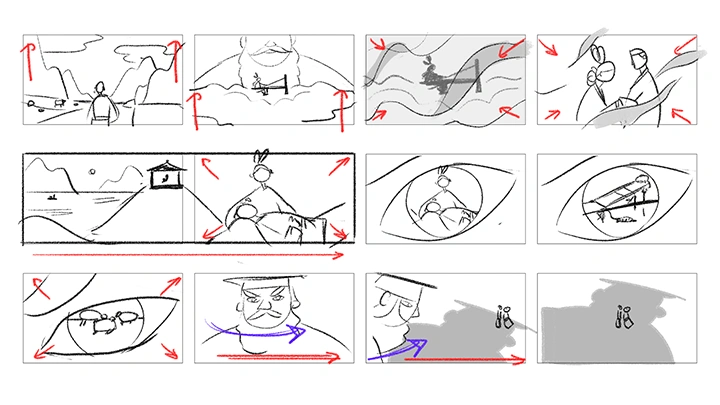
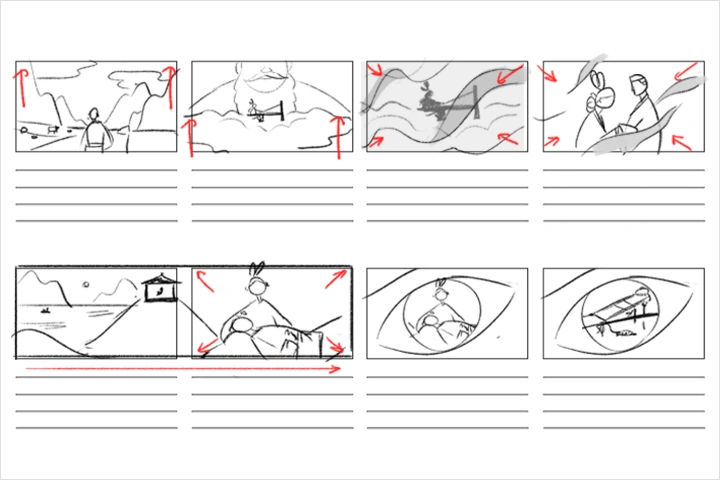 Storyboard 3 Scenes
 -
Treatment Deck
-
Main Character Design
-
Animatic Creation
-
 Styleframe Development
-
 Color Script
 -
 Shot List
 -
 Key Scene Cel Animation
-
 Immersive Backgrounds
 -
 Background Animation
 -
 3 Scene Conforms
-
 Cel Animation Coloring
 -
 Camera Animation
 -
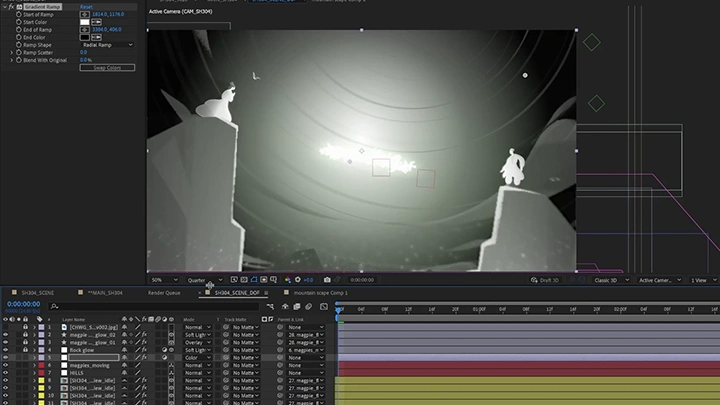
 Scene Lighting
-
Scene Color Correction
-
Depth of Field Mask
-
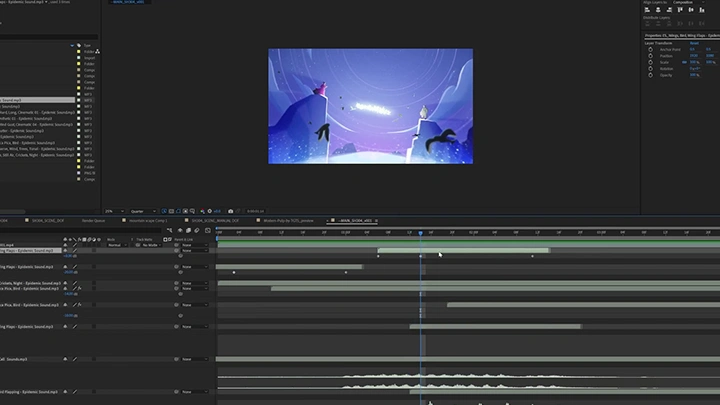
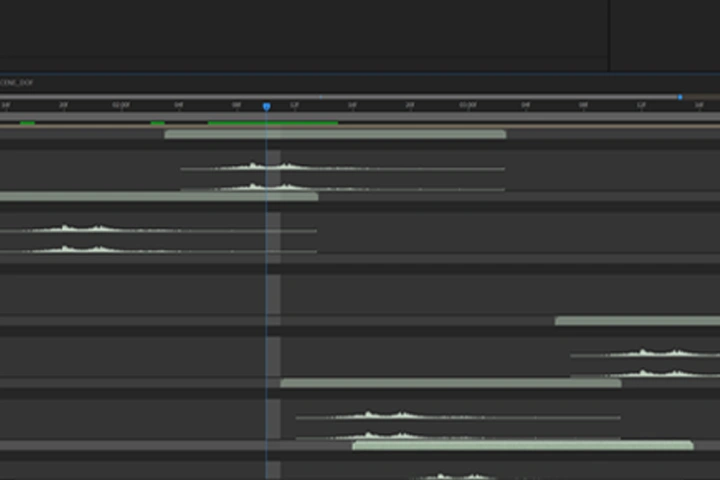 Sound Effect Layers
 -
Scene Export
Final Product Example(s)
-
1 x 60s AnimationOne 60-second animated short
-
3 x 20s AnimationsThe 60 second animation that is designed to be released
in three 20-second parts
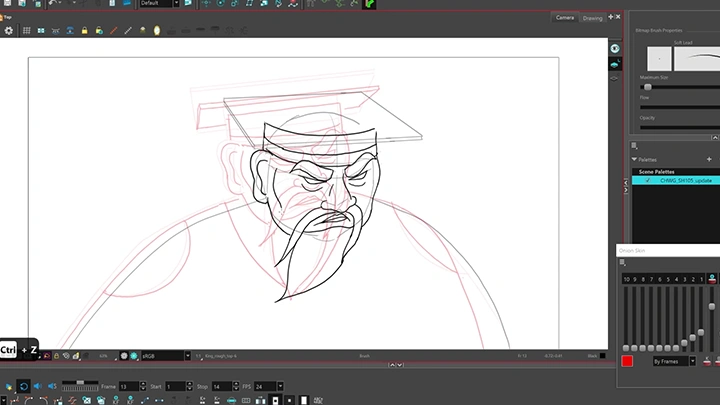
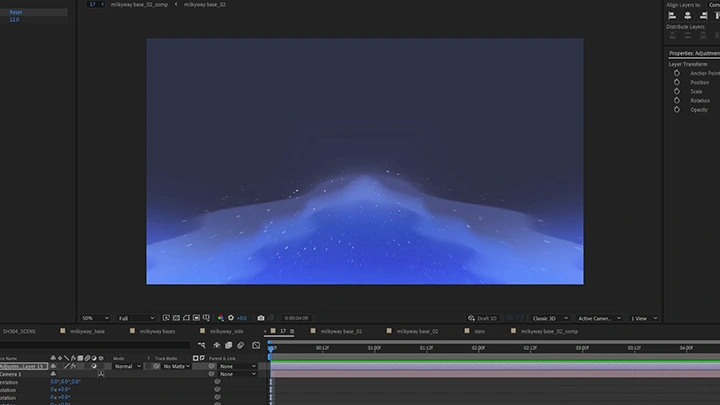
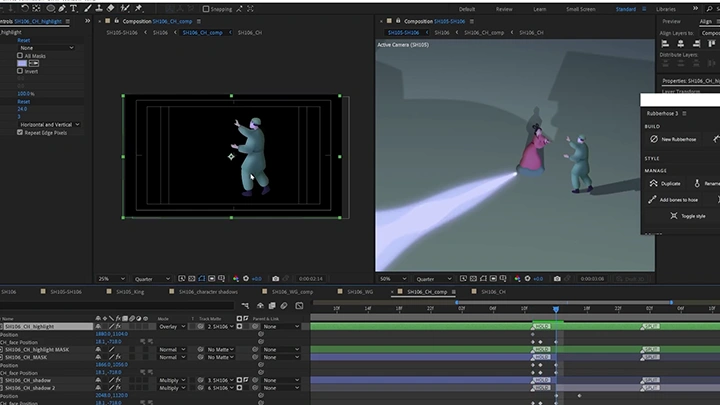
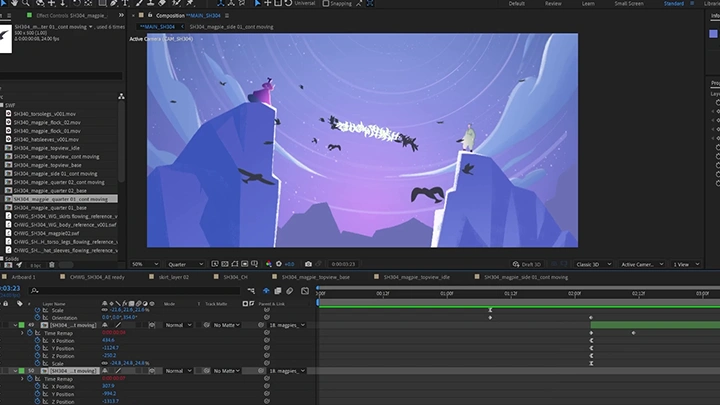
*The above images are sample images for a better understanding.
Highlights
Class Highlights
Developing a Visual Language That Serves the Story
Learn how to define a cohesive visual language through color, lighting, setting, and character design that reinforces narrative tone and emotion.
Designing Cinematic Scenes with Intentional Composition
Understand how to build compelling styleframes using composition, depth, and staging to strengthen visual storytelling.
Bringing Shots to Life Through Compositing
Use compositing techniques to enhance mood, unify visual elements, and transform static frames into immersive cinematic moments.