3D Graphic Artist, Sungwoo Hong_홍성우2 Details
Intro
Class Intro
3D Graphic Artist, Sungwoo Hong
Create hyper-realistic 3D artwork using physics simulators that overcome the limitations of Blender.
Blender Physics Simulators
That Transcend the Limits of 3D Expression!
Do you want to create 3D artwork, but only know how to work with Blender’s most basic features?
Are you interested in creating new artwork using Blender?
Unleash your creativity and reach the pinnacle of 3D expression by unlocking the secret code behind Blender — physics simulators!
Unleash your creativity and reach the pinnacle of 3D expression by unlocking the secret code behind Blender — physics simulators!

Do you want to explore the advanced features of physics simulators in Blender, from realistic movements using object materials and characteristics to unreal scenes?
From rigid body, particle, soft body, cloth, and fluid simulations to advanced applications that combine various simulator functionalities, discover how to double your expressive capabilities! Dive into the trendy and artistic world of 3D design, with Coloso's Dictionary!
From rigid body, particle, soft body, cloth, and fluid simulations to advanced applications that combine various simulator functionalities, discover how to double your expressive capabilities! Dive into the trendy and artistic world of 3D design, with Coloso's Dictionary!
Class Perks
Get These Coloso Exclusives
-
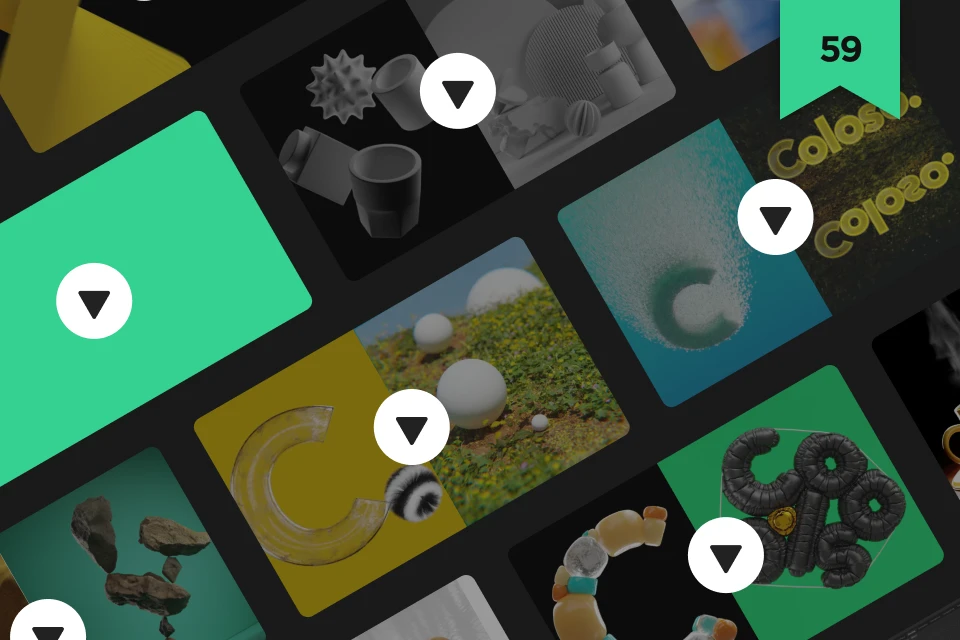 Unlimited Access to59 Dictionary Lectures, Almost 30 Hours in Length
 -
 A Chance to Upgrade, for All Skill LevelsMore than 27 Exercises Tailored to Each Step
 -
 Understand the Principles10 Manual Guides for Each Simulation
-
 From the Examples during the LecturesModeling and Texture Source Files
 -
 With Tips from the Instructor27 Project Files
 -
Recommendation
Who Should Take This Class?
3D artists
who want to maximize their 3D expression using Blender
Graphic designers
who want to add a competitive edge to their work with 3D art
3D freelancers
who want to master all realms of video, advertisements, and design
Expert 3D Graphic Artist Sungwoo Hong's Portfolio
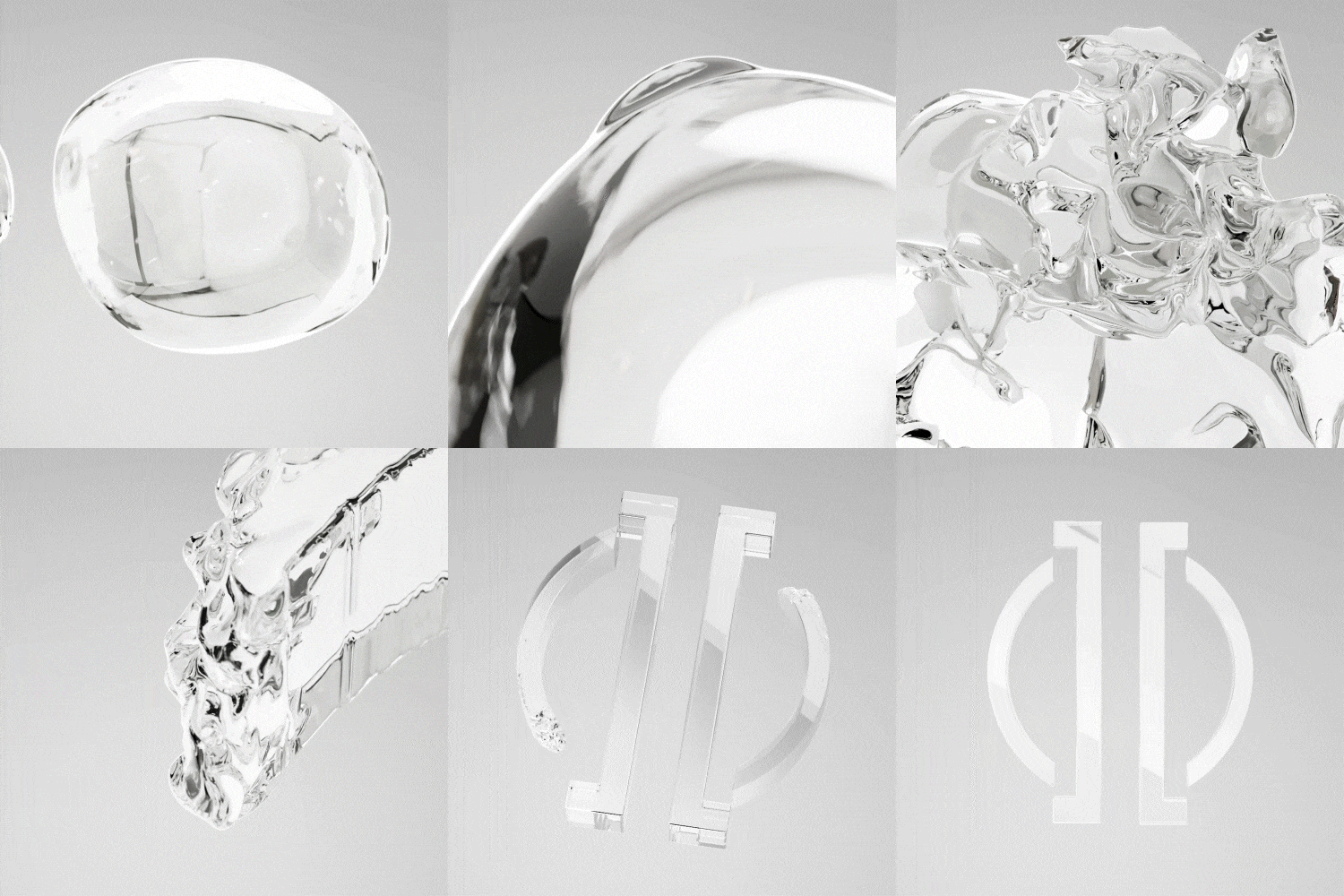
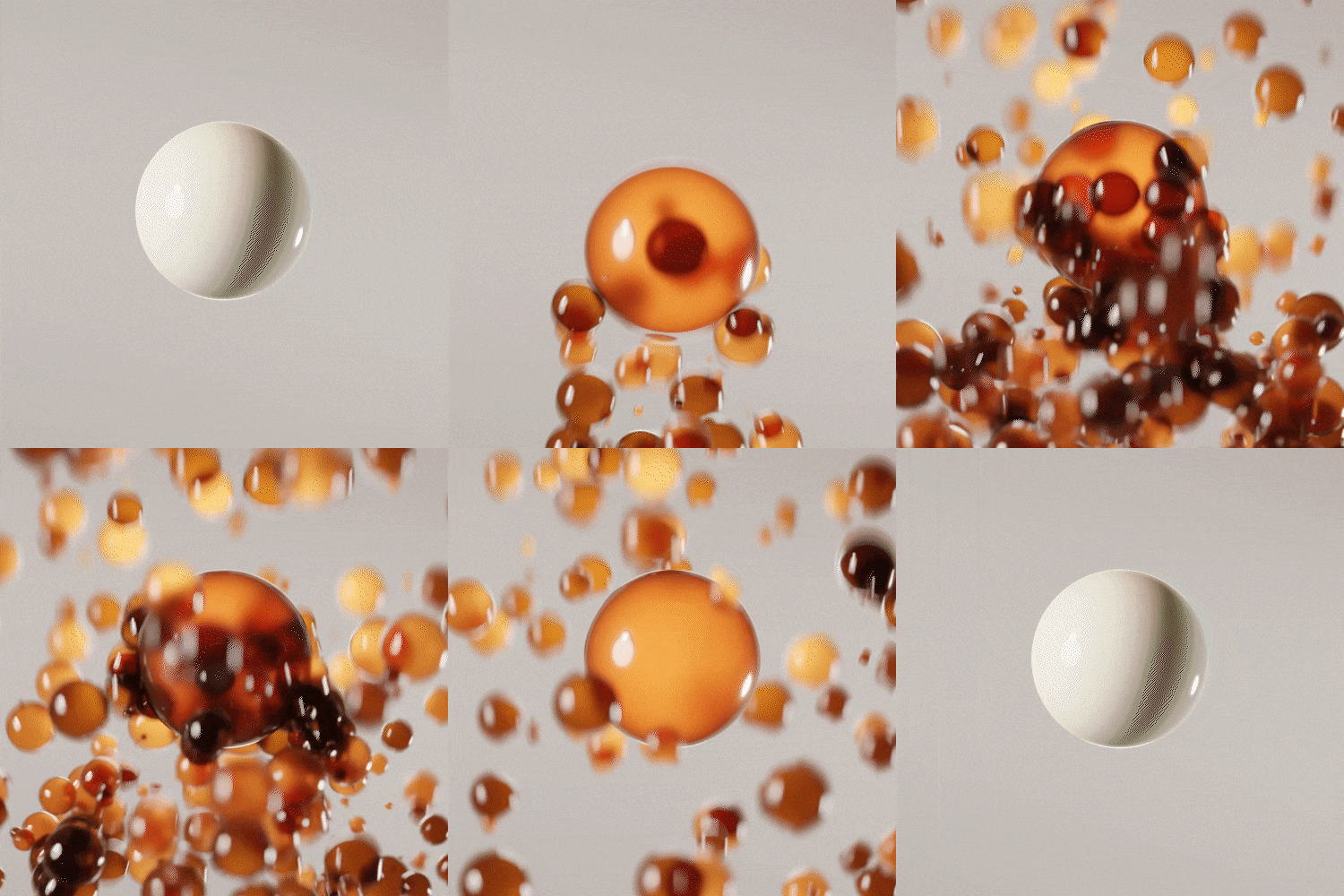

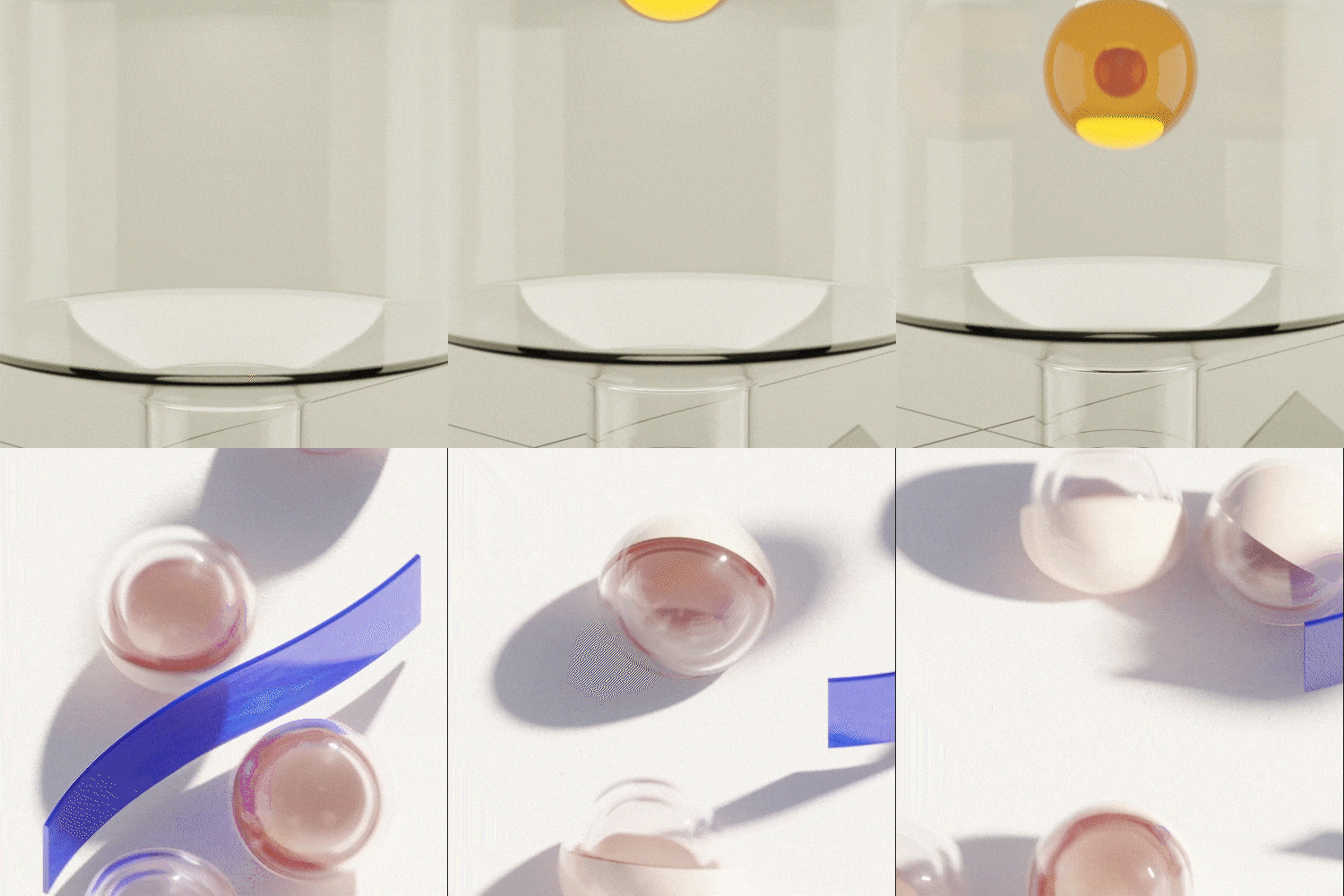





A Full Curriculum: From Application to Real-Life Practice
Are you looking to build your career in 3D artwork using Blender? Look no further. A Blender curriculum consisting of 59 lectures by prominent 3D graphic artist and instructor Sungwoo Hong, who has collaborated with numerous renowned brands, including IOPE, HERA, and LANEIGE.
Upgrade your 3D artwork through shape, movement, and realistic texture and material illustration! Explore 27 exercises that target the core concepts. Whether you work in video production, advertising, or graphic design, this Blender class is guaranteed to broaden your career path!
The Start to High-density Artwork!
Mastering the Process Step by Step
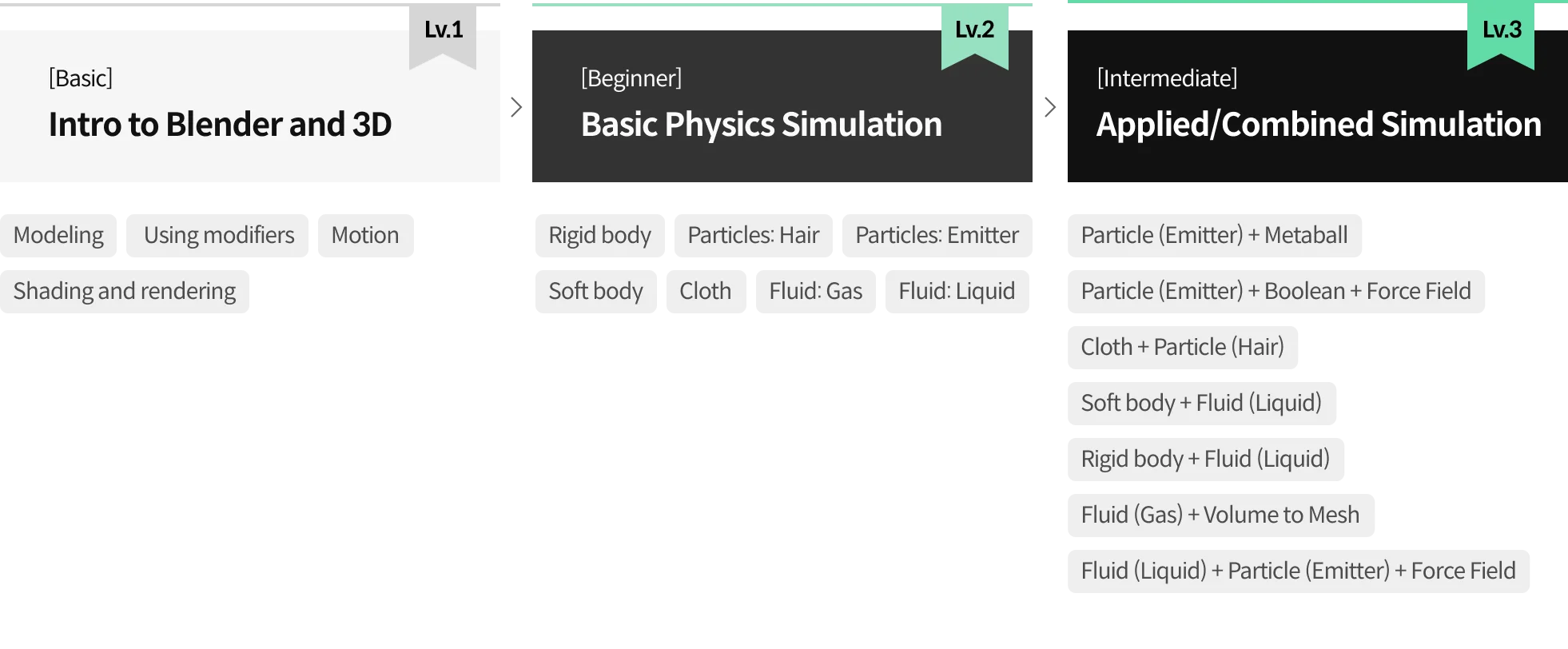
Part 1. Intro to Blender
A warm-up that covers the basics of Blender 3D graphics for beginners.
-
 Modeling/modifiers
 -
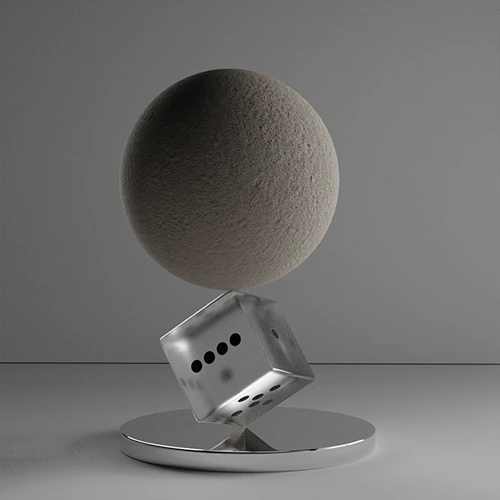 Shader rendering
 -
 Motion basics
Part 2. Intro to Physics Simulators
*Make an example for each simulation: rigid/soft body, particle, cloth, and fluid.
-
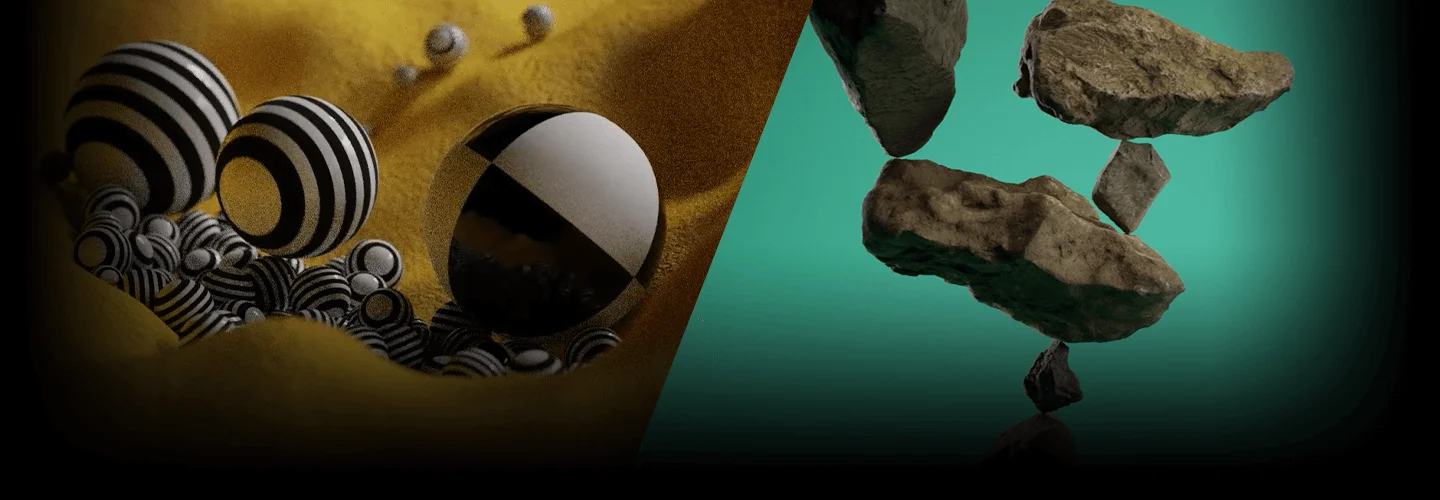
 Rigid Body: Balls pouring
 -
 Rigid Body Constraint: Dancing stone tower
 -
 Particle (Hair): Soft hairy ball
-
 Particle (Hair): Meadow
 -
 Particle (Emitter): Bursting particles
 -
 Particle (Emitter): Using Boids
-
 Particle (Emitter): Using Keyed
 -
 Particle (Emitter): Using molecules
 -
 Soft Body: Squishy rubber balls
-
 Soft Body: Motion using goal
 -
 Cloth: Text being filled with balloons
 -
 Cloth: Making letter-shaped balloons
-
 Cloth: Creating vacuum-packing effects
 -
 Fluid (Gas): A steaming cup of coffee
 -
 Fulid(Liquid): Auquatic Apple
Part 3. Applying Physics Simulators
Combine the functions of each simulator covered above and master the techniques by applying them to practice exercises.
-
 Particle(Emitter) + Metaball
 -
 Particle(Emitter) + Boolean + Force Field
 -
 Cloth + Particle(Hair)
-
 Dynamic Paint + Particle(Hair)
 -
 Dynamic Paint + Cloth + Displace
 -
 Cloth + Fluid(Liquid)
-
 Rigidbody + Fluid(Liquid)
 -
 Fluid(Gas) + Volume to Mesh
 -
 Fluid(Liquid) + Particle(Emitter) + Force Field
* The 3D illustration above is an example of a project that will actually be done in the class.
Highlights
Class Highlights
Everything You Need to Know About Physics Simulators to Add Dimensionality
Say goodbye to boring, basic 3D artwork using Blender! Add life to your objects using physics simulators that help you reach the pinnacle of 3D representation. How do you use Blender to capture and convey every aspect you want? Here’s everything you need to know about physics simulators.
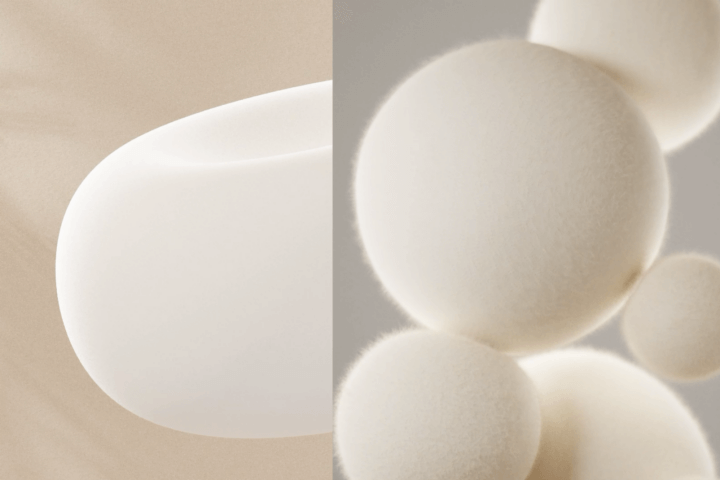
Beginners Are Welcome to Join! From Principles to Actual Practices
Understanding the concepts and principles is a must! Dive into the fundamentals of the laws of physics as well as the structure and development methods of examples, step by step. Simply follow the class, and watch your Blender skills improve significantly!
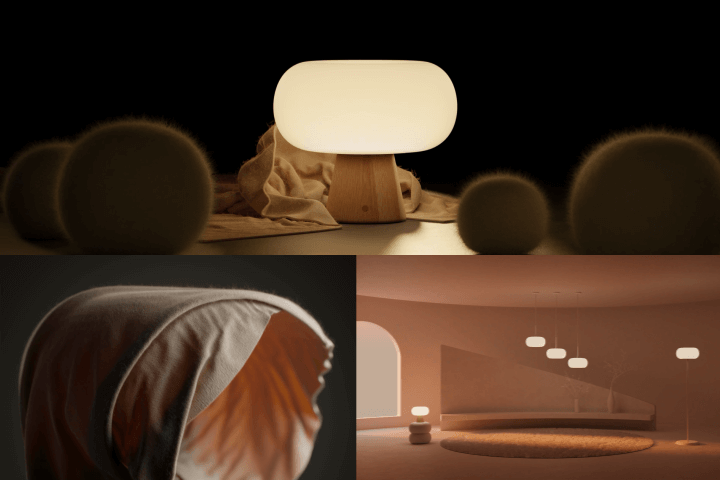
Applied Simulation Artworks You’ll Never See Anywhere Else
Physics simulators are effective enough when used alone. But combine the different elements with one another, and you’ll be able to create even more diverse and creative artwork! With more than 27 incomparable practical exercises, you can experiment with combinations between simulators and explore various features to create high-density 3D artworks.
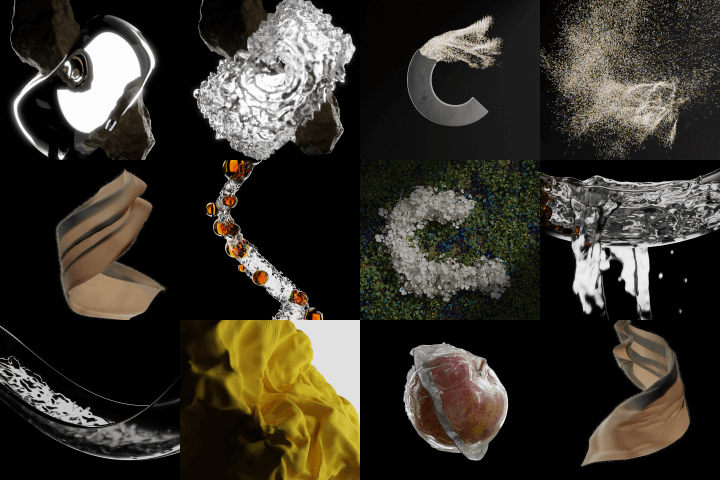
Roadmap
A Complete Blender Physics Simulator Guideline at a Glance
Instructor
3D Graphic Artist
Sungwoo Hong
Hello! My name is Sungwoo Hong, and I’m a 3D graphic artist. I have been working as a graphic designer for 13 years, building a foundation primarily in graphic design, editorial design, and 2D illustration. Currently, I work as a 3D graphic designer.
I run a one-person studio, which mainly creates short video content that helps explain to consumers the features and technical aspects of products in ways that are intuitive and easy to understand. Drawing from my industry experience using Blender, I hope to share various approaches, ranging from the fundamentals to advanced applications of physics simulators.

3D Graphic Artist, Sungwoo Hong
[Current]
3D graphic designer at hongsungwoo.works
3D graphic designer at Studio OKGO
Projects & Awards
Amorepacific 3D Motion Graphics
IOPE Lab Captured 3D Motion Graphics
HERA 3D Motion Graphics
HERA 3D Motion Graphics
FlatPoint 3D Motion Graphics
LANEIGE 3D Motion Graphics
and various editorial design/2D illustration works
[Awards]
Artscloud Top5, 2022
IF Design Awards 2022 Winner - Communication
IF Design Awards 2023 Winner - Communication
Class Details
You'll Learn
Step 01. Familiarizing Yourself with Blender
-
 Fundamentals of Creating ShapesLet’s start with the basics. I’m here to make Blender accessible even to beginners. We’ll delve into each element of 3D graphics, starting with the most basic modeling.
 -
 Modeling with ModifiersDiscover how to effectively create and refine shapes, even those with complex forms, using Blender's powerful modifier features.
 -
 The Fundamentals of Shading, Rendering, and AnimationTexture and color are as crucial as form, and to bring them to completion, a fundamental understanding of light and camera is essential. In this section, you will learn the groundwork for those fundamentals and familiarize yourself with essential elements for making objects move.
Step 02. Intro to Blender Physics Simulators
-
 Understanding the Principles of Each Physics SimulatorLearn how to make your completed shots more polished and vibrant, and explore the compositing techniques you can use to make all shots appear as one cohesive video.
 -
 Controlling Using Force Fields and GravityExplore how to intricately control physics simulators using external factors such as gravity, wind, and other elements.
 -
 Effectively Portraying Materials Through LightingWhile lighting is important for all materials and forms, subjects like liquids can have vastly different results based on how lighting is arranged. Dive into the lighting techniques that will allow you to effectively showcase the movements, forms, and materials you create.
Step 03. Applications of Blender Physics Simulators
-
 Applications of the Particle SimulationThere are a range of uses for particle simulation, including creating small stitches on fabric, lush grass fields full of weeds, and much more. Explore various techniques by incorporating simulators for small particles.
 -
 Actively Utilizing WeightTo achieve more intricate and delicate expressions, it is necessary to apply varied values to a single object. Learn how to assign diverse values using different weights within a single object.
 -
 Exporting and Importing Data for Applied ProjectsTo actively utilize physics simulators and integrate them with one another, it is essential to organize your data appropriately in each step. Discover how to leverage data effectively in this process.
- Unlimited Access
- Best Price
Buy now, get unlimited access.
12/31 (Sat) (UTC-7) Special offer ends soon.
This special offer ends soon.
Buy now and save!
Curriculum
Curriculum
In-Depth Look
1st Launch (Ch. 1 - Ch. 22): 1/30/2024 18:00 (UTC-8)
2nd Launch (Ch. 23 - Ch. 59): 2/27/2024 18:00 (UTC-8)
Part 01. Blender Basics
Part 02. Physics Simulator Basics
Part 03. Applications of Physics Simulators
Interview with
3D Graphic Artist Sungwoo Hong

Question.01
What are your strengths when it comes to using Blender?
My strength is that I use physics simulators extensively in my work. Physics simulators allow for a more effective representation of forms or physical effects that cannot be created with basic modeling or key animation alone. In other words, they can be used to create highly unrealistic scenes, while incorporating life-like materials and movements, which helps expand the limits of expression.
Question.02
How will this class help those students who are struggling to become proficient in physics simulators?
Many non-Korean tutorials tend to focus solely on the functionalities of physics simulators, which makes it difficult for users to apply them in practical settings. In my class, however, a significant amount of time is dedicated to explaining individual features in detail. Even when creating examples, I give a thorough guideline as to “why” and “how” certain things are done the way they are, so that students can understand the working principles before putting them into practice.
Question.03
What can students expect to gain from this class?
Students who take this class will learn everything from the most basic knowledge required to use Blender to the fundamental principles of physics simulators, as well as how to integrate different physics simulators with one another. They will be able to utilize physics simulators more freely when creating their own artworks and even develop the skills necessary for more advanced and intricate projects.
Required Program
This course will use
- Blender 3.4.1
Please purchase and install these program(s) for an optimized chapter experience.
*For an optimized lecture experience, please download Blender 3.4.1.ver and higher.
*Some chapters may use Adobe After Effects to edit artwork, but this tool is not mandatory.
*These programs and/or materials will not be provided with the chapter.
Recommended
Recommended Class
Like this class?
Then check these out!