3DCGArtist,LouLL_AroLL Details
Intro
Class Intro
3D CG Artist,
LouLL_AroLL
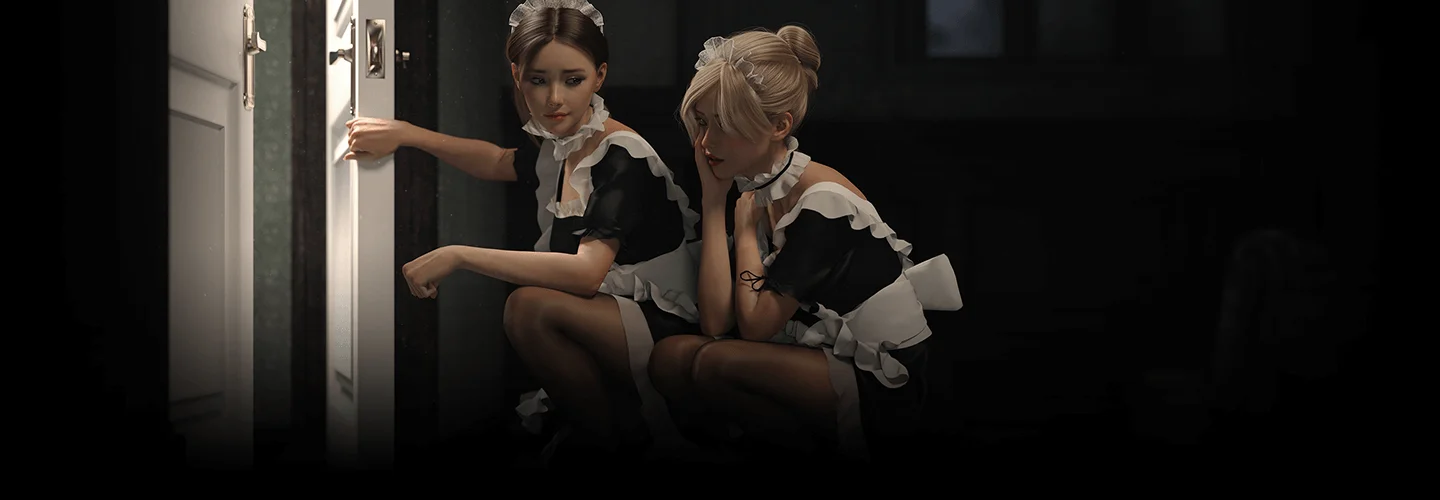
In this class, I aim to share my experience of adopting quick and straightforward tools and techniques to create images that may initially seem daunting, but will serve as a simple and accessible means to bringing your imaginative visions to life.
Design Realistic 3D Scenes with Immersive Storytelling
Do you dream of crafting breathtaking artwork that transports the audience into a cinematic world? Embark on an enchanting adventure with this all-encompassing course on creating high-quality 3D scenes with elaborate details and immersive storytelling! LouLL_AroLL is willing to share the secrets of 3D narrative scene design, prepared with beginner-friendly guidance from start to finish.

Trying to tell a story through your art may seem demanding, but no worries! Starting from providing easy methods of creating your own ideation sketch without the need for any drawing or modeling foundation, you will be learning how to add texturing details and use cool lighting techniques that can instantly change the whole mood of your scene in no time. This class goes beyond providing only fundamental knowledge; it will enlighten you with helpful tips and tricks on how to make yourself grow as a unique 3D artist. After this class, experience the visible growth of your skills in creating high-quality scenes and gain full confidence that can help you escalate to the next level.
Class Perks
Get These Coloso Exclusives
-
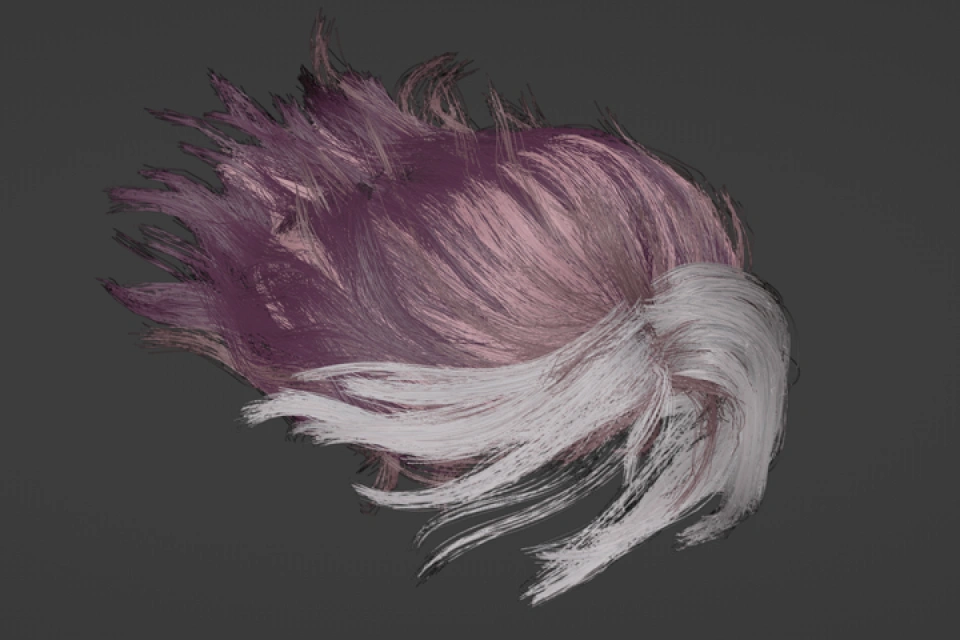
Particle Hair Mesh -
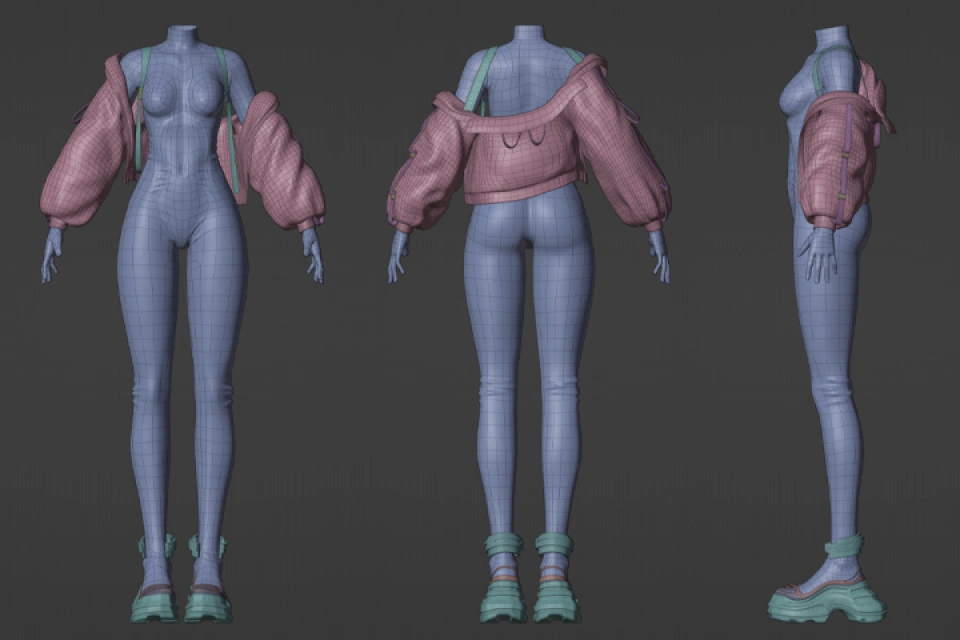
Clothing Mesh -
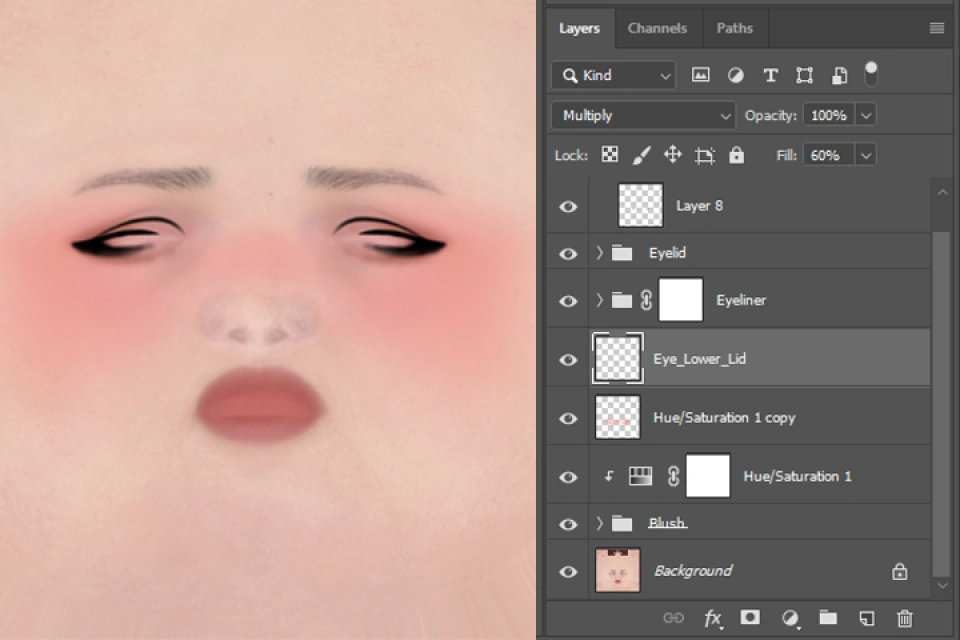
Makeup Textures
-
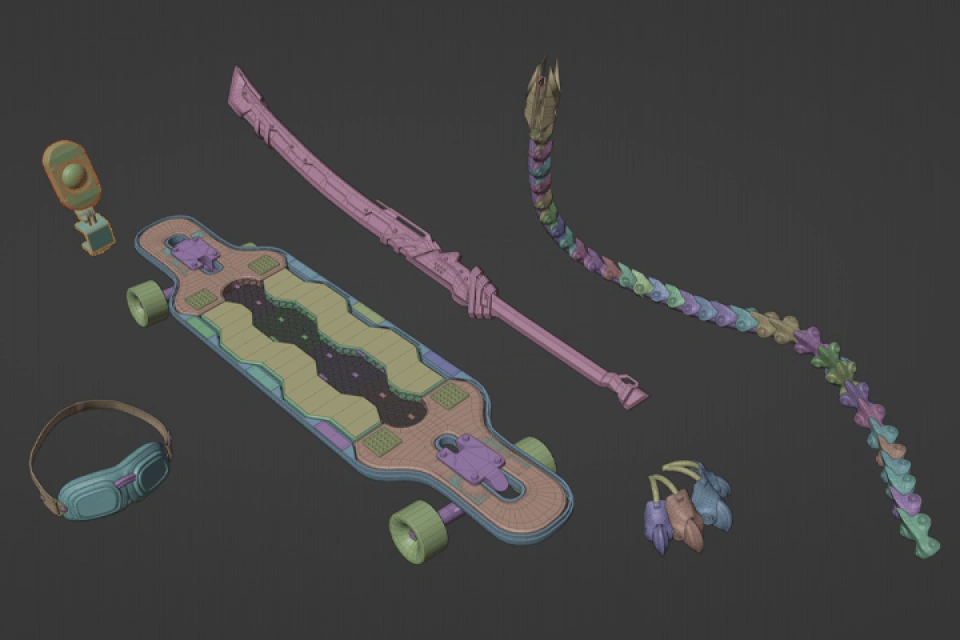
Ready Made Props -

Lighting File -

Final Blender File
3D Artist
Loull Aroll's Course Series
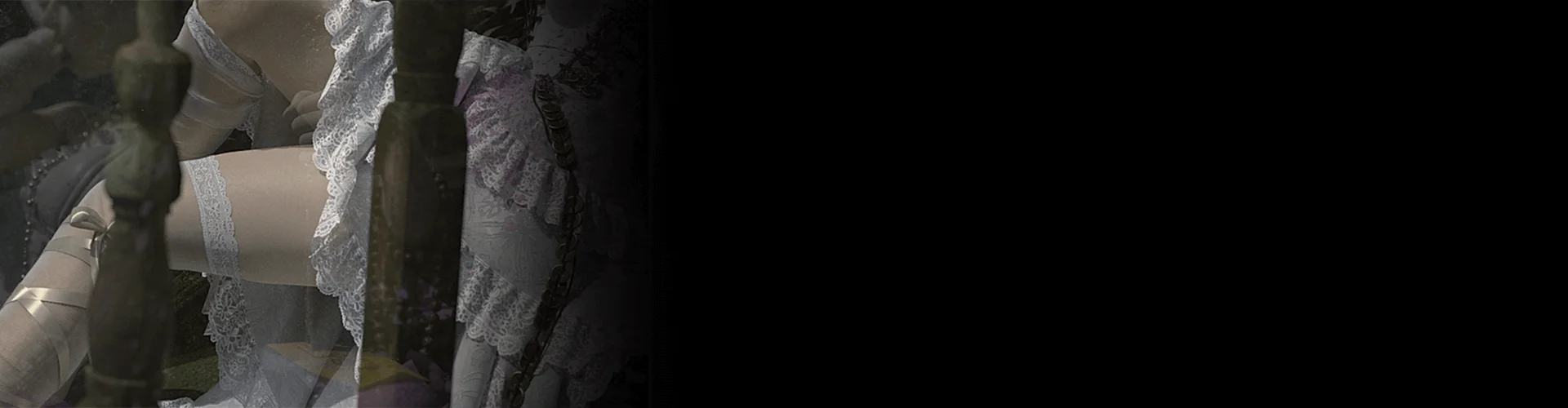
Expert 3D CG Artist LouLL_AroLL's Portfolio
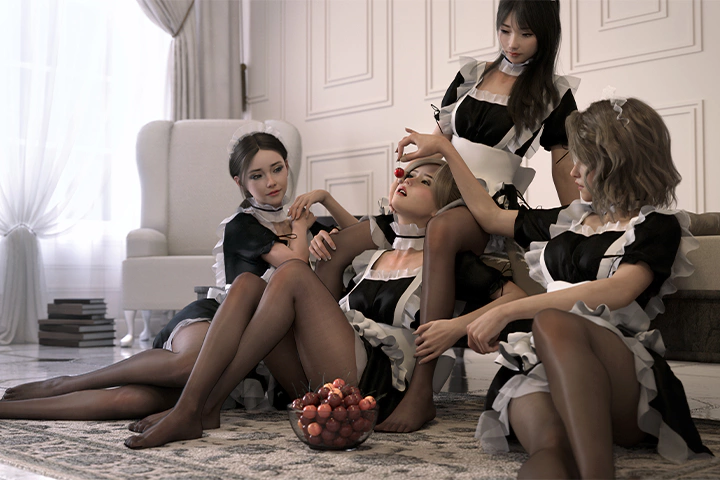
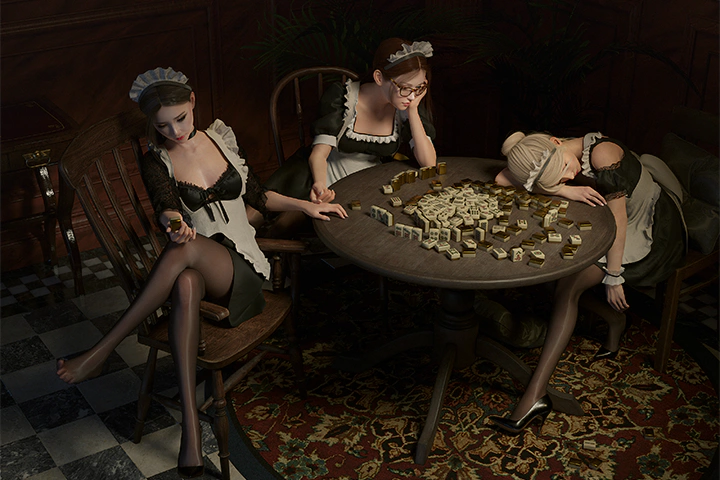
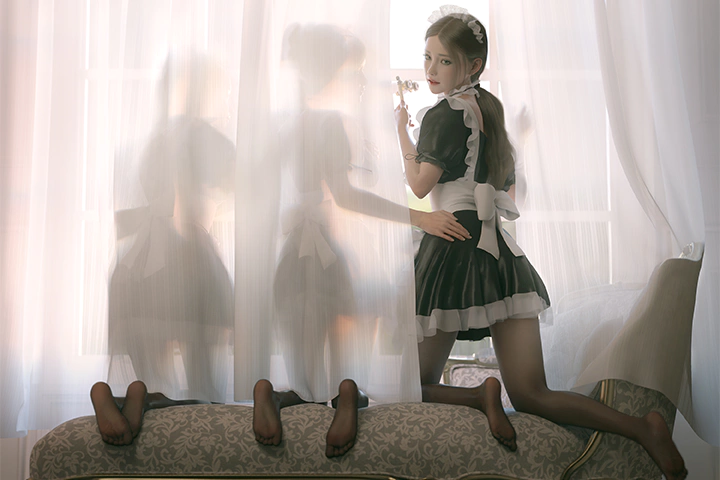
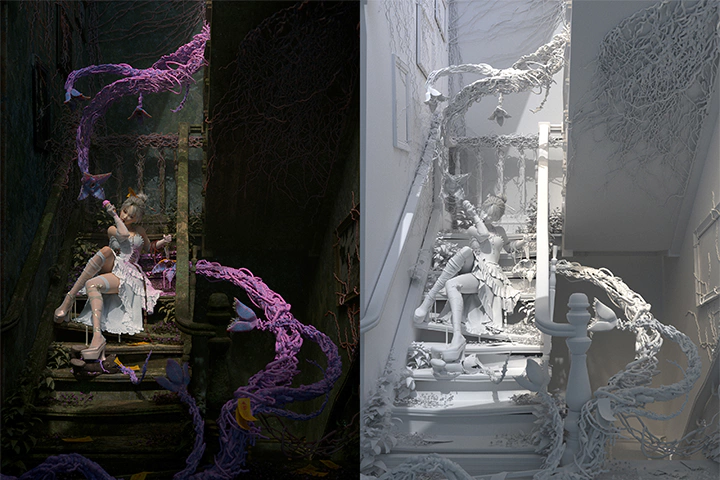

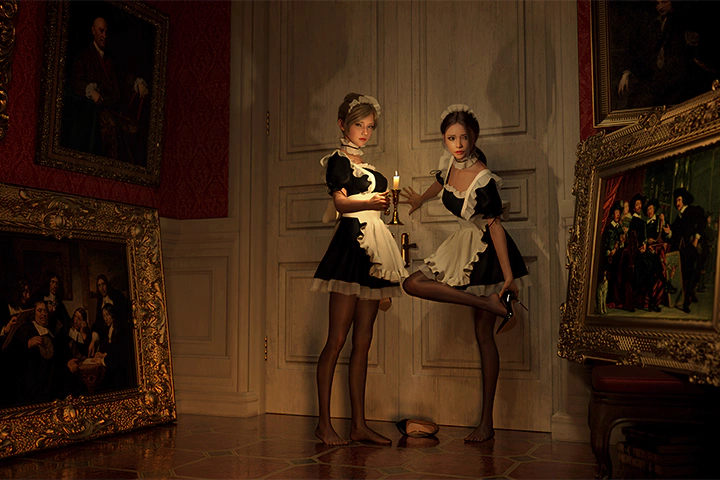





※ This portfolio includes fan art
Why Take This Class?
Unlock your full potential by acquiring proficiency in creating realistic artwork that appears to unfold right before your eyes. This course is a complete game-changer if you are willing to invest some time to find your own method of creating natural and attractive scenes that will set you apart from the others. Check out LouLL_AroLL's exclusive tools for the detail component and make elegant and dazzling details for realism yourself.
As you progress through each chapter, you'll be amazed to see your creations transform into the scene you've always envisioned. Don't miss out on learning LouLL_AroLL's insider knowledge of cinematic visuals and his method of simplifying the creation process with easy-to-follow steps. Discover the realm of 3D art- in the most efficient and pragmatic way!

10 Class Exercises
-
 The Story You Tell
 -
 Character Base Modelling
 -
 That Unique Look
-
 Bad Hair Day
 -
 Let's Go Clothes Shopping
 -
 You Are The Director
-
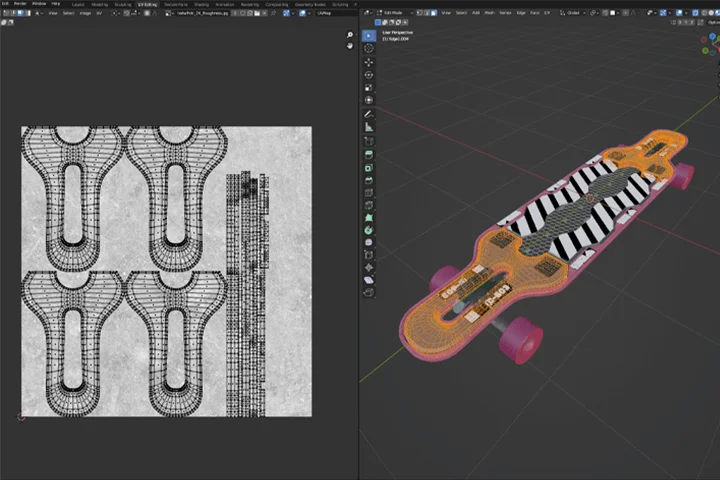 You Are The Prop Master
 -
 Yoga Fire
 -
 Let There Be Light
 -
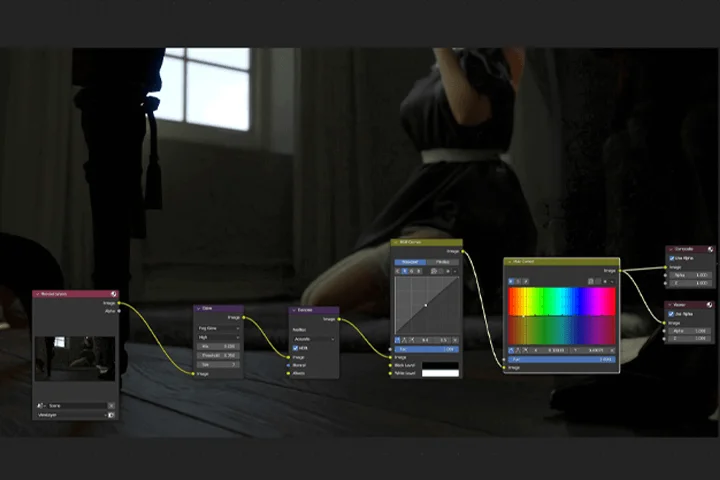 Final Render
Instructor
3D CG Artist
LouLL_AroLL
Hey there! I'm Louis, but you might know me better as LouLL_AroLL. My journey into the world of 3D art began as a simple hobby, a creative escape from my day job as an architect. Little did I know that this passion would blossom into a full-blown career, fueled by years of learning from tutorials, drawing inspiration from fellow artists, and sharing my creations online.
Five years flew by in a whirlwind of artistry until one fateful moment changed everything – a single piece of my work caught fire and suddenly, I found myself bidding farewell to my old job. Fast forward three years, and here I am, living my dream as a concept artist, character designer, and key art contributor to a myriad of games, apps, and even figurine sculptures and toys. From contributing to projects like Exodus by Archetype Entertainment to collaborating with industry giants like Tencent on Honor of Kings, my journey has been nothing short of exhilarating.
But amidst the hustle of commissions and collaborations, I've never forgotten my roots. Through this course, I want to share the wisdom I've gained – from starting out as a hobbyist to carving out a successful career in the world of digital art. Together, we'll journey back to the basics, exploring shortcuts and techniques to craft immersive 3D scenes that weave stories with every pixel. By the end of our journey, you'll not only hone your technical skills, but you'll also discover the power to create narratives that resonate with audiences far and wide. So buckle up, because we're about to embark on a creative odyssey like no other.

3D CG Aritst,
LouLL_AroLL
[Current]
Freelance 3D CG Artist
Projects & Awards
- 2018 Fairy Tales Competition 1st Place; Winning "Deep Poll That Never Dries" published on Smithsonian Magazine and Archdaily.
- Founding partner of HE Architecture Design (http://www.he-arch.com/)
- Personal work "Creak" has currently fourth most likes on Artstation
- Personal art show in Beijing 798 Art District WK Gallery in 2022
- Art director for Avatar.One
- Featured in numerous Weixin articles in China
Highlights
Class Highlights

From Zero to Ultra-Realistic: Master 3D Art in 30 Days with No Modeling Experience
In today's digital age, leveraging software effectively is key to optimizing your workflow, enabling you to channel more energy into creativity rather than getting bogged down by technical details. Through tools like DAZ Studio for character models, Blender for scene construction and material manipulation, and Quixel for textures and props, I'll show you how to harness these resources to seamlessly bring your creative visions to fruition.
Enhance the Cinematic Appeal of Your Work with Three Key Strategies

1. Is your character lacking personality? Inject character personality by incorporating distinctive flaws and features.
2. Is your scene lacking atmosphere? Elevate scene atmosphere through mastery of lighting and composition techniques.
3. Are your environments lacking in detail? Infuse environmental realism by employing specialized composition methods and leveraging material expertise from my architectural background.
Transforming Mundane Shots into Cinematic Scenes

Transforming 2D into 3D is a mindset shift. Embrace this transformative concept to unlock limitless creative expression and stay ahead in the ever-evolving landscape of technology. Think of your character as an actor. Learn to infuse your actions with the character's motivations, akin to how a director tailors an actor's performance. Elevate your scene to new heights of authenticity and depth. It may also be hard to construct scenes without the help of references. Just as the props crew meticulously plans sets around the script, master the art of scene-building by strategically aligning each element with the narrative. With these in mind, aim for the scene-building mastery.
Class Details
You'll Learn
-
 Not Skilled in Modeling? Try Using Daz Studio!Using free versions of Daz Studio and characters to create your own character like a video game. Then, export your character to Blender to embark on your 3D journey with your newly created character.
 -
 Create Pretty and Realistic Clothing for Your Characters in Just a Few StepsIf you're wondering about the secrets behind crafting realistic clothing and textures, let me guide you through the simple steps on creating them. From shaping form-fitting attire to designing flowing garments, you'll learn it all.
 -
 Create a Quick and Easy 3D Sketch ScenesErrors in 3D can be expensive. If headed in the wrong direction, restarting can cost huge amount of working hours. Working from 2D sketches don't always translate seamlessly into 3D creations due to their lack of spatial awareness. Here, you'll swiftly acquire an efficient method for blocking out scenes directly in 3D with precise spatial positioning.
-
 Making Characters More Human-likeBeginners may often find it challenging to create convincing OCs, not because of inadequate talent, but due to the absence of a captivating narrative or setting. Kickstart your character creation journey by imagining a virtual friend. Most importantly, they should possess imperfections, distinguishing them from others.
 -
 Making the Scene More CredibleMerely replicating real-life scenes may not capture your envisioned outcome. Drawing from my background in architecture and CG expertise, I'll impart insights to assist you in crafting scenes that are narrative-driven, tactile, and proportionally accurate.
 -
 Suitable Lighting Can Help Fix 80% of FlawsDo you feel your objects look lackluster even when you put in a lot of effect in creating it? It might just be the lighting. Lighting plays a crucial role in cinematic storytelling, and the same holds true for 3D creation. An object appears lackluster and coarse without the interplay of light and shadow. It's not merely about color; rather, it's about how light engages with it. Effective lighting can infuse a scene with suspense, romance, or mystery.
Class Preview
Still Not Sure?
Check Out LouLL_AroLL's Class Preview!
Chapter 01.
Orientation
1. Introducing your instructor
2. How to create an ultra-realistic CG artwork without any foundation in drawing or modeling
3. What will you learn?
4. Create New Art in the Age of Technology: Helpful websites and software programs
Curriculum
Curriculum
In-Depth Look
SECTION 01. OT
01. Orientation
- Introduce your instructor
- How to create an ultra-realistic CG artwork without any foundation in drawing or modeling
- What will you learn?
- How to create new art in the age of technology?: Helpful websites and software programs
SECTION 02. Coming up with the Scene

02. How to Conceptualize a Story Through Writing and Simple Sketches
- Use writing techniques to quickly conceptualize your idea
- Create engaging characters and setting for a short narrative
- Visualize the above through simple sketches
SECTION 03. Character
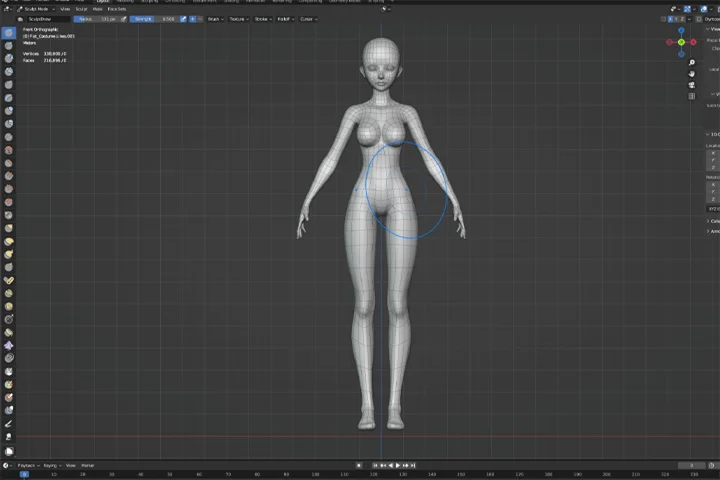
03. Not Skilled in Modeling? Try Using DAZ!
- Use free versions of Daz Studio and character as base model
- How to use sliders to making basics adjustments
- Export character to Blender
04. Unique Character through Simple Sculpting in Blender
- Introduction to sculpt tools in Blender
- Use the sculpt tool to alter the look of the model without changing the mesh
05. How to Create Skin Shader Basics and Unique Features through Texturing
- Introduction to textures and shaders in Blender
- Set up a realistic-looking skin shader with textures imported from Daz Studio
06. Adding Makeup, Tattoos, and Other Skin Features
- Use tools such as Photoshop and Blender texture paint to create makeup, tattoos, nails, and many other features for your character
07. Making Your Character Grow Hair
- Particle hair tools introduction
- Create realistic particle hair
- Hair texture
08. Making Your Character Grow Even More Hair
- Use particle hair tool to create eyelashes
- Create second hairstyle directly from the first one
- More easy way to create particle with add-ons
09. Deriving the Body Suit Mesh from the Body Mesh
- Extract the bodysuit mesh from the base body mesh
- Fix the mesh
- UV Unwrapping
10. Designing the Patterns and Seams and Sculpting It onto the Bodysuit
- Using texture paint to draw the design directly onto the model
- Sculpting out the seams and grooves ontop of the design
11. Using Mask to Blend Shaders and Sculpting Wrinkles
- Use texture paint to shade in the masks for blending shaders
- Set up the shaders for the bodysuit
- Add wrinkles
12. Latex Nylons and Outfit 2
- Additional latex shaders
- Add 2nd set of outfit onto the model
- Set up nylon shaders for the tights
SECTION 04. All about the Scene
13. Create a 3D Sketch Scene
- Use the sketch from chapter 2 as blueprint to place simple blocks to block out the scene
- Add additional simple geometries for complete the surroundings and props
- Place stand-in people to complete our sketch scene
14. How to Capture Your Space like a Movie Director
- Principles of composition
- Properties of Blender camera
- Placing the cameras
15. Creating 3D Props Step-by-Step, Part 1: Claw Machine
- Model the claw machine (main prop) from scratch
- UV unwrapping
- Texture and UV manipulation
16. Creating 3D Props Step-by-Step, Part 2: Stuffed Animal and More
- Model the stuffed animals in the claw machine
- Model a realistic looking bunny ear
- Simple model of the background buiding
- Model pipes, hoses, and caution tape
SECTION 05. Interaction between Characters and Scene
17. Build the Scene
- How to find more props online?
- Place ready-made props into the scene
18. Character Setup for Posing
- Intro to inverse-kinematic rig
- Set up character and clothing for rigging
- How to use asset library to save poses
- Simple clothing rig setup
- Cloth simulation
19. Producing a More Detailed Second Draft Sketch
- Use the model up until now as the basis for a second draft
- How to create a natural and dynamic pose from sketching
SECTION 06. Elevating the Realism of the Scene
20. Adjusting the Model Based on the Second Draft Sketch
- Pose model according to 2nd sketch done in chapter 14
- Natural looking hand poses
- Adjust clothing to new pose
21. Making Characters More Human-Like
- Create facial expressions
- Add muscle and bone details according to the pose
- Add squeezing effect from tight clothing
22. Making Clothing More Realistic and Natural
- Use the 5-2-1 meter method to identify areas needing changes
- Two ways of adding product label decals to the bodysuit
- Add wrinkles according to the final pose
- Make final adjustments to shaders
23. Making the Scene More Convincing
- Use the 5-2-1 meter method to identify areas needing changes
- Add small props to enrich the scene, such as grunge, maintenance hatches, etc
- Adjust the material of key objects to emphasize realism
24. Additional Atmospheric Elements That Instantly Enhance Realism
- How to add volumetric fog
- Realistic water puddles on road
- Particle system: airborne dust and rain
25. Suitable Lighting Can Help Fix 80% of Flaws
- Introduce types of light sources in the Blender and their effects
- Applicable rules for different light sources
26. Lighting for the Character
- Set up three-point-lighting for the character
- How to light characters cinematically in a scene
27. Lighting for the Environment
- Things to watch out for when lighting the scene environment
SECTION 07. Rendering & Post-Production
28. Render and Export
- Introduction to types of rendering
- Recommendations for render settings and parameters
29. Perfecting in Photoshop
- Make proper adjustments
- Add details
SECTION 08. Thank You and Goodbye
30. Overall Review
- Overall review of what we learned
- Key exercises for improvement
31. How to Build Your Portfolio & Goodbye
- How to make Artstation posts more appealing
- How to get work and how to be seen
- Key exercises for improvement
*The release date of this class, curriculum images, and associated content can be changed without prior notice.
** Class videos may be separated for a more streamlined viewing experience
Interview with
3D CG Aritst, LouLL_AroLL

Question.01
What makes your class different from other classes?
As someone who embarked on their art journey midway and relatively recently, I want to emphasize that art isn't solely about mastering software tools, but rather about utilizing simple and accessible means to bring our imaginative visions to life. In this class, I aim to share my experience of adopting quick and straightforward tools and techniques to create images that may initially seem daunting. I'll not only impart the technical knowledge I've amassed from tackling art commissions but also delve into the narratives behind characters, poses, and scene construction. Together, we'll navigate seemingly challenging tasks step by step, empowering you to tell your own stories through your art in the end.
Question.02
Please share your thoughts on the industry's job market and what you see in the industry's future.
As technology advances, it's inevitable that AI will play a larger role in digital art creation. Soon, prompts could even generate 3D art. While this may sound concerning, it will push artists to evolve into creators of more conceptual, tactile, and narrative-driven art. Technology has already facilitated the creation of countless works on platforms like Artstation, a feat unimaginable decades ago. This has paved the way for groundbreaking films such as Final Fantasy, Love Death Robot, and the Marvel series, as well as immersive art experiences like those by Team Lab. Furthermore, gaming has taken off to be the largest entertainment industry, largely thanks to digital art, with further evolution expected in AR and VR gaming. In essence, I want to reassure you not to fear these changes but to embrace them and always look ahead. Your greatest asset lies not in software proficiency but in your ability to create and imagine.
Question.03
What do you think is the most important trait(s) to success in your industry?
Key traits essential for success in the industry include meticulous planning of artistic endeavors and effective communication. As art evolves into a career path, we inevitably encounter challenging commissions, complex collaborations, and divergent artistic directions. During these instances, it's imperative to thoroughly outline your vision through writing, references, or sketches, and effectively communicate your plan to clients and collaborators. While art serves as a personal expression, it also operates within an industry context and production framework. Rushing into projects without careful planning often leads to rework, loss of interest, or creative stagnation. By approaching art and other endeavors with logic and careful planning, we can save time, enhance communication, and cultivate happiness in our work.
Required Programs
This course will use:
- Blender 4.0+
- Daz Studio 4.15+
- Photoshop
- Diffeomorphic (Blender Plugin)
Please purchase and install these program(s) for an optimized lecture experience.
*These programs and/or materials will not be provided with the lecture.