Coloso.

Search Input

Procedural Effects and Advanced Rendering Workflow in Blender and DaVinci Resolve

3D CG Artistizzy
  • Now Available


Class Details

  • Now Available
  • Basic~Advanced
  • Total 40 videos, 16Hours 30Minutes
  • English
  • English, Traditional Chinese [Auto]
  • Class materials included


3dcgartist,izzy Details

Instructor
izzy
3D CG Artist

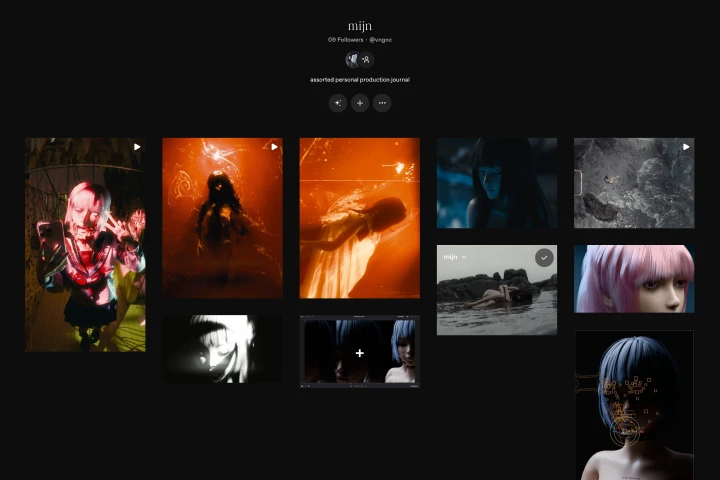
izzy is an artist and a digital native working on a wide range of projects from independent productions to brand collaborations. Unbounded by a single medium, izzy has worked on different outputs from stage visuals, music videos, augmented reality, live production, online activations, and more.

Some of izzy's notable works have been associated with Bring Me The Horizon, YOASOBI, Netflix, Hindia, OOTORO, Lauren Tsai, Yellow Claw, and others.

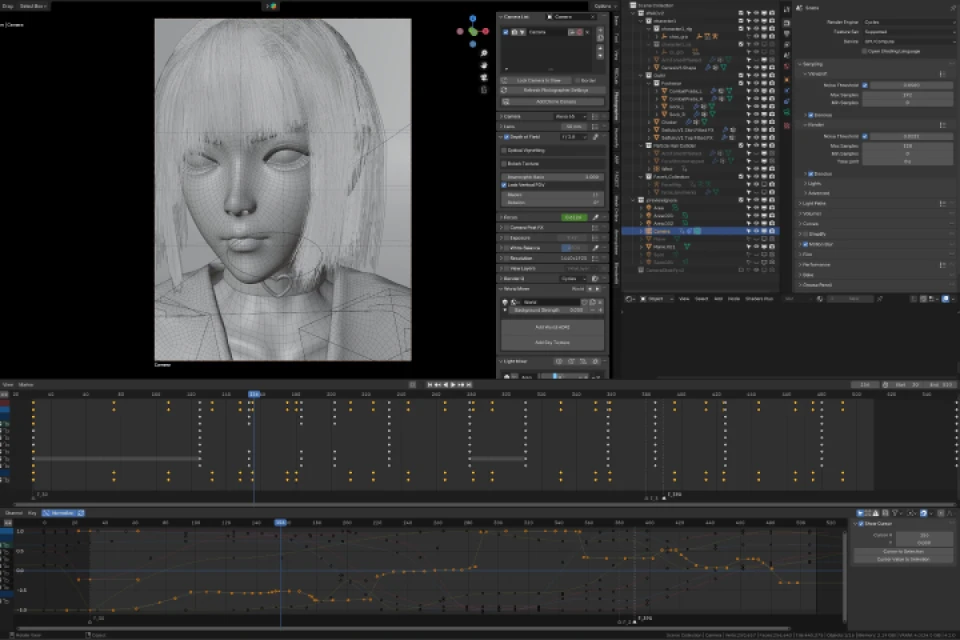
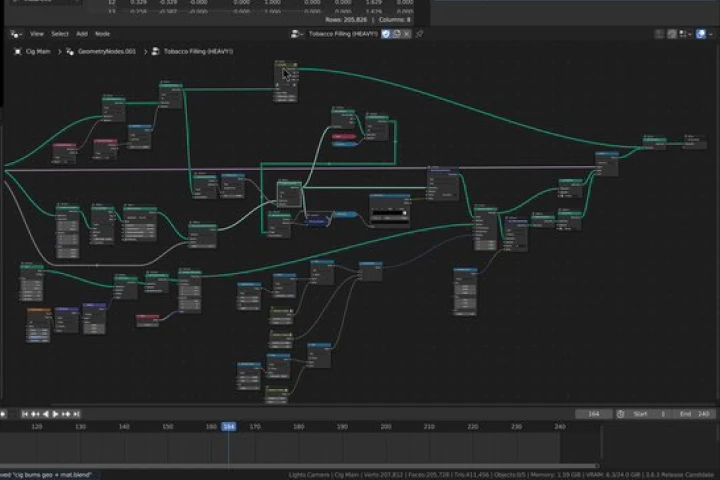
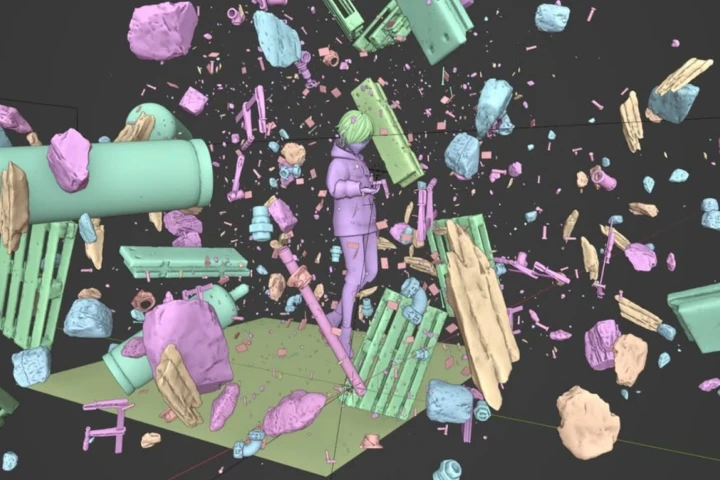
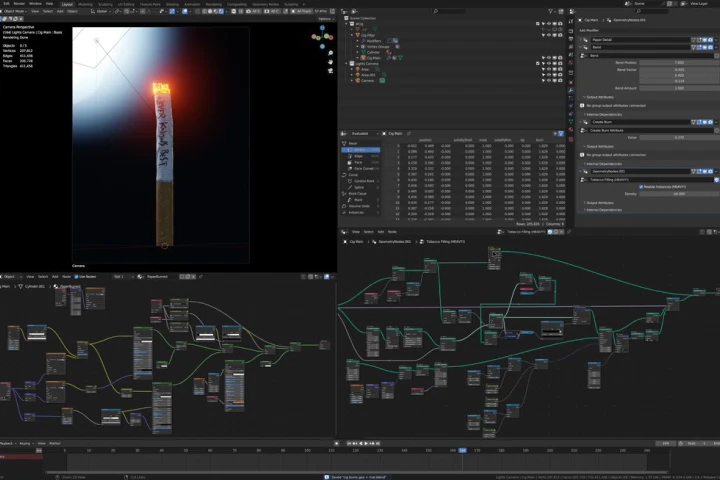
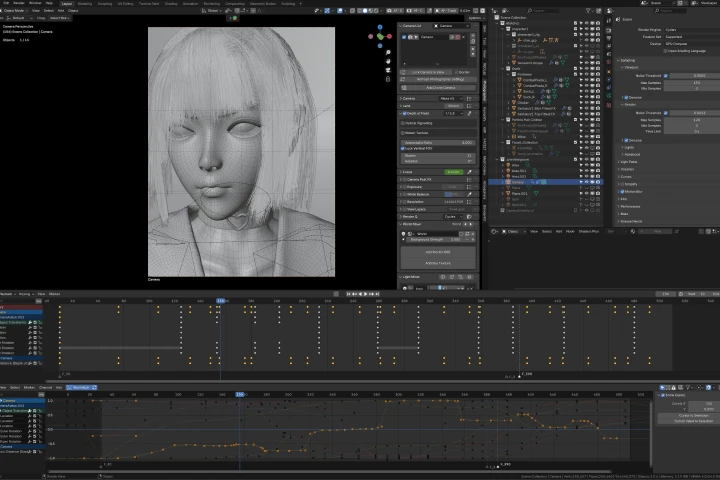
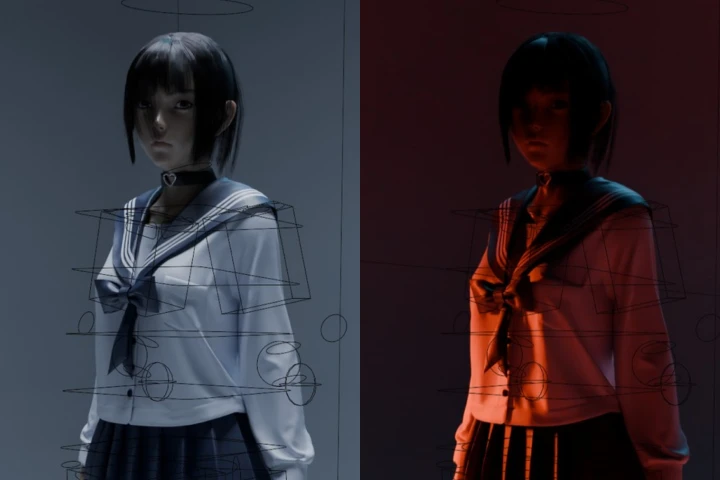
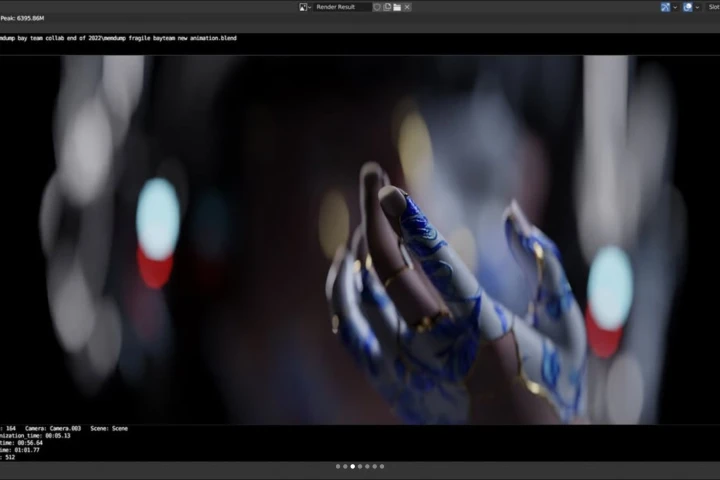
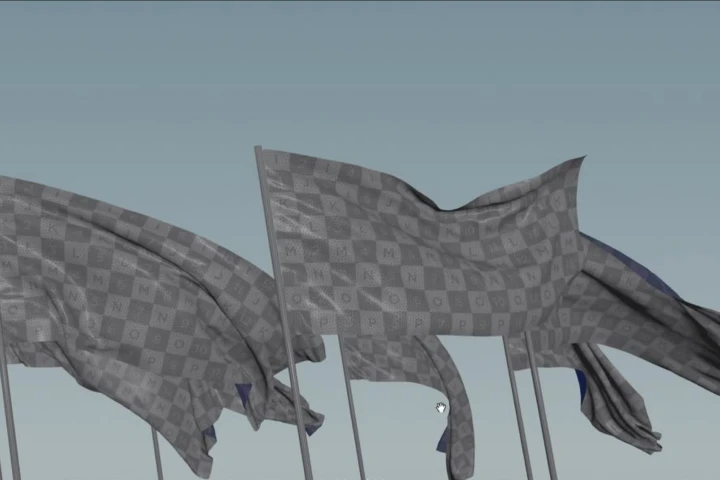
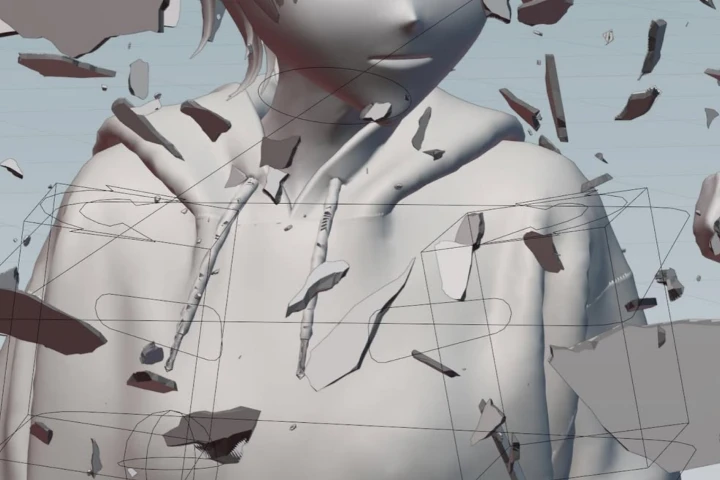
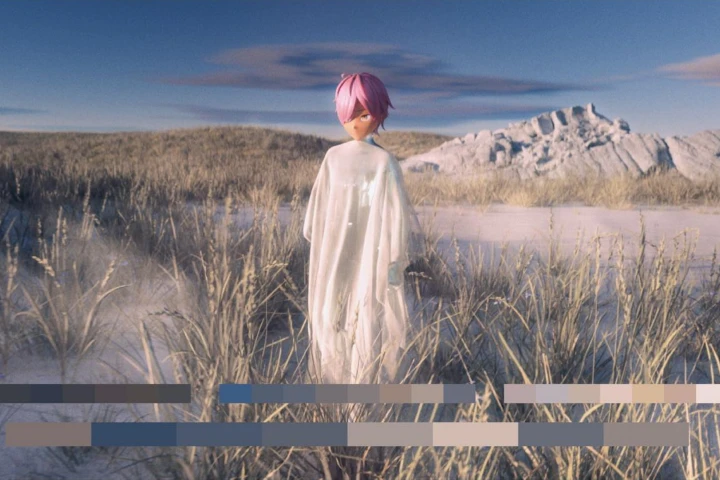
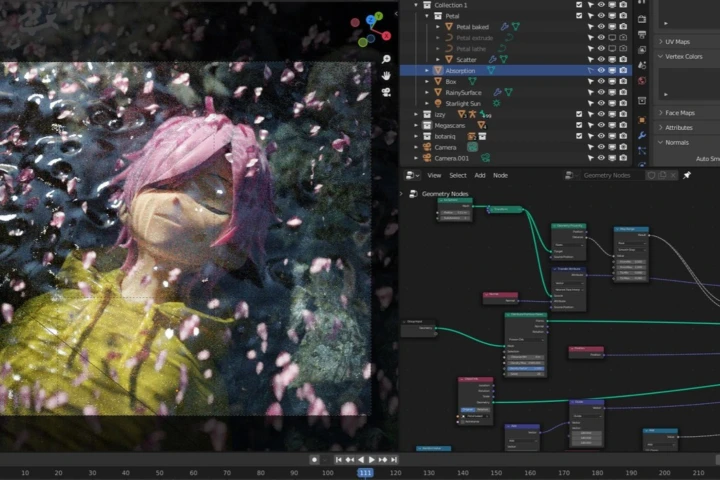
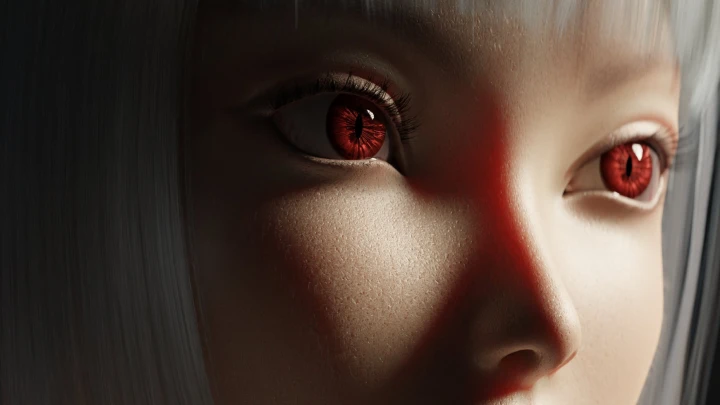
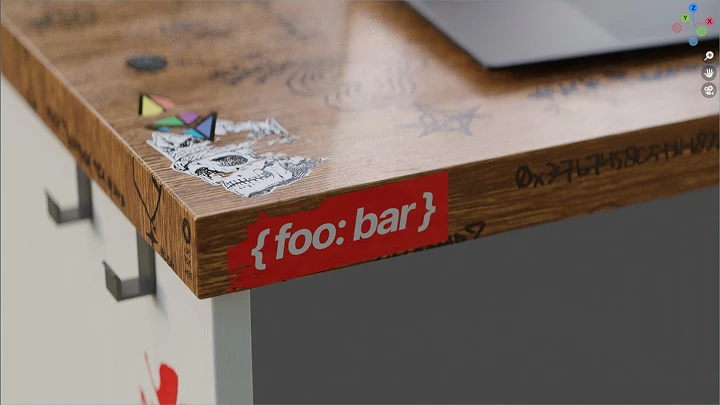
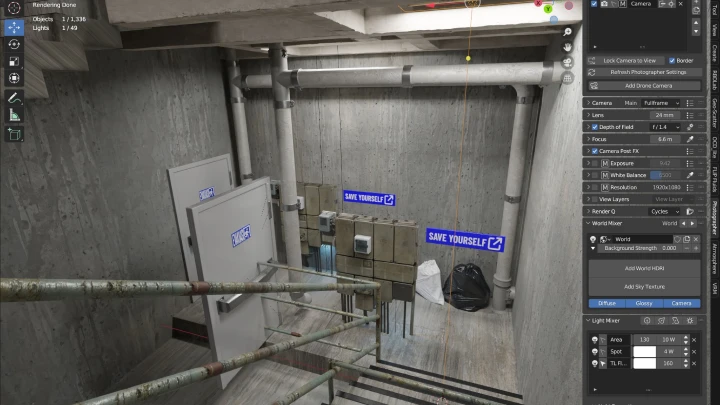
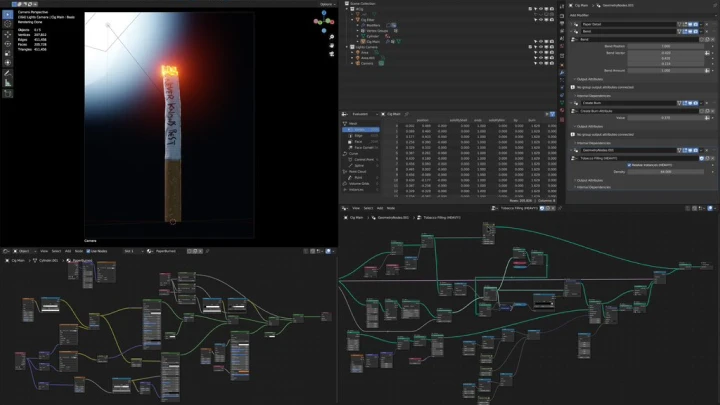
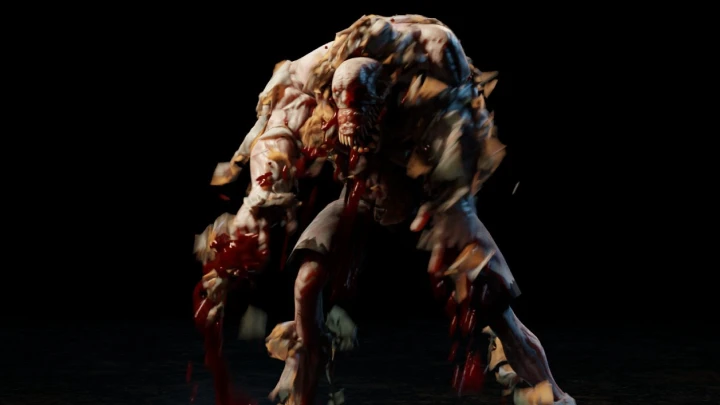
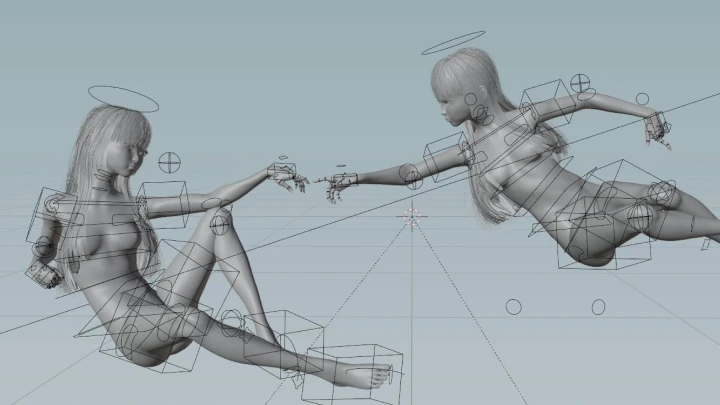
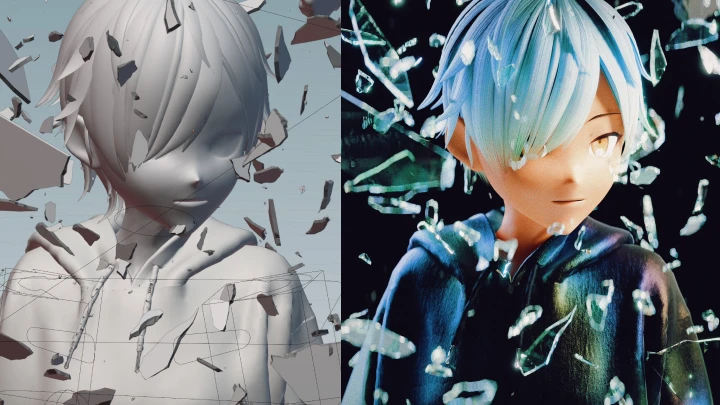
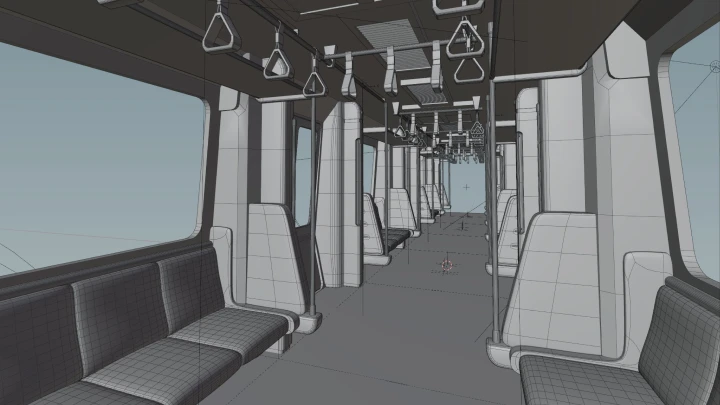
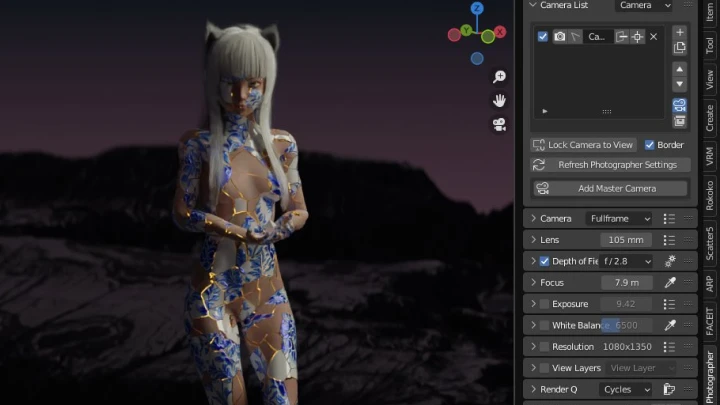
In this class, izzy shares his way of building procedural effects for 3DCG production as well as advanced rendering pipeline suitable for a small team or a single artist. With the recent developments in Blender, support for procedural effects has been growing significantly. This allows artists to build more complex effects for their work, achieving what used to be a multi-software workflow into a more robust and accessible platform that is Blender.

izzy

izzy

3D CG Artist
instagram
Profile

[Current] - CG artist at Mata Foundry - Freelance artist [Previous] - Video Editor & Motion Graphics at Froyonion - Video Editor & Motion Graphics at Layaria Network

Interview
Meet the Instructor
Question 01

What led you to choose this topic or theme?

Since the early years of my work, I have always been sitting on the fence between creative & technical problem solving. During my work as a video editor and motion graphic designer at corporate jobs, I've done numerous clever technical hacks to make my job easier or simply to scale up my output. At the heart of it, my work has always been at the intersection between a creative and technical approach. Now, more than ever, I am required to dual-wield this skill set for my work as a CG artist working in a team tackling the largest stage in the world.

Question 02

What makes your class different from other classes?

I think it would be the amount of technical knowledge that I'm willing to share in order to achieve a certain creative output in a clever way. While dialing values in manually and art directing a lot of the things in an artwork is still the prime way to go about, technical solutions to support a creative endeavor have always been a bit of a blind spot for artists - myself included.

Question 03

Could you please share how you started your journey in the industry?

As a kid, I've always loved computers. Since everything is increasingly using computers for many aspects, all I had to do was decide on what kind of things I'd want to make with computers. Specifically in the industry, I started as a one-man-army video editor as I was required to tackle everything in the post-production pipeline. I've edited videos for corporate jobs, singers, and rappers, before finally shaping up to who I am today.

Question 04

What kind of industry developments to do you forsee, and how does this class prepare students for that future?

I'm gonna be real, with the rise of AI (and technology in general), it is completely understandable that artists may be feeling skeptical, or worse, feeling inadequate with their own artistic processes. I like to think of myself as a short-term pessimist, long-term optimist. What this means for my views regarding industry development is the possibility that artists should try to equip themselves with a strong footing in technical knowledge and systematic problem solving to support their creative endeavors now and in the future.

Question 05

What are some essential skills or "must-have" tools in this industry,
and why?

In no particular order, I think the essential skills would be communication, time management, interpersonal relations, intrapersonal relations, understanding of values, and most importantly: taste.

Question 06

How would you define success in this industry? What is the formula to success in your opinion?

This is a tough question, lol! I don't personally have a metric for myself, let alone trying to define this for others. I believe the definition of success for each individual can be so unique and specific to each of us. But generally, I see any kind of growth as a win. Notice how you feel great when you grow? It's not always a smooth journey, but growth is always appreciated no matter which angle you see it from. There is no strict formula for success, but I believe showing up every day and just trying to push yourself (even for just a little bit) every day, will matter in the grander scheme of things.

Question 07

What are some common misconceptions about this industry, and how would you debunk them?

I think from a layman's perspective, this industry may seem like a flashy and prestigious one given the amount of attention that popular media receives. Remember the survivorship bias. Most people only see the most successful works or artists, while many others might be struggling and pushing themselves to the edge every day to achieve a fraction of what most people have seen. I don't think this is an easy misconception to debunk, as it requires awareness from the masses, and understanding the importance of optics from the artist's end.

Question 08

Do you have any advice for your students?

Believe in your own taste. Watch more films. Play more games. Listen to more music. You only get to know the things you deem good from consuming so many things. Refine your own taste over long periods of time. Most people only get as good as the references they know.

Greatness begets greatness.

Class Details
You'll Learn
<p><strong>Foundations &amp; Ideation</strong></p>

Foundations & Ideation

Set up your workstation and dive into creative thinking. Explore how to gather references, understand visual storytelling, and build moodboards that define the direction of your 3D scenes.

<p><strong>Asset Preparation &amp; Scene Layout</strong></p>

Asset Preparation & Scene Layout

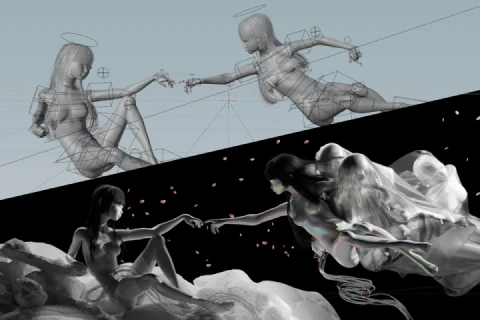
Find or create 3D assets, model key elements, and work with real-world scales. Use Blender to layout scenes, place cameras and lights, and transform ideas into cohesive 3D compositions.

Procedural Design & FX Development

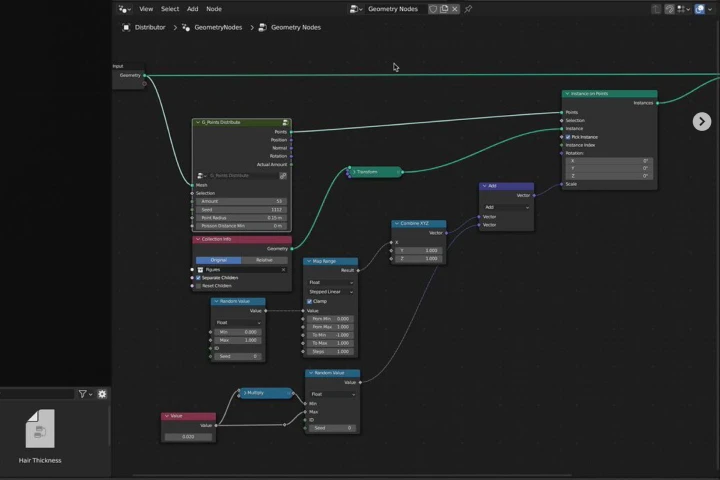
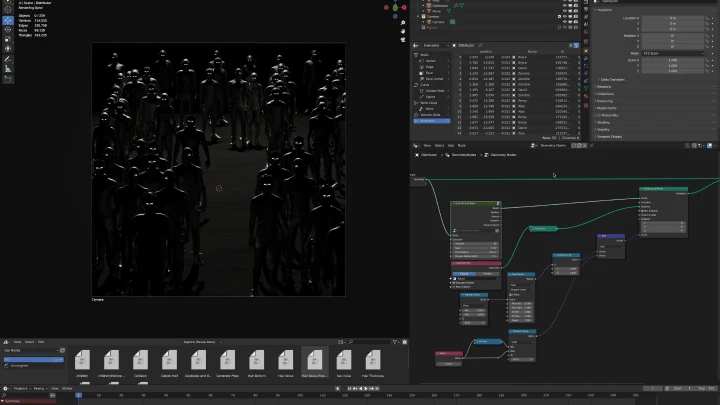
Learn procedural workflows using Geometry Nodes and basic computer science principles. Build effects like particles and simulations to automate and enhance scene complexity efficiently.

Detailing, Animation & Scene Polish

Focus on realism and visual storytelling. Add textures, refine lighting, integrate animation data, and use shader nodes to bring depth, mood, and polish to every shot.

Rendering & Technical Workflow

Master rendering optimization, compositing setup, and efficient data management. Create playblasts, test renders, and prepare scenes for high-quality, production-ready output.

Post-Production & Compositing

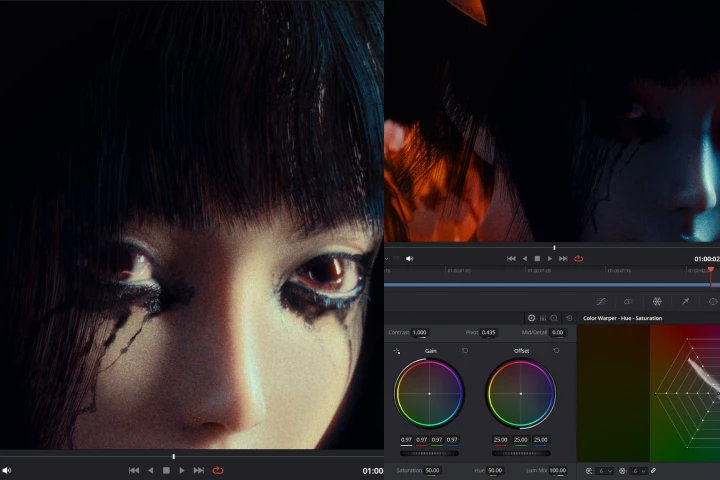
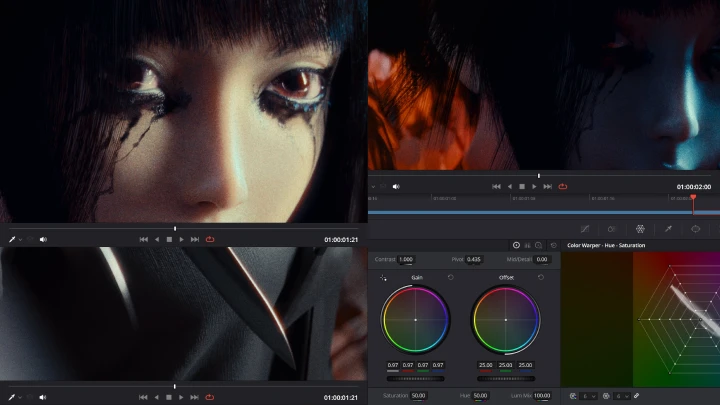
Bring final renders into DaVinci Resolve for compositing and color grading. Combine render layers, apply visual adjustments, and craft the final cinematic look that completes the storytelling process.

Curriculum
In-Depth Look
**Class release dates and content are subject to change without prior notice.
  • Section 01
    OT
    curriculum_3dcgartist_izzy_us01_1x.webp
    • 01. Orientation + Technical Prep- Meet your instructor and learn about the overview of this class. - Overview of Blender (showcasing what is possible with Blender) - Examining your own workstation (CPU, GPU, OS, etc.) and understanding it - Downloading, installing, and configurating Blender to your workstation - Choosing the right render engine for your workstation and your project

  • Section 02
    Entire Image Ideation
    curriculum_3dcgartist_izzy_us02_1x.webp
    • 02. Tastemaker's Tastemaker- The importance of reference - Media consumption as a form of creation - Ideas & references can come from anything - Tracing the DNA of the things you love

    • 03. Lights, Camera, and Lenses- Understanding photography basics - Understanding lights - Understanding camera and lenses - Understanding basic photography flow

    • 04. Collecting References & Putting It Together- Exploring the internet and dismantling yourself from "the algorithm" - Using software to help manage ideas - Seeing it all at once from bird's eye view - Compiling your idea into a single cohesive piece

  • Section 03
    Materials Procurement
    curriculum_3dcgartist_izzy_us03_1x.webp
    • 05. Research- Researching the things that will be in your scene

    • 06. Sourcing Materials- Scouring the internet for materials and data that you can use in your scene

    • 07. Rough Modeling- If need be, when in doubt, sometimes you just have to get your hands a little dirty

  • Section 04
    Layout in Blender
    curriculum_3dcgartist_izzy_us04_1x.webp
    • 08. Introduction to Set Dressing- The importance of using real-world scale - Scales: big, medium, small - Chaos: our world is never perfect

    • 09. Rough Layout- Layouting the scene based on references collected in section two - Use of materials collected on section three

    • 10. Camera and Lights Layout- Composition (photography basics) - Camera theory (sensor/film size, lenses, common cinema camera settings) - Lights theory (Type of lights, real-world film lights, light cutting tools)

    • 11. Refined Layout- Finalizing the layout - Clay render in Cycles or Eevee to feel the composition - This will be the base of our scene and will be detailed as we go

  • Section 05
    Overview: Geometry Nodes
    curriculum_3dcgartist_izzy_us05_1x.webp
    • 12. Computer Science Basics- Computer science basic: understanding data and information - Computer science basic: relevant concepts (instancing, recursion, processing) - Understanding relevant data types and compsci concepts used in Blender

    • 13. Geometry Nodes- Overview of Geometry Nodes in Blender - Procedural, non-destructive method of geometry manipulation - Manipulating geometry using Geometry Nodes

    • 14. Using Geometry Nodes to Scatter Large Amounts of Objects in the Scene- Scattering a collection of asset in the scene in an optimized manner

  • Section 06
    FX Development & Setup
    curriculum_3dcgartist_izzy_us06_1x.webp
    • 15. FX Development Prep Work- Researching & understanding the FX we want to create based on real-world references - Using a fresh, empty Blender save file to develop the FX

    • 16. FX Development in Geometry Nodes- Generating particles in a volume - Manipulating particle behavior over time using deterministic noise generator - Manipulating particle behavior over time using Simulation Zone

    • 17. Preparing FX for the Pipeline- Exporting attributes to be used in material shader nodes - Previewing the FX in Cycles or Eevee - Reaching minimum viable state and moving on

  • Section 07
    Scene Detailing & Character Animation
    curriculum_3dcgartist_izzy_us07_1x.webp
    • 18. Using Pre-Made Animation Data- Browsing Mixamo for animation data - Downloading and using animation data - Using actions in Blender to organize animation data

    • 19. Subtle Details from Photography- Understanding even deeper concept of realistic details found in real photography - Textures - Volumetric lights

    • 20. Adding Details in Materials- Material shader node basics in Blender - How textures add dimensions and depth to an image

    • 21. Lights to Improve Composition- Using additional hidden lights to really polish the image - Using volumetric lights to shape the composition - How to make lightweight volumetric light effects

  • Section 08
    FX Implementation
    curriculum_3dcgartist_izzy_us08_1x.webp
    • 22. Linking vs. Appending- Understanding different methods of "importing" another blend file - The benefit and disadvantages of linking - Using node groups

    • 23. Implementing the FX- Implementing the procedural FX into the scene - Adjusting FX parameters

    • 24. Wrapping Up the Scene with FX- Wrapping up all aspects of the scene: animation, camera works, lights, FX, composition - Tuning and pushing the scene a little further with basic composition concepts

  • Section 09
    Playblast
    curriculum_3dcgartist_izzy_us09_1x.webp
    • 25. Playblast Intro + Setup in Blender- Introduction to playblast - Understanding why playblast is necessary during production - Using dublast and DIY setup to create playblast - Understanding important data to be burned into the playblast image

    • 26. Creating Playblasts and Reviewing Them- Creating playblast using one of the method in previous chapter - What to look for when reviewing a playblast

  • Section 10
    Rendering Setup
    curriculum_3dcgartist_izzy_us10_1x.webp
    • 27. Production-Ready Render Method- Understanding every parameters in render settings and what it does to the image - Optimizing render settings - Render layers - Additional data

    • 28. Rendering and Reviewing Still Images- What to look for in a rendered image - How to see additional render layers - The improvement loop: render, preview, fix, and repeat

    • 29. Using Compositor to Extract Different Data from an Image- Understanding Blender compositor and how it'd help us after rendering - Denoising concept in compositor - Understanding the difference between different file formats - Preparing the blend file and workstation for final render

    • 30. Rendering Tips: What I Wish I Knew Before My First Render- Additional tips related to computer software and hardware during render - Memory management, VRAM, out-of-core, etc.

  • Section 11
    Post-Production
    curriculum_3dcgartist_izzy_us11_1x.webp
    • 31. Compositing Basics & Color Grading Theory- Understanding compositing a raw rendered image - Compositing concepts in different software - Understanding color grading process - Implementing basic color theory in color grading

    • 32. Importing and Using Render Layers- Importing the image sequence into DaVinci Resolve - Extracting render layers within Fusion in DaVinci Resolve - Re-encoding the render layers to optimize post-production processes

    • 33. Compositing and Color Grading Your Scene- Using render layers to finalize the look of the image - Color grading in DaVinci Resolve - Selective color grading - Achieving realistic look during compositing and color grading

  • Section 12
    Epilogue
    curriculum_3dcgartist_izzy_us12_1x.webp
    • 34. My Journey as an Artist- Story time! How i started as an artist, my journey, taking calculated risks, the "everything is a remix" mindset, and learning to love computers

Required Tools

This course will use Blender 5.0 (minimum 4.5, recommended 5.0) and DaVinci Resolve 20 (minimum 19, recommended 20).
Please purchase and install these program(s) for an optimized chapter experience.

*These programs and/or materials will not be provided with the chapter.

Blender.png
DaVinci.png
Recommended Classes

Important Notice

- This product provides access to the video lectures online (Excluding products categorized as Assets). - Under certain circumstances, discounts may end early or be extended without prior notice. - For pre-ordered courses, the content and the lecture videos will be released sequentially according to the schedule. The Course Start Date will be set to the release date of the first lecture video. - You will gain immediate access to the course through My Page upon completing registration and payment. Total Course Duration: - The Standard Access (Paid access) period lasts for the first 15 days and Unlimited Free Access period will begin from the 16th day. Both the Standard and Unlimited Free Access periods offer the equal viewing experience to the content. - Course Start Date: The estimation of the Course Start Date will be based on the completion date of the payment. Immediate access to the lecture videos will be granted through My Page. (For pre-ordered courses, the start date will be the release date of the first lecture video.) - In case the course start date is postponed due to extenuating circumstances on Coloso’s end, the start date will be adjusted accordingly.
*Please note that certain aspects of this course, including the release date, curriculum images, and associated content, are subject to change without prior notification.
*Would you like to learn more about our refund policy? Please check ▶ here
*Please check our ▶ FAQ for Copyright and Proprietary Rights, User-Generated Content, Security, and Violation information.
*保留未事前告知而更改本網頁資訊的權利
*欲進一步瞭解退款政策的細節,請由 ▶ 此處確認。
*請至 ▶FAQ頁面查看有關版權及所有權、使用者製作內容、資料安全及違反等相關資訊。
*Tenga en cuenta que la información de esta página está sujeta a cambios sin previo aviso.
* ¿Le gustaría saber más sobre nuestra política de reembolso? Por favor, compruebe ▶ aquí
*Por favor, compruebe nuestras ▶ FAQ para los derechos de autor y derechos de propiedad, contenido generado por el usuario, seguridad e información de violación.
- This product is strictly prohibited to resell, redistribute, steal, or transfer. - The original images and simple edited images of this product cannot be transferred, distributed, or sold. - This product can be refunded only before the class video is released. - You can find this product on [My Class] > [Class Materials]