3dartist,piotrpopel Details
Intro
Class Intro
3D Artist, PiotrPopel
"Let's convey emotions and build atmosphere through composition, lighting, and movement!"
Master Cinematic 3D: Design, Animate, and Tell Your Own Compelling Stories!
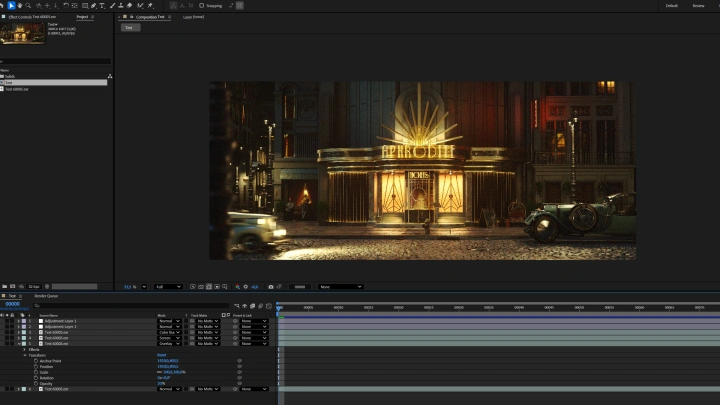
If you're struggling to make your 3D scenes cinematic or emotionally engaging, this course provides the guidance you need. You'll learn to plan shots like a filmmaker, use props, lighting, and color to convey emotion, and build visual storytelling into every frame. Step by step, you’ll follow a professional workflow in Cinema 4D, CC5, and Octane, including optimization techniques for managing even complex scenes.
With professional training in Production Arts at Wimbledon College of Arts, Piotr brings real-world expertise in 3D cinematic design. Projects like the worldwide Netflix series Heart of Stone (2023) and the Airbus Showcase at the 2025 Paris Air Show have shaped his ability to create cinematic, production-ready 3D scenes with both clarity and impact. In this course, he shares the exact techniques he uses to craft immersive environments, seamlessly blending narrative intention with technical precision.
By the end of the course, you'll create a polished, portfolio-ready cinematic sequence and gain practical insights drawn directly from real production experience. Most importantly, you'll adopt a cinematic storyteller’s mindset that helps you express your own signature style and elevate your 3D work to a professional level.
By the end of the course, you'll create a polished, portfolio-ready cinematic sequence and gain practical insights drawn directly from real production experience. Most importantly, you'll adopt a cinematic storyteller’s mindset that helps you express your own signature style and elevate your 3D work to a professional level.
Class Preview
Still Not Sure?
Check Out PiotrPopel's Class Preview!
Chapter 5: Building Up the Scene (1)
1. Creating using same methods as presented in CH08, CH09 and CH10 with additional information
Class Perks
Special Gift from PiotrPopel
-
 2D Assets from Piotr (texture, still, animated)
 -
 3D Assets from Piotr (mesh, props, etc)
 -
 Project File for the Set
Recommendation
Who should take this class?
Aspiring 3D artists who want to move beyond basic modeling and learn how to build cinematic, story-driven environments.
Students and freelancers aiming to improve workflow, gain production insights, and build portfolio pieces that attract jobs.
Motion designers and visual creators looking to add a sense of atmosphere, composition, and storytelling to their work.
Expert 3D Artist PiotrPopel's Portfolio



Why Take This Class?
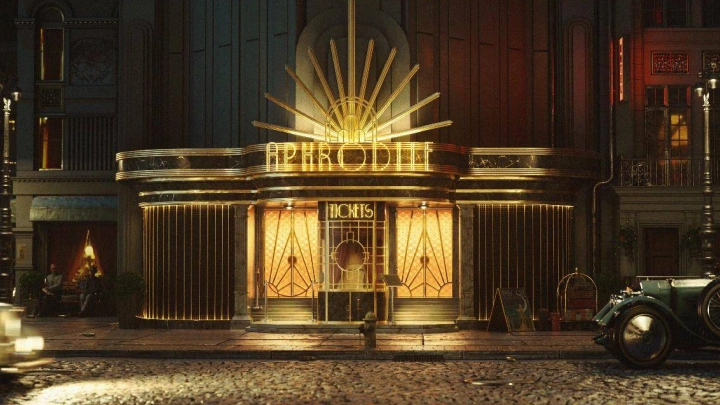
This class stands out for its cinematic approach to 3D scene creation. Students will learn to design and build visually stunning Art Deco–inspired environments inside Cinema 4D, not just by mastering technical tools, but by understanding how to convey atmosphere, storytelling, and emotion through design.
Guided by real production experience, this course focuses on learning through practice and helps students avoid common mistakes and build confidence in their creative process. By sharing both creative insights and the lessons learned from Piotr's own journey, the class offers a faster and more practical path to developing professional-quality cinematic work.
Students will also gain skills that can enhance their career opportunities, whether in motion design, art direction, or visual storytelling. By the end of the course, they’ll not only know how to create complex, optimized cinematic scenes, but also how to think like filmmakers — using 3D as a tool for expressive, emotionally engaging storytelling.

Get Ready for the Real-World
14 Class Exercises
-
Script Analysis
-
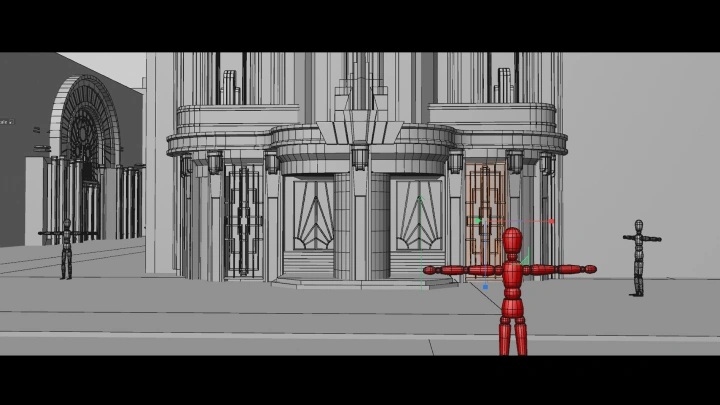
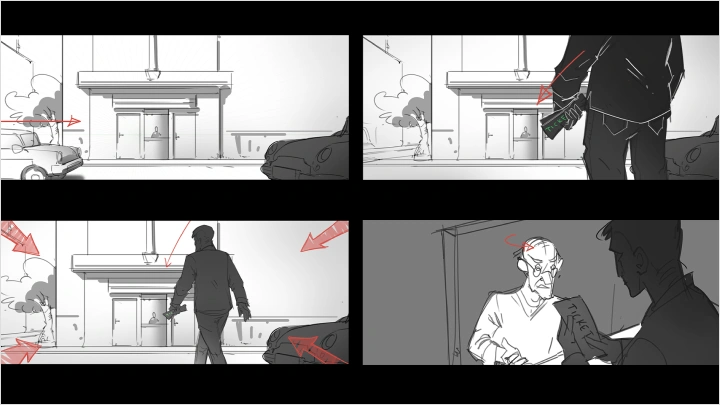
Pre-Viz
-

Set Building
-
3D Scanning
-
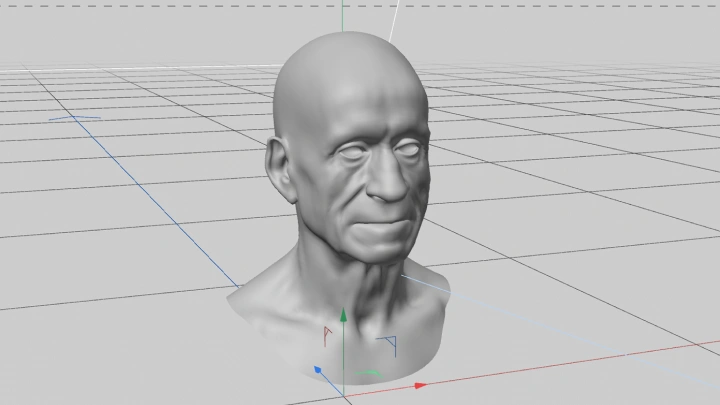
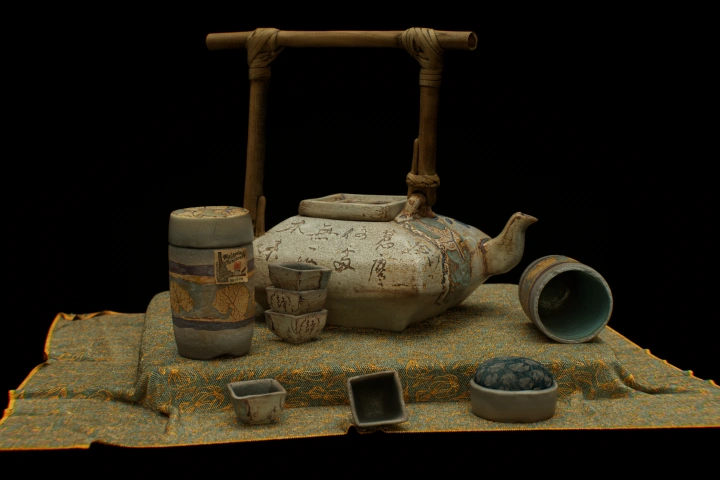 Hero Prop Modeling
 -
Lighting Experiment
-
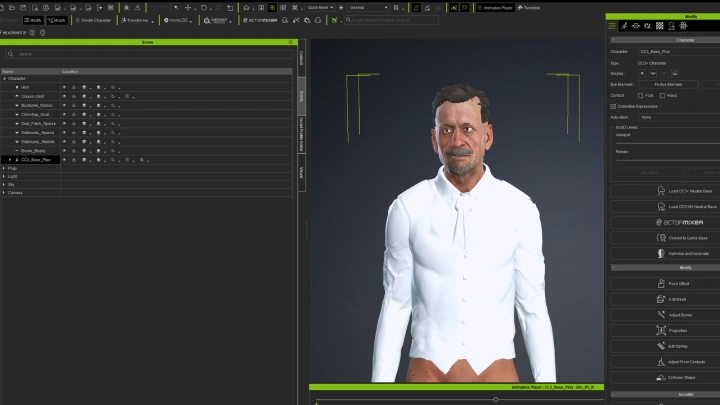
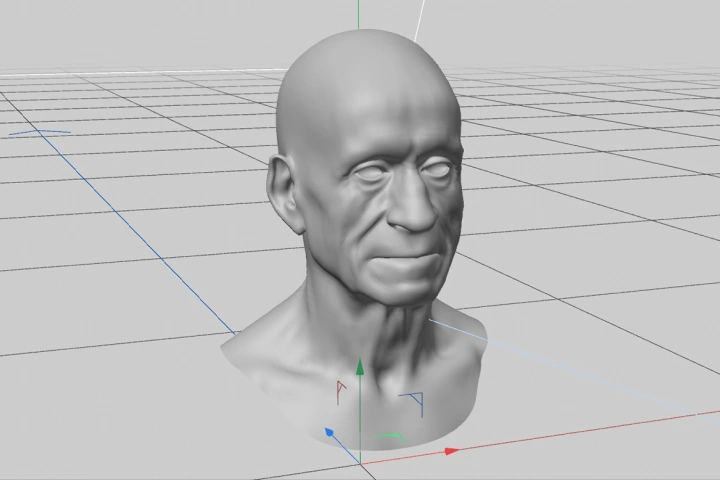 Character Modeling (CC5)
 -
Character Blocking
-
Character Facial Animating
-
Cloth Simulation
-
Rendering
-
Simple VFX
Final Product Example(s)
-
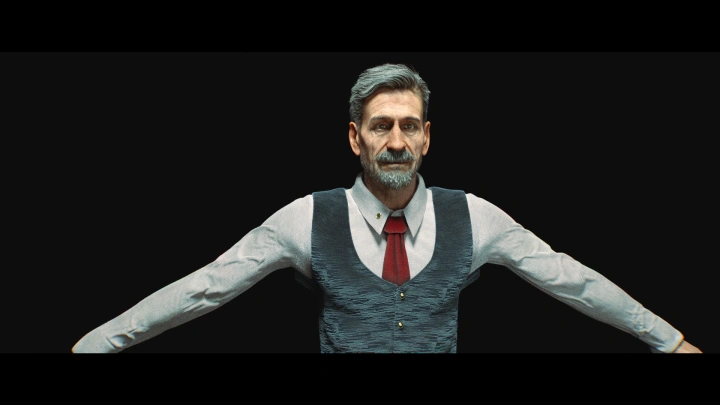
One 3D Character Model Turnaround
-
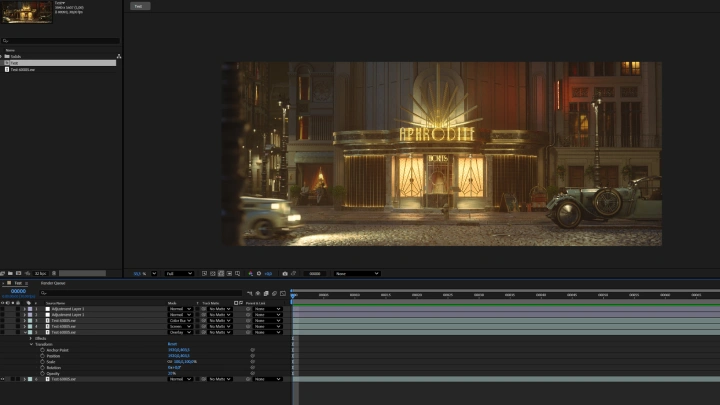
One 3D Set Model Turnaround
One Furnished Animated Scene
*The above images are sample images for a better understanding.
Highlights
Class Highlights
Cinematic Storytelling in 3D
See the world through the mindset of a professional filmmaker. Design scenes where composition, lighting, and movement work together to convey emotion, build atmosphere, and drive the story.
Creating Art Deco-Inspired Worlds and Characters
Explore how to build environments and characters that reflect the elegance and geometry of Art Deco design. Learn how to blend style and storytelling into a cohesive world.
Professional Workflow & Optimization
Gain the technical insight to build complex, cinematic scenes efficiently. Take a look into real production methods, shortcuts, and optimization tricks that save time and elevate quality.