3dartist,noc Details
Intro
Class Intro
3D Artist, Noc
"We'll go through the step-by-step process, from storyboarding to sound design, for creating more cinematic animations!"
Unlock the Filmmaker’s Mindset

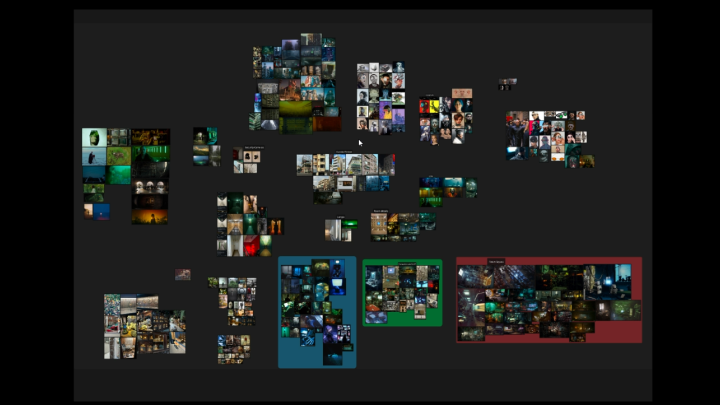
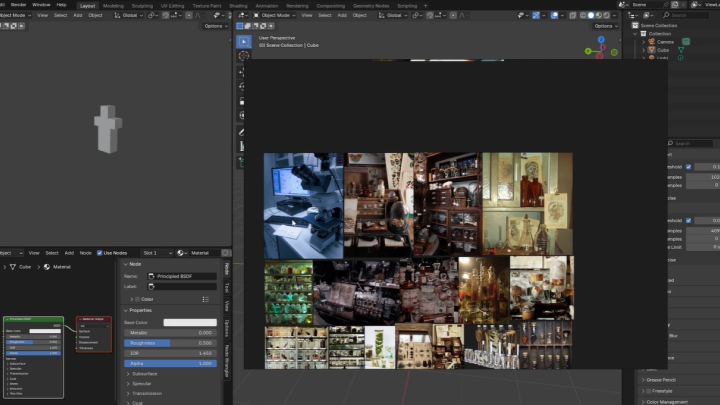
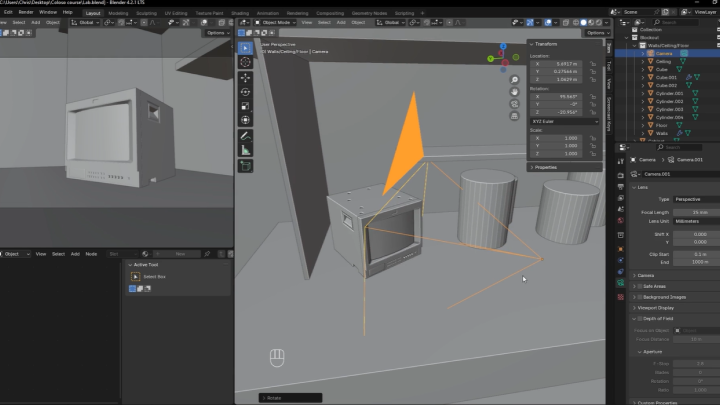
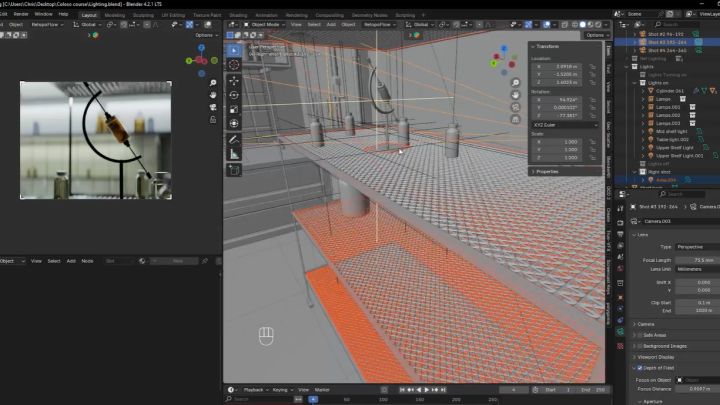
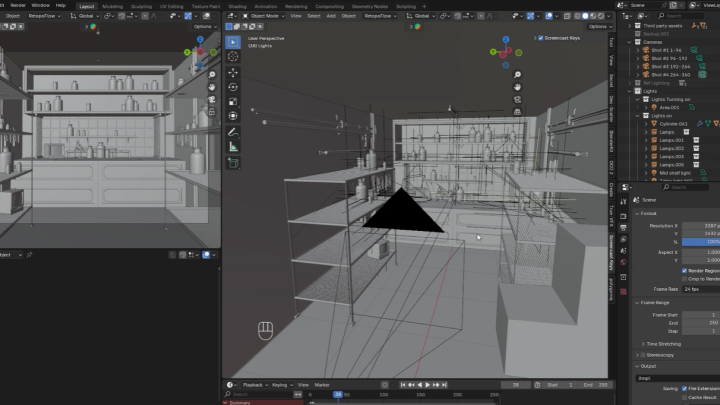
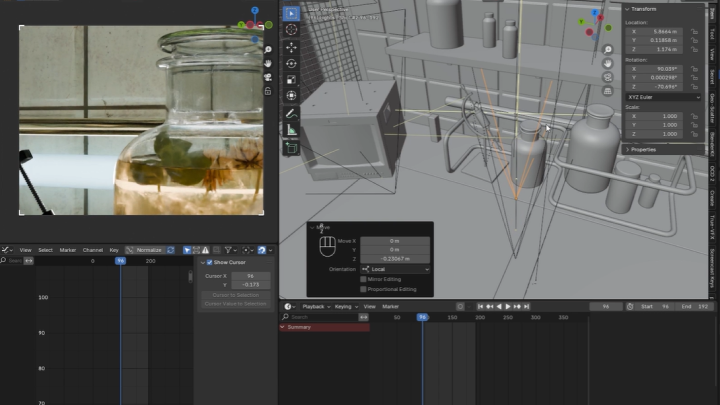
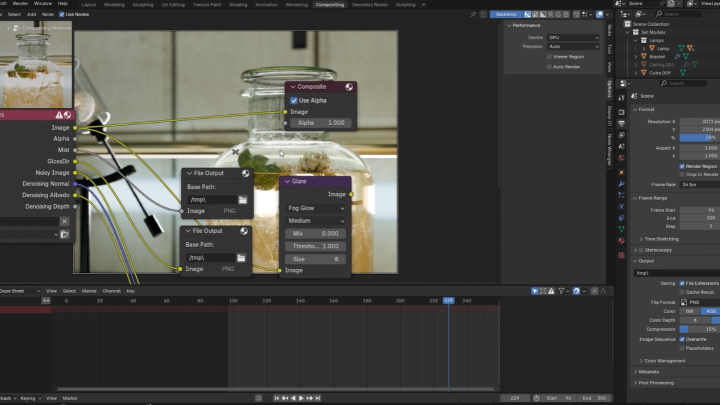
In this course, you’ll build a complete animated sequence from scratch: gathering references to build storyboards, designing and dressing a set, lighting and composing your shots, and finishing with professional-grade color grading and sound design.
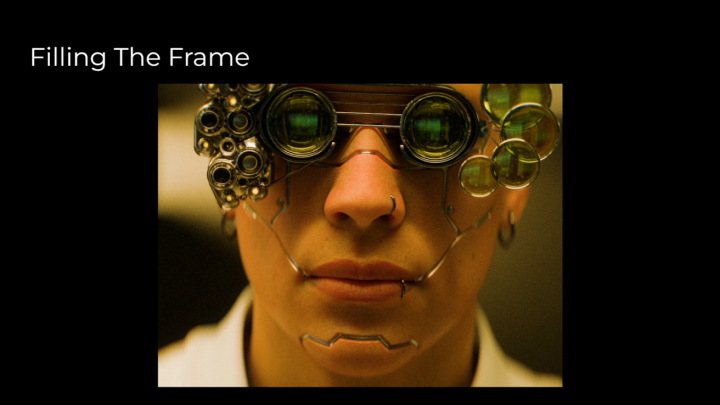
Instead of treating Blender as just a set of tools, this course focuses on the art of visual storytelling. You’ll learn how to think like a filmmaker in every aspect of scene building including composition, lighting, and camera work. This approach goes beyond aesthetics, aiming to shape mood, guide the viewer’s eye, and convey emotion through every shot.
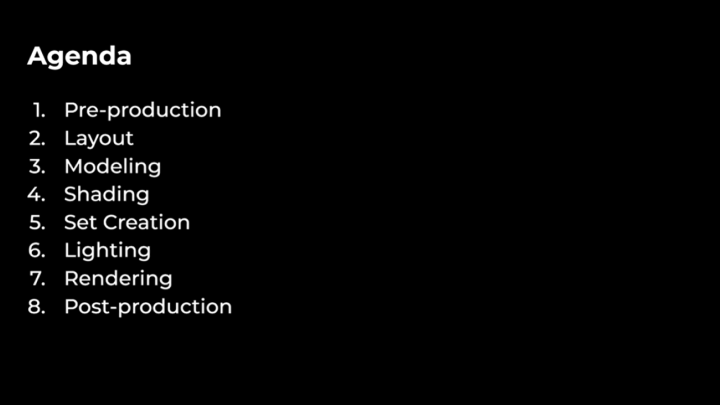
Noc will guide you step by step through the full pipeline: from set modeling and hero prop creation to cinematic lighting, composition, and post production.
Along the way, he'll share techniques developed while creating his own short film and CG environments, and show how to apply them to your own projects.
By the end, you’ll have the skills and workflow to craft animated scenes that feel polished, cohesive, and truly cinematic. Beginners will gain a strong foundation, and experienced artists will learn techniques to add cinematic depth to their work.
Instead of treating Blender as just a set of tools, this course focuses on the art of visual storytelling. You’ll learn how to think like a filmmaker in every aspect of scene building including composition, lighting, and camera work. This approach goes beyond aesthetics, aiming to shape mood, guide the viewer’s eye, and convey emotion through every shot.
Noc will guide you step by step through the full pipeline: from set modeling and hero prop creation to cinematic lighting, composition, and post production.
Along the way, he'll share techniques developed while creating his own short film and CG environments, and show how to apply them to your own projects.
By the end, you’ll have the skills and workflow to craft animated scenes that feel polished, cohesive, and truly cinematic. Beginners will gain a strong foundation, and experienced artists will learn techniques to add cinematic depth to their work.
Class Preview
Still Not Sure?
Check Out Noc's Class Preview!
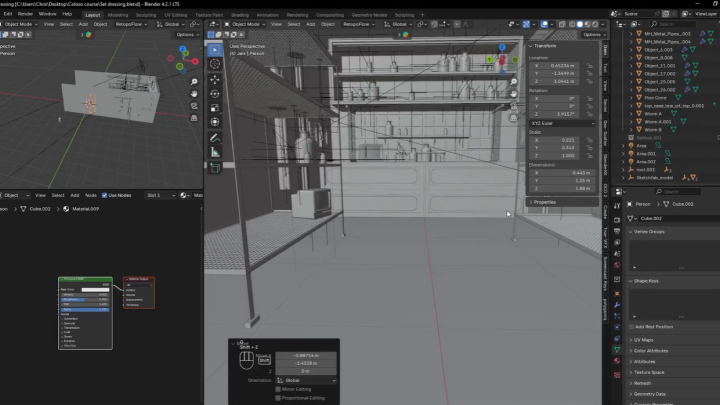
Chapter08. Set Dressing
1. Set dressing principles
Class Perks
Special Gift from Noc
-
 3D AssetsAll assets created in the course, along with bonus assets from Noc's short film
 -
 3rd-Party Assets LinksCollection of all the sites and online resources Noc visits to find third party assets
 -
 Final Scene FilesScene files for the animations created throughout the course
Recommendation
Who should take this class?
Blender users ready to take the next step and bring their ideas to life through a short 3D film.
Filmmakers and artists who want to transfer their filmmaking skills and creativity into 3D.
3D artists using other software who are looking to transfer their skills and learn Blender.
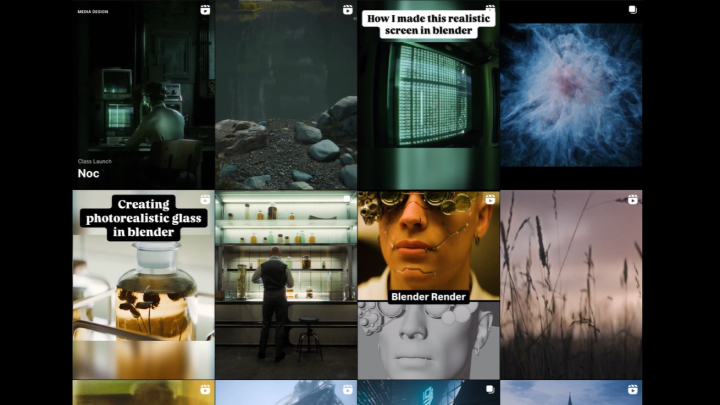
Expert 3D Artist Noc's Portfolio

Why Take This Class?
This course will teach students how to create animations with cinematic appeal. It focuses on telling a story using filmmaking principles, rather than simply walking them through the software step by step.
Everything is done in Blender, which is free and open source. Students don’t need expensive software to follow along, which makes the course approachable for hobbyists, aspiring professionals, and students alike.
The class takes you through the full workflow of cinematic animation, from the first spark of a concept to building sets, crafting lighting, and rendering the final sequence. Along the way, you’ll not only pick up practical Blender techniques but also gain insight into the artistic side of the process: framing shots, using light to create mood, and shaping a story through visuals.
By the end, you’ll have both the technical know-how and the creative tools to craft animations that feel polished, professional, and cinematic.

Get Ready for the Real-World
12 Class Exercises
-
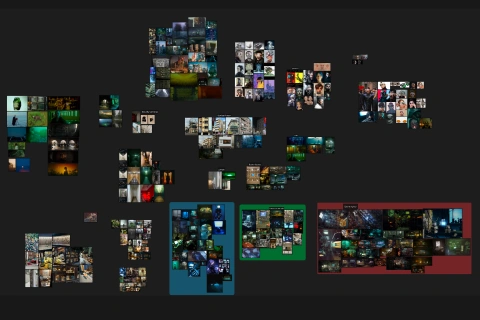
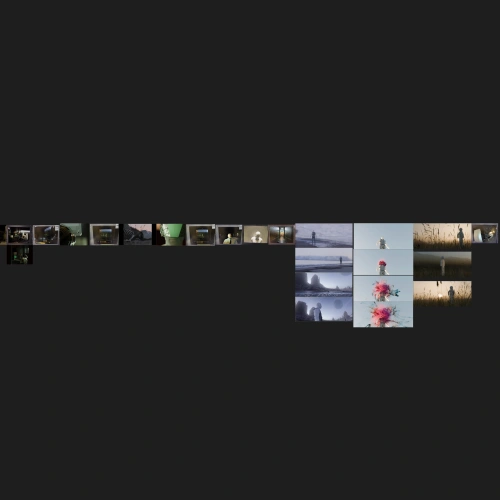 Storyboarding and ReferenceCreating a moodboard/storyboard for your project
 -
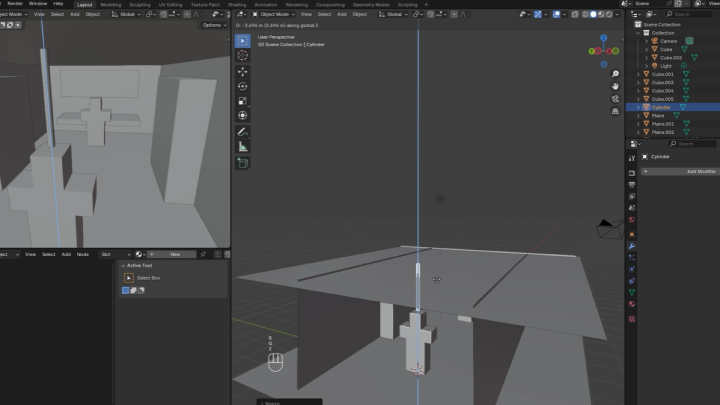
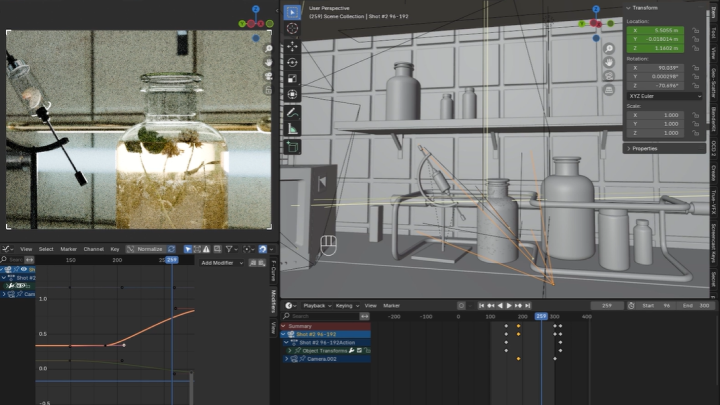
Initial Scene LayoutBlocking out the initial layout
-
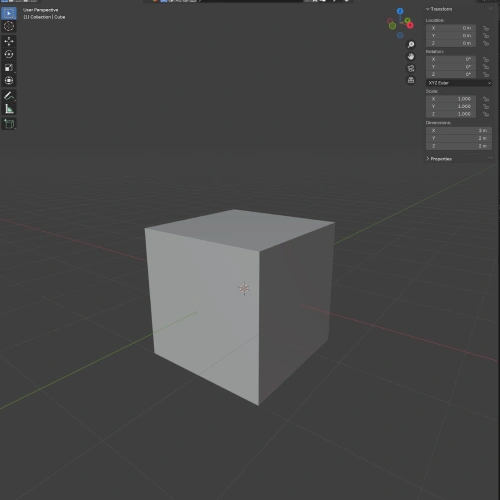 Modeling Your SetModeling the room
-
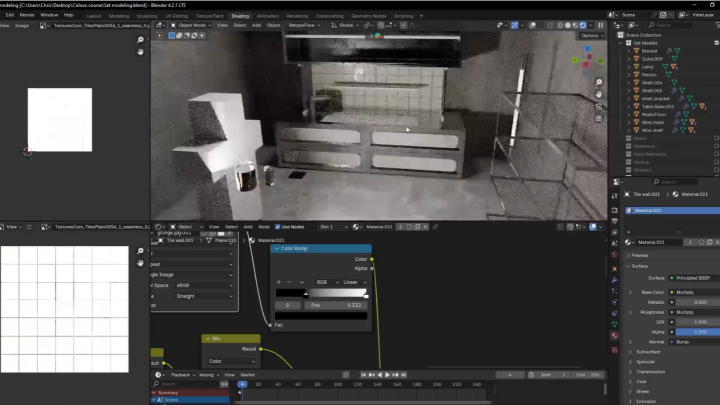
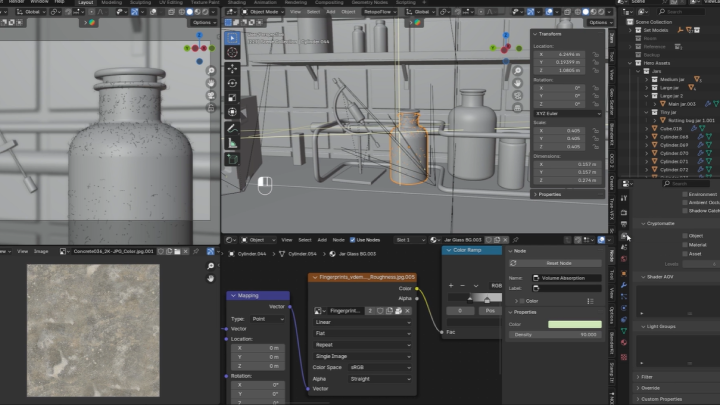
Shading Your SetShading the surfaces of the room
-
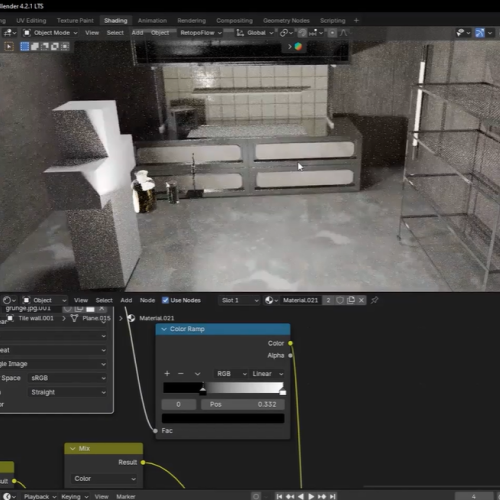 Creating Your Hero PropsModeling and shading hero props
 -
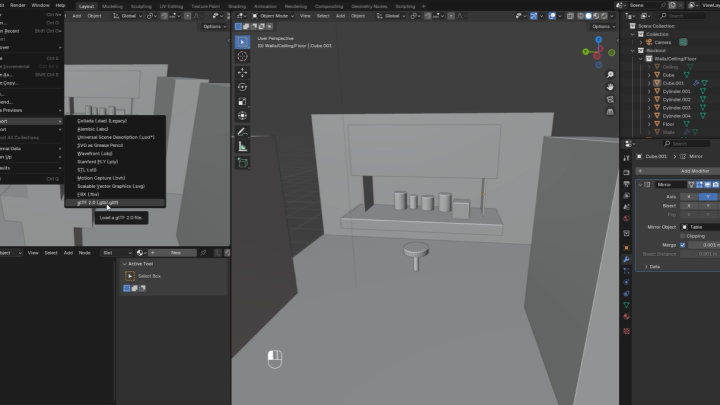
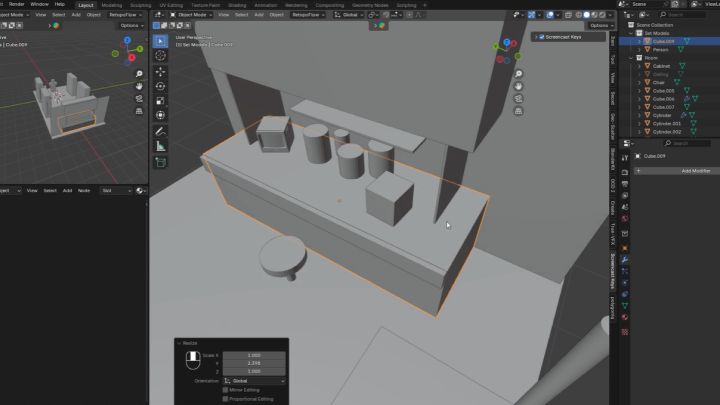
Set Dressing Your ScenePlacing your props into your set
-
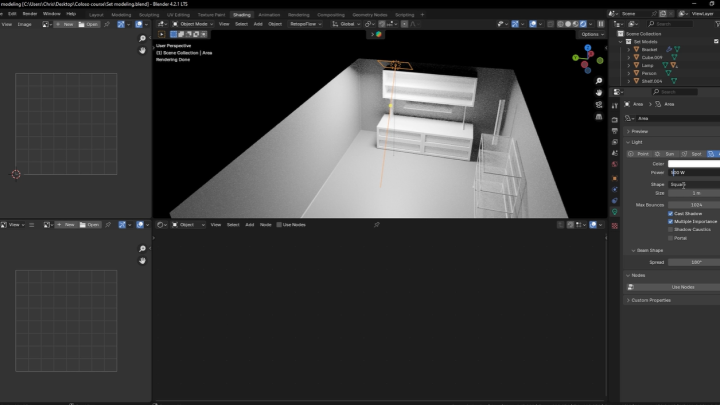
Lighting ExperimentsExperimenting with Blender's lighting
-
 Lighting Your ShotsUsing advanced lighting techniques to light your shots
 -
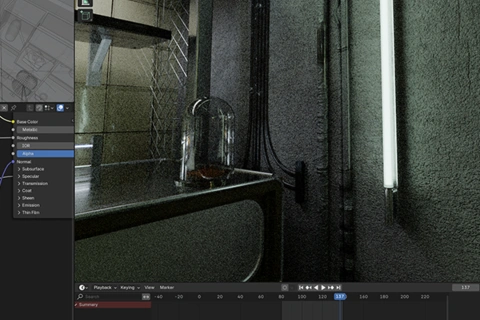
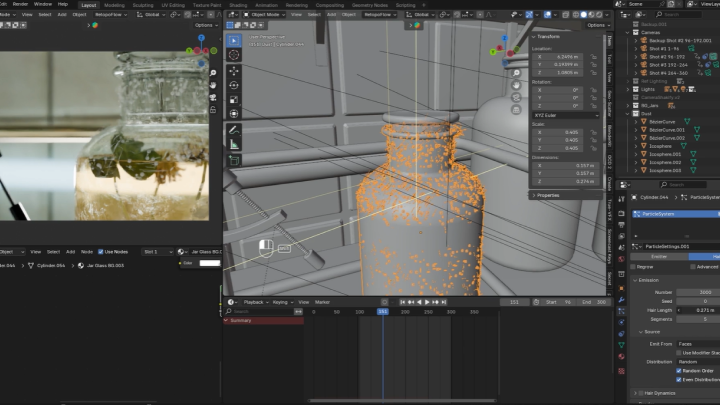
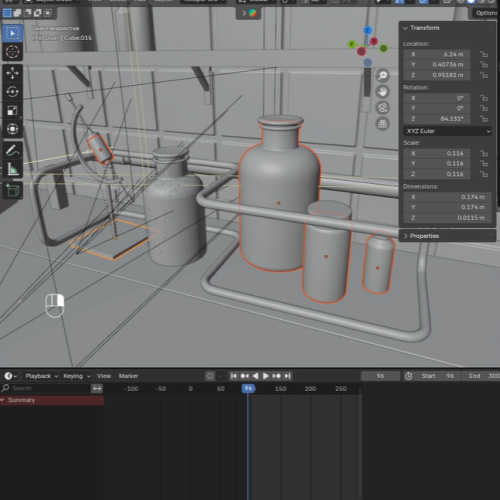 Creating Close-Up DetailsScattering dust particles and adding surface imperfections
-
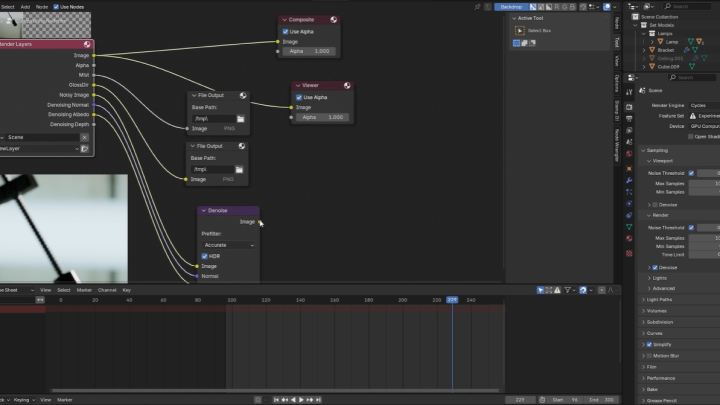
Optimize Your SceneCleaning up your scene for faster renders
-
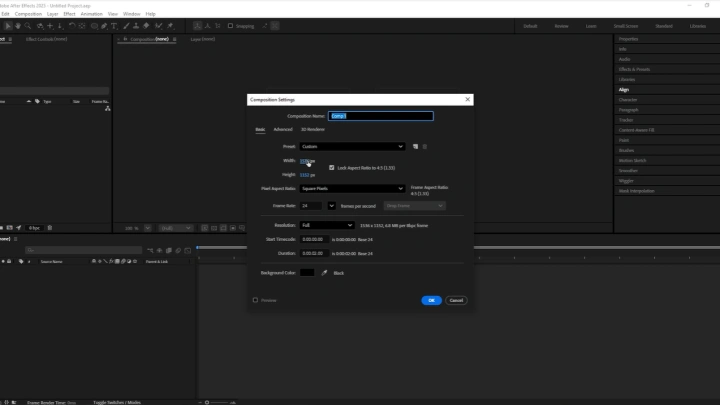
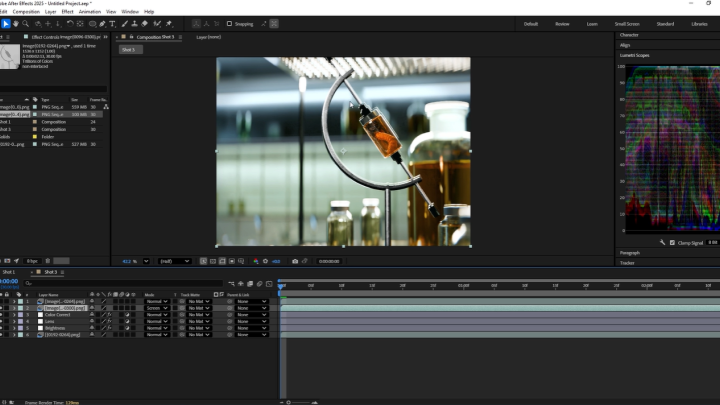
 Color GradingColor grading in After Effects
 -
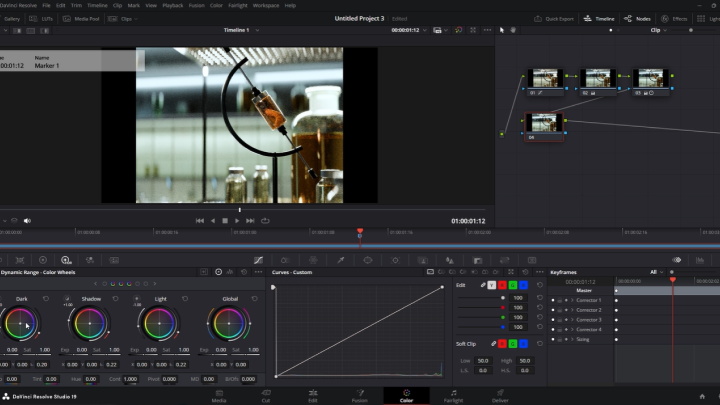
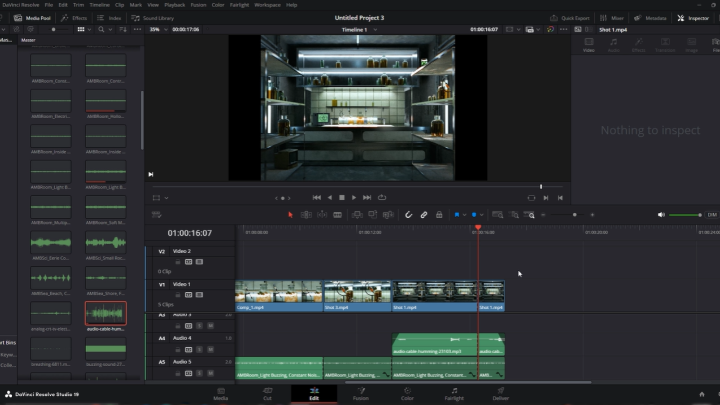
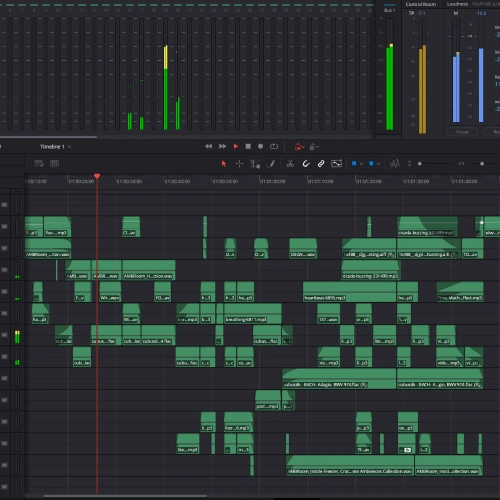 Sound DesignSound design in DaVinci
Final Product
A Cinematic Animated Sequence
A short animated sequence to be used as either a portfolio piece or a starting point for your short film
Highlights
Class Highlights
3D Set Building
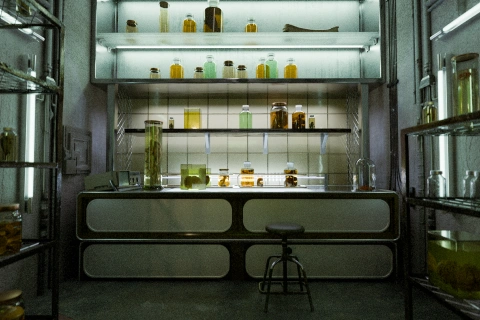
Design and build a realistic, detailed set in Blender. Learn how to craft sets that feel authentic and lived-in, while paying attention to layout, props, and the atmosphere that support the storytelling of your cinematic sequence.
Creating Hyperrealistic Details
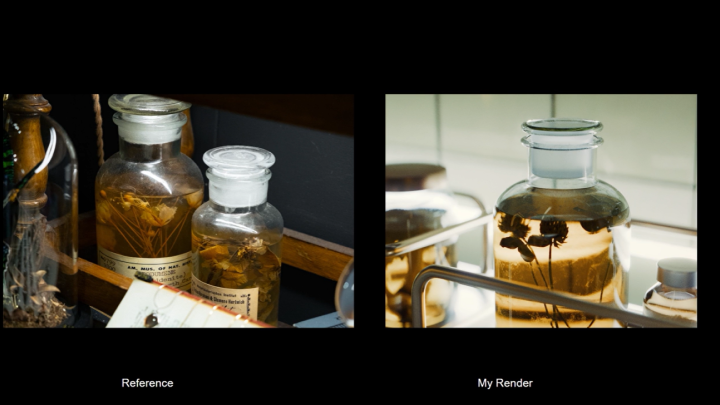
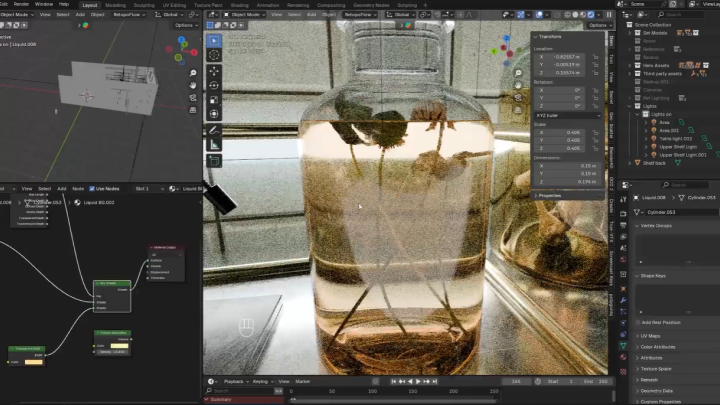
Add depth and authenticity to your sets by focusing on small details such as surface imperfections, dust, wear, and subtle variations that bring CG environments to life. Discover techniques for layering these details so they enhance realism without overwhelming the scene.
Experimenting with Cinematic Lighting
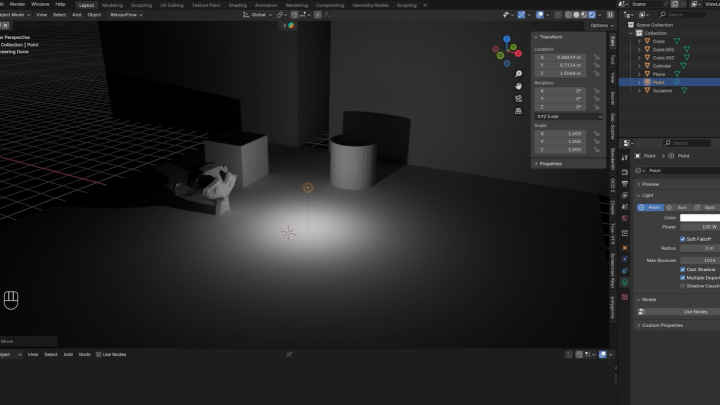
Master lighting as a storytelling tool by shaping mood, guiding the viewer’s eye, and supporting the narrative. Explore cinematic techniques that go beyond technical setup, ensuring that every light source contributes to the drama, atmosphere, and emotional impact of your sequence.