3danimator,bramfokkens Details
Intro
Class Intro
3D Animator, Bram Fokkens
"Say 'no' to bland & boring animations! I'm going to show you how to use color to create vivid, multicolored masterpieces."
From 2D Sketch to Final Render: The Full 3D Character Pipeline
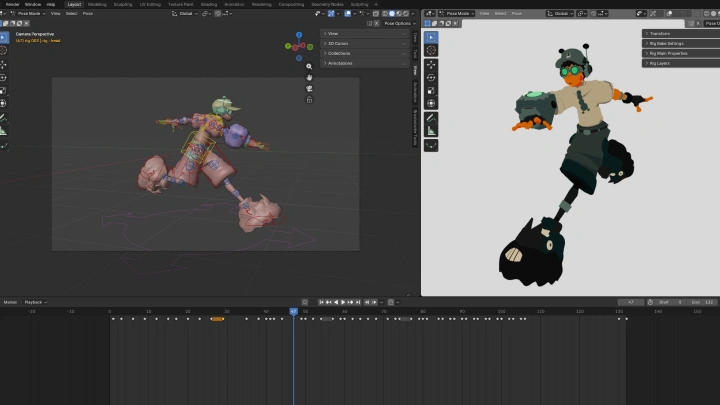
Master the full character creation pipeline from start to finish. In this beginner-friendly class, you'll learn how to design, model, animate, and composite a bold, stylized low-poly 3D character step by step.
This class approaches character design, low-poly 3D modeling, animation, and compositing through Bram’s personal and streamlined workflow. While tools like Blender and After Effects may seem overwhelming at first, this class shows that they are easier than they appear. Bram explains each step clearly and simply, focusing on essential design and animation fundamentals to keep the lessons beginner-friendly.
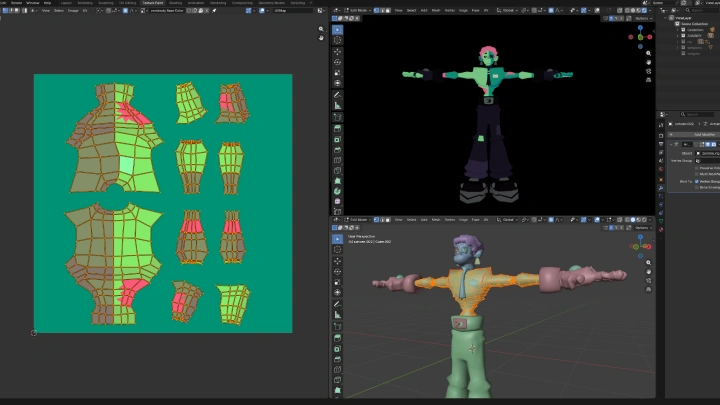
By the end of the course, you'll create a professional character sheet, a fully textured stylized low-poly 3D character with custom textures, and three fully composited animations. This class proves that strong results come from solid fundamentals and creativity, not expensive tools or complex setups.
By the end of the course, you'll create a professional character sheet, a fully textured stylized low-poly 3D character with custom textures, and three fully composited animations. This class proves that strong results come from solid fundamentals and creativity, not expensive tools or complex setups.
Class Perks
Special Gift from Bram Fokkens
-
 Model Files
 -
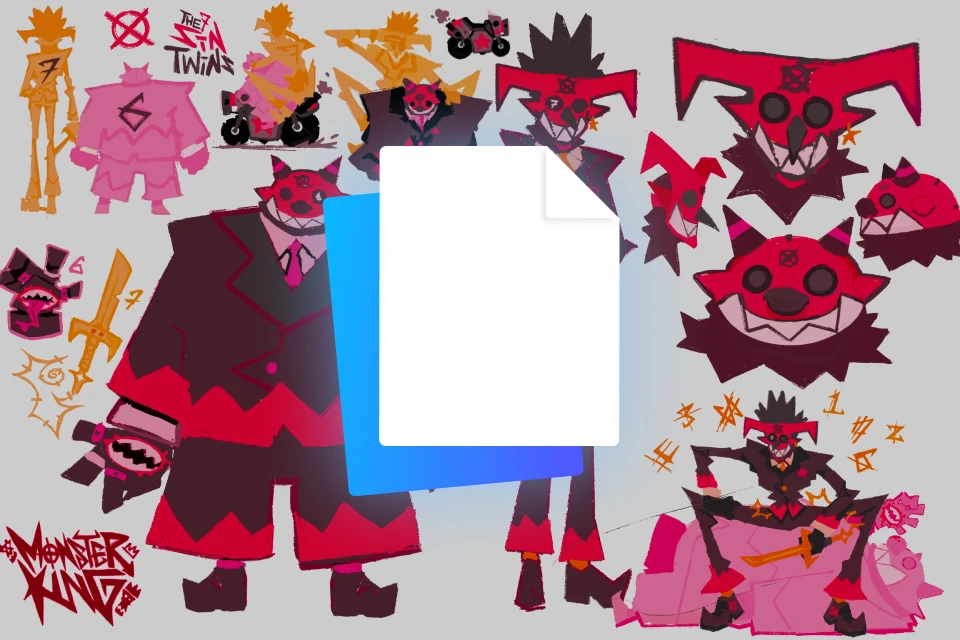 Character Sheets & Illustrations
 -
 Bram's Custom Textures
 -
 Link to Bram's References/ Moodboard
 -
 Playlist of Helpful YouTube Tutorials for Blender
Class Material Details
-
 3D Model Assets- Production-ready model files used throughout the class
- Clean topology and optimized geometry for learning and practice
- Fully compatible with Blender workflows -
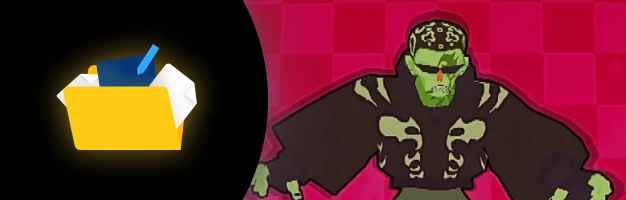 Character Design Sheets & Artwork- Detailed character sheets including proportions, poses, and expressions
- High-quality illustrations to guide modeling and styling
- Visual references for consistent character development -
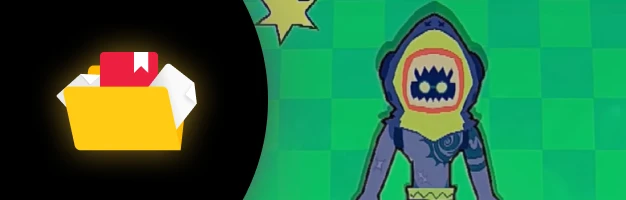 Custom Texture Files by Bram- Professionally created textures used in the course
- Ready-to-use maps for realistic rendering
- Insight into texture creation and application techniques -
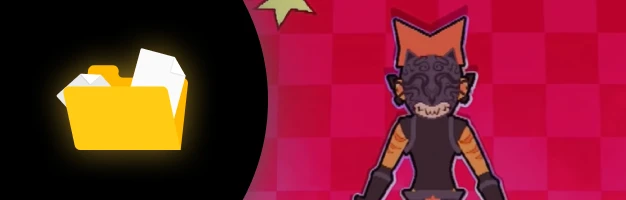 Access to Bram’s Reference Collection & Moodboard- Carefully curated visual references from real-world and artistic sources
- Insight into Bram’s creative direction and decision-making process
- Inspiration for style, lighting, color, and composition -
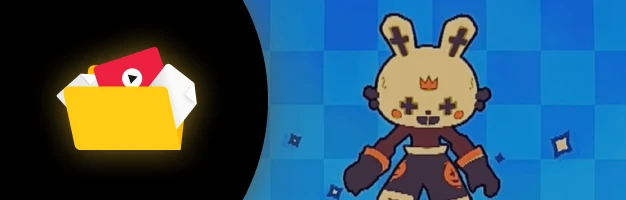 Curated Blender Tutorial Playlist on YouTube- Handpicked tutorials to reinforce key concepts from the class
- Additional learning resources for Blender tools and workflows
- Perfect for continued practice and skill development
Recommendation
Who should take this class?
2D artists who want to bring their drawings and character designs into 3D.
Beginner 3D artists and animators looking to build a foundation in modeling, rigging, and animation.
Aspiring artists eager to explore character design, movement, and creative experimentation.
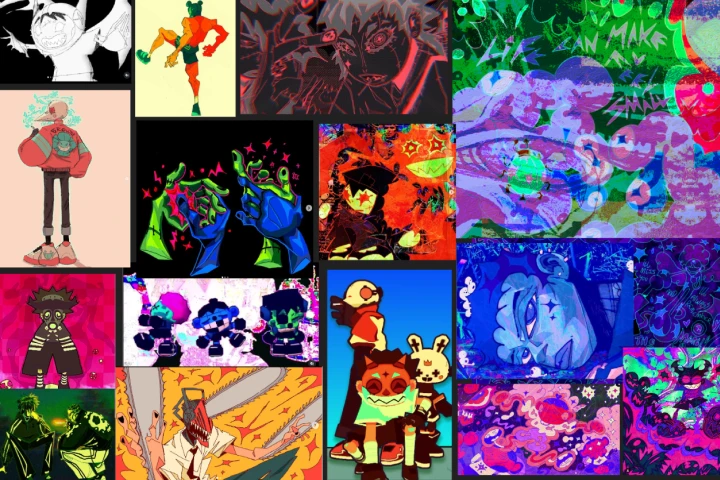
Expert 3D Animator Bram Fokkens 's Portfolio

Why Take This Class?
No matter what style you want to pursue, it all begins with understanding the full creative process. This class starts with references, 2D drawing, and design fundamentals, then guides you through 3D modeling, animation, compositing, and final rendering.
Blender and After Effects are taught in a clear, step by step process, making them approachable even for complete beginners. Instead of one-way, theory based lessons, the course focuses on practical fundamentals you can immediately apply.
With these basics in place, your creativity takes the lead. Whether you want to explore your own style or take your first step toward a professional path in 3D animation, this class offers a strong and reliable starting point.
Get Ready for the Real-World
12 Class Exercises
Part 1: Character Concept & Visual Development ( 4 Exercises)
-
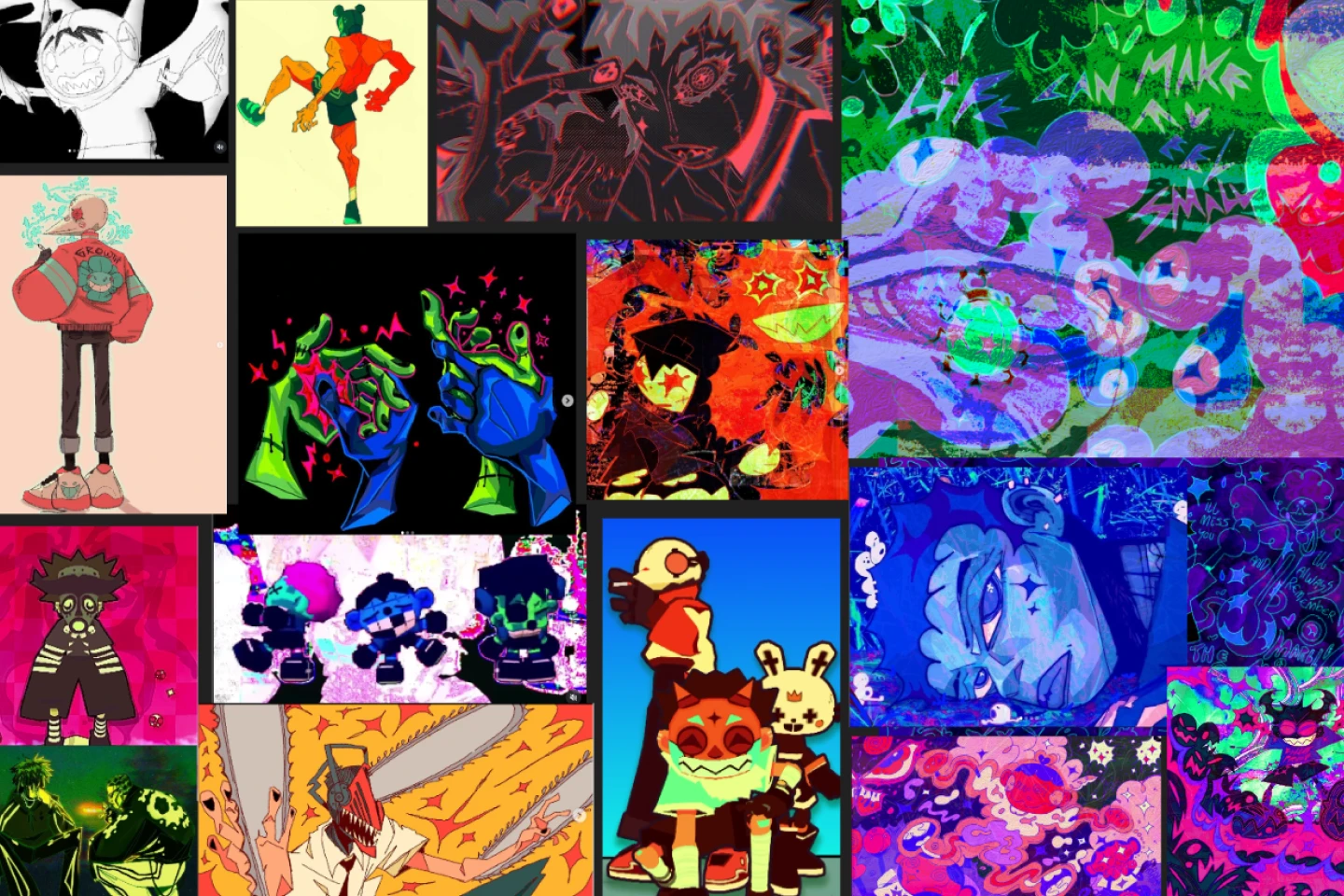 Exploring Ideas & Moodboard Creation- Write down visual interests and ideas
- Create a moodboard that sets the direction for your character design -
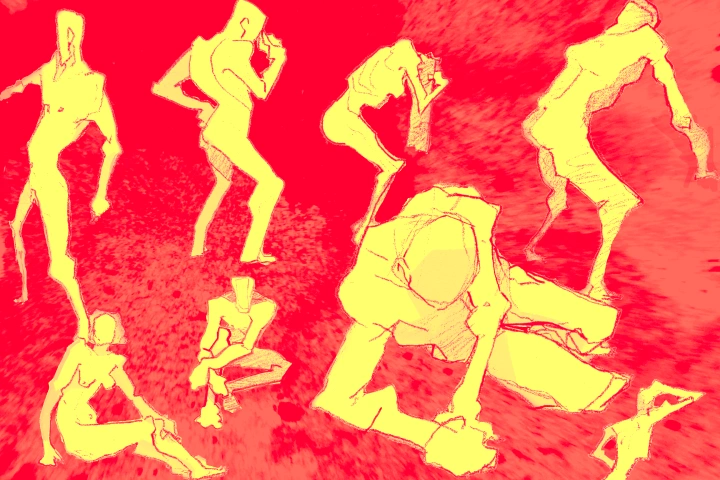 Model Drawing & Shape Language- Practice model drawing with a focus on shape language
- Simplify and exaggerate shapes -
Concept Drafting- Create thumbnail sketches using references and ideas
- Draw 5–10 variations of the same concept to explore different character impressions -
Character Model Sheet- Model your character based on the finalized concept
Part 2: Character Modeling & Rigging in Blender ( 3 Exercises)
-
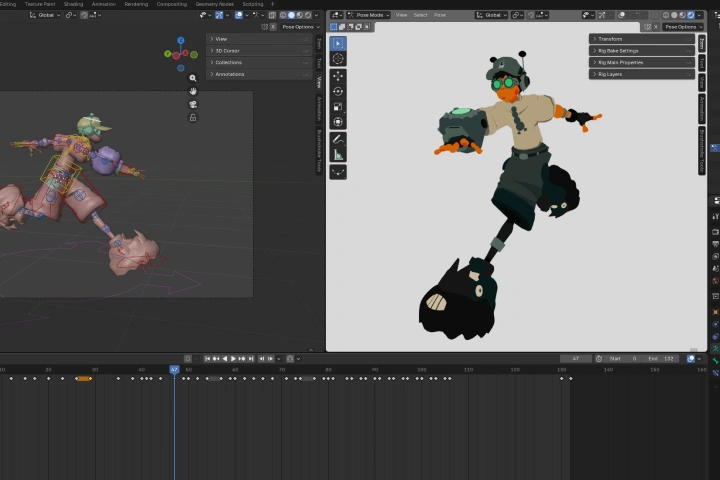 Blender Exploration- Follow along and experiment in Blender
 -
Character Modeling in Blender- Model your character based on the finalized concept
-
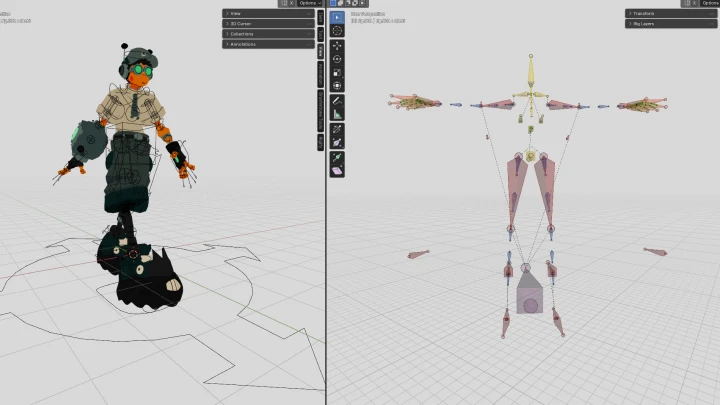
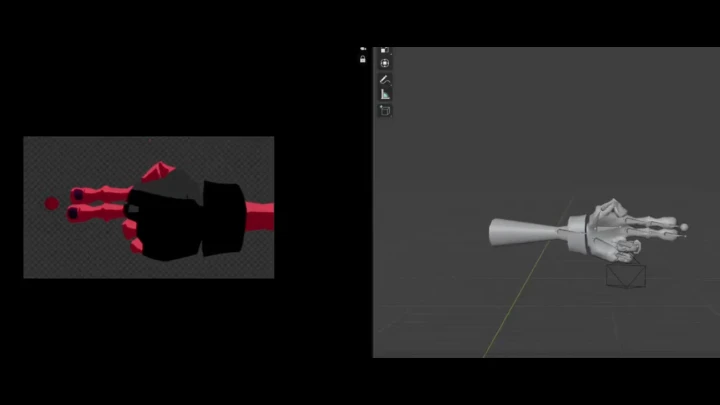
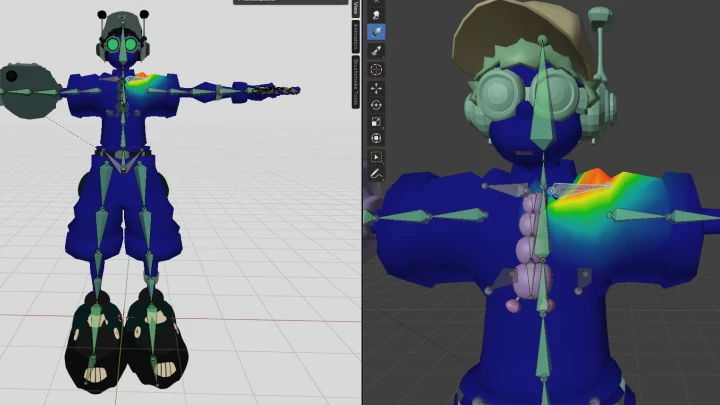
Rigging & Weight Painting- Apply the provided rig and weight paint your character
Part 3: Texturing & Material Development ( 2 Exercises)
-
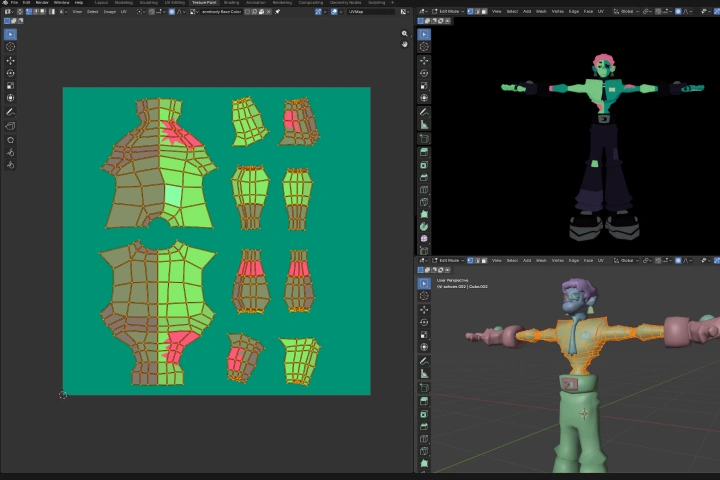 UV Unwrapping & Texturing- Unwrap and texture paint your character to match the concept art
- Add a stylized 2D shaded look -
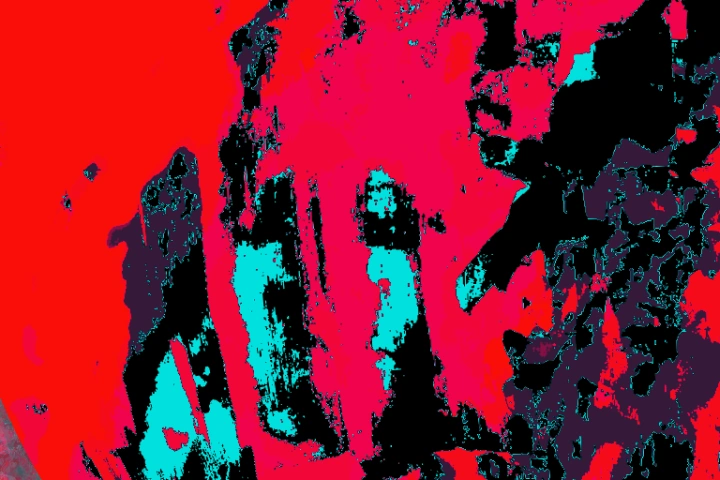 Custom Texture Creation- Create custom textures (splatter, fabric, etc.) using your phone camera
Part 4: Character Animating in Blender ( 3 Exercises)
-
Idle Animation- Practice Blender animation tools
- Create a simple idle animation -
Run Cycle Animation- Animate two run cycles
- One standard run and one with added personality -
Animation Compositing- Composite idle, run, and dynamic animations
- Use what you have learned throughout the class
4 Final Product Examples
-
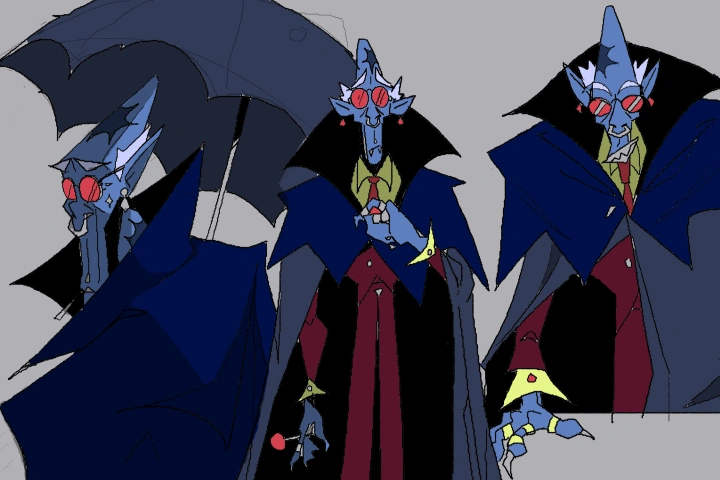
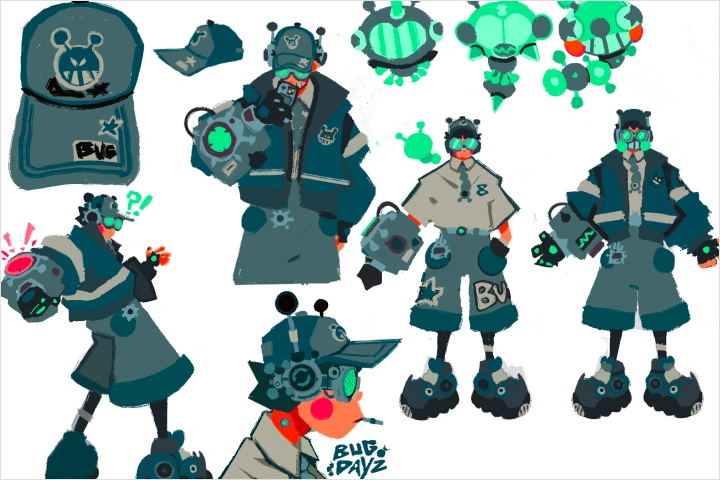 Character Sheet
 -
3D Model of Your Character
-
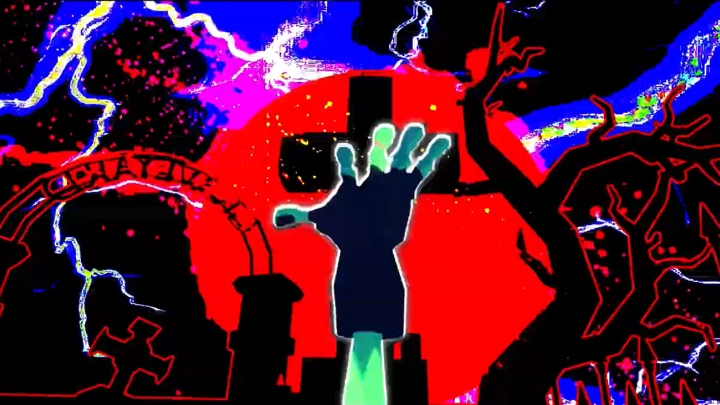
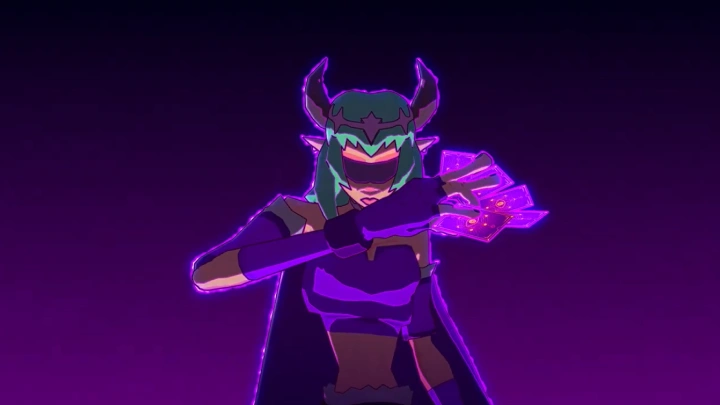
3 Composited Animation Tests
-
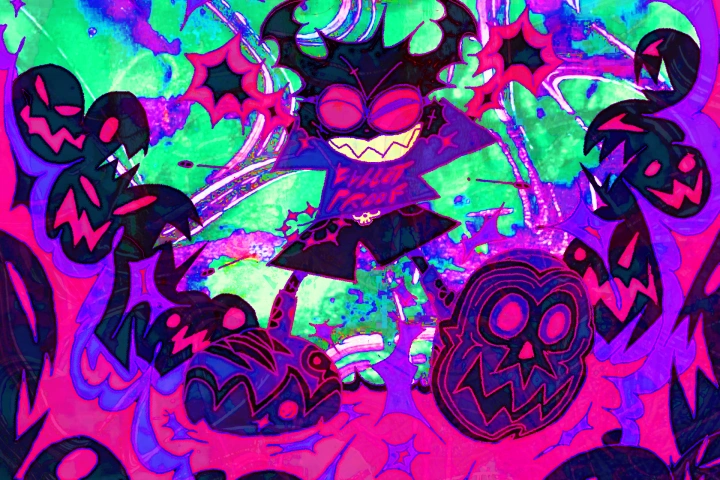 Custom Textures
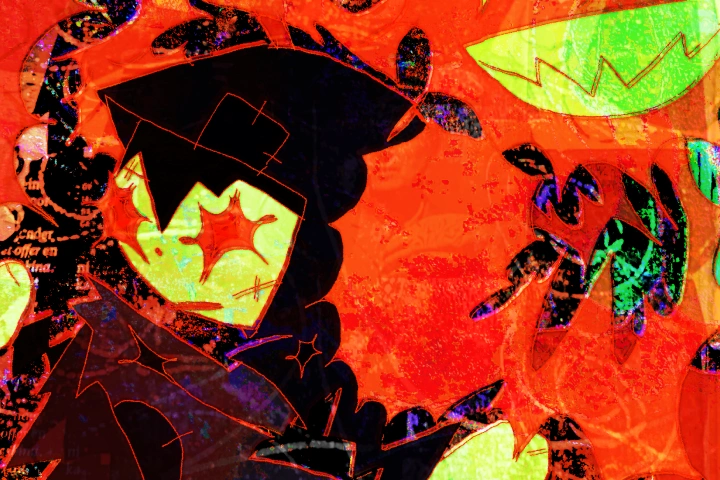
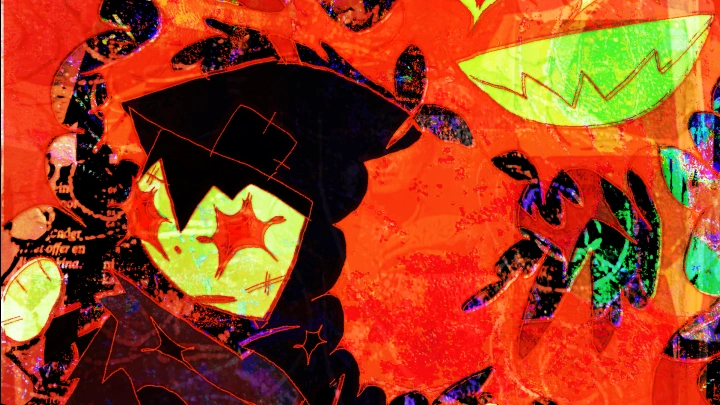
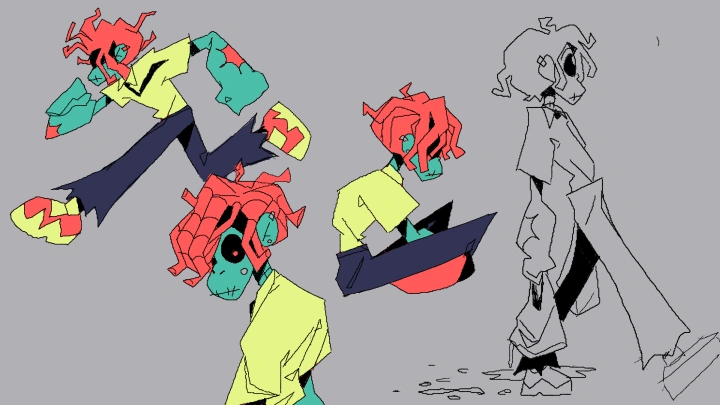
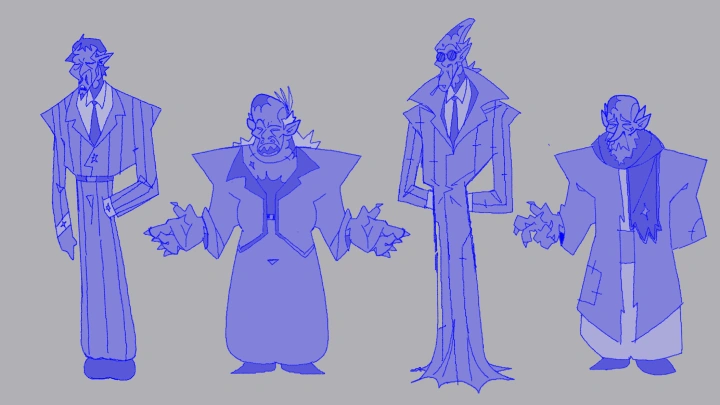
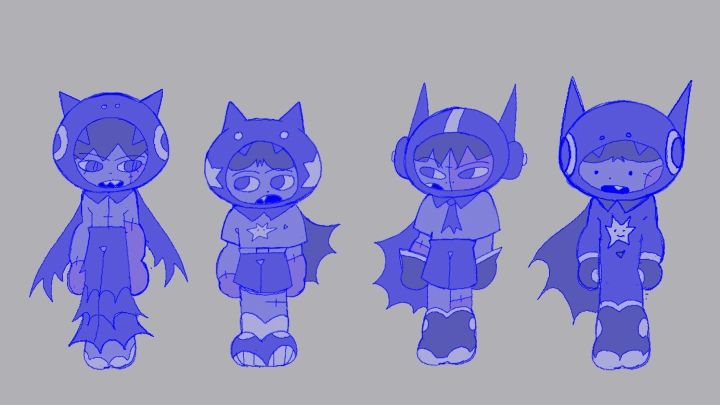
*The above images are sample images for a better understanding.
Highlights
Class Highlights
What You'll Learn from This Class: An End-to-End Blender Lowpoly Character Creation Pipeline
Follow a complete workflow that bridges 2D design and 3D production using After Effects and Blender. Develop your own character from personal inspiration, and carry it through concept, modeling, texturing, and animation, leveraging Blender for 3D creation and After Effects for compositing and final polish, to achieve a fully realized final output.
What You'll Develop While Taking This Class: A Cohesive, Portfolio-ready BNPR Character From Start to Finish
Build a fully realized character through modeling, texturing, rigging, animating, and compositing. Refine each stage of the process to deliver a polished, production-ready piece with strong design, clear form, and dynamic motion.
How This Class Translates to Real-World Practice: Turn Your Skills into real-world opportunities!
Apply your skills to begin building a career as a freelance 3D character artist, developing a strong personal style and independent workflow. Rather than focusing on studio-specific pipelines, this approach empowers you to create original IP, pitch your own characters, and pursue opportunities across personal and professional projects with a distinct artistic voice.