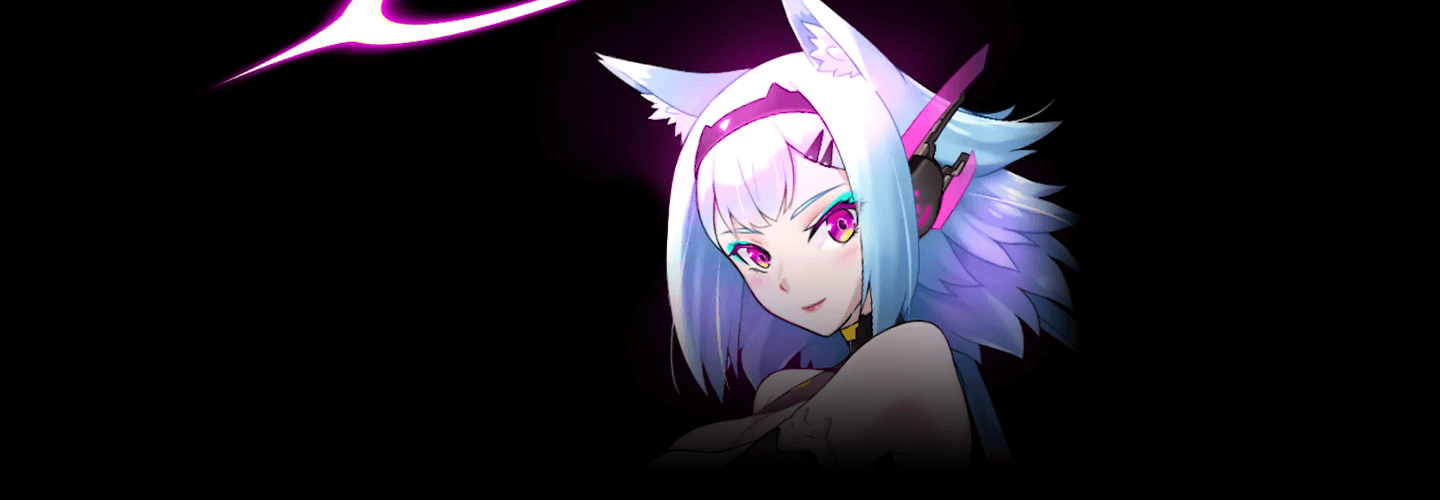
2D Character Animator
Seyoung Jeong
2DCharacterAnimatorSeyoungJeong_정세영 Details
Intro
Class Intro
Discover the best 2D animation program, Spine, and learn how to animate beautiful female characters throughout the process.
Bring Characters To Life
Using the Spine Tool
This 2D game animation technology is ideal for portraying attractive female characters and has become a popular industry standard.

Seyoung Jeong, a seasoned 2D animator with 12 years of experience using Spine, shares tips and tactics for producing realistic female figures with the popular tool.
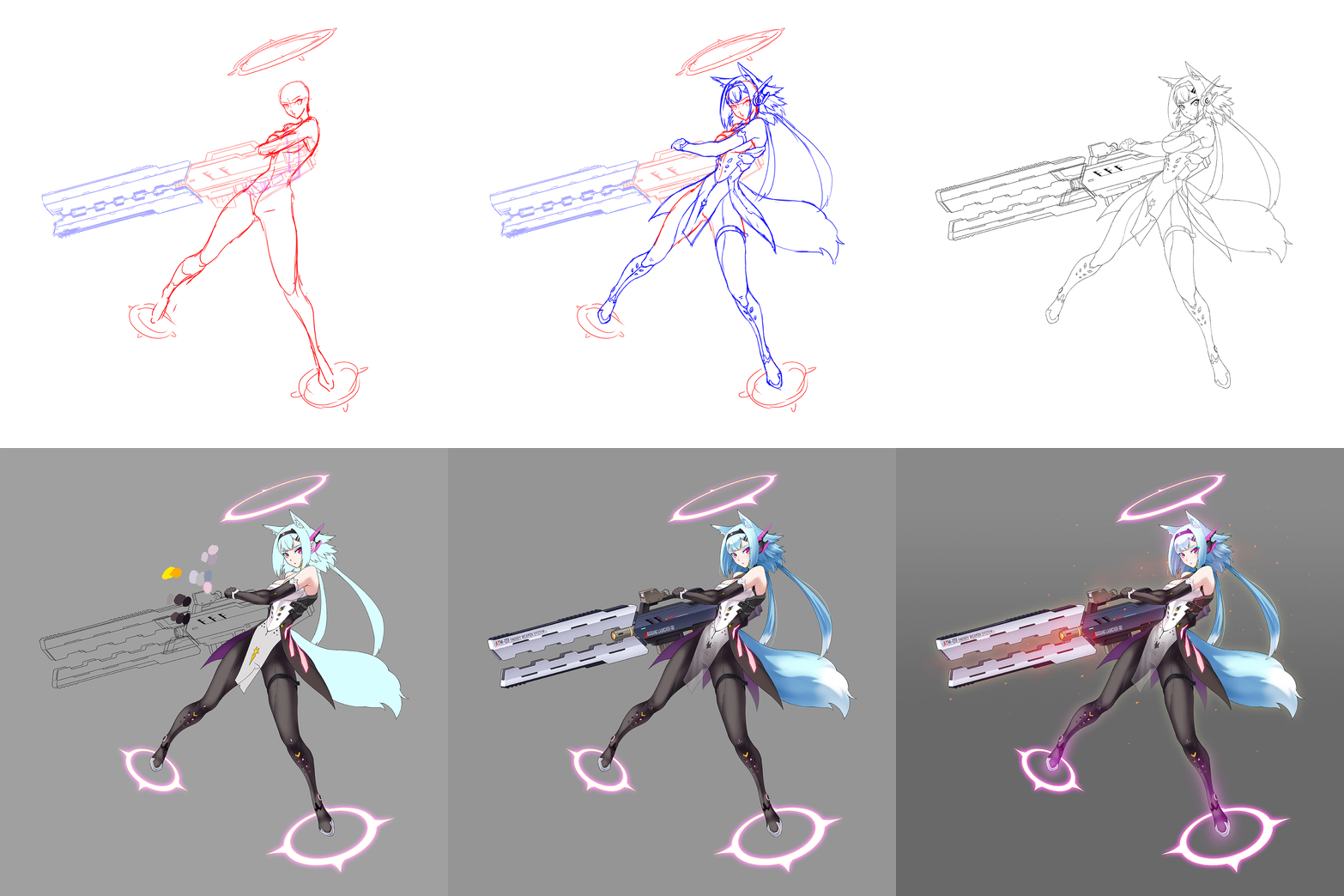
Learn how to use Spine, the top 2D animation program, to create charming animations, breast morphing, and action scenes for female characters.
Seyoung Jeong's experience-based program will help you build a portfolio for a job as an animator specializing in subculture games, with a focus on moving and beautiful female characters.
Seyoung Jeong's experience-based program will help you build a portfolio for a job as an animator specializing in subculture games, with a focus on moving and beautiful female characters.
Class Perks
Get These Coloso Exclusives
-
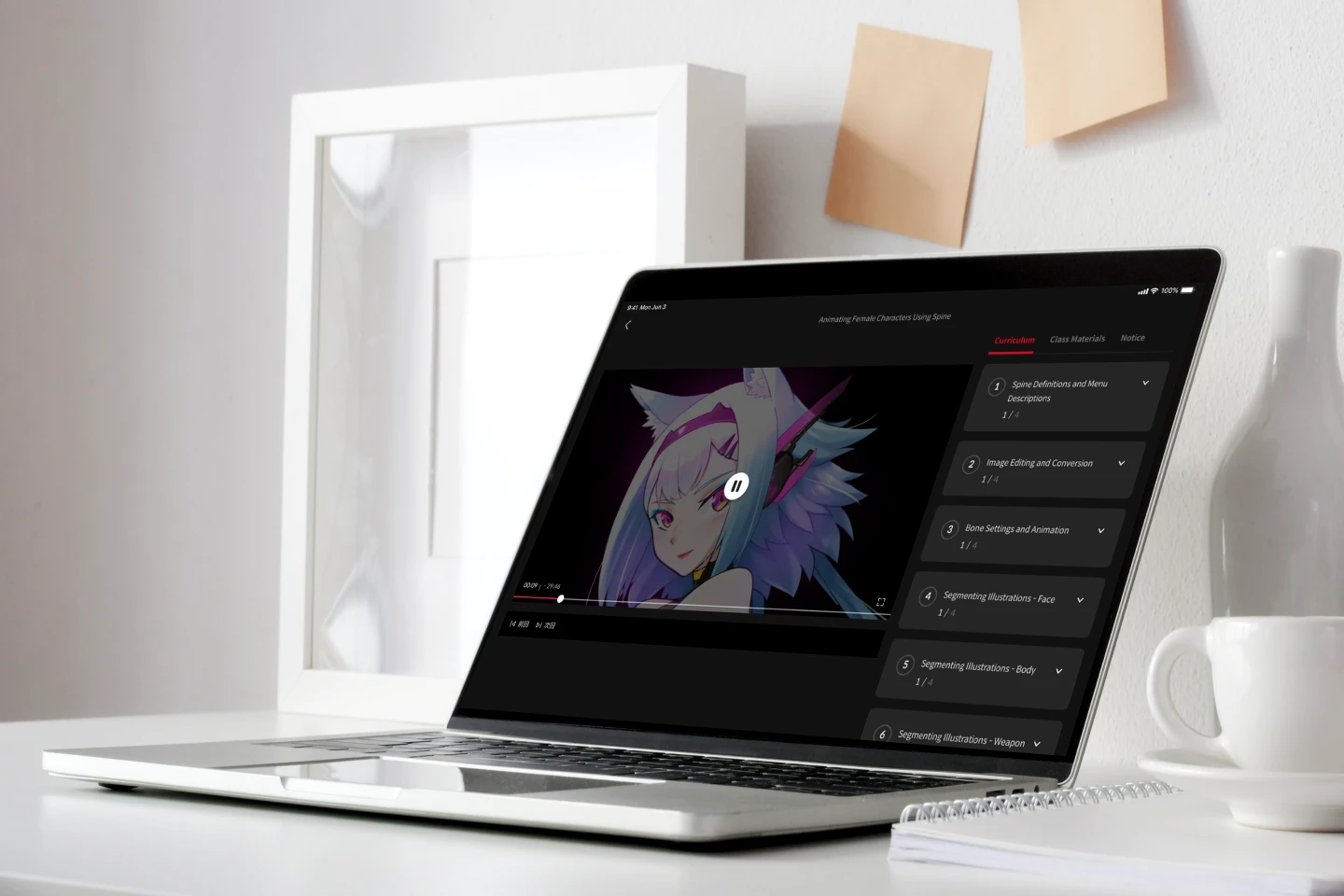
Unlimited Access to 20+ Hrs & 29 Chapters of Content -
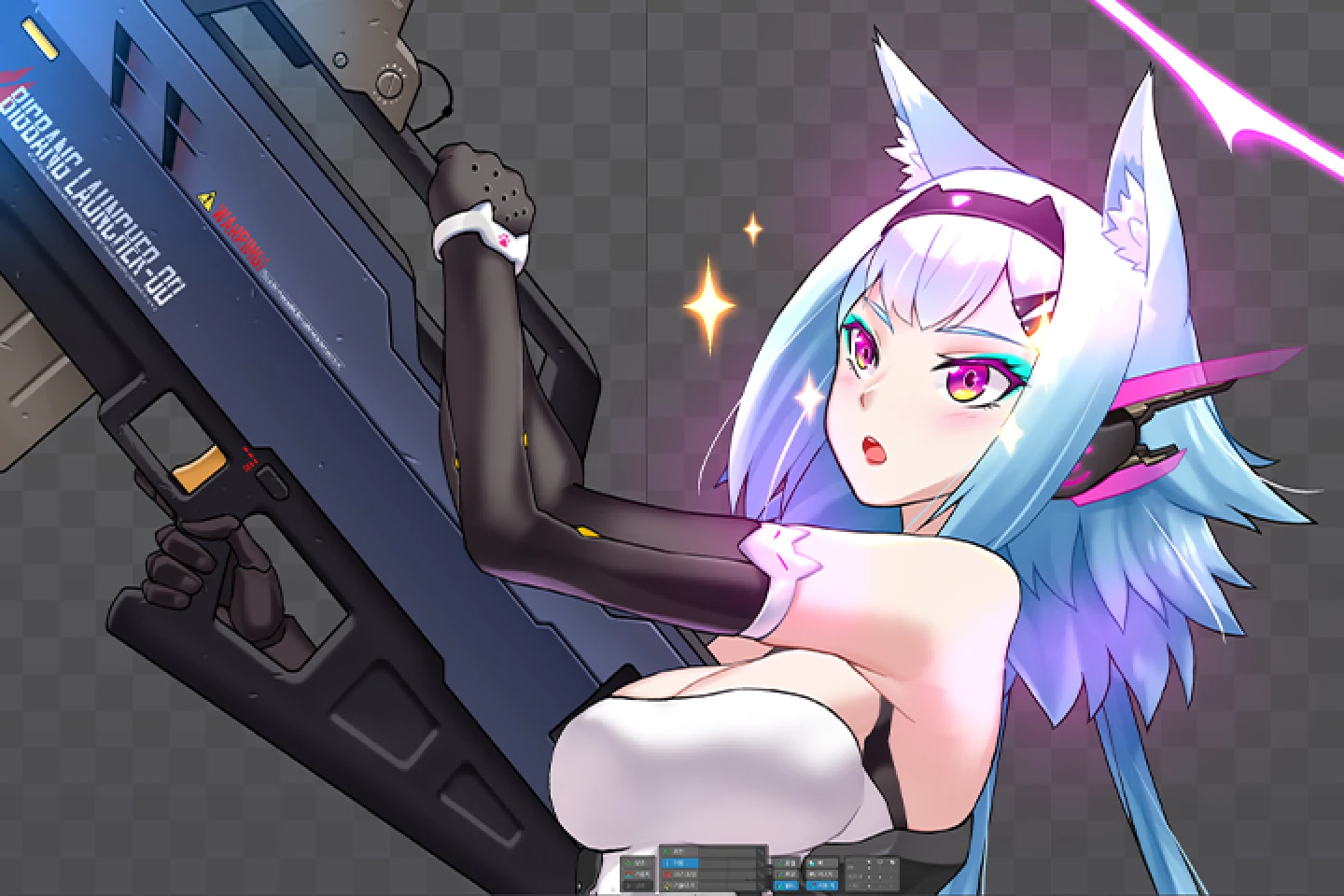
Insights from Professional 2D Character Animator Seyeong Jeong -
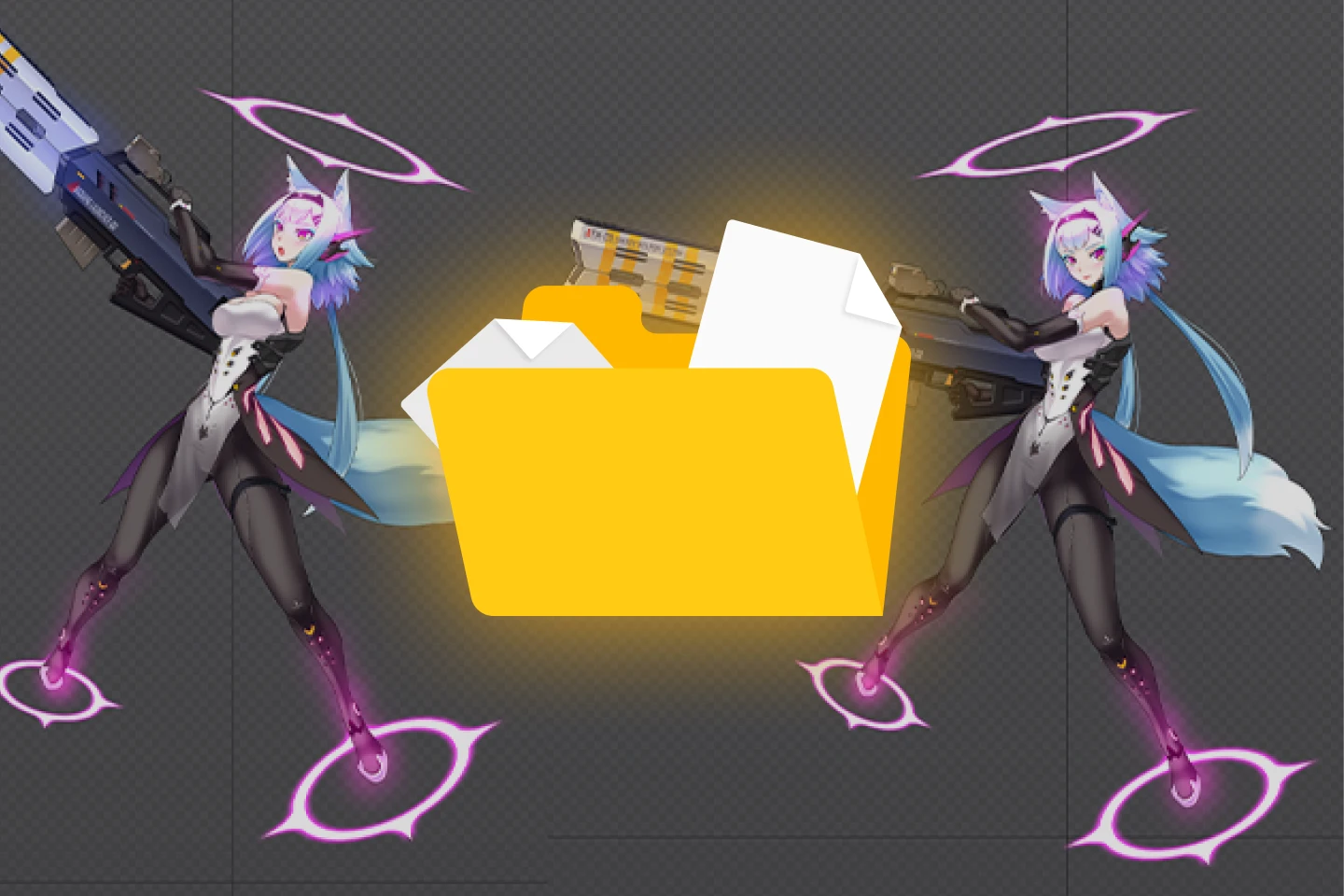
Study Material Files Used in Class Exercises
Expert 2D Character Animator Seyoung Jeong 's Portfolio
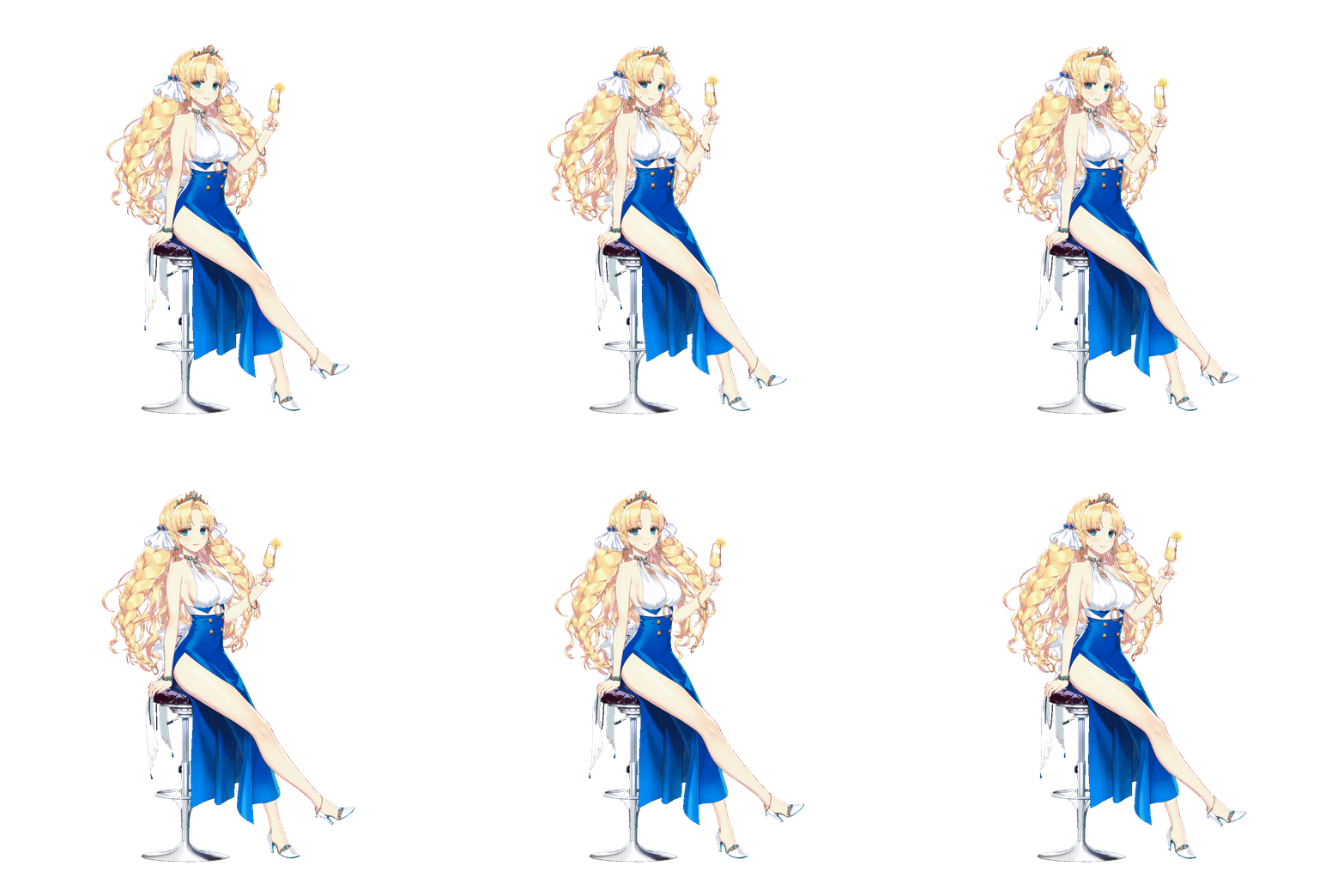
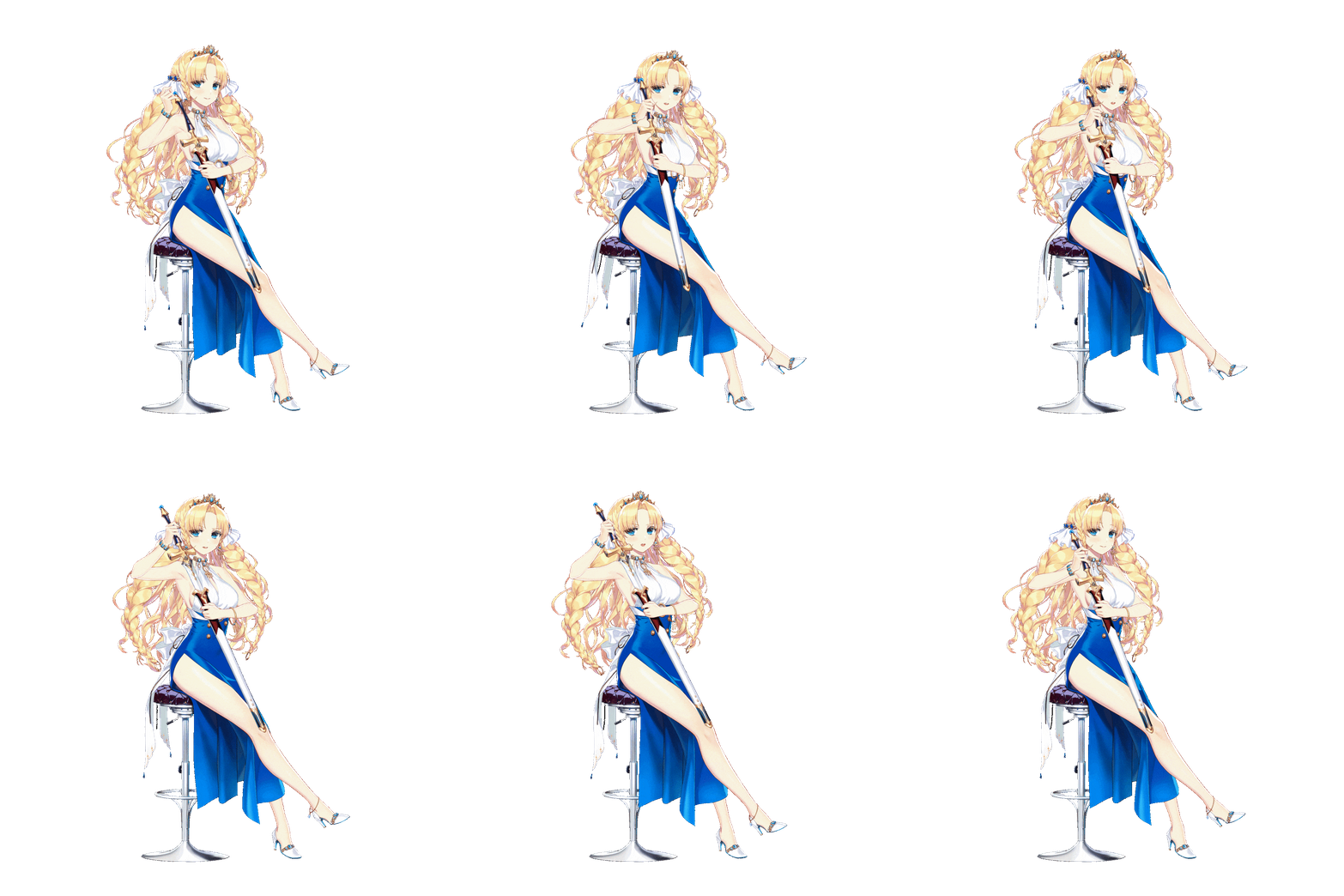
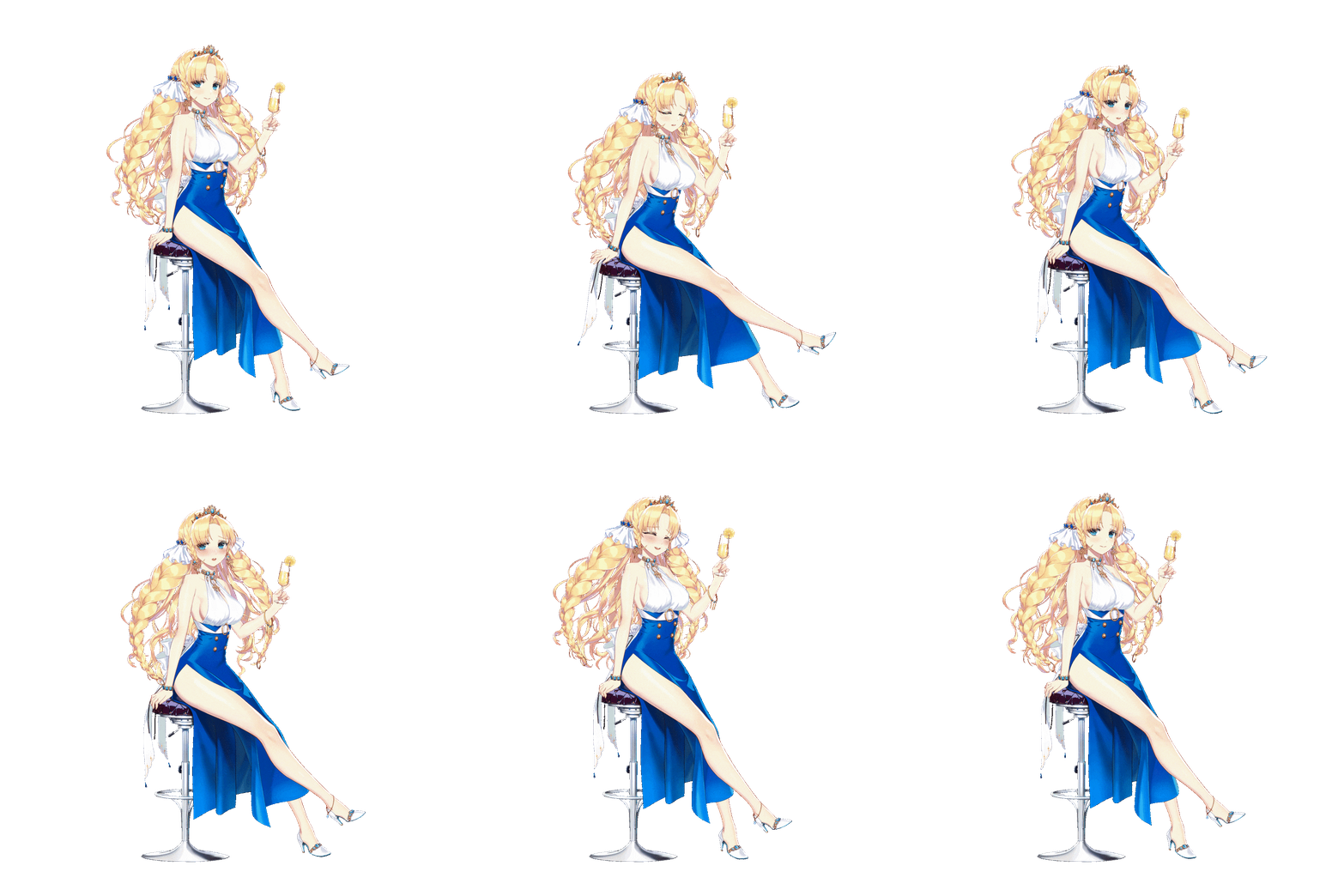
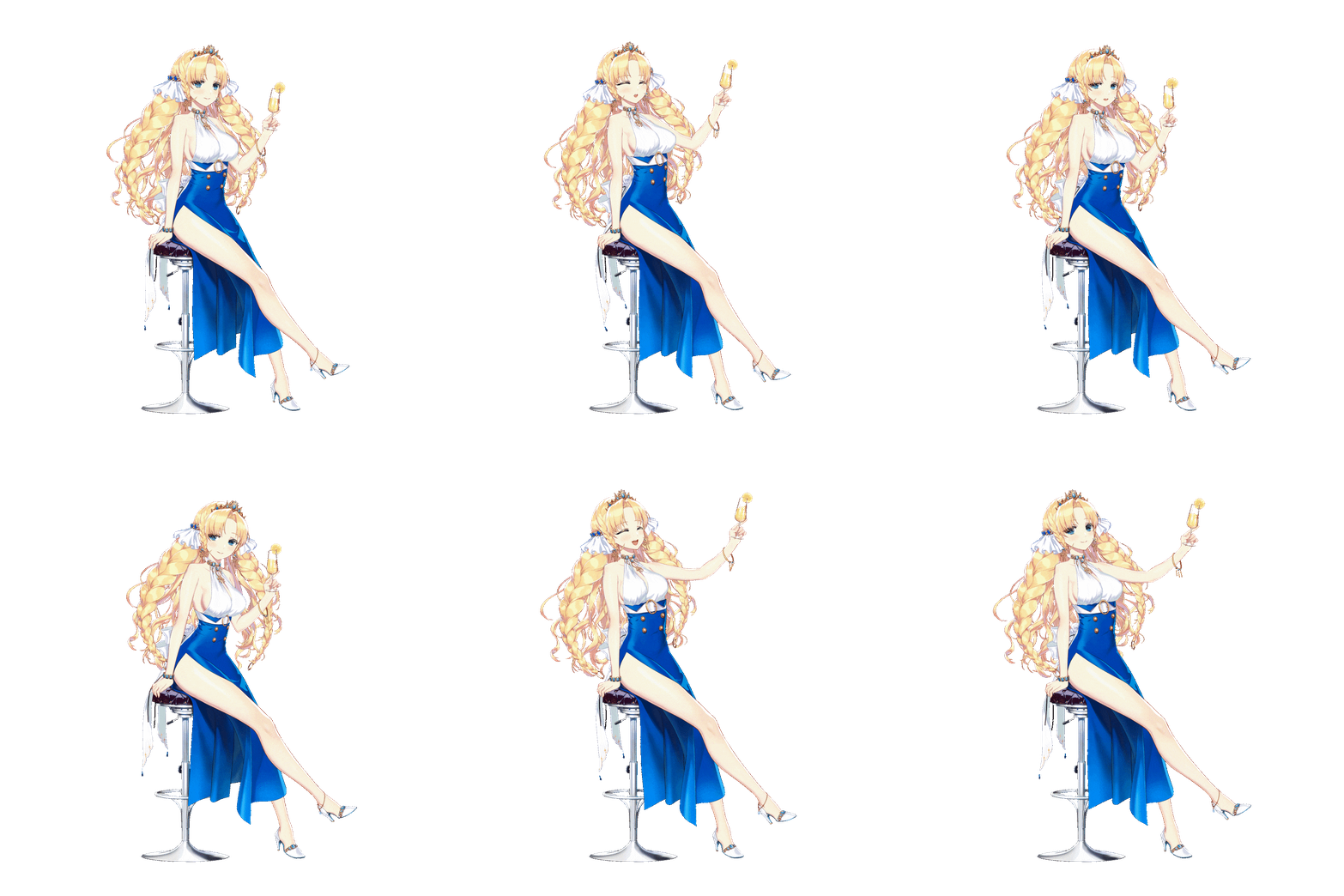
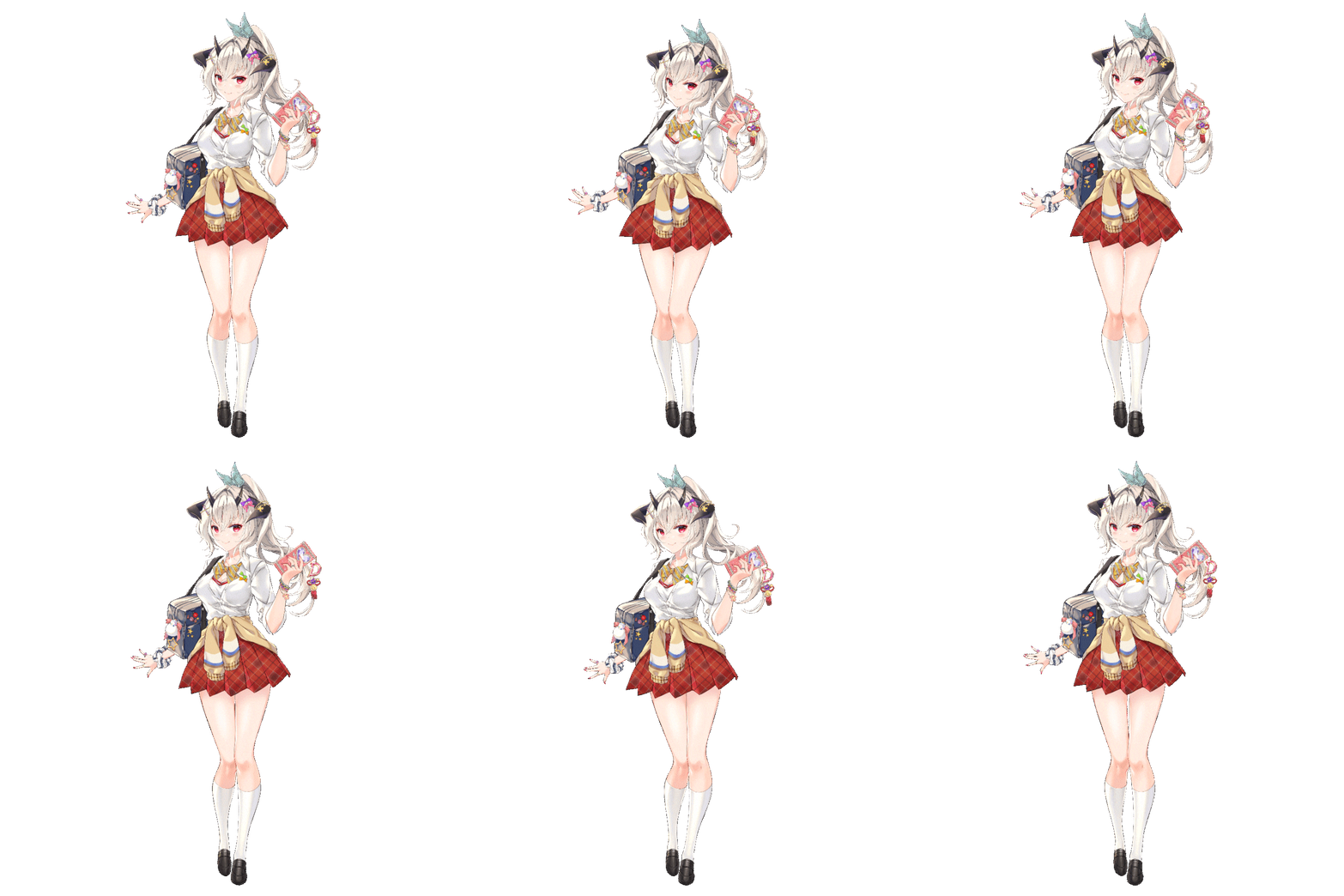
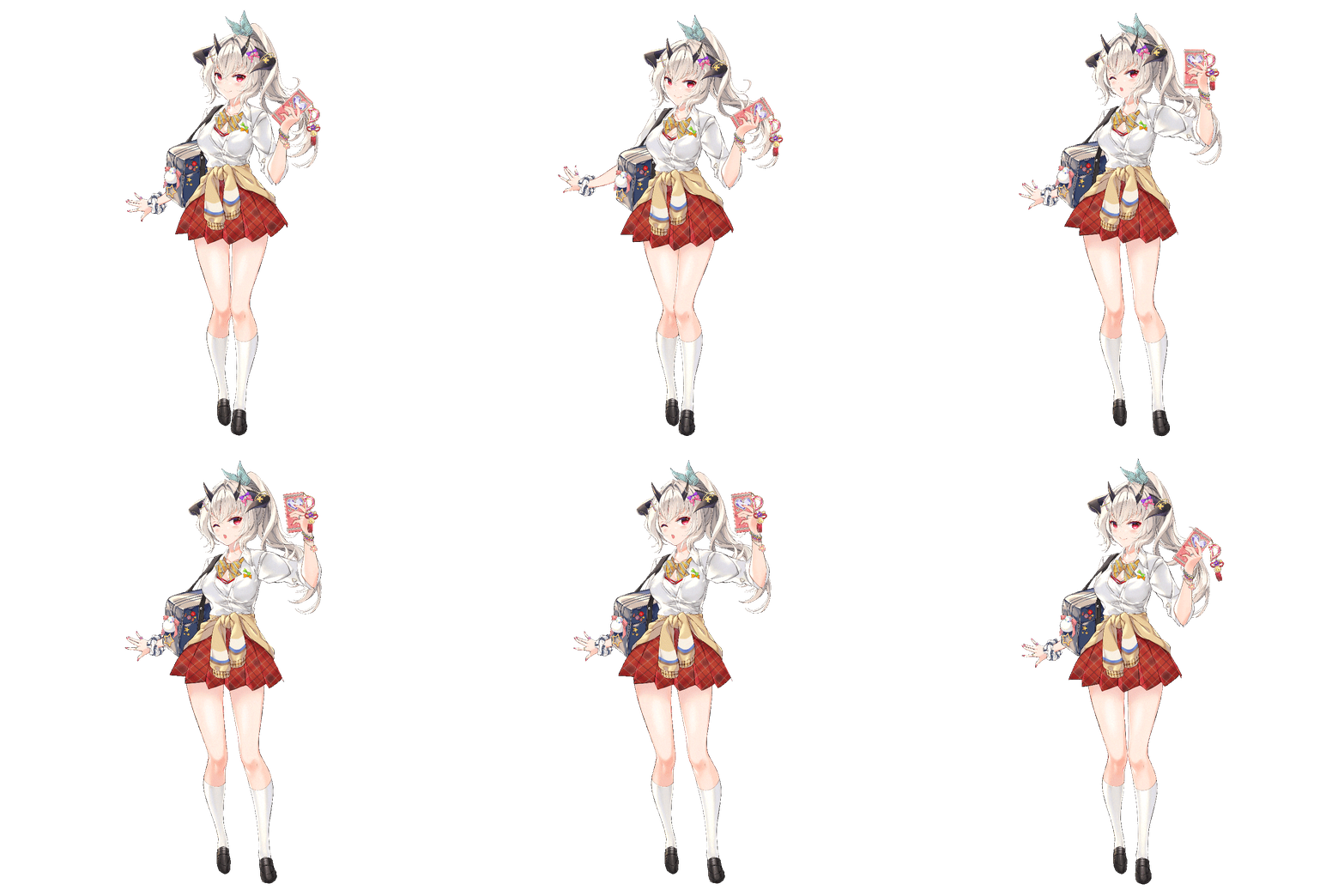
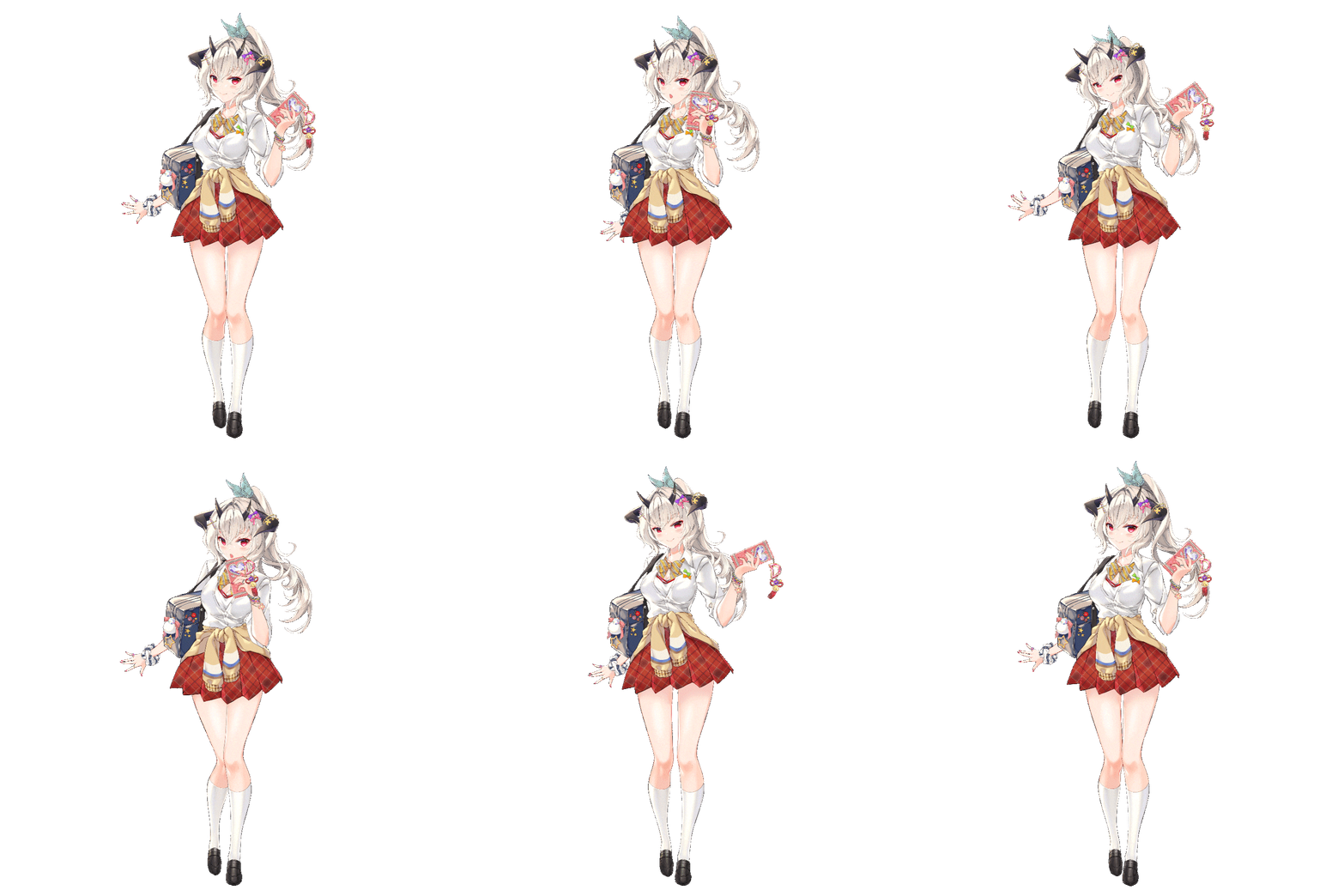
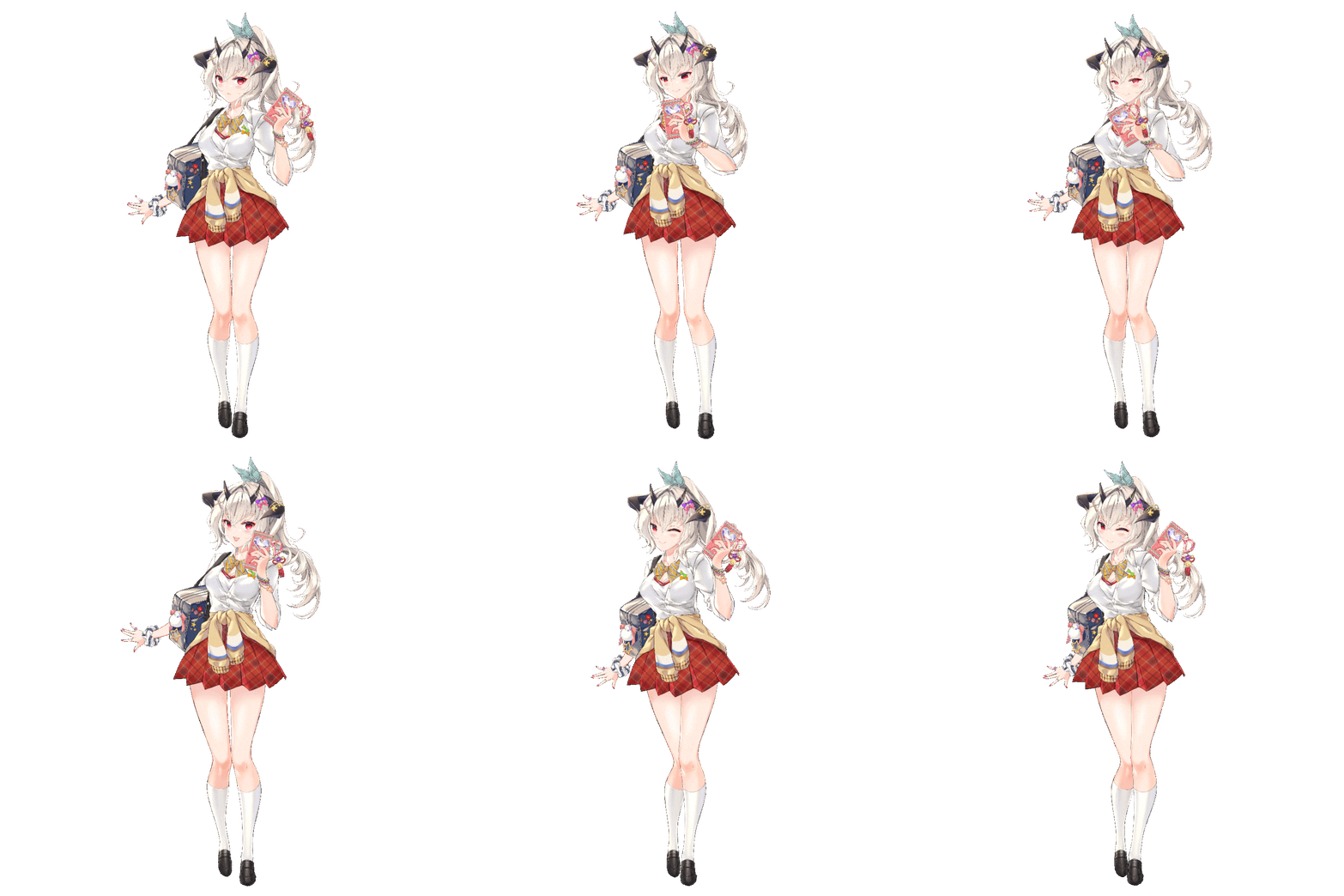
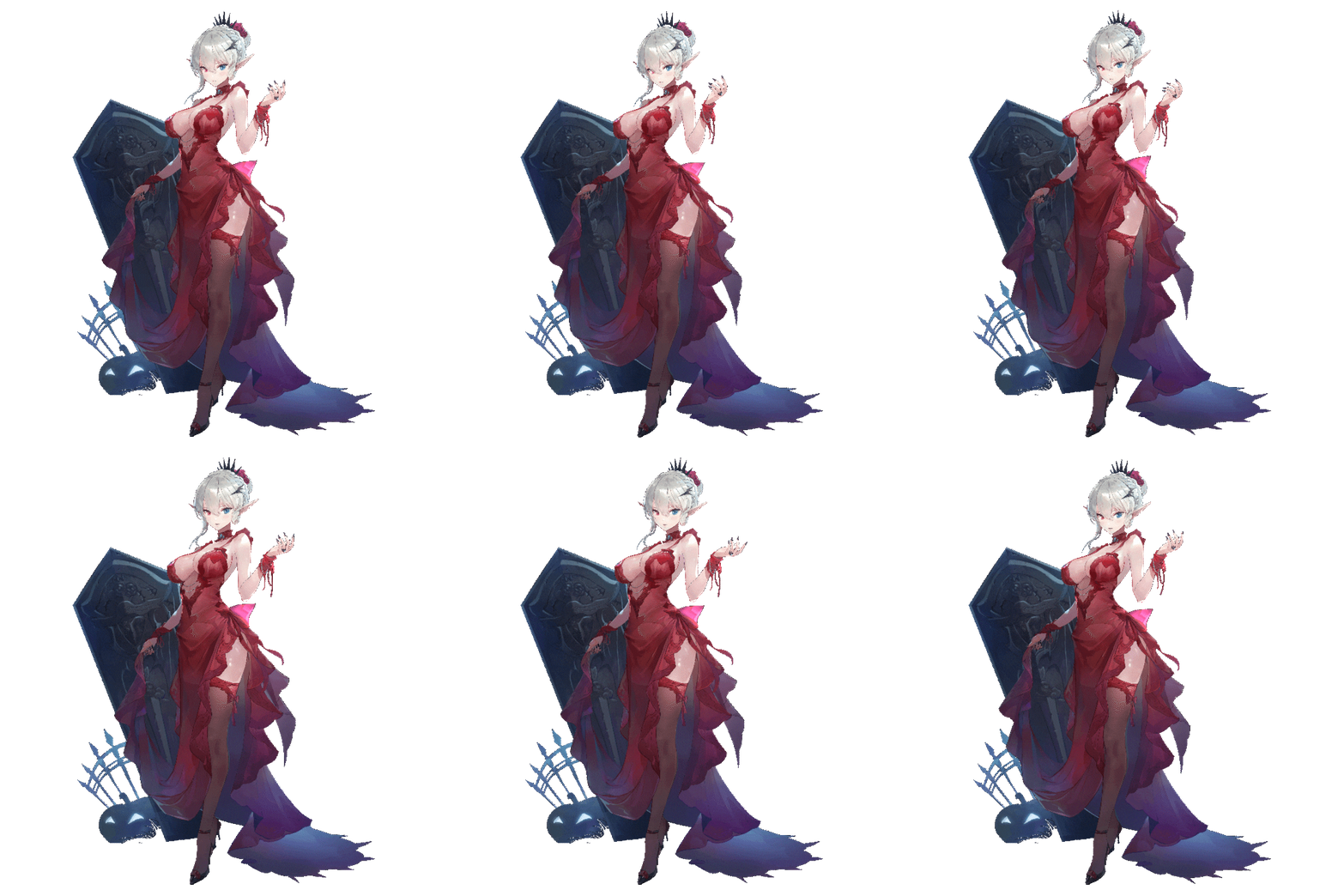
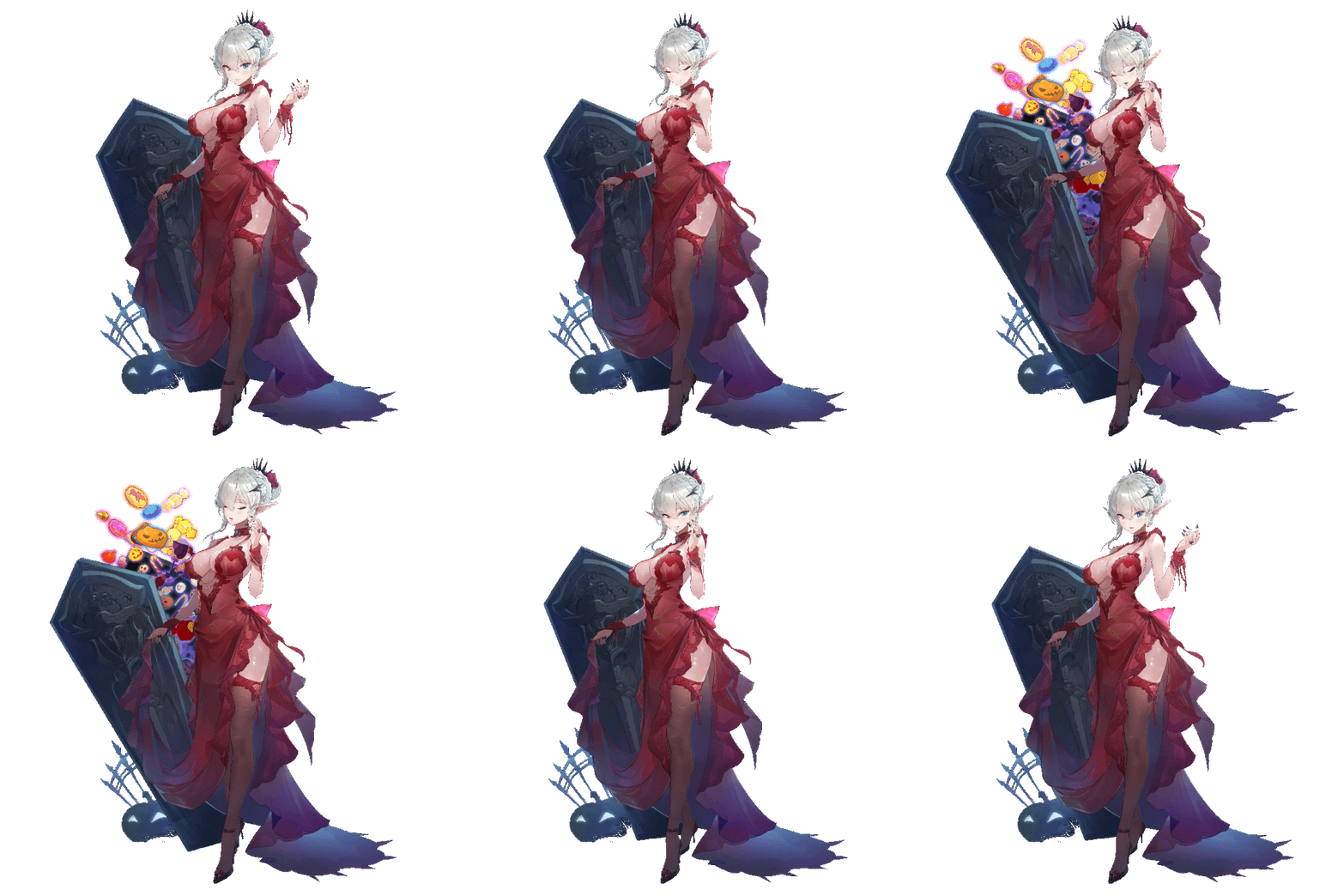
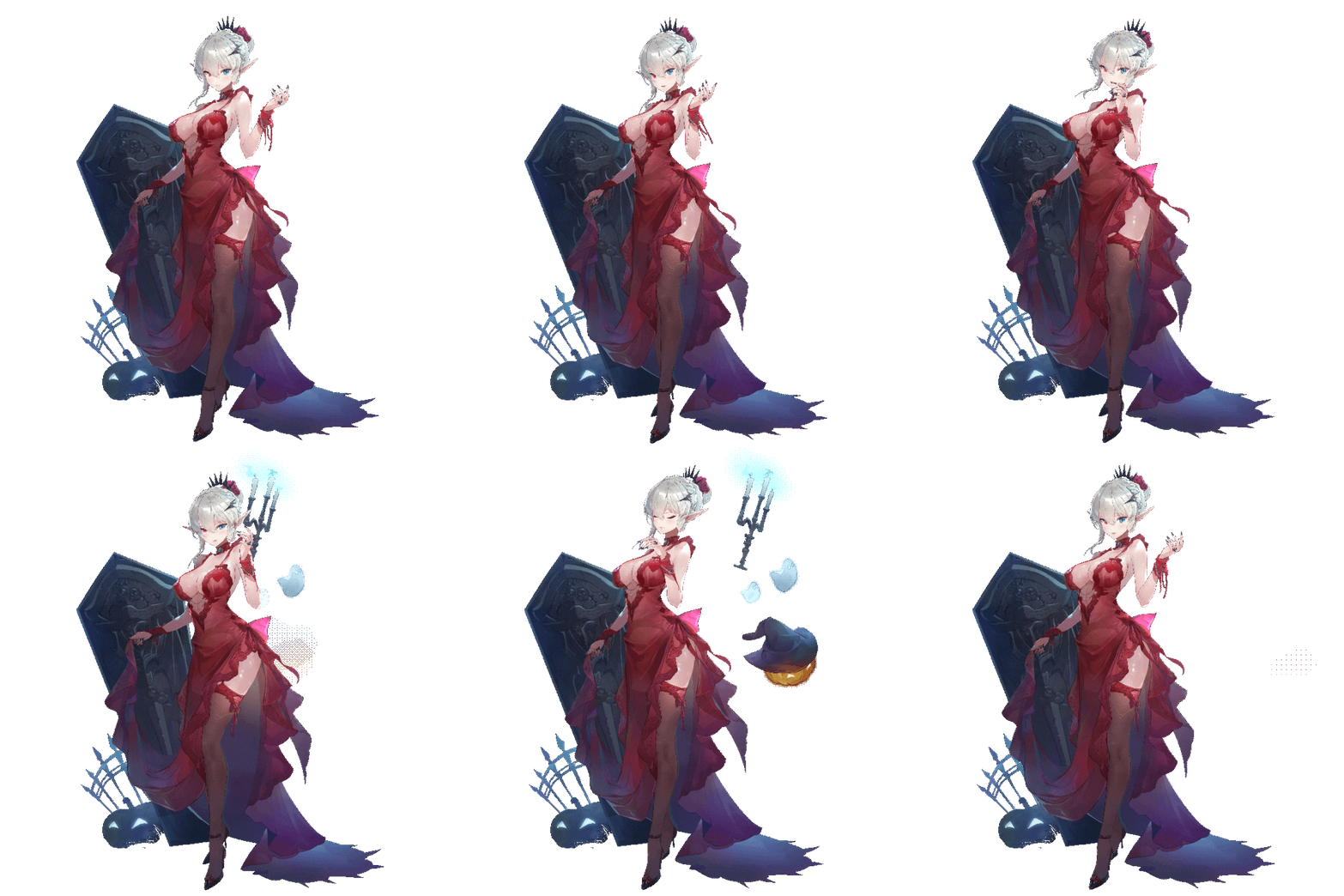
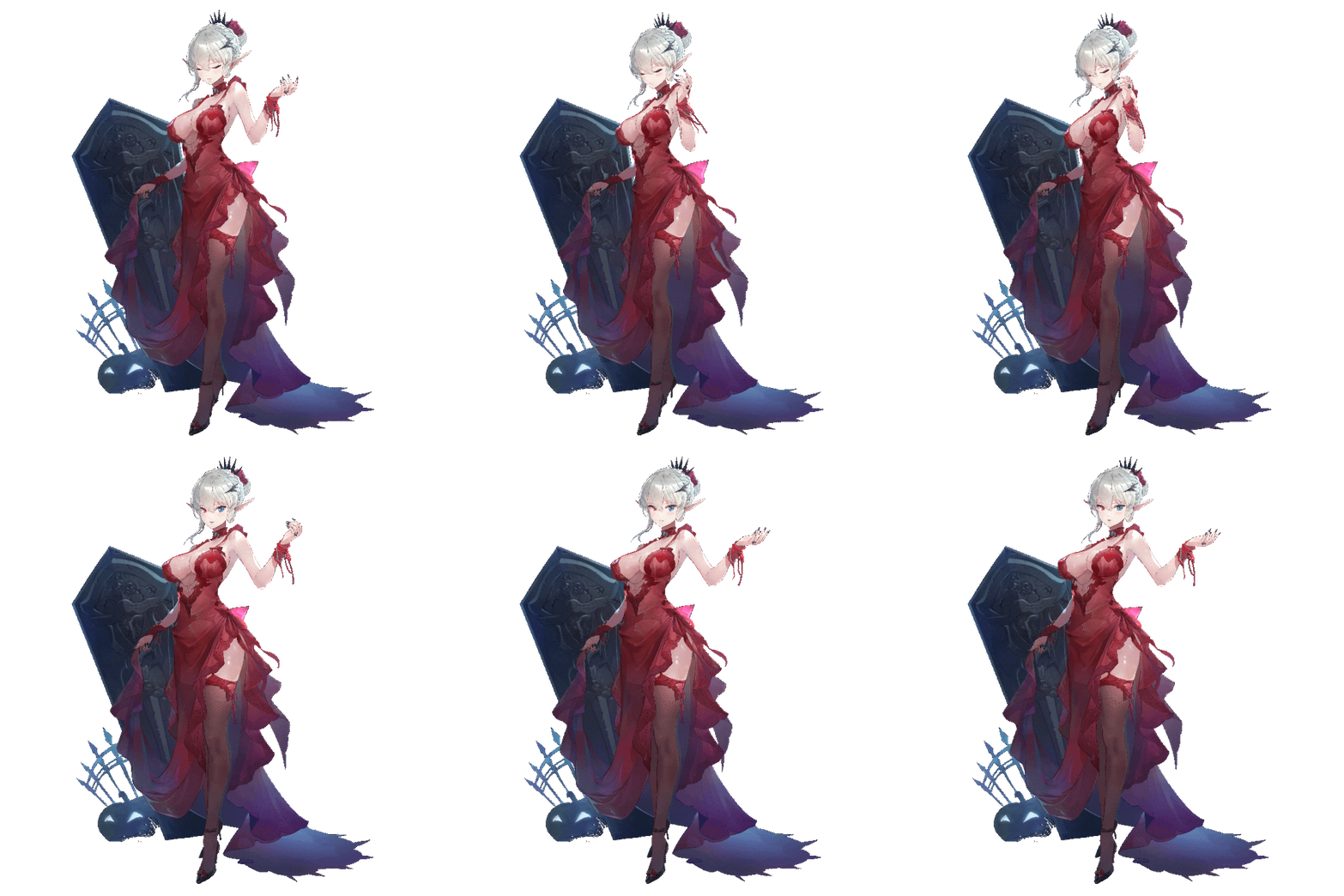
※ The copyright of the above images belongs to ‘Soccer Spirits’ and ‘Time Defenders’.

Why Take This Class?
You'll be able to quickly apply your knowledge to portrait animation projects! A very effective process for corporate cooperation and independent work.
Looking for something that goes beyond a basic Spine tool function tutorial?
Do you want to understand practical applications that you can immediately use to game projects?
This course covers all stages of Spine work, starting with segmenting illustrations for 2D animation and ending with ornamental effects.
Seyoung Jeong, a seasoned 2D animator with experience working with top game companies including Logiware, BigBall, Nexciting, and freelancing projects, discusses a very efficient workflow.
This course covers everything you need to build trendy, gorgeous female figures with Spine. It also includes a practical process for rapid project implementation.
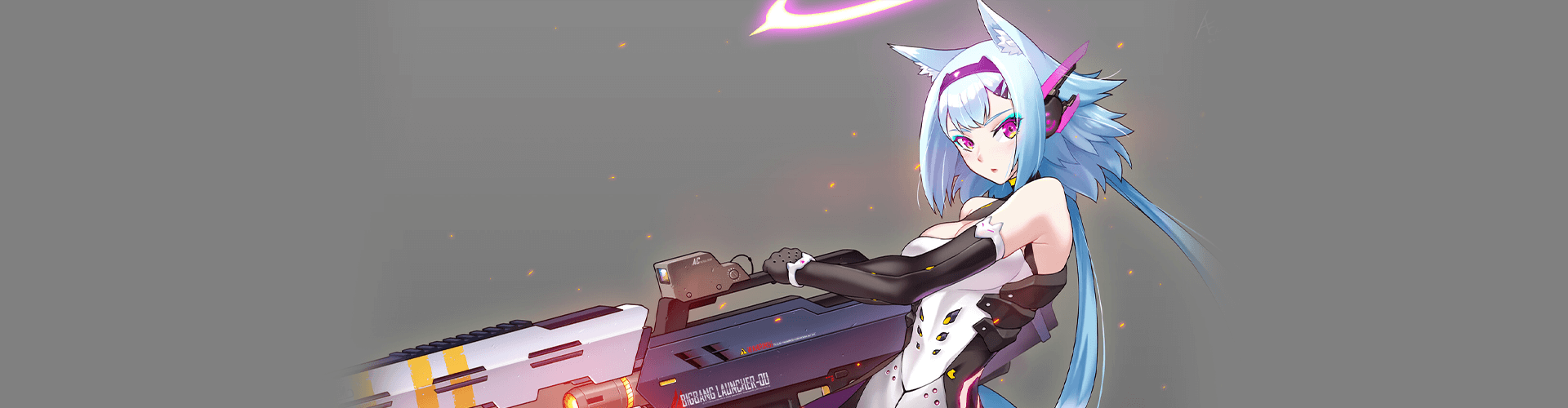
9 Class Exercises
-
 1. Facial Expression 1
 -
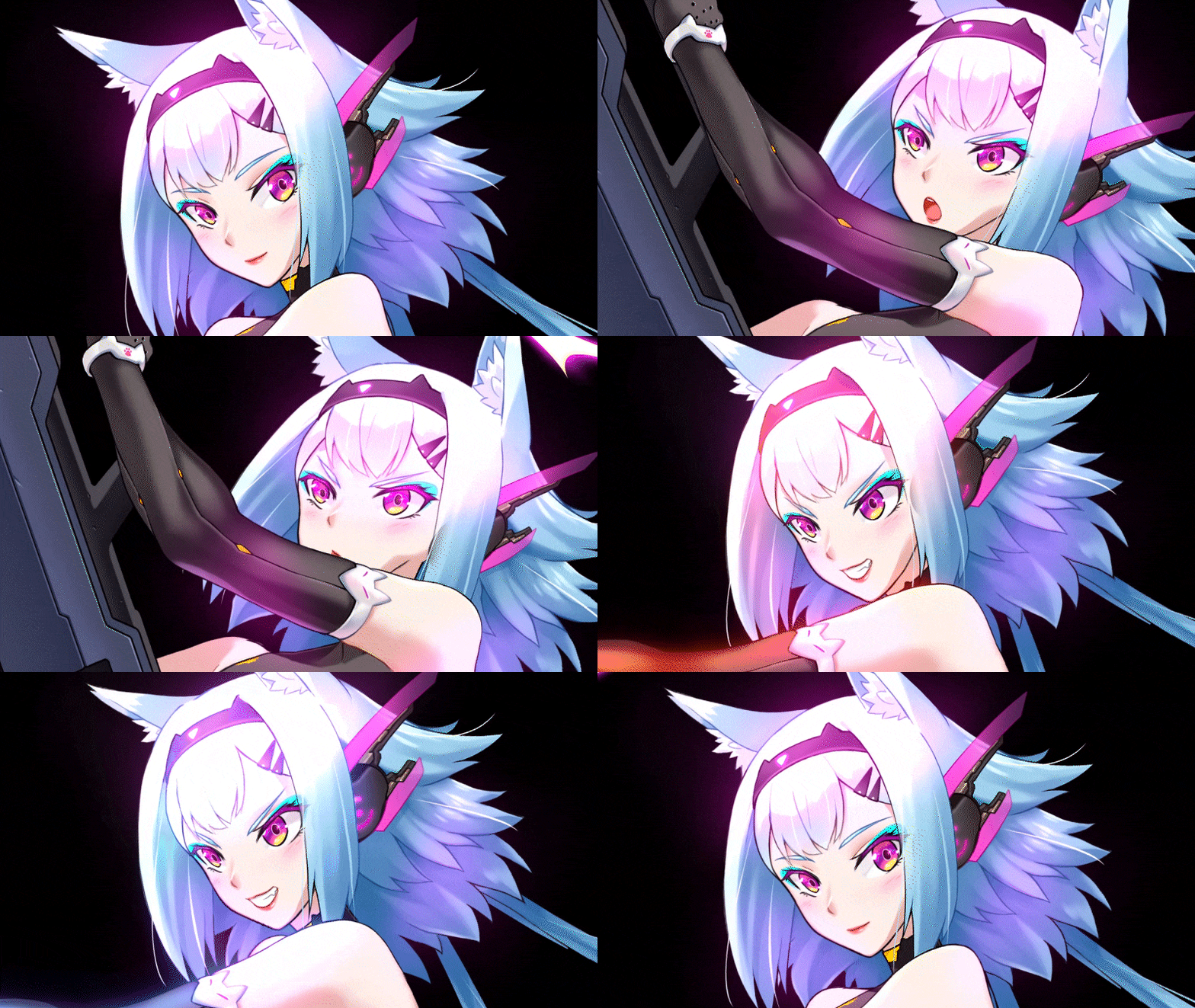 2. Facial Expression 2
 -
 3. Facial Expression 3
-
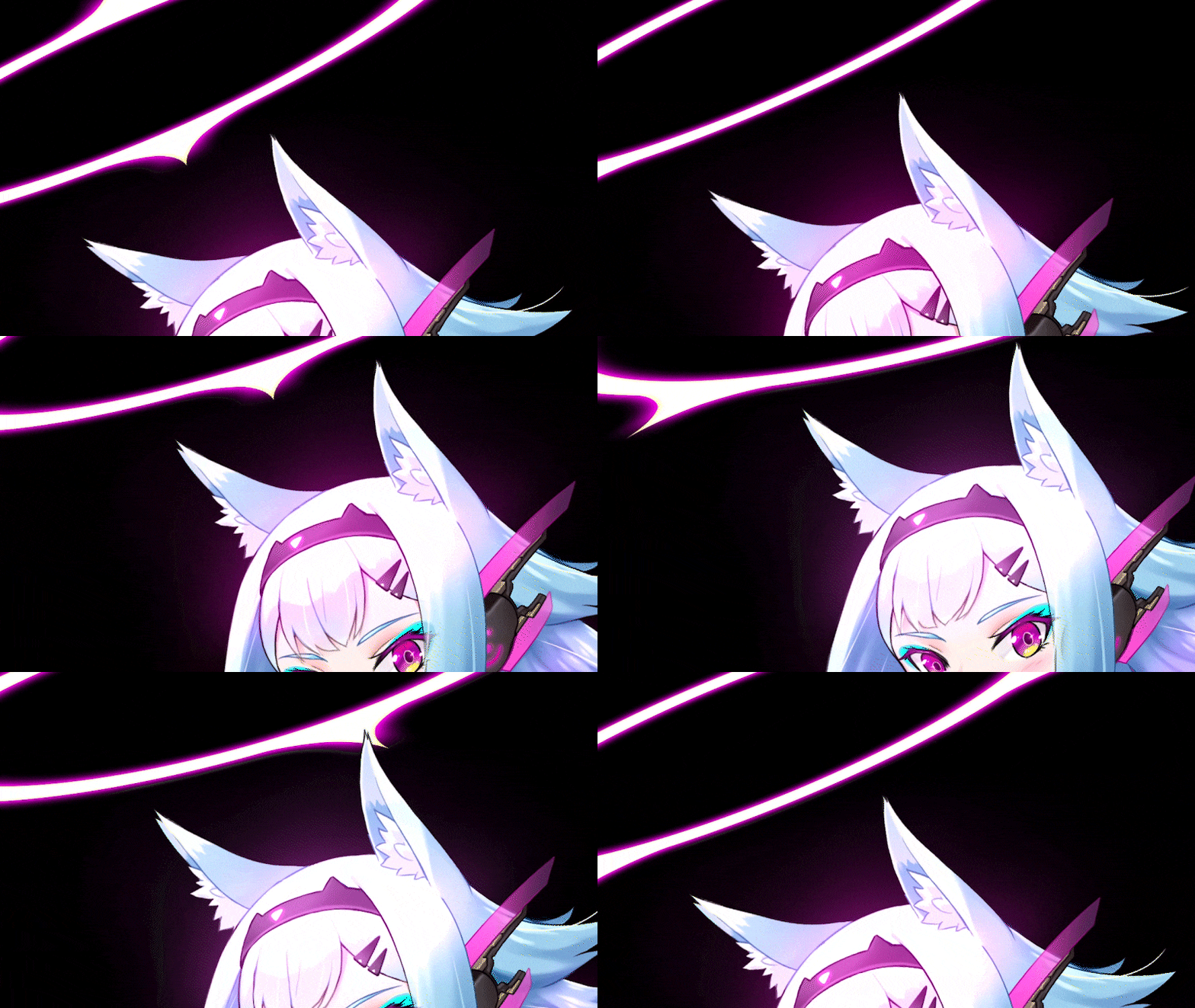 4. Ears
 -
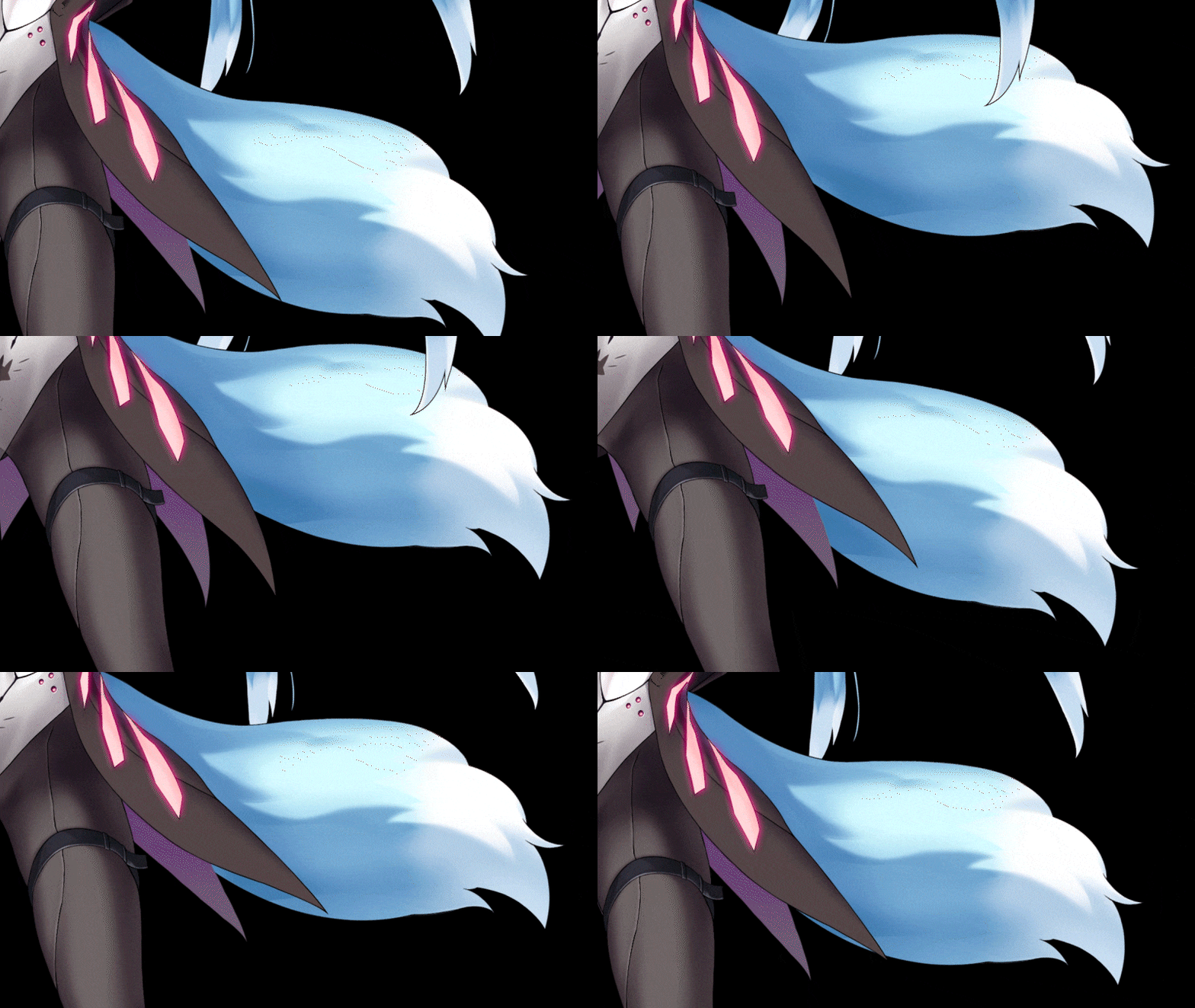 5. Tail
 -
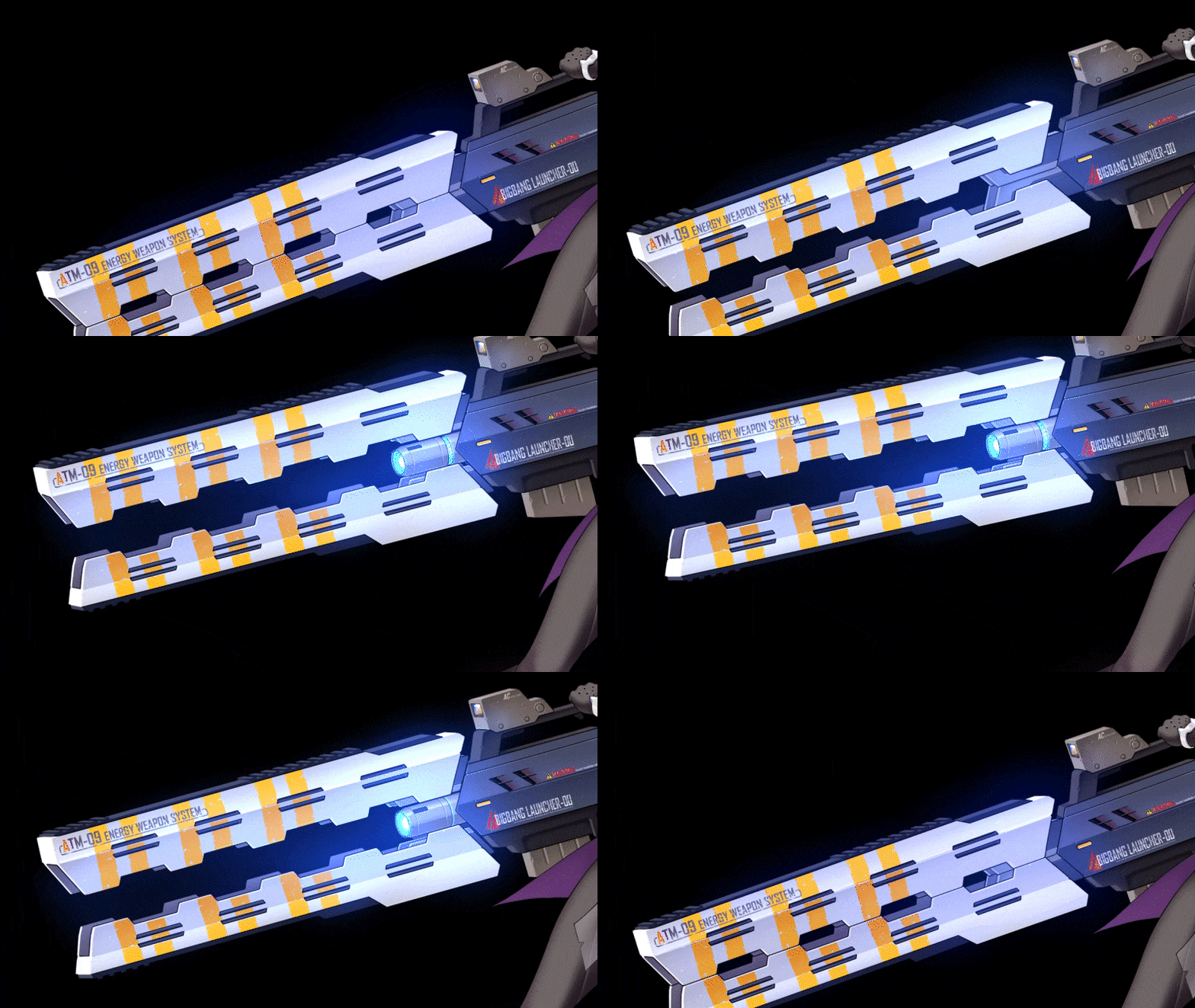 6. Launcher
-
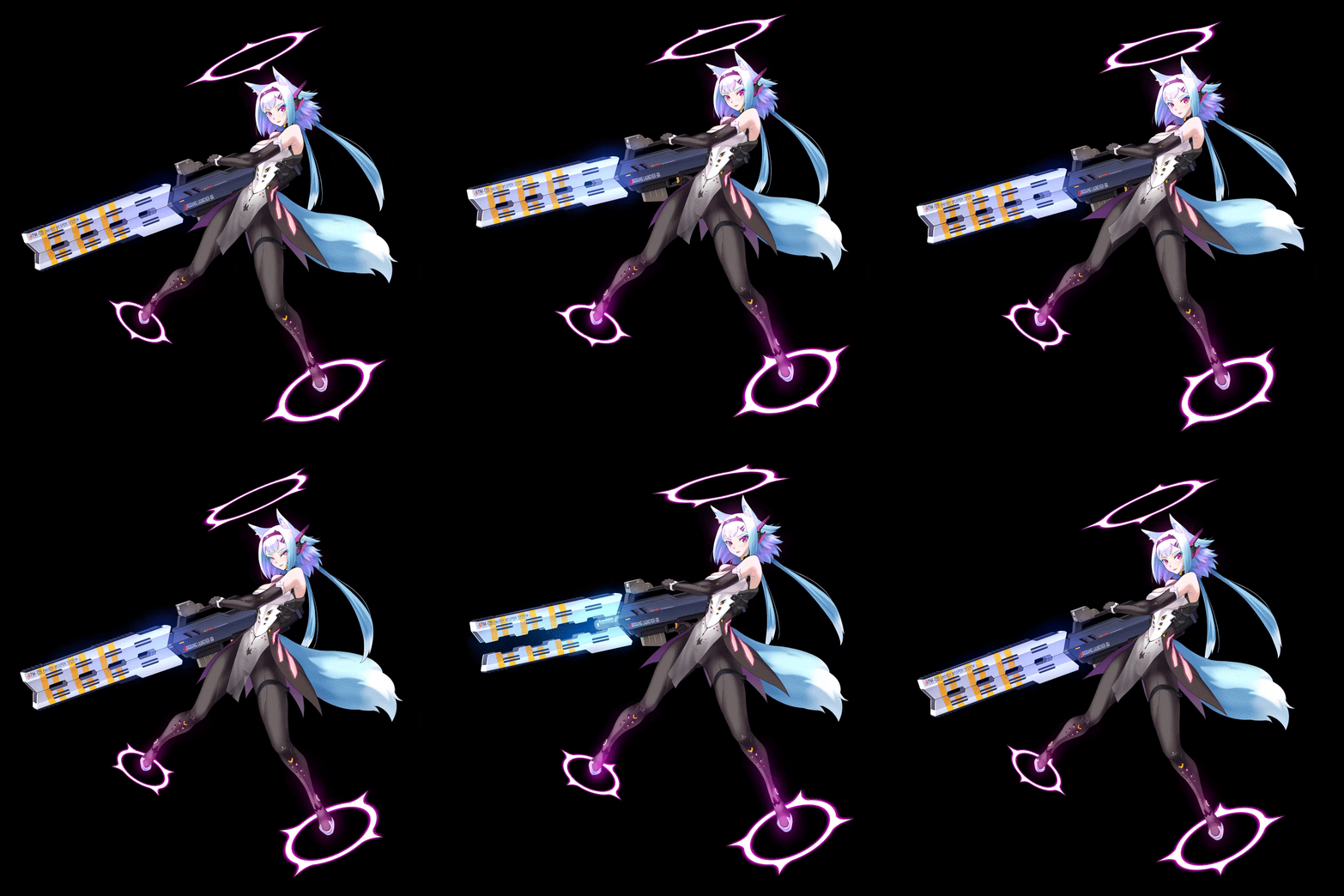 07. Idle animation
 -
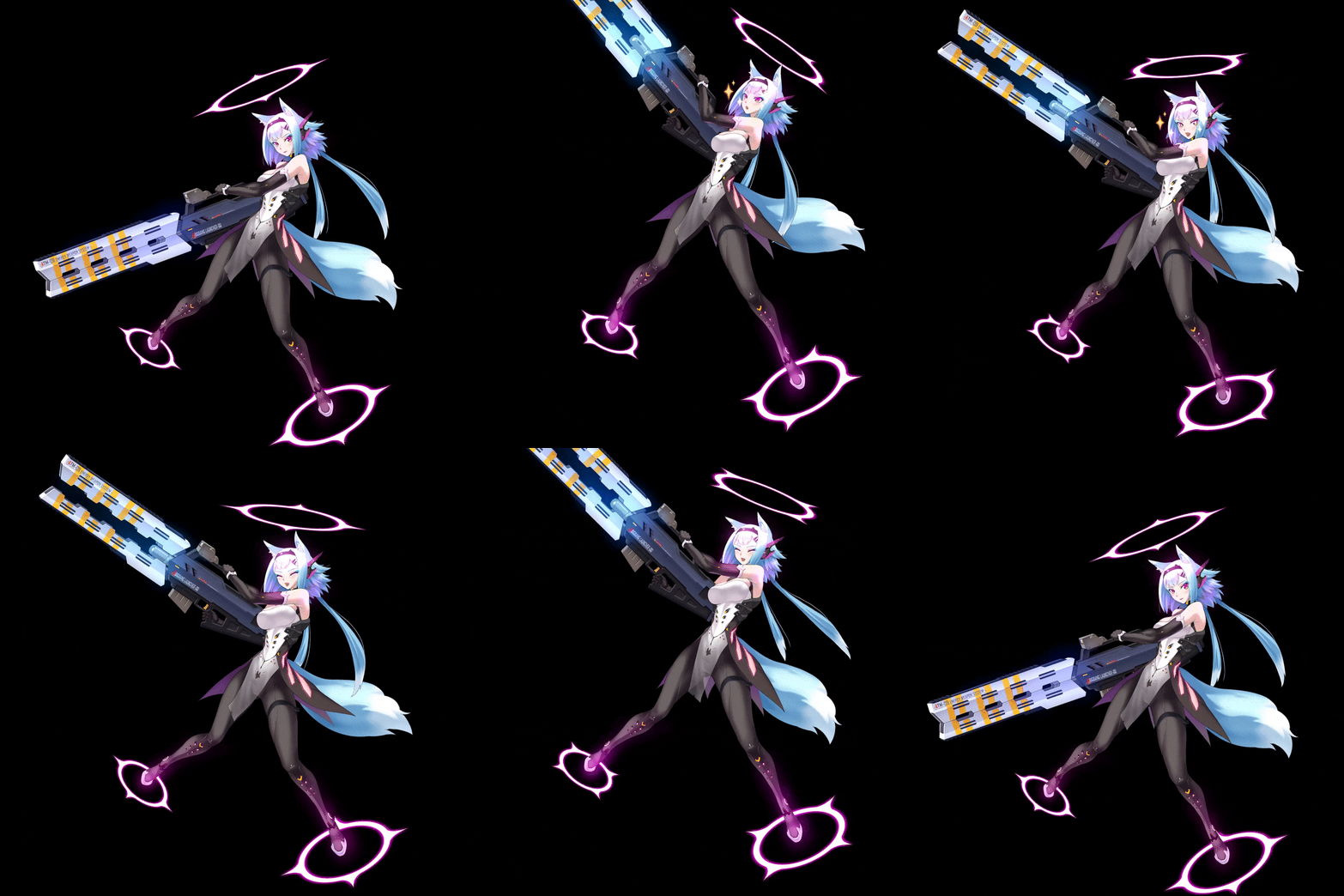 08. Touch animation
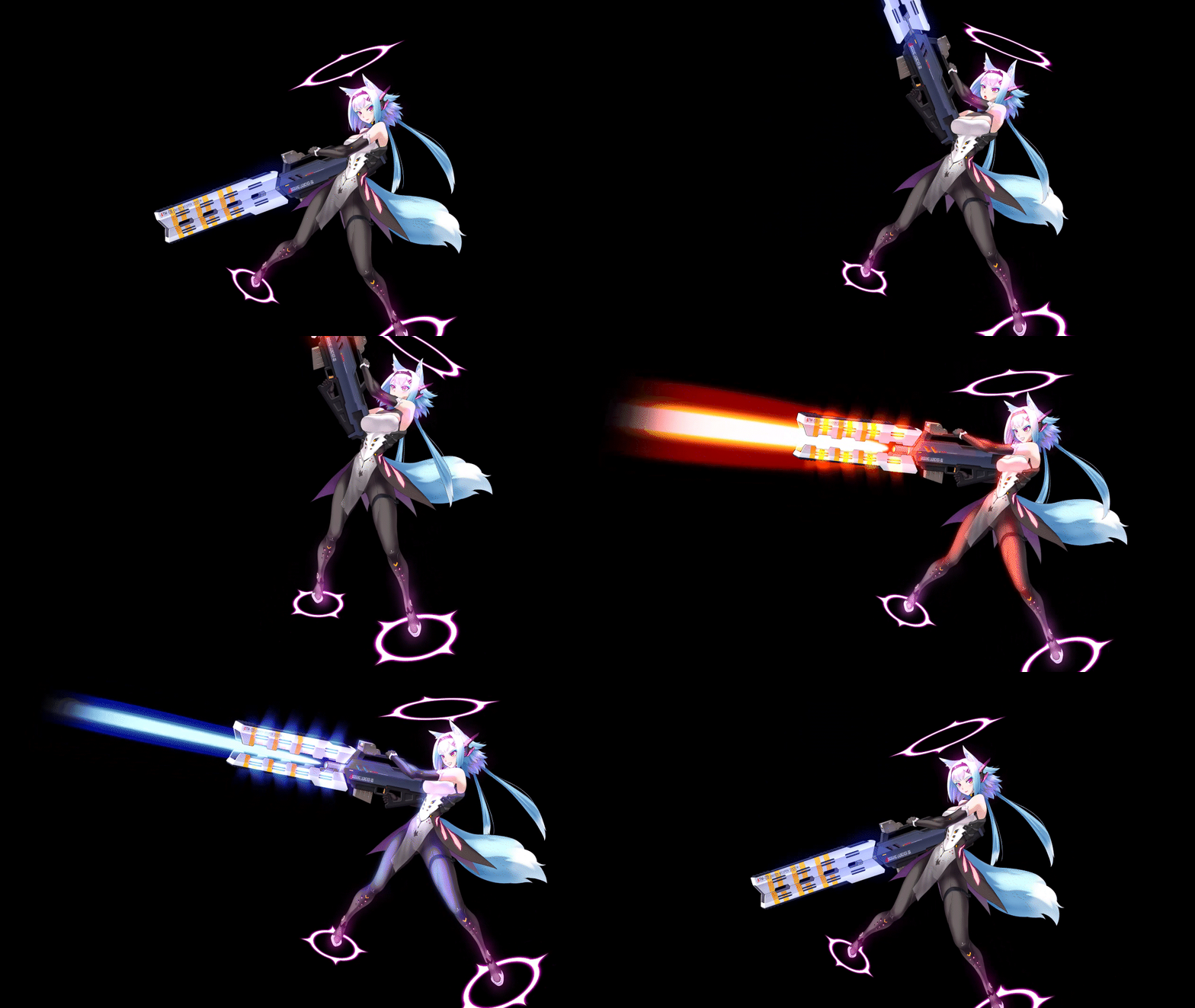
09. Skill animation
Instructor
2D Character Animator
Seyoung Jeong
Hi there! I'm Seyoung Jeong, a 2D Character Animator.
I've worked for firms such as Logiware, BigBall, and Nexciting, and now work as a freelance animator.
I've honed my skills in 2D animation programs such as Live2D and Spine while working on several games. I specialize in portrait animation, often known as character illustration animations.
I will teach you everything you need to know about Spine, a popular tool for female subculture games, based on my considerable project experience.
This class is suitable for both Spine enthusiasts and illustrators looking to add movement to their 2D figures. I will share my extensive animation expertise and talents.

2D Character Animator Seyoung Jeong
[Current]
Freelance Animator
Projects & Awards
[Notable Projects
Nexciting [Time Defenders] (2021)
BigBall [Soccer Spirits] (2016 to 2020)
NJOY,GO [Top of the Tank] (2012 to 2016)
Logiware [GranAge] (2010 to 2012)
[Freelance Projects]
Kingdom of Heroes
Sword Master Story
Miko Note
Highlights
Class Highlights
How to Use Spine to Portray Stunning Female Characters
Guarantee your game's sales with well-crafted, stunning female characters who have passionate, devoted fans. Using Spine's specific techniques for facial emotions, breast morphing, and actions, you may build animations that highlight the attractive female character's attributes.
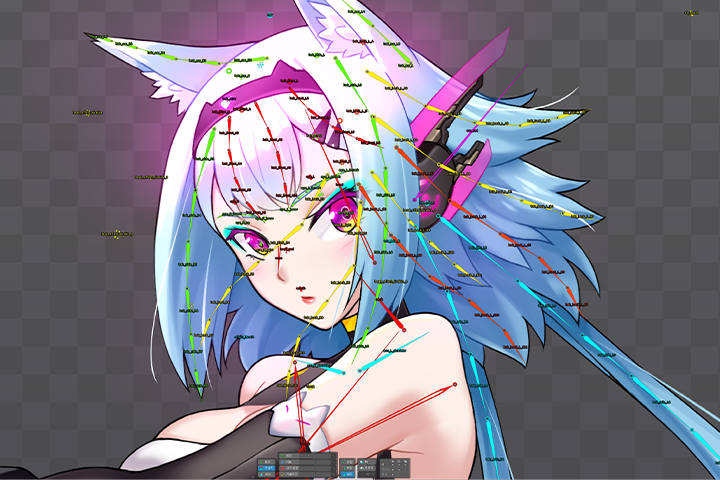
From Basics to Practical Pipelines, The Spine All-in-One Curriculum
Systematically learn the basics of 2D animation to advanced effects and master an efficient work pipeline so you can apply what you’ve learned to 2D game projects or freelance work.
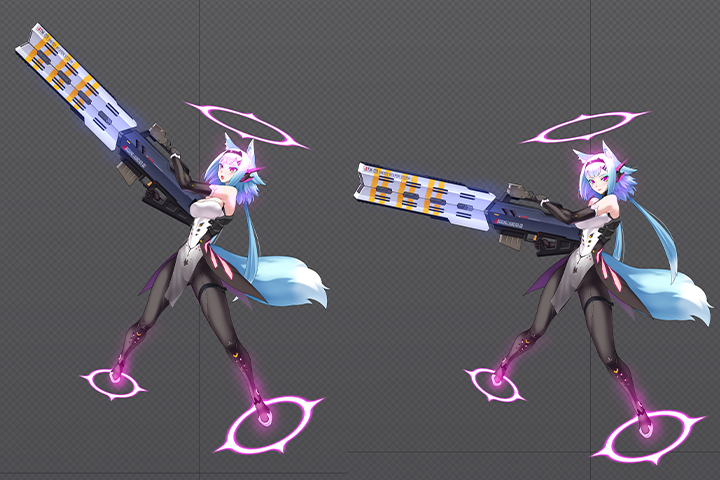
The 2.5d Character Creation Method That Anyone Can Learn and Use
This class can teach anyone how to make organically animated 2.5D creatures, from aspiring 2D game animators to current animators to illustrators looking to add movement to their drawings.
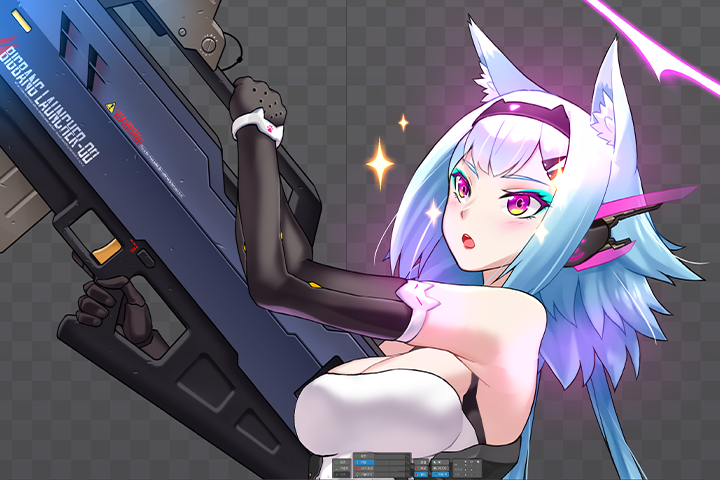
Class Details
You'll Learn
-
 Creating Custom Animations That Best Capture the Features of the Key AnimationExamine a pretty female character’s key animations to add movement, observe its characteristics, and explore the most suitable animation techniques from a methodological perspective.
 -
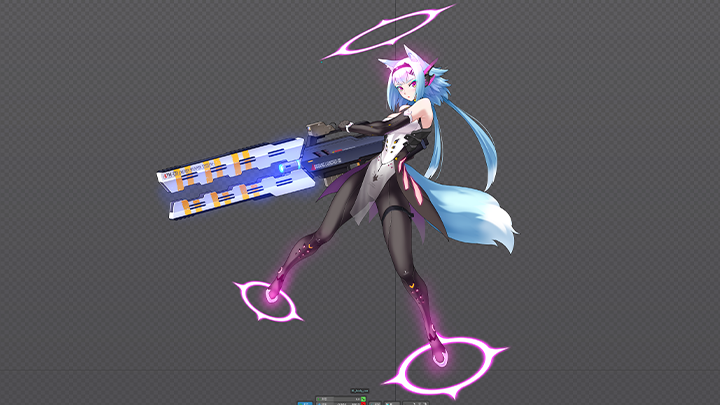
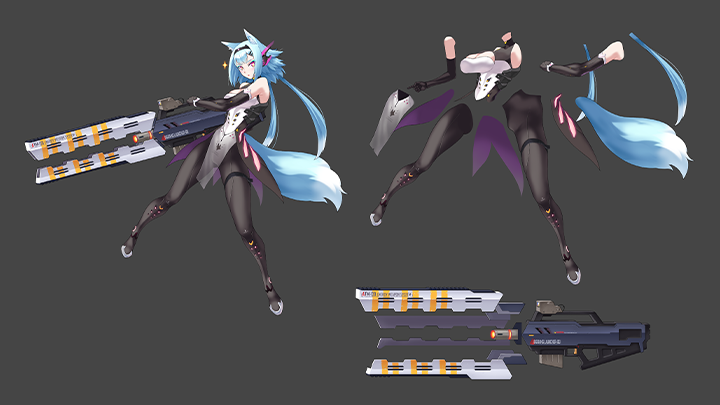 Learn the Spine Work Process Step by Step: From Segmenting Illustrations to Adding Decorative EffectsDiscover each step of the 2D animation work process in Spine, from attaching bones to images and segmenting them to the final addition of decorative effects.
 -
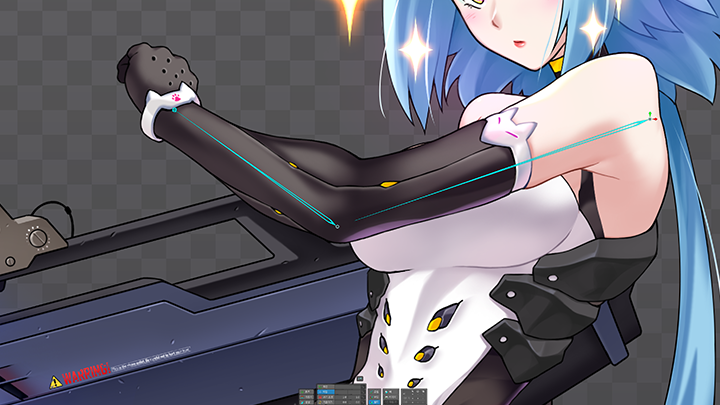 How to Express Details to Enhance QualityExplore which parts of the character's body to emphasize for natural animation, and learn the proper movement settings for details like the hair, eyes, arms, and leg joints.
-
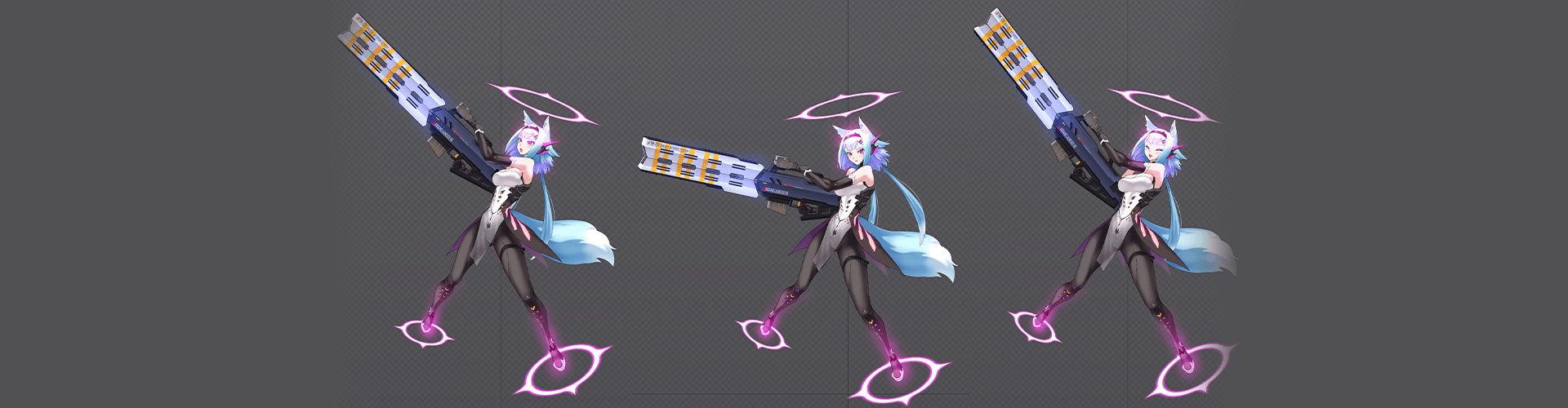
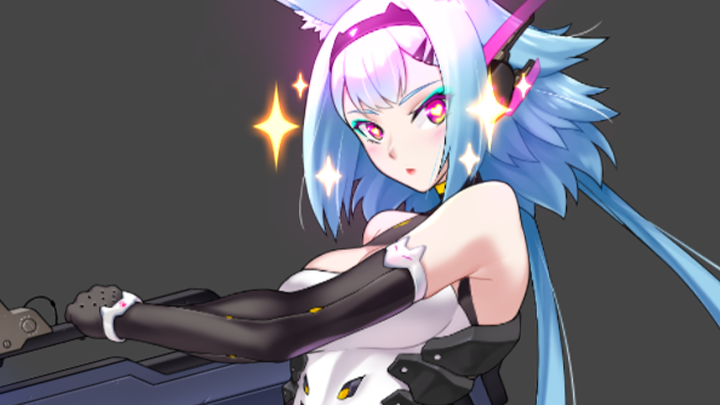 Maximizing the 2.5D Setting Functions to Create 3D-like Effects in 2D AnimationLearn how to use 2.5D setting functions to make 2D moving pieces, such as the face and launcher (weapon), feel 3D.
 -
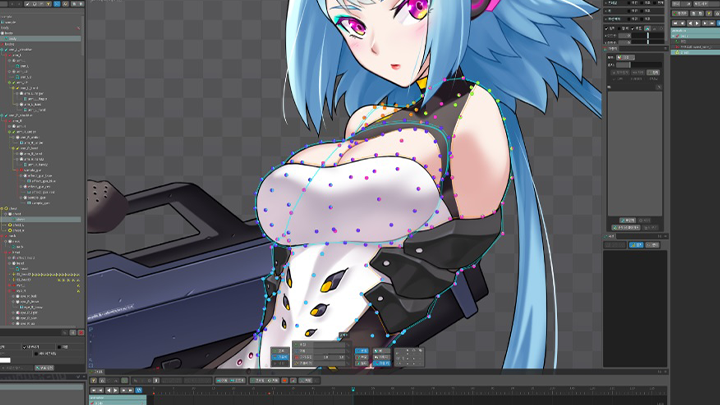 Animation Techniques That Create a Strong Impression Even with the Most Basic Idle AnimationYou'll learn how to create impactful portrait animations even with the most basic idle animation through setting basic motions using a character's charm points and setting hair and clothing using offsets.
 -
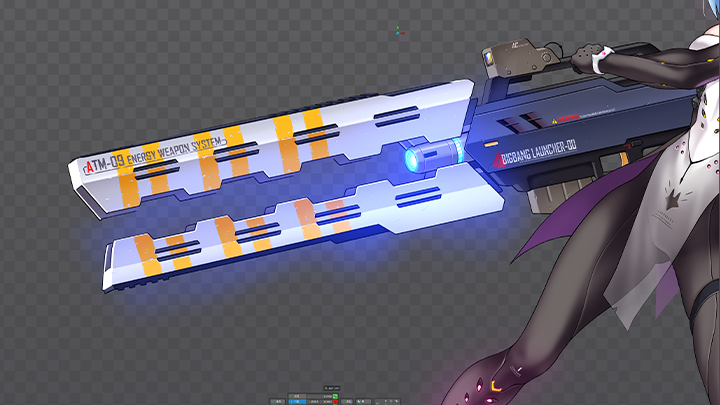 Enhancing the Quality of the Final Work by Adding Tint EffectsMethods for enhancing the quality of a finished product by applying tint effects to emphasize details and add effects to a character’s body and weaponry (such as a launcher).
- Unlimited Access
- Best Price
Buy now, get unlimited access.
12/31 (Sat) (UTC-7) Special offer ends soon.
This special offer ends soon.
Buy now and save!
Curriculum
Curriculum
In-Depth Look
SECTION 01. Concept and Basic Functions of Spine
01. Spine Definitions and Menu Descriptions
- Instructor introduction
- Class introduction and objectives
- Spine definitions and installation
- Spine settings and menu explanation
02. Image Editing and Conversion
- How to segment images
- Converting files from Photoshop to Spine
03. Bone Settings and Animation
- Bones, slots, and attachments
- How to attach bones to images
- Making animations
SECTION 02. Segmenting Illustrations
04. Segmenting Illustrations - Face
- Segmenting hair
- Segmenting eyes
05. Segmenting Illustrations - Body
- Explaining body part segmentation
- How to enhance hidden parts
06. Segmenting Illustrations - Weapon
- Segmenting the launcher
- Explaining gimmicks
- Converting to Spine
SECTION 03. Setting Up Illustrations
07. Basic Bone Settings Preparation
- Explaining the tree view setup
- Planting basic skeletons
08. Face Settings and Weights
- Explaining the edit mesh function
- Explaining the weight function
- Eye settings
09. Hair Settings
- Hair settings
- Points to note when setting weights
10. Body Settings
- Arm and leg joint settings
- Body weight settings
- Shoulder movement settings
- Clothing settings
11. Upper body effect settings
- Weight settings according to upper body movement
- Utilizing the double structure of bones
- Explaining the blending function
12. Weapon Settings
- Bone settings according to launcher gimmicks
- Explaining blending function 2
SECTION 04. 2.5D Settings
13. Basics of 2.5D Settings
- Basic principles of 2.5D
- Explaining transform constraints
14. 2.5D Settings 2 - Face
- 2.5D settings for the face
- Using weight for face settings
- Setting shortcuts for bones
15. 2.5D Settings 3 - Body
- 2.5D settings for the body
16. 2.5D Settings - Weapons
- 2.5D settings for the launcher
- Utilizing IK constraints
SECTION 05. Portrait Animation - Idle
17. Explaining Animation UI
- Detailed explanation of the animation menu
- Menu window configurations for work
18. Pretty Female Character Idle Animation 1 - Setting the Basic Motions
- Setting the basics of idle animation
- Creating three-dimensionality using 2.5D settings
- Utilizing offsets
19. Pretty Female Character Idle Animation 2 - Offsets and Effects
- Natural movement of hair and clothing
- Utilizing color values of effects
- Using graphs
20. Pretty Female Character Idle Animation 3 - Transforming the Launcher
- Creating an opening gimmick for the launcher
21. Pretty Female Character Idle Animation 4 - Adding Points to Idle
- Pasting the transformed launcher
- Adding points using ears and tails
- Finishing the idle animation
SECTION 06. Portrait Animation - Creating Cute Motions that Highlight the Drawing's Features
22. Feature-Highlighted Animation 1 - Conceptualizing
- Conceptualizing animation
- Setting key motions
23. Feature-Highlighted Animation 2 - Giving Your Character Life
- Finalizing details
- Adding liveliness with facial expressions
24. Feature-Highlighted Animation 3 - Hair and Clothing
- Hair and clothing movement according to motion
- Setting the timing of swaying
- Using offset effects for natural swaying
25. Feature-Highlighted Animation 4 - Weapons and Effects
- Breast morphing
- Launcher transformation animation
- Finishing effects
SECTION 07. Pretty Female Portrait Animation - Action Animation
26. Action Animation 1 - Conceptualizing
- Conceptualizing animation
- Setting key motions
- Setting timings
27. Action Animation 2 - Effects 1
- Adding launcher firing effects
- Utilizing the tint function of effects
- Applying effects to the body
28. Action Animation 3 - Finalizing
- Finalizing hair and clothing
SECTION 08. Finishing touches
29. Other Functions of Spine
- Path and skin
- Bounding box and clipping
*The release date of this class, curriculum images, and associated content can be changed without prior notice.
** Class videos may be seperated for a more streamlined viewing experience
Interview with
2D Character Animator Seyoung Jeong

Question.01
What is the purpose or
key point of this class?
The main point of this class is to focus on creating animations using Spine, specifically portrait animations using illustrations of pretty female characters. In addition to learning the fundamentals of idle animation, this class will cover a variety of expressions and touch response animations tailored to pretty female characters, as well as other essential elements of portrait animation production.
Question.02
What differentiates
this class from others,
and what are its advantages?
My strength is grounded in real-world experience and lies in teaching how to use the tool and in sharing the skills and technical knowledge about creating natural animations that enhance the character’s charm.Although the Spine tool is relatively new to the industry, it has become essential for 2D game development. I will share everything I’ve learned from working methods in the field and the information necessary to work as a 2D animator.
Question.03
Who do you recommend
this class to?
I recommend this class to beginners who want to create 2D animations with Spine, particularly those who are interested in the subculture of pretty female characters or who want to work for related game companies. Moreover, as Spine becomes increasingly essential for animation, the number of illustrators entering the field is growing. These people can also learn the Spine tool and how to segment illustrations.
Required Programs
This course will use
- Spine 4.1.
(Spine 3.0 or higher recommended)
Please purchase and install these program(s) for an optimized chapter experience.
*These programs and/or materials will not be provided with the chapter.

Recommended
Recommended Class
Like this class?
Then check these out!