2DAnimator,GabrielUgbodaga Details
Intro
Class Intro
2D Animator, Gabriel Ugbodaga
I want to guide you through every step of building perfect combat situations that look superb on camera by making adjustments to character looks and traits. I really hope that this course inspires many to pursue their passion for 2D animation, just like many others who have inspired me.
Maximize Your Level of 2D Animations with Charismatic Martial Arts Action Scene
Break out your 2D animation skills and create powerful yet breathtaking martial arts action scenes! Gabriel Ugbodaga is here to offer you a unique blend of foundational 2D frame-by-frame workflow, with game-changing skillsets for effective character-building processes and captivating camera movements. Get ready to fire away and start creating mind-blowing 2D fight choreographies.
Unleash your creativity and start crafting impressive combat sequences featuring your own characters. Focus on these life-hacking tips for designing ideal traits and gestures for your character and acquiring unique staging and storyboarding techniques. See your character in perfect synchronization with the animation. Above all, understand how to set up outstanding camera movements — you would've never seen anything quite like it. Now, buckle up for some fun! This course will take you on a heart-pounding and thrilling journey of 2D action animations.
Class Perks
Get These Coloso Exclusives
-
All Photoshop/Procreate Files of Characters -
All Toon Boom Animation Files -
Post-Production After Effects File
Expert 2D Animator Gabriel Ugbodaga's Portfolio







※ This portfolio includes fan art
Why Take This Class?
Make your goal of creating awesome 2D animations with exciting martial arts fight scenes. With this course, keep your eyes open as each animation frame passes by with sharp and on-the-point details. Enjoy capturing the moment on your own, loaded with eye-pleasing fight choreographies and characters.
High immersion results from consistency. Character and the action itself have to be done in harmony. For that, the changes to musculature and pushing the limits of your character's physics will downright intensify your ability to design characters that complement the scene with absolute harmony. Do not hesitate, and kick off your journey with Gabriel Ugbodaga.
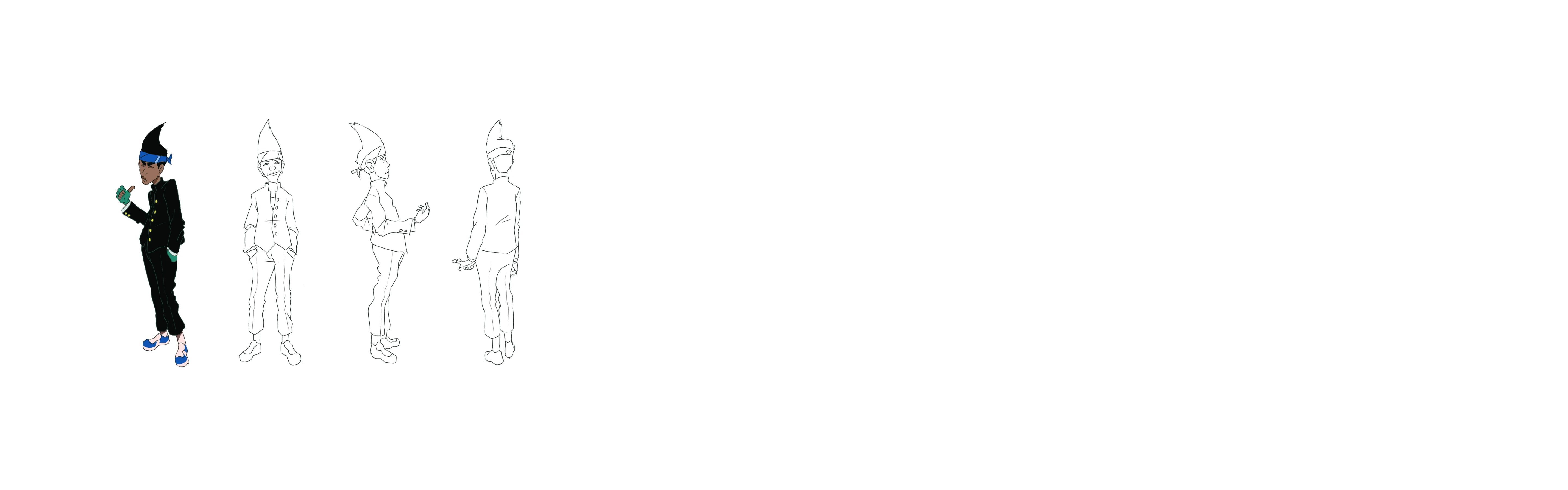
9 Class Exercises
-
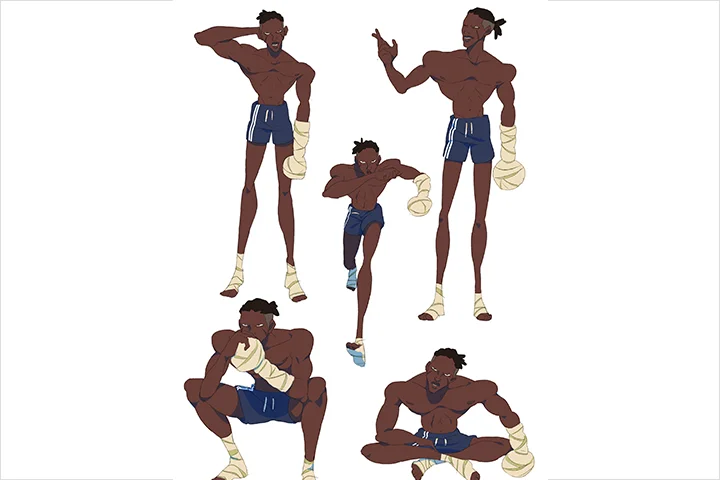 Character Turnarounds and Action Poses
 -
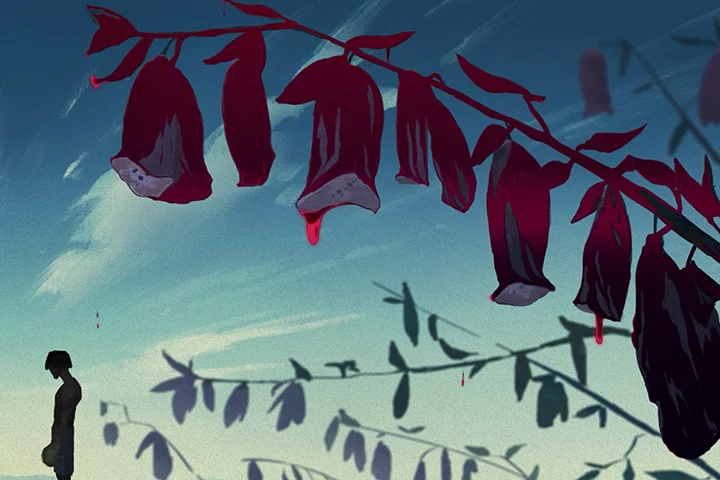 Framing and Staging Your Scene
 -
 Anatomy Practice
-
 Thumbnail and Storyboarding
 -
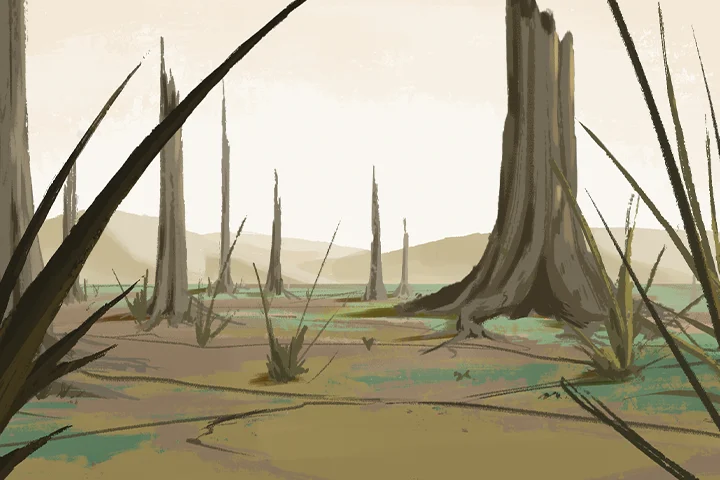 Designing Quick Effective Backgrounds
 -
 Key Animation and Timing
-
 Effective Camera Work
 -
 Inking and Shadow
 -
 Post-process Compositing
Instructor
2D Animator
Gabriel Ugbodaga
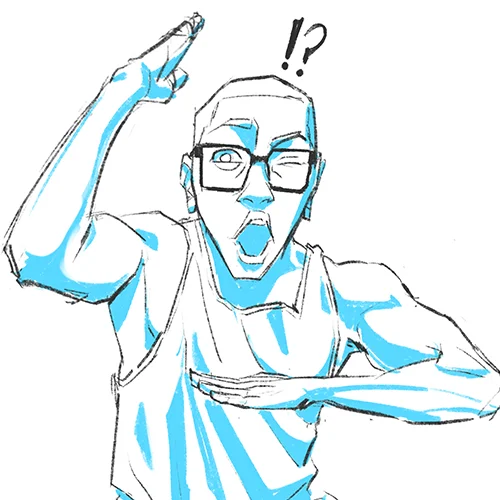
Hello there! My name is Gabriel Ugbodaga, and I am a freelance 2D animator from Nigeria. Over the years, I've worked on various unique IPs, including Fate, Naruto, Bleach, Frieren, Takt OP Destiny, Boruto Naruto Next Generations, and Castlevania. These experiences helped me grow as an animator and inspire other animators and artists alike. With tens of thousands of followers on my social media, I am able to reach out to many across the world.
My work involves capturing characters' dynamics through energetic, expressive, powerful actions. Understanding human anatomy and muscle movement is vital to significantly impacting the result. I gather as much inspiration and elements along with the basics to create imposing settings and bring action-fight scenes to life, along with outstanding character expressions.
Many people believe that dynamic 2D animation is challenging and burdensome, and yes, in many ways, it can be time-consuming, but once you get started on a piece you/'re in love with, all that time pays off tenfold, and you'll discover new and exciting ways to showcase your work. Follow me on the journey of crafting stellar 2D animations and finding new, exciting ways to give life to your characters and create an outstanding performance.
2D Animator,
Gabriel Ugbodaga
[Current]
Freelance 2D Animator
Projects & Awards
Participated in:
[IP]
Fate
Naruto
Bleach
Frieren
Takt Op. Destiny
Boruto: Naruto Next Generations
Castlevania
[Short Film]
Atlanta Film Festival
Highlights
Class Highlights

Individuality
Begin executing your unique filmmaking skills appropriately for your animation. You will be able to show your own individualistic flare in a scene/sequence, whether conventional or unconventional.

Adding Energy to Your Characters Through Expression
Enhance your skills at showing the best and most fun parts of your characters' personalities using evocative facial expressions and personal quirks.
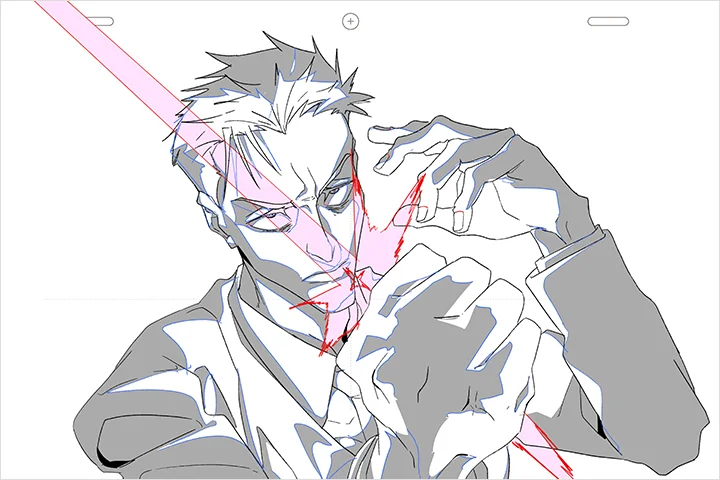
Understanding the Flow and Tempo of a Scene
Do not hesitate to crack down on perfect timing and flow in your animated choreography, giving both characters and audiences breathing room. Acquire your learning on when to ramp up or slow things down.
Class Details
You'll Learn
-
 Character Design and BuildingStart crafting interesting but tangible characters for animation, and learn how to simplify character features while still retaining their charm. Also, understand the personalities and how your character reacts in certain situations.
 -
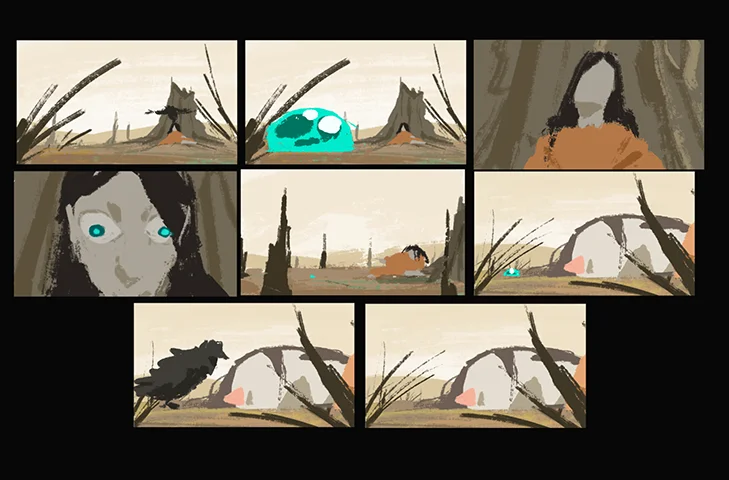 Storyboarding and StagingSet up eye-catching and visually interesting scenes with both character and background elements! Incorporate elements in your scene into the choreography, using the camera to follow the action.
 -
 Rough Animation and LayoutUnderstand the importance of rough layouts and keys, and start on the building blocks of your movement. Acknowledging the principles of animation, tell the differences between pose-to-pose and straight ahead.
-
 TiedownsGet your roughs to a locked-down stage where facial expressions overlap animation and all the other details are tied down.
 -
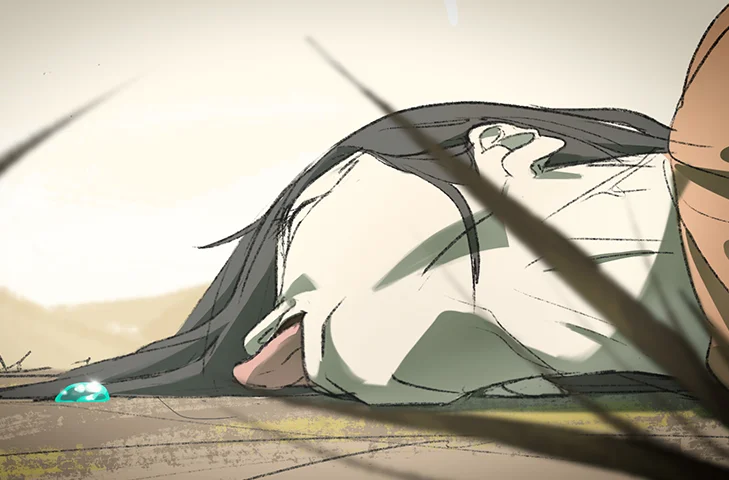 Clean up and ColorClean up your piece to a desirable and appealing amount with the best brush settings and by locking in the color swabs for each character.
 -
 Light Compositing and PolishAdd sparse but effective compositing to make your work pop. Also, adjust the final touches and color grading revisions.
- Unlimited Access
- Best Price
Buy now, get unlimited access.
12/31 (Sat) (UTC-7) Special offer ends soon.
This special offer ends soon.
Buy now and save!
Class Preview
Still Not Sure?
Check Out Gabriel's Class Preview!
Chapter 01.
Orientation
1. Introducing your instructor
2. What you will learn
3. Helpful websites and software programs
Curriculum
Curriculum
In-Depth Look
SECTION 01. OT
01. Orientation
- Introducing your instructor
- What you will learn
- Helpful websites and software programs
SECTION 02. Crafting Your Characters
02. Understanding Human Anatomy: Muscles, Muscles, and More Muscles!
- Studying musculature
- Figure drawing
- Understanding gesture
03. Constructing Your Characters
- Designing memorable characters
- Character turnarounds
04. Building Personalities
- Giving your characters life
- Individual traits and defining characteristics
05. Pushing Character Limits
- Stretching your characters out like jello
- Pushing their physics and breaking character sheets
- Action poses
SECTION 03. Boarding Your Scene
06. Cinematography and Staging
- Crafting eye-catching scenes
- Delving into the rule of thirds
- Types of shots
07. Understanding Camera Movements
- Exploring exciting and creative camera manouvers
08. Storyboarding and Color Script
- Storyboard your scene
- Planning out combat
- Telling a story through action
- Charting out your color story
SECTION 04. Assembling Reference and Assets
09. Gathering/Researching Reference
- Exploring inspiration in both live action and animation
- Researching fighting styles and appropriate references
- Inspiration board
10. Pre-planning Props and Assets in Scenes
- Designing weapons and interactable props in your scene
11. Assembling the Final Animatic
- Rough timing storyboards into animatic
- Getting the flow of your scene early
12. Designing All Backgrounds
- Drawing and designing necessary backgrounds
SECTION 05. Rough Animation and Planned Camera
13. Rough Keys
- Setting up strong but rough keys and breakdowns
- Learning anticipation and follow through
14. Rough Timing and Inbetweens
- Timing out arcs and drawing in rough inbetween
15. Rough Overlapping
- Overlapping clothes and hair
16. Initial Camera Work
- First initial camera work
- Tracking the motion of characters
- Following the initial idea of the storyboard and animatic
17. Rough Effects
- Animating debris and dust effects
- Physics of debris
SECTION 06. Tying Down Your Animation
18. Tying Down Characters: Part (1)
- Tying down extra details into character
- Solidifying acting choices
19. Tying Down Characters: Part (2)
- Tying down other character and fixing any wonky timing
- Maintaining volume
20. Tying Down Effects
- Tying down effects and cleaning if necessary
21. Highlight and Shadow Indications
- Initial shading and highlighting indictation on character and effects
SECTION 07. Cleaning up Shop
22. Cleaning up Characters: Part (1)
- Final line on characters
- Using appropriate brushes
23. Cleaning up Characters: Part (2)
- Cleaning up all final details
24. Cleaning up Effects
- Finalizing effects line work
SECTION 08. Inking and Coloring
25. Coloring Characters: Part (1)
- Preparing color swatches for each character based on character sheet
- Preparing color layer on Toon Boom
26. Coloring Characters: Part (2)
- Finishing all inking and closing gaps
- Coloring effects/shadow and highlight base colors
SECTION 09. Quick Compositing and Final Camera
27. Clean Exports for After Effects
- Organizing files for exporting from Toon Boom
- Exporting files
28. Assembling Finished Assets
- Setting up After Effects file and composition
- Importing final line, color and shadow layers
- Importing backgrounds
29. Final Camera Movements
- Final setup of After Effects camera
- Parallax where necessary
30. Color Grading
- Matching the tone
- Compositing shadow
- Gradients and highlights
31. SFX and Final Polish
- Finding appropriate sound effects
- Creating your own folley
- Final lighting touches and aesthetic look
- Final export
SECTION 10. Almighty Send Off
32. Words and Advice for the Future
- How to improve
- Marketing yourself
- Experimenting styles
- Final farewell
*The release date of this class, curriculum images, and associated content can be changed without prior notice.
** Class videos may be seperated for a more streamlined viewing experience
Interview with
2D Animator Gabriel Ugbodaga

Question.01
Is there a specific reason why you chose this specific topic/themes?
I really love hand-to-hand choreography and how creative you can be; there truly are no bounds. These kinds of fight scenes bring out crazy amounts of energy, and they definitely make me and a whole lot of people excited for more. The moment I fell in love with classic 2D action animations, I have been grinding my life into my artwork to achieve the dream of being an animator. There is still so much to learn and so much to discover! Even beginners who are hoping to start their journey of action animations with this course can get what they wish for. With the help of the right software and method, unfold movie-like fight scenes right in front of your eyes! I hope this course inspires many to pursue their passion for 2D animation, just like many others inspired me.
Question.02
What makes your class different from other classes?
I really try to push that sense of communication through choreography with the characters and the viewer, as well as giving room and space for any individualistic flare. Everything rests on how imaginative and eye-opening your choreography can be. For that, I try to use many different kinds of styles for camera movements, give different tastes to the characters, and sometimes even go wild with crazy amounts of action sequences to make it look as flashy as possible. The key is the balance between the character and the scene itself. I can guide you to build perfect combat situations that would seem superb on camera by making adjustments to character looks and traits. It's the slightest difference you need to make in your work to have it look just on point. Have yourself an enjoyable trip of 2D action — you won't regret it!
Question.03
What do you think is the most important trait(s) to success in your industry?
The most important trait is really the mindset. As cliche as it sounds, if you don't have the drive, then you really can't start anything. The hunger to see your creation coming to life is what would make you go leaps and bounds in search of improvement. Always aim for more practice and better results. If you're stuck doing nothing, you are going nowhere. If you truly wish for better skills and creative artwork, start dabbing away! It doesn't matter if you draw your favorite animation scene or a totally new story of your own. What is important is that you keep up your passion for art and don't stop working on it. The harder you try, the better your artwork will turn out, little by little, as time passes. So don't get sluggish, and work up your effort; it's never too late!
Required Programs
This course will use:
• Toon Boom Harmony
• Procreate
• Photoshop
• After effects
Please purchase and install these program(s) for an optimized chapter experience.
*These programs and/or materials will not be provided with the chapter.
Recommended
Recommended Class
Like this class?
Then check these out!