
animator,padalg_파닭GL Details
Don’t miss out, enroll now!
Enrollment closes in
Now in Your Language, Only on Coloso!
Learn from Top Creative Experts Worldwide
-
140K YouTube Subscribers -
Complete Solo Animation Workflow -
Original Character Storytelling
Class Perks
Special Gift from Padalg
-
Unlimited Access to 19 ChaptersGrow Your YouTube Channel with Original IP -
Clip Studio Shortcut ReferenceFor Streamlined 2D Key Drawing -
Animation Exercise FilesFor Polished Solo Animation
Recommendation
Who should take this class?
Aspiring animators ready to take YouTube animation seriously
Beginners ready to launch a short-form animation channel
Hobby creators who want to bring their original IP to life through animation
Expert Animator Padalg's Portfolio
Canary
胡蝶之夢 (The Butterfly's Dream)
Freakshow
中庸 (Doctrine of the Mean)
Why Take This Class?
Instead of following the same viral trends, build a YouTube channel around your own characters and stories. Learn how to plan, direct, pace, and shape your characters' emotional arcs to create engaging short form animations with a complete narrative. Discover Padalg's proven approach to growing a channel and building a loyal fanbase through original characters and a unique story world.
Already have original characters but not sure how to make them stand out? Learn the essentials of storytelling, direction, and attention grabbing hooks that keep viewers watching. Build a channel and brand that naturally attracts subscribers with Padalg's practical roadmap for solo animation creators.
Class Exercises
A Complete Solo Animation Workflow with Three Essential Tools
*The images below are provided as reference to support your learning.
Part 1. Padalg's Original Case Study
-
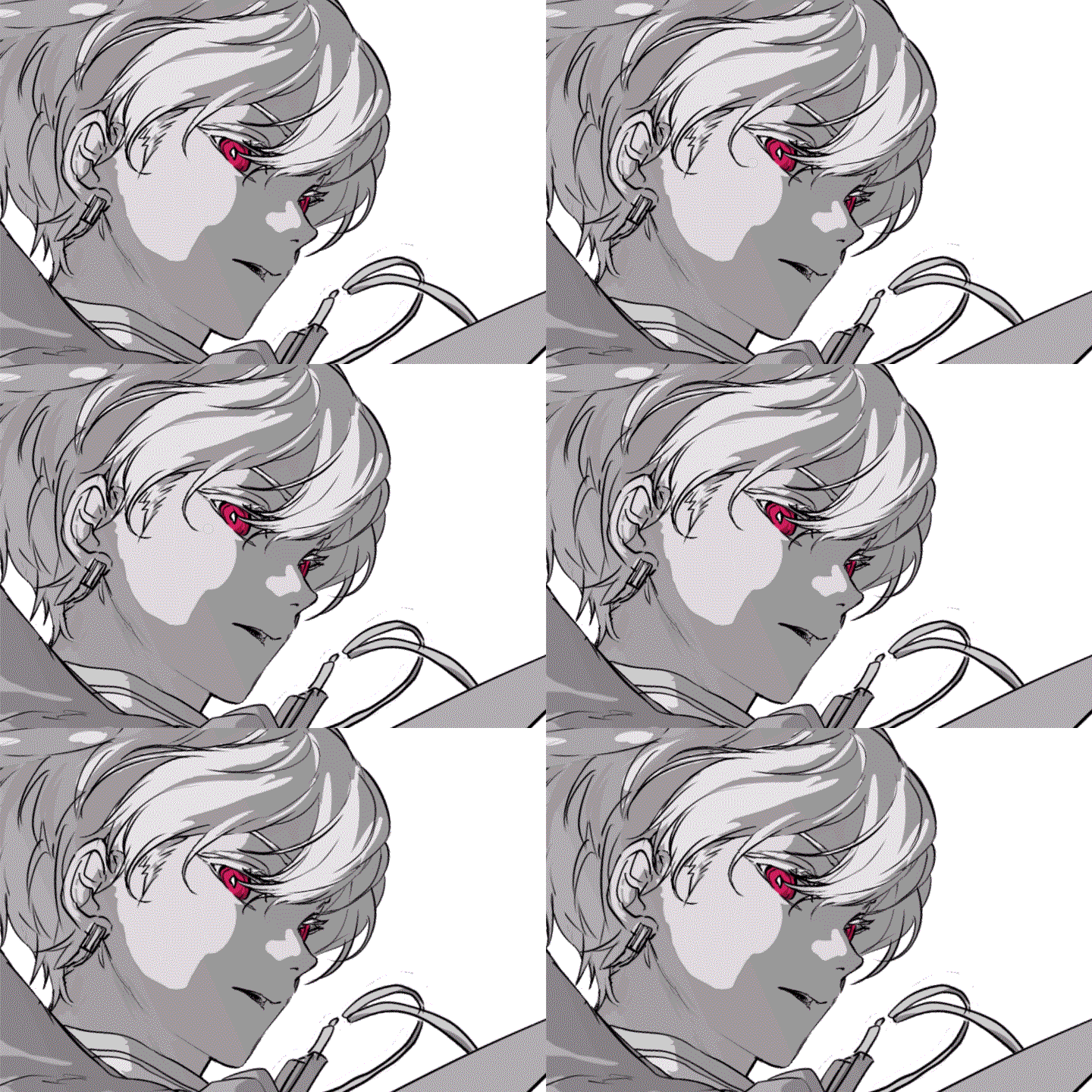
Character Head-Turn Motion
-
Camera Angle Direction
-
Action Scene Direction
Part 2. Creating 3D Backgrounds in Blender for Beginners
-
Modeling FundamentalsBlender Workspace and Tool Overview -
Completing a Simple ExerciseBuilding a Fence Using the Available Tools -
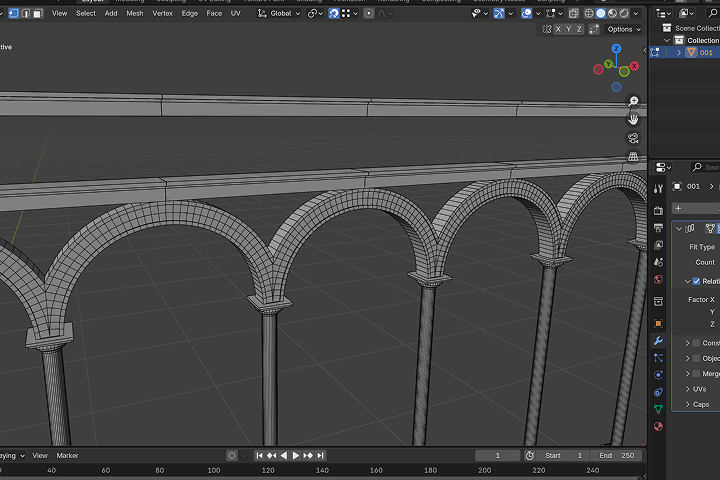
Modeling Assets for the AnimaticSimple Medieval Architecture Modeling
Part 3. Creating Animation in Clip Studio
-
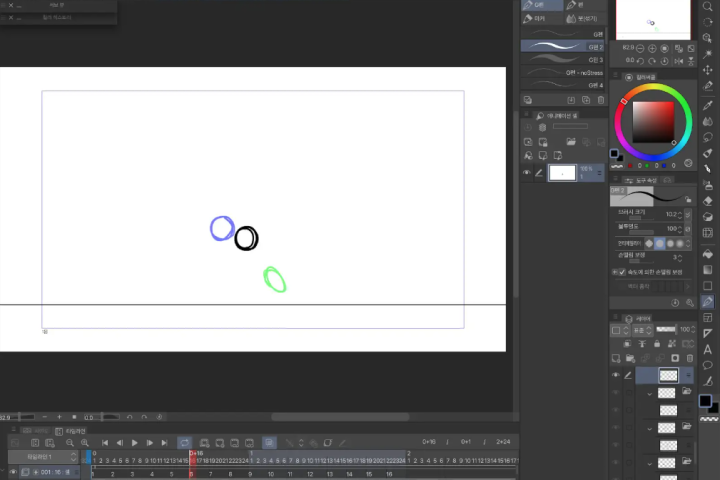
Creating Animation for the Animatic (1)Bouncing Ball Exercise Using the Available Tools / Using Onion Skinning -
Creating Animation for the Animatic (2)Timing Adjustments for the 3D Background and Character
-
Creating Animation for the Animatic (3)Adjusting Natural Movement for Hair, Collar, and Other Details
Part 4. Creating Depth in Animation with After Effects
-
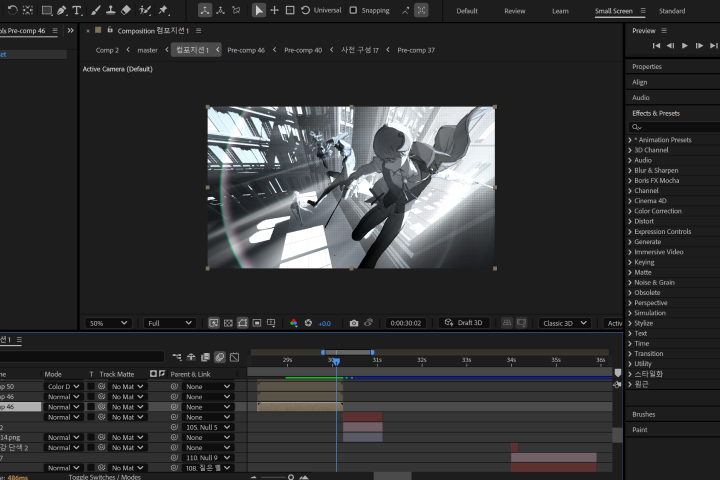
Editing FundamentalsAfter Effects Workspace and Tool Overview -
Layer SeparationSeparating Head, Body, and Hand Layers for the Animatic -
Finishing the 2D AnimationAdding Depth and Light Through Editing
Final Exercise with Padalg
Class Highlights
No Experience Needed: Create Stunning Animations with Three Essential Tools
Learn how to build and adjust 3D backgrounds to match your intended storyboard direction, and how to sync them with 2D animation. Design 3D space in Blender and use camera movement and node techniques to create 3D backgrounds that blend seamlessly with your 2D animation.
A Practical Guide to 2D Rigging for Inbetween Animation
Think 2D rigging is only for elaborate illustrations? Learn rigging skills optimized for creating inbetween animation. Achieve dynamic, dimensional results reminiscent of Live2D with minimal frame count, and produce results that maximize visual impact for the effort invested.
A Complete 2D Animation Workflow Built Around 3D Backgrounds
From 3D background production in Blender to the fundamentals of 2D animation, practical animatics, and final completion: create your own animation that draws viewers in deeply, even within a 2-to-3-minute runtime. Learn a production workflow built for solo animators that brings quality up to commercial content standards.